The spreadsheet worked when you had 40 laptops. Now you have 400 endpoints, a dozen SaaS contracts, cloud instances nobody remembers spinning up, and a security lead who wants a full asset list by Friday. You open the sheet. Three columns are stale. Two owners left the company last quarter. Nobody trusts the numbers, including you.
That is the real problem IT asset inventory software solves. Not "tracking assets." Trusting the data enough to answer hard questions fast: what exists, who owns it, what changed, and whether it is compliant.
The market signal is clear. The IT asset inventory management market is projected to grow from USD 2.87 billion in 2025 to USD 4.88 billion by 2034, at a 5.8% CAGR, according to Business Research Insights (2025). The same research reports that roughly 65% of adoption is driven by demand for centralized, automated IT operations, delivering more than 50% efficiency gains in tracking and compliance. Manual registers do not scale to that. Discovery does.
Presales and IT evaluation teams feel this acutely. When a prospect's security reviewer asks for a device list, or an auditor wants proof of software licensing, stale inventory turns a routine check into a fire drill. If you build technical validation into your buyer conversations, you already know that a trustworthy source of truth is not a nice-to-have. It is the difference between a clean review and a stalled deal.
What's inside
This guide compares seven IT asset inventory tools for teams that need accurate inventory, automated discovery, lifecycle tracking, integrations, and security controls. The list spans free, open source, and commercial options so you can match the tool to your budget and environment, not the other way around.
Each tool was evaluated on four things that matter operationally: discovery method (agentless versus agent), breadth of hardware and software inventory, lifecycle and compliance support, and how well it integrates with ITSM, CMDB, and security workflows. Pricing and ratings were pulled from live vendor and G2 pages. Verify them again before you buy, since plans shift.
TL;DR
- Best free and open source: Snipe-IT for straightforward, self-hosted asset tracking with a REST API.
- Best for enterprise discovery: Lansweeper for continuous inventory across IT, OT, IoT, and cloud.
- Best for ITSM plus assets: GLPI when you want inventory living inside a service desk process.
- Best compliance-first inventory: Open-AudIT for agentless network discovery and compliance reporting.
- Best asset management inside ITSM: Freshservice when your service desk already runs the show.
- Best simple asset tracking: AssetTiger for schools, nonprofits, and lean IT teams that want no per-user pricing.
- Best free starting point for small teams: Spiceworks when budget is the first constraint.
What is IT asset inventory software?
IT asset inventory software is a system that automatically discovers, records, and tracks an organization's hardware and software assets to maintain an accurate, current source of truth across their lifecycle.
The best tools do the work continuously rather than relying on someone to update a spreadsheet by hand. Core functions break down into five areas:
- Asset discovery: Automatically finding devices, software, and cloud resources on the network, often through agentless scanning, installed agents, or a mix of both.
- Hardware and software inventory: Cataloging every asset with detail: make, model, OS, installed applications, serial numbers, and ownership.
- Lifecycle tracking: Following each asset from procurement through assignment, maintenance, renewal, and retirement.
- Compliance and audit support: Producing the reports and evidence that answer what exists, who owns it, and what changed, on demand.
- Integrations: Connecting inventory data into ITSM platforms, a CMDB, and security tools so the source of truth feeds the rest of IT operations.
The distinction between IT asset inventory software and full IT asset management software is mostly one of scope. Inventory keeps the data current and accurate. Asset management layers on process: workflows, financial tracking, contracts, and governance. Many of the tools below do both, which is why the line blurs in practice.
When to use IT asset inventory software
Not every team needs a discovery engine on day one. But the signs that you have outgrown manual tracking are usually loud and hard to ignore.
Replace spreadsheets and manual registers
A spreadsheet is fine until the environment gets too large or too dynamic to keep current. When assets change hands weekly, when remote endpoints come and go, or when nobody can say with confidence how many licenses you actually hold, manual tracking has already failed quietly. Dedicated IT inventory software takes over the counting so your team stops guessing. The tipping point is usually somewhere around a few hundred assets, but the real trigger is trust: the moment you stop believing your own numbers.
Prepare for audits and compliance checks
Audits ask three questions relentlessly. What do you own? Who is responsible for it? What changed and when? Continuous IT inventory tracking answers all three without a scramble, because the data was current the whole time. For teams facing SOC 2, ISO 27001, or software licensing audits, an accurate inventory is the evidence base. It turns a week of frantic reconciliation into a report you can generate on demand.
Track hardware and software across the lifecycle
Assets have a life. They get procured, assigned to a person, maintained, renewed, and eventually retired or wiped. Asset lifecycle management gives you visibility at every stage: which laptops are out of warranty, which licenses renew next quarter, which devices left with employees who offboarded. Without lifecycle tracking, you overspend on renewals you do not need and lose track of hardware you still own.
Comparison table
The table below summarizes the seven tools by intent, key use case, pricing, and G2 rating. Pricing and ratings were verified against live vendor and G2 pages, but plans and scores change, so confirm the current figures before you commit.
| # | Product | Intent | Key use case | Pricing | G2 rating |
|---|---|---|---|---|---|
| 1 | Snipe-IT | Free / open source | Self-hosted or hosted asset tracking with REST API | Free; hosted from $39.99/mo | 4.6/5 |
| 2 | Lansweeper | Enterprise discovery | Continuous inventory across IT, OT, and cloud | Free trial; tiered by asset count | 4.4/5 |
| 3 | GLPI | ITSM plus assets | Open source service desk with asset inventory | Free; Network plans from 19€/mo | Not listed |
| 4 | Open-AudIT | Compliance-first | Agentless network discovery and compliance reporting | Free; Professional from $399 | Not listed |
| 5 | Freshservice | ITSM-integrated | Asset management inside a broader service desk | From $19/agent/mo | Not listed |
| 6 | AssetTiger | Simple tracking | Low-cost asset control with unlimited users | Free up to 250 assets; from $20/mo | 4.5/5 |
| 7 | Spiceworks | Free starting point | Basic help desk and inventory for small teams | Free | 4.3/5 |
1. Snipe-IT
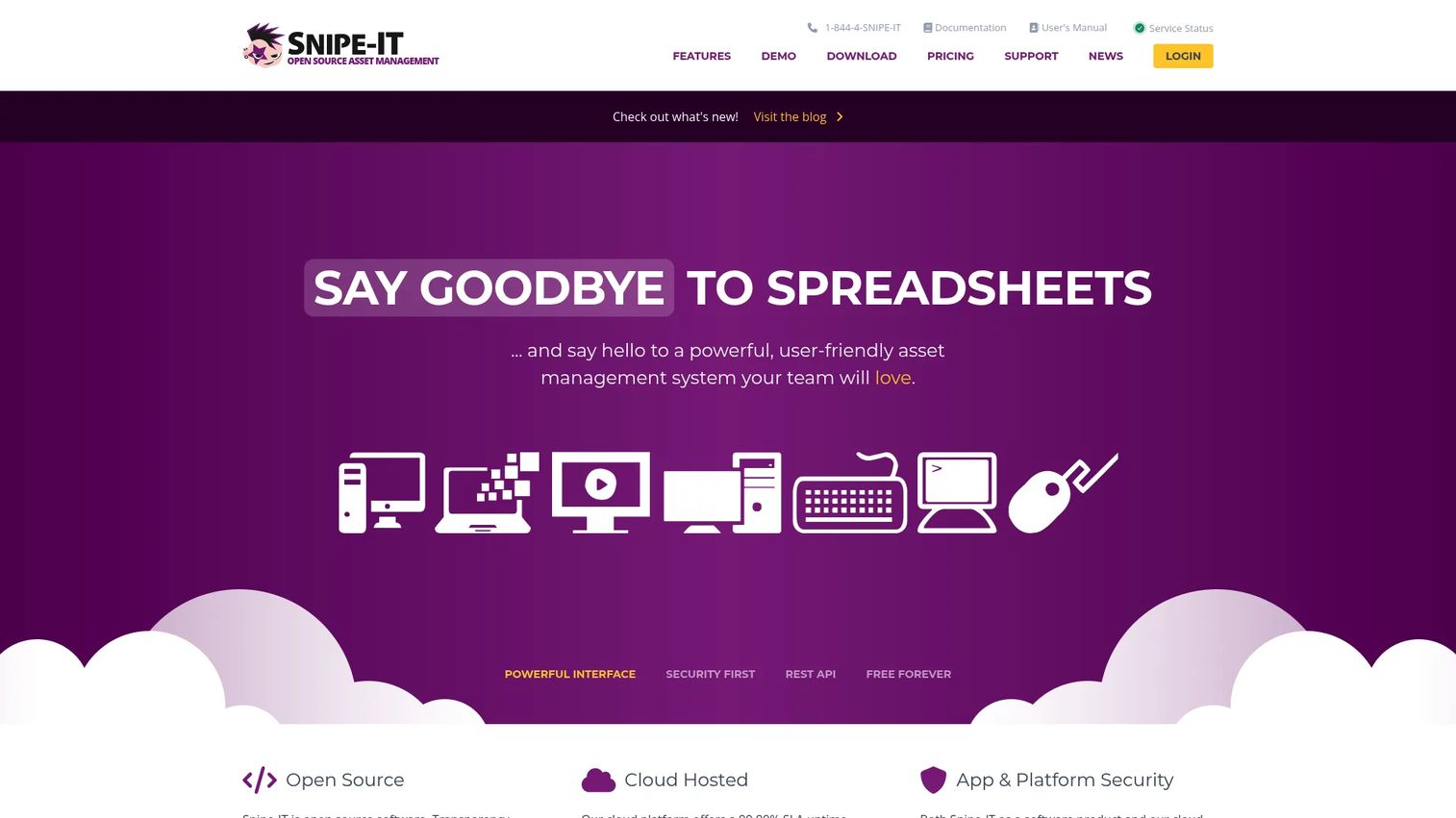
Snipe-IT is open-source IT asset management software with both hosted and self-hosted deployment options. It is built around a clean idea: track equipment, know who has what, and keep a clear record of every asset's history without paying enterprise pricing for the privilege. Teams that want ownership tracking and lifecycle records without a heavy platform tend to land here first. It is one of the most recognized open source asset management software options for exactly that reason.
Best for: Teams that need a low-cost IT asset tracker with the flexibility to self-host or run it hosted.
Key strengths
- Asset inventory management: Track hardware and equipment with detailed records, ownership, and full asset history.
- JSON REST API and integrations: Connect Snipe-IT to the rest of your stack and automate asset workflows programmatically.
- Notifications and reporting: Get alerts and pull reports on assets, checkouts, and status changes.
Why choose Snipe-IT: If your primary need is knowing what equipment you own and who is holding it, Snipe-IT delivers that cleanly without forcing you into a broader ITSM suite. The self-hosted option appeals to teams with data residency or security requirements, while the hosted plans remove infrastructure work for teams that would rather not run their own server. It is asset tracking done well, not a discovery-heavy network scanner.
Snipe-IT pricing: The software itself is free to use. Paid offerings cover hosting and support. Basic Hosting starts at $39.99 per month or $399.99 billed annually, with Small Business Hosting at $99.99 per month or $999.99 annually. Dedicated Hosting begins at $249.99 per month for a small instance, scaling to larger dedicated tiers. Professional Support is $449.99 annually and Enterprise Support is $4,999.99 annually. A free tier for self-hosting is always available.
2. Lansweeper
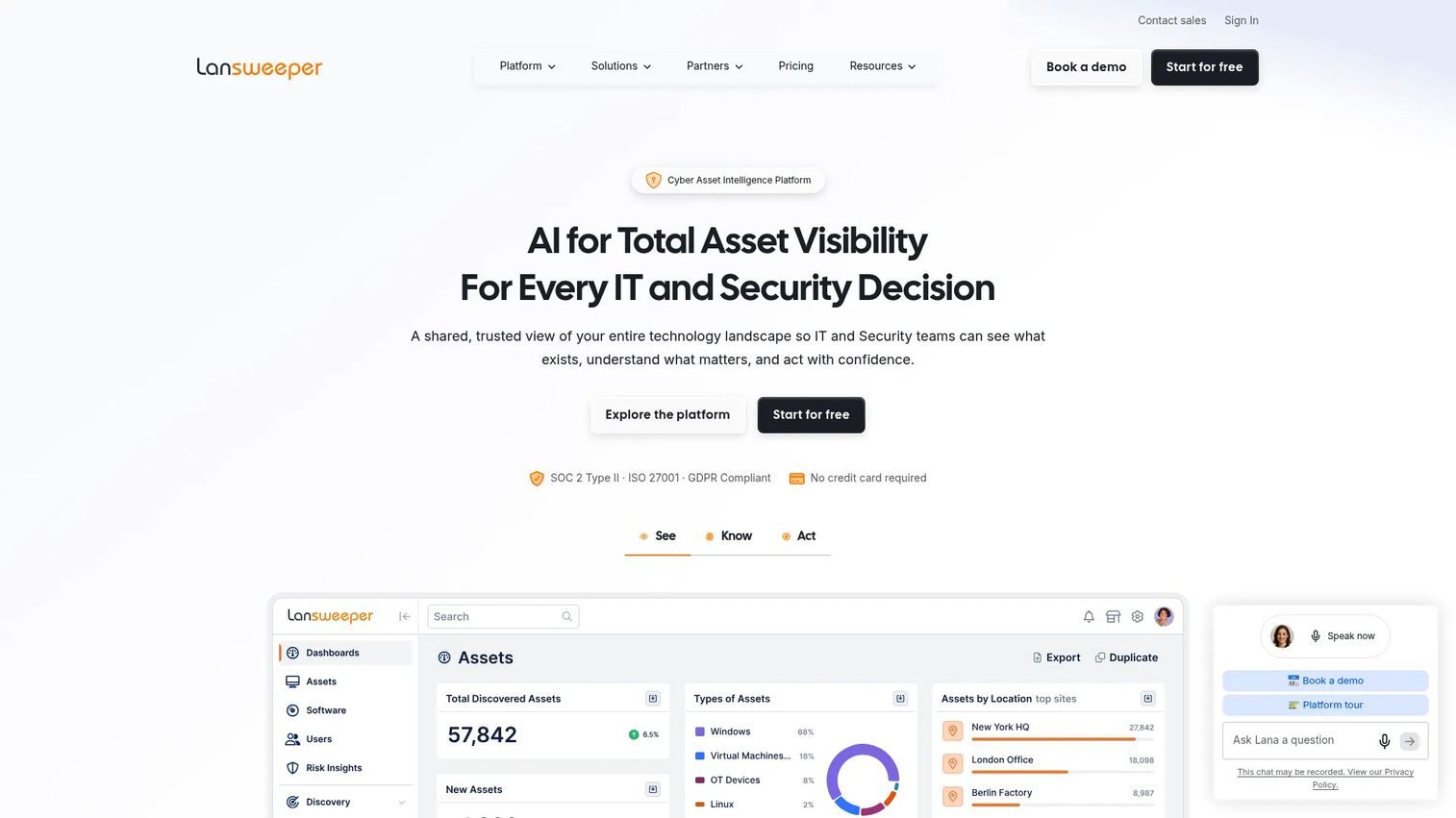
Lansweeper is a technology asset intelligence platform for discovering, inventorying, and analyzing IT, OT, and cloud assets. Where lighter tools focus on tracking what you already know about, Lansweeper leans into asset discovery: it continuously scans the network and surfaces devices you did not know were there. For larger environments where shadow IT and unmanaged endpoints are a genuine risk, that continuous visibility is the core value.
Best for: IT teams needing centralized asset discovery and inventory across on-prem, remote, and cloud environments.
Key strengths
- IT, OT, and cloud discovery: Continuously find and inventory assets across on-prem, remote, industrial, and cloud environments.
- Asset inventory, dashboards, and reports: Turn raw discovery data into readable dashboards and audit-ready reporting.
- Integrations, automation, and API/webhooks: Push inventory data into ITSM, security, and CMDB workflows automatically.
Why choose Lansweeper: Lansweeper suits teams that want a more automated source of truth spanning IT, OT, IoT, and cloud rather than a manual register. It stands out for larger environments where the volume and diversity of assets make discovery a full-time job. If your security team keeps asking about unmanaged devices, this is the category of tool that answers them.
Lansweeper pricing: Lansweeper offers a free trial. Its plans are structured by asset count. The Starter plan includes 2,000 assets, Pro expands up to 9,000 assets, and Enterprise begins at 10,000 assets on a custom, quote-based arrangement billed annually. Because published numeric prices are not consistently exposed, request a current quote for your asset count before budgeting.
3. GLPI
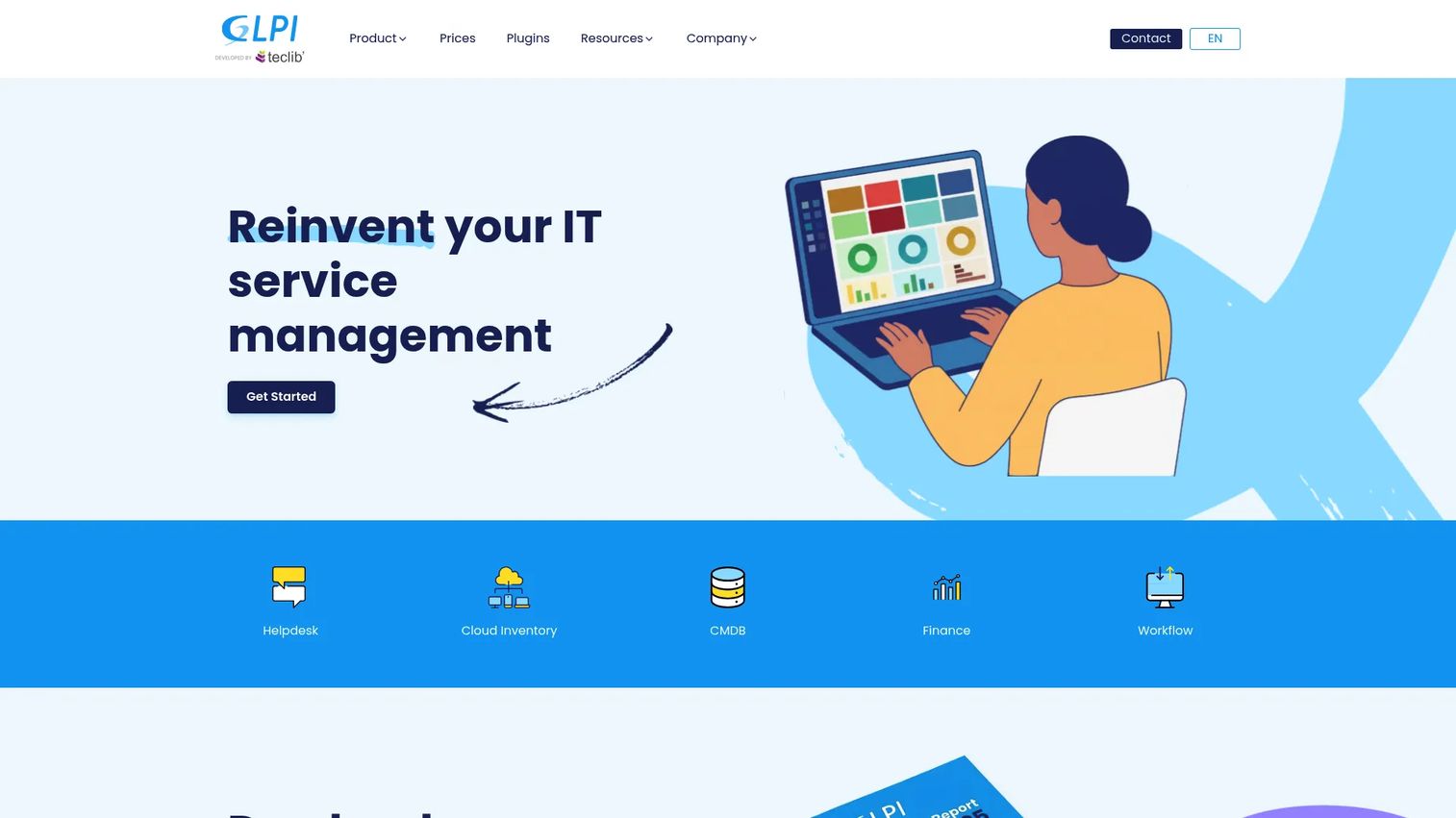
GLPI is an open-source IT service management and asset management platform. It is the tool to reach for when you want inventory to live inside a broader service desk process rather than as a standalone register. GLPI combines IT asset inventory with helpdesk ticketing, problem and change management, and a CMDB, so assets connect directly to the tickets and services that touch them.
Best for: IT teams needing open-source service desk and asset inventory in one platform.
Key strengths
- IT asset inventory: Track hardware, software, and configuration items as part of a unified asset database.
- Helpdesk ticketing: Link assets to tickets so support context and asset history stay connected.
- Problems, changes, and planning: Manage the full ITSM process alongside your inventory, not in a separate tool.
Why choose GLPI: GLPI works for teams that want ITSM and asset tracking together and prefer an open-source foundation they can host and extend. The ecosystem around it is mature, and the CMDB context means asset data feeds service management directly. If your inventory pain and your ticketing pain are really the same problem, GLPI addresses both at once.
GLPI pricing: A free, self-service interface is available. Paid GLPI Network offers are tiered. GLPI Network Public starts at 19€ per month per IT agent, Private at 21€ per month per IT agent, with Basic at 100€, Standard at 300€, and Advanced at 1000€ per month (all excluding VAT). The open-source core keeps the entry point at zero for teams comfortable self-hosting.
4. Open-AudIT
Open-AudIT is agentless network discovery, inventory, and compliance software. Its strength is in the two things compliance-focused teams care about most: finding everything on the network without deploying agents, and turning that discovery into audit and compliance evidence. It detects configuration changes, catalogs device, software, and hardware inventory, and surfaces the reporting auditors expect.
Best for: IT teams needing network discovery and asset inventory with compliance reporting built in.
Key strengths
- Agentless network discovery: Scan and inventory the network without installing software on every endpoint.
- Device, software, and hardware inventory: Maintain a complete catalog of what is connected and what is running on it.
- Configuration change detection and reporting: Track what changed and generate the reports compliance reviews require.
Why choose Open-AudIT: For teams where audit alignment and compliance reporting are the driving requirement, Open-AudIT is purpose-built. Agentless discovery means you can inventory the network quickly without the rollout work agents demand, and change detection gives you the "what changed" answer audits always ask for. It is a compliance-first inventory and discovery tool, and it reads that way in practice.
Open-AudIT pricing: Open-AudIT offers three plans. The Free tier is open source and free forever. Professional starts from $399, adding automation, dashboards, and vulnerability reporting. Enterprise starts from $949 and layers on advanced compliance features, including AI-powered security compliance. The free open-source edition makes it easy to trial discovery before paying.
5. Freshservice
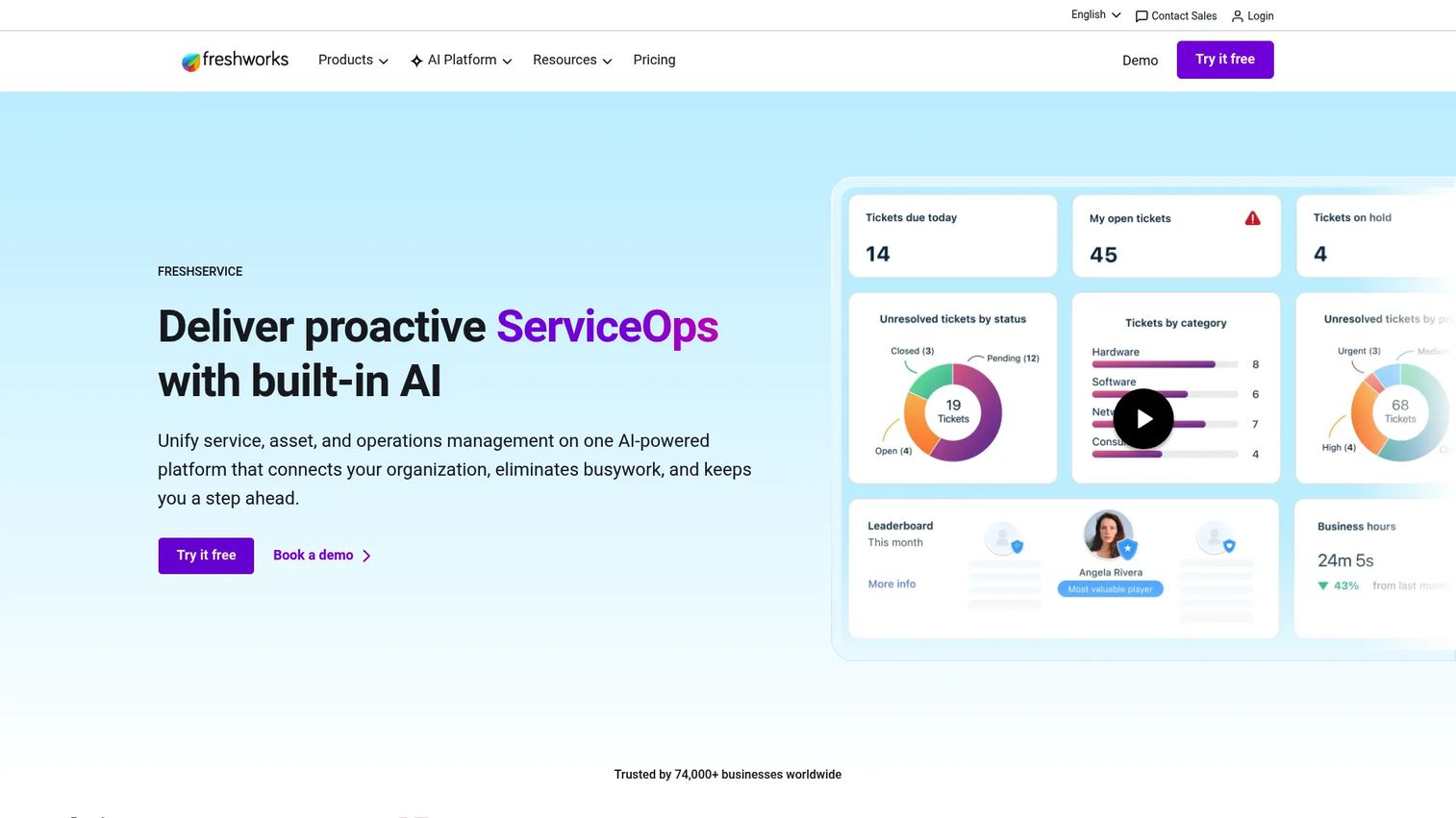
Freshservice is AI-powered IT service management software for incident, asset, change, and service request workflows. It is not just an inventory app. It is a larger ITSM stack with asset management built in, so assets connect to CMDB context, tickets, and fulfillment workflows. That framing matters: you adopt Freshservice for the service desk and get asset management as part of the package.
Best for: IT teams needing a service desk with built-in asset management and automation.
Key strengths
- Incident management: Run a full service desk with structured incident handling and SLAs.
- IT asset management: Track assets with CMDB context and link them to the tickets and requests that touch them.
- Workflow automation: Automate fulfillment, approvals, and routine IT operations across the platform.
Why choose Freshservice: Freshservice fits teams already running service desk operations who want asset management attached to their existing tickets and fulfillment. The value is in the connection: an asset is not an isolated record, it is tied to the incidents, changes, and requests around it. If you already live in a ticketing tool and want inventory in the same place, this is the natural path.
Freshservice pricing: The Starter plan is $19 per agent per month, and Growth is $49 per agent per month, both billed annually. Additional higher tiers exist beyond these. Because pricing is per agent, factor your service desk headcount into the total, not just your asset count.
6. AssetTiger
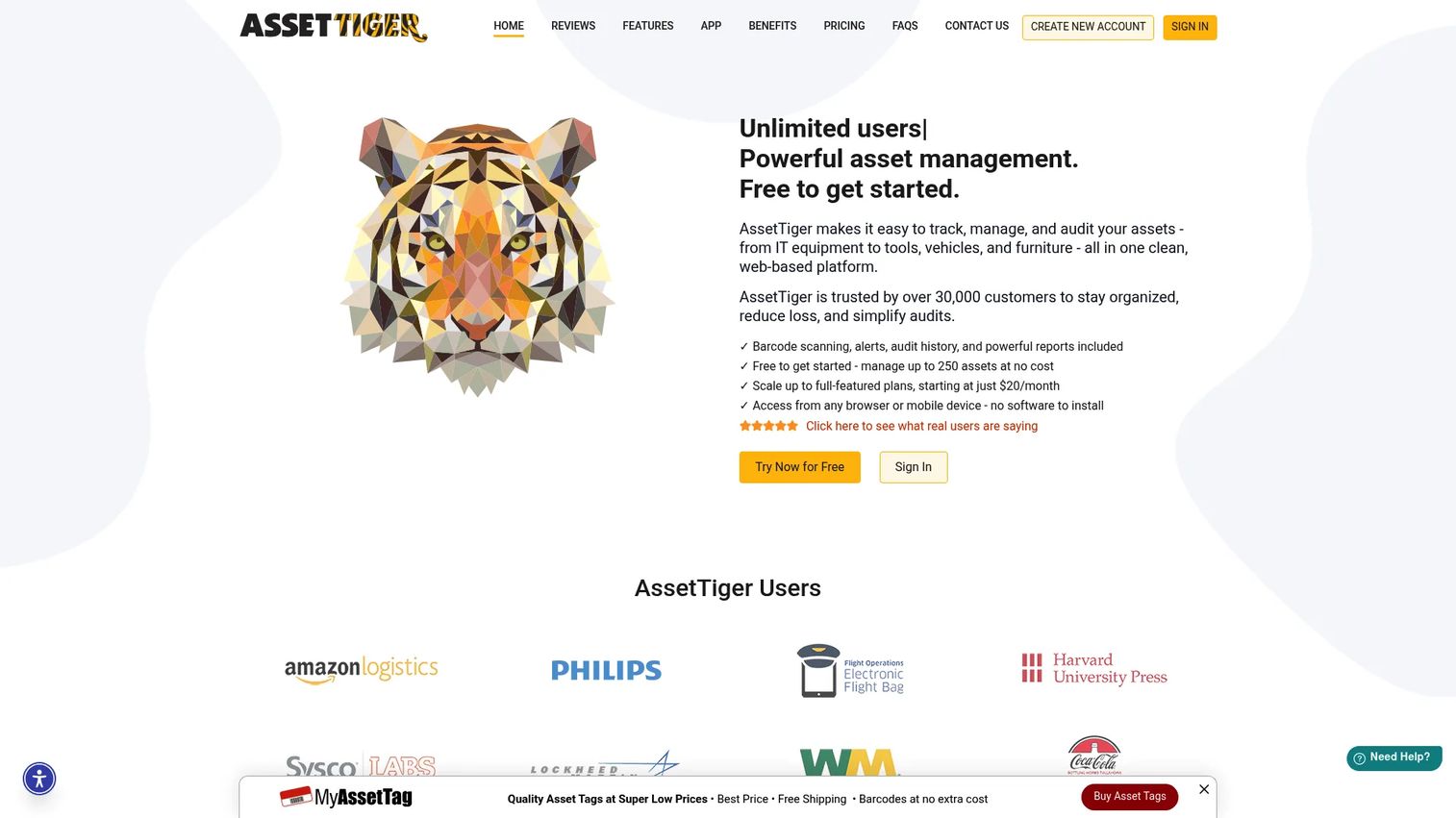
AssetTiger is cloud-based asset tracking and management software for tracking, checking out, auditing, and maintaining assets. Its defining angle is pricing: plans scale by asset count, not per user, so you can add unlimited users without watching the bill climb. That makes it a natural fit for schools, nonprofits, and lean IT teams that need straightforward asset control without seat-based cost.
Best for: Teams that need low-cost asset tracking with unlimited users and simple barcode-based workflows.
Key strengths
- Barcode and QR scanning: Tag and scan assets for fast check-in, check-out, and audits.
- Check-in/check-out tracking: Know who has what and when it is due back.
- Maintenance scheduling and custom reports: Schedule upkeep and pull reports, with a REST API for integration.
Why choose AssetTiger: AssetTiger suits budget-conscious teams that want simple inventory management without per-user pricing eating into the value. The barcode-driven workflows make physical audits fast, and the asset-count pricing model is transparent and predictable. It is not a network discovery engine, and it does not try to be. It is asset control for teams that want to keep it simple.
AssetTiger pricing: The Free plan covers up to 250 assets. Paid plans scale by asset count and include unlimited users: Basic at $20 per month, Core at $40, Advanced at $75, Pro at $140, and Enterprise at $275 per month. The no-per-user model is the headline: you pay for assets tracked, not people using the system.
7. Spiceworks

Spiceworks is an IT help desk and IT management brand known for its cloud help desk and inventory tools. Its heritage is network inventory, and its enduring appeal is simple: it is free. For small IT teams where budget is the first and biggest constraint, Spiceworks is often the starting point, a way to get basic inventory and help desk functionality without a purchase order.
Best for: Small IT teams needing a free, basic help desk and inventory tool.
Key strengths
- Help desk ticketing: Run a cloud-based ticketing queue at no cost.
- Inventory and asset tracking: Maintain a basic inventory of devices on the network.
- Knowledge base and community support: Lean on documentation and the well-known Spiceworks IT community.
Why choose Spiceworks: Spiceworks makes sense when the team wants a simple, no-cost place to start tracking assets and handling tickets. The community around it is a genuine asset, especially for smaller teams without deep in-house expertise. Treat it as a practical starting point rather than a full enterprise platform, and confirm current plan details directly, since first-party pricing specifics were not verifiable at the time of writing.
Considerations before you buy
The right tool depends on your environment, not on which vendor markets loudest. Run through this checklist before you commit.
Discovery method: agentless, agent, or both
Agentless discovery scans the network without installing anything on endpoints, which is fast to deploy and light to maintain. Installed agents give deeper, more continuous data per device. Decide which model fits your security posture and how much visibility you actually need. Many teams end up wanting both.
Lifecycle and depreciation needs
If you only need to know what exists, a tracker suffices. If you need procurement dates, warranty windows, renewal alerts, and depreciation, confirm the tool supports full asset lifecycle management, not just a static list. Missing lifecycle features surface as surprise renewals and untracked retirements later.
Compliance and audit reporting
Ask what evidence the tool produces and how easily. If SOC 2, ISO 27001, or software licensing audits are on your horizon, prioritize tools with strong compliance reporting and change detection. The best source of truth is the one that answers an auditor's question in minutes, not days.
Integrations with your existing stack
Inventory is most valuable when it feeds the rest of IT operations. Confirm the tool integrates with your ITSM platform, CMDB, and security tools, whether through native connectors, an API, or webhooks. A source of truth that stays siloed is only half a source of truth.
Conclusion
Match the tool to the job, not the other way around. For a free and open source foundation, Snipe-IT delivers clean asset tracking with a REST API and flexible hosting. For enterprise-scale discovery across IT, OT, IoT, and cloud, Lansweeper is built for continuous visibility. If you want inventory living inside a service desk, GLPI pairs open-source ITSM with asset management, and Freshservice does the same inside a broader commercial platform. For compliance-first environments, Open-AudIT combines agentless discovery with audit-ready reporting. And for a lightweight register, AssetTiger keeps asset tracking simple with no per-user pricing, while Spiceworks gives budget-first teams a free place to start.
The decision comes down to one question: do you need discovery, compliance, lifecycle tracking, or a lightweight inventory register? Answer that honestly, then shortlist the two tools that fit and trial both against your real environment. The tool that gives you data you actually trust is the one worth paying for.
FAQs
IT asset inventory software focuses on discovering and recording what you own to keep an accurate, current source of truth. IT asset management software adds process on top: financial tracking, contracts, workflows, and governance across the asset lifecycle. In practice the line blurs, and many tools do both. If you only need to know what exists, inventory is enough. If you need to manage cost, contracts, and process, look for full asset management.
Agentless discovery scans the network without installing software on each device, so it deploys fast and stays light to maintain. Installed agents collect deeper, more continuous data per endpoint, which helps for remote or off-network devices. Smaller or on-prem environments often start agentless. Larger or distributed fleets frequently benefit from a mix of both. Match the method to how much per-device detail you actually need and where your assets live.
Snipe-IT, GLPI, and Open-AudIT are the strongest open source asset management software options here. Snipe-IT is focused on asset tracking with self-hosted or hosted deployment. GLPI pairs asset inventory with a full ITSM service desk. Open-AudIT leads on agentless discovery and compliance reporting. All three offer free, self-hostable editions, making them accessible entry points for inventory management software open source shoppers.
Look for tools that catalog both hardware detail (make, model, serial, ownership) and software detail (installed applications, versions, licensing) in one place. Lansweeper covers both at scale with continuous discovery. GLPI and Freshservice combine hardware and software tracking inside broader ITSM platforms. Open-AudIT captures both through agentless scanning. The key is that the same source of truth holds both, so you are not reconciling two separate lists.
Open-AudIT is purpose-built for compliance-first environments, with agentless discovery, configuration change detection, and audit-ready reporting. Lansweeper also produces strong dashboards and reports suited to audit preparation across large estates. For teams running ITSM, GLPI and Freshservice provide CMDB context that helps trace what changed and who owned it. Prioritize whichever tool answers "what exists, who owns it, what changed" with the least manual effort.
Many IT asset management tools integrate with major ITSM platforms through native connectors, APIs, or webhooks. Lansweeper offers integrations, automation, and API/webhooks designed to push inventory data into ITSM and security workflows. Snipe-IT exposes a JSON REST API for custom integrations. Freshservice and GLPI carry their own ITSM capabilities and connect to broader stacks. Always confirm the specific integration you need against the vendor's current documentation before committing.
Spiceworks is a common free starting point for small teams that need basic help desk and inventory without a purchase order. AssetTiger is another low-cost pick, with a free tier for up to 250 assets and no per-user pricing on paid plans. Snipe-IT's free self-hosted edition works well for teams comfortable running their own server. Around 40% of potential buyers postpone adoption over upfront cost, per Business Research Insights (2025), so these free and low-cost options remove that barrier while you prove value.