



You shot a wedding on Saturday. Now it's Monday, and 4,000 frames are sitting in a folder waiting for you to decide which ones live.
Manual culling is where the editing pipeline stalls. Every hour spent scrubbing through near-identical frames is an hour you're not editing, not delivering, and not booking the next job. The bottleneck isn't editing skill. It's decision volume.
The photo management software market hit USD 3.2 billion in 2024 and is projected to reach USD 6.8 billion by 2033, an 8.7% CAGR, according to DataHorizzon Research (2024). A big share of that growth is buyers looking for one thing: A faster way to pick keepers without handing judgment over to a black box.
That's the real tension. Speed pulls you toward automation. Control pulls you back toward manual review. The best tool saves time without making you trust bad AI. This guide ranks seven options and shows which one fits your workflow.
What's inside
This guide is for professional photographers, high-volume shooters, and studio teams who cull large sets and want a repeatable culling workflow. We selected tools on four criteria that decide real-world fit:
- Speed: How fast you move from raw import to a final selects folder
- Control: Whether you can override AI selections instead of accepting them blind
- Lightroom handoff: How cleanly picks and ratings pass into your editor
- Pricing: Verified plans, free tiers, and trials, not memory-based guesses
You'll get a side-by-side comparison table, per-tool breakdowns with strengths and pricing, and a buyer's checklist. Every tool covers a different point on the speed-versus-control line.
TL;DR
- Best for one workflow from cull to delivery: Aftershoot bundles culling, editing, and retouching, so you stay in one tool from import to export.
- Best for AI-assisted culling inside an Adobe workflow: Imagen pairs AI culling with AI editing and Lightroom Classic compatibility.
- Best for Lightroom users: Adobe Lightroom's Assisted Culling keeps selection inside the editor you already pay for.
- Best for fast manual review: Photo Mechanic wins on raw ingest and sorting speed before any AI touches your files.
- Best for AI-assisted control with scene awareness: Narrative Select groups Scenes and surfaces eye and focus data, then hands off to your editor.
- Best for budget-conscious AI culling: Narrative Select and FilterPixel both offer free tiers to test before you commit.
What is photo culling software
Photo culling software is a tool that helps photographers sort large image sets and pick the best frames faster, using AI assessments, duplicate grouping, and ratings that pass into an editor. It sits before editing in the culling workflow, turning thousands of raw files into a short list of selects.
Most photo culling tools now lean on AI to flag focus, eyes, exposure, and near-duplicates. That's the difference between AI-assisted culling and fully automated culling. AI-assisted tools suggest and rank, then let you confirm. Fully automated tools pick for you, then let you audit. The best AI culling software leans assisted, because a missed blink on the shot the client loves is a real cost.
Core features to expect from AI photo culling software:
- Focus and eye assessment: Flags sharp frames and open eyes across bursts
- Duplicate and burst grouping: Collapses near-identical frames into one decision
- Similar image comparison: Ranks the best frame inside a cluster
- Lightroom or editor handoff: Passes picks, flags, and ratings downstream
- Ratings, flags, and batch actions: Applies stars, colors, and rejects at scale
If you run acquisition and conversion campaigns, the same instinct applies here that applies to your stack: Consolidation. This is a category where the interface itself sells the product, and that's exactly where an interactive demo does what a screenshot can't, letting a buyer click through the culling flow before committing. It's the same reason growth teams share product experiences instead of static decks.
Fast photo culling matters because the value scales with shoot size. A 300-frame portrait session barely needs it. A 5,000-frame event does.
When to use photo culling software
Cull high-volume shoots faster
Weddings, events, sports, and commercial sessions generate thousands of frames per job. Manual review becomes the bottleneck long before editing does. Culling software collapses bursts and flags the obvious rejects, so you spend judgment on the frames that matter. The bigger the set, the bigger the time saved.
Keep more control over final selects
Most photographers want AI help, not AI replacement. The best culling app suggests a shortlist and lets you override every call. Manual review still matters when a client-favorite frame has a technical flaw the AI would reject. Treat AI selects as a first pass you audit, not a final answer you ship blind.
Fit culling into an existing editing workflow
Culling only saves time if the handoff is clean. Lightroom and Capture One users care more about export compatibility than flashy AI claims. A tool that grades photos beautifully but breaks your editor sync creates new work. Check the handoff before you check the accuracy.
Comparison table
Seven photo culling tools, ranked by relevance to speed and control for high-volume shooters. Pricing and ratings reflect each vendor's live listing as of August 2026. Some vendors gate exact desktop prices behind their pricing flow, noted where that applies.
| # | Product | Best for | Key differentiator | Pricing | G2 rating |
|---|---|---|---|---|---|
| 1 | Imagen | Adobe-ecosystem photographers | AI culling paired with AI editing profiles | Pay-as-you-go and subscription plans; free trial | Not listed |
| 2 | Adobe Lightroom | Photographers who cull inside their editor | Assisted Culling built into Lightroom | From US$11.99/mo | 4.6/5 |
| 3 | Narrative Select | AI-assisted culling with scene awareness | Scenes view plus eye and focus assessments | Free plan; Pro US$15/mo | 5.0/5 |
| 4 | Aftershoot | All-in-one cull, edit, and retouch | One workflow from import to delivery | From US$10/mo billed annually | 4.4/5 |
| 5 | Photo Mechanic | Fast ingest and manual sorting | Raw viewing and culling speed | From US$14.99/mo | Not listed |
| 6 | FilterPixel | Affordable AI culling for studios | DeepCull genre-aware score and reason | From US$14.99/mo billed annually | 3.5/5 |
| 7 | Capture One | Photographers editing in Capture One | RAW editing and tethering with culling | Free plan; Live Unlimited US$5/mo | Not listed |
Best photo culling software for 2026
1. Imagen
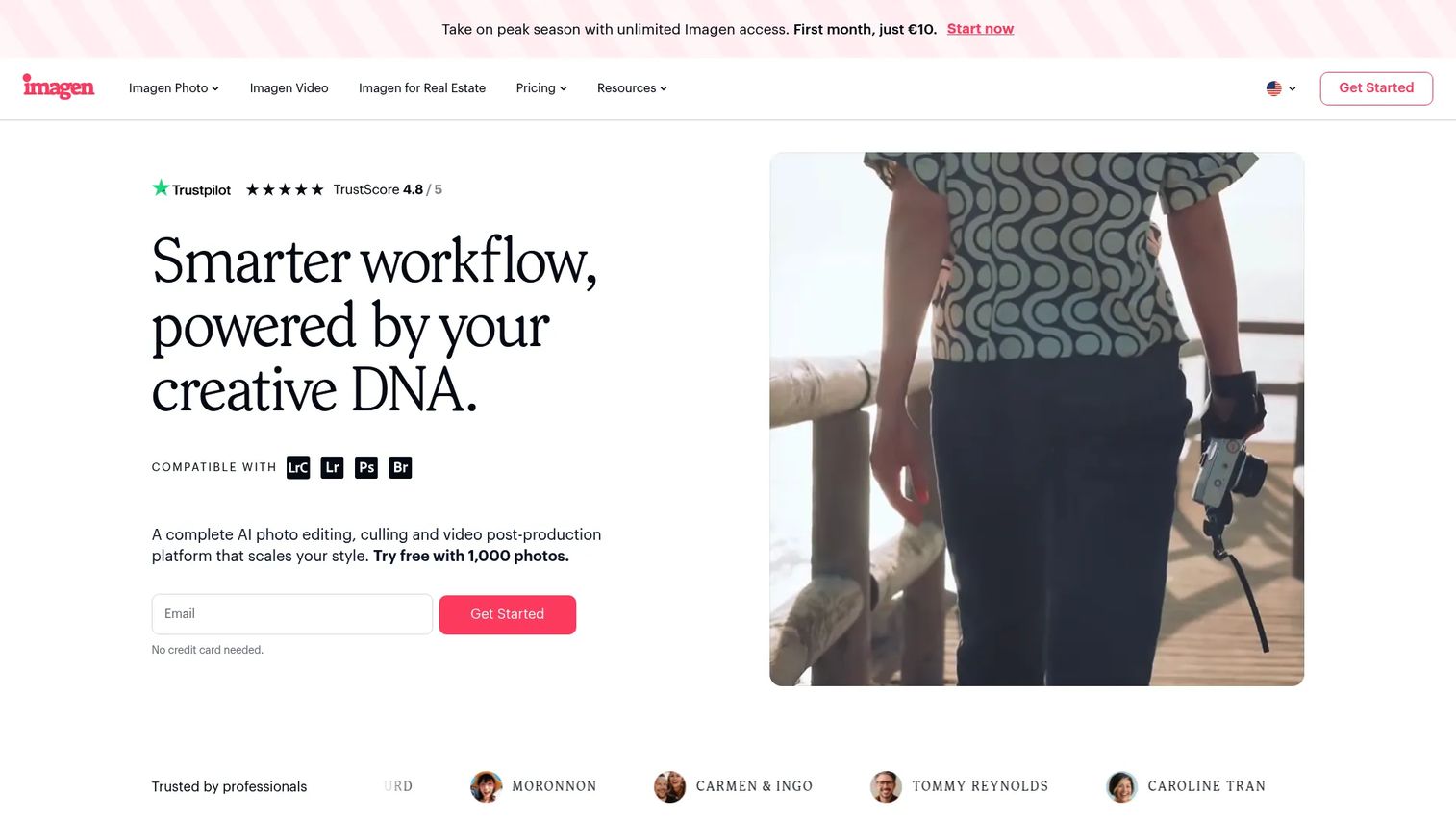
Imagen is AI post-production software for professional photographers, covering culling, editing, and cloud storage in one platform. It positions itself as a culling studio for photographers already living in Adobe, with Lightroom Classic compatibility built in. The AI learns your editing style, so the cull and the edit share the same taste profile.
Best for: Professional photographers in the Adobe ecosystem who want AI culling and AI editing under one roof.
Key features
- AI culling for large shoots
- AI photo editing in your style
- Cloud storage for projects
- Lightroom Classic compatibility
Why choose Imagen: If your editing already runs through Lightroom Classic, Imagen adds an AI culling and editing layer without forcing a new editor. It fits photographers who want the cull and the edit to feel like the same hand.
Imagen pricing: Imagen offers a Pay-as-you-go plan, a Limitless subscription (monthly or annual), and a Business plan through sales, with a free trial to start. Exact per-image and subscription figures are shown on the Imagen pricing page during checkout.
On ratings, Imagen's G2 seller page did not show a clear current numeric score at the time of writing, so treat community reviews on photography forums as your cross-reference.
2. Adobe Lightroom
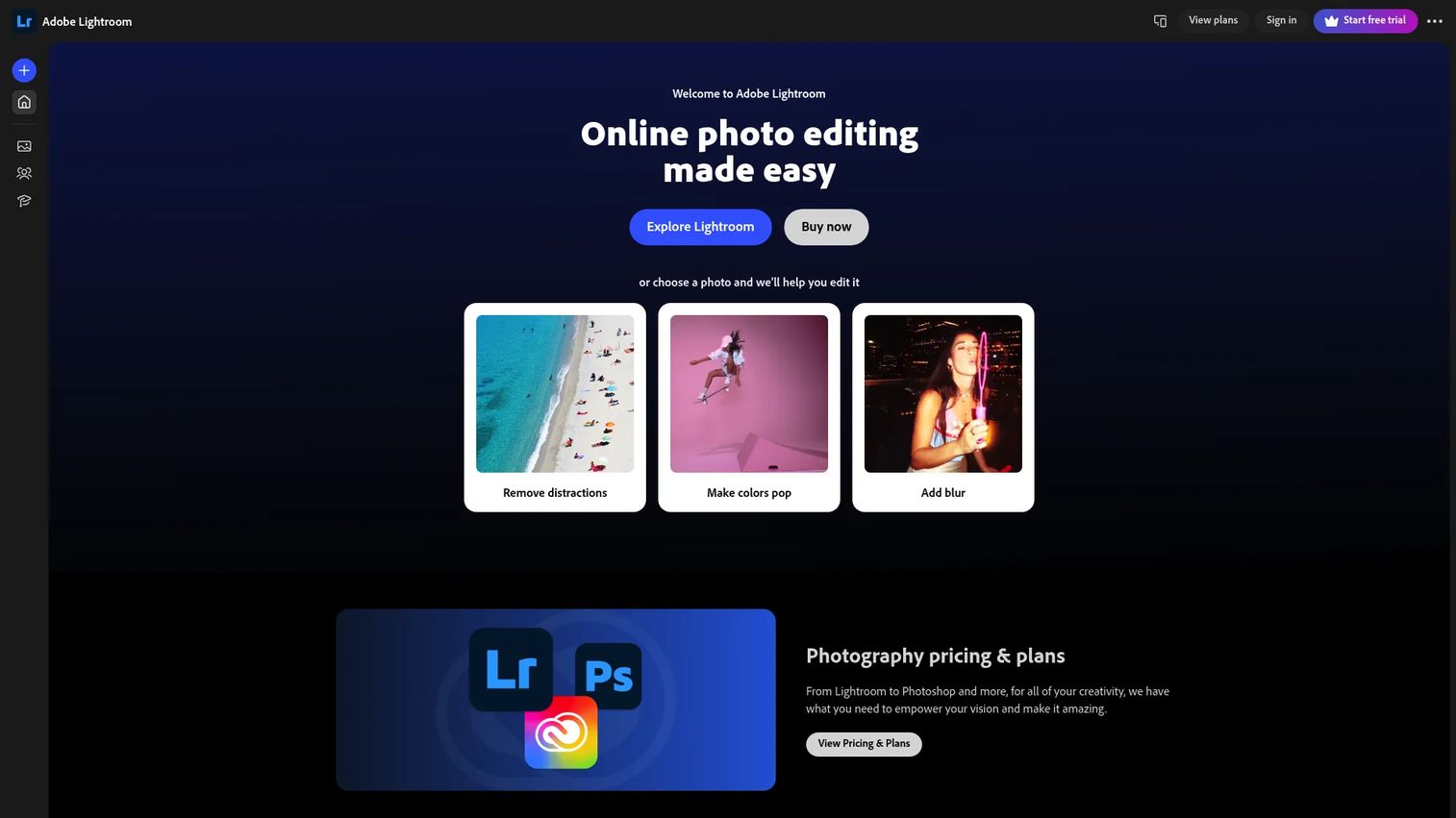
Adobe Lightroom is cloud-based photo editing and organizing software with Assisted Culling that flags sharp, well-exposed frames and open eyes. For anyone already subscribed, lightroom photo culling means no new tool, no new export step, and no new subscription. Culling and editing share one catalog.
Best for: Photographers who want culling inside the editor they already use every day.
Key features
- Assisted Culling for focus and eyes
- Cross-device editing and syncing
- AI-assisted masking
- Generative Remove
Why choose Adobe Lightroom: The strongest case is consolidation. If you already pay for Lightroom, culling inside it removes a tool from your stack instead of adding one, which answers the "what does this replace?" objection directly.
Adobe Lightroom pricing: The standalone Lightroom plan starts at US$11.99/mo, billed annually. The Photography plan runs US$19.99/mo, and Lightroom for teams is US$37.99/mo per license. A free trial is available.
Lightroom holds a 4.6/5 rating on G2, drawn from a large review base across its editing and organizing features.
3. Narrative Select
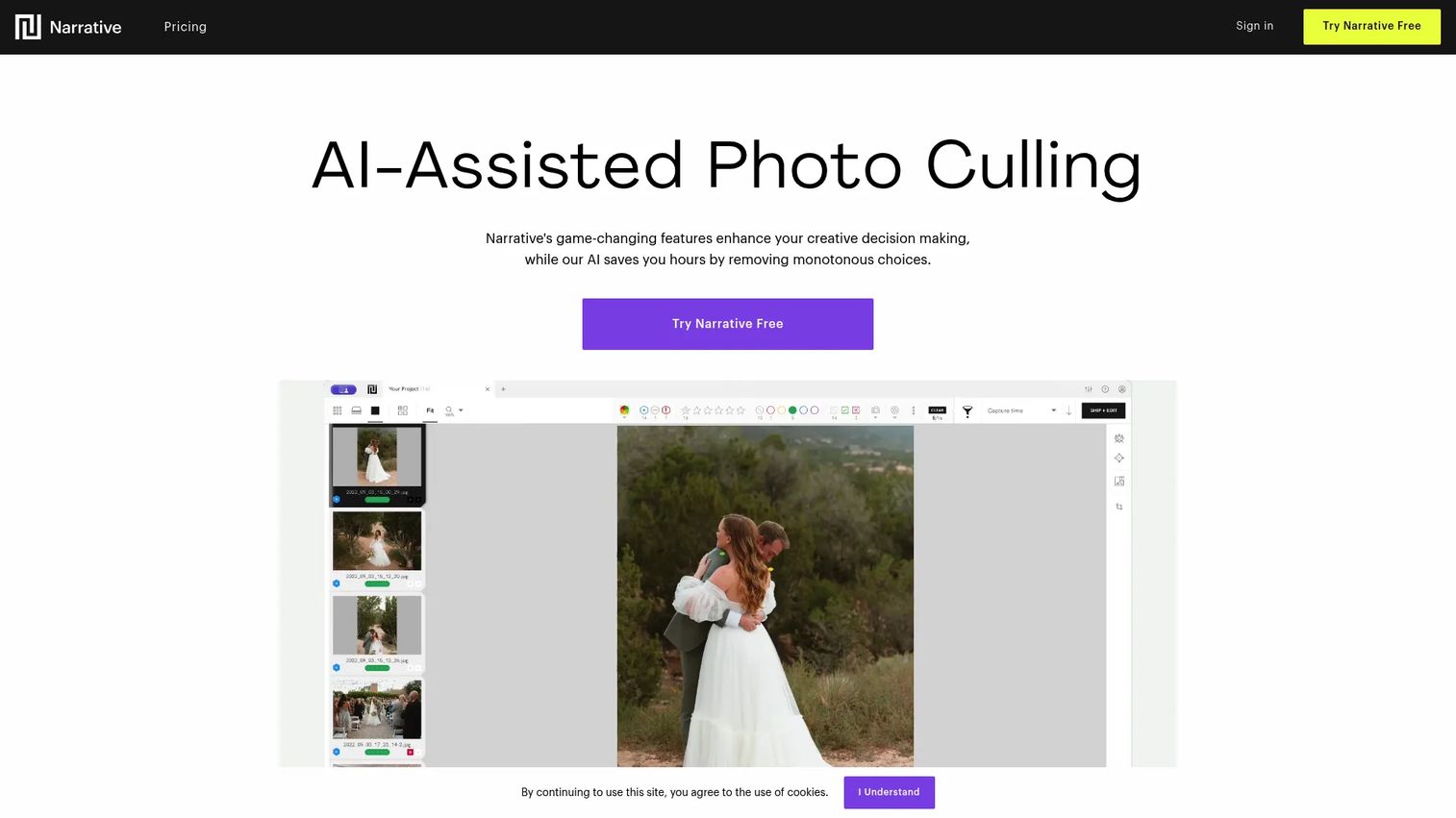
Narrative Select is AI-assisted culling software built for fast review with control kept in your hands. Its Scenes View groups frames and rank-orders them, while the Close-ups Panel surfaces eye and focus data so you confirm the AI rather than obey it. Then it hands picks off to your editor.
Best for: Photographers who want fast AI-assisted culling but insist on making the final call themselves.
Key features
- Scenes view with rank ordering
- Eye and focus assessments
- Close-ups panel for sharpness checks
- Unlimited projects on macOS and Windows
Why choose Narrative Select: This is the pick when you distrust full automation but still want speed. It shows its reasoning through eye and focus data, which makes overriding a bad AI call quick instead of guesswork.
Narrative Select pricing: Narrative Free costs US$0 and includes a 3-project trial of Pro features. Narrative Pro runs US$15 per month, billed yearly. Both plans support unlimited projects and images.
Narrative shows a 5.0/5 rating on G2, though from a small review count, so weigh it alongside photographer community feedback.
4. Aftershoot
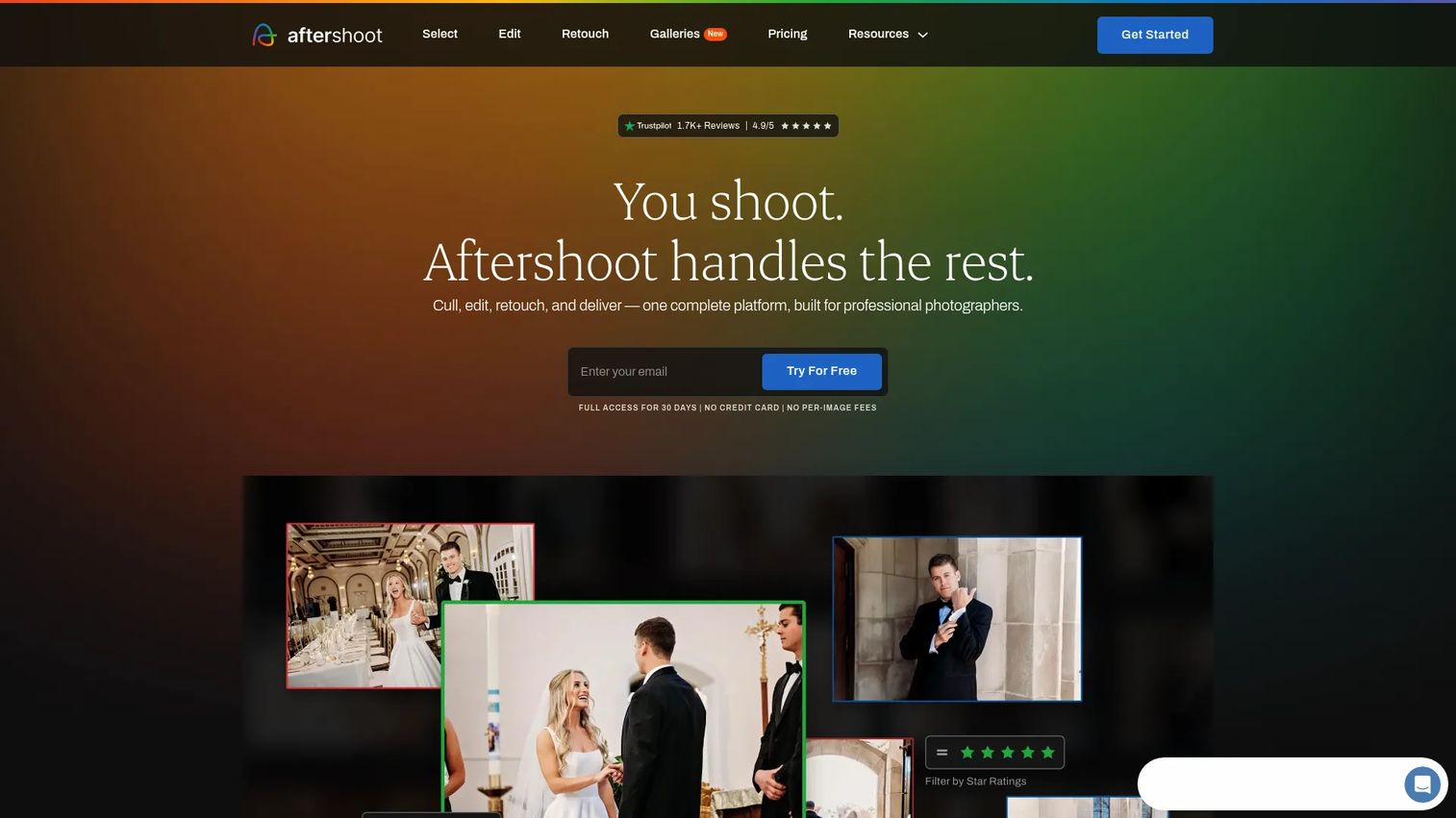
Aftershoot is AI-powered software that covers culling, editing, and retouching in one place. It's built for photographers who want a single workflow from raw import to client-ready delivery, without bouncing between separate culling and editing apps. AI styles learn how you edit and apply it across a shoot.
Best for: Photographers who want one tool carrying them from cull through retouch to delivery.
Key features
- AI culling for large shoots
- AI editing with learned styles
- AI retouching
- Unlimited galleries
Why choose Aftershoot: If tool sprawl in your post-production stack bothers you, Aftershoot's modular bundles collapse three steps into one. The trade-off is committing to its editing engine, not just its culling.
Aftershoot pricing: The Select plan starts at US$10/month billed annually. Edit runs US$30/month, Retouch US$20/month, and the Complete bundle US$45/month, all billed annually. Monthly billing and a free trial are available.
Aftershoot carries a 4.4/5 rating on G2 across its culling and editing modules.
5. Photo Mechanic
Photo Mechanic is photo workflow software built for fast ingesting, culling, tagging, and exporting. Its strength is raw viewing speed. Frames load instantly, so you rate and reject faster than in a catalog-based editor. This is pre-edit speed, not AI-first selection.
Best for: Photographers who value ingest speed and metadata workflow over AI suggestions.
Key features
- Fast raw viewing and culling
- Captioning and keyword metadata
- Copyright and IPTC tagging
- Export workflow; Plus adds cataloging
Why choose Photo Mechanic: Sports and press shooters pick it because it renders and moves faster than anything catalog-based. The trade-off is no AI culling, so the speed comes from you, not the software.
Photo Mechanic pricing: Photo Mechanic runs US$14.99/month or US$149/year, and Photo Mechanic Plus (with cataloging) runs US$24.99/month or US$249/year. Perpetual licenses cost US$299 and US$399 respectively, each with a year of updates.
A clear aggregate G2 score wasn't listed at the time of writing, so Capterra reviews are the better cross-reference for reviewer sentiment.
6. FilterPixel
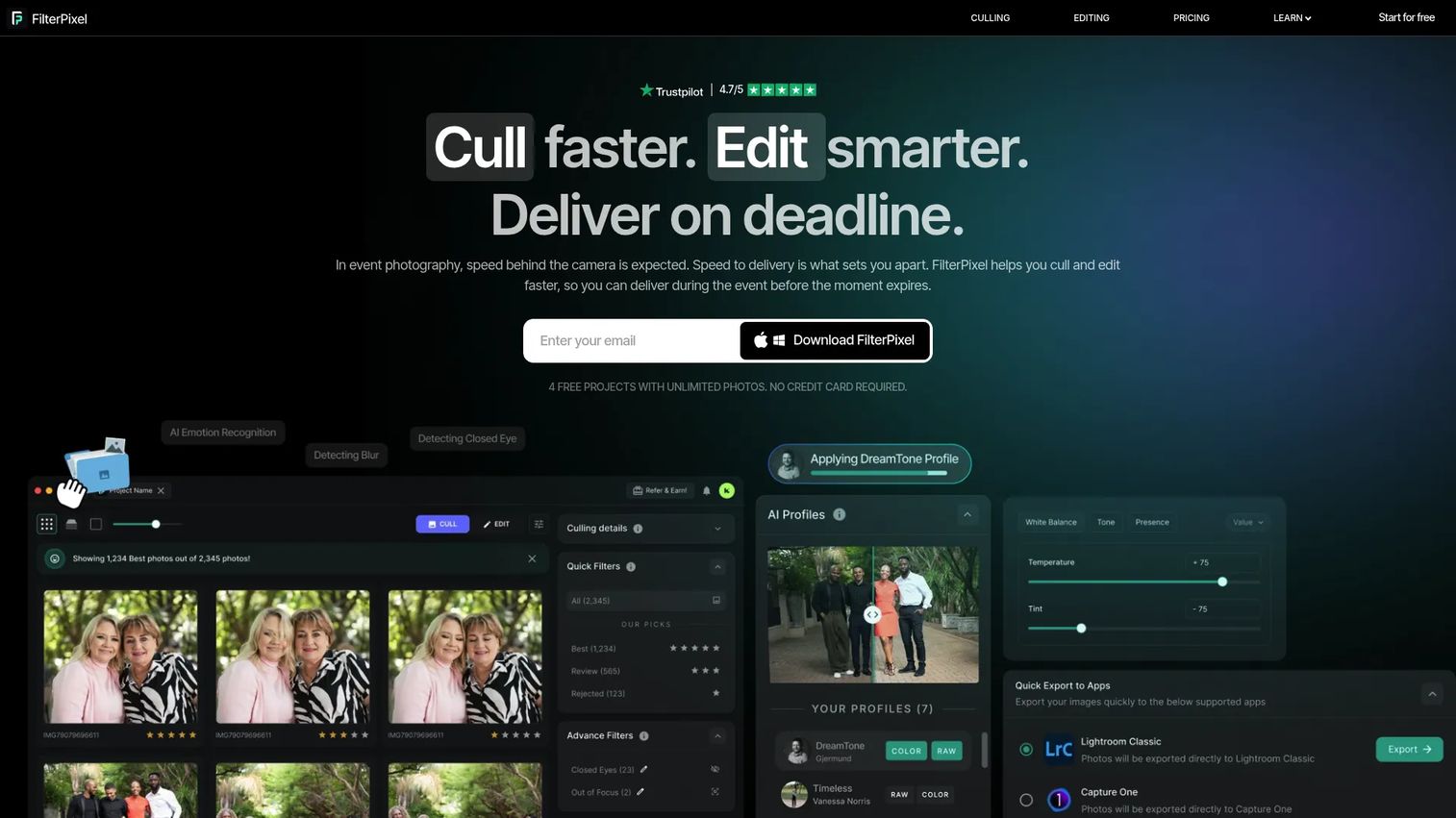
FilterPixel is AI photo culling and editing software built for high-volume shoots. Its Basic Cull handles technical filtering, while DeepCull adds genre-aware selection that returns a score and a reason for each pick. That reason field is the differentiator, since it shows why the AI chose a frame.
Best for: Photographers and studios who want affordable AI culling with transparent scoring.
Key features
- Basic Cull for technical filtering
- DeepCull genre-aware selection
- Score plus reason on picks
- Lightroom and Capture One export
Why choose FilterPixel: The score-and-reason output makes it easier to trust or overrule an AI select, which addresses the control concern head-on. Higher tiers add more DeepCull shoots for busier studios.
FilterPixel pricing: Standard starts at US$14.99/mo billed annually (US$180/year) or US$19.99/mo monthly. Pro runs US$34.99/mo annually, and Studio US$64.99/mo annually. A free tier covers 4 projects.
FilterPixel shows a 3.5/5 rating on G2 from a small review base, so read the individual reviews before deciding.
7. Capture One
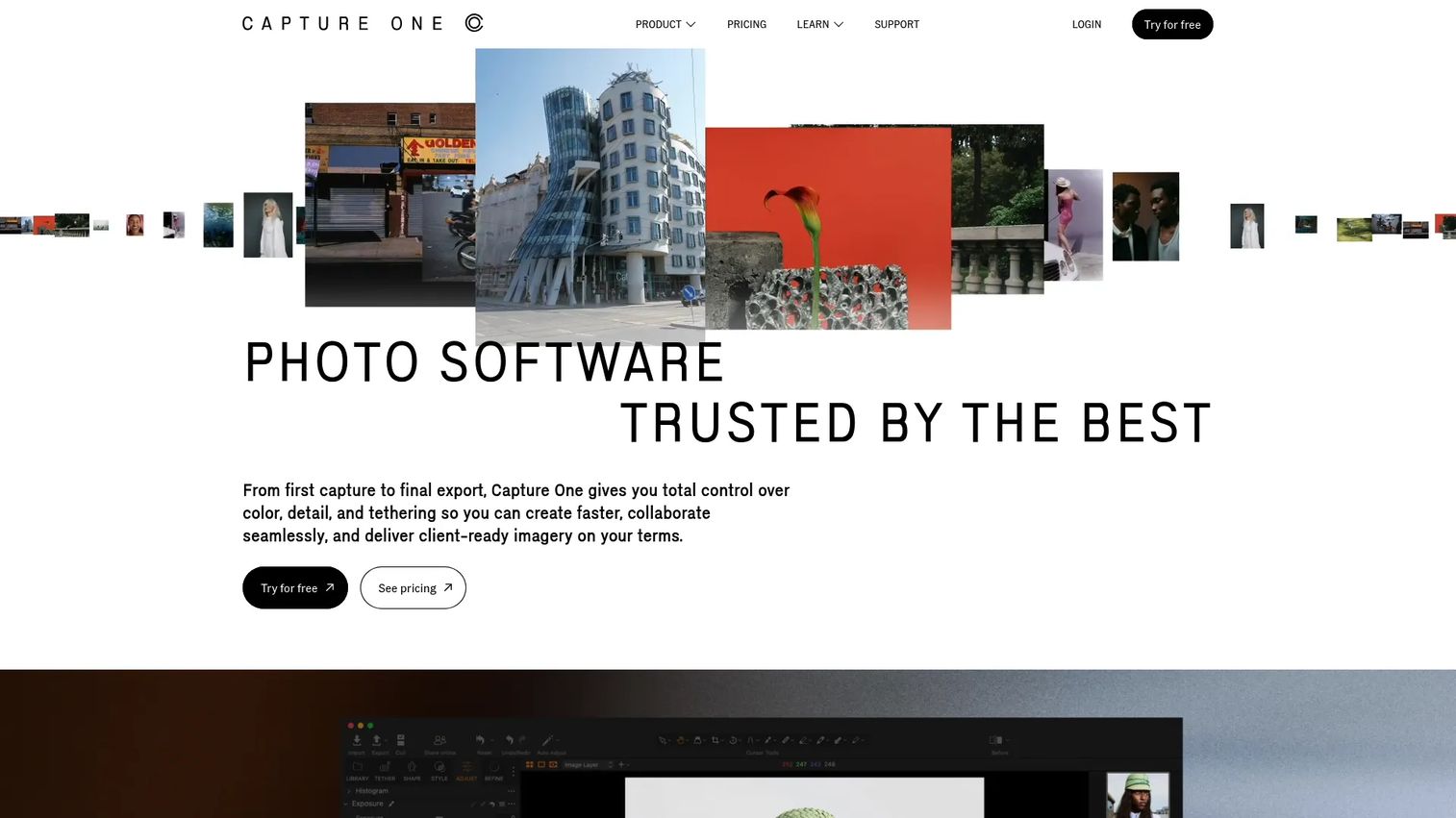
Capture One is professional photo editing software known for color, tethering, and RAW conversion, with catalog and workflow tools that support culling inside the editor. It fits photographers who already edit here and want selection to live in the same catalog rather than a separate culling app.
Best for: Photographers already editing in Capture One who want culling and editing under one catalog.
Key features
- Superior color and RAW conversion
- Industry-leading tethering
- Catalog and session workflow
- Desktop and mobile options
Why choose Capture One: Studio and commercial shooters choose it for color and tethering first, then cull inside it to avoid a separate tool. It's an editor with culling, not a culling-first app, so weigh that against a dedicated tool.
Capture One pricing: Capture One Live has a free plan at US$0, and Live Unlimited runs US$5.00/month. Desktop Pro, All in One, and Studio plans (monthly or annual) show their figures on the Capture One pricing page during selection.
A current aggregate G2 score wasn't verifiable at the time of writing, so cross-reference recent Capterra and community reviews.
Considerations
Before you commit budget, run each option against these five criteria. Same instinct you apply to any tool purchase: What does it replace, and can you prove the time saved?
AI accuracy vs manual control
The best culling tools suggest, then let you override. Check whether you can reject an AI select in one click and whether the tool shows its reasoning. A tool that hides its logic makes every disagreement slower.
Lightroom and editor compatibility
Confirm how picks, ratings, and flags pass into Lightroom or Capture One. A broken handoff turns saved culling time into new export work. Test the round trip on a real shoot before you standardize.
Pricing model and trial length
Decide whether subscription, pay-as-you-go, or perpetual fits your volume. High-volume studios often win with unlimited plans; occasional shooters may prefer pay-as-you-go. Use the free trial on a full shoot, not ten frames.
Speed on large shoots
The value scales with set size. Time a 3,000-frame cull start to finish, then compare against your manual baseline. If the tool doesn't beat your manual pace on a real job, the license isn't paying for itself.
File format and OS support
Verify RAW support for your camera, plus Windows or macOS coverage. Some AI tools process in the cloud, which affects speed and file handling. Check upload behavior if you shoot in high volume on slow connections.
Conclusion
The right photo culling software depends on your workflow, not the loudest AI claim. Aftershoot wins if you want one tool from cull to delivery. Imagen fits Adobe-ecosystem photographers who want AI culling and editing together. Adobe Lightroom is the consolidation pick if you already pay for it, since culling lives inside your editor.
Narrative Select and FilterPixel give you AI-assisted culling with visible reasoning, so overriding a bad call stays fast. Photo Mechanic remains the speed play for ingest-heavy manual shooters. Capture One suits photographers who edit there and want selection in the same catalog.
Start with the free trial or free tier that matches your workflow, then run it on a full shoot. Measure the cull time against your manual baseline. If it beats your pace and hands off cleanly to your editor, you've found your tool.
Start your journey with Guideflow today!
FAQs
Weddings generate thousands of frames, so shooters lean toward AI culling with strong burst grouping. Aftershoot and Imagen suit photographers who want AI culling paired with editing, while Narrative Select fits those who want speed with manual control. The right pick depends on whether you also want AI editing in the same tool.
For flagging out-of-focus frames, closed eyes, and near-duplicates, AI photo culling software is accurate enough to use as a strong first pass. It's less reliable on subjective calls like the client's favorite expression. Treat AI selects as a shortlist you audit, not a final answer you ship blind.
Yes. Adobe Lightroom includes Assisted Culling that flags sharp, well-exposed frames and open eyes, plus ratings, flags, and batch actions. For anyone already subscribed, lightroom photo culling removes the need for a separate app, since selection and editing share one catalog.
Culling is choosing which frames to keep from a large set. Editing is adjusting the frames you kept, including color, exposure, and retouching. Culling comes first in the workflow, and a clean handoff between the two decides how much time you actually save.
Yes. FilterPixel exports directly to Capture One, and Capture One itself supports culling inside its catalog and session workflow. If you already edit in Capture One, check the handoff so picks and ratings pass in without a broken export step.
Most photo culling tools support common RAW formats from major camera brands, plus JPEG. Support varies by tool and camera, and some AI tools process files in the cloud, which affects speed. Confirm your specific camera's RAW format before you commit to a plan.
Free tiers and trials are worth using to test accuracy and handoff on a real shoot before you pay. Narrative Select offers a free plan with a 3-project Pro trial, and FilterPixel's free tier covers 4 projects. Use them on a full set, not a handful of frames, to judge true time saved.
Prioritize four things: Speed on large shoots, control to override AI selects, clean handoff to Lightroom or Capture One, and pricing that fits your volume. The best photo culling software saves time without taking your judgment away. Test the handoff and the override flow before you standardize on any tool.










