A requirement changes three weeks before a critical milestone. Product asks what it breaks. Systems engineering points to the model. Software points to the ticket. Test has a third answer. The spreadsheet says nothing useful.
That's the breakdown MBSE software is built to prevent. The global MBSE market reached $1.15 billion in 2025, projected to grow at 11.3% annually through 2035 (Spherical Insights, 2026), and the pressure driving that growth is familiar to any PM working with complex products: Too many engineering truths, too little traceability between them.
For product managers specifically, the problem isn't a lack of documentation. It's the absence of a connected model that shows what a requirement actually touches, who approved its change, and what the downstream impact looks like across hardware, software, and test. Requirements traceability software and system architecture modeling tools close that gap, but only when chosen carefully.
This guide does not cover systems engineering as a discipline. It's a practical buying guide for teams choosing software.
What's inside
This guide compares 12 systems engineering and MBSE software options for 2026, with verified pricing and G2 ratings. Selection criteria: SysML and architecture modeling depth, requirements traceability, verification support, and integration with PLM or ALM stacks.
- For enterprise MBSE teams: Prioritize SysML depth, model governance, and collaboration
- For requirements-heavy organizations: Look for bidirectional traceability and review workflows
- For digital thread programs: Check PLM, ALM, and simulation integrations
- For PMs evaluating tools: Focus on impact analysis, audit readiness, and adoption cost
- Pricing and G2 ratings verified at drafting time against live vendor pages and G2 listings
TL;DR
- Best overall for enterprise SysML modeling: Cameo Systems Modeler, for teams standardizing on formal architecture governance and requirements traceability
- Best budget-conscious option: Sparx Systems Enterprise Architect, with public licensing from $245 and broad UML, SysML, and BPMN coverage
- Best for embedded and safety-critical systems: IBM Engineering Systems Design Rhapsody or Ansys SCADE Architect, depending on whether model simulation or safety-critical architecture workflows matter more
- Best for digital thread programs: Siemens Teamcenter and Siemens Polarion ALM, when PLM and ALM governance need to connect
- Best open-source MBSE option: Eclipse Capella, for teams adopting the Arcadia method without enterprise license cost
- Best for regulated requirements management: Jama Connect, Innoslate, or Vitech GENESYS, depending on compliance depth and modeling needs
What is systems engineering and MBSE software?
Systems engineering and MBSE software helps teams model complex systems, connect requirements to architecture and behavior, analyze changes, and verify that the delivered product meets its intended purpose.
Systems engineering software covers requirements, architecture, verification, interfaces, risk, and lifecycle governance as a category. MBSE (model-based systems engineering) software focuses specifically on a model-based representation of the system, replacing document-only workflows with connected engineering artifacts that teams can query, trace, and update.
For product managers, the practical value is in impact analysis. When a requirement changes, the model shows what it touches, what test evidence exists, and whether the change creates a gap. That visibility is what makes informed tradeoff decisions possible.
Key capabilities to look for:
- Requirements capture and hierarchy management
- SysML, UML, Arcadia, or domain-specific modeling notation
- Architecture and behavior diagrams
- Interface and interface control document management
- Bidirectional traceability matrices
- Verification and validation planning
- Simulation or trade-study support
- Integrations with PLM, ALM, CAD, CAE, and test management tools
- Review, baseline, and change control workflows
- Audit-ready reporting for design reviews and regulatory submissions
Category boundary note: MBSE software is not project management. Requirements management tools may overlap with MBSE but often lack full system modeling. PLM platforms can anchor the digital thread but typically need separate modeling or requirements modules. Many teams combine tools from more than one category.
When to use systems engineering and MBSE software
Manage requirements across complex systems
Spreadsheets and backlog items break down when requirements have parent-child relationships, test evidence, safety constraints, and interface dependencies across mechanical, electrical, and software domains. Systems engineering software shows what a requirement actually touches before you approve a change, which is the analysis PMs need to make credible tradeoff decisions at review gates.
Build and govern system architecture models
Teams designing products with cross-domain behavior, multiple engineering disciplines, or regulated interfaces need formal architecture modeling. SysML and Arcadia are the two most common approaches for systems-level work, and choosing the right modeling environment usually determines which tool fits. The model becomes the shared reference that keeps architecture decisions traceable from concept through verification.
Connect verification to product decisions
Leadership and audit bodies want evidence that the product meets its requirements. MBSE tools connect requirements, verification cases, test results, and review artifacts so the evidence chain exists before milestone reviews, not assembled at the last minute. For PMs, that connection is what allows roadmap commitments to be backed by engineering reality.
Systems engineering and MBSE software comparison
The table below is a starting point for shortlisting, not a final procurement decision. Verify pricing, deployment options, and integration depth directly with each vendor before committing.
| # | Product | Best for | Key differentiator | Pricing | G2 rating |
|---|---|---|---|---|---|
| 1 | Cameo Systems Modeler | Enterprise SysML modeling | Deep SysML modeling with traceability and gap analysis | Custom pricing | 4.3/5 |
| 2 | Sparx Systems Enterprise Architect | Broad modeling at accessible cost | UML, SysML, BPMN, and enterprise architecture coverage | From $245/license | 4.1/5 |
| 3 | IBM Engineering Systems Design Rhapsody | Embedded and real-time systems | Model-driven systems and software engineering with code generation | Custom pricing | N/A |
| 4 | Siemens Teamcenter | Digital thread and PLM | PLM backbone for systems, product, and lifecycle data | Custom pricing | 4.3/5 |
| 5 | Siemens Polarion ALM | Requirements and ALM governance | Requirements, test, change, and software lifecycle traceability | Custom pricing | 4.2/5 |
| 6 | Innoslate | Requirements-led lifecycle engineering | Requirements, modeling, simulation, and V&V in one environment | Custom pricing | 4.5/5 |
| 7 | Vitech GENESYS | Architecture-led systems engineering | Unified model repository with behavior and risk analysis | Custom pricing | 4.1/5 |
| 8 | Eclipse Capella | Open-source Arcadia modeling | Arcadia method for system architecture definition | Free (open source) | 3.8/5 |
| 9 | MathWorks System Composer | MATLAB and Simulink teams | Architecture modeling tied to simulation workflows | From $1,015/year | 5.0/5 |
| 10 | PTC Modeler | PTC-ecosystem product development | SysML, SysML 2.0, and UAF with PTC tool integration | Custom pricing | N/A |
| 11 | Ansys SCADE Architect | Safety-critical embedded systems | SysML-based architecture connected to safety-critical workflows | Custom pricing | 5.0/5 |
| 12 | Jama Connect | Regulated requirements management | Live traceability, reviews, risk, and verification evidence | Custom pricing | 4.3/5 |
Best 12 systems engineering and MBSE software tools
1. Cameo Systems Modeler
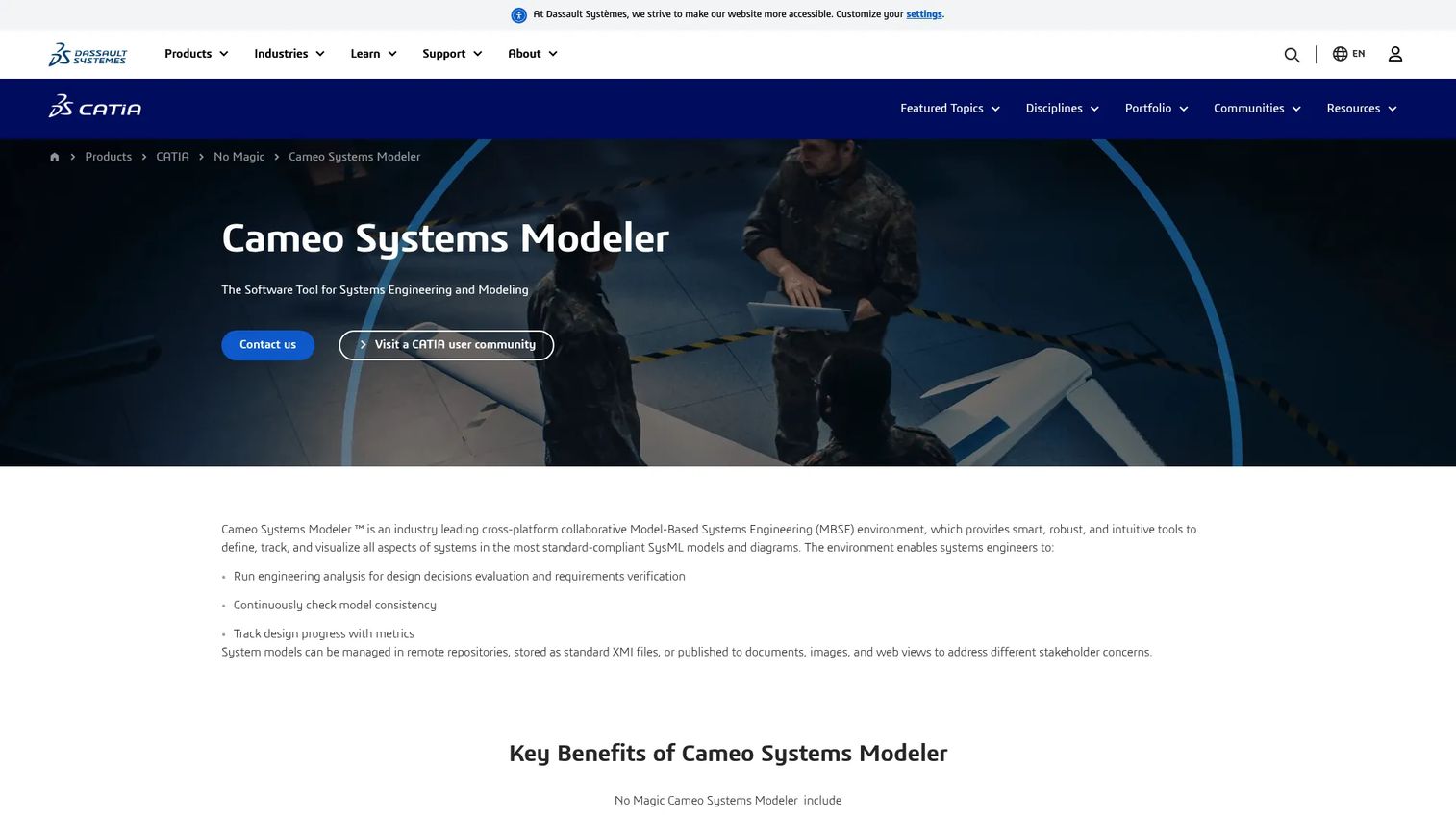
Cameo Systems Modeler (now also marketed as CATIA Magic Cyber Systems Engineer within the Dassault Systèmes portfolio) is a cross-platform MBSE environment built for formal SysML modeling. It supports requirements management, dependency matrices, gap analysis, parametric modeling, and collaborative model governance across distributed engineering teams. The platform connects to the broader 3DEXPERIENCE environment and to third-party tools through APIs, scripting, and data bridges.
Best for: Enterprise systems engineering teams in aerospace, defense, automotive, or regulated industries standardizing on formal SysML models and governed architecture reviews.
Key features
- SysML model authoring with requirements diagrams and dependency matrices
- Requirements traceability and gap analysis
- Parametric modeling and systems measures of effectiveness
- Collaborative distributed development with remote repositories
- Customizable reporting and direct web publishing
Why choose Cameo Systems Modeler: Choose Cameo when model rigor, SysML depth, and enterprise governance matter more than fast entry. PMs should factor in a meaningful adoption curve and training investment, particularly for teams without prior SysML experience.
Cameo Systems Modeler pricing: Dassault Systèmes routes all Cameo pricing through sales contact. Reach out to their team directly for a quote that reflects your seat count, deployment model, and required modules or plugins.
G2 rating: 4.3/5
2. Sparx Systems Enterprise Architect
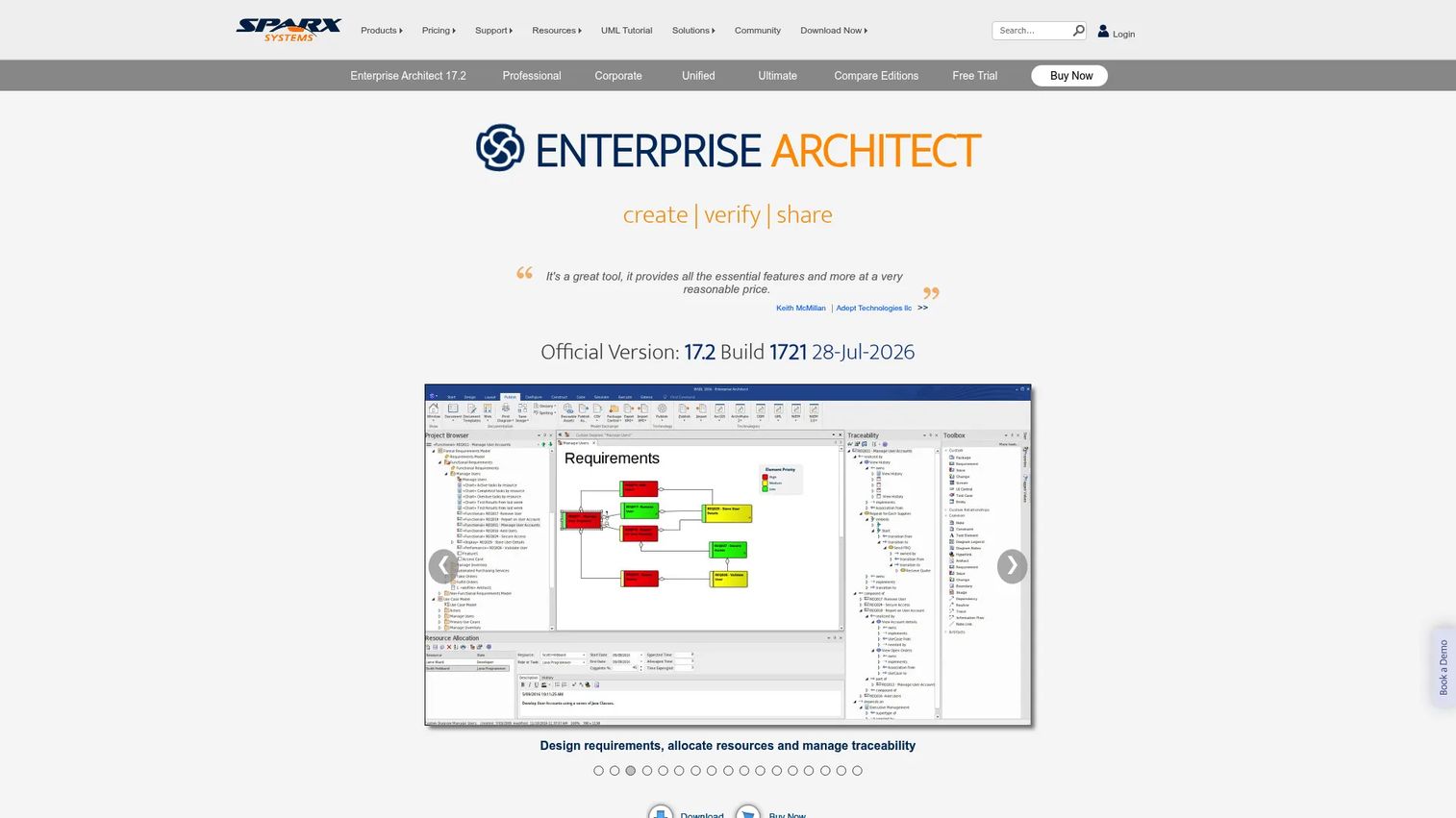
Sparx Systems Enterprise Architect is a full-lifecycle visual modeling platform that covers UML, SysML, BPMN, ArchiMate, database modeling, and enterprise architecture in a single environment. It supports requirements management, end-to-end traceability, simulation, code generation, and team collaboration through repository-based workflows. The platform is widely used by systems, software, and enterprise architecture teams that need broad modeling coverage without committing to a heavier enterprise suite.
Best for: Product and engineering teams that need broad modeling notation across multiple domains without the cost or complexity of a heavy enterprise MBSE platform.
Key features
- UML and SysML modeling with traceability
- BPMN process and enterprise architecture modeling
- Simulation and parametric model simulation
- Code generation and reverse engineering
- Repository-based team collaboration and version control
Why choose Sparx Systems Enterprise Architect: Choose Enterprise Architect when breadth, accessible pricing, and modeling flexibility matter. PMs evaluating this tool should assess governance practices, training needs, and repository management early, since the platform's flexibility can become a maintenance challenge without clear ownership.
Sparx Systems Enterprise Architect pricing: Four paid editions are available. Professional starts at $245 per standard license ($320 floating). Corporate is $320 standard ($425 floating). Unified runs $535 standard ($699 floating). Ultimate reaches $750 standard ($965 floating). A free Lite Edition provides read-only access, and a 30-day trial is available.
G2 rating: 4.1/5
3. IBM Engineering Systems Design Rhapsody
IBM Engineering Systems Design Rhapsody is a collaborative model-based engineering environment designed for real-time and embedded product development. It supports SysML and UML modeling, model simulation and animation, requirements traceability, and code generation in C, C++, Java, and Ada editions. The product connects to IBM's Engineering Lifecycle Management portfolio, making it a natural fit for organizations already using IBM tools for requirements, change, and test management.
Best for: Embedded engineering teams designing safety-critical or real-time products that need architecture modeling tied to software behavior and lifecycle governance.
Key features
- SysML and UML modeling with simulation and animation
- Requirements traceability and lifecycle integration
- Code generation for C, C++, Java, and Ada
- Model validation and debugging workflows
- Integration with IBM Engineering Lifecycle Management
Why choose IBM Engineering Systems Design Rhapsody: Choose Rhapsody when embedded architecture and software behavior need tight modeling discipline within a connected lifecycle. PMs should check whether existing IBM Engineering Lifecycle Management adoption creates a natural landing zone, since the value compounds when the portfolio is used together.
IBM Engineering Systems Design Rhapsody pricing: IBM uses multiple editions (Architect for Systems Engineers, Designer for Systems Engineers, Architect for Software, Developer) with perpetual and term licensing options. All pricing runs through IBM sales. Contact their team for a quote that reflects edition, seat count, and licensing model.
4. Siemens Teamcenter
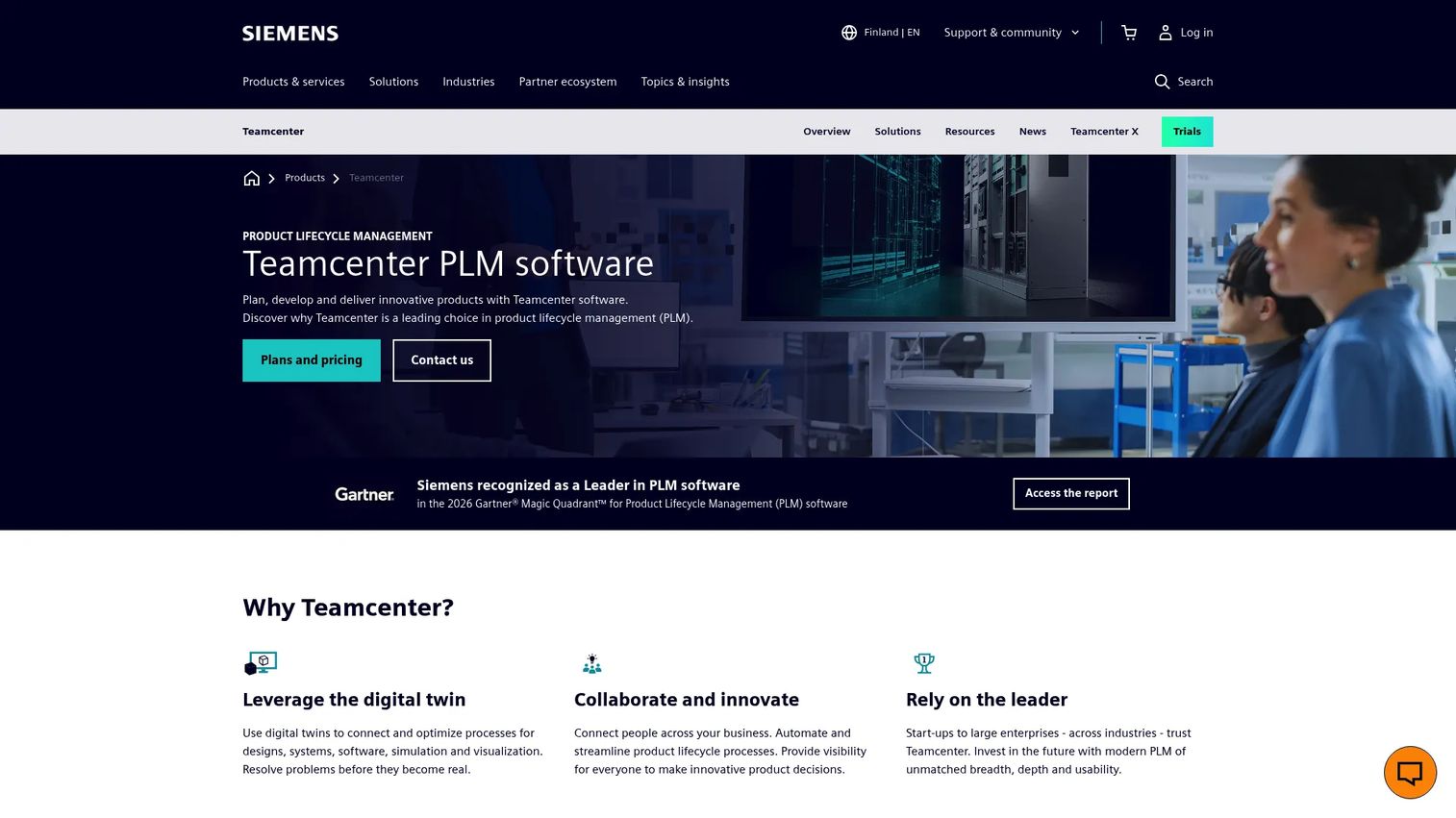
Siemens Teamcenter is a product lifecycle management platform that connects systems engineering, product data, digital twin, and manufacturing process workflows across the enterprise. It handles configuration management, change control, CAD and simulation integration, and BOM management alongside systems and software lifecycle data. For organizations running digital engineering programs, Teamcenter functions as the digital thread backbone that ties design, verification, and manufacturing records together.
Best for: Enterprise product organizations that need systems engineering work connected to PLM, product data management, and lifecycle governance at scale.
Key features
- Digital twin connectivity across design, simulation, and manufacturing
- Product planning, multidisciplinary development, and digital thread delivery
- Configuration and change management
- CAD and simulation data integrations
- Enterprise collaboration and automated lifecycle processes
Why choose Siemens Teamcenter: Choose Teamcenter when systems engineering cannot sit outside your product lifecycle data. This is typically the right call for large manufacturing organizations where PLM is already the system of record. PMs should assess implementation effort, internal platform ownership, and data governance requirements before committing.
Siemens Teamcenter pricing: Teamcenter X offers SaaS tiers (Essentials, Standard, Advanced, Premium), with a 30-day trial advertised. All pricing requires a sales quote. Reach out to Siemens directly for per-tier details matched to your deployment model and user count.
G2 rating: 4.3/5
5. Siemens Polarion ALM
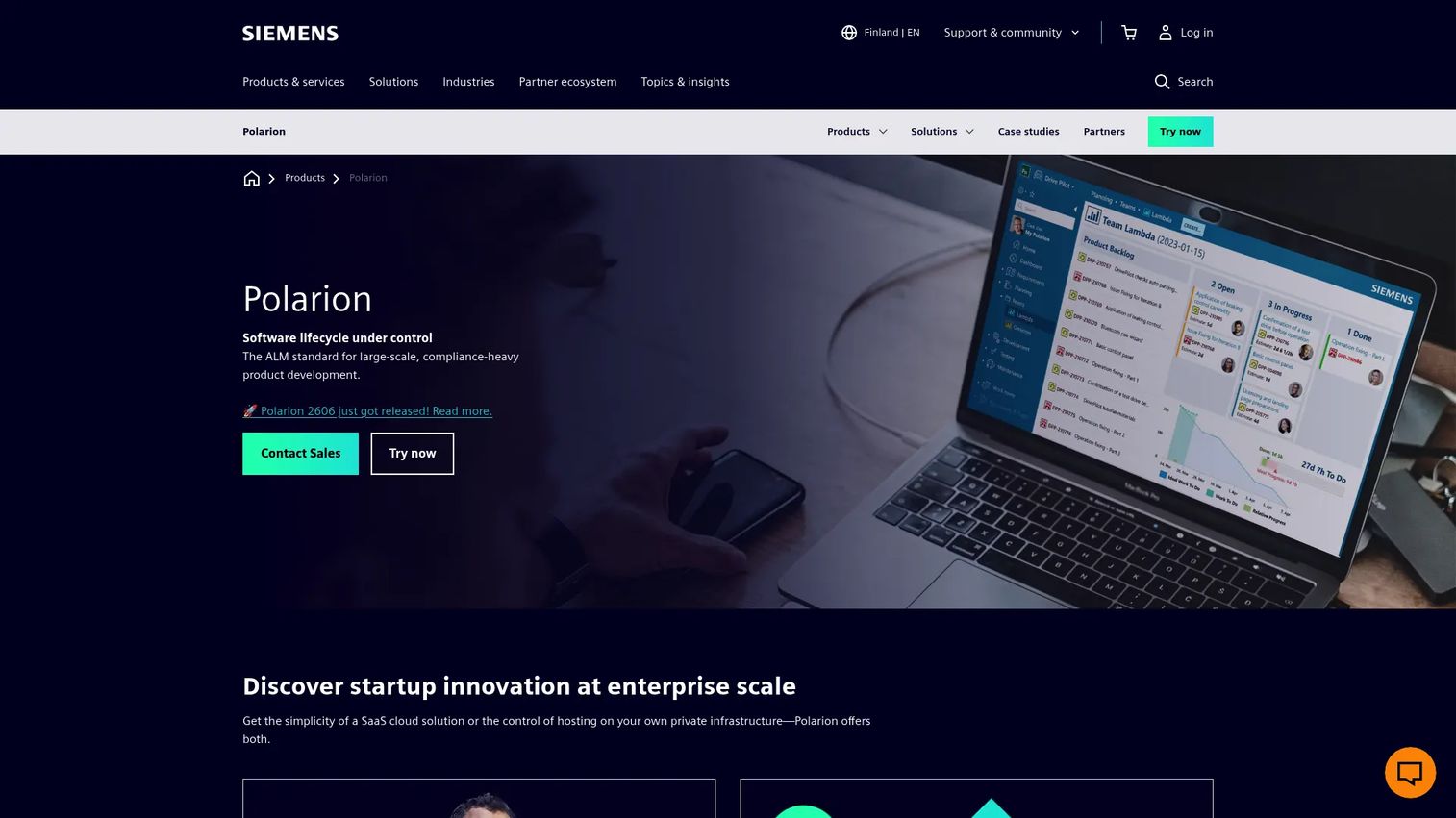
Siemens Polarion ALM is a browser-based application lifecycle management platform built for large-scale, compliance-heavy product development. It manages requirements, tests, change requests, risk, and software lifecycle workflows in a connected environment with LiveDocs, review and approval controls, agile and hybrid project management, and audit-ready reporting. The platform integrates with the broader Siemens digital thread and Teamcenter workflows, making it a strong fit for organizations already in the Siemens ecosystem.
Best for: Teams developing complex, regulated software or systems products that need requirements, test, and change governance connected in one auditable record.
Key features
- Requirements management with LiveDocs and end-to-end traceability
- Test and quality management with verification links
- Change request and configuration management workflows
- Review, approval, and electronic signature controls
- Reuse, branch management, and open API integrations
Why choose Siemens Polarion ALM: Choose Polarion when requirements governance and software lifecycle traceability matter more than pure architecture modeling. It's a strong fit for PMs who need audit-ready impact analysis across regulated programs, particularly where ALM and MBSE integration is on the roadmap.
Siemens Polarion ALM pricing: Siemens routes all Polarion pricing through sales. Contact their team for a quote.
G2 rating: 4.2/5
6. Innoslate
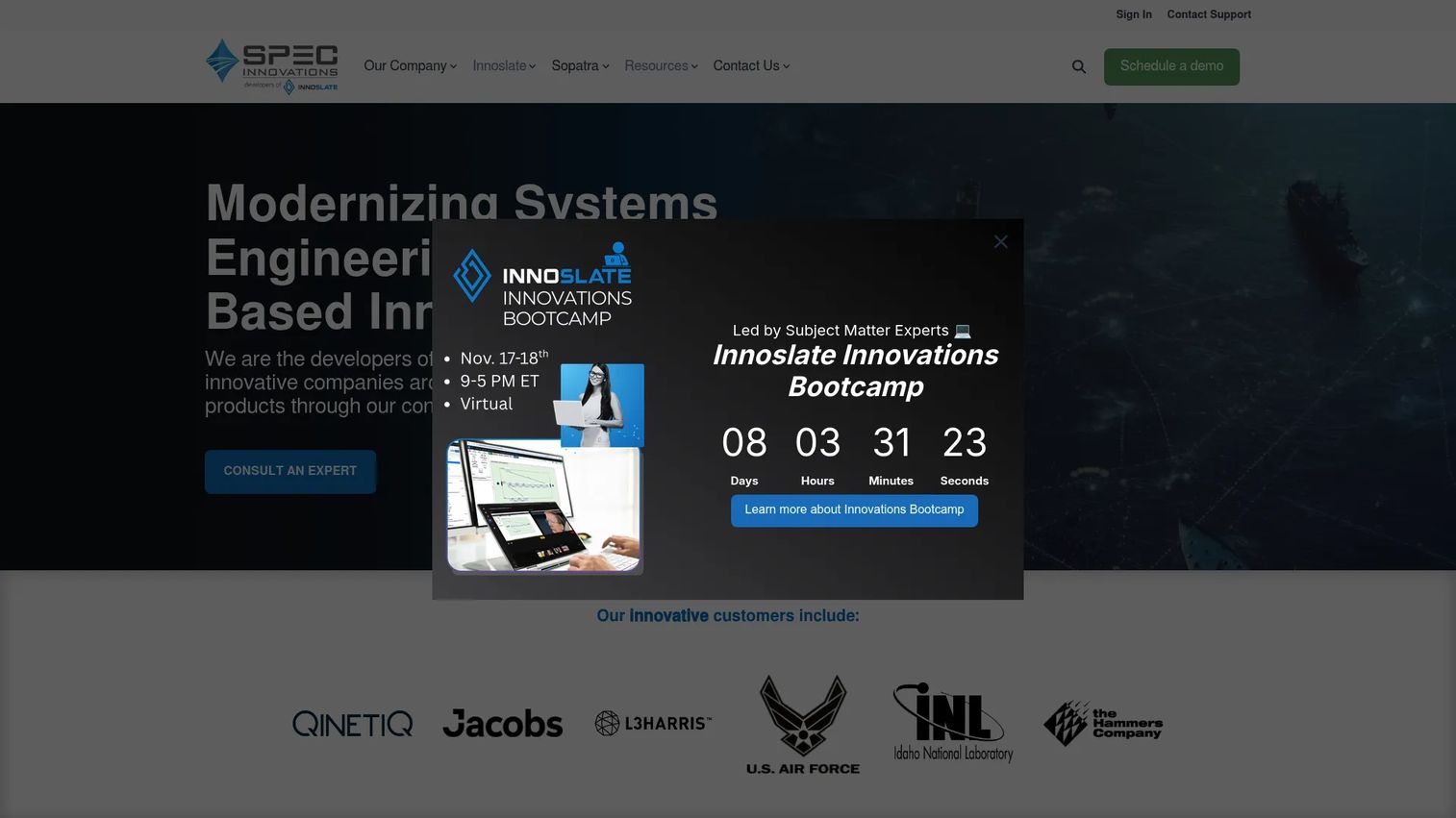
Innoslate (from SPEC Innovations) is a cloud-based platform that combines requirements management, systems modeling, simulation, verification and validation, and real-time collaboration in one lifecycle engineering environment. It supports SysML, LML (Lifecycle Modeling Language), and DoDAF-related workflows, with discrete-event simulation and AI-assisted requirements quality analysis available on current releases. Deployment options include cloud, enterprise, and government-accredited environments, making it a strong fit for defense, aerospace, and public sector programs.
Best for: Engineering, aerospace, defense, and government teams that need requirements, systems modeling, and V&V workflows in a single connected environment.
Key features
- Requirements management and end-to-end traceability
- SysML and LML modeling with architectural views
- Verification and validation planning and execution
- Discrete-event simulation support
- AI-assisted requirements quality analysis and real-time collaboration
Why choose Innoslate: Choose Innoslate when requirements and verification need to drive the model, not sit beside it. The integrated simulation and V&V support removes the need for separate tooling in many government program contexts. PMs should compare modeling depth against dedicated SysML environments if pure architecture rigor is the top priority.
Innoslate pricing: Innoslate pricing runs through SPEC Innovations sales. Reach out to their team for a quote matched to your deployment option (cloud, enterprise, or government) and seat count.
G2 rating: 4.5/5
7. Vitech GENESYS
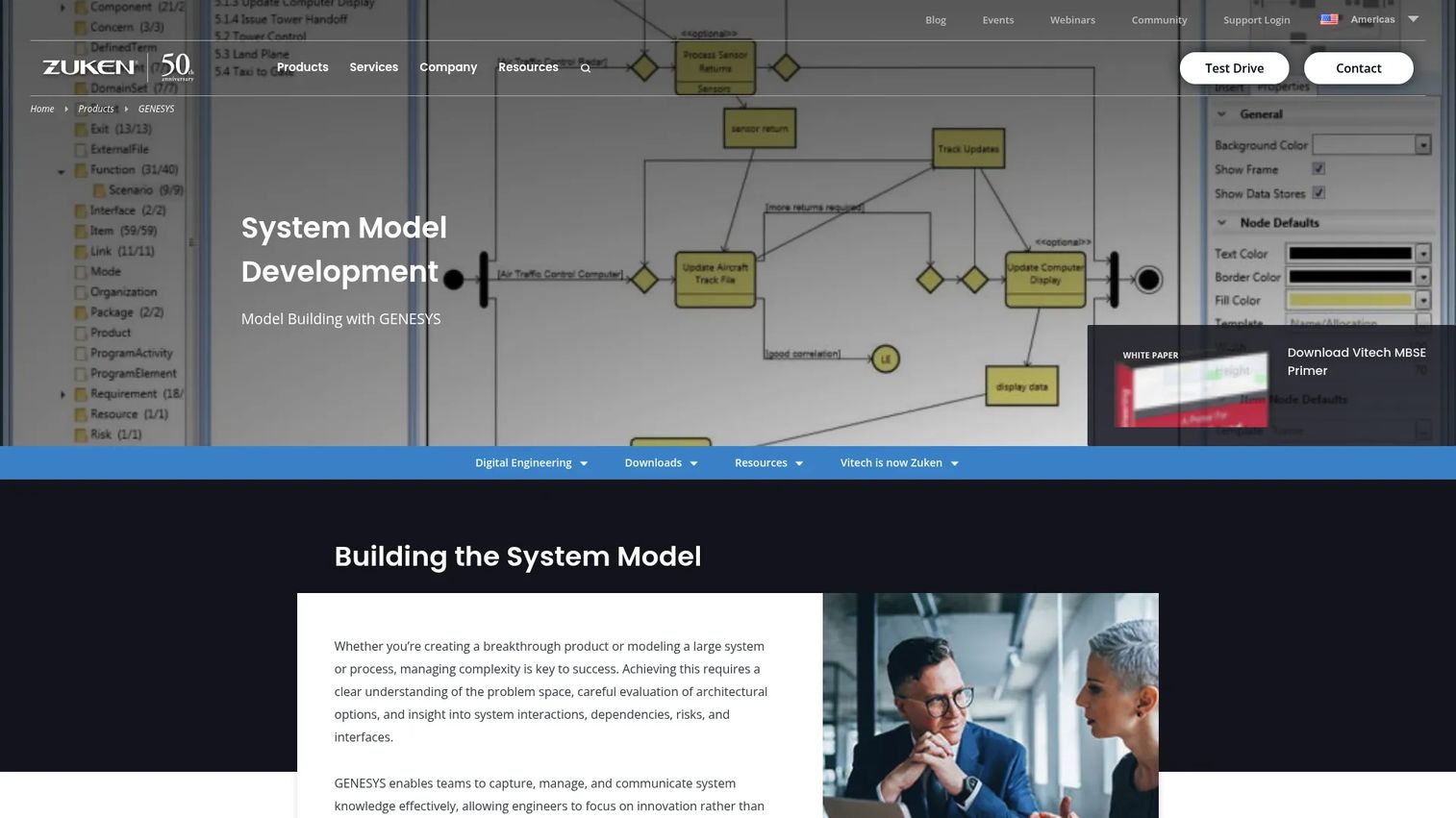
Vitech GENESYS is a model-based systems engineering platform built around a unified system model that connects requirements, architecture, behavior, risk, and verification in a single repository. It supports SysML and traditional systems engineering views, integrated discrete-event simulation, and automatic diagram, document, and view generation. The platform integrates with Microsoft Office, DOORS, MATLAB/Simulink, Open API, REST API, and OSLC, giving it strong interoperability for defense, aerospace, and mission-critical programs.
Best for: Systems engineering teams building connected system architecture from a unified model repository, particularly in defense, aerospace, and complex industrial programs.
Key features
- Unified system model connecting requirements, behavior, and architecture
- SysML views and traditional systems engineering representations
- Integrated discrete-event simulation and model validation
- Automatic diagram, document, and view generation
- Real-time collaboration with integrations to DOORS, MATLAB/Simulink, and OSLC
Why choose Vitech GENESYS: Choose GENESYS when architecture structure and system behavior need to stay connected from concept through verification in a repository that generates documentation automatically. PMs should evaluate collaboration workflows and ecosystem fit against existing tool investments.
Vitech GENESYS pricing: Vitech directs all licensing inquiries to their account executives. Contact their team for details on seat counts, deployment model, and module requirements.
G2 rating: 4.1/5
8. Eclipse Capella
Eclipse Capella is an open-source model-based systems engineering tool built on the Arcadia methodology, which guides teams through operational, system, logical, and physical architecture layers. The core platform is free, with an active ecosystem of plugins for requirements management, collaboration, safety analysis, and documentation. Commercial support, tooling extensions, and training are available through Obeo and other providers.
Best for: Systems, software, and hardware architecture teams adopting the Arcadia method or exploring open-source MBSE before committing to an enterprise license.
Key features
- Arcadia methodology with operational, system, logical, and physical architecture layers
- Methodological guidance and intuitive model editing
- Model complexity management tools
- Plugin ecosystem for requirements, safety, and documentation
- Customizable viewpoints and integrations
Why choose Eclipse Capella: Choose Capella when methodology fit and open access are the primary drivers. It's a strong starting point for teams exploring structured architecture before investing in enterprise tooling. PMs should factor in training, integration planning, and commercial support costs before treating it as a zero-cost implementation.
Eclipse Capella pricing: The core platform is free and open source. Commercial support, training, and tooling extensions from providers such as Obeo carry separate costs. Contact Obeo or the relevant provider for support pricing details.
G2 rating: 3.8/5
9. MathWorks System Composer
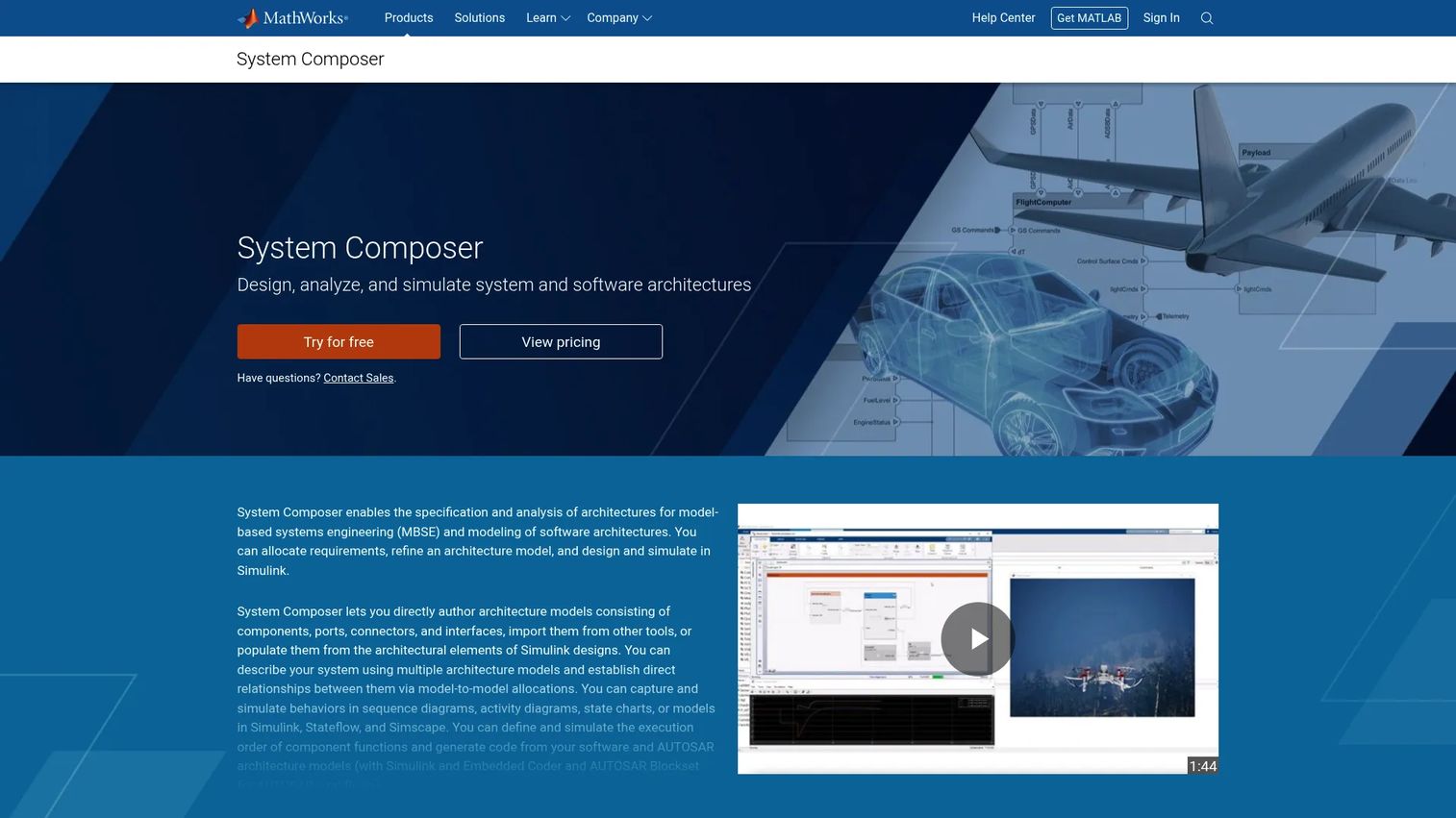
MathWorks System Composer is an architecture modeling and analysis tool built for teams already using MATLAB and Simulink. It supports architecture design with components, ports, connectors, and interfaces, requirements allocation and traceability, behavior modeling with activity and sequence diagrams, and software and AUTOSAR architecture design with simulation and code generation. The tight integration with the MATLAB and Simulink environment makes it the natural choice when simulation is a central part of product development.
Best for: Engineering teams designing complex systems or software architectures where architecture decisions need to connect directly to simulation, model-based design, and embedded code generation.
Key features
- Architecture modeling with components, ports, connectors, and interfaces
- Requirements allocation and traceability to Simulink models
- Behavior modeling with activity, sequence, and state diagrams
- AUTOSAR architecture design with code generation
- SysML and AUTOSAR architecture import and export
Why choose MathWorks System Composer: Choose System Composer when architecture decisions need to inform simulation and model-based design in a connected workflow. PMs should check whether non-MathWorks stakeholders, such as product, test, and compliance teams, can participate effectively in model reviews without full MATLAB access.
MathWorks System Composer pricing: System Composer runs at $1,015 per annual license (U.S. pricing). MATLAB and Simulink are required.
G2 rating: 5.0/5 (based on 2 reviews)
10. PTC Modeler
PTC Modeler is a model-based systems and software engineering tool that supports SysML 1, SysML 2.0, UML, and UAF. It covers requirements management, end-to-end digital traceability, review and analysis, variant and configuration management, and automated code generation. The platform integrates with PTC's broader product development stack, including connections to lifecycle and PLM tools, making it the natural option for organizations already invested in PTC workflows.
Best for: Engineering organizations developing complex, multidisciplinary systems using MBSE within an existing PTC product development environment.
Key features
- SysML 1, SysML 2.0, UML, and UAF support
- Requirements and end-to-end digital traceability
- Variant and configuration management
- Multi-user collaboration and automated code generation
- PTC ecosystem integration
Why choose PTC Modeler: Choose PTC Modeler when MBSE needs to align with an existing PTC product development stack. The SysML 2.0 support is worth evaluating for teams planning for emerging standards adoption. Product leaders should verify integration depth with the specific PTC tools in use before shortlisting.
PTC Modeler pricing: PTC routes all pricing through their sales organization. Contact PTC directly for a quote that reflects your licensing model, seat count, and integration requirements.
11. Ansys SCADE Architect

Ansys SCADE Architect is a graphical, model-based architecture design environment for safety-critical embedded products. It supports functional and architectural system modeling in a SysML-based environment, system requirements analysis including use cases and state activities, Interface Control Document generation, model consistency checking, requirements traceability, and synchronization with SCADE Suite for software design and verification. It supports FACE, AADL, and avionics interface standards, making it a strong option for aerospace and defense programs.
Best for: Systems and software engineering teams designing safety-critical embedded architectures where architecture must connect to implementation, verification, and certification workflows.
Key features
- SysML-based functional and architectural system modeling
- System requirements analysis with use cases and state activities
- Interface Control Document generation and synchronization with SCADE Suite
- Model consistency checking and model diff and merge
- Requirements traceability synchronized with SCADE Suite
Why choose Ansys SCADE Architect: Choose SCADE Architect when safety-critical engineering drives the tool decision. The tight connection to SCADE Suite makes it most valuable when the same environment covers architecture through software design. PMs should involve systems, software, safety, and certification stakeholders before shortlisting.
Ansys SCADE Architect pricing: Ansys pricing runs through their sales team. Contact Ansys for a quote. G2 reviewers report enterprise-scale licensing arrangements typical for safety-critical toolchains.
G2 rating: 5.0/5 (based on a small review sample)
12. Jama Connect
Jama Connect is an intelligent engineering management platform for requirements management, live traceability, testing, risk, reviews, and compliance across complex product development. It is requirements-centered rather than a full SysML modeling environment, which makes it most powerful in regulated industries where stakeholder reviews, approval workflows, and verification evidence matter more than formal architecture diagrams. It supports baselines, change impact analysis, synchronization with upstream and downstream tools, and REST API integrations. Medical device, automotive, aerospace, defense, and regulated software teams are common users.
Best for: Mid-market and enterprise teams in regulated environments that need disciplined requirements traceability, stakeholder reviews, and verification evidence without the overhead of a full SysML modeling platform.
Key features
- Requirements management with live bidirectional traceability
- Collaborative reviews and approvals with electronic signatures
- Test planning, execution, and verification management
- Baselines and change impact analysis
- Risk management and compliance reporting with REST API integrations
Why choose Jama Connect: Choose Jama Connect when controlled requirements and evidence matter more than formal architecture modeling. It pairs well with dedicated MBSE environments when teams need both. A 30-day free trial is available for evaluation.
Jama Connect pricing: Jama Software uses custom annual-subscription pricing. All quotes run through their sales team. A 30-day trial is available without an upfront commitment.
G2 rating: 4.3/5
Considerations when choosing systems engineering and MBSE software
Modeling method and language fit
Choose based on the methods your teams will actually use: SysML, UML, Arcadia, LML, or domain-specific notation. More notation support does not guarantee better outcomes if the organization lacks modeling discipline. Confirm whether your systems engineers are already trained in SysML or whether Arcadia-based structured architecture fits better.
Requirements and traceability depth
Traceability must work bidirectionally: From requirement to architecture and from test evidence back to the original need. Ask vendors whether the tool shows the full impact of a single requirement change, including downstream test cases, interface dependencies, and architecture elements. This is the analysis PMs need most at review gates.
Integration with existing engineering systems
Map your current stack before choosing. Relevant systems include PLM, ALM software, CAD, CAE, test management, issue tracking, and document control. A tool that sits in isolation from your lifecycle infrastructure will generate disconnected models that few stakeholders can act on. Check the vendor's integration documentation against your specific tools, not just the category.
Governance, baselines, and audit readiness
Regulated programs need proof of who changed what, when, and why. Evaluate review workflows, approval controls, versioning, baselines, access controls, and audit trail capabilities before committing. For teams building toward asset lifecycle management maturity, audit readiness is a non-negotiable.
Adoption cost and operating model
MBSE software fails when it becomes a specialist-only artifact. Ask who maintains the model, who reviews it, and how outputs reach product, engineering, test, and leadership teams. Tools that require dedicated modeling engineers for every update create a bottleneck. Platforms with strong collaboration, documentation generation, and stakeholder-facing views tend to get used more broadly.
Conclusion
The MBSE software market now sits at $1.15 billion globally (Spherical Insights, 2026), and the category continues to grow because complex products demand more than a backlog and a requirements spreadsheet.
For enterprise SysML rigor, Cameo Systems Modeler leads. For broad modeling at accessible cost, Sparx Systems Enterprise Architect is the practical starting point. Embedded and safety-critical programs should evaluate IBM Rhapsody or Ansys SCADE Architect based on whether model simulation or safety-critical architecture workflows matter more. Siemens Teamcenter and Polarion ALM are the natural choices when digital thread and lifecycle governance need to connect. Innoslate and Vitech GENESYS offer systems engineering depth with strong simulation and V&V support. Eclipse Capella gives teams an open-source path into Arcadia methodology. MathWorks System Composer fits teams already deep in MATLAB and Simulink. Jama Connect handles regulated requirements and verification evidence when formal modeling is handled elsewhere.
Pick three tools based on your operating model, not feature count. Run a pilot around one real requirement change. Measure whether the tool improves impact analysis, traceability, and review speed before scaling adoption.
If your team sells complex software and needs to show product workflows clearly to buyers before a live call, Start your journey with Guideflow today!
FAQs
Systems engineering software is a broader category covering requirements, verification, risk, interfaces, and lifecycle governance across a product's development. MBSE software is a subset focused specifically on a model-based representation of the system, where a connected model replaces document-only engineering as the central source of engineering truth. Many platforms now combine both, though some requirements-centered tools lack full modeling capability.
There is no single best answer. Cameo Systems Modeler leads on formal SysML depth and architecture governance. Siemens Teamcenter anchors digital thread and PLM programs. Siemens Polarion ALM handles requirements and ALM governance for large software and systems teams. IBM Engineering Systems Design Rhapsody fits embedded and real-time engineering programs. The right choice depends on your existing stack, modeling methodology, and whether PLM or ALM integration is the primary driver.
Cameo Systems Modeler, Sparx Systems Enterprise Architect, IBM Engineering Systems Design Rhapsody, PTC Modeler, Innoslate, Vitech GENESYS, and Ansys SCADE Architect all support SysML. PTC Modeler explicitly supports SysML 2.0 alongside SysML 1. Confirm the specific SysML version and diagram type coverage with each vendor, since SysML v2 support varies across platforms as the standard matures.
Eclipse Capella is a strong open-source option for teams adopting the Arcadia method and exploring structured architecture before enterprise investment. Free software still carries real costs in training, method discipline, integration planning, and commercial support. Teams that move beyond a small pilot will typically need Obeo or another provider for support and tooling extensions.
PMs rarely own the MBSE model itself, but they benefit directly from what it enables: Impact analysis on requirement changes, traceability between architecture and test evidence, and audit-ready records for stakeholder reviews. The better question is whether the PM's team has visibility into the model's outputs at decision points. If engineering and test operate from disconnected artifacts, the PM ends up arbitrating between conflicting answers at every milestone.
Run one real requirement change through the tool and measure whether the impact analysis is faster and more complete than your current approach. Add one architecture impact review, one verification trace from requirement to test evidence, and one stakeholder review cycle. The pilot should answer whether the tool improves decisions, not whether it produces better-looking diagrams.
Traceability in MBSE tools works by linking requirements to architecture elements, interfaces, risks, verification cases, and test evidence. Good tools allow navigation in both directions: From a requirement down to the architecture it touches, and from a test result back to the original need it validates. The practical value is in change impact analysis, where a single requirement update propagates visibly to everything downstream before anyone approves the change.
Requirements management focuses on capturing, reviewing, approving, and tracing requirements through their lifecycle. MBSE adds a model-based representation of system structure, behavior, interfaces, and constraints. Requirements management tools such as Jama Connect or Siemens Polarion ALM can handle compliance-heavy programs without full SysML modeling. MBSE platforms such as Cameo or GENESYS model the system itself, with requirements as one input to a broader connected artifact. Many mature programs use both together, with requirements tools feeding into or synchronizing with the MBSE environment.