The application release is ready. The database change is still sitting in a manual review queue, with one question nobody can answer quickly: What happens if this migration fails in production?
Database changes carry a different category of risk from application deployments. A schema change can lock tables for minutes, invalidate queries across services, break downstream integrations, or create data issues that are genuinely difficult to reverse. Yet according to Redgate's State of the Database Landscape (2024), 73% of organizations have adopted database DevOps in all or some projects, or plan to within two years. The remaining gap is not a skills problem. It is a tooling and process problem.
For product managers, this lands directly on roadmap delivery. Every manual handoff in a database release pipeline is a potential delay, an unclear owner, and a source of production risk that engineering absorbs on your behalf. The right database DevOps tooling version-controls changes, validates them before production, promotes them through environments with defined controls, and leaves an audit trail your DBAs and security team can defend.
This guide compares eight database DevOps tools to help you build a credible shortlist and ask better questions of your engineering team.
What's inside
- Eight database DevOps tools covering migrations, governance, SQL Server projects, and release orchestration
- How migration-based and declarative schema workflows differ, and when each applies
- What PMs should ask before funding database release automation
- A side-by-side comparison of pricing, best fit, and primary differentiators
- Buyer criteria covering CI/CD integration, rollback planning, drift detection, and approvals
TL;DR
- Best for SQL-first migrations with governance: Redgate Flyway, for teams that want versioned migration scripts and a clear upgrade path to enterprise policy controls
- Best for multi-database standardization: Liquibase, for organizations coordinating change management across several applications and database types
- Best for approval workflows: Bytebase, for teams that need structured review, access governance, and deployment visibility
- Best for declarative schema management: Atlas, for teams that want schema as code and automated diff planning
- Best for SQL Server releases: Microsoft SQL Database Projects, for DACPAC-based build and deployment workflows within Microsoft tooling
- Best for release pipeline orchestration: Harness Database DevOps or Octopus Deploy, when database changes must run inside a broader application delivery process
What is database DevOps?
Database DevOps is the practice of treating database changes as version-controlled, tested, automated release artifacts that move through development, staging, and production with defined controls.
The category covers more than running SQL scripts. It combines:
- Source control: Schema definitions and approved change scripts stored in Git
- Migration or declarative delivery: Ordered migration files or desired-state schema definitions that generate deployment plans
- Automated validation: Pre-deployment checks, dry runs, and linting for risky changes
- CI/CD pipeline execution: Database steps integrated into the broader software delivery workflow
- Environment promotion: Controlled progression from development through staging to production
- Drift detection: Identifying when a live environment diverges from the source-controlled definition
- Rollback and recovery planning: Forward fixes, restore points, or rollback scripts prepared before a release runs
- Governance: Approvals, audit trails, role-based access, and policy enforcement
Database DevOps versus application DevOps
Application releases can often be rolled back by redeploying a previous build. Database changes are different. A migration that alters column types, drops indexes, modifies permissions, or runs against tables with millions of rows cannot simply be undone by reverting a Git commit. Teams need stronger pre-deployment validation and explicit recovery planning before any schema change reaches production.
Migration-based versus declarative database delivery
| Approach | How it works | Best fit | Main question to ask |
|---|---|---|---|
| Migration-based | Teams version ordered change scripts | Teams that need explicit, reviewable change history | Can we safely manage forward-only changes and rollback scripts? |
| Declarative | Teams define desired schema state; tool generates the plan | Teams that want automated diffs and state-based planning | Does the tool model every database object we rely on? |
| Governance-first | Approvals, policy gates, and audit trails layer around changes | Regulated or multi-team environments | Who can approve, deploy, and prove what changed? |
When to use database DevOps tools
Automate repetitive schema changes
If your team applies scripts manually or waits for one DBA to coordinate each release, the first use case is repeatability. Every manual deployment step is an opportunity for a missed script, an out-of-order change, or a production environment that drifts from what was tested. Database DevOps tooling replaces that coordination overhead with a consistent, auditable execution path.
Ship application and database changes together
Many product features depend on a table, index, or stored procedure that must exist before the application code runs. Coordinating that deployment order manually is error-prone. Database DevOps tools let teams define that dependency explicitly inside the pipeline, so the schema change and the application release move together with pre-release validation gates in place.
Add governance before production risk grows
At higher change volumes, with regulated data, or across multiple teams writing to shared databases, informal coordination stops scaling. Approvals, audit evidence, and access controls shift from nice-to-have to operating requirements. This is where governance-first platforms pay for themselves: They make ownership explicit, create a paper trail for compliance, and prevent a single developer from pushing a destructive change directly to production.
Database DevOps tools comparison
No single tool wins across every environment. The right choice depends on the database engines you run, the delivery model your team prefers, how much governance you need, and how much of the release process must live inside an existing CI/CD pipeline.
According to Liquibase's State of Database DevOps (2025), 48% of respondents cited security and compliance as their most pressing database management challenge. That finding shapes the table below: Governance features are not optional extras for most teams.
| # | Product | Best for | Key differentiator | Pricing | G2 rating |
|---|---|---|---|---|---|
| 1 | Redgate Flyway | SQL-first migrations and governed delivery | Versioned migrations with enterprise policy controls | Free community edition; Teams and Enterprise licensed | 4.5/5 |
| 2 | Liquibase | Multi-application enterprise standardization | Change management across 65+ database types | Free community edition; Secure plans are quote-based | 4.5/5 |
| 3 | Bytebase | Approval workflows and database governance | Git-based change control with access governance | Free up to 20 users; Pro at $20/user/month | 4.8/5 |
| 4 | Atlas | Declarative schema and migration workflows | Schema as code with automated diffs and policy checks | Free Starter; Pro at $9/developer/month | N/A |
| 5 | Harness Database DevOps | Pipeline-centered database release automation | Database changes inside broader software delivery | Free plan; Essentials and Enterprise are quote-based | 4.6/5 |
| 6 | DBmaestro DevOps Platform | Regulated enterprise database release management | Controlled promotion, auditability, and deployment orchestration | Custom pricing (contact sales) | 4.5/5 |
| 7 | Microsoft SQL Database Projects | SQL Server and Azure SQL workflows | DACPAC builds and SQL project-based deployment | Included with Visual Studio (Community is free) | N/A |
| 8 | Octopus Deploy | Release orchestration across applications and databases | Database deployment steps coordinated with application releases | Free plan; Professional at $104/project/year | 4.4/5 |
Pricing and ratings verified October 2026 from each vendor's pricing page and G2 listing.
Best 8 database DevOps tools for 2026
1. Redgate Flyway
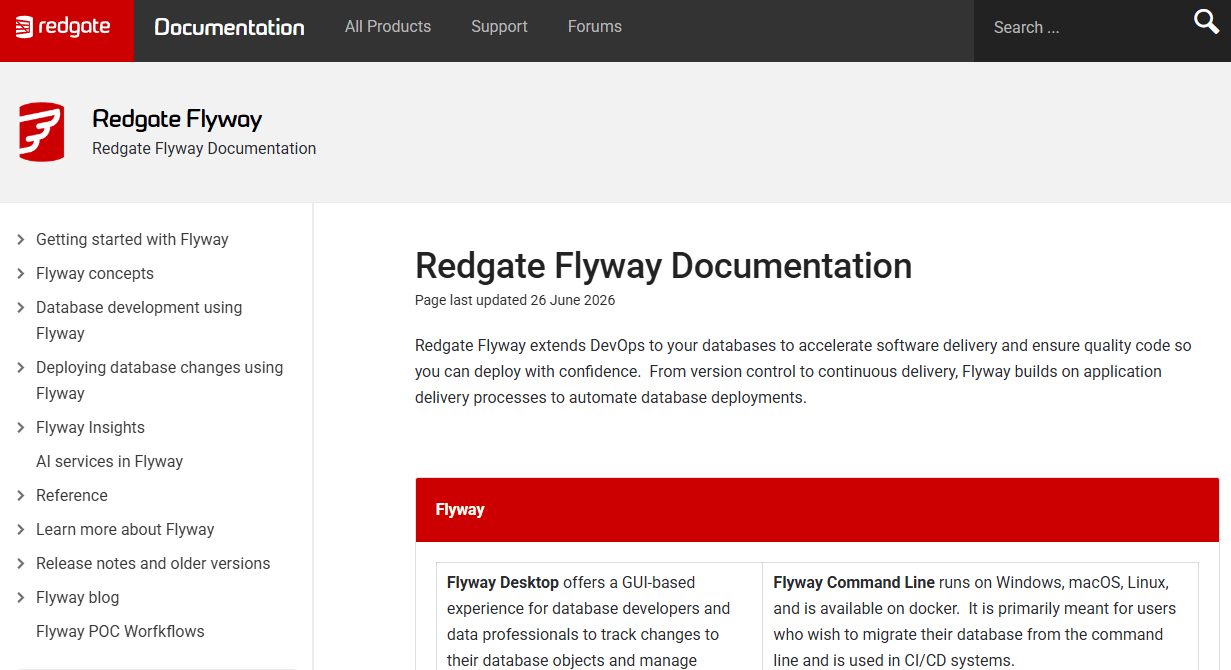
Redgate Flyway is a database migration and change delivery tool built around versioned SQL scripts. Teams write ordered migration files, Flyway applies them in sequence, and a schema history table tracks exactly what has run in each environment. It integrates with CLI, Docker, Maven, Gradle, and most major CI/CD platforms, so database steps slot into existing pipelines without significant rearchitecting.
Best for: Engineering teams that want direct ownership of migration scripts and a clear path from community tooling to enterprise governance as complexity grows.
Key features
- Versioned SQL and Java migrations with sequential ordering
- Repeatable migrations for database views and procedures
- Schema history tracking across all environments
- Dry-run execution before applying changes to production
- Enterprise policy controls, drift detection, and change reporting
Why choose Redgate Flyway: Flyway suits teams that want to own their SQL directly rather than adopting a higher-abstraction changelog model. The community edition removes the barrier to getting started, and the enterprise tier adds the governance controls that regulated environments need.
Redgate Flyway pricing: The community edition is free. Teams and Enterprise editions are commercially licensed; contact Redgate for current pricing and annual terms.
G2 rating: 4.5/5
2. Liquibase
Liquibase is a database change management platform that supports XML, YAML, JSON, and SQL changelog formats across more than 65 database types. Rather than a single migration file format, Liquibase lets teams define changes at a higher level of abstraction, which makes it easier to apply the same change pattern across different database engines. It includes compliance automation features: Policy enforcement, access control, drift detection, and audit evidence built into its Secure tier.
Best for: Product and engineering organizations coordinating database changes across multiple applications or database types, where a common change model reduces per-team variation.
Key features
- XML, YAML, JSON, and SQL changelog support
- Database change history tracking and rollback commands
- Policy enforcement and separation of duties
- CI/CD integration with major pipeline platforms
- Drift detection and targeted rollback
Why choose Liquibase: Standardization is the core argument. When multiple product teams manage their own database deployments, Liquibase gives them a shared change model without requiring every team to write identical pipeline conventions from scratch.
Liquibase pricing: A free community edition is available. The Secure tier has Starter, Growth, Business, and Enterprise plans, all priced on a quote basis. Contact Liquibase for current figures.
G2 rating: 4.5/5
3. Bytebase
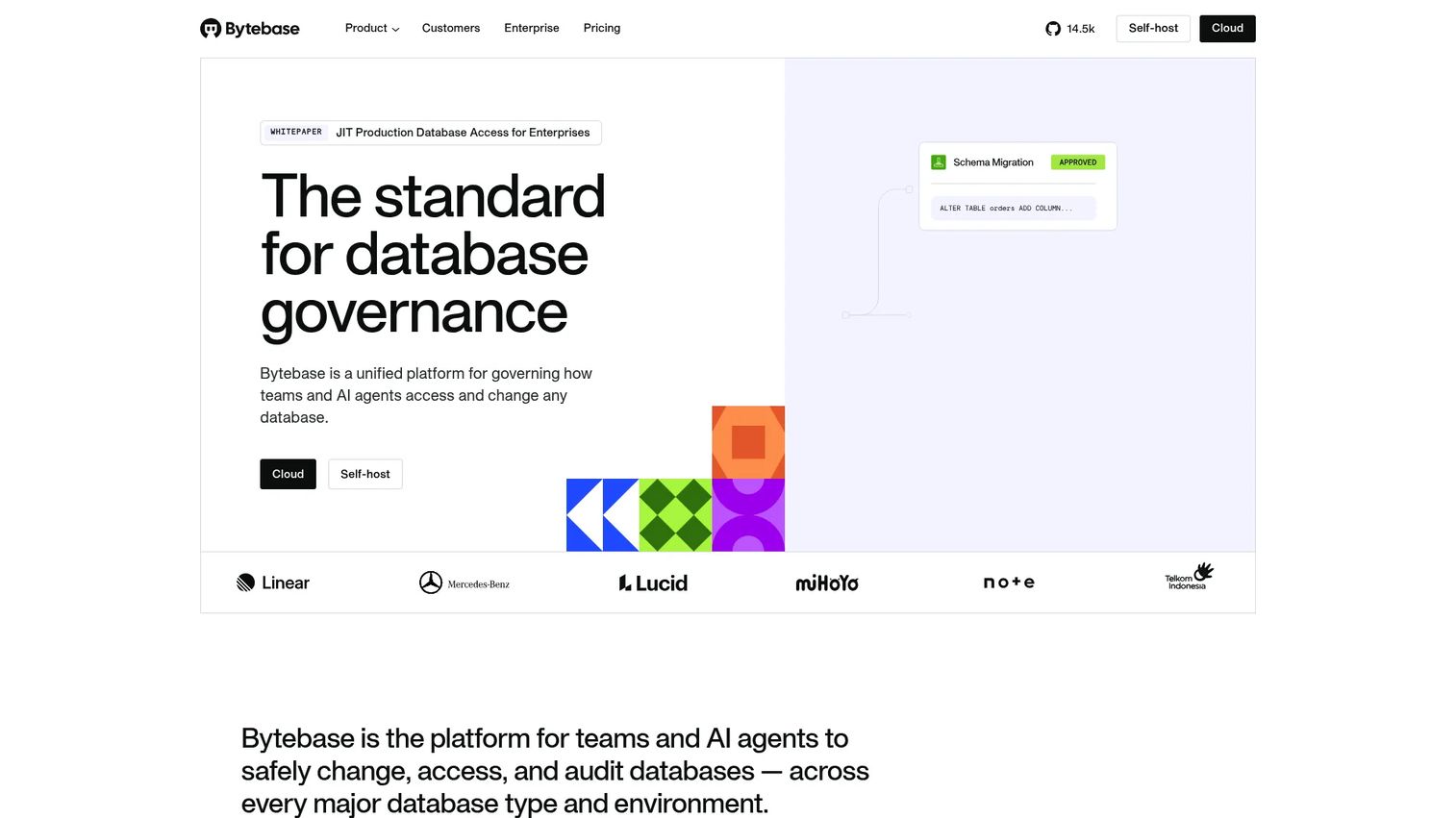
Bytebase positions itself as a unified platform for governing how teams and AI agents access and change databases. It provides a web-based SQL editor alongside change request workflows, so developers and DBAs work through a single interface rather than emailing scripts for review. The platform connects to Git repositories for schema version control, enforces approval workflow software policies before changes reach production, and logs every action for audit purposes.
Best for: Teams that need structured review and approval workflows, particularly where developers, DBAs, and security stakeholders all need visibility into what changes and when.
Key features
- Git-based schema version control with change request tracking
- Web SQL editor with dynamic data masking and query audit logs
- Configurable approval workflows by environment and change type
- Role-based access governance and policy enforcement
- Self-hosted deployment option for data residency requirements
Why choose Bytebase: It is the clearest fit when database changes involve multiple stakeholders who need formal sign-off before production. The approval workflow removes the ambiguity of who authorized a change and when, which matters for both operational clarity and compliance evidence.
Bytebase pricing: The Community plan is free for up to 20 users and 10 database instances. Pro costs $20 per user per month and adds custom user counts, Google and GitHub SSO, and email support. Enterprise pricing is custom.
G2 rating: 4.8/5
4. Atlas
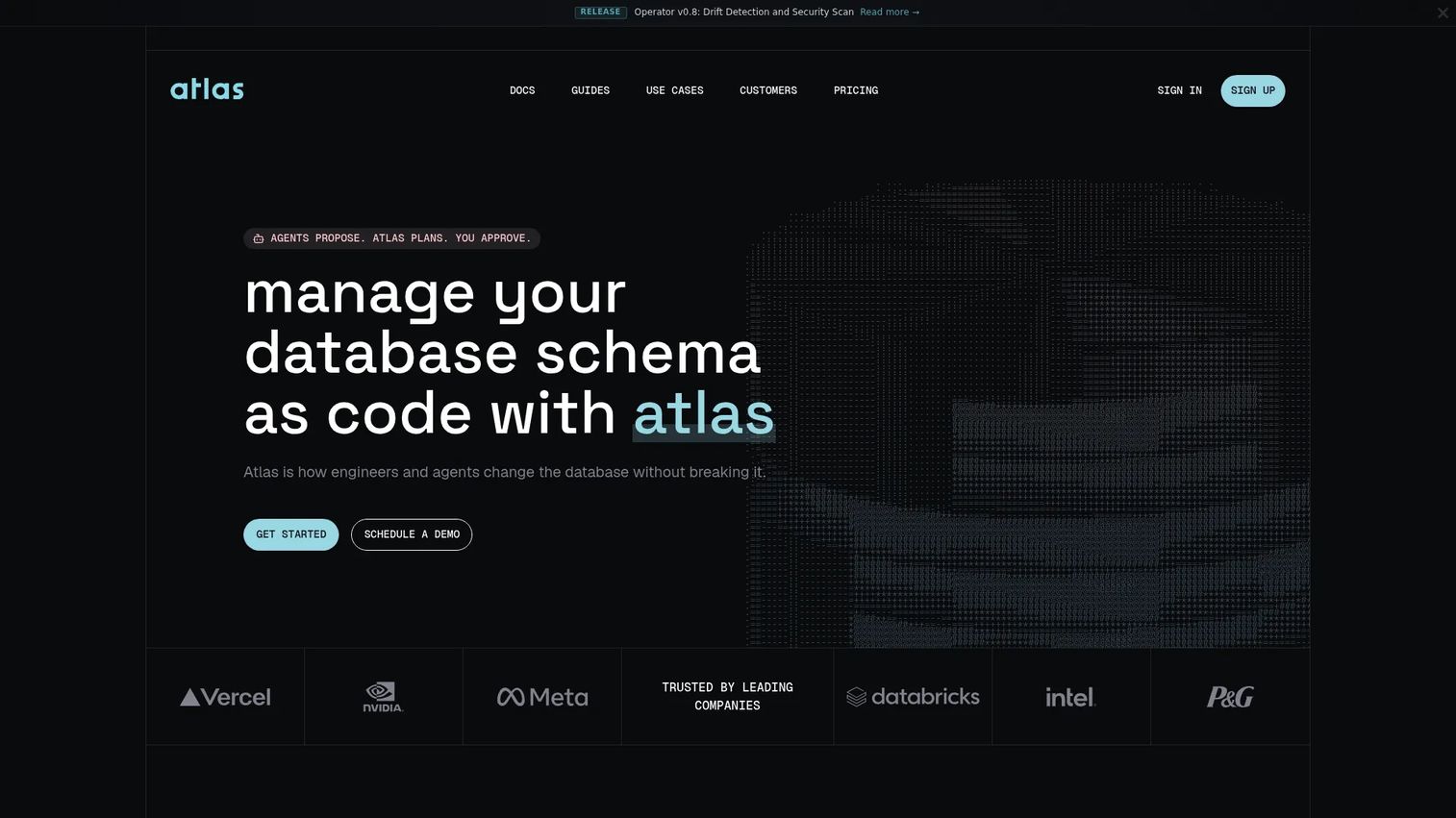
Atlas is a schema-as-code platform that supports both migration-based and declarative workflows. Teams can define the desired state of their schema in a configuration file, and Atlas generates the migration plan needed to move from the current state to that target. It also runs migration linting to flag risky operations, detects schema drift between environments, and supports policy checks that block destructive changes before they reach a pipeline.
Best for: Development and platform teams that want declarative schema management and automated diff generation, particularly those already using infrastructure-as-code patterns elsewhere in the stack.
Key features
- Declarative schema definitions with state-based planning
- Automated schema diff generation between environments
- Migration linting and safety policy checks
- Schema drift detection and monitoring
- CI/CD integration and column-level data lineage
Why choose Atlas: It reduces the manual diff work that migration-based workflows require when schema state diverges. Teams should validate object coverage for their specific database extensions and workflows before standardizing, as declarative tools vary in how completely they model complex database objects.
Atlas pricing: The Starter plan is free. Pro costs $9 per developer per month, plus usage-based pricing for CI/CD pipelines and connected databases. Enterprise pricing is custom; the vendor notes plans starting from 20 databases.
5. Harness Database DevOps
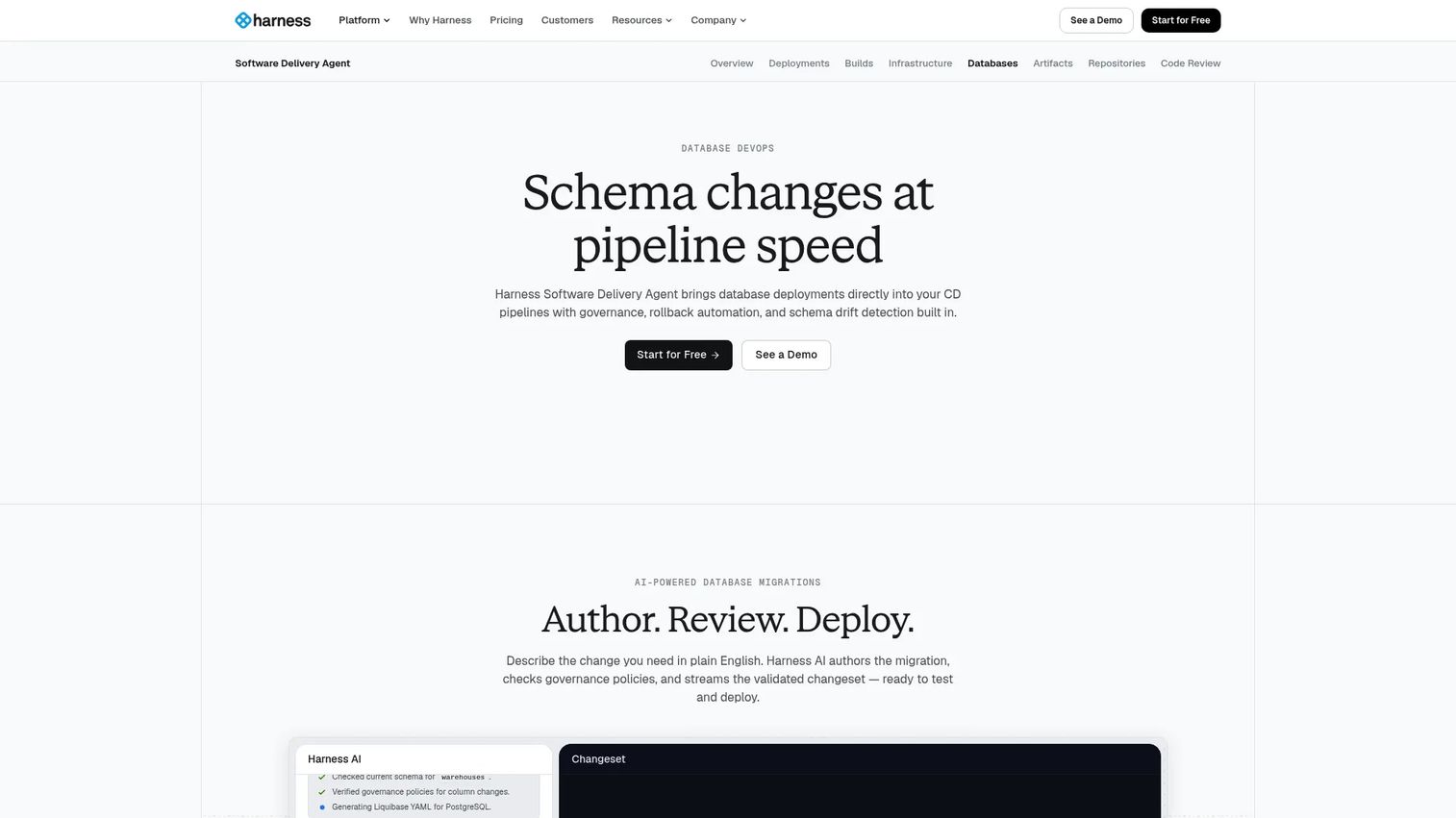
Harness Database DevOps integrates database deployments into the broader Harness continuous delivery platform. It uses AI-assisted migration authoring, generates rollback scripts automatically, and surfaces schema drift across environments inside the same pipeline view used for application deployments. Teams already running Harness for application delivery can add database deployment stages without adopting a separate toolchain.
Best for: Platform engineering organizations that manage application delivery through structured pipelines and want database changes governed alongside application releases.
Key features
- AI-assisted schema migration authoring with automatic rollback script creation
- Governance, policy automation, and approval gates
- Cross-environment schema visibility and drift detection
- Native Flyway and Liquibase integration
- Support for major databases and CI/CD platforms
Why choose Harness Database DevOps: The strongest argument is consolidation. If your delivery pipeline already runs on Harness, adding database stages keeps deployment visibility in one place rather than splitting it across tools. It becomes less compelling as a standalone purchase if you are not already in the Harness ecosystem.
Harness Database DevOps pricing: A free plan is available. Essentials and Enterprise tiers require contacting sales for a quote. Database DevOps capabilities are included as an Enterprise module.
G2 rating: 4.6/5
6. DBmaestro DevOps Platform
DBmaestro DevOps Platform is designed for enterprise environments where database release automation is an operational governance process rather than a developer workflow. It manages source control with branching and merging, generates change scripts automatically from source-to-target comparisons, and enforces role-based controls with segregation of duties. Pricing scales by the number of environments in release pipelines rather than by seat count, which fits large database estates with many deployment targets. The Liquibase State of Database DevOps (2025) found that only 35% of organizations have partially automated database releases, compared with 65% that have partial or full application release automation. DBmaestro addresses that gap for regulated environments.
Best for: Enterprises with formal approval requirements, complex database estates, and strict audit expectations, including those in regulated industries.
Key features
- Database release automation with environment promotion workflows
- Source control branching, merging, and automated change-script generation
- Role-based access, SSO/MFA, and segregation of duties
- Deployment audit trails and compliance management reporting
- CI/CD and ITSM integrations
Why choose DBmaestro DevOps Platform: It fits organizations where DBA teams and compliance functions have formal authority over what reaches production. The environment-based licensing model means cost scales with the database estate rather than headcount, which can be an advantage for large deployments with a relatively small number of operators.
DBmaestro DevOps Platform pricing: All plans (Dev, Sec, Ops) are priced on a contact-us basis, licensed by the number of environment connections. Request a quote from DBmaestro directly.
G2 rating: 4.5/5
7. Microsoft SQL Database Projects
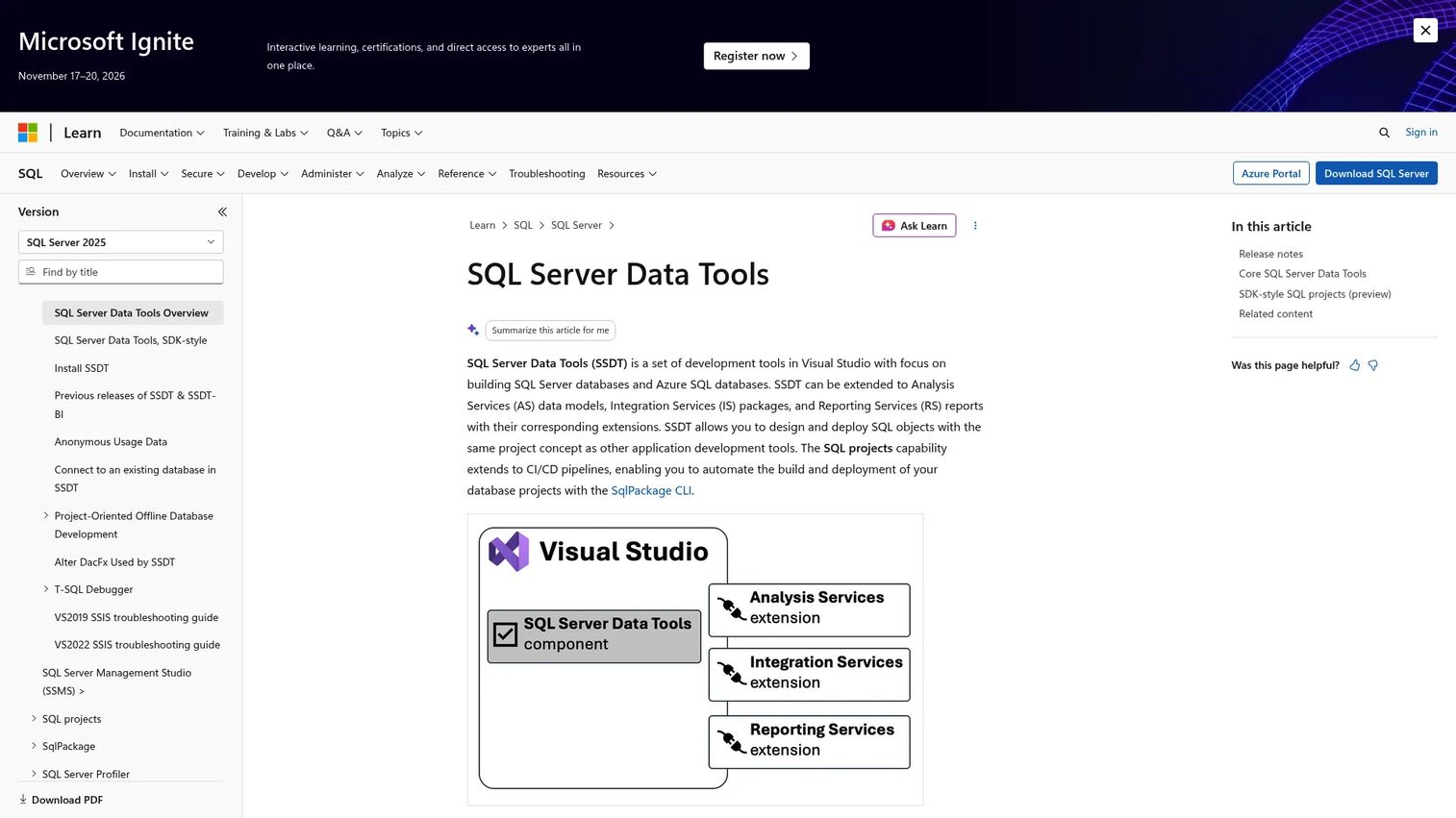
Microsoft SQL Database Projects is a Visual Studio component that brings source-controlled, project-based development to SQL Server and Azure SQL schemas. Teams organize T-SQL objects into project files, build them into DACPAC artifacts, and deploy through SqlPackage or publish workflows. The approach fits teams that want database changes to follow the same build-and-release pattern as application code, within the Microsoft development toolchain.
Best for: Teams standardized on SQL Server or Azure SQL that want schema as code and DACPAC-based deployment without adding a third-party platform.
Key features
- SQL project source files with T-SQL editor and IntelliSense
- SDK-style project support for modern CI/CD pipelines
- DACPAC build artifacts and schema import from existing databases
- SqlPackage deployment and incremental script generation
- SQL Server Object Explorer and schema comparison workflows
Why choose Microsoft SQL Database Projects: For SQL Server shops, it removes the incremental cost and integration effort of a separate database DevOps tool. The tradeoff is scope: It is purpose-built for SQL Server and Azure SQL, so teams running PostgreSQL, MySQL, or multi-database estates will need to look elsewhere.
Microsoft SQL Database Projects pricing: SQL Database Projects are included as a Visual Studio component. Visual Studio Community is free for eligible individual, academic, and open-source scenarios. Visual Studio Professional costs $45 per user per month, and Enterprise costs $250 per user per month.
8. Octopus Deploy
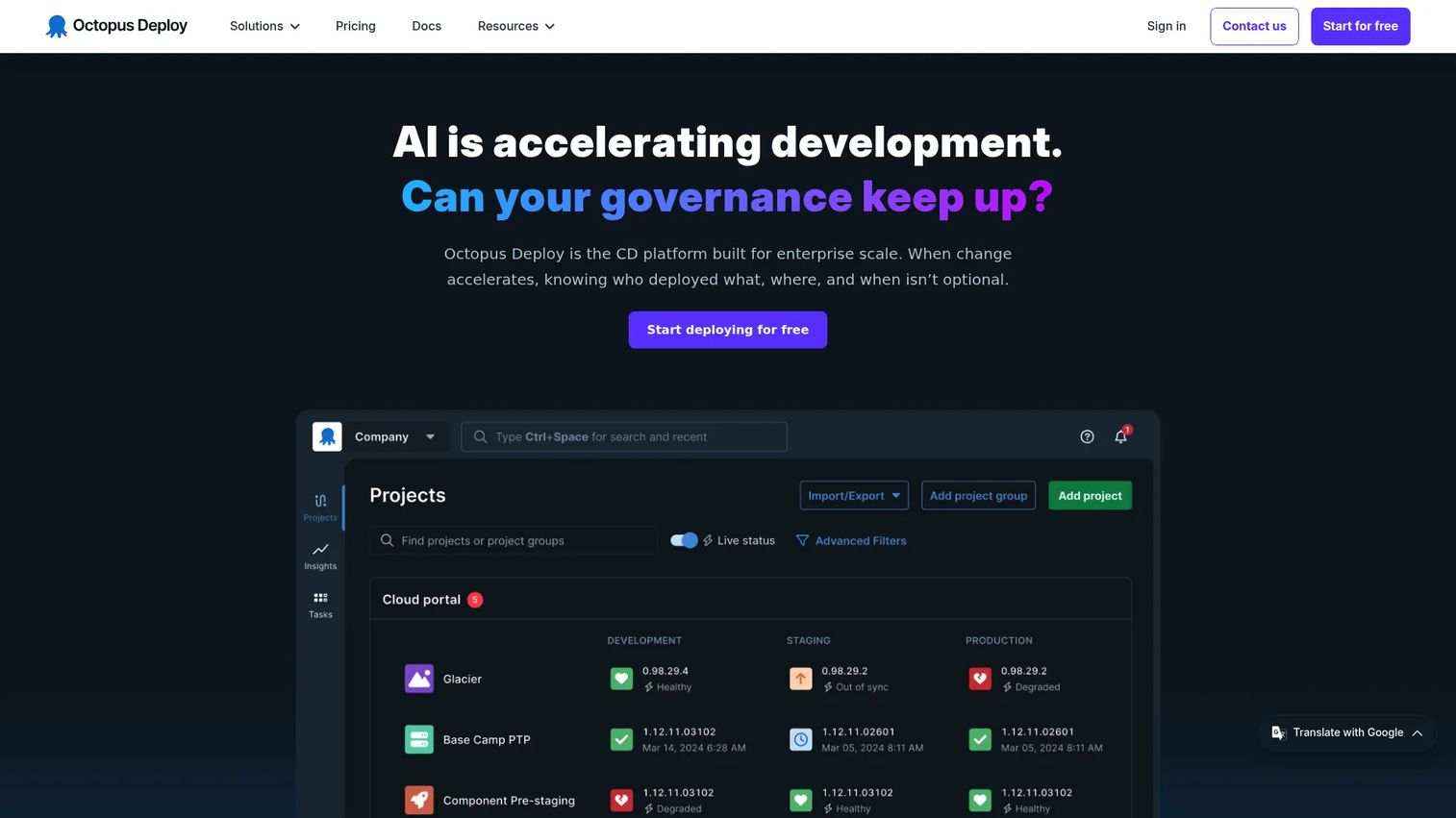
Octopus Deploy is a release orchestration platform that coordinates deployments across applications, infrastructure, and databases. It is not a schema management engine: Teams typically pair it with migration tools or SQL deployment artifacts and then use Octopus to sequence those steps alongside application releases through multiple environments. The platform includes manual intervention steps, approval gates, variable and secret management, and full audit history across every release.
Best for: Teams that need one release process for applications, infrastructure tasks, and database deployment steps, particularly those with complex multi-environment or multi-tenant deployment targets.
Key features
- Multi-environment release orchestration and deployment process templates
- Manual intervention and approval steps within pipelines
- Variable and secret management across environments
- Tenanted deployments for multiple customers or locations
- Audit history and release visibility across all deployment targets
Why choose Octopus Deploy: It solves a coordination problem, not a schema management problem. If the release workflow is where your team loses time and visibility, Octopus gives you a structured way to sequence database steps with application deploys. Teams that need drift detection, migration linting, or governance workflows should pair it with a dedicated database DevOps tool.
Octopus Deploy pricing: A free plan is available. Professional costs $104 per project per year, and Enterprise costs $156 per project per year. Tenants and machines are available as add-ons at $77 each per year.
G2 rating: 4.4/5
Considerations when choosing database DevOps tools
Choose the change model before comparing feature lists
Decide whether your engineering team needs versioned migration scripts, desired-state schema management, or a governed release workflow with formal approvals. The three models have different maintenance requirements and different failure modes. Picking based on features without settling the model first leads to a tool that nobody agrees on how to use.
Verify database and object coverage
Confirm support for the databases you run today, plus the specific object types that create operational risk. Stored procedures, permissions, extensions, partitioned tables, and data backfills behave differently across tools. A tool that handles standard table migrations well may produce incomplete or incorrect plans for complex objects.
Treat rollback as a release design decision
Ask how each tool handles failed migrations before you commit to it. Some tools support explicit rollback scripts, others rely on restore points or snapshots, and others focus on forward-fix patterns. A rollback button in the UI does not replace a tested recovery plan. The right question is: What is the exact sequence of steps if this migration fails in production?
Map approval workflows to actual ownership
Identify who writes changes, who reviews them, who has authority to approve production deployment, and who can intervene during an incident. The tool should make those responsibilities explicit and auditable. If your current process relies on chat messages and tribal knowledge, the tool you choose will inherit that ambiguity unless it enforces structure.
Measure maintenance cost after the first release
Evaluate how much ongoing work the tool creates: Script upkeep, developer workflow friction, pipeline integration effort, and drift remediation. According to Liquibase's State of Database DevOps (2025), 50% of respondents aim to improve developer productivity through database DevOps. A tool that reduces recurring release work across the team is worth more than one that simplifies the initial setup alone.
Conclusion
The eight tools in this guide cover different points on the database DevOps spectrum.
Redgate Flyway is the strongest starting point for teams that want SQL-first versioned migrations with a path to enterprise governance. Liquibase fits organizations standardizing change management across a varied database estate. Bytebase and DBmaestro suit teams that need formal approval workflows and audit trails, particularly in regulated environments. Atlas is worth evaluating when the organization already thinks in declarative infrastructure patterns. Microsoft SQL Database Projects fits SQL Server teams that want database changes to follow the same build pipeline as application code. Harness Database DevOps and Octopus Deploy help when database changes must run inside a broader release orchestration process.
Start with one recent database incident or delayed release. Map the path from code change to production, identify the manual handoffs, then use this list to shortlist the tools that address the highest-risk step first. That narrows the evaluation to what actually matters for your release cadence and engineering capacity.
FAQs
Database DevOps is the practice of applying software engineering disciplines to database changes: Version control, automated testing, CI/CD delivery, drift detection, and governance. It treats schema changes as release artifacts with defined approval paths and audit trails, rather than as ad hoc scripts applied manually. The practice includes people and process changes alongside tooling.
SQL Server teams most commonly evaluate Microsoft SQL Database Projects for DACPAC-based build and deployment workflows within Visual Studio. For broader CI/CD controls, drift detection, or cross-database governance, Redgate Flyway and Liquibase both have strong SQL Server support and integrate with standard pipelines. The right choice depends on whether the team needs deeper governance or primarily wants to formalize an existing manual process.
Flyway uses versioned SQL migration files applied in sequential order. Liquibase uses a changelog format that supports XML, YAML, JSON, and SQL, and abstracts change definitions in a way that can apply across different database engines. Flyway tends to suit teams that want to stay close to plain SQL. Liquibase tends to suit organizations standardizing across multiple teams or database types. Neither is universally better; the choice depends on your change model and estate complexity.
No. Database DevOps tools manage schema change logic, validation, drift detection, and governance. CI/CD platforms orchestrate the broader delivery pipeline. The two work together: A tool like Flyway or Liquibase handles the database migration step, while Jenkins, GitHub Actions, or a platform like Harness sequences that step alongside application builds and deployments. Some platforms, like Harness, combine both capabilities in one product.
Approaches vary by tool. Some tools generate explicit rollback scripts alongside each migration. Others rely on forward-fix patterns, where the preferred recovery path is a new migration that corrects the problem rather than reversing the previous one. Others support restore points or snapshots for databases that allow them. Teams should design and test their recovery approach for each release type before reaching production, not after a failure occurs.
Drift occurs when a live database environment changes outside the version-controlled workflow, whether through a manual hotfix, a direct DBA change, or an automated process that bypasses the deployment pipeline. Drift creates production-only behavior that does not match what was tested, causes deployment failures when the tool expects a different starting state, and creates audit gaps that compliance teams cannot easily explain. Detecting drift before a release runs prevents a failed deployment from compounding into a production incident.
PMs should not evaluate these tools in isolation. The technical selection requires input from developers, DBAs, platform engineering, and security stakeholders who understand the database estate and deployment model. PMs contribute most effectively by framing the operating question: What release risk is blocking roadmap delivery, what manual steps are creating bottlenecks, and what governance or compliance requirements must the tooling satisfy? That framing helps the engineering team evaluate candidates against the problems that actually matter for the product.
The clearest triggers are: Releases depend on manual scripts run by one person, deployment outcomes are difficult to audit, environments drift from source control between releases, or a production incident was caused by a script applied out of order or in the wrong environment. Team size is a secondary factor. A three-person team with frequent schema changes and a production reliability commitment has a stronger case for tooling than a ten-person team with quarterly schema updates.
Migration-based delivery uses ordered, explicit change scripts that run in sequence. The team writes the migration, applies it, and it becomes part of the permanent history. Declarative delivery lets teams define the desired end state of the schema, and the tool calculates and generates the migration plan to reach it. Migration-based workflows give teams direct control and a clear change history. Declarative workflows reduce manual diff work but require the tool to correctly model all database objects in use.