A purchase request goes out in an email. Three people are cc'd. One replies "approved," one asks a question nobody answers, and the third never opens it. Two weeks later, someone asks who signed off. Nobody can say for sure.
That is the default approval process at most companies. It works until volume rises, then it quietly breaks. Requests get buried in inboxes. Status is a mystery. The audit history lives across forwarded threads, a spreadsheet, and one person's memory.
The market has responded. The global approval workflow software market was valued at $7.4 billion in 2025 and is forecast to reach $18.6 billion by 2034, a 10.8% CAGR, according to DataIntelo (2025). Cloud deployment already accounts for 61.7% of that revenue. Teams are moving approvals out of email and into software that routes, tracks, and records every decision.
This guide breaks down seven tools worth shortlisting.
What's inside
This guide is for teams replacing manual, email-based approvals with software that routes requests automatically and keeps a clean record. We chose tools based on four things that separate real approval software from generic task apps:
- Approval routing: sequential, parallel, and conditional logic
- Audit trail: timestamps, decisions, comments, and version history
- No-code setup: business users build workflows without IT
- Use-case fit: finance, HR, marketing, legal, and cross-department needs
Each entry includes a verified starting price, a G2 rating where available, and an honest note on who each tool actually fits.
TL;DR
- Best for structured, cross-department approvals: CMW Platform, for teams that need a low-code builder and deep routing.
- Best for channel-native approvals: Approveit, for teams that approve inside Slack, Teams, and email.
- Best for approvals alongside project work: Wrike, when approval is one piece of a larger work-management stack.
- Best for creative and content review: Filestage, for marketing and creative teams.
- Best for broad process automation: Kissflow, for ops teams building many internal workflows.
- Best for finance and AP controls: ApprovalMax, for invoice, bill, and purchase order approvals.
What is approval workflow software?
Approval workflow software is a tool that automates how requests move through the people who need to review, approve, or reject them, and records every decision along the way.
It replaces the two default methods most teams start with: email chains and spreadsheet trackers. Instead of forwarding a request and hoping for a reply, you submit it once, the system routes it to the right approvers in the right order, and everyone sees the status in real time.
Core features to expect:
- Request intake: structured forms that capture what an approver needs to decide
- Routing and conditions: sequential, parallel, or rule-based paths that branch on amount, department, or type
- Notifications and reminders: automatic nudges so nothing stalls in an inbox
- Comments and attachments: context and supporting files attached to the request itself
- Audit trail and decision history: a timestamped record of who approved what, when, and why
- Integrations: connections to CRM, accounting, communication, and document tools
The category overlaps with broader workflow automation and business process management, but true approval software is built around one job: getting a decision made, documented, and traceable.
When to use approval workflow software
Replace email-based approval chains
Email works for a handful of approvals a month. Past that, it falls apart. Requests get buried under everything else in the inbox. Approvers forget. Nobody knows whose turn it is. Approval software fixes this by routing each request to a named approver, sending reminders, and escalating when someone sits on it too long. The request stops being one email among hundreds and becomes a tracked item with a clear owner.
Centralize requests and status tracking
When approvals live in email, the same request often gets submitted twice, and context gets lost between forwards. A central system gives every request a single home. Requesters see exactly where their submission sits. Approvers see everything waiting on them in one queue. Managers see the whole pipeline. This visibility is what kills duplicate work and the "did you ever approve that?" follow-ups.
Add traceability and policy control
Some approvals carry real stakes: spend above a threshold, contract sign-offs, access grants, regulated changes. For those, you need more than a green checkmark. You need a defensible record. Approval software logs each decision with a timestamp, ties it to a named person, and preserves comments and document versions. When finance, legal, or an auditor asks who authorized something, the answer is one click away instead of a frantic inbox search.
Comparison table
We ranked this shortlist on approval routing depth, audit trail quality, no-code setup, use-case breadth, and integrations. Pricing and G2 ratings below reflect verified values at the time of writing. Tools are ordered by relevance to general approval workflow needs, not alphabetically.
| # | Product | Best for | Key differentiator | Pricing | G2 rating |
|---|---|---|---|---|---|
| 1 | CMW Platform | Structured, cross-department approvals | Low-code builder with deep routing logic | From $349/user/year | 4.6/5 |
| 2 | Approveit | Channel-native approvals | Approvals inside Slack, Teams, email, and web | From $850/month | 5.0/5 |
| 3 | Wrike | Approvals inside project work | Work management with built-in approval stages | Free; paid from $10/user/mo | 4.2/5 |
| 4 | Filestage | Creative and content review | Annotation and version-based proofing | Free; paid from $199/month | 4.6/5 |
| 5 | Kissflow | Broad process automation | Low-code app and workflow builder | Custom pricing | 4.3/5 |
| 6 | ProofHub | Project work plus approvals | Flat pricing, unlimited users | From $45/month | 4.6/5 |
| 7 | ApprovalMax | Finance and AP approvals | Accounting-native invoice and PO controls | From $49.50/month | 4.7/5 |
Best 7 approval workflow software tools for 2026
1. CMW Platform
CMW Platform is a low-code business process management platform built for teams that need real routing depth, not just a checkbox. You model processes visually with BPMN 2.0, build approval forms, and set conditional paths that branch on amount, department, or request type. It sits well with organizations running many structured approval programs at once: purchasing, HR requests, document sign-offs, and departmental workflows that touch multiple approvers.
The strength here is configurability. When your approval logic is genuinely complex, with escalations, delegated approvers, and multi-stage routing, a low-code builder like this handles it without forcing you into a rigid template. Live tracking shows where each request sits, and the audit history records every decision for later reference.
Best for: Operations and process owners who need configurable, department-spanning approval automation.
Key features
- Low-code process modeling with BPMN 2.0
- Task, case, and process management
- Conditional and multi-stage routing logic
- Integrations via open API, REST, and OData
- Live status tracking and audit history
Why choose CMW Platform: Pick it when your approvals are too complex for a simple sequential tool and you want to model the real process, branches and all, without heavy development.
CMW Platform pricing: Per-user licensing starts at $349 per user, per year, with volume discounts. Implementation and total cost are quoted individually.
2. Approveit
Approveit brings approvals into the tools your team already lives in. Requests get submitted and approved from Slack, Microsoft Teams, email, or the web app, so nobody has to learn a new destination just to sign off on something. That channel-native model is the whole point: approvals happen where people already are, which is where friction disappears.
Under the surface it keeps a full audit trail: decisions, comments, attachments, changes, and timestamps all captured against each request. Finance, IT, and operations teams use it for expense sign-offs, access requests, purchase approvals, and vendor onboarding. No-code setup means the person who owns the process builds the workflow, not IT.
Best for: Mid-sized finance, IT, or operations teams that want traceable approvals inside Slack, Teams, and email.
Key features
- No-code approval workflow builder
- Submissions via Slack, Teams, email, and web app
- Full audit trail with comments and attachments
- Timestamped decision history
- Finance, HR, IT, and operations templates
Why choose Approveit: Choose it when adoption is your real risk. If approvers ignore standalone tools, meeting them inside Slack or Teams is how you actually get sign-offs to happen.
Approveit pricing: The Pro plan starts at $850 per month, with custom pricing available for larger deployments. No public free tier is listed.
3. Wrike
Wrike is a broad work management platform where approvals are one part of a larger system. If your team already coordinates projects, tasks, and deliverables in one place, adding approval stages to that same workflow keeps everything under one roof. Request forms feed work into the system, tasks carry dependencies, and proofing and approval steps sit inside the project rather than off to the side.
This fits when approval is not a standalone need but a stage in a bigger process, such as a marketing campaign that needs creative sign-off before launch, or a project deliverable that needs stakeholder approval before it ships. You get cross-functional visibility across the whole pipeline, not just the approval moment.
Best for: Teams that need approvals embedded inside project and work management.
Key features
- Workflow automation and request forms
- Gantt charts and task dependencies
- Proofing and approval stages
- Dashboards and analytics
- Workload and resource planning
Why choose Wrike: Choose it when the approval is part of a wider project, not a separate process. If you only need standalone approvals, a dedicated tool will feel more focused.
Wrike pricing: A free plan is available. Paid tiers start at $10 per user per month (Team), with Business at $25 per user per month. Pinnacle and Apex require contacting sales.
4. Filestage
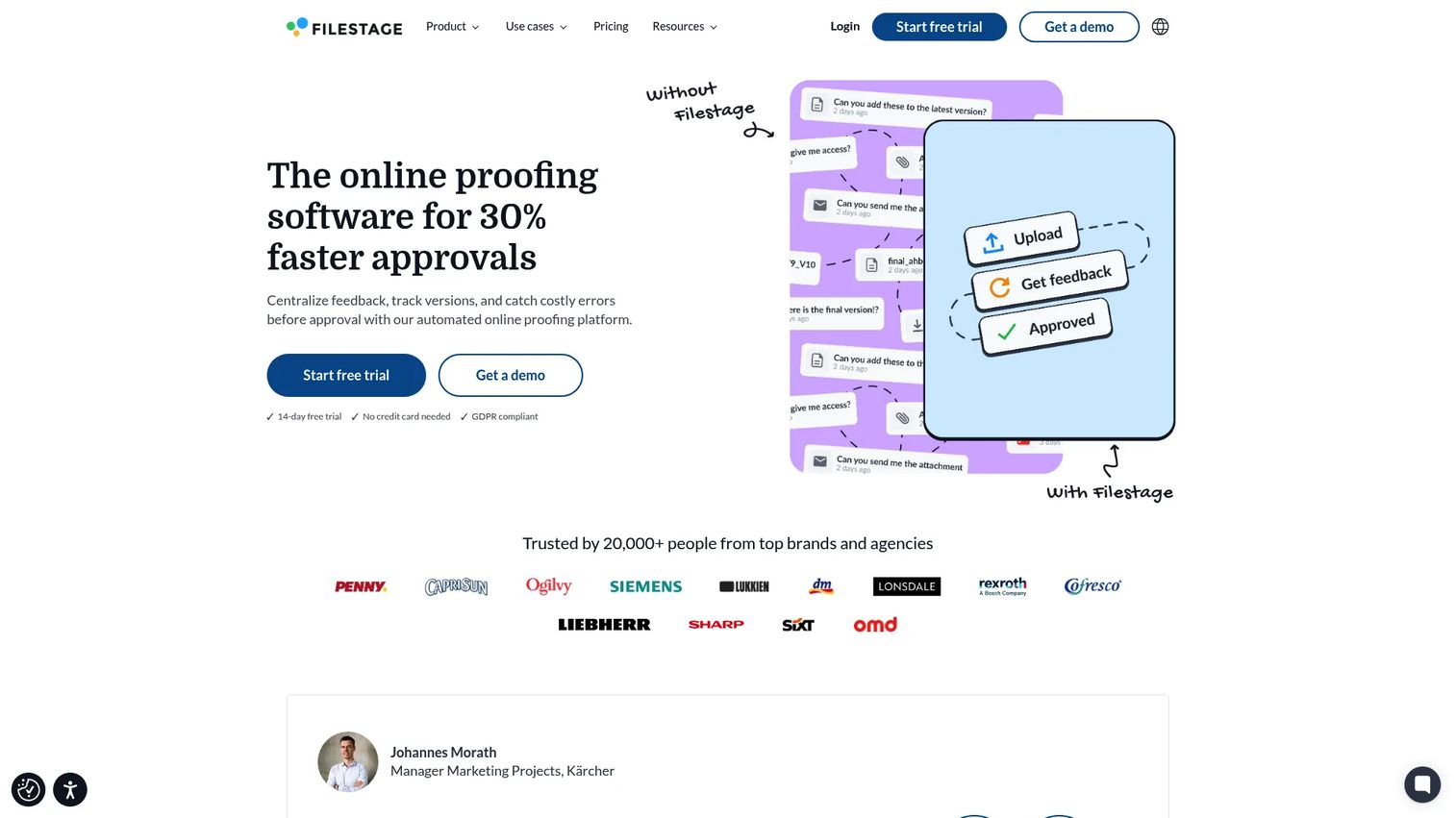
Filestage is review and approval software built around content and creative feedback. Instead of routing a generic request, reviewers annotate directly on the file, whether that is a video, a design, a document, or a PDF. Comments attach to the exact frame or element in question, and version comparison shows what changed between rounds. Approval happens per stage, so a piece can clear one review group before moving to the next.
This is the right tool for marketing, creative, and content teams drowning in "final_v7_reallyfinal" file names and scattered feedback across email and chat. It centralizes review, collects structured feedback, moves work through defined approval stages, and hands off cleanly to publishing.
Best for: Marketing, creative, and content teams that need file-level review and sign-off.
Key features
- File review and approval workflows
- Annotations and comments on the file
- Version comparison across rounds
- Staged reviewer groups
- Review agents, automations, and integrations
Why choose Filestage: Choose it when your approvals are about creative assets, not business process requests. It is purpose-built for content review rather than generic departmental sign-offs.
Filestage pricing: A free plan is available. Starter is $199 per month and Business is $329 per month. Enterprise pricing is tailored and arranged with sales. Yearly billing includes two months free.
5. Kissflow
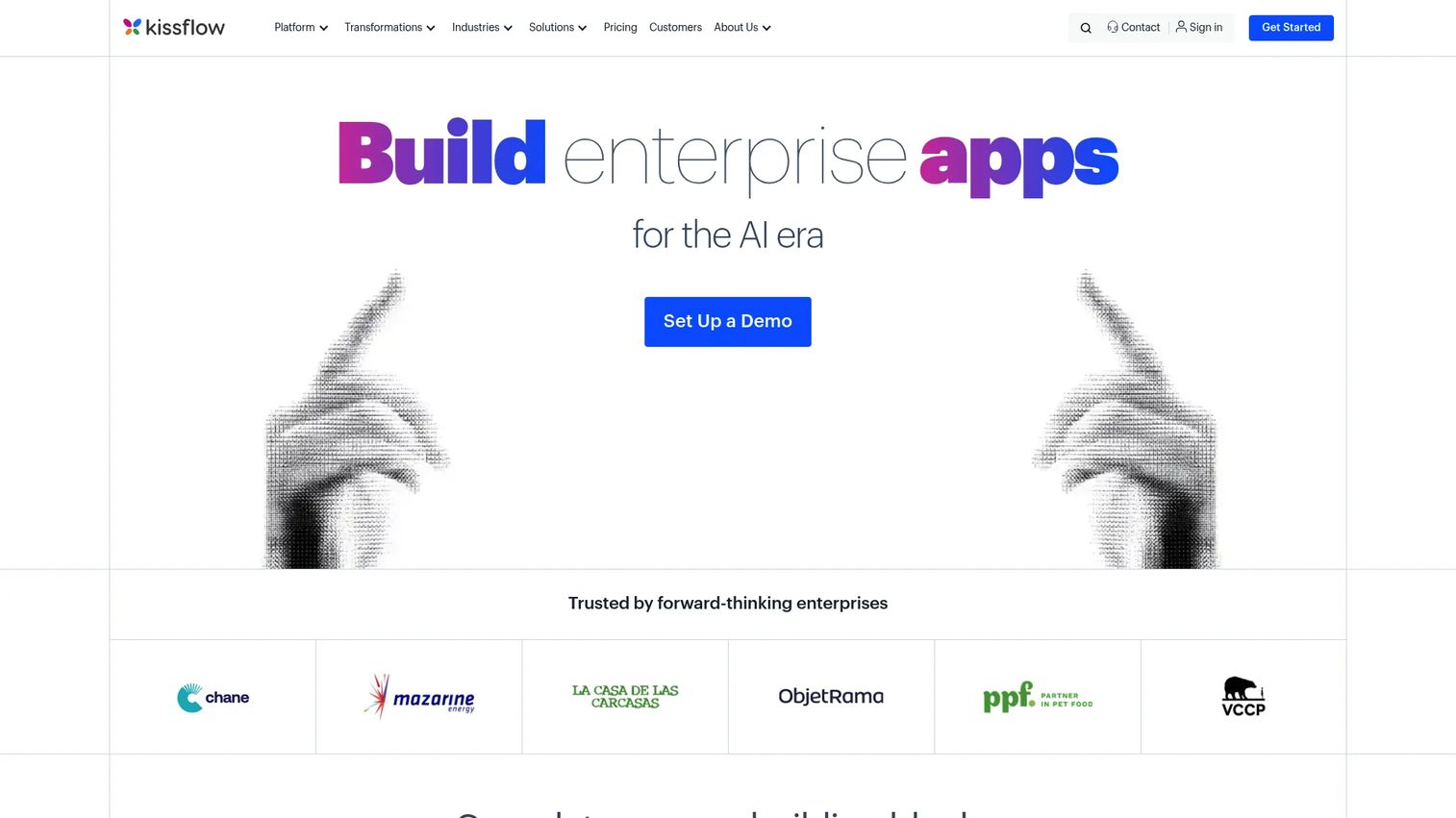
Kissflow is a low-code platform for building internal apps and automating workflows, with approval flows as one capability among many. You use a drag-and-drop builder to create forms, set routing, and add role-based approvals, then extend the same platform to other processes across the business. That breadth is the appeal: ops teams that want one place for many workflows, not a separate tool per process.
It fits organizations standardizing on a single automation layer. Procurement, onboarding, expense, and custom departmental processes can all live in Kissflow, with reporting across them. If your goal is a broad process backbone rather than a single approval use case, it earns a look.
Best for: Operations and IT teams that want low-code automation across many internal processes.
Key features
- App Builder for internal apps
- Process Builder with forms and routing
- Role-based approvals
- Workflow orchestration
- Reporting across processes
Why choose Kissflow: Choose it when approvals are one of many workflows you want to automate on a single platform, rather than a standalone need.
Kissflow pricing: Kissflow uses annual agreements and does not publish numeric prices on its pricing page. Pricing is arranged directly with their team based on scope.
6. ProofHub
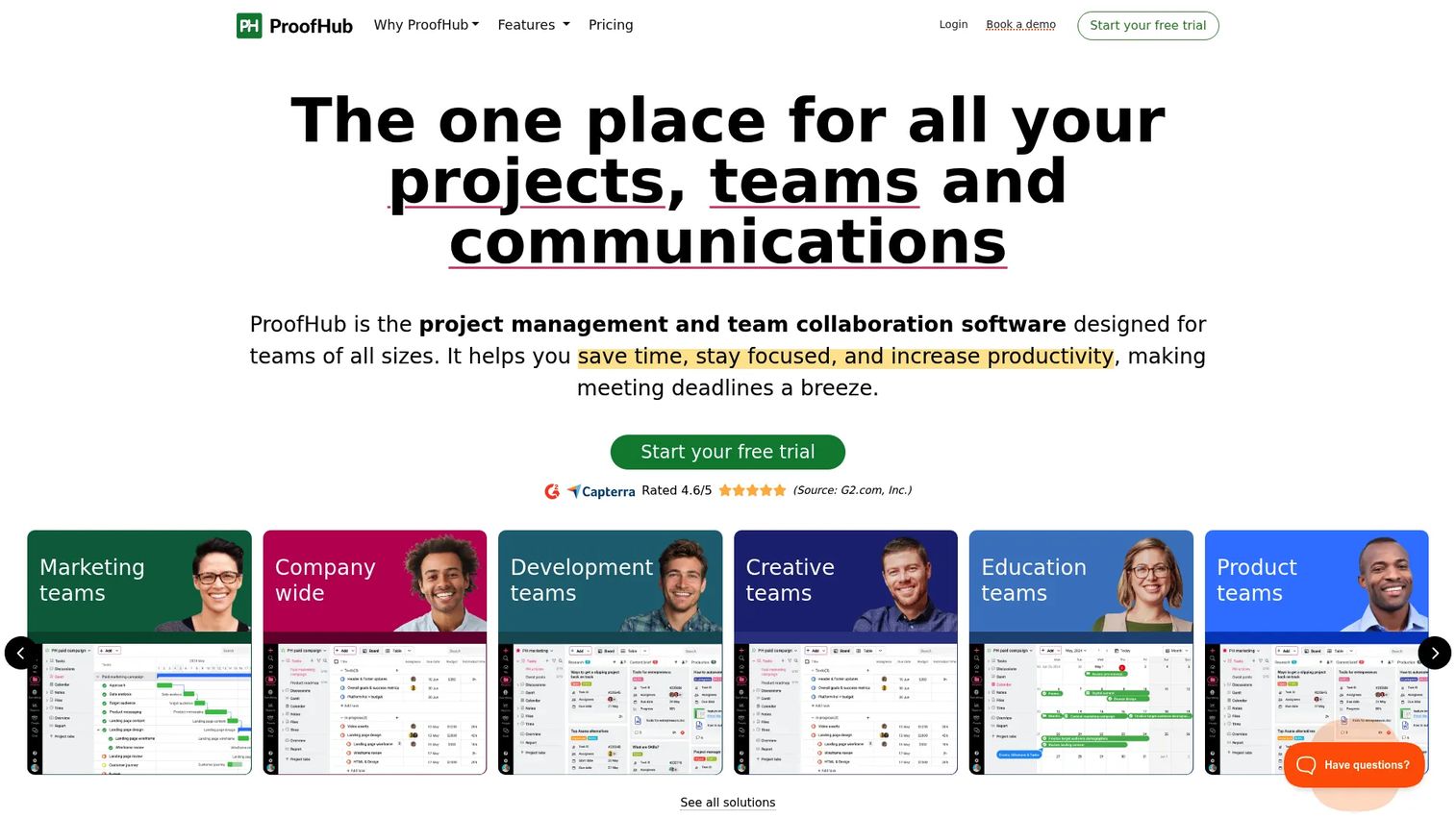
ProofHub is a project collaboration platform that pairs task management with proofing and approvals. Teams plan work, run discussions, review files with markup, and route task-based approvals inside one tool. The proofing feature lets reviewers mark up files directly, while discussion threads keep feedback attached to the work rather than lost in chat.
The use case here is collaborative review inside a project context, not deeply governed enterprise approval programs. It fits teams that want project management and lightweight approvals together, with the added draw of flat pricing that does not scale per user, so growing teams do not pay more per seat as they add people.
Best for: Teams that want project management and collaborative approvals in one flat-priced tool.
Key features
- Task and project management
- Proofing and file markup
- Gantt charts and boards
- Discussions and chat
- Time tracking
Why choose ProofHub: Choose it when you want combined project work and review under predictable flat pricing. For strictly governed, high-stakes approval chains, a dedicated approval tool fits better.
ProofHub pricing: Two flat-rate plans with unlimited users and no per-user fee. Essential is $45 per month billed annually. Ultimate Control runs higher, with introductory rates for the first three months. A 14-day free trial is offered.
7. ApprovalMax
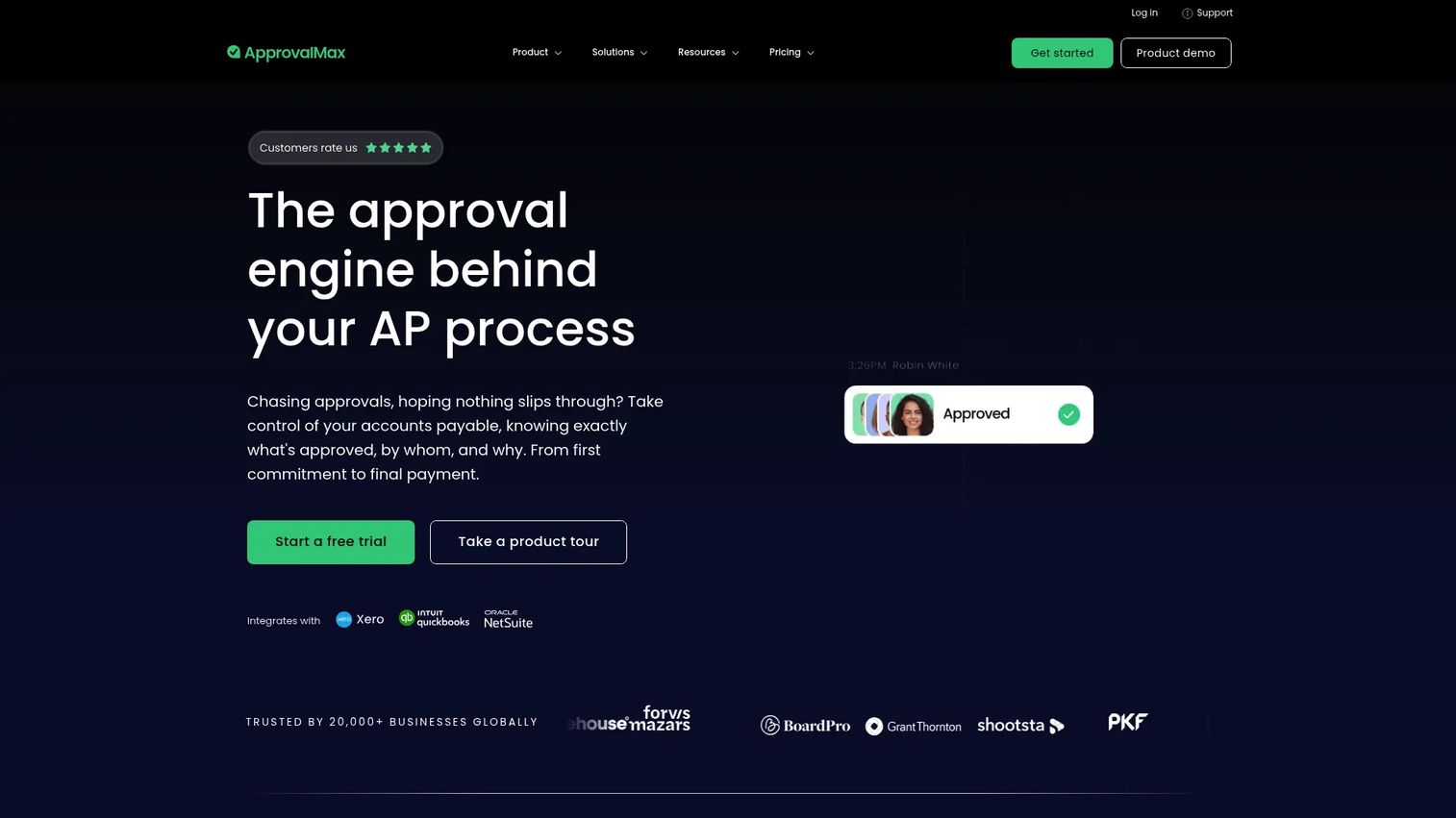
ApprovalMax is approval automation built specifically for finance and accounting. It handles invoice approvals, bill approvals, and purchase order approvals with multi-level routing, then syncs cleanly into the accounting stack. Bill-to-PO matching ties requests back to their source documents, and delegated approvals keep things moving when an approver is out.
Finance teams choose it for clean spend controls and an audit-friendly trail that stands up to review. Multi-level approvals enforce your spend policy automatically, and single sign-on plus two-factor authentication cover the security side. If your primary need is AP, invoice, and PO approvals rather than general business process routing, this is the specialist.
Best for: Finance and AP teams that need controlled, audit-ready invoice and purchase order approvals.
Key features
- Multi-level invoice and PO approvals
- Bill-to-PO matching
- Accounting stack integrations
- Delegated approvals
- Single sign-on and two-factor authentication
Why choose ApprovalMax: Choose it when finance approvals are the core job. Its accounting-native fit and audit trail beat a general-purpose tool for AP and spend control.
ApprovalMax pricing: Standard starts at $49.50 per month per organization billed yearly, Advanced at $79.17, and Premium at $110.92. All tiers include unlimited users, requests, and approvals. A free trial is offered.
Considerations
Routing complexity
Start by mapping your actual approval paths. If most requests follow a single, fixed order, a simple sequential tool is plenty. But if approvals branch by amount, department, or request type, or need parallel sign-offs and escalations, you need conditional routing. Buying a simple tool for complex needs means manual workarounds later. Match the routing depth to reality, not to the demo.
Audit trail and governance
Verify what the audit trail actually captures. You want timestamps, the named approver, comments, attachments, and version history preserved and exportable. Check whether records are immutable and how long they are retained. Also confirm permission controls: who can build workflows, who can approve, and who can see what. For regulated or high-stakes processes, this is not optional.
Integrations and workflow fit
An approval tool that lives apart from your other systems creates double entry. Check compatibility with your CRM, accounting software, communication tools, and document storage. Finance teams should confirm accounting sync. Teams that live in Slack or Teams should confirm those work inside their channels. The best fit slots into where work already happens.
Ease of adoption
The most powerful tool is worthless if requesters and approvers avoid it. Approvers especially will route around anything that adds clicks. Favor tools that let people submit and approve where they already are, with clear notifications and minimal training. Run a small pilot with real approvers before committing the whole company.
Maintenance and ownership
Approval processes change. Someone has to own updating rules, adding approvers, and retiring old workflows. Prefer no-code builders so a business owner can make changes without filing an IT ticket. Confirm how versioning works when a workflow changes mid-cycle, and assign a clear owner before rollout.
Conclusion
The right pick comes down to your primary job. For structured, cross-department approvals with deep routing, CMW Platform and Kissflow give you low-code control. If adoption is your biggest risk, Approveit puts approvals inside Slack, Teams, and email where people already work. Filestage owns creative and content review, while ProofHub pairs approvals with project work. For finance, ApprovalMax delivers accounting-native AP and PO controls with an audit trail built for review. Wrike fits when approval is one stage inside a larger work-management process.
Your next step: shortlist two tools that match your primary use case, then run a short pilot with the people who will actually approve. Watch adoption, not just features. The tool your approvers use beats the tool with the longer feature list every time.
FAQs
Approval workflow software automates how requests move through reviewers and approvers, then records every decision. It routes each request to the right person in the right order, sends reminders, and keeps a timestamped audit trail. It replaces email chains and spreadsheet trackers for approvals like expenses, purchases, content, and access requests.
Instead of forwarding a request and hoping for a reply, you submit it once into a structured form. The system routes it to named approvers, sends automatic reminders, and escalates when someone stalls. Everyone sees the current status in real time, so there are no duplicate submissions or "did you approve that?" follow-ups.
The essentials are structured request intake, flexible routing (sequential, parallel, and conditional), automatic notifications, and a complete audit trail with timestamps and comments. Attachments, version history, and integrations with your CRM, accounting, or communication tools round it out. For regulated processes, prioritize immutable records and granular permissions.
Finance uses it for invoices, bills, and purchase orders. HR uses it for PTO, hiring, and policy sign-offs. Marketing and creative teams use it for content review. Legal, procurement, and IT use it for contracts, vendor onboarding, and access requests. Any team where requests currently move through email is a candidate.
They overlap but are not identical. Workflow management software automates many kinds of processes, with approvals as one use case. Approval workflow software is built specifically around getting a decision made, documented, and traceable. Broader platforms like Wrike and Kissflow handle approvals inside a wider system; dedicated tools like Approveit and ApprovalMax focus on the approval job itself.
Confirm the trail captures timestamps, the named approver, comments, attachments, and version history, and that records are exportable and hard to alter. Check retention periods and whether older records stay accessible. On permissions, verify who can build workflows, who can approve, and who can view each request. For regulated or high-value approvals, treat these as dealbreakers.
Match the tool to your primary need. If one department has a specialized job, like finance with AP or marketing with creative review, a purpose-built tool such as ApprovalMax or Filestage will fit better out of the box. If several departments need approvals on one shared platform, a general low-code tool like CMW Platform or Kissflow gives you breadth. Run a pilot with real approvers before committing either way.