



You hit record. The take is good. Then you spend the next forty minutes fighting a clunky editor, hunting for the noise reduction tool, and re-exporting because the loudness was off.
That gap between recording narration and actually shipping it is where most voice work stalls. The recorder part is easy. The workflow around it decides whether you finish in twenty minutes or two hours.
The stakes are rising too. The global voiceover software market is projected to reach USD 3.36B by 2035, up from USD 0.58B in 2026, according to Business Research Insights (2026). More creators, marketers, and course builders are recording their own narration than ever, and e-learning voiceover adoption hit 60% of content in 2023, up from 35% in 2020, per ZipDo (2026).
So the question is not "which tool records audio." Almost all of them do. The real question is which voice over software fits the way you actually work: how fast you can cut, clean, and export a finished file.
What's inside
This guide is for creators, marketers, course builders, podcasters, and anyone recording spoken narration who wants a tool that matches their workflow, not just their budget.
Here is how we picked and what you will get:
- Selection criteria: pricing transparency, voiceover workflow fit, platform compatibility (Mac and Windows, plus mobile where it matters), reliability, and core editing features
- A comparison table with pricing and ratings side by side
- Seven detailed picks covering free tools, browser and mobile editors, and pro DAWs
- A buyer's checklist so you can match a tool to your actual recording habits
TL;DR
- Best free voice over software: Audacity is free, open source, and runs on Mac and Windows for straightforward record-and-edit work.
- Best for fast spoken-word editing across devices: TwistedWave works on Mac, Windows, iPhone, iPad, and in the browser.
- Best professional voice recording software for cleanup: Adobe Audition handles restoration, mixing, and noise reduction in one place.
- Best low-cost pro DAW: REAPER offers a full DAW with a 60-day evaluation and a $60 discounted license.
- Best free option for Apple users: GarageBand ships free on Mac, iPhone, and iPad.
- Best Apple-only step up: Logic Pro gives Mac and iPad users a full production environment.
What is voiceover software
Voiceover software is voice recording and editing software used to capture, clean up, and polish spoken narration into a finished audio file. It combines a recorder with an editor so you can go from raw take to export without switching tools.
Most voice over programs share a core set of capabilities. The best voiceover software for your work is the one whose feature set matches how you record and edit, not the one with the longest spec sheet.
Here is what a voice acting software or narration-focused DAW typically covers:
- Recording and editing in one workflow: capture takes and cut them without exporting to a second app
- Noise reduction and cleanup: remove hum, hiss, and room tone so narration sounds clear
- Loudness processing: normalize levels so your audio meets platform or audiobook targets
- Punch and roll or equivalent: re-record over a flubbed line in place, a staple narration workflow for long-form work
- File management and export: organize projects and export to common formats like WAV and MP3
- Platform support: run on Mac and Windows, with iPhone, iPad, or browser options for mobile recording
The line between a simple voice recording and editing software tool and a full DAW comes down to depth. A lightweight editor gets you a clean file fast. A DAW adds multitrack mixing, plug-ins, and automation when your work grows.
When to use voiceover software
Record narration for videos and ads
If you make explainer videos, product ads, or social content, you need to record clean narration and cut it fast. A fast editor with reliable noise reduction lets a marketer or creator turn a raw take into a synced voiceover in one sitting. Speed matters more here than deep mixing features.
Produce audiobook or long-form spoken content
Audiobook and long narration work leans hard on loudness processing, punch and roll, and solid file management. You record for hours, so autosave and crash recovery protect the session, and consistent loudness keeps the whole book within ACX-style targets. Here the workflow features carry more weight than raw creative tools.
Work across devices or on the go
Sometimes you record at your desk on Mac or Windows and edit later on an iPhone or iPad. Browser-based and mobile editors let you capture a take anywhere and finish it without moving files around. This flexibility suits creators who travel or record in different rooms.
Comparison table
Sorted by practical relevance to voiceover work. Pricing and ratings reflect values verified in August 2026. Where a current G2 rating was not available, the cell shows N/A rather than an invented figure.
| # | Product | Best for | Key differentiator | Pricing | G2 rating |
|---|---|---|---|---|---|
| 1 | Adobe Audition | Detailed cleanup and restoration | Spectral editing and audio repair | From US$22.99/mo | 4.4/5 |
| 2 | Audacity | Free record-and-edit | Free, open source, cross-platform | Free | N/A |
| 3 | TwistedWave | Fast editing across devices | Mac, Windows, iPhone, iPad, browser | From $9.99/mo | N/A |
| 4 | REAPER | Low-cost customizable DAW | Full DAW with a $60 license | From $60 one-time | N/A |
| 5 | Pro Tools | Pro post-production | Industry-standard editing and mixing | From $9.99/mo | N/A |
| 6 | GarageBand | Free Apple recording | Free on Mac, iPhone, iPad | Free | N/A |
| 7 | Logic Pro | Apple pro step up | Full DAW for Mac and iPad | From $199.99 | 4.6/5 |
Best voiceover software for 2026
1. Adobe Audition
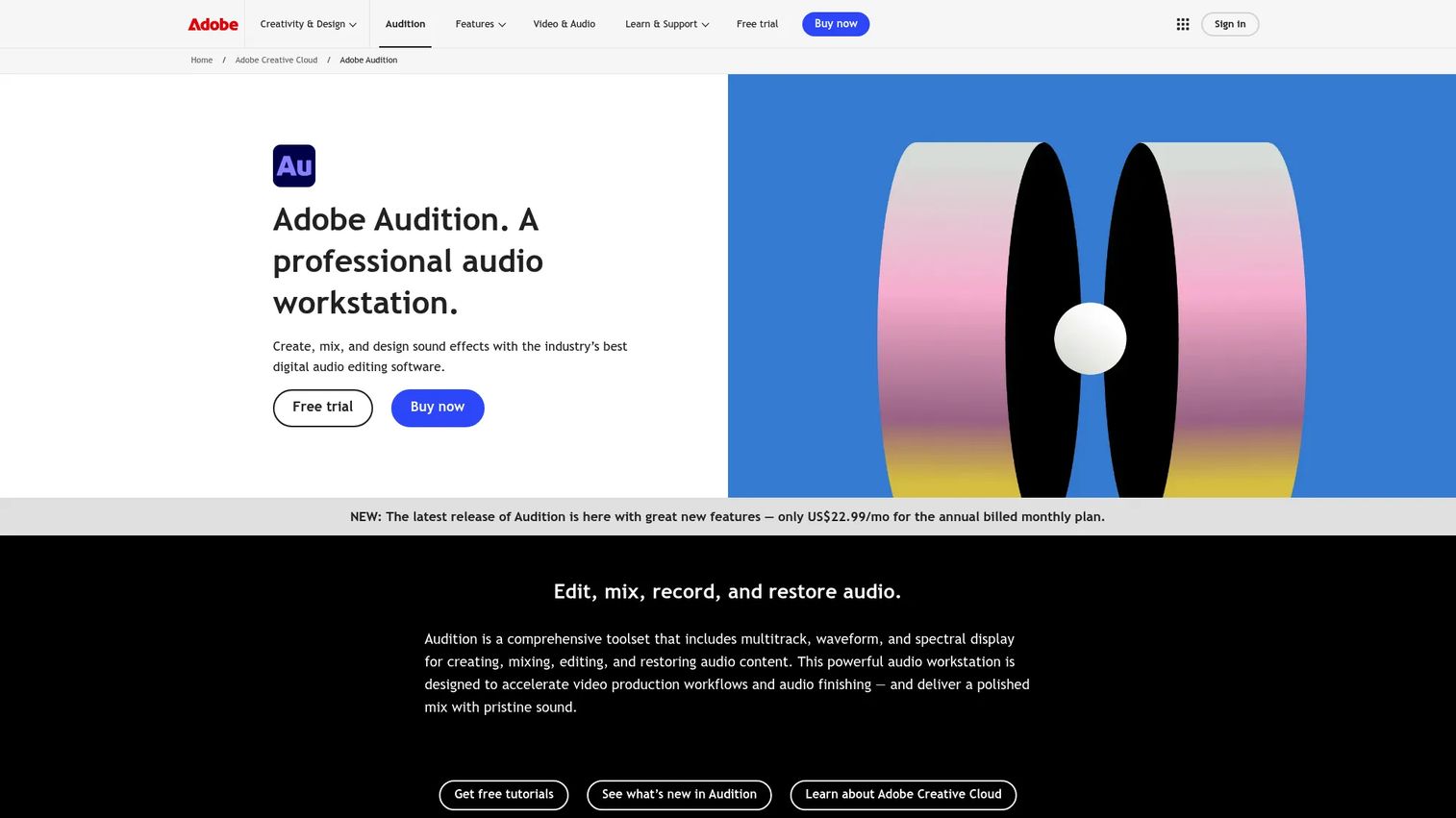
Adobe Audition is a professional audio editor built for recording, mixing, editing, and restoring audio. For voice work, its strength is cleanup: spectral editing lets you see and remove specific noises, and its restoration tools handle hum, clicks, and room tone. If you also cut video in Premiere, the two share a tight workflow.
Best for: marketers, podcasters, and audiobook narrators who need serious noise reduction, mixing, and restoration in one place.
Key features
- Multitrack, waveform, and spectral editing
- Audio mixing and mastering
- Noise reduction and audio restoration
- Tight workflow with Adobe Premiere
Why choose Adobe Audition: pick it when cleanup quality is the priority and you want restoration tools that go beyond a basic denoiser. It fits people already inside the Adobe ecosystem.
Adobe Audition pricing: the single-app plan starts at US$22.99/month on an annual plan billed monthly, and Adobe offers a 7-day free trial. Creative Cloud Pro, which bundles more Adobe apps, runs US$69.99/month, with a US$19.99/month student and teacher rate.
Reviewers give Adobe Audition a 4.4/5 rating on G2.
2. Audacity
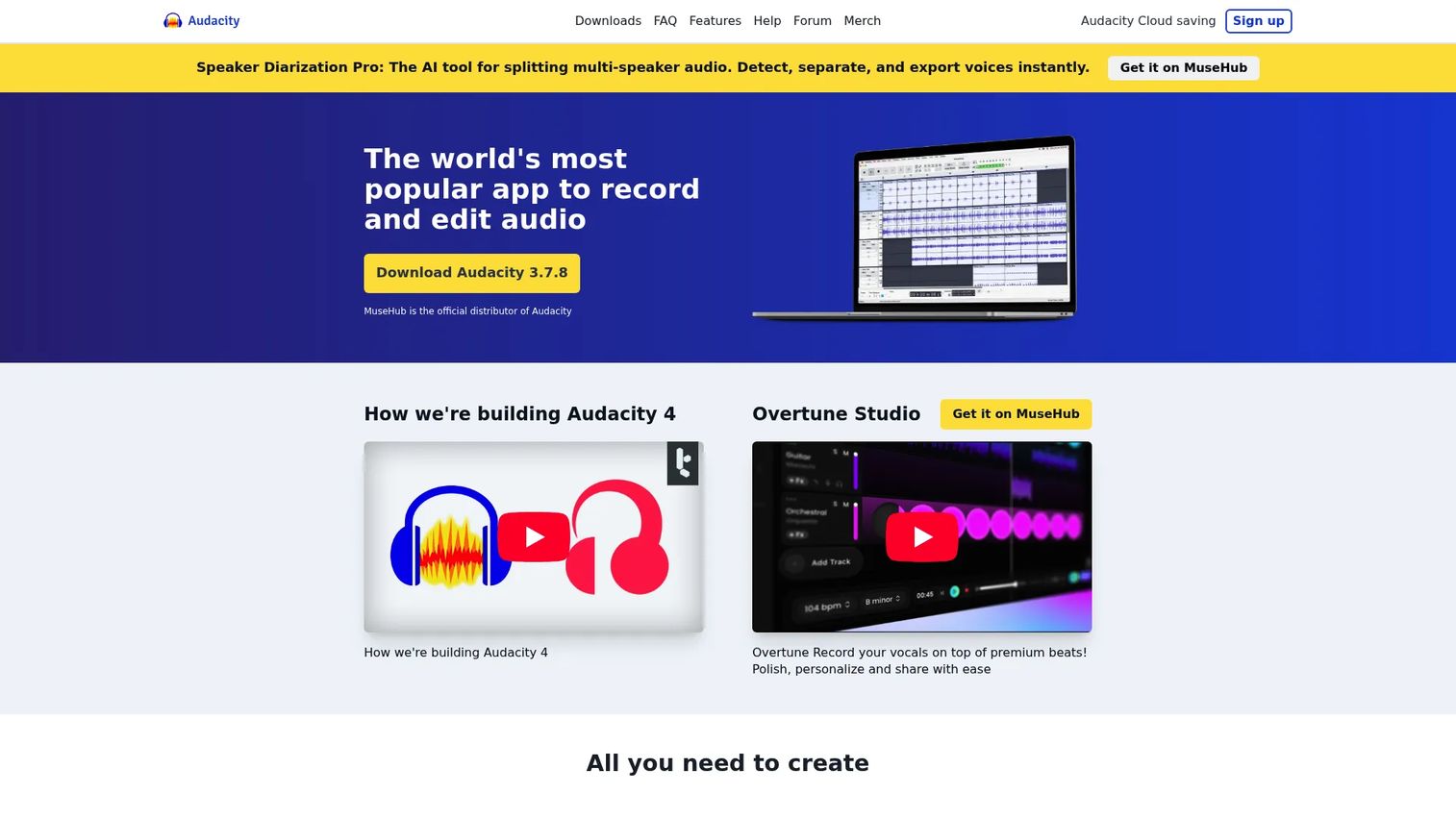
Audacity is the free, open-source starting point for most people recording voice. It runs on Mac and Windows, records and edits multiple tracks, and covers the basics like noise reduction and vocal removal. Recent versions added AI transcription with Whisper AI, which helps when you need a script back from a take.
Best for: beginners and budget-conscious users who want a capable desktop tool without paying anything.
Key features
- Multi-track audio editing and recording
- Noise reduction and vocal removal
- AI transcription with Whisper AI
- Cross-platform on Mac and Windows
Why choose Audacity: it is the obvious first stop if you want to learn voice recording without spending money. The interface is dated, but the core record-and-edit loop is reliable.
Audacity pricing: Audacity is free and open source, with no paid tier. The project states it has always been free and will stay that way.
Audacity does not have a verified current G2 star rating available.
3. TwistedWave
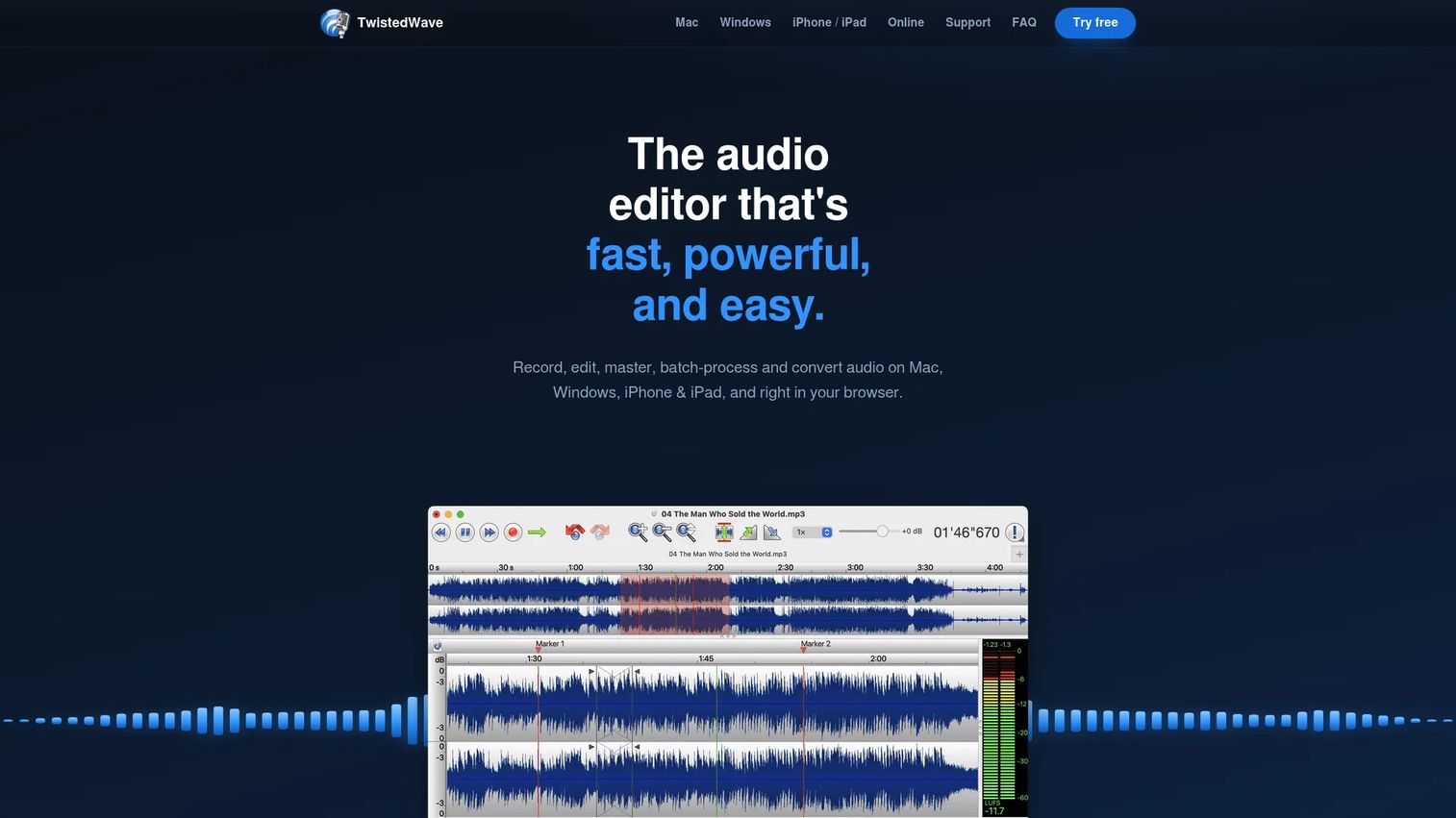
TwistedWave is a fast audio editor that runs on Mac, Windows, iPhone, iPad, and in the browser. That range is its main draw: you can record a take on your phone and finish it on a desktop, or edit entirely in a browser tab. It focuses on quick spoken-word editing, with add-ons for speech recognition and video synchronization.
Best for: individuals and teams who move between devices and want a quick editor for narration.
Key features
- Record, edit, master, batch-process, and convert audio
- Speech recognition and transcription-based editing
- Video synchronization for audio and video work
- Runs on Mac, Windows, iPhone, iPad, and browser
Why choose TwistedWave: choose it when device flexibility matters and you want a clean, fast editor rather than a full DAW. The mobile and browser options make it a good fit for on-the-go recording.
TwistedWave pricing: desktop plans start at $9.99/month or $99.90/year. A version bundled with Video and Speech add-ons runs $59.90/year after the first year, and a 30-day trial is advertised on the site.
A verified current G2 rating for TwistedWave was not available at publication.
4. REAPER
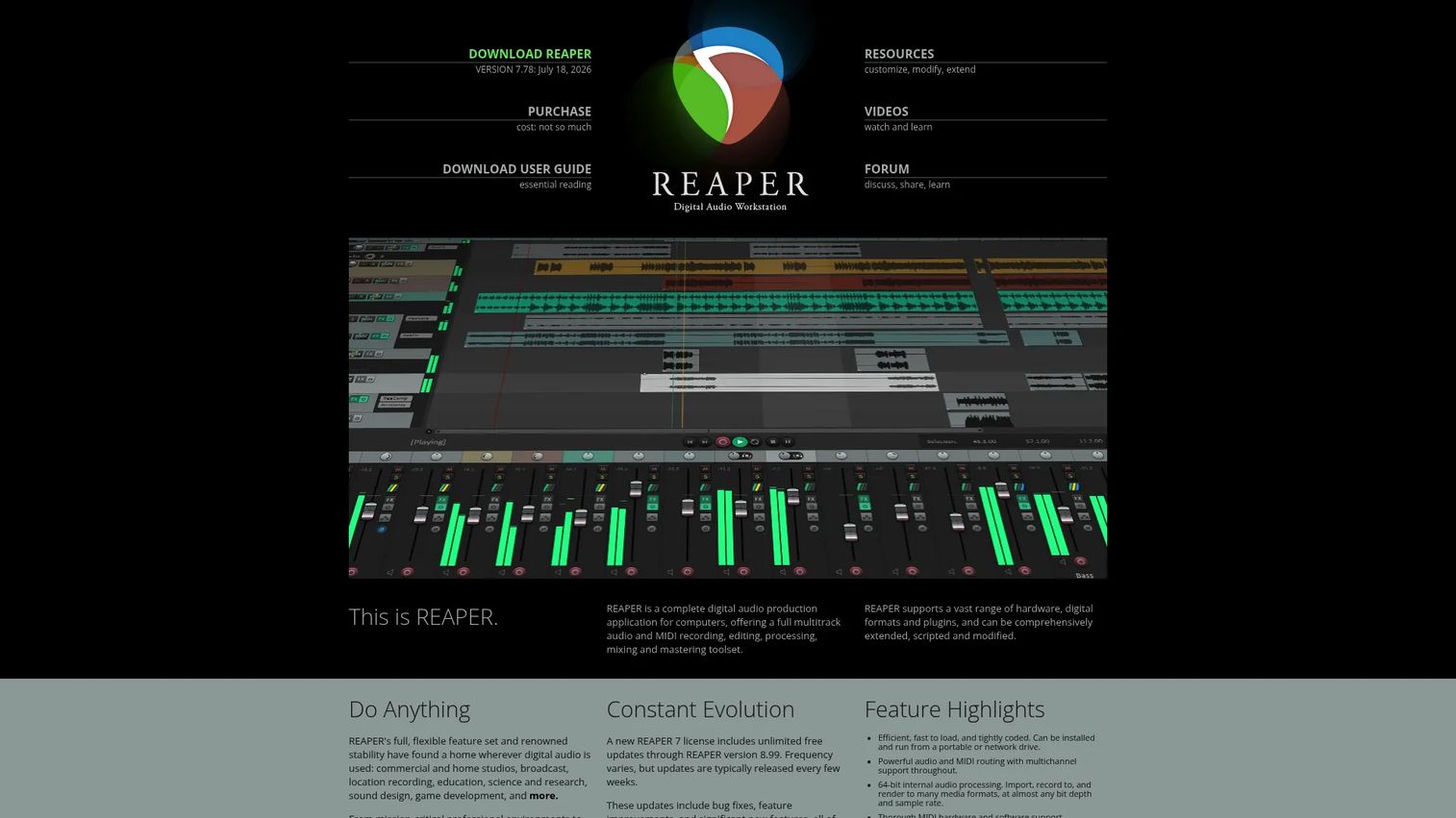
REAPER is a full digital audio workstation known for being fast, deeply customizable, and cheap for what it does. Voice actors like it because you can script it, remap it, and build a punch-and-roll workflow that suits long narration sessions. Its file handling and multichannel support scale from a single voice track to a full mix.
Best for: budget-conscious voice actors and engineers who want a fast DAW they can bend to their workflow.
Key features
- 60-day full-feature evaluation
- Audio and MIDI recording with multichannel support
- Extensive plug-in and scripting support
- Heavy customization for narration workflows
Why choose REAPER: pick it when you want DAW-level control at a low price and you are comfortable customizing your setup. Experienced narrators often stick with it for years because it adapts to them.
REAPER pricing: a 60-day full-feature evaluation is available. The discounted license is a $60 one-time purchase, and the commercial license is $225. New licenses include free upgrades through REAPER version 8.99.
A verified current G2 rating for REAPER was not available at publication.
5. Pro Tools
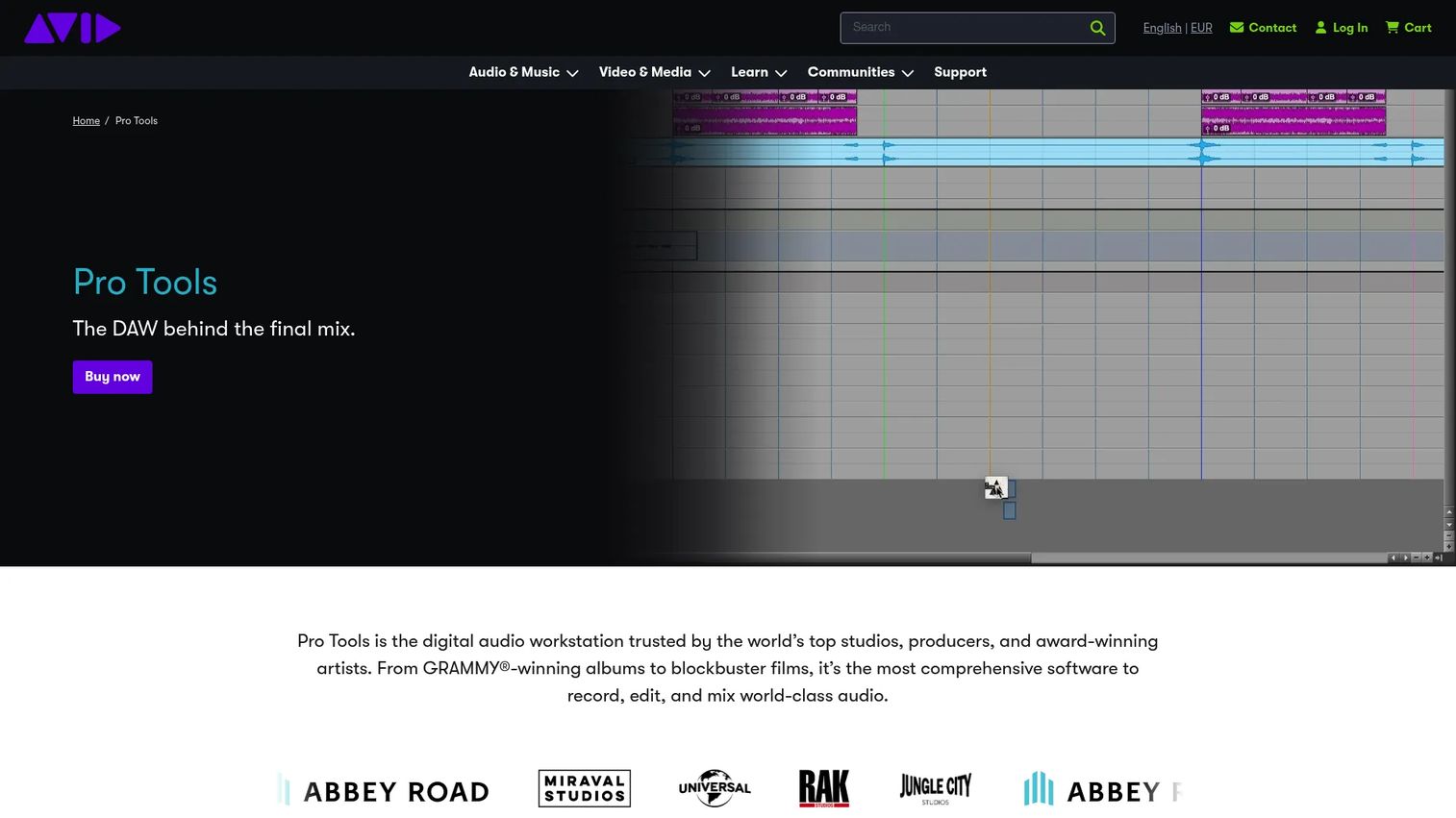
Pro Tools is the long-standing industry standard for professional audio, used across music and post-production. For voice work, it handles narration alongside broader editing and mixing, and it supports up to 256 simultaneous audio inputs. The learning curve is real, but so is the ceiling.
Best for: professionals who record voice as part of a larger post-production or music workflow.
Key features
- Up to 256 simultaneous audio inputs
- Audio and MIDI recording, editing, and mixing
- Dolby Atmos mixing in Studio and Ultimate
- Deep post-production toolset
Why choose Pro Tools: choose it when you need a studio-grade environment that scales with your work and integrates with professional facilities. Some users pick it for long-term scalability and industry compatibility.
Pro Tools pricing: the Artist plan starts at $9.99/month, Studio is $34.99/month, and Ultimate is $99/month. Pro Tools Intro is listed as free forever for people getting started.
A verified current G2 rating for Pro Tools was not available at publication.
6. GarageBand
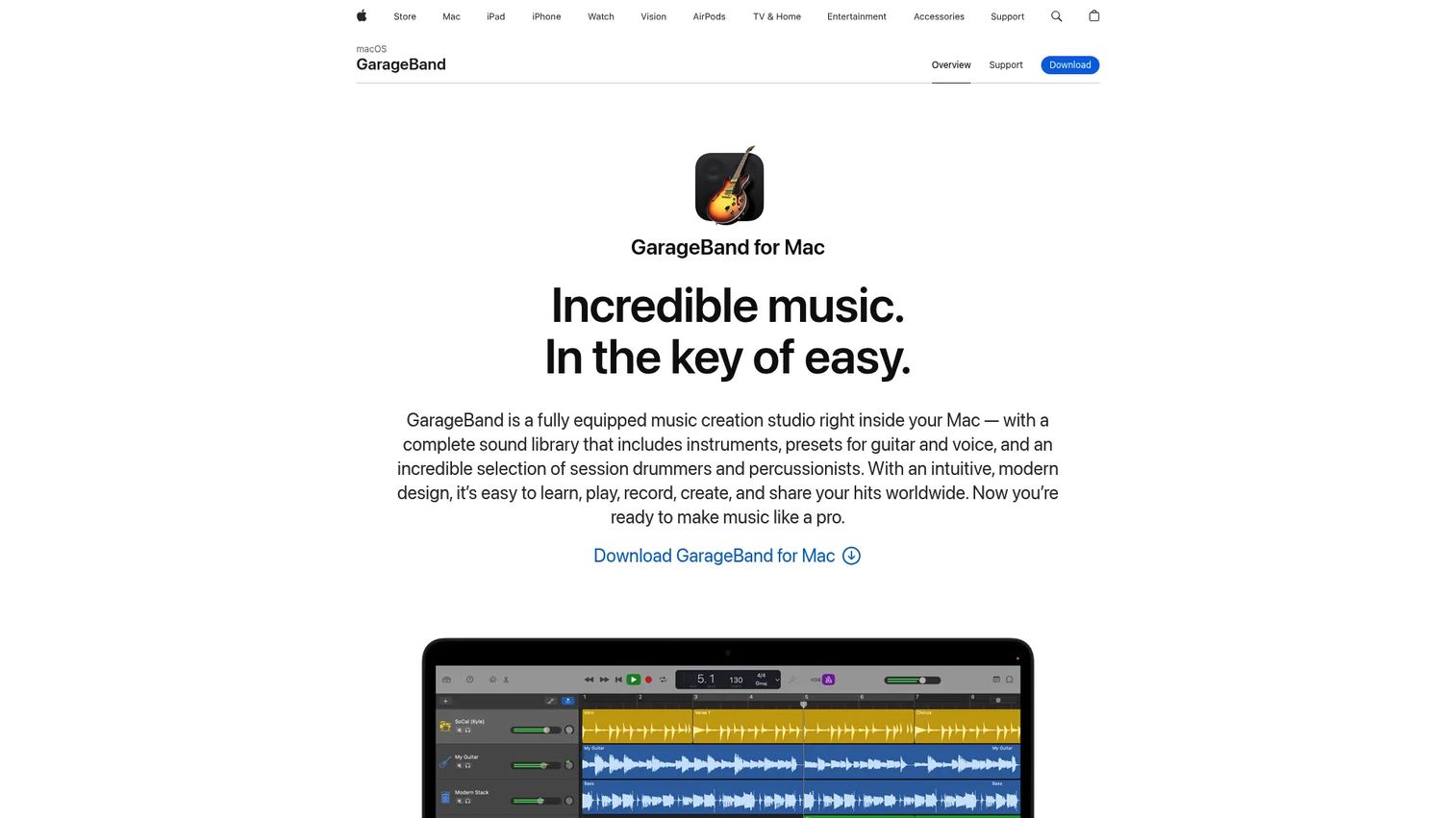
GarageBand is Apple's free music and recording studio for Mac and iOS. For simple voice recording and basic cleanup, it is hard to beat on price, since it ships free on Mac, iPhone, and iPad. It also acts as a natural stepping stone to Logic Pro if your work outgrows it.
Best for: Apple users who want free, simple voice recording without extra setup.
Key features
- Full recording studio on Mac and iOS
- Sound Library with loops and instruments
- Drummer, Smart Controls, and iCloud project syncing
- Free on Mac, iPhone, and iPad
Why choose GarageBand: pick it when you are on Apple hardware and want a no-cost way to record clean narration. It handles the basics well and eases the jump to a pro DAW later.
GarageBand pricing: GarageBand is a free download on Mac, iPhone, and iPad from Apple.
A verified current G2 rating for GarageBand was not available at publication.
7. Logic Pro
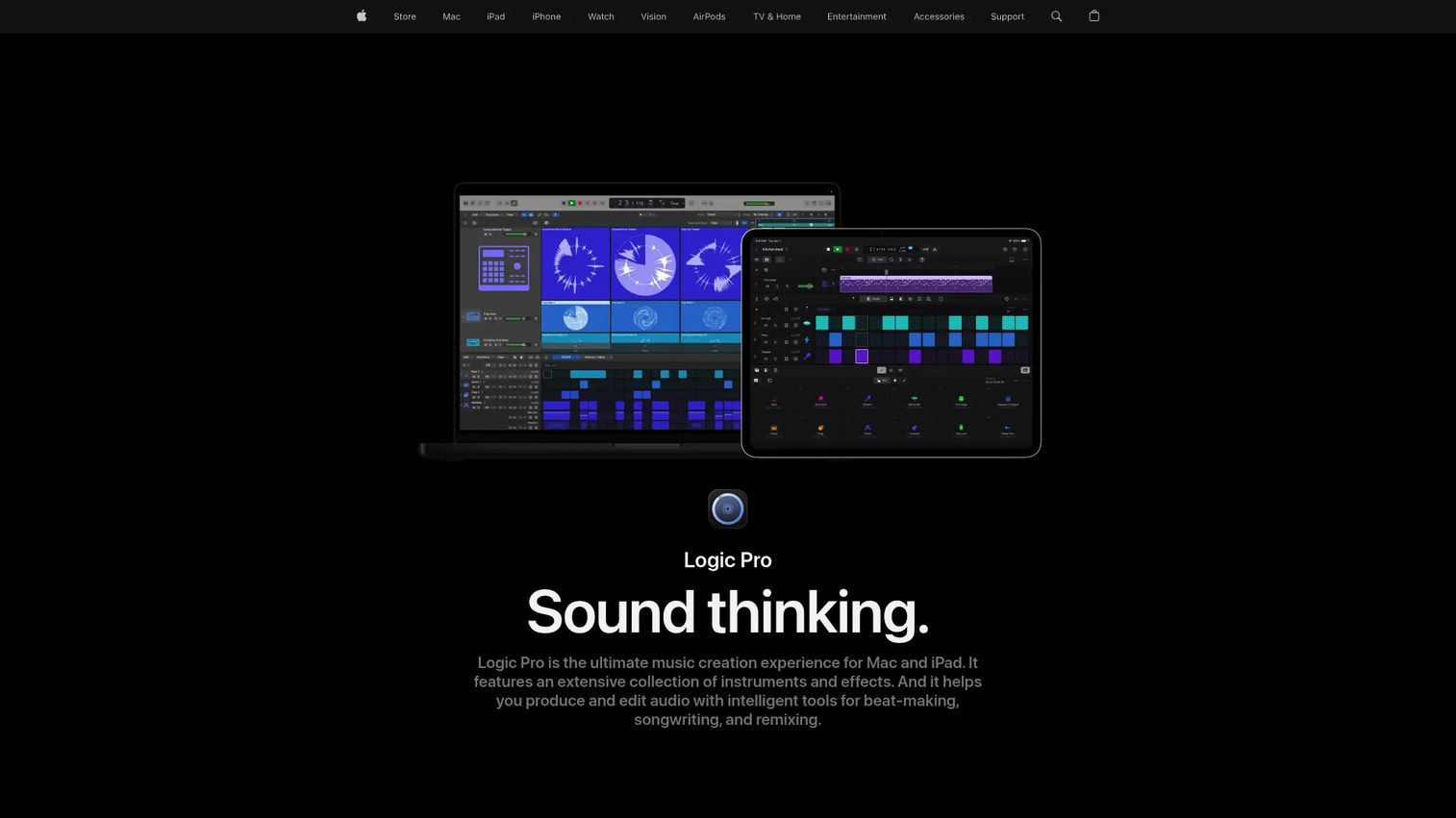
Logic Pro is Apple's professional DAW for Mac and iPad, and the natural step up from GarageBand. It brings a large library of sounds and effects, plus deeper editing and production than GarageBand offers. If you want to stay in the Apple ecosystem and grow into pro work, this is the path.
Best for: Mac-based creators who want a full-featured DAW without leaving Apple hardware.
Key features
- Large library of sounds, instruments, and effects
- Beat-making tools and third-party plug-in support
- Mac and iPad workflows with Logic Remote and project transfer
- Advanced editing beyond GarageBand
Why choose Logic Pro: choose it when GarageBand feels limiting and you want a serious production environment on Apple devices. The one-time purchase makes it easy to justify against a subscription.
Logic Pro pricing: Logic Pro for Mac is a $199.99 one-time purchase. Apple Creator Studio, a subscription that includes it, runs $12.99/month or $129/year, with a 30-day free trial.
Reviewers give Logic Pro a 4.6/5 rating on G2.
Considerations
Before you commit, run each tool against the criteria that actually affect your daily work.
Pricing and licensing
Decide whether you want a free tool, a subscription, or a one-time purchase. Audacity and GarageBand cost nothing, REAPER and Logic Pro sell perpetual licenses, and Adobe Audition and TwistedWave run on subscriptions. Free trials on paid tools let you test the workflow before paying, so use them.
Workflow speed
For narration, how fast you can cut, re-record, and export matters more than flashy features. A punch-and-roll workflow, quick keyboard editing, and fast export shave real time off every session. Test how many clicks it takes to fix a flubbed line.
Reliability and recovery
Long recording sessions are vulnerable to crashes. Check for autosave, crash recovery, and clean file management before you trust a tool with a multi-hour audiobook. Losing a session to a crash costs more than any subscription.
Platform fit
Match the tool to your hardware. Logic Pro and GarageBand are Apple-only, Audacity and Pro Tools cover Mac and Windows, and TwistedWave adds iPhone, iPad, and browser access. If you record across devices, prioritize that flexibility.
Editing features
Confirm the tool handles the essentials: noise reduction, loudness processing, punch and roll or an equivalent, and the export formats you need. A tool can record fine and still slow you down if the cleanup and export steps are awkward.
Conclusion
The right pick comes down to your platform, budget, and workflow, not a feature count.
For clean-up and restoration, Adobe Audition leads. For a free start on any desktop, Audacity is the safe choice, and GarageBand is the free pick for Apple users. If you work across a phone, tablet, and desktop, TwistedWave fits. Want a low-cost pro DAW you can customize? REAPER. Need Apple-native pro power or an industry-standard post environment? Logic Pro and Pro Tools, respectively.
Pick two tools that match your platform and budget, use their free trials or free tiers, and record the same script in both. The one that gets you to a finished, clean export fastest is your answer.
Start your journey with Guideflow today!
FAQs
Audacity is the most common starting point because it is free, runs on Mac and Windows, and covers recording, editing, and noise reduction. On Apple hardware, GarageBand is an equally strong free option with a friendlier interface. Both let you learn the record-and-edit loop without spending anything.
Yes. Audacity handles recording, editing, and noise reduction well, and recent versions add AI transcription with Whisper AI. The interface looks dated compared to paid tools, but for voice recording and editing on a budget it is reliable and capable.
Many professionals use Pro Tools as an industry standard, while others prefer REAPER for its customization and low cost. Adobe Audition is popular for its restoration and cleanup tools. The choice usually comes down to workflow habits and whether they collaborate with studios that standardize on Pro Tools.
Mac users have strong options at every price. GarageBand is free and built in, Logic Pro is the Apple-native pro step up, and Adobe Audition and TwistedWave both run on Mac. If you want to stay entirely in the Apple ecosystem, GarageBand to Logic Pro is a clean upgrade path.
Audacity is the top free voice over software for Mac and Windows, and GarageBand is the best free option on Apple devices. Pro Tools Intro is also free for people getting started with a professional DAW. All three let you record and edit narration at no cost.
For short videos and ads, punch and roll is a nice-to-have. For audiobooks and long narration, it becomes essential because it lets you re-record over a flubbed line in place without breaking the session. REAPER and Pro Tools support punch-and-roll workflows well.
Yes. TwistedWave runs on iPhone and iPad, and GarageBand is free on iOS, so you can record and edit narration on a phone or tablet. This suits creators who travel or want to capture a take away from their main desk, then finish it later on a desktop.
Audiobook work rewards tools with strong loudness processing, punch and roll, and crash recovery. REAPER is a favorite for its punch-and-roll setup and file handling, while Adobe Audition and Pro Tools offer deep cleanup and mastering for meeting ACX-style loudness targets. Match the tool to how long your sessions run and how much cleanup you do.










