A pump fails at 2 a.m. A production line stops. Nobody logged the last inspection, so nobody saw it coming. By the time a technician arrives, you've lost a shift and a service window you'll never get back.
That's reactive maintenance. It's expensive, and it compounds. Every skipped inspection, every task that lives only in someone's head, every spreadsheet that goes stale creates operational drift, the slow gap between how your equipment is supposed to run and how it actually runs.
Preventive maintenance software closes that gap. And the market reflects the shift: the global preventive maintenance software market was valued at USD 900 million in 2024 and is projected to reach USD 1.99 billion by 2032 at a 12.3% CAGR, according to Intel Market Research (2025). Teams are moving away from fixing things after they break.
The hard part isn't deciding to buy. It's choosing a tool that matches how your team actually works: how many sites you run, whether technicians need offline access in the field, how deep your reporting and audit trail needs to go, and what you can afford before you've proven the ROI. This guide compares eight tools against those criteria so you can shortlist fast.
What's inside
This guide compares eight preventive maintenance tools for teams that need recurring scheduling, mobile execution, asset tracking, and reporting. It's built for facilities, manufacturing, fleet, and equipment-heavy operations.
We chose tools based on four things:
- Recurring PM workflows: schedules, triggers, and automated work orders
- Asset visibility: history, hierarchies, and condition tracking
- Mobile and offline support: field execution for distributed technicians
- Reporting depth and pricing clarity: dashboards, audit trails, and free-trial transparency
You'll get a comparison table, per-tool breakdowns with verified pricing, and a buyer's checklist.
TL;DR
- Best for free-first teams: Coast offers a free plan you keep, mobile-first work orders, and a low-cost upgrade path.
- Best for enterprise maintenance programs: IBM Maximo handles large-scale asset hierarchies, predictive workflows, and complex industrial environments.
- Best for mobile technicians: Fiix and SafetyCulture both pair recurring PM with strong mobile execution and offline access.
- Best for facilities and asset-heavy operations: Eptura and AkitaBox combine asset visibility with floor-plan mapping and space management.
- Best for fleet operations: Fleetio schedules maintenance by time, distance, and engine hours across vehicle fleets.
- Best mature multi-site CMMS: eMaint delivers configurable work orders, PM scheduling, and reporting for multi-site teams.
What is preventive maintenance software
Preventive maintenance software is a tool that schedules, automates, and tracks recurring maintenance tasks so equipment gets serviced before it fails, rather than after. It sits inside the broader category of CMMS (computerized maintenance management system) and maintenance management software.
Instead of reacting to breakdowns, teams use preventive maintenance management software to plan work in advance. The system generates work orders on a schedule, assigns them to technicians, tracks completion, and keeps a full history of every asset. When a task is due, the software creates it. When a technician finishes, the record is timestamped and stored.
Core features of preventive maintenance program software:
- Recurring schedules: calendar-based, meter-based, or condition-based triggers
- Work order automation: auto-generated tasks with assignment and status tracking
- Asset tracking: equipment history, hierarchies, and location data
- Mobile execution: field access for technicians, often with offline support
- Reporting and dashboards: uptime, cost, and completion analytics
- Condition or meter-based triggers: work orders driven by usage thresholds or sensor data
Here's how the maintenance pm software approach compares to the alternatives most teams start with:
| Approach | How work gets triggered | Asset history | Visibility |
|---|---|---|---|
| Reactive maintenance | After something breaks | Rarely tracked | None until failure |
| Spreadsheets | Manual reminders | Manual, error-prone | One person's view |
| Preventive maintenance software | Automated schedules and triggers | Full, timestamped | Team-wide dashboards |
The difference isn't just tidier records. It's the shift from firefighting to planning.
When to use preventive maintenance software
Not every team needs a full CMMS on day one. Here's when a preventive maintenance app earns its place in your stack.
Reduce unplanned downtime
Scheduled inspections catch wear before it becomes failure. A recurring task to check a bearing, calibrate a sensor, or replace a filter costs minutes. The unplanned failure it prevents costs hours or days. For equipment, facilities, and fleet teams, that math is the whole case. Over 70% of manufacturing organizations are implementing or planning to implement predictive and preventive maintenance solutions, according to Technavio (2024), and downtime reduction is the reason.
Standardize recurring work orders
When maintenance lives in someone's head, it leaves when they do. Preventive maintenance software turns recurring tasks into repeatable workflows: defined steps, automatic assignment, notifications, and completion tracking. New technicians follow the same process as veterans. Nothing gets skipped because nobody remembered.
Track maintenance across the field
Distributed teams need visibility without being on-site. Preventive maintenance tracking software with mobile execution lets technicians log work from their phones, capture timestamps and photos, and often work offline in areas with no signal. Managers see who did what, when, and where, without a single phone call.
Comparison table
Here's a side-by-side view of all eight tools. Pricing and ratings reflect each vendor's public pages and G2 listings as of mid-2026. Verify current figures before you buy, since plans change.
| # | Product | Best for | Key use case | Pricing | G2 rating |
|---|---|---|---|---|---|
| 1 | eMaint | Multi-site maintenance teams | Configurable CMMS/EAM workflows | Custom, annual commitment | 4.5/5 |
| 2 | Coast | Free-first frontline teams | Mobile work orders and asset tracking | Free; paid from $2/user/mo | 4.7/5 |
| 3 | SafetyCulture | Inspections plus maintenance | Mobile checks and follow-up actions | Free; Premium from $24/seat/mo | 4.6/5 |
| 4 | Eptura | Facilities and asset-heavy ops | Workplace, asset, and PM management | Custom, annual | 4.3/5 |
| 5 | Fiix | Modern CMMS with mobile focus | Work orders, assets, and mobile execution | Free; paid from $45/user/mo | See G2 listing |
| 6 | IBM Maximo | Enterprise asset management | Large-scale PM and predictive workflows | From under $40K/year | 4.4/5 |
| 7 | Fleetio | Fleet operations | Time, distance, and hour-based scheduling | From $4/vehicle/mo | 4.6/5 |
| 8 | AkitaBox | Facilities condition assessment | Floor-plan asset mapping and PM | Custom quote | 4.5/5 |
Best preventive maintenance software for 2026
Below is a deeper look at each tool: what it does, who it fits, and what it costs.
1. eMaint
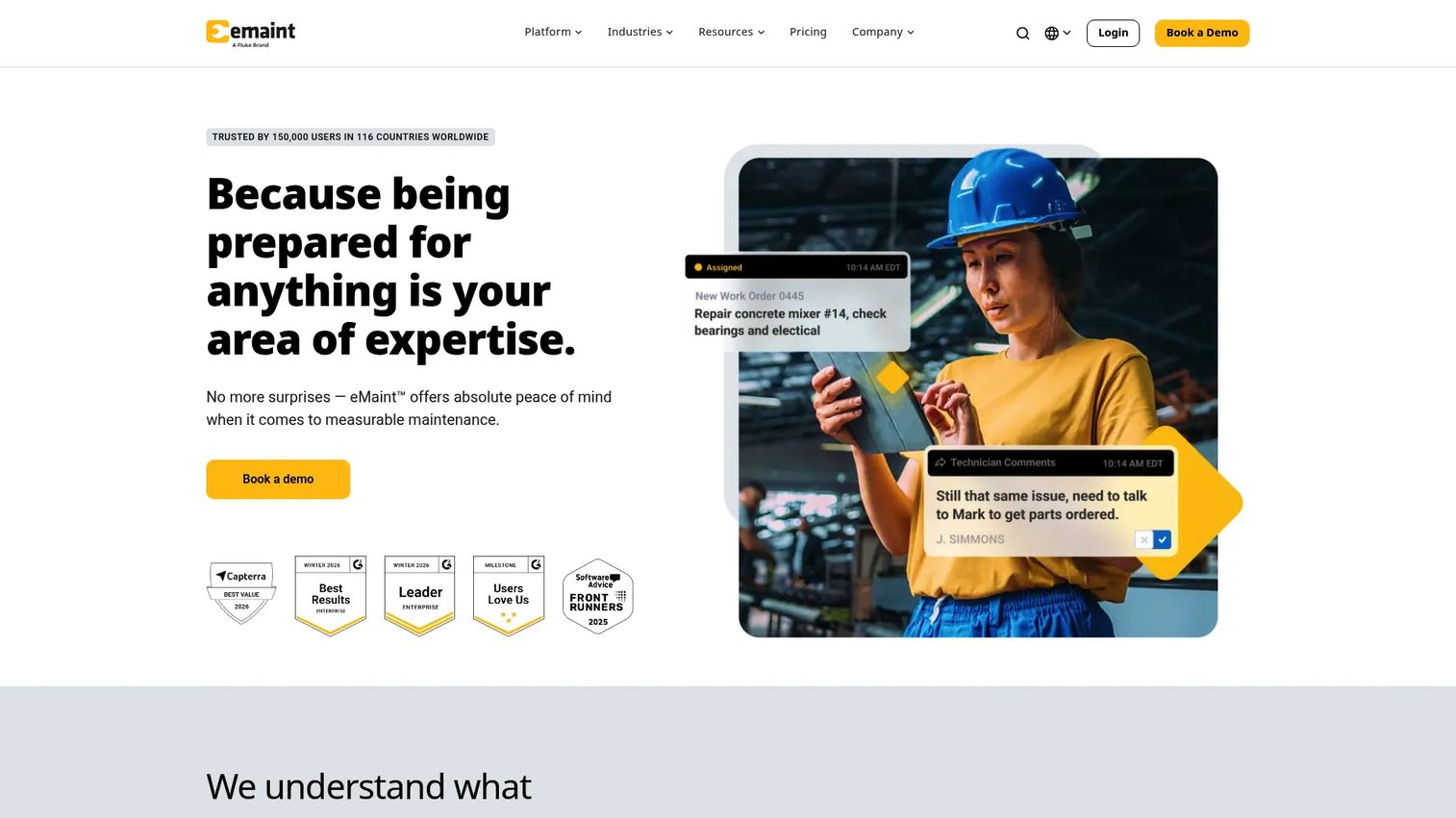
eMaint is a CMMS and EAM platform built for maintenance management, asset tracking, and work orders. It's a mature option for teams that have outgrown spreadsheets and need configurable workflows across multiple sites. The platform leans into flexibility, so you can shape PM schedules, forms, and reporting to match how your operation actually runs.
Best for: Multi-site maintenance teams that need configurable CMMS/EAM workflows.
Key strengths
- Work orders and preventive maintenance scheduling
- Inventory, parts, and requisitions management
- Advanced reporting, analytics, and integrations
Why choose eMaint: If you run several facilities and need one system that adapts to each site's quirks, eMaint's configurability is the draw. It rewards teams willing to invest in setup to get workflows that fit precisely, rather than forcing a rigid template.
eMaint pricing: eMaint publishes plan names, Professional and Enterprise, on a prepaid annual commitment, but no public numeric price. Pricing is configurable by user count and requirements, so you'll need a quote.
2. Coast
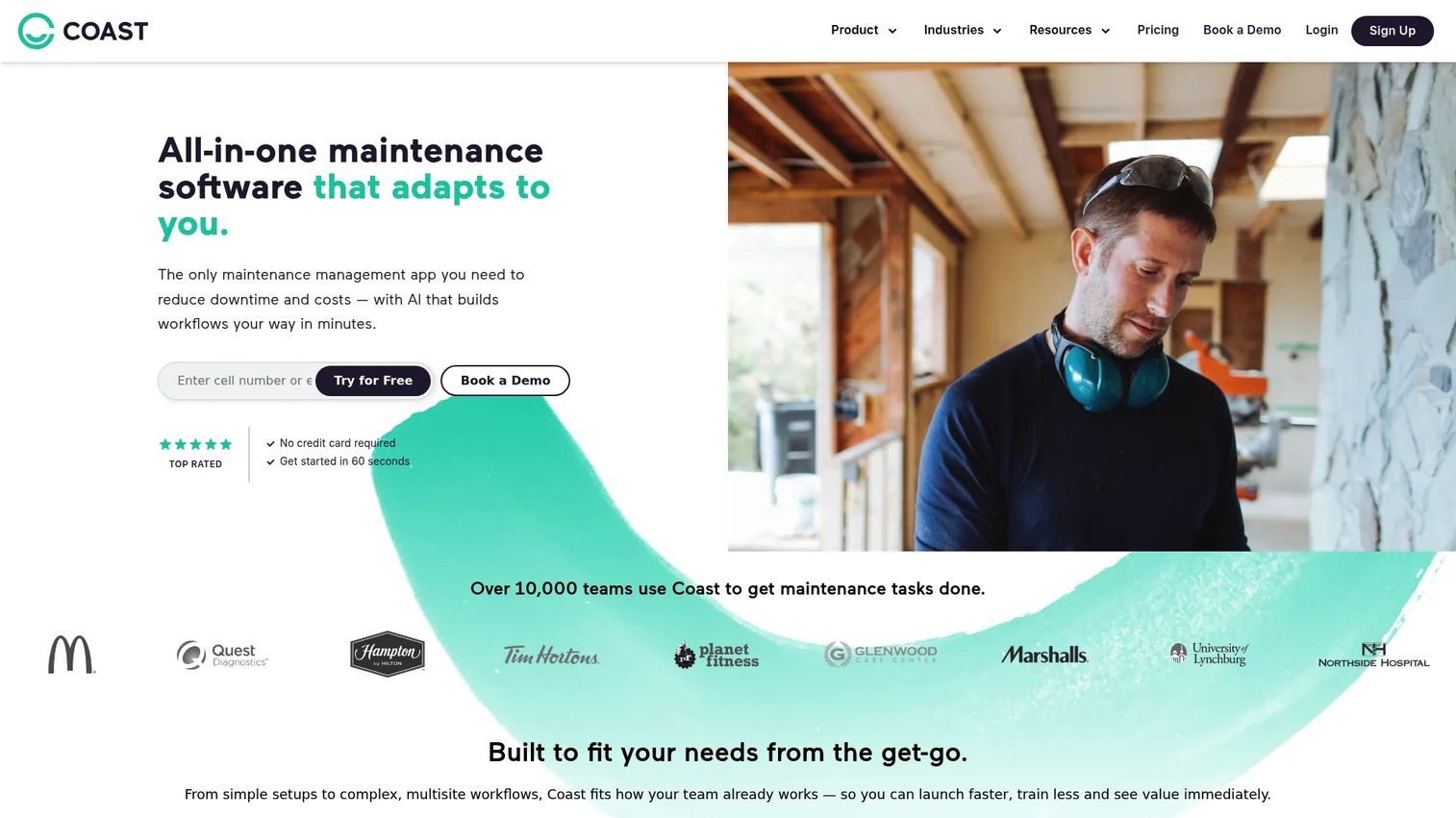
Coast is maintenance and asset management software built for frontline teams that live on their phones. It's the strongest free-first pick here: you get a free plan you can keep, and the upgrade path is cheap enough that budget rarely blocks a rollout. QR code scanning and mobile work orders make it fast to get technicians logging work on day one.
Best for: Teams that need mobile-first maintenance, work orders, and asset tracking without a heavy setup.
Key strengths
- Work order management
- Preventive maintenance scheduling
- Asset management and QR code scanning
Why choose Coast: For small teams or those testing preventive maintenance for the first time, Coast removes the cost barrier. Start free, prove the workflow, then upgrade when you need more. It's the low-risk way to move off spreadsheets.
Coast pricing: Free plan available and permanent. Starter is $2 per user per month, Pro is $4 per user per month, and Enterprise is custom. Coast also offers a 7-day Pro trial.
3. SafetyCulture
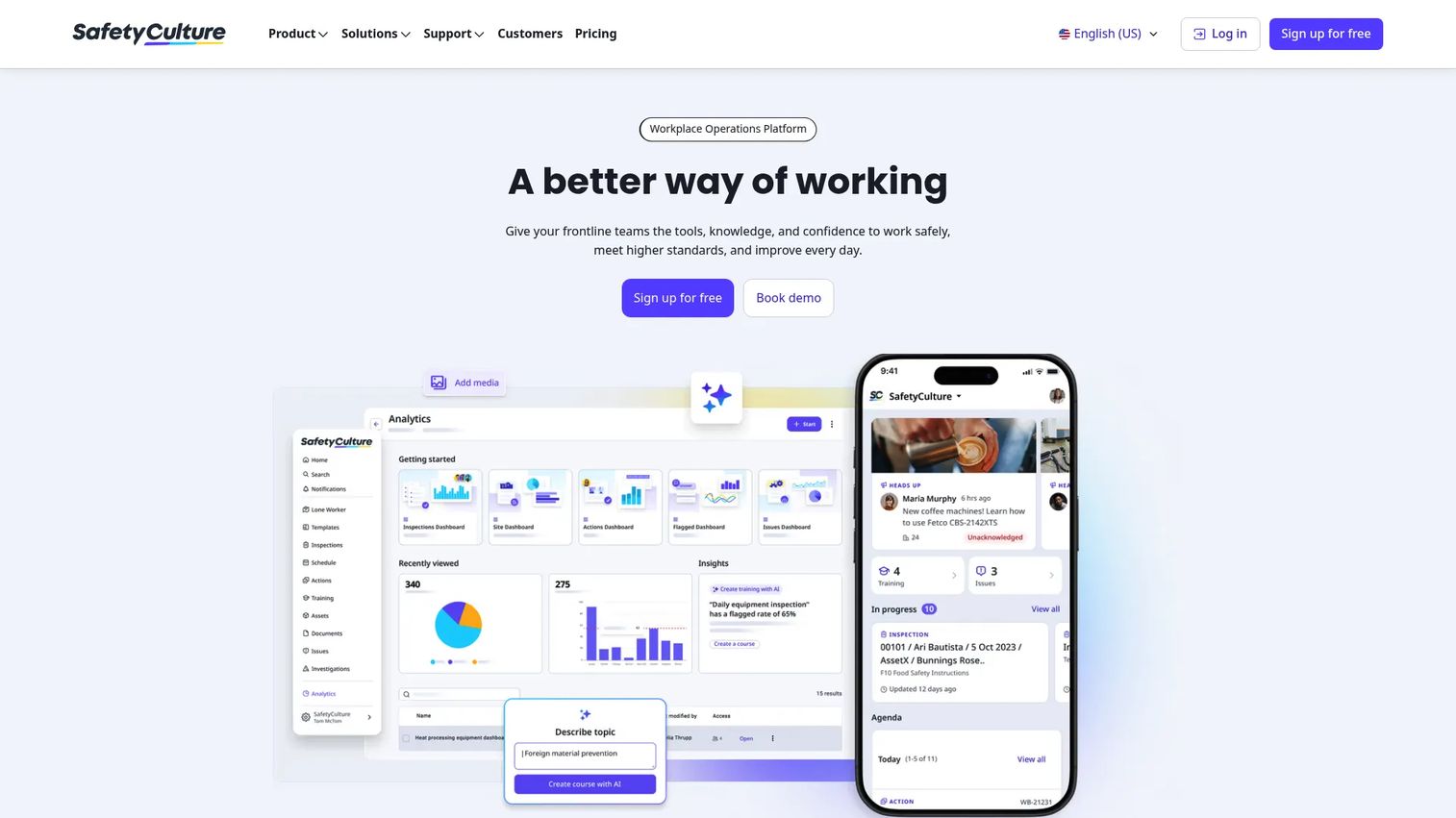
SafetyCulture is a workplace operations platform covering inspections, issues, actions, assets, and training. It fits teams that want inspections and preventive maintenance in one place rather than two separate tools. The mobile-first design means checks, follow-up actions, and asset records all live on the same app your field team already uses.
Best for: Teams that need a mobile-first platform for inspections and maintenance follow-up workflows.
Key strengths
- Inspections and custom templates
- Issues and actions tracking
- Assets and maintenance management
Why choose SafetyCulture: If your maintenance work is inspection-driven, catch a problem, log an issue, trigger an action, SafetyCulture keeps that loop in one system. It's a strong fit for teams where safety and maintenance overlap.
SafetyCulture pricing: Free for teams up to 10 users. Premium is $24 per seat per month billed annually, or $29 billed monthly, adding advanced analytics, integrations, and permissions. Enterprise is custom-priced.
4. Eptura
Eptura is a worktech platform that brings workplace, asset, visitor, and space management together. For facilities and asset-heavy operations, it goes beyond maintenance into how the whole workplace runs. PM management sits alongside space booking and workplace analytics, which suits mid-market and enterprise teams managing buildings, not just equipment.
Best for: Mid-market to enterprise teams managing workplaces, assets, and visitors in one platform.
Key strengths
- Workplace and space booking
- Asset, work order, and preventive maintenance management
- Visitor management and workplace analytics
Why choose Eptura: When your maintenance program is one part of a larger facilities operation, Eptura consolidates the stack. Teams juggling desks, rooms, assets, and PM plans in separate tools use it to get a single view.
Eptura pricing: Eptura describes tiered annual subscriptions with optional add-ons, but publishes no public numeric prices. Request a quote for your site count and modules.
5. Fiix
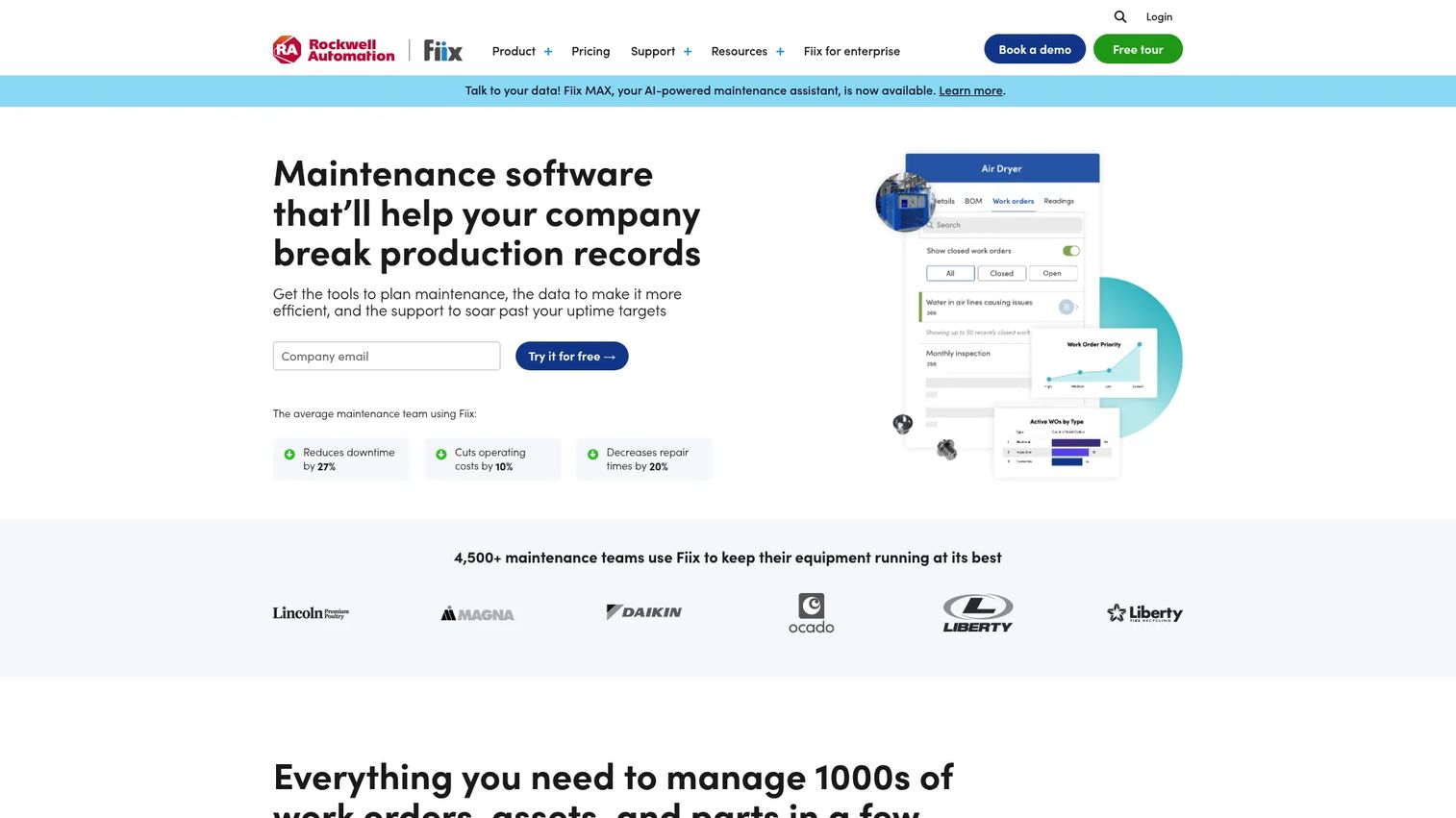
Fiix is a cloud-based CMMS focused on making maintenance management approachable. It covers the core, work orders, assets, inventory, and preventive maintenance, with a mobile app that keeps technicians productive in the field. The free tier lets small teams start without commitment, and the paid plans scale into more serious operations.
Best for: Maintenance teams that want a modern CMMS with work orders, assets, inventory, and mobile access.
Key strengths
- Work order and asset management
- Inventory management
- Mobile app with analytics and reporting
Why choose Fiix: Fiix balances usability with depth. It's approachable enough for a team new to CMMS but has the asset and inventory management to grow into. The mobile app makes it a solid pick where technicians work away from a desk.
Fiix pricing: Free plan for limited users, no credit card required. Basic is $45 per user per month, and Professional is $75 per user per month. Fiix also offers guidance to match you to the right plan.
6. IBM Maximo
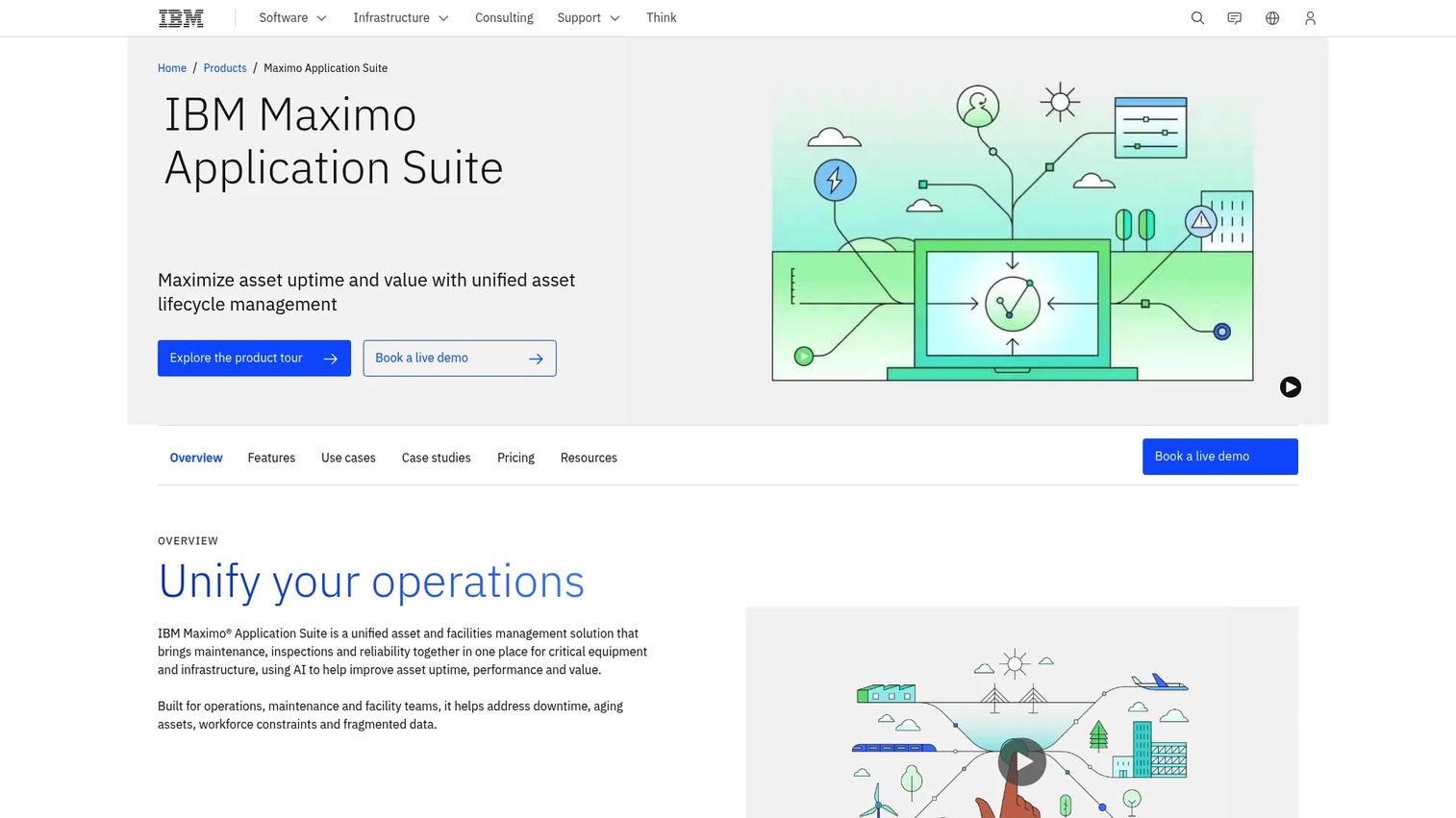
IBM Maximo Application Suite is IBM's AI-powered asset management platform spanning maintenance, reliability, field service, and related operational workflows. It's built for asset-intensive organizations, utilities, manufacturing, transport, where PM hierarchies, statuses, and large-scale asset management are non-negotiable. This is enterprise territory, with predictive maintenance and field execution baked in.
Best for: Asset-intensive organizations needing enterprise asset management, predictive maintenance, and field service.
Key strengths
- AI in maintenance, field execution, reliability, and planning
- Field service management with scheduling, dispatching, and mobile execution
- Asset management suite for maintenance, inspection, facilities, and inventory optimization
Why choose IBM Maximo: When you manage thousands of assets across complex hierarchies and need predictive workflows, Maximo is engineered for that scale. It's the choice for teams whose maintenance program is mission-critical infrastructure.
IBM Maximo pricing: Offered as client-managed software or SaaS, with plans including Essentials, Standard, and Premium. The Essentials option starts under US$40K per year, with option-specific pricing for modules like Inspection and Space Management. Trials are available.
7. Fleetio
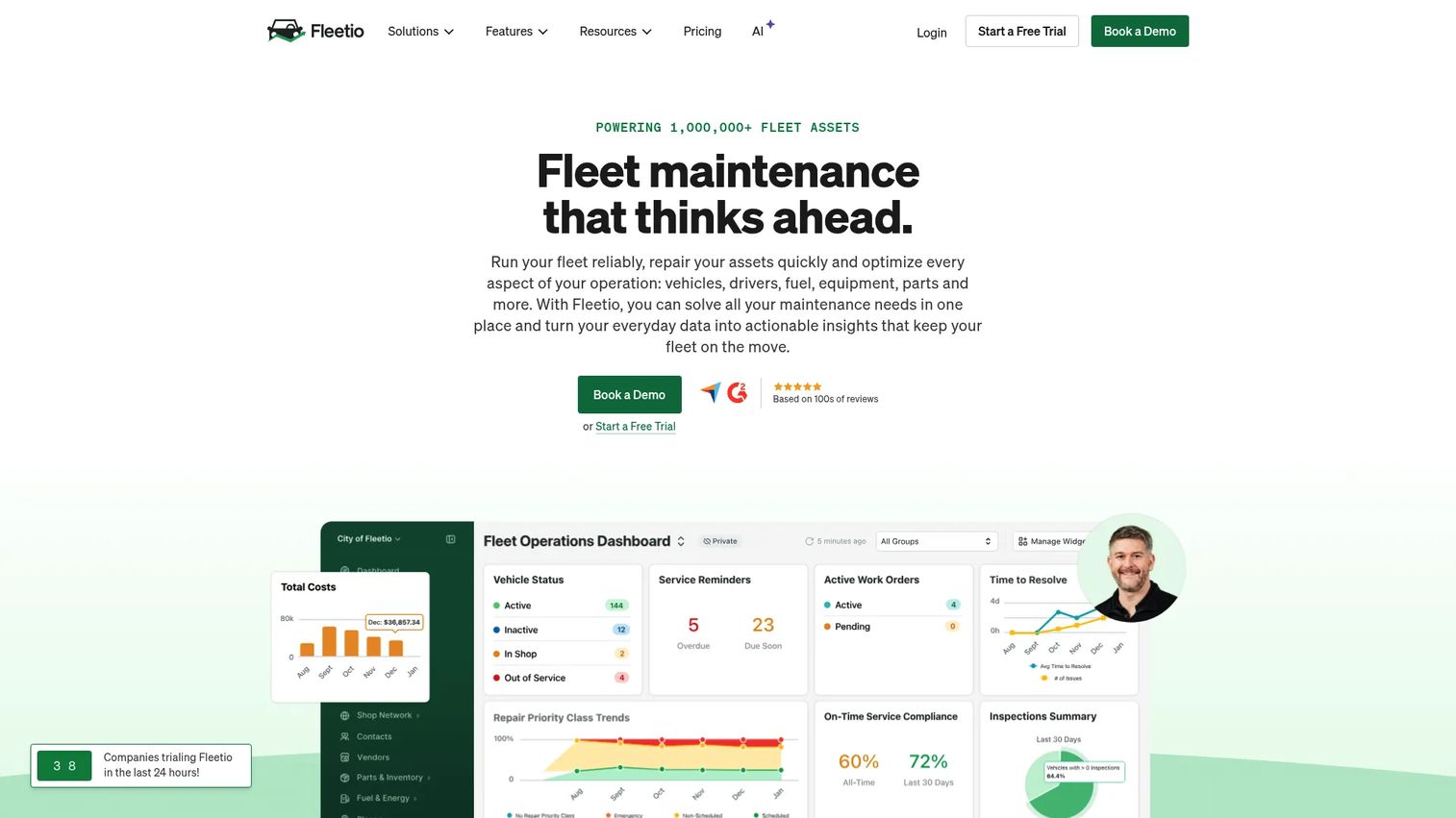
Fleetio is fleet management software for tracking maintenance, inspections, assets, and fleet operations. Where most tools schedule PM by calendar, Fleetio schedules by time, distance, and engine hours, exactly how vehicle maintenance actually works. Proactive reminders keep service on track across the whole fleet, and inspection forms work offline in the field.
Best for: Fleet operators needing maintenance, inspection, and asset tracking in one system.
Key strengths
- Asset management with TCO tracking and replacement forecasting
- Customizable inspection forms with offline mobile access and failed-inspection alerts
- Work order and maintenance workflow automation, including repair-shop communications
Why choose Fleetio: If your assets have wheels, Fleetio's usage-based scheduling fits far better than a calendar-only CMMS. Fleet-specific features like repair-shop communication and replacement forecasting make it purpose-built rather than adapted.
Fleetio pricing: Essential is $4 per vehicle per month billed annually, or $5 monthly. Professional is $7 per vehicle per month, and Premium is $10 per vehicle per month, both billed annually. A 14-day free trial is available with no credit card. Prices vary by fleet size and contract terms.
8. AkitaBox
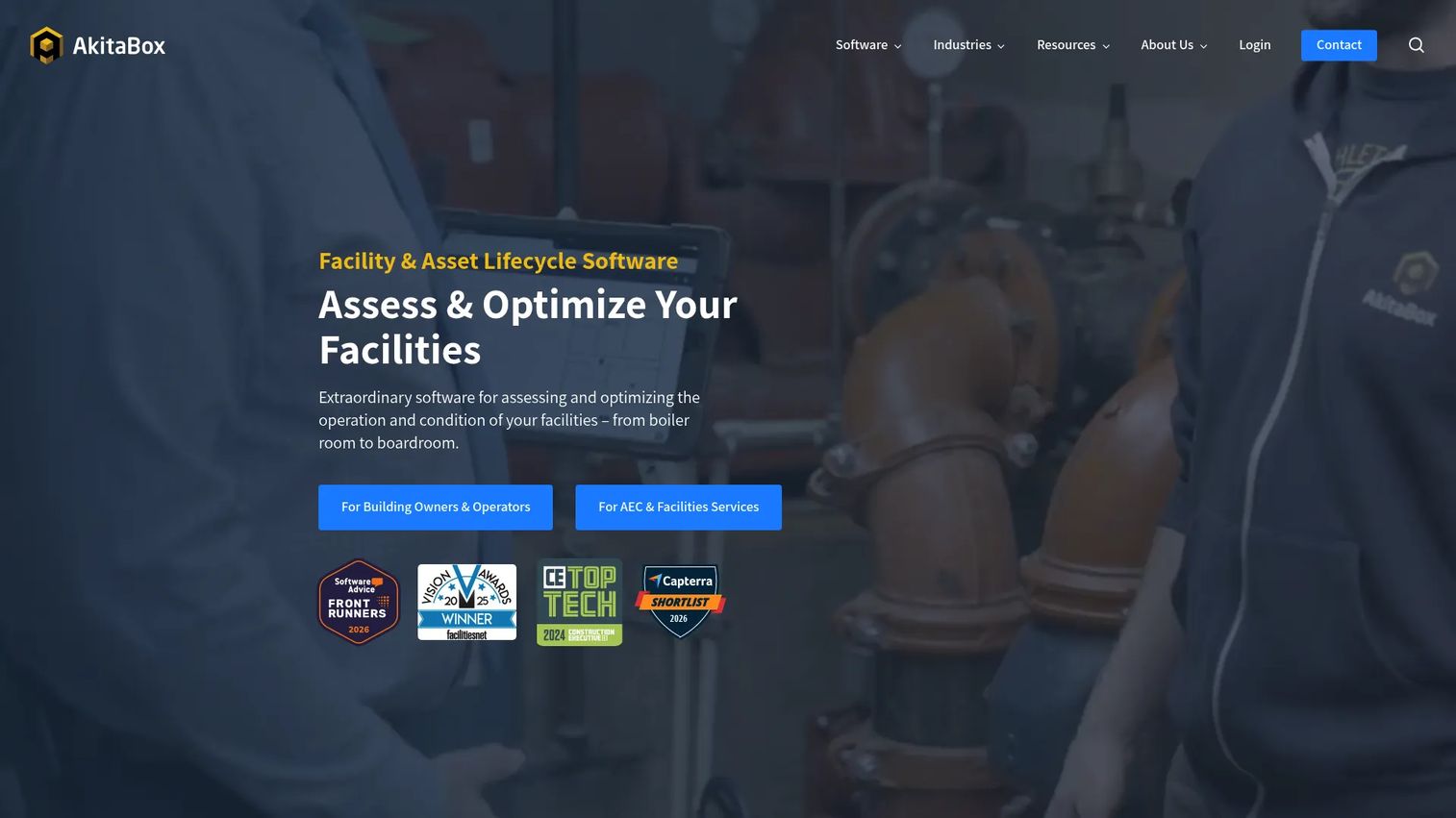
AkitaBox is facility management software for asset and maintenance management, inspections, capital planning, and facility condition assessments. Its standout is location: digital floor plans that map every asset to its exact spot in a building. For facilities teams that need to know not just what an asset is but where it lives, that visual layer changes how maintenance gets planned and executed.
Best for: Organizations that need one system for facility assets, maintenance, and condition assessments.
Key strengths
- Digital floor plans and location-based asset mapping
- Work order and preventive maintenance management
- Facility condition assessments with mobile data capture
Why choose AkitaBox: For schools, hospitals, and government facilities managing sprawling buildings, mapping assets to floor plans turns a spreadsheet of equipment into a navigable map. It's a strong fit where capital planning and condition assessment matter as much as day-to-day PM.
AkitaBox pricing: AkitaBox uses custom pricing and directs prospects to request a quote for its Owner/Operator and AEC & Facilities Services offerings. No public numeric pricing is listed.
Considerations
Before you commit, work through this checklist. The right tool depends less on feature counts and more on how it maps to your operation.
Asset and site complexity: How many assets and sites do you manage, and how deep do the hierarchies go? A single-site team and a 20-facility enterprise need very different tools. Match the platform to your scale, not your ambition.
Mobile and offline requirements: Do technicians work in basements, remote sites, or dead zones? If yes, offline mobile access isn't a nice-to-have. Test it in the actual conditions your field team faces before you buy.
Reporting and audit trail needs: Some teams need a completion log. Others need audit trails for compliance, uptime analytics, and cost reporting. Know which category you're in, since reporting depth varies widely across these tools.
Free tier and trial limits: Free plans and trials are the fastest way to validate fit, but read the limits. Asset caps, user caps, and feature gates on free tiers can hide the real cost. Coast, SafetyCulture, and Fiix all offer free entry points worth testing.
Implementation and training overhead: Configurable platforms reward setup effort with a precise fit. Simpler tools get you running faster. Be honest about your team's bandwidth and how much onboarding your technicians will tolerate.
Conclusion
There's no single best preventive maintenance software, only the best fit for how your team works.
If budget is the constraint and you want to start today, Coast's free plan gets technicians logging work with almost no setup. For enterprise operations managing thousands of assets, IBM Maximo is built for that scale and complexity. Fleet teams should look at Fleetio for its usage-based scheduling, while facilities and asset-heavy operations get real value from Eptura and AkitaBox. Fiix and SafetyCulture serve teams that want strong mobile execution, and eMaint remains a solid multi-site CMMS.
The next step is simple: shortlist two or three tools that match your site complexity and mobile needs, then run a trial. Test the two things that matter most day to day, recurring PM scheduling and mobile execution, before you sign anything. The tool that feels right in a demo isn't always the one your technicians will actually use in the field.
Whatever you're building, the fastest way to show your team or your buyers how a product works is to let them experience it directly. Guideflow lets you turn any product into a guided, clickable demo in minutes, no engineering required.
Start your journey with Guideflow today!
FAQs
Preventive maintenance software schedules, automates, and tracks recurring maintenance tasks so equipment gets serviced before it fails. It generates work orders on a schedule, assigns them to technicians, and keeps a full history of every asset. It's a core part of the broader CMMS category.
The essentials are recurring scheduling, automated work orders, asset tracking, mobile execution, and reporting. Beyond those, look at condition or meter-based triggers if your equipment wears by usage, and audit trails if you have compliance requirements. Match the feature depth to your actual workflows rather than chasing the longest feature list.
Yes, especially for small teams or first-time buyers. Free tools like Coast and Fiix let you validate the workflow before spending anything. Just read the limits: free plans often cap users, assets, or key features. If a free tier covers your current scale, it's a low-risk way to move off spreadsheets.
It replaces reactive fixing with scheduled inspection. Recurring tasks catch wear, calibration drift, and small failures before they become breakdowns. Because the system triggers work automatically and tracks completion, nothing gets skipped. The result is fewer unplanned failures and fewer lost production hours.
A CMMS (computerized maintenance management system) is the broad category that manages all maintenance work: reactive, preventive, and predictive. Preventive maintenance software is the part focused specifically on scheduled, recurring work. Most modern CMMS platforms include preventive maintenance as a core capability, so the terms often overlap in practice.
Manufacturing, facilities management, fleet operations, healthcare, education, and government all rely on it. Any operation with equipment or buildings that need regular servicing benefits. Over 70% of manufacturing organizations are adopting or planning preventive and predictive maintenance, per Technavio (2024), and asset-heavy industries lead adoption.
Most modern tools do. Mobile apps let technicians receive work orders, log completions, capture photos, and record timestamps from the field. Many also offer offline access for sites with no signal. If your team works away from a desk, test the mobile app in real conditions before buying.
Yes, that's the core function. The software maintains an asset record with history, location, and hierarchy, then links every work order to the asset it serviced. This creates a complete, timestamped maintenance history you can use for reporting, warranty claims, replacement forecasting, and audits.