Product leadership wants a VR prototype. Engineering asks what devices it needs to run on and what the interaction model looks like. Design needs to know whether it's building 3D environments or a browser-based WebXR scene. And procurement wants a licensing summary before the kickoff.
That's the usual shape of a VR initiative when it lands on a product manager's plate. The challenge is that "VR development software" covers four very different tool categories, and choosing the wrong one creates months of rework. The global VR development software market reached $3.1 billion in 2025, with 64.2% of that accounted for by the software segment alone, according to Dataintelo (2026). Demand is real, but so is the evaluation complexity.
This guide maps the seven tools worth evaluating, explains which category each belongs to, and gives you the information you need to make a defensible recommendation before your engineering and design teams weigh in.
What's inside
This guide is for product managers, innovation leads, and learning and development teams evaluating VR software before committing to a technical architecture or a development partner. Tools were selected based on:
- VR deployment options and headset compatibility
- Fit for specific experience types (full applications, browser-based, no-code training)
- Licensing model and total program cost
- Asset pipeline integration and maintainability across release cycles
- Enterprise readiness and integrations
TL;DR
- Best for cross-platform VR apps: Unity handles broad device coverage and scales from prototype to production.
- Best for high-fidelity simulation: Unreal Engine is the pick when visual quality and realism drive the roadmap.
- Best free, open-source engine: Godot Engine gives teams full source access under the MIT license.
- Best free 3D asset pipeline: Blender covers modeling, animation, and export without a subscription.
- Best for browser-based WebXR: A-Frame delivers immersive experiences through a compatible web browser, no app store required.
- Best for no-code enterprise training: SimLab VR Studio converts existing 3D assets into structured VR content with LMS integrations.
What is VR development software?
VR development software is a set of tools used to design, build, test, and deploy interactive virtual reality experiences for headsets, desktop systems, mobile devices, or web browsers.
The category spans four distinct types, and most VR programs use more than one:
Types of VR development software
Real-time engines handle interactive application logic, physics, rendering, user input, and deployment packaging. They are the core runtime of a full VR product.
3D content creation tools produce the environments, characters, product models, animations, and visual assets that populate a VR experience. They sit upstream of the runtime engine and export into it.
WebXR frameworks build browser-based immersive experiences that run through a compatible web browser. They remove the app-install barrier but require careful planning for browser and device support.
No-code VR platforms convert existing 3D models or media into guided VR content without a full engineering workflow. They fit structured training, product visualization, and education programs.
Key features to look for
- Target headset and browser support (standalone, PC-connected, WebXR, mobile)
- Controller, hand-tracking, and spatial interaction support
- 3D asset import formats and pipeline compatibility
- Performance profiling and optimization tools
- Version control and source-code ownership
- Analytics, LMS integration, or content distribution options
- Security controls for proprietary models and enterprise data
- Deployment paths: App stores, enterprise device management, or browsers
VR software category map
| Category | Primary job | Typical users | Example output |
|---|---|---|---|
| Real-time engine | Build and deploy an interactive VR application | Engineering, product | Headset-ready app |
| 3D creation tool | Produce assets for a VR scene | Design, 3D artists | Environments, characters |
| WebXR framework | Deliver immersive content through a browser | Web developers, product | Browser-based VR scene |
| No-code VR platform | Create structured VR content without coding | L&D, training, product | Interactive training module |
Note that headsets, VR SDKs, and individual asset libraries are part of the broader VR ecosystem, but are not standalone development platforms. Comparing an engine to a headset or an SDK in a software evaluation is a category error that slows decisions down.
When to use VR development software
Build a full interactive VR application
Choose a real-time engine when the product requires custom controller input, 3D scene logic, persistent states, and a packaged deployment to one or more headset platforms. This path fits consumer products, enterprise training simulations, and custom applications where the interaction model is part of the product itself. Plan for a roadmap beyond a single prototype, because maintaining a native VR app across device generations is an ongoing engineering commitment.
Prototype a new experience before committing to a production build
Define one measurable hypothesis first: Task completion rate, training recall score, or time-to-proficiency on a specific workflow. A prototype should test the experience model, not recreate every production system. This is where open-source engines and browser-based frameworks offer a lower-risk entry point, since you're validating assumptions before allocating a full development budget.
Publish immersive content through a browser or training workflow
WebXR and no-code platforms reduce distribution friction by removing the app-install step. They work well for virtual showrooms, product visualization, safety training modules, and education programs built from existing 3D assets. Teams still need to confirm target browser support, asset loading performance, and user access controls before treating these as production-ready delivery mechanisms.
VR development software comparison
The table below compares tools by the job they perform inside the VR production stack. These are not interchangeable options; most production VR programs combine tools from two or more categories.
| # | Product | Best for | Key differentiator | Pricing | G2 rating |
|---|---|---|---|---|---|
| 1 | Unity | Cross-platform VR application development | Mature real-time engine with broad deployment targets | Free (Personal), Pro from $210/month per seat | N/A |
| 2 | Unreal Engine | High-fidelity simulation and visualization | Advanced real-time rendering and C++ source access | Free below thresholds; $1,850/seat/year for qualifying non-game use | 4.5/5 |
| 3 | Godot Engine | Open-source VR projects and budget-sensitive teams | MIT-licensed with full source access | Free | 4.5/5 |
| 4 | Blender | VR-ready 3D modeling, animation, and asset production | Free, open-source 3D creation suite with broad export support | Free | 4.6/5 |
| 5 | Maya | Advanced character animation and professional 3D pipelines | Professional animation, rigging, and simulation tools | From $255/month | 4.3/5 |
| 6 | A-Frame | Browser-based WebXR experiences | Declarative HTML framework built on WebXR and Three.js | Free and open source | 4.8/5 |
| 7 | SimLab VR Studio | No-code VR training and visualization | Converts 3D models to interactive VR with LMS integrations | Free (with watermark), Pro from $499/year | N/A |
Pricing and ratings verified October 5, 2026, from each tool's official pricing page and G2 listing.
Best 7 VR development software tools for 2026
1. Unity
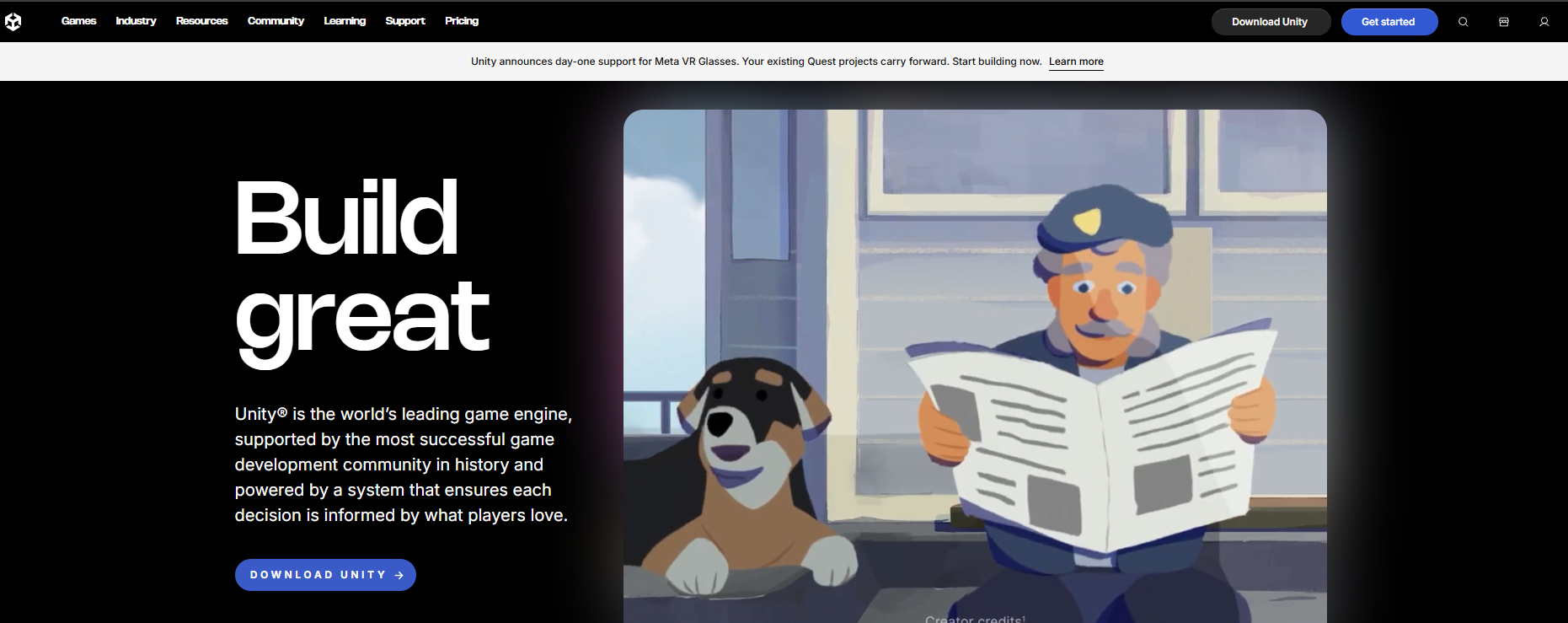
Unity is a real-time development platform for creating and operating interactive 2D and 3D content across a wide range of deployment targets, including standalone headsets, PC-connected VR, mobile, desktop, and web. For product teams planning a VR application that may expand across device families or require a maintainable production codebase, Unity's ecosystem depth and talent availability make it a practical starting point.
Best for: Product teams building cross-platform VR applications where device coverage and long-term ownership both matter.
Key features
- XR development toolkit with device integrations for major headset platforms
- Real-time 2D and 3D rendering via Universal Render Pipeline and High Definition Render Pipeline
- C# scripting with an extensible component architecture
- Unity Asset Store with third-party middleware and plugins
- Cloud-based version control, asset management, and collaboration tools
Why choose Unity: Unity fits when you need a mature production environment, a broad candidate pool of Unity-fluent engineers, and confidence that the engine will support your device roadmap for multiple release cycles. Define target devices, interaction requirements, and telemetry needs before you start selecting packages; the ecosystem's breadth can create architectural choices that are difficult to reverse later.
Unity pricing: Unity Personal is free for eligible organizations. Unity Pro runs $210 per month per seat (or $2,310 per year per seat). Unity Enterprise and Unity Industry use custom pricing. Revenue thresholds affect Personal plan eligibility, so confirm your organization's status before starting development.
2. Unreal Engine
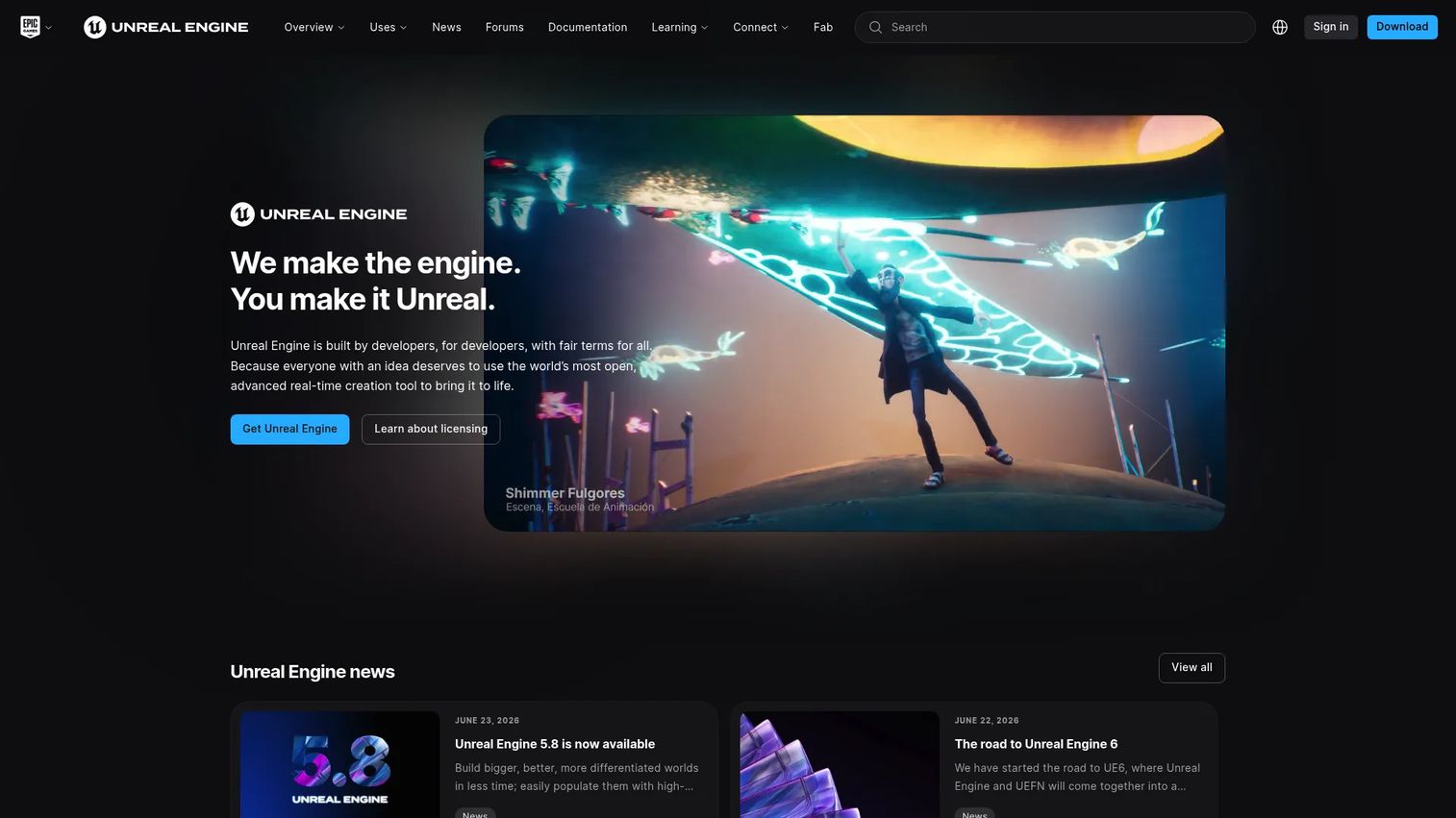
Unreal Engine is a real-time 3D creation tool used across games, film, architecture, industrial simulation, product visualization, and immersive training. Its Nanite virtualized geometry and Lumen global illumination system produce visuals that set it apart from most alternatives in demanding VR scenarios. Product teams evaluating high-fidelity virtual environments, digital twins, or simulation programs where realism directly affects outcomes will find Unreal Engine a strong technical fit.
Best for: Teams whose VR roadmap centers on visual fidelity, realistic simulation, or production-grade virtual environments.
Key features
- Nanite and Lumen real-time rendering for high-fidelity visuals
- Blueprint visual scripting for logic without writing C++
- Full C++ source-code access and modification rights
- Advanced character animation and physics simulation tools
- Broad platform deployment including PC VR, standalone headsets, and mobile
Why choose Unreal Engine: Choose Unreal when the experience quality itself is a product differentiator, for example an architecture visualization that clients evaluate against the physical space, or a training simulation where realistic equipment behavior affects learning outcomes. Plan for specialized 3D production capacity. Assets and environments built to Unreal's quality bar require skilled artists and significant production time.
Unreal Engine pricing: Free for individuals, educators, and companies with annual revenue below $1 million. Qualifying commercial non-game use costs $1,850 per seat per year. Games and qualifying runtime products pay a 5% royalty on lifetime gross revenue above $1 million USD.
G2 rating: 4.5/5 on G2.
3. Godot Engine
Godot Engine is a free, open-source cross-platform engine with an MIT license that allows commercial use without royalties or seat fees. It provides a complete 3D scene system, native OpenXR and WebXR support, and scripting options including GDScript, C#, and C++. For teams that need source-code access, IP control, or cost-predictable licensing, Godot avoids the commercial constraints that affect Unity and Unreal.
Best for: Technical teams that require an open-source engine and want to avoid per-seat licensing or royalty-based cost models.
Key features
- MIT license permitting commercial use without fees or royalties
- Full source-code access and modification rights
- OpenXR and WebXR support for VR deployment
- GDScript, C#, C++, and GDExtension scripting options
- Cross-platform export to desktop, mobile, and web
Why choose Godot Engine: Godot is the right call when IP ownership, predictable licensing costs, and the ability to fork or modify the engine matter more than ecosystem breadth. Before committing, verify that your target headset platforms are supported and confirm that your engineering team has, or can hire, relevant Godot and XR experience. The community-led development model means platform support expands based on contributor priorities, not a commercial vendor's roadmap.
Godot Engine pricing: Free under the MIT license. Engineering time, 3D assets, QA hardware, and any third-party services are the actual cost drivers for a Godot-based VR program.
G2 rating: 4.5/5 on G2.
4. Blender
Blender is a free, open-source 3D creation suite that covers modeling, sculpting, rigging, animation, simulation, rendering, and compositing. It is not a VR application runtime. Its role in a VR production stack is to create and refine the assets, environments, and animations that get exported into an engine or platform. For 3D modeling workflows on a budget, Blender provides professional-grade tooling without a subscription.
Best for: Product and design teams that need to produce or modify 3D environments, product models, and animations for use inside a VR experience.
Key features
- 3D modeling, sculpting, and mesh editing tools
- Animation, rigging, and keyframe workflows
- Cycles and EEVEE rendering engines for previews and output
- Python scripting and a broad add-on ecosystem
- Export support for formats used by Unity, Unreal Engine, and Godot
Why choose Blender: Choose Blender when custom 3D assets are part of the experience and the team cannot justify a commercial 3D suite subscription. It pairs with real-time engines and no-code VR platforms rather than replacing them. Asset production is frequently the longest phase of a VR project, so starting Blender work early reduces schedule risk on the overall program.
Blender pricing: Free and open source under the GNU GPL license. Training, add-ons, outsourced 3D artists, and commercial asset libraries carry their own costs.
G2 rating: 4.6/5 on G2.
5. Maya
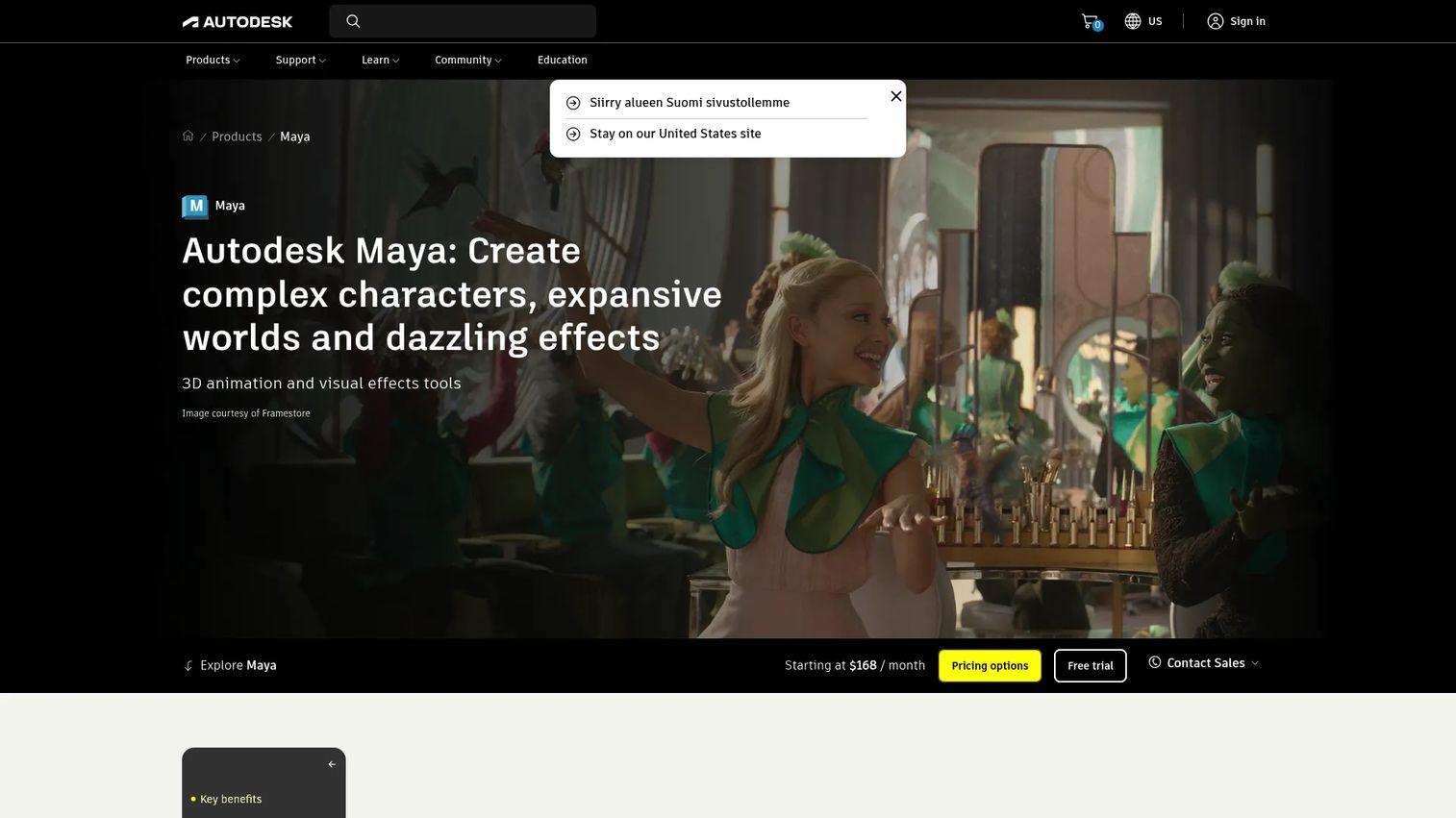
Autodesk Maya is a professional 3D software platform used by film studios, game developers, and visualization teams for character creation, animation, simulation, and visual effects. Like Blender, Maya is an asset production tool, not a VR application runtime. It belongs upstream of the delivery engine and is typically the right choice when a team has established Autodesk workflows or when character-driven experiences require advanced rigging and animation capabilities.
Best for: Teams with advanced 3D production requirements, especially character animation, simulation content, or integration with existing Autodesk pipelines.
Key features
- Polygon and NURBS modeling for characters and environments
- Keyframe, nonlinear, and motion-capture animation workflows
- Bifrost simulation and visual effects tools
- Integrated Arnold rendering and OpenUSD workflow support
- MEL and Python scripting for pipeline customization
Why choose Maya: Maya is the right investment when specialist 3D artists are already working in an Autodesk-centered pipeline, or when the VR experience depends on high-quality character animation that Blender's workflow can't match at the required fidelity or production speed. It's not the right first tool for a team validating a basic VR interaction concept. Autodesk also offers a 30-day free trial, which gives engineering and design teams a practical way to assess fit before a subscription commitment.
Maya pricing: Maya runs $255 per month or $2,010 per year. A 30-day free trial is available.
G2 rating: 4.3/5 on G2.
6. A-Frame
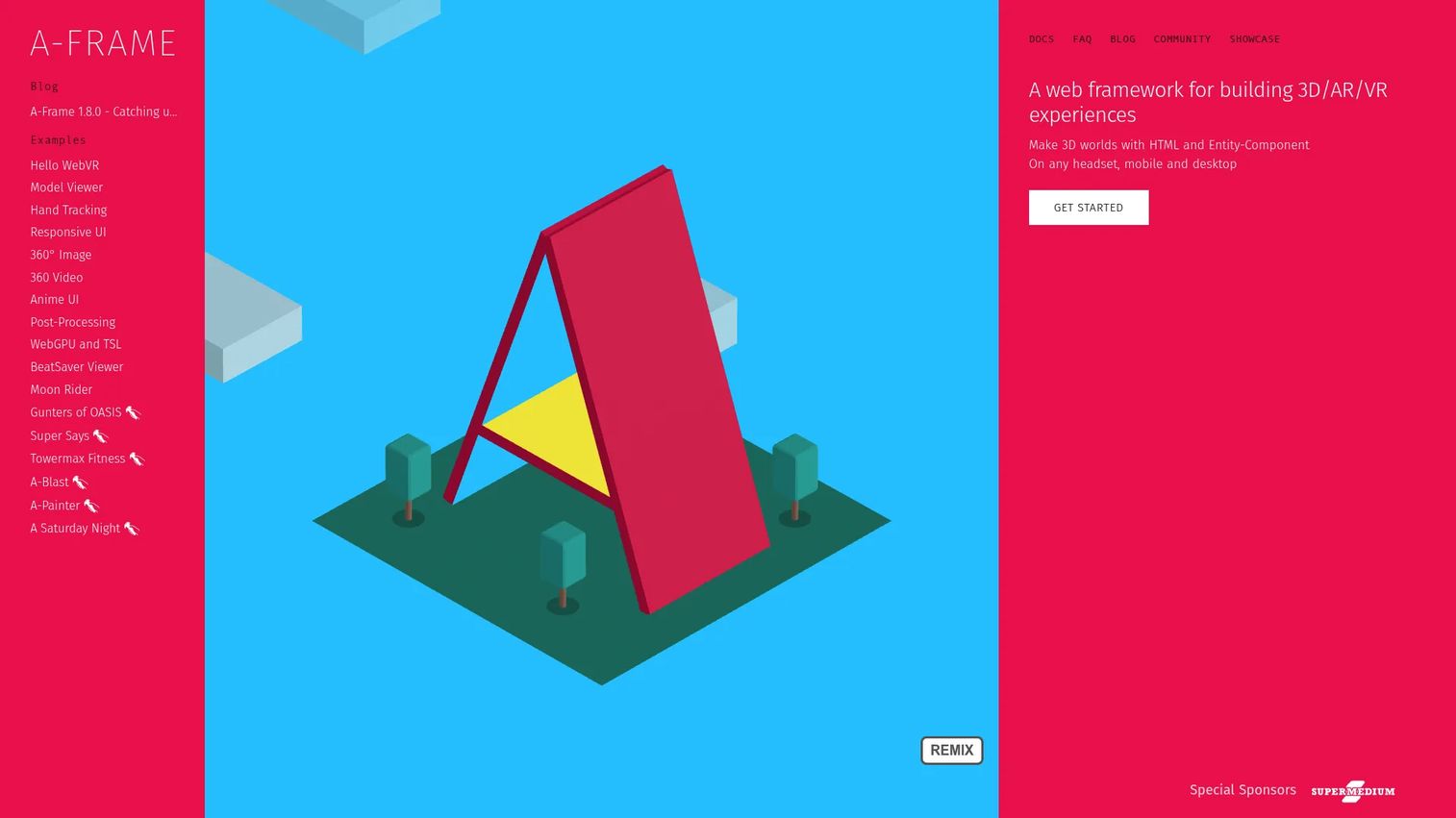
A-Frame is an open-source web framework for building 3D, augmented-reality, and virtual-reality experiences that run directly in a browser. Built on WebXR and Three.js, it uses a declarative HTML approach that web developers can adopt without learning a full game engine. A-Frame changes the distribution model: Users access the experience through a URL rather than installing an app, which can reduce friction for product tours, virtual showrooms, customer education modules, and virtual events.
Best for: Web developers and product teams delivering immersive experiences through a browser rather than a native headset application.
Key features
- HTML-based scene authoring with entity-component architecture
- Built-in WebXR device integration for supported browsers and headsets
- Three.js and JavaScript compatibility for custom logic
- Core components for geometry, materials, lighting, animation, models, and audio
- Built-in 3D inspector for in-browser scene editing
Why choose A-Frame: A-Frame is the practical pick when browser delivery matters more than native app store distribution. It fits web-first prototypes, virtual showrooms, documentation experiences, and lightweight immersive product exploration. Plan carefully for browser compatibility, performance budgets on lower-powered devices, and mobile fallback behavior. Not every headset or browser handles WebXR identically, so device testing is still a required step.
A-Frame pricing: Free and open source. Hosting, custom development, and asset production are the main cost drivers.
G2 rating: 4.8/5 on G2.
7. SimLab VR Studio
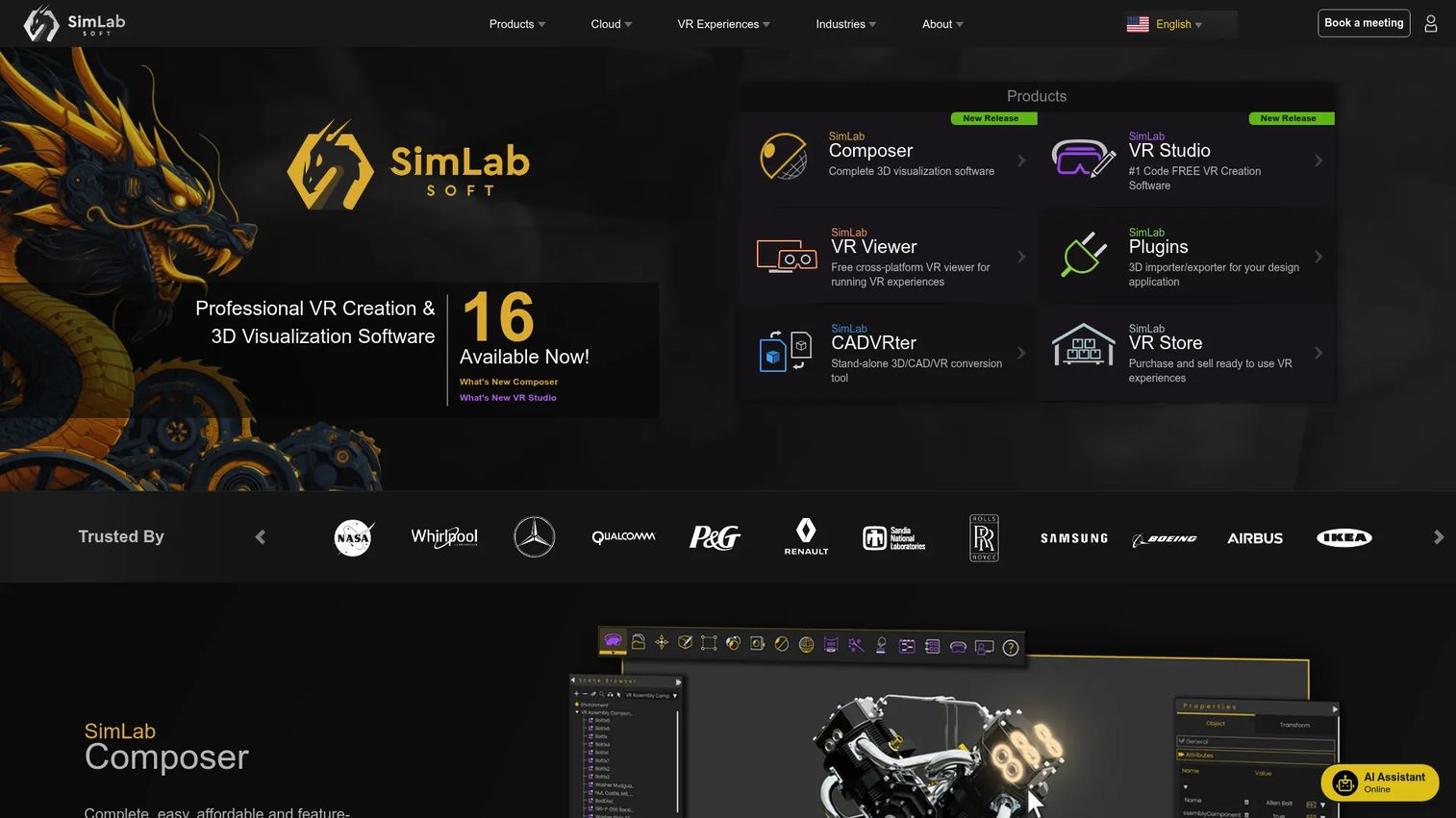
SimLab VR Studio is a no-code VR creation tool for building interactive training, education, product demonstrations, and 3D visualization experiences from existing 3D content. It supports import from more than 30 CAD and 3D formats, and its visual Training Builder lets subject-matter experts create structured VR experiences without writing code. For enterprise training programs where completion tracking, LMS reporting, and rapid content updates matter more than custom application logic, SimLab VR Studio reduces the engineering dependency significantly.
Best for: Enterprise training, education, and visualization teams that want to turn existing CAD or 3D assets into interactive VR content without a custom engineering build.
Key features
- No-code VR experience creation with a visual Training Builder
- CAD and 3D model import supporting 30+ formats
- Interactive quizzes, animations, physics, and voice commands
- xAPI and SCORM integration for LMS reporting
- Cloud sharing and free VR Viewer for multi-user access
Why choose SimLab VR Studio: SimLab VR Studio works when the experience fits a structured, content-led format and the priority is training effectiveness measured through completion rates and assessment scores rather than custom interaction design. It's a narrower fit for teams building consumer VR applications with proprietary runtime logic. Connect the LMS integration directly to your training KPIs before purchase; the reporting layer is what justifies the program to stakeholders.
SimLab VR Studio pricing: A free edition is available, but adds a watermark to exported content. The Pro plan runs $499 per year and removes the watermark. The Ultimate plan, which includes all advanced features, costs $999 per year.
Considerations when choosing VR development software
Match the tool to the experience you must ship
Start with the user's job, not the vendor's feature list. A high-fidelity industrial simulation, a browser-based product tour, and a structured safety training module each require a different architecture. Defining the experience type before evaluating tools saves significant evaluation time and avoids committing to a platform built for a different job.
Set device support before the build begins
Identify target environments early: Standalone headsets, tethered PC VR, browser-based WebXR, mobile, or Apple Vision Pro. Device support affects interaction design, performance budgets, QA equipment requirements, and release planning. Changing device targets mid-development typically triggers significant rework, particularly in native apps where rendering and input handling are tightly coupled to the target platform.
Separate asset production from application development
3D modeling, animation, environment design, application logic, and deployment are distinct workstreams with different skill requirements and tooling. A team may need a 3D rendering software tool alongside an engine or delivery platform. Asset production is frequently the longest phase of a VR program, so plan its resourcing and timeline separately from the application build.
Price the complete program, not just the license
Software license costs are one line in the total program budget. Engineering time, 3D production, QA hardware, device management, cloud delivery, training, integrations, and ongoing maintenance all drive the actual cost. Free engines and open-source tools reduce the license cost to zero while leaving the rest of the program budget intact.
Plan for iteration and instrumentation
A first prototype validates assumptions. A production experience requires versioning, user feedback mechanisms, accessibility considerations, content updates, and a clear owner after launch. Choose tools that your team can maintain across frequent product releases without a separate engineering project for each update cycle.
Conclusion
The VR development stack is not one purchase. It's a set of linked decisions about runtime, 3D asset production, device distribution, and long-term ownership.
For product managers making the initial shortlist: Unity handles cross-platform app development with a large talent pool behind it. Unreal Engine is the choice when visual fidelity and simulation realism are central requirements. Godot Engine gives teams full source access at zero license cost. Blender and Maya serve the 3D modeling and asset production layer upstream of any runtime. A-Frame delivers browser-based WebXR experiences without app-store distribution. SimLab VR Studio converts existing 3D content into structured training and visualization programs without a custom engineering build.
Before selecting a platform, define one outcome, one target device strategy, and one prototype scope. That decision shapes every tool choice downstream, and making it early prevents the most common and costly mismatch: Buying a full game engine when the actual need is a training content platform, or vice versa.
For teams at earlier stages of their technology evaluation, our guides on best sales training software and best virtual event platforms cover adjacent decision contexts that often intersect with immersive content programs.
Start your journey with Guideflow today!
FAQs
The answer depends on what you're building. A web developer can start with A-Frame quickly because it uses HTML syntax rather than a proprietary editor. Teams building a full headset application typically start with Unity or Godot Engine, both of which have extensive documentation and community tutorials. Organizations that need training content without engineering involvement should evaluate SimLab VR Studio's no-code workflow before committing to an engine.
Unity is frequently chosen for broad device coverage, a large community of engineers, and C# workflows that many development teams already know. Unreal Engine is often the pick when high-fidelity graphics, realistic simulation, or advanced animation are central to what the experience must deliver. The practical decision turns on three factors: Target device platform, your team's existing skills, and how much visual quality actually matters for the specific use case.
Yes, for a defined set of use cases. No-code VR platforms like SimLab VR Studio support training modules, product visualizations, and guided educational experiences built from imported 3D assets. Teams building custom interaction logic, multiplayer features, proprietary backend integrations, or consumer applications will generally need engineering capacity regardless of the platform.
VR development software creates the interactive application or immersive experience and handles rendering, input, logic, and deployment. 3D modeling software creates the assets that populate that experience, including environments, objects, characters, and animations. Many production teams use both in the same program, with tools like Blender or Maya handling asset creation and an engine like Unity or Godot handling the runtime.
WebXR works well when browser delivery matters more than a native app store release. It removes the installation step, supports desktop fallback for non-headset users, and reduces the distribution friction for product tours, showrooms, and event experiences. Teams still need to test target browsers, headset compatibility, performance on lower-powered devices, and input behavior before treating a WebXR experience as production-ready.
Test on the headset or device family you plan to support. At minimum, that means one unit from each target platform, whether standalone or PC-connected. Teams also need to test controller behavior, hand-tracking if supported, frame rate under realistic content loads, and fallback experiences on desktop or mobile. For enterprise VR programs, device management and provisioning hardware should be scoped into the program budget alongside development tools.
Costs range from free open-source tools (Godot Engine, Blender, A-Frame) to subscription-based professional suites and enterprise platforms. The software license is one cost driver among many. A realistic program budget also covers engineering time, 3D asset production, QA hardware, cloud hosting or device management, training, and maintenance after each release cycle. A free engine does not make a VR program free to build.
Yes. VR platforms can deliver training simulations, equipment familiarization, safety exercises, guided onboarding workflows, and procedural education modules. For enterprise deployment, evaluate LMS integration (xAPI and SCORM support), access controls, device management at scale, assessment and completion analytics, and the content update process for keeping training modules current as products or procedures change. SimLab VR Studio addresses this use case directly with its Training Builder and LMS integrations.