You scoped a chat feature. Two weeks in, someone asks about read receipts, typing indicators, offline delivery, and moderation. Then legal asks about data export. Then the mobile team asks whether the SDK covers React Native and Flutter.
Building all of that yourself is a project, not a feature. Presence, message fan-out, retries, push notifications, and profanity filtering each carry [their own edge cases. And every one of them has to survive scale, spotty networks, and a security review.
That is why most teams buy a chat API instead of building one. The global messaging application API market hit USD 46.75 billion in 2024 and is projected to reach USD 130.87 billion by 2030, according to Grand View Research (2025).](https://www.grandviewresearch.com/industry-analysis/messaging-application-api-market-report) Real-time messaging is now infrastructure people buy, not code they write.
The catch: the vendors look similar on a landing page and diverge fast once you read the docs. Some ship a full SDK plus UI kits. Some hand you raw messaging primitives. Some bundle chat inside a broader communications platform. Knowing the difference before you commit saves a rebuild later.
What's inside
This guide compares seven chat API software options for teams adding real-time messaging to web and mobile apps. It is built for developers, product teams, and technical presales buyers who need to validate fit fast.
We picked and ranked tools on the criteria that actually decide these deals:
- API versus SDK clarity: what you build versus what ships ready
- Platform coverage: iOS, Android, JavaScript, React, React Native, Flutter, and more
- Moderation and safety: filters, blocking, AI moderation, review workflows
- Scalability and latency: concurrency, uptime, regional reach
- Pricing transparency: public tiers you can actually plan against
TL;DR
- Best overall for SDK breadth and infrastructure credibility: Stream.
- Best for a clean API plus strong SDK education path: Sendbird.
- Best for customization and moderation depth: CometChat.
- Best for enterprises already on a communications platform: Twilio.
- Best for event-driven, high-scale messaging patterns: PubNub.
- Best for real-time voice, video, and chat-adjacent app interaction: Agora.
- Best for lightweight, fast-to-embed chat: TalkJS.
Match the tool to your client platforms and governance needs first. Feature checklists come second.
What is chat api software?
Chat API software is the backend infrastructure and developer tooling used to embed real-time messaging into web, mobile, and desktop applications without building the messaging layer from scratch.
It bundles the server-side messaging engine with client-side developer tools, so teams ship in-app chat in days instead of quarters. A good chat api service handles delivery, presence, sync, and moderation so your team focuses on product, not plumbing.
Core capabilities you should expect from any chat api for apps:
- 1:1 chat and group chat: direct messages, channels, and large group conversations
- File and media sharing: images, video, documents, and attachments
- Read receipts and typing indicators: delivery and seen states, live typing
- Presence and online status: who is online, away, or offline
- Threaded replies and mentions: organized conversations and @-notifications
- Moderation and profanity filtering: blocking, reporting, and chat moderation workflows
- Webhooks and data export: event delivery to your backend and audit trails
- UI kits and customization: prebuilt components you can brand
- Cross-platform SDK support: consistent behavior across web and native clients
- Analytics and event tracking: engagement, delivery, and usage signals
A chat messaging api is the layer that turns "we should add chat" into a shipped feature that scales.
Chat api vs chat sdk
This distinction trips up buyers, and it changes what you actually build.
A chat API is the server-side interface. It handles the messaging logic: sending, storing, syncing, and delivering messages, plus presence, webhooks, and moderation rules. You call it from your backend or client and it manages the real-time infrastructure.
A chat SDK is the client-side package. It gives developers ready-made tools and often prebuilt UI components (message lists, composers, typing indicators) so you do not rebuild the interface for every platform. The SDK talks to the API under the hood.
Put simply: the API is the engine, the SDK is the steering wheel and dashboard. Most vendors ship both. The chat api vs chat sdk question really comes down to how much client-side tooling you want handed to you versus how much you want to control yourself.
For buying decisions, this matters. If your team wants speed and a branded UI out of the box, weight SDK and UI kit depth. If you need custom UI and only want the messaging backend, weight the API and its webhook and event model.
Core features to expect
When you evaluate any online chat api, run every vendor against the same checklist:
- 1:1 chat and group chat
- File and media sharing
- Read receipts and typing indicators
- Presence and online status
- Threaded replies and mentions
- Moderation and profanity filtering
- Webhooks and data export
- UI kits and customization
- Cross-platform support
- Analytics and event tracking
The gaps between vendors show up in depth, not presence. Most list these. Fewer do all of them well across every platform you ship on.
When to use chat api software
Build in-app messaging without custom backend overhead
If chat is a feature and not your core product, building it in-house rarely pays off. A chat api service gives you presence, delivery guarantees, retries, and sync out of the box.
You skip the multi-quarter build and the ongoing maintenance of a real-time system. That frees your engineers to work on the product that differentiates you, not the messaging layer every competitor also needs.
Buy when product velocity matters more than owning every line of the messaging stack.
Support mobile, web, and desktop users from one stack
Most products live on more than one surface. You need chat to behave the same on iOS, Android, and the web, without maintaining three separate implementations.
Strong cross-platform SDK support means one messaging layer serves every client. A chat api for android should feel identical to the web experience, with the same read receipts, presence, and threading.
Choose a vendor whose SDK coverage matches every platform on your roadmap, including the ones you have not shipped yet.
Add moderation, compliance, and event hooks early
If your app has user-generated content, moderation is not optional. Profanity filters, blocking, reporting, and AI moderation belong in the plan from day one, not bolted on after an incident.
The same goes for webhooks and data export. Teams with production risk or governance needs want event hooks feeding their backend and audit trails ready for review.
Managed chat software wins here because these controls are built and tested, not something your team has to invent under deadline.
Comparison table
This table narrows the shortlist fast. Scan it for best use case, key differentiator, pricing, and G2 rating, then read the sections that match your stack.
| # | Product | Best for | Key differentiator | Pricing | G2 rating |
|---|---|---|---|---|---|
| 1 | Stream | Scalable chat, feeds, and video | Broad SDK coverage plus low-latency infrastructure | Free tier; paid from $399/mo | 4.5/5 |
| 2 | Sendbird | Embedded messaging and customer comms | Deep chat feature set plus voice/video | Free tier; paid from $399/mo | 4.6/5 |
| 3 | CometChat | Customizable chat, voice, and video | Moderation depth and multi-channel notifications | Free tier; paid from $239/mo | 4.6/5 |
| 4 | Twilio | Enterprise communications workflows | Messaging inside a broad comms platform | Free trial; usage-based | 4.1/5 |
| 5 | PubNub | Event-driven, high-scale messaging | Pub/sub primitives for real-time apps | Free tier; paid from $98/mo | 4.4/5 |
| 6 | Agora | Real-time voice, video, and chat | Interactive real-time engagement APIs | Free usage; Chat from $349/mo | 4.1/5 |
| 7 | TalkJS | Fast-to-embed in-app chat | Prebuilt chat UI with quick setup | Free dev mode; paid from $279/mo | 4.5/5 |
Pricing and ratings reflect published values at the time of writing. Verify current figures on each vendor's pricing page before you commit.
Best chat api software for 2026
1. Stream
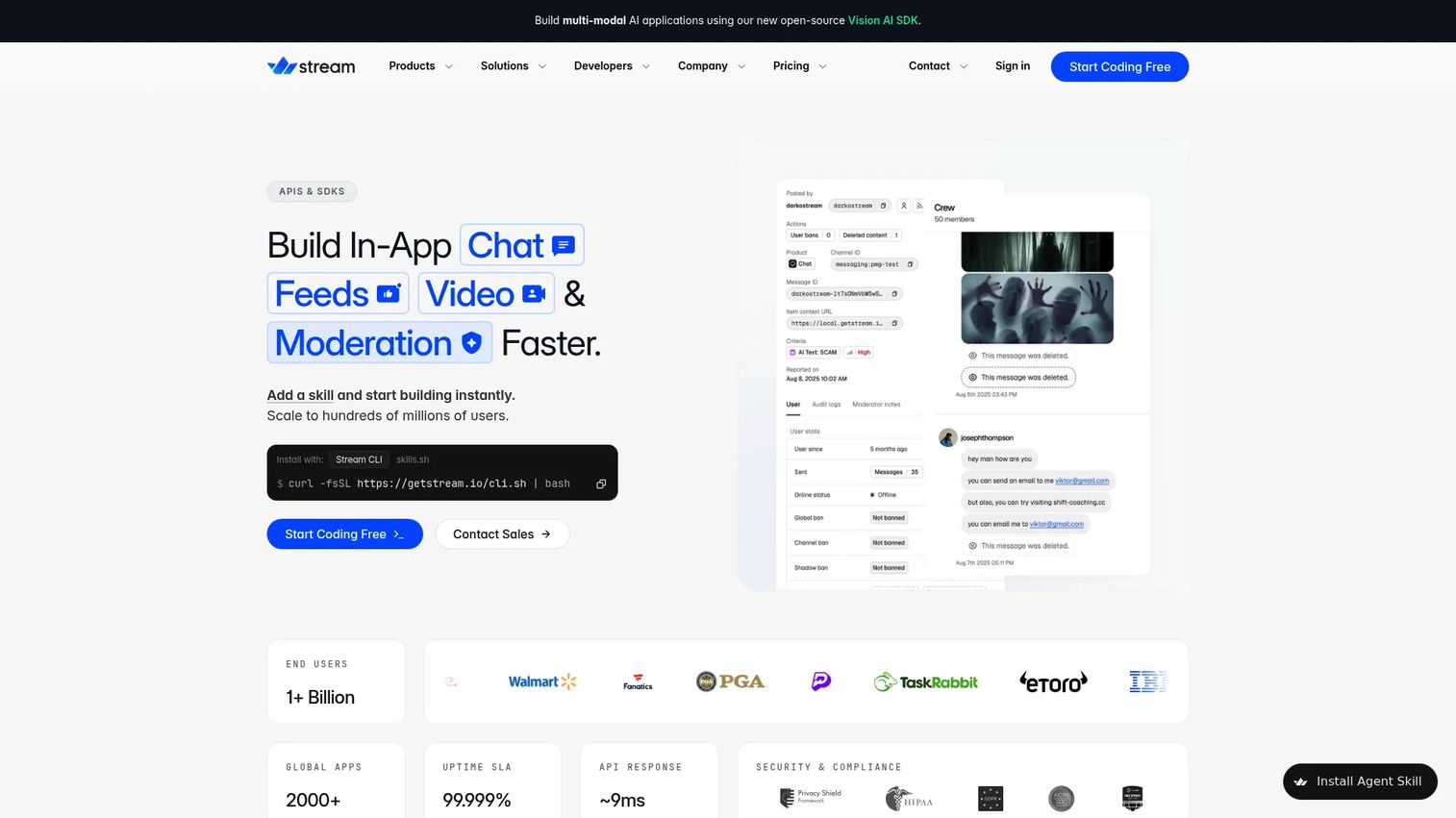
Stream is a developer platform for building in-app chat, video and audio, activity feeds, and moderation through APIs and SDKs. It is the strongest pick for teams that care about scale, SDK breadth, and low-latency delivery. If you are shipping messaging across many client platforms and want the infrastructure story to hold up in a security review, Stream leads here.
The platform pairs a messaging API with broad SDK coverage and prebuilt UI kits, so your team can brand the interface instead of building it. Moderation and webhooks are part of the offering, which matters for apps with user-generated content and governance requirements.
Best for: Teams building scalable real-time messaging, feeds, and video across web and mobile.
Key strengths
- Chat messaging APIs with prebuilt UI kits
- Video and audio alongside chat
- Activity feeds for social-style apps
- Moderation tooling for user-generated content
- Broad SDK and cross-platform support
Why choose Stream: If your product spans several client platforms and you want one vendor for chat, feeds, and video with credible scale, Stream fits. It suits technical buyers who need infrastructure proof points, not just a feature list.
Stream pricing: Free Build tier with no credit card, covering 1,000 MAU and 100 concurrent connections. Start is $399/mo billed annually or $499 monthly. Elevate is $599/mo billed annually or $675 monthly. Enterprise is a custom add-on with volume discounts.
2. Sendbird
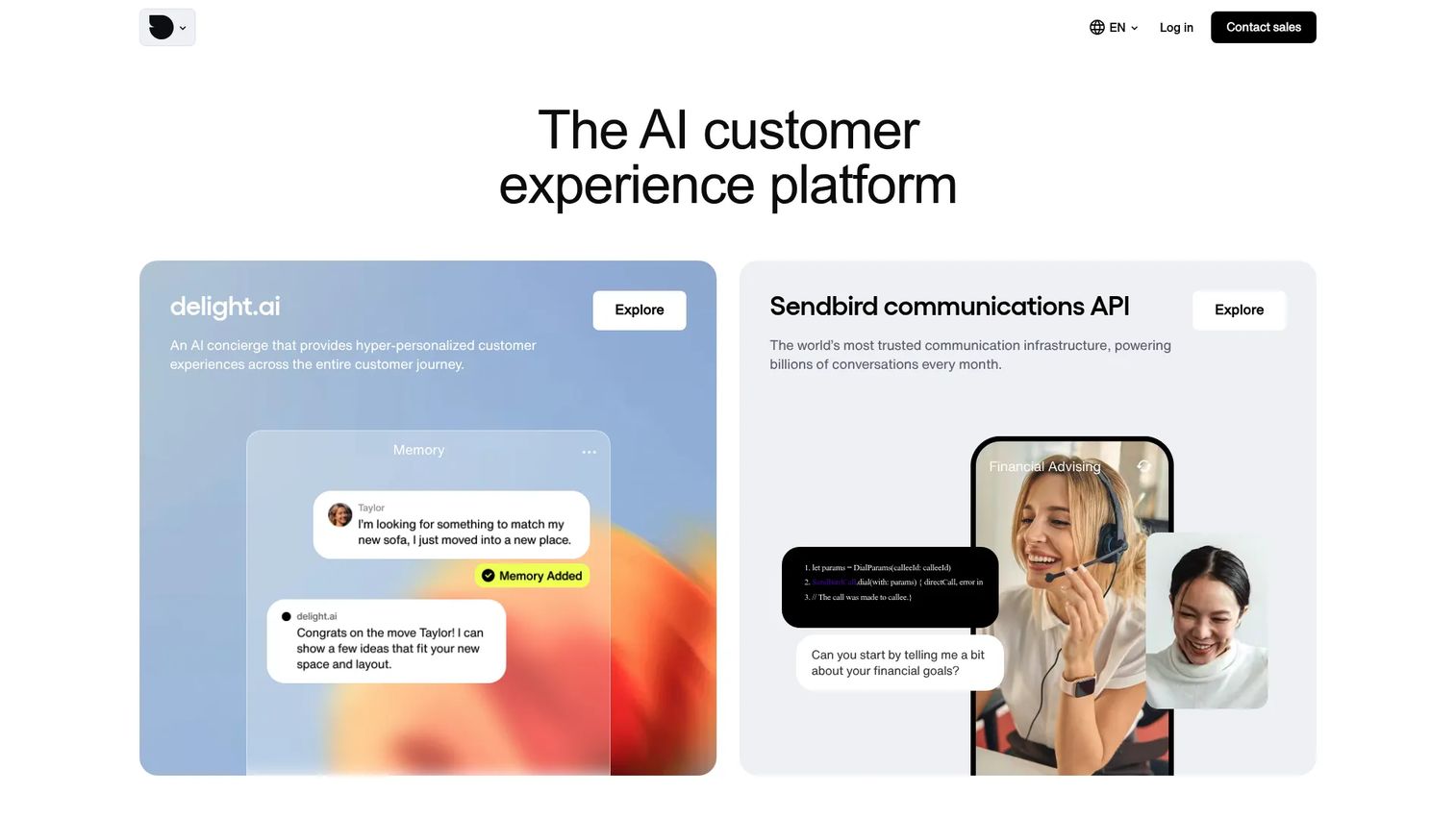
Sendbird is a customer communications API platform covering chat, voice and video, and business messaging. It is a strong choice for buyers who want a clean API paired with clear education around the chat api vs chat sdk distinction. If your team is new to embedded messaging and wants a well-documented path, Sendbird earns the look.
The chat feature set runs deep: typing indicators, read receipts, reactions, mentions, threads, polls, translation, moderation, and offline messages. That breadth means fewer gaps to fill yourself when you move from prototype to production.
Best for: Apps that need embedded messaging plus real-time customer communication APIs.
Key strengths
- In-app chat with reactions, mentions, threads, and polls
- Read receipts, typing indicators, and offline messages
- Voice and video calling APIs
- Business messaging and notifications
- Moderation and translation built in
Why choose Sendbird: Choose Sendbird when you want a mature chat messaging api with a full feature set and strong documentation. It suits teams that value a clear learning path from API concepts to shipped SDK integration.
Sendbird pricing: Developer tier is free. Starter 5K is $399/mo and Pro 5K is $599/mo, both starting at 5,000 MAU. Enterprise is custom via contact sales.
3. CometChat
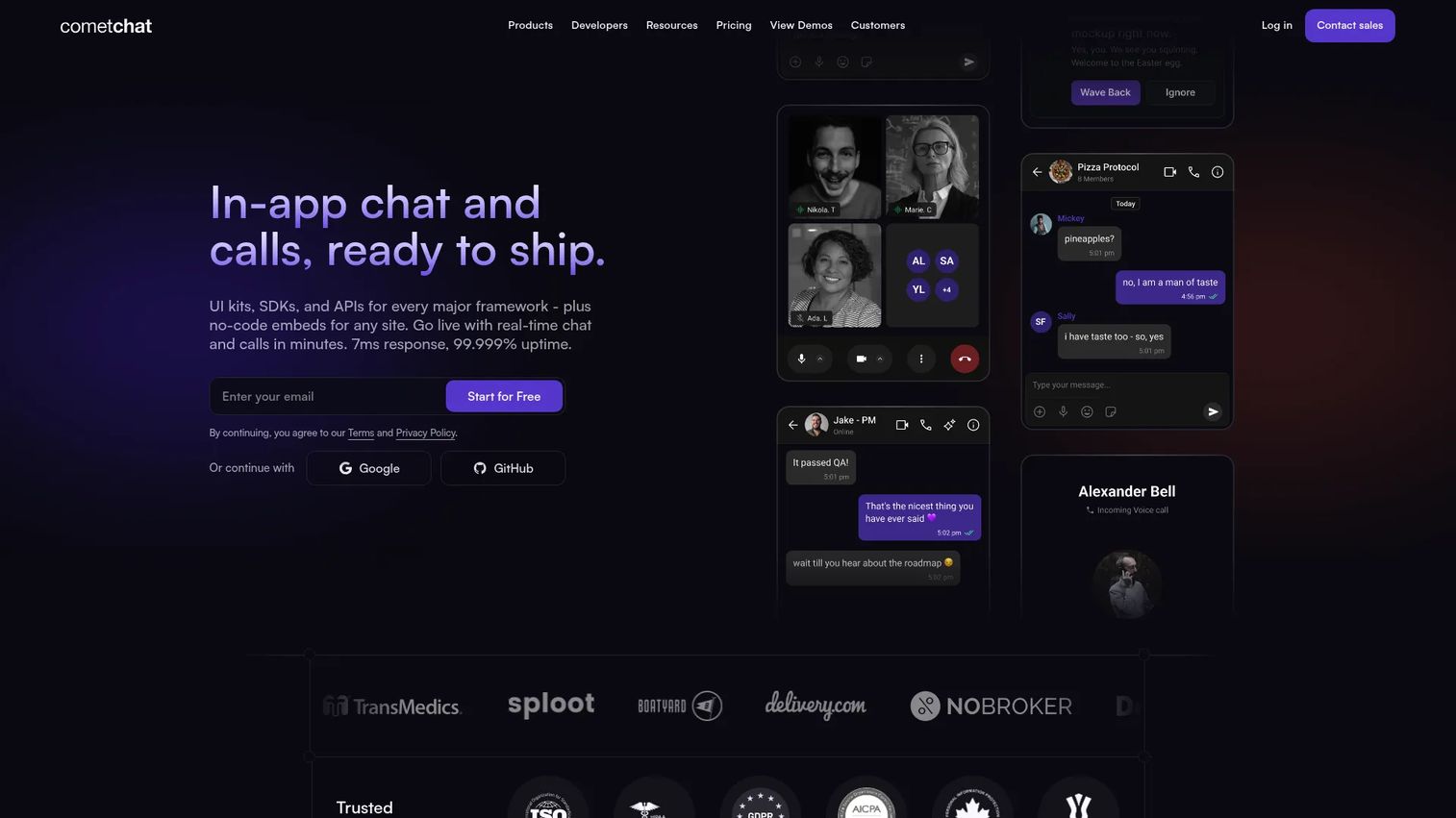
CometChat is a real-time in-app chat, voice, and video platform for product teams and developers. It stands out for customization and moderation depth, which makes it a fit for apps with heavy user-generated content or compliance needs. If chat moderation and analytics sit high on your requirements list, CometChat belongs on the shortlist.
The platform covers 1:1, group, and broadcast chat, plus voice and video calls. Higher tiers layer in multi-channel notifications, AI moderation, and deeper analytics, so you can start lean and grow into the governance features.
Best for: Teams building embedded chat, calling, and moderation into an app.
Key strengths
- 1:1, group, and broadcast chat
- Voice and video calls
- Moderation, analytics, and notifications
- AI moderation on higher tiers
- Multi-channel notification support
Why choose CometChat: Pick CometChat when moderation, analytics, and customization matter more than raw scale claims. It fits teams that want practical governance tooling and an evaluation-friendly path from build to production.
CometChat pricing: Build tier is free. Basic is $239/mo billed annually. Advanced is $379/mo for 10K MAU with multi-channel notifications, AI moderation, and deeper analytics. Enterprise is custom for higher scale and dedicated infrastructure.
4. Twilio
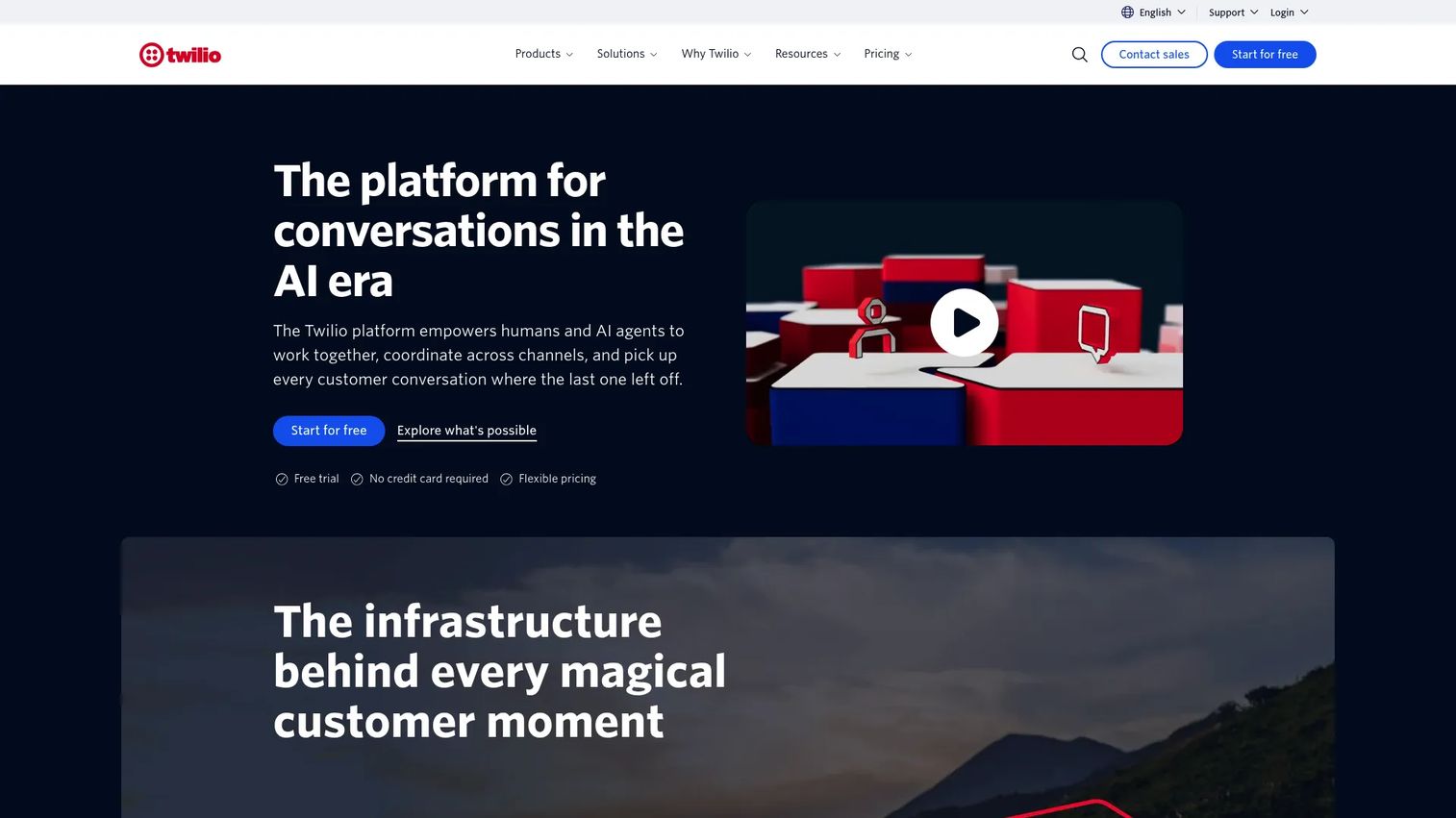
Twilio is a cloud communications and customer engagement platform spanning messaging, voice, email, authentication, and customer data. Its chat and conversations capabilities fit teams already running on Twilio infrastructure or wanting an established enterprise vendor. If you value operational maturity and a broad integration surface, Twilio is the familiar choice.
Chat here lives inside a wider communications platform. That means the Conversations API sits alongside SMS, WhatsApp, RCS, voice, and verification tools. For enterprises orchestrating messaging across many channels, that breadth is the draw.
Best for: Developers and businesses building customer communications workflows at scale.
Key strengths
- SMS, WhatsApp, RCS, and Conversations API
- Voice APIs and SIP trunking
- Verify and Lookup authentication tools
- Broad integration and channel coverage
- Established enterprise operational maturity
Why choose Twilio: Choose Twilio when in-app chat is one channel in a larger communications strategy. It suits enterprises that want a single vendor for messaging, voice, and verification across many surfaces.
Twilio pricing: Pay-as-you-go, usage-based. Conversation Orchestrator starts at $0.0002 per 1,000 characters. SMS starts at $0.0083 per message. Voice starts at $0.0085/min to receive and $0.014/min to make a call. Free trial sign-up with no credit card, plus volume discounts as you scale.
5. PubNub

PubNub is a real-time communication platform built around messaging, presence, and event-driven app experiences. It fits teams that need event-driven patterns and infrastructure oriented toward scale and responsiveness. If your use case is chat plus notifications, live collaboration, or IoT-style event streams, PubNub is worth evaluating.
The platform centers on pub/sub messaging primitives, presence detection, state sync, and message persistence. That makes it flexible for real-time features beyond a standard chat window, though you will build more of the chat UI yourself compared to UI-kit-first vendors.
Best for: Teams building real-time chat, notifications, IoT, or live collaboration features.
Key strengths
- Pub/sub messaging APIs
- Presence detection and state sync
- Message persistence and filtering
- Event-driven architecture for real-time apps
- Low latency messaging at scale
Why choose PubNub: Pick PubNub when your needs extend past chat into event-driven, real-time features. It suits technical teams comfortable composing primitives into custom experiences, and who prioritize low latency messaging and scale.
PubNub pricing: Free plan at $0/month with up to 200 MAU. Starter is $98/month including 1,000 MAU. Pro is custom for 10,000+ MAU with volume discounts.
6. Agora
Agora is a real-time engagement platform for voice, video, chat, streaming, and conversational AI APIs. It fits app teams that want real-time communication with chat-adjacent use cases and interactive experiences. If your product leans on live voice or video and chat rides alongside it, Agora covers the full surface.
Chat is one product in a broader real-time engagement suite. That framing matters: Agora is strongest when messaging complements voice, video, or streaming rather than standing alone. For interactive apps, that combination is the point.
Best for: Teams building real-time voice, video, messaging, streaming, or AI agent experiences.
Key strengths
- Voice calling APIs
- Video calling APIs
- Chat alongside real-time media
- Live streaming support
- Conversational AI engine
Why choose Agora: Choose Agora when chat is part of a live, interactive experience built on voice or video. It suits teams whose core value is real-time engagement, with messaging as a complementary layer.
Agora pricing: Usage-based with product-specific rates. Chat is $349/month. Video Calling is $3.99 per 1,000 minutes. Voice Calling is $0.99 per 1,000 minutes. Conversational AI Engine is $0.1 per minute. Several products include free usage allowances.
7. TalkJS
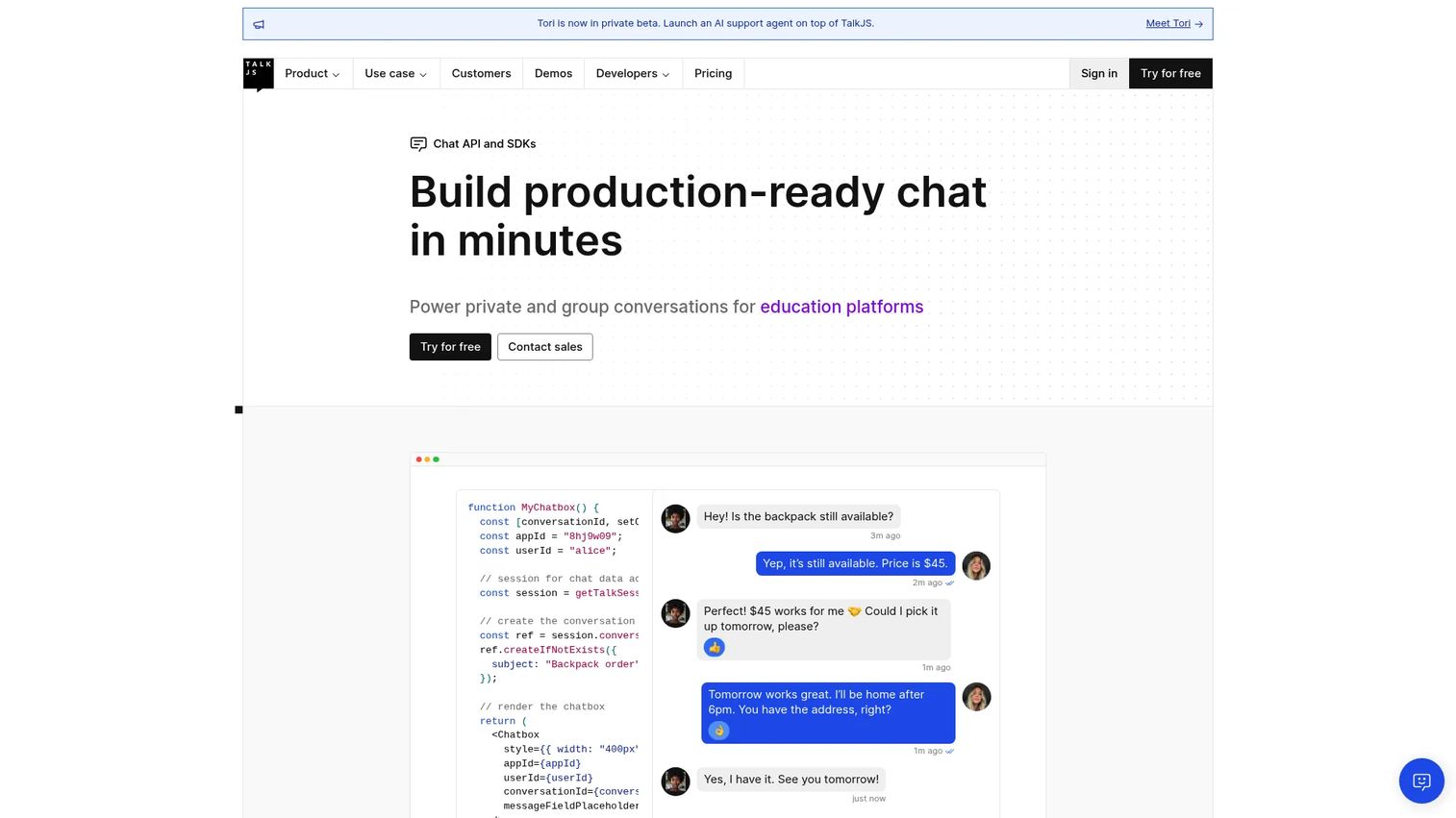
TalkJS is an embedded chat API with SDKs for adding in-app messaging to products quickly. It is the lighter-weight pick for teams that want fast implementation and a prebuilt chat UI without heavy configuration. If speed to a working chat feature matters more than composing every primitive yourself, TalkJS delivers.
The product ships a prebuilt chat UI, real-time messaging, and notifications across push, email, SMS, and browser. That out-of-the-box UI is the differentiator: you customize rather than build, which shortens the path from integration to launch.
Best for: Teams that need to add customizable in-app chat quickly.
Key strengths
- Prebuilt chat UI
- Real-time messaging
- Push, email, SMS, and browser notifications
- Fast integration and setup
- UI customization without full rebuild
Why choose TalkJS: Choose TalkJS when you want a working, branded chat experience fast and do not need to hand-build the interface. It suits teams that value speed and simplicity over composing low-level messaging primitives.
TalkJS pricing: Basic is $279/month and Growth is $569/month. Enterprise is customized via contact sales. All plans include a forever-free development mode.
Considerations
Clarify API, SDK, and UI kit responsibilities
Confirm exactly which part of the stack you are getting. Some vendors bundle prebuilt UI kits and heavy client-side tooling; others hand you messaging primitives and expect you to build the interface.
Match this to your team's bandwidth. If you want a branded UI fast, weight UI kit depth. If you need full control, weight the API and event model instead.
Verify platform coverage
Check every surface you ship on: iOS, Android, JavaScript, React, React Native, Flutter, Angular, and any desktop support you need. Coverage gaps force custom work later.
Include platforms on your roadmap, not just the ones live today. A vendor strong on web but thin on a native platform you plan to launch will slow you down.
Check moderation and governance
For apps with user-generated content, evaluate profanity filters, AI moderation, blocking, reporting, and review workflows. Confirm data export options too, since audit trails and compliance often depend on them.
Presales teams should surface these in evaluation calls. Moderation gaps are cheaper to catch before purchase than after an incident.
Confirm reliability and scale needs
Validate latency, uptime, concurrency, regional coverage, and offline behavior before choosing. These proof points decide whether a vendor holds up under real load.
Ask for specifics, not marketing language. Concurrency limits and regional architecture matter most when your user base grows fast.
Review integrations and event hooks
Call out webhooks, backend and CRM integrations, notifications, and analytics export. Operational fit is not just about features; it is about how the chat layer connects to the rest of your stack.
Confirm event delivery is reliable and well-documented. Teams that skip this step end up building glue code they could have avoided.
Conclusion
The best chat api software depends on what your product needs most, not on which vendor has the longest feature list.
Choose Stream for broad SDK coverage and infrastructure credibility across chat, feeds, and video. Choose Sendbird for a deep, well-documented chat feature set. Choose CometChat when moderation, analytics, and customization lead your requirements. Choose Twilio when chat is one channel in a wider communications strategy. Choose PubNub for event-driven, high-scale real-time patterns. Choose Agora when messaging complements live voice and video. Choose TalkJS when speed to a working, branded chat feature matters most.
Start with the tool that matches your client platforms and governance requirements. Validate latency, moderation, and SDK coverage against your real stack before you sign. That is the fastest path to a chat feature that ships and scales.
FAQs
A chat API is the server-side interface that handles messaging logic: sending, storing, syncing, and delivering messages, plus presence and moderation. A chat SDK is the client-side package that gives developers ready-made tools and often prebuilt UI components. The API is the engine; the SDK is what you build the interface with. Most vendors ship both.
The major ones to verify are iOS, Android, JavaScript, React, React Native, Flutter, and Angular, plus desktop where you need it. Coverage varies by vendor and tier, so confirm each platform on your roadmap is fully supported, not just partially. Cross-platform SDK support is the difference between one implementation and three.
Look for published detail on latency, concurrency, uptime, regional architecture, and offline handling. These factors decide whether a chat api service holds up as your user base grows. Ask vendors for specifics during evaluation rather than accepting general claims, and validate against your expected load.
Yes, most vendors provide UI kits or composable components, though customization depth varies by provider and tier. Some ship prebuilt, brandable UI you configure quickly. Others give you primitives and expect you to build the interface. Match the level of control you want to the vendor's approach.
In principle, yes. Every chat api for apps here is built to embed into existing products. Before committing, check the webhooks, SDKs, backend APIs, and event delivery model. Reliable, well-documented event hooks are what let the chat layer connect cleanly to the rest of your stack.
Expect profanity filters, blocking, reporting, and increasingly AI moderation, plus data export for audit and compliance. Depth varies, so if your app has heavy user-generated content, weight chat moderation capabilities heavily. Confirm review workflows and export options are available at the tier you plan to buy, not just the top enterprise plan.
For most teams, yes. Managed chat software saves engineering time, removes ongoing maintenance of a real-time system, and accelerates launch, especially across multiple platforms. Building in-house makes sense only when chat is core to your product and you have the bandwidth to own presence, delivery, sync, and moderation yourself. For everyone else, buying a chat messaging api is the faster, safer path.