A stolen password is no longer a rare event. It is a Tuesday. Credentials leak through phishing, reuse, and breach dumps, and once one works, an attacker walks in wearing a legitimate identity. That is the exact gap multi factor authentication software closes: it forces a second proof of identity before anyone gets in, so a compromised password alone stops being enough.
The market reflects how urgent this has become. According to IMARC Group (2025), the global multi-factor authentication market reached USD 23.8 billion in 2025 and is projected to hit USD 74.8 billion by 2034. Business Research Insights, citing CISA (2024), reports that 78% of enterprises had adopted multi factor authentication solutions by 2024 to counter credential theft and phishing. MFA is not a nice-to-have anymore. It is a baseline control.
If you sit in presales, security, or IT-adjacent GTM, you probably field the same questions from prospects and internal stakeholders: which MFA providers actually fit our access model, what do the authenticator apps cover, and how does any of this integrate with what we already run? This guide answers that as a buyer's shortlist, not a glossary. The same evaluation discipline applies when you compare any category, whether you are weighing AI customer service software or AI governance tools against a real workflow. And if your job also involves showing prospects how a product works, a clear interactive demo beats a wall of feature bullets every time.
What's inside
This guide compares 9 multi factor authentication software options for 2026, chosen for fit across workforce access, consumer-grade authentication needs, integrations, governance, and admin experience. The list mixes three groups on purpose: full identity platforms, dedicated MFA providers, and lightweight authenticator apps that supply the second factor inside a broader setup.
Selection leaned on four things: how well each tool matches real access models, the strength of admin and policy controls, integration depth with SSO and directory services, and how honestly the pricing and fit map to team size. We looked at first-party pricing and current G2 ratings where available.
TL;DR
- Best for workforce security: Rippling, when you already run HR and IT in one system.
- Best for context-aware access: Scalefusion, for zero trust access tied to device, network, and location.
- Best for Microsoft-heavy environments: Microsoft and Microsoft Entra ID, for directory-backed policy consistency.
- Best for app-based codes: Google Authenticator, for simple offline one-time passcodes.
- Best for enterprise identity governance: Okta and IBM Verify, when MFA is one layer of a larger IAM program.
- Best for lightweight authenticator use: Authy, for cross-device TOTP with encrypted backups.
What is multi factor authentication software?
Multi factor authentication software is a system that requires a user to prove identity with two or more independent factors before granting access, instead of relying on a password alone.
Those factors fall into three categories, and strong MFA combines at least two of them:
- Something you know: a password, PIN, or answer to a knowledge challenge.
- Something you have: a phone running an authenticator app, a hardware token, or a registered device.
- Something you are: biometric authentication such as a fingerprint or face scan.
Common MFA methods you will evaluate across these tools include:
- Authenticator apps that generate time-based codes (TOTP)
- One-time passcodes delivered by SMS, email, or push
- Push notifications with approve/deny prompts
- Biometric authentication on the device
- Passkeys and FIDO2 credentials
- Hardware security keys and tokens
Here is how MFA works in practice. You enter your username and password as usual. If the credentials are correct, the system triggers a second challenge, most often a push prompt or a time-based code from an authenticator app. This usually fires on a first-time sign-in from a new device, browser, or app, or when a risk signal looks off. You approve the prompt or type the code, and only then does access open.
The reason this matters is blunt. Passwords get stolen, reused, and guessed. When a second factor is required, a leaked password on its own is a dead end, because the attacker still lacks the phone, token, or biometric tied to the account. That single control removes a large share of account-takeover risk from compromised passwords.
When to use multi factor authentication software
Protect workforce logins without relying on passwords alone
Remote work, admin accounts, and SaaS sprawl multiply the number of places a stolen password can do damage. When staff sign in to dozens of cloud apps from personal networks, a password-only door is a liability. MFA becomes the trigger the moment you have privileged accounts, remote access, or a compliance requirement like SOC 2, HIPAA, or PCI that expects strong authentication.
Add a second factor during new-device sign-ins
The standard flow prompts for verification when someone signs in from an unrecognized device or location. Teams usually lean on push verification or app-based codes here because both are fast and hard to phish compared to SMS. The prompt confirms the person holds the enrolled device before the session opens, which stops a leaked credential from turning into a live session.
Standardize access policy across departments
MFA rarely lives alone. Once you standardize authentication, it becomes part of a broader identity stack with SSO, access management, and directory services. That is when you want central policy: consistent rules across finance, engineering, and sales, group-based enforcement, and a single console to audit who accessed what. The same instinct toward measurable, standardized process shows up when teams compare AB testing tools or roll out AI content creation tools with governance in mind.
Comparison table of MFA providers
Here is a fast side-by-side of the 9 multi factor authentication tools in this guide. Use it to shortlist, then read the sections that match your access model. Pricing and ratings reflect first-party pages and current G2 listings where available; some vendors publish usage-based or contact-sales pricing only.
| # | Product | Intent | Key differentiation | Pricing | G2 rating |
|---|---|---|---|---|---|
| 1 | Microsoft | Familiar workforce and consumer auth | Microsoft Authenticator plus Microsoft 365 identity | From $9.99/mo (Microsoft 365 Personal) | 4.6/5 |
| 2 | Scalefusion | Context-aware zero trust access | Access tied to device posture, network, location, IP | From $2/device per month | 4.7/5 |
| 3 | Rippling | Workforce access inside HR and IT | MFA alongside centralized user management | From $8 per employee per month | 4.8/5 |
| 4 | Cisco Duo | Workforce MFA and device trust | Push verification, device trust, passwordless | Free tier; from $3 per user/month | Not listed |
| 5 | Okta | Enterprise identity and access | MFA inside orchestration and policy layer | From $6 per user/month | 4.5/5 |
| 6 | Microsoft Entra ID | Microsoft-centric identity control | Directory-backed Conditional Access | Free tier; P1 from $6 user/month | 4.5/5 |
| 7 | Google Authenticator | Lightweight app-based codes | Offline one-time passcodes, account sync | Free | 4.6/5 |
| 8 | Authy | Cross-device authenticator app | Encrypted backups, multi-device TOTP | Free | Not listed |
| 9 | IBM Verify | Enterprise identity governance | Unified workforce and customer IAM | From $1.81 per user per month | 4.3/5 |
The 9 best multi factor authentication software
1. Microsoft
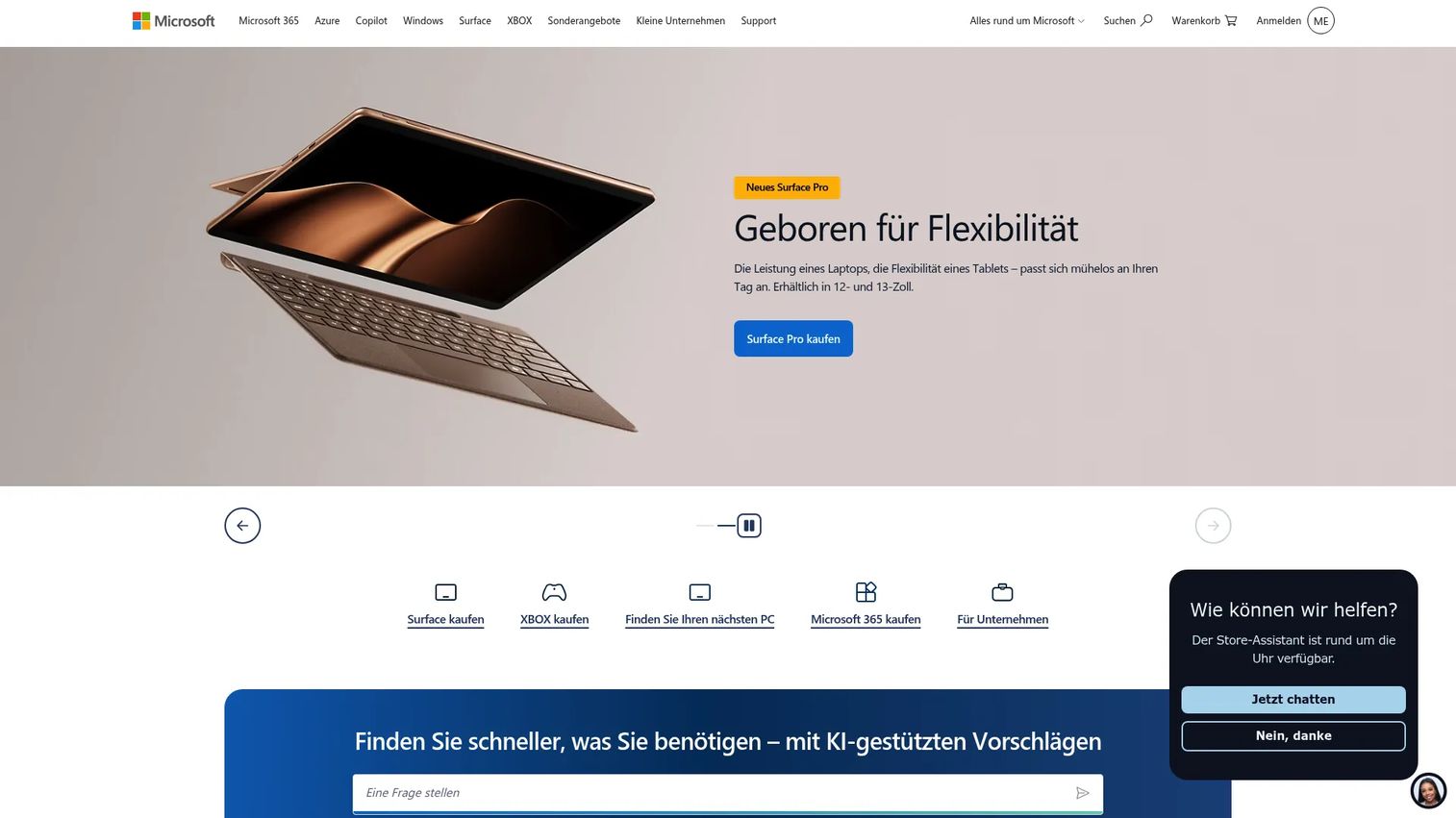
Microsoft is the baseline option most buyers already touch, which is exactly why it belongs first on any practical shortlist. Microsoft Authenticator handles push approvals and time-based codes, and it plugs into Microsoft accounts and the wider Microsoft 365 identity layer. For presales teams explaining MFA to a prospect standardized on Microsoft, this is the easiest story to tell because the pieces are already in the room.
The first-time sign-in behavior is familiar. A user enters credentials, then confirms a push notification or types a time-based code from Microsoft Authenticator before the session opens on a new device or app. That predictability reduces support friction and shortens the "how does this work" conversation with buyers.
Best for: Organizations and individuals who want MFA that rides on the productivity suite they already run.
Key strengths
- Microsoft Authenticator: Push approvals plus time-based codes from a single free app most users already have.
- Microsoft 365 integration: Identity and MFA sit inside the same subscription as email, storage, and Copilot.
- Familiar admin story: Easy to explain and roll out in Microsoft-heavy environments with minimal net-new tooling.
Why choose Microsoft: If your prospect or team lives in Microsoft 365, layering MFA through the same account avoids a separate purchase and a separate learning curve. It fits mixed workforce and consumer workflows without asking anyone to adopt an unfamiliar tool.
Microsoft pricing: Microsoft 365 subscription plans start at $9.99/month for Microsoft 365 Personal, $12.99/month for Family, and $19.99/month for Premium, with annual billing options and a one-month free trial. The G2 rating for Microsoft 365 is 4.6/5. Enterprise identity controls come through Microsoft Entra ID, covered separately below.
2. Scalefusion
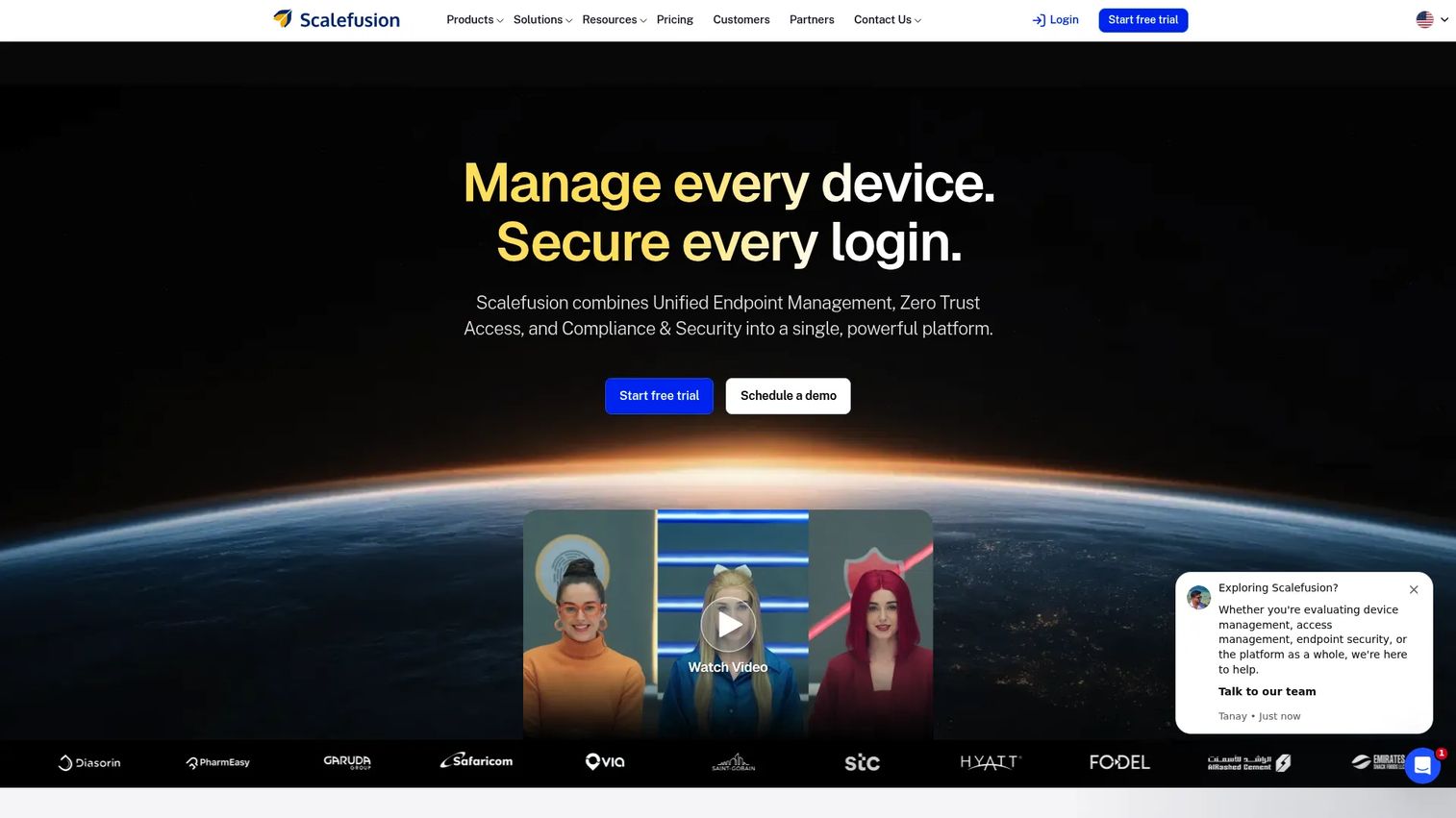
Scalefusion approaches MFA through OneIdP as a context-aware access control, not just a login prompt. It is built for teams that want zero trust access where the second factor and the access decision depend on device posture, network, location, IP, and even shift-based rules. That framing fits organizations tying authentication to their unified endpoint management and directory services rather than treating MFA as a bolt-on.
Because Scalefusion sits close to device and endpoint management, it suits IT teams running mixed fleets that want access management and authentication under one admin console. The access conditions logic is the differentiator: you can require stronger verification when the signals look risky and stay light when they do not.
Best for: IT and security teams that want MFA fused with zero trust access conditions and device management.
Key strengths
- Context-aware access: Enforce authentication based on device posture, network, location, and IP.
- Unified endpoint control: MFA lives alongside device policy, kiosk, and remote management across major operating systems.
- Shift and condition rules: Adapt access requirements to real-world signals rather than a flat policy.
Why choose Scalefusion: For teams already managing devices with Scalefusion, adding context-aware MFA keeps access management in one place. It fits buyers who want authentication decisions driven by real device and network context, not a static prompt.
Scalefusion pricing: Plans are billed annually, starting at $2/device per month for Essential, $3.50 for Growth, $5 for Business, and $6 for Enterprise, with a Scalefusion 360 Enterprise Suite at $12.42/device per month. A 14-day free trial is available. Scalefusion holds a 4.7/5 rating on G2.
3. Rippling
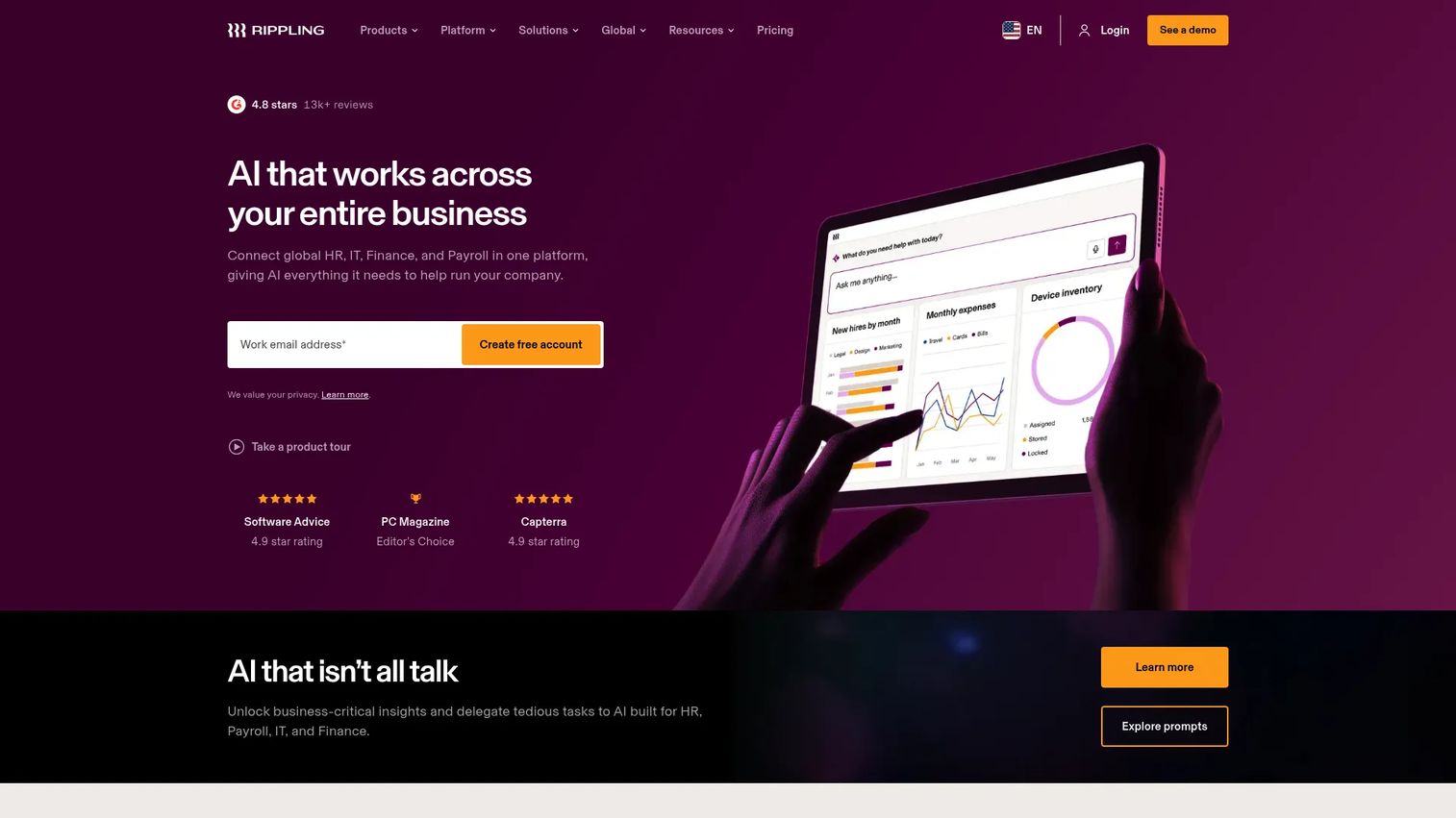
Rippling folds MFA into a broader workforce platform that already handles HR, payroll, and IT. For teams running Rippling as their system of record, access controls and MFA become an extension of centralized user management rather than a separate identity purchase. That is the whole pitch: one place to onboard a person, provision their apps, and enforce workforce security.
The admin simplicity is the draw. When a user joins or leaves, identity, device, and access changes flow from the same platform, which reduces the gap between HR events and access enforcement. That tight loop matters for security teams that hate orphaned accounts.
Best for: Companies already using Rippling for HR and IT that want access controls in the same system.
Key strengths
- Centralized user management: Provision, secure, and deprovision access alongside HR and IT events.
- Unified platform: MFA and access controls sit inside the same system as payroll, devices, and workflows.
- Automation and permissions: Policy, workflows, and analytics reduce manual access administration.
Why choose Rippling: If Rippling already runs your people and device operations, keeping workforce security in the same platform removes a moving part. It fits teams that value one system over a best-of-breed identity stack.
Rippling pricing: Rippling starts at $8 per employee per month for the core platform, billed per employee per month, with modular products like payroll priced separately. Full public tier tables are limited, so confirm exact bundles with Rippling. It carries a 4.8/5 rating on G2.
4. Cisco Duo
Cisco Duo is the name security teams shortlist when they want strong, familiar workforce MFA without buying a full identity suite first. Duo built its reputation on clean push verification, device trust, and secure access controls, and it is widely recognized across IT organizations. For presales conversations, it is an easy reference point because so many buyers have already seen the green Duo prompt.
Duo fits best when the priority is verifying both the user and the health of the device requesting access. Its device trust and identity threat detection features let teams block access from devices that fall out of policy, which is where a lot of real risk lives.
Best for: Security and IT teams that want proven workforce MFA with device trust and push verification.
Key strengths
- Push verification: Fast approve/deny prompts that resist password-only attacks.
- Device trust: Check device health and posture before granting access.
- Passwordless and SSO: Support passkeys and single sign-on alongside MFA.
Why choose Cisco Duo: Duo fits teams that want a focused, deployable MFA layer with strong device trust rather than a full IAM rebuild. Its editions scale from small teams to enterprise without forcing a platform migration.
Cisco Duo pricing: Duo offers four editions: Duo Free at $0 per user/month for up to 10 users, Duo Essentials at $3, Duo Advantage at $6, and Duo Premier at $9 per user/month. A 30-day free trial and self-service subscriptions are available. A current G2 rating was not verified for this listing.
5. Okta

Okta is the identity platform teams reach for when MFA is one piece of a larger access and identity program, not a standalone login step. Its strength is orchestration: policy, adaptive authentication, SSO, and a Universal Directory that ties workforce and customer identities together. Buyers usually consider Okta when they are building an IAM program, not just switching on a second factor.
That breadth is the point. Okta supports MFA methods including push, one-time passcodes, and passkeys, and layers them under policy rules you can apply by app, group, and risk. For enterprise buyers, the value is consistency across a sprawling app estate rather than a single tool.
Best for: Organizations building centralized workforce or customer identity and access management.
Key strengths
- Single sign-on: One authenticated identity across the app estate, with MFA layered on top.
- Multi-factor authentication: Push, one-time passcodes, and passkeys under policy control.
- Universal Directory: A central source of truth for workforce and customer identities.
Why choose Okta: Okta fits teams that want MFA governed inside a full identity platform with orchestration and policy depth. It suits buyers whose real problem is access management at scale, not just adding a second factor.
Okta pricing: Workforce Identity is sold in annual per-user suites, with Starter from $6 per user/month, Core Essentials at $14, and Essentials at $17, while Professional and Enterprise tiers require sales contact. Customer Identity starts at a $3,000/month Enterprise base platform, and an Integrator Free Plan covers up to 10 monthly active users. Okta holds a 4.5/5 rating on G2.
6. Microsoft Entra ID
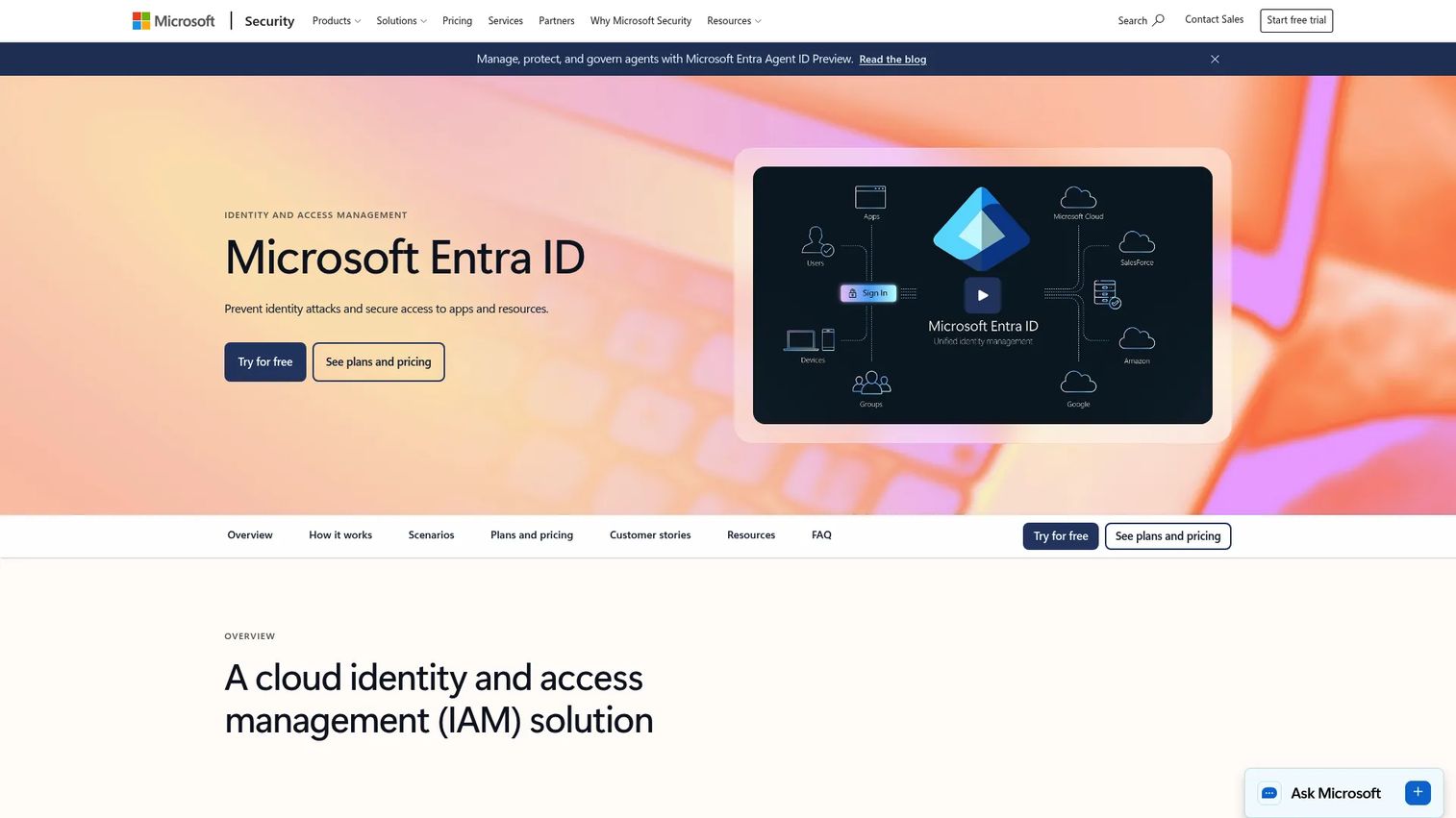
Microsoft Entra ID is the enterprise identity control point for organizations standardized on Microsoft cloud infrastructure. It delivers directory-backed authentication, Conditional Access, and identity governance, which makes it the natural upgrade path when Microsoft-centric teams outgrow basic account MFA. Where the consumer-grade Microsoft flow covers individual sign-in, Entra ID adds the policy engine security teams need.
Its Conditional Access and risk-based controls are the differentiator. You can require MFA based on user risk, sign-in risk, location, or device state, and pair that with access reviews and privileged identity management. For workforce security across a large Microsoft estate, that consistency is hard to replicate with point tools.
Best for: Enterprises needing centralized identity, access, and governance across Microsoft cloud and hybrid environments.
Key strengths
- Conditional Access: Risk-based rules that trigger MFA on suspicious sign-ins.
- Directory-backed identity: Authentication and policy anchored to the organization's directory.
- Identity governance: Access reviews, privileged identity management, and passwordless options.
Why choose Microsoft Entra ID: For teams already invested in Microsoft cloud, Entra ID centralizes MFA, SSO, and Conditional Access without adding a foreign platform. It fits enterprises that want identity governance and workforce access consistency in one control plane.
Microsoft Entra ID pricing: A Free edition is included with eligible Microsoft cloud subscriptions. Paid tiers are Entra ID P1 at $6.00 per user/month and Entra ID P2 at $10.00 per user/month, both billed on an annual commitment. Microsoft Entra ID holds a 4.5/5 rating on G2.
7. Google Authenticator
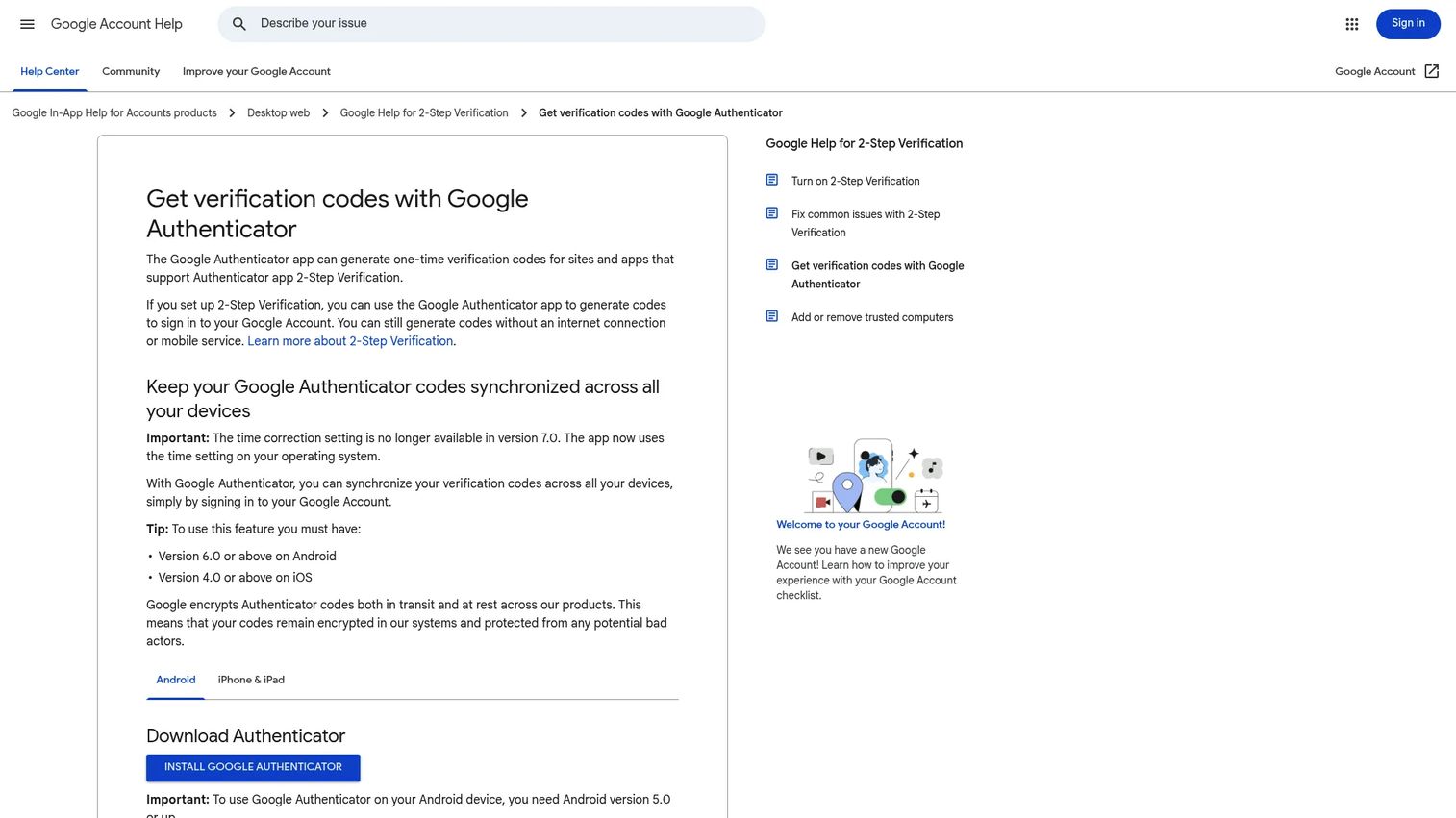
Google Authenticator is the lightweight authenticator app for teams that want a simple, familiar one-time passcode generator rather than a full identity suite. It produces time-based codes for any site or service that supports TOTP, works offline without a network connection, and can sync codes across devices through a Google Account. It supplies the second factor; it does not manage policy.
That narrow role is exactly why it is useful. When a service supports authenticator apps and you just need a reliable code generator, Google Authenticator does the job with almost no learning curve. It sits inside a broader MFA setup rather than replacing one.
Best for: Individuals and small teams needing straightforward, offline-capable 2FA code generation.
Key strengths
- One-time passcodes: Generates time-based codes for any TOTP-compatible service.
- Offline operation: Works without cellular or network connectivity.
- Account sync: Optionally backs up and syncs codes across devices via a Google Account.
Why choose Google Authenticator: Choose it when you need a free, dependable code generator and do not need central policy, provisioning, or reporting. It pairs well with services that already handle enrollment and access rules.
Google Authenticator pricing: The app is free on the App Store and Google Play, with no paid tiers. It holds a 4.6/5 rating on G2.
8. Authy
Authy is another authenticator app, built around cross-device convenience and encrypted cloud backups. It generates standard TOTP codes and adds multi-device sync plus TouchID, PIN, or password protection, so losing a phone does not mean losing every second factor. For buyers who want a software-first second factor with a recovery story, that backup model is the appeal.
Keep the evaluation honest and narrow: Authy is a second-factor app, not an identity platform. It shines for individuals or teams who want dependable TOTP with easier device migration than a code generator that lives only on one handset.
Best for: Individuals or teams wanting a free authenticator app with encrypted backup and multi-device sync.
Key strengths
- Easy 2FA setup: Add any TOTP-based account quickly.
- Encrypted backups: Protect codes with TouchID, PIN, or password and restore after device loss.
- Multi-device sync: Access codes across mobile and tablet, including offline.
Why choose Authy: Pick Authy when cross-device access and backup matter more than central administration. It fits a software-first second-factor need without the weight of a full identity suite.
Authy pricing: Authy's app is described as free, with no public paid tiers listed. Review-site sentiment is strong; a verified G2 rating was not available for this listing.
9. IBM Verify
IBM Verify is the enterprise-grade option for teams where compliance and identity stack depth genuinely matter. It unifies MFA, adaptive access, SSO, and consent management across both workforce and customer identities, which puts it on serious shortlists for regulated environments. When directory integration and centralized authentication are non-negotiable, IBM Verify earns its place.
Its adaptive access is the standout: authentication requirements adjust to risk signals, and consent management supports customer-facing scenarios with privacy obligations. For organizations running regulated workloads, that combination of governance and workforce integration is the reason it makes the cut.
Best for: Enterprises needing unified IAM for workforce and customer access in regulated environments.
Key strengths
- Multifactor authentication: Strong second-factor enforcement across workforce and customer identities.
- Adaptive access: Requirements that scale with real-time risk.
- Consent management: Privacy and consent controls for customer-facing access.
Why choose IBM Verify: IBM Verify fits enterprises that need identity governance, SSO, and MFA under one platform with compliance depth. It suits regulated teams that treat authentication as part of a larger IAM commitment.
IBM Verify pricing: IBM Verify uses usage-based pricing, with SSO, MFA, and adaptive access each listed around $1.81 per user per month and lifecycle and provisioning at $2.13, based on example costs for 5,000 users. A free trial is available. IBM Verify holds a 4.3/5 rating on G2.
Considerations before you buy
Use this checklist to qualify any of these multi factor authentication solutions against a real environment, whether you are evaluating for your own team or helping a prospect decide.
- Does it fit workforce, customer, or mixed access needs? A tool built for employee logins may not fit consumer-facing authentication, and vice versa. Match the tool to who is signing in.
- How strong are the admin controls and policy options? Look for group-based enforcement, risk-based triggers, and the ability to vary requirements by app or role. Flat policies age badly.
- What integrations matter most, especially SSO and directory services? Confirm it connects to your identity provider, directory, and the apps your users actually touch. Integration depth decides how painful rollout gets.
- Does the auth method match your user base, app, and device reality? Push and authenticator apps assume smartphones; hardware tokens or passkeys may fit deskless or high-security roles better.
- What is the deployment and support burden? Weigh setup effort, self-service enrollment, and recovery options. Account recovery is where most support tickets and lockouts come from.
- Can security, compliance, and IT all live with it? The tool has to satisfy security requirements, compliance frameworks, and daily admin workload at once. If any of the three balks, adoption stalls.
The same discipline you apply here transfers to adjacent buying decisions. Whether a team is weighing AI recruiting software or agentic AI platforms, the winning move is matching the tool to the workflow, not the feature sheet.
Conclusion
The best multi factor authentication software depends less on feature count and more on the access problem you are actually solving. If you need enterprise identity control, Okta and IBM Verify put MFA inside a full IAM program. For Microsoft-centric organizations, Microsoft and Microsoft Entra ID keep authentication and policy in one directory-backed control plane. Rippling fits teams that want workforce security tied to HR and IT, while Scalefusion leads for context-aware zero trust access. And when you just need a dependable second factor, Google Authenticator and Authy cover authenticator app duty cleanly.
The next step is simple: shortlist two or three based on your access model, run a scoped trial, and test the admin and recovery flows before you commit. If part of your job is showing stakeholders how any of these tools work, an interactive demo makes that far clearer than a spec sheet. And if you also build product experiences that need to explain themselves, Start your journey with Guideflow today!
FAQs
Multi factor authentication software adds one or more verification steps beyond a password before granting access. It requires proof from at least two independent factor types, such as something you know and something you have, so a stolen password alone cannot unlock an account.
You enter your username and password, and if they are correct the system triggers a second challenge. That second factor is usually a push prompt or a time-based code from an authenticator app, and it typically fires on a new device, browser, or app, or when a sign-in looks risky. Access only opens after you complete both steps.
Not exactly. 2FA, or two factor authentication, is the most common implementation of MFA and uses exactly two factors. MFA is the broader term and can require two or more factors, so every 2FA setup is MFA, but MFA can go beyond two factors when a policy demands it.
Phishing-resistant methods lead. Passkeys and FIDO2 hardware security keys are the strongest because they cannot be intercepted or replayed the way SMS codes can. Push verification and app-based one-time passcodes are stronger than SMS, and hardware tokens suit high-security roles, so the right choice depends on your user base and threat model.
Yes, in the sense that authenticator apps supply the second factor inside a broader MFA setup. Tools like Google Authenticator and Authy generate the one-time passcodes, while the service or identity platform handles enrollment, policy, and access rules around them.
Yes. MFA protects both, though the buying patterns differ. Workforce MFA emphasizes central policy, directory integration, and admin controls, while consumer authentication prioritizes low-friction enrollment and recovery. Many platforms support both, but the requirements you weigh depend on who is signing in.
Focus on admin controls, policy flexibility, integrations with SSO and directory services, recovery options, and reporting. Strong group-based and risk-based policy, clean self-service enrollment, and clear audit logs matter most, because those are what determine whether MFA scales without becoming a support burden.