Your engineering team can package a service in minutes. Operating it reliably across development, staging, and production is where roadmap velocity tends to stall.
Containerization decisions affect more than the platform team. They shape release cadence, influence how much engineering time goes into operational overhead versus product features, and determine whether security reviews can keep pace with deployment frequency. According to the CNCF Annual Cloud Native Survey (2025), 56% of organizations now run containers for most or all production applications. The choice of containerization software sits beneath that number: Runtime, orchestrator, management layer, or managed cloud service. Each solves a different problem, and choosing the wrong layer creates technical debt that lands on the product roadmap.
This guide cuts through the category confusion and helps you match each tool to the operating model your team can actually sustain.
What's inside
- A breakdown of 12 containerization tools across development runtimes, open-source orchestration, multi-cluster governance, and managed cloud services
- Decision guidance for product managers weighing release speed against operational ownership
- Selection criteria covering deployment model, cloud portability, governance, developer workflow, and pricing
- A containers-versus-virtual-machines comparison to clarify where each approach fits
- A buyer's checklist covering security, observability, networking, storage, and team readiness
Items were chosen based on category coverage, production adoption evidence, and relevance to the engineering decisions product managers most often influence.
TL;DR
- Best for local container development: Docker is the most widely adopted starting point for building and running containerized applications
- Best for daemonless, rootless workflows: Podman suits Linux-focused teams that want OCI-compatible container operation without a long-running daemon
- Best for production orchestration: Kubernetes is the foundational open-source choice for teams that need scheduling, scaling, and a broad extension ecosystem
- Best for multi-cluster governance: Rancher gives platform teams centralized control across Kubernetes environments
- Best for enterprise platform operations: OpenShift Container Platform adds integrated governance, developer tooling, and operator-based lifecycle management on top of Kubernetes
- Best managed cloud Kubernetes: Choose Amazon Elastic Kubernetes Service, Google Kubernetes Engine, or Azure Kubernetes Service based on your existing cloud commitment
What is containerization software?
Containerization software packages an application and its dependencies into a portable unit that runs consistently across development, testing, and production environments.
Unlike virtual machines, containers share the host operating system kernel rather than running a separate guest OS. This model reduces startup time and resource overhead, though it also means isolation depends on kernel-level controls rather than hardware virtualization.
What containerization software includes
The category spans four distinct layers:
- Image creation: Build reproducible application images from source code, dependencies, and configuration using tools like Dockerfiles or OCI-compatible build pipelines
- Container runtimes: Execute isolated processes from images on a host operating system, managing lifecycle operations like start, stop, and resource limits
- Registries: Store, version, scan, and distribute images so teams can share artifacts across environments and enforce supply-chain controls
- Orchestration and management: Schedule workloads across clusters, manage networking, scale replicas, enforce policy, and recover from failures automatically
Containers versus virtual machines
| Dimension | Containers | Virtual machines |
|---|---|---|
| Operating system model | Share host kernel | Run separate guest OS |
| Startup time | Usually seconds | Usually slower |
| Resource overhead | Lower | Higher |
| Isolation model | Process and kernel namespace isolation | Hardware virtualization |
| Best fit | Portable applications and microservices | Strong isolation or legacy operating systems |
Many production environments run both. Containers handle application packaging and deployment; virtual machines provide the infrastructure substrate and stronger workload separation where needed.
Core benefits and risks
Benefits:
- Portable deployment artifacts that behave consistently across environments
- Faster environment consistency across developer laptops, CI pipelines, and production clusters
- More efficient use of compute resources compared to dedicated VMs per service
- Independently deployable services on separate release schedules
Risks to plan for:
- Image vulnerability management and supply-chain hygiene
- New networking, observability, and persistent storage requirements
- Operational complexity that grows with cluster count
- Staffing and expertise requirements for self-managed orchestration
When to use containerization software
Ship independent services on different release cadences
When one engineering team needs to deploy a payment service without triggering a full application release, containers make that separation possible. Each service gets its own image and deployment cycle, so rollback scope is smaller and experiment velocity increases. This is the architectural shift that moves a monolith toward independently deployable services.
Standardize development and production environments
The "works on my machine" problem disappears when every environment runs the same container image built from the same Dockerfile. Developers, QA, and production all run identical artifacts, which reduces the debugging time that tends to consume sprint capacity after each release.
Scale workloads across regions or variable demand
Orchestration becomes valuable when availability requirements are high and demand changes unpredictably. A managed container service can handle auto-scaling and recovery without requiring a dedicated platform team. Teams with more complex multi-service topologies or multi-cluster governance needs typically move toward Kubernetes or a management layer on top of it.
Containerization software comparison
The 12 tools below operate at different layers of the container stack. Runtimes, orchestrators, management platforms, and managed cloud services are not interchangeable categories. Use the table to identify where each tool fits before reading the item sections.
| # | Product | Best for | Key differentiator | Pricing | G2 rating |
|---|---|---|---|---|---|
| 1 | Docker | Local container development | Broad developer ecosystem and integrated tooling | Free; paid plans from $9/user/month | 4.6/5 |
| 2 | Podman | Daemonless, rootless workflows | OCI-compatible daemonless architecture | Free and open source | N/A |
| 3 | Kubernetes | Production orchestration | Extensible open-source orchestration standard | Free and open source | 4.6/5 |
| 4 | Rancher | Multi-cluster Kubernetes governance | Centralized operations across Kubernetes environments | Free community edition; enterprise pricing on request | 4.4/5 |
| 5 | OpenShift Container Platform | Enterprise Kubernetes operations | Integrated enterprise platform with operators and governance | Contact sales | 4.5/5 |
| 6 | Portainer | Visual container and Kubernetes management | Unified UI for Docker and Kubernetes environments | Free for 3 nodes; paid plans from $1,045/yr | 4.8/5 |
| 7 | Amazon Elastic Kubernetes Service | AWS-native managed Kubernetes | AWS control-plane management with broad AWS integration | From $0.10/cluster/hour | 4.5/5 |
| 8 | Google Kubernetes Engine | Google Cloud managed Kubernetes | Autopilot and Standard modes with Google Cloud integrations | From $0.10/cluster/hour | 4.5/5 |
| 9 | Azure Kubernetes Service | Azure-native managed Kubernetes | Azure identity and enterprise governance integration | Free tier available; paid tiers on request | 4.4/5 |
| 10 | Amazon Elastic Container Service | AWS container orchestration without Kubernetes | AWS-native scheduling without Kubernetes API overhead | No ECS orchestration charge; pay for compute | N/A |
| 11 | Nomad | Mixed-workload orchestration | Schedules containers and non-container workloads together | Contact sales for enterprise pricing | 4.1/5 |
| 12 | MicroK8s | Lightweight Kubernetes for local and edge use | Compact Kubernetes footprint with addon-based capabilities | Free and open source | 4.4/5 |
Best 12 containerization software tools for 2026
1. Docker
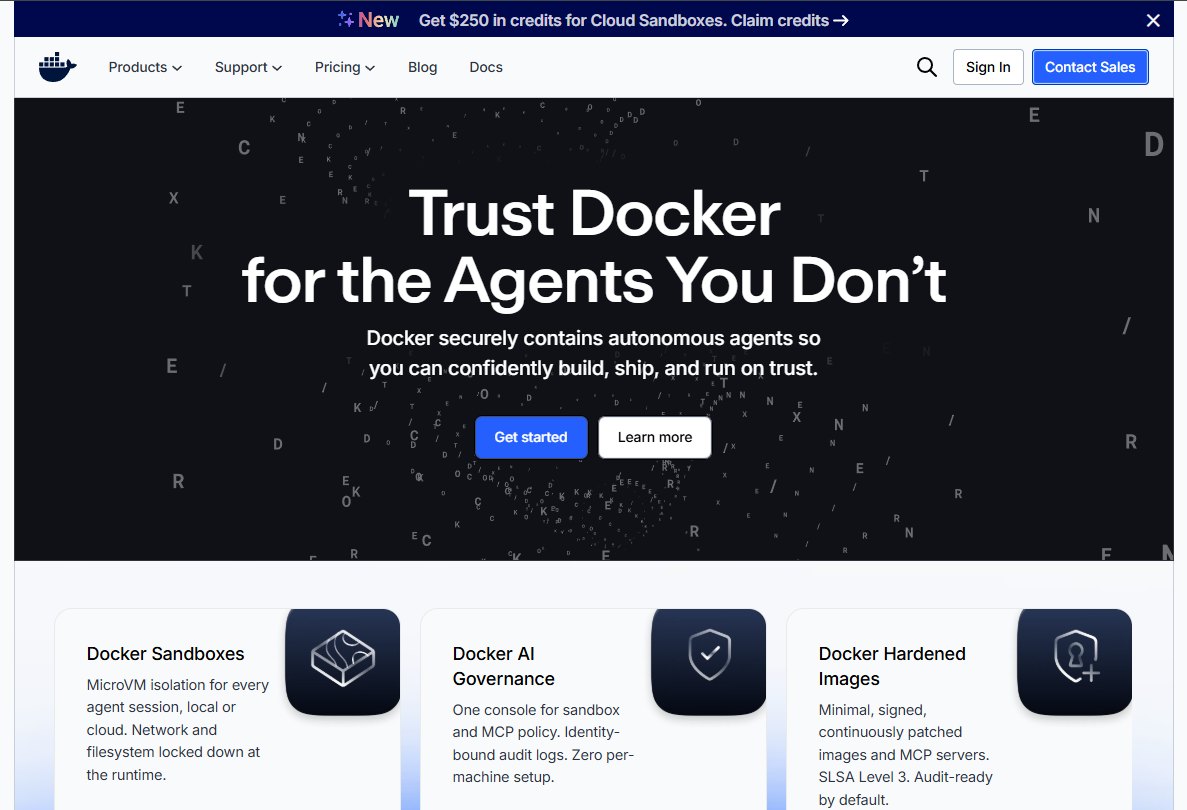
Docker is the entry point most engineering teams reach for when they first adopt containers. It covers image building, local container execution, multi-service application definitions with Docker Compose, and image distribution through Docker Hub. Docker Desktop adds a graphical interface for macOS and Windows developers, reducing the command-line barrier for teams onboarding to container workflows.
Best for: Product teams that need a common container workflow spanning local development, CI pipelines, and early production deployment.
Key features
- Dockerfile-based image builds
- Local container runtime via Docker Desktop or Docker Engine
- Docker Compose for multi-service application definitions
- Docker Hub for image storage and sharing
- Docker Scout for image vulnerability monitoring
Why choose Docker: Docker's ecosystem depth means most CI tools, registries, documentation, and third-party platforms already speak Docker-compatible formats. Onboarding new engineers is faster when the tooling matches what they already know from previous roles.
Docker pricing: Docker Personal is free. Docker Pro runs $9 per user per month billed annually ($11 monthly). Docker Team is $15 per user per month billed annually ($16 monthly). Docker Business is $24 per user per month. Note that Docker Desktop requires a paid plan for organizations above 250 employees or $10M in annual revenue.
G2 rating: 4.6/5
2. Podman
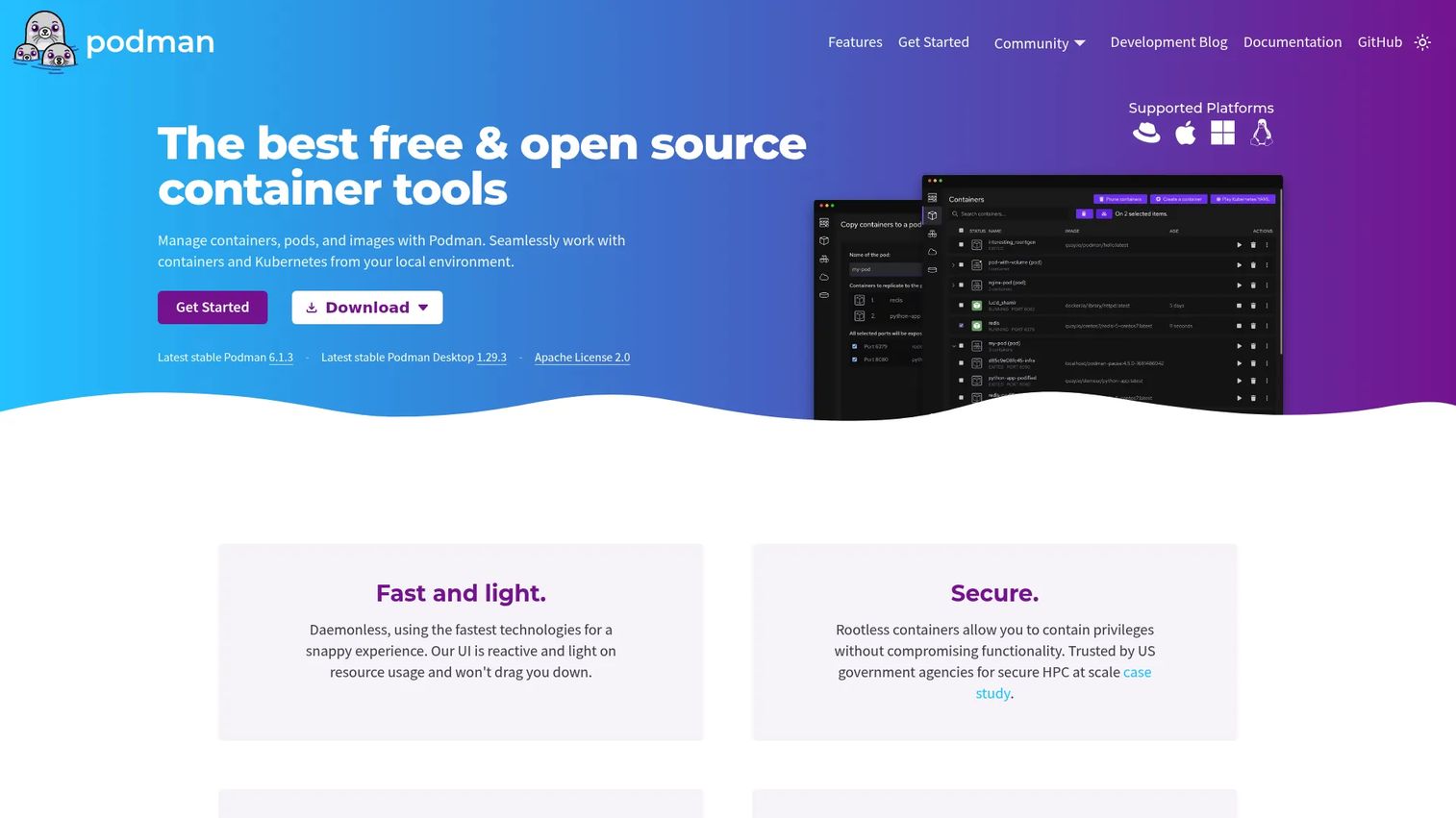
Podman is a daemonless, OCI-compatible container engine that operates without a long-running background process. It supports rootless container execution, meaning containers can run under a non-root user account, which reduces the attack surface in security-sensitive environments. Podman Desktop provides a graphical management interface for teams that want visibility without relying purely on the command line.
Best for: Developers and DevOps teams that want Docker-compatible container workflows on Linux with rootless, daemonless operation.
Key features
- Daemonless container engine with no long-running root process
- Rootless container support for reduced privilege exposure
- Full OCI image and runtime compatibility
- Kubernetes YAML generation and playback
- REST API and Podman Desktop for graphical management
Why choose Podman: Teams standardizing on Red Hat tooling, or those operating in environments where a privileged daemon creates security or compliance friction, will find Podman's architecture a natural fit. It drops into most Docker-compatible workflows with minimal changes.
Podman pricing: Podman is free and open source under the Apache License 2.0. Enterprise support options are available through Red Hat subscriptions for teams that need them.
3. Kubernetes
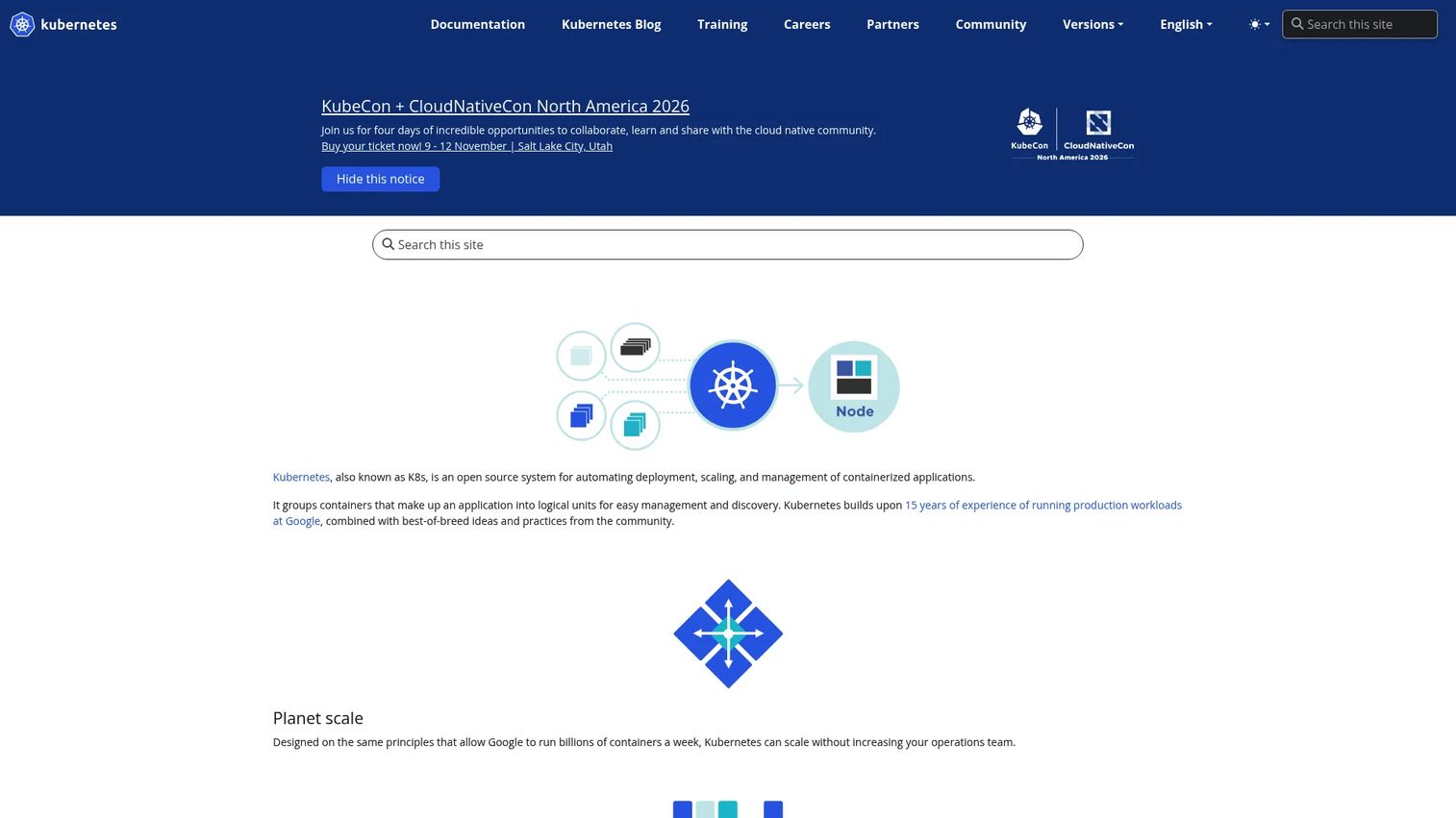
Kubernetes is the open-source orchestration standard for scheduling, scaling, and managing containerized workloads across clusters. It handles service discovery, load balancing, rolling deployments, automated recovery, and horizontal scaling through declarative configuration. The CNCF Annual Cloud Native Survey (2025) found that 82% of container users run Kubernetes in production, which reflects both its capability depth and the ecosystem that has grown around it.
Best for: Teams operating multiple production services that require automated scheduling, health management, and deployment control across one or more clusters.
Key features
- Declarative workload definitions via YAML manifests
- Automated scheduling and self-healing for failed pods
- Horizontal pod autoscaling
- Service discovery, load balancing, and DNS
- Large ecosystem of operators, add-ons, and integrations
Why choose Kubernetes: Kubernetes earns its operational complexity when the product has many services, high availability requirements, or multi-environment deployments. For a small team running a single application, a managed container service will typically deliver faster time to first deployment with lower ongoing overhead. Kubernetes is infrastructure, not an out-of-the-box developer platform.
Kubernetes pricing: Kubernetes software is free and open source. Total cost comes from the underlying infrastructure, chosen distribution, operations tooling, security scanning, and the staffing required to manage clusters.
G2 rating: 4.6/5
4. Rancher
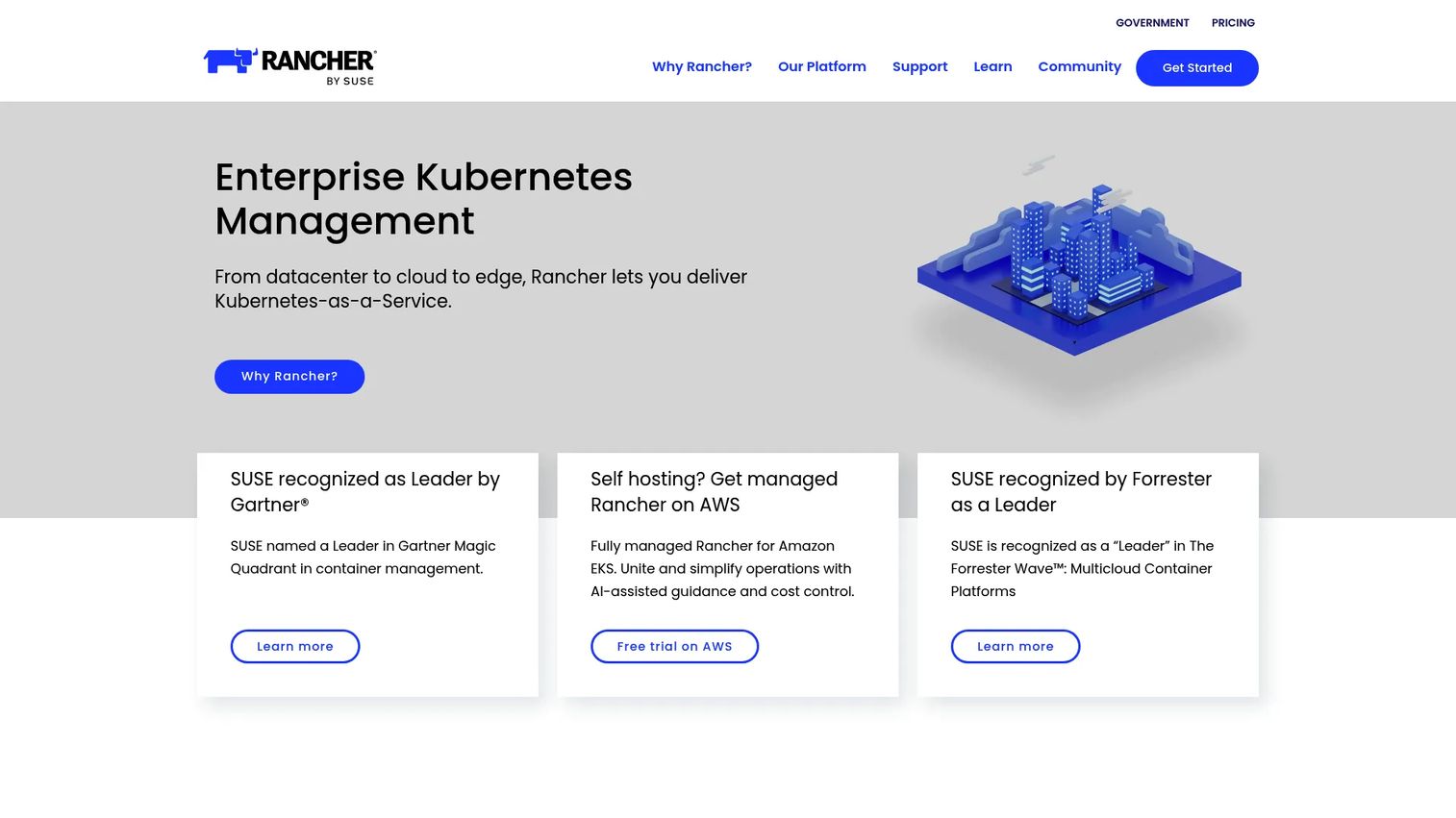
Rancher is a Kubernetes management platform that gives platform teams a central control plane for provisioning, operating, and governing multiple clusters. It works across on-premises, edge, and cloud environments without requiring teams to standardize on a single Kubernetes distribution. Centralized access controls, policy management, monitoring, and cluster lifecycle operations all live in one place.
Best for: Platform teams managing Kubernetes across hybrid, multi-cloud, on-premises, or edge environments that need consistent governance without locking into one cloud provider.
Key features
- Multi-cluster provisioning and lifecycle management
- Centralized RBAC, authentication, and audit logging
- Monitoring, alerting, diagnostics, and cluster upgrade management
- Helm chart catalog and CI/CD pipeline integration
- Distribution flexibility supporting RKE2, K3s, and imported clusters
Why choose Rancher: Rancher fits organizations that already chose Kubernetes and now need operational consistency as cluster count grows. It reduces the per-cluster governance work that otherwise scales linearly with infrastructure. The trade-off: It still assumes meaningful Kubernetes expertise on the platform team.
Rancher pricing: The community edition of Rancher is free and open source with community support. Rancher Prime and Rancher Prime Hosted require contacting sales for enterprise pricing.
G2 rating: 4.4/5
5. OpenShift Container Platform
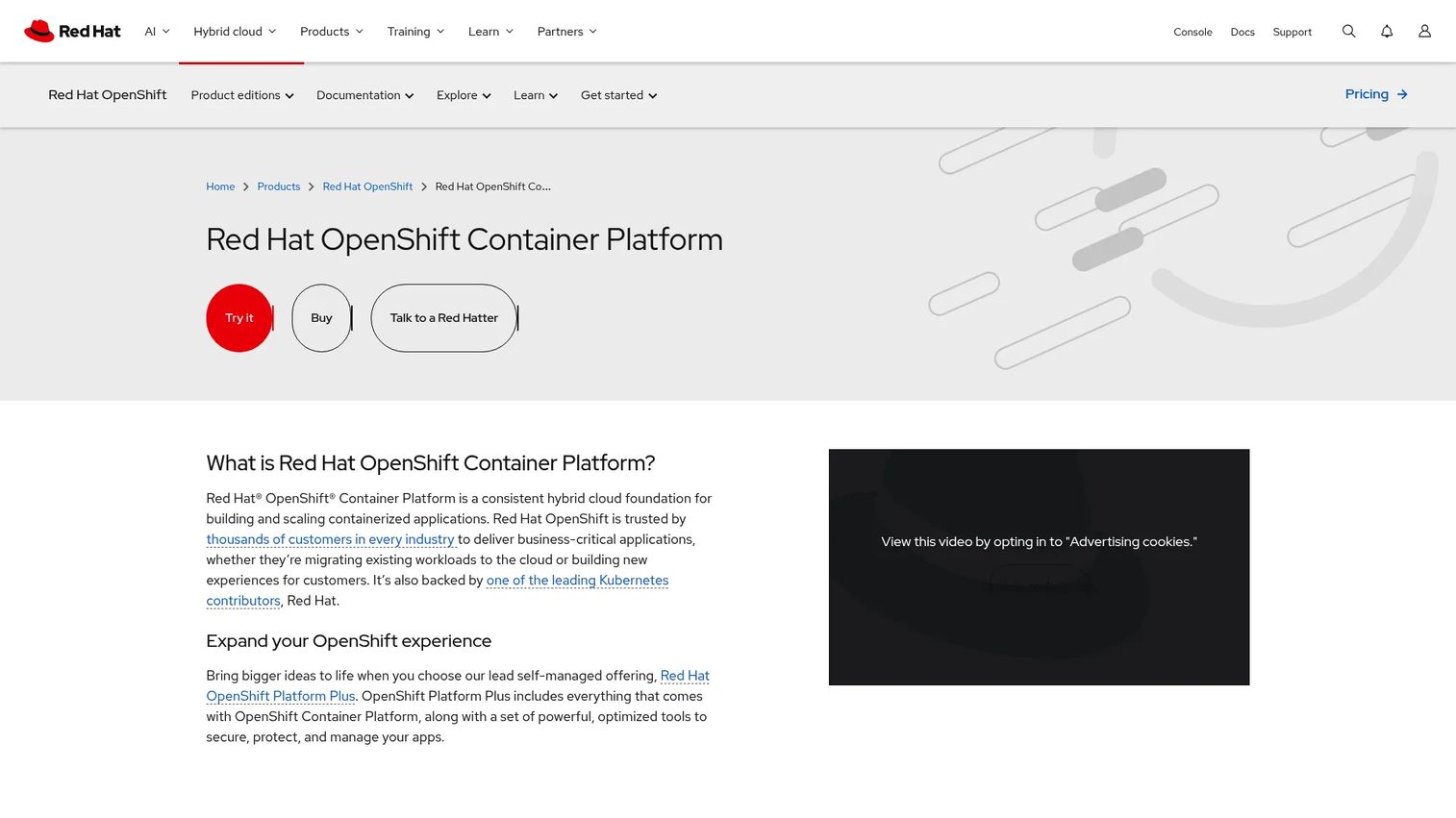
OpenShift Container Platform from Red Hat is a Kubernetes-based enterprise application platform that adds integrated developer workflows, operator lifecycle management, security controls, and hybrid cloud deployment support. It is designed for organizations that want to standardize container operations across development and production without assembling and maintaining individual platform components separately.
Best for: Regulated or large organizations that need standardized Kubernetes operations, stronger governance, and enterprise support SLAs across hybrid cloud environments.
Key features
- Kubernetes-based application platform with built-in CI/CD pipelines
- Operator Lifecycle Manager for automated platform and application updates
- Integrated developer console, service mesh, and GitOps support
- Built-in Prometheus monitoring and Grafana dashboards
- Centralized policy management across clusters
Why choose OpenShift Container Platform: OpenShift is a platform-level commitment, not just an orchestrator choice. It fits organizations willing to standardize on a Red Hat stack to reduce variation across engineering and operations teams. The integrated tooling and enterprise support tend to justify the cost when compliance review cycles are frequent and platform-team capacity is limited.
OpenShift Container Platform pricing: Red Hat directs buyers to sales or authorized partners. Contact sales for current subscription pricing.
G2 rating: 4.5/5
6. Portainer
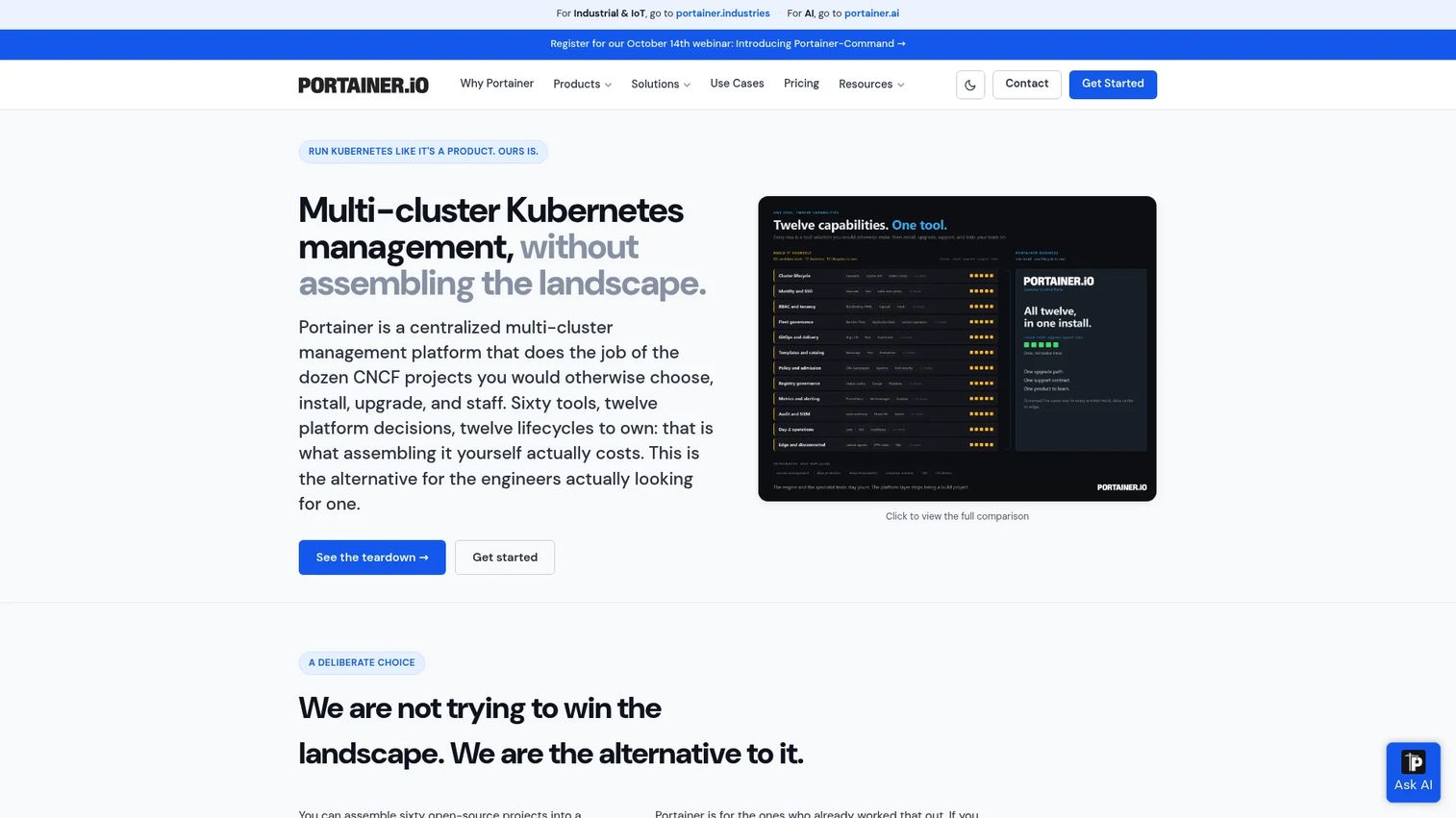
Portainer provides a visual management layer for Docker, Kubernetes, Podman, and cloud container environments. Instead of requiring every operator to work through the command line, Portainer gives teams a browser-based interface for deploying workloads, managing access, reviewing environment health, and applying governance policies across a mixed fleet.
Best for: IT and platform teams that need a graphical operational interface across Docker and Kubernetes environments without replacing their existing runtime or orchestrator.
Key features
- Unified dashboard for Docker, Kubernetes, and Podman environments
- Role-based access control, LDAP, OAuth, and SSO integration
- Git-based deployments, webhook triggers, and Helm support
- Fleet governance, policy drift detection, and registry management
- Application templates for repeatable deployment patterns
Why choose Portainer: Portainer is useful when developers, operators, and technical stakeholders need shared visibility into container environments without every task requiring direct cluster access. It reduces the gap between platform engineers who know Kubernetes internals and product teams who need deployment visibility. Business Edition is free for up to 3 nodes.
Portainer pricing: The Starter plan covers 5 nodes at $1,045 per year billed annually. Scale covers 5 to 25 nodes at $2,095 per year. Enterprise pricing is custom. The Business Edition is free for 3 nodes.
G2 rating: 4.8/5
7. Amazon Elastic Kubernetes Service
Amazon Elastic Kubernetes Service is AWS's managed Kubernetes service. AWS operates the Kubernetes control plane with high availability, handles version upgrades, and integrates deeply with EC2, Fargate, IAM, VPC, and other AWS services. EKS Auto Mode extends this by automating infrastructure management for compute, storage, and networking.
Best for: Teams already committed to AWS that want Kubernetes compatibility without operating the control plane themselves.
Key features
- Fully managed Kubernetes control plane with high availability
- EKS Auto Mode for automated infrastructure provisioning
- Integration with EC2, Fargate, IAM, VPC, and AWS load balancing
- Support for managed and self-managed node groups
- Broad compatibility with the Kubernetes ecosystem
Why choose Amazon Elastic Kubernetes Service: EKS reduces the control-plane burden for AWS-standard organizations, but it does not remove Kubernetes complexity from workload design, security configuration, or networking. Teams still need Kubernetes expertise for day-to-day operations. The benefit is shifting control-plane management overhead to AWS rather than carrying it internally.
Amazon Elastic Kubernetes Service pricing: Standard Kubernetes version support costs $0.10 per cluster per hour. Extended version support costs $0.60 per cluster per hour. Underlying EC2, Fargate, storage, and networking charges apply separately.
G2 rating: 4.5/5
8. Google Kubernetes Engine
Google Kubernetes Engine is Google Cloud's managed Kubernetes service, offering Standard and Autopilot operating modes. Standard mode gives teams direct control over node configuration and cluster design. Autopilot delegates infrastructure management to Google, handling node provisioning, scaling, and security hardening automatically.
Best for: Teams building on Google Cloud that want managed Kubernetes with strong cloud-native operations tooling and optional fully managed infrastructure.
Key features
- Managed Kubernetes clusters with Autopilot and Standard modes
- Cluster and pod autoscaling with automated cost optimization
- Fleet management including Config Management and Policy Controller
- Deep integration with Google Cloud observability, networking, and identity
- Workload scaling options with automatic node provisioning
Why choose Google Kubernetes Engine: GKE suits teams already using Google Cloud data, AI, or identity services, where tighter cloud-native integration reduces the total number of configuration touchpoints. The Autopilot mode is particularly useful when the team wants Kubernetes API compatibility without managing node pools. Provider concentration is a real trade-off to weigh against the integration benefits.
Google Kubernetes Engine pricing: Both Autopilot and Standard modes start at $0.10 per cluster per hour for the management fee. A free credit of $74.40 per month covers one free Autopilot or zonal Standard cluster per billing account. Compute, storage, and networking charges apply on top.
G2 rating: 4.5/5
9. Azure Kubernetes Service
Azure Kubernetes Service is Microsoft Azure's managed Kubernetes offering. It integrates with Microsoft Entra ID (formerly Azure Active Directory) for identity and access management, Azure Monitor for observability, and Azure networking for VNet-native cluster configuration. The Automatic tier extends management further by providing a production-ready, managed cluster configuration out of the box.
Best for: Organizations standardized on Azure, Microsoft identity tooling, and enterprise governance workflows that need Kubernetes without operating the control plane.
Key features
- Automated cluster management, upgrades, node provisioning, and scaling
- Microsoft Entra ID integration for identity and RBAC
- Azure Monitor and Log Analytics for cluster observability
- Cloud-to-edge deployment support for Linux, Windows Server, and IoT
- Multi-cluster management with Azure Kubernetes Fleet Manager
Why choose Azure Kubernetes Service: AKS is the natural Kubernetes choice when Azure is already the operating standard. Entra ID integration reduces the identity management complexity that often surfaces as a pain point in Kubernetes deployments. Kubernetes expertise remains necessary for workload design and cluster operations regardless of tier.
Azure Kubernetes Service pricing: The Free tier has no management fee and charges only for underlying resources, with no SLA guarantee. Standard and Premium tiers provide SLAs but display control-plane pricing on request rather than as published figures. The Automatic tier offers managed production operations at additional compute and infrastructure charges.
G2 rating: 4.4/5
10. Amazon Elastic Container Service
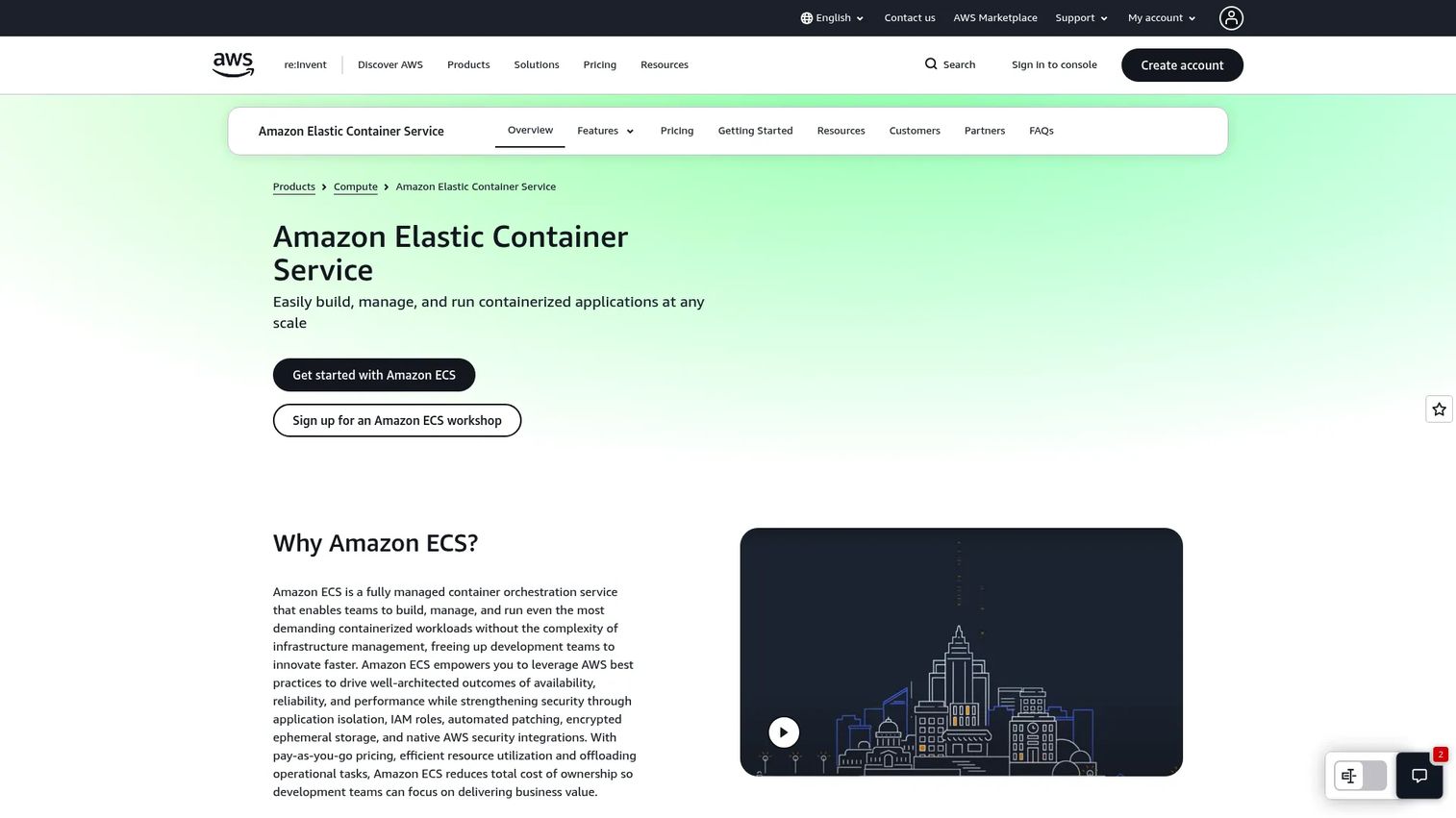
Amazon Elastic Container Service is AWS's native container orchestration service built without Kubernetes APIs. It handles task scheduling, service definitions, auto-scaling, and blue/green deployments through an AWS-native model. Fargate integration removes node management entirely, letting teams define tasks without provisioning or managing EC2 instances.
Best for: AWS teams that need container orchestration without Kubernetes API overhead or cross-cloud portability requirements.
Key features
- AWS Fargate for serverless container execution without node management
- Hybrid deployments via ECS Anywhere and AWS Outposts
- Task definitions and service auto-scaling
- Blue/green deployment support and container auto-recovery
- CloudWatch monitoring, CloudTrail logging, and IAM integration
Why choose Amazon Elastic Container Service: ECS is a pragmatic choice for product managers prioritizing delivery speed inside AWS. It avoids the learning curve and operational overhead of the Kubernetes API while still providing reliable container scheduling and scaling. The trade-off is reduced portability; ECS workloads are deeply tied to the AWS ecosystem.
Amazon Elastic Container Service pricing: There is no separate ECS orchestration charge for standard EC2 or Fargate deployments. Customers pay for underlying compute resources. ECS Anywhere adds $0.01025 per registered on-premises instance per hour.
11. Nomad
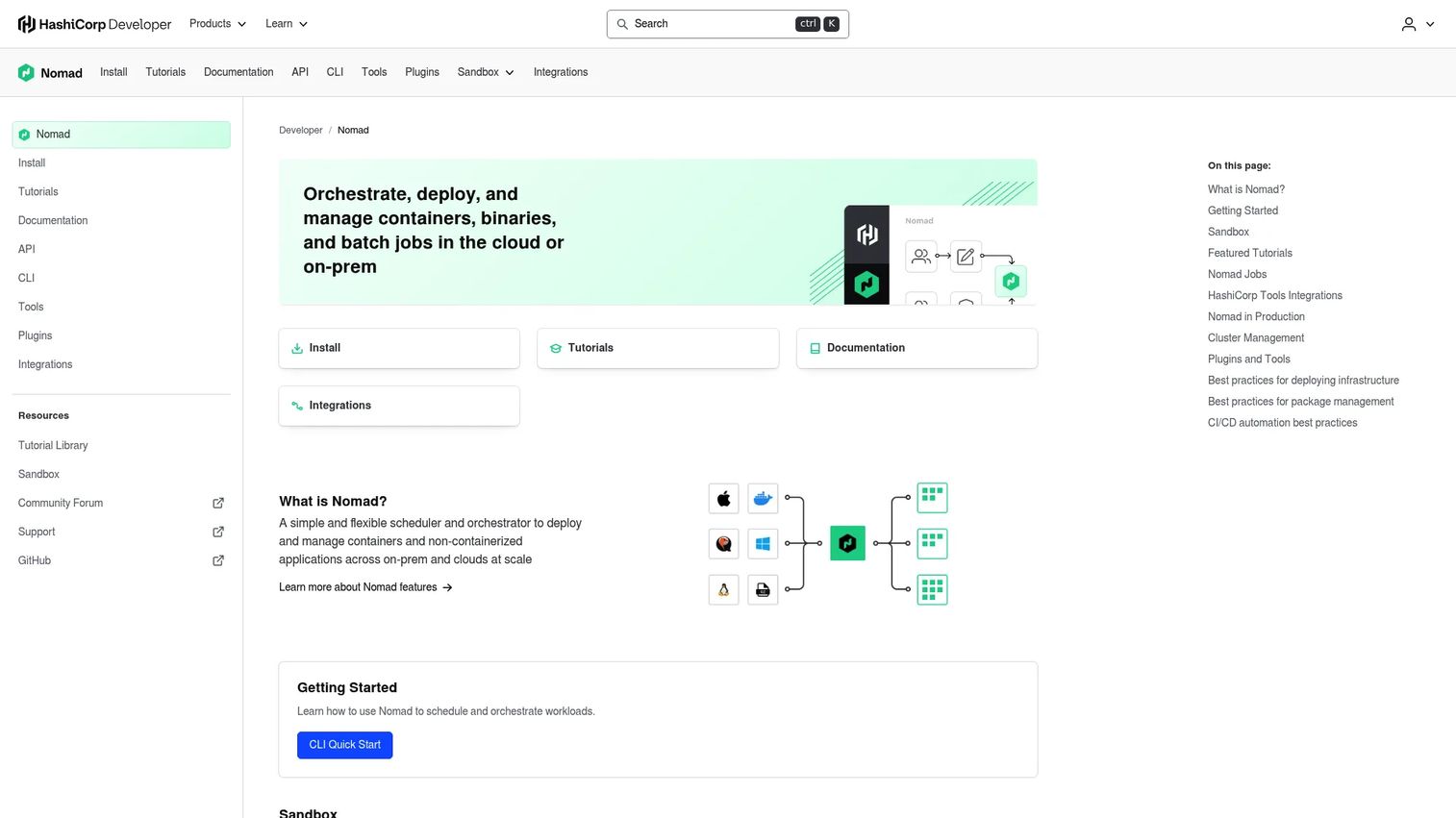
Nomad is a workload orchestrator from HashiCorp that schedules containers alongside other workload types including batch jobs, Java applications, and raw binaries. Its single-binary architecture keeps operational overhead low compared to a full Kubernetes stack. Nomad integrates natively with Consul for service discovery and Vault for secrets management.
Best for: Platform teams that need to schedule mixed workloads and want a lighter orchestration model than a full Kubernetes deployment.
Key features
- Container and non-container workload scheduling in a single system
- Batch, microservice, service, and system job types
- Single-binary architecture with high availability support
- Multi-region federation for distributed deployments
- Native Consul, Vault, and Terraform integrations
Why choose Nomad: Nomad is a credible alternative when the platform must run more than Kubernetes-native workloads, or when the team finds Kubernetes complexity exceeds what the current product architecture needs. It is a fit decision, not a default Kubernetes replacement. Teams already using HashiCorp tooling will find integration straightforward.
Nomad pricing: Nomad community editions are available as open source. Enterprise pricing requires contacting HashiCorp sales. Current tier details and pricing were not displayed on the official pricing page at time of verification.
G2 rating: 4.1/5
12. MicroK8s
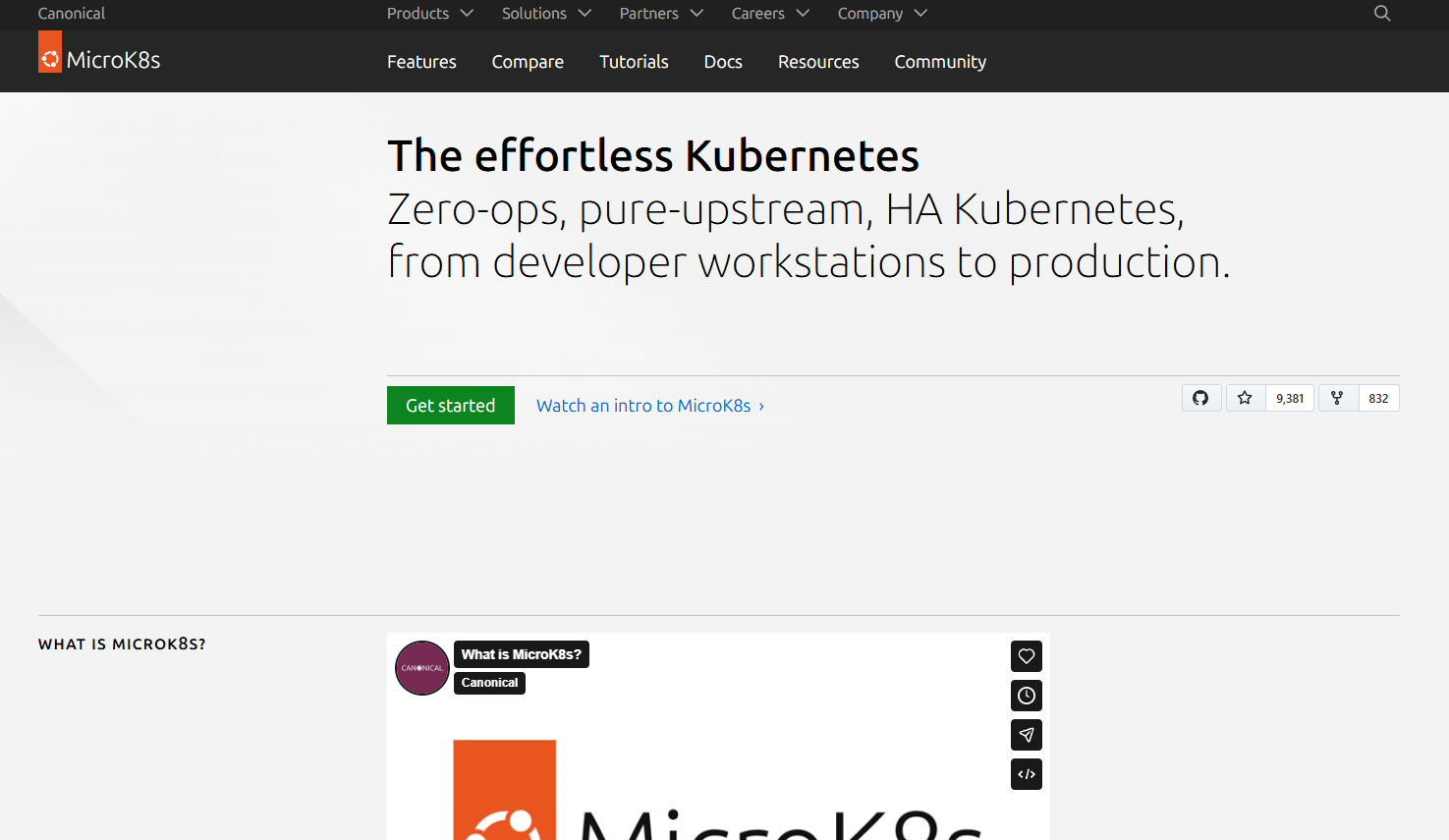
MicroK8s is a lightweight Kubernetes distribution from Canonical designed for developer workstations, CI pipelines, edge environments, and smaller production clusters. It installs as a single snap package, bootstraps a cluster in minutes, and exposes standard Kubernetes APIs. Capabilities like storage, ingress, and monitoring are added through an addon system rather than pre-installed by default.
Best for: Teams testing Kubernetes workflows locally, building edge deployments, or operating smaller environments with limited infrastructure resources.
Key features
- Lightweight Kubernetes distribution via a single snap package
- Addon-based capability model for storage, monitoring, and ingress
- High availability support for multi-node clusters
- Local development and CI pipeline integration
- NVIDIA GPU addon support for edge inference workloads
Why choose MicroK8s: MicroK8s is well-suited for learning Kubernetes APIs, running CI pipeline jobs, or operating edge clusters where a full Kubernetes distribution would be oversized. Large enterprise production environments with complex governance, multi-cluster operations, or stringent SLA requirements will typically need a more comprehensive platform.
MicroK8s pricing: MicroK8s has no license fees and is free and open source. Optional enterprise support is available through Canonical's Ubuntu Pro subscription.
G2 rating: 4.4/5
Considerations when choosing containerization software
Choose the right ownership model
The product requirement is not "use Kubernetes." The real question is how much operational responsibility the team can sustain alongside feature delivery. Self-managed Kubernetes requires cluster administration, upgrade management, security patching, and incident response. Managed Kubernetes services shift control-plane work to the cloud provider but preserve Kubernetes complexity at the workload layer. Enterprise platforms like OpenShift reduce variation by standardizing more of the stack, at a higher licensing cost.
Measure engineering opportunity cost
Every hour spent on cluster upgrades, policy configuration, and debugging infrastructure issues is an hour not spent on product features. Before choosing a self-managed path, estimate the platform engineering capacity the choice requires and compare that against roadmap delivery commitments. A managed service or lightweight orchestrator often creates more product value faster when platform team headcount is small.
Validate security and supply-chain controls
Container security depends on image scanning, signed images, registry access controls, runtime policies, secrets management, and a vulnerability response process. No tool alone creates compliance. Evaluate which controls come built in, which require additional tooling, and whether the chosen platform fits existing security review processes.
Test networking and stateful workload requirements
Stateless services are straightforward to containerize. Databases, message queues, and other stateful systems require persistent volumes, backup strategies, and careful network design. Check CNI compatibility, ingress options, and service discovery approaches before committing to a platform. Discovering incompatibilities after initial deployment is expensive.
Plan for observability and release management
A container platform must connect to existing logging, metrics, tracing, and CI/CD workflows. Product teams need reliable instrumentation to measure whether a deployment improved user experience or introduced a regression. Evaluate which observability integrations are native, which require additional configuration, and how deployment events appear in existing monitoring tools.
Conclusion
The containerization software landscape divides cleanly by operating layer. Docker and Podman handle developer-level container workflows and image lifecycle operations. Kubernetes is the production orchestration standard for teams that need automated scheduling, scaling, and a broad extension ecosystem. Rancher, OpenShift Container Platform, and Portainer add governance and management layers for organizations running Kubernetes at scale or across multiple clusters.
Amazon Elastic Kubernetes Service, Google Kubernetes Engine, and Azure Kubernetes Service reduce control-plane overhead for teams committed to a specific cloud provider. Amazon Elastic Container Service offers an AWS-native path to container orchestration without the Kubernetes API surface. Nomad and MicroK8s serve more focused use cases: Mixed workload scheduling and lightweight Kubernetes for local or edge environments.
Start by defining your deployment ownership model and expected release cadence. Then assess your team's Kubernetes expertise, security constraints, and cloud commitments. Shortlist two or three options and run a pilot using an existing service with clear activation and reliability metrics before standardizing.
For more on related infrastructure and security tooling, see our guides on cloud data security software, application security testing software, and AI model deployment software.
Start your journey with Guideflow today!
FAQs
Containerization software is the category of tools used to build, package, run, distribute, orchestrate, and manage containerized applications. The category includes container runtimes like Docker and Podman, orchestrators like Kubernetes, management platforms like Rancher and Portainer, and managed cloud services like Amazon Elastic Kubernetes Service and Google Kubernetes Engine. Each layer solves a different problem in the container delivery chain.
Docker primarily helps build container images and run them locally or in simple deployments. Kubernetes coordinates containerized workloads across clusters by handling scheduling, scaling, service discovery, and recovery. Both appear in the same delivery workflow because they work at different layers: Docker packages the application, and Kubernetes operates it at scale.
No. Many teams run containers successfully with Docker Compose for multi-service definitions, a managed container service like Amazon Elastic Container Service, or a lightweight distribution like MicroK8s. Kubernetes becomes the right choice when teams need automated scheduling, horizontal scaling, health management across many services, or the ability to extend the platform through operators and custom resources. Small products often get more value from a managed service early on.
Security depends on implementation rather than the technology category. Containers share the host kernel, which creates a different threat model than hardware-virtualized VMs. Container security requires image hygiene, vulnerability scanning, runtime controls, least-privilege configuration, secrets management, and a patch cadence for both the host OS and container images. Many production environments run containers inside VMs to combine the flexibility of containers with the stronger isolation boundaries that virtualization provides.
Start with operational ownership: Who will manage cluster upgrades, security patching, networking, and incident response? Then assess staffing, cloud provider requirements, developer workflow impact, release frequency targets, observability integration, and total infrastructure cost. Kubernetes affects roadmap capacity directly because it requires ongoing platform engineering investment that competes with feature work.
Amazon Elastic Kubernetes Service is the right choice for teams that need Kubernetes API compatibility, portability, or access to the Kubernetes ecosystem while staying inside AWS. Amazon Elastic Container Service suits teams that want reliable container scheduling without Kubernetes complexity and have no plans to run workloads outside AWS. The decision comes down to whether Kubernetes portability and ecosystem access justify the additional operational overhead.
Containers and virtual machines address different problems. Containers package and deploy applications portably; VMs provide infrastructure isolation and operating-system separation. Most production environments use containers running on virtual machine infrastructure rather than replacing VMs entirely. Strong isolation requirements, legacy operating system needs, and stateful workloads that predate containerization are common reasons teams continue using VMs alongside containers.
Docker is the most practical starting point for understanding container concepts, building images, and running multi-service applications locally with Docker Compose. Once container fundamentals are clear, MicroK8s provides a low-friction way to learn Kubernetes APIs without provisioning cloud infrastructure. Neither is a required production standard: Teams should evaluate managed services for production use once the concepts are solid.