



A customer books a service over the phone. Someone writes it on a paper diary. The bay gets double-booked. The technician fills out a job card by hand, the approval sits unread in a text thread, and the invoice goes out three days late. By then the part you needed was never reordered, because nobody updated the stock count.
That is the daily tax of running a workshop on paper and memory. Every handoff loses information, and every lost handoff costs time or cash.
The global garage management software market sat around USD 532 million in 2025 and is projected to grow at a 9.8% CAGR through 2033, according to Verified Market Research (2025). The pull is simple: shops want one system that carries a job from booking to payment to restock without dropping anything.
This guide compares six platforms and shows you how to match one to your actual workflow pain, not a feature checklist.
What's inside
This is for operators running auto repair shops, workshops, and multi-bay garages who are tired of stitching together a diary, a spreadsheet, and an accounting tool. We picked platforms based on the criteria that decide whether software earns its place in a shop:
- End-to-end workflow coverage from booking through job cards, invoicing, and payment
- Inventory control and supplier ordering that stays in sync with jobs
- Accounting integrations with tools like Xero and QuickBooks
- Mobile and tablet access for technicians on the shop floor
- Multi-location support and reporting for shops that run more than one site
We left out pure accounting tools and generic CRMs that do not handle job cards.
TL;DR
- Best overall for end-to-end workflow depth: Workshop Software covers booking, job cards, vehicle history, reminders, and accounting integrations in one system.
- Best for broad operational control: RO App runs jobs, CRM, inventory, and payments with AI-assisted workflows.
- Best for all-in-one digitization: GarageBox pairs job cards, estimates, inventory, and procurement in one platform.
- Best education-first option: Autorox helps buyers compare systems while offering its own digital job card and scheduling tools.
- Best for smaller teams wanting clarity: AutoChain and LaunchControl fit shops still mapping their requirements before switching systems.
What is garage management software?
Garage management software is a system that runs the operational workflow of a repair shop, from booking a job to collecting payment and reordering parts. It replaces paper job cards, scattered spreadsheets, and manual reminders with one connected record per vehicle and customer.
Most platforms cluster around the same core modules:
- Booking and scheduling: a booking diary, online appointments, and bay or technician assignment
- Job cards and work orders: digital job cards that track labor, parts, and status
- Customer communication: service reminders, MOT reminders, and repair approvals sent by text or email
- Invoicing and payments: garage billing software features like estimates, invoices, and payment links
- Inventory control: stock levels, parts ordering, and supplier management
- Vehicle history: DVLA lookups, repair history, and vehicle records per customer
- Reporting: revenue, technician productivity, and job throughput
- Integrations: garage accounting software links to Xero or QuickBooks, plus diagnostics
The line between garage software and workshop management software is thin. Workshop management software often describes the same category from a shop-floor angle, while garage software leans toward the front-of-house booking and invoicing side. In practice, most platforms cover both.
When to use garage management software
Streamline bookings and eliminate diary chaos
If your phone rings during a brake job and the only booking record is a paper diary, you are one distraction away from a double-booked bay. Appointment-heavy shops feel this first. A booking diary with online scheduling and bay assignment stops overbooking and captures the jobs you miss when nobody can pick up. Software matters most here when call volume outpaces the person answering.
Speed up approvals, invoicing, and payment collection
Approval bottlenecks quietly kill cash flow. A technician finds extra work, the approval sits unseen in a text thread, and the car sits in the bay. Digital repair approvals, instant invoicing, and payment links shorten that cycle from days to minutes. Use software here when the gap between finishing a job and getting paid is measured in days, not the same afternoon.
Bring stock, suppliers, and accounting into one workflow
Manual stock checks and separate ledger updates create errors that surface at month end. When a part gets used but never deducted, the reorder never happens, and the next job stalls. Inventory control tied to job cards, supplier ordering, and a live sync to your accounting tool removes the double entry. This is the moment to adopt software when parts and books stop agreeing.
Garage management software comparison
Read the table by starting with the "Best for" column, then check pricing and rating against your shop size. Platforms are sorted by relevance to a workshop running the full booking-to-payment workflow.
| # | Product | Best for | Key differentiator | Pricing | G2 rating |
|---|---|---|---|---|---|
| 1 | Workshop Software | End-to-end shop management | Booking, job cards, vehicle history, and accounting in one | From $99/month | Not listed |
| 2 | RO App | Broad operational control | Jobs, CRM, inventory, and payments with AI tools | From €15/month | Not listed |
| 3 | GarageBox | All-in-one digitization | Job cards, estimates, inventory, and procurement | Free tier available | 4.8/5 |
| 4 | Autorox | Education-first buyers | Digital job cards with scheduling and reminders | Custom pricing | 4.1/5 |
| 5 | AutoChain | Smaller teams mapping needs | Simplified workshop record keeping | Not publicly listed | Not listed |
| 6 | LaunchControl | Custom build evaluation | Development support for bespoke workflows | Not publicly listed | 4.7/5 |
Best garage management software for 2026
1. Workshop Software
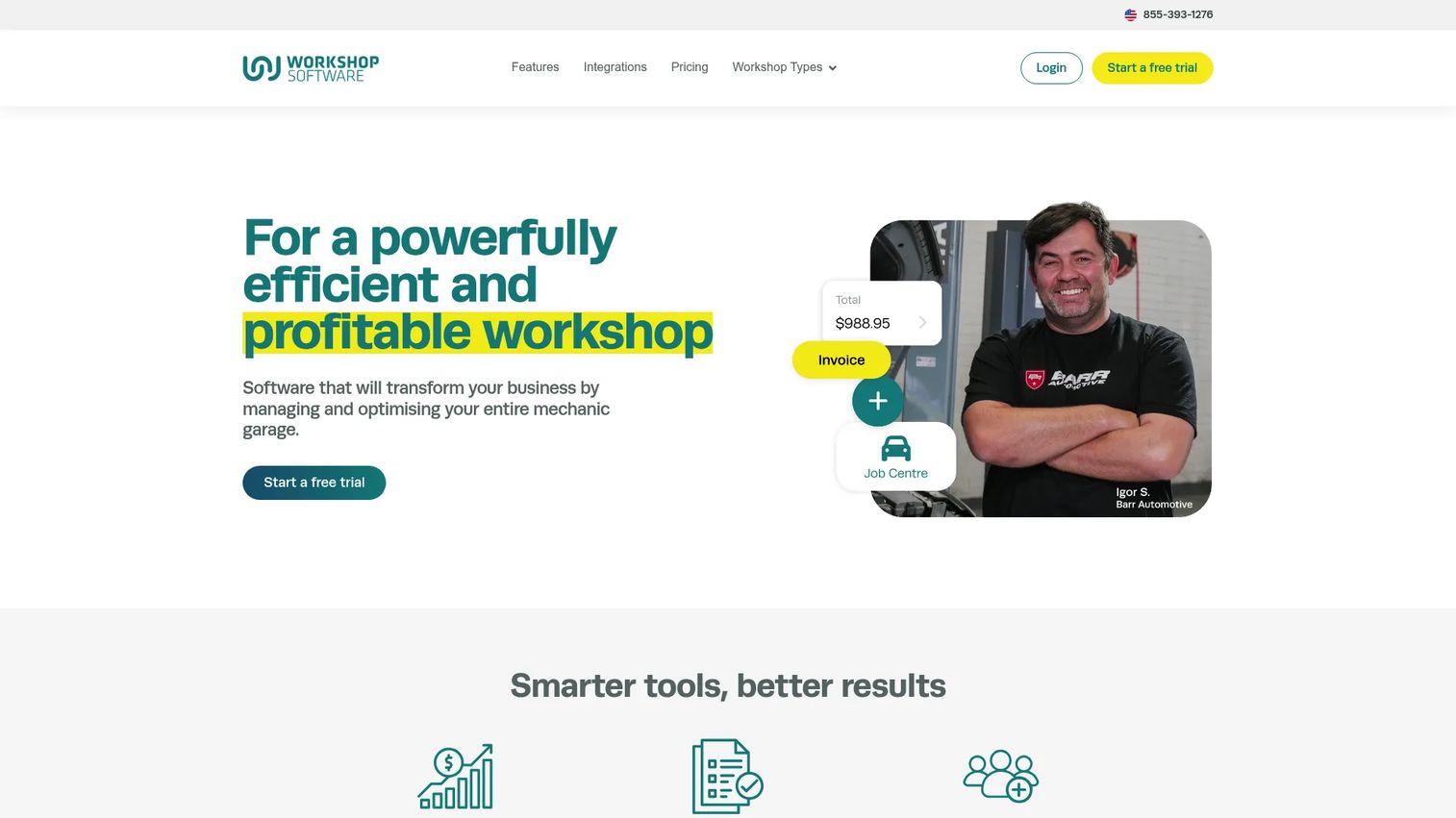
Workshop Software is a cloud-based platform built for automotive and other repair businesses that need to run the whole shop from one place. It covers customer records, job management, scheduling, vehicle inspections, and automated reminders, so the front desk and the workshop share the same live record. For small to mid-sized workshops, it hits the core loop of booking, repairing, invoicing, and reminding without forcing you to bolt on separate tools.
Best for: Auto repair and workshop businesses that want end-to-end shop management in a single system.
Key features
- Customer management and job management
- Online customer bookings and scheduling
- Vehicle inspections and automated service reminders
- Stock inventory management
- Workshop Software mobile app and business intelligence
Why choose Workshop Software: It fits shops that want a proven, full-workflow system rather than a point tool. The mobile app keeps technicians in the same record as the office, which matters when a job card needs updating from the bay.
Workshop Software pricing: Plans run at $99/month for Silver, $149/month for Gold, and $249/month for Platinum, with monthly and yearly billing views. A 14-day free trial is available.
This sits at the center of the workflow, connecting the booking diary to job cards, invoicing, and reminders.
2. RO App
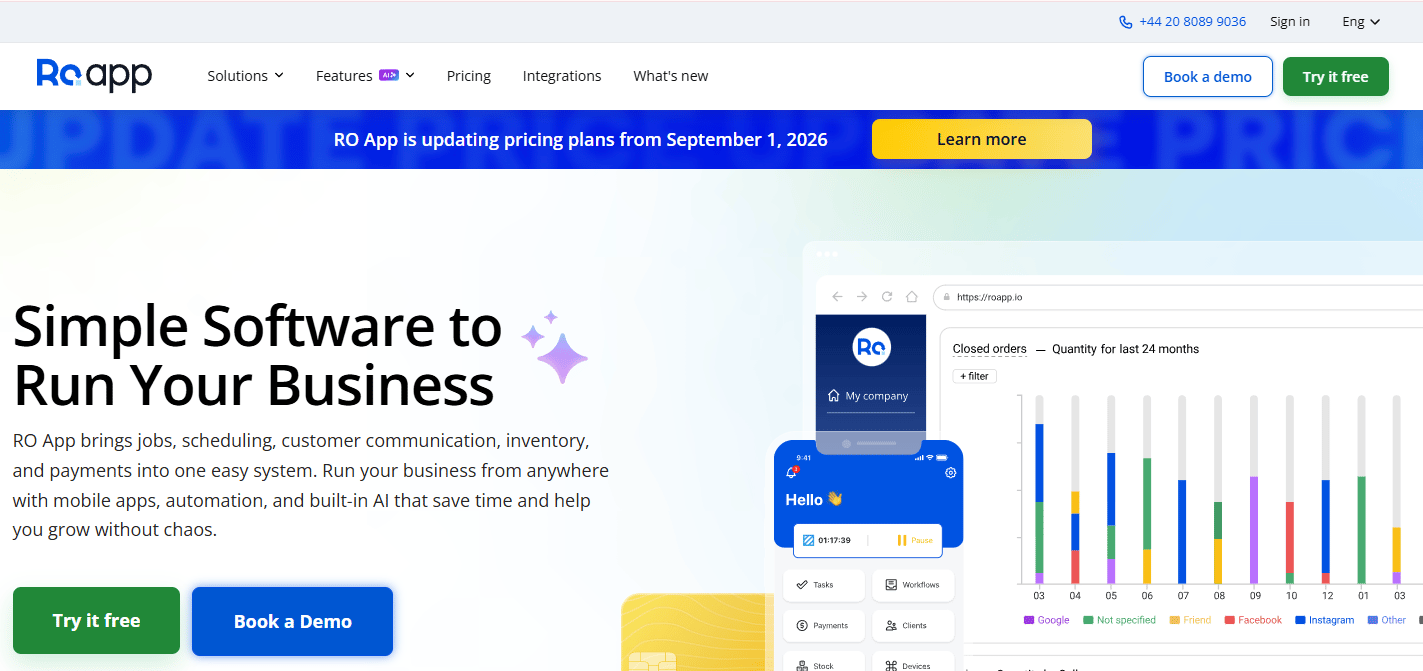
RO App is business management software that pulls jobs, customers, inventory, and payments into one system, with AI tools layered on top. It handles work orders and job management, CRM and online booking, and reporting, plus AI features for transcription, product recognition, imports, and suggested replies. For shops that want broader operational control than a booking-and-invoice tool, it reaches into inventory and payments without extra software.
Best for: Service businesses that need job tracking, customer management, inventory, and payments in one system.
Key features
- Work order and job management
- CRM and online booking
- Inventory, payments, and reporting
- AI tools for transcription, product recognition, imports, and suggested replies
Why choose RO App: It suits operators who want automation across the workflow, not just digital job cards. The AI-assisted imports and suggested replies cut the manual data entry that slows down busy shops.
RO App pricing: A free 7-day trial is available. Paid plans start at €15/month for Hobby, from €29/month for Startup, from €69/month for Business, and from €99/month for Enterprise, billed yearly.
RO App works across the full loop, tying customer records to jobs, stock, and payment collection.
3. GarageBox
GarageBox is garage management software aimed at auto repair shops and related service centers that want to digitize the whole operation. It handles workflow and task tracking, estimates and job cards, and inventory with procurement. The platform positions itself around broad depth and process control, so shops that want tight visibility from estimate to reorder have a single place to work.
Best for: Auto repair shops that want an all-in-one garage management platform with strong process control.
Key features
- Workflow and task tracking
- Estimates and job cards
- Inventory and procurement
Why choose GarageBox: It fits shops that want depth across the process rather than a lightweight scheduler. The estimate-to-job-card-to-procurement chain keeps parts and approvals connected to each job.
GarageBox pricing: The site offers a Get Started For Free option, and the free tier is publicly shown. Numeric plan pricing was not published on the brand site at the time of writing, so contact GarageBox directly for current plan costs.
GarageBox holds a 4.8/5 rating on G2.
GarageBox covers the operational chain from estimate through job card and into procurement.
4. Autorox
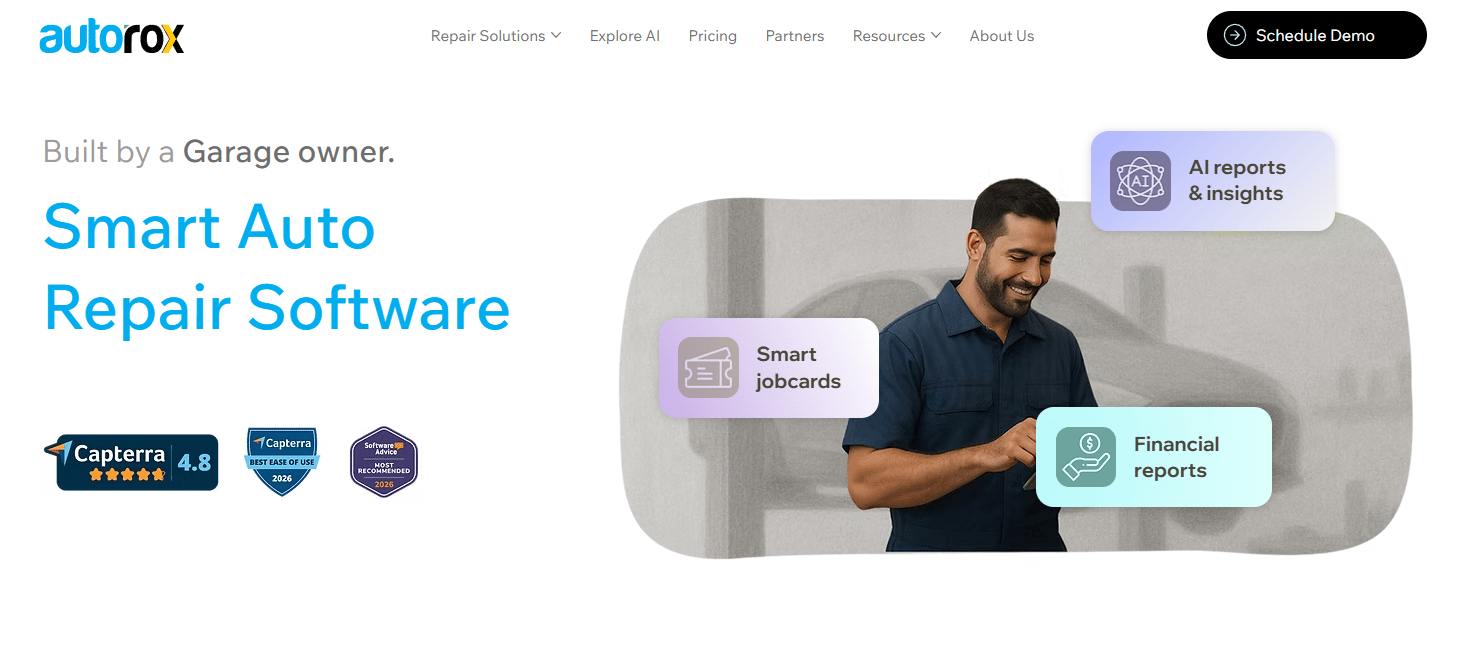
Autorox is cloud-based garage management software for auto repair workshops, and it doubles as an education-first resource for buyers still comparing systems. It covers digital job cards and invoicing, inventory management, and appointment scheduling with reminders. For operators who want to understand the "how to choose" decision before committing, Autorox pairs practical workflow tools with guidance on evaluating a system.
Best for: Auto repair shops and workshop networks needing an all-in-one garage management system, plus buyers researching the category.
Key features
- Digital job cards and invoicing
- Inventory management
- Appointment scheduling and reminders
Why choose Autorox: It works well for shops that want workflow visibility and a clearer view of the buying decision. The scheduling and reminder tools keep the booking diary and customer communication tied together.
Autorox pricing: The first-party pricing page lists Starter, Professional, and Enterprise plans, all billed annually, with a free demo. Plan prices were not published on the site at the time of writing, so request a quote from Autorox for current figures.
Autorox holds a 4.1/5 rating on G2.
Autorox connects scheduling and reminders to job cards and invoicing across the workflow.
5. AutoChain
AutoChain is positioned around simplification and clarity for smaller teams that want a workshop management system without heavy configuration. The framing centers on a clean diary, customer records, digital job cards, and vehicle history, so a small shop can keep an organized record per job without a steep setup. It suits operators who value a straightforward record over broad platform depth.
Best for: Smaller teams that want a simple, clear workshop record before committing to a larger system.
Key features
- Booking diary and customer records
- Digital job cards
- Vehicle history tracking
Why choose AutoChain: It fits shops that want clarity over complexity and are still mapping their requirements. A simple record keeps jobs organized while a team figures out what a fuller system needs to do.
AutoChain pricing: We didn't have specific pricing on hand, so it's worth reaching out to the vendor directly to confirm current plans before you decide.
AutoChain keeps the diary, job cards, and vehicle history in one organized view.
6. LaunchControl

LaunchControl is a web and mobile development agency rather than an off-the-shelf garage platform, which makes it an evaluation aid more than a product-first pick. It covers discovery and planning, project management, and building websites and mobile apps. For shops that have outgrown standard tools and are weighing a custom build, LaunchControl represents the "build versus buy" path and the decisions that come with it.
Best for: Organizations that need custom web or mobile development support for bespoke workshop workflows.
Key features
- Discovery and planning
- Project management
- Websites and mobile apps
Why choose LaunchControl: It fits operators whose requirements do not map to any off-the-shelf system and who want a partner for a custom build. Treat it as a learning resource for the build-versus-buy question before switching platforms.
LaunchControl pricing: LaunchControl is a services agency, so pricing depends on the project. Get in touch for a quote.
LaunchControl holds a 4.7/5 rating on G2.
LaunchControl fits the evaluation stage, helping you decide whether a custom system beats an off-the-shelf platform.
Considerations
Workflow coverage from booking through payment
Check whether one system carries a job the whole way, from the booking diary to the job card to the invoice and payment link. Gaps between modules are where information falls out and cash slows down. Map your current handoffs first, then confirm the software covers each one.
Inventory and parts control
Stock that does not deduct against jobs creates reorder failures and stalled repairs. Look for inventory control tied directly to job cards, plus supplier management and parts ordering. A live count beats a monthly manual check every time.
Integrations with accounting and diagnostics
Garage accounting software value comes from the sync. Confirm the platform connects to Xero or QuickBooks so invoices and payments flow without double entry. If you run diagnostics, check for DVLA lookups and vehicle history integrations too.
Mobile and tablet access in the workshop
Technicians live on the shop floor, not at a desk. A technician app or tablet view that updates the same live job card keeps the office and the bay in sync. Without it, someone retypes everything at the front desk.
Migration, onboarding, and support quality
Switching systems is the real cost most shops underestimate. Ask about data migration, onboarding time, and support responsiveness before you sign. Also confirm access control so each role sees only what it should, and that reporting gives you the numbers you actually run the shop on.
Conclusion
The right pick depends on where your workflow hurts most. If you want a proven, full-workflow system, Workshop Software covers booking through accounting for small to mid-sized shops. If you need broad operational control with automation, RO App reaches across jobs, inventory, and payments. GarageBox suits shops that want all-in-one depth with strong process control, while Autorox works for buyers who want both practical tools and guidance on choosing.
For smaller teams still mapping requirements, AutoChain keeps records simple, and LaunchControl is the reference point for anyone weighing a custom build over an off-the-shelf platform.
Pick the one workflow pain that costs you the most right now, a double-booked diary, a slow invoice, a stock count that never matches. Then run a free trial of the strongest-fit system against that single pain before rolling it out shop-wide.
FAQs
Garage management software runs the operational workflow of a repair shop, from booking a job to collecting payment and reordering parts. It replaces paper job cards, spreadsheets, and manual reminders with one connected record per vehicle and customer. Most systems combine scheduling, job cards, invoicing, inventory, and reporting.
Look for a booking diary, digital job cards, invoicing with payment links, inventory control, and customer reminders. Strong systems add vehicle history, DVLA lookups, MOT reminders, and reporting. Accounting integrations and a technician app round out the core set.
It turns a finished job card into an invoice without retyping line items, then sends it with a payment link. Digital repair approvals speed up the step before invoicing, so the car does not sit in the bay waiting for a text reply. That shortens the gap between finishing work and getting paid.
Most platforms include inventory control that ties stock levels to job cards, so parts deduct as they get used. Better systems add supplier management and parts ordering, so reorders trigger before you run out. This removes the manual stock check that usually surfaces errors at month end.
Many garage accounting software tools integrate with Xero and QuickBooks so invoices and payments sync automatically. That removes double entry between the shop system and your books. Confirm the specific integration and how often it syncs before you commit.
For a small shop, the payoff is time saved on admin and fewer missed bookings or late invoices. Entry plans start low, and a free trial lets you test the fit before paying. If your diary, invoicing, or stock counts regularly cause errors, the cost usually pays for itself.
Start with the workflow pain that costs you the most, then check which system covers it end to end. Compare booking, job cards, invoicing, inventory, and accounting integrations against your shop size. Factor in mobile access, migration effort, and support quality before deciding.
The terms overlap heavily and often describe the same category. Garage software tends to lead with front-of-house booking and invoicing, while workshop management software emphasizes the shop-floor job flow. In practice, most platforms cover both booking and workshop operations.










