You run payroll Friday morning. Three timesheets are missing, two have overtime nobody approved, and one employee swears they clocked in at 7 a.m. even though the system says 9. Now you are reconciling by hand, again, and payday is in four hours.
This is the real cost of manual time tracking. Not the spreadsheet itself, but the disputes, the rounding errors, the compliance exposure, and the quiet erosion of trust every time a paycheck comes up short. The global time and attendance software market reached an estimated USD 4.31 billion in 2026, growing at an 8.10% CAGR through 2031, according to Mordor Intelligence (2026). That growth is not hype. It reflects how many teams have decided that paper and spreadsheets cost more than they save.
Modern time and attendance systems fix the root problem: they capture hours at the source, apply overtime and break rules automatically, route approvals to the right manager, and push clean data straight into payroll. The result is fewer errors, fewer disputes, and an audit trail you can actually defend.
This guide compares eight platforms worth evaluating in 2026. Some are built for payroll-heavy enterprises, some for deskless field crews, and some for teams that just want simple, accurate tracking without a heavy workforce management software suite. If you are also weighing adjacent operational tools, our roundups of event management software and contract management software tools cover the same buyer-first lens.
What's inside
This list is for operations leaders, HR managers, finance teams, and anyone responsible for getting accurate hours into payroll without manual rework. We selected platforms based on four criteria that matter most in a real buying decision: payroll sync, compliance and overtime handling, mobile and verification support for distributed teams, and reporting depth.
We prioritized tools with verified pricing, current G2 ratings, and clear workflow fit across small business, mid-market, and enterprise. Tools appear in relevance order, not alphabetical. Each entry covers where the platform fits, what it does well, and what it costs.
TL;DR
- Best for payroll-linked enterprises: ADP, the deepest payroll and HCM integration for teams already in its ecosystem.
- Best for HR-centric teams: BambooHR, when you want time tracking inside a full HRIS.
- Best for simple, budget-conscious tracking: Clockify, with a genuine free tier and clean timesheets.
- Best for deskless and field teams: Connecteam, built mobile-first with scheduling and GPS controls.
- Best for remote and hybrid visibility: Hubstaff, pairing attendance with productivity signals.
- Best for unified workforce infrastructure: Rippling, when HR, IT, payroll, and time live in one system.
- Best for accounting-led teams: QuickBooks Time, the obvious pick if you already run QuickBooks.
- Best for scheduling-first operations: Deputy, when shifts and attendance are tightly connected.
What is time and attendance software?
Time and attendance software is a system that records when employees start and stop work, calculates hours and overtime, manages time-off, and feeds accurate data into payroll. It replaces manual timesheets with automated capture, verification, and approval.
Core capabilities to expect:
- Clock in and out: Web, mobile app, kiosk, or biometric entry to record start and end times accurately.
- Timesheets: Automated daily and weekly timesheets that reduce manual entry and rounding errors.
- Approvals: Manager review and sign-off on hours before they reach payroll.
- PTO visibility: Accrual tracking, balances, and time-off requests in one place.
- Overtime rules: Automatic application of labor rules, break requirements, and overtime thresholds.
- Integrations: Payroll sync, HR systems, and accounting connections to remove double entry.
- Mobile access: Apps for clock-in, approvals, and schedules from any device.
- Reporting: Exportable reports on hours, labor cost, and attendance patterns.
- Anti-time-theft controls: GPS, geofencing, photo verification, and audit trails to prevent buddy punching and inflated hours.
The strongest time attendance software ties all of these together so a single clock-in produces verified, payroll-ready data without a manager touching a spreadsheet.
When to use time and attendance software
Replace spreadsheets and paper timesheets
Manual timesheets create three predictable problems: transcription errors, late submissions, and disputes nobody can resolve. Every rounding mistake becomes a payroll correction, and every correction costs admin time. Attendance tracking software captures hours at the source, applies rules automatically, and gives managers a clean approval queue. The payoff is fewer corrections and a faster, more accurate payroll run.
Support remote, field, or deskless workers
If your team works outside an office, desktop-only tracking does not fit how they work. Deskless crews need mobile clock-in, and many operations need proof that the clock-in happened where it should. GPS, geofencing, and kiosk mode let field workers record hours from a phone or a shared tablet. This is where a strong time and attendance app earns its place: it meets people where the work actually happens.
Tighten payroll and compliance workflows
Overtime miscalculations and missing break records are compliance risks, not just annoyances. When you scale headcount or operate across jurisdictions with different labor rules, manual tracking stops being viable. Payroll attendance software applies overtime thresholds, logs breaks, and produces an audit trail you can hand to an auditor. Exportable reports and manager approvals turn compliance from a scramble into a routine.
Comparison table
Before the individual breakdowns, here is a compact view of how the eight platforms compare. Use it to shortlist two or three tools that match your payroll stack, your workforce profile, and your budget, then read the detailed sections below.
| # | Product | Intent | Key use case | Pricing | G2 rating |
|---|---|---|---|---|---|
| 1 | ADP | Enterprise payroll + HCM | Payroll-linked time and attendance at scale | Custom (contact sales) | 4.4/5 |
| 2 | BambooHR | HR-centric teams | Time tracking inside a full HRIS | From $10/employee/mo | 4.4/5 |
| 3 | Clockify | Simple tracking | Timesheets and reporting on a budget | Free; paid from $3.99/user/mo | 4.5/5 |
| 4 | Connecteam | Deskless and field | Mobile clock-in, scheduling, GPS | Free; paid from $29/mo | 4.6/5 |
| 5 | Hubstaff | Remote and hybrid | Attendance plus productivity signals | From $10/seat/mo | 4.5/5 |
| 6 | Rippling | Unified workforce | HR, IT, payroll, and time in one system | Custom (quote-based) | 4.8/5 |
| 7 | QuickBooks Time | Accounting-led teams | Time capture tied to QuickBooks payroll | From $20/mo + per user | 4.5/5 |
| 8 | Deputy | Scheduling-first | Shift scheduling plus attendance | From $5/user/mo | 4.6/5 |
1. ADP
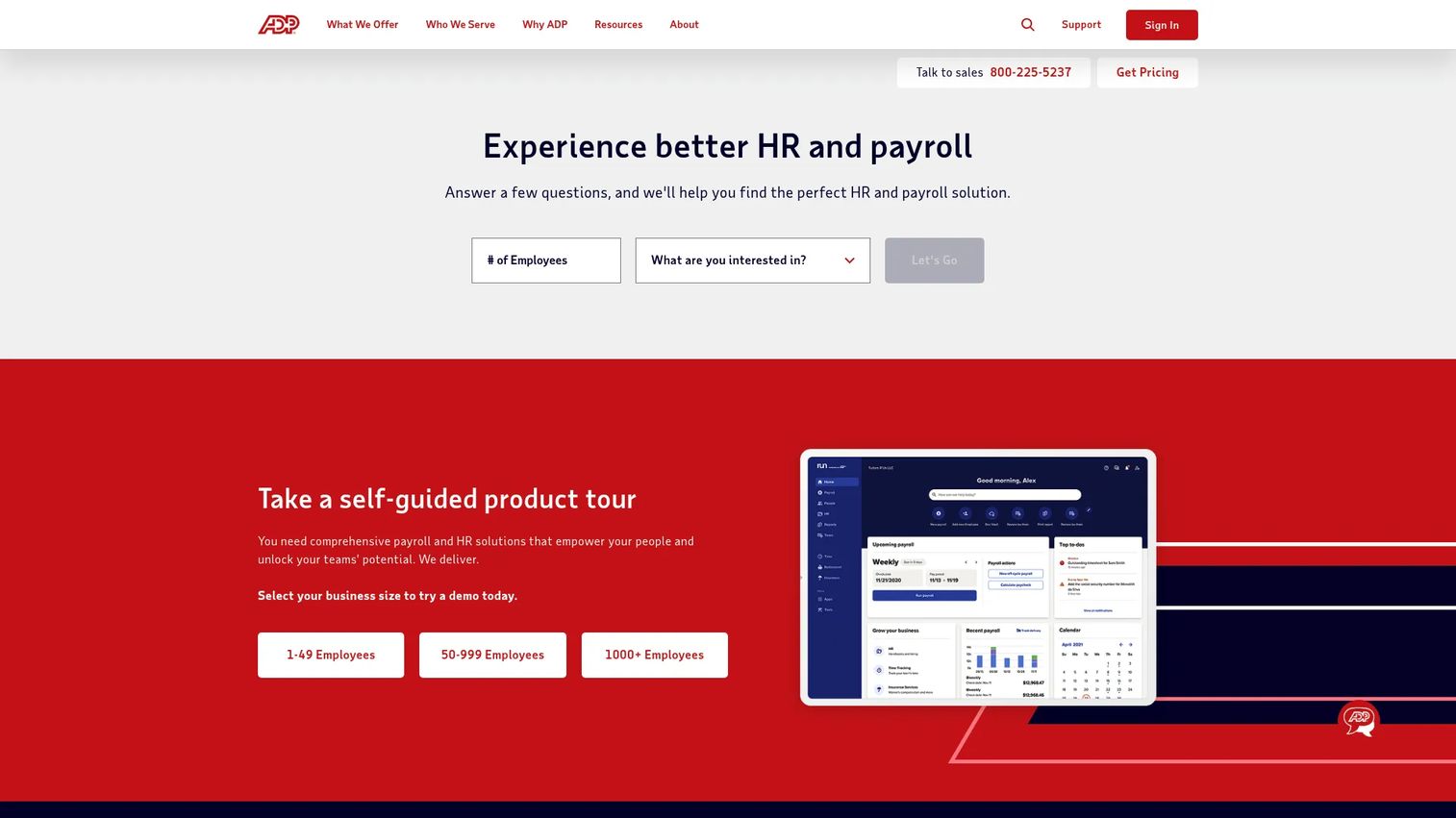
ADP is the enterprise-grade choice for teams that want time and attendance tightly linked to payroll and broader HCM. As a global provider of payroll, HR, benefits, and outsourcing, ADP fits organizations that need attendance data flowing directly into tax and payroll processing without manual handoffs. It scales from small business through enterprise, which is why payroll-heavy teams gravitate to it.
Best for: Mid-market and enterprise teams already using ADP for payroll or HCM who want attendance built into the same system.
Key strengths
- Payroll and tax integration: Attendance hours flow straight into payroll and tax processing, removing double entry.
- HR outsourcing and managed services: Offload complex HR and compliance work to ADP's managed teams.
- Benefits and time administration: Benefits, time, and attendance run in one connected HCM platform.
Why choose ADP: ADP makes the most sense when payroll integration is the deciding factor and you want one vendor accountable for hours, taxes, and compliance. The trade-off is that it is built for organizations ready to commit to a broader HCM relationship rather than a lightweight standalone tracker. For teams already inside the ADP ecosystem, that depth is the advantage.
ADP pricing: ADP does not publish public pricing for its core products. Its pages direct buyers to contact sales or request a quote, and packages are typically scoped to company size and the services included. Enterprise buyers should verify contract scope, included modules, and per-employee costs before signing. ADP holds a 4.4/5 rating on G2.
2. BambooHR

BambooHR is the HR-centric option for companies that want time tracking inside a broader HR system rather than as a standalone tool. As a cloud-based HRIS for growing organizations, it keeps employee records, onboarding, payroll, and time in one place. That single-system approach is what makes it attractive to teams tired of stitching separate tools together.
Best for: Small to mid-sized companies that want an all-in-one HRIS with payroll, onboarding, and time tracking under one roof.
Key strengths
- HR data and reporting: Centralized employee records with reporting that ties attendance to broader HR metrics.
- Hiring and onboarding: New hires move from offer to first timesheet inside the same platform.
- Payroll and benefits: Time data connects to payroll and benefits without manual exports.
Why choose BambooHR: BambooHR fits teams that value clean, manager-friendly workflows and self-service for employees over a heavy workforce suite. Approvals, PTO visibility, and time-off requests live alongside the rest of your HR data, which keeps managers in one tool. It is strongest for growing teams consolidating HR and time into a single system of record.
BambooHR pricing: For companies with more than 25 employees, pricing is per employee per month across three plans: Core at $10, Pro at $17, and Elite at $25. For companies with 25 employees or fewer, pricing starts at $250 per month. There is no free tier. BambooHR holds a 4.4/5 rating on G2.
3. Clockify
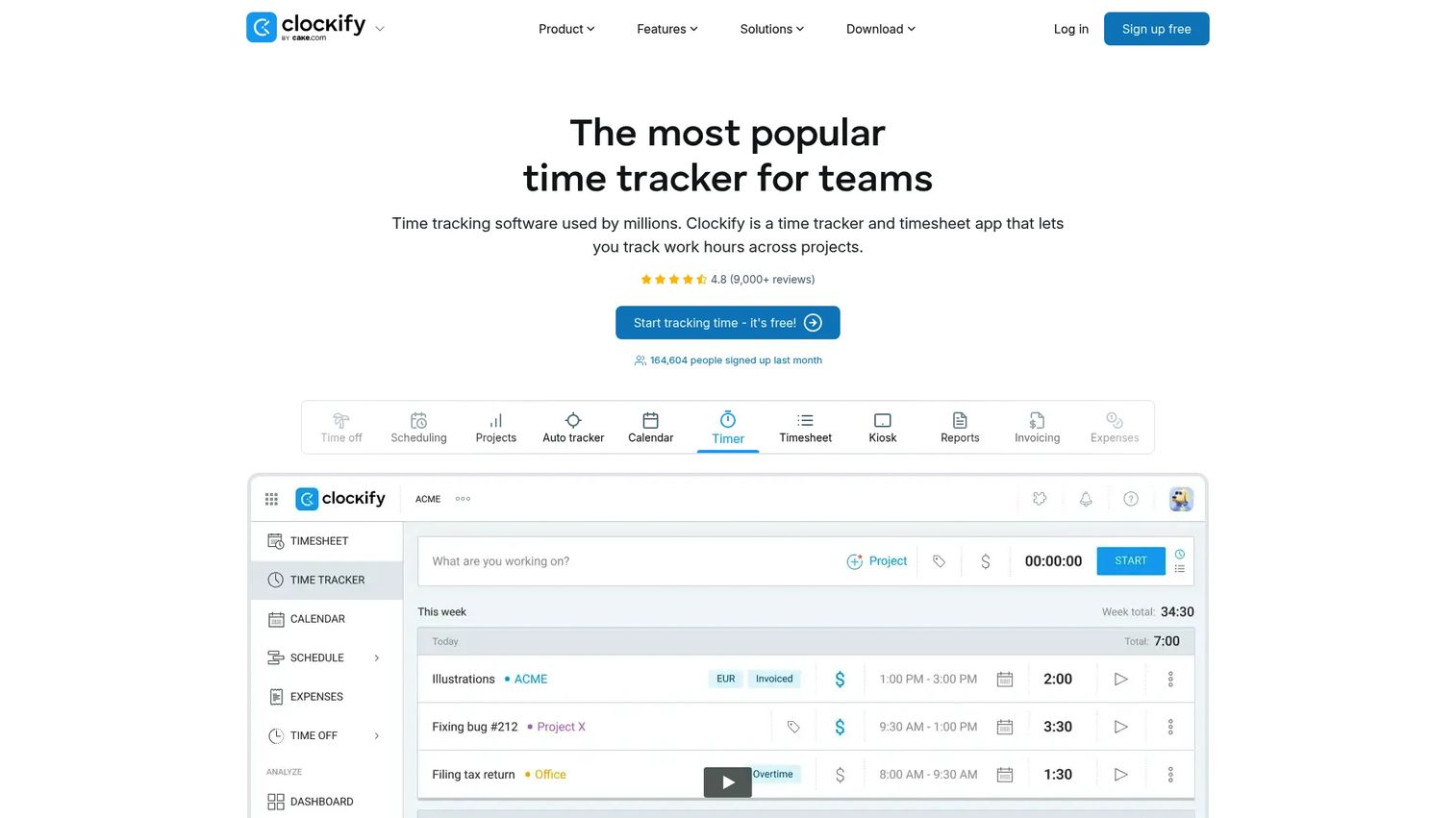
Clockify is the simpler, lighter-weight choice for teams that need straightforward time tracking and attendance reporting without a full workforce suite. It focuses on timers, timesheets, and reporting, and its free tier makes it easy to roll out across a team before committing budget. For organizations that value simplicity, this is often the fastest path to clean hours.
Best for: Teams that need accurate timesheets, project reporting, and budget-conscious adoption over heavy workforce features.
Key strengths
- Timer and manual entry: Track time with a live timer or add hours manually after the fact.
- Timesheets and calendar tracking: Weekly timesheets and calendar views keep entry quick and visual.
- Reports, kiosk, and scheduling: Exportable reports, a shared kiosk mode, and scheduling round out attendance needs.
Why choose Clockify: Clockify wins when you want adoption to be painless and cost to stay low. The free plan covers up to five users, and paid tiers stay affordable as you grow. It is the right call for teams that prioritize ease of use and reporting over deep payroll and compliance automation.
Clockify pricing: Clockify offers a free plan for up to five users. Paid plans, billed annually, run from Basic at $3.99 per user per month, Standard at $5.49, Pro at $7.99, and Enterprise at $11.99, with slightly higher monthly rates. Kiosk pricing is also available for shared-device setups. Clockify holds a 4.5/5 rating on G2.
4. Connecteam
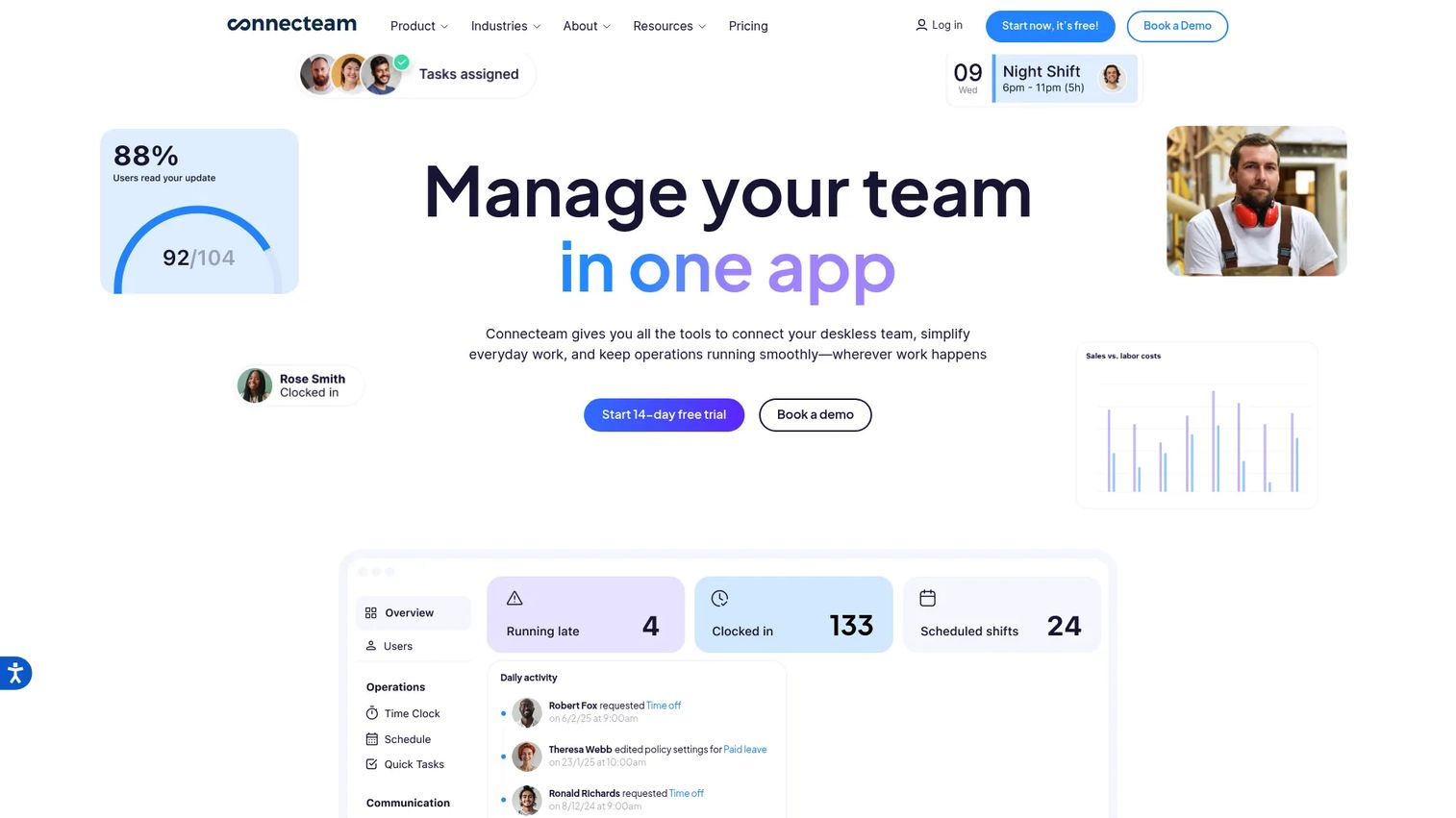
Connecteam is a strong fit for deskless and field teams that live on their phones rather than at a desk. Built as an employee management and workforce operations platform, it combines mobile clock-in, scheduling, and team communication in one app. For distributed operations where phone-first access matters, that all-in-one design removes a lot of friction.
Best for: Frontline and deskless teams that need scheduling, communication, and time tracking together in a single mobile app.
Key strengths
- Scheduling: Build and publish shifts that workers see and accept from their phones.
- Team chat: Keep field crews coordinated with in-app messaging tied to the schedule.
- Forms and location controls: Capture field data and use GPS or location-based clock-in to verify where hours happen.
Why choose Connecteam: Connecteam fits operations where the workforce is mobile and managers need scheduling, attendance, and communication in one place. Location-based controls help verify that clock-ins happen on site, which matters for field and shift work. It is built for teams that would otherwise juggle a scheduling app, a chat tool, and a separate time clock.
Connecteam pricing: Connecteam offers a free Small Business plan for up to 10 users. Paid plans cover up to 30 users per month: Basic at $29 and Advanced at $49. There is also a 14-day free trial and a Limited plan free for up to 30 users. Connecteam holds a 4.6/5 rating on G2.
5. Hubstaff
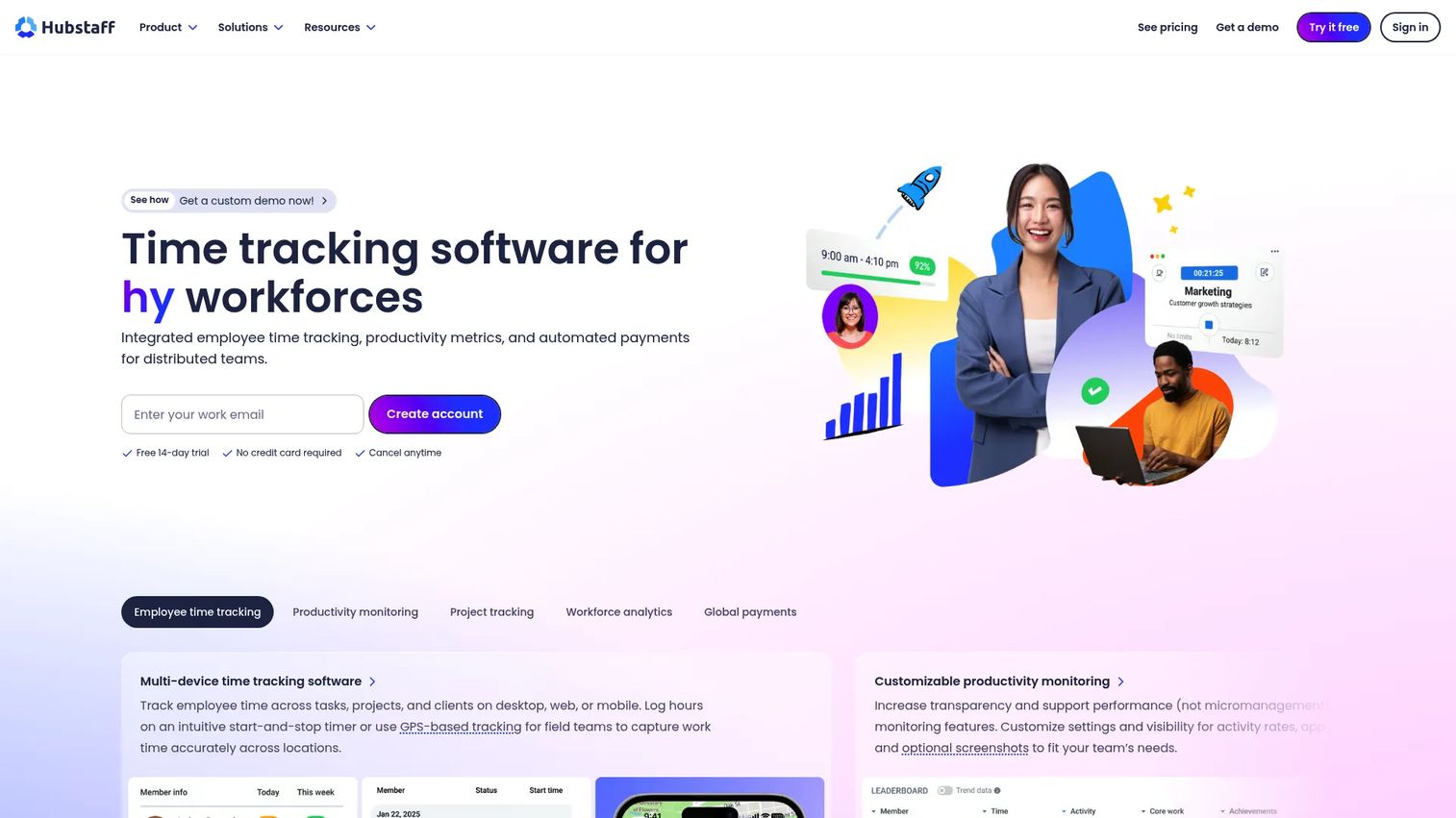
Hubstaff is a practical time tracking and workforce visibility option for distributed teams. It pairs attendance with GPS location, productivity signals, and payroll exports, giving operations leaders oversight across remote and hybrid setups. For teams that need to know not just when people worked but where and on what, that visibility is the draw.
Best for: Remote, hybrid, and field teams that need time tracking plus productivity and location visibility.
Key strengths
- Time tracking and attendance: Capture hours across desktop, mobile, and field work in one place.
- Productivity and workforce analytics: Surface activity and workforce trends to inform operational decisions.
- Global payments and integrations: Pay distributed teams and connect to 35+ tools, including payroll exports.
Why choose Hubstaff: Hubstaff fits teams that want attendance data alongside productivity signals for remote and hybrid oversight. GPS and location tracking support field crews, while payroll exports keep the back office clean. It works best when visibility into how distributed time is spent is as important as the hours themselves.
Hubstaff pricing: Hubstaff's public Team plan is $10 per seat per month billed annually, or $12 billed monthly. Enterprise pricing is custom through sales. A 14-day free trial is available. Hubstaff holds a 4.5/5 rating on G2.
6. Rippling
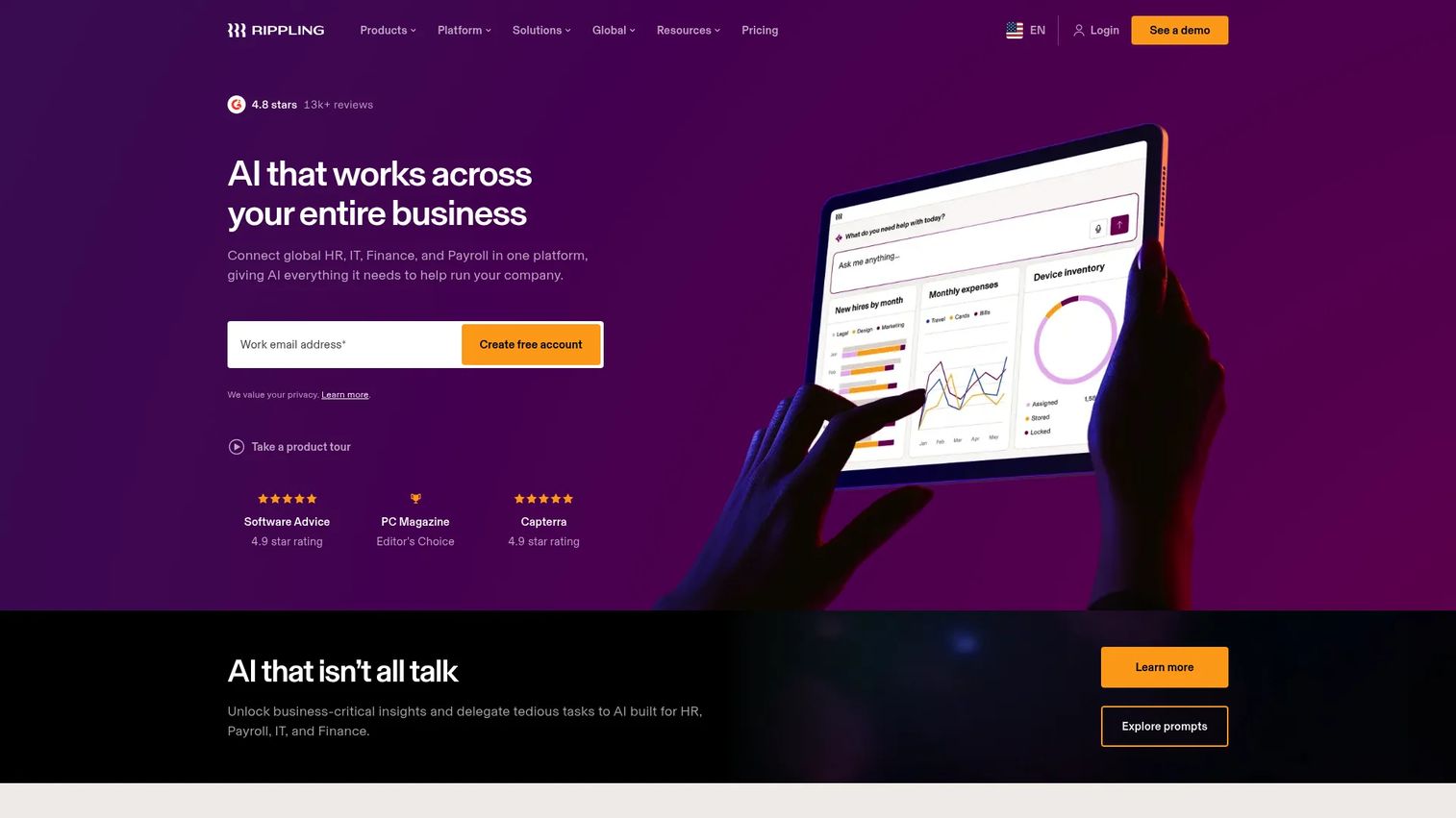
Rippling is the unified workforce platform that combines HR, IT, finance, payroll, and time tracking in one system. Rather than treating attendance as a standalone tool, Rippling runs it inside a broader HR software and operations layer where policies, approvals, and data stay consistent across functions. Teams choose it when they want workforce infrastructure, not just a time clock.
Best for: Growing companies that want one system for HR, IT, payroll, time, and spend management.
Key strengths
- Unified workforce platform: HR, IT, finance, payroll, and time tracking share one source of truth.
- Workflow automation: Build custom automations and apps to enforce policies and approvals.
- Permissions, analytics, and 650+ integrations: Granular permissions and deep integrations keep data consistent.
Why choose Rippling: Rippling makes the most sense when consistency across HR, payroll, and IT matters more than a single attendance feature. Automated policy enforcement and approvals reduce manual oversight, and time data stays in sync with everything else. It is the right call for teams consolidating their workforce stack rather than buying a point solution.
Rippling pricing: Rippling uses custom, quote-based pricing. Products can be purchased separately alongside the core platform, often priced per employee per month with some monthly base fees. There is no free tier, so buyers should request a scoped quote. Rippling holds a 4.8/5 rating on G2.
7. QuickBooks Time
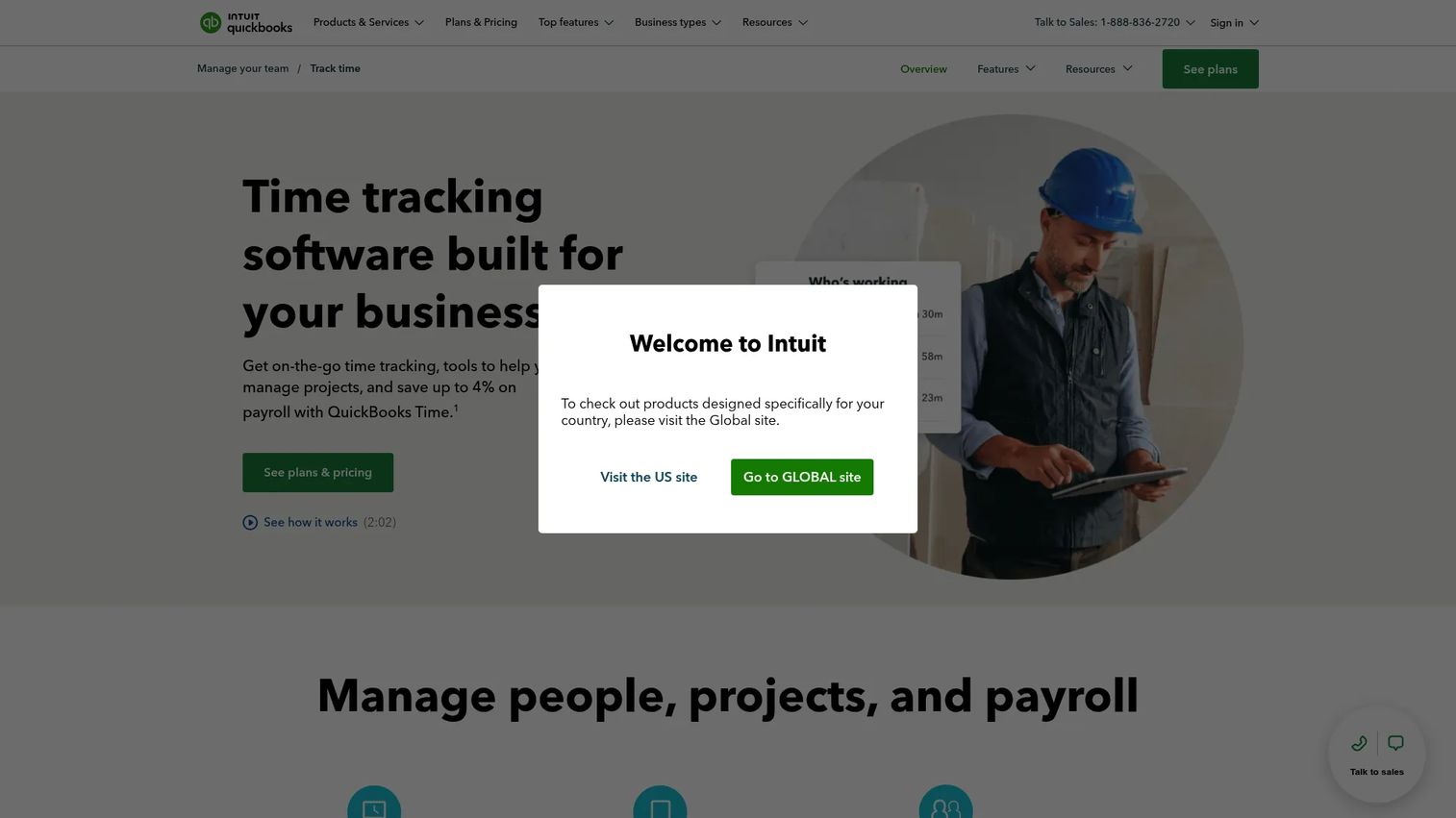
QuickBooks Time is the obvious fit for businesses already using QuickBooks for accounting or payroll. It captures time on web, mobile, and a shared kiosk, logs GPS location, and pushes hours straight into QuickBooks for payroll and invoicing. For accounting-led teams, that native connection removes the friction of moving data between systems.
Best for: Businesses that need employee time tracking tied directly to QuickBooks payroll, jobs, and mobile field work.
Key strengths
- Track time anywhere: Capture hours on web, mobile, or a shared Time Kiosk.
- GPS and geofencing: Log location and use geofencing to verify field clock-ins.
- Project and payroll integrations: Tie hours to jobs and sync to QuickBooks payroll and invoicing.
Why choose QuickBooks Time: Accounting-led teams choose QuickBooks Time for operational simplicity. If your books already live in QuickBooks, attendance data lands where it needs to without exports or reconciliation. GPS and geofencing add verification for mobile crews, making it a fit for field-based businesses that bill by job.
QuickBooks Time pricing: Two public plans are shown. Time Premium is $20 per month plus $8 per user per month, and Time Elite is $20 per month plus $10 per user per month, with a promotional discount for the first three months. A 30-day free trial is available. QuickBooks Time holds a 4.5/5 rating on G2.
8. Deputy
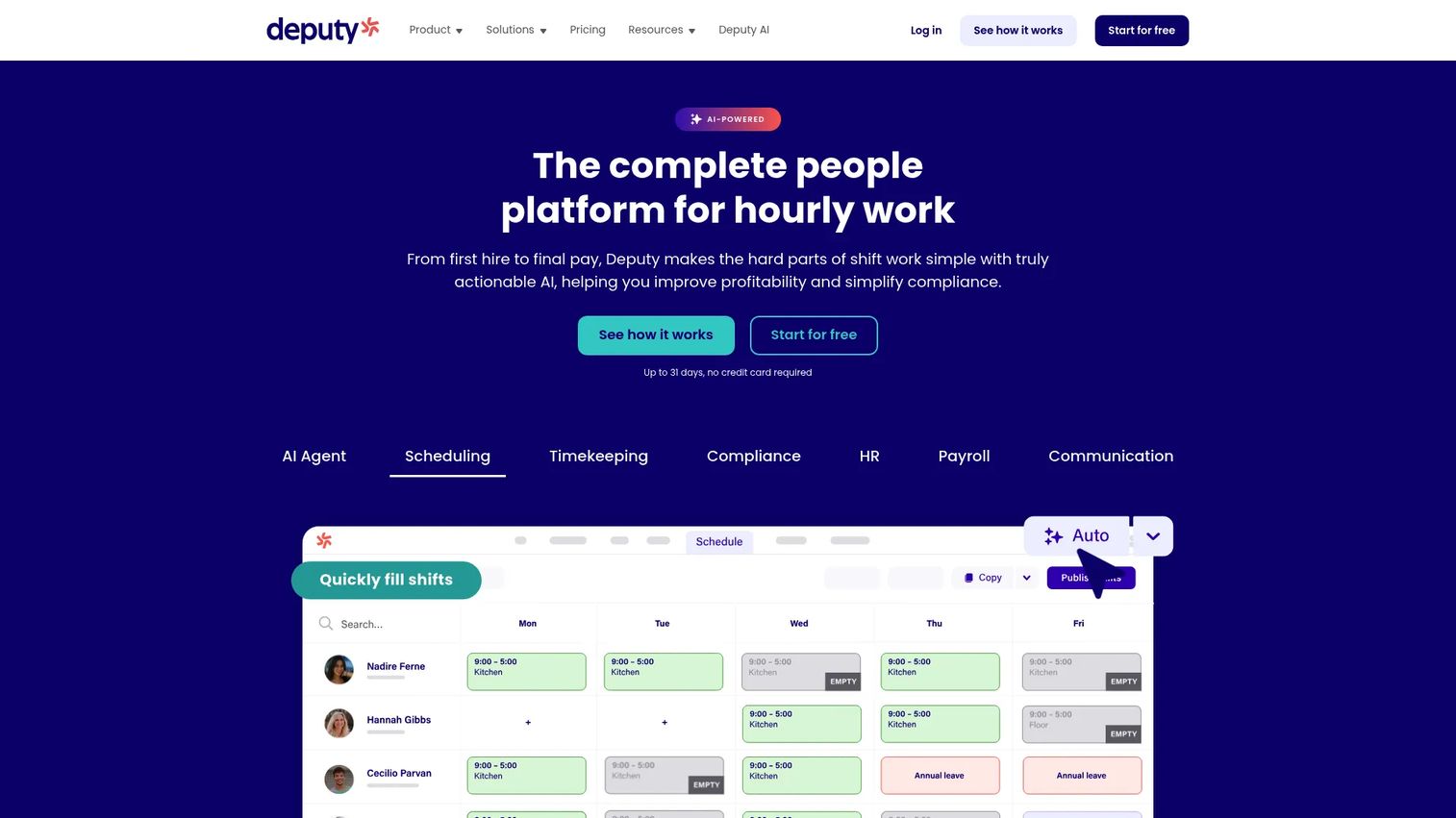
Deputy is the scheduling-first choice for teams where shifts and attendance are tightly connected. Built as workforce management software for shift-based businesses, it pairs scheduling with time clocks, timesheets, and labor compliance. When labor planning and attendance need to move together, Deputy keeps them in one workflow. Pair it with dedicated scheduling software only if your shift planning needs outgrow what one platform covers.
Best for: Shift-based businesses that need scheduling, time tracking, and compliance tools in one system.
Key strengths
- Scheduling and shift swapping: Build schedules and let staff swap shifts within compliance rules.
- Time clock and timesheets: Capture attendance and generate timesheets tied to the schedule.
- Labor compliance and reporting: Apply labor rules and produce compliance-ready reports and analytics.
Why choose Deputy: Deputy fits when scheduling and attendance are inseparable, like retail, hospitality, and healthcare. Building the schedule and tracking against it in one tool reduces gaps between planned and actual hours. Labor compliance features help shift-heavy teams stay on the right side of overtime and break rules.
Deputy pricing: Deputy's public plans are Lite at $5 per user per month, Core at $6.50, and Pro at $9, billed upfront or in monthly installments. Monthly plans carry a minimum spend of $30 per invoice, and add-ons are available. There is no free tier. Deputy holds a 4.6/5 rating on G2.
What to evaluate before you buy
Picking a time and attendance system is less about feature counts and more about workflow fit. Use these criteria to narrow the field.
Payroll and accounting integration
The deepest source of friction is moving hours into payroll. Confirm the tool syncs natively with your payroll or accounting system, whether that is ADP, QuickBooks, or a broader HRIS. Native sync removes double entry and the errors that come with it.
Verification and anti-time-theft controls
If you have deskless or field staff, decide which verification methods you need: GPS, geofencing, kiosk mode, photo capture, or biometric clock-in. The right controls prevent buddy punching and inflated hours without slowing honest workers down.
Compliance and overtime handling
Check that the platform applies overtime thresholds, tracks breaks, and produces an audit trail. If you operate across jurisdictions, confirm it handles different labor rules. Compliance gaps are expensive, so this is not the place to compromise.
Mobile experience and adoption
A time and attendance app only works if people use it. Test the mobile clock-in flow, the approval queue, and the schedule view on a real phone. Low friction drives adoption, and adoption is what produces clean data.
Reporting and governance
Look for exportable reports on hours, labor cost, and attendance patterns, plus role-based permissions and approval controls. Governance keeps the data trustworthy and the system maintainable as you scale.
Conclusion
The right time and attendance software depends on where your friction actually lives. If payroll integration drives the decision, ADP and QuickBooks Time keep hours and pay in one system. If you want time tracking inside a broader people platform, BambooHR and Rippling consolidate HR, payroll, and attendance. For deskless and field crews, Connecteam and Hubstaff bring mobile clock-in and verification to where the work happens. Deputy fits when scheduling and attendance are inseparable, and Clockify covers teams that just want simple, accurate tracking on a budget.
The practical move is to shortlist two or three based on your current pain, your payroll stack, and your workforce profile, then run a short trial on real timesheets. Let payroll integration, compliance controls, and mobile usability drive the final call. The tool that produces clean, defensible hours with the least manual rework is the one worth buying.
FAQs
Time tracking focuses on how hours are spent, often by project, task, or client for billing and productivity. Attendance software focuses on whether and when employees are present, covering clock-in, clock-out, breaks, and PTO. Most modern platforms combine both, capturing presence and project time in one system that feeds payroll.
At a minimum, look for clock-in and clock-out across web and mobile, automated timesheets, manager approvals, PTO visibility, and payroll exports. Strong platforms add overtime and break rules, reporting, and verification controls like GPS or geofencing. The right mix depends on whether your team is office-based, deskless, or distributed.
The best choice depends on your existing payroll stack. If you run ADP for payroll, ADP keeps hours and pay in one system. If your books live in QuickBooks, QuickBooks Time syncs natively. For teams consolidating HR and payroll, Rippling and BambooHR keep attendance and payroll connected. Match the tool to the payroll system you already use.
Yes. Most platforms offer mobile apps for clock-in, approvals, and schedules. For distributed teams, GPS and geofencing verify that clock-ins happen where they should, kiosk mode supports shared devices, and some tools add photo or biometric verification. Connecteam, Hubstaff, and QuickBooks Time are strong choices for remote and field work.
It automates the rules that are easy to break by hand. Overtime thresholds apply automatically, breaks get logged, and every clock-in and approval creates an audit trail. Manager sign-off adds a control layer, and exportable reports give you documentation if you are ever audited. For multi-jurisdiction teams, look for tools that handle different labor rules.
Mobile-first and location-aware platforms fit deskless and field work best. Connecteam combines mobile clock-in, scheduling, and team chat in one app. Hubstaff adds GPS and productivity visibility for distributed crews. QuickBooks Time offers a kiosk plus geofencing for job-based field work. Prioritize the mobile experience, since adoption depends on it.
Compare payroll and accounting integration, verification methods, compliance and overtime handling, the mobile experience, and reporting depth. Also weigh ease of use, security and permissions, and how easily the tool adapts as you scale. Shortlist two or three and trial them on real timesheets before committing.
Usually, yes. Even small teams lose hours to manual timesheets, rounding errors, and payroll corrections. Affordable options like Clockify, Connecteam, and Deputy start low and reduce admin overhead while improving payroll accuracy. The time saved on reconciliation and the reduction in disputes typically pay for the subscription quickly.