A dog walking business rarely loses money in one dramatic collapse. It bleeds it in small, quiet ways. A visit that got double-booked. An invoice that never went out. A pet note about medication that lived in one walker's head and nowhere else. A client who texted "how did Bella do today?" and waited two hours for an answer that should have taken five seconds.
Run one walker and a handful of clients, and you can hold all of this in your head or a spreadsheet. Add a second walker, recurring routes, and forty clients who each expect a photo and a note after every visit, and the spreadsheet stops working. General scheduling tools and generic CRMs were not built for this. They do not know what a "visit" is, they cannot assign a walker to a route, and they cannot send a client a GPS-tracked update from the field. That is the gap dog walking software fills.
The category is growing fast because the underlying market is. The global dog walking service app market was valued at USD 1.85 billion in 2024 and is forecast to reach USD 7.1 billion by 2033, a 12.6% CAGR through the period, according to DataHorizzon Research. More small operators are formalizing, and more clients expect the same visit transparency they get from every other service in their phone.
This guide picks apart four pet care software tools built for dog walking and pet sitting businesses, so you can match the right one to how you actually run visits, bill clients, and coordinate staff.
What's inside
This is a buyer's shortlist for dog walking business owners and operators who need one system to handle scheduling, billing, visit tracking, client communication, and staff coordination. It is not a recycled vendor page. It compares four real dog walker software options and tells you which type of business each fits.
We selected these tools on five criteria that matter for a service business:
- Operational coverage across scheduling, billing, and communication
- Ease of use for owners, walkers, and clients
- Mobile access for field updates and GPS tracking
- Pricing transparency so you can budget without a sales call
- Support quality for teams that cannot afford a long implementation
TL;DR
Short on time? Here is the fast read on the four pet sitting software options in this guide.
- Best overall for full-service pet care operations: Time To Pet. Broad enough to run scheduling, invoicing, client updates, and staff management across multiple pet care verticals.
- Best for billing and scheduling automation with a modern feel: PetPocketbook. One flat price, strong invoicing and payment automation, less admin.
- Best free-first option for solo operators or very small teams: Pet Sitter Dashboard. A genuine free plan with a clear upgrade path.
- Best for deep operations detail, GPS, and staff workflows: Precise Petcare. Detailed scheduling, live GPS tracking, and client-facing visit journals.
Quick shortcut: if you want breadth, start with Time To Pet. If you want the least admin, look at PetPocketbook. If you are solo and cost-sensitive, try Pet Sitter Dashboard. If field visibility is your priority, evaluate Precise Petcare.
What is dog walking software?
Dog walking software is a purpose-built platform that centralizes bookings, visits, pet and client profiles, payments, and staff activity for a dog walking or pet sitting business in one place. Instead of stitching together a calendar, a messaging app, a payment processor, and a notes doc, you run the whole operation from a single system with a client-facing and staff-facing layer.
The core job it solves is coordination. A walk is not just a calendar event. It is an assignment tied to a specific dog with specific needs, a walker who needs the address and the notes, a client who wants proof it happened, and an invoice that has to follow. Good dog walking business software connects all of that automatically.
Key functions to expect:
- Scheduling and recurring visits: set up daily, weekly, or custom recurring walks without re-entering them
- Client and pet profiles: store vet info, feeding notes, behavior flags, and access instructions in one record
- Billing and invoicing: generate invoices from completed visits and collect payment online
- Messaging and visit updates: send photos, notes, and status updates to clients after each visit
- Staff assignment and availability: match walkers to routes based on who is working when
- Mobile access and GPS tracking: let walkers check in, log visits, and share route maps from the field
- Self-service client workflows: let clients request visits, update pet info, and pay without a phone call
The strongest tools treat the client portal and the walker's mobile app as first-class surfaces, not afterthoughts. That is what separates a real dog walking app from a generic scheduling tool wearing a pet-themed logo.
When to use dog walking software
Not every business needs this on day one. Here is how to tell when it stops being optional.
When scheduling is outgrowing spreadsheets
The moment you have recurring visits, more than one walker, and route-based work, a spreadsheet becomes a liability. You start missing visits, double-booking staff, and losing track of one-off changes. Dog walking software handles recurring schedules, route visibility, and last-minute swaps without manual re-entry, which is where most of the daily time savings come from.
When client communication is taking too much time
If you spend an hour a day sending "Bella did great today" texts and answering "did the walk happen?" questions, that is unpaid labor. Software turns each completed visit into a consistent client update with a photo, a note, and a timestamp. Clients get proof automatically, and you stop being the bottleneck for every status question.
When billing and payments are getting messy
Manual invoicing is where cash flow quietly breaks. You forget to bill, you bill the wrong amount, or you chase payments for weeks. Automated invoicing software generates charges from completed visits, sends reminders, and collects payment online. Fewer mistakes, faster payment, and a lot less month-end admin.
Comparison table
Here is the fast-scan version. Pricing and ratings below were verified against each vendor's own pricing page and public review listings as of mid-2026. Always confirm current pricing before you sign up, since plans change.
| # | Product | Best for | Key differentiation | Pricing | Rating |
|---|---|---|---|---|---|
| 1 | Time To Pet | Full-service pet care operations | Broad coverage across scheduling, billing, and staff/client apps | From $25/mo (Lite); Solo $50/mo; Team $40/mo + $16/active staff | 4.7/5 (G2) |
| 2 | PetPocketbook | Businesses that want less admin | Flat single-price plan with strong invoicing and payment automation | $25/mo flat, 30-day free trial | 4.8/5 (G2) |
| 3 | Pet Sitter Dashboard | Solo operators and very small teams | Genuine free-forever plan with a clear upgrade path | Free Basic; Premium $25/mo or $240/yr | Not publicly rated |
| 4 | Precise Petcare | Deep operations, GPS, staff workflows | Live GPS tracking and client-facing pet care journals | From $20/mo (Solo), scaled by staff count | 4.2/5 (Capterra) |
1. Time To Pet
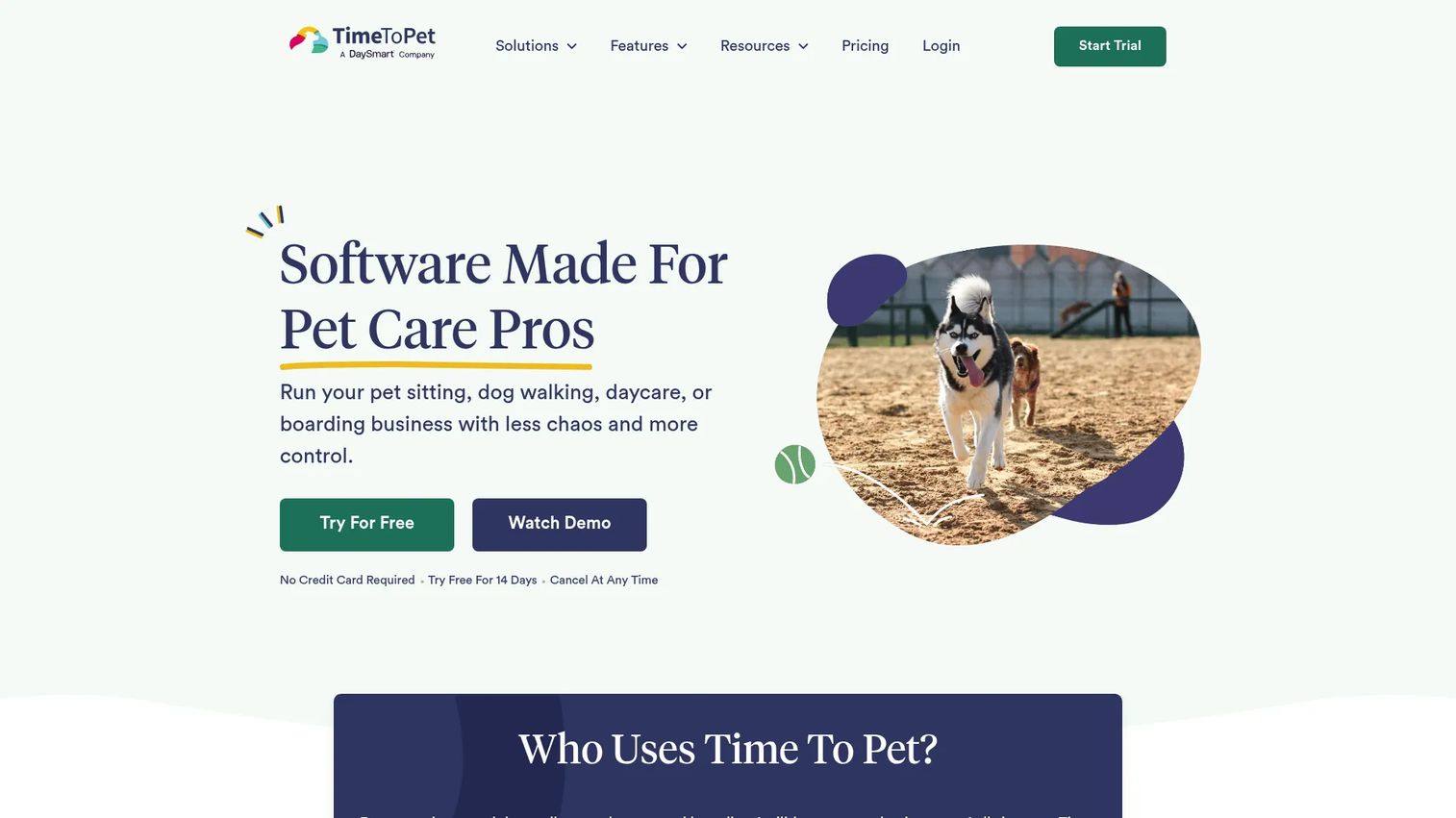
Time To Pet is pet care management software built to run scheduling, invoicing, client communication, and staff management from one place. It is broad enough to cover dog walking alongside other pet care verticals, which makes it a strong fit for businesses that do more than just walks. If you are an operator trying to build a system that does not route every decision through you, this is the kind of tool that earns its place.
Best for: Growing pet care businesses that need one platform for scheduling, invoicing, and staff and client coordination.
Key strengths
- Scheduling and bulk scheduling: set up recurring walks and make bulk changes without touching each visit individually.
- Billing and invoicing with payments: generate invoices from completed visits and collect payment online, reducing month-end admin.
- Client and staff mobile apps: give walkers a field app and clients a portal, both with GPS tracking and time-off management built in.
Why choose Time To Pet: If your business is scaling past what a founder can hold in their head, Time To Pet gives you the breadth to standardize how visits, invoices, and staff assignments happen. It covers multiple pet care service types, so you are not forced to switch tools when you add boarding or drop-in visits. The client portal and dedicated staff app reduce the number of things that live only in your inbox.
Time To Pet pricing: The Lite plan starts at $25 per month, or $250 billed annually. The Solo plan is $50 per month, or $500 annually. The Team plan is $40 per month plus $16 per month per active staff member, and the Facility plan is $79 per month. Larger operations use custom Large Team and In-Home + Facility pricing. There is no free tier, but a 14-day free trial is available. All prices are in USD.
2. PetPocketbook
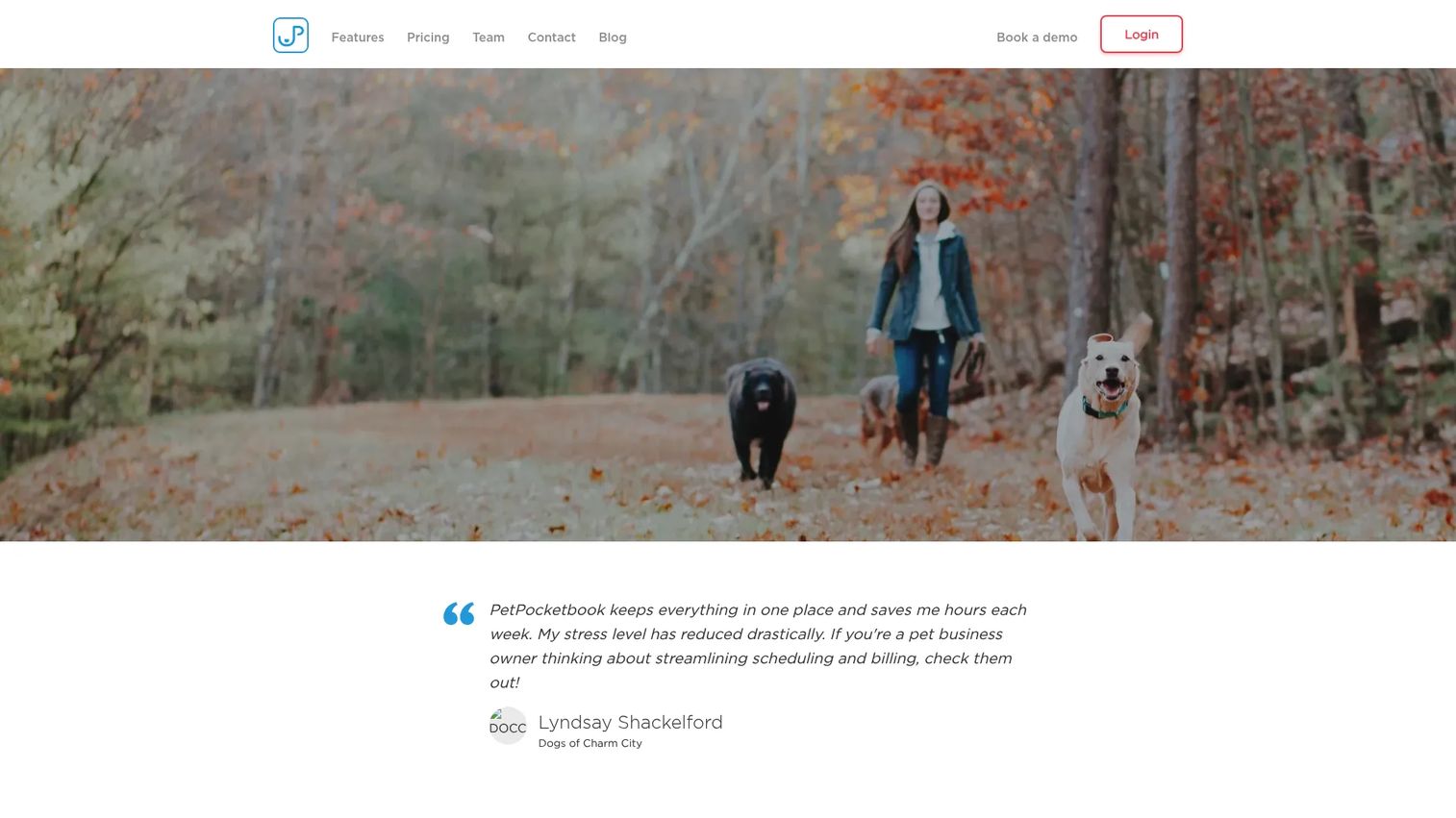
PetPocketbook is pet sitter software focused on cutting the admin out of running a pet care business. It handles scheduling, invoicing, payments, and client management, with a clear emphasis on billing automation. The pricing is refreshingly simple: one flat monthly price, no per-staff math to run before you can budget.
Best for: Pet care businesses that want a single tool for scheduling, billing, and client management without complex pricing tiers.
Key strengths
- Automated invoicing and bill reminders: invoices generate and reminders send on their own, so you stop chasing payments manually.
- Online payments and payment processing: clients pay online, which shortens the gap between visit and cash in the bank.
- Scheduling, calendars, and online booking requests: manage visits and let clients submit booking requests through a self-service flow.
Why choose PetPocketbook: If billing is the part of your week you dread, PetPocketbook is built to fix exactly that. The automated invoicing and reminders remove the most error-prone manual work in a service business. The flat single-price model also means you can add clients and grow without watching your software bill climb with every new staff member, which matters when you are trying to keep costs predictable.
PetPocketbook pricing: PetPocketbook uses a single subscription priced at $25 per month, billed monthly. Pricing is not tiered by staff count or client volume, so the number stays the same as you grow. A 30-day free trial is available before you commit. All pricing is in USD.
3. Pet Sitter Dashboard
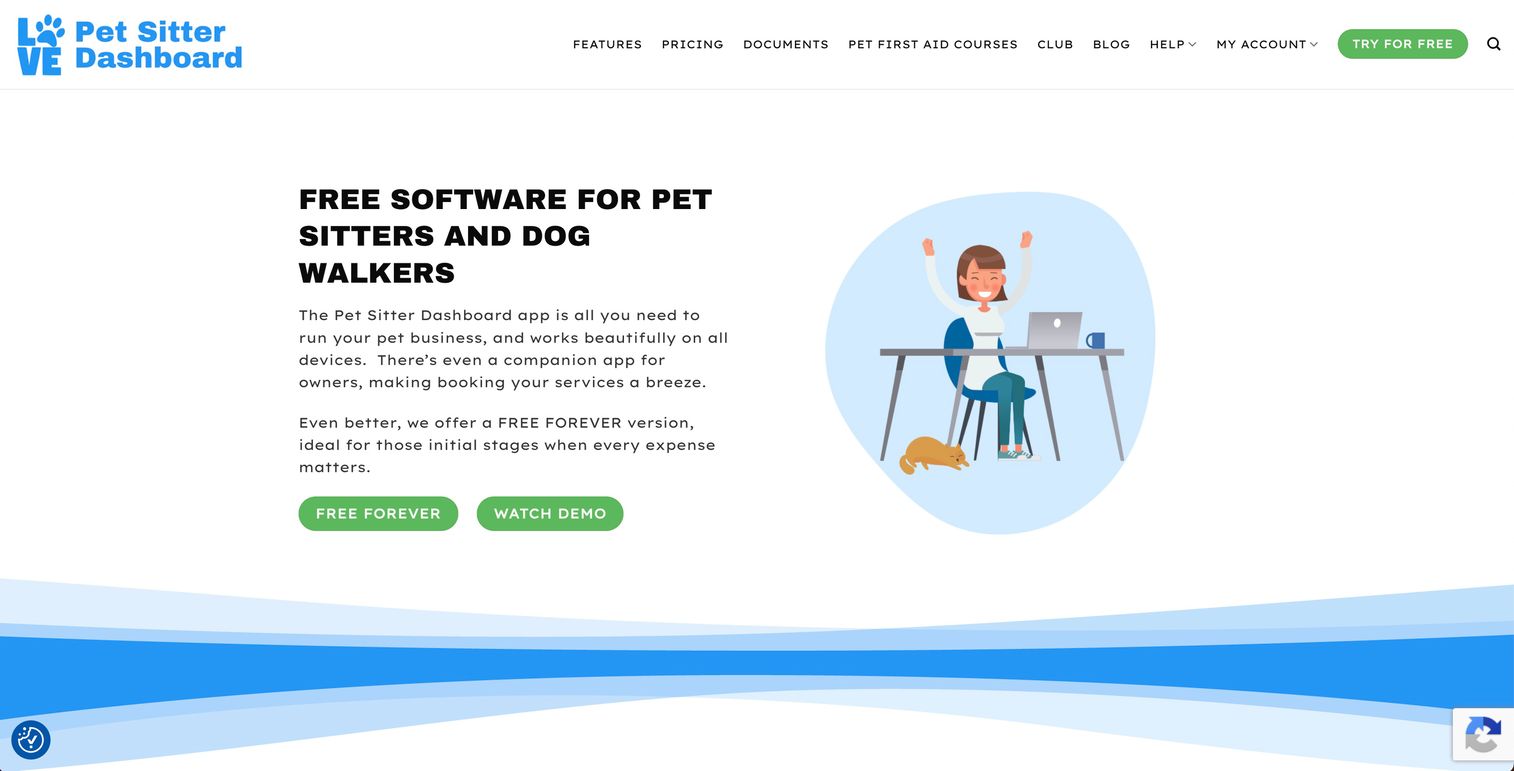
Pet Sitter Dashboard is pet sitter and dog walker software with a free-first model. It covers the core workflows a small business needs: a customer and pet database, booking and appointment management, invoicing, reporting, and online payments, plus a companion app. For a solo walker who is not ready to pay for software yet, the free plan is a real starting point, not a crippled trial.
Best for: Solo pet sitters and dog walkers who want a free starter plan with a clear path to upgrade as they grow.
Key strengths
- Customer and pet database: keep client and pet records organized from your very first booking.
- Booking and appointment management: schedule visits and manage appointments without a spreadsheet.
- Invoicing, reporting, and online payments: bill clients, take payments online, and see basic reporting on the business.
Why choose Pet Sitter Dashboard: The free Basic plan is the reason to start here. It gives a solo operator real business management without a monthly cost, which is exactly what a new dog walker app user often needs. When you outgrow it, the Premium plan unlocks unlimited customers and documents, up to five team members, and online payments, so the upgrade path scales with the business rather than forcing a migration to a different tool.
Pet Sitter Dashboard pricing: The Basic plan is free forever. Premium is $25 per month, or $240 billed annually. Additional team members can be added at $12.50 per month each, or $120 annually. This makes it one of the lowest-friction ways to start, since you can run for free and only pay once the volume justifies it. All pricing is in USD.
4. Precise Petcare
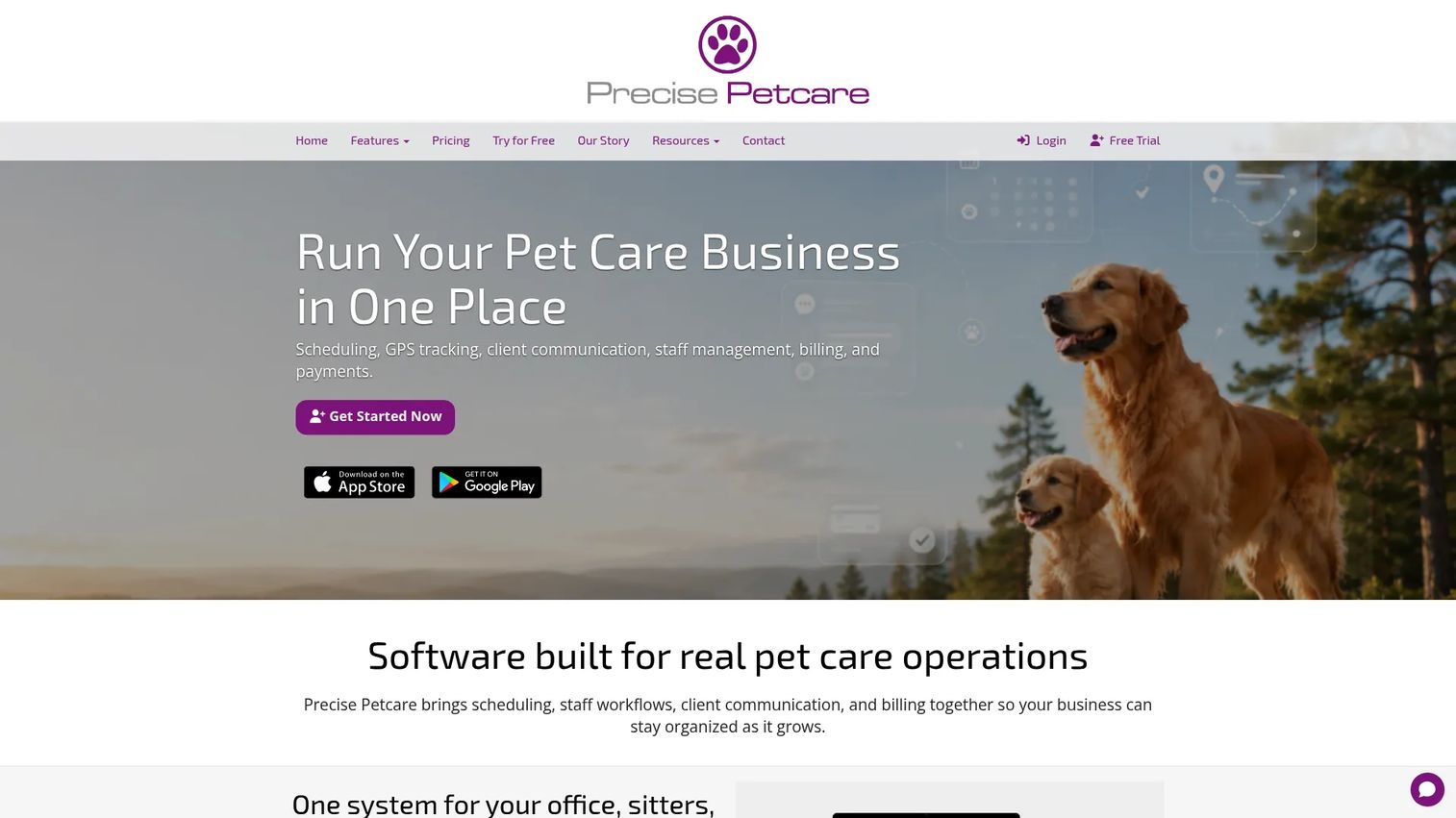
Precise Petcare is pet care software with the deepest operational detail on this list. It covers scheduling and visit management, a mobile app with GPS tracking, client communication with pet care journals, staff management, billing, and payments. If field visibility is what you care about most, this is the tool that leans hardest into it.
Best for: Pet sitting and dog walking businesses that need detailed scheduling, live GPS tracking, and client-facing visit updates.
Key strengths
- Scheduling and visit management: manage recurring and one-off visits with granular control over how each one runs.
- Mobile app with GPS tracking: a live sitter map, GPS-tracked visits, and late arrival alerts give real field visibility.
- Client communication and pet care journals: send clients detailed visit journals so they see exactly what happened on each walk.
Why choose Precise Petcare: When you have multiple walkers in the field and clients who want proof of every visit, Precise Petcare's GPS tracking and pet care journals do a lot of the trust-building for you. The live sitter map and late arrival alerts give an operator real-time visibility into what is happening without calling every walker. Every plan includes unlimited client login accounts, so client portal access is never a paywalled feature.
Precise Petcare pricing: Pricing is based on total active staff size and starts at $20 per month for a Solo operator. It scales up through tiers: $45 per month for 2-5 staff, $90 for 6-10 staff, $160 for 11-20 staff, and continues up to $390 per month for 101+ staff. There are no contracts, and annual billing gets a 5% discount. There is no free tier. All pricing is in USD.
Considerations before you choose
Before you commit to any dog walking app, run each candidate against how your business actually operates. Here is the checklist that matters.
Scheduling and recurring visit handling
If most of your revenue comes from recurring walks, scheduling depth is not a nice-to-have. Check how the tool handles recurring visits, bulk edits, and route-based assignments across multiple staff. Test a real week: build your actual recurring schedule and see how painful a last-minute change is. That is where the daily friction lives.
Billing, invoicing, and payment workflows
Look at how invoices are generated from completed visits, whether reminders send automatically, and how payments are collected. Confirm the payment processing fees and whether the tool integrates with the accounting software you already use. Automated invoicing is the single biggest time saver for most operators, so weigh it heavily.
Communication and visit updates
Check the messaging history, whether notes and photos attach to specific visits, and what the client sees on their end. Consistent, timestamped visit updates are what turn anxious clients into loyal ones. Make sure the client-facing view actually looks good, since that is the part of your business your customers see most.
Staff management and mobile access
Evaluate how the software handles staff assignments, availability, and app access. Walkers live in the mobile app, so test it on a real phone in the field, not just in a browser. GPS tracking and check-ins only help if the app is fast and reliable when someone is standing on a sidewalk with a leash in one hand.
Onboarding and support quality
Service businesses do not have time for a three-month implementation. Ask how long setup takes, whether data import is supported, and how responsive support is when something breaks mid-day. A free trial is the best test here: see how much you can set up yourself before you ever need to email anyone.
Conclusion
There is no single best dog walking software, only the best fit for how you run visits. If you want breadth across scheduling, billing, and multiple pet care services, Time To Pet is the most complete option. If your priority is cutting admin with automated invoicing and one flat price, PetPocketbook is the cleanest choice. If you are solo and cost-sensitive, Pet Sitter Dashboard lets you start free and grow into paid features. And if field visibility, GPS tracking, and detailed client updates are what you need, Precise Petcare goes the deepest.
The practical move is to narrow to your top two and run the free trials side by side with your real schedule. Build your actual recurring visits, send a test invoice, and try the walker app on a phone. Whichever one survives a real week of your operation without making you fight it is the one to keep. Do not overthink the feature lists; the tool you will actually use every day is the one that fits the way you already work.
FAQs
Dog walking software is a platform that manages the operations of a dog walking or pet sitting business, including scheduling, recurring visits, client and pet profiles, billing, payments, staff coordination, and client communication. It replaces the patchwork of spreadsheets, messaging apps, and separate payment tools that small operators typically start with. Most tools include both a client portal and a walker mobile app.
They overlap heavily, and most tools serve both. The core workflows (scheduling, billing, client updates, staff management) are nearly identical whether you walk dogs or sit pets. The main difference shows up in visit-specific features: dog walking businesses tend to care more about route-based scheduling and GPS tracking, while pet sitting can involve longer or overnight visits. In practice, the pet sitting software and dog walker software categories are effectively the same market.
Prioritize scheduling with strong recurring visit handling, automated invoicing and online payments, client-facing visit updates with photos, a reliable mobile app for walkers, and staff management for assignments and availability. Pricing transparency and responsive support matter too, since service businesses cannot absorb a long, painful setup. Match the tool to your size: a solo walker and a ten-walker operation have very different needs.
Not always. A solo operator with a handful of clients can start on a free tool like Pet Sitter Dashboard and manage fine. Paid software becomes worth it when you add staff, run many recurring visits, or start losing time to manual invoicing and client texts. The tipping point is usually your second walker or your fortieth client, whichever comes first.
Look for tools with deep scheduling and bulk-edit capabilities. Time To Pet handles recurring walks and bulk changes well, and Precise Petcare offers granular visit management with GPS-tracked check-ins. Whichever you pick, test your real recurring schedule during the free trial, since recurring visit handling is where most of the daily time savings come from.
Some tools do, and it is one of the more valuable features for field visibility and client trust. Precise Petcare includes a live sitter map, GPS-tracked visits, and late arrival alerts, and Time To Pet includes GPS tracking in its apps as well. GPS updates give clients proof the walk happened and give operators real-time visibility into where staff are without calling them.
Yes. All four tools in this guide generate invoices and collect online payments, though the depth varies. PetPocketbook leans hardest into billing automation with automatic invoices and reminders, while the others include solid invoicing as part of a broader feature set. Confirm the payment processing fees and any accounting integrations before you commit.
Simplicity favors tools with flat pricing and a low-friction start. PetPocketbook's single flat plan and 30-day trial make budgeting and testing straightforward, and Pet Sitter Dashboard's free tier lets you set up without any commitment. For any tool, the best test of setup ease is the free trial: see how much of your real schedule and client list you can load before you ever need to contact support.