A buyer opens your product to run a proof of concept. Before they touch a feature, they hit a login wall. Then another. Then a request for IT to provision access across three separate tools. Two days later, momentum is gone and the evaluation stalls in a security review nobody scheduled.
Password sprawl and fragmented access do more than annoy end users. They slow technical validation, block security diligence, and add friction exactly where deals need to move fast. Every app with its own credential set is another surface to audit, another reset ticket, another reason a buying committee loses patience.
Single sign on software fixes the root problem: one authenticated identity, one session, access to everything the user is entitled to. For presales teams, IT, and security reviewers, that shift changes how fast an evaluation clears diligence and how confidently a buyer says yes. The single sign on market reflects the demand, projected to grow from USD 3.34 billion in 2025 to USD 6.29 billion in 2030 at a 13.5% CAGR, according to Mordor Intelligence (2024).
This shift toward centralized authentication mirrors a broader move to consolidate the security stack. Teams evaluating SSO often also weigh best AI cybersecurity solutions and AI security posture management tools in the same procurement cycle, and access decisions frequently surface during audit management reviews. This guide keeps the focus narrow: the SSO platforms worth shortlisting and how to evaluate them.
What's inside
This guide is written for presales engineers, IT admins, and security reviewers who need to shortlist single sign on providers, not just read a definition. We selected seven tools based on protocol support (SAML, OAuth, OpenID Connect), directory and identity provider compatibility, deployment fit across cloud and hybrid environments, and pricing visibility. Each entry covers where the tool fits, what it costs, and the buyer profile it serves best. You will also find a comparison table, a background primer on how SSO works, and a buyer's checklist for security-review readiness.
TL;DR
- Best for Microsoft-centric organizations: Microsoft Entra ID, if you already run Microsoft 365 and want conditional access built in.
- Best for mid-market lifecycle management: OneLogin, for centralized SSO, MFA, and provisioning at a transparent per-user price.
- Best for IT teams unifying identity and devices: JumpCloud, a cloud directory that consolidates fragmented tools.
- Best for application and developer teams: Auth0, for flexible login flows and a genuine free tier.
- Best for large enterprise and regulated industries: Ping Identity or Okta, both built for complex security and compliance posture.
- Best for AWS-native product teams: AWS Cognito, for customer-facing auth inside the AWS stack.
What is single sign on software?
Single sign on software is an identity and access management tool that lets users authenticate once and gain access to multiple applications without logging in again to each one.
Instead of maintaining separate credentials for every app, the user authenticates against a central identity provider. That provider issues a token the connected applications trust, so one login opens the door to everything the user is authorized to use.
Core capabilities most single sign on solutions share:
- Centralized authentication: one identity source, usually an identity provider tied to a directory like Active Directory or LDAP.
- Protocol support: SAML for enterprise web apps, OAuth and OpenID Connect for modern and API-driven apps, sometimes Kerberos for on-prem Windows environments.
- Access management: role-based permissions, conditional access policies, and centralized control over who reaches what.
- Security layering: MFA, adaptive risk checks, and audit logs that record every authentication event.
- User lifecycle automation: provisioning and deprovisioning through standards like SCIM, so access follows the employee record.
SSO sits inside the broader identity and access management category. The SSO meaning most buyers care about is operational: fewer passwords, one place to enforce policy, and a clear audit trail for security reviews.
How single sign on works
The flow is simpler than the acronyms suggest. Here is what happens when a user hits an app protected by SSO.
- Access request. The user opens an application (the service provider). The app checks for an active session and finds none.
- Redirect to the identity provider. The app redirects the browser to the identity provider (IdP), the central system that verifies who the user is.
- Authentication. The IdP checks the user's credentials against the directory. If MFA is enabled, it prompts for the second factor here.
- Token issued. Once verified, the IdP creates a signed token or assertion. With SAML this is an XML assertion; with OpenID Connect it is a JSON web token.
- Token validation. The browser passes the token back to the application, which validates the signature against the trust it has with the IdP.
- Session established. The app grants access and creates a session. The next app the user opens finds the existing IdP session and skips the login prompt entirely.
That last step is the payoff. The IdP session is what makes it single sign on rather than repeated logins. Kill the session centrally and every downstream app loses access at once, which is exactly what security teams want during offboarding or an incident.
What to look for in single sign on software
Not every SSO platform fits every stack. These five criteria separate a clean shortlist from a stalled evaluation.
Protocol support
Check which protocols the platform speaks. SAML remains the workhorse for enterprise web apps. OAuth handles authorization for APIs and third-party access. OpenID Connect sits on top of OAuth for modern authentication. If you run legacy Windows apps, ask about Kerberos. A gap here means an app you need simply will not connect.
Directory and IdP compatibility
The platform has to sync with your identity source. That usually means Active Directory, LDAP, or a cloud directory. Confirm SCIM support for automated provisioning so access follows hiring and offboarding without manual tickets. Federated identity across multiple directories matters for organizations that grew through acquisition.
Security and audit controls
MFA is table stakes. Look deeper at conditional access, adaptive risk scoring, and the depth of audit logs. Security reviewers will ask for authentication logs, so verify they are exportable and detailed enough to satisfy compliance. This is where SSO security either passes diligence or creates new questions.
Deployment fit, cloud vs on-premises
Cloud-based SSO now represents 56% of enterprise SSO revenue, per Strategic Market Research (2024), but hybrid environments are still common. Decide whether you need a pure cloud service, on-premises components, or a hybrid model with proxies and federation for legacy apps. The wrong deployment model creates integration debt.
Scalability and admin experience
A platform that works for 50 users can buckle at 5,000. Evaluate the admin console, bulk user operations, delegated administration, and how pricing scales. For SSO for enterprise, ask about tenant isolation, high availability, and support tiers before you commit.
When to use single sign on software
Reduce password fatigue and login friction
When employees juggle a dozen app passwords, resets pile up and shadow IT spreads. Single sign on collapses that into one login, cutting help desk volume and removing the friction that pushes people toward insecure workarounds.
Standardize access across cloud apps
As SaaS sprawl grows, no single admin can track who has access to what. SSO providers centralize that control, so provisioning, policy, and deprovisioning happen in one place instead of app by app.
Support security reviews and compliance checks
Auditors want proof of who accessed what and when. Centralized authentication with detailed audit logs turns a scramble for evidence into a report you can export. That readiness matters for SOC 2, ISO 27001, and internal governance.
Simplify technical validation during sales cycles
For presales teams, access friction kills momentum during a proof of concept. When a buyer's environment runs SSO, granting evaluation access is a policy change, not a provisioning project. Fewer login walls means faster time to first meaningful evaluation.
Comparison table
Tools are listed in relevance order for presales and IT evaluators. Pricing reflects publicly listed figures at the time of writing; verify current terms with each vendor.
| # | Product | Intent | Key differentiation | Pricing | G2 rating |
|---|---|---|---|---|---|
| 1 | Microsoft Entra ID | Microsoft-centric identity and access | Built-in conditional access, deep Microsoft 365 integration | Free edition; P1 from $7.00 user/month (annual) | 4.5/5 |
| 2 | OneLogin | Mid-market workforce identity | Transparent per-user tiers, lifecycle automation | Basic from $3/user/month | Not listed |
| 3 | JumpCloud | Unified identity and device management | Cloud directory plus MDM in one platform | Cloud Directory from $3.00/user/month | 4.5/5 |
| 4 | Auth0 | Application and developer identity | Flexible login flows, generous free plan | Free; Essentials from $35/month | 4.5/5 |
| 5 | Ping Identity | Enterprise workforce and customer IAM | Orchestration and passwordless at scale | Workforce Essential from $3 per user/month* | 4.4/5 |
| 6 | Okta | Broad enterprise identity | Large app integration network | Starter from $6 per user/month (annual) | 4.5/5 |
| 7 | AWS Cognito | AWS-native customer identity | MAU-based pricing inside AWS | Lite from $0.015/MAU | 4.1/5 |
1. Microsoft Entra ID
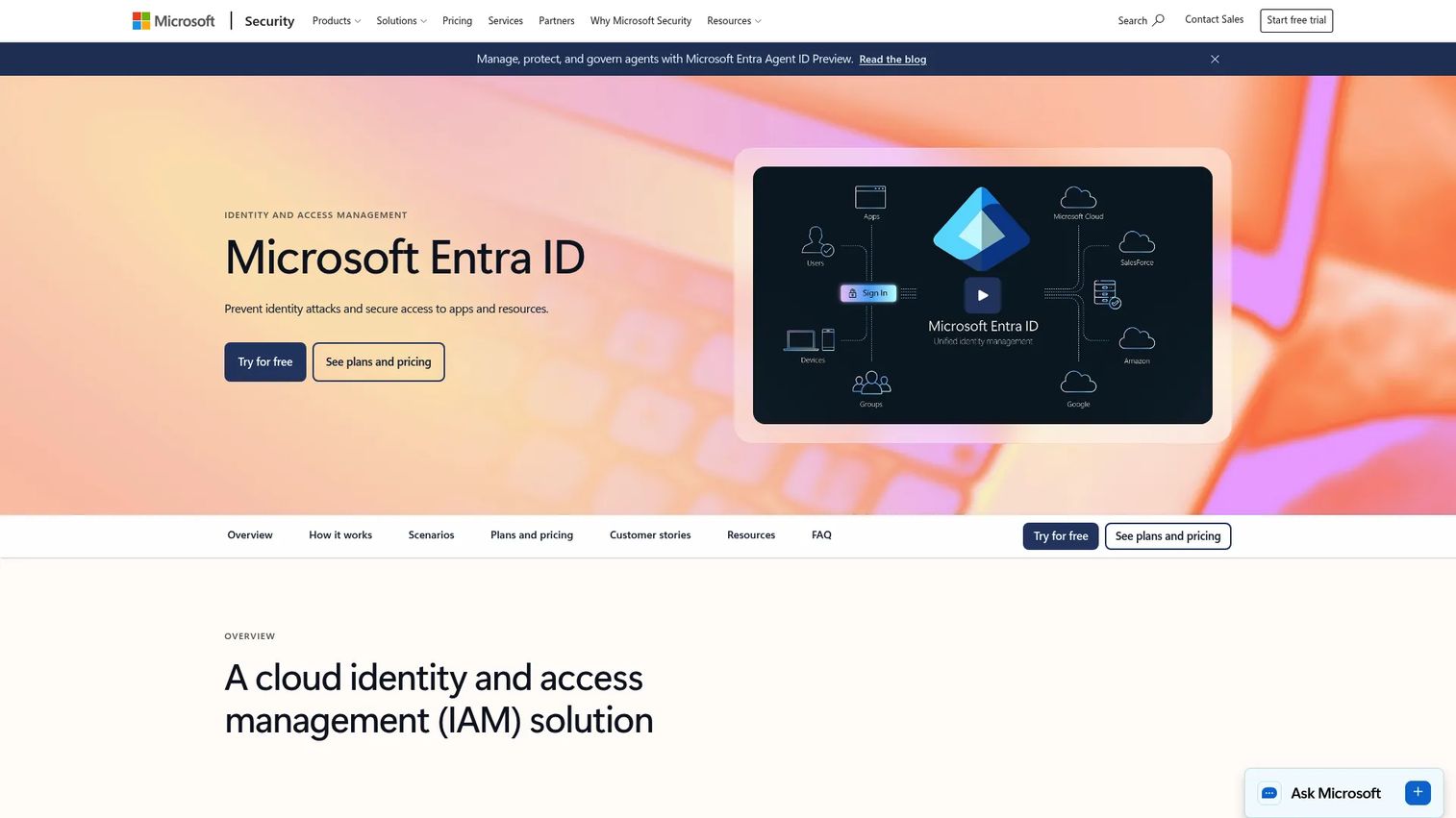
If your organization already runs Microsoft 365, Microsoft Entra ID is the path of least resistance. Formerly Azure Active Directory, it is a cloud identity and access management solution for securing user access to apps, data, resources, and devices. Because it ties directly into the Microsoft directory and Office ecosystem, SSO coverage for both Microsoft apps and thousands of SaaS connectors comes without a separate integration project.
Best for: Organizations needing centralized identity, SSO, and conditional access across Microsoft and SaaS apps.
Key strengths
- Single sign-on and MFA: one identity for Microsoft and third-party apps, with multi-factor authentication built in.
- Conditional access and RBAC: policy-driven access based on user, device, location, and risk signals.
- Identity protection: privileged identity management and risk detection for high-value accounts.
Why choose it
Entra ID makes sense when Microsoft is already your identity backbone. Conditional access is genuinely strong, letting security teams gate access on device compliance and risk without bolting on another tool. For presales evaluators inside Microsoft shops, it removes a whole class of directory-integration questions from the security review.
Pricing
Microsoft lists a free edition alongside paid plans. Entra ID P1 starts at $7.00 user/month paid yearly, P2 at $10.00 user/month, and the Microsoft Entra Suite at $12.00 user/month, all on annual commitments. The free tier covers basic SSO for cloud apps, while conditional access and identity protection live in the paid tiers.
Best fit
Cloud-first and Microsoft-centric organizations that want identity, conditional access, and app SSO managed from one console they likely already own.
Limitations or watchouts
The advanced controls security teams want, conditional access and identity protection, sit in the paid tiers, so budget for P1 at minimum. Organizations with little Microsoft footprint will get less out of the ecosystem advantage.
2. OneLogin
OneLogin is a cloud identity and access management platform for workforce, customer, and partner access. It lands well with mid-market and enterprise teams that want centralized SSO, MFA, and user lifecycle automation without the complexity of a heavier platform. The per-user pricing is transparent, which helps when you need to model cost for a security review or budget approval.
Best for: Organizations needing centralized SSO, MFA, and user lifecycle automation.
Key strengths
- Single sign-on: one login across the app catalog, with a broad set of pre-built connectors.
- Multi-factor authentication: adaptive MFA to layer risk-based checks on sensitive access.
- Identity lifecycle management: automated provisioning and deprovisioning tied to the user record.
Why choose it
OneLogin fits teams that want provisioning depth without enterprise-grade overhead. The lifecycle automation is the draw: access follows the employee record, so onboarding and offboarding stop being manual ticket queues. That directly reduces the access-hygiene findings that surface in audits.
Pricing
OneLogin Workforce Identity uses tiered per-user pricing. Basic starts at $3/user/month, Essentials at $6/user/month, and Business at $10/user/month, with Enterprise available on a call-for-pricing basis. There is no free tier, but the entry price is among the lowest on this list.
Best fit
Mid-market and regulated-industry teams that want predictable per-user cost, solid provisioning, and MFA without a lengthy enterprise rollout.
Limitations or watchouts
No free tier means every seat is billed from day one. Teams needing the deepest governance controls will end up on the Enterprise tier, where pricing shifts to a custom quote.
3. JumpCloud
JumpCloud is a cloud-based unified IT management platform that combines identity, access, and device management in one place. It fits small to mid-market teams and hybrid environments especially well, since it can replace a stack of fragmented tools, a cloud directory here, an MDM there, a separate SSO layer, with a single platform. That consolidation is why IT teams shortlist it.
Best for: IT teams and MSPs wanting unified cloud identity, device, and access management.
Key strengths
- Identity, access, and device management: one platform instead of separate directory, SSO, and MDM tools.
- SSO, MFA, and passwordless: modern authentication across the connected app catalog.
- Cross-platform MDM: device management across Windows, macOS, Linux, and Android.
Why choose it
JumpCloud is attractive when your directory, device management, and SSO currently live in three different tools. Folding them into one platform cuts admin overhead and gives IT a single pane for both identity and endpoints. For hybrid environments, that unified control is hard to match.
Pricing
JumpCloud offers à la carte and bundled options. Cloud Directory starts at $3.00/user/month, Device Management at $9/user/month billed annually, and SSO at $11/user/month billed annually. Platform Essentials, Platform, and Platform Prime bundles are contact-sales. There is no free tier, but a 30-day trial is available.
Best fit
Small to mid-market IT teams and MSPs consolidating identity and device management, especially in hybrid setups with mixed operating systems.
Limitations or watchouts
Pricing adds up quickly if you buy multiple à la carte modules rather than a bundle. Larger enterprises with existing directory investments may find the all-in-one model overlaps with tools they already run.
4. Auth0
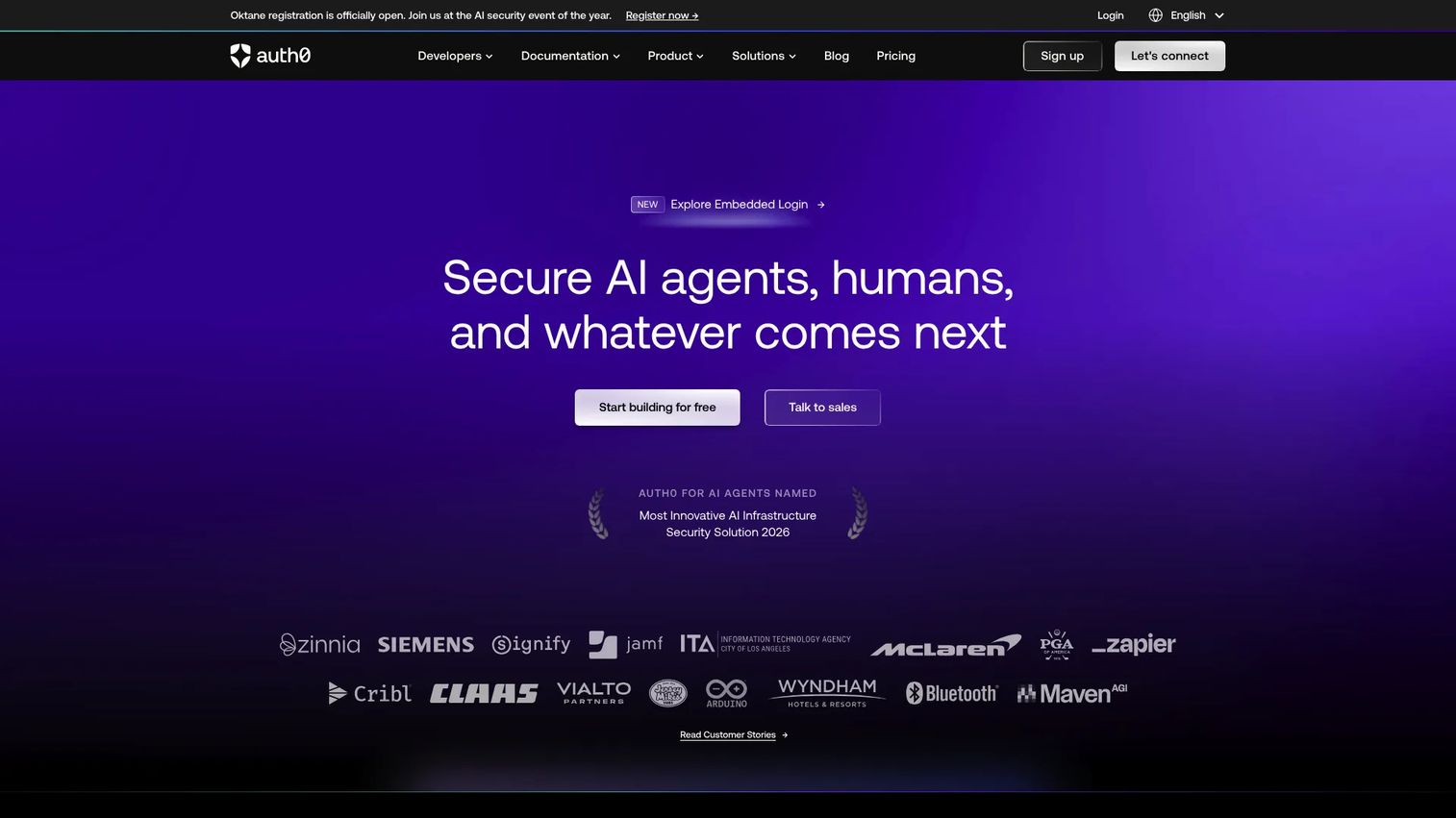
Auth0 is identity built for application teams and developers. Rather than workforce SSO first, it centers on authentication, SSO, and MFA for the apps you build, with flexible login experiences and extensible auth workflows. If your product needs customer-facing login, social sign-on, or programmable authentication logic, this is the developer-friendly option.
Best for: Teams needing customer identity, SSO, and MFA with a managed platform.
Key strengths
- Universal Login and SSO: hosted, customizable login with single sign-on across your apps.
- MFA and passwordless: layered authentication, including breached-password detection.
- Actions and Forms: programmable extensibility to shape auth flows without rebuilding infrastructure.
Why choose it
Auth0 is often chosen for product-led and app-team use cases where authentication is part of the product experience, not just internal access. The extensibility through Actions lets developers customize login logic, and the free plan makes it easy to validate fit before committing budget.
Pricing
Auth0 publishes a genuine free plan at $0/month. Paid tiers start with Essentials at $35/month and Professional at $240/month, both billed monthly, with Enterprise on a contact-sales basis. The free tier is real evaluation runway, not a trial timer.
Best fit
Product and engineering teams building customer-facing authentication who want a managed identity platform with room to customize login flows.
Limitations or watchouts
Auth0 is oriented toward application identity rather than workforce SSO, so it is a different fit than the workforce-first platforms here. Costs can climb as active users scale on the higher tiers.
5. Ping Identity
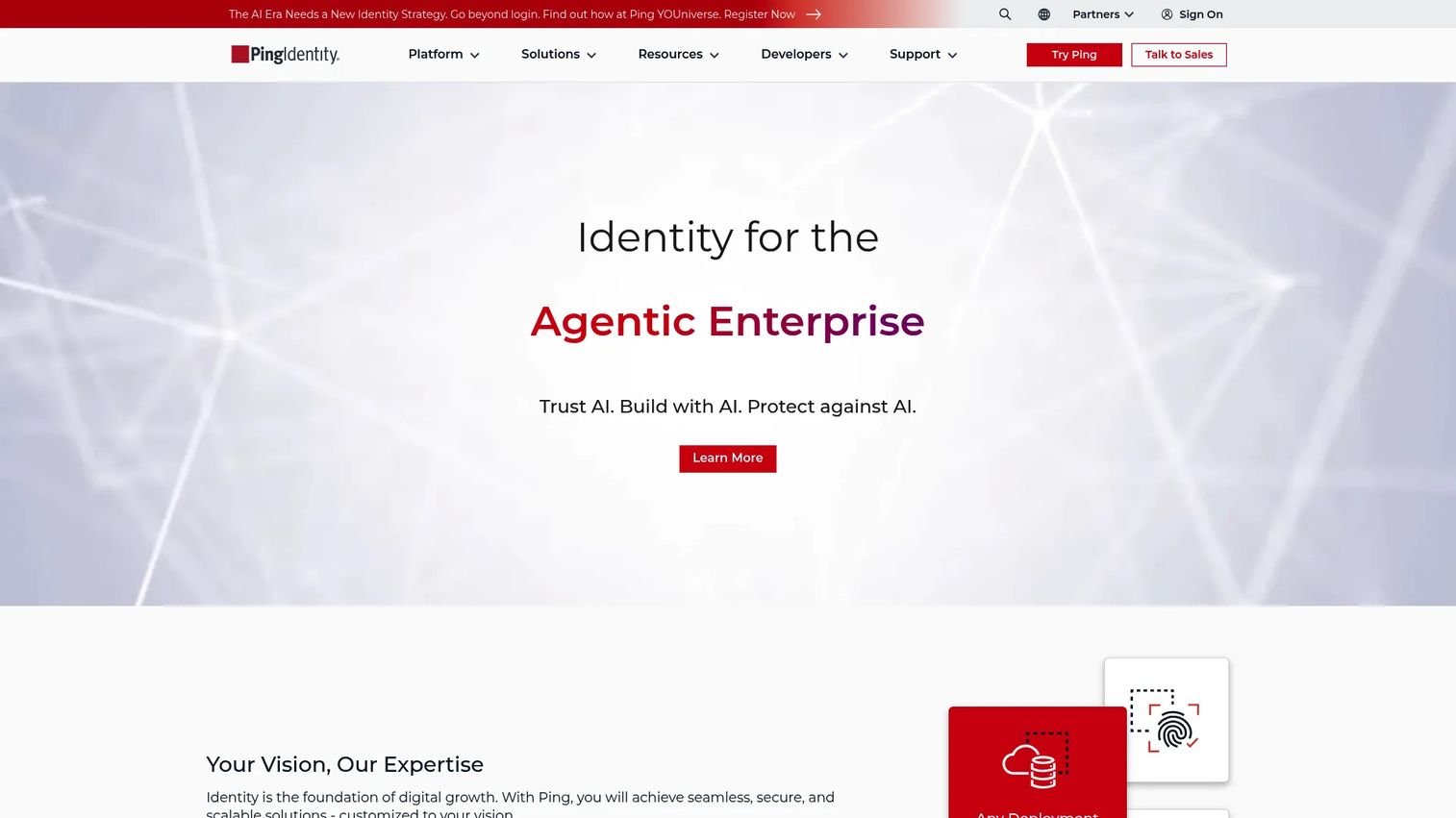
Ping Identity is an identity and access management platform built for workforce and customer use cases at enterprise scale. Larger organizations with complex security, compliance, and orchestration needs shortlist it for exactly that reason. It handles SSO, MFA, passwordless, and identity orchestration across sprawling app estates that would overwhelm a lighter tool.
Best for: Enterprises needing workforce or customer IAM with SSO, MFA, and orchestration.
Key strengths
- Single sign-on: enterprise-grade SSO across workforce and customer applications.
- MFA and passwordless: strong authentication options for high-assurance environments.
- Orchestration: visual identity orchestration to design and adapt complex auth journeys.
Why choose it
Buyers shortlist Ping when the identity problem is genuinely complex: multiple directories, regulated data, and auth flows that need orchestration rather than simple redirects. For regulated industries, the depth of policy control and orchestration is the reason to look past simpler options.
Pricing
Ping Identity lists solution packages by use case. PingOne for Workforce Essential starts at $3 per user per month on an annual contract with a 5,000-user minimum. PingOne for Customers Essential is listed at $35k annually and Plus at $50k annually. Free 30-day trials are offered for both Workforce and Customers.
Best fit
Large enterprises and regulated organizations that need orchestration, deep policy control, and both workforce and customer identity from one vendor.
Limitations or watchouts
The 5,000-user minimum on Workforce Essential puts it out of reach for smaller teams. Customer identity pricing starts in the tens of thousands annually, so this is an enterprise commitment, not a quick pilot.
6. Okta

Okta is one of the most widely recognized identity providers, known for its large app integration network and enterprise trust. It covers both workforce and customer identity with single sign-on, adaptive MFA, and lifecycle management. When buyers want a vendor-neutral identity layer that connects to nearly anything, Okta is usually on the shortlist.
Best for: Organizations needing centralized identity, SSO, and MFA across workforce or customer apps.
Key strengths
- Single sign-on: one of the broadest pre-built integration catalogs in the category.
- Adaptive MFA: risk-based authentication that adjusts to context.
- Lifecycle management: automated provisioning and deprovisioning across connected apps.
Why choose it
Compared with Microsoft Entra ID, Okta is the neutral choice for organizations that are not Microsoft-centric and want breadth of integrations above ecosystem lock-in. Compared with OneLogin, it brings a larger integration network and stronger enterprise brand recognition, which can smooth security reviews. Its strength is the sheer number of apps it connects out of the box.
Pricing
Okta Workforce Identity suites start with Starter at $6 per user/month, Core Essentials at $14 per user/month, and Essentials at $17 per user/month, all billed annually. Professional and Enterprise are inquire-for-pricing. Customer Identity begins with an Enterprise base platform at $3,000 per month. A free Integrator plan is available for developers.
Best fit
Enterprises that want a vendor-neutral identity provider with the widest integration coverage and are comfortable stacking suites as needs grow.
Limitations or watchouts
Costs climb as you add suites and product lines, and the fullest feature set lives behind inquire-for-pricing tiers. Organizations already deep in Microsoft may find Entra ID covers the same ground at lower incremental cost.
7. AWS Cognito
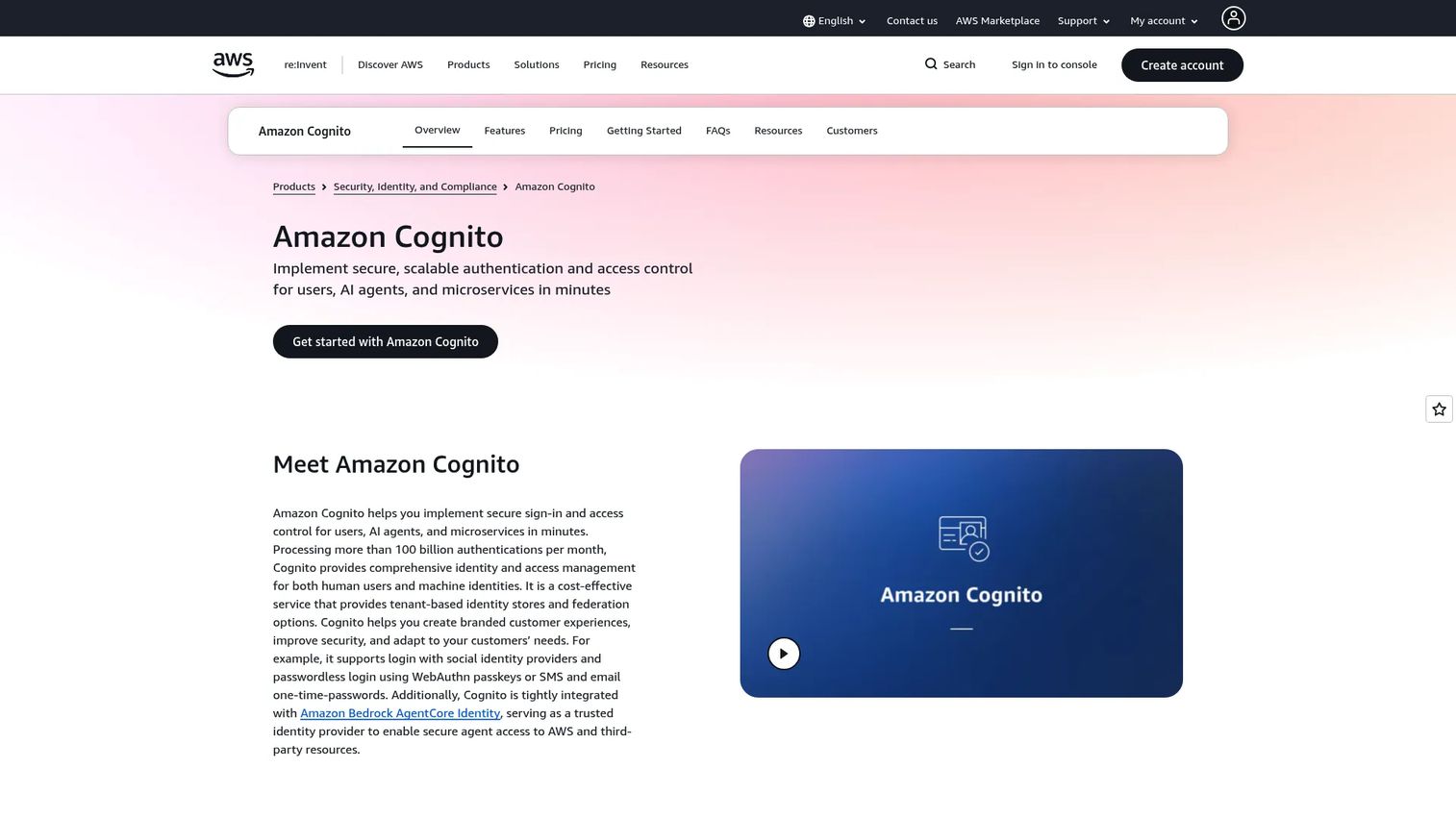
AWS Cognito is Amazon's customer identity and access management service for adding sign-up, sign-in, access control, and federated AWS access to web and mobile apps. It earns a spot here for teams already invested in AWS who are building customer-facing authentication. It supports SAML and OIDC federation, so it can connect to enterprise identity providers while staying native to the AWS stack.
Best for: Teams building AWS-native customer identity and authentication for web or mobile apps.
Key strengths
- Sign-up, sign-in, and access control: managed user pools for customer authentication.
- Social and enterprise federation: SAML and OIDC support to connect external identity providers.
- Adaptive security: compromised-credential protection and AWS WAF integration.
Why choose it
Cognito belongs on the list because it is the default identity option for product teams already building on AWS. Federation via SAML and OIDC means it can plug into enterprise SSO while handling customer auth flows. For teams that want identity to live inside the same cloud as the rest of their stack, it removes a vendor relationship.
Pricing
Cognito uses monthly active user (MAU) pricing rather than flat subscriptions. The Lite and Essentials tiers start at $0.015/MAU and the Plus tier at $0.020/MAU. Free tiers apply to some usage patterns, and AWS notes separate charges for SMS, email, and advanced security features.
Best fit
Product and engineering teams building customer-facing web or mobile apps on AWS who want authentication native to their existing cloud.
Limitations or watchouts
Cognito is customer identity first, not a workforce SSO tool, so it is a different job than most platforms here. MAU pricing can be hard to forecast, and the SMS, email, and advanced security add-ons stack onto the base rate.
Considerations
Before you commit to any single sign on provider, run the shortlist through this checklist. These are the questions that decide whether a rollout clears security review or stalls in it.
Application compatibility
List every app you need to connect and confirm the platform supports the protocol each one speaks. SAML, OAuth, and OpenID Connect cover most modern apps, but legacy and on-prem tools may need Kerberos or a proxy. A single unsupported critical app can derail the whole project.
Security and compliance requirements
Verify MFA, conditional access, and adaptive risk options match your policy. Then check audit logs: are they detailed, exportable, and retained long enough for SOC 2 or ISO 27001 evidence? SSO security is only as good as the trail it leaves for reviewers.
Directory and provisioning needs
Confirm the platform syncs with your identity source, whether that is Active Directory, LDAP, or a cloud directory. SCIM support for automated provisioning matters because manual access management is where audit findings come from. Federated identity is essential if you run multiple directories.
Pricing and scaling model
Model cost at your actual user count, not the entry price. Per-user tiers, MAU-based pricing, and enterprise minimums scale very differently. A tool that is cheap at 100 seats can be expensive at 5,000, and enterprise minimums can rule out smaller teams entirely.
Admin burden and implementation effort
Evaluate the admin console, bulk operations, and delegated administration before you buy. Ask how long a typical rollout takes and what the support tiers include. The cleanest platform on paper still needs an admin who can run it day to day.
Conclusion
The right single sign on software depends on your environment, not a universal winner. If you live in Microsoft 365, Microsoft Entra ID gives you SSO and conditional access from a console you already run. For mid-market teams wanting transparent per-user pricing and strong lifecycle automation, OneLogin fits cleanly. IT teams consolidating identity and devices should look hard at JumpCloud.
Application and product teams building customer-facing login will find Auth0 and AWS Cognito the natural developer-first choices, with Cognito the default for AWS-native stacks. For large enterprises and regulated industries with complex orchestration needs, Ping Identity and Okta both bring the depth and integration breadth to clear demanding security reviews.
For presales teams, the practical next step is to map your requirements against three axes: ecosystem fit, provisioning depth, and security-review readiness. Shortlist two vendors that match your directory and protocol needs, then run a proof of concept against your actual app estate. The platform that connects your critical apps and exports clean audit logs is the one that will move deals forward instead of stalling them.
FAQs
Single sign on software is an identity and access management tool that lets users log in once and access multiple applications without re-authenticating to each one. It works by centralizing authentication through an identity provider that issues trusted tokens to connected apps. The result is fewer passwords, centralized access control, and a single audit trail for security teams.
SAML and OpenID Connect are the two most common SSO protocols. SAML uses signed XML assertions and is the long-standing standard for enterprise web applications. OpenID Connect sits on top of OAuth and uses JSON web tokens, making it the modern choice for APIs, mobile apps, and cloud-native services. Most single sign on solutions support both so they can connect legacy and modern apps from one identity provider.
Yes, when configured correctly. Centralizing authentication actually strengthens security by enforcing MFA, conditional access, and consistent policy from one place, while producing detailed audit logs. The one thing to plan for is that the identity provider becomes a critical system, so pair SSO with strong MFA, monitoring, and high availability. For SSO for enterprise, that combination is what clears compliance reviews.
It depends on your environment, not a single answer. Microsoft Entra ID is fastest for organizations already on Microsoft 365 because the directory is already in place. JumpCloud simplifies deployment for teams consolidating identity and devices into one platform. Auth0 and AWS Cognito are quickest for developer teams adding authentication to their own apps. Match the tool to your existing stack and the rollout gets shorter.
Focus on four things: application compatibility (does it support every critical app's protocol), directory and identity provider integration (Active Directory, LDAP, or cloud), audit log depth and exportability for security reviews, and realistic implementation effort at your user scale. These are the factors that decide whether an evaluation clears diligence or stalls. Modeling real cost at your seat count also prevents budget surprises later.
Yes. Most SSO providers support hybrid environments through directory synchronization, federation, and application proxies that bridge cloud and on-premises apps. Cloud-based deployment leads the market, at 56% of enterprise SSO revenue per Strategic Market Research (2024), but on-prem and legacy apps can still connect through Kerberos, federated identity, or proxy components. Plan the deployment model around your actual app mix rather than assuming pure cloud.
SSO and MFA solve different problems and work best together. Single sign on reduces the number of logins a user performs by centralizing authentication across apps. MFA adds a second verification factor to make each authentication stronger. SSO answers how often you log in; MFA answers how confidently the system trusts that login. Pairing them gives you both convenience and strong access security.
Organizations with many applications, multiple teams, or formal security requirements benefit most from single sign on providers. Any company running dozens of SaaS apps faces password sprawl and access-hygiene risk that SSO directly addresses. Regulated industries need the centralized audit trail for compliance, and fast-growing teams need automated provisioning so access keeps pace with hiring and offboarding.