

A customer misses their renewal date. No one reached out. They churn, and your dashboard shows it a month too late. Another customer hits a billing error during an outage, opens a ticket, waits two hours, and leaves a 2-star review. Both moments were preventable. Both happened because nobody reached the customer before the problem became a ticket, a cancellation, or a complaint.
That is the gap proactive notification software fills. It sends timely, outbound messages across SMS, email, push, and voice, so customers hear from you before they have to ask. Renewal reminders. Payment nudges. Outage alerts. Onboarding milestones. The category exists because reactive support scales poorly and silent research on the cost of customer churn is expensive.
The numbers back the urgency. The proactive notification software market is projected to reach $5.8 billion by 2033, growing at a 5.7% CAGR, according to Data Insights Market projection for proactive notification software (2024). The broader mass notification software market is projected to hit $69.28 billion by 2033, up from $12.86 billion in 2024, per Business Research Insights mass notification market report. Demand is real because the problem is real: customers expect to be reached at the right moment, on the channel they actually check.
For customer success and support teams, the best proactive notification software is not about blasting more messages. It is about reaching the right customer, at the right moment, on the right channel, before friction turns into a churn risk or a support queue.
This guide ranks the 10 best proactive notification software tools for 2026, scored for the jobs customer success teams actually own.
What's inside
This guide is written for customer success managers, onboarding leads, support managers, and CS ops at B2B SaaS and product-led companies. If your job touches retention, adoption, or ticket volume, this is for you. If reducing churn through better user onboarding software is part of your motion, that overlaps closely with proactive notifications.
We selected tools based on four criteria that matter most for customer-facing teams:
- Multichannel reach: SMS, email, push, and voice, so you meet customers where they are.
- Automation and triggering: event-based and scheduled sends, not manual blasts.
- Two-way messaging: can customers reply and route to an agent?
- Integrations and analytics: CRM and help-desk fit, plus delivery and engagement reporting.
We verified pricing and ratings against live vendor and review sources at the time of writing.
TL;DR
Short on time? Here are the quick picks by motion:
- Best for SMS-first reminders: Text-Em-All, for appointment alerts, renewal nudges, and mass texting with two-way replies.
- Best for mass and critical alerts: OnSolve, for emergency and operational alerts at enterprise and government scale.
- Best for enterprise emergency communication: Send Word Now, for crisis and incident-response messaging across voice, SMS, and email.
- Best for lifecycle messaging tied to CRM: ActiveCampaign, for automated email and SMS journeys driven by customer data.
- Best free or low-cost entry: DialMyCalls, for SMB voice and SMS broadcasts with free credits to start.
- Best for product and engineering push: Azure Notification Hubs, for cross-platform push at scale.
What is proactive notification software?
Proactive notification software is a platform that automatically sends timely, outbound messages, across SMS, email, push, and voice, to customers before they have to ask, covering reminders, alerts, updates, and two-way messaging.
Instead of waiting for a customer to open a ticket or notice a missed deadline, a proactive notification system triggers a message based on an event, a date, or a behavior. A renewal approaches, so the customer gets a reminder. An outage starts, so affected accounts get an alert. A subscription lapses, so a payment nudge goes out. This is proactive messaging at its core: reaching the customer first.
The G2 Proactive Notification Software category describes these tools as software that alerts customers about upcoming deadlines, payments, product updates, and more, and lets users receive notifications they have subscribed to. The shift is from reactive to active notification, where the system, not the customer, starts the conversation.
For customer success teams, that shift maps directly to KPIs: fewer tickets, faster time-to-value, lower involuntary churn, and clearer visibility into customer behavior.
Key features to expect
A capable proactive notification system usually includes:
- Multichannel delivery: SMS, email, push, and voice, sometimes WhatsApp or in-app, so messages land where customers actually look.
- Automated triggers and scheduling: event-based and date-based sends, plus recurring schedules for proactive messages.
- Two-way messaging: customers reply and conversations route to an agent.
- Segmentation and personalization: target by plan, lifecycle stage, behavior, or account.
- Templates and message libraries: reuse approved content across reminders and alerts.
- Compliance controls: HIPAA, TCPA, and GDPR support, plus opt-in and consent management.
- CRM and help-desk integrations: Salesforce, HubSpot, Zendesk, and similar.
- Analytics and delivery reporting: delivery rates, engagement, and downstream impact.
Not every tool covers every channel or feature. Some focus on SMS and voice, others on push, others on lifecycle email. The right fit depends on your motion.
When customer success teams use proactive notifications
Proactive notifications earn their keep in three recurring moments. Each ties to a metric a CS team already reports on.
Send automated reminders for renewals, deadlines, and payments
Involuntary churn often comes down to a missed date. A card expires, a renewal lapses, a deadline slips, and no one noticed. Automated reminders and alerts close that gap. Payment nudges and renewal reminders reduce involuntary churn and late payments by reaching customers before the lapse. Tie these sends to dates in your CRM, and the workflow runs without a manual touchpoint.
Push product updates and feature announcements before customers fall behind
New features only drive retention if customers actually adopt them. Proactive product-update notifications announce a release to the customers who would benefit, without a CSM emailing each account by hand. To take it further, pair the announcement with a short interactive walkthrough so customers experience the feature instead of just reading about it. A notification opens the door; a guided, clickable walkthrough lets them step inside and try it at their own pace. That pairing turns a one-line update into an adoption moment. For teams scaling this approach, boosting product adoption with interactive demos is a proven playbook.
Deflect tickets with proactive status alerts and two-way messaging
Most outage tickets are the same question asked many times. A proactive status alert sent the moment an incident starts answers that question before anyone opens a ticket. Add two-way messaging, and customers who do have follow-up questions can reply in the same thread, routing to an agent only when needed. Proactive customer support like this lowers ticket volume and protects CSAT during disruptions. Building self-service experiences alongside your alerts deflects even more tickets.
Proactive notification software comparison
The table below compares all 10 tools by intent, primary use case, pricing, and rating. Tools are sorted by relevance to customer success and SaaS teams. Pricing and ratings were verified against live vendor and review sources at the time of writing. Where a vendor gates pricing behind a quote, that is noted.
| # | Product | Intent | Key use case | Pricing | Rating |
|---|---|---|---|---|---|
| 1 | DialMyCalls | SMB mass alerting | Voice, SMS, and email broadcasts | Pay as you go from 7.5¢ per credit; free credits to start | 4.8/5 (Capterra) |
| 2 | Text-Em-All | SMS-first reminders | Mass texting, voice, two-way SMS | Free Starter; Monthly from $19/mo; Credits from 9¢ | 4.8/5 (G2) |
| 3 | Mobile Text Alerts | SMB two-way SMS | SMS broadcast and two-way inbox | Free Trial; Core from $36/mo | 4.6/5 (G2) |
| 4 | OnSolve | Enterprise critical alerts | Emergency and operational mass notification | Free Starter; Credit from 5¢; Unlimited from $5/week | 4.4/5 (G2) |
| 5 | Send Word Now | Enterprise emergency comms | Crisis and incident-response alerting | Quote-based | Not rated on G2 |
| 6 | DeskAlerts | High-visibility alerts | Desktop, mobile, and multichannel alerts | Quote-based (Full, Essential, Lite) | 4.2/5 (G2) |
| 7 | Soprano Design | Enterprise omnichannel | Secure CPaaS messaging for regulated industries | Business from $25/mo; Enterprise from $250/mo | 3.5/5 (G2) |
| 8 | ActiveCampaign | Lifecycle and CRM messaging | Automated email and SMS journeys | Starter, Plus, Pro, Enterprise (quote-based) | 4.4/5 (G2) |
| 9 | Azure Notification Hubs | Push infrastructure | Cross-platform push at scale | Free tier; Basic $10/mo; Standard $200/mo | 4.5/5 (G2) |
| 10 | Vizury Engage360 | Re-engagement campaigns | Push, web, and email retention | Quote-based | 4.3/5 (G2) |
The 10 best proactive notification software tools for 2026
Below is the full breakdown. Each tool includes an honest read on where it fits, its key strengths, and verified pricing.
1. DialMyCalls
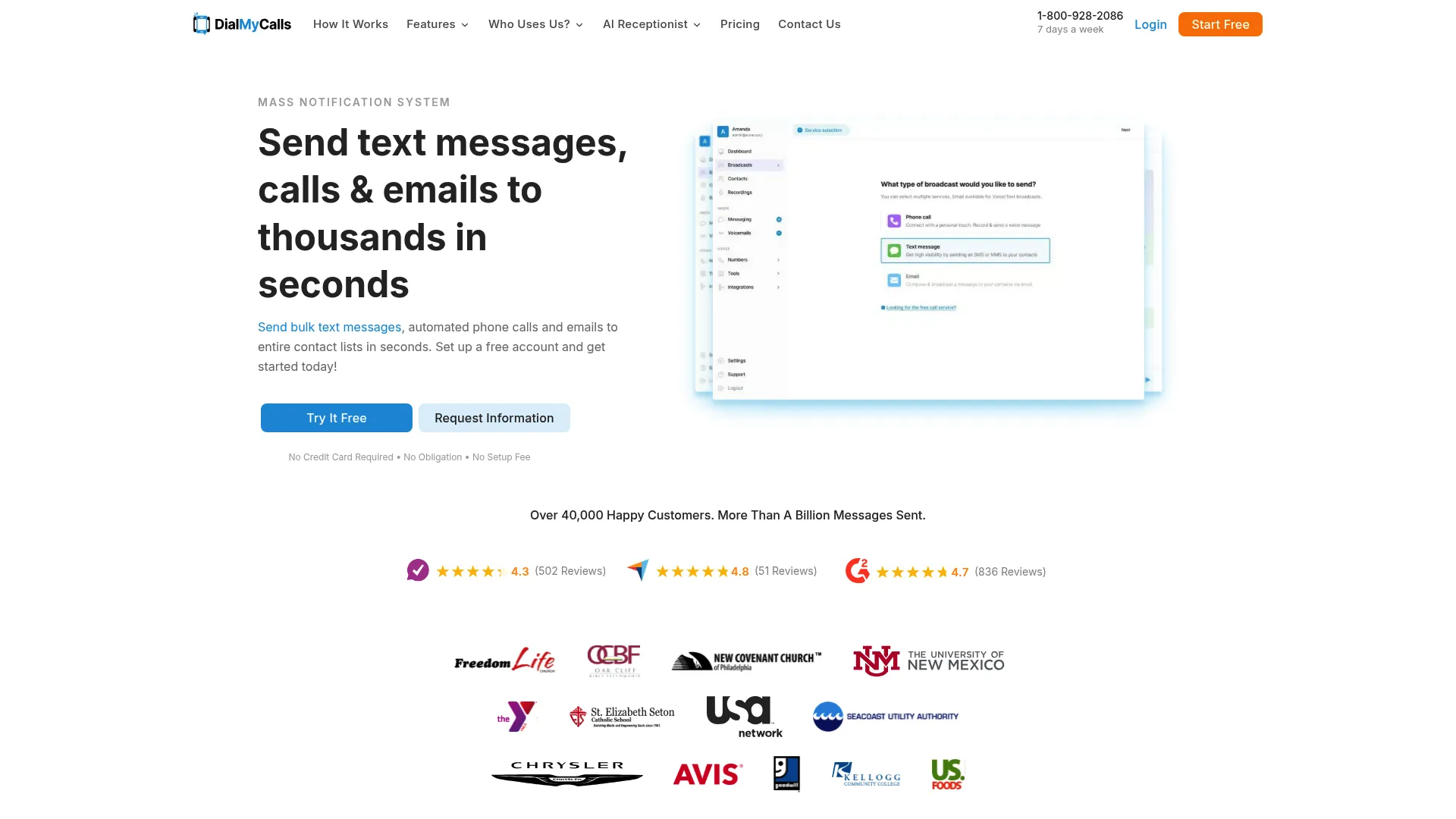
DialMyCalls is a mass notification system for sending bulk SMS, automated voice calls, and email alerts to contact lists. It is built for organizations that need to broadcast a message to a group fast, schools, churches, nonprofits, property managers, and SMBs. For a customer success team at a smaller SaaS company, it covers the basics of proactive customer communication without a heavy setup.
The voice broadcasting is what sets it apart from SMS-only tools. If a critical alert needs to reach customers who do not check texts, an automated call gets through. Two-way texting lets recipients reply, so a renewal reminder can turn into a quick conversation.
Best for: SMB and community-style teams that need quick voice, SMS, and email broadcasts to groups.
Key strengths
- Voice broadcasting: Automated mass calling reaches customers who ignore texts and email.
- Multichannel reach: SMS, voice, and email from one contact list keeps alerts consistent across channels.
- Two-way texting: Recipients reply, turning a one-way broadcast into a conversation.
Why choose DialMyCalls: If your team needs to reach a group quickly without learning a complex platform, DialMyCalls is a practical entry point. The voice option is genuinely useful for time-sensitive alerts. It is less suited to behavior-triggered lifecycle messaging, where a CRM-native tool fits better.
DialMyCalls pricing: Pricing is flexible across Credit Based, Contact Based, Pay As You Go, and Custom options. Pay As You Go starts at 7.5¢ per credit for 200 to 499 credits, with a Credit Based plan from $9.99 per month and a Contact Based plan from $104.99 per month. New users get 25 free credits to try the platform. It carries a 4.8/5 rating on Capterra.
2. Text-Em-All
Text-Em-All is a mass texting and voice messaging platform for SMS broadcasts, automated calls, reminders, alerts, and two-way text conversations. It is a strong SMS-first option for teams that lean on reminders and alerts as a churn-reduction lever. Appointment reminders, renewal nudges, and emergency notifications are its core jobs. If SMS is your primary channel, it is worth reviewing the broader landscape of SMS marketing software before committing.
The two-way texting matters for support and success. A reminder text can spark a reply, and the conversation lands in an inbox an agent can manage. Message scheduling means a CSM can set up a sequence of proactive messages once and let it run.
Best for: Teams that want reliable SMS reminders and alerts with two-way replies and predictable pricing.
Key strengths
- Mass texting and voice: Send SMS broadcasts and automated calls from one platform for layered reach.
- Two-way texting: Customers reply, and conversations land in a managed inbox.
- Message scheduling: Set reminders and alerts to send automatically at the right time.
Why choose Text-Em-All: The free Starter tier lets you evaluate before committing, and the monthly plan keeps billing predictable as your contact list grows. It is focused on broadcast and reminder use cases, so teams wanting deep CRM-driven lifecycle automation may pair it with another tool.
Text-Em-All pricing: The Starter plan is free to start with no commitment. The Credits plan is pay-as-you-go from 9¢ per credit, dropping as low as 5¢ at volume. The Monthly plan starts at $19 per month for recurring, predictable billing based on group size. It holds a 4.8/5 rating on G2.
3. Mobile Text Alerts
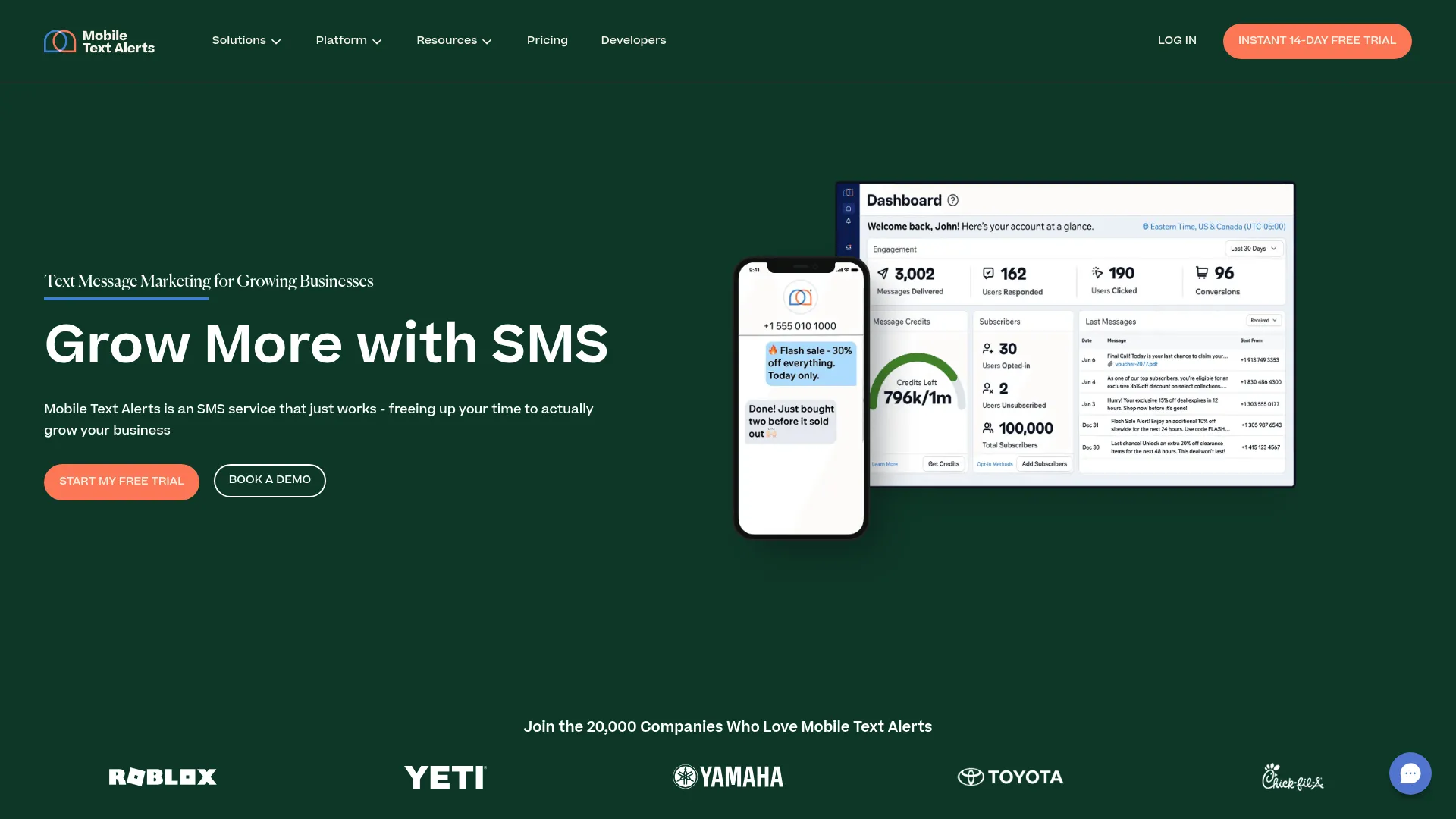
Mobile Text Alerts is an SMS service for businesses to send marketing, sales, alerts, and customer-support text messages. It blends mass texting with a two-way inbox, which makes it a fit for SMB customer success teams running both alerts and promotional sends. Campaigns and automations let you trigger proactive messages without manual work.
The two-way messaging inbox is the standout for support-minded teams. When a customer replies to an alert, an agent can pick up the thread. Unlimited groups and opt-in keywords on paid plans help you segment customers cleanly.
Best for: SMBs that need SMS alerts, promotions, and two-way customer conversations in one tool.
Key strengths
- Campaigns and automations: Trigger SMS sends based on events and schedules, not manual blasts.
- Two-way messaging inbox: Replies route into a shared inbox agents can manage.
- Unlimited groups and opt-in keywords: Segment audiences and grow opt-in lists on paid Core plans.
Why choose Mobile Text Alerts: It is a clean SMS platform that handles both outbound alerts and inbound replies, which suits teams that want one tool for promotions and proactive customer support. Larger teams needing API access and onboarding will move up to the Professional tier.
Mobile Text Alerts pricing: A free trial includes 50 message credits, campaigns, automations, unlimited groups, a dedicated toll-free number, and two opt-in keywords. Core Plans start at $36 per month for 500 to 20,000 credits and add unlimited opt-in keywords and users. Professional Plans start at $500 per month with onboarding, priority support, and API access, and Enterprise is quote-based. It carries a 4.6/5 rating on G2.
4. OnSolve
OnSolve, now part of the Crisis24 critical event management portfolio, is a mass notification and critical event communications platform for emergencies, operational disruptions, and critical events. It sits at the enterprise and government end of the category. If your alerts need to reach a large audience fast with location-specific targeting, this is the tier built for it.
OnSolve is less about marketing-style lifecycle messaging and more about high-stakes, coordinated communication. For SaaS teams in regulated or infrastructure-heavy spaces, the critical event management features matter when an outage or incident demands rapid, trackable alerts.
Best for: Enterprise and government teams that need rapid, location-aware mass notification for critical events.
Key strengths
- Rapid location-specific alerts: Reach affected audiences across multiple channels in minutes.
- Automated disruption workflows: Trigger IT and infrastructure communications without manual coordination.
- Critical event management: Combine alerting, tracking, and reporting in one operational view.
Why choose OnSolve: For high-severity, time-critical communication at scale, OnSolve is built for the job in a way SMB tools are not. The trade-off is that it is heavier than most CS teams need for routine renewal or adoption nudges. Match it to your risk profile.
OnSolve pricing: The accessible first-party pricing covers messaging plans starting with a free Starter plan, a Credit plan from 5¢ per credit based on usage, and an Unlimited plan for as low as $5 per week based on group size and industry. Broader OnSolve Platform pricing is quote-based. The OnSolve Platform holds a 4.4/5 rating on G2.
5. Send Word Now
Send Word Now is an emergency notification and incident management service for business-critical, routine, and emergency communications. It is an enterprise-focused platform for crisis and operational alerting across voice, SMS, and email. The two-way communication with response monitoring is what separates it from one-way broadcast tools.
For teams that need to confirm who received and acknowledged a critical alert, the response tracking and reporting are the draw. Geo-targeted alerts, escalation, scheduled alerts, and multilingual support round out an enterprise incident-response toolkit.
Best for: Enterprises that need emergency mass notification with two-way confirmation and incident-response reporting.
Key strengths
- Multichannel emergency notification: Send alerts across calls, emails, and text from one platform.
- Two-way response monitoring: Track who received and acknowledged each alert in real time.
- Incident management features: Geo-targeted alerts, escalation, scheduled and multilingual alerts, plus a web services API.
Why choose Send Word Now: When acknowledgement tracking and escalation matter as much as delivery, Send Word Now is built for that accountability. It is purpose-built for emergency and operational communication rather than everyday lifecycle messaging, so pair it with a CRM-native tool for routine proactive messages.
Send Word Now pricing: No public pricing is listed on the brand site; plans are arranged through the vendor. Evaluate it through a direct conversation if enterprise emergency communication is your priority.
6. DeskAlerts
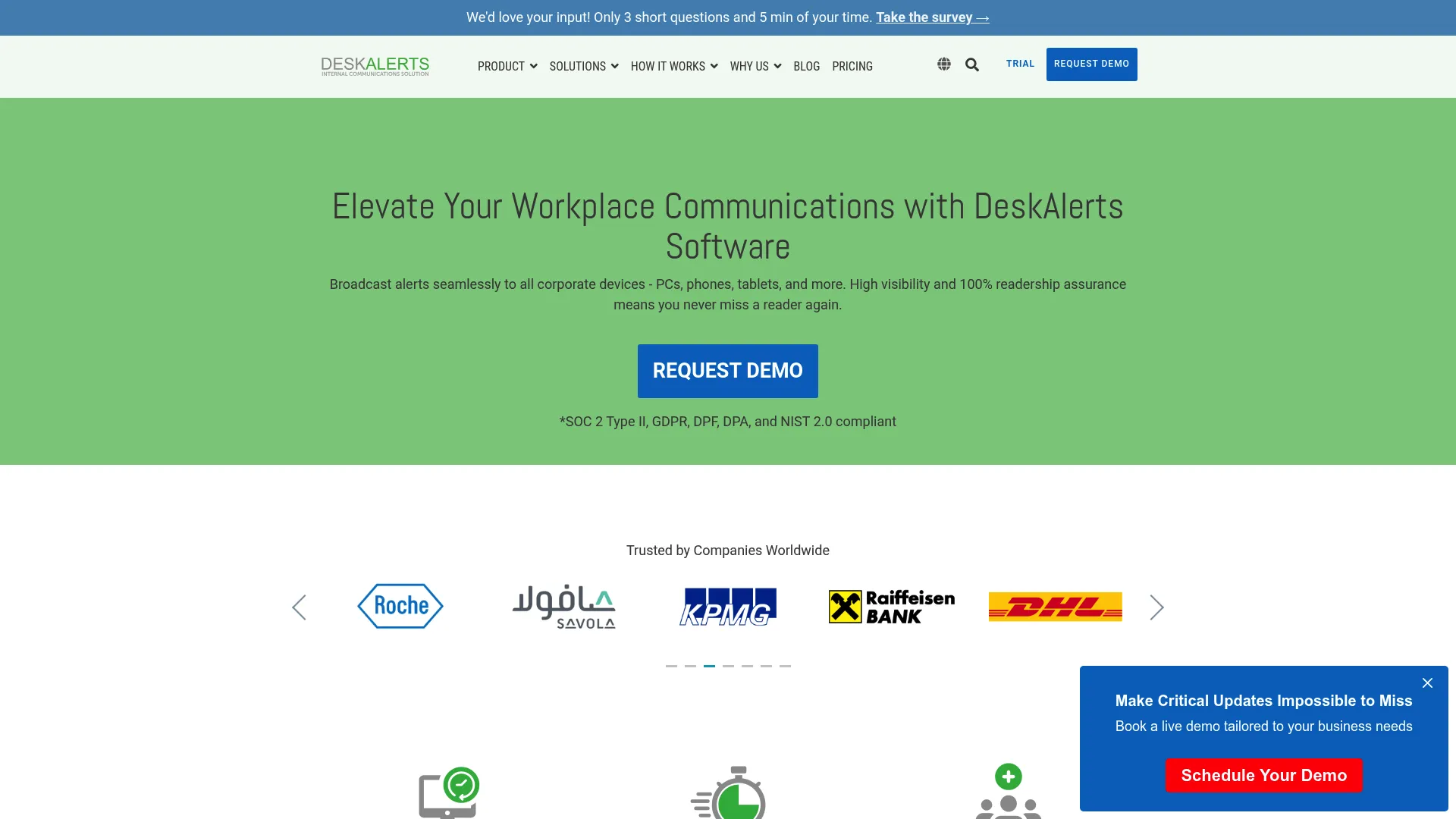
DeskAlerts is a multichannel corporate notification and emergency alert platform for delivering critical messages to employee desktops, mobile devices, email, SMS, Teams, and other workplace channels, with tracking. Its roots are in internal communication, but the same guaranteed-attention model applies to customer alerts that cannot be missed. Desktop pop-ups and lockscreen alerts cut through inbox noise.
The delivery acknowledgement and audit trails are what make it stand out. For teams that need proof a critical message was seen, not just sent, the reporting matters. Targeting, scheduling, and message priority give publishers control over how alerts surface.
Best for: Teams that need high-visibility alerts with delivery acknowledgement and tracking across many channels.
Key strengths
- Multichannel alert surfaces: Desktop pop-ups, tickers, mobile push, email, SMS, and Teams keep messages unmissable.
- Delivery acknowledgement and reporting: Audit trails confirm who saw each alert.
- Targeting and scheduling: Set priority, recurrence, and audience for every message.
Why choose DeskAlerts: If a missed alert is a real risk, the guaranteed-delivery surfaces and acknowledgement reporting are the reason to choose it. It leans toward internal and high-priority communication, so teams focused mainly on SMS marketing will look elsewhere.
DeskAlerts pricing: The first-party pricing page lists three curated packages, Full, Essential, and Lite. Pricing is flexible and based on team size, starting with teams as small as 100 employees, and requires a personalized quote. It holds a 4.2/5 rating on G2.
7. Soprano Design (Soprano MEMS)
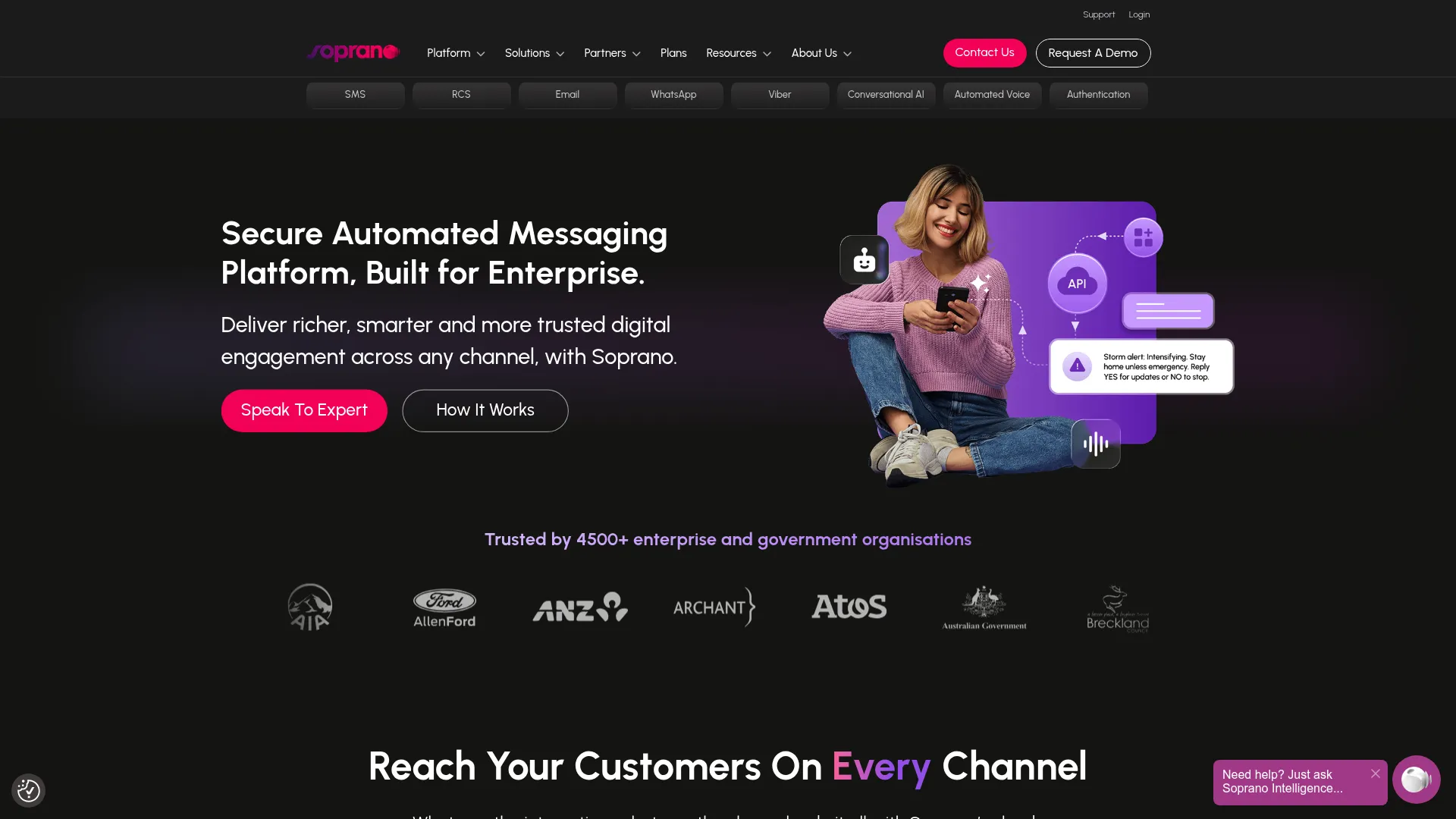
Soprano Design provides an enterprise CPaaS and secure automated messaging platform for omnichannel customer, employee, and citizen communications. It is built for enterprises and regulated industries that need security and compliance alongside reach. The omnichannel span, SMS, IP messaging, email, RCS, WhatsApp, voice, and Viber, covers nearly every channel a customer might use.
The communication APIs are the draw for teams with engineering support. You can integrate real-time channels into existing CRM, ticketing, and enterprise systems rather than running messaging in a silo. For regulated SaaS, the security and policy controls carry weight.
Best for: Enterprises and government teams needing secure, scalable omnichannel messaging with API integration.
Key strengths
- Omnichannel messaging: SMS, RCS, WhatsApp, voice, email, and conversational AI from one platform.
- Communication APIs: Embed real-time channels into CRM, ticketing, and enterprise systems.
- Enterprise controls: User management, reporting, security, analytics, and policy capabilities.
Why choose Soprano Design: For regulated industries where compliance and channel breadth are non-negotiable, Soprano MEMS is engineered for that environment. It is an enterprise platform, so smaller teams may find more right-sized fit in an SMB-focused tool.
Soprano Design pricing: Soprano Connect offers three plans: Business from $25 per month for up to 500 contacts, Enterprise from $250 per month for up to 2,500 contacts, and Corporate from $900 per month for up to 10,000 contacts. Higher tiers add users, storage, unlimited groups, and stronger support. It holds a 3.5/5 rating on G2.
8. ActiveCampaign
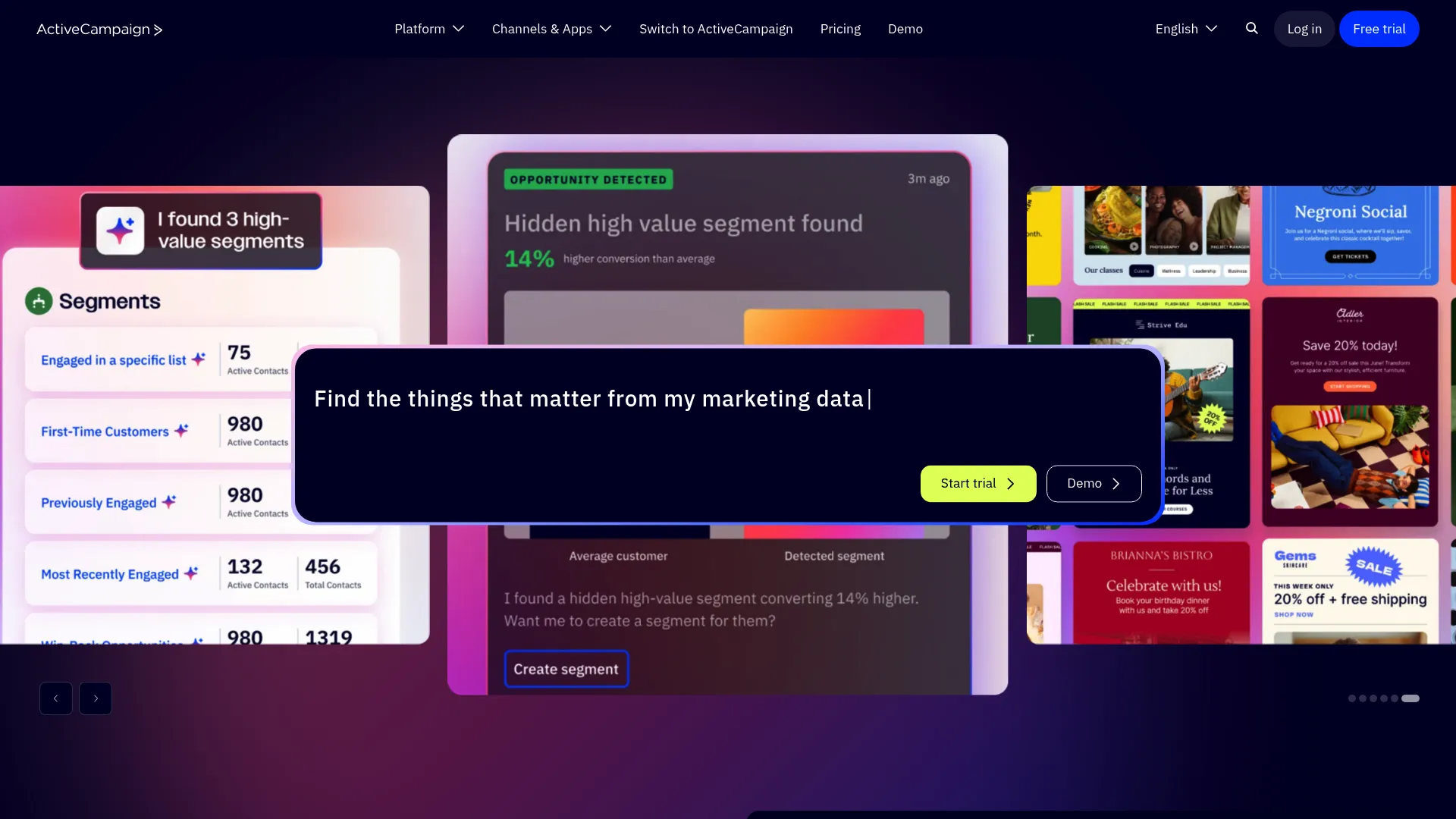
ActiveCampaign is an autonomous marketing platform for automating customer journeys and campaigns across channels such as email, SMS, and WhatsApp. Unlike the broadcast and emergency tools above, it is built around lifecycle automation tied to a CRM. That makes it a natural fit for proactive messaging that reacts to customer behavior and data. If lifecycle automation is central to your stack, comparing dedicated marketing automation software is worth the time.
For a CS team, the value is in the automation. Trigger a renewal sequence off a date, an adoption nudge off a usage signal, or a check-in off a support interaction. With email at the core and SMS as an add-on, it covers the everyday proactive messages a lifecycle program runs on.
Best for: CS and marketing teams running behavior- and data-driven lifecycle messaging across email and SMS.
Key strengths
- Marketing automation: Build multi-step journeys triggered by behavior, dates, and CRM data.
- Multichannel messaging: Email at the core, with SMS and WhatsApp for layered reach.
- CRM and integrations: Segmentation plus 1,000-plus app integrations connect messaging to customer data.
Why choose ActiveCampaign: If proactive messages should react to what customers do, not just fire on a schedule, ActiveCampaign's automation depth is the reason to pick it. It is not built for emergency or critical-event alerting, so pair it with a mass notification tool if you need that.
ActiveCampaign pricing: ActiveCampaign lists Starter, Plus, Pro, and Enterprise plans, billed annually, with pricing driven by plan customization and contact or channel selections. A 14-day free trial is available. It holds a 4.4/5 rating on G2.
9. Azure Notification Hubs
Azure Notification Hubs is Microsoft Azure's scalable cross-platform push notification service for sending notifications to mobile devices from any back end. This is infrastructure, not a marketing UI. It is the right pick when product and engineering teams need to send in-app and push notifications at scale.
For SaaS companies building proactive messaging into their own product, Azure Notification Hubs handles the delivery layer. Broadcast to millions of devices with a single API call, or target segments using tags and templates. CS teams will partner with engineering to use it, rather than operating it directly.
Best for: Product and engineering teams sending cross-platform push notifications at scale from their own back end.
Key strengths
- Cross-platform push: Reach iOS, Android, Windows, Kindle, and more from one service.
- Broadcast at scale: Send to millions of devices with a single API call.
- Tags and templates: Target audience segments with localized, dynamic push notifications.
Why choose Azure Notification Hubs: If your proactive notifications live inside your own product and you have engineering support, this is purpose-built push notification software for that job. It is not a self-serve tool for a CSM running renewal reminders, so it complements rather than replaces a marketing-facing platform.
Azure Notification Hubs pricing: Three tiers are available. Free includes 1 million pushes and 500 active devices per namespace. Basic is $10 per month per namespace with 200,000 active devices. Standard is $200 per month per namespace with 10 million active devices, plus scheduled push, bulk import, and rich telemetry. It holds a 4.5/5 rating on G2.
10. Vizury Engage360
Vizury Engage360 is a customer engagement and commerce marketing platform for improving user engagement, retention, conversion, and personalized retargeting across web, mobile, and chat channels. It leans toward re-engagement and retention campaigns, which maps well to a CS goal of keeping at-risk customers active. Browser and app push sit alongside email, SMS, and WhatsApp.
The behavioral segmentation and journey builder are the core. For teams focused on bringing dormant users back and lifting retention, Vizury orchestrates personalized campaigns across multiple channels. It is most at home with digital-first commerce and retail brands, though the engagement model applies broadly.
Best for: Digital-first brands running re-engagement and retention campaigns across web, mobile, and chat.
Key strengths
- Browser and app push: Reach users across web and mobile with timely push notifications.
- Behavioral segmentation: Target audiences and build personalized journeys from behavior data.
- Multichannel campaigns: Combine email, SMS, WhatsApp, and conversational commerce in one flow.
Why choose Vizury Engage360: If your priority is re-engaging dormant users and lifting retention with personalized, cross-channel campaigns, Vizury is built around that outcome. It is less focused on emergency or transactional alerting, so match it to retention-driven motions.
Vizury Engage360 pricing: Public pricing is not listed on the vendor site; plans and fees are arranged directly with the company. It holds a 4.3/5 rating on G2.
Considerations for customer success teams
Before you shortlist, run each tool through the operational reality of a CS or support team. These five criteria separate a tool that sticks from another tab no one opens.
Integration with your CRM and help desk
A notification tool that does not talk to Salesforce, HubSpot, Zendesk, or Intercom becomes manual work. Check that customer data, dates, and triggers flow both ways. Without that, "automated" reminders still need someone to export a list.
Two-way messaging and conversation handling
Sending is half the job. Ask whether customers can reply, and where that reply lands. The strongest tools route a reply to an agent or inbox, so a renewal nudge or status alert can turn into a resolution instead of a dead end.
Compliance and deliverability
If you operate in healthcare, finance, or the EU, HIPAA, TCPA, and GDPR consent rules for marketing communications is not optional. Confirm TCPA consent requirements for business text messaging, and check deliverability track record. A compliant message that lands in spam helps no one.
Automation, segmentation, and triggers
Look for behavior-based and event-based sends, not just scheduled blasts. The ability to trigger off a usage signal, a renewal date, or a support event is what makes proactive messaging scale without more headcount.
Analytics and attribution
You will need to prove impact on tickets, adoption, and retention. Check that the tool reports delivery, engagement, and downstream outcomes you can tie back to a KPI in a QBR.
Conclusion
The best proactive notification software depends on your motion, not a single ranking. Match the tool to the job.
- For SMS-first reminders and alerts: Text-Em-All and Mobile Text Alerts cover broadcast and two-way messaging with predictable pricing.
- For mass and critical-event alerting: OnSolve and Send Word Now are built for enterprise and government scale.
- For lifecycle messaging tied to CRM: ActiveCampaign drives behavior- and data-triggered journeys.
- For push at scale inside your product: Azure Notification Hubs handles the infrastructure.
- For SMB entry and voice broadcasts: DialMyCalls gets you started fast.
- For re-engagement and retention: Vizury Engage360 orchestrates cross-channel campaigns.
Your next step: pick one or two tools that match your motion, then map them against your CRM, your compliance needs, and the two or three proactive messages that would cut your ticket volume or churn the most. Start a free trial where one exists, run a small renewal-reminder or status-alert pilot, and measure the change in ticket volume and retention before you scale. To complement your notification stack, evaluating a digital adoption platform can help guide customers in-product once a notification brings them back.
FAQs
Proactive notification software is a platform that automatically sends timely, outbound alerts, reminders, and updates to customers before they have to ask. It works across channels like SMS, email, push, and voice. The goal is to reach customers ahead of a deadline, payment, outage, or product change, rather than waiting for them to contact you.
Proactive notification reaches customers before an issue arises, while reactive support responds after a customer opens a ticket. A proactive status alert tells customers about an outage as it starts, deflecting the wave of tickets that would otherwise follow. Reactive support still matters, but proactive messaging shrinks the queue and protects CSAT.
Most tools cover at least one of SMS, email, push, and voice, and many are multichannel. Some add in-app, WhatsApp, RCS, or desktop alerts. The right channel mix depends on where your customers actually pay attention, so check each tool's supported channels against your audience.
Yes. Timely renewal reminders, payment nudges, adoption prompts, and milestone alerts reach customers before they lapse or disengage. Reducing missed renewals and expired payments cuts involuntary churn, and adoption nudges keep customers getting value. The effect is strongest when sends are triggered by customer data and behavior.
Many tools do. Two-way messaging lets customers reply to an alert or reminder, with the conversation routing to an agent or shared inbox. SMS-focused tools like Text-Em-All and Mobile Text Alerts and enterprise platforms like Send Word Now include reply handling, while pure push infrastructure typically does not.
Some vendors offer HIPAA requirements for patient communications, TCPA, and GDPR compliance plus consent and opt-in management, especially those serving healthcare, finance, and government. Compliance is not universal across the category, so verify it per vendor for your regulated use case. Enterprise platforms built for regulated industries usually make compliance a core selling point.
Pricing ranges widely. Per-message SMS models can start around 5 to 9 cents per credit, flat monthly tiers begin near $19 to $36 per month, and enterprise platforms use quote-based or custom pricing. Free trials and free tiers exist, so you can pilot before committing.
Prioritize CRM and help-desk integration, automation and behavior-based triggers, two-way messaging, analytics that tie to tickets and retention, and compliance for your industry. The tool should reduce manual work, not add a disconnected silo. Match the channel mix and pricing model to your specific motion before you buy.