You are three calls into a deal. The prospect's architect asks a simple question: "Where does this actually run, and what happens when traffic triples on launch day?" If your answer is vague, the deal stalls. If it is specific, you keep momentum.
That moment is why cloud hosting matters. It is not a back-office detail anymore. It is a line item that buyers scrutinize because it shapes uptime, security controls, cost predictability, and how fast an application scales. According to Statista (2024), worldwide cloud computing revenue is projected to reach US$1.11 trillion in 2026, with software-as-a-service alone at roughly US$488.5 billion. When a category grows that fast, the questions get sharper and the wrong recommendation gets expensive.
For presales and sales engineering teams, this is a validation problem before it is a purchasing problem. You need to explain the difference between managed and unmanaged options, map a workload to the right deployment model, and pre-empt the technical objections that surface during evaluation. That means knowing which cloud hosting providers fit which scenarios, and being able to say why. If you spend your days explaining complex technical products, you already know the value of letting a buyer experience an option instead of just hearing about it, which is exactly the logic behind an interactive demo approach to technical validation.
This guide is a decision-support shortlist, not a hype reel. It covers seven cloud hosting services, what each one is best at, and how to explain the tradeoffs to a skeptical stakeholder.
What's inside
This guide is written for presales, sales engineers, and technical buyers who need to evaluate cloud hosting services and explain them clearly to a buying committee. It is equally useful for founders and product teams mapping a workload to a provider for the first time.
We selected providers based on four criteria that matter during technical validation:
- Scalability and reliability: how the provider handles traffic spikes, redundancy, and uptime.
- Pricing clarity: whether pay-as-you-go pricing and tiers are predictable enough to forecast.
- Managed experience: how much operational overhead the buyer takes on.
- Support and governance: security controls, compliance posture, and support depth.
The list is ordered to move from broad hyperscale platforms to focused managed cloud hosting options, so you can jump to the tier that matches your scenario.
TL;DR
- Best overall for scale and breadth: AWS, for teams that need the deepest service catalog and mature global infrastructure.
- Best for data, AI, and analytics workloads: Google Cloud, for teams building on modern data and machine learning services.
- Best for enterprise governance and hybrid: Microsoft Azure and IBM Cloud, for organizations standardizing on identity, compliance, and hybrid deployments.
- Best developer-friendly infrastructure: DigitalOcean, for teams that want predictable pricing and simple virtual servers.
- Best managed cloud hosting for websites: Hostinger, for small and mid-sized teams that want bundled essentials and simple setup.
- Best managed layer on top of cloud providers: Cloudways, for teams that want cloud power without server administration.
What is cloud hosting?
Cloud hosting is a model where your website or application runs on a network of connected virtual servers drawing from a pool of physical machines, rather than on one fixed server. If one machine fails, another picks up the load, which is what gives cloud hosting its reliability and redundancy advantages.
Here is how it works under the hood. Physical servers are split into virtual servers using virtualization software called hypervisors. Those virtual servers pull compute, storage, and networking from a shared pool spread across distributed infrastructure, often in multiple data centers or regions. This is the foundation of infrastructure-as-a-service (IaaS) and the broader public cloud model.
Core characteristics of cloud hosting services:
- Scalability: add or remove resources on demand, often automatically, to absorb traffic spikes through load balancing.
- Pay-as-you-go pricing: you pay for what you use rather than a fixed monthly block, which improves cost predictability when configured well.
- Reliability and uptime: redundancy across machines and regions reduces single points of failure.
- Performance: distributed resources and caching keep response times low under load.
- Security controls: identity management, encryption, network isolation, and compliance certifications.
- Managed cloud hosting: a provider handles server maintenance, patching, backups, and disaster recovery so your team does not have to.
Cloud hosting vs shared hosting vs VPS
The most common confusion during evaluation is cloud hosting vs shared hosting and cloud hosting vs VPS. Shared hosting puts many sites on one server with pooled, capped resources. A VPS carves one physical server into fixed virtual slices. Cloud hosting spreads your workload across many machines with elastic capacity.
| Model | How resources work | Scaling | Best fit |
|---|---|---|---|
| Shared hosting | Many sites share one server's capped resources | Limited, tied to one server | Small sites, low traffic, tight budgets |
| VPS hosting | One server split into fixed virtual slices | Manual, capped by the host machine | Predictable workloads needing dedicated resources |
| Cloud hosting | Workload spread across pooled, distributed servers | Elastic, often automatic | Traffic spikes, growth, high uptime needs |
When to use cloud hosting
Move from fixed hosting to elastic scaling
If your current setup means overpaying for headroom you rarely use or scrambling when traffic climbs, cloud hosting fixes both. Elastic scaling lets you match capacity to demand automatically. This is the strongest argument when a buyer is stuck on a fixed VPS and worried about outgrowing it.
Support apps and websites with traffic spikes
Product launches, campaigns, and seasonal peaks break fixed hosting. Cloud hosting for websites and applications absorbs spikes through load balancing and auto-scaling, then scales back down so you are not paying for idle capacity. If a prospect runs unpredictable traffic, this is the scenario to lead with.
Need stronger uptime, backups, and disaster recovery
When downtime carries a real revenue or reputation cost, redundancy matters. Cloud hosting distributes workloads so a single hardware failure does not take you offline, and most providers layer in automated backups and disaster recovery across regions. This is often the point that moves security and compliance stakeholders.
Want a managed option without running everything manually
Not every team wants to manage patching, scaling, and security tuning. Managed cloud hosting hands those tasks to the provider so your team focuses on the product. This is the right recommendation when a buyer has limited DevOps bandwidth but still needs cloud-grade reliability.
Comparison table
Use this table to quickly separate hyperscale, developer-friendly, enterprise, and managed cloud hosting options before you read the full sections.
| # | Product | Intent | Key use case | Pricing | G2 rating |
|---|---|---|---|---|---|
| 1 | Google Cloud | Hyperscale + data/AI | Scalable infrastructure plus AI, data, and app services | $300 in free credits, then pay-as-you-go | 4.3/5 |
| 2 | IBM Cloud | Enterprise + hybrid | Hybrid cloud, compliance, and managed infrastructure | Free tier, pay-as-you-go | Not listed |
| 3 | Hostinger | Managed websites | Managed cloud hosting with bundled essentials | From $7.99/mo | 4.4/5 |
| 4 | DigitalOcean | Developer-friendly | Simple, predictable cloud infrastructure | From $4/mo (Droplets) | 4.6/5 |
| 5 | AWS | Broad hyperscale | Scalable infrastructure and managed services at depth | Free Tier, pay-as-you-go | 4.5/5 |
| 6 | Microsoft Azure | Enterprise ecosystem | Scalable infrastructure with broad enterprise services | Free account, pay-as-you-go | 4.4/5 |
| 7 | Cloudways | Managed layer | Managed cloud hosting without server admin | From $11/mo | 4.7/5 |
1. Google Cloud
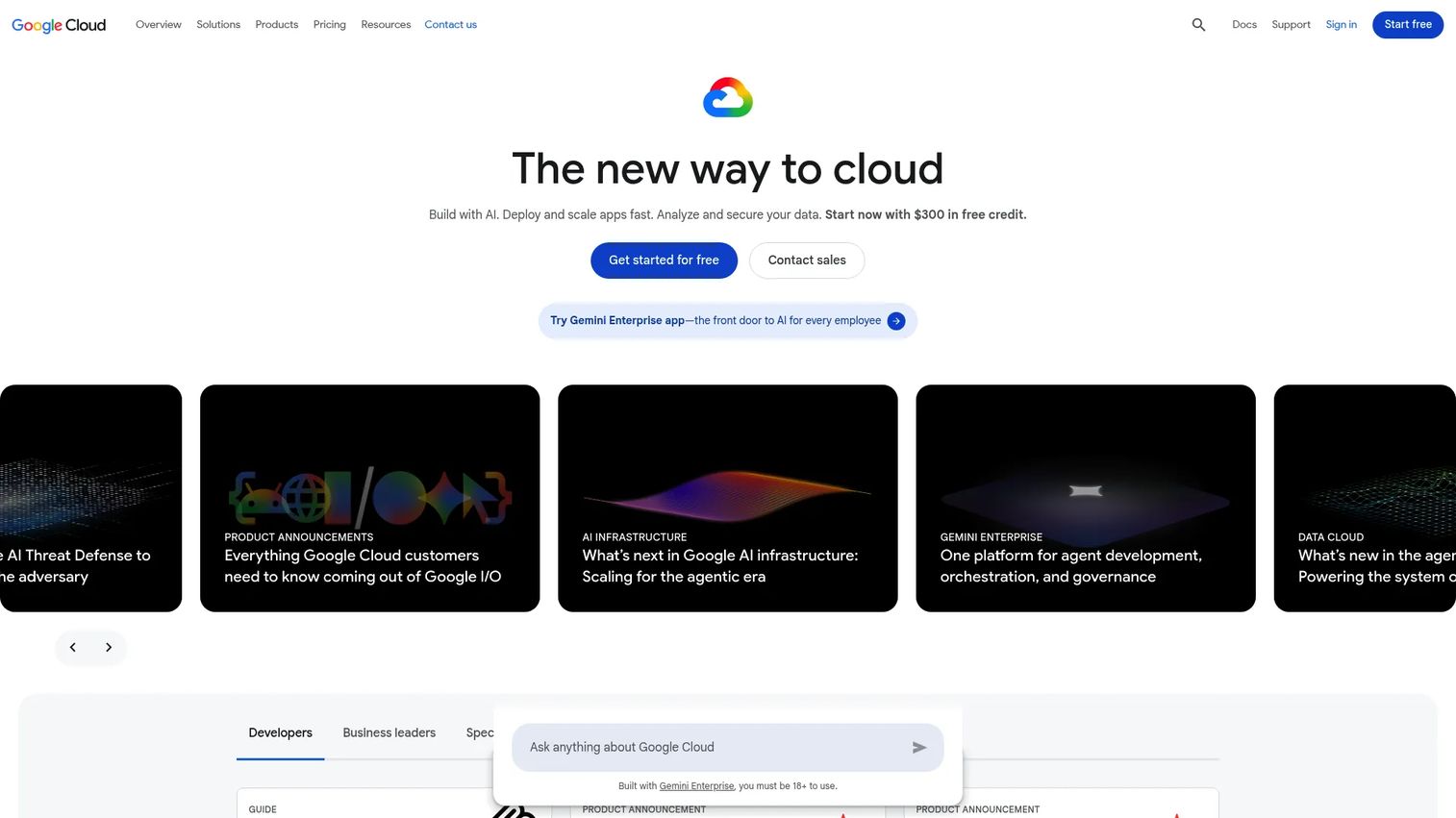
Google Cloud is Google's cloud computing platform for infrastructure, data, AI, and application services. It is the pick for teams that want scalable cloud infrastructure alongside a strong data and machine learning stack, with global reach and adjacent services like content delivery and serverless compute. For presales teams running complex technical validation, its data and AI depth gives you a concrete story when a buyer's use case leans analytics or ML.
Best for: Teams needing scalable cloud infrastructure plus AI, data, and app services.
Key strengths
- AI and machine learning products: a broad catalog for teams building data-driven and ML-powered applications.
- Compute, storage, networking, and containers: the core building blocks for elastic, scalable workloads.
- Data analytics and managed databases: strong tooling for analytics-heavy applications and reporting.
Why choose Google Cloud: If a workload is data-centric or AI-adjacent, Google Cloud gives you a coherent story from raw compute through to analytics and machine learning. It fits buyers who care about scale, reliability, and integration breadth without stitching together separate vendors for the data layer. That makes technical validation cleaner when the deal hinges on data and AI capability.
Google Cloud pricing: Google Cloud runs on a free program with $300 in free credits at signup plus free monthly usage on selected products. Beyond that, the platform uses pay-as-you-go pricing, and custom quotes are available for larger commitments. There is no single public platform-wide subscription price, so budgeting depends on the specific services you provision. The free credits make early proof-of-concept work low-risk for a technical buyer.
2. IBM Cloud
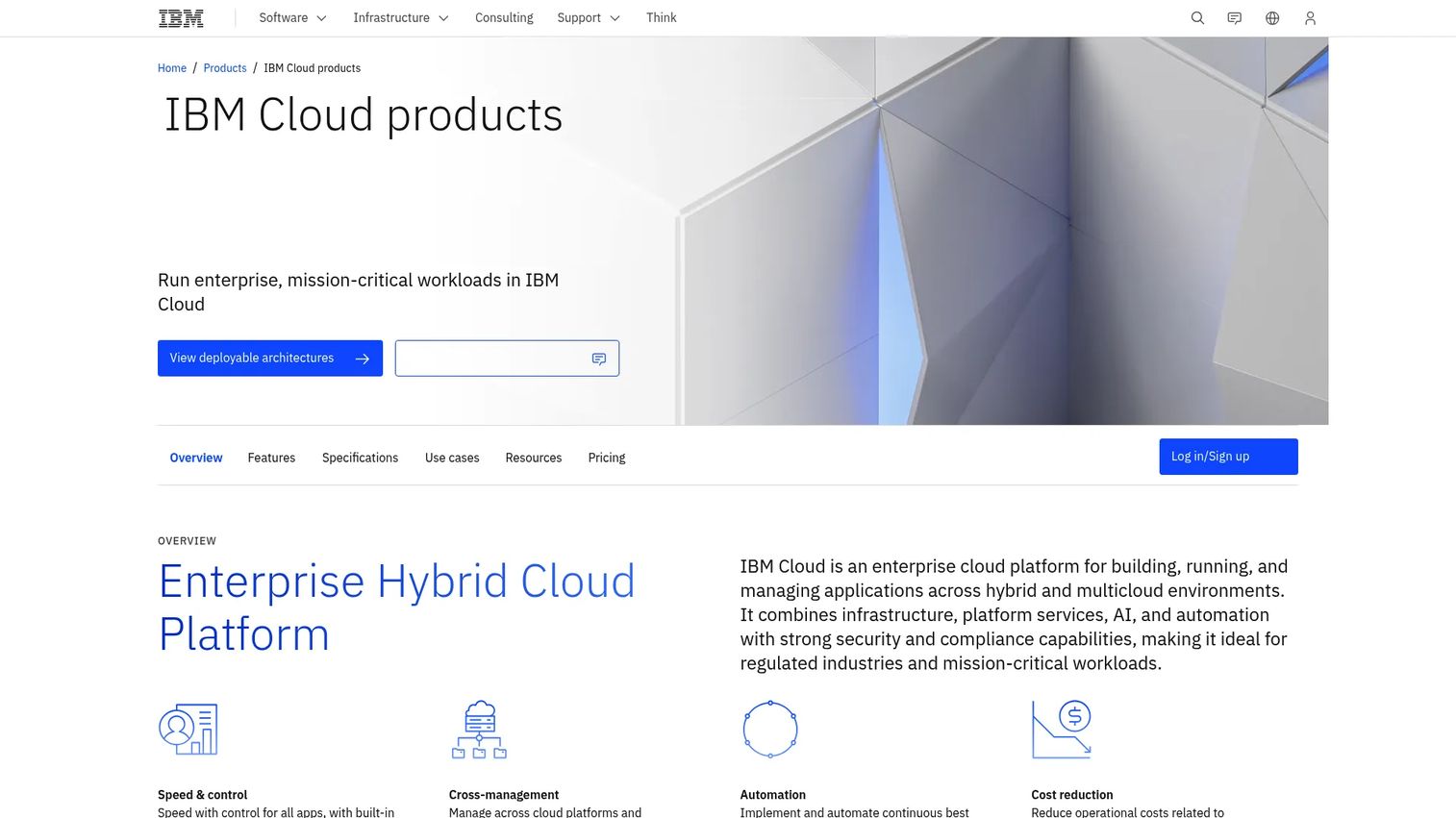
IBM Cloud is IBM's enterprise hybrid and multicloud platform for building, running, and managing applications. It is the option to reach for when a buyer needs to explain public, private, hybrid, and multicloud deployments to a governance-heavy committee. Its strength in compliance framing and shared-responsibility clarity makes it a natural fit for regulated industries.
Best for: Enterprises needing hybrid cloud, compliance, and managed infrastructure services.
Key strengths
- Hybrid and multicloud deployment: run workloads across on-prem, private, and public cloud with a consistent model.
- Enterprise-grade security and compliance: controls and certifications aimed at regulated industries.
- AI and automation capabilities: built-in tooling to automate operations and add intelligence to applications.
Why choose IBM Cloud: IBM Cloud fits enterprise buyers who need deployment flexibility and a defensible compliance story more than raw service breadth. When a security or procurement stakeholder controls the deal, being able to map data residency, private cloud, and hybrid options clearly is what moves validation forward. This is the platform for that conversation.
IBM Cloud pricing: IBM Cloud offers an always-free Lite tier plus pay-as-you-go cloud pricing and a cost estimator. As a concrete example, IBM Cloud Object Storage One Rate Plan starts at USD 10 per TB a month for new workloads. Like other hyperscalers, there is no universal platform price, so cost depends on the services you deploy. The free tier and estimator help technical buyers scope a proof of concept before committing.
3. Hostinger
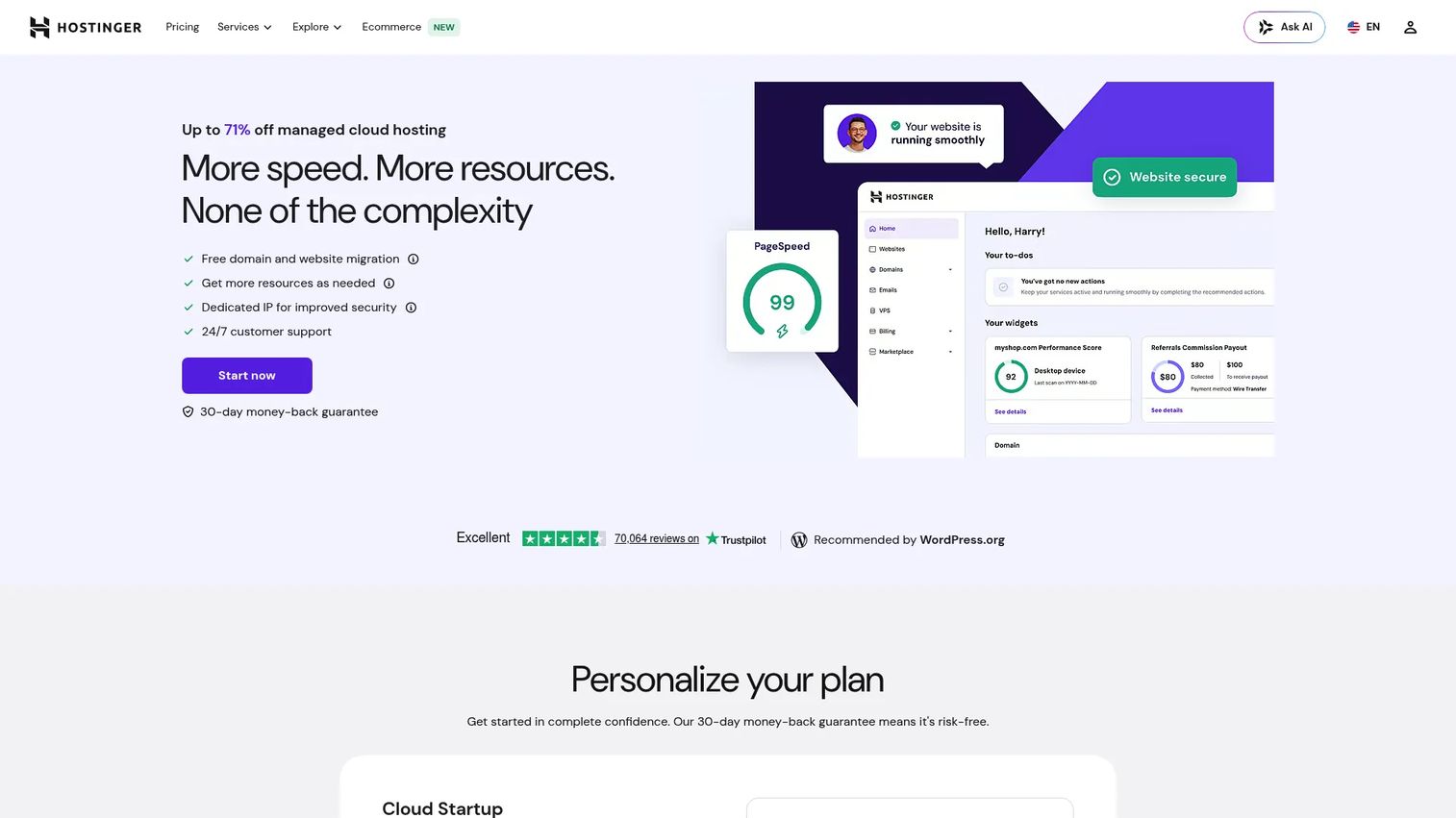
Hostinger offers managed cloud hosting for websites and web apps with included migration, SSL, and 24/7 support. It is the packaged, performance-focused choice for teams that want cloud reliability without assembling infrastructure piece by piece. For a buyer who wants fast setup and bundled essentials, this is the simplest path from evaluation to live.
Best for: Small to mid-sized businesses needing managed cloud hosting with simple setup and bundled essentials.
Key strengths
- Free domain and website migration: reduces switching friction for teams moving off shared or legacy hosting.
- Dedicated IP: helps with deliverability, reputation, and certain compliance needs.
- 24/7 priority support: hands-on help for teams without a dedicated ops function.
Why choose Hostinger: Hostinger fits buyers who want managed cloud hosting that is fast to stand up and easy to operate. It trades the sprawling service catalog of a hyperscaler for a curated bundle that covers the essentials a growing website or app needs. When a prospect is more concerned with time-to-live than with deep infrastructure control, this is the clear recommendation.
Hostinger pricing: Hostinger offers three managed cloud plans. Cloud Startup begins at $7.99/mo, Cloud Professional at $15.99/mo, and Cloud Enterprise at $29.99/mo, with prices shown for 48-month terms and excluding applicable taxes. There is no free tier, though Hostinger includes a 30-day money-back guarantee. The predictable flat pricing makes it easy to forecast, which is a point worth raising with budget-conscious stakeholders.
4. DigitalOcean
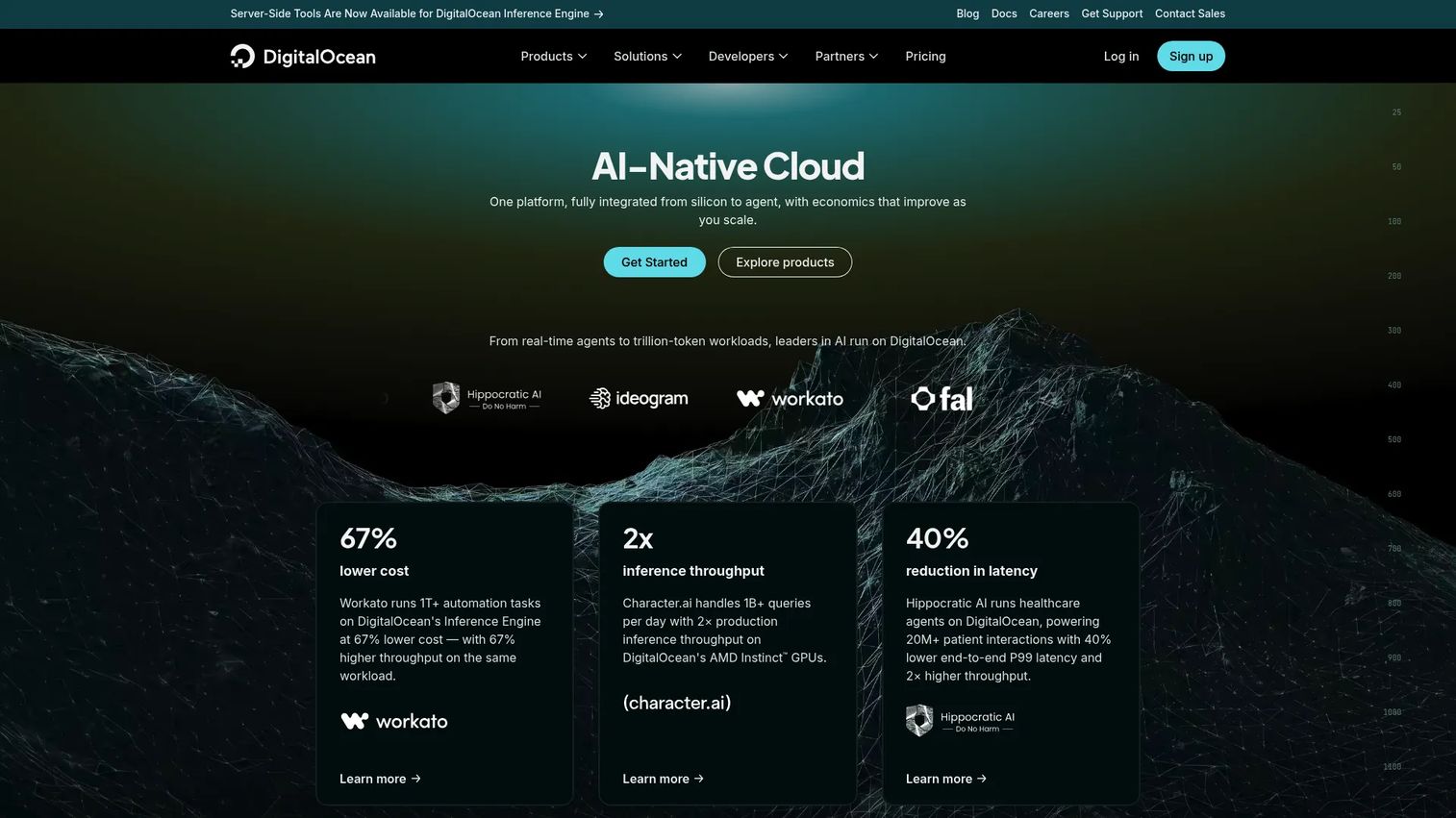
DigitalOcean is a cloud infrastructure platform for deploying and scaling apps, virtual machines, containers, storage, and serverless workloads. It has built a reputation on developer-friendly simplicity and clear documentation, which makes it easy to recommend to teams that want cloud server hosting without hyperscaler complexity. Cloudways sits on top of DigitalOcean as one managed path, so the two often come up together.
Best for: Developers and small teams that want simple, predictable cloud infrastructure.
Key strengths
- Droplets (cloud virtual machines): fast-to-launch virtual servers with predictable pricing.
- App Platform (fully managed app hosting): a platform-as-a-service option that removes server management.
- Managed Kubernetes: container orchestration for teams scaling modern applications.
Why choose DigitalOcean: DigitalOcean fits teams that want flexibility across IaaS and PaaS without wading through a thousand services. The pricing is transparent and the learning curve is gentle, which shortens the time from evaluation to a working deployment. For a technical buyer who values predictability and clean docs, it is an easy validation win.
DigitalOcean pricing: DigitalOcean publishes clear public pricing across products. App Platform and Functions start at $0/month, Droplets at $4/month, and managed Kubernetes at $12/month, all billed monthly. That transparency is a selling point in itself, since a prospect can forecast costs before provisioning. The free starting tiers make early prototyping easy for developer-led teams.
5. AWS
AWS is Amazon's cloud platform for computing, storage, databases, AI, and related infrastructure services. It is the deepest and most mature catalog on this list, which makes it the default for technical buyers who need breadth, global scale, and many deployment patterns. When a workload is complex or spans many services, AWS is usually the platform the architect already knows.
Best for: Teams needing scalable cloud infrastructure and managed services at depth.
Key strengths
- Broad cloud and AI services: one of the widest service catalogs available, covering nearly every workload type.
- Global infrastructure: extensive regions and availability zones for redundancy and low-latency delivery.
- Pay-as-you-go pricing: usage-based billing across most services, with a Free Tier across many products.
Why choose AWS: AWS fits teams that need maturity and optionality more than simplicity. The service depth means almost any architecture is possible, which is exactly why complex applications and multi-stakeholder deals often land here. For presales, the challenge is scoping the right subset of services so the cost story stays clear during validation.
AWS pricing: AWS states that most services use pay-as-you-go pricing, and it offers a Free Tier across more than 60 products. Because pricing is highly service-specific, there is no single public starting price for the platform overall, so cost modeling depends on the exact services in scope. The broad Free Tier lets technical buyers validate real workloads before any commitment.
6. Microsoft Azure
Microsoft Azure is Microsoft's cloud computing platform for building, deploying, and managing applications and services. It is the natural fit for organizations already invested in Microsoft, since identity, tooling, and governance line up with what enterprise IT already runs. For presales teams that must align a hosting recommendation with existing stack realities, Azure is often the path of least resistance.
Best for: Organizations that need scalable cloud infrastructure and a broad enterprise services ecosystem.
Key strengths
- Cloud compute and scaling on demand: elastic capacity that scales with workload demand.
- Hybrid and multicloud support: strong tooling for organizations running across on-prem and cloud.
- AI, analytics, databases, and developer tools: a broad enterprise services ecosystem under one platform.
Why choose Microsoft Azure: Azure fits enterprises standardizing on Microsoft identity and governance, where hybrid deployment and existing tooling alignment carry more weight than raw catalog size. When a buyer already runs Active Directory and Microsoft 365, the integration story writes itself and validation moves faster. That existing-stack alignment is often the deciding factor.
Microsoft Azure pricing: Azure offers a free account with 30 days of credits and free services, then pay-as-you-go pricing. Commitment-based options like reservations and savings plans reduce cost for predictable workloads. As with other hyperscalers, paid pricing is usage-based rather than a single public starting figure, so cost depends on provisioned services. The free account gives buyers room to validate before committing.
7. Cloudways
Cloudways is a managed cloud hosting platform with flexible and autonomous hosting options. It sits as a managed layer on top of underlying cloud providers, giving teams cloud infrastructure without the server administration overhead. For buyers who want cloud power but not the operational burden, this is the practical middle ground between raw IaaS and a fully packaged host.
Best for: Teams and businesses wanting managed cloud hosting without server administration overhead.
Key strengths
- 3-day free trial with no credit card: low-friction way for a technical buyer to validate the platform.
- Managed cloud hosting with pay-as-you-go billing: cloud flexibility without the maintenance workload.
- Staging, backups, cloning, and team collaboration: operational tooling that supports safe deployments and disaster recovery.
Why choose Cloudways: Cloudways fits teams that want the reliability and scalability of cloud providers without managing servers directly. It handles setup, maintenance, and app hosting so your team ships instead of patching. When a prospect likes the idea of hyperscale infrastructure but lacks the DevOps bandwidth to run it, Cloudways is the recommendation that bridges the gap.
Cloudways pricing: Cloudways offers a 3-day free trial with no credit card, then managed hosting starting at $11/month. Additional tiers include Medium at $24/month and Large at $46/month, alongside size-based and autonomous plans with pay-as-you-go usage. The trial lets a technical buyer validate performance and workflow before any spend, which is a strong point during evaluation.
How to choose the right cloud hosting provider
Before you make a recommendation, walk a buyer through these evaluation criteria. Each one maps to an objection you will need to answer during technical validation.
Scalability and workload fit
Match the deployment model to the workload. Steady, predictable traffic may not need full elastic scaling, while spiky or growth-stage workloads do. Confirm how the provider handles auto-scaling, load balancing, and burst capacity before committing.
Pricing predictability
Pay-as-you-go pricing is flexible but can surprise a finance stakeholder if it is not modeled. For hyperscalers, scope the exact services and estimate cost with the provider's calculator. For managed cloud hosting, flat tiers make forecasting simpler.
Managed vs unmanaged
Be honest about your team's DevOps bandwidth. Unmanaged IaaS gives control but demands operational effort. Managed cloud hosting hands patching, backups, and disaster recovery to the provider, which suits teams that want to focus on the product.
Security, compliance, and data residency
Map the buyer's compliance requirements to the provider's certifications and data residency options early. Security controls, encryption, and shared-responsibility clarity often decide the deal in regulated industries.
Reliability and disaster recovery
Confirm uptime commitments, redundancy across regions, and how backups and disaster recovery actually work. When downtime carries real cost, this is the criterion that moves security and operations stakeholders.
Conclusion
There is no single best cloud hosting provider, only the best fit for a given workload, team, and set of constraints. If you need the deepest catalog and broadest global scale, pick AWS. If the workload is data- or AI-heavy, Google Cloud gives you a coherent story. If enterprise governance and hybrid deployment drive the deal, Microsoft Azure or IBM Cloud fit best.
For teams that value simplicity, DigitalOcean offers developer-friendly infrastructure with transparent pricing. When a buyer wants managed cloud hosting without operational overhead, Hostinger covers websites and bundled essentials, while Cloudways adds a managed layer on top of major cloud providers.
The next step is to match one scenario to one provider and validate it with a real workload. Most options here offer a free tier or trial, so you can prove fit before you commit. When you present that recommendation to a committee, remember that letting stakeholders experience an option beats describing it, which is where a self-serve interactive demo approach earns its keep. If your validation motion also spans security posture reviews, our roundup of the best AI security posture management tools is a useful companion read.
Start your journey with Guideflow today!
FAQs
Cloud hosting runs your website or application across a network of connected virtual servers drawing from a pooled set of physical machines, rather than on a single fixed server. If one machine fails, another takes over, which is why cloud hosting delivers strong reliability, redundancy, and elastic scalability.
Shared hosting places many websites on one server with capped, pooled resources, so a spike on one site can slow the others. Cloud hosting spreads your workload across distributed servers with elastic capacity, giving you better uptime and the ability to scale on demand. The cloud hosting vs shared hosting choice usually comes down to how much growth and traffic variability you expect.
A VPS carves one physical server into fixed virtual slices, so your capacity is capped by that single machine. Cloud hosting distributes your workload across many pooled machines, so you can scale elastically and survive a single hardware failure. The cloud hosting vs VPS decision hinges on whether you need fixed, predictable resources or elastic, redundant capacity.
Often, yes. Managed cloud hosting hands server maintenance, patching, backups, and disaster recovery to the provider, which suits teams with limited DevOps bandwidth. Options like Hostinger and Cloudways let a small team run cloud-grade infrastructure without hiring dedicated ops.
Most cloud hosting providers replicate data across multiple machines and regions, so a failure in one location does not cause data loss. Automated backups create recovery points on a schedule, and disaster recovery plans define how quickly you can restore service. Confirm the backup frequency, retention, and restore time with the provider before committing.
For managed website hosting with bundled essentials, Hostinger is a strong pick, while Cloudways adds a managed layer for app-focused teams. For custom applications that need deep infrastructure control, AWS, Google Cloud, and Microsoft Azure offer the broadest service catalogs. Match the provider to how much operational control your team wants.
Cloud hosting providers invest heavily in security controls like encryption, identity management, network isolation, and compliance certifications, often exceeding what a small team could build alone. Security in the cloud is a shared responsibility, though, so your configuration still matters. Map the provider's certifications to your compliance and data residency requirements during evaluation.
Start with the workload and the team. AWS suits teams needing the deepest catalog and maturity, Azure fits organizations standardizing on Microsoft, and Google Cloud shines for data and AI. If your team wants cloud reliability without running servers, managed cloud hosting from Hostinger or Cloudways is the more practical route.