A radiologist reads a study every few seconds during a heavy shift. The queue never empties. The dictation backlog grows. The report template fights back. And the health system keeps adding imaging volume without adding radiologists to match.
That gap is the operational problem radiology software is now built to close. The global radiology information systems market is expected to rise from USD 1.31B in 2026 to USD 2.64B by 2033, a 10.49% CAGR, according to Grand View Research (2025). Cloud-based deployments alone are projected to account for 55.2% of radiology information system installations in 2026, per Coherent Market Insights (2025). The category is shifting fast, and the reasons are practical: faster turnaround time, standardized reporting, and burnout reduction that actually holds up under real volume.
Modern radiology imaging software no longer means one product. It spans PACS for image storage and viewing, RIS for workflow and reporting, VNA for long-term archiving, radiology AI software for draft impressions and follow-up, and workflow orchestration that ties it together. Buyers evaluating radiology software solutions in 2026 are weighing cloud architecture, interoperability, security, and whether the platform improves radiology workflow efficiency without breaking the systems already in place. If you are shopping across categories, comparison-heavy guides like our roundups of agentic AI platforms and AI governance tools show how fast healthcare-adjacent software is consolidating around automation and compliance.
What's inside
This guide covers seven radiology software platforms chosen for how well they improve reporting speed, consolidate imaging workflows, and scale across locations. We selected them based on four criteria: cloud architecture and deployment flexibility, AI-assisted reporting depth, interoperability with existing PACS, RIS, VNA, and EHR systems, and proof of adoption across hospitals, imaging centers, and teleradiology groups.
This is a buyer guide, not a clinical tutorial. The goal is to help you shortlist vendors by operational fit: which tool reduces the reporting bottleneck, which consolidates a fragmented imaging stack, and which one earns its place without a multi-quarter migration. Pricing in radiology software is almost always quote-based, so we note that clearly rather than guess.
TL;DR
- Best for AI reporting: Rad AI, for GenAI draft reports, automated impressions, and patient follow-up that cut dictation load.
- Best for cloud-native PACS, RIS, VNA: RamSoft, for a unified cloud platform with a patient engagement portal.
- Best for enterprise imaging operations: Intelerad, for cloud-first workflow orchestration and vendor neutral archiving across networks.
- Best for large health systems: Sectra and Philips, for enterprise imaging breadth and deep integration.
- Best for imaging teams prioritizing fast access: Visage Imaging, for cloud-engineered PACS and rapid diagnostic viewing.
- Best for broad medical technology fit: GE HealthCare, for imaging plus healthcare IT across large environments.
What is radiology software?
Radiology software is the set of systems that manage medical imaging workflows end to end: scheduling, image acquisition, storage, viewing, interpretation, reporting, archiving, and patient follow-up. It replaces fragmented manual processes with a connected pipeline that moves a study from scanner to signed report.
Most buyers evaluate it across a few core categories:
- PACS (Picture Archiving and Communication System): stores, retrieves, and displays medical images. This is where radiologists view studies and compare priors.
- RIS (Radiology Information System): manages the operational workflow, scheduling, worklists, reporting, and billing. RIS is the backbone of radiology workflow efficiency.
- VNA (Vendor Neutral Archive): stores imaging data in a standard, vendor-agnostic format so it stays accessible across systems and future platform changes.
- Radiology reporting software: handles structured report generation, templates, and increasingly AI-assisted drafting and impression generation.
- Radiology AI software: applies machine learning to draft reports, flag findings, prioritize worklists, and automate patient follow-up.
- Patient engagement: portals and follow-up automation that keep patients informed and close care loops.
The category is moving toward cloud radiology software and AI-enabled models. Cloud-native platforms remove the burden of on-premise hardware, support remote and teleradiology reading, and scale across locations without duplicating infrastructure. Interoperability matters throughout: DICOM for images, HL7 and FHIR for data exchange with EHR and other systems. The best radiology software solutions treat these standards as defaults, not add-ons, so studies, orders, and reports flow cleanly between systems.
When to use radiology software
Not every radiology team needs the same thing. The right platform depends on where your bottleneck actually sits.
Improve reporting speed without changing the whole workflow
If turnaround time is the problem and the rest of your stack works, AI-assisted reporting is the highest-leverage fix. Automated impressions and GenAI draft generation reduce the words a radiologist dictates per study, which compounds across a full worklist. This performs best when radiologists are the bottleneck and you want faster reports without ripping out PACS or RIS.
Consolidate PACS, RIS, and VNA across locations
When imaging is spread across sites and systems, a cloud-first platform is the strongest fit. Consolidating PACS, RIS, and vendor neutral archive into one cloud-native platform removes duplicate infrastructure, standardizes worklists, and gives every location the same view. This matters most for imaging center groups, hospital networks, and teleradiology operations reading across facilities.
Reduce burnout and improve turnaround
When radiologists are drowning in volume, workflow efficiency and remote reading support become the key criteria. Intelligent worklist routing, remote access, and automation of repetitive steps directly support burnout reduction. Fewer clicks per study and cleaner handoffs keep readers focused on interpretation, not administration.
Comparison table
Here is a fast orientation across all seven radiology software solutions. Pricing in this category is quote-based almost everywhere, so we note that rather than guess. Ratings reflect available G2 data at time of writing.
| # | Product | Intent | Key use case | Pricing | G2 rating |
|---|---|---|---|---|---|
| 1 | Rad AI | AI reporting and follow-up | GenAI draft reports, automated impressions, patient follow-up | Quote-based | Not rated |
| 2 | RamSoft | Cloud-native platform | Cloud PACS, RIS, VNA, patient engagement portal | Quote-based | 4.5/5 |
| 3 | Intelerad | Enterprise imaging | Cloud-first workflow, image sharing, vendor neutral archive | Quote-based | 5.0/5 |
| 4 | Sectra | Enterprise imaging | Radiology, breast, pathology, cardiology workflows | Quote-based | 5.0/5 |
| 5 | Philips | Enterprise imaging | Broad imaging ecosystem and integration | Quote-based | Not rated |
| 6 | GE HealthCare | Medical technology | Imaging plus healthcare IT at scale | Quote-based | 4.1/5 |
| 7 | Visage Imaging | Cloud PACS | Cloud-engineered PACS and fast diagnostic viewing | Quote-based | 3.8/5 |
Compliance and security sit underneath every entry here. HIPAA is the baseline for handling protected health information, and SOC 2 controls matter when you evaluate cloud vendors handling imaging data at scale.
1. Rad AI
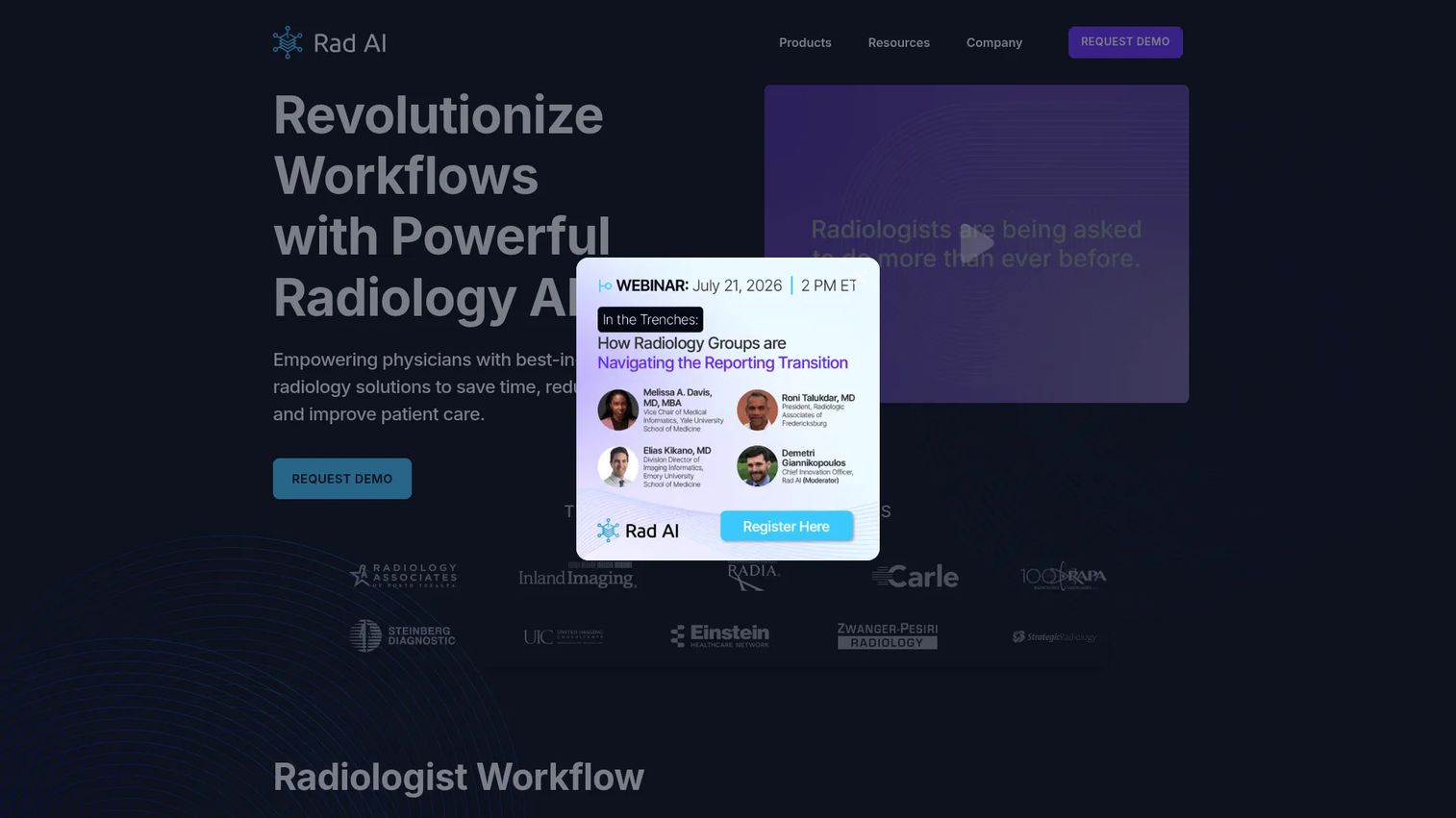
Rad AI is AI-powered radiology workflow software built around reporting, impressions, and patient follow-up. It fits into existing dictation and reporting flows rather than replacing them, generating draft reports and automated impressions that cut the volume a radiologist has to dictate. For teams where the reading bottleneck is the report itself, this is the most direct lever on turnaround time.
The follow-up management piece is what separates it from a pure dictation aid. Rad AI automates patient follow-up recommendations, which closes care loops that otherwise fall through manual tracking. That combination, faster reporting plus fewer dropped follow-ups, is why radiology groups and health systems adopt it specifically for burnout reduction.
Best for: Radiology groups and health systems looking to automate reporting and follow-up workflows without changing their core stack.
Key strengths
- GenAI draft reporting: Generates draft radiology reports so radiologists edit instead of dictating from scratch.
- Automated impressions: Produces the impression section automatically, cutting the most repetitive part of reporting.
- Follow-up automation: Tracks and manages patient follow-up recommendations so care loops close.
Why choose Rad AI: If your radiologists are the bottleneck and you want measurable reductions in dictation load without a full platform migration, Rad AI targets exactly that problem. It layers AI-assisted reporting onto the workflow you already run, which keeps implementation focused and the value visible.
Rad AI pricing: Rad AI does not publish list pricing. The company's site uses request-a-demo CTAs rather than posted plans, so pricing is quote-based and tied to your organization's size and workflow. Contact their team for a tailored quote.
2. RamSoft
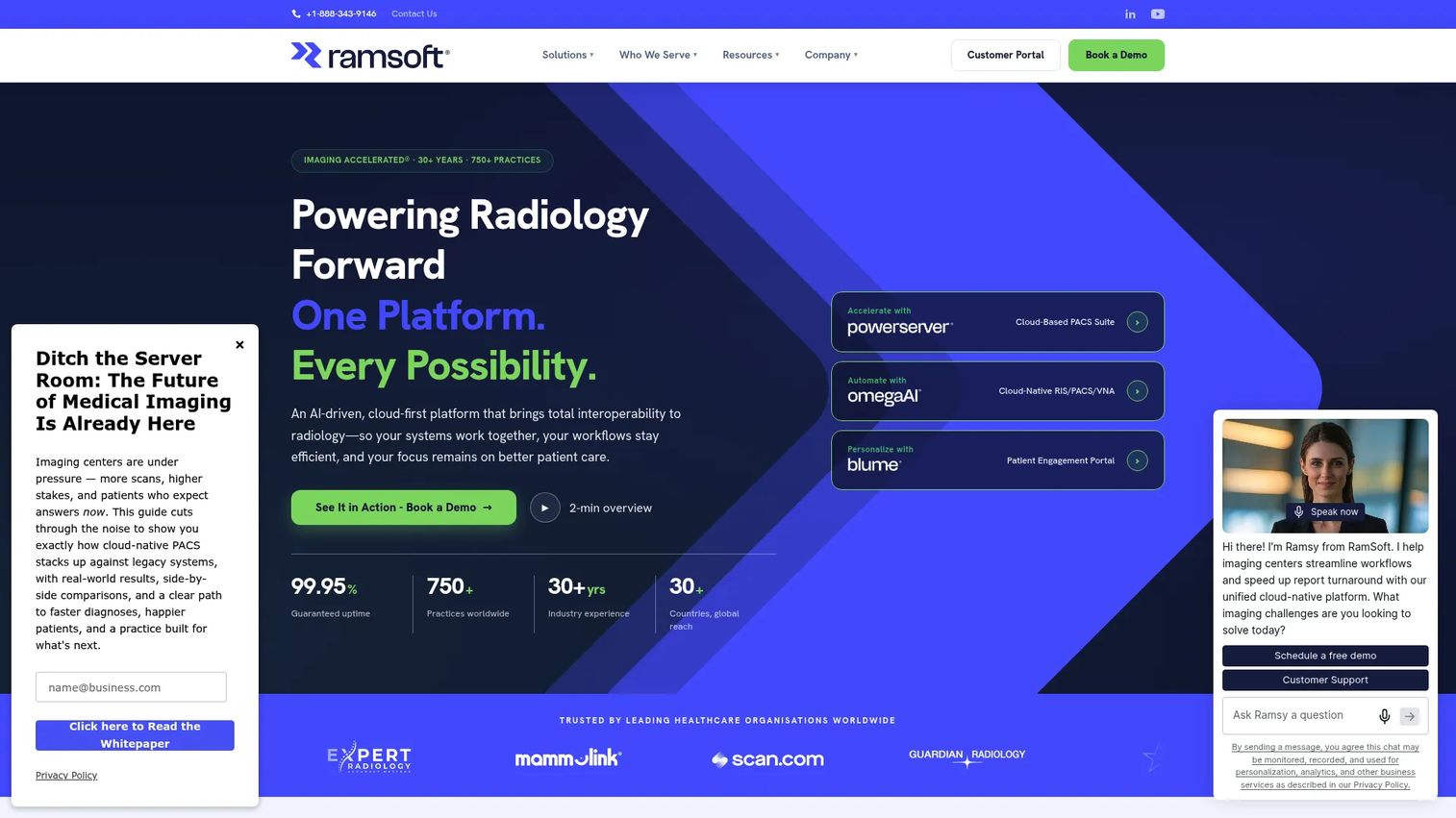
RamSoft is cloud-based radiology software that unifies PACS, RIS, and VNA in a single platform, with AI-driven workflow orchestration and a patient engagement portal built in. Where many vendors bolt cloud onto legacy architecture, RamSoft is cloud-native, which matters for imaging centers and teleradiology groups reading across multiple sites. The unified model means one worklist, one archive, and one patient-facing layer instead of stitched-together systems.
The patient engagement portal is a differentiator worth calling out. It gives patients access to their imaging and results, which reduces inbound calls and keeps the care loop moving. Combined with workflow orchestration that routes studies intelligently, RamSoft targets both radiology workflow efficiency and the operational overhead that eats staff time.
Best for: Imaging centers, hospitals, and teleradiology groups that want a single cloud radiology platform instead of separate PACS, RIS, and VNA tools.
Key strengths
- Cloud-native platform: Runs PACS, RIS, and VNA together in the cloud with no on-premise hardware burden.
- AI-driven workflow orchestration: Routes and prioritizes studies to keep worklists moving.
- Patient engagement portal: Gives patients direct access to imaging and results, reducing manual follow-up.
Why choose RamSoft: If you are running a fragmented imaging stack across locations, RamSoft's cloud-native, unified approach consolidates it into one platform. That breadth suits groups that want platform coverage rather than assembling point solutions, and the patient engagement portal adds a layer most PACS-only vendors skip.
RamSoft pricing: RamSoft does not post public numeric pricing. The company describes a per-study SaaS pricing model and discusses cost by quote through a sales conversation. You can request a demo and a tailored quote through their contact page.
3. Intelerad

Intelerad is enterprise imaging software for healthcare organizations, focused on radiology, cardiology, and life sciences workflows. It leans cloud-first, with medical image access, AI-assisted workflow orchestration, and secure image sharing built for large networks. For hospital groups and multi-site radiology practices, the draw is workload management across facilities without duplicating infrastructure at every location.
The vendor neutral archive capability is central here. Secure, vendor-agnostic archiving means imaging data stays accessible across systems and survives future platform changes, which protects the investment as your stack evolves. Paired with remote reading support and workflow orchestration, Intelerad positions itself for enterprise imaging operations that need to balance load across distributed teams.
Best for: Hospitals, radiology practices, and health systems that need enterprise imaging workflows across multiple sites.
Key strengths
- Cloud-first image access: Delivers medical imaging access without tying it to local hardware.
- AI-assisted workflow orchestration: Balances workload and prioritizes studies across networks.
- Vendor neutral archiving: Stores imaging data in a vendor-agnostic format with secure image sharing.
Why choose Intelerad: If you run imaging across several facilities and need consistent workflow with a durable archive, Intelerad's enterprise focus fits. It is built for scale and workload distribution, which suits large networks more than single-site imaging centers.
Intelerad pricing: Intelerad does not publish pricing on its site. The company emphasizes booking a demo and contacting sales, so cost is quote-based and scoped to your network size and requirements. Reach out directly for a tailored quote.
4. Sectra
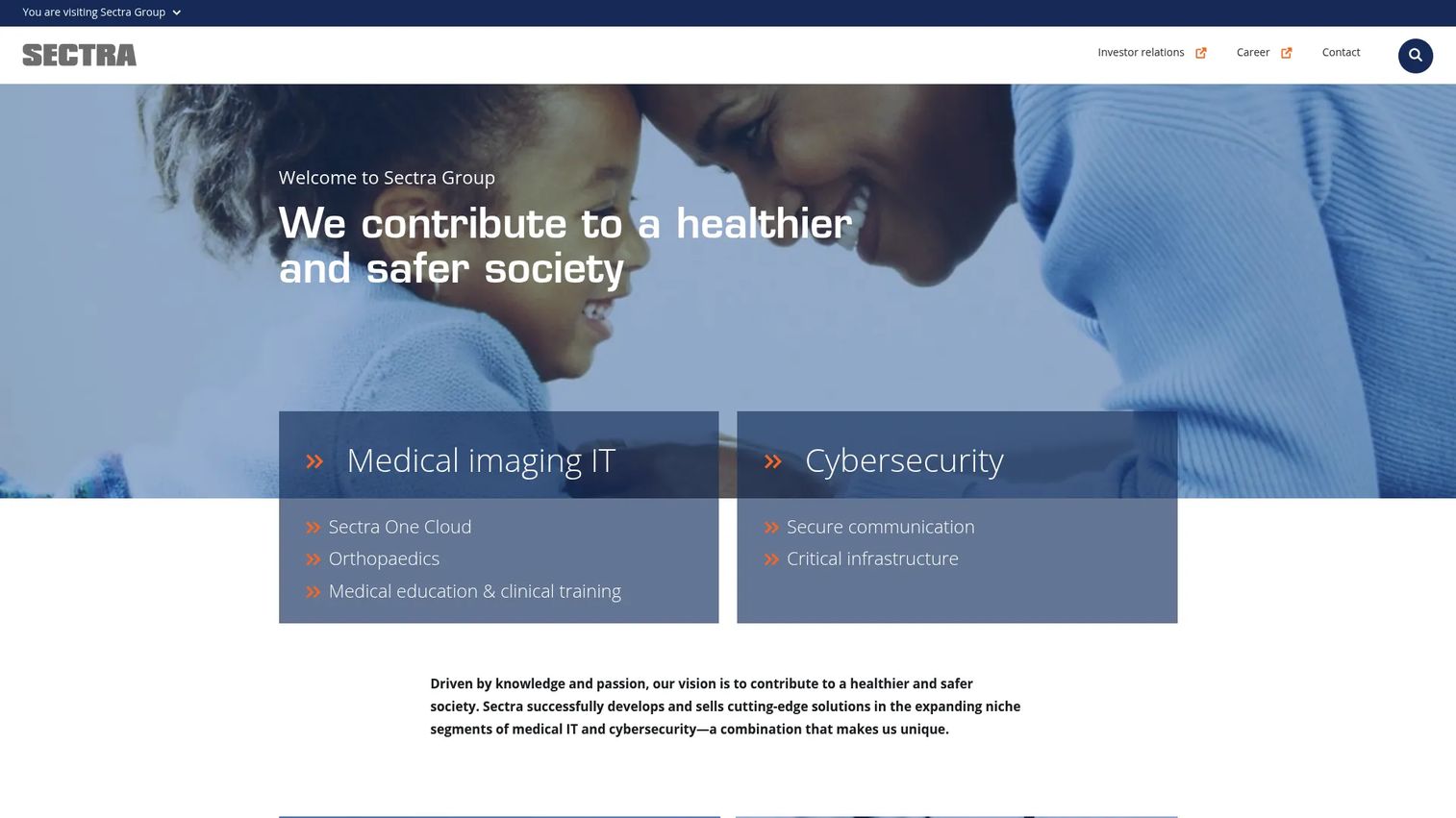
Sectra is a medical IT and cybersecurity company offering an enterprise imaging platform alongside secure communications products. Its imaging platform spans radiology, breast, pathology, cardiology, ophthalmology, and genomics workflows, which makes it a strong fit for large health systems consolidating imaging across departments rather than running separate systems per specialty.
The security angle is not incidental. Sectra also builds secure communication and cybersecurity products, which shapes how its imaging platform handles data protection and interoperability. For a large healthcare organization weighing both enterprise imaging breadth and security posture, that dual focus is a genuine differentiator. Sectra PACS holds a strong reputation among the reviewers who have rated it.
Best for: Healthcare organizations that need enterprise imaging across multiple specialties plus strong medical IT security.
Key strengths
- Enterprise imaging platform: Unifies imaging across radiology and multiple clinical specialties.
- Multi-specialty workflows: Supports breast, pathology, cardiology, ophthalmology, and genomics.
- Security-first design: Backed by dedicated secure communication and cybersecurity products.
Why choose Sectra: If you are a large health system standardizing imaging across departments, Sectra's multi-specialty coverage means fewer separate systems to maintain. The cybersecurity heritage adds a security posture that appeals to organizations where data protection is a first-order concern.
Sectra pricing: Sectra does not publish public pricing figures. The company positions its imaging platform around subscription and usage-based models, but cost is scoped by quote. Contact Sectra for pricing tailored to your organization.
5. Philips
Philips is a global health technology company with a broad enterprise imaging and radiology footprint. For large providers, the appeal is ecosystem breadth: imaging systems, informatics, and integration across a wide healthcare portfolio. When a health system wants imaging that plugs into a larger operational environment rather than a standalone tool, Philips is a natural evaluation.
That breadth is the point. Philips operates across many parts of the imaging and healthcare technology stack, which means a health system can standardize on one vendor relationship across imaging modalities and informatics. For buyers prioritizing integration and operational scale over a single-purpose tool, that ecosystem fit is the differentiator.
Best for: Health systems and large imaging environments that want a broad imaging ecosystem with deep integration.
Key strengths
- Broad imaging ecosystem: Spans imaging modalities, informatics, and healthcare technology.
- Enterprise integration: Designed to connect imaging into a larger operational environment.
- Operational scale: Built for the volume and complexity of large health systems.
Why choose Philips: If you want imaging that fits inside a wider healthcare technology relationship rather than a point product, Philips brings the breadth. That suits large providers standardizing on fewer vendors across a complex environment.
Philips pricing: Philips does not publish standardized software pricing for its enterprise imaging portfolio. Cost is quote-based and scoped through a sales engagement given the breadth and complexity of the offering. Contact Philips directly for a tailored quote.
6. GE HealthCare
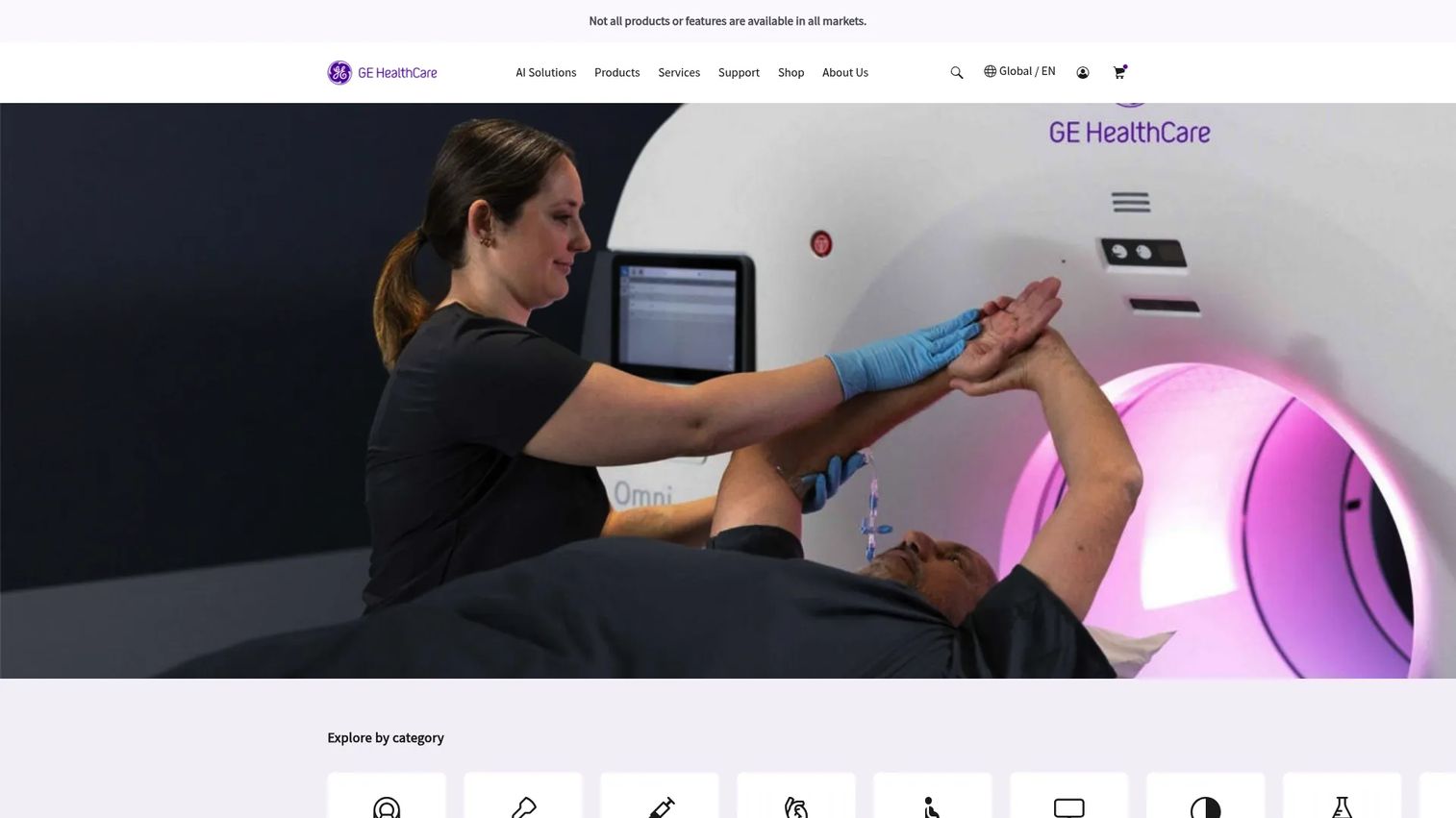
GE HealthCare is a global medical technology company spanning imaging, ultrasound, monitoring, and healthcare IT. For radiology buyers, the relevant piece is its imaging portfolio combined with healthcare IT and digital solutions, plus the services and support that large hospitals expect. The breadth means a health system can source imaging hardware and software workflow from one vendor relationship.
The enterprise fit is the story here. GE HealthCare's imaging and healthcare IT solutions are built for the scale and clinical complexity of hospitals and health systems, backed by services and support infrastructure. For buyers who value a single vendor across imaging and IT rather than assembling pieces, that integrated portfolio is the draw.
Best for: Hospitals and health systems seeking enterprise medical technology and clinical workflow across imaging and IT.
Key strengths
- Imaging and ultrasound portfolio: Covers a broad range of imaging modalities.
- Healthcare IT and digital solutions: Adds workflow and informatics on top of imaging hardware.
- Enterprise services and support: Backed by infrastructure built for large health systems.
Why choose GE HealthCare: If you want imaging and healthcare IT from one established medical technology vendor, GE HealthCare's portfolio breadth fits. That integrated approach suits enterprise buyers who prefer consolidating vendor relationships across their imaging and clinical stack.
GE HealthCare pricing: GE HealthCare does not expose general software list pricing. Product pages use request-price and contact-sales language, with contract pricing scoped per organization. Reach out to GE HealthCare for a quote tailored to your requirements.
7. Visage Imaging
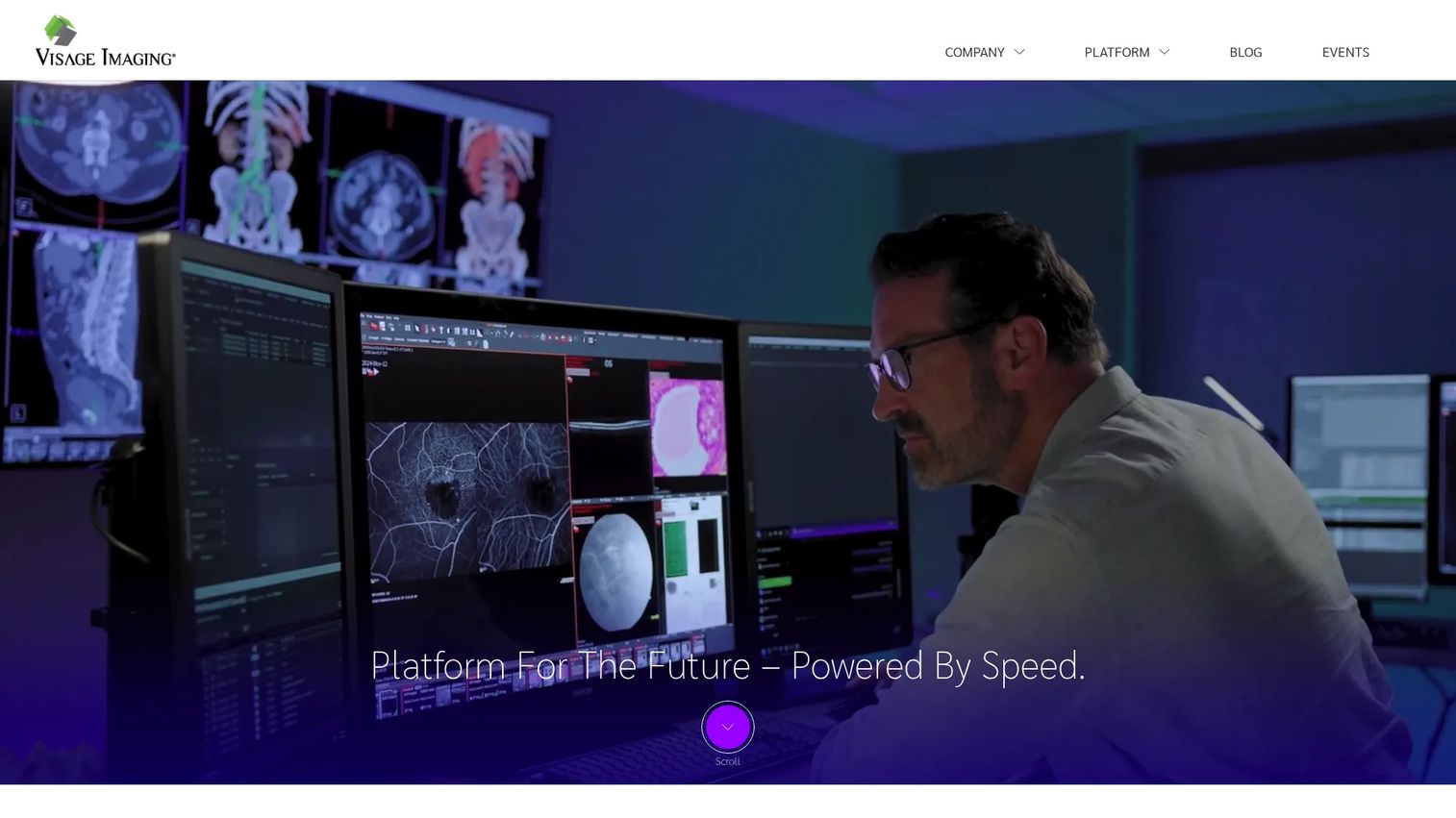
Visage Imaging is enterprise imaging software focused on cloud-engineered PACS operations and fast medical image interpretation. Its One Viewer handles diagnostic and clinical workflows, with native AI and mobile imaging support. For imaging teams where speed of image access is the priority, Visage is built around rapid diagnostic viewing rather than heavy local infrastructure.
The cloud engineering is central. Visage positions itself as a PACS replacement built for the cloud, which means fast access to studies without the on-premise weight of legacy systems. Native AI and mobile support extend that access, so radiologists can read across contexts. For teams prioritizing viewing speed and cloud-first architecture, Visage targets that need directly.
Best for: Healthcare organizations looking for cloud-based enterprise imaging and a PACS replacement with fast diagnostic viewing.
Key strengths
- Cloud-engineered PACS: Built for the cloud to deliver fast study access without legacy hardware.
- One Viewer for all workflows: Handles diagnostic and clinical viewing in a single interface.
- Native AI and mobile support: Extends fast image access across contexts and devices.
Why choose Visage Imaging: If your priority is speed of image access and a modern cloud-first PACS, Visage is engineered for exactly that. It suits imaging teams replacing legacy PACS who want viewing performance without the on-premise footprint.
Visage Imaging pricing: Visage does not publish public pricing on its site, and its G2 listing notes the seller has not provided pricing information. Cost is quote-based and scoped to your organization. Contact Visage for a tailored quote.
Considerations before you buy
Radiology software is a long-term commitment, so the evaluation should go deeper than a feature list. Use these criteria to pressure-test any vendor before signing.
Interoperability with your existing stack
The platform has to speak the standards your systems already use. Confirm DICOM support for images and HL7 or FHIR support for data exchange with your EHR, RIS, and other tools. Ask specifically how orders, worklists, and reports flow between systems, because a gap here creates manual work that never goes away.
Cloud architecture and deployment
Decide whether you need cloud-native, hybrid, or on-premise, and confirm the vendor actually delivers it rather than retrofitting cloud onto legacy code. Cloud-native platforms remove hardware overhead and scale across sites, which matters most for multi-location and teleradiology operations.
Security and compliance
HIPAA compliance is the non-negotiable baseline for handling protected health information. For cloud vendors, ask about SOC 2 controls, encryption, access management, and where imaging data is stored. Security posture is not a checkbox, it is a due-diligence gate.
AI reporting depth
If reporting speed is your goal, evaluate how the radiology AI software actually drafts reports and impressions, and how much editing radiologists still do. The value is in dictation reduction that holds up across a full worklist, not a demo-friendly best case.
Implementation effort and proof
Ask for reference customers who match your size and workflow, and get a realistic implementation timeline. The best radiology software solutions earn their place without a migration that stalls your operation for quarters.
Conclusion
The right radiology software depends entirely on where your bottleneck sits. If reporting speed and radiologist burnout are the problem, Rad AI targets the report itself with AI-assisted drafting and follow-up. If you are consolidating a fragmented imaging stack, RamSoft's cloud-native PACS, RIS, VNA platform and Intelerad's enterprise workflow both fit multi-site operations. For large health systems standardizing across departments, Sectra, Philips, and GE HealthCare bring ecosystem breadth. And for teams that prioritize fast image access above all, Visage Imaging is engineered for cloud-first viewing speed.
Because pricing across this category is quote-based, the next step is the same everywhere: request a demo from your shortlist, scope the implementation effort against your real workflow, and compare how each handles interoperability with the systems you already run. The platform that reduces manual work without a painful migration is the one worth committing to.
FAQs
Radiology software manages the full imaging workflow: scheduling, image storage and viewing, interpretation, report generation, archiving, and patient follow-up. It connects scanners, radiologists, and referring physicians into one pipeline so a study moves from acquisition to signed report efficiently. Modern platforms add AI-assisted reporting and cloud access on top of these core functions.
RIS (Radiology Information System) manages the operational workflow: scheduling, worklists, reporting, and billing. PACS (Picture Archiving and Communication System) stores, retrieves, and displays the actual medical images radiologists read. In short, RIS runs the process and PACS handles the pictures, and most radiology platforms integrate both, often with a vendor neutral archive underneath for long-term storage.
For AI-driven reporting, Rad AI is the most focused option, with GenAI draft reports, automated impressions, and patient follow-up automation. When evaluating any radiology AI software, look at how much dictation it actually removes across a full worklist, how cleanly it fits your existing reporting flow, and whether it improves turnaround time without adding editing overhead.
Prioritize genuine cloud-native architecture over retrofitted legacy systems, strong interoperability via DICOM, HL7, and FHIR, and security controls including HIPAA compliance and SOC 2. Confirm uptime commitments and how the platform scales across multiple sites, since teleradiology and multi-location groups depend on consistent remote access.
It cuts the repetitive work that wears radiologists down. AI-assisted reporting reduces dictation load, automated impressions handle the most repetitive report section, and intelligent worklist routing reduces clicks per study. Faster turnaround time and fewer manual steps mean readers spend more time interpreting and less on administration, which directly supports burnout reduction.
HIPAA compliance is the baseline for handling protected health information in the United States. For cloud vendors, SOC 2 controls, encryption at rest and in transit, granular access management, and clear data residency practices all matter. Treat security as a due-diligence gate, not a feature checkbox, and confirm each control in writing.
Yes. Radiology platforms integrate through standards like HL7 and FHIR for data exchange with EHR systems, and DICOM for medical images. This lets orders, worklists, and reports flow between your RIS, PACS, EHR, and any vendor neutral archive. Before buying, confirm exactly which integration standards a vendor supports and how orders and results move between systems.