You finished the work. The case study, the shoot, the redesign. Now you need a portfolio that makes a hiring manager or prospect stop scrolling. So you open a builder, pick a template, and three hours later you are still fighting a grid that will not align on mobile. The work is done. The presentation is killing it.
That gap between good work and good presentation is expensive. Portfolio presentation is not a vanity problem. It decides whether someone reads your case study or bounces after two seconds. The broader creative software market is projected to grow from USD 107.81 billion in 2025 to USD 225.56 billion by 2035, at a 7.66% CAGR, according to Market Research Future. The tooling around how creative work gets packaged and shown is expanding fast, and portfolio builders sit right in the middle of that shift.
The friction is rarely a lack of options. It is picking the right one. A free-first tool that gets you online today solves a different problem than an ecosystem builder that plugs into your existing design stack, and a template marketplace solves a third. The same instinct a product marketing team uses to package a launch narrative applies here: the story only lands if the format carries it. If you build enablement content or product education, the same evaluation lens shows up in adjacent tooling, from ai design tools to ai content creation tools and ai writing tools for marketers.
This guide ranks seven tools by the criteria that actually matter when you are choosing: template quality, publishing speed, customization depth, mobile responsiveness, and audience fit.
What's inside
This guide covers portfolio website builders and creative portfolio software for designers, photographers, illustrators, freelancers, and small studios. It is built for anyone who needs a polished online portfolio that is fast to publish and easy to update, not just pretty on the demo screen.
We chose tools based on five criteria: template quality and layout flexibility, publishing speed from blank page to live site, customization depth without a coding requirement, mobile responsiveness across devices, and discovery UX for finding a starting point fast. Each entry names who it fits best, what it does well, and what it costs, so you can match a tool to your situation instead of guessing.
TL;DR
- Best free-first pick: Canva pairs a large template library with drag-and-drop editing and a genuinely usable free tier.
- Best for the Adobe ecosystem: Adobe Portfolio comes bundled with Creative Cloud plans, so Behance and Lightroom users get a portfolio site at no extra cost.
- Best template marketplace: Figma Community gives design-first users thousands of duplicatable layouts to remix before publishing elsewhere.
- Best straightforward portfolio builder: Krop keeps setup simple with a clean template gallery, custom domain, and a job-board presence for creatives.
- Best for a fast, polished free start: Limefolio offers a free-forever tier, custom domains, and built-in analytics for creators who want speed.
- Best AI fast-start: FolioForge turns a CV into a shareable portfolio, so you skip the blank page entirely.
- Best all-in-one for creative businesses: Pixpa bundles a portfolio, store, blog, and client galleries for photographers and small studios.
What is creative portfolio software?
Creative portfolio software is a tool that lets designers, photographers, and other visual professionals build, host, and publish an online portfolio to showcase their work without writing code.
The category splits into a few main groups. Online portfolio builders handle the full stack: templates, hosting, custom domains, and publishing in one place. Template marketplaces give you design-ready starting points you customize and export. Creative showcase sites combine a portfolio with a community or discovery layer where other creatives and potential clients can find your work. Some all-in-one platforms add business tooling like online stores and client galleries on top.
Core capabilities to expect across the category:
- Drag-and-drop editing: build and rearrange layouts visually, no code required.
- Template libraries: responsive portfolio templates and layout presets to skip the blank page.
- Custom domains: connect your own domain for a professional, branded portfolio site.
- SEO controls: metadata, clean URLs, and search-friendly publishing so your work gets found.
- Media support: galleries, video, mixed media, and high-resolution image handling.
- Mobile responsiveness: layouts that adapt cleanly to phones and tablets.
- Analytics: basic traffic and engagement data on who views your portfolio.
The best template-driven portfolio tools also make ongoing updates painless, so adding a new project does not mean rebuilding the whole site.
When to use a creative portfolio builder
Publish a portfolio quickly
A no-code portfolio builder is the right call when you need to be online today, not next week. Freelancers pitching a new client, job seekers applying before a deadline, and creatives launching a new service all need a live URL fast. A drag-and-drop portfolio builder with responsive templates gets you from blank page to shareable link in an afternoon, without waiting on a developer or wrestling with hosting.
Showcase visual work with strong storytelling
Sometimes a gallery is not enough. When your work needs context, such as case studies, process timelines, client logos, or mixed media, you want a builder with layout flexibility. Designers presenting UX projects and studios showing campaign results need sections that carry a narrative, not just a wall of thumbnails. This is the same logic behind interactive product experiences: showing the journey beats listing the features.
Maintain a portfolio across multiple projects
If you ship work constantly, rebuilding your site every time is a tax you cannot afford. Template-driven systems let you drop in a new project, swap images, and republish in minutes. Photographers adding shoots, illustrators posting new series, and freelancers refreshing their best work benefit most from a builder designed for frequent, low-friction updates.
Comparison table
The seven tools below split into four intents: free-first builders that get you online at no cost, ecosystem-based tools that plug into an existing design stack, template-first platforms built around a marketplace of starting points, and visual-storytelling or all-in-one builders that pair presentation with business features. Use the table to scan for the intent that matches your situation, then read the full section for the shortlist.
| # | Product | Intent | Key use case | Pricing | G2 rating |
|---|---|---|---|---|---|
| 1 | Canva | Free-first | Fast, template-driven portfolio and visual content | Free; Pro US$144/year | 4.7/5 |
| 2 | Adobe Portfolio | Ecosystem-based | Adobe-hosted portfolio for Creative Cloud users | From US$9.99/mo (Behance plan) | 4.5/5 |
| 3 | Figma Community | Template-first | Duplicatable design templates and layouts | Free; Professional $16/mo | 4.7/5 |
| 4 | Krop | Portfolio builder | Clean portfolio site with job-board presence | From $8.25/month (annual) | 4.1/5 |
| 5 | Limefolio | Free-first builder | Fast, polished portfolio with analytics | Free; Pro $9/month | Not listed |
| 6 | FolioForge | AI fast-start | CV to portfolio in minutes | Free to start | Not listed |
| 7 | Pixpa | All-in-one | Portfolio, store, blog, and client galleries | From $6/month | 4.6/5 |
The 7 best creative portfolio software tools
1. Canva
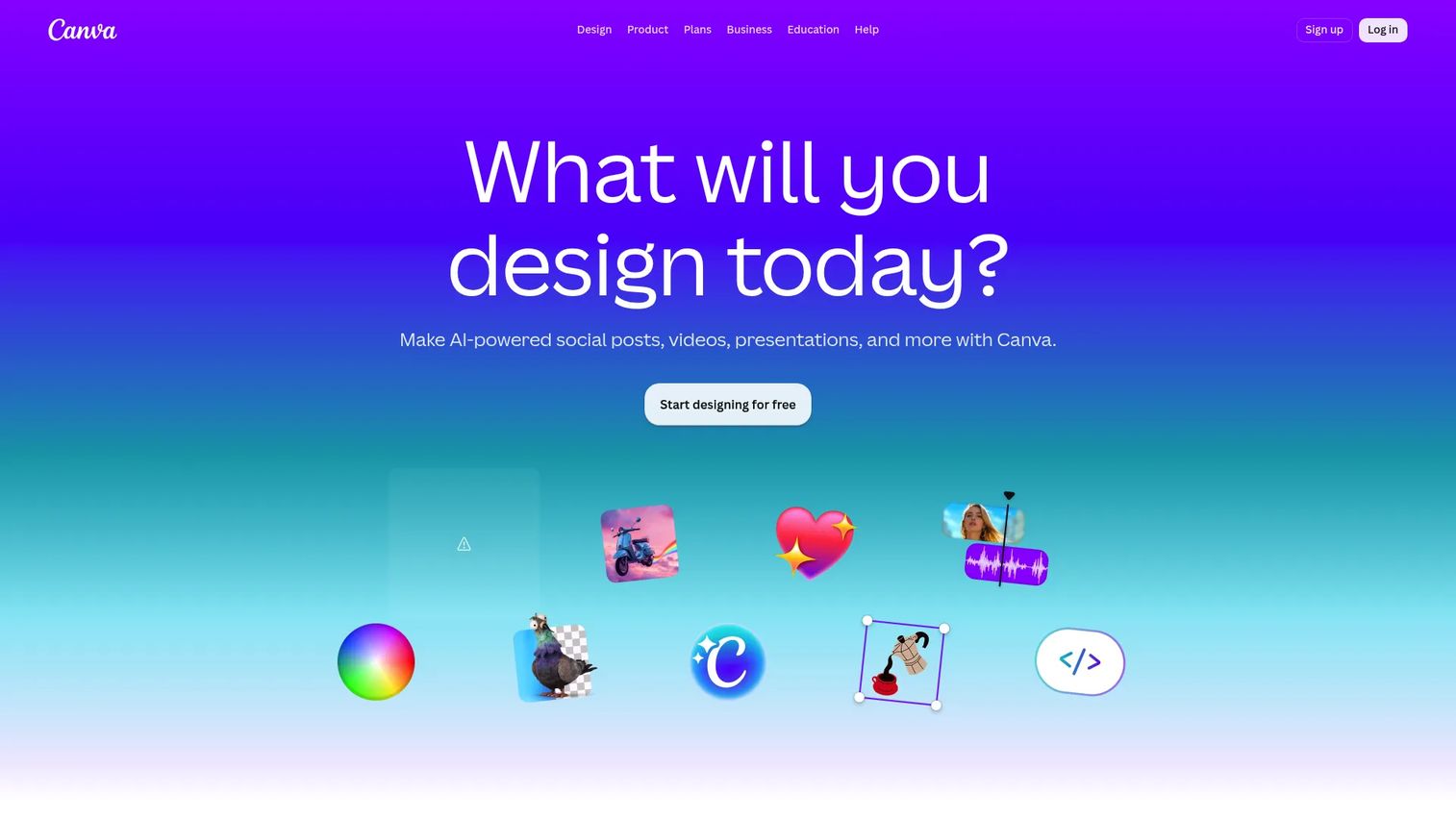
Canva is a visual design and collaboration platform for creating graphics, presentations, documents, videos, and portfolio layouts. It is the default starting point for creatives who want a large template library, drag-and-drop editing, and a free tier that actually ships usable work. If you have ever needed a portfolio online by end of day, Canva is built for that pace.
Best for: Teams and individuals who want fast, template-driven visual content and a portfolio without a learning curve.
Key strengths
- Drag-and-drop editor: Build and rearrange layouts visually, no code and no design degree required.
- Templates and premium assets: Thousands of responsive templates and a deep stock library to skip the blank page.
- Brand kits and AI tools: Keep colors, fonts, and logos consistent, and use AI to generate and polish content fast.
Why choose Canva: The free tier is the real draw. Most builders gate the useful features behind a paywall, but Canva lets you publish credible work at US$0. It suits generalists, early-career creatives, and anyone who values speed and flexibility over deep site-level customization. If you already use Canva for social graphics or decks, a portfolio is a short step.
Canva pricing: Canva Free is US$0/year for one person. Pro runs US$144/year, and Business is US$250/year per person. Enterprise is contact-sales. The free plan covers most solo portfolio needs, with Pro adding premium templates, brand kits, and expanded AI features.
2. Adobe Portfolio
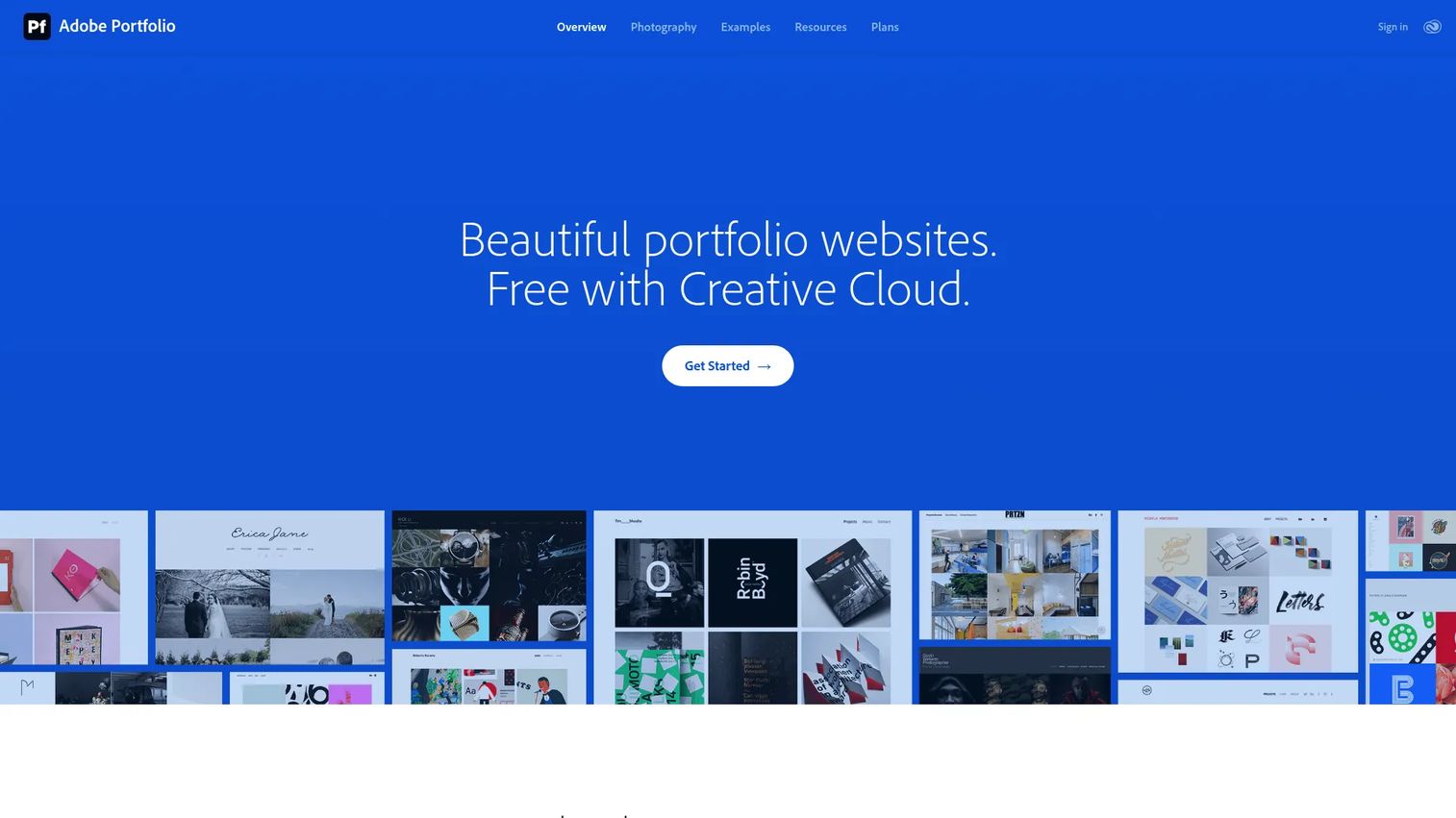
Adobe Portfolio is a portfolio website builder from Adobe for showcasing creative work. Its pitch is simple: if you already pay for Creative Cloud, a portfolio site comes bundled at no extra cost. For designers and photographers living inside Photoshop, Lightroom, and Behance, it removes a tool and a bill from the stack.
Best for: Creative professionals who want a simple, Adobe-hosted portfolio site that connects to their existing Adobe workflow.
Key strengths
- Responsive themes: Clean, professionally designed themes that adapt across devices without manual tweaking.
- Behance integration: Sync work from Behance and tap into a built-in creative community and discovery layer.
- Custom domain support: Connect your own domain for a branded, professional portfolio URL.
Why choose Adobe Portfolio: The economics decide it. If you are already on a Creative Cloud plan, the portfolio is effectively free, and Lightroom import plus Adobe Fonts keep everything in one ecosystem. It performs best for creatives who want polish without leaving Adobe, rather than deep custom layout control.
Adobe Portfolio pricing: Portfolio is included free with Creative Cloud. Standalone access shows up through the Behance plan at US$9.99/mo with an annual commitment, and the Creative Cloud All Apps plan is US$59.99/mo. For existing subscribers, there is no added cost.
3. Figma Community
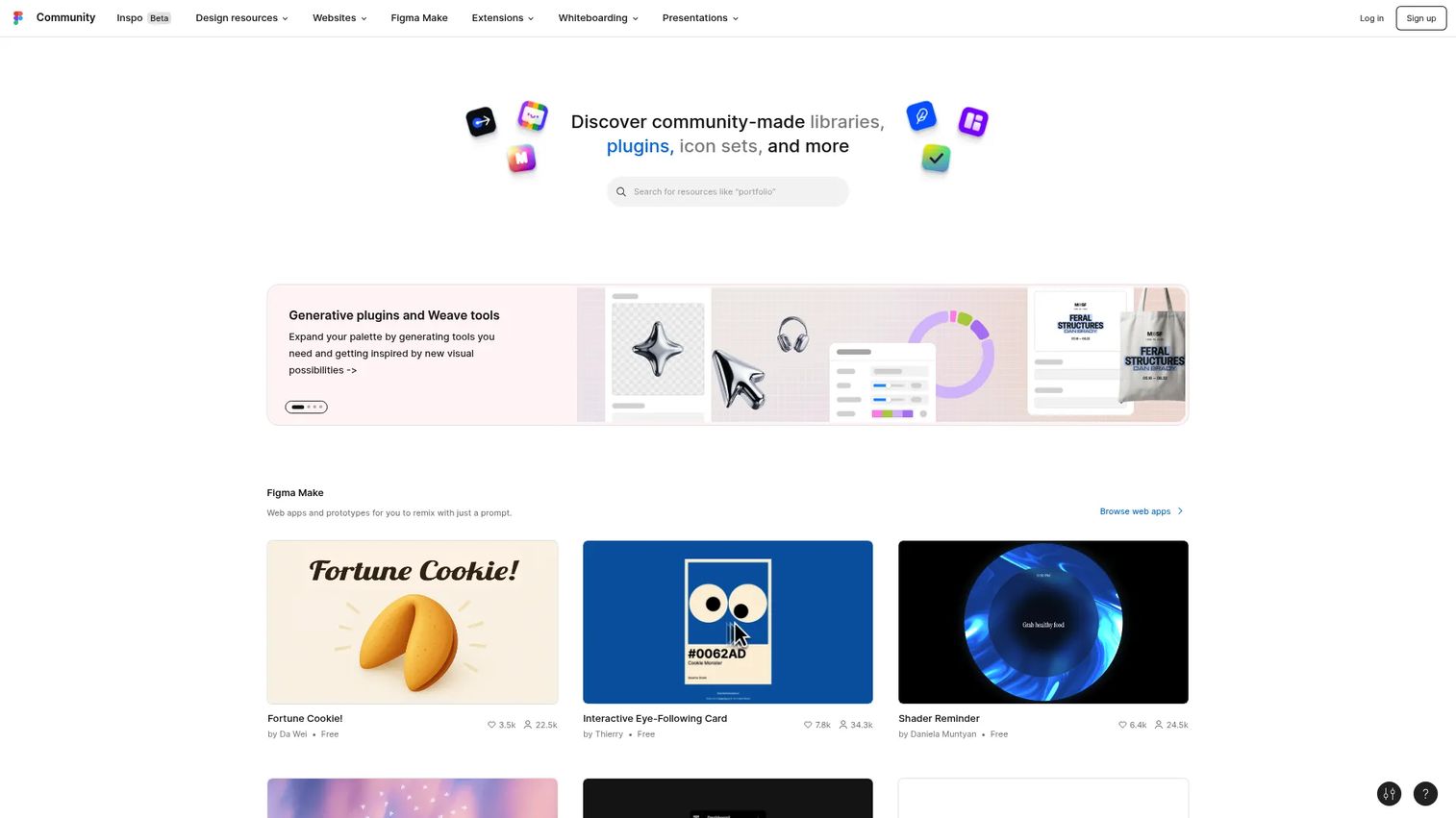
Figma Community is Figma's hub for discovering, duplicating, and publishing design resources: files, website templates, plugins, widgets, and slide decks. It is not an all-in-one publishing stack. It is a design-first starting point. You browse thousands of portfolio layouts, duplicate one, customize it in Figma, then export or hand it to a developer.
Best for: Designers who want maximum layout control and a duplicatable template to remix rather than a hosted builder.
Key strengths
- Template browsing: A large community library of design files and website templates to kill the blank page.
- Reusable layouts: Duplicate any Community file with a Figma account and make it your own.
- Fast customization: Full Figma editing power on top of a proven starting layout.
Why choose Figma Community: This fits designers who already live in Figma and want design freedom over convenience. You get the exact layout you want, but you handle publishing separately. It excels as a source of high-quality starting points that reduce blank-page friction, not as a one-click hosting solution.
Figma Community pricing: Community access is supported on any plan, including the free Starter tier. Paid plans start at Professional for $16/mo, with Organization at $55/mo and Enterprise at $90/mo billed annually. For browsing and duplicating templates, the free tier is enough.
4. Krop
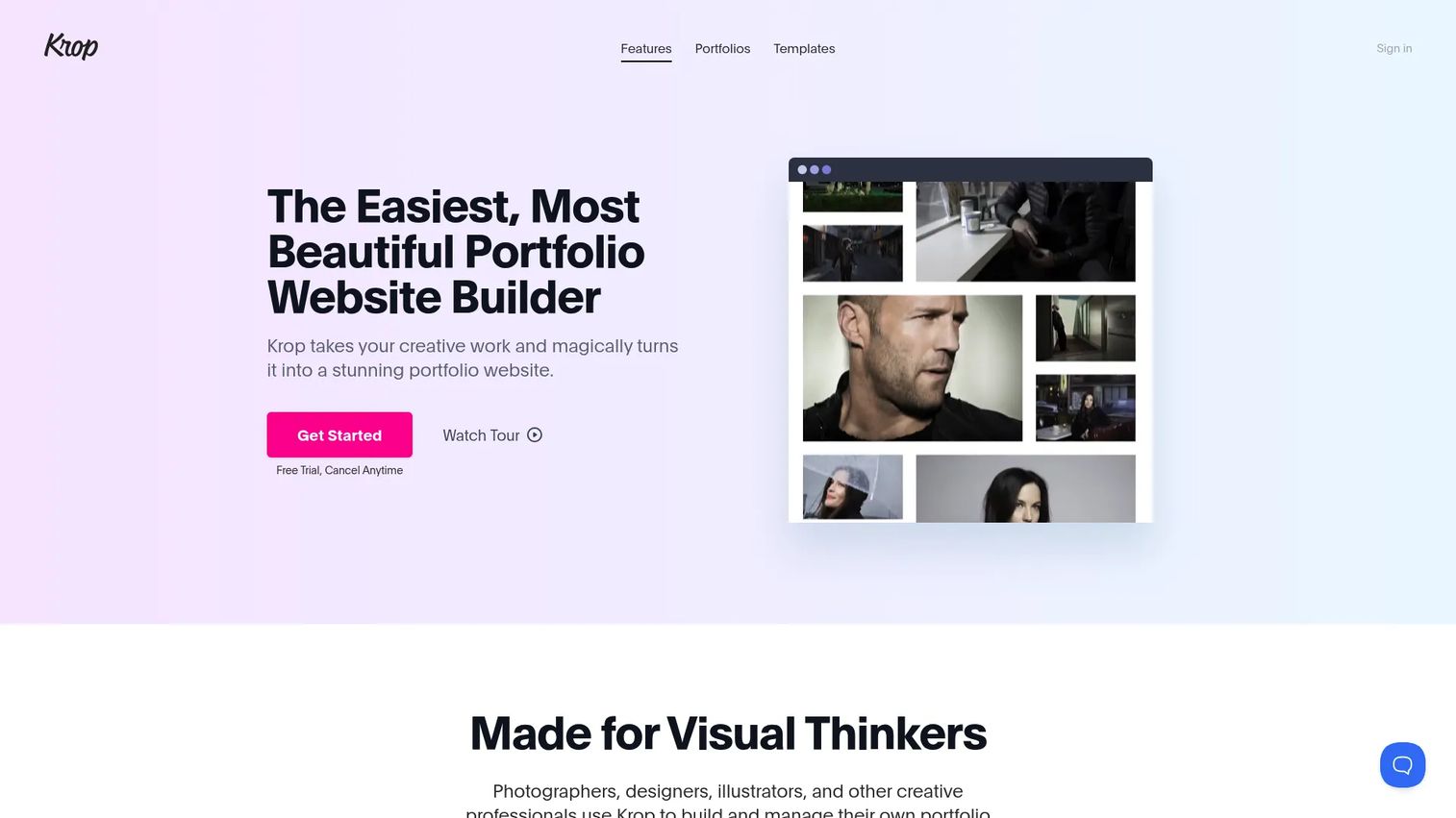
Krop is a creative portfolio hosting and website builder for visual professionals, with a job board attached. It keeps the workflow simple: pick a template, drop in your work, connect a domain, publish. For creatives who want a clean portfolio site without the sprawl of a full website platform, it stays focused on the job.
Best for: Creative professionals who need a simple portfolio website and a presence on a creative job board.
Key strengths
- Template gallery and builder: A focused set of portfolio templates with a no-code editor and no hosting to manage.
- Custom domain and integrations: Connect your own domain, sync from Dropbox and Instagram, and track visitors with Google Analytics.
- Job-board presence: A built-in creative job board so your portfolio doubles as a hiring touchpoint.
Why choose Krop: Krop trades breadth for focus. It is not trying to be a store or a blog, which is exactly why it stays fast to set up. It fits freelancers and job-seeking creatives who want a professional portfolio and exposure to hiring opportunities in one place.
Krop pricing: Krop runs on a Pro subscription at $9.99/month, or $99/year, which works out to $8.25/month on annual billing. There is no permanent free tier, but a 14-day free trial lets you build and test before paying.
5. Limefolio
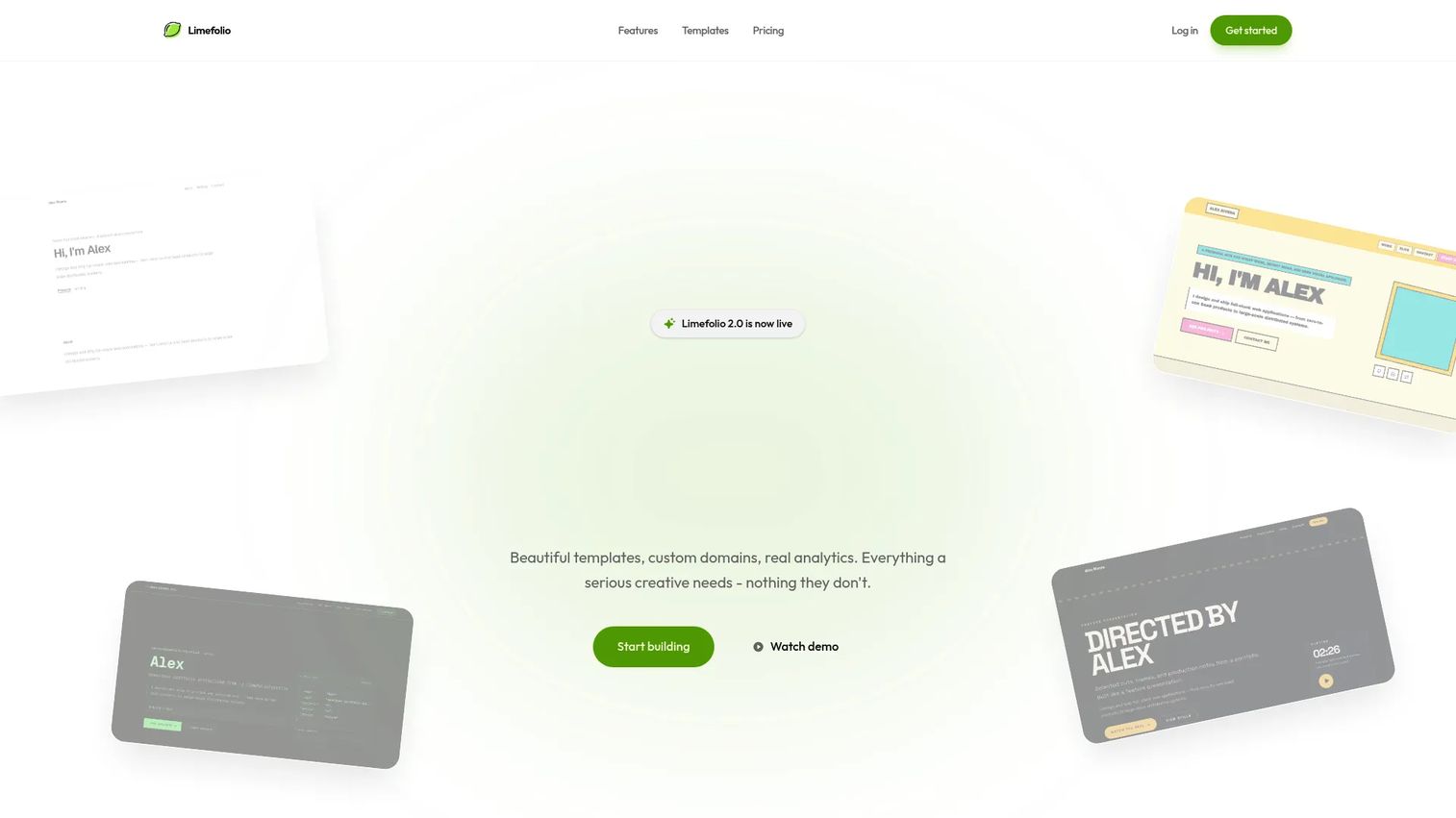
Limefolio is a no-code portfolio builder for creators, designers, developers, and agencies. Its angle is a fast, polished site with a genuine free-forever tier, plus built-in analytics that show who is looking at your work. For creators who want speed without immediately opening their wallet, it is a strong entry point.
Best for: Creators who want a fast, polished portfolio site with a free starting tier and visitor tracking.
Key strengths
- Beautiful templates: A curated set of polished, responsive templates built specifically for portfolios.
- Custom domains: Connect your own domain even as you scale up from the free tier.
- Built-in analytics: See who views your portfolio and which projects get attention, useful when you send links to prospects.
Why choose Limefolio: The tracking angle sets it apart. Knowing that a prospect opened your portfolio and lingered on a specific project is the kind of signal a freelancer or job seeker can act on. It fits creators who want polish, a free start, and a little more insight than a plain hosted site provides.
Limefolio pricing: Limefolio offers a Free tier at $0 forever, Pro at $9/month, and Team at $29/month for agency and team features. The free plan makes it easy to publish first and upgrade only when you need custom domains or team tools.
6. FolioForge

FolioForge is an AI portfolio builder that turns a CV into a shareable professional portfolio. The premise removes the hardest part of any portfolio project: starting. You upload your CV, the tool generates a portfolio, and you refine the AI-polished content inline. For anyone staring at a blank page, that shortcut is the whole point.
Best for: Individuals who want to quickly create a professional portfolio from an existing CV without designing from scratch.
Key strengths
- CV to portfolio: Upload a CV and generate a structured portfolio automatically, no blank page.
- AI-polished content: Inline editing on top of AI-generated copy so you refine rather than write from zero.
- Share link and custom domain: Publish a public share link and connect a custom domain when you are ready.
Why choose FolioForge: Against more established builders, FolioForge competes on pure speed to first draft. It is not the deepest customization tool on this list, but it gets a job seeker or freelancer from CV to live portfolio faster than starting cold. It fits people who value a fast, credible launch over granular design control.
FolioForge pricing: FolioForge is free to start. Public numeric pricing beyond the free entry point was not listed at the time of writing, so test the free tier to gauge whether it covers your needs before committing.
7. Pixpa
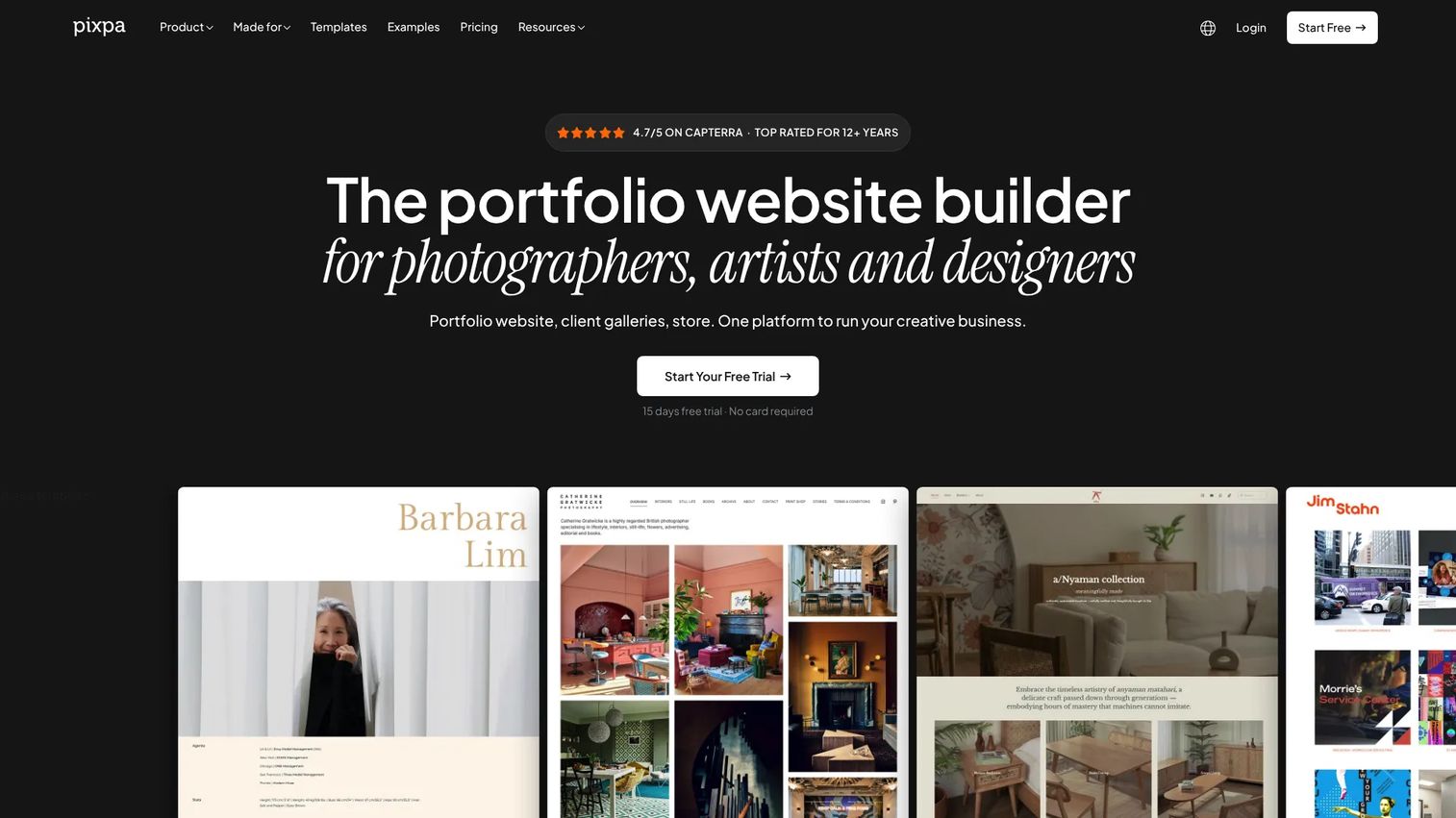
Pixpa is an all-in-one website builder for creatives, combining portfolio sites, online stores, blogs, and client galleries in one platform. It is built for creatives who run a business, not just a showcase. Photographers who sell prints, artists who deliver galleries to clients, and studios that need a blog all get their tooling in one subscription.
Best for: Creative professionals who want one platform for a portfolio, store, blog, and client galleries.
Key strengths
- Website builder with templates: Responsive templates and a visual editor to publish a professional portfolio site fast.
- Online store: Sell digital and physical products directly from your site, no separate commerce tool.
- Client galleries: Proof, deliver, and sell images through dedicated client galleries built for photographers.
Why choose Pixpa: Pixpa wins when your portfolio is one part of a larger creative business. Instead of stitching together a site builder, a store, and a gallery tool, you run everything from one place. It fits photographers and small creative businesses that need presentation and business operations under one roof.
Pixpa pricing: Pixpa lists four plans: Basic at $6/month, Creator at $12/month, Professional at $18/month, and Advanced at $25/month, with yearly and two-yearly discounts. There is no free tier, but a 15-day free trial lets you build before you buy.
Considerations before you choose
Template quality
A good portfolio template is more than a pretty grid. Look for layout flexibility, so you can rearrange sections without fighting the design. Check whether it supports case-study formats with room for context, not just image walls. And test how it behaves on mobile before you commit, because a template that breaks on a phone will lose you the half of visitors browsing there.
Publishing speed
Measure the distance from blank page to live site. Some tools get you online in an afternoon; others need a domain setup and a learning curve first. Check for content import options too. Being able to pull images from Dropbox, Instagram, or a CV, as several tools here allow, cuts the setup work dramatically and gets your work in front of people sooner.
Customization depth
There is a balance between visual control and ease of use. A drag-and-drop builder is fast, but you want enough depth to control typography, section order, and media blocks when it matters. Designers usually want more control; job seekers usually want less friction. Decide which side of that line you sit on before you pick a tool, because chasing both at once slows you down.
SEO and discoverability
For freelancers and job seekers, being found matters as much as looking good. Check for custom domain support, editable metadata, and clean, search-friendly URLs. A branded domain reads as more professional than a subdomain, and proper SEO controls mean your name and work surface when someone searches for you. These details separate a portfolio that gets found from one that sits in the dark.
Pricing and long-term fit
Compare free tiers, subscriptions, and what sits behind a paywall. A free-forever plan like Limefolio's or Canva's free tier lets you start at zero, while a bundled option like Adobe Portfolio makes sense if you already pay for Creative Cloud. Look at what unlocks on paid plans, such as custom domains, analytics, and store features, and match it to what you will actually use over the next year.
Conclusion
The right creative portfolio software depends less on which tool is objectively best and more on which problem you are solving. If you want a free start with a huge template library, Canva is the pragmatic pick. If you already pay for Creative Cloud, Adobe Portfolio is effectively free and keeps you inside your workflow. Designers who want layout control should raid Figma Community for a starting layout, while Krop and Limefolio offer clean, focused portfolio builders, with Limefolio adding a useful free tier and visitor tracking. FolioForge is the fastest way from CV to live site, and Pixpa is the choice when your portfolio is part of a larger creative business with a store and client galleries.
Your next step is simple: pick the intent that matches your situation, start a free trial or free tier, and publish something live this week. A live portfolio that is 80% polished beats a perfect one that never ships.
Start your journey with Guideflow today!
FAQs
Canva and Limefolio are the friendliest starting points. Both offer free tiers, drag-and-drop editing, and responsive templates, so a beginner can publish a credible portfolio without any coding or design background. Start with the free plan and upgrade only when you hit a wall.
Designers who want maximum layout control tend to prefer Figma Community, where you can duplicate a professional template and customize every detail in Figma. If you want a hosted site instead of a design file to export, Krop and Adobe Portfolio both offer clean, designer-friendly templates with less setup.
Yes. Canva, Figma Community, and Limefolio all offer genuine free tiers you can use to build and publish a portfolio at no cost. FolioForge is also free to start. Free plans usually limit custom domains or premium templates, but they are enough to get a working portfolio online.
Most do. Adobe Portfolio, Krop, Limefolio, FolioForge, and Pixpa all support connecting your own custom domain, though it is often reserved for paid plans. A custom domain reads as more professional than a subdomain and helps your name surface in search.
Lead with your strongest work, not everything you have made. Include three to six standout projects, brief context or case studies for each, a short about section, and clear contact details. For designers and photographers, quality and curation beat quantity every time.
Yes, especially if you already subscribe to Creative Cloud, since Portfolio is bundled at no extra cost. It offers responsive themes, Behance integration, Lightroom import, and custom domains. It fits creatives who want a polished, Adobe-hosted site over deep, granular layout customization.
Pixpa is built for photographers, pairing responsive portfolio templates with client galleries for proofing and delivery, plus an online store for selling prints. Adobe Portfolio is a strong alternative for photographers already using Lightroom, thanks to direct import and Adobe hosting.
Very, if you want clients or recruiters to find you. Look for custom domains, editable metadata, and clean URLs so your name and work rank in search. A beautiful portfolio no one can find does little for your career, so treat SEO-friendly publishing as a core requirement, not an afterthought.