
You launched four campaigns this quarter. The links live in three spreadsheets, two social schedulers, and someone's Slack DMs. One of them points to a page that no longer exists. Two have inconsistent UTM tags. None of them are branded. And when your boss asks which channel drove the most clicks, you spend an afternoon stitching together numbers that still do not add up.
That is link sprawl, and it costs marketing teams real time and real attribution. The category that fixes it is growing fast. The Link Management Software Market was valued at USD 1.2 billion in 2024 and is projected to reach USD 3.5 billion by 2033, growing at a CAGR of 12.5% from 2026 to 2033, according to Verified Market Reports (2024). Marketers are consolidating scattered links into systems that brand, track, edit, and govern every URL they ship.
A URL shortener compresses a long link into a short one. A link management platform does that and adds branded links on custom domains, editable destination URLs, click tracking, QR code management, and permissions. The difference matters when you run campaigns across paid social, email, partnerships, and offline channels and need every link to stay on-brand, measurable, and fixable after it goes live. If you only need shorter links, our roundup of the best URL shorteners covers the simpler end of the category.
This guide is for marketers, SEO teams, and operators who want control over their links, not just shorter ones.
What's inside
This guide ranks the best link management tools for 2026 and explains how the category actually works, so you can decide whether you need a full link management platform or a simpler shortener. We evaluated every tool on six criteria that matter to marketing teams:
- Branded links and custom domain support
- Analytics depth and click tracking
- Governance, permissions, and reliability
- API and integrations
- Pricing transparency and free plan value
- Fit for marketing, SEO, and enterprise use
The list includes tools built for campaign-heavy marketing teams, internal go-link systems, enterprise governance, and creator-style link hubs. Each section covers who it fits, what it does well, and what to check before you buy. Teams that lean on offline-to-online campaigns may also want to review the best QR code generator software, since QR management overlaps heavily with link management.
TL;DR
- Best all-around link management platform: Bitly, for branded links, dynamic QR codes, and landing pages in one connections platform.
- Best for branded links at scale: Rebrandly, for custom domains, analytics, and a developer-friendly API.
- Best for partner and conversion attribution: Dub, for link attribution tied to affiliate and referral programs.
- Best for free link management tools: Short.io and GoLinks both offer functional free tiers for small teams.
- Best for enterprise link management: BL.INK, for rules-based routing, broken link monitoring, and governance at scale.
- Best for internal go links: GoLinks and Trotto, for short memorable links across an organization.
What are link management tools?
Link management tools are software platforms for creating, organizing, editing, tracking, and maintaining links across campaigns and channels. They centralize every short link, branded link, and QR code in one place, then layer analytics, permissions, and lifecycle control on top.
That last part is the dividing line. A basic URL shortener turns a long address into a compact one and stops there. Link tracking software focuses on counting clicks. A link management platform combines both and adds the operational layer marketing teams actually need: who can create links, what they redirect to, how they are tagged, and whether they still work months later.
Core features of a link management platform usually include:
- Branded links on your own custom domains instead of a generic shortener domain
- Editable destination URLs so you can change where a link points without reprinting or reposting it
- Click tracking and link analytics broken down by time, location, device, and referrer
- QR code management for offline-to-online campaigns
- UTM governance to standardize campaign tags across teams
- Redirect management to catch broken links and route traffic with rules
- Governance and permissions so the right people create and edit links
- API integrations to connect link data into your CRM, analytics, and reporting stack
Here is how the data capture works. When someone clicks a managed link, the request hits the platform's redirect engine first, gets logged, then forwards the user to the destination. That intercept is what makes branded links measurable and editable. It is also why you can fix a broken destination after the fact: you change the redirect target, not the link itself.
One honest limitation worth stating up front. Click tracking tells you that a link was clicked, from where, and on what device. It does not tell you whether that click became a signup, a demo, or revenue. For conversion tracking, you pair link analytics with your web analytics or attribution system using consistent UTMs. The best tools make that pairing clean, but the link platform alone measures engagement, not outcomes. If attribution is your main goal, our guide to the best attribution software tools goes deeper on closing that measurement gap.
Here is how the three adjacent categories compare:
| Capability | URL shortener | Link tracking software | Link management platform |
|---|---|---|---|
| Shortens URLs | Yes | Yes | Yes |
| Branded links and custom domains | Sometimes | Sometimes | Yes |
| Editable destinations | Rarely | Sometimes | Yes |
| Click and scan analytics | Basic | Yes | Yes |
| QR code management | Rarely | Sometimes | Yes |
| Governance and permissions | No | Rarely | Yes |
| API and integrations | Limited | Sometimes | Yes |
When to use link management tools
Use branded links across campaigns
Branded links replace a generic shortener domain with your own, so a link reads as go.yourbrand.com/launch instead of an anonymous string. That small change improves trust and click-through, especially on paid social, in email, and in partner-distributed content where the recipient does not know the sender well.
Branded links perform best when campaigns run across multiple channels at once. A consistent branded domain ties your paid, owned, and offline touchpoints together visually. It also protects you on channels where a generic shortener looks like spam or gets filtered.
Manage links at scale
When you are creating dozens or hundreds of links a month, you need centralized creation, bulk generation, and ongoing maintenance in one place. Spreadsheets break down the moment two people edit links for the same campaign or a destination URL changes mid-flight.
A link management platform gives campaign ops teams a single source of truth. Editable destinations mean a fast-moving launch can repoint a link without re-sending an email or reposting an ad. UTM governance keeps tagging consistent so your reporting does not fracture across teams.
Track scans, clicks, and destination performance
Link analytics show which channels, creatives, and partners drive engagement. Scan tracking does the same for QR codes bridging offline campaigns, events, and packaging into measurable traffic.
The best tools pair link-level data with broader attribution systems. The link platform shows the click. Your analytics or CRM, fed by consistent UTMs, shows what happened next. Treat the two as a chain, not a single source of truth, and your reporting holds up under scrutiny. Pairing link data with the right marketing analytics software is what turns raw clicks into reportable insight.
Comparison table
Tools are ranked by overall fit for marketing teams managing branded links, analytics, and campaign links. Pricing and G2 ratings reflect each vendor's first-party pricing page and live G2 listing as of June 2026. Use the table to shortlist, then read the sections for the detail that matters to your use case.
| # | Product | Intent | Key differentiation | Pricing | G2 rating |
|---|---|---|---|---|---|
| 1 | Bitly | Branded links, QR codes, pages | All-in-one connections platform | Free, paid from $10/mo | 4.5/5 |
| 2 | Rebrandly | Branded links at scale | Custom domains plus strong API | Free, paid from $11/mo | 4.6/5 |
| 3 | Dub | Link attribution and partners | Conversion and referral tracking | From $75/mo | 4.9/5 |
| 4 | Short.io | Branded short links | Affordable analytics and domains | Free, paid from $5/mo | 4.4/5 |
| 5 | TinyURL | Simple branded shortening | Fast links plus QR codes | Free, paid from $13/mo | 4.3/5 |
| 6 | BL.INK | Enterprise link management | Routing, monitoring, governance | From $48/mo | 4.5/5 |
| 7 | GoLinks | Internal go links | AI knowledge discovery | Free, paid from $2/user/mo | 4.7/5 |
| 8 | Trotto | Internal go links | Open-source go-link system | Free, paid from $3/user/mo | Not rated |
| 9 | redirect.pizza | Domain redirects | Automatic HTTPS redirects | Free, paid from $14.95/mo | 4.8/5 |
| 10 | Linktree | Link-in-bio hub | Single link page plus monetization | Free, paid tiers | 4.6/5 |
| 11 | Linkly | Link tracking and routing | Geo and device redirects | Free, paid from $15/mo | 4.5/5 |
1. Bitly
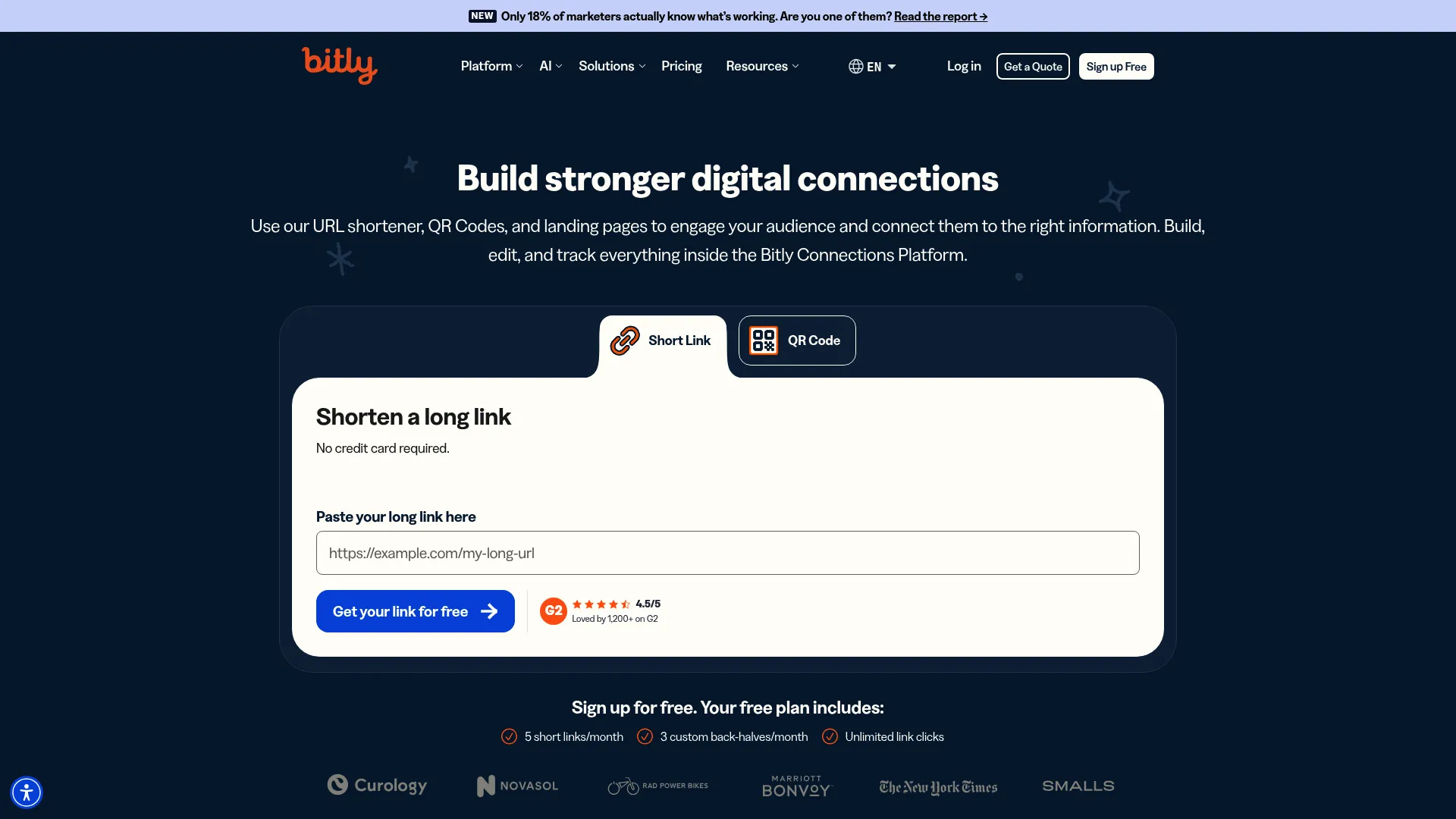
The appeal is breadth without complexity. You can create branded short links on a custom domain, generate dynamic QR codes that point to editable destinations, and spin up simple landing pages, all from the same dashboard. Click and scan analytics sit alongside everything, so a campaign that runs across email, social, and print reports back into one place.
Best for: Marketing teams that want branded links, QR codes, and landing pages managed together in one widely supported platform.
Key strengths
- Branded link management: Create short, on-brand links on custom domains with editable destinations.
- Dynamic QR codes: Generate QR codes you can repoint after printing, with scan analytics included.
- Customizable landing pages: Build simple mobile-friendly pages without leaving the platform.
Why choose Bitly: Choose Bitly when you want one tool that covers links, QR codes, and pages with minimal setup, and you value a mature platform that integrates broadly. It fits teams that prioritize reliability and recognition over niche features. The trade-off is that advanced governance and volume sit in higher tiers.
Bitly pricing: Bitly offers a Free plan at $0/month, then Core at $10/month (billed annually at $120), Growth at $29/month (billed annually at $348), and Premium at $199/month (billed annually at $2,388). Enterprise is custom and contact-sales. The free tier is enough to test branded shortening and basic QR codes before committing.
What to evaluate before buying: Check which analytics depth and QR features unlock at each tier, and confirm the custom domain and seat limits match your campaign volume.
2. Rebrandly
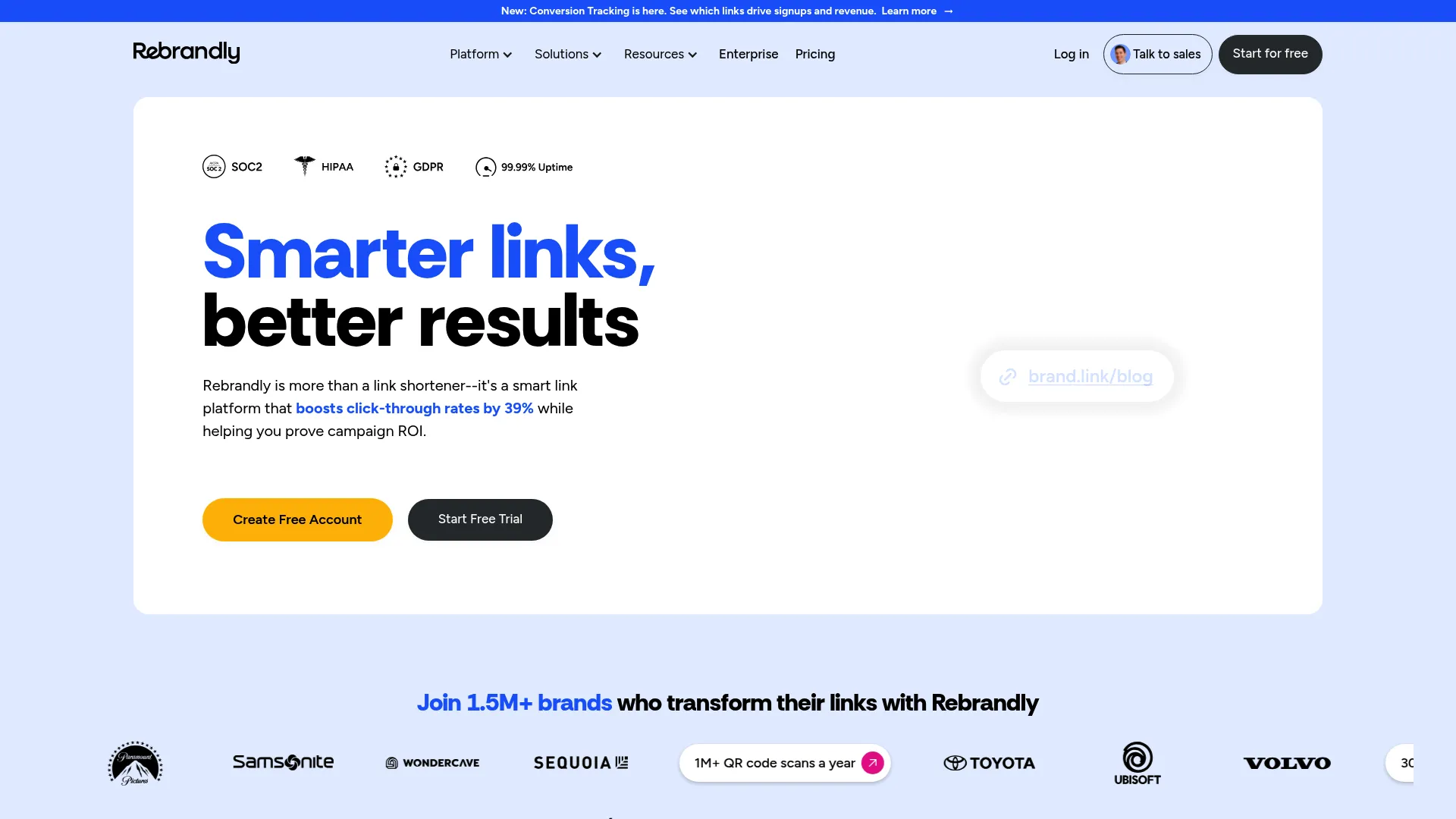
The product centers on creating branded short links on your own domains, then tracking and reporting on every click. Link management controls, QR codes, and reporting round out the platform. The API focus makes it a common pick for teams that want to embed link creation into their own apps, CRMs, or marketing automation rather than working only in a dashboard.
Best for: Teams that need branded short links, analytics, and QR codes at scale, with API access for automated link creation.
Key strengths
- Branded short links with custom domains: Build on-brand links across as many domains as your campaigns need.
- Link analytics and reporting: Track clicks with breakdowns that feed campaign reporting.
- QR codes and link management controls: Manage QR codes and link lifecycle alongside short links.
Why choose Rebrandly: Choose Rebrandly when branded links are the backbone of your campaigns and you want a developer-friendly platform that scales link creation through an API. It suits marketing and growth teams that distribute links across many channels and partners. Confirm that any reliability or compliance claims match your requirements directly on Rebrandly's documentation before committing.
Rebrandly pricing: Rebrandly offers a Free plan at $0/month, then Essentials at $11/month, Professional at $32/month, and Growth at $99/month. Enterprise is quote-based. The free tier lets small teams test branded links before scaling into paid plans.
What to evaluate before buying: Verify API rate limits and which analytics and domain features sit in each tier, and check enterprise terms directly with sales since no public enterprise price is listed.
3. Dub
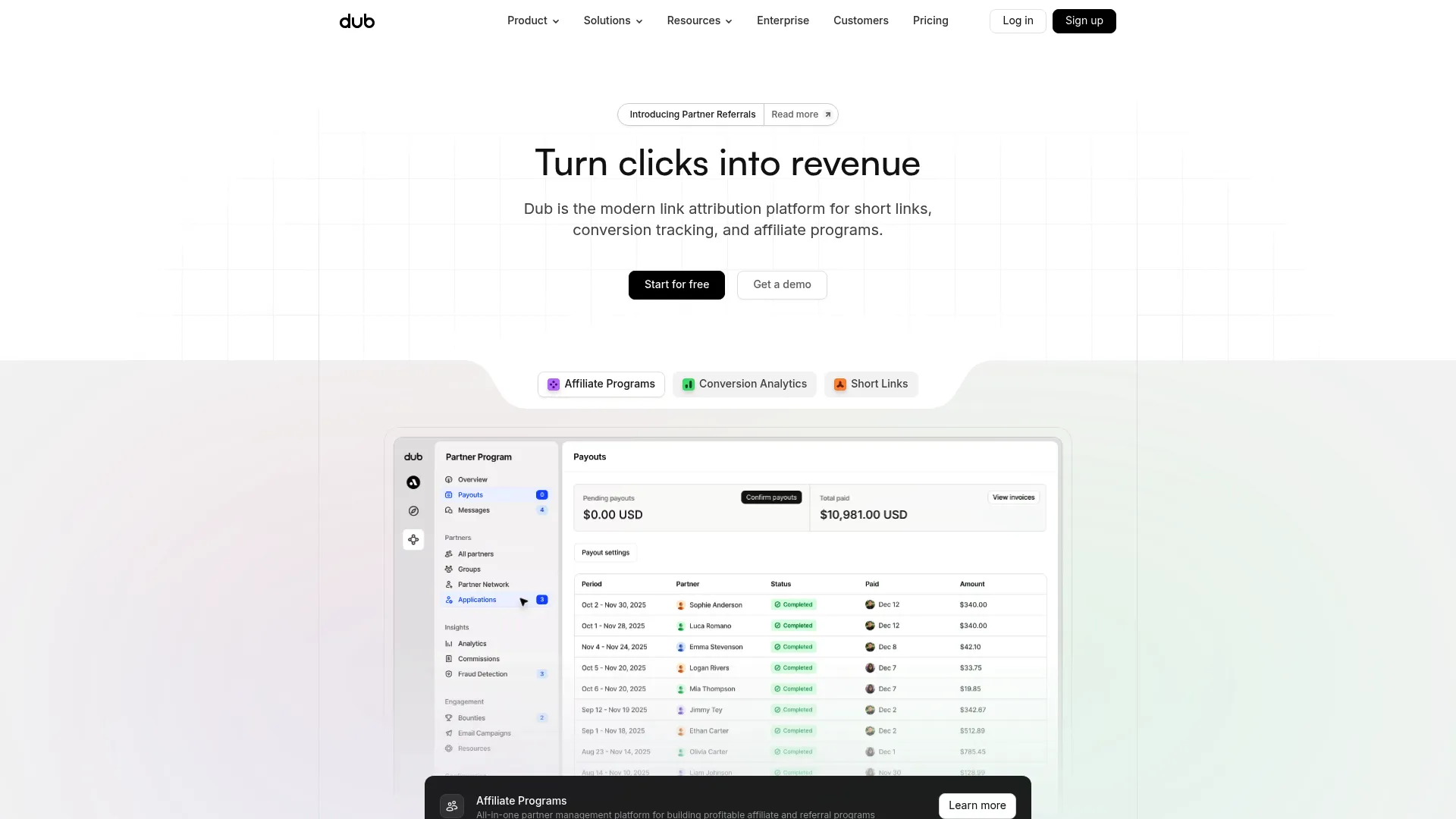
That focus makes it distinct in this list. Dub combines real-time analytics, bulk link creation, and partner program management, so a growth team can run a referral program and measure the links driving signups from the same place. It is the closest tool here to bridging the gap between link clicks and downstream conversions, though that still depends on clean integration with your own conversion events. If partner programs are central to your motion, our overview of affiliate marketing software is a useful companion read.
Best for: SaaS and growth teams running affiliate or referral programs that want link attribution and short links in one platform.
Key strengths
- Partner programs: Run affiliate, influencer, and user referral programs alongside your links.
- Real-time analytics: See click and conversion data update live across campaigns.
- Short links and bulk creation: Generate branded links individually or in bulk for fast launches.
Why choose Dub: Choose Dub when attribution matters as much as link management and you want partner programs handled in the same tool. It fits product-led and growth teams over teams that only need basic branded shortening. There is no free tier, so it is built for teams ready to commit to a paid attribution workflow.
Dub pricing: Dub starts at $75 per month for the Business plan, with Advanced at $250 per month and Enterprise on custom annual billing. A 14-day trial is available. There is no permanent free plan, so plan to evaluate within the trial window.
What to evaluate before buying: Confirm that Dub's conversion tracking integrates with your specific signup and revenue events, since attribution quality depends on that connection.
4. Short.io
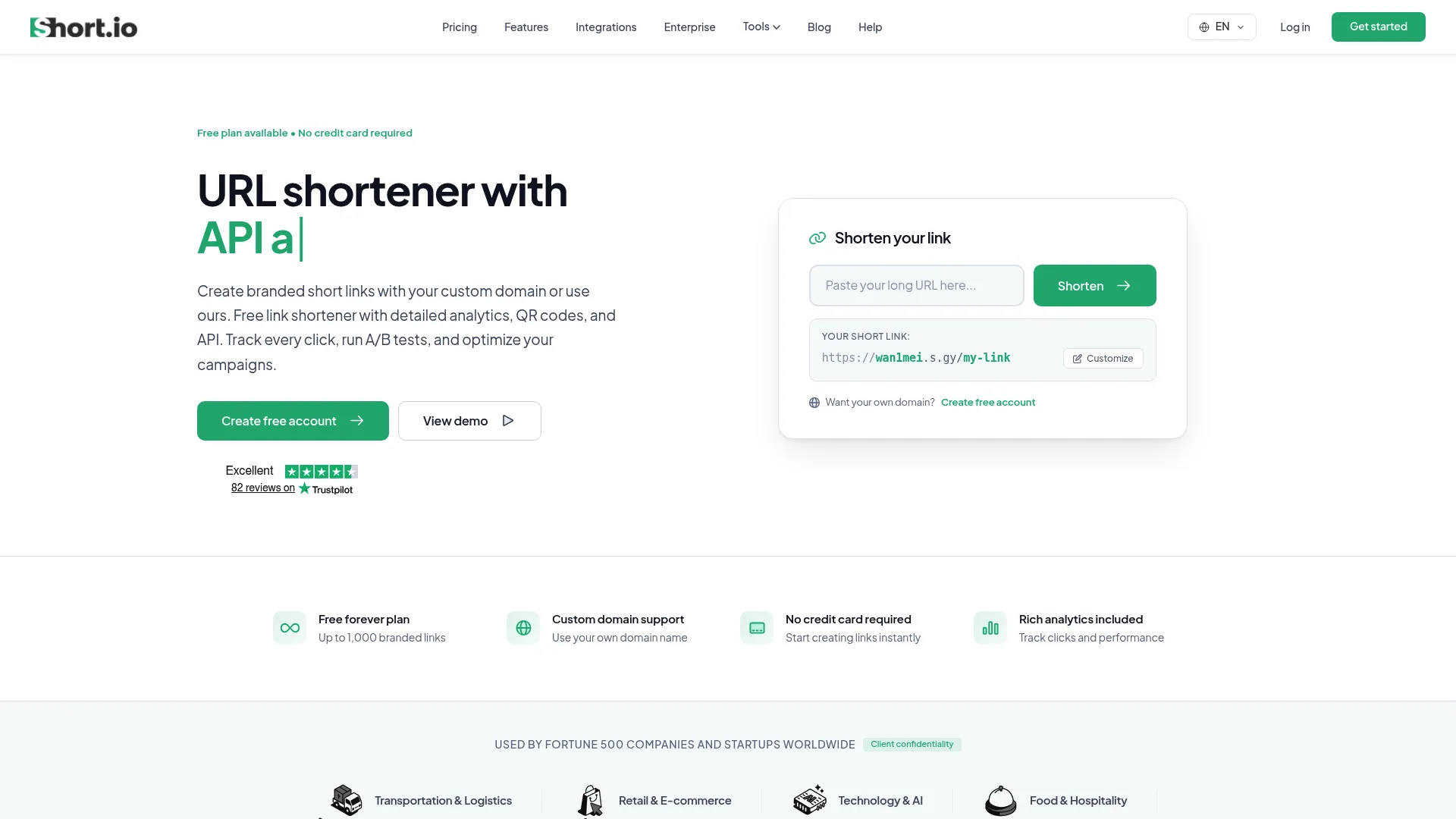
The platform covers the essentials cleanly. You get custom branded short links on your own domains, click analytics and tracking, team access, QR code generation, and API access for automation. The low entry price makes it a practical pick for small teams and individual marketers who want branded links and real analytics rather than a free shortener with no control.
Best for: Teams that need branded short links with analytics and custom-domain control at an affordable price.
Key strengths
- Custom branded short links: Build on-brand links on your own domains from the start.
- Click analytics and tracking: Measure engagement with detailed click data.
- Custom domains, teams, API, QR codes: Manage domains, collaborate, automate, and generate QR codes in one tool.
Why choose Short.io: Choose Short.io when you want branded links and analytics without enterprise pricing, and you value a clear upgrade path as volume grows. It fits cost-conscious marketing teams and solo operators well. Heavy governance and routing needs may eventually point you toward an enterprise platform.
Short.io pricing: Short.io offers a Free plan, then Hobby at $5/month, Pro at $18/month, Team at $48/month, and Enterprise at $148/month. Every paid plan includes a 7-day free trial. The free tier and low entry price make it easy to start small.
What to evaluate before buying: Check the click and conversion tracking limits at each tier and confirm the custom domain count fits your branded link strategy.
5. TinyURL
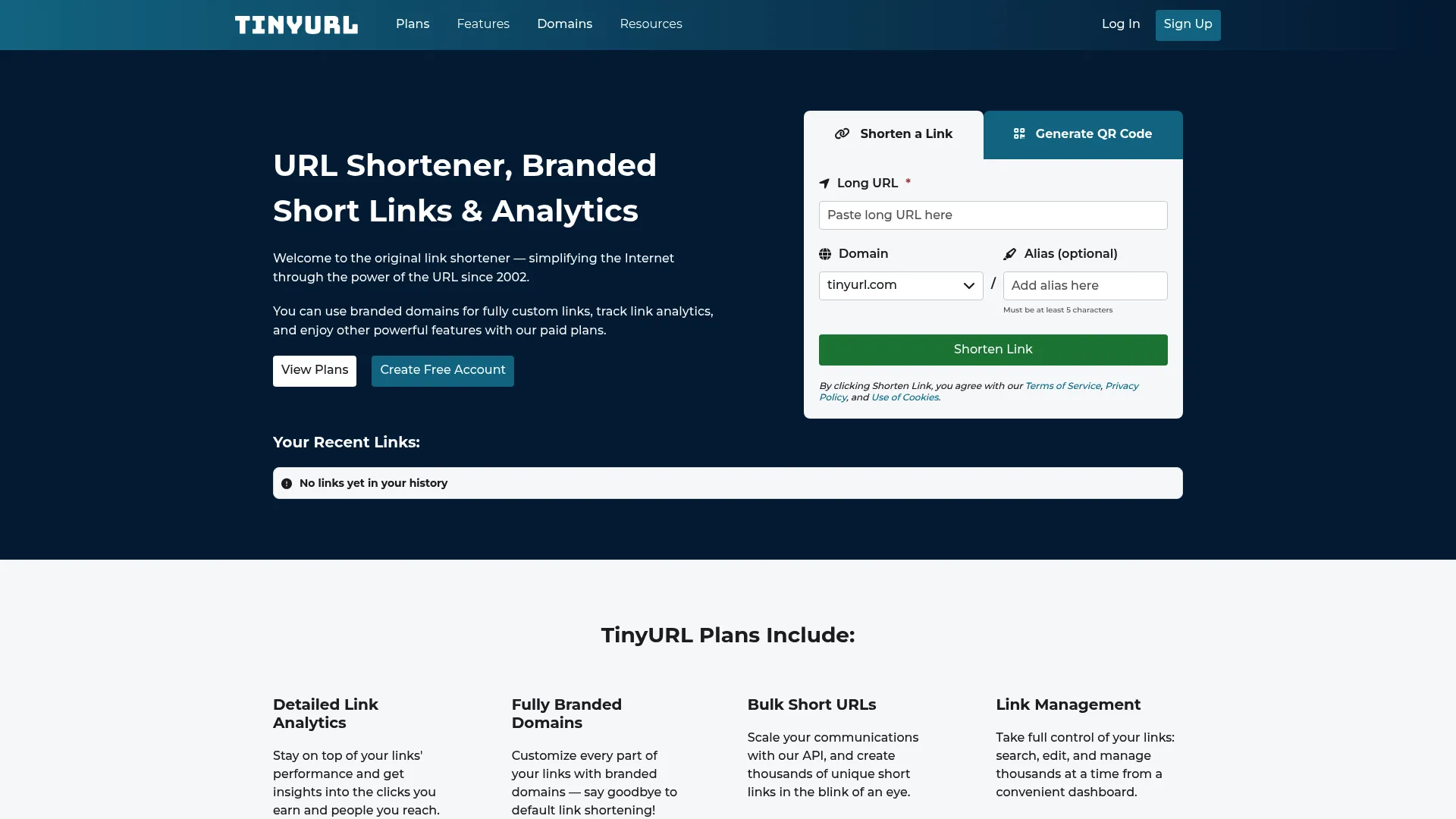
For teams that want straightforward branded shortening with editable links and QR code generation, TinyURL covers the core jobs without a learning curve. Link editing and management mean you can fix a destination after the fact, and branded domains keep links on-brand. It suits marketers who want a dependable, low-friction tool rather than a deep attribution platform.
Best for: Teams that need fast branded short links with editing, management, and QR codes.
Key strengths
- Branded links and domains: Create short links on your own branded domains.
- Link editing and management: Edit destinations and manage links after creation.
- QR code generator: Generate QR codes for offline-to-online campaigns.
Why choose TinyURL: Choose TinyURL when you want a recognized, no-friction shortener that adds branding, editing, and QR codes. It fits teams that value simplicity and speed over advanced governance or conversion attribution. Heavier analytics needs may warrant a more campaign-focused platform.
TinyURL pricing: TinyURL offers a free tier, then Pro at $13/month and Bulk 50K at $69/month, with Enterprise starting around $3,999/year. Monthly and annual billing are available. The free tier handles low-volume link creation for testing.
What to evaluate before buying: Confirm the monthly link volume and analytics depth at your chosen tier match your campaign cadence.
6. BL.INK
What sets BL.INK apart is operational depth. Rules-based link routing sends users to different destinations based on conditions, broken link monitoring catches dead destinations before customers do, and an open API connects link data to the rest of your stack. Branded, editable short links, QR codes, and mobile microsites round it out. For enterprise link management with real permissions and reliability, this is a serious option.
Best for: Teams that need branded link management, QR codes, routing, and governance at enterprise scale.
Key strengths
- Rules-based link routing: Route clicks to different destinations based on conditions.
- Broken link monitoring: Catch and flag dead destinations automatically.
- Open API and integrations: Connect link data into your wider stack with editable short URLs and QR codes.
Why choose BL.INK: Choose BL.INK when governance, routing, and link reliability matter more than a low monthly price, and you manage links across teams or regions. It fits mid-market and enterprise operators. Smaller teams may find the entry price higher than simpler shorteners, but the governance pays off at scale.
BL.INK pricing: BL.INK lists Expert+ at $48/month, SMB at $99/month, Team at $299/month, and Business at $599/month, with Enterprise custom and quote-based. There is no free tier, so plan to start on a paid plan that matches your link volume.
What to evaluate before buying: Map your routing rules, monitoring needs, and seat count to the right tier, and confirm enterprise governance features cover your compliance requirements.
7. GoLinks
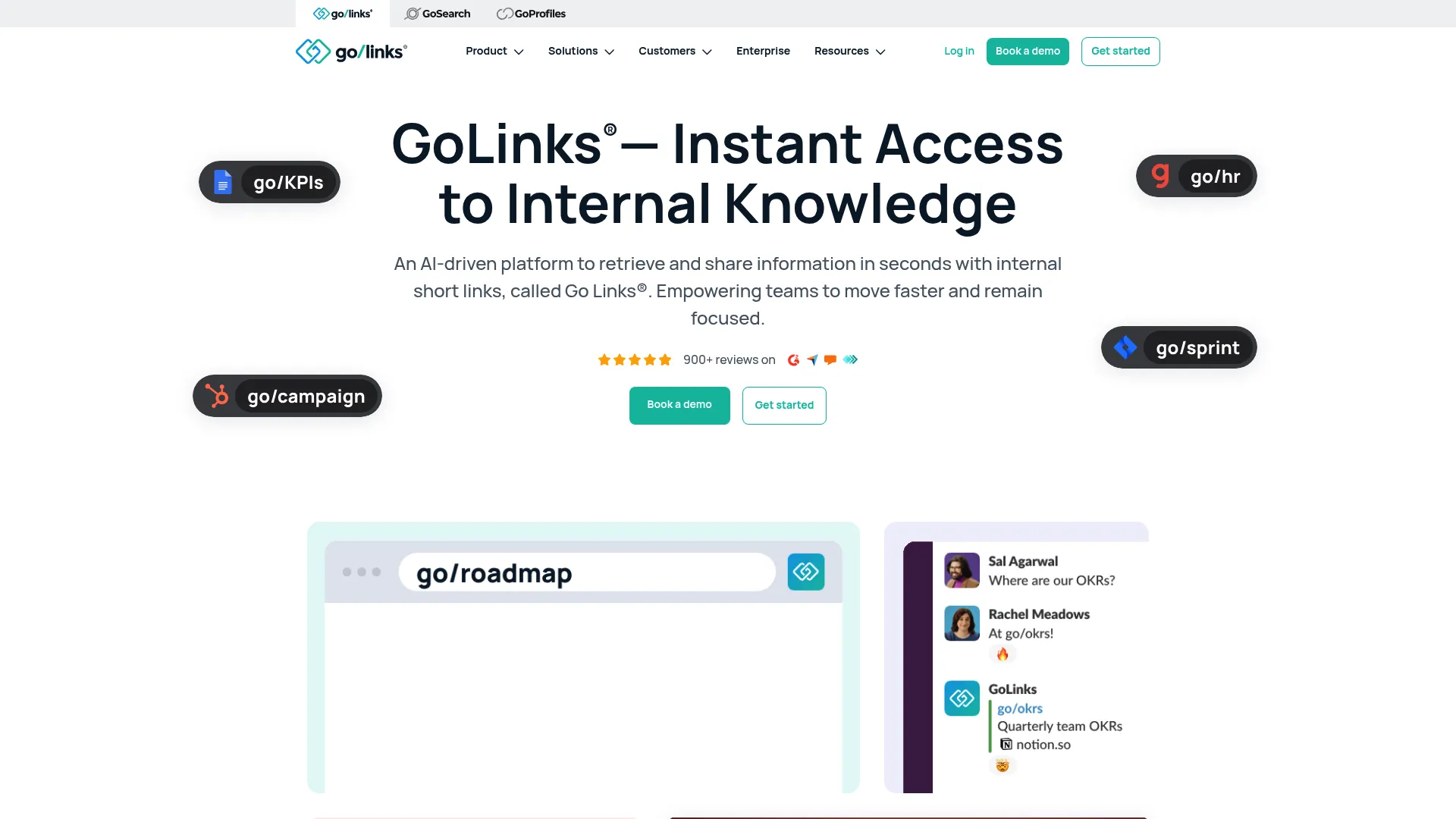
Instead of pasting a long document or dashboard URL into Slack, you create go/roadmap once and everyone uses it forever. GoLinks adds AI-powered suggestions through its GoAI feature, a browser extension, analytics, collections, tags, and geo-links. For marketing ops, RevOps, and cross-functional teams drowning in internal links and documents, it cuts the time spent hunting for resources.
Best for: Teams that need a shared internal short-link and knowledge discovery system across the organization.
Key strengths
- GoAI suggestions: Surface relevant links with generative AI as people search.
- Browser extension: Resolve go links directly in the browser without setup friction.
- Analytics, collections, tags, geo-links: Organize and measure internal link usage at scale.
Why choose GoLinks: Choose GoLinks when your link problem is internal navigation and knowledge discovery, not external campaign tracking. It fits growing organizations where finding the right doc, dashboard, or interactive demo wastes real time. It is complementary to a campaign-focused link platform rather than a replacement.
GoLinks pricing: GoLinks offers a Free plan at $0, then Basic at $2/user/month and Pro at $4/user/month, with Enterprise on contact-sales. The free plan and low per-user pricing make it easy to roll out internally.
What to evaluate before buying: Confirm the SSO, admin, and analytics features you need are available at your chosen tier and that adoption will scale across teams.
8. Trotto
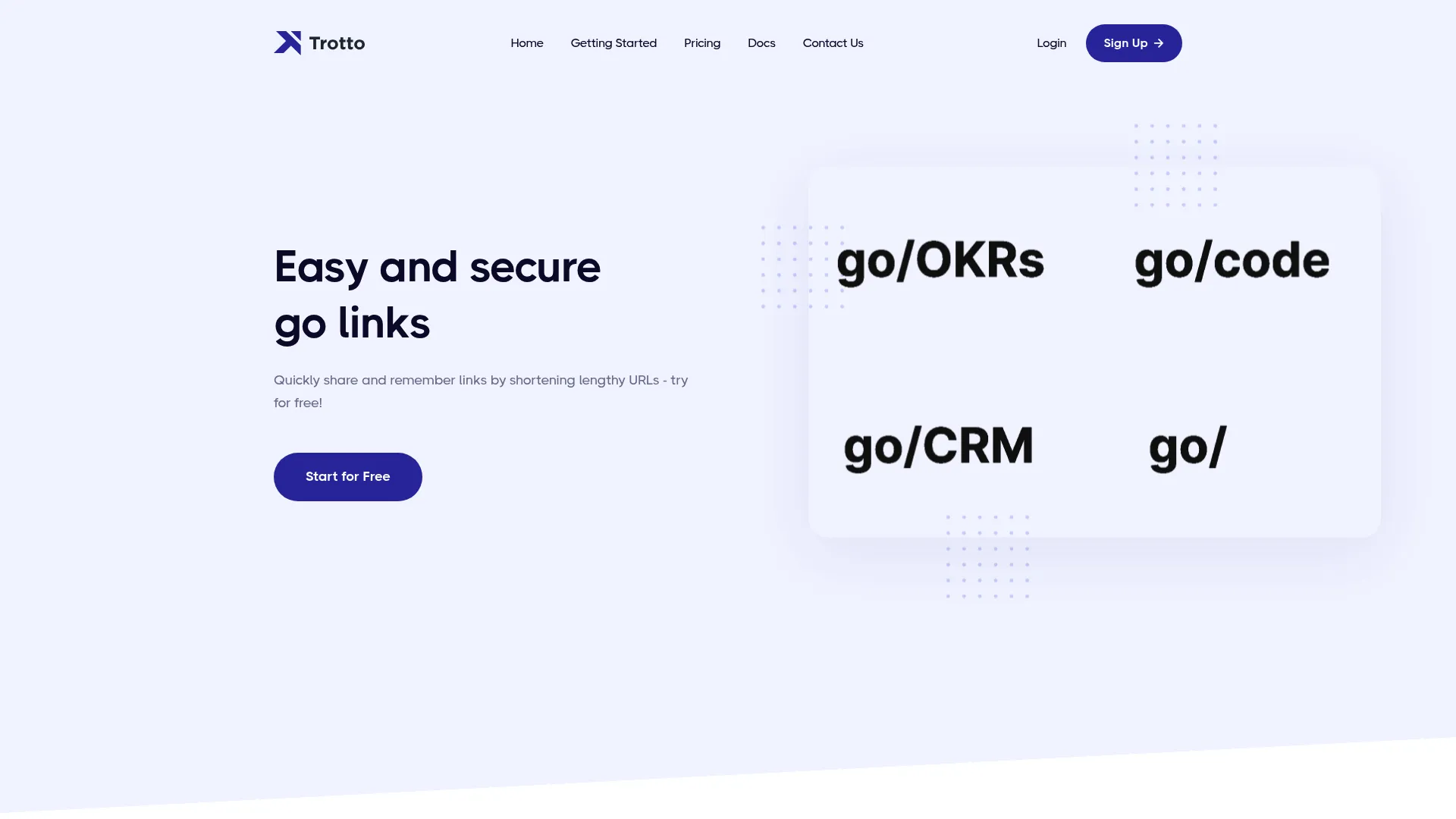
The product keeps things focused: unlimited go links, a browser extension, SSO with providers like Okta and OneLogin, analytics, and admin features. Teams that want a lightweight, self-manageable way to replace long internal URLs with go/ shortcuts will find it covers the essentials without bloat.
Best for: Teams that want simple internal go links and browser-based link shortcuts, with open-source flexibility.
Key strengths
- Unlimited go links: Create memorable internal shortcuts without volume caps.
- Browser extension and SSO: Resolve links in-browser with enterprise sign-on support.
- Analytics and admin features: Track usage and manage links across the team.
Why choose Trotto: Choose Trotto when you want an internal go-link system with open-source transparency and straightforward administration. It fits engineering-adjacent and ops teams that value control. As with GoLinks, it complements rather than replaces an external campaign link platform.
Trotto pricing: Trotto's Startup plan is free for up to 10 users, Team is $3/user/month, and Enterprise is contact-sales. The free tier makes it practical to pilot with a small group before rolling out.
What to evaluate before buying: Confirm the SSO and admin controls you need sit in your chosen tier, and assess whether self-management fits your team's resources.
9. redirect.pizza
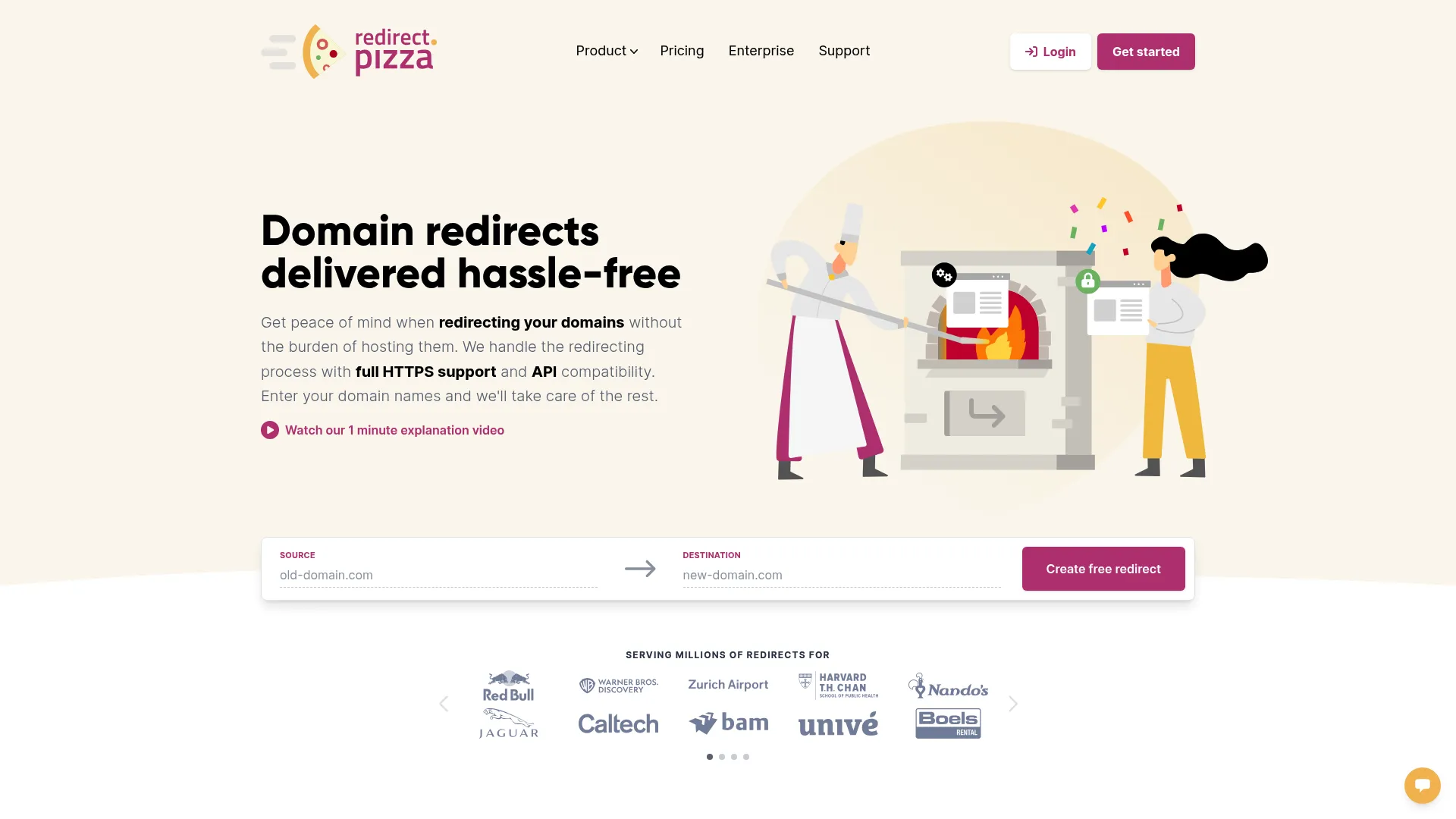
The platform handles full domain redirects, automatic SSL, analytics, an API, dynamic destinations, and complex redirect rules across a global edge network. For teams migrating domains, consolidating old URLs, or managing redirect rules at scale, it removes the manual work and the SSL headaches that usually come with redirects.
Best for: Teams needing simple, secure domain redirects with automated SSL and redirect management.
Key strengths
- Automatic HTTPS: Secure every redirect with SSL handled for you.
- Analytics: Track redirect traffic and performance.
- API and redirect rules: Automate redirects and apply complex rules at scale.
Why choose redirect.pizza: Choose redirect.pizza when your problem is redirect and domain management rather than branded campaign links. It fits SEO and web teams handling migrations, broken links, and consolidations. It pairs well with a branded link platform that handles your campaign tracking.
redirect.pizza pricing: redirect.pizza offers a Free plan and Basic at $14.95/month, with Pro, Business, and Enterprise tiers available. The free tier lets you test redirect handling before scaling up.
What to evaluate before buying: Confirm the redirect volume, rule complexity, and analytics you need are covered, and check the higher-tier pricing directly since some plan prices are quote-based.
10. Linktree

Founded in 2016, Linktree has become the default link hub for social bios. It bundles an Audience Manager, digital product sales, Instagram auto reply, and analytics into one branded page. For social media managers and creator-led brands, it consolidates the scattered link experience of social profiles into one measurable destination. If social distribution is core to your strategy, pair it with the right social media management tools.
Best for: Creators and brands that want a single link hub with monetization and audience analytics.
Key strengths
- Audience Manager: Build and understand the audience clicking through your bio.
- Digital Products: Sell and monetize directly from your link page.
- Instagram Auto Reply: Automate engagement tied to your social links.
Why choose Linktree: Choose Linktree when your link challenge is social-first and bio-driven rather than multi-channel campaign tracking. It fits creators, social media managers, and brands with heavy social distribution. For branded campaign links and deep analytics, pair it with a dedicated link management platform.
Linktree pricing: Linktree offers a free forever plan, with paid Starter, Pro, and Premium tiers and a free trial on the paid plans. The free plan covers basic link hubs, while paid tiers add analytics, integrations, and branding controls.
What to evaluate before buying: Confirm which analytics, branding, and monetization features sit in each tier, and check pricing in your local currency since rates vary by region.
11. Linkly
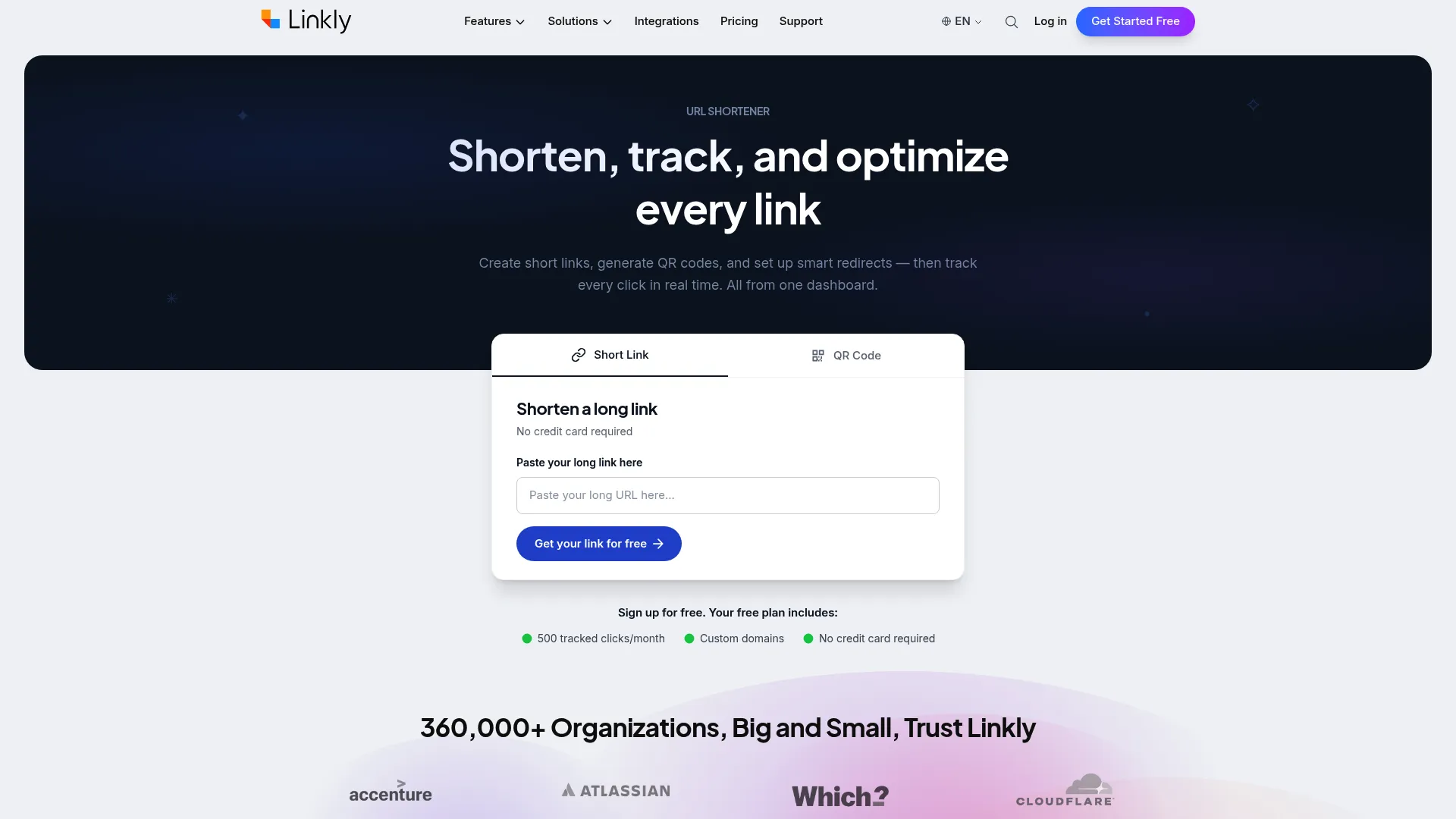
The platform creates custom branded short links, delivers real-time click analytics, and routes clicks based on geography or device, which is useful for localized campaigns or app-store redirects. A REST API lets teams manage links, domains, webhooks, and analytics programmatically. For marketers who want tracking depth and routing without enterprise overhead, Linkly fits cleanly.
Best for: Teams that need branded link tracking with advanced routing and analytics.
Key strengths
- Custom branded short links: Build on-brand links on your own domains.
- Real-time click analytics: Track engagement as it happens across campaigns.
- Geo and device redirects: Route users by location or device for targeted experiences.
Why choose Linkly: Choose Linkly when routing and link tracking matter and you want a focused, affordable platform with API access. It fits marketers running localized or device-specific campaigns. Teams needing deep enterprise governance may prefer a heavier platform.
Linkly pricing: Linkly offers a free plan, with Starter at $15/month and Pro at $32/month, both billed annually, plus add-ons for higher usage. The free tier lets you test tracking and routing before upgrading.
What to evaluate before buying: Confirm the click volume and routing rules you need fit the tier, and verify the API capabilities match your automation plans.
Considerations before you buy
Use this checklist to pressure-test any link management platform against your team's reality before you commit budget.
Branding and custom domain support
Verify how many custom domains a plan includes and whether branded links are available on the entry tier. Some tools gate custom domains behind higher plans, which matters if branded links are central to your strategy. For marketing teams, on-brand links are not a nice-to-have; they protect click-through and trust across channels.
Analytics depth and click tracking
Check what each tier's click tracking actually reports: time, geography, device, referrer, and how long data is retained. Confirm whether the tool exports cleanly or pushes data to your analytics stack. Remember that link analytics measure engagement, and conversion tracking still depends on pairing UTMs with your attribution system.
Governance, permissions, and reliability
For teams creating links at scale, ask who can create and edit links, whether there is role-based access, and what uptime the vendor commits to. Broken redirects and inconsistent links damage campaigns. Enterprise link management lives or dies on governance, permissions, and reliability.
API and integrations
If you plan to automate link creation or feed data into your CRM and reporting, confirm the API exists, what it covers, and any rate limits. Integration depth determines whether the tool fits your stack or becomes another silo.
Free plan limits and pricing transparency
Test free link management tools against your real volume. Free plans are great for piloting, but limits on branded links, analytics, or QR codes surface fast. Favor vendors with transparent pricing over those that hide everything behind sales.
Conclusion
The right link management tool depends on the job in front of you. For an all-around platform covering branded links, QR codes, and pages, Bitly is the safe default. For branded links at scale with a developer-friendly API, Rebrandly leads. If attribution and partner programs matter, Dub bridges clicks and conversions. Short.io and TinyURL handle affordable branded shortening, while BL.INK delivers enterprise governance and routing. For internal go links, GoLinks and Trotto fit, redirect.pizza owns domain redirects, Linktree wins social-first bios, and Linkly covers tracking with smart routing.
The buying advice is simple: choose based on branding, analytics, and the operational control your team actually needs, not on which tool has the shortest links. Map your six criteria, branding, analytics, governance, integrations, pricing, and reliability, against a shortlist of two or three tools, then run a free trial or free tier with your real campaign links before you commit. And if you want to show prospects how your own product works rather than just link to it, building an interactive product demo with Guideflow turns a click into a guided experience.
Start your journey with Guideflow today!
FAQs
A link management tool is software for creating, organizing, editing, tracking, and maintaining links across campaigns and channels. It centralizes branded links, custom domains, and QR codes in one place, then layers click analytics and permissions on top. The goal is control over every link's destination, branding, and performance, not just a shorter URL.
A URL shortener simply compresses a long link into a shorter one. A link management platform does that and adds branded links on custom domains, editable destination URLs, click tracking, QR code management, governance, and integrations. In short, a shortener changes how a link looks, while link management governs how it behaves, performs, and gets measured over time.
They help indirectly. Link management tools improve organization, branded sharing, redirect management, and tracking, and they prevent broken links that hurt user experience. They are not a direct ranking lever, so they support SEO link management workflows rather than moving rankings on their own. For SEO teams, redirect management and broken link monitoring are the most useful capabilities, and our roundup of the best SEO tools covers the broader stack.
Look for custom domain support, editable destinations, reliable analytics, and consistent branding across channels. Editable destinations let you fix or repoint a link after it goes live without reposting. Strong click tracking ties branded links back to campaign reporting, and a recognizable branded domain improves trust and click-through on paid social, email, and partner content.
They can track clicks and scans precisely, but conversion tracking usually requires integration with your web analytics or attribution system. The link platform records the click; consistent UTMs and your CRM or analytics tool record what happened next. Some platforms, like attribution-focused tools, connect more directly to conversion events, but the measurement chain still depends on clean integration.
Free tiers work well for small teams testing branded links, basic click tracking, and QR codes at low volume. They become a constraint once you need more custom domains, deeper link analytics, governance, or higher link volumes. Use a free plan to validate the workflow, then upgrade when branding or analytics limits start blocking your campaigns.
Link tracking focuses on measuring clicks, locations, devices, and referrers. Link management includes tracking but adds lifecycle control: branded links, custom domains, editable destinations, governance, permissions, and redirect management. Tracking tells you what happened to a link, while management lets you control, edit, and govern that link across its entire life.
Many do. Most modern link management platforms now manage both links and QR codes in one place, including dynamic QR codes you can repoint after printing. That matters for offline-to-online campaigns, since scan analytics let you measure events, packaging, and print traffic the same way you measure clicks. Confirm QR code management is available at your chosen pricing tier.