An outage hits at 2:14 AM. The first alert fires in one channel. A second fires somewhere else. By the time the right engineer sees it, twenty minutes have passed, three people are messaging in different threads, and nobody has told the customer anything. The technical fix takes eight minutes. The coordination around it takes an hour.
That gap between detecting a problem and organizing the response is exactly what incident response software is built to close. The global incident response market is projected to grow from US$46.45 billion in 2025 to US$133.04 billion in 2030, at a 23.5% CAGR, according to The Business Research Company (2025). The pressure driving that spend is not more alerts. It is the operational cost of scattered handoffs, alert fatigue, and slow stakeholder communication during the moments that matter most.
For presales and sales engineering teams evaluating these platforms, the buying decision maps cleanly onto the validation motion you already run. You are checking workflow fit, integration depth, automation reliability, and whether Security and IT will actually adopt the thing. This guide breaks down seven incident response tools worth putting on a shortlist, and where each one earns its place. If your evaluation stack also touches adjacent categories, our roundups of AI security posture management tools and audit management software pair well with this one.
What's inside
This guide compares seven incident response platforms for teams evaluating incident lifecycle management, automation, communication, and escalation. It is written for presales, sales engineering, Security, and IT operations readers who need practical differentiation, not a feature dump.
We selected tools based on four criteria: workflow fit across the incident lifecycle, automation depth, integration and communication strength, and enterprise readiness. We also weighted pricing visibility, since gated pricing slows every procurement conversation. Each entry covers what the tool does, who it fits, verified pricing where public, and its current G2 rating.
TL;DR
Short on time? Here is the shortlist as decision shortcuts.
- Best overall incident management platform: incident.io, for teams that want on-call, response, investigations, and status pages in one place.
- Best for on-call and escalation: PagerDuty, the mature standard for teams already standardized on operational on-call.
- Best for intelligent alerting and communication: xMatters, for enterprise notification reliability and cross-system orchestration.
- Best for security workflow automation: Tines, for teams building automated incident response across many connected systems.
- Best for SIEM-adjacent incident response: SolarWinds IT Incident Response (Squadcast), for alert correlation, on-call, and remediation workflows.
- Best for phishing incident triage: KnowBe4 PhishER, a specialist for user-reported email security incidents.
- Best for enterprise command-center coordination: Motorola Solutions Enterprise Command Center Software, for centralized security and public-safety operations.
What is incident response software?
Incident response software is a platform that helps teams detect, coordinate, resolve, and communicate about operational or security incidents across their full lifecycle. It centralizes alerts, assigns responders, structures the response, and keeps stakeholders informed until recovery.
The category overlaps with adjacent tooling, so precise language matters during evaluation. Incident management software and incident response management software often describe the same job. IT alerting tools focus narrowly on notification and routing. SOAR platforms lean into security orchestration and automated containment. A strong incident response platform pulls these threads together into one coordinated motion.
Core capabilities to look for:
- Incident lifecycle management: structured stages from detection through triage, mitigation, resolution, and post-incident review.
- AI-driven triage: automated severity scoring, grouping, and routing so responders reach the right incident faster. Around 47% of companies are adopting AI-powered threat detection and automated incident response tools, per Business Research Insights (2026).
- Collaboration: shared incident channels, roles, and timelines that keep responders aligned in one place.
- Status updates and incident communication: public status pages and internal updates that keep customers and stakeholders informed.
- Automation and remediation workflows: rules-based actions that handle repetitive steps, containment, and escalation without manual effort.
- Analytics and root cause investigation: timelines, metrics, and reporting that turn each incident into a learning input.
If governance and evidence are part of your review, the overlap with contract lifecycle management software and broader community management software surfaces during procurement more often than teams expect.
When to use incident response software
The category earns its keep in specific operational conditions. Here is how to pattern-match your situation before you shortlist.
Centralize alerts and escalation
When alerts arrive across email, monitoring dashboards, and chat with no single source of truth, responders waste the first critical minutes just orienting. Incident response software routes every alert into one place, assigns the right responder automatically, and cuts the handoff friction that lets small issues become long outages. This is the trigger for most first-time buyers.
Automate triage and remediation
When your team runs the same manual steps on every incident, that repetition is a tax on both speed and morale. Workflow rules and automated incident response handle the predictable parts, containment actions, enrichment, escalation, so responders spend their attention on the parts that actually need human judgment. If tickets and approvals slow you down, the parallels with audit management software evaluation are worth reviewing alongside.
Improve customer and stakeholder communication
When an outage is visible to customers, silence costs trust faster than the outage itself. Status pages, scheduled update workflows, and internal comms turn a chaotic scramble into a controlled message. For many buyers, communication reliability matters as much as the technical response, and it is often the feature that wins internal buy-in.
Comparison table
The shortlist below is organized by incident management breadth, automation depth, and communication strength. Platforms earlier in the table handle more of the incident lifecycle end to end, while later entries specialize in a particular slice such as security automation, phishing triage, or enterprise command-center coordination.
| # | Product | Intent | Key use case | Pricing | G2 rating |
|---|---|---|---|---|---|
| 1 | incident.io | All-in-one incident management | Slack/Teams-native response with on-call and status pages | Free; Team $19/user/mo; Pro $25/user/mo; Enterprise custom | 4.8/5 |
| 2 | PagerDuty | On-call and escalation | Operational on-call, automation, and AIOps at scale | Free up to 5 users; Professional $21/user/mo; Business $41/user/mo; Enterprise custom | 4.5/5 |
| 3 | xMatters | Intelligent alerting and orchestration | Reliable notification and cross-system incident coordination | Free up to 10 users; Starter $9/user/mo | 4.5/5 |
| 4 | Tines | Security workflow automation | Automating and orchestrating incident actions across systems | Community Edition free; Business and Enterprise quote-based | 4.7/5 |
| 5 | SolarWinds IT Incident Response (Squadcast) | SIEM-adjacent response | Alert correlation, on-call, and remediation workflows | Pro $15/user/mo; Premium $24/user/mo (billed annually); Enterprise custom | 4.4/5 |
| 6 | KnowBe4 PhishER | Phishing incident triage | User-reported email security incident response | From $1.15/seat/mo (3-year term, volume-based) | 4.6/5 |
| 7 | Motorola Solutions Enterprise Command Center | Enterprise command center | Centralized security and public-safety operations | Custom (contact sales) | 5.0/5 |
The 7 best incident response software platforms
1. incident.io
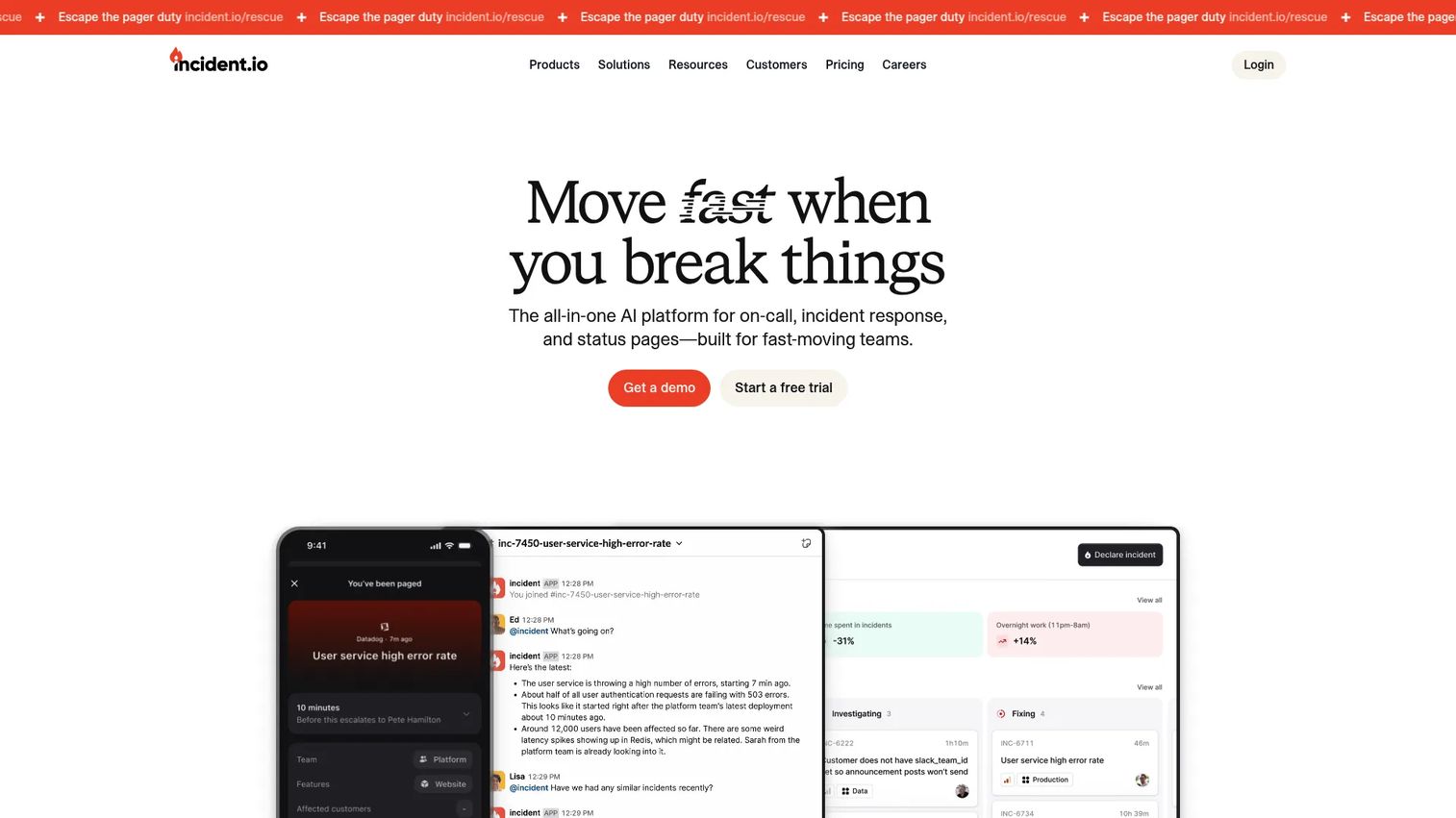
incident.io is an all-in-one incident management platform that brings on-call, response, investigations, and status pages into a single system. It is built to run inside the tools teams already live in, with native incident response in Slack or Microsoft Teams, so responders declare, coordinate, and resolve incidents without switching context. For teams that want to consolidate several point tools into one coordinated motion, it is the strongest general-purpose pick on this list.
Best for: Teams that want Slack or Teams-native incident response with bundled on-call and status pages.
Key strengths
- Slack and Teams-native response: Declare and manage incidents directly in your chat platform, so coordination happens where the team already talks.
- Bundled on-call and alerting: Multi-team on-call and escalation live alongside response, reducing the number of tools to buy and integrate.
- Status pages and automation: Public status pages and incident automation keep customers informed and cut repetitive manual steps.
Why choose incident.io: If your incident workflow currently spans a chat tool, a separate on-call product, and a status page vendor, incident.io collapses that into one platform. That consolidation is the main reason teams pick it, and the fast in-chat workflow means responders reach the right incident with less friction. Root cause investigation is built in, so learnings do not get lost after resolution.
incident.io pricing: A Basic plan is free forever. The Team plan is $19 per user per month, and the Pro plan is $25 per user per month, both with an annual discount available. Enterprise is custom. On-call can also be purchased standalone at $20 per user per month if you only need that piece. On G2, incident.io holds a 4.8/5 rating.
2. PagerDuty
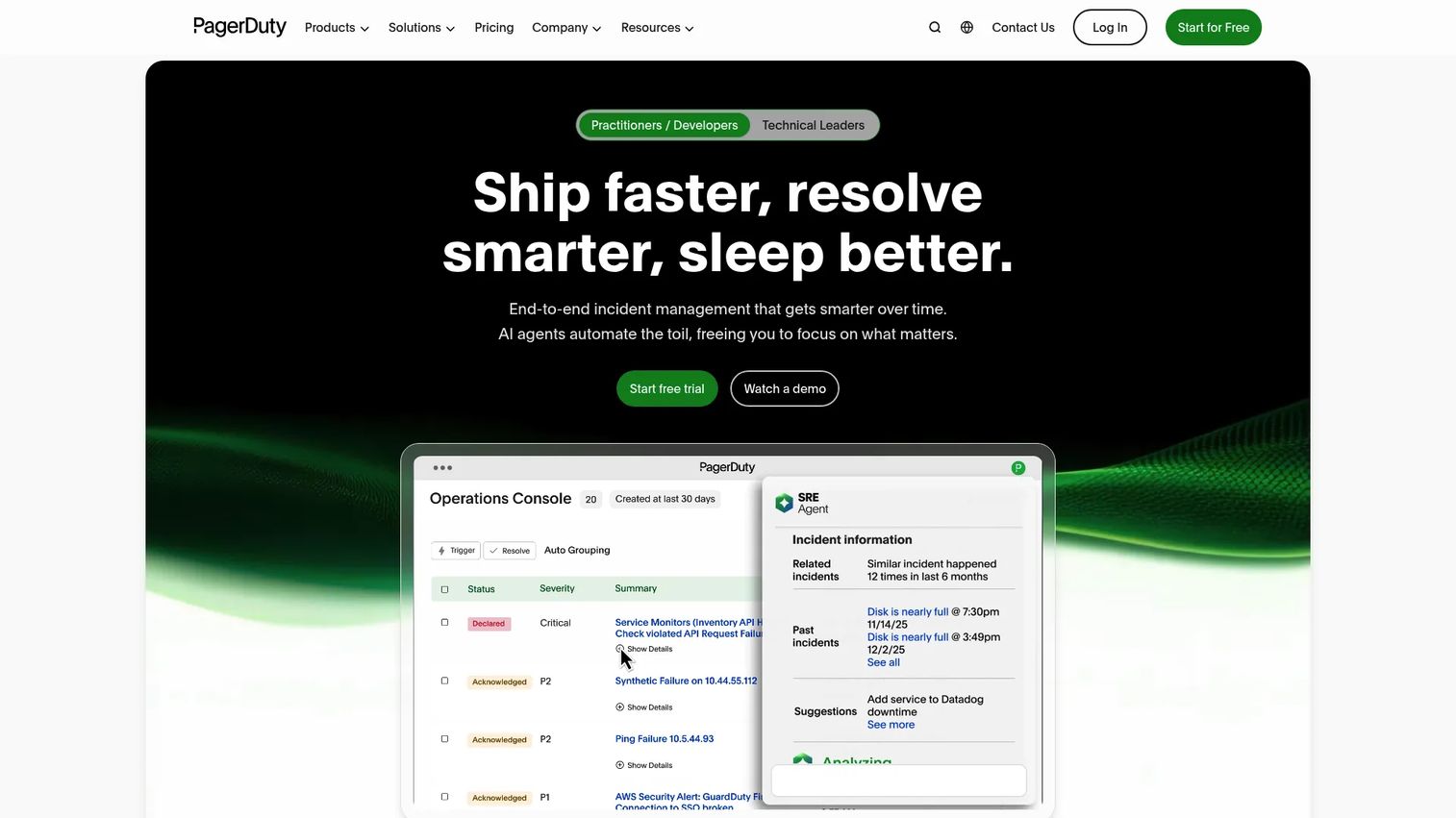
PagerDuty is an AI-first operations platform for incident management, on-call scheduling, automation, and AIOps. It is the mature standard many teams anchor on when on-call operations are already central to how they run. With deep integration coverage, incident roles, workflow automation, and status pages, it handles high-volume operational response at enterprise scale.
Best for: Teams needing on-call incident response and operational automation.
Key strengths
- On-call and automated escalation: Robust on-call schedules and escalation policies route incidents to the right responder every time.
- AIOps and automation: AI-driven event intelligence groups noise and surfaces the signal, reducing alert fatigue at scale.
- Broad integration ecosystem: One of the widest sets of monitoring and tooling integrations, so it slots into an existing stack.
Why choose PagerDuty: For organizations already standardized on on-call operations, PagerDuty is the safe, proven choice. Its maturity shows in the depth of its automation and the breadth of its integrations, which matters when your incident data has to flow across many systems. It fits teams that want a reliable operational backbone rather than a single-team tool.
PagerDuty pricing: The Free plan covers up to 5 users per month. Professional is $21 per user per month, and Business is $41 per user per month. Enterprise is custom, and add-ons such as PagerDuty Advance and AIOps are priced separately. PagerDuty holds a 4.5/5 rating on G2.
3. xMatters
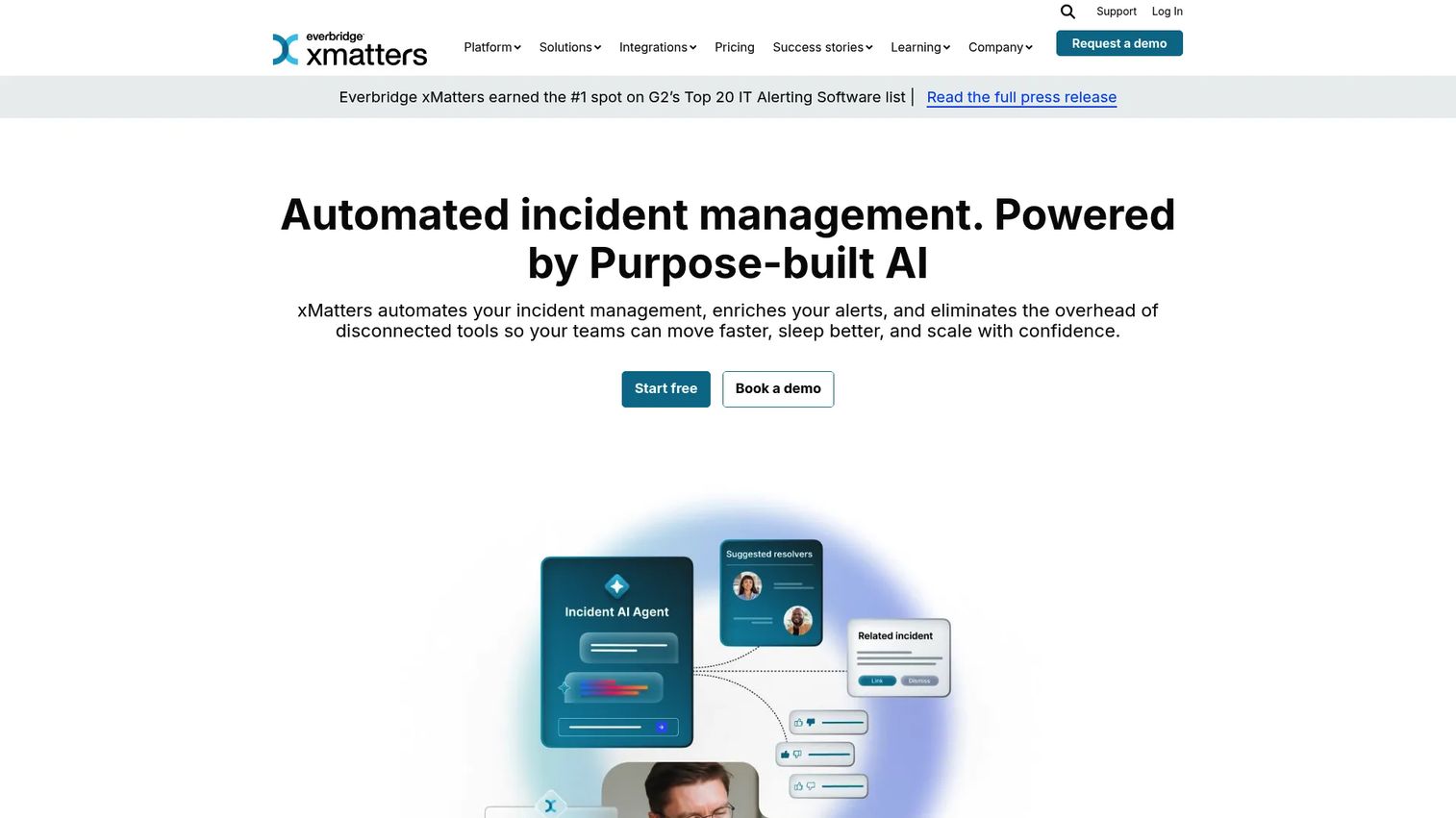
xMatters is an automated incident management and IT alerting platform that helps teams route alerts, orchestrate response, and resolve incidents faster. Its heritage is intelligent communication, so it excels at reliable notification and cross-system orchestration. For enterprise teams where a missed alert is unacceptable, that reliability is the core draw.
Best for: IT and DevOps teams needing incident alerting and automated response orchestration.
Key strengths
- Automated incident management workflows: Prebuilt and custom flows drive incidents through stages without manual shepherding.
- Alert filtering and correlation: Suppression and correlation cut noise so responders see the alerts that matter.
- Skill and availability-based routing: Alerts reach the person best placed to act, based on skills and who is actually on shift.
Why choose xMatters: Teams pick xMatters when notification reliability and enterprise incident coordination are the priority. Its alerting engine is built to reach the right person through the right channel, and its orchestration connects the systems involved in a response. It fits IT and DevOps organizations that need dependable alerting layered onto strong automation.
xMatters pricing: The Free plan supports up to 10 users at US$0. The Starter (Essentials) plan is US$9 per user per month for up to 100 users. Base and Advanced plans are also available for larger deployments. On G2, xMatters carries a 4.5/5 rating.
4. Tines
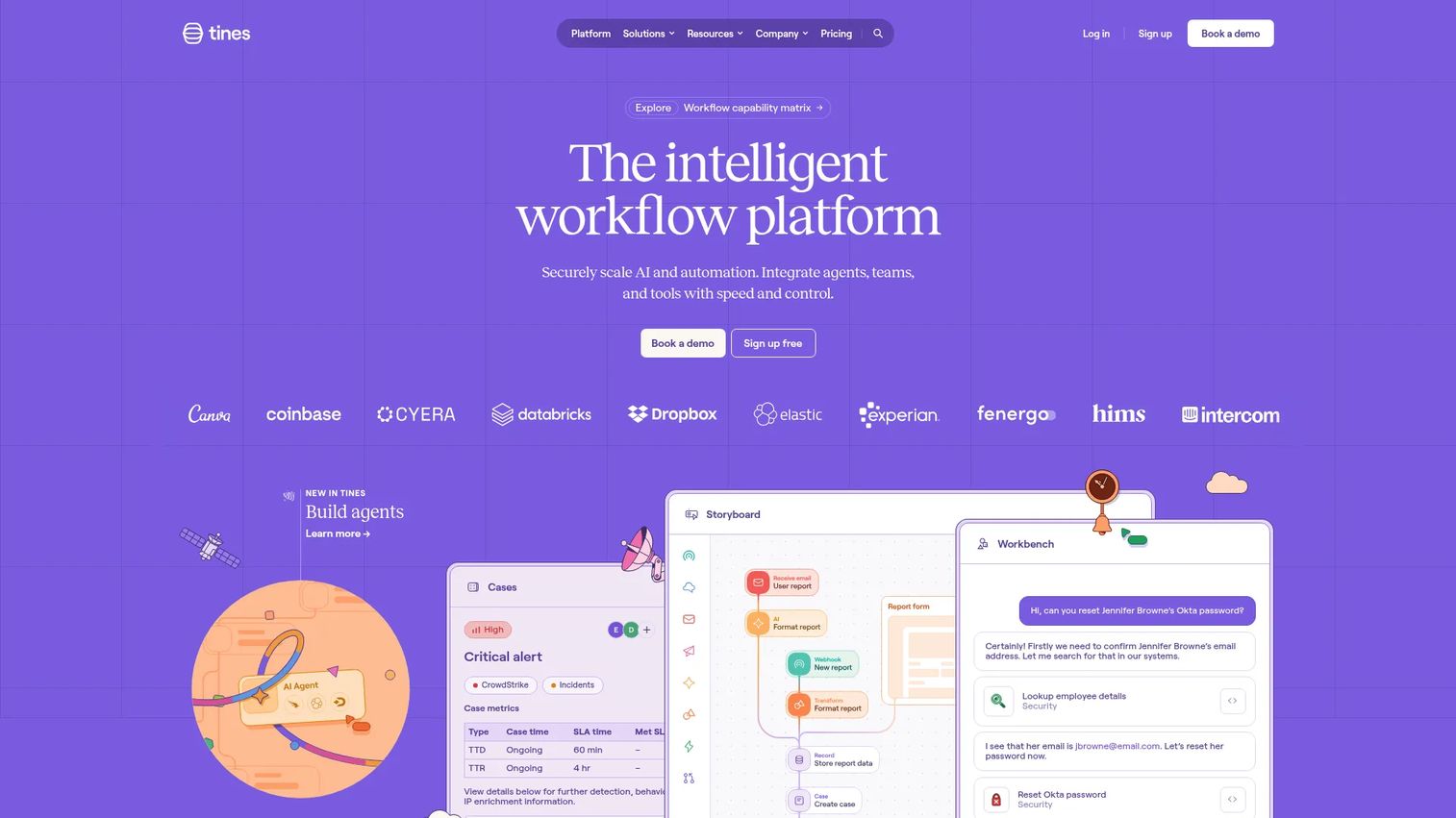
Tines is an intelligent workflow platform for automating and orchestrating operational work, widely used by security and operations teams. It connects incident actions across systems without custom code, which makes it a strong fit for automation-heavy teams that want to standardize response and remediation workflows. It leans into orchestration rather than being a chat-based response hub, so it often complements a dedicated incident tool.
Best for: Security and operations teams automating complex workflows without custom code.
Key strengths
- No-code workflow automation: Build and run complex response and remediation workflows without writing custom scripts.
- Broad tiering and controls: Community, Business, and Enterprise editions with workflow controls and security feature sets scale with the team.
- AI-assisted workflows: AI Agent actions, Workbench, and automatic event transforms speed up how workflows are built and maintained.
Why choose Tines: If your incident work involves stitching together detection, enrichment, containment, and ticketing across many tools, Tines is built for exactly that orchestration. It suits teams that treat automated incident response as a first-class discipline and want to codify their playbooks. It pairs well with an on-call or response platform rather than replacing one.
Tines pricing: Tines offers a forever-free Community Edition. The Business and Enterprise editions are quote-based, and Tines directs prospects to contact sales for numeric pricing rather than publishing it. On G2, Tines holds a 4.7/5 rating.
5. SolarWinds IT Incident Response (Squadcast)
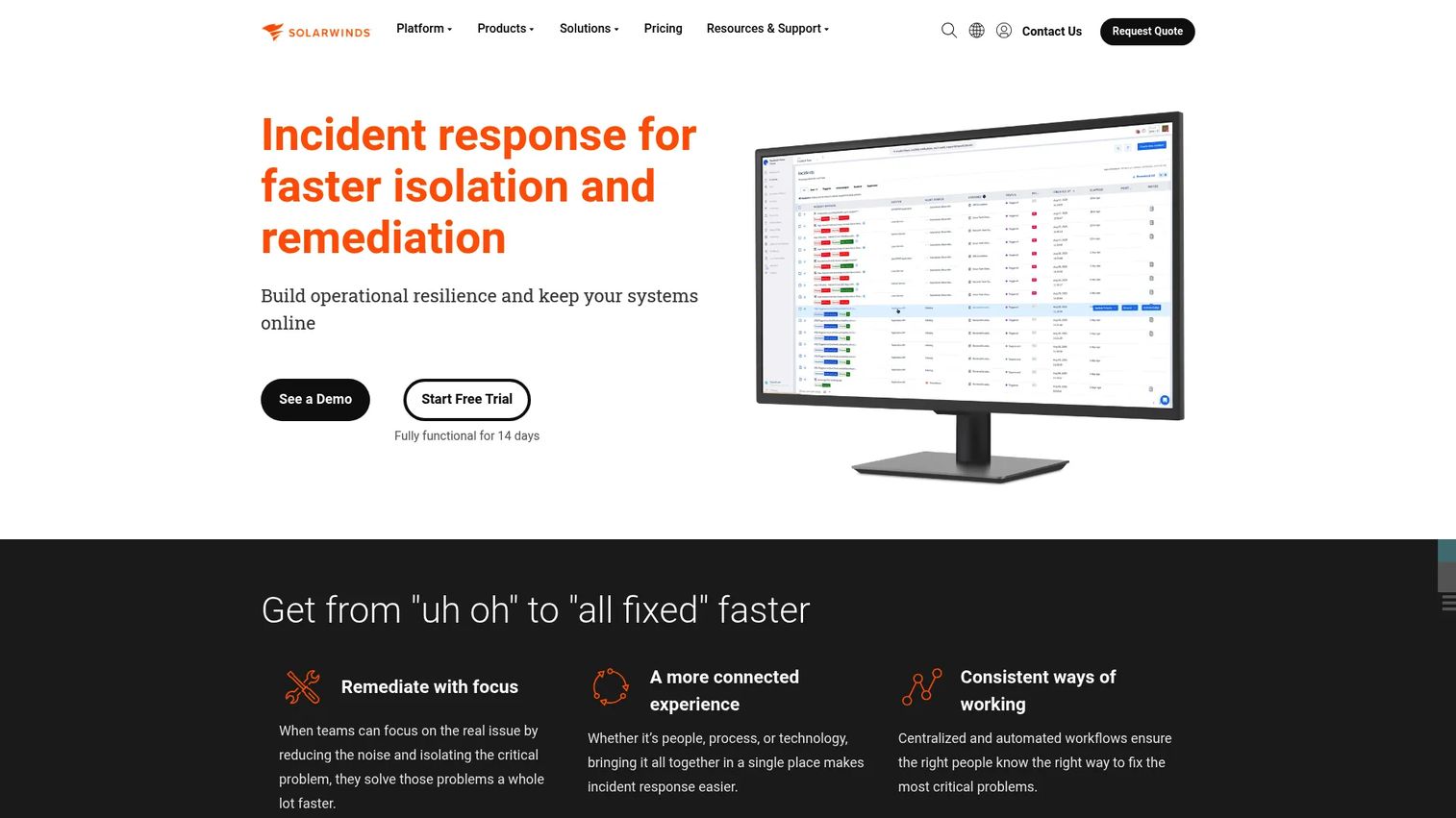
SolarWinds IT Incident Response (Squadcast) is AI-powered incident response software for consolidating alerts, managing on-call, collaborating on incidents, and tracking service reliability. Formerly Squadcast, it sits comfortably in SIEM-adjacent workflows where alert correlation and remediation actions matter. For IT and support teams that want unified incident response with public, accessible pricing, it is a practical option.
Best for: IT and support teams needing unified incident response with on-call and collaboration workflows.
Key strengths
- Alert correlation and enrichment: Consolidate and enrich alerts so responders act on grouped, contextualized signals.
- Automated on-call management: On-call scheduling and escalation route incidents without manual intervention.
- Real-time incident collaboration: Shared incident workflows keep responders aligned through resolution.
Why choose SolarWinds IT Incident Response: Teams choose it when they want SIEM-adjacent incident workflows and remediation actions without enterprise-only pricing. The combination of alert correlation, on-call, and collaboration in one product covers the core response loop, and the public per-user pricing makes it easy to model cost during procurement. It fits IT and support organizations more than dedicated SOC teams.
SolarWinds IT Incident Response pricing: The Pro plan starts at $15 per user per month, and Premium starts at $24 per user per month, both billed annually. Enterprise pricing is available on request. A 14-day fully functional trial is offered. On G2, the product holds a 4.4/5 rating.
6. KnowBe4 PhishER
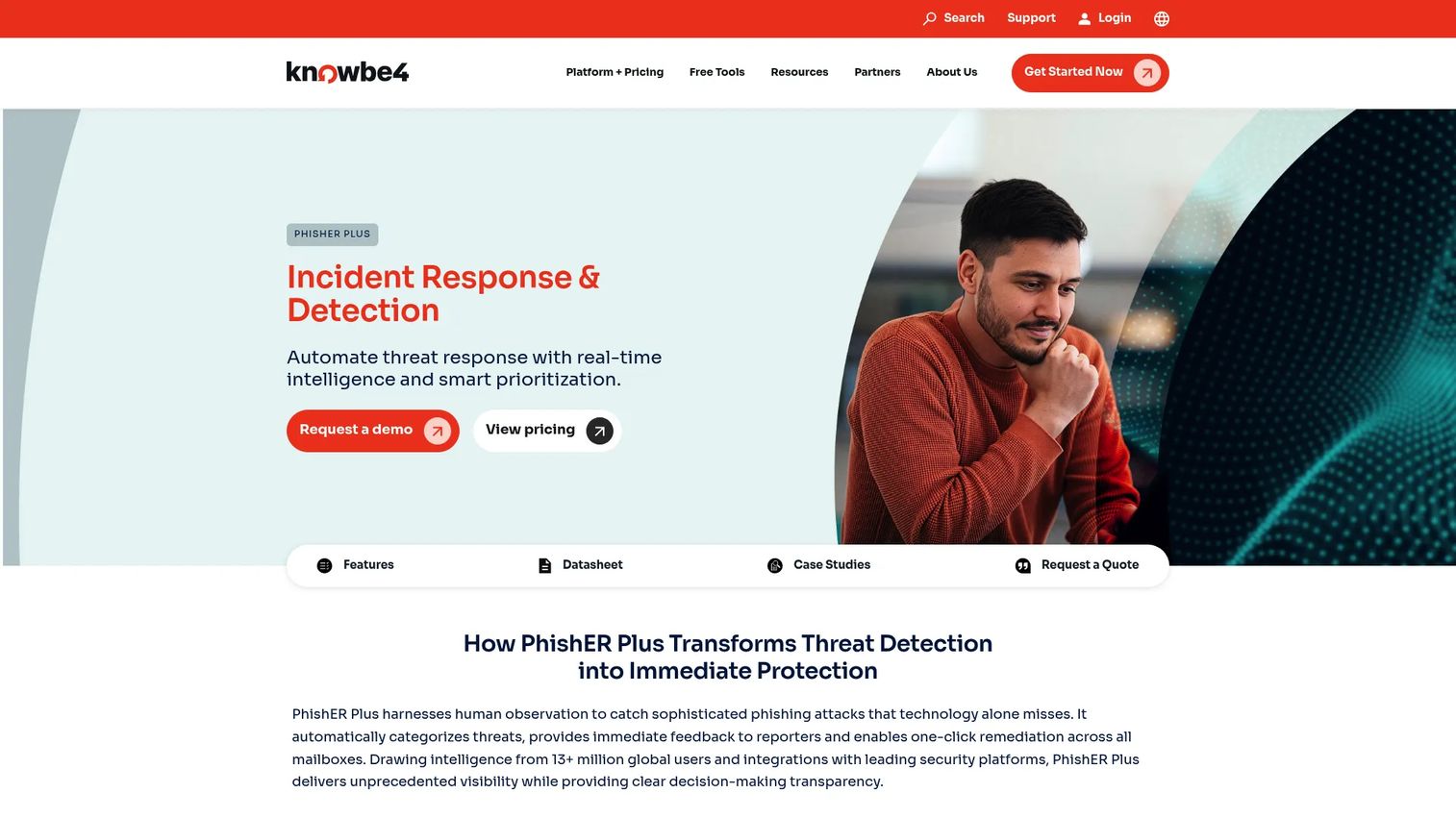
KnowBe4 PhishER is incident response and phishing detection software focused on user-reported email threats. Rather than being a general incident platform, it specializes in triaging the flood of suspicious emails employees report, prioritizing them automatically, and running closed-loop remediation. For security teams drowning in phishing reports, that focus is exactly the point.
Best for: Security teams that want to triage and remediate reported phishing emails faster.
Key strengths
- Automatic message prioritization: Reported emails are scored and ranked so analysts handle the real threats first.
- PhishRIP and PhishFlip workflows: Remediation and training workflows pull malicious messages and turn real threats into teachable simulations.
- SIEM and security integrations: Connects into the broader security stack so phishing incidents feed existing tooling.
Why choose KnowBe4 PhishER: Choose it as a specialist layer for email security incident workflows, not as your general incident management platform. If user-reported phishing is a meaningful source of incidents, PhishER cuts the manual triage burden dramatically and closes the loop from report to remediation. It sits alongside a broader response tool rather than replacing one.
KnowBe4 PhishER pricing: Pricing is volume and term-based. MSRP starts around $1.50 per seat per month for 101 to 500 seats and $1.15 per seat per month for 501 to 1,000 seats, both on a 3-year term. Larger deployments of 1,001 or more seats are quote-based. On G2, PhishER holds a 4.6/5 rating.
7. Motorola Solutions Enterprise Command Center Software
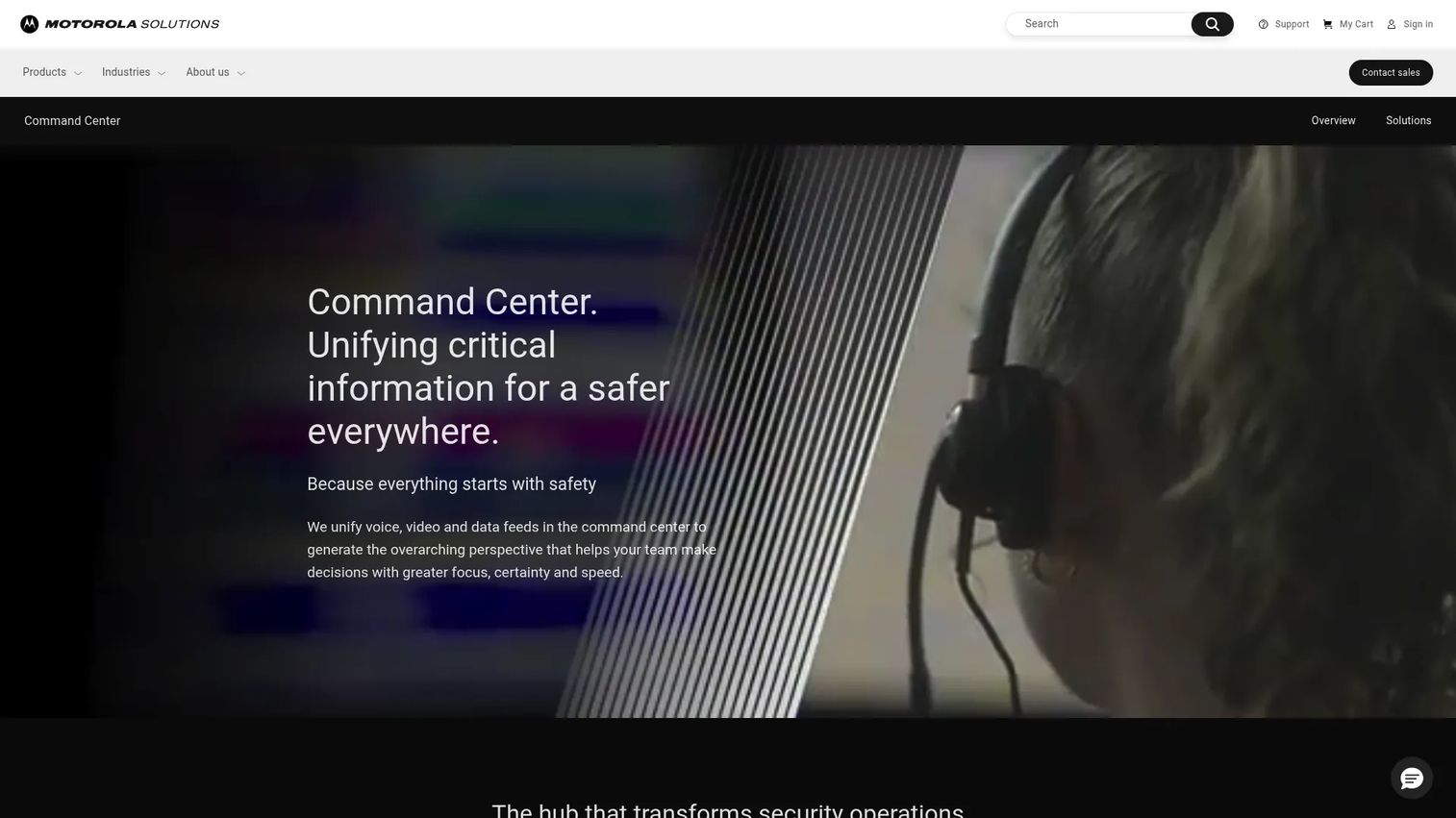
Motorola Solutions Enterprise Command Center Software is integrated command center software for public safety and enterprise security operations. It sits at a different layer than the software-focused tools above, unifying voice, video, and data feeds into a 360-degree view of unfolding events. For organizations that coordinate physical security or public-safety response, it functions as the enterprise orchestration layer.
Best for: Public safety and enterprise teams needing centralized command-and-control workflows.
Key strengths
- Unified voice, video, and data: Consolidates disparate feeds into a single operational picture during an incident.
- 360-degree situational awareness: Gives command staff a complete view of unfolding events to drive decisions.
- Cross-sector workflows: Supports public safety, enterprise, and public-private partnership operations.
Why choose Motorola Solutions Enterprise Command Center: This is the pick when incident response means coordinating people and physical events, not just software services and outages. Its command-center framing brings SOC automation and situational awareness into one operational hub, which fits enterprise security and public-safety teams. It complements, rather than competes with, the on-call and DevOps tools earlier in this list.
Motorola Solutions Enterprise Command Center pricing: Pricing is not public; the vendor directs prospects to contact sales for a quote and demo. On G2 the product shows a 5.0/5 rating, though review volume is currently very low, so weigh that rating against the small sample when evaluating.
What to evaluate before you buy
Before you commit, run each shortlisted platform through the same rubric. A shared checklist keeps Security, IT, and RevOps aligned on the same success criteria.
Workflow and lifecycle fit
Map the tool against your actual incident lifecycle, from detection through post-incident review. The best fit handles your real stages, not a generic template. Watch for gaps where your team would fall back to manual coordination.
Automation and integration depth
Check which of your monitoring, chat, ticketing, and security tools connect natively. Automation is only as good as the systems it can reach. Verify that automated incident response and remediation workflows can execute the actions your playbooks actually require.
Communication and status updates
Confirm the platform supports both customer-facing status pages and internal update workflows. During a visible outage, communication reliability protects trust. Test how easy it is to publish and schedule updates under pressure.
Analytics and reporting
Look for timelines, metrics, and root cause investigation features that turn incidents into learning. Exportable reporting matters for post-incident reviews and executive visibility. Weak analytics leaves you repeating the same incidents.
Enterprise readiness and governance
For larger buyers, verify SSO, access controls, audit trails, and support tiers. These are the features Security and procurement will scrutinize. If governance is a broader theme in your stack, our contract management software and marketing resource management software roundups cover adjacent evaluation criteria.
Conclusion
The right incident response software depends on the job you are actually solving. For all-in-one incident management with on-call and status pages built in, incident.io leads. For deep on-call and escalation at scale, PagerDuty remains the standard. xMatters wins when notification reliability and enterprise coordination are non-negotiable, while Tines is the pick for teams building serious security workflow automation. SolarWinds IT Incident Response covers SIEM-adjacent workflows with accessible pricing, KnowBe4 PhishER specializes in phishing incident triage, and Motorola Solutions Enterprise Command Center Software handles enterprise command-center coordination for physical and security operations.
The strongest evaluations do not start with the tool. They start with a shared rubric across Security, IT, and RevOps: lifecycle fit, automation depth, communication reliability, analytics, and enterprise governance. Use this shortlist to run each platform through that rubric, score them on the same axes, and let the highest-fit option earn the deal. For teams still comparing adjacent categories, our event management software and loyalty management software guides follow the same evaluation-first approach.
FAQs
Incident response software is used to detect, coordinate, resolve, and communicate about operational or security incidents. It centralizes alerting, automates triage and escalation, structures the response, and tracks recovery. The goal is to shorten the time between detecting a problem and organizing the people and actions needed to fix it.
In practice the terms overlap heavily, and many vendors use them interchangeably. Incident management software often emphasizes the full lifecycle, process, and post-incident learning, while incident response software leans toward the active response and coordination phase. Most modern platforms cover both, so focus on capabilities rather than the label.
The features that matter most are AI-driven triage, reliable notifications and alerting, status updates and incident communication, automation and remediation workflows, analytics and root cause investigation, and broad integrations. The right weighting depends on whether your priority is on-call operations, security automation, or customer communication.
It depends on governance, scale, and integration needs. For broad on-call operations and deep automation at scale, PagerDuty is a strong enterprise fit. For notification reliability and cross-system orchestration, xMatters excels, and for command-center coordination of physical and security operations, Motorola Solutions Enterprise Command Center Software fits. Verify SSO, access controls, and audit trails against your requirements.
Tines is built for orchestrating and automating complex response and remediation workflows across many systems without custom code. SolarWinds IT Incident Response adds alert correlation and automated on-call, while PagerDuty offers AIOps and event intelligence to automate noise reduction at scale. Choose based on whether you need workflow orchestration, unified response, or operational automation.
Presales teams should evaluate workflow and lifecycle fit, alert routing accuracy, communication and status-page reliability, customization depth, reporting quality, and handoff clarity. Test how quickly a responder reaches the right incident, and how cleanly the tool integrates with your existing monitoring, chat, and ticketing stack. Watch for any step that would force a manual workaround.
They provide public status pages, scheduled update workflows, and internal comms so stakeholders stay informed during an incident. Instead of a scramble across threads, the team publishes controlled, consistent updates from one place. For customer-facing outages, this reliability often protects trust as much as the technical fix itself.
Yes. incident.io offers native incident response inside both Slack and Microsoft Teams, letting responders declare and coordinate incidents in chat. PagerDuty and xMatters also integrate with both platforms for alerting and collaboration. Confirm the depth of each integration during evaluation, since native workflows differ from simple notification bots.