An outage costs you twice. The first cost is the downtime itself. The second cost, the one most teams underestimate, is what happens in the twenty minutes after users notice something is broken and before you say anything about it.
In that silence, trust erodes fast. Users refresh. They open tickets. They post on social media. Your support queue fills with the same question phrased forty different ways: "Is it just me?" Your team ends up firefighting the communication instead of the incident.
Status page software exists to close that gap. It is the control layer for outage communication, not just a public webpage with a green checkmark. Done right, a status page turns a chaotic incident into a managed conversation: users check one place, subscribe for updates, and stay off your support channels while your engineers fix the actual problem.
The category is growing for a reason. The global status page management market was valued at $0.4 billion in 2025 and is projected to reach $1.0 billion by 2034, growing at a 12.5% CAGR, according to MarketIntelo (2024). Cloud-based, SaaS-delivered status pages account for 78.2% of that revenue, and adoption is no longer just an enterprise concern: SMEs make up 54.3% of spend.
If you sit in presales or run technical evaluations, reliability signals matter more than most teams admit. A clean, well-maintained public status page shows up in security reviews and procurement diligence. It is proof that a vendor communicates honestly when things break. That is the same trust muscle you flex when you let buyers explore a product through interactive product experiences rather than a scripted pitch. So let's look at the tools that do this job well.
What's inside
This guide compares the best status page software for incident communication, public and private status pages, customization, notifications, and access control. Whether you run a lean startup or an enterprise support org, the goal is the same: publish service health without creating extra support load or eroding trust.
We chose these eight tools based on six criteria that actually matter in practice:
- Workflow fit for incident and maintenance communication
- Customization, including custom domain, branding, and white-label options
- Notification breadth across Slack, Microsoft Teams, email, SMS, and webhooks
- Security and access control, including SSO and IP allowlisting
- Pricing clarity and the presence of a free tier
- Enterprise readiness for governance and scale
TL;DR
Short on time? Here are the decision shortcuts:
- Best overall for enterprise teams: Statuspage. Public, private, and audience-specific pages with mature access controls and Atlassian-stack integration.
- Best for broad notification channels: Status.io. Deep customization and one of the widest notification matrices in the category.
- Best for open-source and self-hosting: openstatus, with Uptime Kuma as the fully DIY option for teams that want total control.
- Best for bundling monitoring with status: Hyperping and Better Stack both pair uptime monitoring with status pages in one platform.
- Best for fast, polished setup: Instatus. Clean public pages and lightweight incident communication for smaller teams.
- Best for incident-response-first teams: incident.io. Slack- and Teams-native response with status communications built into the workflow.
What is status page software?
Status page software is a hosted tool that lets you publish real-time service health, incident updates, and planned maintenance to customers and internal teams from a single branded page.
The core job is simple to state and hard to do well: communicate service status proactively so users trust you during an outage instead of flooding your support channels. A good status page absorbs the "is it down?" question before it becomes a ticket.
Most tools in this category cover the same building blocks:
- Public status pages for customers and the general public
- Private status pages for internal teams or gated audiences
- Audience-specific pages that segment what different customer groups see
- Incident templates to publish consistent updates fast during a live incident
- Notification channels across email, SMS, Slack, Microsoft Teams, webhooks, and RSS
- Component subscriptions so users follow only the services they care about
- Monitoring and integrations to auto-update status from uptime checks
- Branding and custom domains, including white-label and custom CSS/HTML/JavaScript
- Historical uptime charts and a status badge for your own site
Software makes up 62.5% of the status page management market as of 2025, according to MarketIntelo (2024), which tells you most teams buy a purpose-built tool rather than rolling their own. The reason is operational: building a reliable status page that stays up when your main infrastructure goes down is harder than it looks.
When to use status page software
Not every team needs the same setup. Here is how the core use cases break down.
Communicate outages without flooding support
A status page is the first place customers check when something feels broken. If it shows a clear, honest incident update, most users will subscribe and wait instead of opening a ticket. That single behavior change cuts duplicate tickets dramatically during a major incident.
Proactive updates also protect your support team's sanity. Instead of answering the same question hundreds of times, agents point users to the status page and focus on the accounts that genuinely need help. The incident becomes a managed conversation rather than a scramble.
Publish planned maintenance clearly
Scheduled maintenance belongs in the same workflow as incident communication. Users should see upcoming windows in advance, get reminders, and know exactly what to expect. Planned maintenance notifications set expectations so a routine deploy doesn't get mistaken for an outage.
Templates and subscriber updates keep maintenance messaging consistent. You draft the window once, notify affected components, and let subscribers opt into the channels they prefer.
Separate public, private, and audience-specific communication
Not everyone should see the same status. Your public status page speaks to customers and prospects. A private status page keeps internal teams informed without exposing operational detail to the world. Audience-specific pages let you show enterprise accounts one view and free-tier users another.
This is where access control and trust intersect. SSO, IP allowlisting, and audience segmentation let you communicate honestly with each group without oversharing. For regulated industries, that separation is often a requirement, not a nice-to-have.
Comparison table
We compared these tools on incident communication workflow, customization, notification breadth, pricing clarity, and enterprise controls. Pricing and ratings below were verified from each vendor's own pages as of mid-2026.
| # | Product | Intent | Key differentiation | Pricing | G2 rating |
|---|---|---|---|---|---|
| 1 | Statuspage | Enterprise incident communication | Public, private, and audience-specific pages in one platform | Free; paid from $29/mo | 4.2/5 |
| 2 | Status.io | Broad notification channels | Wide notification matrix and deep page customization | From $79/mo | 4.7/5 |
| 3 | openstatus | Open-source monitoring plus status | Uptime monitoring bundled with status pages, no per-seat pricing | Free; paid from $30/mo | Not listed |
| 4 | Hyperping | Monitoring plus status plus alerts | Uptime monitoring, status pages, and browser checks in one tool | Free; paid from $24/mo | 4.9/5 |
| 5 | Better Stack | Observability plus status | Status pages inside a broader monitoring and logs platform | Free; Responder from $34/license/mo | 4.8/5 |
| 6 | Instatus | Fast, polished public pages | Quick setup with clean design and lightweight incident comms | Free; Pro at $20/mo | 4.9/5 |
| 7 | Uptime Kuma | Self-hosted, DIY | Fully open-source, self-hosted monitoring and status pages | Free (self-hosted) | Not listed |
| 8 | incident.io | Incident response plus comms | Slack/Teams-native incident management with status pages | Free; Team from $19/user/mo | 4.5/5 |
1. Statuspage
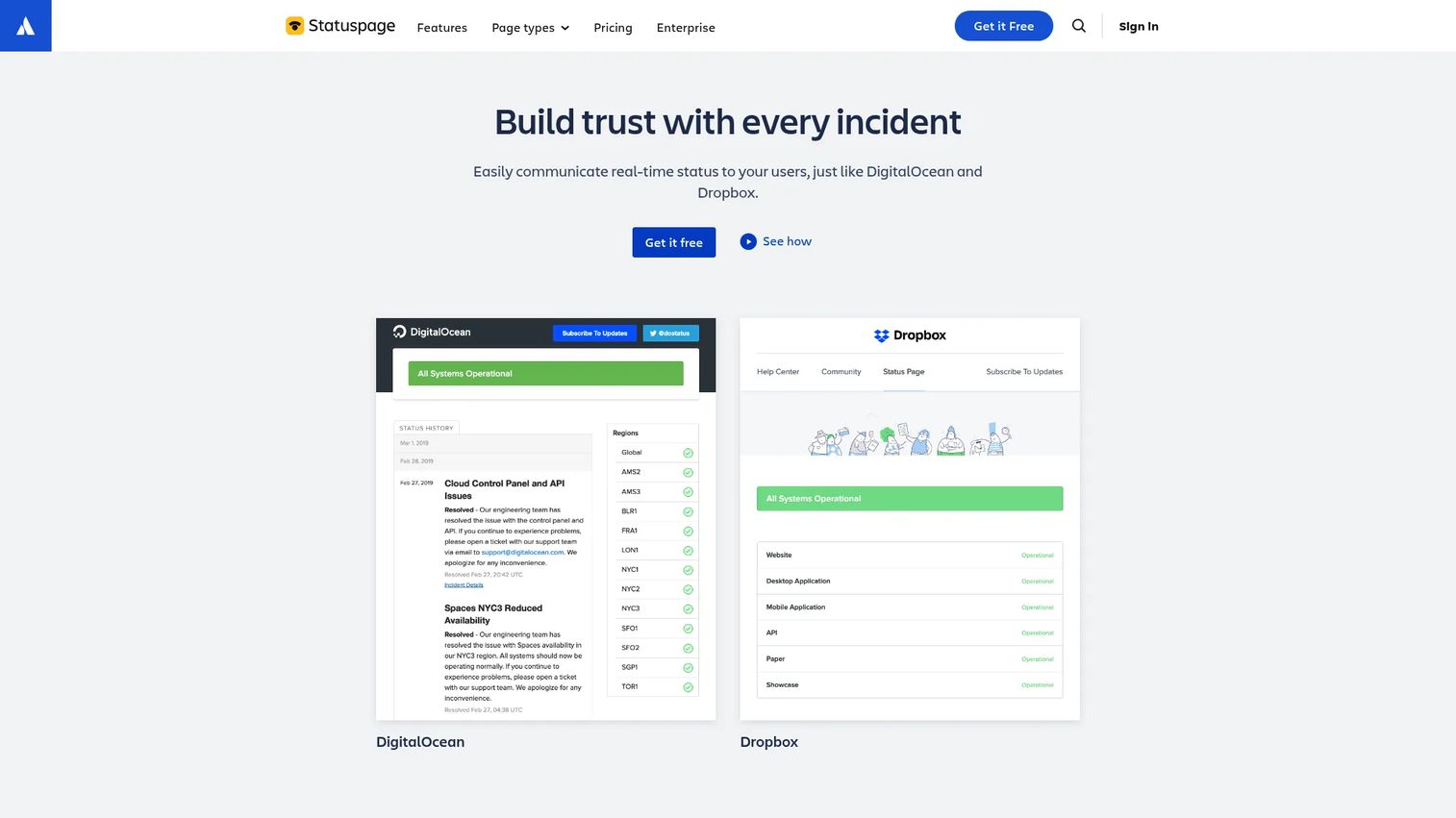
Statuspage is Atlassian's hosted status page product, and it remains the reference point for the category. It handles public, private, and audience-specific pages from one platform, which is why larger teams with segmented customer bases keep choosing it. If reliability communication is a formal part of your customer commitments, this is the tool most procurement teams already recognize.
Best for: Teams that need a hosted status page for outage and maintenance communications, especially those already in the Atlassian stack.
Key strengths
- Audience-specific pages: Show different customers different views, so enterprise accounts and free users see the status detail relevant to them.
- Incident and maintenance communication: Publish incident updates and scheduled maintenance with templates, subscriber notifications, and a custom domain.
- Deep customization: Brand the page with custom HTML, CSS, and JavaScript, and connect Slack and Microsoft Teams plus the REST API for automation.
Why choose Statuspage: If you already run Jira and Confluence, Statuspage slots into an incident workflow your team knows. The public, private, and audience-specific structure covers most communication scenarios a mid-market or enterprise support org will hit. It is the safe, well-understood choice when reliability comms are business-critical.
Statuspage pricing: Statuspage offers a Free tier for basic public pages. Public plans run Hobby at $29/month, Business at $399/month, and Enterprise at $1,499/month. Private pages are packaged separately with Starter at $79/month, Growth at $249/month, and Corporate at $599/month. Audience-specific pages start at $300/month. The tiering is granular, so map your page type to the plan before you commit.
2. Status.io
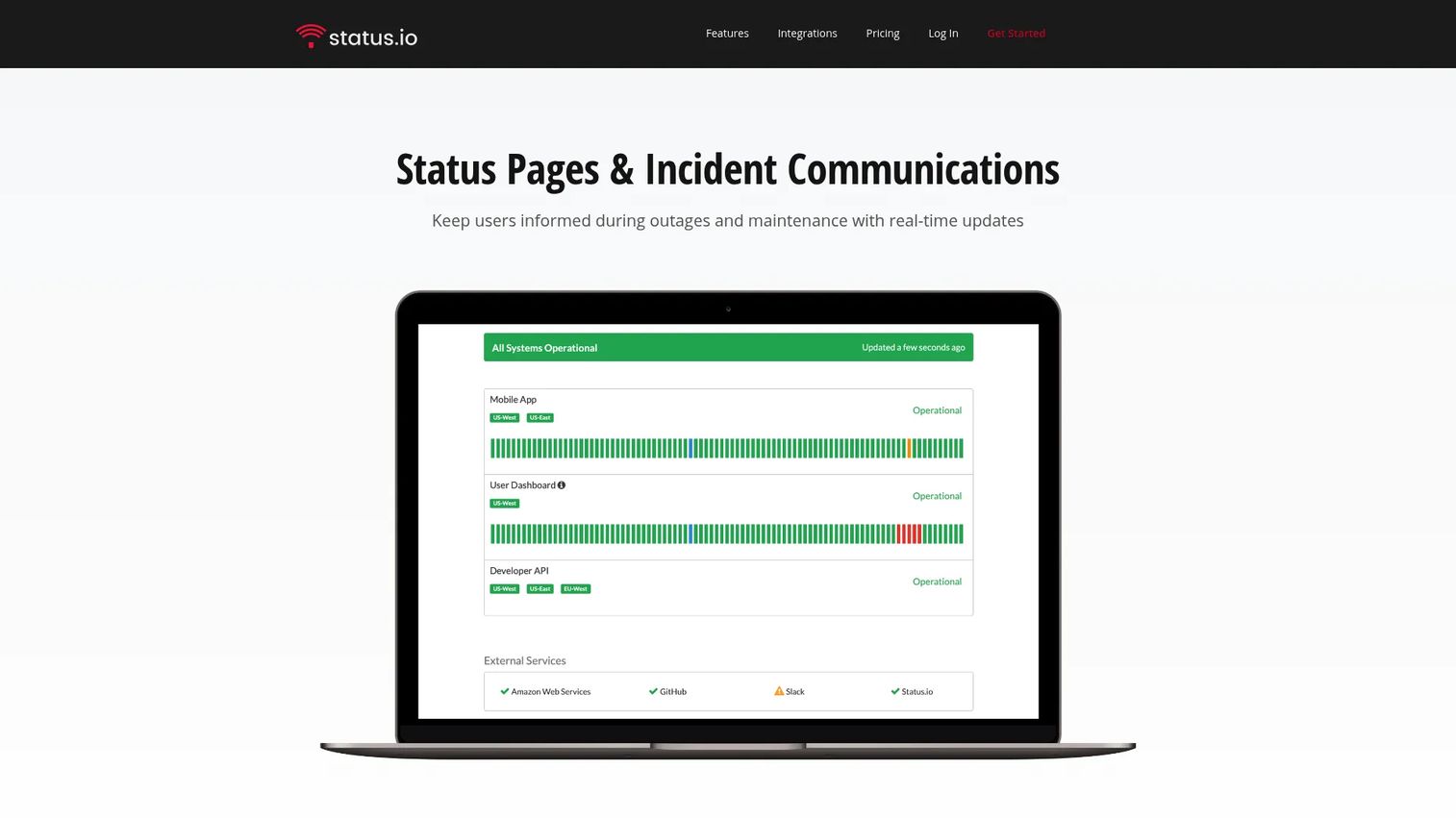
Status.io is a hosted status pages and incident communications platform built around breadth. It supports public and private status pages, full incident management, and planned maintenance, with one of the widest notification matrices in the category. Teams that want to reach subscribers across many channels at once tend to land here.
Best for: Teams needing hosted status pages plus deep, multi-channel incident and customer communication.
Key strengths
- Broad notification channels: Reach subscribers across email, SMS, webhooks, and chat platforms, so every audience gets updates where they already are.
- Deep customization: Tailor pages with HTML, CSS, JavaScript, and integrations for a fully branded, white-label experience.
- Incident and maintenance management: Run the full incident lifecycle and schedule planned maintenance from a single control panel.
Why choose Status.io: If your customer base is spread across channels and geographies, the notification breadth pays off. The customization depth also suits teams that want the status page to feel like a native part of their own product, not a bolt-on. It scores well with reviewers, holding a strong rating on G2.
Status.io pricing: Status.io publishes three main plans: Basic at $79/month, Standard at $149/month, and Plus at $349/month. Enterprise starts at $999/month. Annual billing includes a 5% discount. There is no free tier on the public pricing table, so treat Basic as the entry point.
3. Openstatus
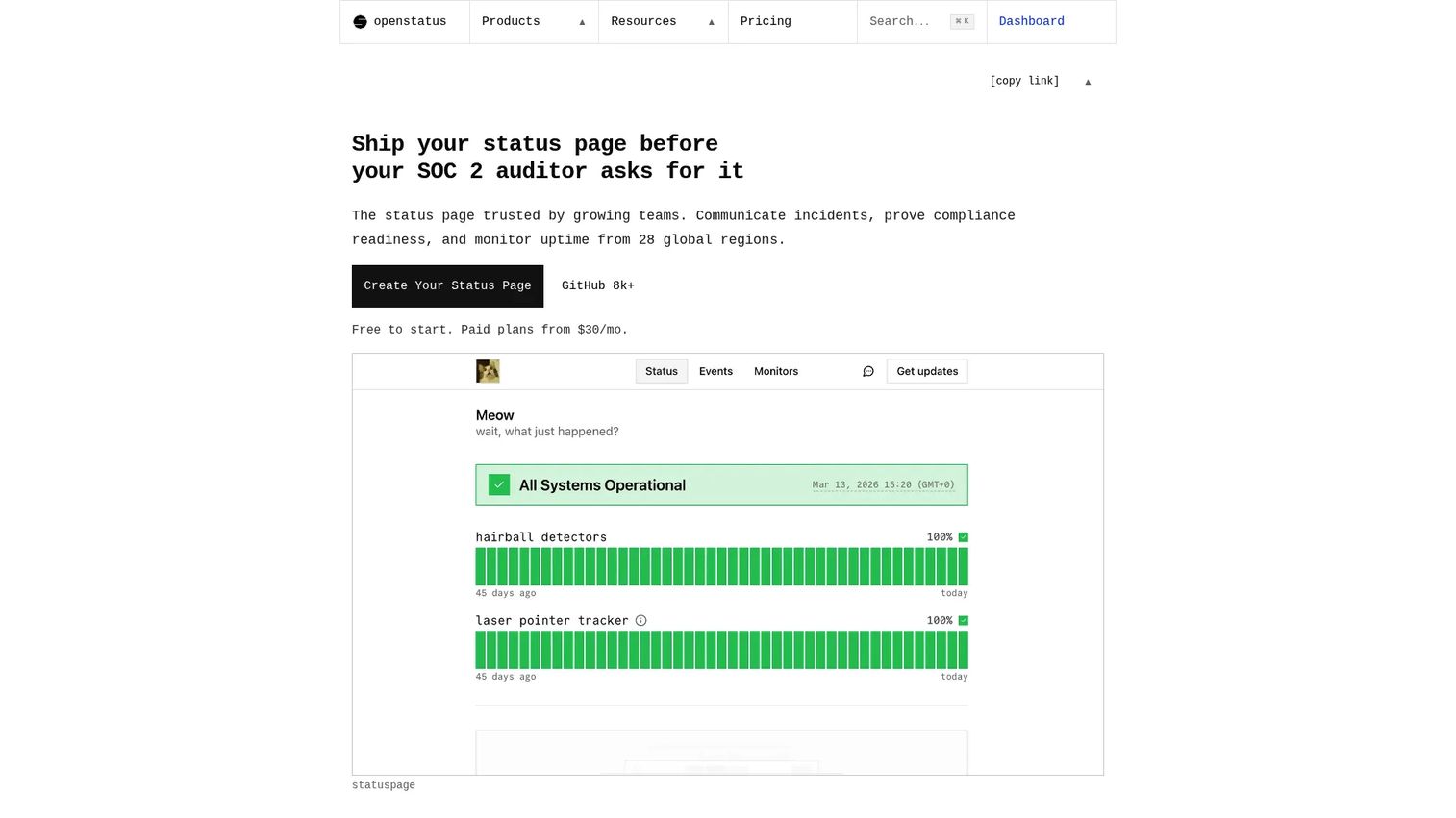
Openstatus is an open-source status page and uptime monitoring tool built for engineering teams. It bundles monitoring with status pages, so you can drive incident updates directly from your uptime checks. The open-source foundation and self-hosting option make it a natural fit for developer-led teams that want control without per-seat pricing.
Best for: Teams that want monitoring and status page communication in one product, without paying per seat.
Key strengths
- Bundled uptime monitoring: Monitor endpoints and surface status on the same platform, so incidents can update automatically from real checks.
- Public and private status pages: Publish to customers or gate access to internal teams from a single tool.
- Slack-native coordination: Use the Slack agent to coordinate incident response where your engineers already work.
Why choose openstatus: The open-source model appeals to teams that value transparency and want the option to self-host. Because pricing is not per seat, growing teams avoid the cost creep that hits seat-based tools. For developer-first organizations, having monitoring and status in one place reduces tool sprawl.
openstatus pricing: openstatus offers a free Hobby plan. Paid tiers are Starter at $30/month, Pro at $100/month, and Scale at $500/month, with a custom Enterprise plan available via sales. Annual billing is also offered. The free tier makes it easy to evaluate before committing budget.
4. Hyperping
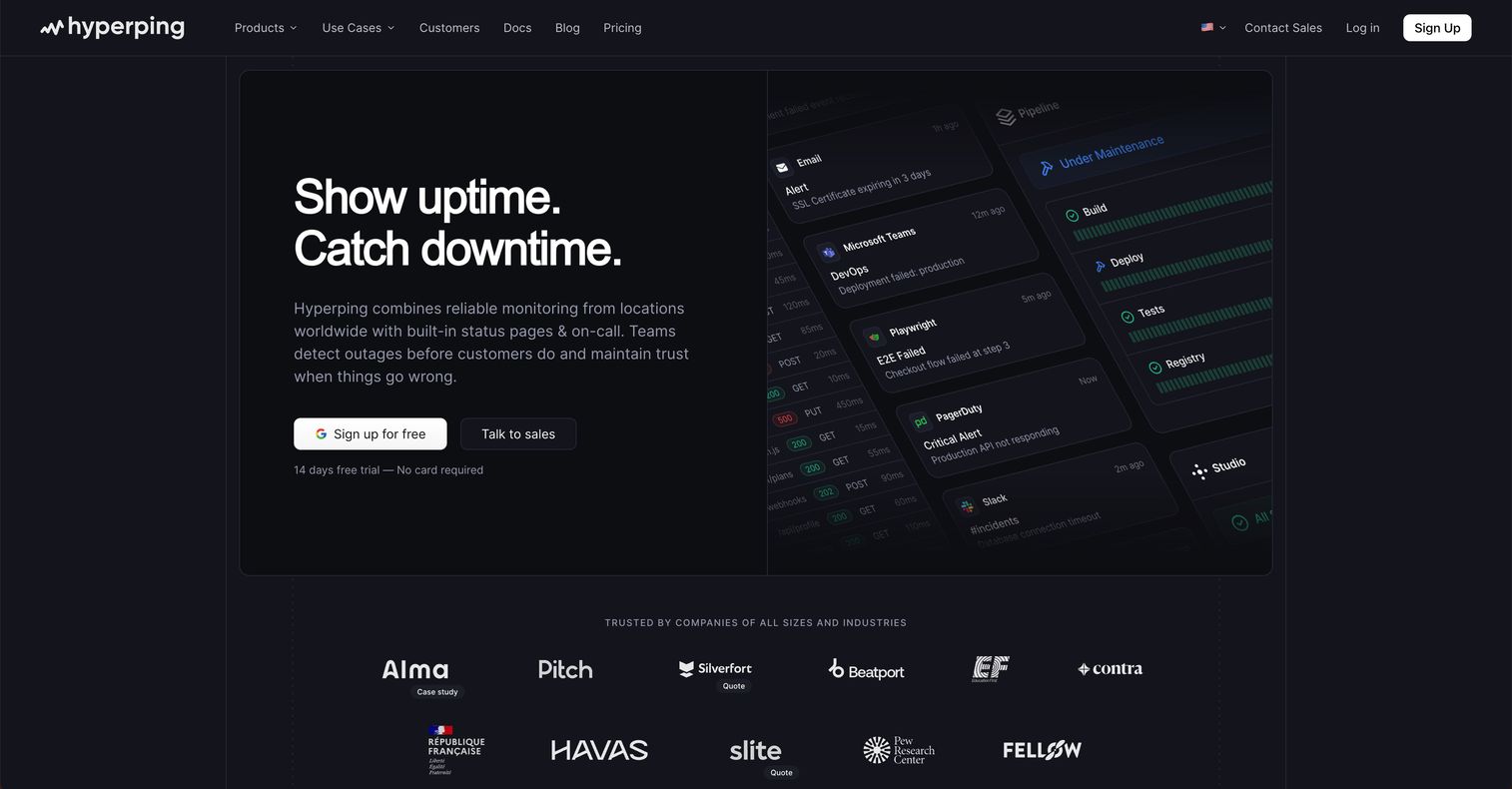
Hyperping combines uptime monitoring, status pages, and incident alerting in one platform. The pitch is consolidation: instead of paying for a separate monitor and a separate status page, you run both from one tool that keeps them in sync. It carries one of the highest G2 ratings in the category.
Best for: Teams that want simple uptime monitoring paired with status pages and alerts, without stitching multiple tools together.
Key strengths
- Bundled monitoring and status: Monitor uptime and publish status from the same tool, so your page reflects real health automatically.
- Browser checks: Test real user flows, not just endpoint pings, to catch issues before customers do.
- Multi-channel alerting: Notify the right people through the channels they use when a check fails.
Why choose Hyperping: For lean teams, replacing two or three tools with one is the whole point. Monitoring and status live together, so there is less to configure and less to break. The strong reviewer sentiment on G2 suggests teams find it genuinely simple to run day to day.
Hyperping pricing: Hyperping has a Free tier at $0/month. Paid plans, billed annually, are Essentials at $24/month, Pro at $74/month, and Business at $249/month. Enterprise is available via sales. Billing is annual only on the paid tiers, so plan your budget accordingly.
5. Better Stack
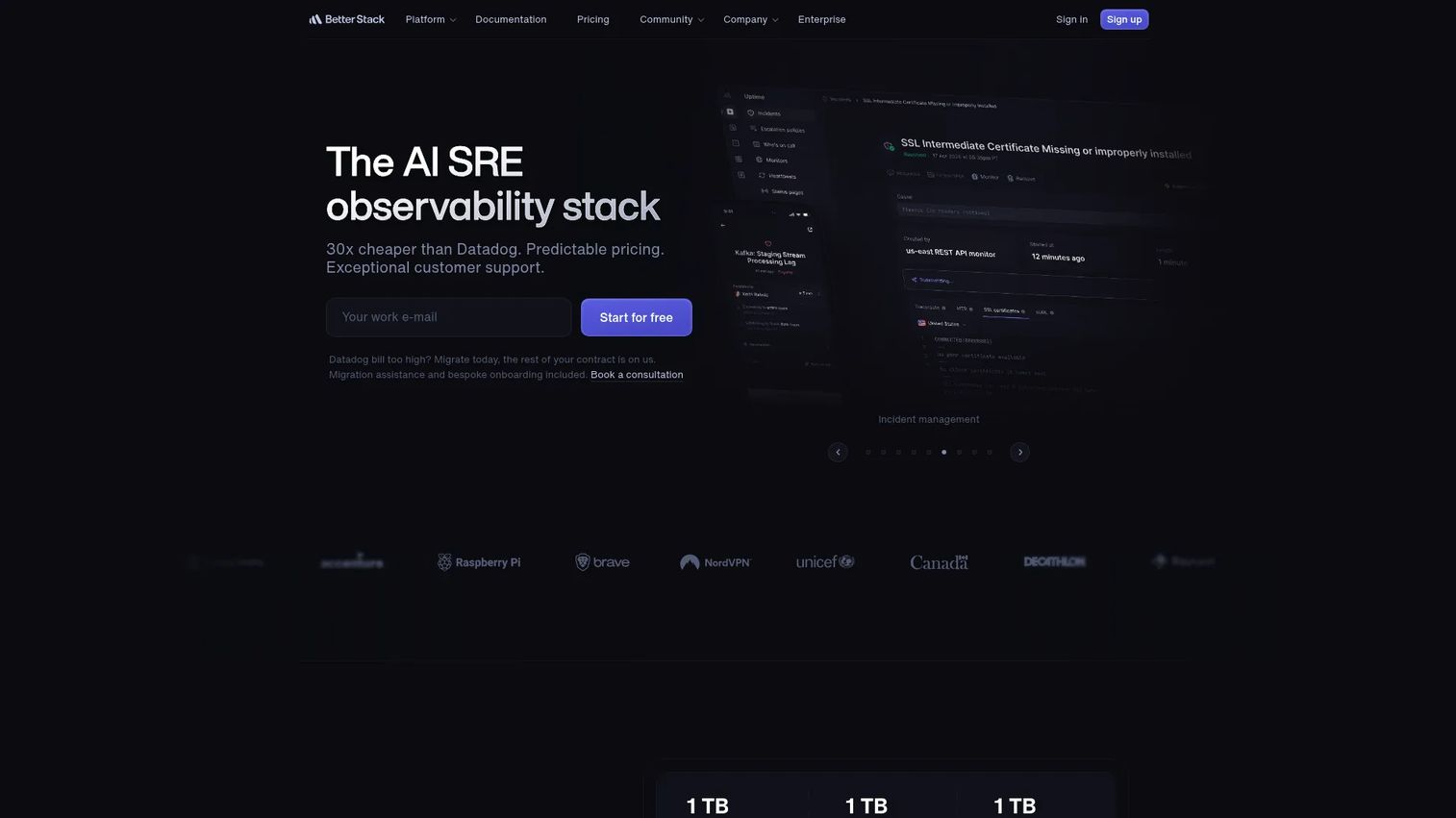
Better Stack is a unified observability and incident management platform that folds status pages into a broader stack of monitoring, logs, traces, and error tracking. If you want infrastructure visibility and customer-facing status in the same tool, this is the option to weigh. The status page is one part of a larger operational picture.
Best for: Teams that want one platform for uptime monitoring, observability, and incident response, with status pages included.
Key strengths
- Uptime monitoring: Track availability and drive status updates from the same platform that watches your infrastructure.
- Logs and traces: Investigate incidents with telemetry data alongside your status communication workflow.
- Error tracking: Catch and triage errors so incidents surface earlier in your monitoring pipeline.
Why choose Better Stack: The value is breadth. If your team is consolidating observability tooling, getting status pages inside the same platform reduces context switching during an incident. Engineers investigate and communicate from one place. It holds a high rating on G2, reflecting strong satisfaction among technical users.
Better Stack pricing: Better Stack has a free tier for personal projects at $0/month. The Responder license is $34 per license per month. Telemetry products are usage-based: logs and traces at $0.15 per GB, metrics at $0.50 per GB per month, and session replay at $0.00225 per session. Enterprise pricing is a custom quote. Model your telemetry volume to estimate real cost.
6. Instatus
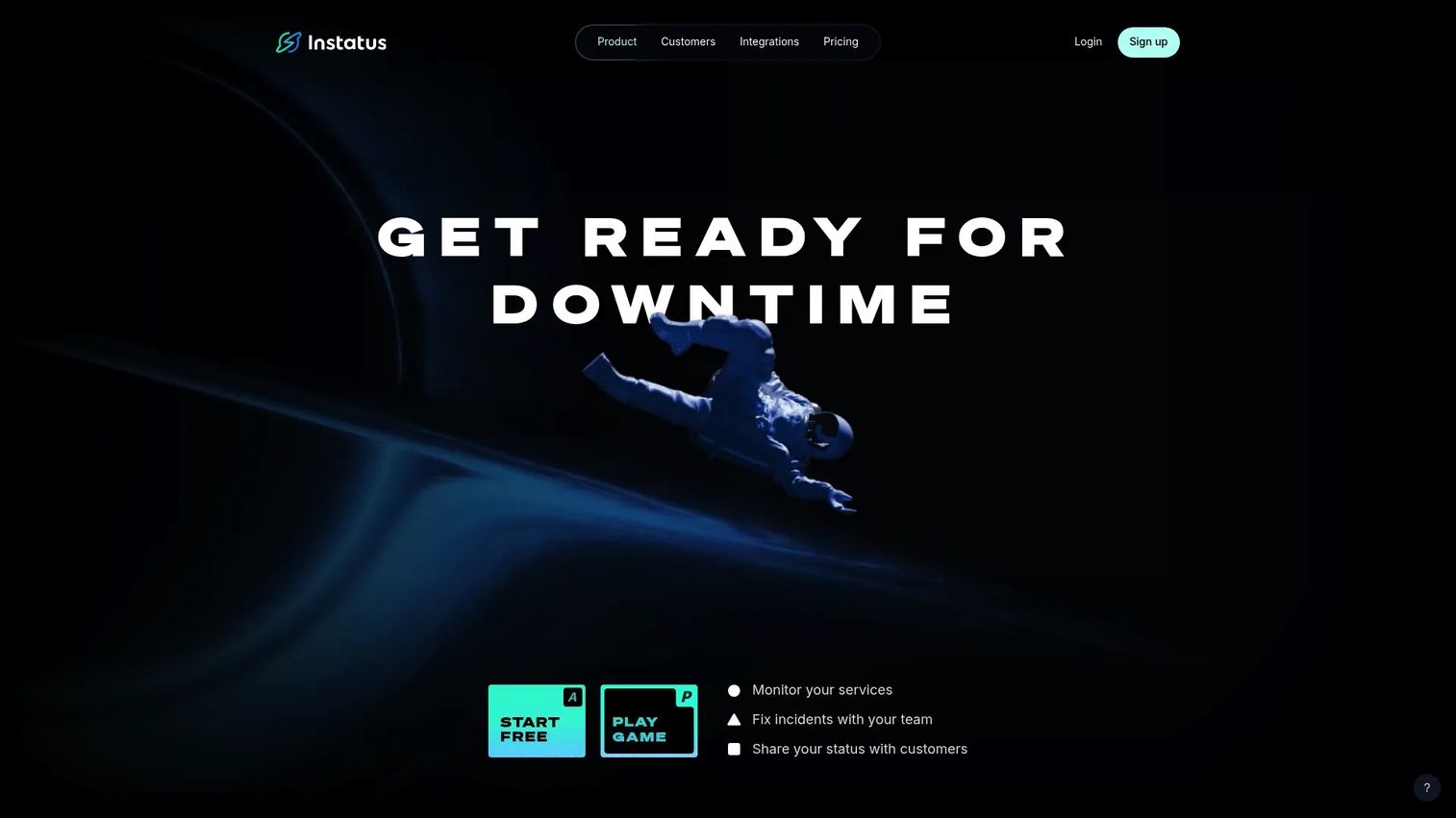
Instatus delivers status pages, uptime monitoring, and incident response in one platform, with a strong emphasis on speed and polish. Setup is fast, the pages look clean out of the box, and lightweight incident communication is easy to run. Smaller and marketing-conscious teams gravitate to it for the design quality.
Best for: Teams that want a combined status page, monitoring, and incident communication tool that looks good with minimal effort.
Key strengths
- Fast, polished public pages: Launch a branded, professional-looking status page quickly, with public and private options.
- Uptime monitoring with alerts: Monitor services and alert your team when something goes down.
- Incident response with on-call: Coordinate incidents with on-call schedules built into the same tool.
Why choose Instatus: If design polish and speed to launch matter, Instatus is hard to beat at its price. The public pages look professional without custom work, which helps teams that treat the status page as a brand touchpoint. It carries one of the highest ratings in the category on G2.
Instatus pricing: Instatus offers a free Starter plan. Pro is $20/month and Business is $300/month, with Enterprise available via sales. Yearly billing comes with 25% off. The free tier and low Pro price make it accessible for startups and side projects.
7. Uptime Kuma
Uptime Kuma is a self-hosted, open-source uptime and service monitoring tool with built-in status pages. It is free to run, highly flexible, and popular with developers who want full control over their monitoring stack. You host it, you own it, and you configure it exactly how you want.
Best for: Teams that want a self-hosted uptime monitor with alerting and status pages, and have the ownership appetite to run it.
Key strengths
- Broad monitoring protocols: Check HTTP(s), TCP, DNS, ping, and WebSocket endpoints from one self-hosted instance.
- Extensive notifications: Send alerts through 90+ notification providers, covering nearly any channel your team uses.
- Multiple status pages: Publish several status pages from a single deployment for different audiences.
Why choose Uptime Kuma: For teams that prefer to own their infrastructure and avoid recurring fees, Uptime Kuma is a strong fit. The open-source community is active and the feature set is generous. Choose it when your team has the appetite to host and maintain the instance yourself, and skip it if you want a fully managed page with a support line to call.
Uptime Kuma pricing: Uptime Kuma is free and open-source. You run it on your own infrastructure, so there is no subscription cost, though you carry the hosting and maintenance yourself. That trade of ownership for zero licensing fees is the entire appeal.
8. Incident.io
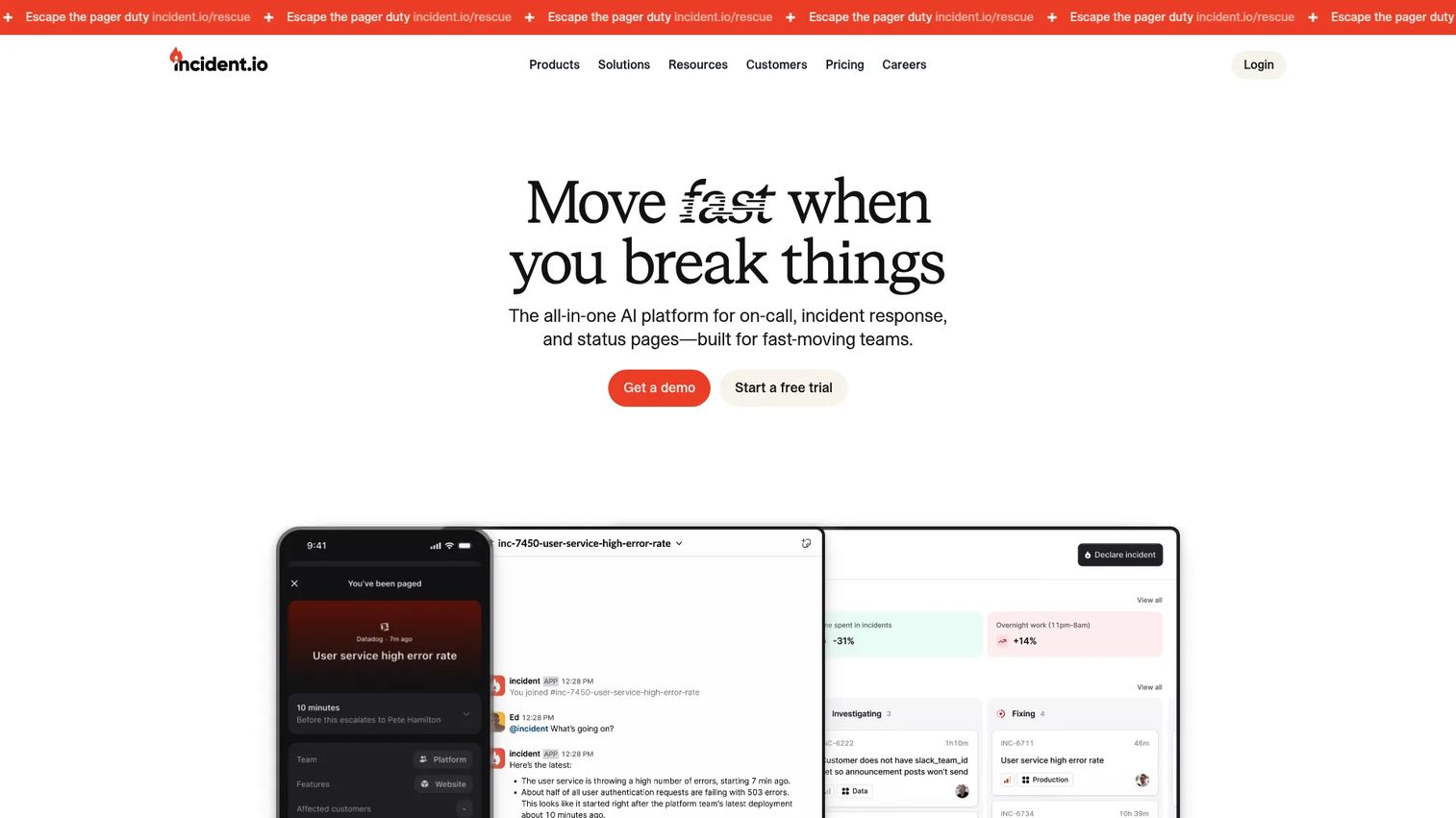
incident.io is an AI-powered incident management platform that treats status communication as part of a larger response workflow. It is Slack- and Microsoft Teams-native, so incidents are declared, coordinated, and communicated where your team already works. Status pages come bundled with on-call, workflows, and integrations.
Best for: Teams that want a Slack- or Teams-native incident management platform with on-call and status pages together.
Key strengths
- Chat-native incident response: Declare and run incidents directly in Slack or Microsoft Teams, so response and comms stay in one flow.
- Multi-team on-call and alerting: Route alerts across teams and manage on-call schedules alongside incident response.
- Status pages plus workflows: Publish status updates as part of an automated incident workflow, backed by a catalog and AI features.
Why choose incident.io: If your bottleneck is incident response itself, not just the public page, incident.io covers both. The status page becomes a natural output of the response process rather than a separate task someone remembers to update. It holds a solid rating on G2 and is well regarded for chat-native workflows.
incident.io pricing: incident.io has a free Basic plan. Team is $19/user/month, shown at $15/user/month with an annual discount, and Pro is $25/user/month. Standalone On-call is $20/user/month, with add-ons for the Team and Pro tiers. Enterprise is custom. Because it is per user, model your team size before comparing to flat-rate status page tools.
What to compare before buying
Before you commit, run through this checklist against your actual incident workflow.
Notification breadth
Map the channels your customers and team actually use. If your audience lives in email, SMS, Slack, and Microsoft Teams, make sure the tool covers all of them plus webhooks and RSS. Component subscriptions matter too, so users follow only the services they care about instead of tuning out.
Access control and security
Decide early whether you need public, private, or audience-specific pages. Then check for SSO, IP allowlisting, and audience segmentation. For regulated industries and enterprise deals, these controls are often a hard requirement in security review, not an upgrade you add later.
Branding and custom domain
A status page is a customer touchpoint, so it should look like you. Verify custom domain support, white-label options, and whether you can inject custom CSS, HTML, and JavaScript. Some tools gate branding behind higher tiers, so confirm what your plan actually includes.
Monitoring integration
Decide whether you want status and monitoring in one tool or connected via integrations. Bundled options like Hyperping, Better Stack, openstatus, and Instatus reduce tool sprawl. Dedicated pages like Statuspage and Status.io rely on external monitoring via webhooks and API, which suits teams with an existing monitoring stack.
Pricing model and self-hosting
Flat-rate tools are predictable as you grow, while per-user pricing like incident.io scales with headcount. Weigh that against your team size. If ownership and cost control matter most, open-source options like Uptime Kuma and openstatus let you self-host, trading a subscription for operational responsibility.
Conclusion
The right status page software depends on where your team sits today. For enterprise governance with public, private, and audience-specific pages, Statuspage remains the reference choice. For the widest notification reach and deep customization, Status.io is the strongest fit. If you want open-source flexibility, openstatus bundles monitoring with status, and Uptime Kuma gives you full self-hosted control.
For lean teams that want monitoring and status in one tool, Hyperping and Better Stack both deliver, with Better Stack extending into broader observability. Instatus wins on speed and polish for smaller teams, and incident.io is the pick when incident response and communication should live in the same workflow.
Start by naming your primary constraint: enterprise governance, open-source ownership, speed and simplicity, or a broader incident workflow. Then shortlist the two tools that match, run each through a real incident scenario, and pick the one your team will actually keep updated when it counts. The best status page is the one you maintain honestly, because that is what earns trust.
FAQs
Status page software is used to communicate service health, incidents, and planned maintenance to customers and internal teams from one branded page. During an outage, it lets users check a single source and subscribe for updates instead of flooding your support channels. It turns incident communication into a managed conversation rather than a scramble.
A good status page includes real-time component status, incident updates with a clear timeline, scheduled maintenance notices, and subscriber notifications across channels like email, SMS, Slack, and Microsoft Teams. It should also carry your branding and a custom domain so it feels native to your product. Historical uptime charts and a status badge add credibility.
A public status page is open to anyone, including customers and prospects, and communicates general service health. A private status page is gated behind access control, such as SSO or IP allowlisting, and is used for internal teams or specific customer segments. Audience-specific pages take this further by showing different groups tailored views of the same underlying status.
Some do and some do not. Tools like Hyperping, Better Stack, openstatus, and Instatus bundle uptime monitoring with status pages, so status can update automatically from real checks. Dedicated status tools like Statuspage and Status.io rely on external monitoring connected through webhooks and APIs, so you keep your existing monitoring stack.
Support, DevOps, and SRE teams are the heaviest users, since they own incident communication and uptime. Product and engineering teams use it during launches and maintenance windows. Presales and revenue teams care too, because a clean status page supports technical diligence and trust during security reviews and procurement.
Compare notification breadth, access controls like SSO and IP allowlisting, branding and custom domain support, pricing model, integrations, and whether the tool bundles monitoring or connects to yours. Also decide if you need public, private, or audience-specific pages. If cost control matters, weigh self-hosted open-source options against managed SaaS.
They can be, if you value flexibility and cost control and have the appetite to run them. Uptime Kuma and openstatus give you full ownership, no per-seat fees, and deep customization. The trade is operational responsibility: you host, maintain, and update the tool yourself instead of relying on a managed service with a support line.
Yes. Reliability and transparency build trust during evaluation, renewals, and procurement. A well-maintained public status page shows prospects that a vendor communicates honestly when things break, which strengthens confidence in security reviews and technical diligence. For presales teams, it is one more signal that reinforces the reliability story they present to buyers.