You need a marketing site live by the end of the quarter. Engineering is shipping the next release. Design is buried in product work. The founder wants the site refresh "by next week" but also wants it on-brand, fast, indexable, and easy to update without filing a ticket every time a headline changes.
That gap between what marketing needs to ship and what engineering can support is where website builder software earns its keep. The category has matured in the past three years. What used to be drag-and-drop toys now powers public sites for companies doing hundreds of millions in revenue. CEB (now Gartner) research on B2B buyers found that B2B buyers are roughly 57% of the way through the buying process before they engage with sales, which means the website is doing more of the selling than it ever has. The tool you choose to build it on matters more than it used to.
The catch is that the category is now crowded with platforms that all promise the same three things: fast publishing, beautiful templates, and no code. The honest differences live in CMS depth, integration scope, total cost at scale, and how cleanly you can exit if you outgrow the platform. This guide walks through nine builders worth evaluating in 2026, ranked for SaaS marketing sites and small business use, with prices and ratings verified against vendor pages and current G2's website builder category listings.
What's inside
This guide is written for SaaS founders, marketing leads, and small business owners who need to ship a website without burning engineering cycles. We evaluated every tool against four criteria that matter for production marketing sites, not portfolios:
- Time to first published page. How fast does a non-technical user get from signup to a live URL?
- Design flexibility without code. How far can you customize before you hit a wall?
- CMS depth and content scalability. Can you model dynamic collections (case studies, blog posts, product pages) without duplicating work?
- Pricing transparency and total cost at scale. What does year two cost, not just the promo month?
Every pricing figure was verified against the vendor's pricing page. Every G2 rating reflects the current public listing.
TL;DR
- Best overall for design control: Webflow. Deepest visual CSS controls and the strongest CMS for marketing teams.
- Best for non-designers shipping fast: Wix. Broad templates, AI starter flow, lowest learning curve.
- Best for designers coming from Figma: Framer. Familiar canvas, native animations, built-in localization and A/B testing.
- Best for ecommerce-first sites: Shopify. Native checkout, sync between online and POS, deep app ecosystem.
- Best open-source option: Webstudio. Visual builder with self-host or cloud, no vendor lock-in.
- Best free tier for simple sites: Canva. Lowest-friction starting point for one-page and small multi-page sites.
What is website builder software?
Website builder software is a no-code or low-code platform that lets users design, publish, and manage websites visually, without writing HTML, CSS, or JavaScript from scratch. The global website builder software market forecast is projected to reach about USD 4.4B by 2033, growing at roughly a 7% compound annual rate, which reflects how many businesses now treat their website as a primary GTM surface.
Modern website building software typically bundles the following capabilities into one product:
- Visual drag-and-drop or block-based editor with responsive controls for desktop, tablet, and mobile
- Pre-built templates and design systems with reusable components
- Built-in hosting, SSL, custom domains, and CDN delivery
- A CMS for blog posts, landing pages, and dynamic collections (case studies, customer stories, product pages)
- SEO controls for meta tags, structured data, redirects, and sitemaps
- Integrations with analytics, CRM, and marketing automation
- Custom code embeds for tools that lack native integrations
The category has split into three sub-segments. Generalist builders like Wix and Squarespace aim at the broadest market, with depth of templates and bundled business features. Designer-friendly visual builders like Webflow and Framer give marketing teams designer-level control without handing the site to engineering. Headless and open-source builders like Webstudio and the broader WordPress ecosystem trade some convenience for portability and ecosystem depth.
The right fit depends less on which tool wins a feature war and more on which tool matches the speed your team needs to publish and the depth your content model demands six months from now.
When to use website builder software
Ship a marketing site without engineering bandwidth
You need to publish landing pages, product pages, and a blog without filing eng tickets. A modern web builder software stack gives marketing direct control over publishing, so a new campaign page goes live in hours, not sprints. This is the default reason most SaaS teams adopt a no-code website builder in the first place. Pairing that publishing speed with conversion-focused page formats is where teams typically reach for a landing page builder shortlist to compare options side by side.
Replace a legacy CMS or static site generator
Your current site has become a bottleneck. Updates require a developer. The CMS hasn't been touched since the last redesign. Switching to a modern website maker can cut time to publish by an order of magnitude, especially when paired with reusable components and a structured CMS. This is also a natural moment to add interactive product experiences directly to your marketing pages, since most builders support embeds of formats like an interactive demo right inside a hero section or product page to lift conversion without a custom build. Teams that go this route often build a centralized demo page to host these experiences and link to them from across the marketing site.
Run a small business or portfolio site end to end
You need one platform that handles design, hosting, domain, email, and updates. For a website builder for small business use, generalists like Wix, Squarespace, and Hostinger consolidate four to six tools into one bill, which is usually the right call when the alternative is stitching together a hosting provider, a domain registrar, a CMS, and a separate email tool.
Comparison table
Sorted by relevance to SaaS marketing site use, then by general fit for small business. Pricing was verified on each vendor's pricing page on June 5, 2026, in USD. G2 ratings reflect current public listings.
| # | Product | Intent | Key differentiation | Pricing | G2 rating |
|---|---|---|---|---|---|
| 1 | Webflow | Designer-led marketing sites at scale | Visual CSS-level control with deep CMS | Free Starter; Basic $15/mo (yearly) | 4.4/5 |
| 2 | Wix | All-in-one builder for SMBs and creators | AI starter flow, broad app market | Free; Light $17.77/mo (yearly) | 4.2/5 |
| 3 | Framer | Designer-first marketing sites | Figma-style canvas, native A/B testing | Free; Basic $10/mo (annual) | 4.5/5 |
| 4 | Squarespace | Polished service and brand sites | Template quality, Fluid Engine editor | 14-day trial; Basic $16/mo (yearly) | 4.4/5 |
| 5 | Webstudio | Open-source visual builder | Self-host or cloud, visual CSS, headless CMS | Free Hobby; Pro $15/mo (yearly) | 5.0/5 |
| 6 | Shopify | Ecommerce-first sites | Native commerce engine, omnichannel | Basic $29/mo (yearly) | 4.4/5 |
| 7 | Hostinger | Budget hosting plus AI site builder | Bundled hosting and domain, AI builder | Premium $2.99/mo (48 mo term) | 4.4/5 |
| 8 | WordPress.com | Managed WordPress hosting | Plugin and theme ecosystem | Free; Personal from $2.75/mo (3-yr) | 4.4/5 |
| 9 | Canva Websites | One-page sites and link-in-bio | Native to Canva design ecosystem | Free; Pro $144/year | 4.7/5 |
1. Webflow
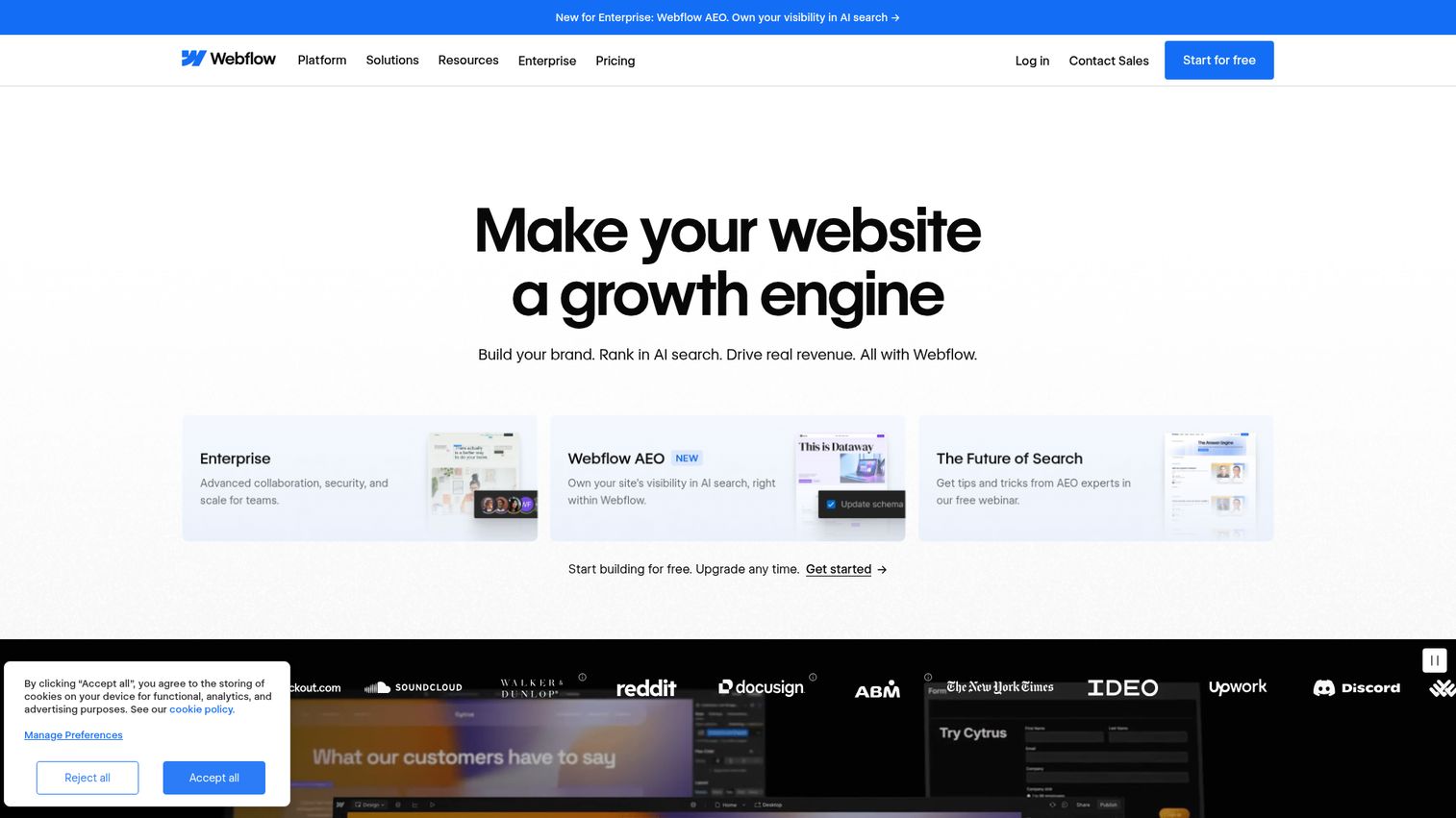
Webflow positions itself as a Website Experience Platform, which is marketing language for "the most powerful visual builder for marketing teams that want designer-level control without handing the site to engineering." It is the platform SaaS marketing teams most often pick after they outgrow templates. The CMS handles dynamic content for blogs, case studies, and product pages without forcing duplicate page work. You can also see how teams use Webflow in practice via this Webflow demo example.
Best for: Marketing teams that want designer-level control of layout, typography, and interactions without a developer in the loop on every change.
Key strengths
- Visual-first composable CMS: Every CSS property exposed visually, with reusable components and CMS Collections for dynamic content.
- Native analytics and AI-powered optimization: Page-level performance data and optimization tools built into the platform.
- Localization for multilingual sites: Native support for serving multiple languages without a third-party plugin.
Why choose Webflow: Webflow has the highest design ceiling of any mainstream visual builder, paired with a CMS that scales to hundreds of content items. The honest tradeoff is a real learning curve. Marketers who have only used Wix or Squarespace need a week or two to feel productive in the Webflow Designer. Teams that invest in that ramp tend to keep Webflow for years.
Webflow pricing: Webflow offers a free Starter plan for evaluation. Site plans start at Basic at $15/mo billed yearly and Premium at $25/mo billed yearly. Workspace plans for teams start at the Team plan at $2,500/mo with an annual contract, and Enterprise is custom-priced.
2. Wix
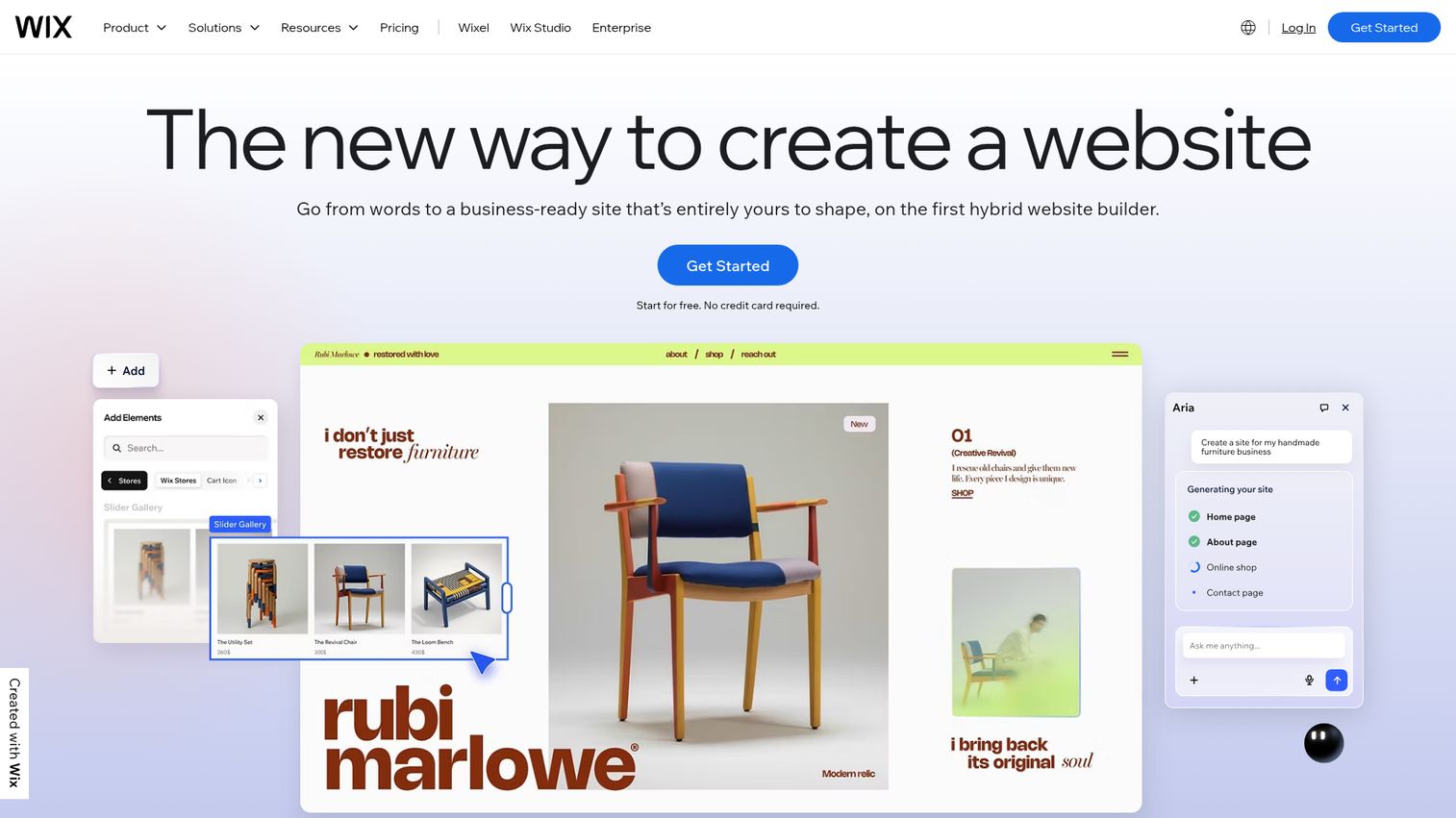
Wix is the broadest generalist on this list. It targets any business or individual that wants to ship a professional site without learning a design tool. The AI flow generates a working site from a short brief, the template library covers most verticals, and the App Market fills in features (bookings, ecommerce, forms) without code. See a live Wix demo walkthrough for a look at how the editor behaves in practice.
Best for: Small businesses, solopreneurs, and non-designers who need a site live this week.
Key strengths
- Drag-and-drop editor: Position elements anywhere on the canvas with a true free-form layout model.
- App Market with hundreds of third-party apps: Add ecommerce, scheduling, forms, and more without development work.
- Multilingual website support: Built-in tooling for serving content in multiple languages.
Why choose Wix: Speed and breadth. Few platforms get you from signup to a published, decent-looking site faster. The honest tradeoff is design ceiling: power users coming from Webflow or Framer will find Wix less precise for custom layouts. For most small businesses, that is not the bottleneck. Volume and time to publish are.
Wix pricing: Wix offers a Free plan with Wix-branded domain. Paid yearly plans displayed on the pricing page are Light at $17.77/month, Core at $29.77/month, Business at $39.77/month, and Business Elite at $159.77/month. Wix notes that USD prices on the page are for reference and that displayed currency varies by location.
3. Framer
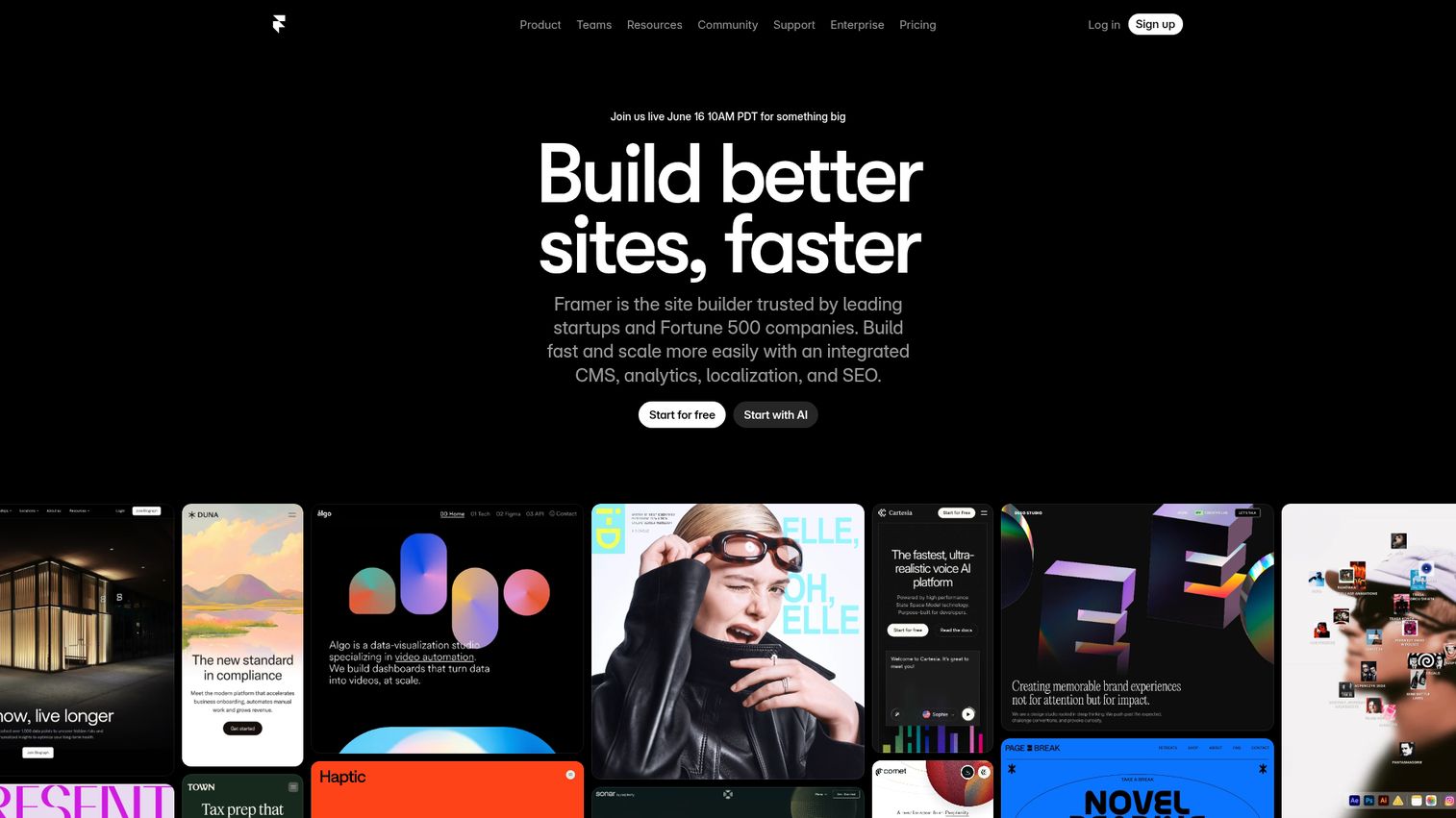
Framer is the designer-first builder. The editor feels familiar to anyone who has used Figma, which makes it a fast onboarding path for design-led teams. Animations, interactions, and page transitions are native to the canvas, so designers don't reach for external animation libraries.
Best for: Design-led startups and agencies whose team already thinks in Figma.
Key strengths
- Powerful CMS: Model collections for case studies, posts, and product pages with a clean editing model.
- Built-in SEO: Meta tags, sitemaps, and OG controls without add-ons.
- Real-time collaboration: Multiplayer editing similar to Figma, so designers and writers work in the same canvas.
Why choose Framer: Of all the visual builders, Framer has the highest aesthetic ceiling for a design-conscious brand. Native localization and A/B testing on supported plans reduce dependency on third-party tools. Teams already invested in Figma feel at home day one. The honest tradeoff is that the CMS is newer than Webflow's, so very large content models can feel less mature in places.
Framer pricing: Framer offers a free tier. Paid site plans on the pricing page are Basic at $10/month, Pro at $30/month, and Scale at $100/month (annual). Enterprise pricing is custom.
4. Squarespace
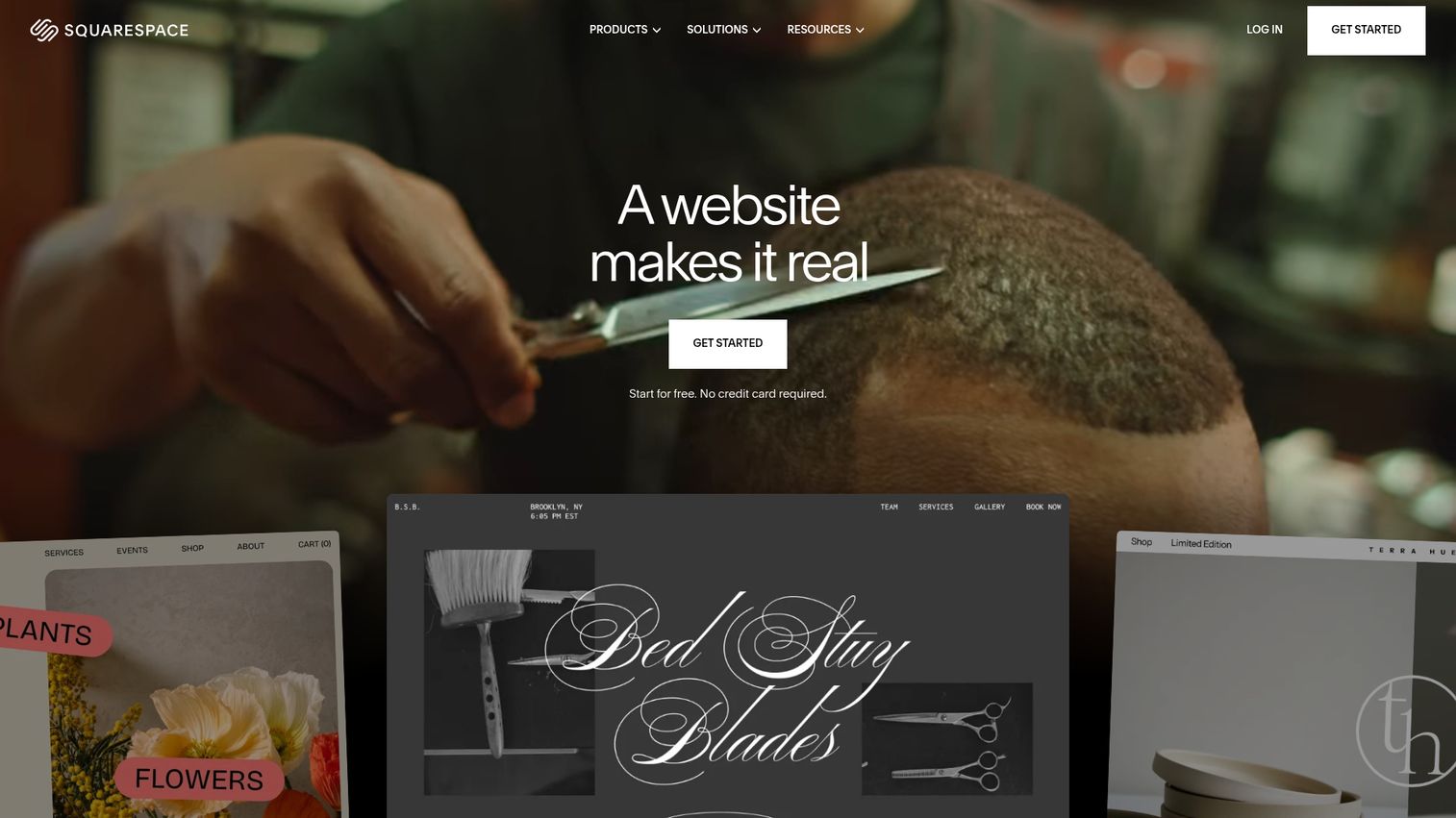
Squarespace is the polished, design-conscious all-in-one. It targets service businesses, portfolios, and brand-led sites that need to look great with minimal effort. The Fluid Engine editor overview combines drag-and-drop precision with block-based structure, which keeps layouts coherent even when non-designers edit them.
Best for: Service businesses, creatives, and small ecommerce brands that value template polish over deep customization.
Key strengths
- Drag-and-drop website editor: Block-based Fluid Engine that keeps layouts visually balanced.
- Built-in ecommerce: Payments, customer accounts, and product sync to Facebook and Instagram included on commerce plans.
- Built-in SEO, analytics, and AI tools: Core SEO basics (meta, sitemaps, clean URLs) and AI-assisted design and content.
Why choose Squarespace: You want it to look professional with minimal effort, and you value a single suite that handles domain, email, scheduling, and commerce. The honest tradeoff is less flexibility than Webflow for custom layouts. For most service businesses, that is the right tradeoff. They want polish, not configuration.
Squarespace pricing: Squarespace offers four plans on monthly or annual billing, with no permanent free plan and a 14-day free trial. On annual billing, Basic is $16/month, Core is $23/month, Plus is $39/month, and Advanced is $99/month. Monthly billing runs higher, roughly $25 to $139/month across the same tiers. All annual plans include a free custom domain for the first year. Core is the plan most small businesses land on, since it adds advanced analytics, custom code, and 0% transaction fees.
5. Webstudio
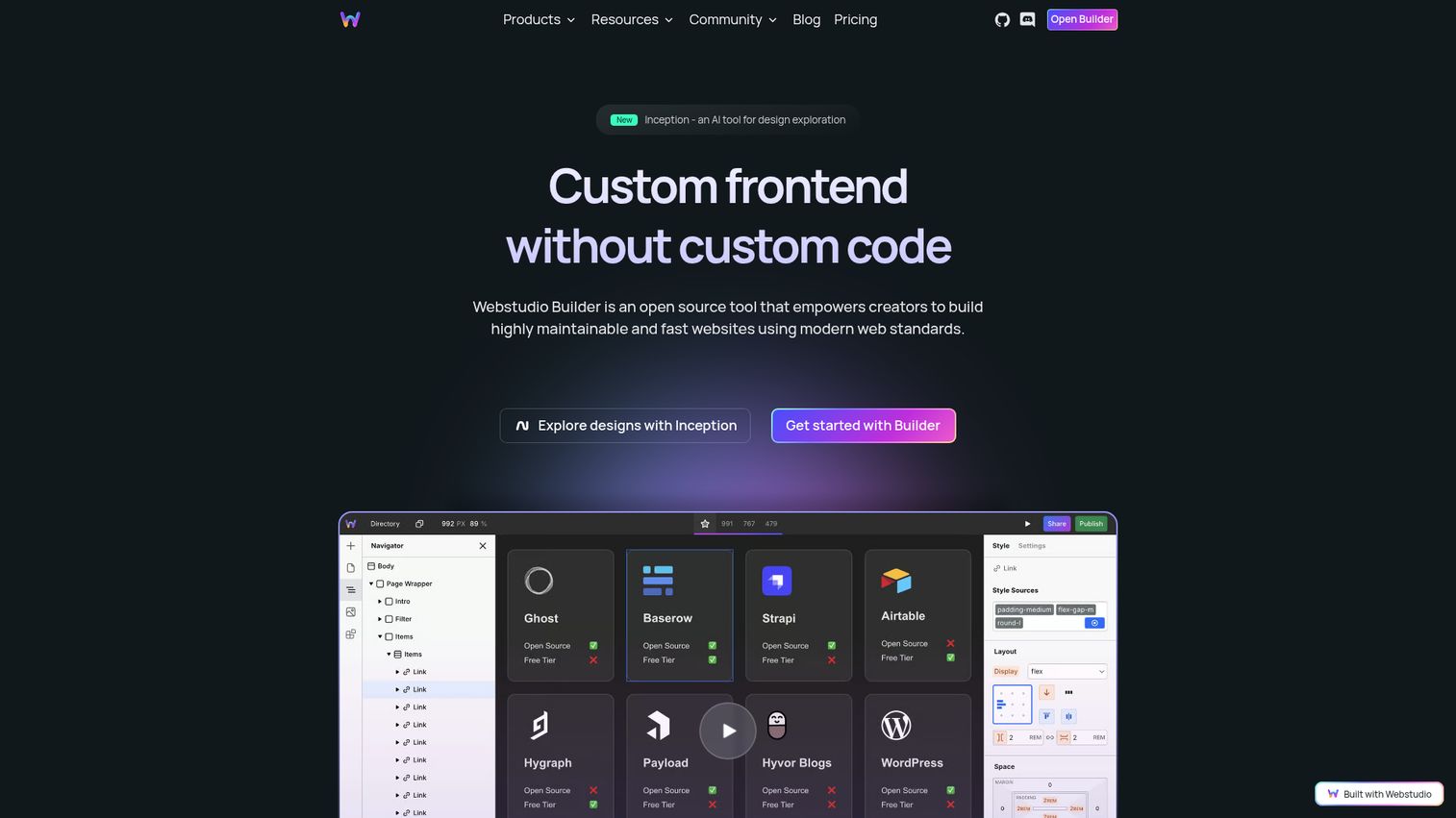
Webstudio is the open source website builder option on this list. It empowers creators to build maintainable, fast websites using modern web standards, with the option to self-host or use Webstudio Cloud. For teams that worry about vendor lock-in or want full data ownership, that flexibility is worth real money.
Best for: Technical teams, agencies, and privacy-conscious organizations that want a visual builder without platform risk.
Key strengths
- Webhook forms: Connect form submissions directly into your downstream stack.
- Static site and dynamic app exports: Publish to static hosting or run as a dynamic app.
- Publish to Staging: Promote between environments before going live.
Why choose Webstudio: Open source plus self-host is the differentiator. You get a visual CSS model with no abstraction layer, headless data connections, and the option to leave the platform without re-platforming your content model. The honest tradeoff is a smaller ecosystem and fewer marketplace plugins than Webflow or WordPress.
Webstudio pricing: Webstudio offers a free Hobby plan, a Pro plan at $15/month billed yearly, and a Team plan at $35/month billed yearly. The pricing page also notes additional page views cost $20 per 100,000.
6. Shopify

Shopify is the ecommerce-first builder. The site IS the store. Checkout, inventory, payments, and order management are native, not bolted on. For DTC brands and ecommerce-first businesses, Shopify is the strongest fit on this list because everything else (themes, apps, analytics) is built around the commerce engine.
Best for: DTC brands and ecommerce-first businesses where checkout, inventory, and fulfillment are core requirements, not afterthoughts.
Key strengths
- Sell online, in person, and in AI chats: Multi-surface commerce with a single back office.
- Shopify POS sync: Inventory, payments, and customer data stay synced across online and retail sales.
- Unified back office: Manage inventory, orders, customers, and staff from one place.
Why choose Shopify: Best-in-category commerce engine. Apps fill any gap that the core platform misses. The honest tradeoff is that Shopify is less powerful as a pure marketing or content site than Webflow or Framer. Many SaaS-style brands run Shopify for commerce and a separate builder for the brand site, then point a subdomain at the store.
Shopify pricing: Shopify's pricing page (yearly billing view) shows Basic at $29/mo, Grow at $79/mo, Advanced at $299/mo, and Plus from $2,300/mo. A promotional offer of 3 days free, then $1/month for 3 months, was visible at verification.
7. Hostinger
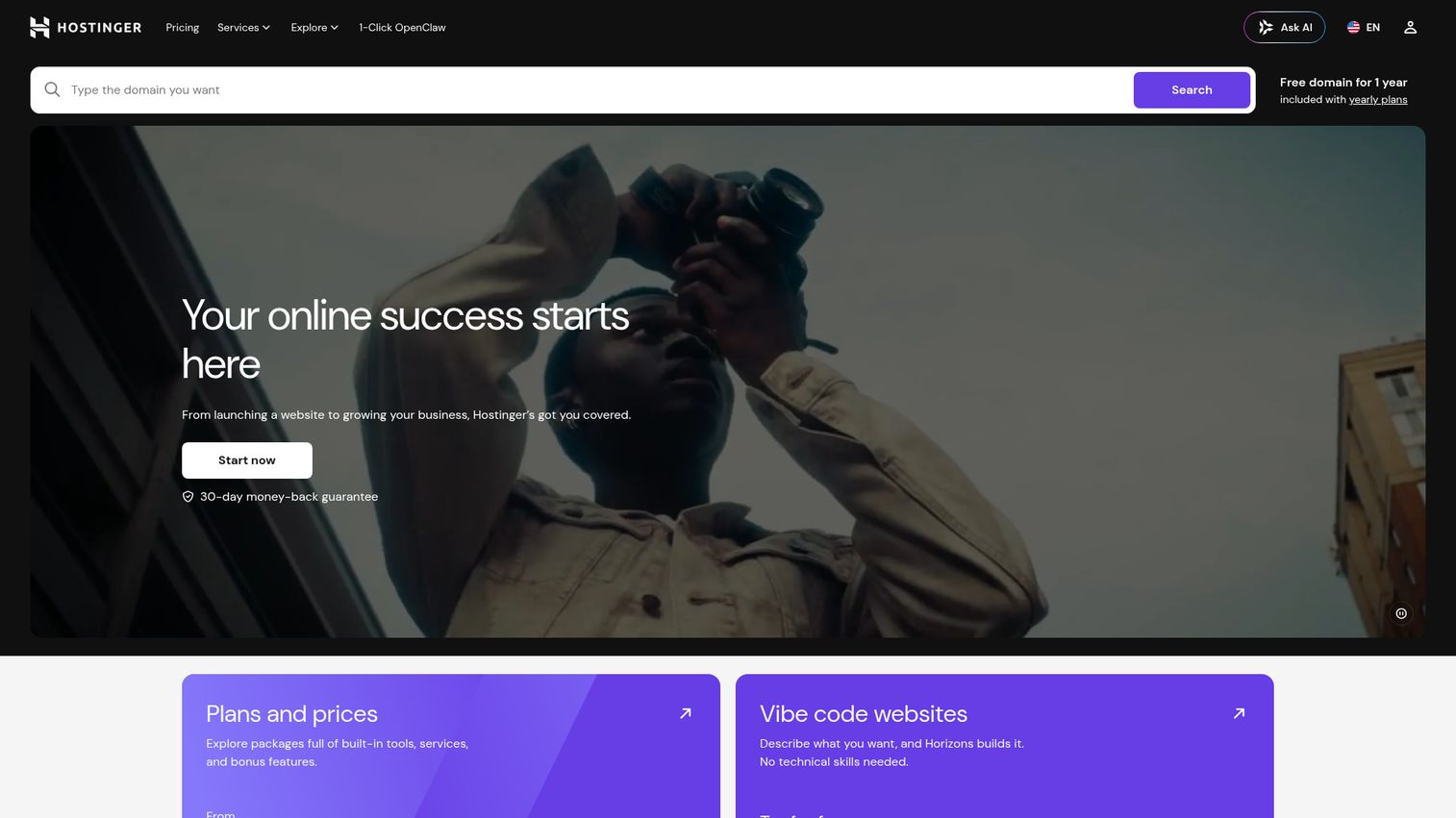
Hostinger is the budget-friendly option that bundles hosting and an AI website builder at aggressive entry prices. It is the right pick for cost-conscious small businesses, freelancers, and first-time site owners who want everything (hosting, domain, builder) on one bill.
Best for: Cost-conscious small businesses, freelancers, and first-time site owners who need to keep total monthly cost low.
Key strengths
- Drag-and-drop website builder: No-code editor for fast site assembly.
- AI website creation feature: Generate a starter site from a brief.
- Built-in marketing tools: Email and marketing features included with hosting plans.
Why choose Hostinger: Lowest total cost of entry among major builders, with a working AI starter flow. The honest tradeoff is the design ceiling and scalability are lower than Webflow or Framer. Promotional pricing also assumes long commitment terms, so check renewal pricing before committing.
Hostinger pricing: Hostinger's main web hosting pricing page lists Premium at $2.99/mo, Business at $3.99/mo, and Cloud Startup at $7.99/mo, all on 48-month promotional terms with a 30-day money-back guarantee. The Hostinger Website Builder product is sold separately and offers a 14-day free trial.
8. WordPress.com
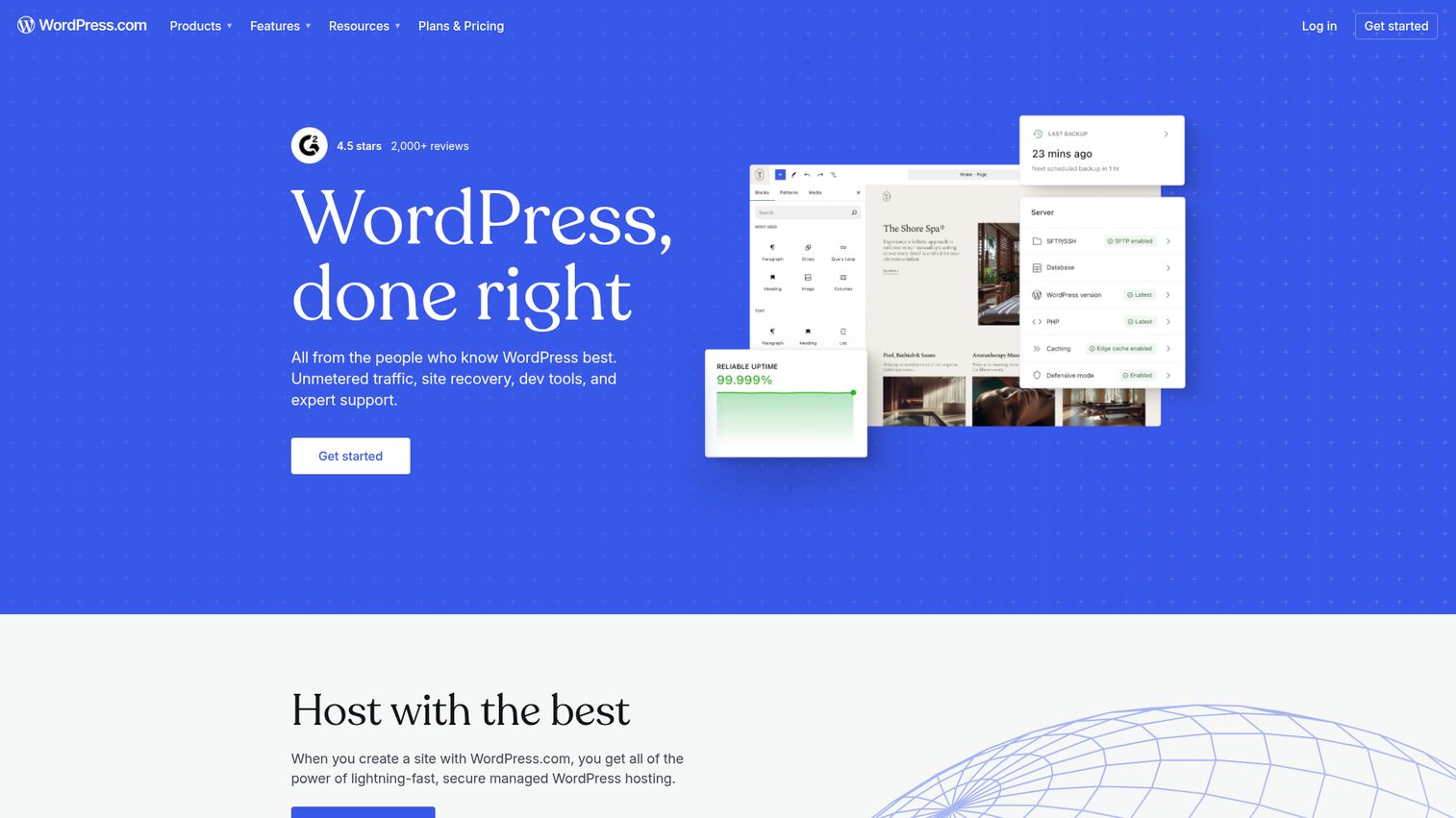
WordPress.com is the managed-hosting flavor of the world's most popular CMS. WordPress powers over 43% of all websites globally, which makes its ecosystem of plugins, themes, and developers the largest in the category by a wide margin, per W3Techs CMS usage statistics. WordPress.com bundles that ecosystem with hosting, security, and maintenance so you don't have to run your own server.
Best for: Content-heavy sites, publishers, and teams that need WordPress plugin compatibility without self-hosting overhead.
Key strengths
- AI Website Builder: Generate a starter site without a designer.
- Managed WordPress hosting: Hosting, security, and maintenance handled by the platform.
- Plugin installation on paid plans: Access to the WordPress plugin ecosystem on Business and Commerce plans.
Why choose WordPress.com: You want the WordPress ecosystem (themes, plugins, developer market) with managed hosting and no DevOps. WordPress.com gives the most granular technical SEO controls among mainstream builders, especially on plans that allow plugins. Pair it with a strong SEO toolset and you can squeeze meaningful organic gains out of even a modest content team. The honest tradeoff is that the visual editing experience is less polished than Webflow or Framer.
WordPress.com pricing: The pricing page shows a Free plan plus Personal at $9/month, Premium at $18/month, Business at $40/month, and Commerce at $70/month when billed monthly. Lower per-month prices are available on yearly, two-year, or three-year terms, with the lowest displayed paid entry at Personal at $2.75/month on a three-year term.
9. Canva Websites
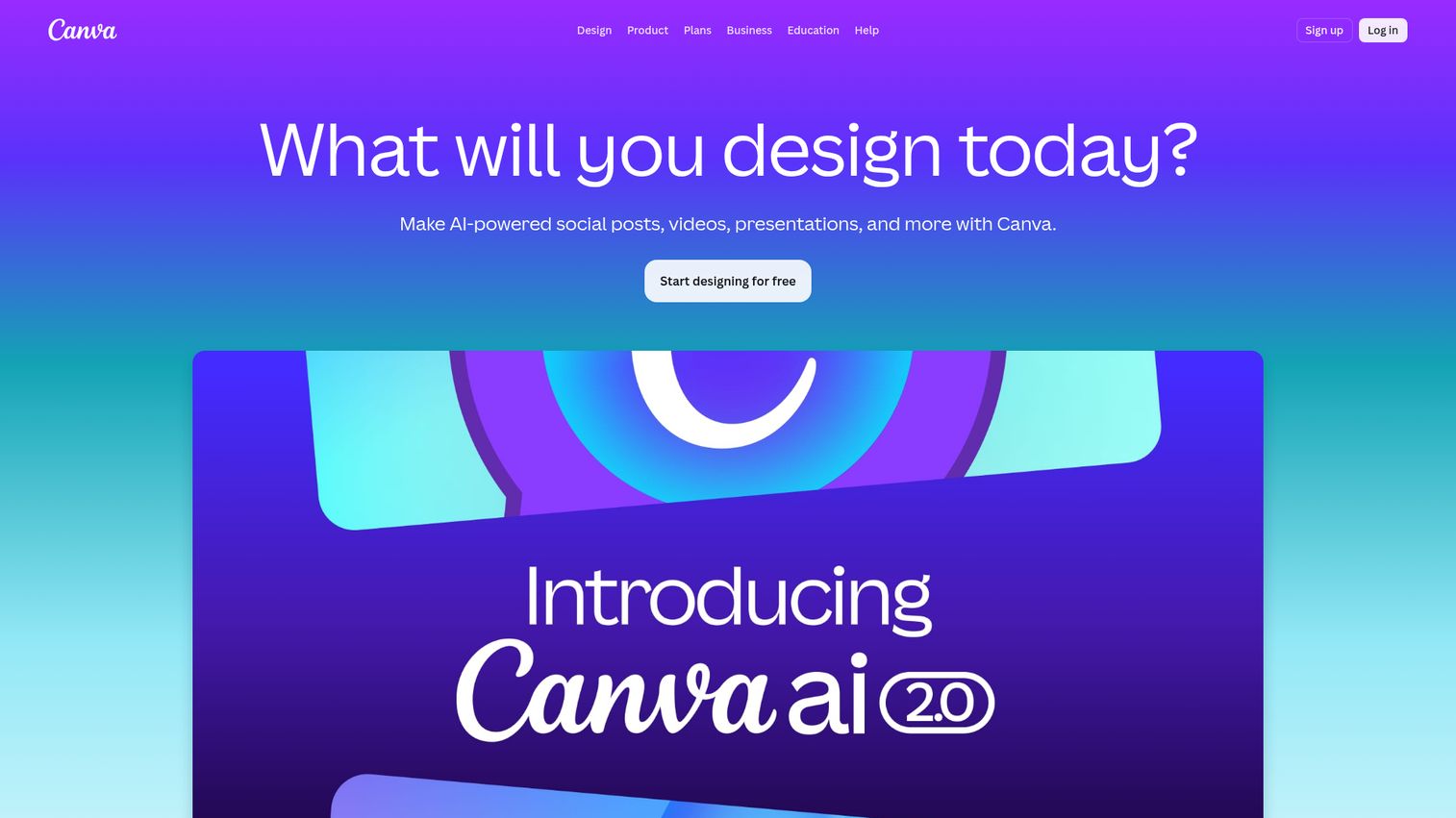
Canva Websites is the simplest entry point in the category. It is built into the Canva design ecosystem, which makes it the natural choice for existing Canva users who already have brand kits, templates, and assets in the tool. For solopreneurs and creators who need a simple site fast, it is the lowest-friction option.
Best for: Existing Canva users, solopreneurs, and creators who need a simple website or link-in-bio page fast.
Key strengths
- Background Remover: Clean up product and brand imagery without a separate tool.
- Magic Switch: Repurpose existing designs into website formats.
- Brand Kit: Reuse colors, fonts, and logos across every page.
Why choose Canva: Speed and brand consistency for design-first solopreneurs. If your brand assets already live in Canva, building a site there removes asset handoff entirely. The honest tradeoff is a lighter CMS and weaker technical SEO control than Webflow or WordPress.com, which makes it a poor fit for content-heavy marketing sites.
Canva pricing: Canva's pricing page lists a Free plan, Pro at US$144/year for one person, Business at US$250/year per person, and Enterprise (contact sales).
Considerations: How to evaluate website builder software
Time to first published page
How fast can a non-technical person get from signup to a live URL on a custom domain? Look for AI starter flows, deep template libraries, and the absence of mandatory setup steps. Time to first published page is the single best predictor of whether the team will actually adopt the platform.
CMS depth and content scalability
Can you model dynamic content (case studies, blog posts, product pages, customer stories) as reusable collections? Or are you stuck duplicating pages by hand at month six? The CMS question is what separates platforms that scale with a marketing team from platforms that quietly become bottlenecks once the content library passes 30 items.
Integration with the rest of your stack
Modern website platforms should connect to your CRM (HubSpot, Salesforce), analytics (GA4 integration documentation, Segment), and marketing automation, either natively or through connectors. They should also support custom code embeds for tools that lack native integrations, including interactive product experiences embedded directly on landing pages. If you want to test that conversion lift directly, browse a few interactive demo examples before deciding what to embed on your hero or pricing page.
Total cost at scale
Entry pricing rarely reflects what you actually pay. Multiply by editor seats, traffic tiers, ecommerce transaction fees, and the apps you add. Compare year-two pricing, not promo-month pricing. Promotional rates on long-term contracts often expire to standard rates that are 2x to 4x higher.
Exit cost and portability
If you outgrow the builder, can you export your content and design? Open-source and headless options score highest on portability. Closed visual builders score lowest. Factor this into the decision when you expect the site to outlive the team that built it.
Conclusion
Three picks worth shortlisting based on use case:
- Best overall for growing SaaS marketing sites: Webflow. Highest design ceiling and the strongest CMS for marketing teams that have outgrown templates.
- Best for shipping fast without design experience: Wix. Broadest templates, AI starter flow, and the App Market for filling feature gaps.
- Best for design-led brands: Framer. Figma-style canvas, native animations, and built-in A/B testing on supported plans.
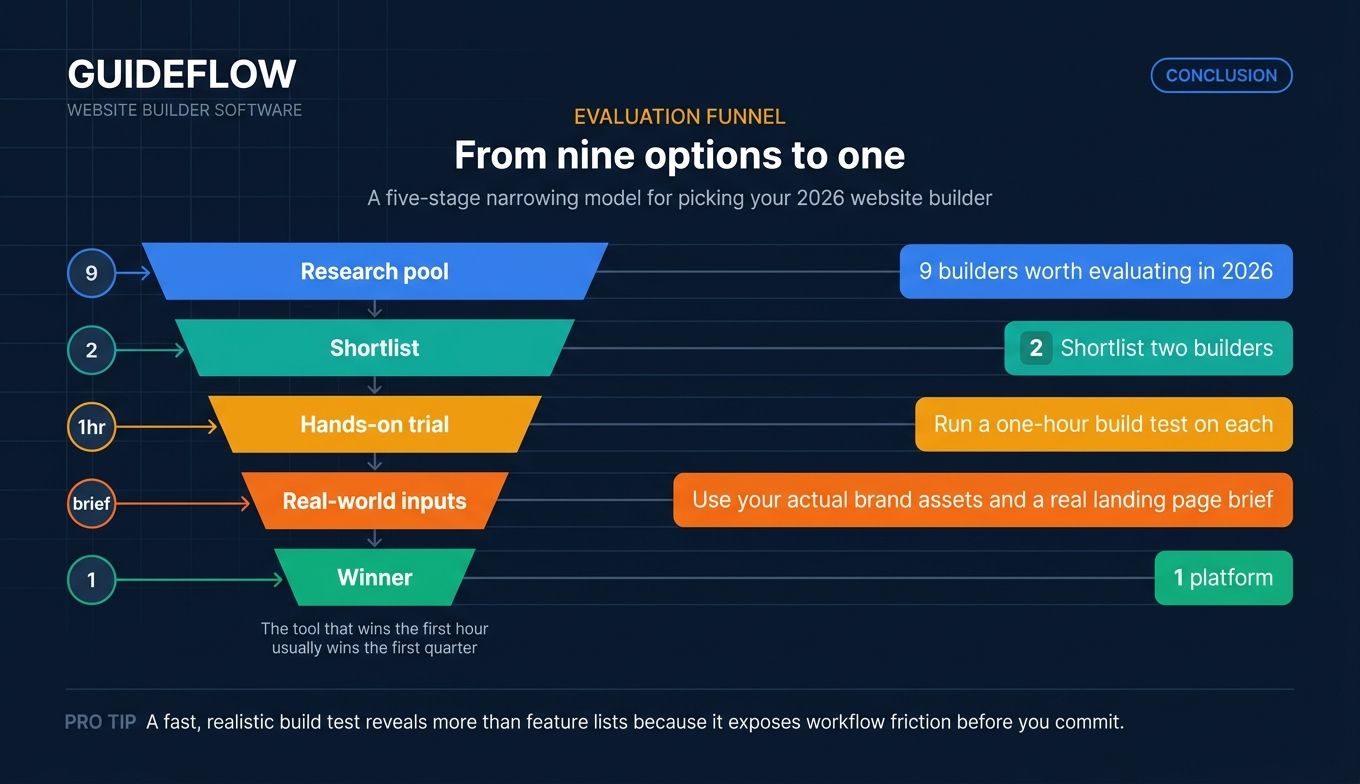
The right next step is concrete, not abstract. Shortlist two builders. Run a one-hour build test on each using your actual brand assets and a real landing page brief. See which one gets you to a publishable page first. The tool that wins the first hour usually wins the first quarter.
Start with a free Webflow Starter workspace or a Framer free site if you want to test the design-led end of the category. Start with a free Wix account if you want to test the generalist end. Either way, build something real with your own copy and brand. Once the site is live, the next leverage point is usually conversion - embedding a product tour or a guided walkthrough on key pages so visitors can experience the product without leaving the site. That is the only evaluation that tells you anything useful.
FAQs
Website builder software is a no-code or low-code platform for designing, publishing, and managing websites visually, without writing HTML, CSS, or JavaScript from scratch. The category includes three sub-segments: generalist builders (Wix, Squarespace), designer-friendly visual builders (Webflow, Framer), and headless or open-source options (Webstudio, WordPress.com). Most modern website creator software bundles hosting, SSL, a CMS, SEO controls, and integrations into one product.
For a website builder for small business use, the right pick depends on what you prioritize. Wix offers the fastest path from blank page to published site with the broadest template library. Squarespace offers higher design polish out of the box and is a strong fit for service businesses and creatives. Hostinger offers the lowest total cost of entry when bundled with hosting. Choose by the tradeoff that matters most: speed, polish, or price.
Yes. Wix, Webflow, Framer, Canva, WordPress.com, and Webstudio all offer free tiers. Each tier has limits, typically a branded subdomain (yoursite.wixsite.com, yoursite.webflow.io, yoursite.framer.website), restricted bandwidth, or feature gating. A free website builder works for evaluation and personal projects. For a business site with a custom domain and full features, you will need a paid plan on any of these platforms.
A website builder bundles design, hosting, and content management into one product. A traditional CMS (like self-hosted WordPress, headless platforms like Strapi, or Hygraph) typically handles content modeling and delivery only, and requires separate hosting and frontend code. Modern visual builders blur this line by including a built-in CMS, which is why Webflow and WordPress.com often show up in both category lists.
Yes. Every major builder supports connecting a custom domain on paid plans. Free plans almost always require a branded subdomain. Most platforms also handle SSL certificates automatically once the domain is connected. If you already own a domain, the connection process usually takes 15 minutes plus DNS propagation time.
For technical SEO controls (custom meta tags, structured data guidelines from Google, sitemaps, redirects), Webflow and WordPress.com generally offer the most granular control among mainstream builders. Framer and Squarespace cover the core SEO basics well (meta tags, sitemaps, SSL, clean URLs) but expose fewer low-level controls. All major builders now handle core technical SEO competently, with Core Web Vitals performance metrics as a key signal, so the real differentiator for content-heavy sites is CMS depth and the ability to model content as reusable collections. Pair your builder with a strong content marketing toolkit to compound the SEO wins over time.
Entry plans range from $0 (free tiers with branded subdomain and feature limits) to around $20/month for basic paid tiers. Business and CMS tiers typically run $25 to $50/month. Ecommerce-heavy plans often run $30 to $100+/month, scaling with transaction volume and apps. Enterprise offerings (Webflow Enterprise, Shopify Plus, WordPress VIP) are custom-priced. Total cost at scale depends heavily on editor seats, traffic tiers, and the apps you add to fill feature gaps, so always model year-two pricing before committing.