Your best tax preparer just spent 40 minutes hunting for a client's signed engagement letter. It was in someone's inbox. The deadline reminder lived in a spreadsheet nobody updated. The invoice never went out because the person who tracked it took the week off.
That is not a people problem. It is a systems problem.
Most tax and accounting firms do not lose margin on tax prep. They lose it in the gaps between tools: email for client communication, spreadsheets for deadlines, a shared drive for documents, one more app for billing. Every gap is a place where work stalls, gets duplicated, or disappears until a client calls asking where their return is.
The market is moving toward consolidation for a reason. In the U.S., cloud-based practice management systems accounted for 62% of new deployments in 2024, and 55% of small and mid-size firms now choose cloud-based systems, according to Industry Research (2024). Firms are trading fragmented stacks for a single system that runs client management, documents, workflow automation, billing, and team visibility in one place.
This guide compares the tools that do that. If you run a firm and you are tired of being the human glue holding the operation together, the right tax practice management software gives you repeatability, visibility, and the ability to hand off work without everything breaking. Below is how the leading platforms stack up, sorted by how well they solve the operator's problem, not by marketing budget.
What's inside
This guide is for owners, partners, and operations leaders at tax and accounting firms who need one system instead of five. It covers tax practice management software built to handle client portals, workflow tracking, document management, billing and invoicing, and team visibility.
We chose these eight tools on four criteria that matter to a firm operator: breadth of practice management coverage, ease of adoption and implementation support, pricing transparency, and firm-size fit. We prioritized platforms with real client-facing depth and workflow discipline over feature checklists that look good in a pitch but stall in production.
TL;DR
- Best all-in-one for most firms: Karbon if collaboration and workflow visibility matter most; TaxDome if client-facing depth and automation come first.
- Best for firms prioritizing autonomy and AI: Canopy, with its modern operating-system feel and transparent tiers.
- Best for solo and smaller firms: Financial Cents or Jetpack Workflow, both fast to set up and priced for lean teams.
- Best for legacy enterprise workflows: Thomson Reuters Practice CS or CCH Axcess, built for established firms with complex billing and governance.
- Best for engagement and billing-led setup: Practice Ignition, if proposals and payment collection are your bottleneck.
- Best for a strong client portal plus automation: TaxDome.
What is tax practice management software?
Tax practice management software is a platform that centralizes how a tax or accounting firm manages clients, documents, workflows, billing, and team visibility in one system instead of scattered tools.
Where general accounting software handles the numbers, and tax prep software handles the returns, tax practice management software handles the operation around both: who owes what, which return is stuck, which client hasn't uploaded documents, and which invoice is overdue. It is the layer that runs the firm.
Core capability areas:
- Client management: A central record of every client, their entities, deadlines, and history. Often paired with a CRM and a secure client portal.
- Document management: Secure file sharing, organized storage, e-signatures, and version control so nothing lives in an inbox.
- Workflow automation: Recurring templates, task assignment, and triggers that move work forward without manual follow-up.
- Billing and invoicing: Time tracking, engagement-based billing, invoicing, and online payment collection tied to the work.
- Secure communication: Client messaging, request lists, and file collection inside a compliant, auditable channel.
- Integrations: Connections to tax prep, general ledger, e-signature, and payment tools already in your stack.
- Reporting and visibility: Dashboards showing capacity, deadline risk, realization, and firm health.
Buyer outcomes to look for: fewer missed deadlines, less manual follow-up, faster client onboarding, cleaner realization, and a firm that runs without the founder in every task.
What tax practice management software should do
Feature lists are easy to write. What actually matters is operational leverage: does the platform let the firm run repeatably without you? Here is what a serious buyer should demand.
Segmentation by client and work type. A firm running individual returns, business returns, bookkeeping, and advisory needs different workflows for each. The software should let you template each service line and assign the right path automatically. Generic task lists do not scale across service types.
Real workflow automation. Recurring work is most of a firm's revenue. The system should generate next year's engagements from templates, roll deadlines forward, and trigger client requests without someone remembering to do it. Manual re-creation every season is where hours vanish.
Visibility into capacity and risk. You should see, in one view, which returns are late, which staff are overloaded, and which clients are missing documents. Visibility is what lets you delegate without losing control.
Security and compliance you can defend. Client tax data is sensitive. Expect encryption, access controls, audit trails, and a secure client portal rather than email attachments. Treat security and compliance as a decision criterion, not a trust badge.
Implementation fit for your size. A 5-person firm and a 100-person firm need different rollouts. The best fit is the one your team will actually adopt in a season, not the one with the longest feature list. Onboarding and migration effort belongs in your evaluation from day one.
When tax firms use this software
Managing recurring tax season workflows. The bulk of firm work repeats every year. Practice management software templates returns, assigns them, and tracks status across the whole book so no engagement slips through the cracks during crunch.
Centralizing client communication and file collection. Instead of chasing documents over email, firms send structured request lists through a client portal, collect files securely, and see at a glance who has responded and who is holding up the work.
Reducing deadline misses and manual follow-up. Automated reminders, status dashboards, and triggered tasks replace the mental load of tracking hundreds of deadlines. The system nudges clients and staff so partners do not have to.
Standardizing onboarding, engagement letters, and billing. New clients get a repeatable intake flow: engagement letter, e-signature, document request, and billing setup. That consistency is what makes the firm scalable rather than dependent on one person's memory.
Comparison table
Here is the shortlist at a glance, sorted by relevance to a firm operator choosing an all-in-one system. Pricing and ratings reflect verified values from each vendor and G2 as of mid-2026.
| # | Product | Intent | Key use case | Pricing | G2 rating |
|---|---|---|---|---|---|
| 1 | Karbon | Collaborative all-in-one | Workflow, email triage, and billing for growing firms | From $59/user/mo (annual) | 4.8/5 |
| 2 | Canopy | Modern all-in-one with AI | Client portal, workflow, documents, billing | From $74/user/mo (annual) | 4.6/5 |
| 3 | TaxDome | Client-experience-led all-in-one | Portal, automation, e-signatures, payments | From $700/seat/yr | 4.7/5 |
| 4 | Financial Cents | Simple workflow + client tasks | Practice management for small firms | From $19/user/mo (annual) | 4.7/5 |
| 5 | Jetpack Workflow | Deadline and workflow discipline | Recurring-work tracking and automation | From $40/user/mo (annual) | 4.2/5 |
| 6 | Thomson Reuters Practice CS | Legacy ecosystem practice management | Time, billing, and reporting for established firms | Contact sales | 4.8/5 |
| 7 | Practice Ignition | Engagement and billing-led | Proposals, engagement letters, payment collection | From $39/mo | 4.7/5 |
| 8 | CCH Axcess | Enterprise tax and accounting stack | Cloud practice management and tax workflow | Contact sales | Not listed |
1. Karbon
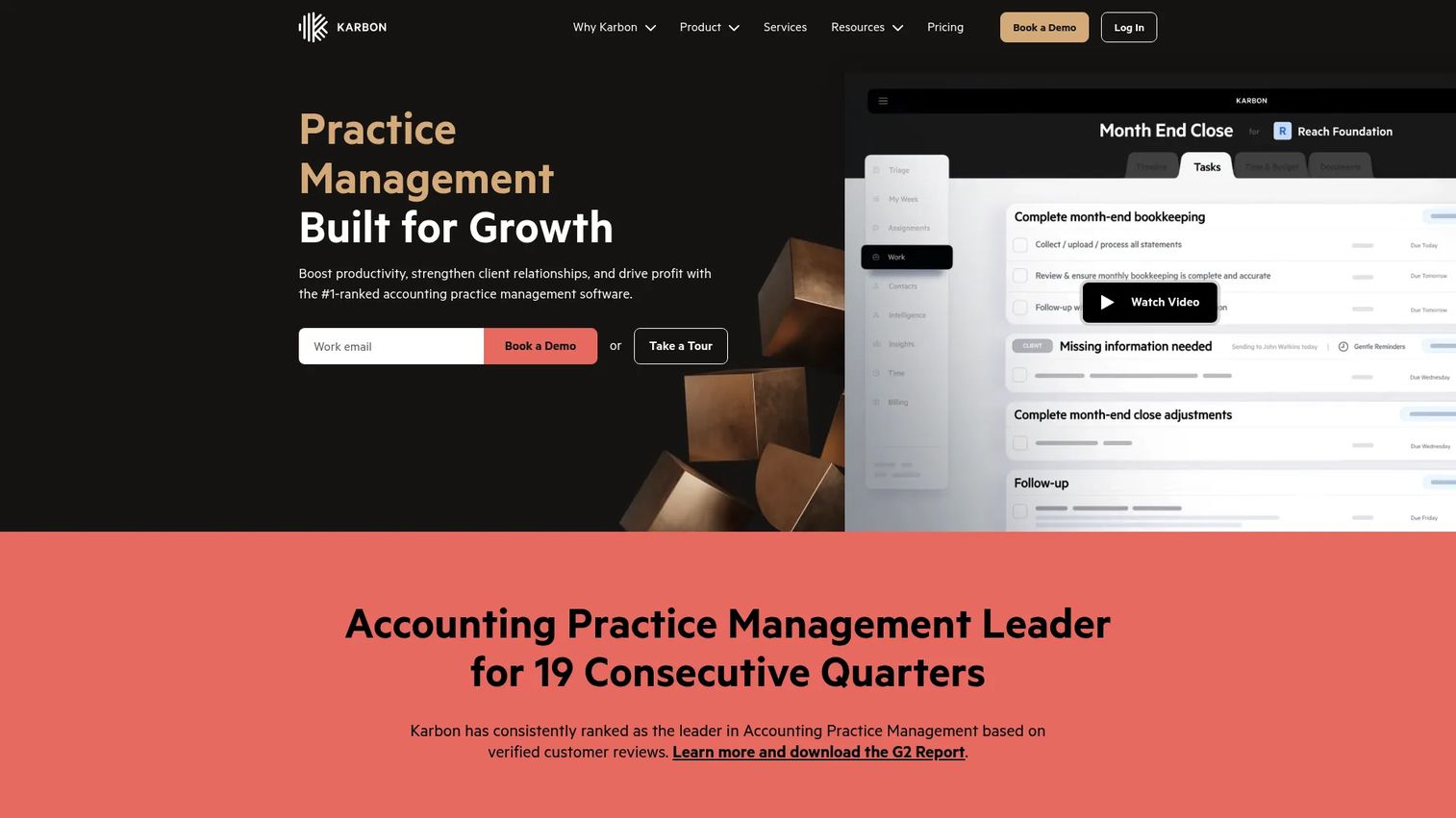
Karbon is practice management software built around collaboration. It puts email triage, workflow, client management, and billing in one connected workspace, so the firm operates from a shared source of truth instead of a dozen inboxes. It is consistently recognized as a category leader on G2, and firms tend to pick it when they want one system to run the whole operation.
Best for: Growing accounting and tax firms that need workflow visibility and want email and client work to live in the same place.
Key strengths
- Email triage and collaboration: Client emails route into shared workflows, so no message dies in one person's inbox.
- Workflow management and automation: Templated, recurring work with clear assignment and status tracking across the whole team.
- Billing and payments in the workflow: Billing lives where the work happens, so invoicing follows completion instead of lagging behind it.
Why choose Karbon: If your biggest bottleneck is that work and communication are scattered, Karbon's collaborative model is the strongest fit. It suits firms that have outgrown spreadsheets and want a system a new hire can pick up without shadowing a partner for a month. The tradeoff is that it leans more toward internal operations than heavy client-facing portals, so pair the choice with your priority.
Karbon pricing: Karbon offers three plans. Team starts at $59/month per user and Business at $89/month per user, both paid annually. Enterprise is custom pricing through sales. There is no permanent free tier, though a free trial is available. Pricing is per user, so factor total cost of ownership across your headcount before committing.
2. Canopy
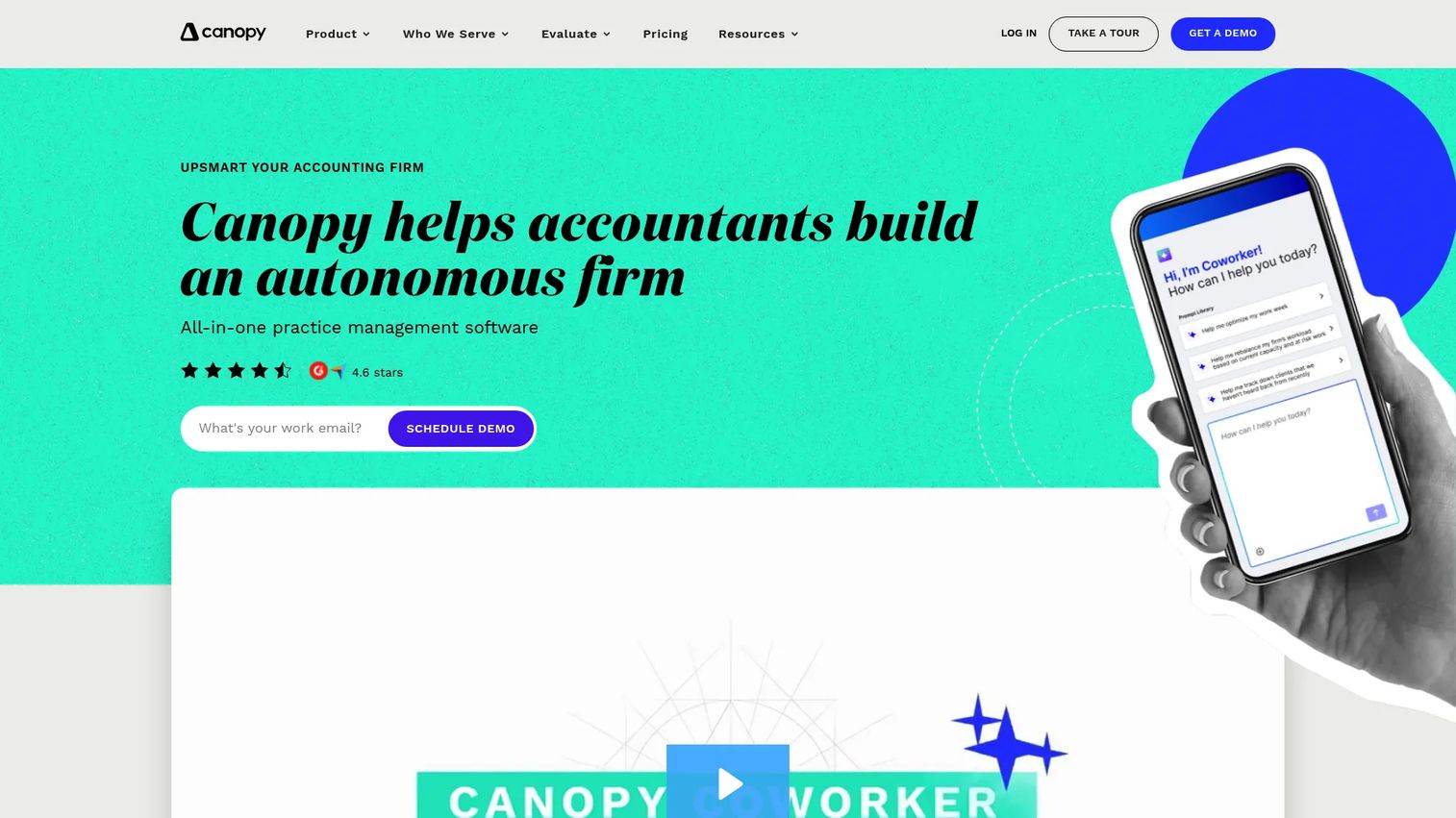
Canopy is an all-in-one accounting practice management platform with a modern, operating-system feel. It combines a client portal, CRM, document management, workflow, billing, and tax resolution, and layers AI features on top to reduce manual work. Canopy states that every plan includes the full practice management suite, with higher tiers adding deeper automation and reporting.
Best for: Firms that want a modern, transparent platform and value AI-assisted automation alongside a strong client portal.
Key strengths
- Client portal and secure messaging: Clients get a clean portal for messages, documents, and payments in one secure place.
- Workflow and task tracking: Structured task management keeps recurring and one-off work moving on schedule.
- Document management and eSignatures: Secure file sharing and built-in e-signatures cut the email-attachment chaos.
Why choose Canopy: Canopy fits operators who want pricing they can read on the page and a platform that feels current rather than legacy. The modular suite lets you adopt the pieces you need now and expand later. If AI-assisted workflow and a polished client experience rank high on your list, it belongs on the shortlist.
Canopy pricing: Canopy publishes clear per-user tiers. Standard is $74/user/month, Plus is $109/user/month, and Premium is $149/user/month, all billed annually. Enterprise is custom with monthly or annual billing. A free basic package is documented on Canopy's support site, though the pricing page emphasizes the paid tiers.
3. TaxDome

TaxDome is practice management software with the deepest client-experience story on this list. It combines an unlimited CRM, a branded client portal and mobile app, workflow automation, secure communication, document management, e-signatures, and payments. For tax-heavy firms that want a broad surface area under one roof, its all-in-one story is compelling.
Best for: Tax, bookkeeping, and accounting firms that want a strong client portal, mobile access, and automation in a single platform.
Key strengths
- Unlimited CRM: A firm-wide client record with no per-contact limits, so the whole book lives in one system.
- Client portal and mobile app: Clients upload documents, sign, pay, and message from web or phone.
- Workflow automation and secure communication: Templated pipelines plus compliant messaging keep work and conversations organized.
Why choose TaxDome: If client experience is your differentiator and you want clients living inside a branded portal rather than trading emails, TaxDome is the strongest pick. It carries broad functionality and solid onboarding support, which matters when you are moving a whole firm onto one platform. Weigh the seat-based, commitment pricing against your headcount and growth plans.
TaxDome pricing: TaxDome is seat-based and billed upfront on multi-year terms. Essentials starts at $800/year per seat on a one-year commitment, dropping to $700 on a three-year term. Pro runs $1,000/year per seat and Business $1,200/year per seat on one-year commitments, both lower on longer terms. Monthly Pro seats are $100/month, and seasonal Business seats are $500 for four months. No free tier is listed.
4. Financial Cents
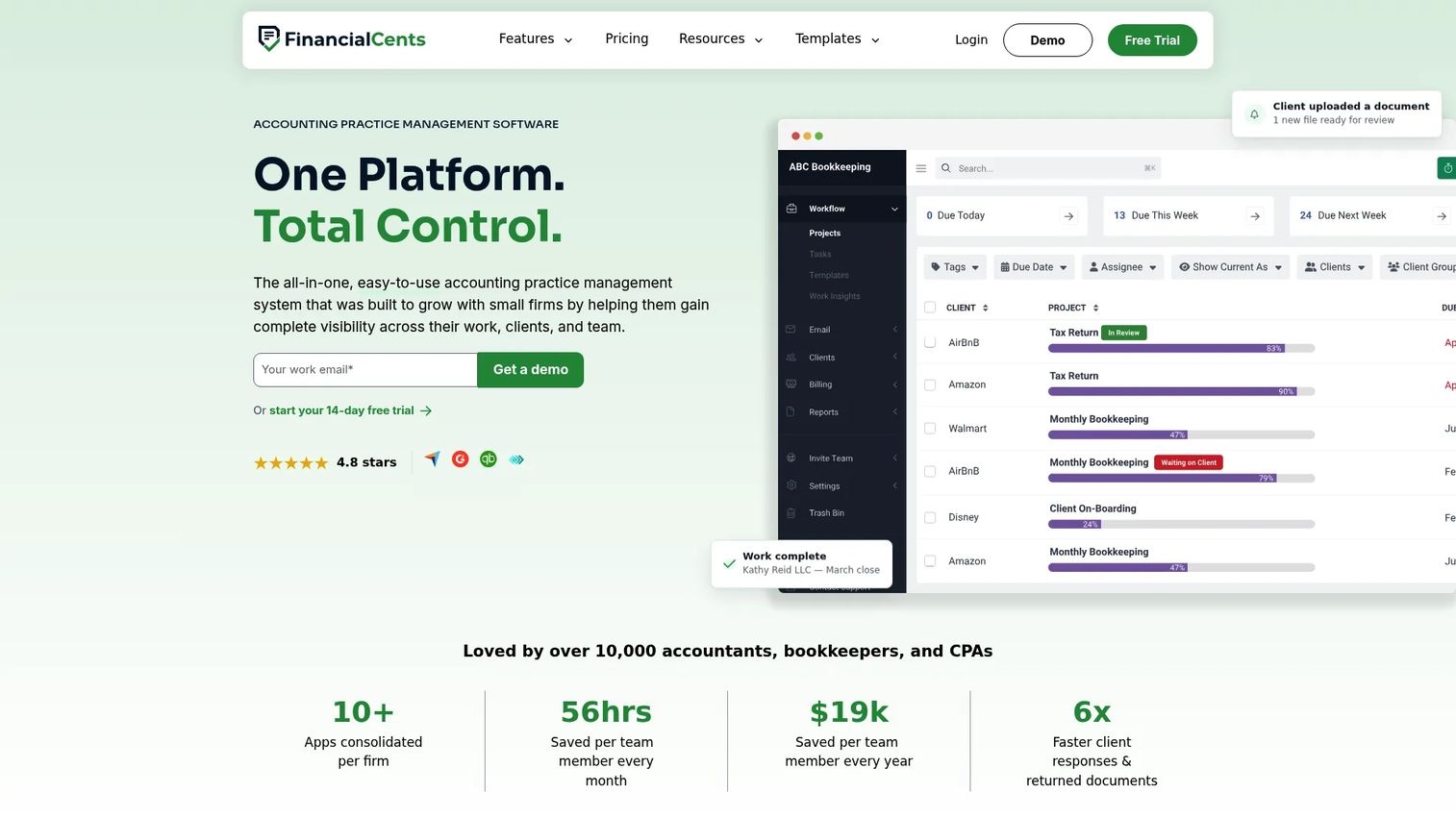
Financial Cents is accounting practice management software built for small and growing firms that want simplicity. It handles workflow management, a client portal with secure uploads and e-signature, time tracking, billing, proposals, reporting, capacity planning, and AI tools, without the weight of an enterprise rollout. Setup is fast, which is exactly what a lean team wants.
Best for: Solo practitioners and small firms that want workflow, client tasks, and billing in one tool they can adopt quickly.
Key strengths
- Workflow management and automation: Templated recurring work and clear assignments keep a small team on track.
- Client portal with secure uploads and e-signature: Clients share files and sign without leaving a secure channel.
- Time tracking, billing, and capacity tools: Time, invoicing, proposals, and capacity views in one place.
Why choose Financial Cents: For a smaller practice, the value is speed and clarity. You get real practice management without a heavy implementation, and the affordable entry price keeps total cost of ownership low while the firm is still lean. It is the right call when fast setup and simplicity matter more than the widest possible feature surface.
Financial Cents pricing: The Solo plan is $19/month per team member, billed annually. Team runs $69/month per member monthly or $49 annually, and Scale is $89/month monthly or $69 annually. Enterprise is $109/month monthly or $89 annually. Monthly billing is available only for firms with five or more users; firms of one to four must bill annually. A 14-day free trial is offered.
5. Jetpack Workflow
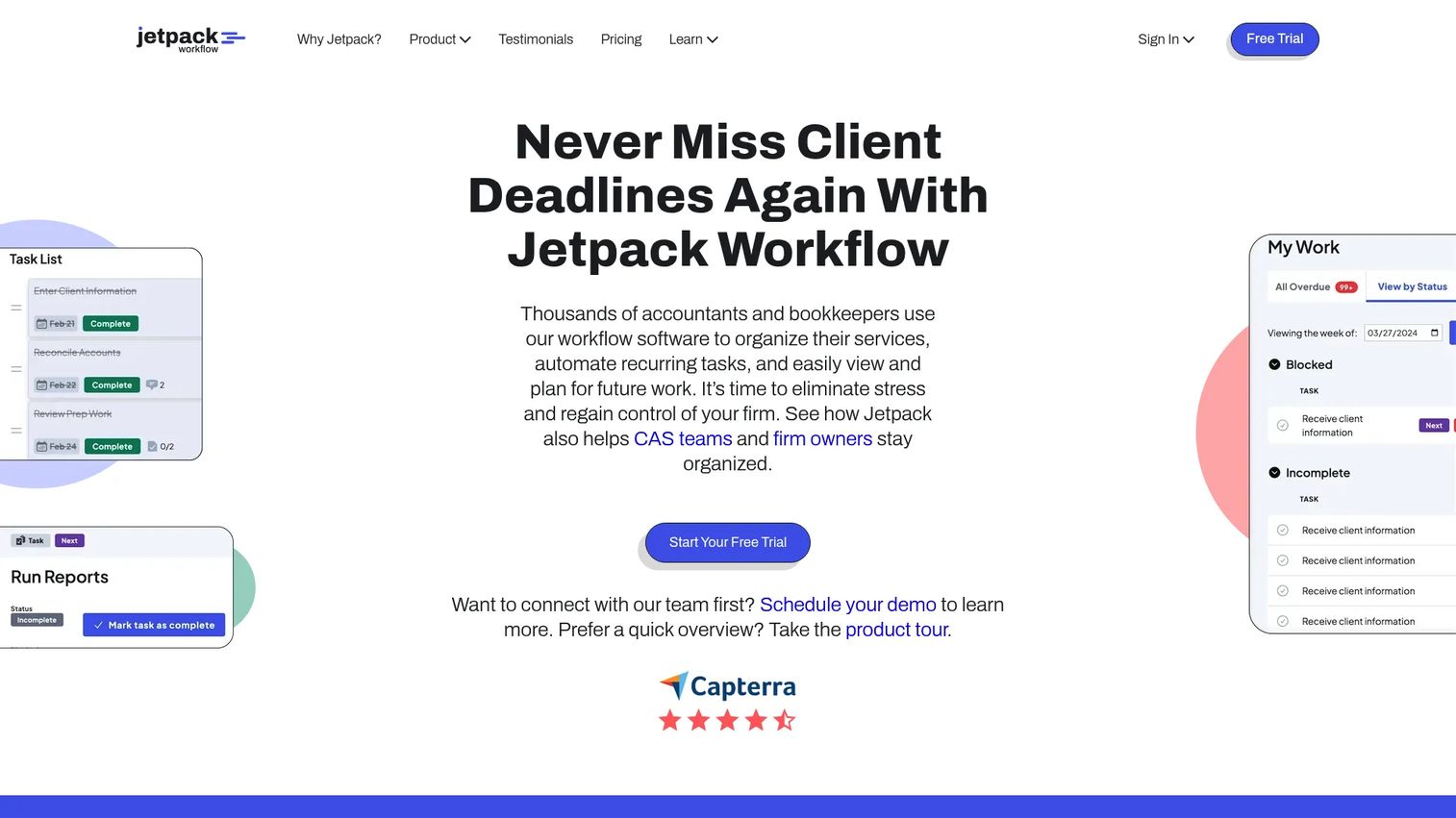
Jetpack Workflow is workflow management software focused squarely on deadline tracking and recurring-work discipline for accounting firms and bookkeepers. It gives you unlimited projects and clients, unlimited templates, customizable automation, time tracking, and budget-versus-actual reporting. It is the tool for firms that want workflow control without rolling out a sprawling platform.
Best for: Firms that want tight deadline tracking and workflow structure without a large all-in-one implementation.
Key strengths
- Unlimited projects and clients: No caps on the work or the book you can track.
- Unlimited templates and customizable automation: Build repeatable pipelines for every service line.
- Time tracking and budget-versus-actual reporting: See where hours go and how jobs perform against budget.
Why choose Jetpack Workflow: When your core problem is missed deadlines and inconsistent recurring work rather than client portals or billing depth, Jetpack Workflow delivers focused operational control. It is straightforward to adopt, which matters for firms that want workflow discipline fast. Pair it with your existing document and billing tools if you do not need everything in one suite.
Jetpack Workflow pricing: Two public plans are listed. Starter is $40 per user/month and Premium is $50 per user/month, both billed annually. A 14-day free trial is available with no credit card required. Monthly billing is referenced but public monthly amounts are not shown.
6. Thomson Reuters Practice CS
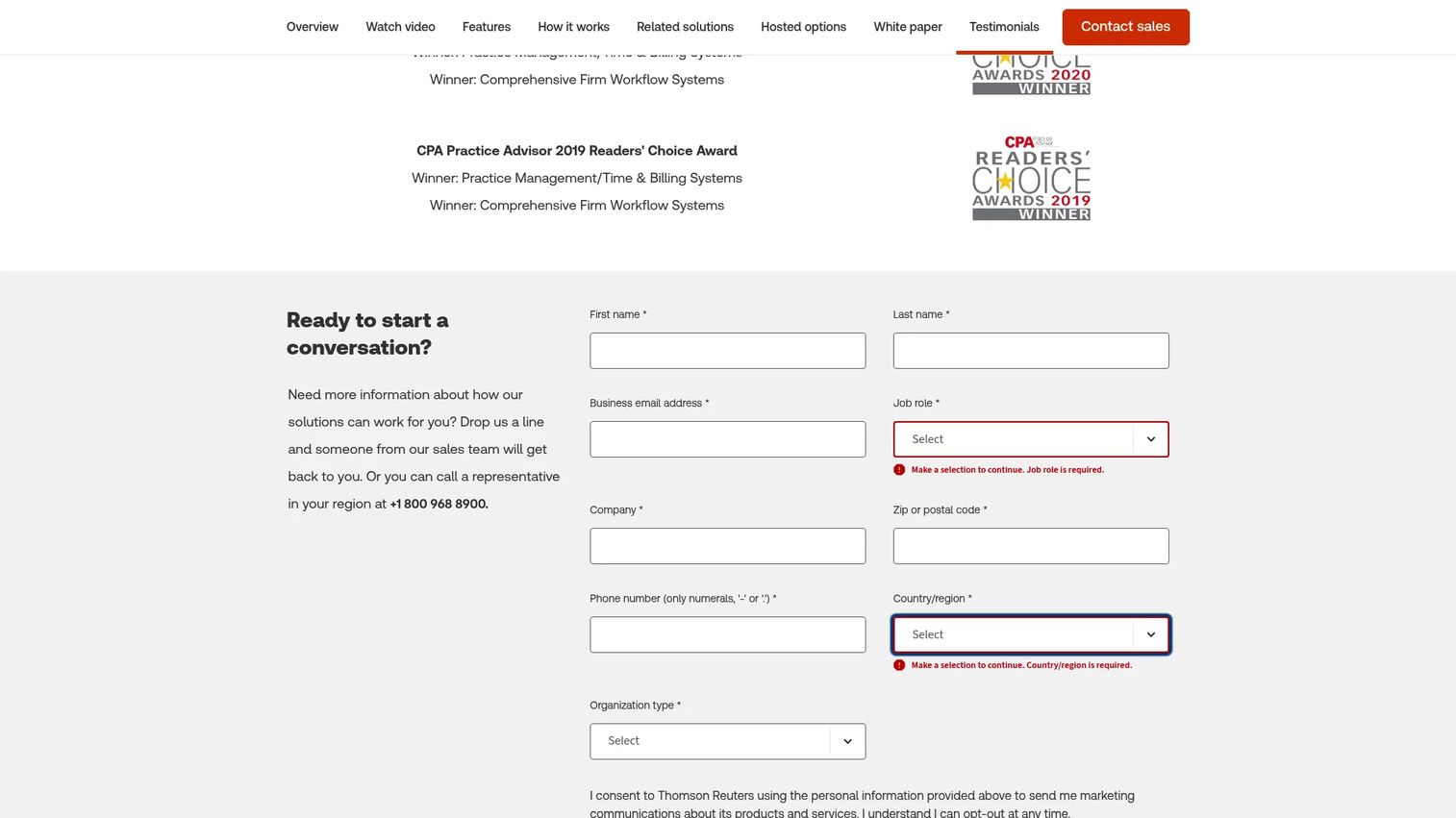
Thomson Reuters Practice CS is practice management software built for established firms, especially those already invested in the Thomson Reuters CS Professional Suite. It centers on time and billing, electronic invoices and credit card payments, customizable dashboards, and flexible reporting, with real-time access to firm, client, and staff information. It still matters for firms with complex billing and process needs.
Best for: Established accounting firms in the Thomson Reuters ecosystem that rely on integrated practice management and billing.
Key strengths
- Real-time firm, client, and staff information: A single view of the operation for partners managing complexity.
- Electronic invoices and credit card payments: Billing and collection handled inside the same system.
- Customizable dashboards and flexible reporting: Reporting shaped to how an established firm actually measures itself.
Why choose Thomson Reuters Practice CS: If your firm already runs on Thomson Reuters tax and accounting products, Practice CS keeps practice management inside the same ecosystem and integrates with the flows you already use. It fits mature operations with intricate billing and reporting requirements. Evaluate it as an ecosystem decision as much as a standalone one.
Thomson Reuters Practice CS pricing: Public pricing is not shown on the product page. Thomson Reuters directs prospects to contact sales for a quote, which is typical for firms with complex, multi-product configurations. Factor a sales-led evaluation and scoping conversation into your timeline.
7. Practice Ignition
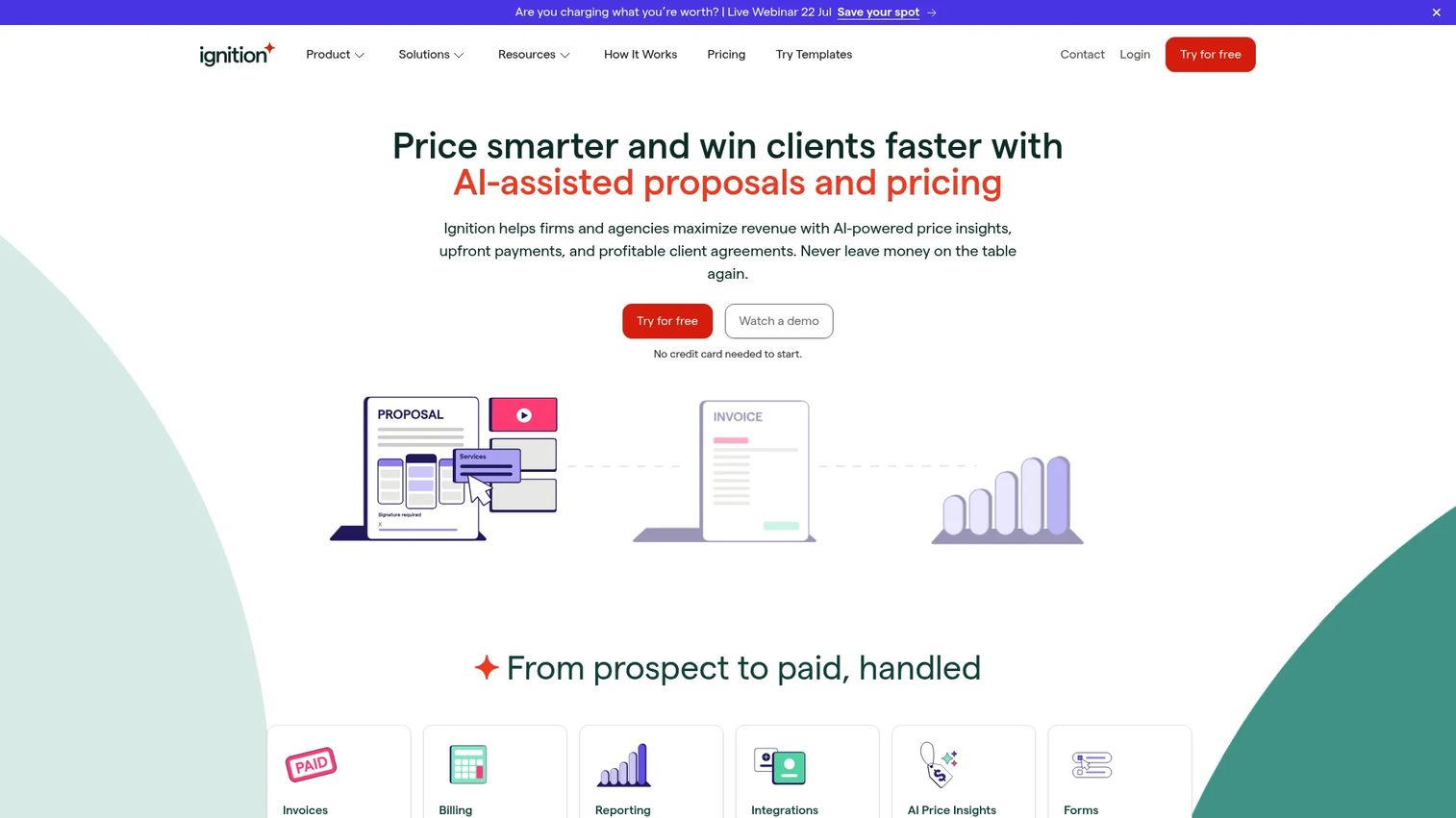
Practice Ignition, now branded Ignition, is engagement, proposal, billing, and payments software for service firms. It ties branded proposals and engagement letters, automated invoicing and payment collection, and client forms and workflows into the front end of the client relationship. It is narrower than a full practice management suite and should be evaluated as such.
Best for: Firms that want to streamline proposals, engagement letters, billing, and payment collection at the point of client acquisition.
Key strengths
- Branded proposals and engagement letters: Professional, consistent client onboarding with signatures built in.
- Automated invoicing and payment collection: Payments flow from signed engagements without manual chasing.
- Client forms, workflows, and integrations: Structured intake that connects to your broader stack.
Why choose Practice Ignition: If your bottleneck is packaging services, closing engagements, and getting paid on time rather than managing production workflow, Ignition solves that specific problem well. Use this section to be honest with yourself: if you need full practice management, pair Ignition with a workflow platform. If you mainly need service packaging and revenue collection, it may be enough on its own.
Practice Ignition pricing: Ignition offers a 14-day free trial and public monthly tiers. Solo is $39/month, Core $99/month, Pro $229/month, and Pro+ $399/month, with a custom Enterprise plan through sales. Annual billing discounts are available. Confirm which tier covers your proposal volume and client count.
8. CCH Axcess
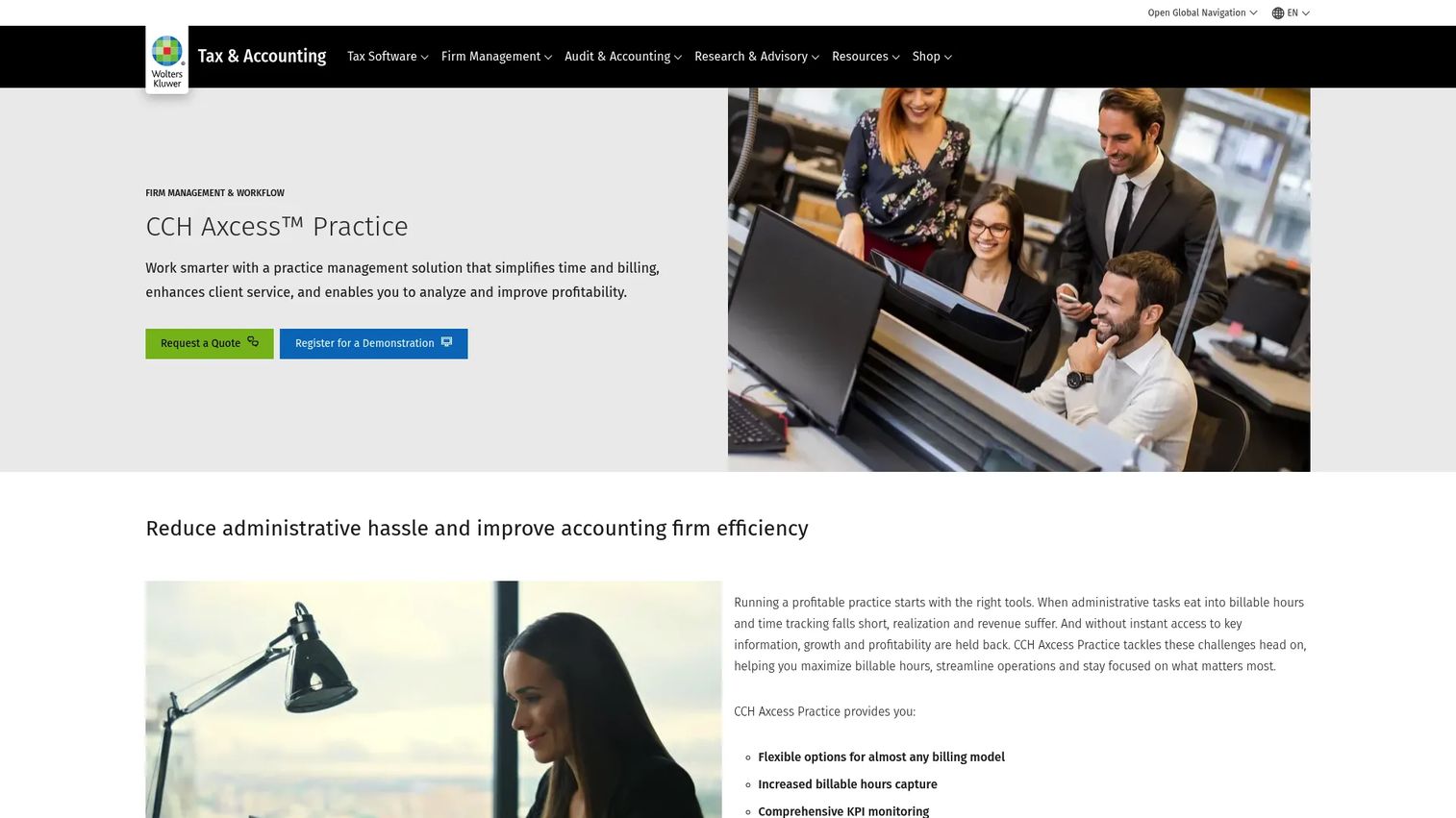
CCH Axcess is Wolters Kluwer's cloud-based tax and accounting firm management platform, aimed at larger and more established firms. It covers practice management, workflow, document, and tax processes, with time and billing, invoicing and accounts-receivable reporting, mobile time entry, and KPI monitoring. It typically fits structured, mature operations that want enterprise-grade tax workflows.
Best for: Larger accounting firms that want enterprise-grade tax workflows and alignment with a broader Wolters Kluwer stack.
Key strengths
- Time and billing: Flexible time capture and billing built for complex firm structures.
- Billing, invoicing, and AR reporting: Detailed accounts-receivable visibility for larger operations.
- Mobile time entry and KPI monitoring: Capture time on the go and track firm health against key metrics.
Why choose CCH Axcess: For firms with mature governance, multiple partners, and a deep tax and accounting stack, CCH Axcess aligns practice management with the wider Wolters Kluwer ecosystem. Its package options scale by user license count across Essentials, Pro, and Complete tiers. Treat it as a fit for firm-size and governance needs rather than a lightweight starting point.
CCH Axcess pricing: Public pricing is not shown on the product or package pages. Wolters Kluwer lists package options, Tax Essentials for 1 to 5 user licenses and Tax Pro and Tax Complete for 1 to 19 licenses, with pricing available by request. Plan for a sales-led quote and scoping process.
Considerations before you buy
Feature breadth is the wrong first question. Here is what actually determines whether a platform earns its place in your firm.
All-in-one versus focused tools
An all-in-one platform reduces the gaps where work stalls, but a focused tool your team fully adopts often beats a broad suite they only half-use. Decide whether your core pain is fragmentation across the whole operation or a single broken process like billing or deadline tracking.
Implementation and adoption effort
The best tool is the one your team runs in a season, not the one with the deepest feature list. Ask every vendor what onboarding and migration look like for a firm your size, and how long until you are live. First-quarter adoption matters more than year-three potential.
Total cost of ownership
Per-user pricing scales with headcount, seat-based annual commitments lock you in, and sales-quoted enterprise tools carry implementation costs. Model the real number across your full team and a realistic growth curve, not just the sticker price.
Security and compliance
You are custodian of sensitive client tax data. Verify encryption, access controls, audit trails, and a secure client portal instead of email attachments. Treat security and compliance as a hard requirement, not a nice-to-have badge.
Integrations with your existing stack
Practice management should connect to your tax prep, general ledger, e-signature, and payment tools. Confirm the specific integrations you rely on before signing, because a gap here recreates the fragmentation you are trying to escape.
Conclusion
The right choice comes down to firm size and operating style, not feature counts.
For most growing firms that want collaboration and workflow visibility, Karbon is the strongest all-in-one. If client experience and automation lead your priorities, TaxDome brings the deepest client-facing surface, while Canopy offers a modern platform with transparent pricing and AI-assisted workflow. Smaller and solo firms get fast, affordable value from Financial Cents or focused deadline discipline from Jetpack Workflow. Established firms with complex billing and governance are better served by Thomson Reuters Practice CS or CCH Axcess and their broader ecosystems. If proposals, engagement letters, and payment collection are your real bottleneck, Practice Ignition solves that end of the client relationship.
Next step: shortlist two or three tools that match your firm size and primary pain. Compare their implementation effort and verify total cost of ownership across your full headcount before you book a single demo. The goal is not the most features. It is a system that runs the firm without routing every task through you.
FAQs
Tax practice management software is a platform that centralizes how a tax or accounting firm manages clients, documents, workflows, billing, and team visibility in one system. It sits above tax prep and general accounting tools, running the operation around the work rather than the numbers themselves.
It replaces scattered email, spreadsheets, and disconnected apps with a single source of truth. That means fewer missed deadlines, less manual follow-up, faster client onboarding, and enough visibility that partners can delegate work without losing control of quality or timing.
Prioritize workflow automation for recurring work, a secure client portal for communication and file collection, document management with e-signatures, and billing and invoicing tied to the work. Reporting that shows capacity and deadline risk is what turns the tool into an operating system rather than a filing cabinet.
Yes, especially tools built for smaller teams like Financial Cents or Jetpack Workflow. Small firms feel fragmentation acutely because one person often holds the whole process in their head. A lightweight platform with fast setup pays for itself by removing that single point of failure.
Decide whether your core pain is fragmentation across the whole firm or one broken process. If work, communication, documents, and billing are all scattered, an all-in-one platform like Karbon, Canopy, or TaxDome fits. If deadline tracking is the real gap, a focused tool like Jetpack Workflow may be enough.
Confirm onboarding and migration effort for a firm your size, verify the specific integrations you depend on, and model total cost of ownership across your full headcount and growth curve. Ask how long until you are genuinely live, not just signed up. First-season adoption is the real test.
Models vary widely. Karbon, Canopy, Financial Cents, and Jetpack Workflow price per user, often with an annual discount. TaxDome uses seat-based multi-year commitments. Practice Ignition bills by monthly tier. Thomson Reuters Practice CS and CCH Axcess quote through sales, so plan for a scoping conversation.
No. It complements them. Practice management runs client management, workflow, documents, and billing, while your general ledger and tax prep software handle the accounting and returns. The value comes from integrations that connect all three so data does not get re-entered across systems.