Your store's cheapest monthly subscription can quietly become your most expensive operational decision. Add payment processing fees, hardware costs, per-location charges, and add-ons for loyalty or advanced reporting, and the total cost of ownership looks very different from the plan price.
The retail POS software market hit $18.45 billion in 2025, according to PW Consulting (2026), with cloud SaaS accounting for 62.3% of that. More than 440,000 POS installations were made globally in the year to June 2025, per Datos Insights (2025). That volume signals a crowded field, and the stakes of a poor selection are high: Migrate the wrong system into a multi-location operation and you're rebuilding the catalog, retraining every associate, and reconciling mismatched inventory data for months.
This guide cuts through the noise. It covers what each system does well, where it falls short for a growing retailer, and the total cost model you should run before signing anything.
What's inside
This guide is for retailers comparing point of sale systems for 2026, whether you're selecting your first system or replacing an existing one. Systems were evaluated on:
- Retail feature depth: Inventory, barcode scanning, purchase orders, returns, and staff controls
- Payment and pricing transparency: Processing rates, subscription costs, hardware pricing, and contract terms
- Ecommerce and multi-location support: Shared inventory, omnichannel selling, and location permissions
- Reporting quality: Sell-through, margin, stock levels, and actionable daily data
TL;DR
- Best overall: Square, for small and growing retailers needing checkout, inventory, and payments in one free-to-start platform
- Best for ecommerce-first retail: Shopify POS, for brands where online revenue drives the business
- Best for inventory depth: Lightspeed Retail, for retailers with large or complex catalogs
- Best for payment cost control: Helcim or Stax, depending on your monthly processing volume
- Best for specialty retail: Korona POS, for high-SKU or category-specific workflows
- Best free starting point: Loyverse, for budget-conscious single-store operators
What is retail POS software?
Retail POS software is a system that processes in-store transactions while connecting checkout activity to inventory, product catalogs, customer records, payments, staff controls, and reporting.
A card reader accepts a payment. A retail POS system connects that payment to the correct SKU, adjusts inventory, issues a receipt, logs the transaction against a customer profile, and feeds every data point into reports your team actually uses. The distinction matters when you're reconciling end-of-day sales or diagnosing a stockout.
Ecommerce software manages online orders and storefronts. A retail POS manages in-person selling. Some platforms, including Shopify POS and Square, combine both.
Core components of retail POS software
- Checkout and payment processing: Card-present, contactless, mobile wallets, gift cards, split tender
- Product catalog and barcode lookup: SKUs, variants, bundles, and label printing
- Inventory management: Stock tracking, purchase orders, vendor management, transfers, and cycle counts
- Returns, exchanges, and discounts: Cross-channel returns, promotions, and coupon workflows
- Customer profiles and loyalty: Purchase history, points, and targeted offers
- Staff controls: Permissions, shift management, and time tracking
- Reporting: Sales, margin, shrinkage, sell-through, and location performance
- Ecommerce synchronization: Shared inventory, buy online/pickup in store, and unified customer data
What to evaluate before selecting a system
- Number of stores and registers
- SKU count and product variant complexity
- Online and offline selling requirements
- Payment processor flexibility
- Hardware needs (terminals, scanners, receipt printers, cash drawers)
- Accounting and ecommerce integrations
- Reporting requirements for daily operations and investor-ready metrics
When to use a retail POS system
Replace spreadsheets and disconnected checkout tools
A POS connects every sale to the correct SKU, payment method, and inventory movement automatically. Retailers running sales through basic card readers or manual registers spend hours reconciling daily reports that a POS produces in seconds. The accuracy gain compounds quickly when you're managing hundreds of SKUs across multiple staff members.
Connect online and in-store sales
Omnichannel systems prevent the costly mistake of selling inventory twice. When a customer buys online and picks up in-store, the system should decrement the same inventory pool, update the customer record, and surface the order for fulfillment from a single interface. Without that connection, you're manually reconciling stock twice a day.
Standardize operations across locations
Multi-location retailers need shared product catalogs, location-level permissions, stock transfer workflows, and centralized reporting. Without a system designed for this, each location drifts: Prices diverge, promotions run inconsistently, and the data you need to spot performance gaps across stores simply doesn't exist in one place.
One caveat: If you're a very small seller with fewer than 50 SKUs and occasional in-person payments, a full retail POS may be more infrastructure than your current stage requires.
Retail POS systems comparison
Compare total operating cost, not the subscription price alone. Processing rates shift by card type, channel, and monthly volume. Pricing and G2 ratings below reflect verified data from each vendor's pricing page and G2 listing as of September 2026.
| # | Product | Best for | Key differentiator | Pricing | G2 rating |
|---|---|---|---|---|---|
| 1 | Square | Small and growing retailers | Free plan with integrated hardware ecosystem | From $0/mo | 4.6/5 |
| 2 | Shopify POS | Ecommerce-first retailers | Shared online and in-store inventory | From $39/mo | N/V |
| 3 | Lightspeed Retail | Inventory-heavy retail | Advanced catalog and multi-location controls | From $89/mo | N/V |
| 4 | Clover POS | Retailers wanting bundled hardware | Hardware variety and app marketplace | From $9.95/mo | N/V |
| 5 | Helcim | Payment cost control | Interchange-plus with no monthly software fee | $0/mo | 3.9/5 |
| 6 | PayPal Zettle | Small and mobile sellers | PayPal ecosystem and portable checkout | $0/mo | 4.4/5 |
| 7 | Korona POS | Specialty and high-volume retail | Category-specific workflows and processor flexibility | From $59/mo | 4.7/5 |
| 8 | SumUp | Low-complexity retail setups | Simple hardware and free-to-start plan | From $0/mo | 3.7/5 |
| 9 | Heartland Retail | Retailers needing implementation support | Guided deployment and retail operations depth | From $89/mo | 4.2/5 |
| 10 | Loyverse | Budget-conscious small retailers | Free core POS with modular paid add-ons | Free | N/V |
| 11 | Stax | Higher-volume retailers | Subscription processing with zero markup on interchange | From $99/mo | 4.9/5 |
| 12 | QuickBooks Point of Sale | Existing users managing migration | Legacy accounting continuity; discontinued product | N/A | N/V |
Pricing and ratings verified September 2026 from each vendor's pricing page and G2 listing. N/V: G2 rating could not be verified from a live G2 listing at time of publication.
Best 12 retail POS systems for 2026
1. Square
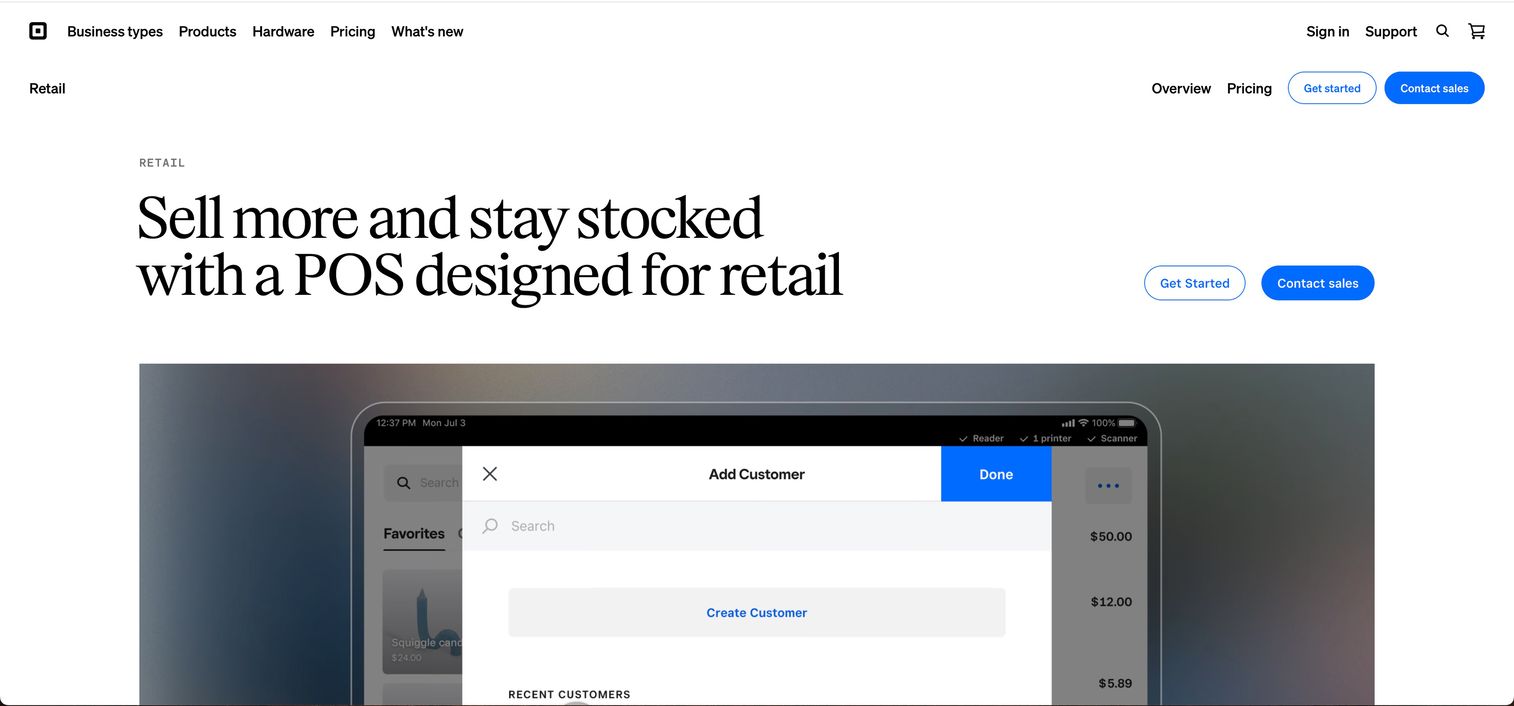
Square is a retail point-of-sale platform covering payment acceptance, inventory management, and omnichannel selling from a single account. The free plan includes checkout, a product catalog, basic inventory, and access to Square's hardware ecosystem, making it the broadest no-commitment entry point in this category.
Best for: Small and growing retailers who want checkout, inventory, and payments operational without a large upfront software investment.
Key features
- Free plan with core POS, inventory, and payment processing
- Offline payment acceptance when connectivity drops
- Purchase orders, vendor management, and barcode tools on paid plans
- Omnichannel selling through in-store, online, social, and pickup channels
- Loyalty, marketing, and gift card add-ons available
Why choose Square: Square suits retailers at the earlier stages who want one account to cover checkout, inventory, and a small online store without managing multiple vendors. As transaction volume grows, fixed-rate processing economics may warrant a closer comparison against interchange-plus providers like Helcim. For payment processing software decisions, that comparison is worth running before committing to any fixed-rate provider at scale.
Square pricing: Free plan available at $0/month per location. Square Plus runs $49/month per location; Square Premium is $149/month per location. Square Pro offers custom pricing for eligible businesses. Card-present processing is 2.6% + 10 cents per transaction on the free plan; rates vary by plan.
G2 rating: 4.6/5.
2. Shopify POS
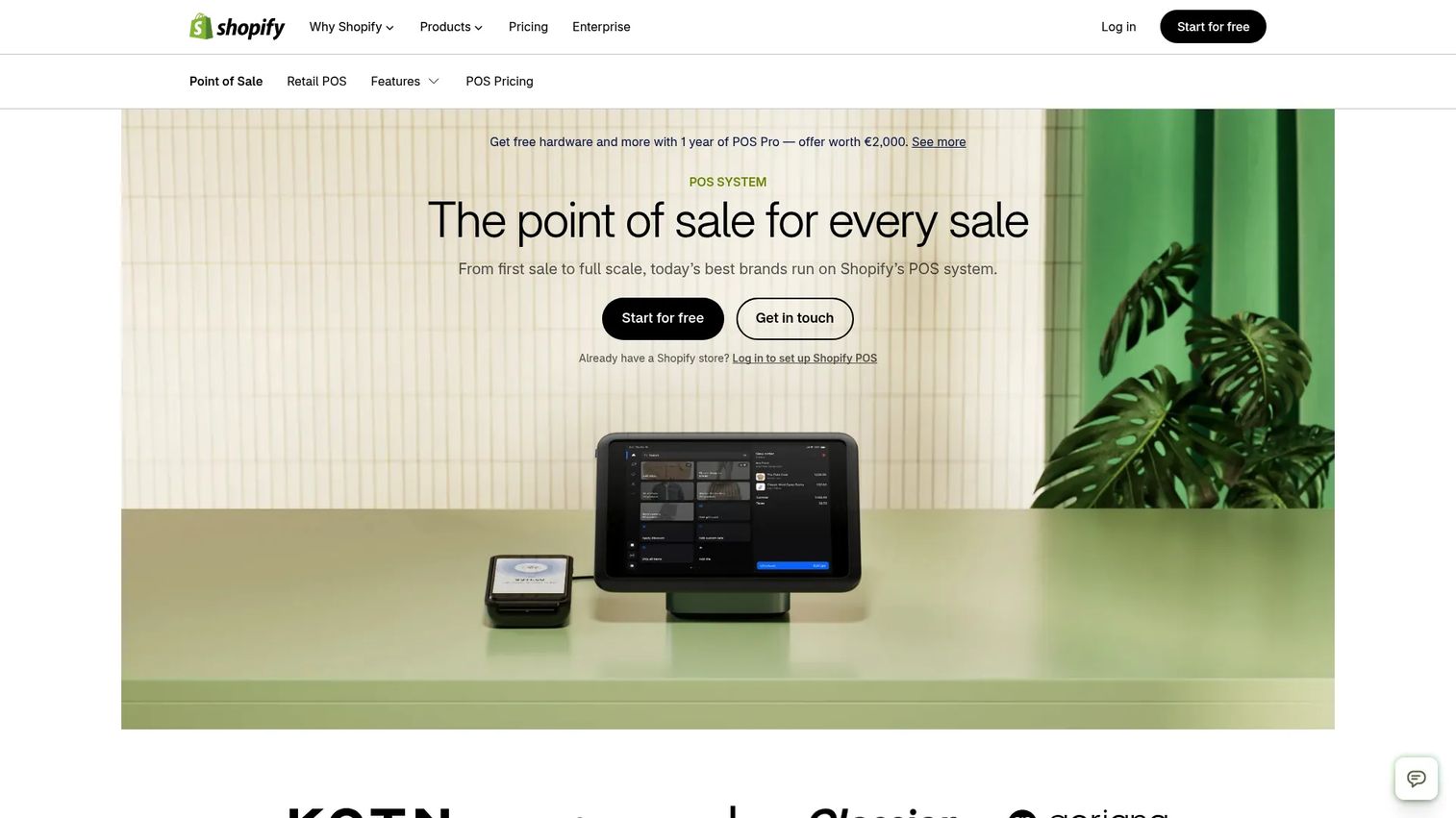
Shopify POS connects physical retail directly to the Shopify commerce platform. Inventory, customer profiles, and order data are shared between the online store and the register, which means a sale at the counter adjusts the same stock pool your website sells from. For brands where ecommerce drives the majority of revenue, this native integration eliminates the reconciliation work that third-party connectors create. For broader context on choosing an ecommerce platform for small business, Shopify POS is worth evaluating alongside its parent platform.
Best for: Retailers with meaningful online revenue who need in-person checkout fully synchronized with their Shopify store.
Key features
- Shared inventory between online store and physical registers
- Buy online, pickup in store; local delivery; cross-channel returns
- Unified customer profiles across channels
- Staff management with role-based permissions
- Shopify Payments integration for unified reporting
Why choose Shopify POS: Choose Shopify POS when the online store is already running on Shopify and you need the physical register to behave as a natural extension of it. Retailers not on Shopify will pay the Shopify plan subscription cost on top of POS software, which changes the economics significantly compared with standalone systems.
Shopify POS pricing: Requires a Shopify subscription, starting at $39/month (Basic plan). POS Pro, which adds advanced staff, inventory, and omnichannel features, is $89/month per location. Using a third-party payment processor instead of Shopify Payments adds a transaction fee of up to 2% depending on your plan.
G2 rating could not be verified from a live G2 listing at time of publication.
3. Lightspeed Retail
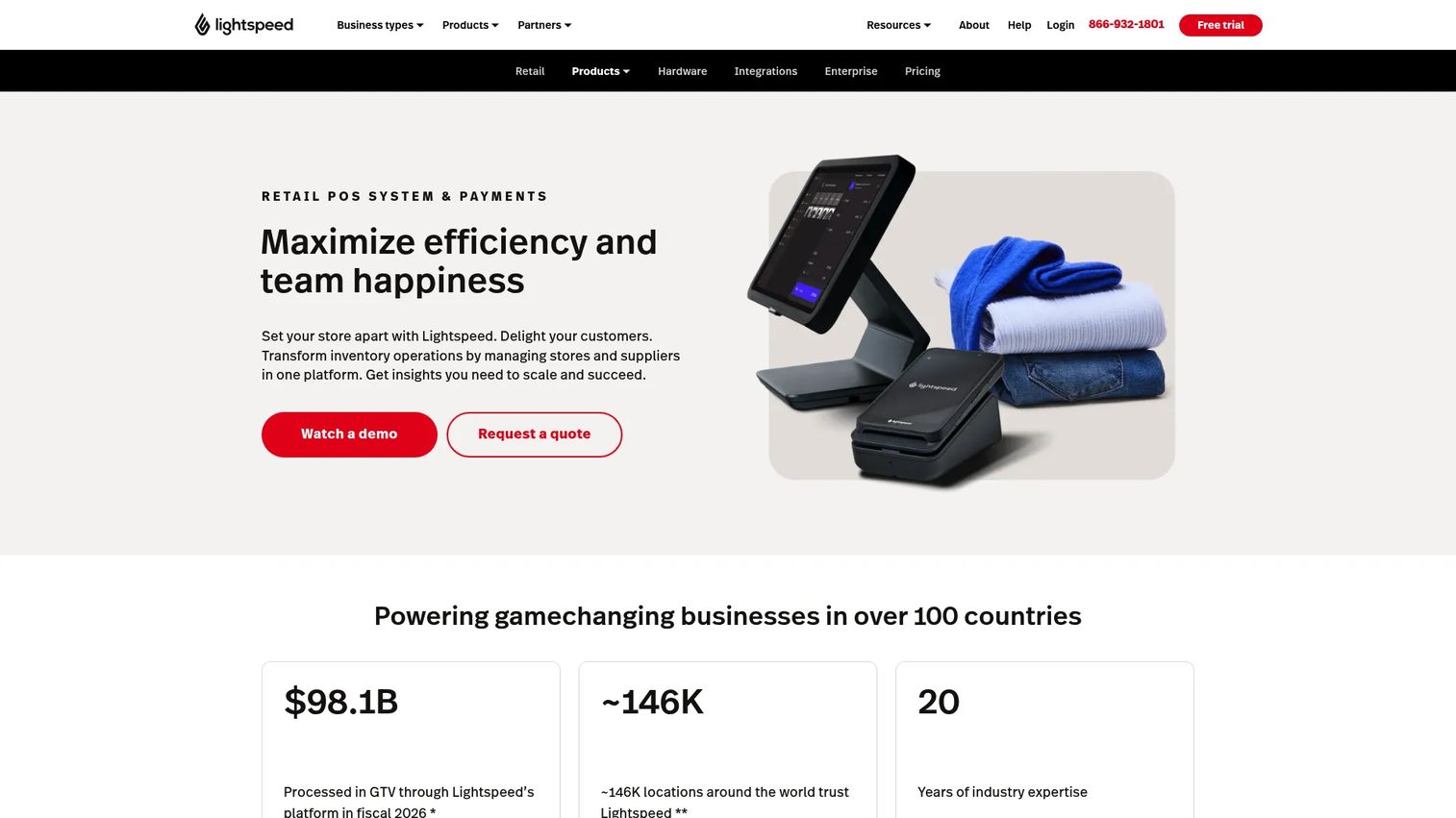
Lightspeed Retail is a cloud-based POS built for retailers with complex catalogs and multi-location inventory requirements. It covers purchase orders, vendor management, product variants, stock transfers, and cycle counts in a single interface, with real-time inventory visibility across all locations. Retailers who've outgrown basic POS systems often move to Lightspeed specifically for this inventory depth. If barcode inventory software is a core requirement, Lightspeed's catalog tools are among the strongest in this comparison.
Best for: Established retailers with large or complex product catalogs who need purchase order management and multi-location inventory controls.
Key features
- Purchase orders, vendor management, and stock transfers
- Multi-location inventory with real-time visibility
- Sell-through, margin, and slow-moving inventory reporting
- Built-in ecommerce with synchronized inventory
- API access for custom integrations
Why choose Lightspeed Retail: Lightspeed is worth the higher subscription cost when inventory complexity is the central operational problem. Retailers with fewer than 200 SKUs at a single location will likely find the feature depth more than they need. Implementation takes longer than entry-level systems, so factor training time into the total cost model.
Lightspeed Retail pricing: Basic plan starts at $89/month. Core is $149/month; Plus is $289/month. Billing is available monthly or annually. A 14-day free trial is available; no permanent free plan.
G2 rating could not be verified from a live G2 listing at time of publication.
4. Clover POS
Clover POS is a payment and point-of-sale platform available through banks, ISOs, and payment processors rather than direct subscription. That distribution model gives retailers a wide choice of hardware, including countertop terminals, handheld devices, and customer-facing displays, but it also means pricing, support quality, and contract terms vary by the acquiring partner you work with.
Best for: Retailers who want bundled hardware and payment services from a bank or payment processor they already work with.
Key features
- Countertop, handheld, and customer-facing hardware options
- Inventory management and real-time stock tracking
- Employee permissions, scheduling, and time tracking
- Customer loyalty, promotions, and gift cards
- App Marketplace with third-party integrations
Why choose Clover POS: Clover suits retailers who prefer to source hardware and payments through a single banking relationship. The tradeoff is that pricing, fees, and support depend heavily on which processor or reseller you use. Always confirm the full hardware cost, processing rates, and contract terms directly with your Clover provider before signing.
Clover POS pricing: Software starts at $9.95/month for Register Lite. Retail system plans (Basic and Standard) are priced through processor or reseller partners and were not publicly displayed on Clover's retail page at time of verification. Hardware financing and contract terms vary by provider.
G2 rating could not be verified from a live G2 listing at time of publication.
5. Helcim
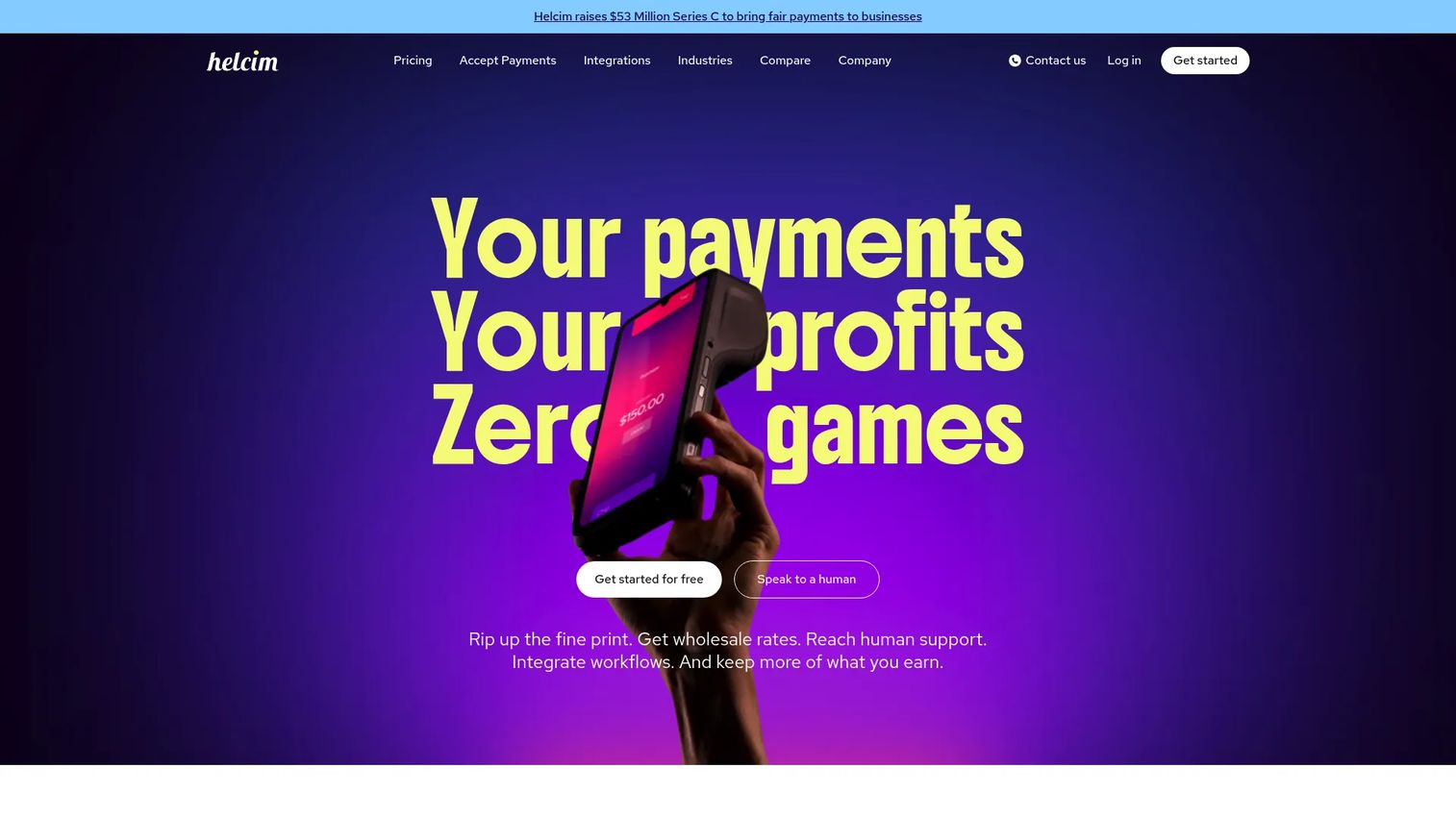
Helcim takes a different approach to payment pricing: Interchange-plus with no monthly software fee. Instead of charging a flat per-transaction rate, Helcim passes the actual interchange cost from card networks to the merchant and adds a fixed margin of 0.40% + 8 cents for card-present transactions. For retailers processing $30,000 or more per month, the savings over flat-rate processing can outweigh any gap in retail-specific features. Comparing payment processing software options is worth doing before committing to any fixed-rate provider at volume.
Best for: Cost-conscious retailers with meaningful monthly card volume who want transparent interchange-plus pricing without a monthly platform fee.
Key features
- Interchange-plus pricing with no monthly software fee
- Card-present, card-not-present, and ACH payment acceptance
- Product catalog, invoicing, and customer management
- Virtual terminal and recurring payments
- Smart Terminal and Card Reader hardware options
Why choose Helcim: The economics improve as volume grows. At $0 to $50,000 monthly card volume, card-present processing runs interchange + 0.40% + 8 cents per transaction. Retailers processing above $50,000/month see the margin drop further. The retail inventory features are thinner than Lightspeed or Square, so this is the right call when payment cost optimization is the primary goal and inventory complexity is low.
Helcim pricing: No monthly account fee. Card-present processing starts at interchange + 0.40% + 8 cents per transaction. The Smart Terminal costs $349 per unit or $32/month for a one-year financing plan; the Card Reader is $199.
G2 rating: 3.9/5.
6. PayPal Zettle
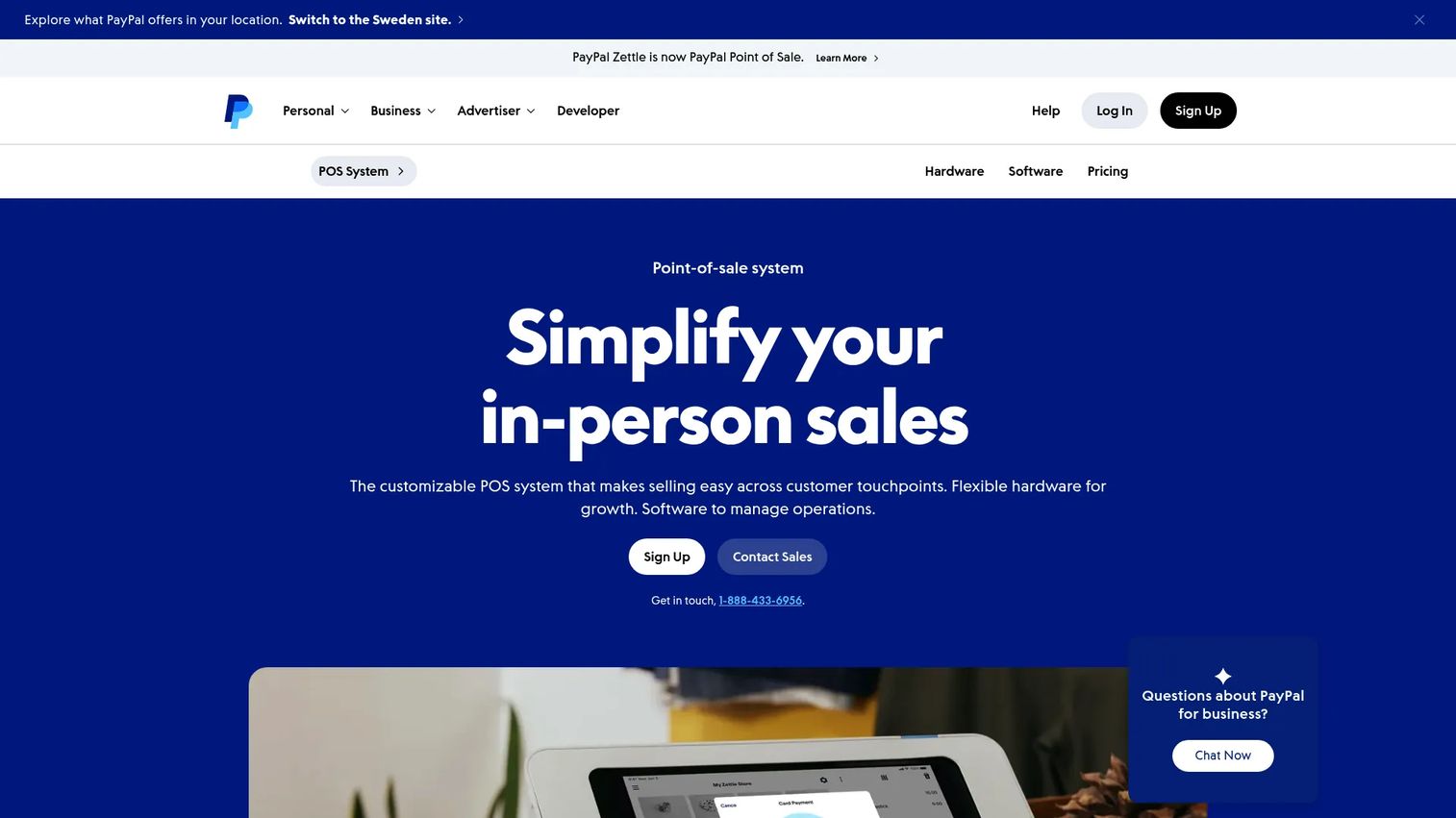
PayPal Zettle, now called PayPal Point of Sale, is a mobile-first POS for small sellers, market vendors, and retailers who need portable checkout without a fixed monthly commitment. It connects directly to a PayPal business account, so settlements flow into the same system used for online PayPal transactions. PayPal Zettle also supports Tap to Pay on iPhone and Android, eliminating the need for a hardware reader in some scenarios.
Best for: Small or mobile retailers needing portable checkout with PayPal ecosystem integration and no monthly software fee.
Key features
- Card-present, contactless, PayPal QR code, and Venmo acceptance
- Inventory with product catalogs, stock alerts, and basic reporting
- Tap to Pay on iPhone and Android (no reader required)
- Integrations with QuickBooks, Xero, Shopify, WooCommerce, and BigCommerce
Why choose PayPal Zettle: Choose Zettle when portability matters more than deep operational features. Multi-location inventory, advanced reporting, and purchase order management are outside its scope. Retailers who already use PayPal for online payments will find the unified settlement and reporting useful at the smaller end of the market.
PayPal Zettle pricing: No monthly or setup fee. First Card Reader costs $29; additional readers are $79 each. The Terminal with built-in barcode scanner is $239. Transaction fees apply per payment type and are published on PayPal's pricing page.
G2 rating: 4.4/5.
7. Korona POS
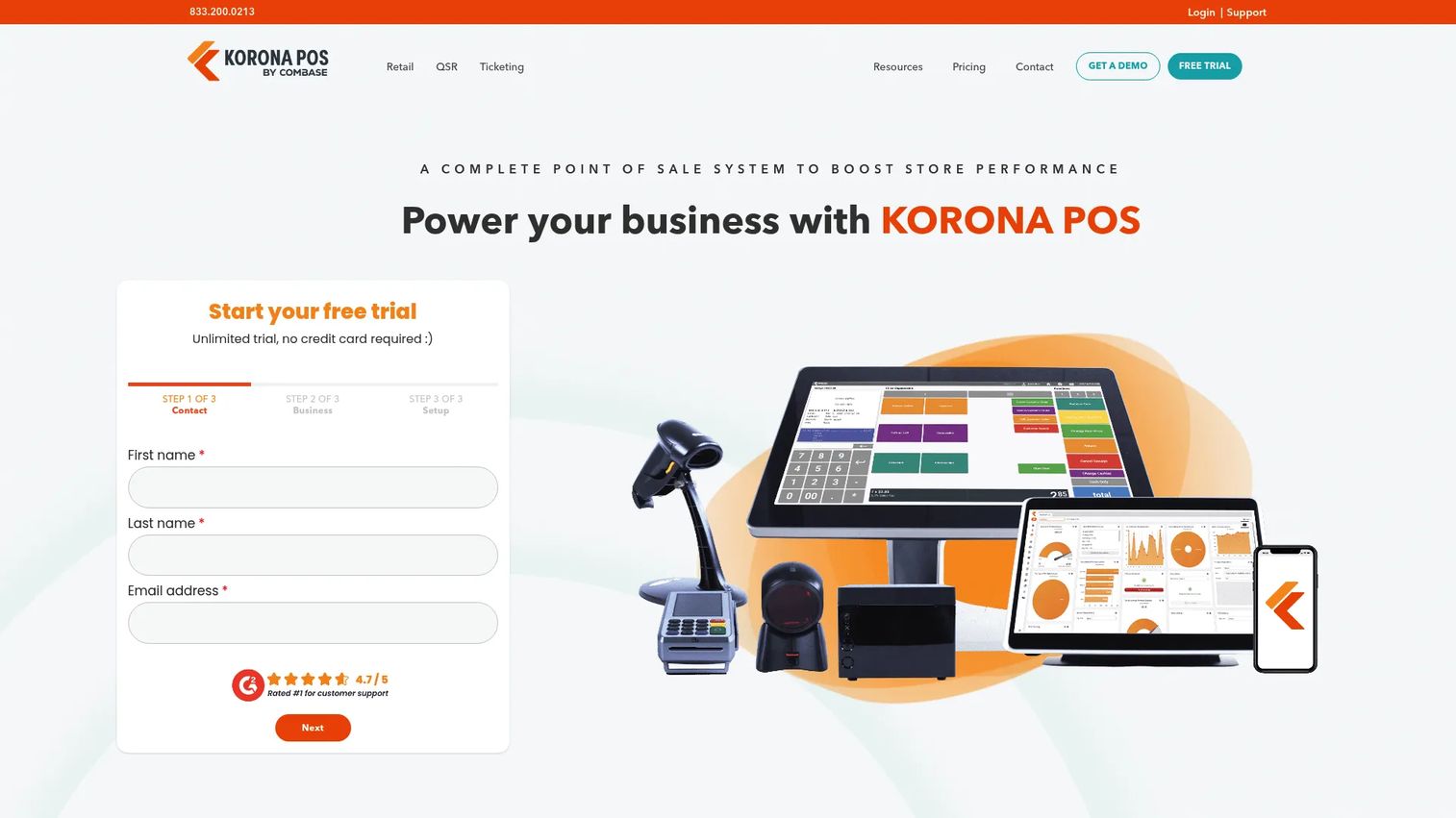
Korona POS is built for specialty and high-volume retail categories where standard POS workflows don't fit. It supports liquor stores, convenience stores, ticketing, and other high-SKU or regulated retail environments through industry-specific modules. Korona also lets retailers choose their own payment processor, which matters when you want to negotiate rates independently rather than accept a bundled offering. This flexibility makes it worth evaluating alongside sales analytics software tools when building out a retail operations stack.
Best for: Specialty retailers, franchise operators, and high-volume stores needing category-specific workflows and processor flexibility.
Key features
- Industry-specific modules for liquor, convenience, ticketing, and franchise
- Inventory management and automation
- Loyalty, gift cards, and multi-store promotions
- Real-time reporting and back-office analytics
- Processor-agnostic: Bring your own payment provider
Why choose Korona POS: Korona's processor flexibility is its strongest differentiator. Retailers locked into a bundled processor often pay more per transaction than needed. Korona lets you shop rates independently. The tradeoff is implementation complexity: Onboarding takes longer than Square or Loyverse, and the module-based pricing means you need to map requirements carefully before committing.
Korona POS pricing: Core plan starts at $59 per terminal per month; Retail plan is $79 per terminal per month; Plus is $99 per terminal per month. All plans are billed month-to-month. A free trial is available; no permanent free tier was verified.
G2 rating: 4.7/5.
8. SumUp
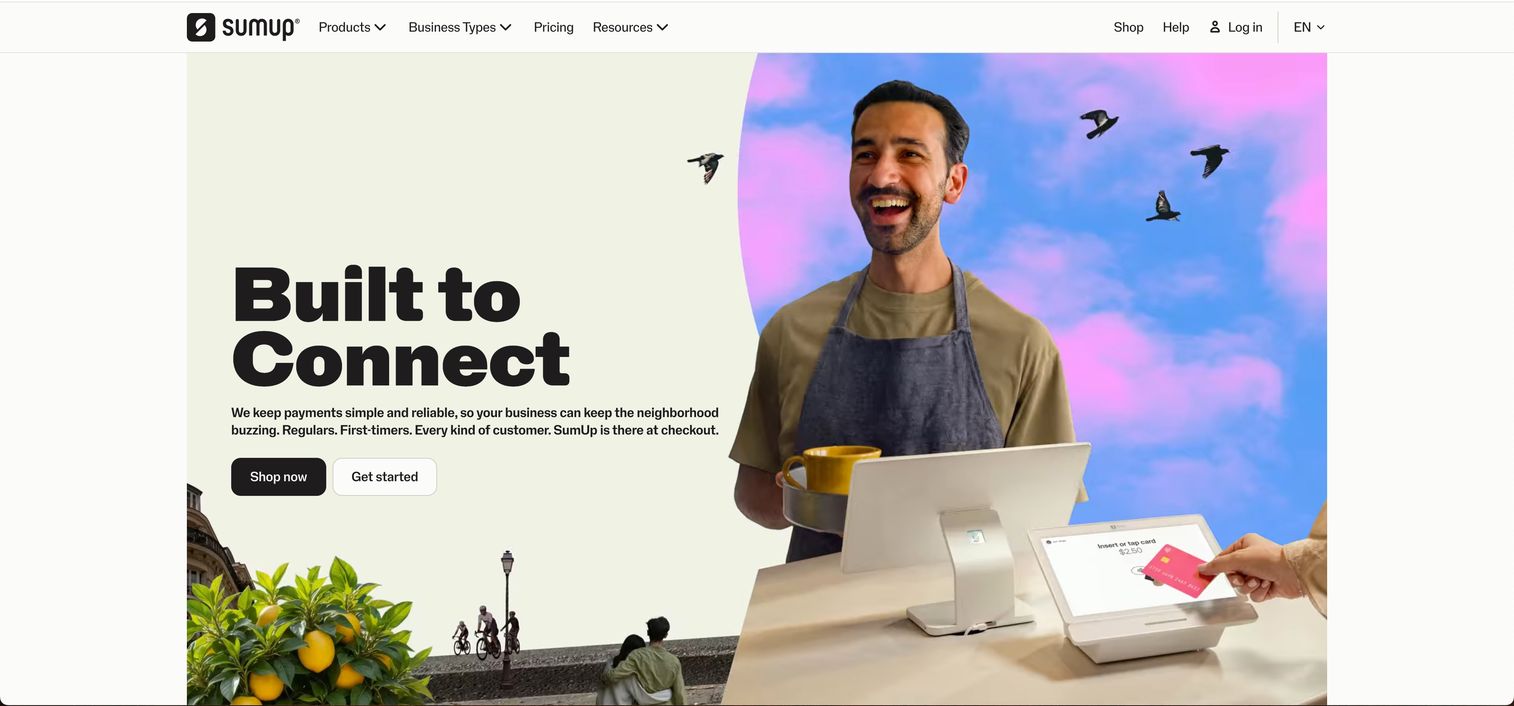
SumUp provides payment processing, POS software, and customer loyalty tools for small businesses. The free plan covers core payments and basic business management; paid tiers add advanced POS features and marketing tools. SumUp's hardware is compact and low-cost, which suits retailers with simple setups who don't need a full countertop terminal configuration.
Best for: Small or low-complexity retailers who want a free-to-start payment and checkout setup with minimal overhead.
Key features
- In-person, online, and manually entered payment processing
- Product catalog, inventory management, and sales reporting
- Customer rewards, database, and SMS or email marketing on paid plans
- Free plan with core POS included
Why choose SumUp: SumUp works when simplicity is the requirement. The free plan covers basic checkout and inventory without a monthly commitment. Retailers who need purchase orders, multi-location inventory, or deep reporting will hit its ceiling quickly, but for a single-location boutique or pop-up operation, SumUp delivers the essentials without complexity.
SumUp pricing: Free plan at $0/month for core tools. POS Plus is $49/month; SumUp POS starts at $99/month. POS with Connect Plus is $199/month; POS with Connect Pro is $289/month. Standard in-person processing fee is 2.6% + 10 cents per transaction.
G2 rating: 3.7/5.
9. Heartland Retail
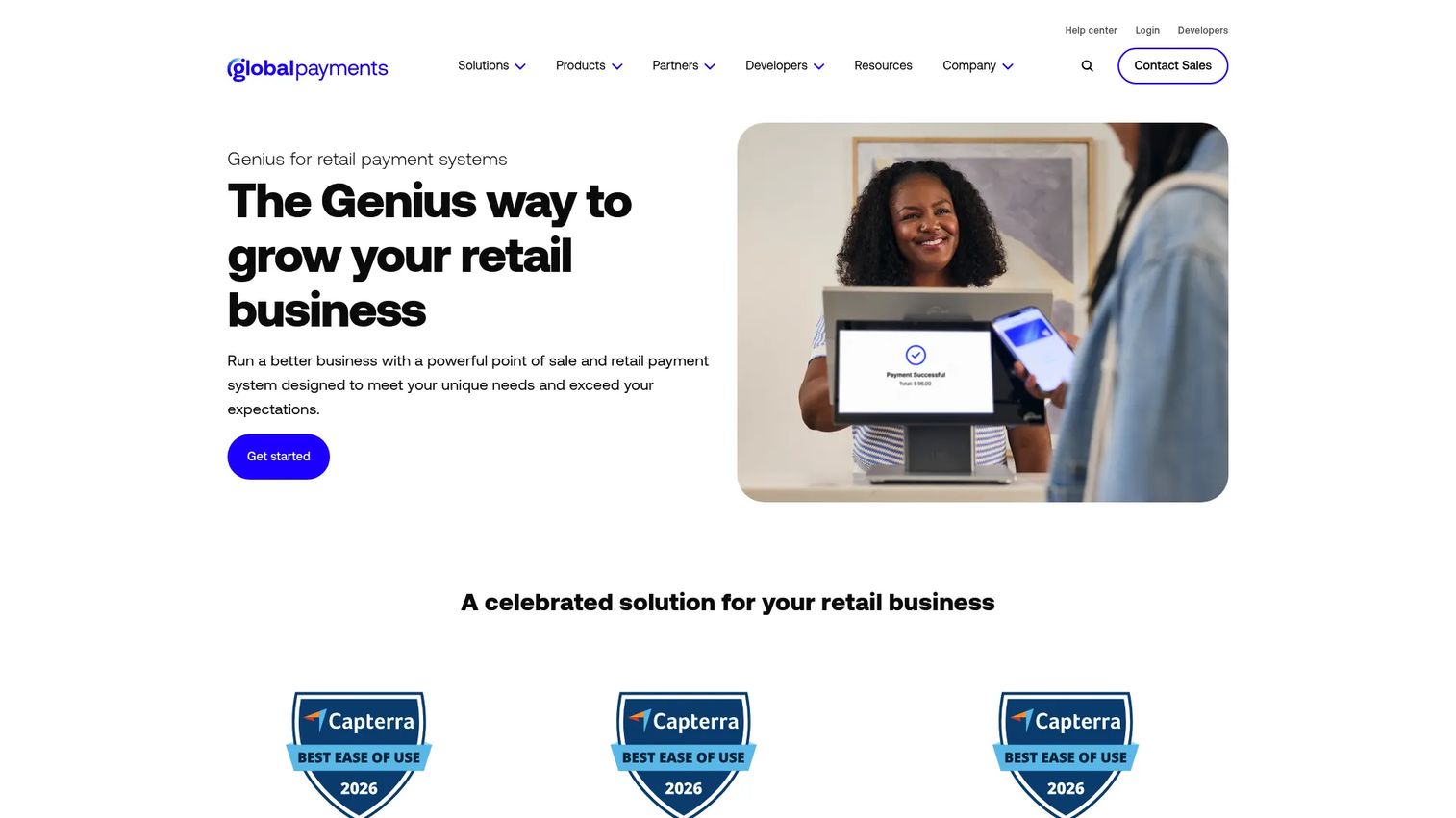
Heartland Retail is a cloud-based retail POS and management platform for small and midsize retailers who want guided implementation rather than a self-serve setup. It covers inventory, purchasing, customer management, promotions, multi-location operations, and staff permissions. Heartland's value proposition is service depth: Retailers who want help configuring the system, training staff, and managing the go-live get more support than most self-serve competitors offer.
Best for: Small and midsize retailers who value guided deployment and need a complete retail operations platform from day one.
Key features
- Omnichannel checkout with payment processing
- Inventory, purchase orders, vendor management, and transfers
- Customer management, loyalty, promotions, and gift cards
- Multi-location management and permissions
- Core and advanced sales reporting and analytics
Why choose Heartland Retail: Heartland suits retailers who've been burned by under-supported implementations and want a vendor that stays involved after the contract is signed. The starting price is higher than some alternatives, and individual plan prices beyond the $89/month starting point require a conversation with the sales team. Factor that into your evaluation timeline.
Heartland Retail pricing: Plans start at $89/month. Essentials, Complete, and Madison tiers are publicly listed; individual prices are available on request. Payment processing and hardware terms are quoted separately.
G2 rating: 4.2/5.
10. Loyverse
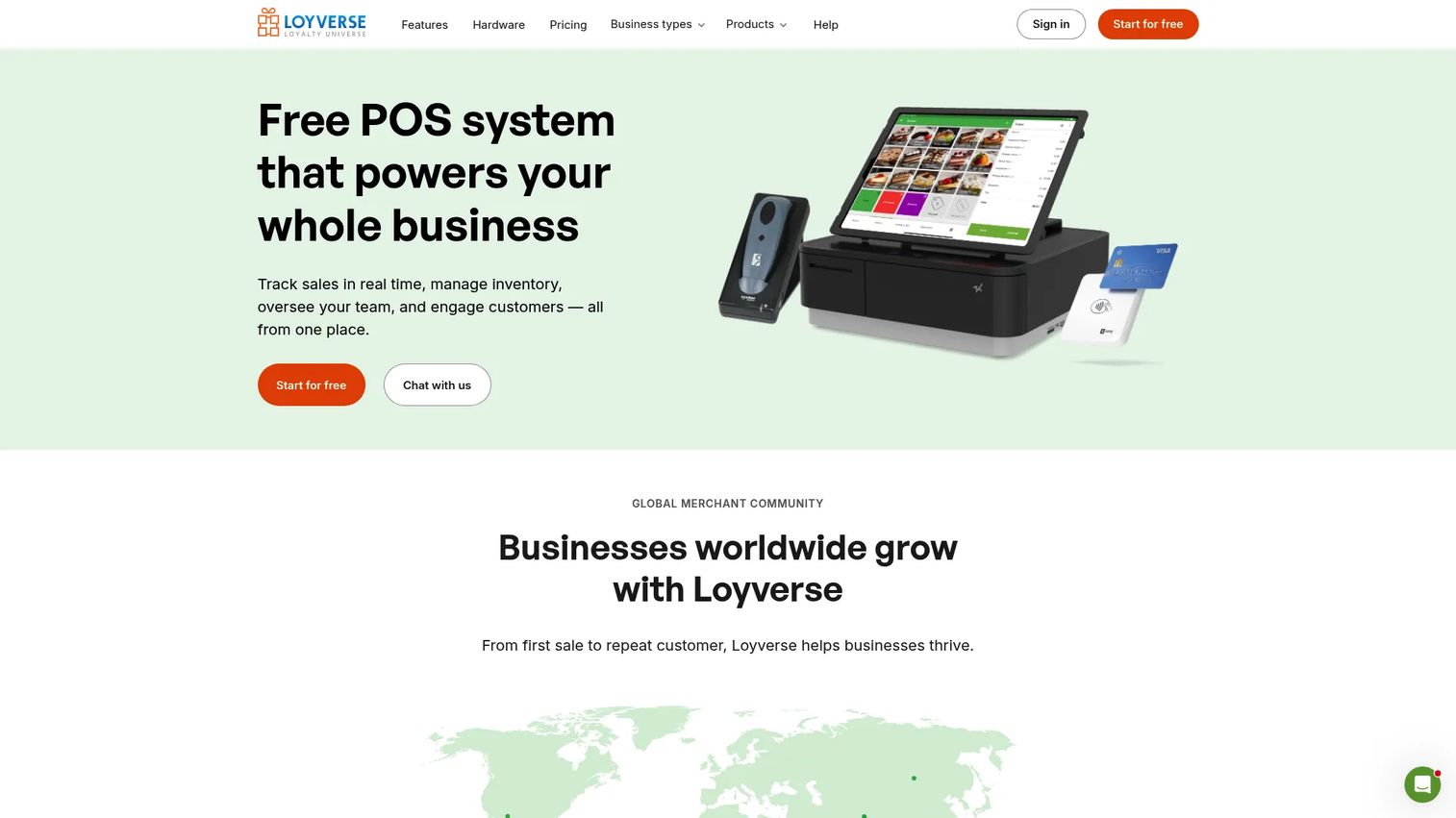
Loyverse offers a free core POS that covers checkout, basic inventory, a customer loyalty program, and multi-store management without a monthly fee. It's a credible option for budget-conscious single-store retailers or food-and-drink businesses testing a POS before committing to a larger platform. Advanced inventory and employee management are available as paid add-ons billed per store. Consider pairing Loyverse with a dedicated loyalty management software evaluation if customer retention programs are a priority.
Best for: Small retailers and food-and-drink operators who want a free POS with optional add-ons rather than a full-featured paid subscription.
Key features
- Free POS with offline sales, receipts, discounts, and multiple payment methods
- Inventory with stock tracking, low-stock alerts, purchase orders, and barcode labels
- Customer loyalty program with points and purchase history
- Employee management add-on with time clock and permissions
- Kitchen display and customer display support
Why choose Loyverse: Loyverse is the most cost-effective entry point in this comparison. The free tier covers more than most budget alternatives. Retailers who grow into multi-location operations with complex inventory will eventually need to evaluate more capable platforms, but Loyverse is a legitimate starting point before that decision becomes urgent.
Loyverse pricing: Core POS is free. Unlimited sales history add-on is $5/month or $50/year per store. Employee management and Advanced inventory are each $25/month or $250/year per store. All add-ons include a 14-day free trial.
G2 rating could not be verified from a live G2 listing at time of publication.
11. Stax
Stax uses a subscription model that charges a flat monthly fee and then processes transactions at direct interchange cost plus a flat per-transaction fee, with zero percentage markup. For retailers processing above roughly $10,000 to $15,000 per month, this model tends to undercut flat-rate percentage pricing. Stax is primarily a payments platform rather than a full retail POS; it integrates with existing retail software rather than replacing it. Use Stax when payment cost analysis is the starting point, then confirm integration compatibility with your retail operations tools. For teams evaluating broader sales management software, Stax is one input into a larger stack decision.
Best for: Higher-volume retailers who want to reduce per-transaction costs through subscription-based interchange-plus processing.
Key features
- Subscription pricing with 0% markup on direct interchange
- Card-present, card-not-present, and ACH payment acceptance
- Invoicing, payment links, QR codes, and Text2Pay
- Recurring billing and account updater
- Reporting, reconciliation, and next-business-day funding
Why choose Stax: Run the break-even analysis before buying. At $99/month, Stax's subscription cost pays for itself once your volume makes the per-transaction savings exceed $99 versus flat-rate alternatives. The platform works best as a payment layer on top of existing retail software rather than a standalone POS replacement.
Stax pricing: $99/month for up to $150,000 in annual processing. $139/month for $150,000 to $250,000 annually; $199/month or more for above $250,000. Card-present transactions cost $0.08 each; card-not-present is $0.15 each. ACH is 1% per transaction, capped at $10.
G2 rating: 4.9/5.
12. QuickBooks Point of Sale
QuickBooks Desktop Point of Sale 19.0 was discontinued by Intuit on October 3, 2023. The product no longer receives support, security patches, or feature updates, and new purchases are not available. Retailers currently running this system need a migration plan, not a comparison.
Intuit's official guidance recommends Shopify POS as an alternative. If your existing workflow depends on QuickBooks Desktop accounting data, the migration path requires mapping historical sales data, customer records, and inventory before moving to a new platform. Prioritize data continuity in the selection criteria: Confirm that your replacement system can import existing product catalogs and sales history before signing a contract.
Best for: Existing QuickBooks Point of Sale users who need a migration path to a currently supported retail POS system.
Key features
- Inventory and product management (legacy)
- Sales and payment processing (legacy)
- Customer management and sales reporting (legacy)
- QuickBooks Desktop data synchronization (legacy)
Why choose QuickBooks Point of Sale: You should not choose this product for a new retail setup. It is included here to address operators still running it who are searching for current alternatives. Move to a supported platform before the security exposure creates an operational or compliance problem.
QuickBooks Point of Sale pricing: The product is discontinued and not available for purchase. No current pricing applies.
G2 rating could not be verified from a live G2 listing at time of publication.
Considerations when choosing a retail POS system
Calculate total cost, not subscription cost
Software fees are only one line item. Add payment processing (typically 2.5% to 2.7% for flat-rate providers, or interchange plus a margin for cost-plus pricing), hardware amortized over two to three years, per-location or per-register charges, and paid add-ons for loyalty or advanced reporting. The formula: Monthly software + amortized hardware + processing fees + paid add-ons + implementation cost. A $0/month system with flat-rate processing can cost more annually than an $89/month system at interchange-plus pricing for a retailer processing $50,000 per month.
Match inventory depth to catalog complexity
Not every system supports purchase orders, vendor management, stock transfers, and cycle counts. Retailers with more than 500 SKUs, multiple variants, or supplier relationships need a platform that handles replenishment workflows natively. Check whether the system supports bundles, serial numbers, and low-stock alerts before shortlisting it.
Confirm payment processor flexibility
Some systems, including Square and Shopify POS, require using their own processor. Others, like Korona POS, let you choose. Processor lock-in is a long-term cost decision, not just a setup preference. Ask specifically: What is the early termination fee if you want to switch processors, and does the software continue to work if you leave the bundled processor?
Test omnichannel and ecommerce flows before committing
Verify that shared inventory, cross-channel returns, and buy online/pickup in store actually work in the demo environment. Many systems advertise omnichannel capabilities but sync inventory only periodically or require manual reconciliation for returns. Ask to see a return processed across channels during the sales demo.
Plan the migration before signing anything
Catalog cleanup, SKU mapping, barcode imports, customer record transfer, hardware replacement, and staff training all take time. A single-location setup with a clean catalog may take a week. Multi-location operations with thousands of SKUs and ecommerce synchronization can take months. Run a controlled pilot in one location before migrating the full operation.
Conclusion
The right retail POS system matches your operating model, not just your budget.
Square is the most practical starting point for small and growing retailers. Shopify POS is the clear choice when ecommerce drives the business. Lightspeed Retail handles catalog and inventory complexity that simpler systems can't.
Clover suits retailers who want hardware and payments from their bank. Helcim and Stax deserve a payment-cost analysis for any retailer processing meaningful monthly volume. PayPal Zettle and SumUp work for low-complexity and mobile setups. Korona POS is the specialist option for high-SKU and category-specific retail.
Loyverse is a credible free starting point for single-location operators. QuickBooks Point of Sale is discontinued; if you're still running it, replace it before the security exposure becomes an operational problem.
For any operator building a system that runs without constant founder involvement, the POS selection test is simple: Can your operations leader trust the data, train new staff on it in a day, and expand to a new location without rebuilding the whole setup?
That's the decision worth making carefully.
FAQs
Square is the most common starting point for small retailers because it combines checkout, inventory, payments, and hardware access on a free plan. PayPal Zettle, SumUp, and Loyverse are worth considering for simpler operations or tighter budgets. The right answer depends on your SKU count, whether you sell online, and your expected monthly processing volume.
The total cost includes software fees, payment processing, hardware, add-ons, and implementation. Software alone ranges from free to several hundred dollars per month. Payment processing adds 2.5% to 2.7% of revenue for flat-rate providers, or interchange cost plus a margin for cost-plus pricing. Model your cost at your expected monthly sales volume before comparing plans.
Lightspeed Retail is the strongest option for inventory-heavy businesses, covering purchase orders, vendor management, multi-location transfers, and sell-through reporting. Square, Shopify POS, Heartland Retail, and Korona POS also support retail inventory workflows with varying depth. The right choice depends on catalog size, variant complexity, and purchase-order requirements.
Yes. Shopify POS is built around shared online and in-store inventory. Square supports ecommerce connections through its own online store. Other systems use native integrations or third-party connectors. Verify that inventory, returns, and customer profiles synchronize in both directions before selecting a system for omnichannel operations.
There is no universal answer. Helcim and Stax use interchange-plus or subscription models that can reduce per-transaction cost for retailers processing $10,000 or more per month. Flat-rate providers like Square and SumUp may cost less at lower volumes where the simplicity of fixed pricing outweighs the rate differential. Model your card mix and average transaction value before drawing a conclusion.
Some support limited offline transactions; others restrict offline payments by hardware type or payment method. Square supports offline payments on compatible hardware. Always confirm offline behavior before purchase, including how transactions sync after connectivity returns and whether inventory adjustments apply in real time or after reconnection.
Standard retail hardware includes a terminal or tablet, card reader, barcode scanner, receipt printer, and cash drawer. Larger operations may add customer displays, handheld devices for floor-level inventory counts, label printers, or mobile checkout hardware for pop-up or line-busting scenarios. Hardware costs range from under $100 for a basic card reader to $1,000 or more for a full countertop setup.
A clean single-store setup can be operational within a few days. Multi-location operations with large catalogs, ecommerce synchronization, and hardware replacement typically take several weeks to months. The limiting factors are catalog cleanup, data import quality, and staff training time, not the software configuration itself. Plan a controlled pilot in one location before migrating the full operation to reduce launch risk.
A card reader accepts payments. A retail POS system connects each payment to a product, adjusts inventory, issues a formatted receipt, updates a customer profile, and feeds the transaction into sales and margin reports. For a retailer managing more than a handful of SKUs or multiple staff members, the operational difference is significant.
Yes. Intuit discontinued QuickBooks Desktop Point of Sale in October 2023. The product no longer receives security patches or feature updates. Continuing to run it exposes your business to unpatched security vulnerabilities. Intuit recommends Shopify POS as an alternative. Before migrating, export your product catalog and customer records, and confirm your replacement system can import them cleanly.