Your schedule says green. Finance says the contingency is gone. The field team is still waiting on an approval buried in email.
That gap between what the dashboard shows and what is actually happening on the ground is the core problem capital project management software exists to solve. When budget baselines, schedule data, and field updates live in separate systems, risk materializes before anyone can act on it. According to PwC Middle East (2025), 81% of capital-project respondents experienced cost overruns in the past year, and 79% reported project delays. Those numbers hold across industries because the underlying data problem is consistent: Funding decisions happen in one system, change orders arrive through another, and executives see portfolio status after the damage is done.
The question this guide answers is which platform fits the way your projects are funded, governed, built, and handed over.
What's inside
This guide compares 20 capital project management software platforms for 2026 and is built for owners, contractors, public agencies, industrial operators, and PMO leaders evaluating their next system. Selection criteria:
- Cost control, earned value management, and cash-flow forecasting depth
- Schedule integrity and critical-path management
- Portfolio visibility and governance workflows
- ERP, accounting, and field coordination integrations
- Pricing verified against vendor sources; G2 ratings verified at writing time
TL;DR
- Best overall for construction owners and contractors: Procore, for connected project financials and field collaboration
- Best for enterprise project controls: Oracle Primavera Cloud, for schedule, risk, and portfolio depth
- Best for owner-led capital programs: Kahua, for configurable governance across a portfolio of projects
- Best for contractor financial workflows: CMiC, for construction ERP tied to project management
- Best for field-first teams: Fieldwire, with a free Basic plan and paid tiers from $39/user/month (annually)
- Best for public-sector infrastructure programs: Aurigo, for capital planning, funding, and infrastructure lifecycle management
- Best for industrial shutdowns and turnarounds: OESuite, for permits, inspections, and operational safety workflows
What is capital project management software?
Capital project management software helps organizations plan, fund, execute, monitor, and govern high-value capital projects across the full lifecycle, from concept and budgeting through construction, commissioning, and handover.
Generic project management tools handle tasks and timelines. Capital project platforms go further: They manage funding approvals, budget commitments, contract tracking, earned value, regulatory workflows, field coordination, and audit-ready reporting. That difference matters when a project spans multiple years, dozens of contractors, and executive review cycles where cost variances need explanation at the commitment level, not just the summary line.
Core capabilities
- Capital planning and funding approvals
- Budget baselines and cost control
- Schedule and critical-path management
- Forecasting and cash-flow visibility
- Contract, change order, and commitment tracking
- Risk registers and mitigation workflows
- Document control, RFIs, and approvals
- Field coordination and issue capture
- Portfolio dashboards and executive reporting
- ERP, accounting, BIM, and collaboration integrations
Capital project vs capital program vs portfolio management
Understanding the distinction helps you match the right tool to your operating model:
- Project: One asset, facility, infrastructure package, or major upgrade governed as a single work effort
- Program: Related projects governed together under a shared budget, funding source, or strategic objective
- Portfolio: All capital investments viewed across regions, asset classes, or fiscal periods for executive reporting and resource allocation
When to use capital project management software
Manage multi-year capital programs
When projects span multiple phases, funding gates, and executive review cycles, spreadsheets break down because they cannot track commitment-level cost changes across contractors and change orders simultaneously. Capital project software creates a single operating record from planning through handover.
Control budgets, forecasts, and cash flow
Monthly forecast updates, contingency drawdown, and forecast-at-completion calculations require a data model that connects budget baselines to actual commitments. If your team manually reconciles cost codes each month, a purpose-built platform replaces that process with automated variance tracking.
Govern portfolio-level risk
When leadership needs a consolidated view of funding exposure, schedule variance, and risk across many active projects, executive dashboards built on live project data beat monthly PowerPoint decks assembled from separate systems.
Capital project management software comparison
The table below is a shortcut for initial screening. Verify pricing and G2 ratings directly with each vendor before making a shortlist decision, as enterprise packages change frequently.
| # | Product | Best for | Key differentiator | Pricing | G2 rating |
|---|---|---|---|---|---|
| 1 | Procore | Construction owners and contractors | Broad construction project management and field collaboration | Custom quote | 4.6/5 |
| 2 | Oracle Primavera Cloud | Enterprise project controls | Schedule, risk, resource, and portfolio controls | Custom quote | Not available on G2 |
| 3 | InEight | Capital-intensive infrastructure portfolios | Cost, schedule, risk, and project controls depth | Custom quote | 4.1/5 |
| 4 | Kahua | Owner-led capital programs | Configurable workflows and program governance | Custom quote | 4.4/5 |
| 5 | CMiC | Contractor financial and project workflows | Construction ERP plus project management | Custom quote | 4.1/5 |
| 6 | e-Builder | Public owners and facility programs | Owner-focused capital program controls | Custom quote | Not available on G2 |
| 7 | Aurigo | Public-sector infrastructure programs | Capital planning, funding, and infrastructure lifecycle management | Custom quote | 4.0/5 |
| 8 | Trimble Unity Construct | Asset owners and infrastructure teams | Project delivery tied to asset lifecycle data | Custom quote | 3.7/5 |
| 9 | Contruent | Project controls and cost engineering | Cost management and earned value controls | Custom quote | 4.2/5 |
| 10 | ARES PRISM | Earned value and cost control teams | Enterprise project cost and performance management | Custom quote | 4.2/5 |
| 11 | Fieldwire | Field-first construction teams | Jobsite task coordination and field execution | Free to $89/user/mo (annually) | 4.5/5 |
| 12 | Autodesk Construction Cloud | Design-to-construction collaboration | BIM, document, and construction workflow integration | Custom quote | Not available on G2 |
| 13 | Autodesk Forma | Early-stage planning and feasibility | Planning, design, and environmental analysis workflows | From $85/month | Not available on G2 |
| 14 | ProjectManager | Teams needing lighter portfolio management | Cloud project plans, dashboards, and workload views | From $13/user/mo (annually) | 4.4/5 |
| 15 | Archibus by Eptura | Facilities and real estate capital planning | Asset, space, and capital planning alignment | Custom quote | 4.1/5 |
| 16 | NextProcess | Procurement-heavy capital workflows | Procurement, invoice, and workflow automation | Custom quote | 3.2/5 |
| 17 | OESuite | Industrial capital projects and turnarounds | Operations, safety, permits, inspections, and shutdown support | Custom quote | Not available on G2 |
| 18 | SAP | Enterprise finance-led capital programs | ERP-native portfolio, finance, and asset integration | From $295/user/mo | 4.2/5 |
| 19 | Microsoft Dynamics 365 | Microsoft-centered enterprise teams | Finance, operations, and project data in one Microsoft stack | From $65/user/mo (annually) | Not available on G2 |
| 20 | Acumatica | Mid-market construction and business management | ERP, accounting, and project workflows for growing teams | From under $1,495/month | 4.4/5 |
Best 20 capital project management software tools for 2026
1. Procore
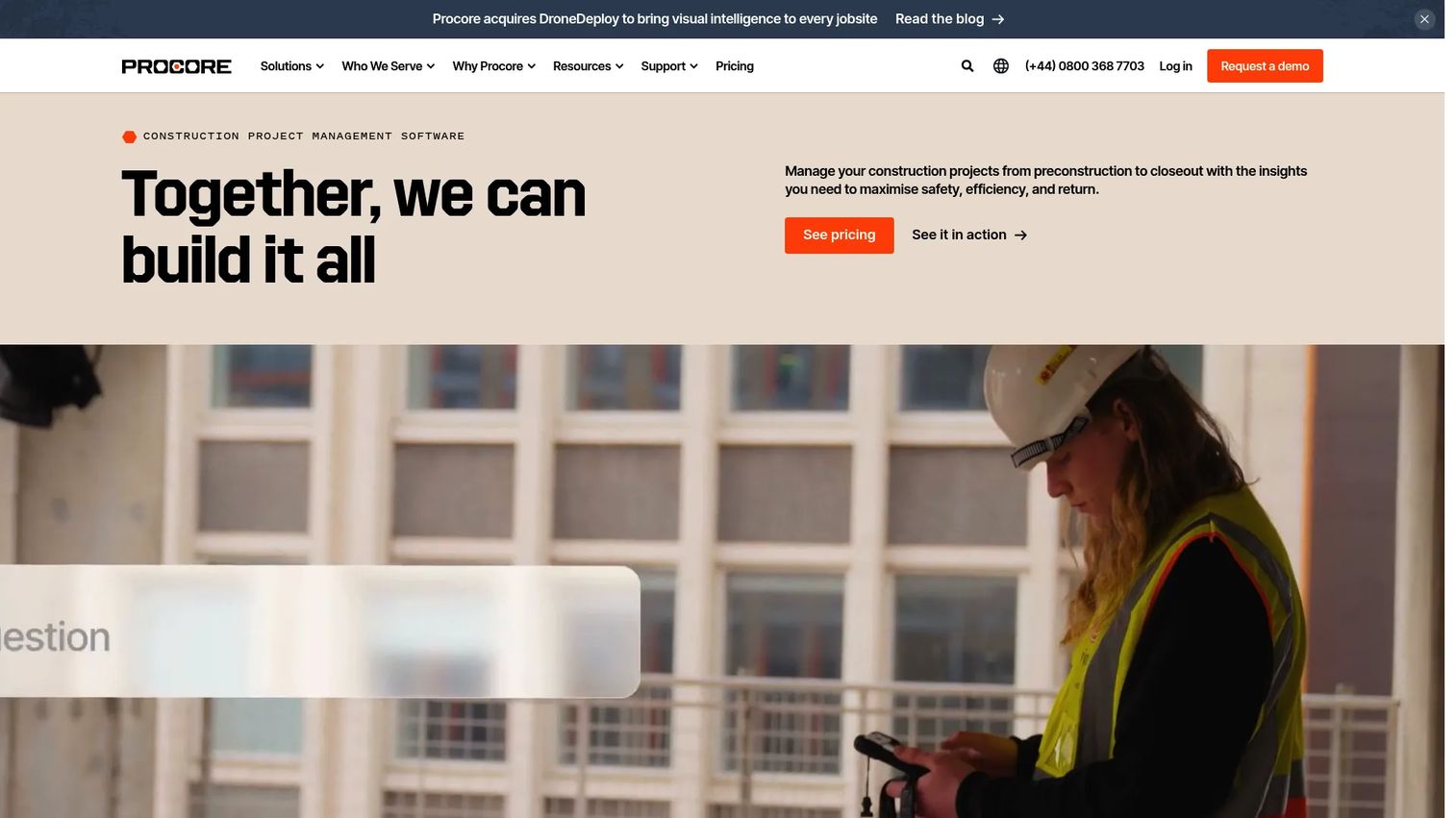
Procore is a construction management platform built for owners, general contractors, and specialty contractors who need a shared operating layer across preconstruction, project execution, financials, quality, and field collaboration. The platform connects office and field teams through a single environment rather than syncing separate apps. It covers the full construction workflow from bid management and drawings through financial closeout.
Best for: Construction owners and contractors that need one platform for project execution, financials, and field-to-office visibility.
Key features
- Project financials: Budgets, invoices, and cost management
- RFIs, submittals, drawings, and document control
- Field productivity: Daily logs, punch lists, inspections
- Quality and safety workflows
- 500+ integrations with ERP and analytics systems
Why choose Procore: Procore fits teams where field-to-office data flow and construction-specific financial controls are the primary bottleneck. Capital owners should validate whether the program-level portfolio governance covers their specific funding and reporting requirements before committing.
Procore pricing: Procore prices by annual construction volume and product mix, so the cost depends on what you build and which modules you need. Contact sales for a custom quote. G2 reviewers describe it as a premium platform, so plan for an enterprise-level investment.
G2 rating: 4.6/5
2. Oracle Primavera Cloud
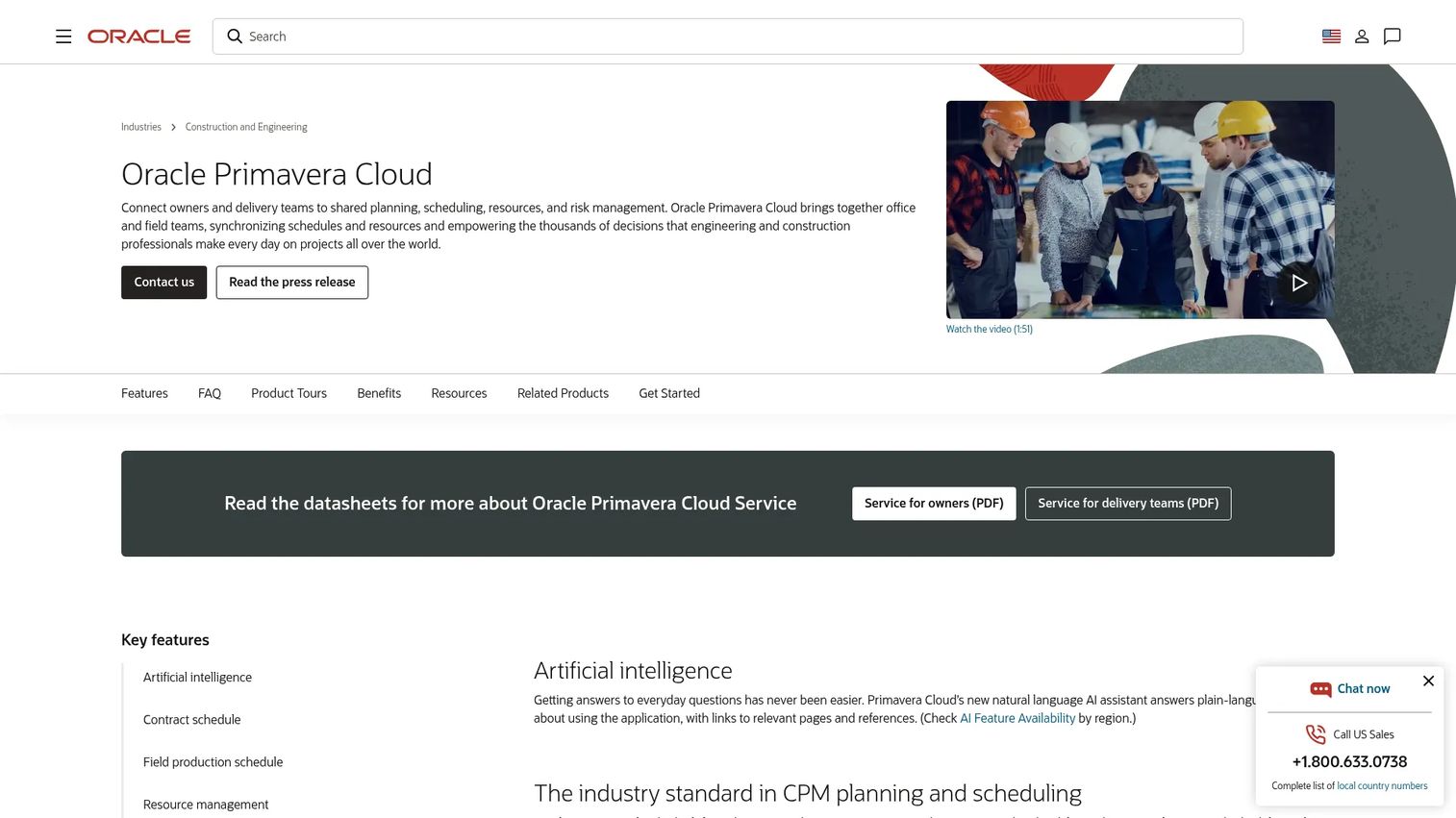
Oracle Primavera Cloud is an enterprise project controls platform for planning, scheduling, risk, resource management, and portfolio oversight. It is built for organizations with mature project controls teams managing complex schedules, critical-path dependencies, and multi-project capital programs. The platform includes AI assistance, contract and field production scheduling, and capital planning capabilities.
Best for: Enterprise teams that need schedule integrity, risk modeling, and portfolio controls across major capital programs.
Key features
- Critical-path and contract scheduling
- Risk management and schedule health analysis
- Resource planning and portfolio management
- Mobile task management
- AI assistant for schedule and project insights
Why choose Oracle Primavera Cloud: Choose it when schedule fidelity and enterprise project controls discipline matter more than quick onboarding. Teams already in the Oracle construction or finance ecosystem will find integration paths easier to navigate.
Oracle Primavera Cloud pricing: The cost depends on deployment scope, named-user licenses, and modules. Ask sales specifically for annual subscription cost, implementation services, and integration estimates for your existing Oracle environment.
3. InEight
InEight provides modular, integrated project-controls software for owners, EPCs, and contractors managing large capital construction projects in infrastructure, energy, mining, and industrial sectors. The platform covers cost management, scheduling, risk, field execution, and document control, with integrations into ERP and analytics systems. InEight also offers a per-user InEight NOW option for teams that want a more defined pricing entry point.
Best for: Capital-intensive infrastructure, energy, and industrial projects where cost and schedule controls run deep.
Key features
- Cost management, budgeting, forecasting, and earned value
- CPM scheduling with collaborative markup and risk assessment
- Field planning and progress tracking with mobile workflows
- Document management, RFIs, submittals, and issue tracking
- Change and contract management
Why choose InEight: InEight suits organizations with mature project controls disciplines that need depth across cost, schedule, and risk in a single environment. Plan for data-model alignment work during implementation.
InEight pricing: Enterprise pricing is configured by modules, users, and contract duration. InEight does not post a standard rate card, so contact sales for module costs, implementation services, and integration fees. The InEight NOW option has a per-user model, but specific figures require a direct conversation.
G2 rating: 4.1/5
4. Kahua
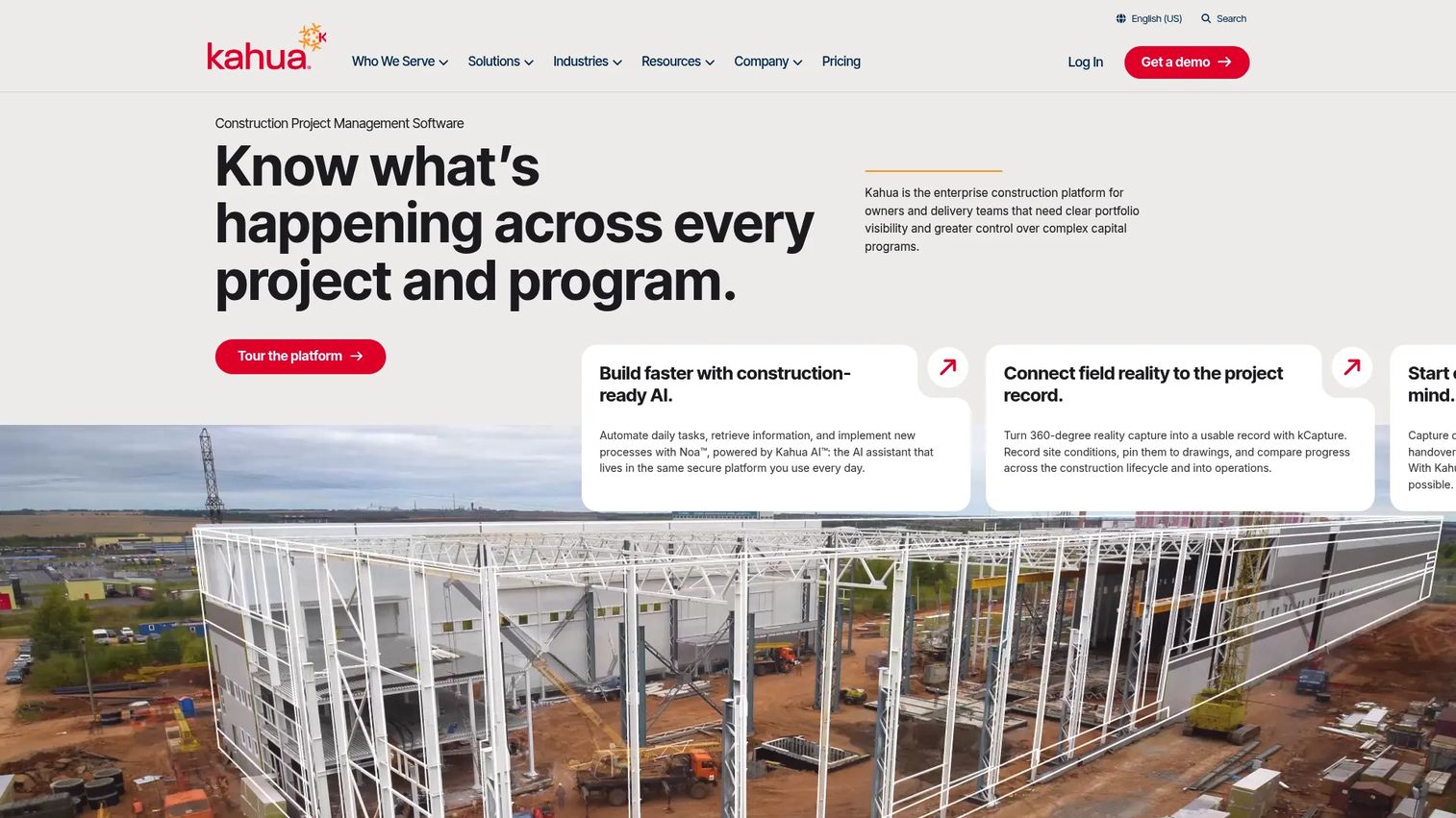
Kahua is an AI-powered enterprise construction project management platform designed for large owners, contractors, and delivery teams managing complex capital programs. It emphasizes configurable workflows, program governance, cost controls, and portfolio analytics. The platform includes Noa, an AI assistant, and covers capital planning, funding management, risk, compliance, and asset lifecycle handover.
Best for: Owners managing capital programs across multiple departments, contractors, and funding sources.
Key features
- Capital planning, funding management, and cost controls
- Configurable workflows and applications built on a common data platform
- Portfolio analytics and program dashboards
- Asset lifecycle management and handover
- Bidding, design coordination, schedules, and site intelligence
Why choose Kahua: Kahua is the strongest fit where the buyer needs control over process design, stakeholder access, and program-wide reporting across a portfolio. The configurability is a differentiator for owners who cannot adapt their governance model to a rigid system.
Kahua pricing: Kahua prices by organization type, Owners and Program Managers, General Contractors, or Specialty Contractors, with custom quotes for each. No standard rate is listed. Ask for user model, workflow configuration cost, implementation scope, and support terms.
G2 rating: 4.4/5
5. CMiC
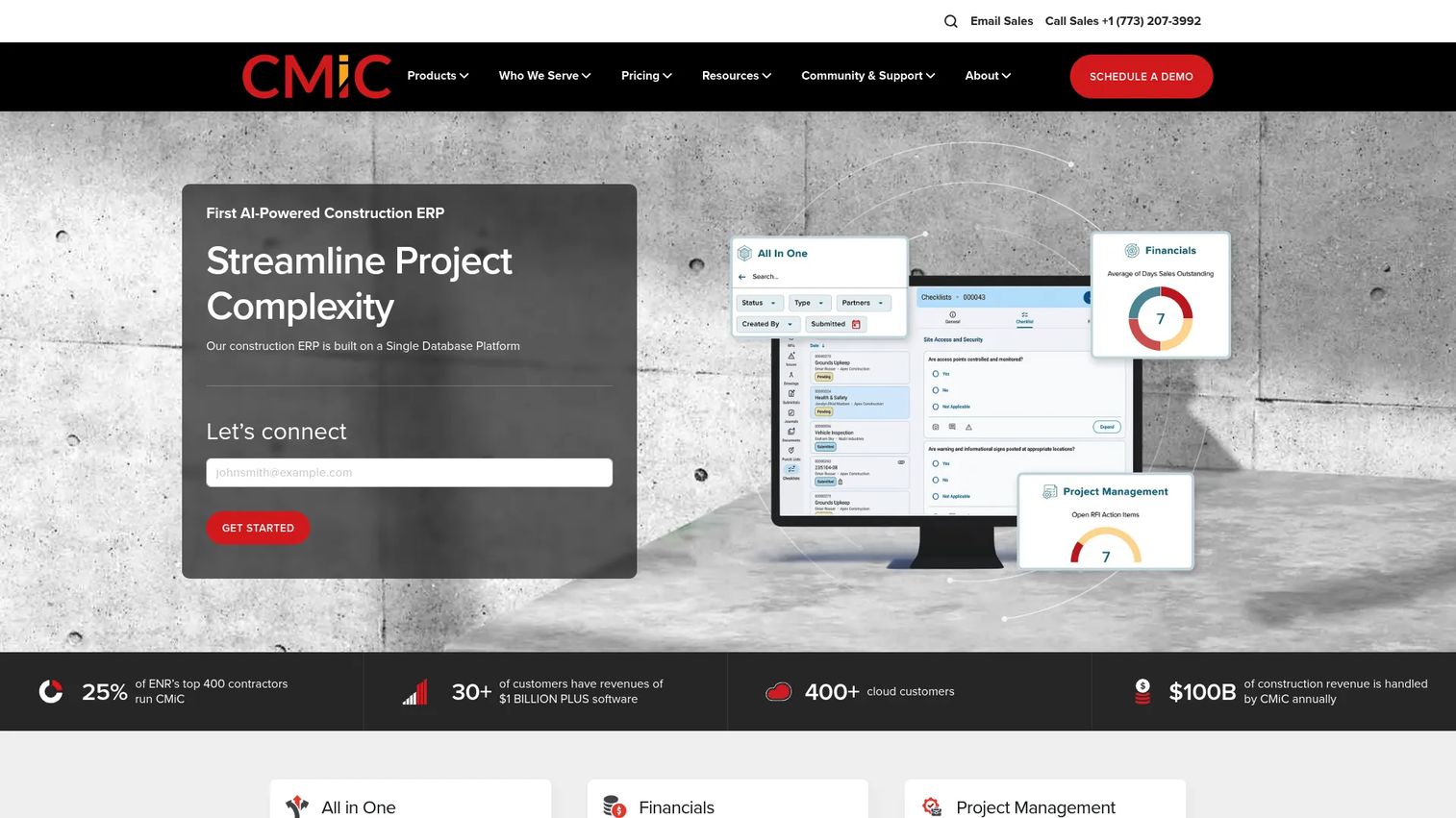
CMiC is a construction ERP and project management platform for general, specialty, and heavy/highway contractors that need financials, project controls, documents, and field operations in a single database. It covers accounting, payroll, human capital management, procurement, quality, safety, and analytics. The single-database architecture means job cost and project data stay connected without manual reconciliation.
Best for: Contractors that cannot separate project management from job cost, payroll, and financial controls.
Key features
- Construction financials, accounting, payroll, and HR
- Project controls and document management
- Procurement and quality and safety workflows
- Workflow automation and analytics
- AI-enabled capabilities across modules
Why choose CMiC: Choose CMiC when accounting and project execution must share one data environment. Buyers should evaluate implementation effort and internal process readiness, as configuring a full construction ERP requires dedicated change management.
CMiC pricing: CMiC does not post a standard price on its website. The investment depends on modules, user count, and deployment. Request a quote from sales and ask specifically about implementation timeline and hosting costs.
G2 rating: 4.1/5
6. e-Builder
e-Builder is owner-focused capital program management software, now part of Trimble's construction portfolio and positioned as Trimble e-Builder. It is designed for public agencies, education institutions, healthcare systems, and facilities organizations that run structured capital programs with repeatable delivery workflows. The platform covers cost management, process automation, document control, and program reporting.
Best for: Public owners and facility teams managing repeatable capital programs with structured approval and governance workflows.
Key features
- Cost controls and budget management
- Process and approval workflow automation
- Document management and audit trails
- Program reporting and dashboards
- Owner-contractor collaboration
Why choose e-Builder: e-Builder suits organizations where owner-side governance, approval routing, and program-level visibility are the primary requirements. Buyers should validate reporting flexibility and integration fit with their existing facilities or ERP systems.
e-Builder pricing: Trimble directs buyers to sales or authorized partners for tailored pricing. Confirm annual subscription cost, implementation services, data migration scope, and owner-contractor access terms directly with Trimble.
7. Aurigo
Aurigo is an AI-native platform for capital owners managing infrastructure and facility programs. It is built for government agencies, transportation departments, utilities, and civic organizations that need capital planning, multiyear CIP scenario planning, funding management, procurement, and construction project management in one environment. AI-powered copilots, risk detection, and workflow automation are built into the core platform.
Best for: Public-sector infrastructure programs with complex funding, procurement, compliance, and reporting requirements.
Key features
- Capital planning and multiyear CIP scenario modeling
- Construction project management with schedule, budget, risk, and field tracking
- Funding management and procurement workflows
- AI-powered copilots and risk detection
- Contract administration and infrastructure reporting
Why choose Aurigo: Choose Aurigo when capital planning, public-sector governance, and funding accountability sit at the center of the buying decision. It is specifically designed for infrastructure lifecycle tracking rather than adapted from a commercial construction product.
Aurigo pricing: Ask about program size assumptions, module costs, implementation, and integrations with agency financial or GIS systems.
G2 rating: 4.0/5
8. Trimble Unity Construct
Trimble Unity Construct is enterprise cloud-based capital program and construction project management software designed for owners managing complex programs across planning, procurement, delivery, and asset handover. It connects project delivery data to Trimble's broader infrastructure and asset lifecycle ecosystem, which is relevant for owners who need handover data to feed operations systems.
Best for: Infrastructure and asset owners that need construction delivery connected to long-term asset data.
Key features
- Capital planning and funding allocation
- Digital bidding and business process automation
- Schedule, document, project, and cost management
- Configurable reports and dashboards
- Asset handover workflows
Why choose Trimble Unity Construct: The differentiator is the connection between capital project execution and asset lifecycle management. Buyers should confirm current product naming, packaging, and integration paths with Trimble directly, as the product portfolio has evolved.
Trimble Unity Construct pricing: Trimble directs buyers to sales or authorized partners for pricing. Ask for annual subscription, implementation, asset data migration, and integration scope costs.
G2 rating: 3.7/5
9. Contruent
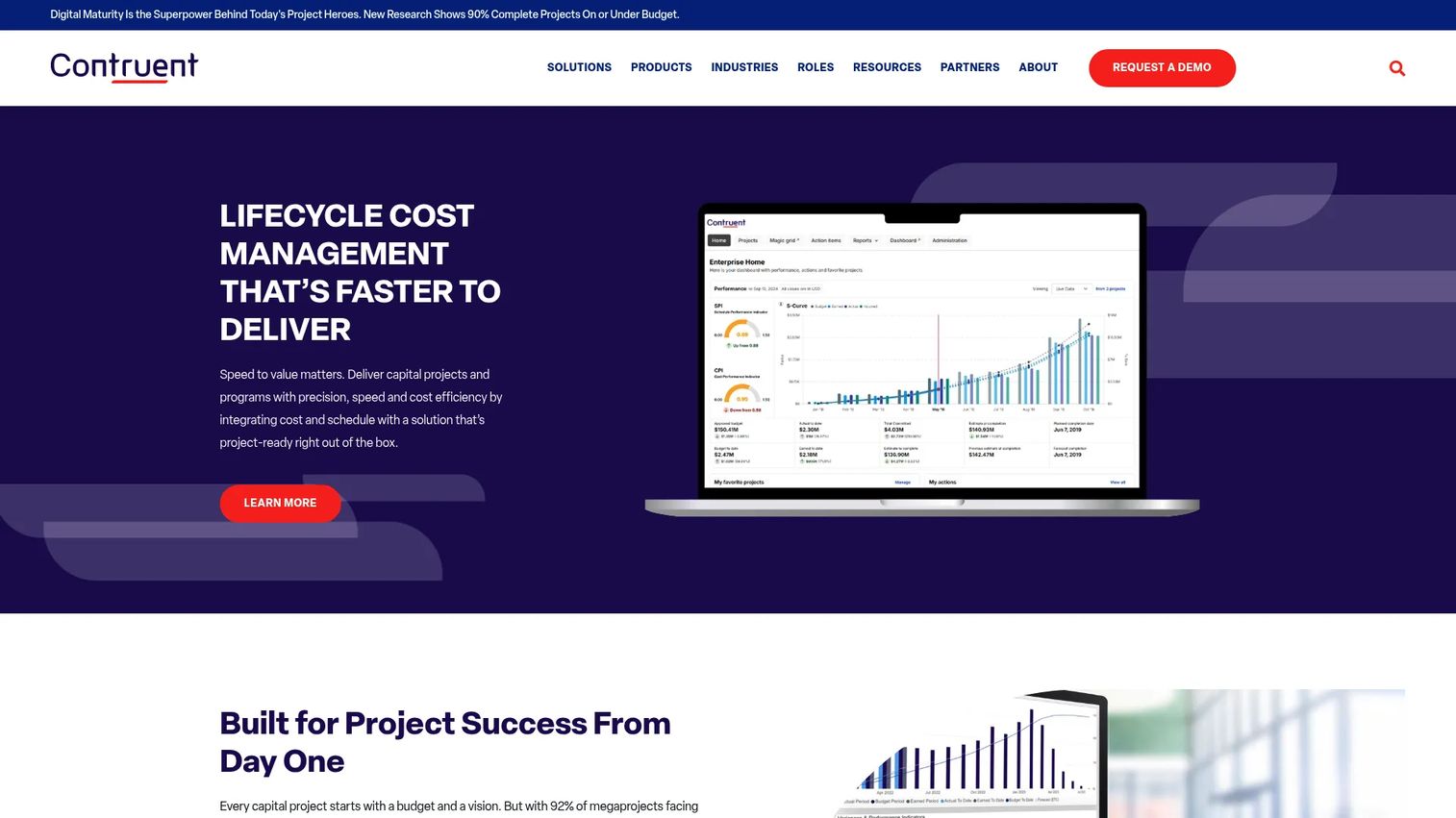
Contruent provides SaaS-based lifecycle cost management and project controls software for owners, EPCs, and engineering and construction organizations managing large capital projects in energy, construction, infrastructure, and defense. The platform covers cost management, earned value, change management, contract tracking, estimating, and BIM quantity takeoff. It includes 200+ pre-built reports and integrations with ERP, scheduling, and financial systems.
Best for: Project controls teams that need cost management, earned value, and performance visibility across complex capital programs.
Key features
- Cost management, budgeting, forecasting, and earned value
- Contract and contractor management with invoices and change orders
- 200+ pre-built reports and business intelligence dashboards
- Integrated change management and auditable approvals
- 2D, 3D, and BIM quantity takeoff and estimating
Why choose Contruent: Contruent fits teams where cost control and project performance management sit at the center of the operating model. It pairs best with organizations that already have project controls discipline and need depth, not breadth.
Contruent pricing: Contruent requires contacting a sales representative for pricing. Ask for module costs, user licensing, implementation timeline, and reporting configuration.
G2 rating: 4.2/5
10. ARES PRISM
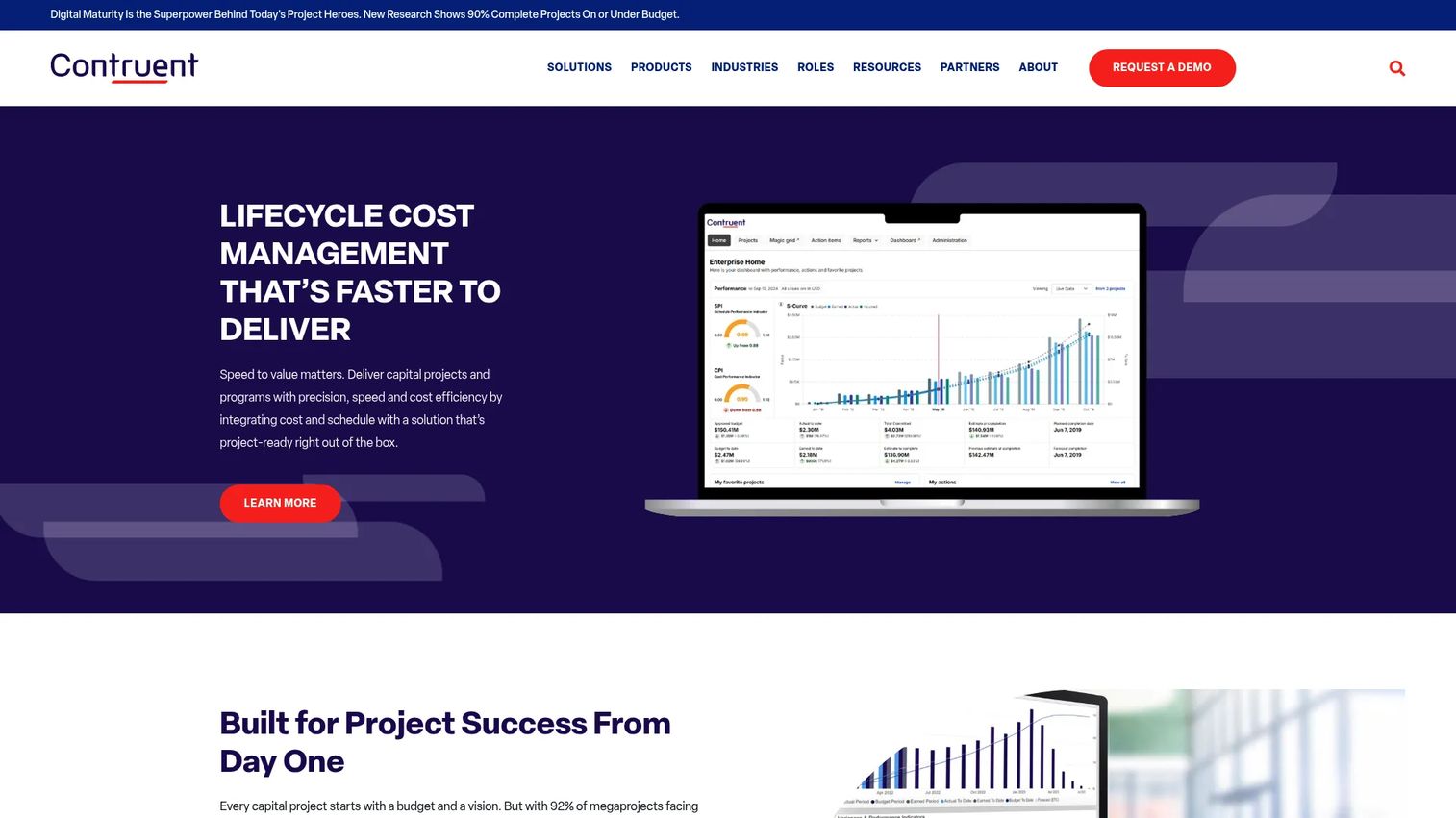
ARES PRISM is enterprise project controls software for large capital construction projects, now rebranded and operated as Contruent Enterprise. It covers integrated cost and schedule management, earned value measurement, change and contract management, procurement, estimating, field progressing, dashboards, and system integrations. Teams evaluating ARES PRISM should note the Contruent rebrand from 2023.
Best for: Owners and EPCs running complex capital projects where earned value management and cost engineering discipline are established practices.
Key features
- Integrated cost and schedule management
- Earned value management and performance measurement
- Change and contract management
- Procurement, estimating, and field progressing
- Dashboards, reporting, and system integrations
Why choose ARES PRISM: Choose it when cost and performance management sit at the center of the capital project operating model. Teams with less mature project controls practices should evaluate whether the depth of the tool matches their current process maturity.
ARES PRISM pricing: Contruent directs prospects to contact sales for pricing. Ask for module pricing, license count, implementation timeline, and integration work.
G2 rating: 4.2/5
11. Fieldwire
Fieldwire is a field-first construction management platform for teams that need mobile-first coordination of drawings, tasks, inspections, punch lists, and project management. It is not a full enterprise capital program system, but it covers the field execution layer with strong usability on mobile and published plan tiers, making it one of the few tools in this list with transparent per-user pricing.
Best for: Field teams that need jobsite task coordination, plan viewing, and inspection workflows without a heavy enterprise rollout.
Key features
- Plan viewing and versioning
- Task management and punch lists
- Custom forms and inspection workflows
- RFIs, submittals, change orders, and budgeting (paid tiers)
- Files, photos, and mobile field updates
Why choose Fieldwire: Fieldwire is the right call when field execution and jobsite visibility are the immediate bottleneck. Owners needing program-level budget governance will typically pair it with a broader project controls platform.
Fieldwire pricing: The Basic plan is free for up to 5 users and 3 projects. Pro starts at $39/user/month, Business at $64/user/month, and Business Plus at $89/user/month, all billed annually. Pricing was verified on Fieldwire's official pricing page.
G2 rating: 4.5/5
12. Autodesk Construction Cloud
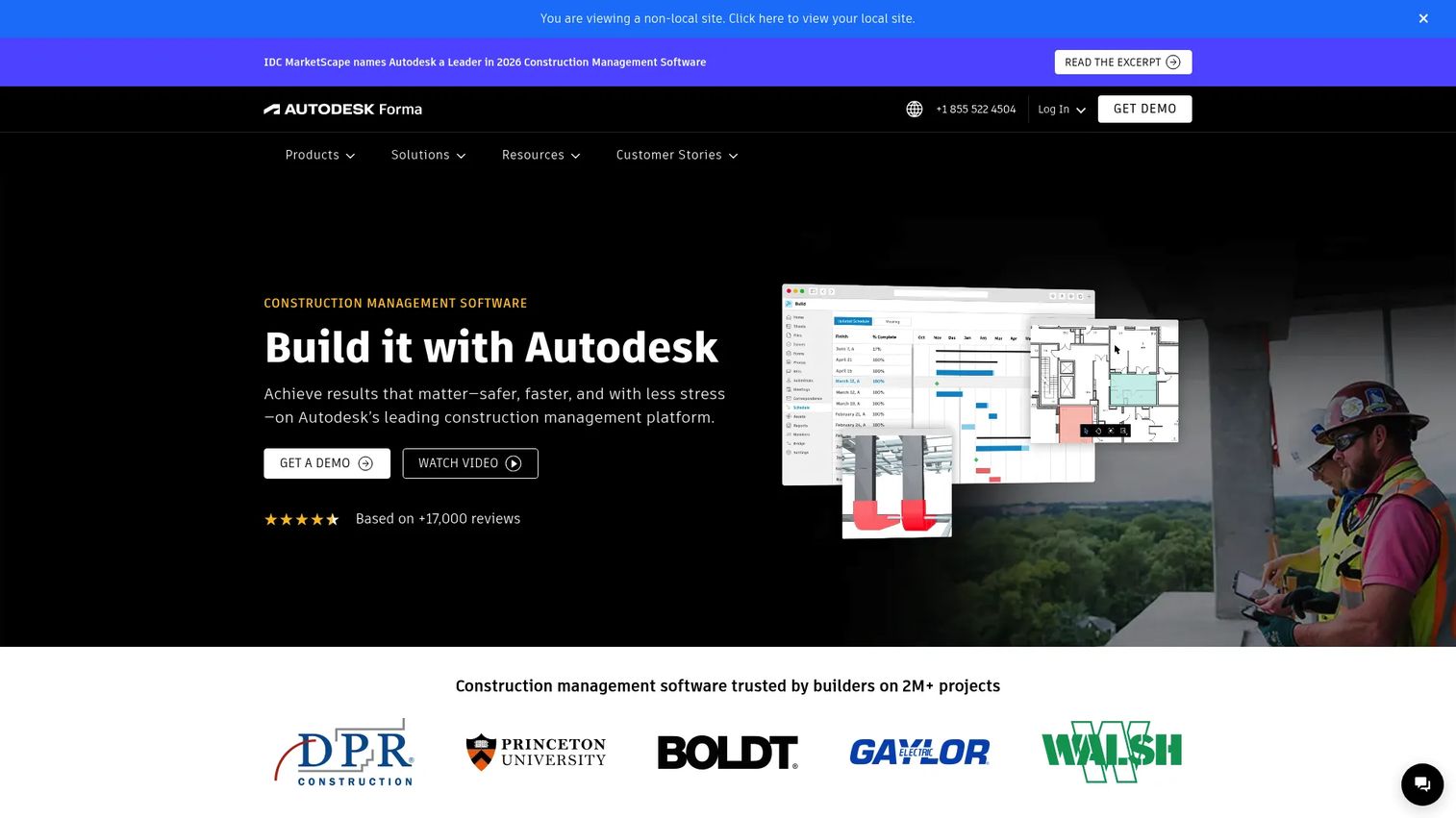
Autodesk Construction Cloud connects design, planning, construction, and operations workflows through a unified platform. It covers BIM coordination, document management, field collaboration, cost management, quality workflows, and model-based clash detection. Autodesk notes that Construction Cloud capabilities are now part of Autodesk Forma, so buyers should verify current product naming and packaging during the sales process.
Best for: General contractors, specialty contractors, and owners where design coordination and BIM data need to stay connected to construction execution.
Key features
- BIM coordination and clash detection
- Document management with version control
- Cost management and forecasting
- Field collaboration, issues, and forms
- Quality workflows and model access
Why choose Autodesk Construction Cloud: Choose it when design data and construction execution need to share the same environment. Teams already using Autodesk products for design will find the workflow connection strongest here.
Autodesk Construction Cloud pricing: Autodesk provides custom pricing through a quote process. Ask for product bundle, seat cost, billing period, and included modules when speaking with sales.
13. Autodesk Forma
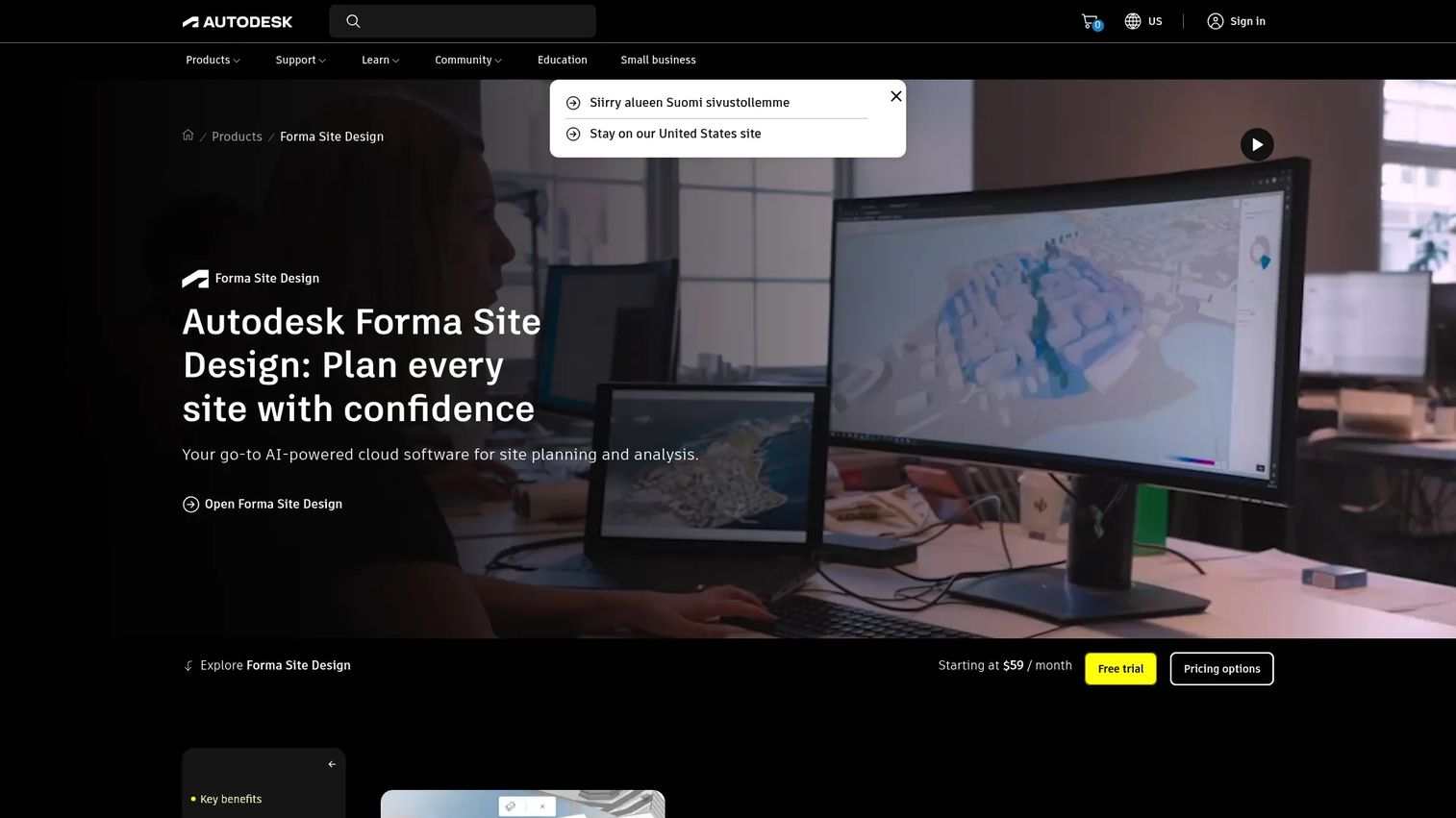
Autodesk Forma is AI-powered cloud software for site planning, early-phase design, and environmental analysis. It supports 3D massing, site automation, real-time design review, and integrations with Revit, IFC, and Rhino. Forma is valuable at the front end of a capital program before execution systems take over, but it is not a full lifecycle cost-control platform by itself.
Best for: Architects, urban planners, and real estate developers evaluating site feasibility and early design scenarios before committing to a capital program.
Key features
- 3D site and massing modeling
- AI-powered site automation and environmental analysis
- Real-time design review and collaboration
- Revit, IFC, OBJ, Dynamo, and Rhino integrations
- Scenario planning for early feasibility
Why choose Autodesk Forma: Choose it for concept and planning work before a capital project becomes a fully controlled program. Pair it with a downstream execution and cost control platform as the project moves into procurement.
Autodesk Forma pricing: Forma Site Design is available from $85/month or $700/year per subscription. Forma for Buildings starts at $125/month or $1,000/year. Pricing verified on Autodesk's official product pages.
14. ProjectManager
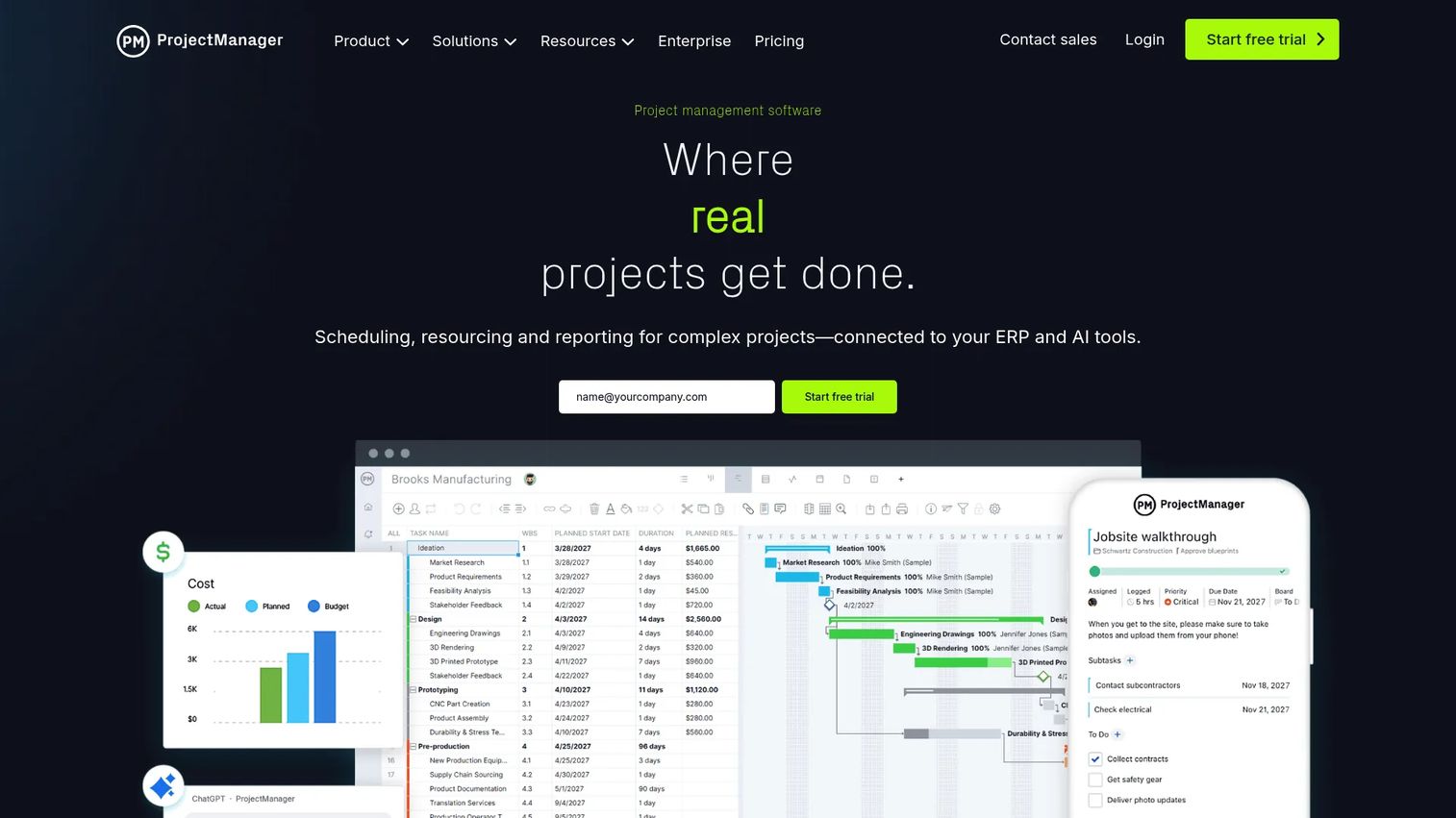
ProjectManager is cloud-based project management software for planning, scheduling, resource management, reporting, and collaboration. It supports Gantt, List, Board, and Calendar views, portfolio dashboards, workload planning, time tracking, and AI Project Insights. It is lighter than construction-specific capital program platforms, which makes it a faster starting point for internal capital initiatives and smaller programs.
Best for: Organizations managing capital projects with accessible portfolio visibility needs and without a heavy enterprise rollout requirement.
Key features
- Gantt, List, Sheet, Board, and Calendar views
- Resource management, workload planning, and time tracking
- Portfolio dashboards, roadmaps, and reporting
- Workflow automation and AI Project Insights
- Timesheets and cost tracking
Why choose ProjectManager: Choose it when capital projects are smaller, less construction-specific, or earlier in PMO maturity. The Business plan at $28/user/month adds portfolio, resource, and cost controls that most lightweight alternatives lack at that price point.
ProjectManager pricing: The Team plan starts at $13/user/month billed annually. Business adds portfolio, resource, cost, and AI capabilities at $28/user/month annually ($32/month billed monthly). Enterprise pricing is a custom quote. No free plan is available, but a trial exists.
G2 rating: 4.4/5
15. Archibus by Eptura
Archibus by Eptura is enterprise integrated workplace management software for managing facilities, assets, space, leases, capital projects, and workplace services. It includes BIM-powered asset and maintenance management, space planning, occupancy analytics, lease and contract management, capital project tracking, and mobile field-technician workflows. The platform holds FedRAMP authorization for government use.
Best for: Facilities and real estate teams planning capital investments across buildings, assets, and workplace portfolios.
Key features
- BIM-powered asset and maintenance management
- Space planning and occupancy analytics
- Lease and contract management
- Capital project tracking and reporting
- FedRAMP Authorized for government environments
Why choose Archibus by Eptura: Choose it when capital planning depends on facilities, real estate, and asset portfolio data as the organizing layer. It is less suited as the primary system for contractor-led field execution.
Archibus by Eptura pricing: Ask your Eptura partner about modules, user count, implementation, and asset data migration.
G2 rating: 4.1/5
16. NextProcess
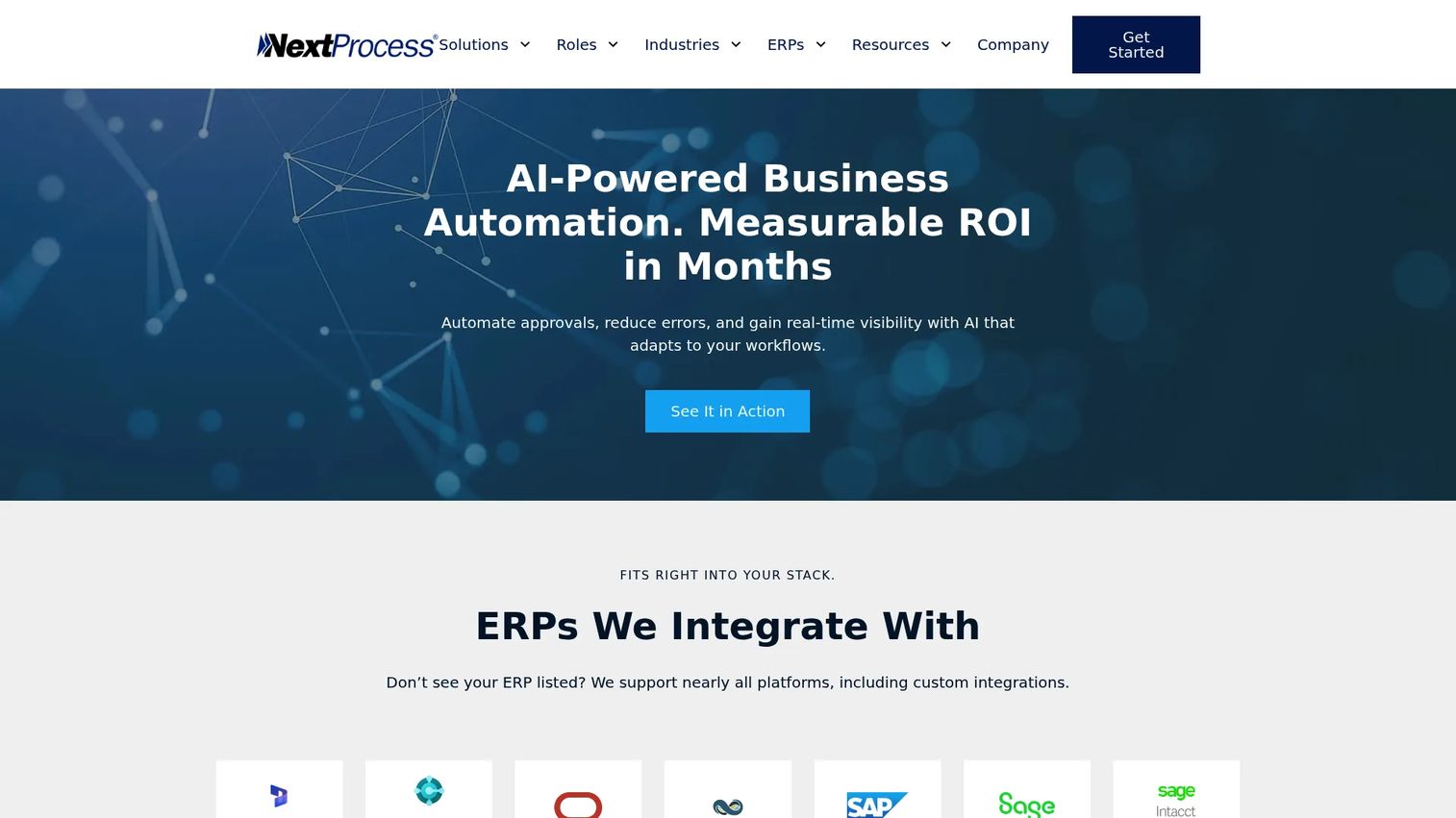
NextProcess is a finance operations automation platform connecting capital expense management, procurement, accounts payable, and disbursement in an ERP-connected environment. It covers AI-powered AP automation, customizable approval workflows, procurement management, and capital expense tracking. It is adjacent to full capital project management but valuable when procurement workflows cause the most friction in a capital program.
Best for: Mid-market and enterprise finance teams where procurement approvals, invoices, and spend workflows slow capital execution.
Key features
- AI-powered accounts payable automation
- Customizable approval workflows and capital expense management
- Procurement and vendor management
- Disbursement and payment management
- ERP integrations
Why choose NextProcess: Choose it when procurement control is the primary bottleneck rather than scheduling or field coordination. It complements a broader project controls system rather than replacing one.
NextProcess pricing: Contact sales for workflow volume, integration costs, user model, and implementation timeline.
G2 rating: 3.2/5
17. OESuite
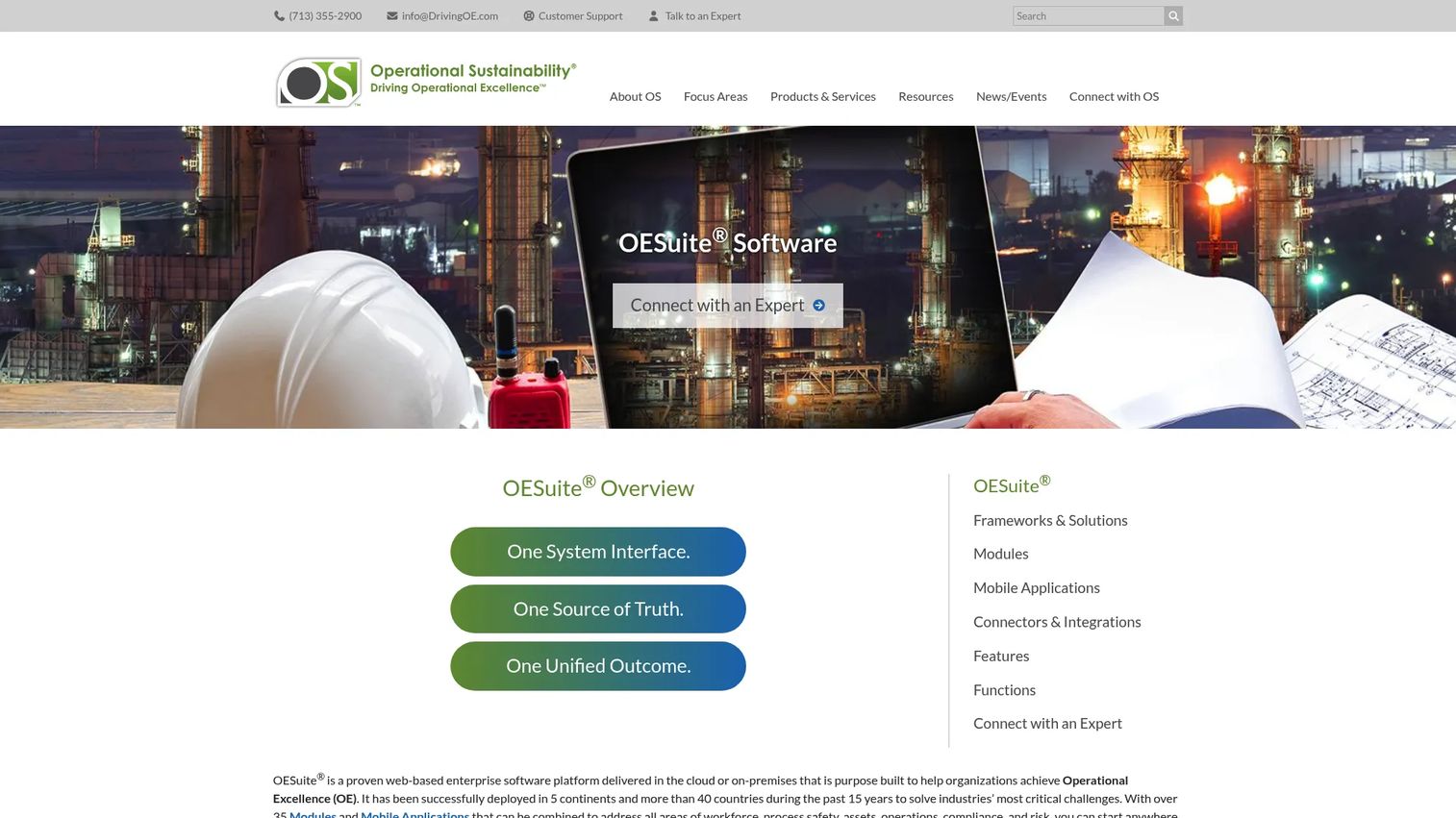
OESuite is an enterprise operational excellence platform integrating workforce, process safety, asset, operations, compliance, and risk management through 35+ modules and mobile applications. It is purpose-built for refineries, plants, manufacturing sites, and industrial organizations managing capital work tied to live operations and safety-critical workflows. Pre-built connectors include SAP, IBM Maximo, Aveva PI, and Aspen InfoPlus.21.
Best for: Industrial organizations managing capital projects tied to operations, process safety, permits, and turnaround coordination.
Key features
- Permit workflows and inspection management
- Incident tracking and process safety management
- Commissioning support and management of change
- Turnaround and shutdown coordination
- 35+ integrated modules with mobile data collection
Why choose OESuite: Choose OESuite when capital projects touch live industrial operations and safety-critical workflows. The operational governance and integration with plant systems is a differentiator that construction-focused platforms do not replicate.
OESuite pricing: Contact sales for modules, mobile applications, integration connectors, and services required for your site environment.
18. SAP
SAP provides enterprise software for ERP, finance, supply chain, human resources, and business operations including portfolio and project management capabilities. Capital programs managed inside SAP sit inside the same data model as procurement, asset management, and financial reporting, which removes reconciliation work for finance-led organizations. SAP includes Business AI and the Joule AI assistant across its suite.
Best for: Large enterprises that need capital programs tightly connected to finance, procurement, asset management, and ERP data.
Key features
- Cloud ERP and financial management
- Supply chain and procurement management
- Portfolio and project management (depending on modules)
- Business AI and Joule assistant
- Business data cloud and analytics
Why choose SAP: Choose SAP when capital projects must sit inside an enterprise finance and asset data model and the organization already runs SAP ERP. Configuration depends on which SAP modules the buyer already owns, so an implementation partner conversation is essential early.
SAP pricing: SAP Finance Base starts at $295/user/month (minimum 15 users). Many project portfolio management and other specialized modules require a separate quote. Pricing verified on SAP's official pricing pages.
G2 rating: 4.2/5
19. Microsoft Dynamics 365
Microsoft Dynamics 365 is a suite of AI-powered CRM and ERP business applications covering sales, finance, supply chain, field service, and project operations. For capital project teams, Dynamics 365 Project Operations and Finance are the relevant modules. The integration with Microsoft 365, Teams, Power BI, and Power Platform makes it a natural fit for organizations already standardized on Microsoft infrastructure.
Best for: Microsoft-centered organizations that want project, finance, and operations data connected inside the Microsoft stack.
Key features
- Project operations and finance management
- CRM and ERP applications that work together
- AI-powered insights and Microsoft Copilot
- Integration with Microsoft 365, Teams, and Power Platform
- Supply chain and procurement workflows
Why choose Microsoft Dynamics 365: Choose it when the buyer wants capital project data close to finance, operations, and collaboration inside Microsoft infrastructure. Avoid positioning it as a construction-specific platform unless that use case is validated with the specific implementation partner.
Microsoft Dynamics 365 pricing: Dynamics 365 Sales Professional starts at $65/user/month (paid yearly). Finance starts at $210/user/month. Project Operations pricing requires a quote. A free trial is available for Sales. Full pricing details vary by application and are listed on Microsoft's pricing page.
20. Acumatica
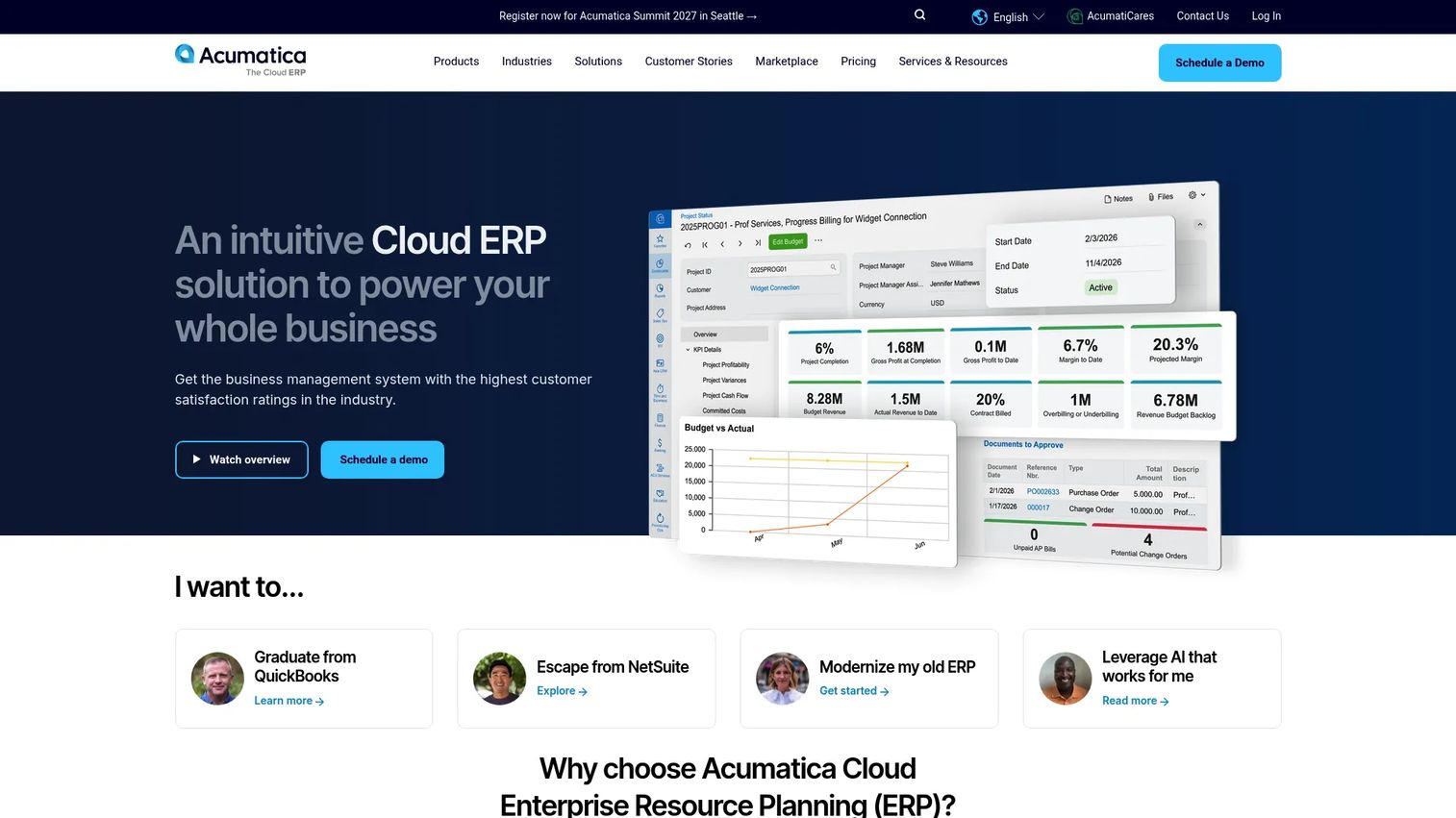
Acumatica is a cloud ERP platform for financial, operational, and industry-specific business management, with dedicated editions for construction, distribution, manufacturing, and retail. For capital project teams, the construction edition covers project accounting, financial management, field service workflows, and reporting. The pricing model is resource-based rather than per-user, which can lower costs for teams with many occasional users.
Best for: Mid-market construction and project-driven businesses that need cloud ERP and project accounting without an enterprise implementation overhead.
Key features
- Financial management and project accounting
- Construction management workflows
- AI-powered workflow automation
- Mobile apps for iOS and Android
- Reporting, dashboards, and visual workflows
Why choose Acumatica: Choose it when finance, accounting, and operations need to share one cloud ERP foundation and the organization is growing into enterprise complexity rather than already there. It fits contractors and project-driven businesses better than large capital owners with complex portfolio governance needs.
Acumatica pricing: Acumatica uses resource-based pricing rather than per-user seat fees. APEX for Distribution starts under $1,495/month as a publicly advertised entry point. Full pricing depends on applications, usage, and deployment and requires a custom review with Acumatica or a partner.
G2 rating: 4.4/5
Considerations when choosing capital project management software
Match the system to project scale
A $5 million facilities upgrade and a $5 billion infrastructure portfolio do not need the same software. Map tool complexity to project value, stakeholder count, and risk. Platforms designed for mega-programs carry implementation overhead that smaller programs cannot absorb.
Validate cost and schedule controls depth
Inspect how each platform handles budget commitments, change orders, contingency drawdown, earned value, and forecast-at-completion. Dashboard polish means little if cost codes and schedule logic do not match your operating model. Ask vendors to demonstrate variance reporting at the commitment level, not just the summary.
Check ERP and procurement integrations
Capital project software must connect to finance systems. Ask vendors to show live examples of purchase orders, invoices, and actuals moving between their platform and your ERP. Integration depth, not just the existence of a connector, determines whether the data is trustworthy. For teams comparing budgeting and forecasting software alongside project controls tools, this integration question is the same underlying problem.
Evaluate governance and access control
Capital programs involve owners, contractors, designers, consultants, and executives, each with different data access requirements. Verify role permissions, audit trails, approval workflows, external stakeholder access, and data ownership terms before signing.
Plan implementation before the contract
Capital project platforms require data migration, workflow configuration, reporting design, and change management. Ask for the implementation timeline, internal owner requirements, training plan, and first 90-day milestones. Underestimating this step is the most common reason capital software projects fail to deliver value in the first year. Teams evaluating application portfolio management software for adjacent governance needs will recognize the same implementation discipline applies.
Conclusion
The right capital project management software depends on who leads your program and where your data risk sits today.
Procore and Autodesk Construction Cloud fit construction execution and design-to-field collaboration. Oracle Primavera Cloud, InEight, Contruent, and ARES PRISM fit project controls-heavy teams that need schedule integrity and earned value depth. Kahua, e-Builder, and Aurigo are built for owner-led capital programs with structured governance requirements. CMiC, Acumatica, SAP, and Microsoft Dynamics 365 fit teams where finance and ERP data must drive the operating model. OESuite is the right call for industrial and safety-critical capital work. Fieldwire covers the field execution layer with transparent per-user pricing and a free starting point.
Shortlist three platforms based on your operating model. Then ask each vendor to walk through one live capital project scenario end to end: Budget approval, schedule change, field issue, forecast update, and executive report. If they cannot show that complete flow, keep looking.
For teams also evaluating advanced planning and scheduling software or broader enterprise resource tools, the same buyer discipline applies: Verify the data model before committing to an implementation.
FAQs
Capital project management software is a category of platform that helps organizations plan, fund, execute, monitor, and govern high-value capital projects across the full lifecycle, from concept and budgeting through construction, commissioning, and handover. It covers cost control, scheduling, document management, field coordination, governance, and audit-ready reporting in a single environment.
Generic project management tools handle tasks, timelines, and collaboration. Capital project platforms handle funding approvals, budget commitments, earned value, contract tracking, change order management, regulatory workflows, field coordination, and financial reporting tied to actual construction spend. The difference becomes visible when a project spans multiple years, dozens of contractors, and audit requirements.
A capital project is one asset, facility, infrastructure package, or major upgrade. Capital program management groups related projects under shared governance, funding sources, or strategic objectives. Organizations with many concurrent projects, such as a transportation agency running dozens of road upgrades simultaneously, need program-level controls that individual project tools cannot provide at scale.
Primary users include capital program managers, project controls teams, construction managers, public agency project officers, industrial operations leaders, PMO directors, facilities and real estate managers, finance leaders involved in capital planning, and procurement teams managing contractor spend. The software spans owner organizations, general contractors, specialty contractors, and program management consultants.
Look for cost control and budget baseline management, schedule and critical-path management, forecasting and cash-flow visibility, contract and change order tracking, risk registers, document control, field coordination, portfolio dashboards, earned value management, and ERP integration. Teams evaluating approval workflow software separately will often find that capital project platforms include approval routing as a core capability.
Most enterprise platforms in this category price by custom quote because the cost depends on user count, modules, project volume, deployment, integrations, and implementation services. Fieldwire publishes transparent tiers starting at $39/user/month (annually). ProjectManager starts at $13/user/month. SAP Finance Base starts at $295/user/month. For the rest, request annual subscription cost, implementation services, data migration, support terms, and expansion pricing in the same conversation.
No. Construction and infrastructure are the heaviest users, but the category also applies to energy, manufacturing, utilities, healthcare facility programs, higher education capital plans, real estate development, and public-sector investment portfolios. Industrial operators managing shutdowns, turnarounds, and site upgrades represent a distinct use case that tools like OESuite are specifically designed for.
Enterprise teams typically shortlist Oracle Primavera Cloud, InEight, or Kahua when project controls and program governance are the primary need. SAP or Microsoft Dynamics 365 appear on shortlists when capital programs must integrate tightly with enterprise finance and ERP data. The right answer depends on whether the primary need is schedule integrity, program governance, or financial controls, so the shortlist should start with that question rather than a platform comparison. Teams researching accounting software for the finance side of capital programs will often find themselves needing a separate integration layer between the accounting system and the project controls platform.