



Your scanner found 4,000 vulnerabilities last week. Your team patched 60 of them.
That gap is the real problem. Detection is cheap now. More than 71% of enterprises run automated vulnerability assessments regularly, according to Global Growth Insights (2026). The scanners work. The bottleneck moved downstream, to prioritization, ownership, and the slow crawl from finding to fix.
So the tool you pick matters less for how many issues it surfaces and more for how it helps you decide what to touch first. A network vulnerability scanner that dumps 4,000 raw findings with no exploitability context is noise. One that maps those findings to known exploited vulnerabilities and business criticality is signal.
This guide compares seven vulnerability scanner software tools across scan coverage, risk prioritization, integrations, and reporting. The goal is to help you match a scanner to your environment, whether that is infrastructure, web apps, cloud, or a mix, and whether you need a point-in-time vulnerability scan or continuous monitoring.
What's inside
This guide is for security engineers, IT admins, vulnerability management owners, and the presales teams who support technical evaluations of these tools.
We picked the seven based on four things that matter when you actually run a program:
- Scan coverage: network, web app, cloud, and container reach
- Risk prioritization: exploitability and business context, not just raw CVSS
- Integrations: ties into ticketing, patch management, and asset inventory
- Reporting: audit-ready output and compliance reporting
No sponsored placements. Ratings and pricing reflect verified vendor and G2 data at the time of writing.
TL;DR
- Best for broad network scanning: Nessus and Qualys VMDR cover the widest range of assets with deep plugin and detection libraries.
- Best for web app testing: Burp Suite and Acunetix lead on DAST and API coverage for appsec teams.
- Best open source vulnerability scanner: OpenVAS, backed by Greenbone, for teams that want control and a community feed.
- Best for continuous visibility: InsightVM and Intruder for teams that need ongoing exposure monitoring, not just snapshots.
- Best for a full risk workflow: Qualys VMDR ties detection, prioritization, and remediation into one platform.
What is vulnerability scanner software?
Vulnerability scanner software is a tool that automatically inspects systems, networks, applications, or cloud environments to find known security weaknesses, then reports them so teams can prioritize and fix them. It is the detection layer of a broader vulnerability management program.
The category splits by what it scans and how it deploys. Understanding the taxonomy is the fastest way to shortlist the right tool.
By scan target:
- Network vulnerability scanner: checks servers, endpoints, and network devices for missing patches and misconfigurations
- Web application vulnerability scanner: tests running web apps and APIs for injection, XSS, and auth flaws
- Database scanner: inspects database configurations and access controls
- Cloud scanner: assesses cloud accounts, IAM, and workloads for exposure
- Container scanning: inspects container images and registries for vulnerable dependencies
- Code scanning: analyzes source code before it ships
By scan method:
- Credentialed scanning: logs in with valid credentials for deep, accurate inspection and fewer false positives
- Non-credentialed scanning: scans from the outside as an attacker would, useful for external exposure
By deployment: on-prem appliances, cloud-hosted platforms, and hybrid models. Around 64% of organizations now prefer cloud-based vulnerability management platforms, per Global Growth Insights (2026).
Core capabilities to expect from any serious scanner:
- Automated detection across your chosen scan targets
- Risk prioritization using exploitability signals like the KEV catalog and EPSS
- Compliance reporting for audits and baseline tracking
- Remediation workflows that route findings to owners
- Integrations with asset inventory, patching, and ticketing tools
One more distinction worth knowing. DAST (dynamic application security testing) tests running apps from the outside. SAST (static application security testing) analyzes source code from the inside. SCA (software composition analysis) flags vulnerable open source dependencies. Most tools in this guide are DAST or network scanners; appsec teams often run all three.
When to use vulnerability scanner software
Scan your assets before exposure grows
When you have no baseline visibility across servers, endpoints, and network devices, a scan is where you start. You cannot prioritize what you cannot see. For environments that change often, cloud accounts that spin up and down, containers that redeploy daily, point-in-time scans go stale fast. That is where continuous monitoring earns its place.
Validate web apps and APIs before release
App teams reach for a web application vulnerability scanner when code is heading toward production. DAST-style tools catch injection, broken auth, and misconfigurations in the running app. Scanner choice shifts when you need to test login-protected flows, since authenticated scanning requires the tool to hold and reuse session credentials.
Support compliance and remediation workflows
Auditors want evidence. Scanners produce it: baseline reports, trend data, and proof that findings get remediated on a schedule. The real value shows up when the scanner ties into your tickets, patch management, and asset inventory, so a finding becomes an assigned task instead of a line in a PDF nobody opens.
Comparison table
Sorted by relevance to general vulnerability scanning. Pricing and G2 ratings reflect verified vendor and G2 data at the time of writing. Web app testing tools rank lower here only because they cover a narrower scan target, not because they are less capable within it.
| # | Product | Best for | Key differentiator | Pricing | G2 rating |
|---|---|---|---|---|---|
| 1 | Nessus | Broad network scanning | Deep plugin library and audit coverage | From $4,790/yr | 4.5 |
| 2 | Qualys VMDR | Risk-based VM programs | TruRisk prioritization plus patching | From $2,195 | 4.4 |
| 3 | InsightVM | Continuous VM at scale | Live dashboards and remediation projects | From $1.62/mo per asset | 4.4 |
| 4 | OpenVAS | Open source control | Community feed, self-hosted | From €2,524/yr | Not listed |
| 5 | Burp Suite | Web app pen testing | Manual plus automated DAST | Free Community edition | 4.8 |
| 6 | Acunetix | Automated web/API scanning | Proof-based validation | Custom quote | 4.1 |
| 7 | Intruder | Continuous exposure monitoring | Attack surface management | From $149/mo | 4.8 |
Best 7 vulnerability scanner software tools for 2026
1. Nessus
Nessus, from Tenable, is one of the most widely deployed network vulnerability scanners on the market. It runs unlimited vulnerability assessments and carries a deep plugin library that keeps pace with new CVEs. Security teams reach for it when they need fast, broad detection across IT and cloud assets without standing up a full platform first.
Its scoring is where it pulls ahead of basic scanners. Nessus supports CVSS v4, EPSS, and Tenable's Vulnerability Priority Rating, so you get exploitability context alongside raw severity. It also handles configuration, compliance, and security audits, which makes it useful well beyond a one-off scan.
Best for: security teams that want a proven standalone scanner for vulnerability assessment and compliance audits.
Key features
- Unlimited vulnerability assessments
- CVSS v4, EPSS, and VPR scoring
- Configuration, compliance, and security audits
- Credentialed and non-credentialed scan support
- Broad plugin library kept current with new CVEs
Why choose Nessus: if you want a dedicated scanner with strong prioritization signals and audit coverage, without committing to a broader management platform on day one, Nessus fits. Presales teams like it because the output is credible and easy to defend in a technical review.
Nessus pricing: Nessus Professional starts at $4,790 for a one-year license, with two-year ($9,330.95) and three-year ($13,637.54) options. Nessus Expert starts at $6,790 per year. Free trials are available for both editions.
Nessus holds a 4.5 out of 5 rating on G2.
2. Qualys VMDR
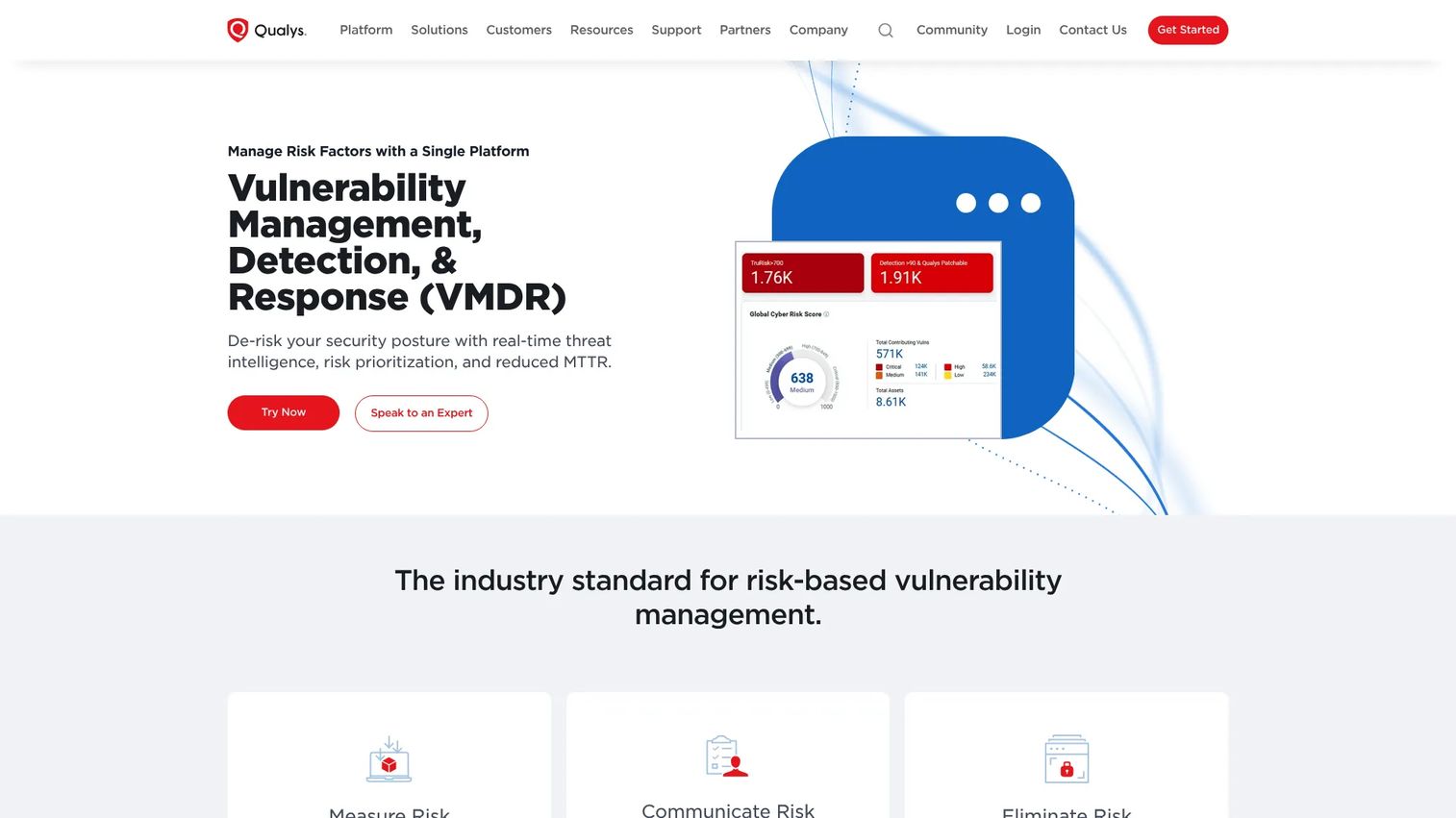
Qualys VMDR is a cloud-based platform that folds detection, prioritization, and remediation into one workflow. The initials stand for Vulnerability Management, Detection and Response, which tells you the scope. This is less a standalone scanner and more a full program in a box.
It starts with asset discovery and inventory, then applies TruRisk prioritization to rank what matters by real risk instead of raw CVSS counts. From there it drives patch management and remediation workflows, so a finding does not just sit in a queue. For teams running an enterprise vulnerability management program, that end-to-end tie-in is the draw.
Best for: organizations that want risk-based vulnerability management with built-in remediation and patching.
Key features
- Asset discovery and inventory
- Risk-based prioritization with TruRisk
- Patch management and remediation workflows
- Compliance reporting and audit evidence
- Cloud-native, continuous detection
Why choose Qualys VMDR: pick it when you want one platform to run the whole loop, from finding to fix, rather than stitching a scanner to separate ticketing and patch tools. It suits larger programs where risk prioritization and workflow ownership matter more than a single scan.
Qualys VMDR pricing: the VMDR TruRisk package starts at $2,195. VMDR TruRisk FixIT starts at $2,995 and adds remediation, while VMDR TruRisk ProtectIT starts at $4,645. Pricing is per asset, and larger deployments are quoted directly.
Qualys VMDR holds a 4.4 out of 5 rating on G2.
3. InsightVM
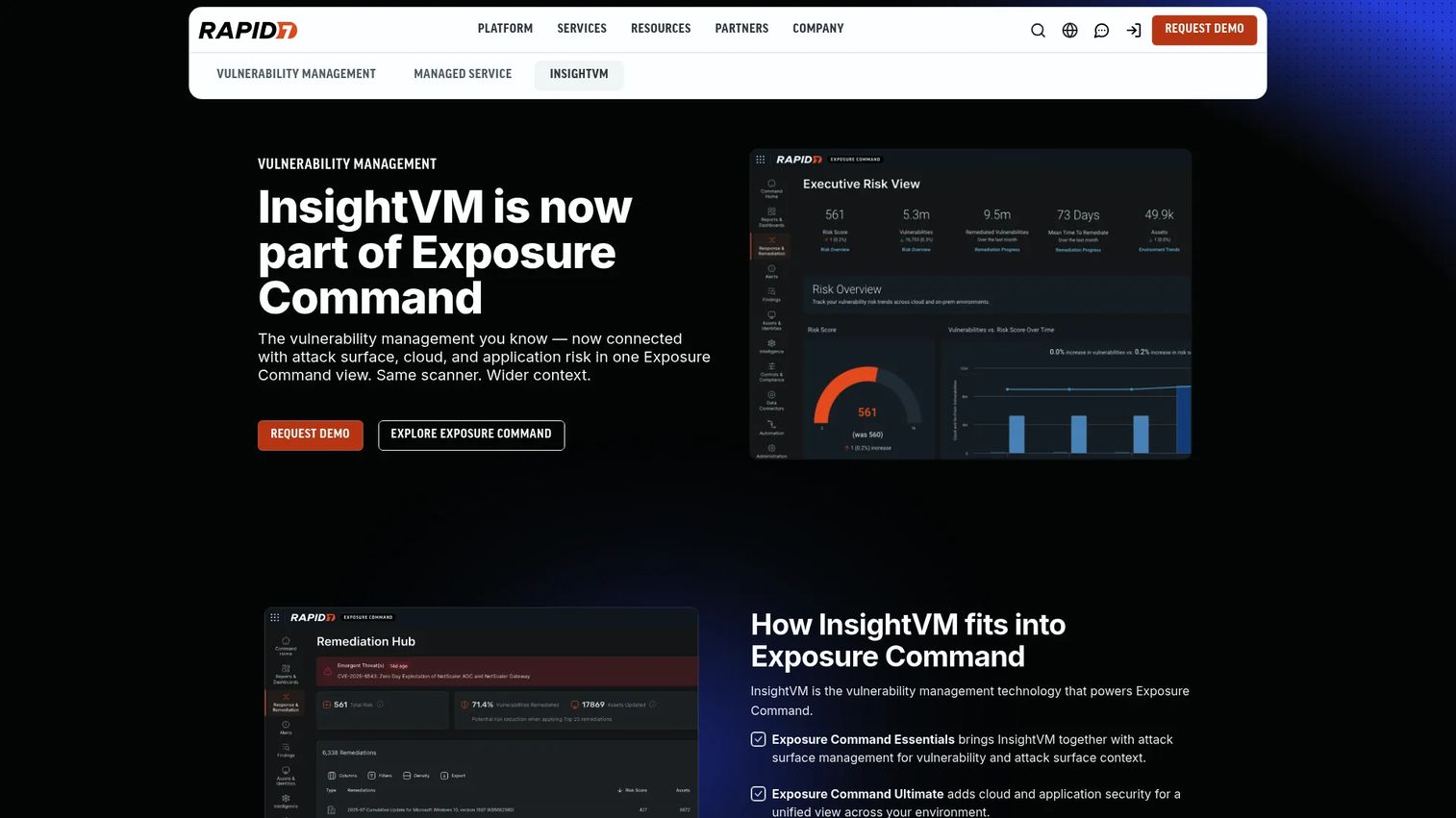
InsightVM, from Rapid7, is a vulnerability management platform built for teams running an ongoing program rather than occasional scans. It combines dynamic asset discovery with the Insight Agent for remote assessment, so coverage follows assets even when they move off the corporate network.
Prioritization uses CVSS, exploitability, malware exposure, and vulnerability age together, which cuts through the noise of a raw finding count. Its Live Dashboards and customizable reporting give both engineers and leadership a current view of risk. Remediation projects turn findings into tracked work with owners and deadlines.
Best for: enterprises that want continuous vulnerability management with risk-based prioritization and remediation tracking.
Key features
- Dynamic asset discovery and Insight Agent assessment
- Risk prioritization by exploitability, malware exposure, and age
- Live Dashboards for real-time risk context
- Customizable reporting for technical and exec audiences
- Remediation projects with ownership and tracking
Why choose InsightVM: it fits teams building a durable program who want live risk context and a clear path from finding to remediation. The dashboarding also helps when you need to report progress upward without exporting spreadsheets every week.
InsightVM pricing: Rapid7 lists InsightVM starting at $1.62 per month for 500 assets, priced per asset. A free trial is available.
InsightVM holds a 4.4 out of 5 rating on G2.
4. OpenVAS
OpenVAS, maintained by Greenbone, is the go-to open source vulnerability scanner for teams that want control over their scanning stack. It runs automated scans against a daily-updated vulnerability feed and deploys on hardware or virtual environments, so you can fit it to your infrastructure rather than the other way around.
The appeal is transparency and cost control. You are not locked into a per-asset commercial contract, and the community ecosystem behind the project keeps the detection feed active. For budget-conscious technical teams or open source-first stacks, that combination is hard to match.
Best for: technical teams that value open source, control, and a self-hosted deployment over commercial polish.
Key features
- Automated vulnerability scans
- Daily updated vulnerability feed
- Hardware and virtual deployment options
- Open source foundation with community support
- Broad network scanning coverage
Why choose OpenVAS: choose it when open source, self-hosting, and cost control matter more than turnkey dashboards and vendor support. Teams with the engineering time to run and tune it get a capable scanner without a commercial license.
OpenVAS pricing: Greenbone lists OPENVAS BASIC at €2,524 per year. OPENVAS SCAN is quote-based for larger deployments, and a free download is available to test the tooling.
A verified G2 rating for OpenVAS was not available at the time of writing.
5. Burp Suite
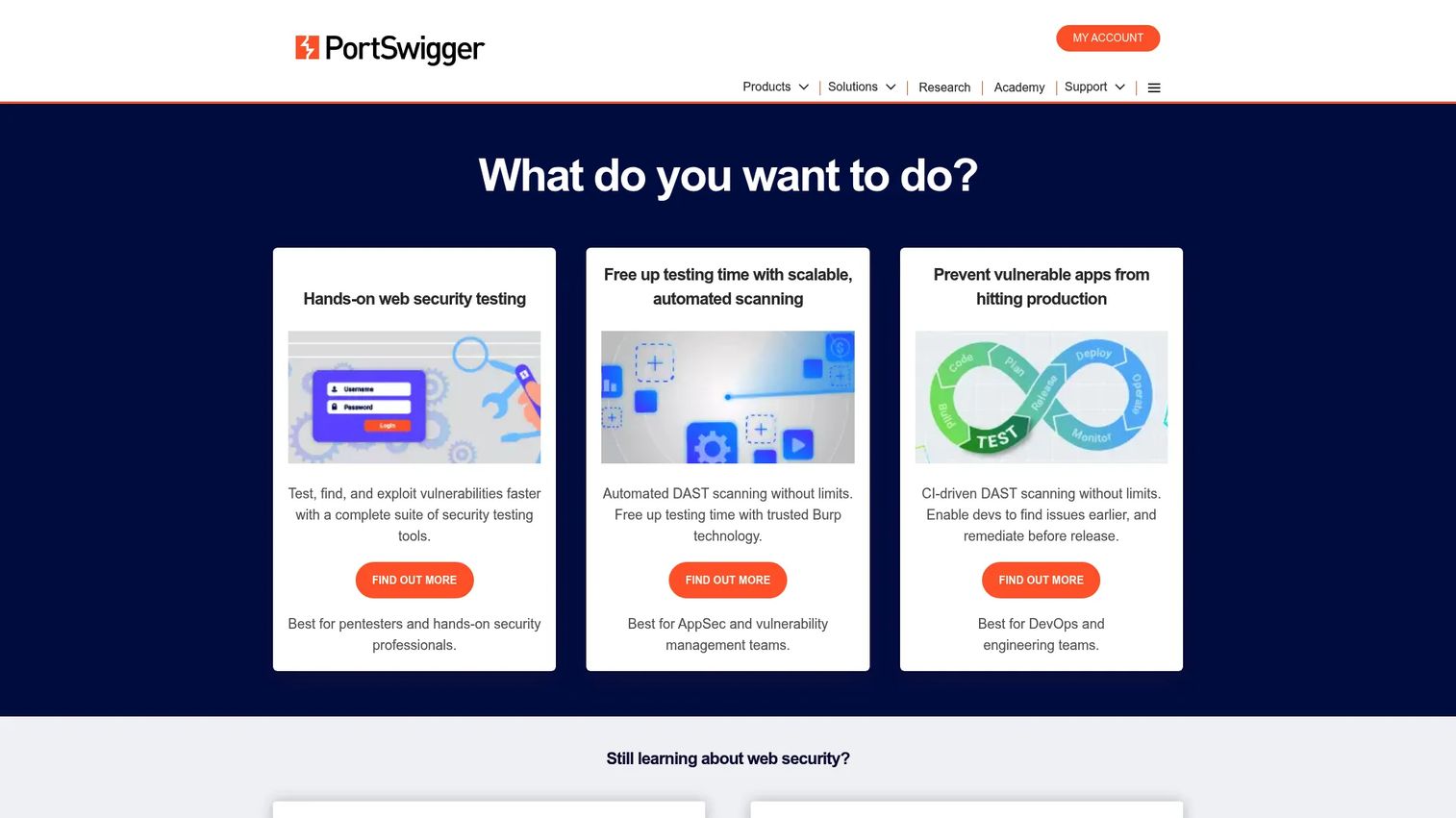
Burp Suite, from PortSwigger, is the reference web application vulnerability scanner and testing suite for appsec teams and penetration testers. It pairs automated DAST scanning with a deep set of manual testing tools, which is why hands-on testers reach for it when they need to probe an app beyond what automation catches.
The Community Edition is free and widely used for learning and light testing, while Professional and DAST offerings scale up for serious work. Its manual tooling, intercepting proxy, repeater, and scanner working together, makes it the standard for interactive web app testing.
Best for: appsec teams and penetration testers who want manual control alongside automated web scanning.
Key features
- Manual web security testing tools
- Automated DAST scanning
- Intercepting proxy and request manipulation
- Free Community Edition for light testing
- Professional and DAST editions for scale
Why choose Burp Suite: pick it when your testing is hands-on and you want a tool that respects a skilled tester's workflow rather than hiding everything behind automation. It is less about unattended scheduled scans and more about deep, interactive investigation.
Burp Suite pricing: the Community Edition is free. Professional and DAST editions are sold as paid subscriptions through PortSwigger, with pricing provided on request.
Burp Suite holds a 4.8 out of 5 rating on G2.
6. Acunetix
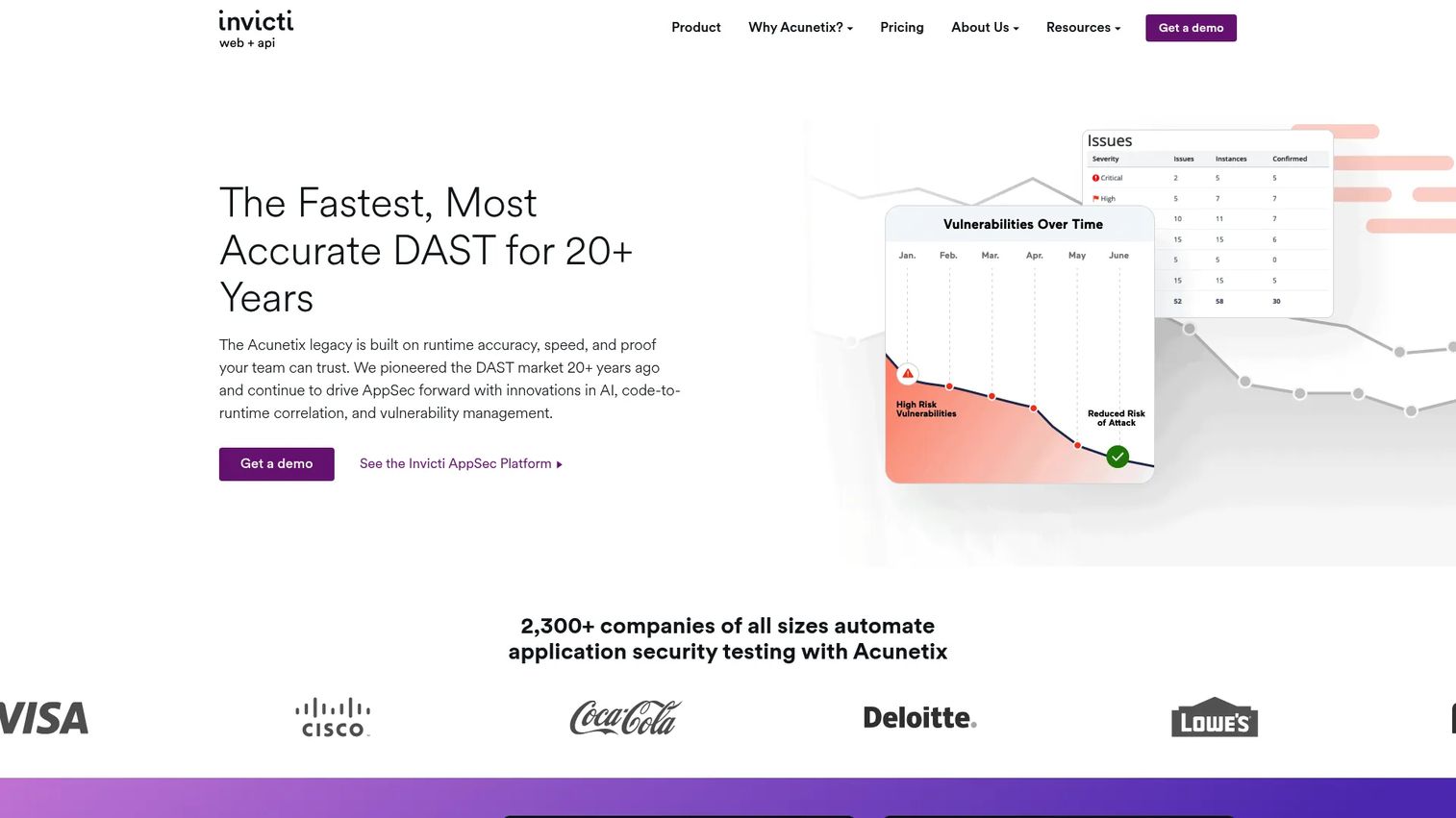
Acunetix, part of Invicti, is a web application vulnerability scanner built for automation. It scans web apps and APIs, then validates findings with proof-based technology that confirms a vulnerability is real, which cuts down the false positives that eat analyst time.
It fits teams that want strong app-layer coverage without the manual overhead of a hands-on testing suite. Scheduled scans, reporting, and integrations for CI/CD, issue tracking, and developer workflows mean findings flow to the people who fix them. That developer-friendly routing is a big part of the appeal.
Best for: teams that need automated web and API coverage with validation and less manual effort.
Key features
- Automated web application and API scanning
- Proof-based vulnerability validation
- CI/CD and issue tracker integrations
- Scheduled scans and reporting
- Developer-focused remediation workflows
Why choose Acunetix: choose it when you want app-layer scanning that runs on a schedule and routes validated findings into developer workflows, rather than a suite built around manual testing. The proof-based validation reduces the noise your team has to triage.
Acunetix pricing: Acunetix offers Essentials, Professional, and Ultimate plans, all quoted directly rather than listed publicly. A no-risk proof of concept is available to evaluate before you buy.
Acunetix holds a 4.1 out of 5 rating on G2.
7. Intruder
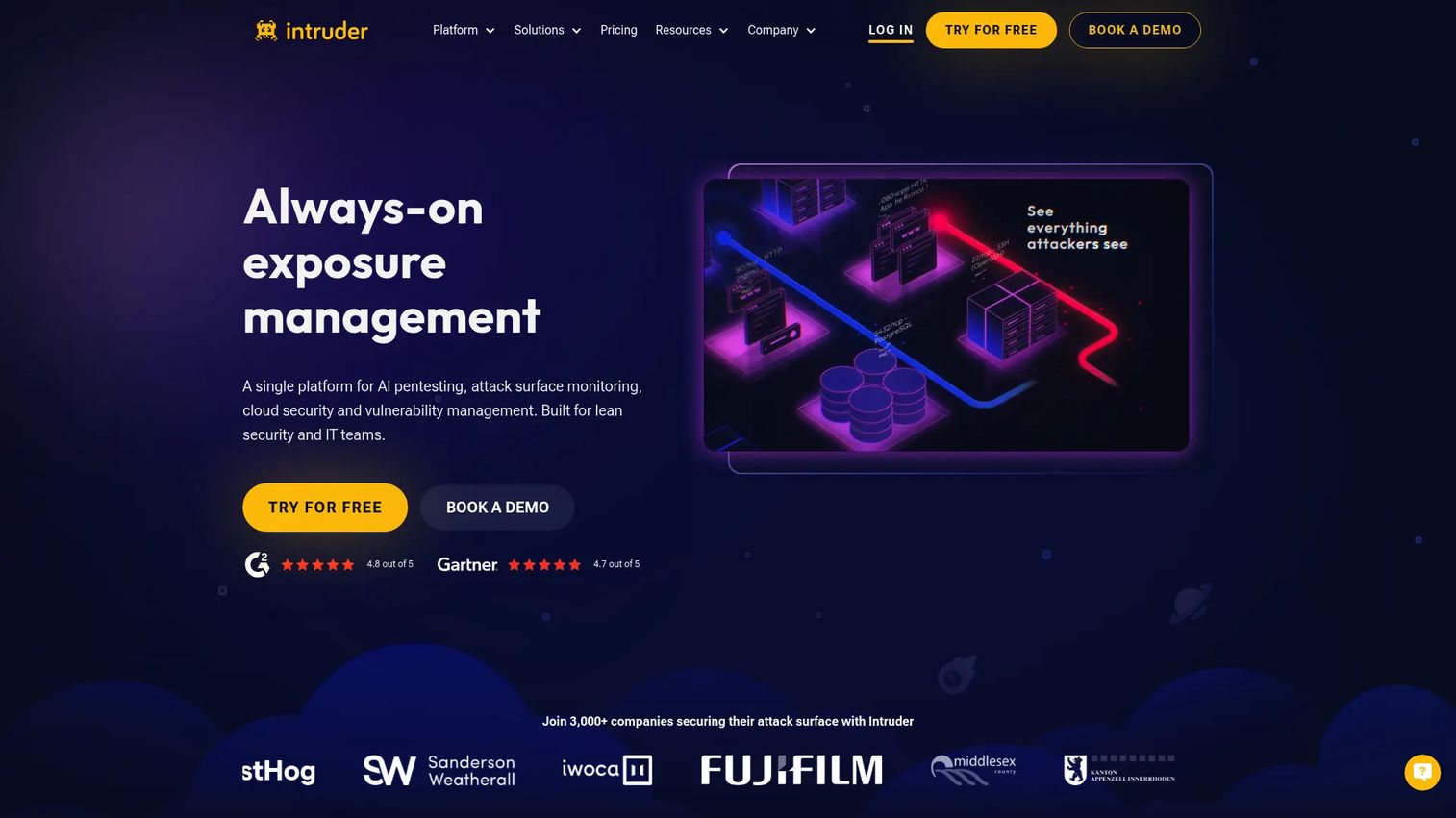
Intruder is a cloud-based vulnerability scanner and attack surface management platform built for continuous exposure monitoring. It scans external infrastructure, authenticated web apps and APIs, and cloud and container images, then alerts you when new issues appear rather than waiting for the next scheduled scan.
The design favors lean security teams that want straightforward monitoring and clear alerts over a dense enterprise console. It watches internet-facing risk closely, reports in plain language, and integrates with the tools teams already use, so you get ongoing visibility without a heavy operational lift.
Best for: lean security teams that want continuous scanning and exposure management for external, cloud, and web assets.
Key features
- External infrastructure scanning
- Authenticated web app and API scanning
- Cloud and container image scanning
- Continuous monitoring with new-issue alerts
- Integrations with common team tools
Why choose Intruder: pick it when you want ongoing visibility into internet-facing exposure without staffing a large team to run it. The continuous model and clear alerting suit teams that need to know the moment new exposure appears.
Intruder pricing: Intruder offers a free plan, with the Essential plan at $149 per month, Cloud at $299 per month, and Pro at $499 per month. Enterprise pricing is quoted directly.
Intruder holds a 4.8 out of 5 rating on G2.
Considerations
Coverage matches the environment
Start with what you actually run. A network vulnerability scanner will not test your web apps for injection flaws, and a web application vulnerability scanner will not catch a missing OS patch. Map your assets, network, apps, cloud, containers, and code, then pick tools that cover them. Most mature programs run more than one.
Reporting fits the audience
Raw findings and audit-ready reports are different products. Engineers need detail and reproduction steps. Auditors need compliance reporting and baseline trends. Leadership needs a risk summary they can act on. Check that the tool produces output for each audience without a manual rebuild every cycle.
Integrations reduce manual work
A finding that does not become a ticket rarely gets fixed. Verify the scanner ties into your asset inventory, patch management, ticketing, and SIEM. The tighter the integration, the less time your team spends copying data between systems and the faster remediation happens.
Prioritization beats raw counts
Severity alone will drown you. Four thousand findings sorted by CVSS is still four thousand findings. Look for prioritization that factors in exploitability, known exploited vulnerabilities, business criticality, and exposure context. That is the difference between a list and a plan.
Continuous monitoring changes the game
Point-in-time scans work for stable environments. For anything that changes often, cloud, containers, frequent deploys, a quarterly vulnerability scan leaves you blind between runs. Continuous monitoring closes that window and catches new exposure as it appears.
Conclusion
The seven tools here split cleanly by job. For broad network scanning and vulnerability assessment, Nessus and Qualys VMDR lead. For a full risk-based program with remediation built in, Qualys VMDR and InsightVM carry the workflow. For web app and API testing, Burp Suite suits hands-on testers and Acunetix suits automation-first teams. OpenVAS is the open source vulnerability scanner for teams that want control, and Intruder is built for continuous exposure monitoring with a light operational footprint.
The selection logic matters more than the ranking. Match coverage to your environment, insist on risk prioritization over raw counts, confirm the integrations you need, and decide whether point-in-time scans or continuous monitoring fit how fast your environment changes.
A practical next step: pick one network scanner and one web application vulnerability scanner to pilot side by side. Run both against a slice of your environment, then compare the findings, the false positive rate, and how easily each routes work to owners. That head-to-head tells you more than any spec sheet.
While these tools handle the security side, teams that need to show their own product to buyers use interactive experiences from Guideflow to guide prospects through the story, let them validate hands-on in a sandbox, and organize everything in a self-serve demo center.
Start your journey with Guideflow today!
FAQs
A vulnerability scanner is the detection engine: it finds known weaknesses and reports them. Vulnerability management software wraps that scanning in a full program, adding asset inventory, risk prioritization, remediation workflows, and tracking. Scanners tell you what is wrong; management tools help you decide what to fix first and prove it got fixed.
You need a web application vulnerability scanner that performs DAST, testing the running app for injection, broken authentication, and misconfigurations. Burp Suite suits hands-on penetration testing, while Acunetix leans toward automated, scheduled scans with proof-based validation. A network vulnerability scanner will not catch app-layer flaws, so appsec teams treat these as separate tools.
Credentialed scanning logs in with valid credentials to inspect a system from the inside, which produces deeper, more accurate results and fewer false positives. Non-credentialed scanning probes from the outside as an attacker would, which is useful for measuring external exposure. Most programs run credentialed scans internally and non-credentialed scans against internet-facing assets.
Many modern scanners do. Tools like Intruder and Acunetix include authenticated API scanning, and platforms increasingly add container scanning that inspects images and registries for vulnerable dependencies. Older network-only scanners may not, so if API and container coverage matters, confirm it explicitly before buying rather than assuming it is included.
It depends on how fast your environment changes. Stable infrastructure can be scanned monthly or quarterly for a solid baseline. Cloud accounts, containers, and frequently deployed apps need continuous monitoring, since a quarterly snapshot leaves you blind between runs. Compliance frameworks often set a minimum cadence, but treat that as a floor, not a target.
Yes, for teams with the engineering time to run them. OpenVAS, backed by Greenbone, offers broad scanning and a daily-updated feed that competes with commercial detection. The tradeoff is operational: you handle deployment, tuning, and support yourself instead of leaning on a vendor. Teams that value control and cost savings over turnkey convenience get real production value.
Look for output that serves three audiences without a manual rebuild: detailed technical findings for engineers, compliance reporting and baseline trends for auditors, and risk summaries for leadership. Strong reporting also tracks remediation over time and reduces false positives, so the reports you hand over reflect real risk rather than raw scan noise.










