A product launch ships on Thursday. Sales asks for a training video by Friday. Customer Success needs an onboarding clip by Monday, and the walkthrough you recorded last quarter already shows a button that no longer exists.
That cycle is the real problem behind "training video software." It's rarely one job. Some teams need a screen recorder for a quick tutorial. Others need AI-generated presenter videos in a dozen languages, or a full course platform with quizzes and SCORM tracking. According to TechSmith's 2024 Viewer Trends Report, 83% of people prefer watching video over reading instructional content, which is exactly why this category keeps growing and keeps fragmenting into overlapping tools.
This guide compares 14 training video platforms so you can match the tool to the actual training job instead of picking whatever ranks first on a review site.
What's inside
This guide is built for Product Marketing Managers and enablement teams choosing software to support launches, onboarding, and product education. Tools were selected based on:
- Coverage of the main training video jobs: Recording, AI generation, course authoring, animation, hosting, and interactive practice
- Verified pricing and G2 ratings, checked against each vendor's live pages
- Fit for teams that need to update content quickly after a product release
- Support for distribution through LMS platforms, help centers, or embedded links
You'll get a side-by-side comparison table, a full breakdown of what each tool does best, and a framework for deciding which format actually fits your next training request.
TL;DR
- Best for interactive software training: Guideflow lets viewers click through a guided product experience instead of watching a fixed recording
- Best for LMS-ready course authoring: iSpring Suite AI, with SCORM, xAPI, and cmi5 publishing built in
- Best for AI avatars and multilingual production: Synthesia, with voice cloning across 160+ languages
- Best for fast async training clips: Loom, for quick screen and camera recordings shared by link
- Best for detailed software tutorials: Camtasia, with cursor effects, callouts, and timeline editing
- Best for animated explainers: Vyond and PowToon, for concepts that are hard to show on a live screen
What is training video software?
Training video software is any tool that helps teams create, edit, publish, deliver, or measure video-based learning content. In practice, the category splits into several distinct product families, and most teams end up using more than one.
Screen recording tools capture software tutorials, process walkthroughs, and support explanations directly from a live application.
AI video generators produce avatar-led lessons, scripted onboarding videos, and multilingual training without a camera or studio.
Course authoring platforms build structured learning paths with quizzes, assessments, and progress tracking, usually for delivery through an LMS.
Animation and explainer tools turn abstract concepts, compliance scenarios, and policy changes into visual stories.
Video editors give production teams control over polish: Captions, transitions, audio cleanup, and export formats.
Video hosting platforms handle distribution, permissions, chapters, and viewer analytics once the content exists.
Interactive product training tools let the learner click through a real software experience rather than watch one. This is where interactive product training differs most from the rest of the category: The viewer navigates, rather than views.
Key features to evaluate across any of these categories:
- Screen and webcam recording
- AI avatars, voiceovers, and translation
- Captions and accessibility support
- Quizzes or branching interactions
- LMS and SCORM publishing
- Viewer analytics and completion data
- Collaboration and approval workflows
- Content maintenance and update speed
- Access controls and embedding options
A training video tool can support learning, but it does not replace a learning strategy on its own. The workflow, the audience, and the measurement plan still have to come from your team.
When to use training video software
Train employees without repeating live sessions
Recorded onboarding, process walkthroughs, and compliance explainers replace repeat live sessions for information that doesn't change often. Product Marketing Managers can pair launch messaging with short, reusable training assets that Sales, Support, and Customer Success revisit long after the launch call ends.
Explain software workflows clearly
Screen recordings work well when the learner needs to see exactly where to click. Chapters, cursor emphasis, and short modules keep the workflow easy to follow. For complex products, an interactive layer adds practice on top of explanation. Guideflow supports guided software walkthroughs, product onboarding, and customer education through clickable product experiences, so learners try the workflow instead of only watching it.
Scale training across regions and audiences
AI avatars, voiceovers, translations, and reusable templates help teams adapt one message for different regions and roles. Validate terminology and product names carefully before publishing localized training content, since automated translation still misses industry-specific phrasing.
Training video software comparison
Training Industry's 2025 benchmarking report found that 34% of workplace training hours are now delivered through online or computer-based technology, and U.S. employers spent $102.8 billion on training last year. The table below sorts tools by the training job they solve best, not alphabetically, so you can scan for your specific use case first.
| # | Product | Best for | Key differentiator | Pricing | G2 rating |
|---|---|---|---|---|---|
| 1 | iSpring Suite AI | LMS-ready training | PowerPoint-based course authoring with AI assistance | From 1,290 EUR per author per year | 4.6 |
| 2 | Loom | Async training videos | Screen and camera recording with instant link sharing | Free plan. Business from $18 per user per month | 4.7 |
| 3 | Synthesia | AI avatar training | Avatar led video production with 160+ language voice cloning | Free plan. Starter from $29 per month | 4.6 |
| 4 | Camtasia | Software tutorials | Screen recording paired with detailed timeline editing | From $39 per year | 4.6 |
| 5 | LearnWorlds | Course delivery | Branded course platform with video hosting and assessments | From $24 per month, billed annually | 4.7 |
| 6 | Vyond | Animated training | Animated and AI-assisted explainer video creation | From $58 per month, billed annually | 4.7 |
| 7 | ScreenPal | Affordable screen recording | Screen capture, editing, and sharing in one workflow | Free plan. Paid from $3 per month, billed annually | 4.5 |
| 8 | Guideflow | Interactive software training | Clickable product walkthroughs viewers navigate themselves | Free plan. Paid from $40 per month | 5.0 |
| 9 | Vimeo | Video hosting and analytics | Branded hosting with collaboration and engagement data | Free plan. Paid from $13 per month, billed annually | 4.3 |
| 10 | VEED.IO | Browser-based editing | Online editor with automatic captions and AI tools | Free plan. Paid from $9 per month, billed yearly | 4.6 |
| 11 | PowToon | Animated explainers | Animated scenes, characters, and a large template library | Free plan. Paid from $15 per month, billed annually | 4.4 |
| 12 | OBS Studio | Free recording | Open-source recording and live production, no paid tier | Free | 4.6 |
| 13 | Zight | Quick training clips | Screen capture with annotation and AI-generated documentation | Free plan. Paid from $9.95 per month, billed annually | 4.6 |
| 14 | Wondershare DemoCreator | Screen and webcam training | Recording paired with cursor effects and AI editing tools | From $15 per month | 4.6 |
Best training video software for 2026
1. Guideflow
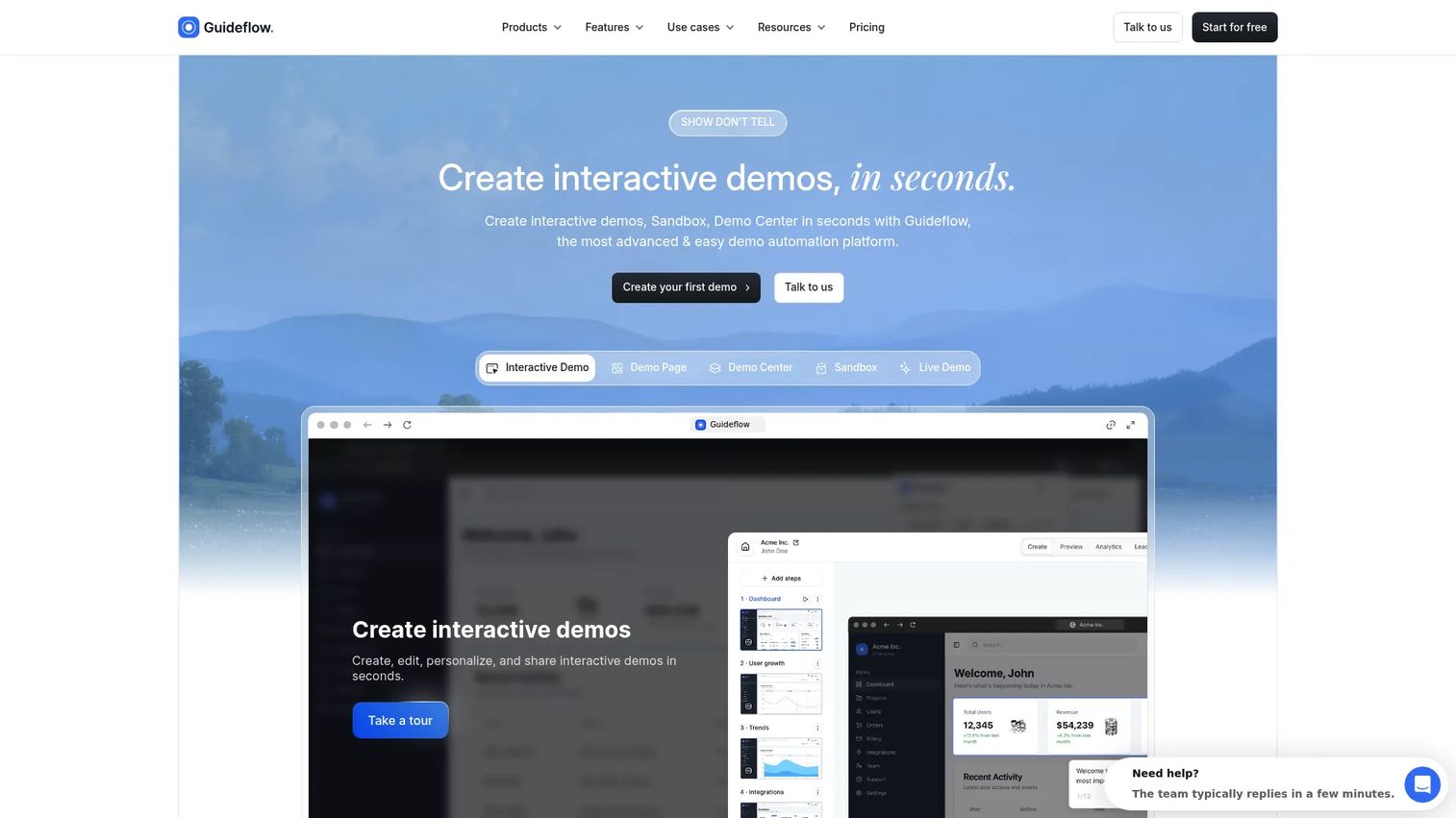
Guideflow turns a live product into an interactive experience that viewers click through at their own pace, instead of a fixed recording they watch passively. You capture your web app or product in a few clicks, and Guideflow builds a guided demo, sandbox, demo center, live demo, or mobile demo from that capture. Teams use it for product onboarding, software training, customer education, feature adoption, and sales or partner enablement.
Best for: Product Marketing Managers training prospects, customers, Sales, partners, or internal teams on workflows that are easier to understand by doing than by watching.
Key features
- Clickable, guided product walkthroughs
- Open-ended exploration through sandboxes
- Branching journeys tied to persona or role
- Personalization for accounts and audiences
- Step-level engagement analytics
Why choose Guideflow: Guideflow excels when the audience needs to understand a product by interacting with it, not just watching someone else use it. It pairs well with recorded video: Use a short clip for context, then hand the viewer an interactive demo to explore the workflow themselves. You can edit, share, and update captures without re-recording, which matters when the product ships weekly. Teams also collaborate on builds and connect engagement data through integrations into their existing CRM and analytics stack.
Guideflow pricing: Guideflow offers a free plan for getting started. Paid plans begin at $40 per month for the Solo tier, with Startup, Advanced, and Enterprise tiers scaling up for larger teams and higher demo volume. Check Guideflow's pricing page directly for current tier details before committing.
Guideflow carries a 5.0 rating on G2.
Start your journey with Guideflow today!
2. iSpring Suite AI
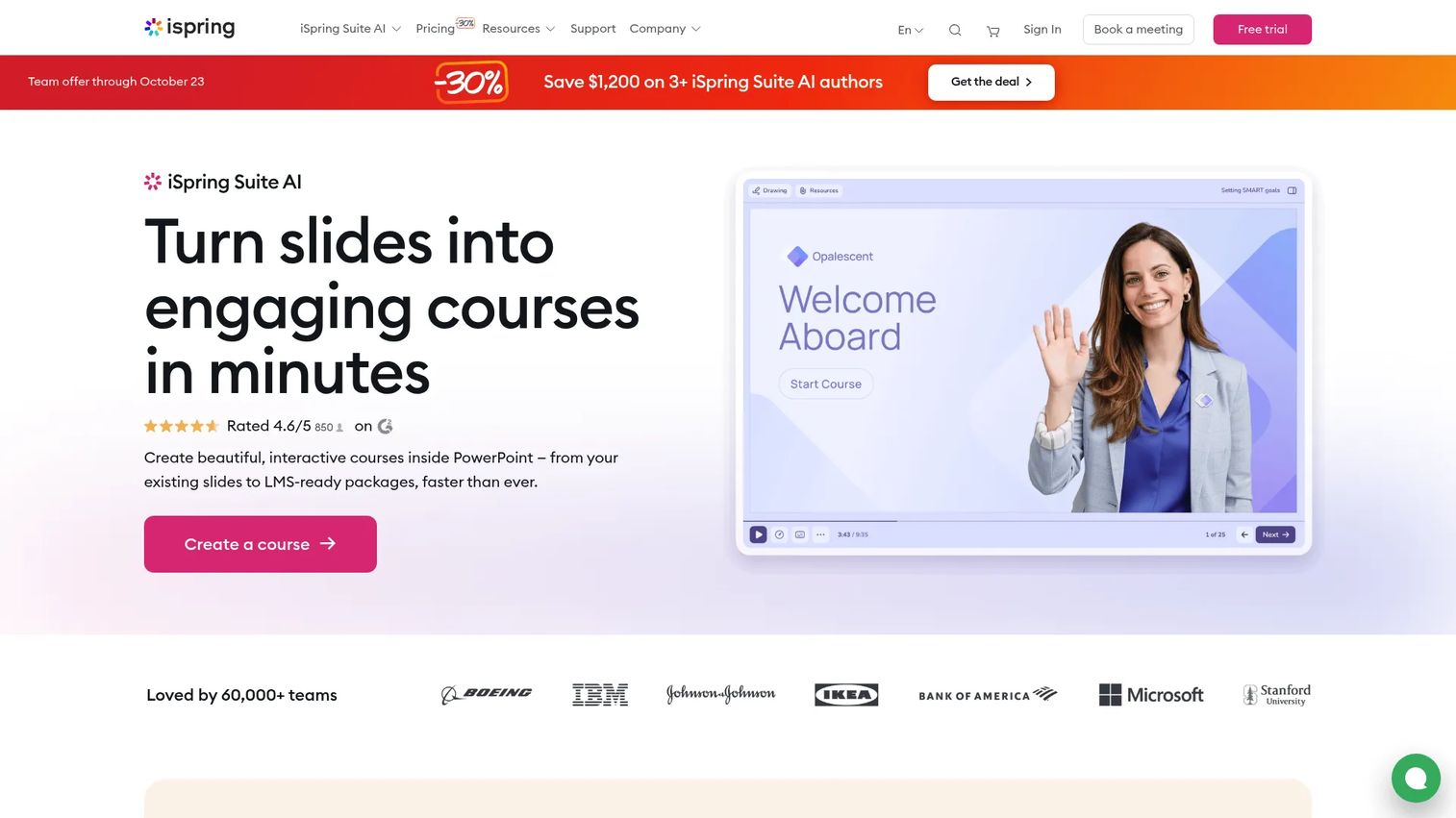
iSpring Suite AI builds courses directly from PowerPoint, adding quizzes, role-plays, screen recording, and AI-generated content on top of a format most training teams already know. It publishes to SCORM, xAPI, cmi5, and HTML5, which makes it a strong fit when training has to live inside a formal LMS rather than as a standalone link.
Best for: Product Marketing Managers building onboarding, enablement, or compliance content that needs LMS delivery and completion tracking.
Key features
- PowerPoint-based course authoring
- AI-generated text, images, and quiz questions
- Text-to-speech voiceovers in 53 languages
- Course translation in 70+ languages
- SCORM, xAPI, and cmi5 publishing
Why choose iSpring Suite AI: It fits teams that need a repeatable bridge between launch content and formal learning, with assessments and LMS distribution built into the authoring flow rather than bolted on afterward.
iSpring Suite AI pricing: iSpring Suite AI is priced at 1,290 EUR per author, per year, with a 14-day free trial to test the authoring workflow. Lower tiers exist too: ISpring Suite runs 970 EUR per author annually, and iSpring Cloud AI starts at 720 EUR per author annually, for teams that need fewer authoring features.
iSpring Suite AI holds a 4.6 rating on G2.
3. Loom
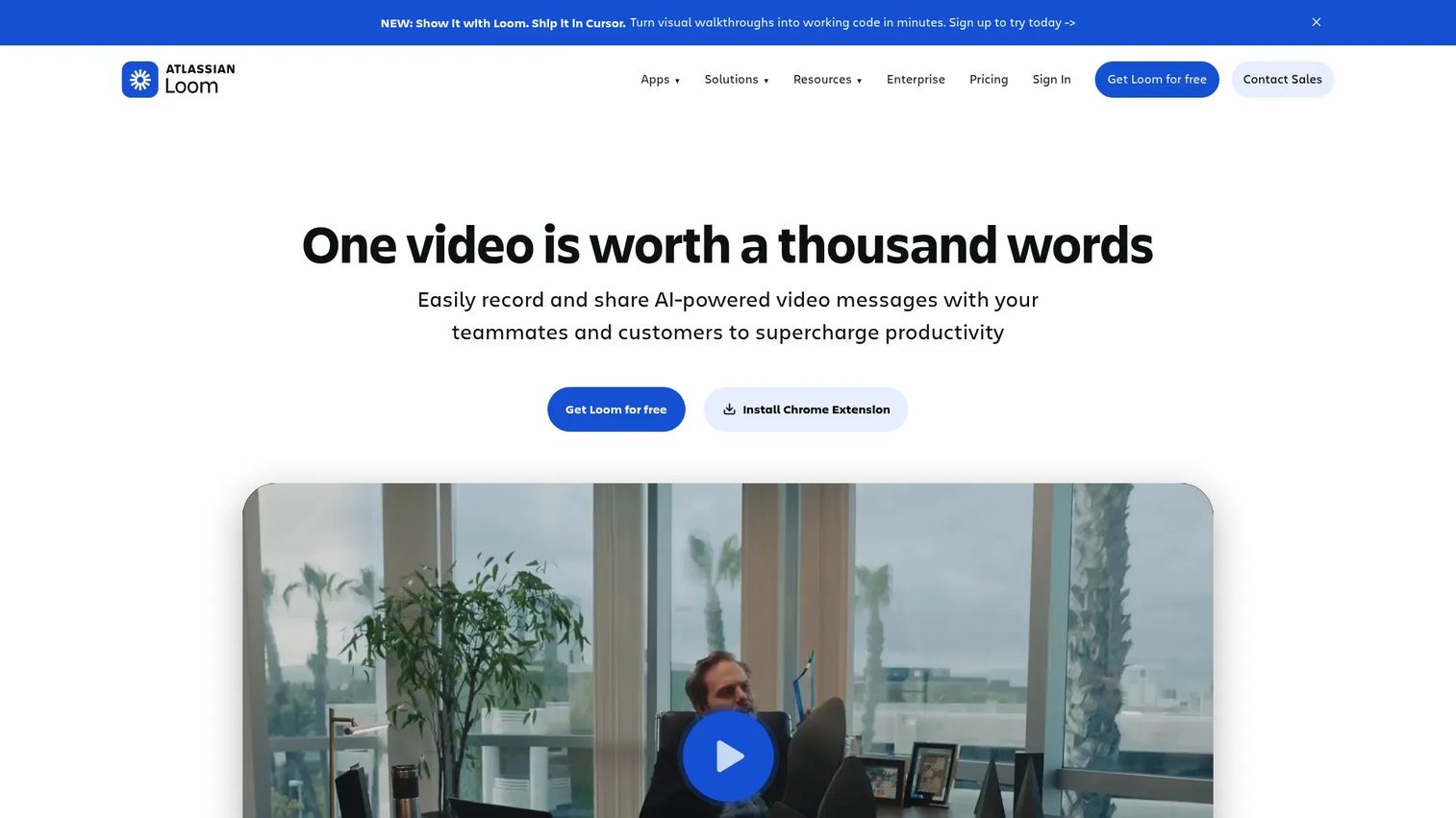
Loom records your screen and camera, then generates a shareable link the moment you stop. Transcripts, comments, and viewer engagement data come standard, which makes it the tool most teams reach for when a training request needs to go out in minutes, not days.
Best for: PMMs recording a product update or quick workflow explanation without building a full course around it.
Key features
- Screen and camera recording
- Instant link-based sharing
- Transcripts and closed captions
- Comments and reactions on video
- Viewer engagement insights
Why choose Loom: Loom works for speed and personal communication. It suits one-off explanations and recurring updates well, though it isn't built for formal course structures with assessments or LMS tracking.
Loom pricing: Loom's Starter plan is free with limited recording capacity. Business runs $18 per user per month and removes those limits, while Business + AI adds AI enhancement and transcription automation for $24 per user per month. Enterprise pricing requires a conversation with Loom's sales team.
Loom sits at 4.7 on G2.
4. Synthesia
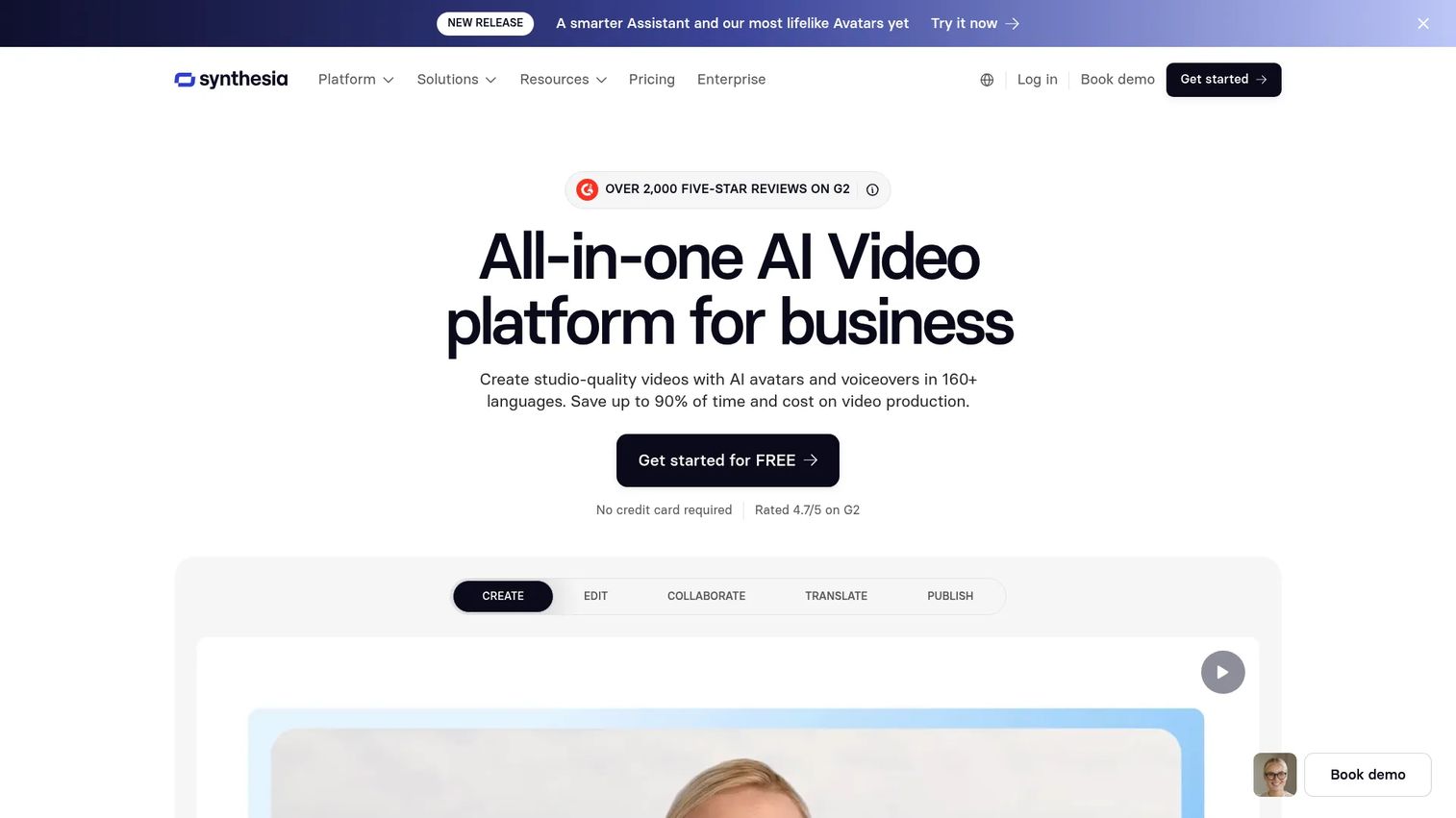
Synthesia generates presenter-led videos from a script, using AI avatars and cloned voices instead of a camera crew. Dubbing and one-click translation make it a practical option for distributed organizations that need the same lesson delivered in multiple languages without re-recording each version.
Best for: PMMs managing multilingual onboarding, compliance training, or customer education programs across regions.
Key features
- AI presenter and personal avatars
- Voice cloning across 160+ languages
- AI dubbing and video translation
- Interactive quizzes and branching
- Brand kits and team collaboration
Why choose Synthesia: Synthesia fits repeatable, presenter-led content where consistency matters more than a personal touch. It's a strong pick when the same training module needs to reach teams in different countries without a full re-shoot.
Synthesia pricing: Synthesia's Basic plan is free. Starter runs $29 per month, and Creator runs $89 per month, both billed monthly with annual discounts available. Enterprise pricing is custom and requires contacting sales.
Synthesia currently holds a 4.6 rating on G2.
5. Camtasia
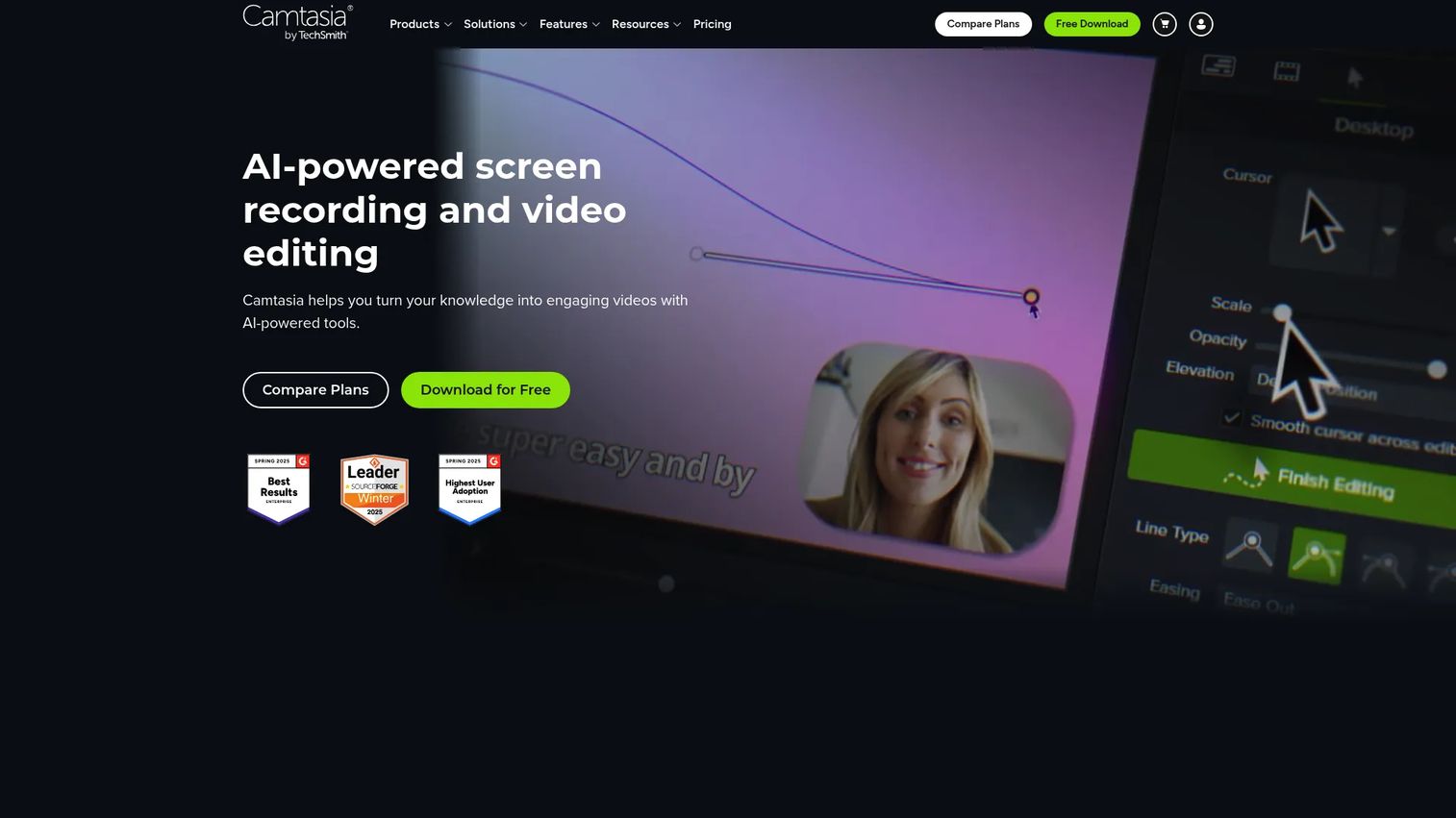
Camtasia combines screen recording with a full editing timeline, giving you cursor effects, callouts, annotations, and audio controls for polishing a tutorial after you've captured it. AI features now handle text-based editing, transcription, and voiceover generation on top of the manual tools.
Best for: Enablement teams producing detailed product walkthroughs and launch tutorials that need visible, precise clicks.
Key features
- Multitrack screen and camera recording
- Cursor effects and callouts
- Timeline-based video editing
- AI voiceover and transcription
- Background removal and translation
Why choose Camtasia: Camtasia trades speed for control. It takes longer to produce a finished tutorial than an instant recorder, but the editing depth gives you a more polished result for training that will be reused for months.
Camtasia pricing: Camtasia's Starter plan runs $39 per year for advanced screen capture. Essentials adds editing for $179.88 per year, Create adds AI video features for $249 per year, and Pro adds scaled production tools for $599 per year.
Camtasia carries a 4.6 rating on G2.
6. LearnWorlds
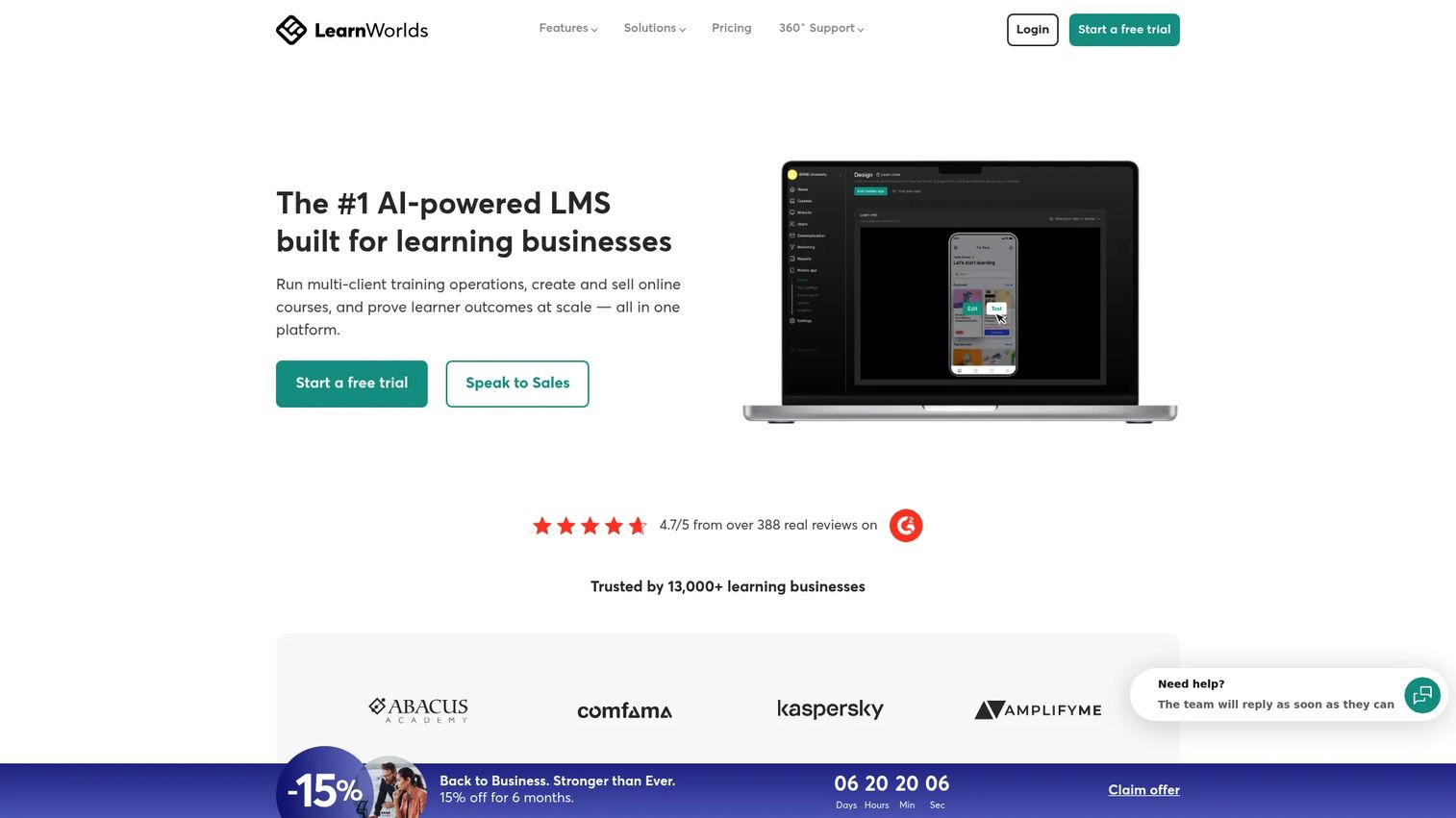
LearnWorlds is a delivery platform first: It hosts video, wraps it in courses, and adds assessments, learner progress, and a branded academy around the content you already produced elsewhere. It's built for packaging training rather than shooting it.
Best for: PMMs packaging product education into customer academies, partner programs, or structured onboarding paths.
Key features
- Branded course creation
- Video hosting and delivery
- Assessments and quizzes
- Learner progress tracking
- SCORM and HTML5 support
Why choose LearnWorlds: It fits programs that need enrollment, structure, and progress tracking beyond a single video link, especially when training becomes a product Sales can point customers toward directly.
LearnWorlds pricing: LearnWorlds Starter runs $24 per month billed annually, plus a $5 fee per paid enrollment. Pro Trainer runs $79 per month with no enrollment fees, Learning Center runs $249 per month, and Corporate pricing is custom.
LearnWorlds holds a 4.7 rating on G2.
7. Vyond
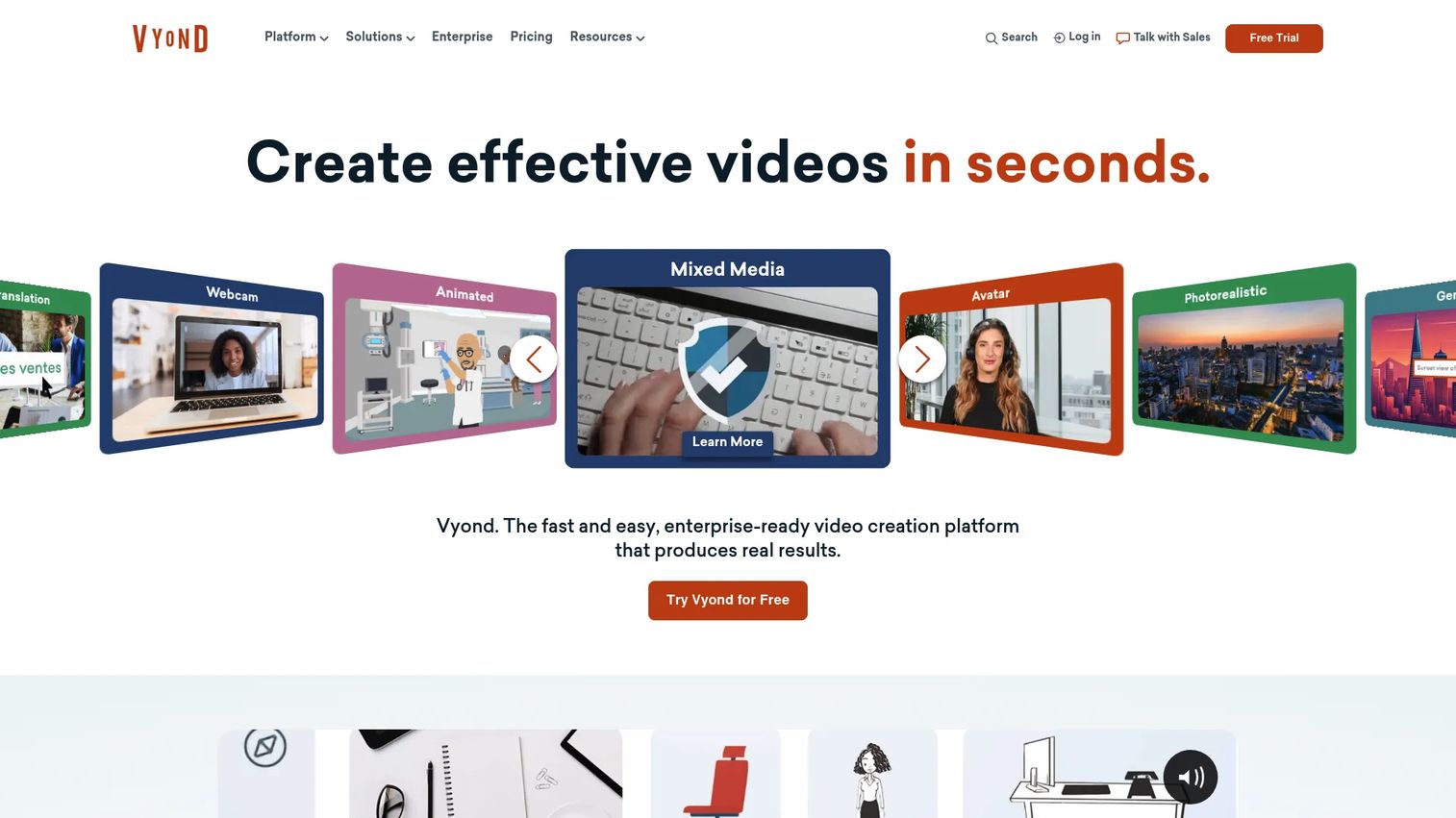
Vyond turns scripts, documents, or URLs into animated or photorealistic video using AI, with a drag-and-drop editor for teams that want more manual control. Animation gives it an edge for training concepts that don't map cleanly to a screen recording.
Best for: PMMs creating visual explainers for compliance scenarios, policy changes, or abstract concepts that resist a straight product demo.
Key features
- AI text-to-video and document-to-video
- Animated and photorealistic styles
- Screen and webcam recording
- Instant translation into 95 languages
- Templates and brand collaboration
Why choose Vyond: Vyond handles the "why" behind a process well, using character-driven scenarios where a screen recording only shows the "how." It's a strong complement to tutorial-style tools rather than a replacement for them.
Vyond pricing: Vyond's Starter plan runs $58 per month billed annually, or $99 per month billed monthly. Professional runs $100 per month annually, Enterprise runs $137 per month annually, and Agency runs $167 per month annually. There's no permanent free tier, but trials are available.
Vyond currently sits at 4.7 on G2.
8. ScreenPal
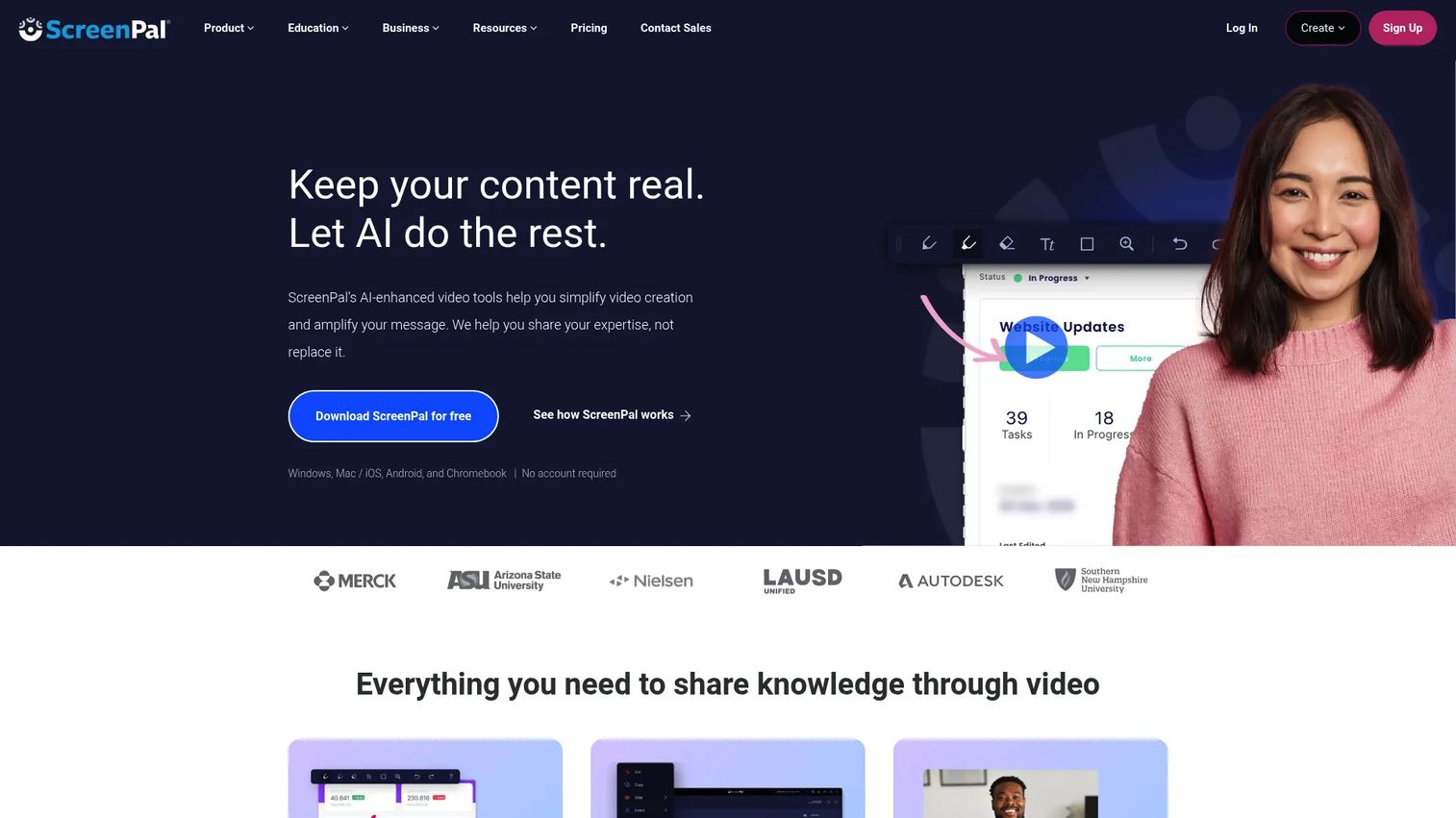
ScreenPal covers screen capture, basic editing, hosting, and sharing in a single lightweight workflow, which makes it a practical starting point for teams that don't need an enterprise platform to get a tutorial published.
Best for: Small PMM or enablement teams creating product tutorials and internal training on a constrained budget.
Key features
- Screen and webcam capture
- Basic video editing
- Interactive quizzes and polls
- Captions and annotations
- Secure hosting and sharing
Why choose ScreenPal: ScreenPal makes sense when the priority is practical production at a low cost. Confirm whether its collaboration and analytics depth meet your governance requirements before scaling it across a team.
ScreenPal pricing: ScreenPal's Free plan supports recordings up to 15 minutes. Solo Deluxe runs $3 per month billed annually, Solo Max runs $7.50 per month billed annually, and Team Business runs $8 per user per month billed annually.
ScreenPal holds a 4.5 rating on G2.
9. Vimeo
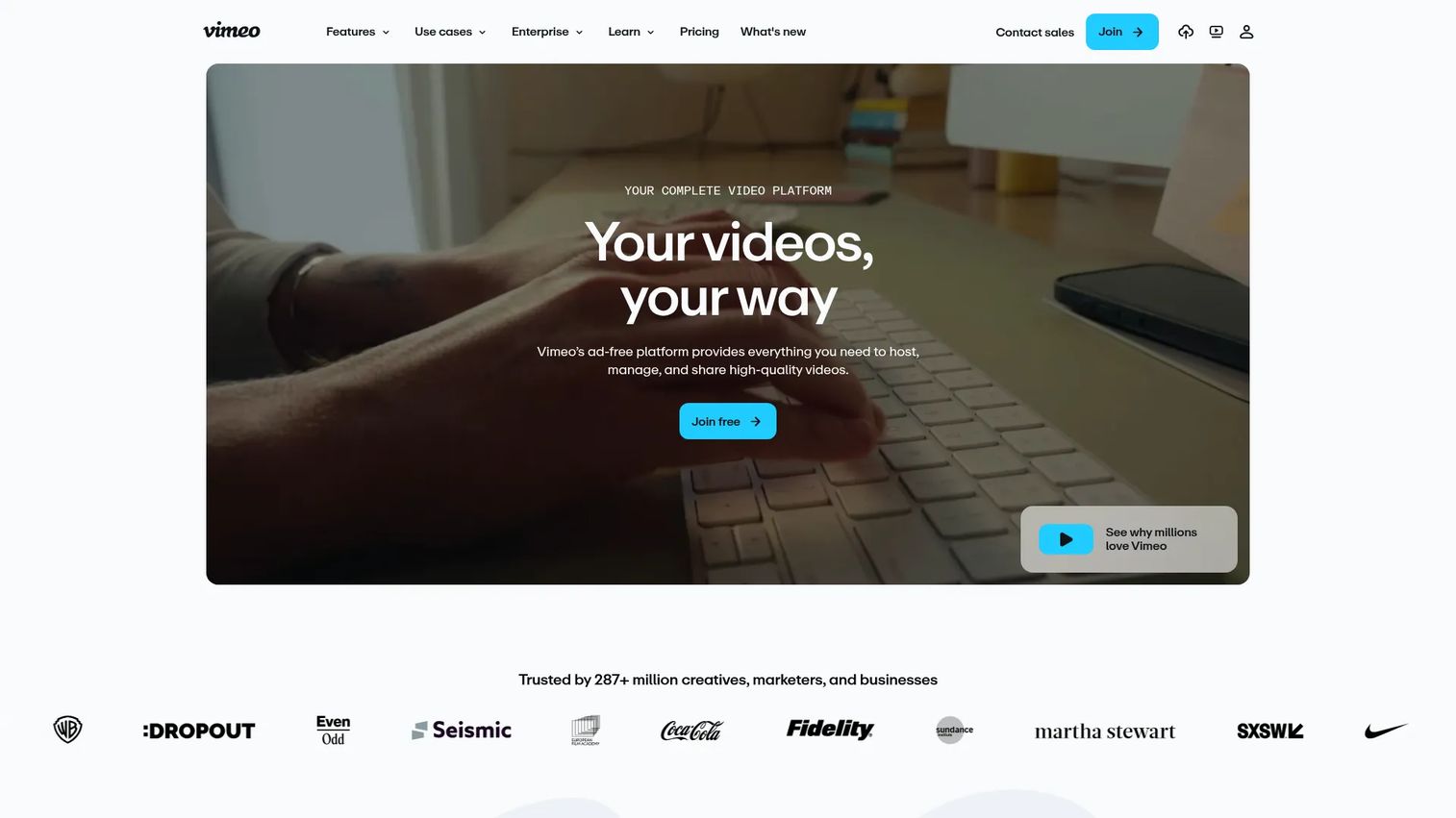
Vimeo hosts and distributes finished video with privacy controls, a branded player, and engagement analytics, which suits teams that already produce training content elsewhere and need a reliable place to put it.
Best for: PMMs managing a growing library of customer education, onboarding, and internal training videos.
Key features
- Branded video hosting
- Privacy and access controls
- Chapters and captions
- Review and collaboration tools
- Viewer analytics
Why choose Vimeo: Vimeo covers the distribution and measurement layer well. It often pairs with a separate creation tool when a team needs stronger hosting and analytics than their video editor provides on its own.
Vimeo pricing: Vimeo's Free plan covers basic hosting. Starter runs $13 per month billed annually, Standard runs $26 per month, and Advanced runs $76 per month. Enterprise pricing requires contacting sales.
Vimeo currently holds a 4.3 rating on G2.
10. VEED.IO
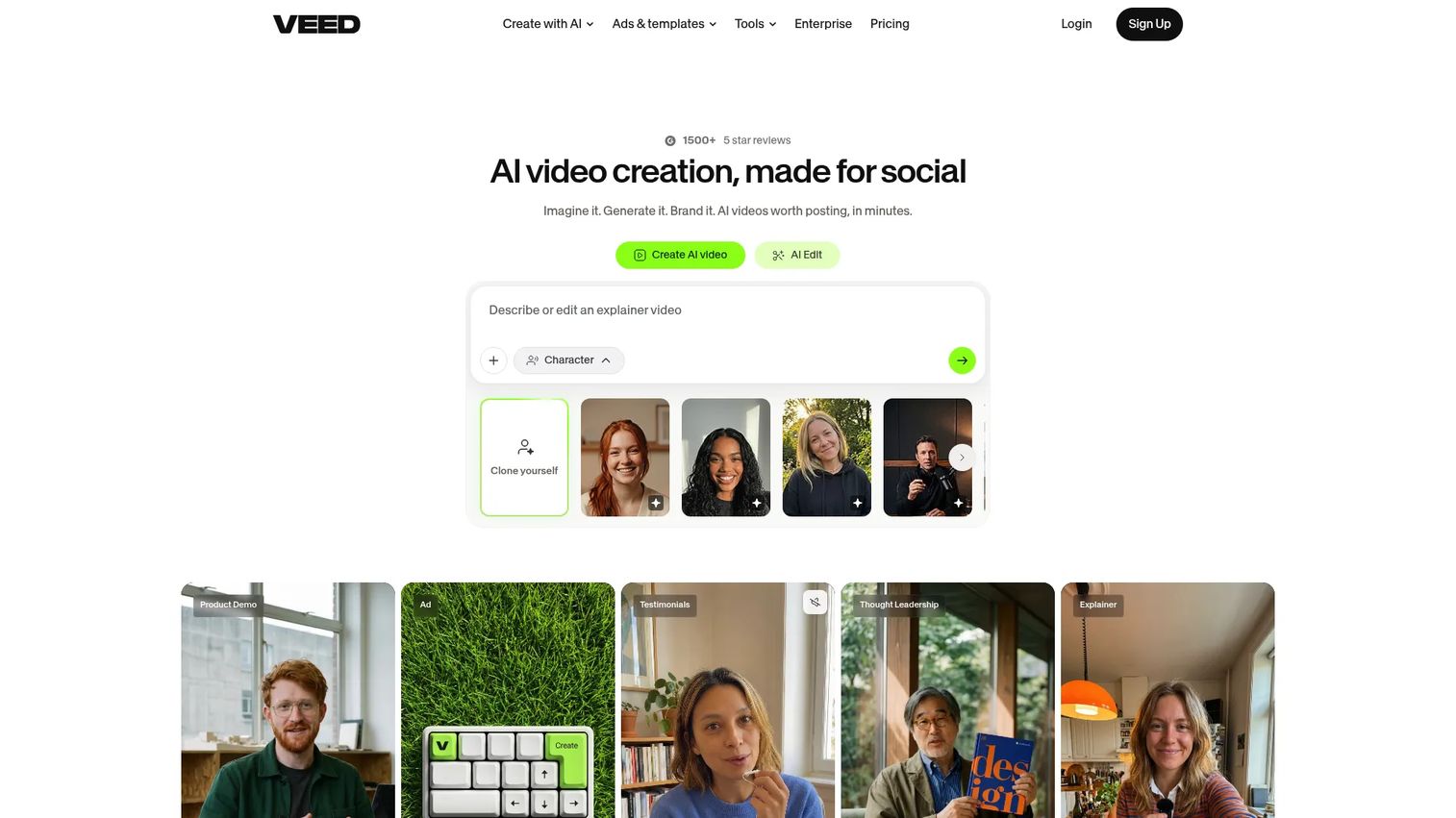
VEED.IO is a browser-based editor with automatic captions, screen recording, and AI voice tools, built for marketers who need to create and revise short training assets without desktop software.
Best for: PMMs who need fast edits, localized variants, and short training clips without a heavy production setup.
Key features
- Browser-based video editing
- Automatic captions and transcription
- Screen recording
- AI voice and text tools
- Reusable templates
Why choose VEED.IO: VEED.IO fits fast, browser-based iteration well. Check its governance and LMS delivery options separately if your training needs formal course tracking rather than a standalone clip.
VEED.IO pricing: VEED.IO's Free plan includes watermarked exports. Paid plans start at $9 per month billed yearly, or $19 per month billed monthly, for watermark-free exports and expanded AI features.
VEED.IO carries a 4.6 rating on G2.
11. PowToon
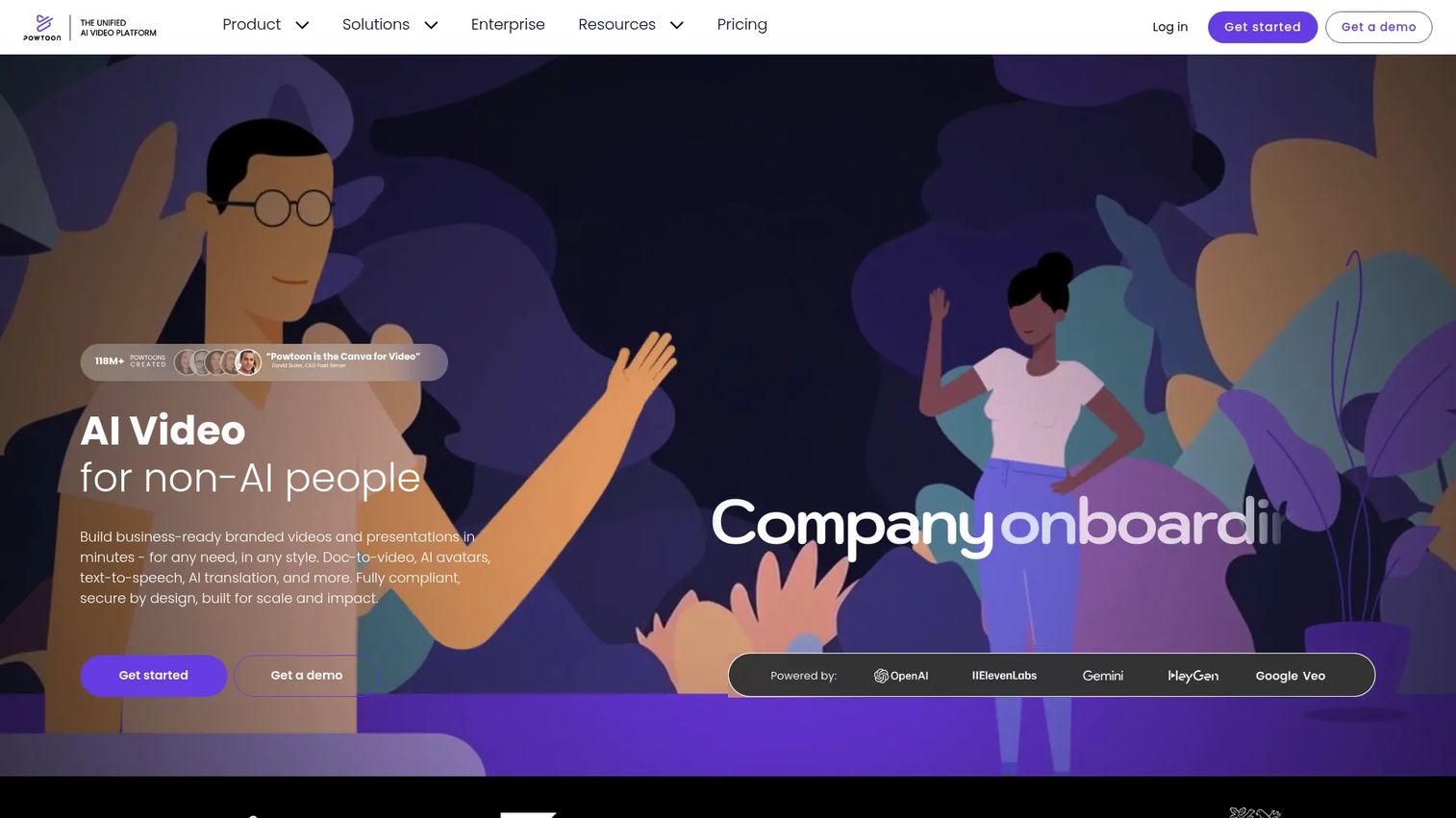
PowToon builds animated videos from templates, characters, and scenes, aimed at teams that want visual storytelling without advanced editing skills. It supports onboarding, policy communication, and conceptual training well.
Best for: PMMs creating approachable visual explainers for nontechnical audiences.
Key features
- Animated training templates
- Characters, props, and scenes
- AI video and voice generation
- Text-to-speech and dubbing
- Presentation-style exports
Why choose PowToon: PowToon suits process context and conceptual education. Screen recording or an interactive demo will usually explain a complex software workflow more directly than animation alone.
PowToon pricing: PowToon's Free plan is available with limited exports. Lite runs $15 per month billed annually, Professional runs $40 per month, and Advanced runs $125 per month, each billed yearly.
PowToon holds a 4.4 rating on G2.
12. OBS Studio
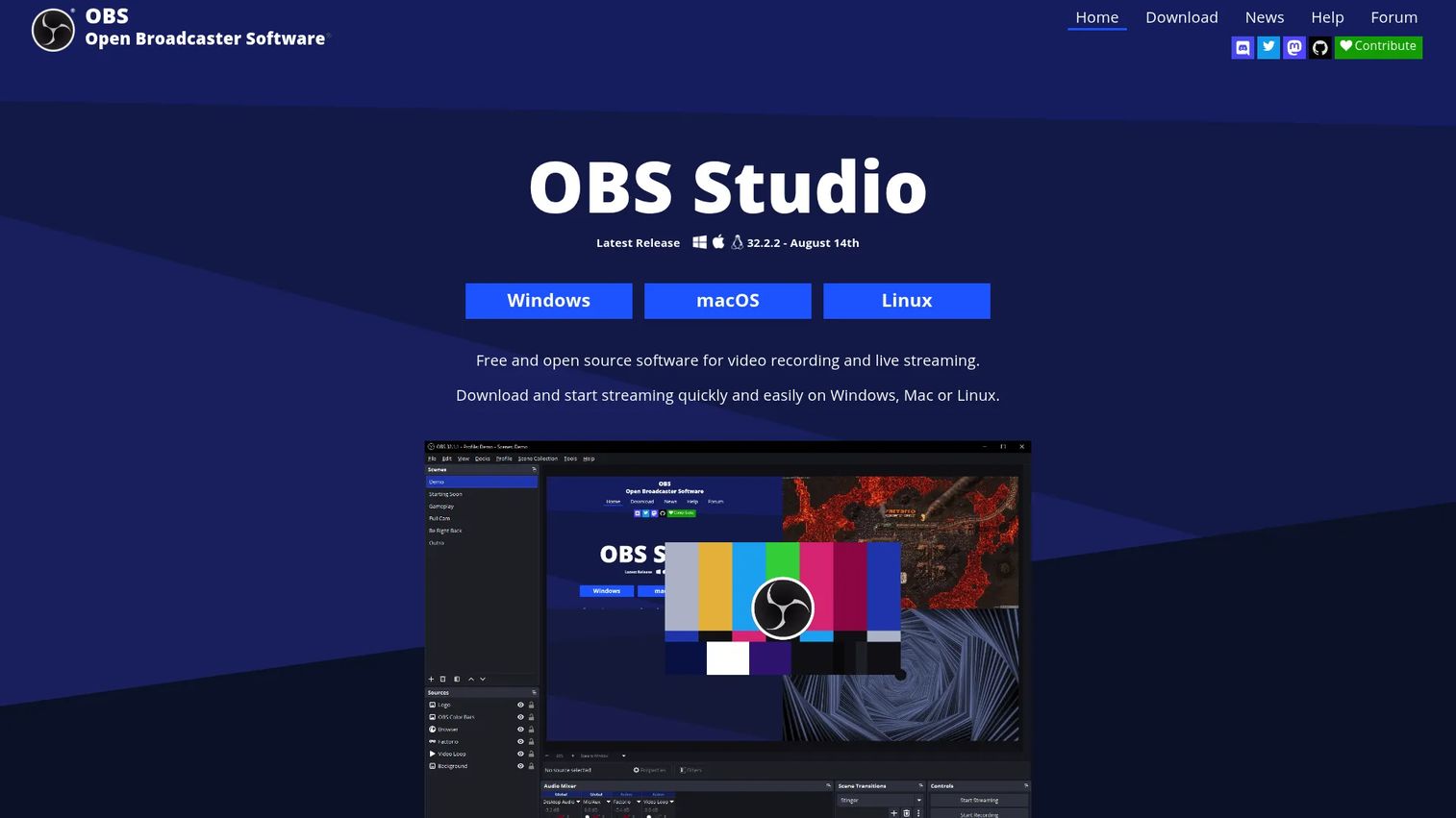
OBS Studio is free, open-source recording and streaming software with scenes, multiple sources, and an audio mixer built for anyone comfortable configuring their own production setup.
Best for: Technical PMMs or enablement teams with the skills to build a custom recording workflow without a commercial license.
Key features
- Multi-source scenes
- Screen and camera capture
- Audio mixing with VST plugins
- Custom transitions and hotkeys
- Scripting and plugin support
Why choose OBS Studio: OBS Studio prioritizes control and cost over a guided setup. It asks more of you upfront than a commercial recorder, but it removes licensing cost entirely.
OBS Studio pricing: OBS Studio is free, with no paid tiers. It runs on Windows, macOS, and Linux, with no license fee attached to any feature.
OBS Studio holds a 4.6 rating on G2.
13. Zight
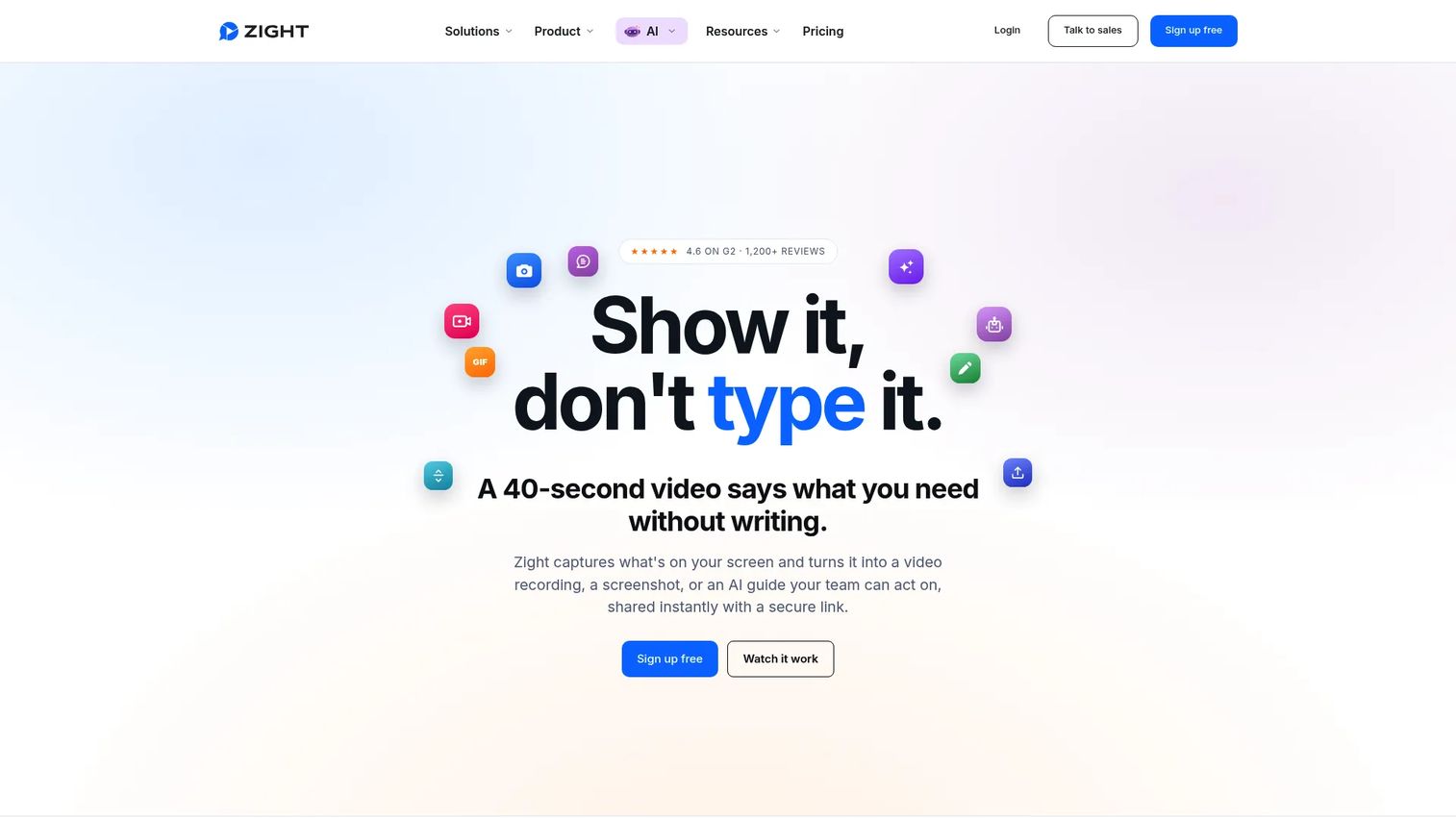
Zight captures screens, GIFs, and short clips, then uses AI to generate transcripts, chapters, and step-by-step written guides from the recording. It's built for fast, focused training moments rather than long courses.
Best for: PMMs who need to explain a small workflow without producing a full course around it.
Key features
- Screen and webcam capture
- GIF creation and annotations
- Voice narration
- AI transcription and summaries
- Shareable links and analytics
Why choose Zight: Zight fits microlearning and internal communication better than structured LMS programs. It works well for the "quick answer" training request that doesn't justify a full production cycle.
Zight pricing: Zight's Share plan is free. Create runs $9.95 per month billed annually, Collaborate runs $12 per month billed annually, and Scale uses custom pricing through Zight's sales team.
Zight carries a 4.6 rating on G2.
14. Wondershare DemoCreator
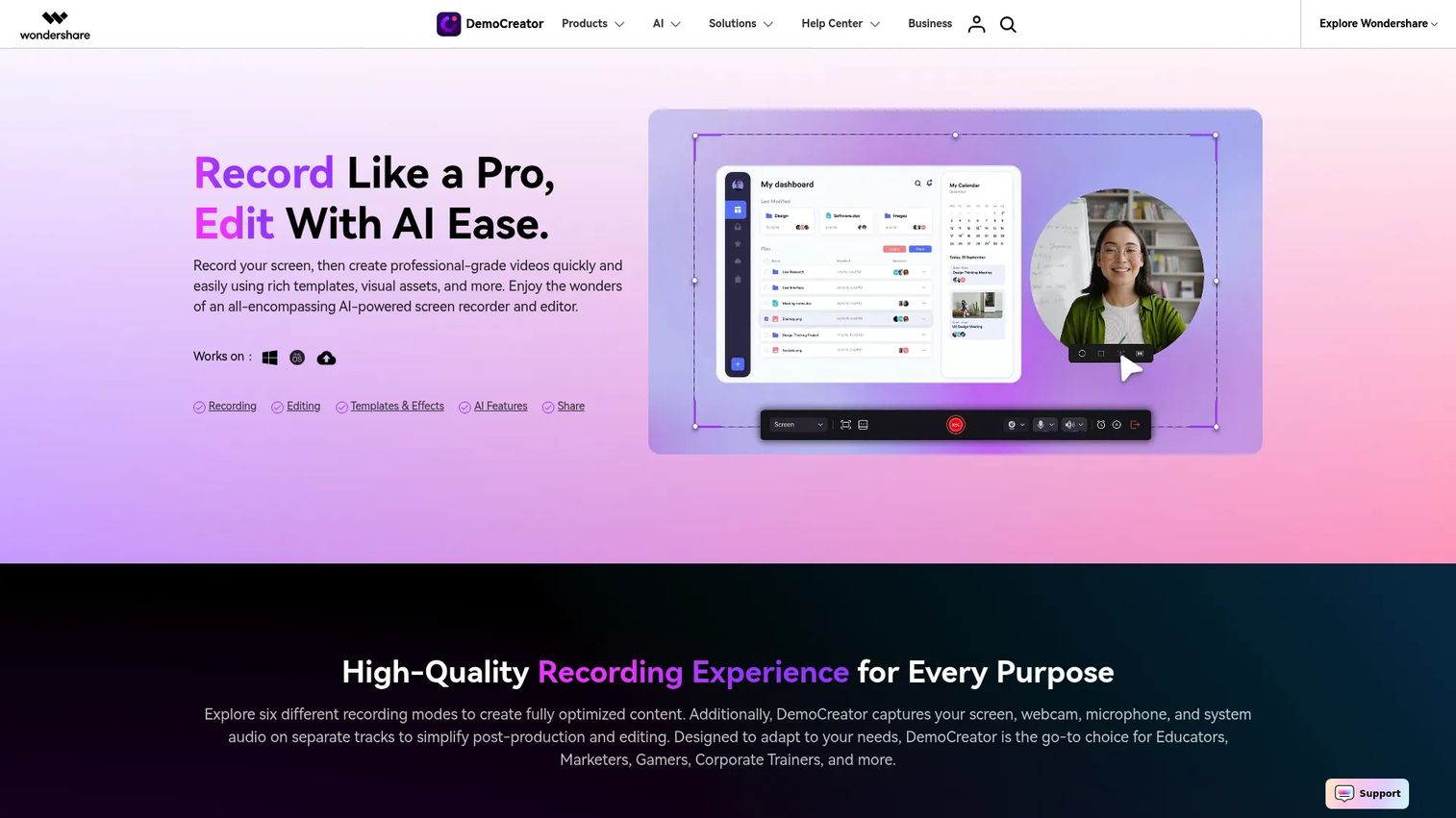
Wondershare DemoCreator records screen and webcam footage, then adds cursor effects, annotations, and AI editing tools for a more polished tutorial than a basic recorder produces on its own.
Best for: PMMs creating detailed tutorials and narrated software walkthroughs that need more production control than a free recorder offers.
Key features
- Screen, webcam, and audio recording
- Cursor effects and callouts
- Multi-track video editing
- AI subtitles and voice tools
- Multiple export formats
Why choose Wondershare DemoCreator: It gives more production control than a basic recorder, though polished tutorials built here may still need a separate hosting or LMS layer for distribution and tracking.
Wondershare DemoCreator pricing: A free trial is available with limited exports. The Cross-Platform Monthly plan runs $15 per month, Quarterly runs $29.99 per quarter, Yearly runs $59.99 per year, and a Perpetual license runs $79.99 as a one-time payment.
Wondershare DemoCreator holds a 4.6 rating on G2.
Considerations
Match the tool to the training job
Decide whether the output is a recorded explanation, a formal course, an AI-presenter video, an animated explainer, or an interactive product experience. A tool that excels at one format is often unnecessary weight for another.
Check how often the product changes
Teams supporting frequent releases need update-friendly workflows. Confirm whether you can edit scripts, replace scenes, or recapture screens without rebuilding the entire asset from scratch.
Confirm delivery requirements
Check whether training needs to live in an LMS, support SCORM, or track learner progress. A polished video file doesn't provide course tracking on its own; that layer comes from a separate platform.
Evaluate analytics that match the outcome
Completion may be enough for awareness content. For enablement, review repeat views and drop-off by chapter. For product adoption, interactive steps and feature exploration provide a stronger signal than a play count.
Plan governance and collaboration
Check permissions, version ownership, and access settings before rolling a tool out to a full team. Training content becomes hard to maintain once nobody owns the source file.
Conclusion
Fourteen tools, six real jobs. iSpring Suite AI and LearnWorlds handle structured, LMS-ready courses. Loom, ScreenPal, Zight, and OBS Studio cover fast or free recording. Synthesia leads on AI avatars and localization, Camtasia and Wondershare DemoCreator on detailed tutorial production, Vyond and PowToon on animation, and Vimeo and VEED.IO on hosting and browser editing. Guideflow owns the interactive layer: Letting learners click through a real workflow instead of watching one.
The right tool is the one that keeps product education aligned with the product itself. If the product changes weekly, maintenance speed matters more than polish. If Sales needs a new asset tomorrow, a recorder beats a course platform. If customers need to practice a process, interaction beats a video every time.
Start with one workflow: Pick a launch or recurring enablement request, build one short asset, publish it where the audience already works, and measure completion and follow-up behavior before deciding what the next asset needs.
Start your journey with Guideflow today!
FAQs
It depends on the training job. iSpring Suite AI fits LMS-ready courses, Camtasia fits detailed software tutorials, Synthesia fits AI avatar production at scale, and Guideflow fits interactive software training where learners need to practice a workflow rather than watch one.
OBS Studio is free with no paid tier, making it the strongest option for teams with the technical skill to configure it. Loom and ScreenPal both offer free entry plans with recording limits, so check current caps before relying on them for ongoing production.
SCORM support typically comes from course authoring tools and LMS platforms rather than basic recorders. iSpring Suite AI and LearnWorlds both publish to SCORM, and Synthesia offers SCORM export for its AI-generated videos. Confirm current xAPI or cmi5 support directly with each vendor before committing.
Camtasia, Loom, Wondershare DemoCreator, and Guideflow all address software training, but differently. Screen recorders like Camtasia and Wondershare DemoCreator fit fixed demonstrations well, while Guideflow's interactive demos fit situations where the learner should click through the workflow themselves.
Yes. Synthesia, iSpring Suite AI, Vyond, and VEED.IO can all generate scripts, avatars, voiceovers, and translated variants from a single source. Human review still matters, especially for product terminology, compliance language, and process accuracy, since AI-generated narration can drift from your actual product.
Define the learning outcome first, then break the process into short modules rather than one long recording. Choose recording, AI generation, animation, or interactive delivery based on the workflow, add captions for accessibility, publish through the channel your audience already uses, and track completion and follow-up questions to see what's actually landing.
They serve different moments rather than competing directly. Video works well for narration, context, and fixed explanations that don't require the viewer to act. Interactive demos work best when the learner needs to explore a workflow, follow a guided path at their own pace, or practice a process before doing it live.
Evaluate the creation workflow, editing control, and accessibility features first, then check AI and localization support, LMS delivery, and analytics depth. Maintenance effort matters as much as any single feature: A tool that's hard to update after a product release will slow your team down every time something ships.