You booked twelve trial lessons this month. Four families showed up. Two paid on time. The rest are somewhere in your inbox, a text thread, and a paper sign-up sheet you keep meaning to digitize.
That is the real cost of running a studio on spreadsheets and disconnected booking tools. Scheduling lives in one place, invoices in another, reminders nowhere, and parents keep emailing you the same three questions. Every missed reminder is a no-show. Every no-show is revenue you already staffed for and will not recover.
The category exists to fix that. The global music school software market was estimated at $2.75 billion in 2024 and is projected to reach $5.4 billion by 2032 at a CAGR of 8.82%, according to WiseGuy Reports (2024). Management-focused music school software makes up roughly $1.2 billion of that total and is projected to double by 2032. Studios are moving off manual admin because manual admin stops scaling the moment you add a second teacher.
The operational question is the same one a founder asks about any recurring-revenue workflow: how do you collect payments, reduce no-shows, and give families self-service without adding more work for yourself? The tools below answer that in different ways. Some lead with lesson scheduling and calendar management, some with billing automation, some with booking flexibility. If you also run buyer-facing evaluation flows, the way these teams handle self-serve echoes patterns you will recognize from event management software and loyalty management software.
What's inside
This guide compares 8 real music school software tools that studio owners and administrators actually use in 2026. We selected them on the criteria that matter for daily operations: lesson scheduling and calendar management, student and family management, billing and invoicing, reminders and attendance tracking, online booking, integrations, and verifiable trust signals like G2 ratings.
The list spans three studio profiles: solo teachers who need simple admin, multi-teacher studios that need calendar sync and permissions, and larger schools that need enrollment and broader operations. Each entry includes verified pricing where public, a G2 rating where available, honest fit notes, and who it serves best. No generic "all-in-one" claims without specifics.
TL;DR
- Best all-around studio admin platform: My Music Staff bundles scheduling, attendance, billing, a website builder, and a student portal for private teachers and studios.
- Best for billing and payment automation: Fons centers on automatic payments, streamlined scheduling, and recurring collection so revenue stops leaking.
- Best for multi-service education businesses: Teachworks handles one-on-one, group lessons, and courses with billing, payroll, and integrations.
- Best for booking-first workflows: Bookeo runs configurable online booking across appointments, classes, and courses with waitlists and recurring bookings.
- Best for enrollment-heavy schools: Enrollsy pairs online enrollment forms with billing, payment plans, and back-office workflows.
- Best free entry point: Omnify offers a free plan plus paid tiers covering bookings, payments, memberships, and front-desk operations.
What music school software is
Music school software is a management platform that helps music studios and schools handle lesson scheduling, student and family records, billing and payments, attendance, and communication in one system instead of scattered spreadsheets and email threads.
At its core, music studio management software replaces the manual admin layer that grows unmanageable as a studio adds students and teachers. It is the operating system for a recurring-lesson business: bookings come in, lessons get scheduled, invoices go out, reminders reduce no-shows, and families self-serve without emailing the owner for every change.
Core capabilities to know
- Scheduling and calendar management: Recurring lessons, reschedules, teacher calendars, and calendar sync across Google or Outlook.
- Student and family portals: Student profiles, lesson history, practice logs, and a family-facing portal for slots, payments, and policies.
- Billing, invoicing, and payment collection: Automated invoices, autopay, late fees, and integrated payment processors.
- Reminders and attendance tracking: Automated lesson reminders and attendance records that cut no-shows and manual follow-up.
- Online booking and trial lesson automation: Public booking pages, lead capture, and trial lesson workflows that convert inquiries.
- Integrations: Calendar sync, payment gateways, and connections to email and communication tools.
- Reviews and trust signals: Ratings and testimonials on review sites that help you shortlist with confidence.
Why the category matters now
Manual administration breaks down predictably. One teacher and ten students fits in a spreadsheet. Add a second teacher, group classes, and forty families, and the admin load compounds faster than the revenue. Online delivery already represents 42.3% of global music training education revenue in 2025, up from 26% in 2019, per Dataintelo (2025), which means more studios manage remote lessons, digital payments, and self-service parents than ever before.
The payoff is concrete: fewer no-shows through automated reminders, more predictable recurring revenue through autopay, and hours back each week because families book, pay, and reschedule themselves. That is the difference between a studio that scales past the owner and one that stays capped by the owner's inbox.
When to use music school software
If lesson scheduling is taking too much time
Generic booking tools break the moment lessons recur weekly and teachers each keep their own calendar. Music school scheduling software handles recurring slots, reschedules, make-up lessons, and calendar sync so a single change does not cascade into ten manual emails. If you spend more than an hour a week untangling the calendar, you have outgrown spreadsheets.
If parents keep asking for self-service
When families email you to check lesson times, make payments, or read your cancellation policy, a student portal becomes essential. A good family portal exposes upcoming slots, invoices, payment history, lesson notes, and policies in one place. That shifts routine questions off your plate and gives parents the self-service they already expect from every other service they use.
If billing and reminders are leaking revenue
Late invoices, forgotten payments, and no-shows are pure margin loss. Music lesson software with billing and invoicing automation sends invoices on a schedule, charges autopay, applies late fees, and fires attendance reminders before each lesson. The result is fewer no-shows, fewer manual follow-ups, and recurring revenue you can actually forecast. This is the same self-serve, signal-rich pattern that makes contract management software and marketing resource management software valuable in adjacent operations.
Comparison table
Here is how the 8 tools compare on intent, differentiation, pricing, and G2 rating. Pricing reflects each vendor's public pricing page as of mid-2026. Sorted by relevance to a general music studio, not alphabetically.
| # | Product | Intent | Key differentiation | Pricing | G2 rating |
|---|---|---|---|---|---|
| 1 | My Music Staff | All-in-one studio admin | Scheduling, billing, website builder, student portal | From $14.95/mo | Not listed |
| 2 | Teachworks | Education business management | One-on-one, group, and course billing with payroll | From $16.49/mo | 4.7/5 |
| 3 | Music Teacher's Helper | Solo teacher admin | Invoicing, attendance, student/parent portal | Tiered by student count | 4.4/5 |
| 4 | Fons | Billing and payment automation | Automatic payments and streamlined scheduling | From $19.95/mo | Not listed |
| 5 | Bookeo | Booking-first scheduling | Configurable booking across appointments and classes | From $14.95/mo | 3.8/5 |
| 6 | Enrollsy | Enrollment and back office | Online enrollment plus billing and payment plans | From $159/mo | 4.7/5 |
| 7 | Omnify | Class and service operations | Bookings, payments, memberships, front desk | Free plan; paid from $99/mo | 4.4/5 |
| 8 | Studio Pro | Studio management | Class scheduling, tuition, parent portal app | From $49/mo | 4.1/5 |
1. My Music Staff
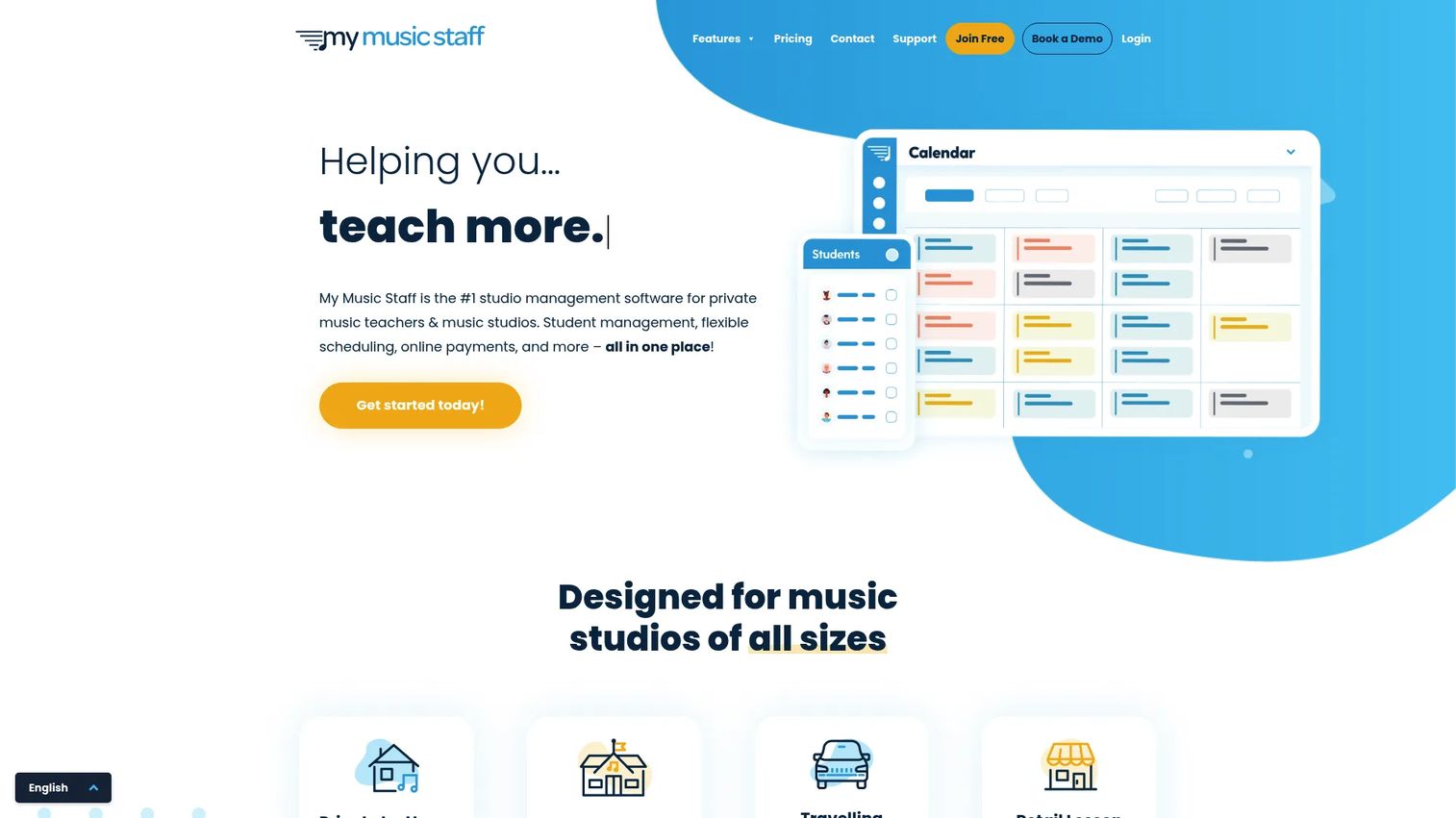
My Music Staff is all-in-one studio management software built specifically for private music teachers and music studios. It pulls scheduling, attendance, invoicing, student management, a website builder, and a student portal into one system, so the admin layer of a growing studio lives in a single place instead of spread across tools. For owners tired of stitching a calendar to a payment app to an email list, it is the broadest single-platform option on this list.
The website builder and student portal are what set it apart from pure scheduling tools. Families get a self-service portal for slots, invoices, and communication, and studios get a public web presence with trial lesson capture built in. That combination handles both the front door of the studio and the back office.
Best for: Private music teachers and multi-teacher studios that want scheduling, billing, and student management in one broad admin layer.
Key strengths
- Unified admin: Scheduling, attendance, and student management run from one dashboard, cutting tool-switching.
- Billing and payments: Automated invoices and payment collection keep recurring revenue on schedule.
- Website and portal: A studio website plus a family-facing student portal support online booking and self-service.
Why choose My Music Staff: If your priority is consolidating scattered admin into a single platform rather than solving one narrow problem, My Music Staff covers the widest surface area here. It suits owners who want scheduling, billing, a portal, and a website without buying four separate tools.
My Music Staff pricing: The Basic plan starts at $14.95 per month, with $4.95 per month for each additional teacher or staff member, per the vendor's pricing page. A 30-day free trial is available. There is no permanently free tier.
2. Teachworks
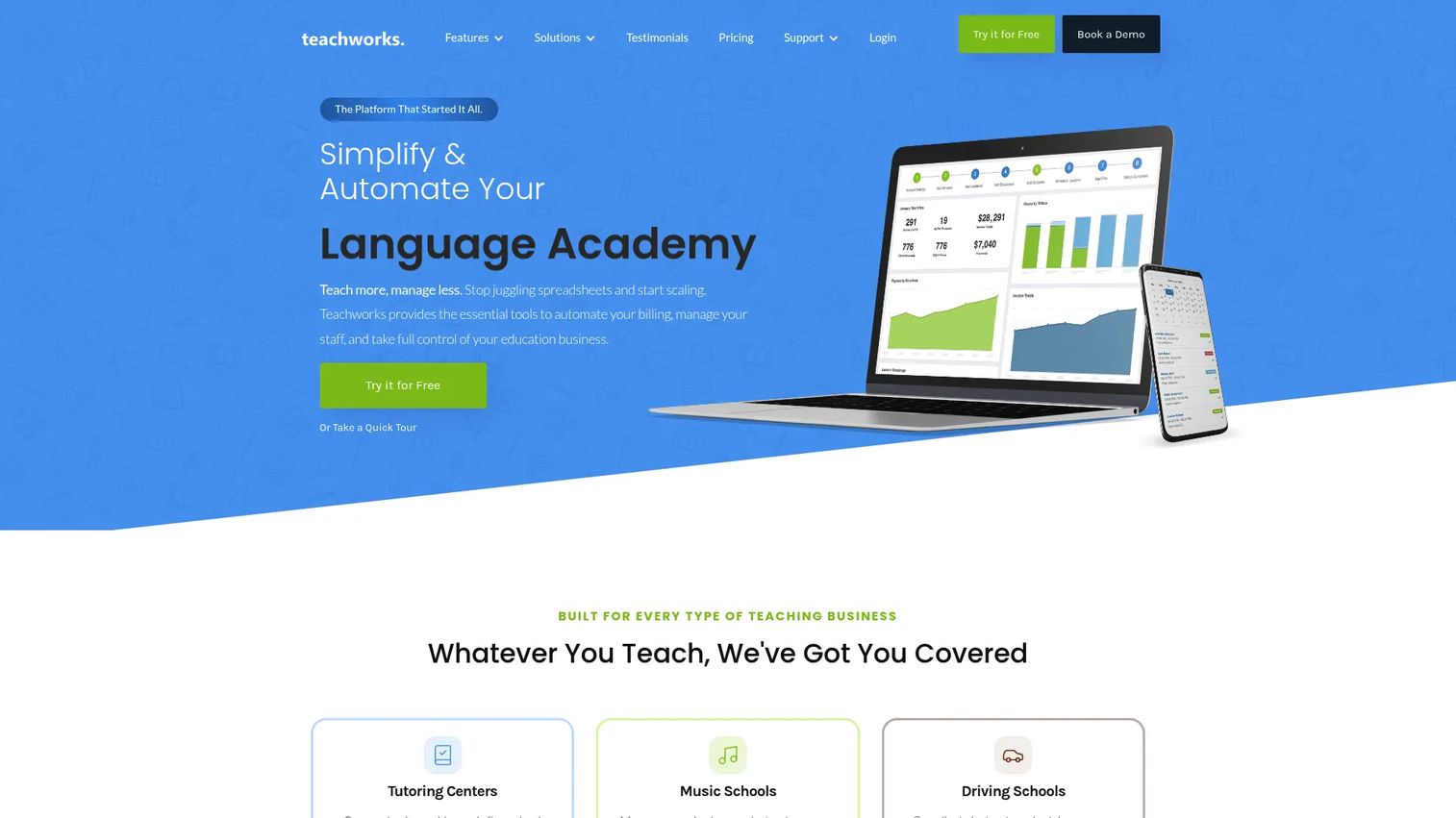
Teachworks is education business management software that handles scheduling for one-on-one lessons, group lessons, and courses. Built for tutoring centers and teaching organizations, it brings scheduling and calendar management, billing, invoicing, payroll, online payments, communication, and integrations into one system. For a music school that also runs classes and courses, that breadth covers more lesson formats than a single-lesson tool.
Its strength is operational depth for multi-teacher operations. Payroll for staff, per-lesson billing logic, and a wide integration set make it a fit for studios that treat teaching as a real business with multiple teachers and payment models, not just a calendar.
Best for: Multi-teacher studios and schools that run one-on-one, group, and course formats and need billing, payroll, and integrations together.
Key strengths
- Flexible lesson types: Handles one-on-one, group lessons, and courses in one scheduling system.
- Billing and payroll: Invoicing, online payments, and staff payroll live alongside scheduling.
- Integrations: Connects to calendars, payment tools, and communication platforms.
Why choose Teachworks: It fits studios that want automation and add-ons rather than a fixed feature set. The per-lesson pricing model rewards smaller schedules and scales with usage, which suits growing operations that want to pay in proportion to activity.
Teachworks pricing: The Starter plan is $16.49 per month plus $0.320 per student lesson. Growth is $47.99 per month plus $0.189 per student lesson, and Premium is $187.99 per month plus $0.065 per student lesson, per the vendor's pricing page. A 21-day free trial is available with no contracts.
3. Music Teacher's Helper
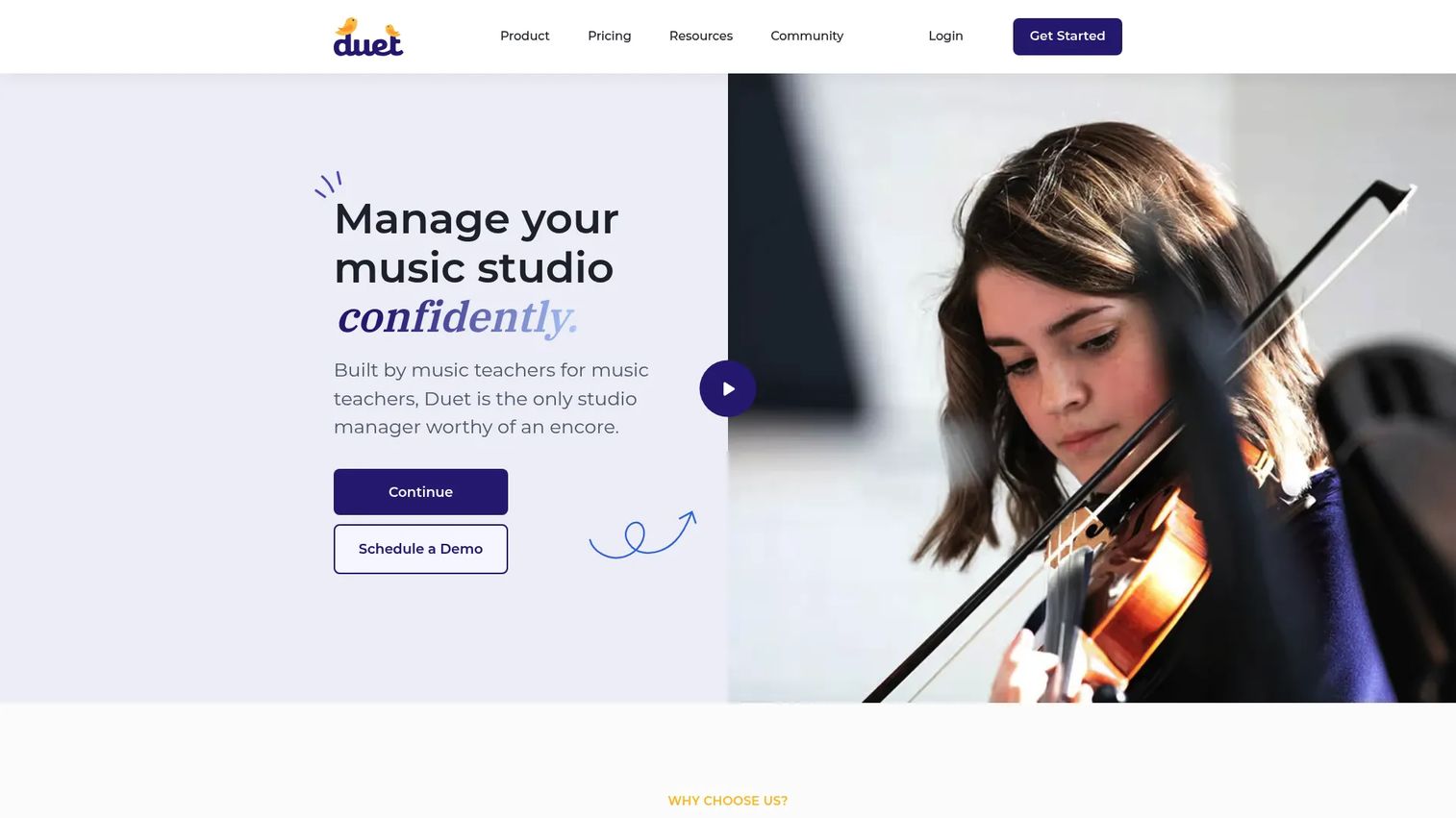
Music Teacher's Helper, now branded as Duet, is studio management software for private music teachers covering scheduling, invoicing, lessons, and student communication. It bundles automatic invoicing and billing, a lesson calendar with reminders and attendance tracking, and a student and parent portal with lesson notes and practice logs. For independent teachers who want straightforward all-in-one admin, it keeps the essentials in one tool without a steep setup.
The practice log and parent portal make it especially practical for teachers who care about the family-facing side of lessons. Parents see notes, track practice, and handle payments in the portal, which keeps routine communication off the teacher's phone.
Best for: Solo teachers and small studios that want scheduling, billing, and parent communication in one simple system.
Key strengths
- Scheduling and attendance: A lesson calendar with reminders and attendance tracking reduces no-shows.
- Automatic invoicing: Recurring billing and payment collection run without manual chasing.
- Student and parent portal: Lesson notes, practice logs, and a family portal support self-service.
Why choose Music Teacher's Helper: It is a strong pick for a solo teacher or small team that wants proven, focused admin rather than a broad operations suite. The tiered structure scales by student count, so pricing tracks the size of the studio.
Music Teacher's Helper pricing: The pricing page lists four tiers by student count, Basic (1 to 20), Plus (21 to 40), Premium (41 to 100), and Unlimited (101+), with a 14-day free trial. Specific plan prices are not publicly displayed on the captured pricing page, so confirm current rates directly with the vendor before committing.
4. Fons
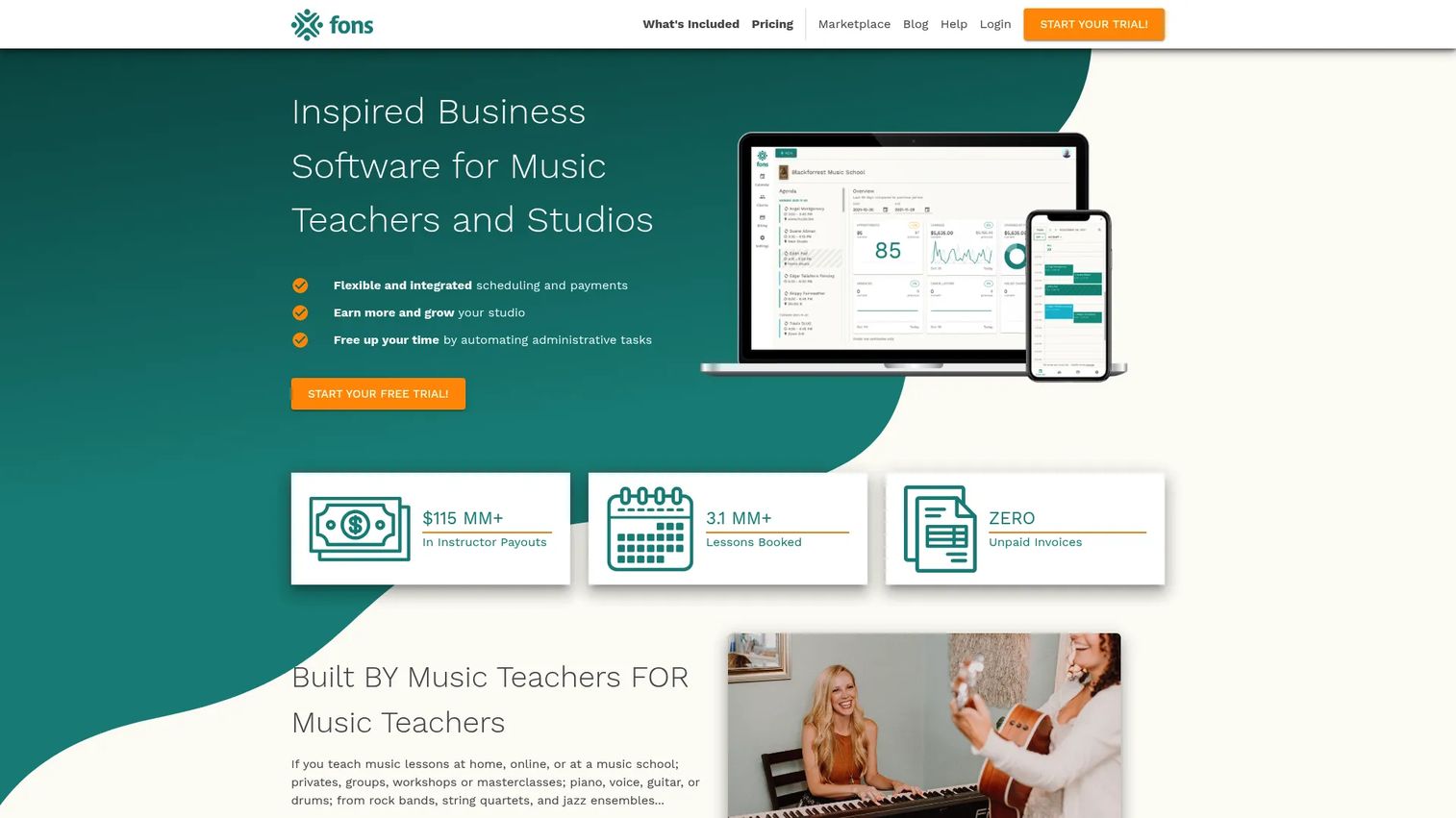
Fons is music studio management software built around billing automation and streamlined scheduling. Its center of gravity is revenue collection: automatic payments, recurring billing, and business management tools that keep money moving without manual invoicing. If your main pain is chasing payments and handling cancellations, Fons targets that directly rather than spreading across every admin function.
Where broad suites cover many features at moderate depth, Fons goes deep on payments and scheduling logic. Automatic charging on a schedule, cancellation handling, and lesson rules mean fewer overdue balances and fewer manual follow-ups each month.
Best for: Music teachers and studios whose priority is automatic payments, recurring billing, and reliable revenue collection.
Key strengths
- Automatic payments: Recurring charges collect tuition on schedule without manual invoicing.
- Streamlined scheduling: Online booking and lesson rules keep the calendar clean.
- Staff management: Additional staff members can be added as the studio grows.
Why choose Fons: Choose Fons when billing automation matters more than breadth. It is the better fit than a wide admin suite for teachers who want payments handled reliably and scheduling kept simple, rather than a website builder or deep enrollment tooling.
Fons pricing: Fons Pro starts at $19.95 per month and includes a 14-day free trial, with an additional $4.95 per month per extra staff member, per the vendor's pricing page. There is no permanently free tier.
5. Bookeo
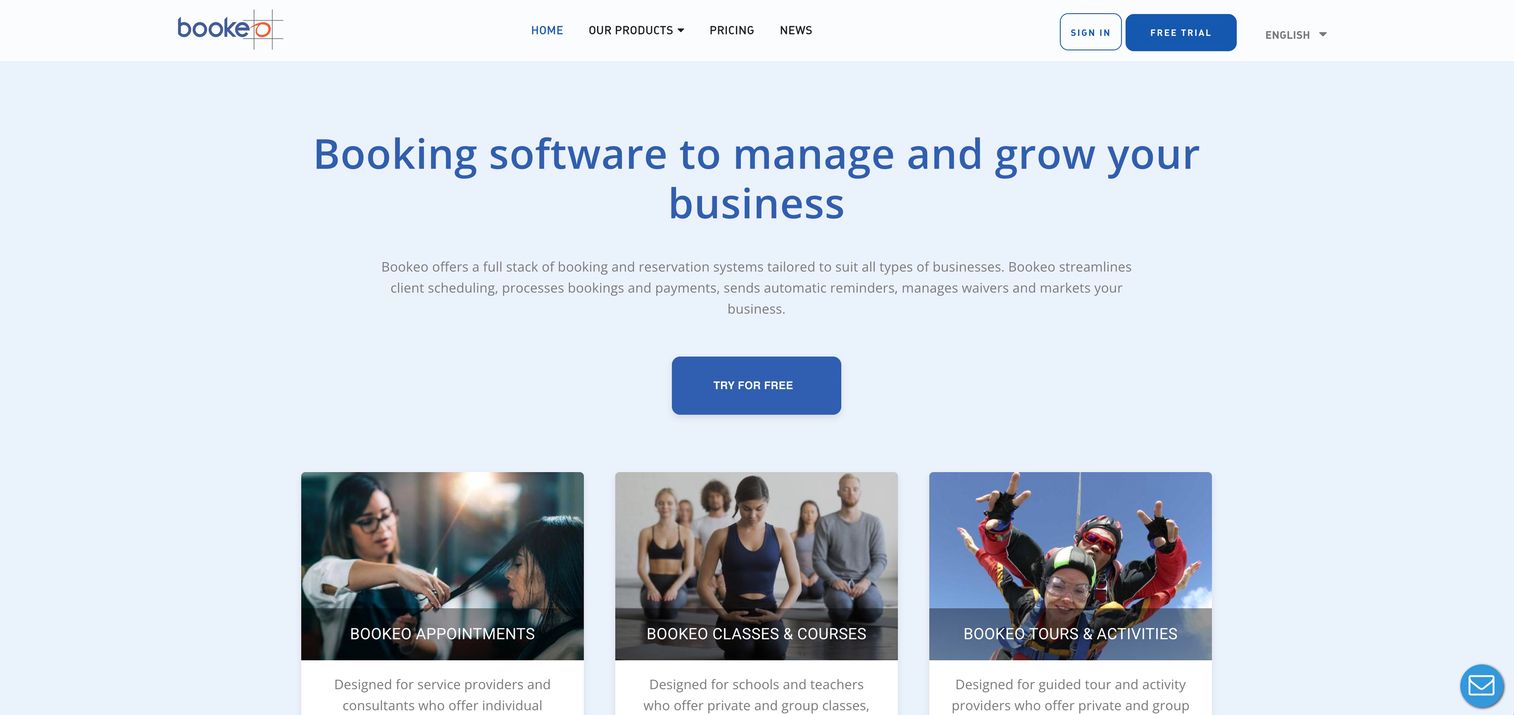
Bookeo is online booking and scheduling software with separate product lines for appointments, classes and courses, and tours and activities. For a music school, the Appointments and Classes products cover lesson booking, registration, scheduling, and payments with advanced features like recurring bookings, real-time updates, and waitlists. It is the most booking-first option here, strong when the public booking flow is the priority.
Its customer database keeps profiles, booking history, and notes, and its scheduling engine handles the mechanics of filling classes and managing waitlists. Where it is lighter is deep school administration: it is a flexible booking platform first, not a full studio operations suite, so studios needing heavy enrollment or payroll workflows may pair it with other tools.
Best for: Studios that want configurable, flexible online booking across appointments and group classes.
Key strengths
- Configurable booking: Separate product lines cover appointments, classes, and courses.
- Advanced scheduling: Recurring bookings, real-time updates, and waitlists keep classes full.
- Customer database: Profiles, booking history, and notes centralize student records.
Why choose Bookeo: It fits studios that prioritize a polished, flexible booking experience over end-to-end school administration. If online booking and class registration are your main jobs to be done, Bookeo handles them with more configurability than most.
Bookeo pricing: Bookeo Appointments lists monthly plans from Solo at $14.95, Small at $29.95, Standard at $39.95, Large at $79.95, up to X-large at $119.95, per the Appointments pricing page. A 30-day free trial with no credit card required is available. Classes and Tours have separate pricing pages.
6. Enrollsy
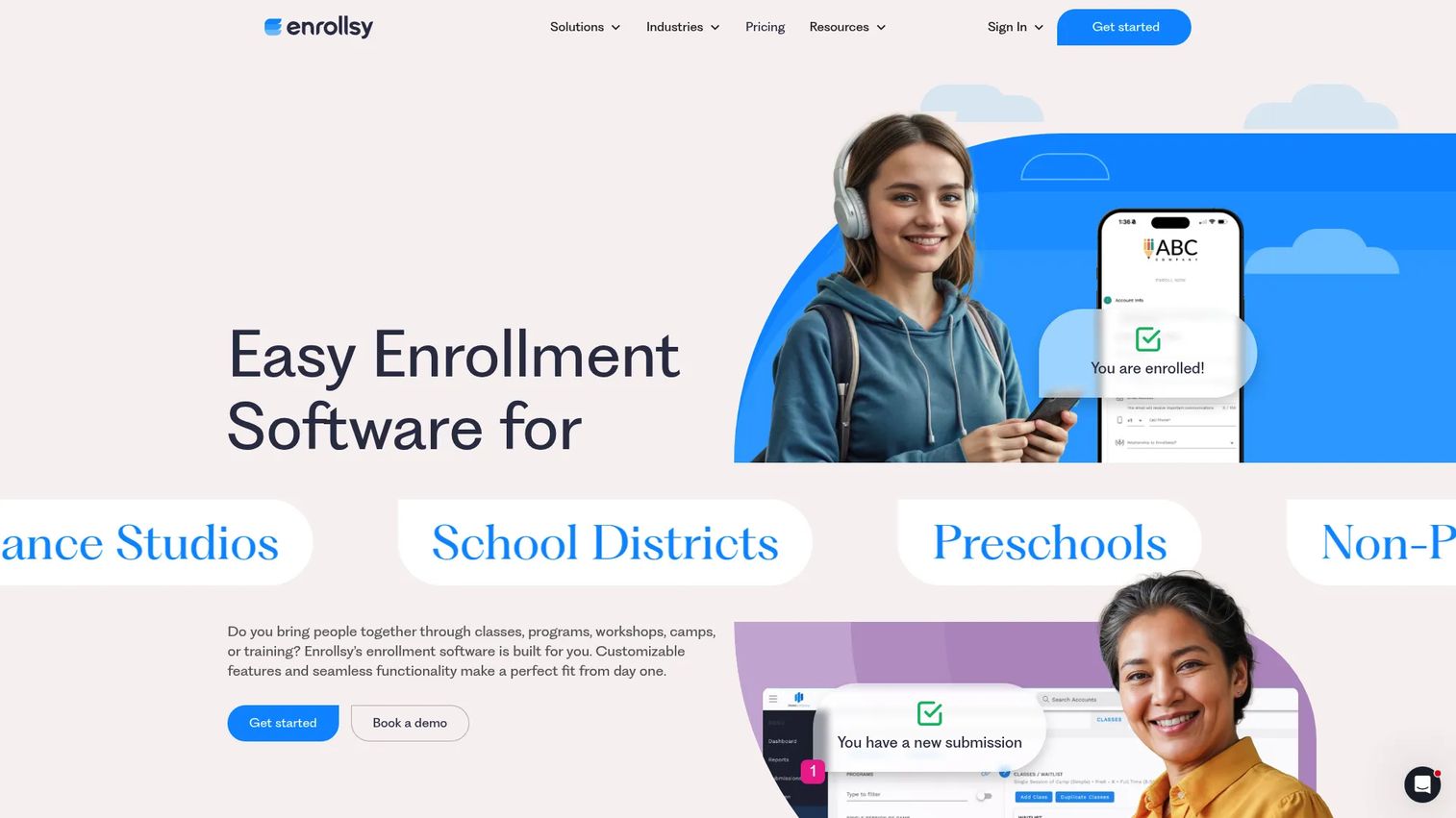
Enrollsy is enrollment, billing, payments, and back-office software for programs, classes, camps, and similar organizations. For music schools with real enrollment volume, it pairs online enrollment forms with billing, payment plans, and invoicing in one back office. It leans toward schools that think in terms of programs and cohorts rather than individual recurring lessons.
The enrollment forms and payment plans are the differentiator. Where lesson-first tools optimize the weekly calendar, Enrollsy optimizes the sign-up and payment lifecycle for classes and camps, which matters when onboarding many students at once each term.
Best for: Music schools with broader enrollment needs that want configurable sign-up plus billing and payment plans in one system.
Key strengths
- Online enrollment: Configurable enrollment forms handle sign-up at scale.
- Billing and payment plans: Invoicing and installment plans manage tuition over a term.
- Back office: Enrollment and payments run from one connected system.
Why choose Enrollsy: Evaluate Enrollsy when enrollment and payment collection across programs outweigh individual lesson scheduling. It is built for schools onboarding cohorts and running payment plans, a different job than a solo teacher's weekly calendar.
Enrollsy pricing: The Starter plan is $159 per month per location and Professional is $289 per month per location, with an Enterprise tier available on inquiry, per the vendor's site. Pricing is per location, and an implementation fee is noted, so factor both into your budget.
7. Omnify
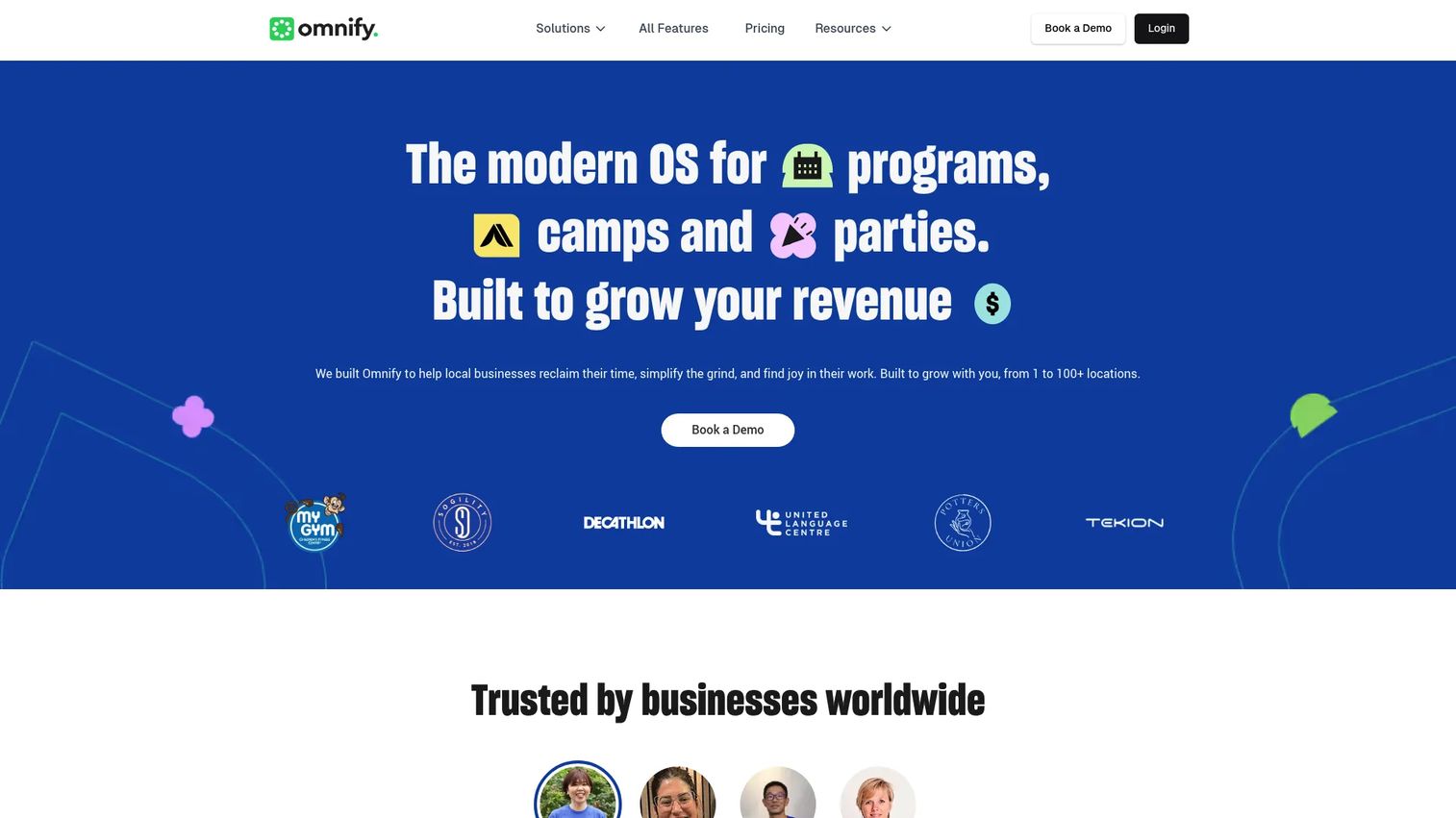
Omnify is all-in-one booking, scheduling, payments, CRM, and front-desk software for class- and service-based businesses, including music schools. It covers classes, camps, programs, appointments, memberships, and facilities, with payments, invoicing, discounts, recurring billing, and client profiles. For studios that run more than just lessons, its breadth across service types is the draw.
The membership and front-desk features extend it beyond lesson admin into broader operations. Recurring billing, a CRM with client insights, and facility management make it a fit for studios that operate like a service business with memberships and multiple program types.
Best for: Class, camp, studio, and membership businesses that want booking and operations flexibility across multiple program types.
Key strengths
- Broad service coverage: Classes, camps, memberships, appointments, and facilities in one platform.
- Payments and billing: Invoicing, discounts, and recurring billing handle varied revenue models.
- CRM and front desk: Client profiles, insights, and front-desk management support daily operations.
Why choose Omnify: It suits studios that want flexibility across lessons, memberships, and programs rather than a music-only feature set. The free plan also makes it a low-risk starting point for testing operations before committing to a paid tier.
Omnify pricing: Omnify offers a free forever plan at $0, with paid plans including Growth at $99 per month, Accelerate at $249 per month, and Scale starting at $599 per month, per the plans and pricing page. Annual billing shows discounted rates on some plans, and an enterprise option is available.
8. Studio Pro
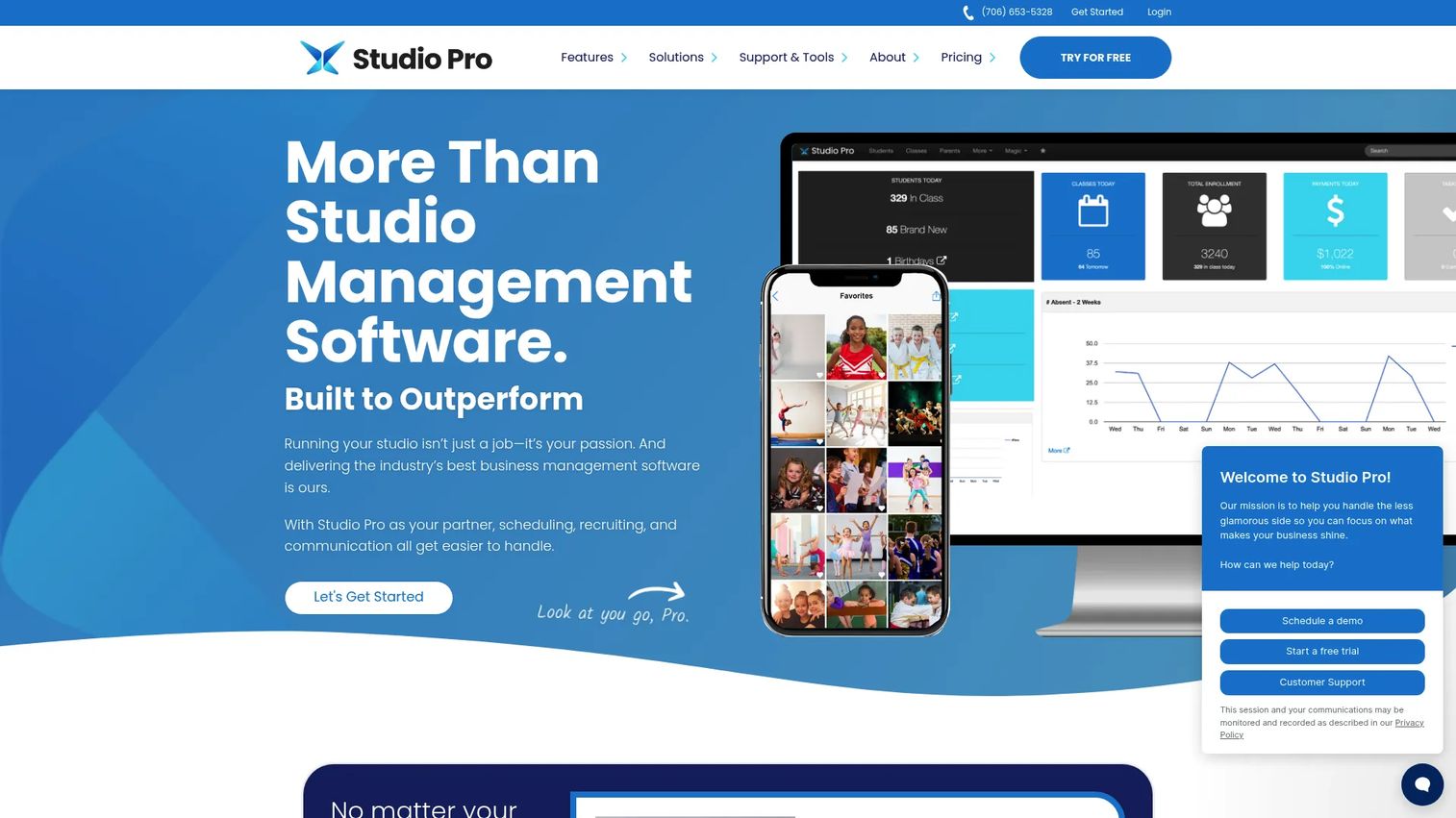
Studio Pro is studio management software for dance studios and youth activity programs, and its class scheduling, tuition management, and family communication translate well to music schools running group classes. It bundles class scheduling and registration, tuition management with payment processing, and a parent portal app plus a class manager app. For studios that want a mobile-first parent experience, the dedicated apps stand out.
The parent portal app and class manager app are its differentiators. Parents manage schedules, tuition, and communication from a phone, and staff run classes from the class manager, which suits studios with group classes and families that expect app-based self-service.
Best for: Studios and youth programs running group classes that want scheduling, tuition, and app-based family communication together.
Key strengths
- Class scheduling: Scheduling and registration handle group classes and unlimited students.
- Tuition and payments: Tuition management with integrated payment processing keeps billing on track.
- Parent and staff apps: A parent portal app and class manager app deliver mobile self-service.
Why choose Studio Pro: It is worth evaluating when group classes and a strong mobile parent experience matter more than solo-lesson admin. Higher tiers add two-way messaging and lead management, which help studios that run trial lesson automation and lead capture at scale.
Studio Pro pricing: Three monthly plans are offered: Essentials at $49, Premier at $79, and Elite at $165 per month, per the vendor's pricing page. All packages include unlimited students, and a 30-day free trial is available to start. Elite adds two-way messaging and lead management.
Considerations before you buy
Scheduling and calendar depth
Confirm the tool handles recurring lessons, make-ups, reschedules, and per-teacher calendars, not just one-off appointments. For multi-teacher studios, check that calendar sync works with Google or Outlook and that admins get a consolidated view across teachers. Music class management software should keep a single change from cascading into manual work.
Billing, invoicing, and payments
Look for automated invoicing, autopay, late fees, and a supported payment processor. Verify whether billing is per-student, per-lesson, or flat, and how that maps to your revenue model. The goal is recurring revenue that collects itself with fewer manual follow-ups and fewer overdue balances.
Student and family portals
A real portal shows families their slots, invoices, payment history, lesson notes, and policies. Confirm what is included, whether there is a mobile app, and how much self-service it actually offloads from you. This is the single biggest lever for cutting repetitive parent questions.
Reminders and attendance tracking
Automated reminders before lessons are the most direct no-show reduction tool you have. Check whether reminders are email, SMS, or both, and whether attendance records feed billing and reporting. Fewer no-shows and fewer manual reminders compound into real time and revenue saved.
Pricing model and total cost
Compare monthly versus annual billing, per-student or per-teacher limits, add-on fees, and any implementation or setup costs. A low headline price can hide per-lesson or per-location charges. Model your actual student and teacher count before deciding.
Conclusion
The pattern across these 8 tools is clear: there is no single best music software for schools, only the best fit for what you are trying to fix. My Music Staff and Music Teacher's Helper lead on broad, music-specific admin. Fons goes deep on billing and payment automation. Teachworks and Omnify stretch across lesson types and program models. Bookeo owns booking-first flexibility, Enrollsy owns enrollment volume, and Studio Pro brings app-based family communication.
Decide by your bottleneck. If scheduling eats your week, prioritize calendar depth. If revenue leaks, prioritize billing automation and reminders. If parents keep emailing you, prioritize the student portal. If you run programs and cohorts, prioritize enrollment.
Then move: shortlist two or three tools that match your bottleneck, verify current pricing directly with each vendor, run each free trial with your real student list, and judge onboarding speed in the first week. The tool that gets you to a working schedule and a paid invoice fastest is the one that earns its place in your stack. Check recent review sites and testimonials to pressure-test your shortlist before you commit.
FAQs
For a small studio, prioritize ease of use, reliable scheduling, and straightforward billing over broad feature sets. Music Teacher's Helper and My Music Staff both suit small teams with scheduling, invoicing, and a student portal. Decide based on whether you need a family portal and website builder or just clean lesson and payment admin.
Recurring lessons need software that handles repeating slots, automated reminders, and invoice automation so you are not rebuilding the schedule or chasing payments each week. Fons centers on automatic recurring payments, while My Music Staff and Teachworks handle recurring scheduling with billing attached. The key is that one setup should run week after week without manual work.
Yes. Most tools here include a student or family portal that typically shows upcoming lesson slots, invoices and payment history, lesson notes, practice logs, and studio policies. My Music Staff, Music Teacher's Helper, and Studio Pro all offer family-facing portals, with Studio Pro delivering a dedicated parent app. Portals matter because they move routine questions off the owner and give families the self-service they expect.
Yes. Billing and invoicing is a core capability across the category, usually covering automated invoices, autopay, late fees, and integrated payment processors. Fons and Enrollsy lean heavily into payment automation and payment plans, while most other tools include invoicing alongside scheduling. Confirm which payment processor each tool supports and whether autopay and late fees are included in your tier.
A multi-teacher school needs teacher management, per-teacher calendars, calendar sync, permissions, and consolidated admin visibility across staff. Teachworks and My Music Staff both handle multiple teachers with staff billing or payroll and shared scheduling. Verify how admins see all teachers at once and whether each additional teacher adds to the monthly cost.
Very. Automated reminders are the most direct way to cut no-shows, and attendance tracking gives you the records that feed billing and reporting. Together they reduce both lost revenue and the manual follow-up that eats an owner's week. Check whether reminders go out by email, SMS, or both, and whether attendance links to invoices.
It depends on volume. A solo teacher with a handful of students may manage with a simple booking tool, but once recurring lessons, invoicing, and parent communication pile up, dedicated music lesson software pays for itself in time saved. Tools like Music Teacher's Helper and Fons are priced and scoped for solo teachers, so the entry cost is modest against the admin hours recovered.
Compare monthly versus annual billing, per-student or per-teacher limits, per-lesson or per-location charges, add-on fees, and any implementation or setup costs. A low starting price can hide usage-based charges, as with per-lesson billing, or per-location pricing, as with enrollment-focused tools. Model your actual student and teacher count, then confirm the total against each vendor's current pricing page before you commit.