The backup ran. That's what the log said. Then a production incident hit, the team went to restore, and the last clean copy was three weeks old. The schedule had silently failed. Nobody caught it because nobody was watching.
This is the quiet failure mode of database backups. Not the dramatic outage, but the false comfort of "we have backups somewhere." Somewhere is not a recovery plan. A backup you cannot restore, on demand, within your recovery window, is not a backup. It is a liability you haven't discovered yet.
The stakes are real and growing. The global data backup and recovery market reached $15.7 billion in 2025 and is projected to hit $31.2 billion by 2032, growing at a 10.3% CAGR, according to MetaStat Insight (2025). More tools, more data, more attack surface. Ransomware operators now target backups first, because they know a team without a clean off-site copy has no leverage.
If you run SQL Server or another relational database, the decision comes down to a few things: does the tool automate backups reliably, does it push copies off-site, and can you actually restore fast when it counts? This roundup compares 10 database backup software tools for 2026 against those questions, with verified pricing, SQL Server compatibility notes, and honest guidance on which tool fits which team. The best database backup software is the one you never have to think about, until the day you do.
What's inside
This guide is for teams evaluating database backup tools, especially anyone running SQL Server, MySQL, or PostgreSQL on Windows with an off-site or cloud requirement. It covers dedicated SQL backup software, broader backup suites with database support, and replication tools that sit alongside backups in a larger data protection strategy.
We selected the 10 tools based on four criteria: automation depth (scheduling, retention, notifications), backup modes (full, differential, transaction log), destination coverage (local, network, FTP, S3, Azure, and other cloud targets), and restore confidence (recovery workflows, verification, point-in-time options). Pricing and G2 ratings reflect the most recent verified values at publication. Verify current figures on each vendor's pricing page before you buy.
TL;DR
- Best for quick setup: SQLBackupAndFTP. Scheduled backups for SQL Server, MySQL, and PostgreSQL to cloud and FTP in minutes, with a free tier to start.
- Best for SQL Server simplicity: SQL Backup Master. Straightforward scheduled SQL Server backups to local or cloud destinations on Windows.
- Best for SQL Server specialists: Redgate SQL Backup Pro. Purpose-built compression, encryption, and automated verification for SQL Server DBAs.
- Best for broad backup coverage: Iperius Backup and EaseUS Todo Backup. Database backup plus image, file, and VM coverage in one tool.
- Best for enterprise scale: Veeam Backup & Replication. Centralized backup, replication, and recovery across mixed workloads.
- Best for MSPs: N-able Backup. Cloud-first, centrally managed backup across many environments.
What is database backup software?
Database backup software is a tool that automates the creation, storage, and restoration of database copies so teams can recover data quickly after corruption, deletion, hardware failure, or a ransomware attack. It handles the scheduling, off-site transfer, and recovery workflows that manual backups can't do reliably at scale.
The core job is simple to state and hard to do well: automate backups, keep copies off-site, and make restores fast and verifiable. For SQL Server database backup specifically, that means handling the three backup types the recovery model depends on, plus getting those files somewhere safe.
Here's what to expect from any serious sql backup software:
- Backup modes: Full, differential, and transaction log backups. Full is the complete copy. Differential captures changes since the last full. Transaction log backups enable point-in-time recovery, which matters for SQL Server databases in full recovery mode.
- Backup scheduling: Automated database backup on a schedule you set, running as a background service so nothing depends on a person remembering.
- Off-site database backup destinations: Local disk, network shares, FTP, SFTP, FTPS, and cloud targets like S3, Azure, Dropbox, Google Drive, Box, and Backblaze B2.
- Encryption and compression: AES encryption for data at rest and in transit, plus compression to cut storage cost and transfer time.
- Retention policies: Automatic cleanup of old backups so storage doesn't balloon and you keep the recovery points you actually need.
- Notifications and alerts: Email or messaging alerts on success and, more importantly, on failure. Backup software that fails silently is worse than no backup at all.
- Restore and recovery: Guided restore, verification, and (for SQL Server) point-in-time recovery to a specific moment before an incident.
Cloud backup for sql server has moved from nice-to-have to default. The SaaS backup software market alone is valued at $3.65 billion in 2026 and projected to reach $6.61 billion by 2030, a 16.0% CAGR, per Research and Markets (2026). That growth reflects a simple truth: local-only backups don't survive a fire, a flood, or an attacker with admin rights.
When to use database backup software
Automate backups before something breaks
Manual backups fail for one reason: they depend on a human. Someone forgets, someone is on vacation, someone assumes the other person ran it. Automated database backup removes that variable. If your team runs backups by hand, or on a scheduled task that nobody monitors, this is the deciding moment. Scheduling with failure alerts gives you repeatability and catches the silent gaps before they become a data loss event.
Keep copies off-site and recoverable
A backup sitting on the same server as your database survives nothing. When ransomware encrypts the host, or the disk dies, or the datacenter goes dark, only off-site database backup gets you back. Cloud, FTP, S3, or a separate network location becomes the deciding factor the moment you care about resilience. Immutable and off-site copies are your leverage against ransomware, because an attacker can't encrypt what they can't reach.
Restore quickly after incidents
Creating backups is the easy half. The hard half is restoring them, fast, under pressure, correctly. This is where restore tooling, backup history, and verification matter more than raw backup creation speed. For production recovery, point-in-time recovery, and auditability, you want a tool that makes the restore path obvious and testable, not one that dumps a file and wishes you luck.
Comparison table
The table below ranks all 10 tools by relevance to SQL Server and off-site backup use cases. Read the Intent column to match a tool to your situation, then use Key differentiation to narrow further. Pricing and G2 ratings are verified at publication; confirm current figures with each vendor before purchase.
| # | Product | Intent | Key differentiation | Pricing | G2 rating |
|---|---|---|---|---|---|
| 1 | SQLBackupAndFTP | Quick setup, multi-DB | SQL Server, MySQL, PostgreSQL to cloud/FTP | Free; from $39 one-time | 4.4/5 |
| 2 | SQL Backup Master | Simple SQL Server backup | Off-site backup on Windows, service mode | Free; from $49 one-time | Not listed |
| 3 | Redgate SQL Backup Pro | SQL Server specialists | Compression, encryption, DBCC verification | From $486/server/year | 4.3/5 |
| 4 | Iperius Backup | Broad backup suite | DB, VM, file, and cloud backup | From €29 one-time | Not listed |
| 5 | Acronis Cyber Protect | Backup plus security | Integrated ransomware protection | From $85/year per device | 4.3/5 |
| 6 | Veeam Backup & Replication | Enterprise scale | Immutable backups, replication, recovery | From $89.20/license/year | 4.6/5 |
| 7 | Quest SharePlex | Replication and HA | Real-time CDC replication | Quote-based | 4.3/5 |
| 8 | EaseUS Todo Backup | General-purpose | Disk, system, file, cloud backup | Free; from $29.95/year | 4.8/5 |
| 9 | Cobian Backup | Lightweight, free | Freeware scheduled backups | Free | Not listed |
| 10 | N-able Backup | MSP, multi-environment | Cloud-first, central console | Quote-based | 4.5/5 |
1. SQLBackupAndFTP
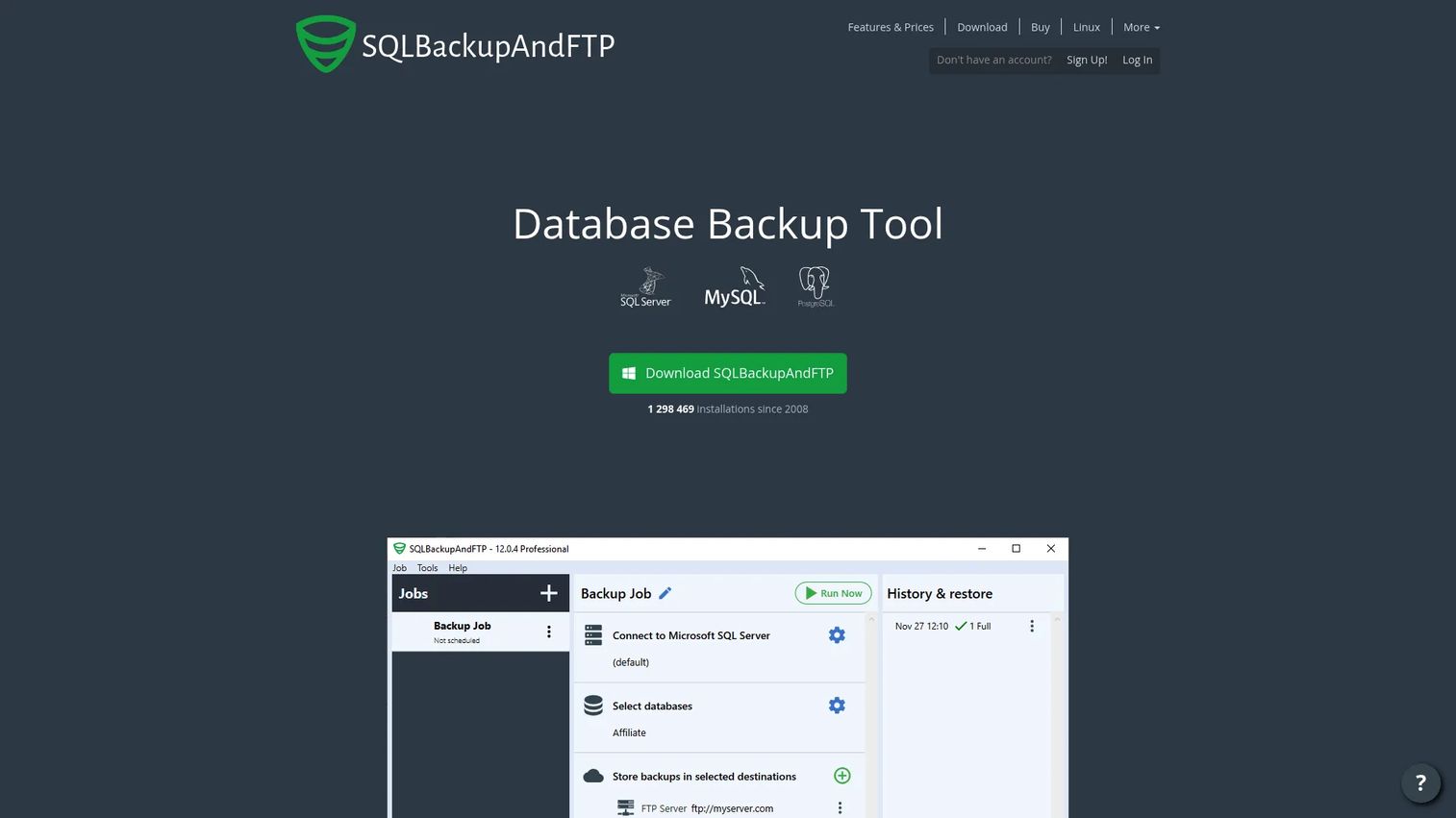
SQLBackupAndFTP is a backup tool for SQL Server, MySQL, and PostgreSQL that gets you from install to a working scheduled backup in minutes. You point it at your databases, pick a schedule, choose a destination, and the tool handles compression, encryption, and cleanup from there. The appeal is speed and breadth: it covers three database engines and a wide set of off-site targets without a heavy setup process.
Best for: Teams that want a simple database backup tool for SQL Server, MySQL, or PostgreSQL running to cloud or FTP destinations fast.
Key strengths
- Broad backup modes: Scheduled full, differential, and transaction log backups, plus incremental backups for MySQL and PostgreSQL.
- Wide destination coverage: Backup to local, network, FTP/SFTP, and major cloud destinations without extra plugins.
- Automatic housekeeping: Compresses and encrypts backup files, cleans up old backups on a retention schedule, and sends email notifications.
Why choose SQLBackupAndFTP: If you run more than one database engine and want a single tool that handles all of them without deep configuration, this is the fastest path to reliable, automated database backup. The multi-engine support alone saves you from stitching together separate tools for SQL Server and open-source databases.
SQLBackupAndFTP pricing: A free edition covers basic needs at $0. Paid one-time licenses run $39 (Lite), $89 (Standard), $129 (Professional), and $499 (Professional Lifetime). An optional yearly Full-Service subscription is listed separately. G2 reviewers rate it 4.4/5.
2. SQL Backup Master
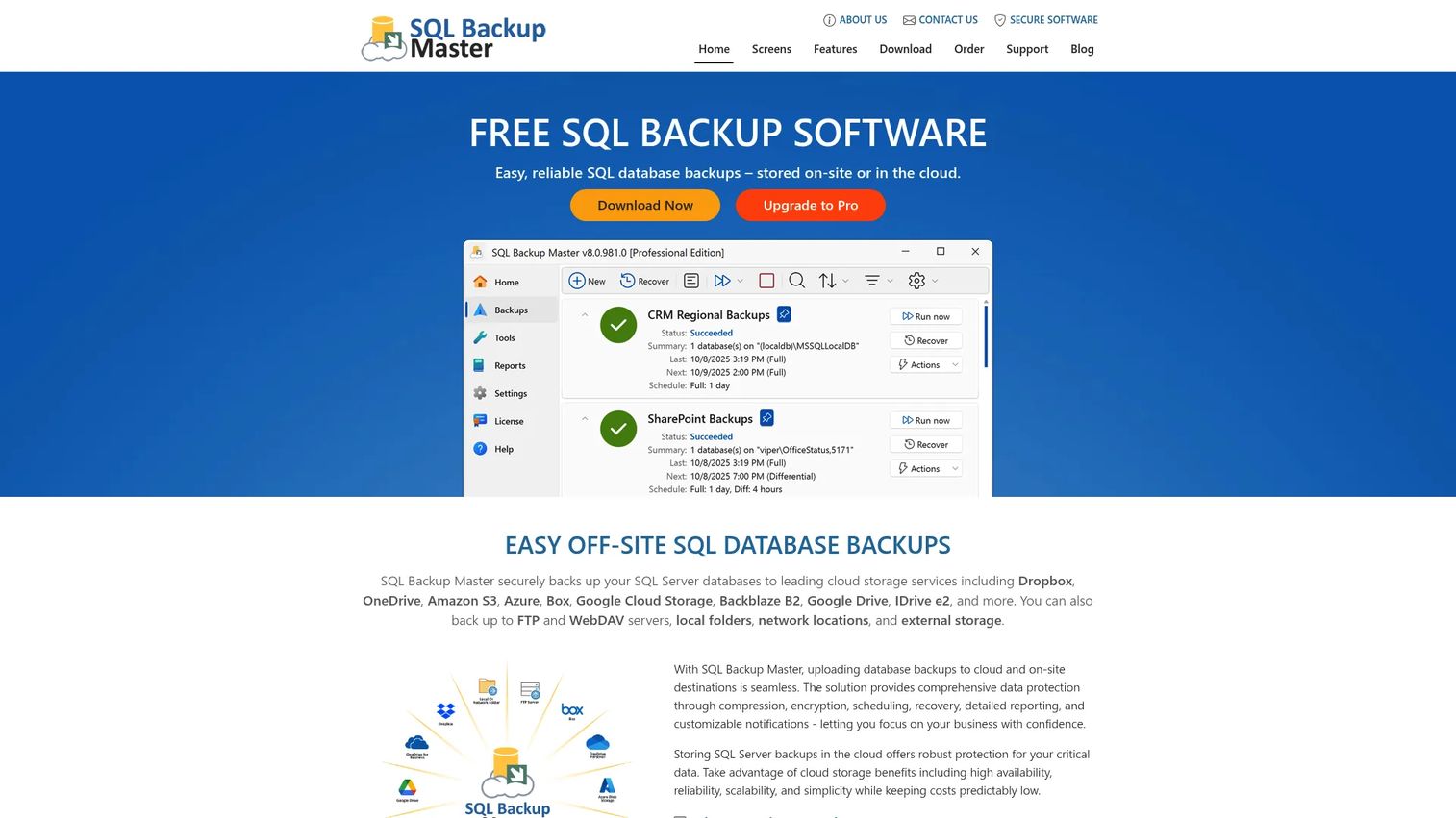
SQL Backup Master is Windows-based sql server backup software focused on doing one job well: scheduled SQL Server backups to local or off-site destinations. It runs as a background service, compresses and encrypts backups, and pushes copies to a long list of cloud and network targets. The design goal is operational simplicity, so a small team can set it up once and trust it to keep running.
Best for: SQL Server teams needing straightforward scheduled backups to local or cloud destinations on Windows.
Key strengths
- Full recovery model support: Full, differential, and transaction log backups to cover point-in-time recovery needs.
- Deep off-site coverage: Backup to cloud, FTP/SFTP/FTPS, WebDAV, local folders, and NAS.
- Reliable automation: Compression, encryption, scheduling, recovery, and notifications running as a service.
Why choose SQL Backup Master: If your environment is SQL Server on Windows and you want dependable off-site database backup without the overhead of a broader suite, this tool stays out of your way. Service mode and failure notifications mean backups keep running whether or not anyone is logged in.
SQL Backup Master pricing: A free basic edition is available at $0. Perpetual one-time licenses are $49 (Standard), $69 (Professional), and $399 (Site-Wide Pro). An Enterprise Pro edition is priced by quote. A current G2 rating for the product specifically was not listed at publication.
3. Redgate SQL Backup Pro
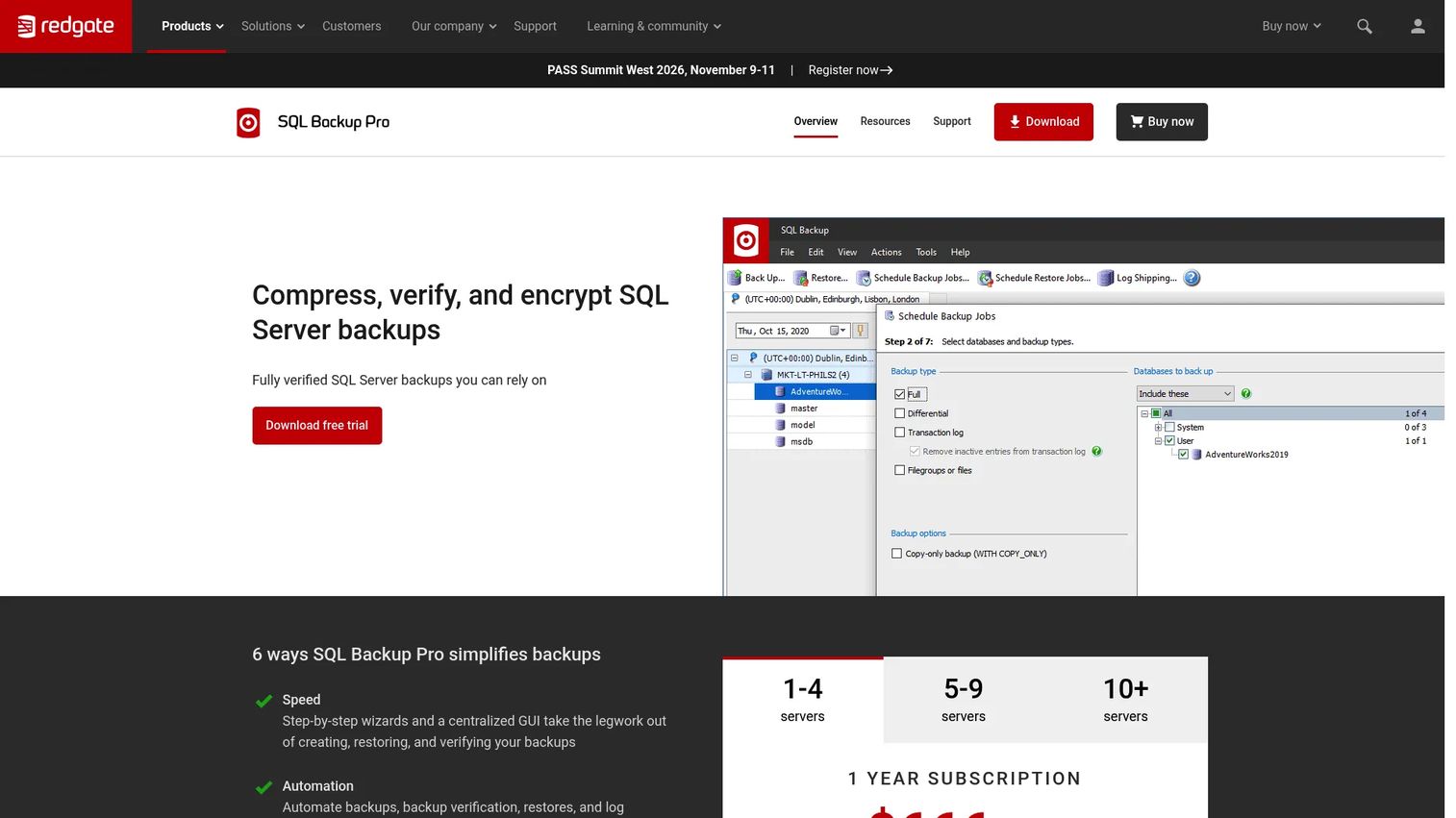
Redgate SQL Backup Pro is purpose-built for SQL Server DBAs who want tight control over compression, encryption, and verification. It compresses backups by up to 95%, encrypts with 256-bit AES, and, critically, automates backup verification with DBCC CHECKDB so you know your backups are actually restorable, not just written. This is the specialist's choice.
Best for: Teams needing centralized SQL Server backup compression, encryption, and verification across many servers.
Key strengths
- Aggressive compression: Up to 95% smaller backups, cutting storage cost and transfer time significantly.
- Strong encryption: 256- and 128-bit AES encryption for backups at rest and in transit.
- Built-in verification: Automated backup verification with DBCC CHECKDB so restore confidence is measured, not assumed.
Why choose Redgate SQL Backup Pro: DBAs who live in SQL Server day to day get workflows built for exactly their world. The automated verification is the standout: most tools create backups, but few confirm they'll restore cleanly. That difference is what separates a backup strategy from a backup habit.
Redgate SQL Backup Pro pricing: Licensing is subscription-based by server count. The publicly listed price is $486.00 per server per year for the 1-4 server tier, with 5-9 and 10-19 server tiers also available and 20+ servers priced by quote. There is no free tier. G2 reviewers rate it 4.3/5.
4. Iperius Backup
Iperius Backup is a broad backup suite that handles databases alongside PCs, servers, virtual machines, cloud storage, and tape. If your reality is a mixed environment where the database is one of several things you need to protect, Iperius covers the whole surface from one tool rather than forcing you to run database-only software beside separate image and file backup.
Best for: Small to mid-sized teams needing flexible backup across servers, VMs, databases, and cloud destinations.
Key strengths
- Windows backup and restore: Full image and file backup for Windows servers and workstations.
- Virtual machine backup: VM backup support for teams running virtualized infrastructure.
- Database and cloud backup: Database backup with a wide range of cloud storage destinations.
Why choose Iperius Backup: When the database is part of a larger protection job, a broad suite reduces tool sprawl and gives you one console for servers, VMs, and databases. That consolidation matters for smaller teams who can't dedicate separate tooling and process to each workload.
Iperius Backup pricing: Pricing is structured as one-time license editions. Publicly visible plans include Basic from around €29, with Advanced Database and Advanced 365 editions around €199 each. A free version and free trial are available. Confirm current editions and prices on the vendor site, as plan details vary.
5. Acronis Cyber Protect
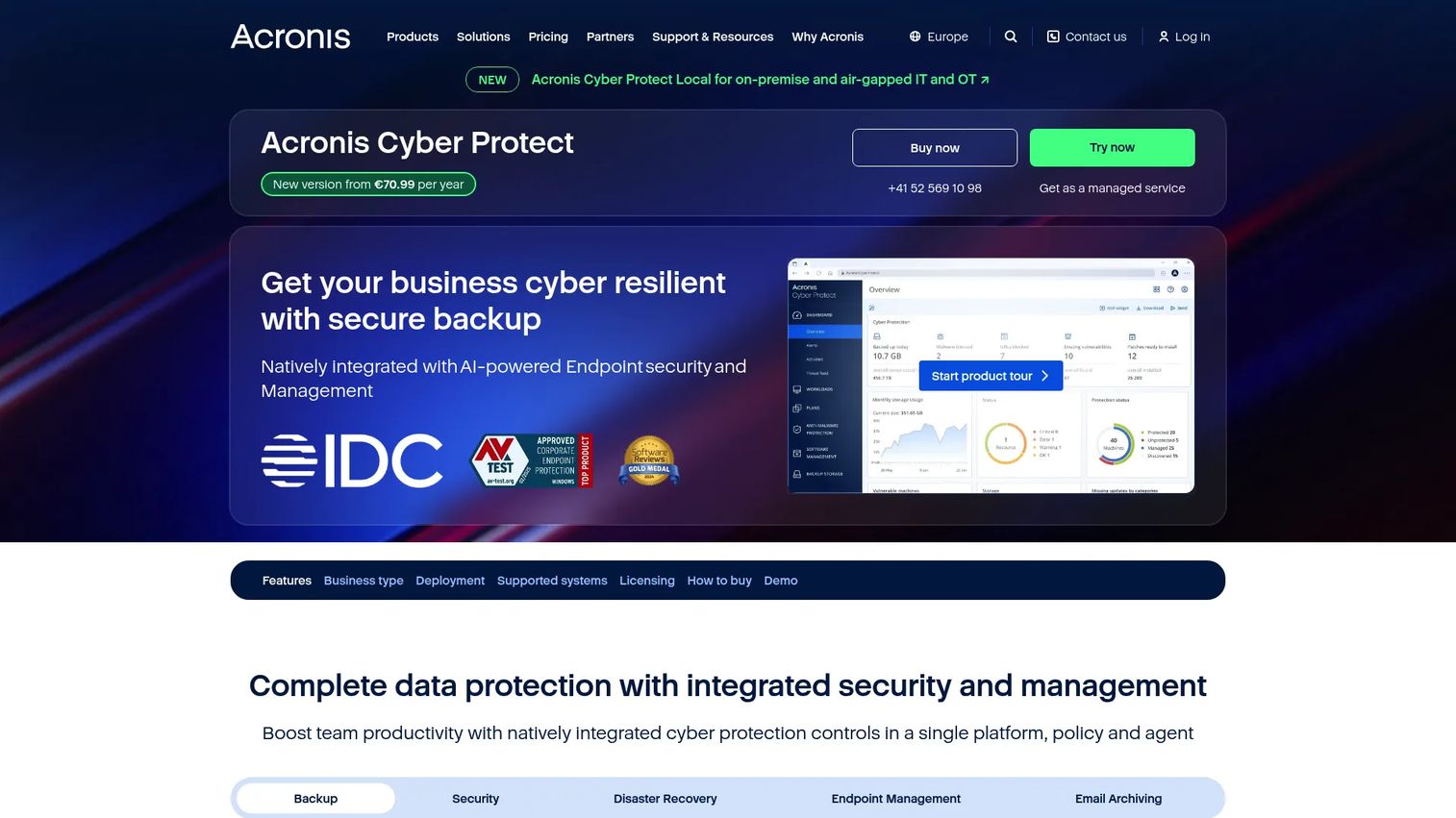
Acronis Cyber Protect combines backup and cybersecurity in one platform. Beyond backup and recovery, it layers in patch management and ransomware protection, which appeals to teams that want their backup software to also defend the data it protects. For organizations without a separate security stack, the combined approach reduces the number of tools and vendors to manage.
Best for: SMBs and IT teams that want unified backup plus cybersecurity in a single subscription.
Key strengths
- Three subscription editions: Standard, Advanced, and Backup Advanced to match different protection needs.
- Workload-based licensing: Licensing for workstations, servers, virtual hosts, and Microsoft 365 workloads.
- Integrated security: Backup combined with patch management and ransomware protection in one console.
Why choose Acronis Cyber Protect: If you want a single vendor covering both backup and active threat defense, the integrated model saves coordination overhead. Teams that lack a dedicated security tool get ransomware protection wrapped around the same data they're backing up, which closes a common gap.
Acronis Cyber Protect pricing: Sold in three subscription editions (Standard, Advanced, and Backup Advanced), with small-business pricing starting at $85 a year per device. Pricing varies by region and workload, and some services are quoted separately. G2 reviewers rate it 4.3/5.
6. Veeam Backup & Replication
Veeam Backup & Replication is enterprise data protection built for scale. It handles image-level backups and recovery across virtual, physical, and cloud machines, runs replication and disaster recovery from a centralized console, and provides immutable backups with threat detection for ransomware resilience. When your backup and recovery needs span many workloads and demand orchestration, Veeam is built for that job.
Best for: IT teams needing centralized backup, replication, and recovery across mixed workloads.
Key strengths
- Image-level protection: Backups and recovery for virtual, physical, and cloud machines from one platform.
- Replication and DR: Replication and disaster recovery operations managed from a centralized console.
- Ransomware resilience: Immutable backups and threat detection to protect recovery points from attack.
Why choose Veeam Backup & Replication: For teams whose scope goes well beyond a single database, Veeam offers the central administration, immutability, and recovery orchestration that enterprise environments demand. The immutable backup feature is a direct answer to ransomware, keeping clean copies an attacker cannot alter.
Veeam Backup & Replication pricing: Veeam Data Platform Essentials starts at $89.20 USD MSRP per license per year, billed annually and sold in five-license bundles for up to 50 workloads. Broader Veeam Data Platform enterprise pricing is request-based. G2 reviewers rate the Veeam Data Platform 4.6/5.
7. Quest SharePlex
Quest SharePlex is database replication software rather than a pure backup tool, and that distinction matters. It provides real-time, change-data-capture replication for high availability, disaster recovery, migration, and reporting offload. In a larger data protection strategy, replication sits alongside backups: backups give you point-in-time recovery, while replication gives you continuity and a live standby copy.
Best for: Teams needing Oracle or PostgreSQL database replication for high availability, disaster recovery, migration, and reporting.
Key strengths
- Real-time replication: CDC-based replication that keeps a target database continuously in sync.
- Active-active support: Bi-directional replication for high-availability topologies.
- Data integrity: Data comparison and synchronization to verify replicated data matches the source.
Why choose Quest SharePlex: When downtime is unacceptable and you need continuity as well as recoverability, replication complements your backup strategy. SharePlex fits enterprise database workflows where migration, reporting offload, and active-active resilience all matter alongside traditional backups.
Quest SharePlex pricing: Public pricing is not displayed; the product page offers a free trial and a request-pricing path. G2 reviewers rate it 4.3/5.
8. EaseUS Todo Backup
EaseUS Todo Backup is general-purpose backup and recovery software for home and business users, covering disk, system, file, and partition backup with cloning and restore tools. It handles incremental, differential, and scheduled backups to cloud and NAS destinations. For smaller teams or mixed environments where the database is one part of a broader backup need, its ease of use is the draw.
Best for: Users who need Windows backup, restore, and cloning tools with a free option to start.
Key strengths
- Broad backup types: Disk, system, file, and partition backup in a single tool.
- Flexible scheduling: Incremental, differential, and scheduled backups to fit different recovery needs.
- Recovery and cloning: Clone, restore, and cloud/NAS backup support for straightforward recovery.
Why choose EaseUS Todo Backup: For smaller teams and general-purpose environments, the easy interface and free edition lower the barrier to getting a backup routine in place. It's a practical choice when you need broad Windows backup coverage without dedicated database tooling.
EaseUS Todo Backup pricing: A free edition is available. Paid Home plans start at $29.95 for one year, $59.95 perpetual, and $79.95 with lifetime upgrades. Business plans include Workstation at $39.00/year, Server at $199.00/year, Advanced Server at $299.00/year, and Technician at $83.25/month on an annual subscription. The Business edition holds a 4.8/5 rating on G2.
9. Cobian Backup
Cobian Backup is freeware for scheduling automatic backups of files and folders on Windows. It's a lightweight utility, not a dedicated database engine tool, but for teams that dump database files to disk and need a low-friction scheduler to move and protect them, it does the job at zero cost. When your requirements are simple and budget is tight, lightweight and free is enough.
Best for: Individuals or teams needing a free Windows backup scheduler for files and folders.
Key strengths
- Scheduled automation: Automatic scheduled backups without manual intervention.
- Multiple destinations: Backup to local, network, and FTP destinations.
- Security basics: Compression and encryption for backup files.
Why choose Cobian Backup: When your needs are simple file and folder backup, or protecting database dump files already written to disk, a free lightweight tool avoids paying for capabilities you won't use. It's the pragmatic pick for low-budget, low-complexity environments.
Cobian Backup pricing: Cobian Backup is freeware for personal and commercial use, with no paid pricing for the product itself. No public G2 rating for the product was confirmed at publication.
10. N-able Backup
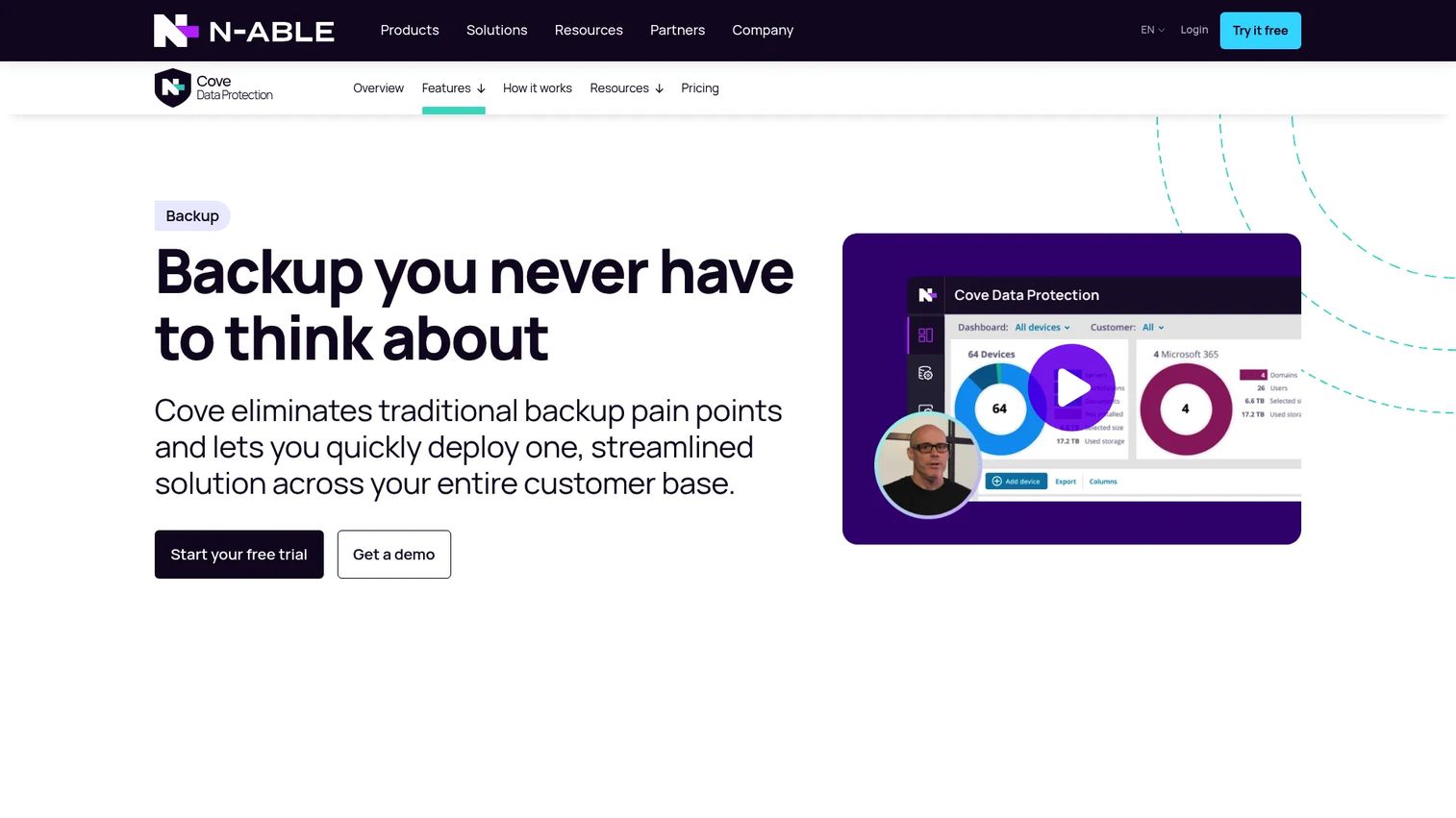
N-able Backup is cloud-based backup and recovery built for managed service providers and IT teams running many environments. It centralizes backup and recovery through a single web-based console with multiple recovery options and AES 256-bit encryption. The product now aligns with N-able's Cove Data Protection line, which carries the same cloud-first, centrally managed approach.
Best for: MSPs needing centralized backup and recovery for servers, workstations, and Microsoft 365 across many clients.
Key strengths
- Central web console: A single web-based console to manage backup across all environments.
- Flexible recovery: Multiple recovery options for different restore scenarios.
- Strong encryption: AES 256-bit encryption protecting backup data.
Why choose N-able Backup: For MSPs and teams managing multiple environments, remote management and operational visibility from one console are the deciding factors. The cloud-first model means you manage backups across dozens of clients without maintaining infrastructure at each site.
N-able Backup pricing: Public pricing is not displayed; the site uses a free trial and a request-a-quote path. The successor Cove Data Protection line holds a 4.5/5 rating on G2.
Considerations before you buy
SQL Server compatibility
Version support is not a given. Before you buy, verify the tool supports your exact SQL Server edition (Express, Standard, Enterprise), your instance configuration, and your Windows Server compatibility. A tool that supports the latest SQL Server may not support the older instance still running a critical workload. Check the vendor's support matrix against your actual environment, not the marketing headline.
Backup modes and recovery needs
Full, differential, incremental, and transaction log backups each serve a different recovery goal. Full is the baseline. Differential shrinks daily backup size. Transaction log backups enable point-in-time recovery in SQL Server's full recovery model. Let your recovery requirement drive the choice: if you need to restore to a specific minute before an incident, you need transaction log support, not just nightly fulls.
Storage destinations
Marketing lists every destination under the sun. What matters is whether the tool supports the destinations you actually use. Local, network, FTP, SFTP, FTPS, S3, Azure, and other cloud targets each have different reliability and cost profiles. Verify support for your specific storage today, and confirm both off-site and, ideally, immutable options for ransomware resilience.
Automation and alerting
Scheduling is table stakes. What separates reliable tools is visibility into failure. Look for notifications and alerts on both success and failure, detailed logs, and a clear view of the last successful backup. Backup software that fails quietly is the most dangerous kind, because it manufactures false confidence until the day you need a restore that isn't there.
Security and retention
Encryption and compression, retention policies, and access controls tie directly to compliance, ransomware resilience, and storage cost. AES encryption protects data at rest and in transit. Retention policies keep the recovery points you need without runaway storage bills. Access controls limit who can delete or alter backups, which matters when an attacker gains admin rights.
Conclusion
The right database backup software depends less on the feature list and more on three questions: can you trust the restore, does it reach off-site, and does the automation catch failures before you do.
For quick multi-database setup, SQLBackupAndFTP gets you running fast. For simple SQL Server backup on Windows, SQL Backup Master keeps things clean. SQL Server specialists who want compression, encryption, and verified restores should look hard at Redgate SQL Backup Pro. Teams protecting a mixed environment get broad coverage from Iperius Backup or EaseUS Todo Backup, while Acronis Cyber Protect adds security to the mix. For enterprise scale and orchestration, Veeam Backup & Replication is built for it, Quest SharePlex adds replication and continuity, and N-able Backup covers MSPs managing many environments. Cobian Backup handles the simple, free end.
Next step: pick one or two tools that match your recovery model and destination needs, then run a real test restore against your current SQL Server or database stack. A backup you've never restored is a guess. Prove it works before you need it.
FAQs
For SQL Server specialists who want deep control, Redgate SQL Backup Pro leads on compression, encryption, and automated DBCC verification. For simpler needs, SQL Backup Master and SQLBackupAndFTP both handle scheduled SQL Server backups to off-site destinations reliably. Prioritize compatibility with your SQL Server edition and restore confidence over feature count. The best tool is the one whose restore path you've actually tested.
Focus on five things: automated scheduling, the backup types you need (full, differential, transaction log), off-site and cloud destinations, encryption, and restore tooling. A tool can create backups flawlessly and still leave you stranded if the restore workflow is unclear or unverified. Match the backup modes to your recovery model, and confirm the tool supports the exact destinations you use today.
It's not either-or. Most teams need both. Local backups restore fastest for routine recovery, while cloud backup for sql server survives events that destroy local copies, like fire, theft, or ransomware. A common approach keeps recent backups local for speed and pushes copies off-site for resilience. The goal is a clear off-site strategy, not choosing one over the other.
You need them if you require point-in-time recovery, meaning the ability to restore to a specific moment before an error or corruption. In SQL Server, transaction log backups only work in the full recovery model. If your database runs in simple recovery mode and you can accept losing changes since the last full or differential backup, you may not need them. For most production databases, point-in-time recovery is worth the setup.
Critical. A backup is only useful if it restores correctly, and the only way to know is to test. Untested backups fail at the worst possible moment, when a real incident hits. Schedule regular test restores, review your backup logs for silent failures, and use tools with automated verification where possible. Treat a restore you've never run as a hypothesis, not a safety net.
Most tools in this roundup are Windows-friendly, including SQL Backup Master, SQLBackupAndFTP, Iperius Backup, EaseUS Todo Backup, Cobian Backup, Acronis Cyber Protect, and Veeam Backup & Replication. Windows Server compatibility varies by version, so check each vendor's support matrix against your specific Server release and SQL Server edition before buying. Never assume the latest release supports an older Server instance.
The simple rule: choose database-specific tools when the database is your primary asset and you need fine control over backup modes and verified restores. Choose general backup software when the database is one part of a broader protection job spanning files, images, and VMs. Specialists like Redgate SQL Backup Pro give you SQL Server depth, while suites like Iperius Backup and EaseUS Todo Backup give you breadth. If reliability of the data warehouse behind your product matters as much as any b2b contact database, lean toward the tool with the strongest restore confidence.