



You bought a smart bulb from one brand, a thermostat from another, a lock from a third. Now you have four apps, three logins, and automations that break every time one vendor pushes an update.
That is the real problem smart home software solves. Not adding more devices, but making the ones you already own act like a single system.
The market backs up the scramble. The global smart home market hit USD 147.52B in 2025 and is projected to reach USD 848.47B by 2034, according to Fortune Business Insights (2025). More devices means more brands, more protocols, and more reasons to want one control layer instead of a drawer full of remotes and a phone full of apps.
Home automation software is that layer. It connects your devices, runs your automations, exposes dashboards, and gives you remote and voice control from one place. The question is which platform fits your setup, your privacy tolerance, and how much time you want to spend maintaining it.
What's inside
This guide is for anyone building or consolidating a smart home in 2026, whether you are a DIY tinkerer, a privacy-first homeowner, or someone who wants a professionally installed system.
We chose these seven smart home automation platforms on four criteria:
- Integration breadth: how many brands and protocols the platform supports
- Automation depth: whether it handles simple schedules or complex rule logic
- Control architecture: local control, cloud dependence, and hub requirements
- Maintainability: how much effort it takes to keep running as your setup grows
No hobbyist fluff. Just where each platform fits and where it does not.
TL;DR
- Best for open source and privacy-first control: Home Assistant
- Best for vendor-neutral flexibility: openHAB
- Best for whole-home, integrator-led systems: Control4
- Best for simple automation across mixed devices: Domoticz
- Best for a polished DIY app experience: Homey
- Best for mainstream ecosystem convenience: SmartThings
- Best for DIY hub and protocol expansion: Home Assistant Connect ZBT-2
Open source smart home software (Home Assistant, openHAB, Domoticz) wins on control and privacy. Control4 wins when you want a professional to handle everything. Homey and SmartThings win on ease.
What is smart home software
Smart home software is the control layer that connects your smart devices, runs automations, and gives you one place to monitor and control your home through dashboards, apps, and voice.
It sits between your devices and you. Instead of opening a separate app for every brand, you get one interface that talks to all of them. The best platforms handle mixed-brand setups, so a light from one maker and a sensor from another can trigger each other.
Two broad shapes exist. Software-only platforms run on hardware you provide, like a Raspberry Pi or a mini PC. Hub-based controller systems ship as dedicated hardware that acts as both the software host and the radio bridge for protocols like Zigbee and Z-Wave.
Core capabilities to expect:
- Interoperability: support for many brands plus protocols like Matter, Zigbee, Z-Wave, and Thread
- Automation rules: scenes, schedules, and triggers that run without you touching a screen
- Local control: the system keeps working when the internet drops
- Cloud access: remote control and off-site monitoring when you are away
- Dashboards: at-a-glance views of every device in one place
- Voice control: integration with assistants for hands-free commands
The distinction that matters most for privacy is local versus cloud. A local-first platform processes automations on your own hardware, so your data never has to leave the house. A cloud-dependent one routes commands through a vendor server, which adds convenience but ties your home to someone else's uptime.
For a product-minded buyer, treat this like any platform decision. Interoperability is your integration surface, automation depth is your feature ceiling, and local control is your reliability floor.
When to use smart home software
Unify mixed-brand devices
The moment you own devices from more than two brands, you need a control plane. A smart home hub with broad protocol support lets a Zigbee sensor trigger a Wi-Fi plug and a Z-Wave lock in the same automation. Check that the platform supports the specific brands and radios you already own before you commit. Matter is closing many of these gaps, but coverage is still uneven across older devices.
Automate lighting, climate, and security
Rule-based automation is where smart home automation earns its keep. Set schedules so lights fade up at sunrise, trigger the thermostat when presence detection sees the house empty, or arm sensors at night. Scenes bundle several actions into one command. Done well, these routines cut energy use and remove daily friction, no app-tapping required.
Control the home remotely and by voice
Remote access and voice control turn a static setup into something you actually use. Mobile apps and dashboards give at-a-glance monitoring from anywhere. Voice assistant integration handles hands-free commands. Presence detection can arm or disarm the home based on who is there. If your household leans on voice, verify assistant support before choosing a platform.
Comparison table
Here is how the seven smart home control software platforms compare at a glance. Pricing and ratings reflect what each vendor and review site published at the time of writing. Where a figure was not publicly confirmed, the cell is left open rather than guessed.
| # | Product | Best for | Key differentiator | Pricing | G2 rating |
|---|---|---|---|---|---|
| 1 | Home Assistant | Privacy-first local control | Open source, local-first, 1000+ integrations | Free | - |
| 2 | openHAB | Vendor-neutral flexibility | Rules engine plus broad bindings | Free | - |
| 3 | Control4 | Whole-home integrator systems | Professionally installed, works locally | Custom (via integrator) | - |
| 4 | Domoticz | Lightweight DIY control | Runs light, scriptable automation | Free | 4.8/5 |
| 5 | Homey | Polished DIY experience | Flow automations plus hub hardware | Free up to 5 devices, then $2.99/mo | - |
| 6 | SmartThings | Mainstream ecosystem | Broad consumer device support | Free app | 4.2/5 |
| 7 | Home Assistant Connect ZBT-2 | Zigbee and Thread expansion | Dedicated radio for Home Assistant | $49 | - |
The biggest split is architecture. Home Assistant, openHAB, and Domoticz are open source and local-first, so you own the data and the uptime. Control4 hands the whole job to a professional. Homey and SmartThings trade some control for a friendlier out-of-box experience.
Best 7 smart home software platforms for 2026
1. Home Assistant
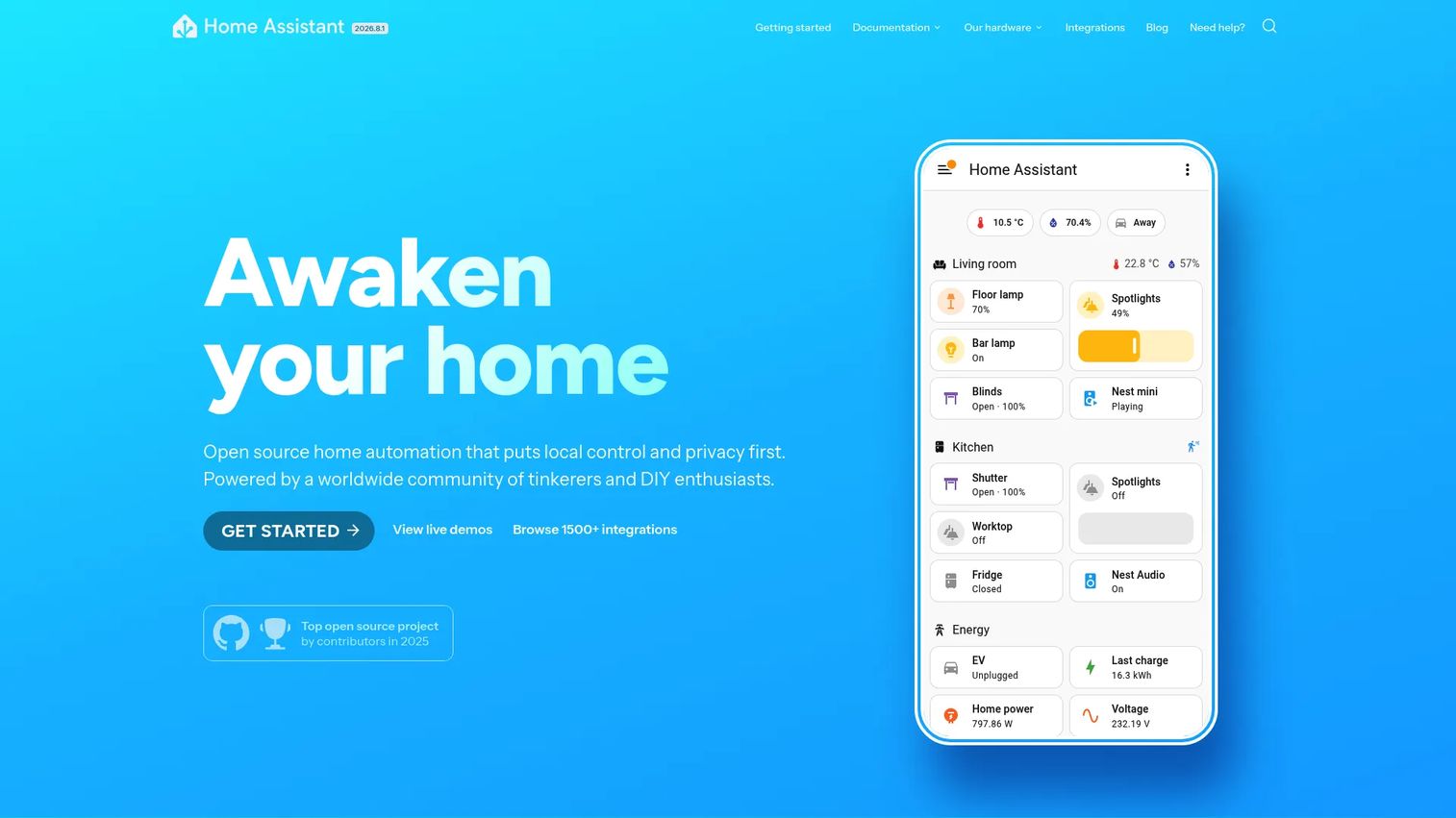
Home Assistant is open source home automation software that runs locally on your own hardware. It works with over 1000 brands and devices, processes automations on-device, and exposes fully customizable dashboards. For anyone who wants deep control without handing data to a cloud vendor, it is the default recommendation.
The appeal for a product-minded buyer is the ceiling. The automation engine handles branching logic, not just schedules, and the integration count means you rarely hit a wall where a device simply cannot connect. Its companion mobile apps cover remote access and presence detection.
Best for: privacy-focused users who want a locally run platform with maximum device coverage.
Key features
- Local control with no cloud required
- Advanced automation engine with branching logic
- Customizable dashboards
- Works with 1000+ brands and devices
- Official companion mobile apps
Why choose Home Assistant: Pick it if you value local-first data processing and are comfortable running your own hardware. The tradeoff is that you own the maintenance, which suits tinkerers more than set-and-forget households.
Home Assistant pricing: The core software is free and open source with no subscription. An optional Home Assistant Cloud subscription adds remote access and voice assistant integrations for those who prefer not to configure it manually.
2. openHAB
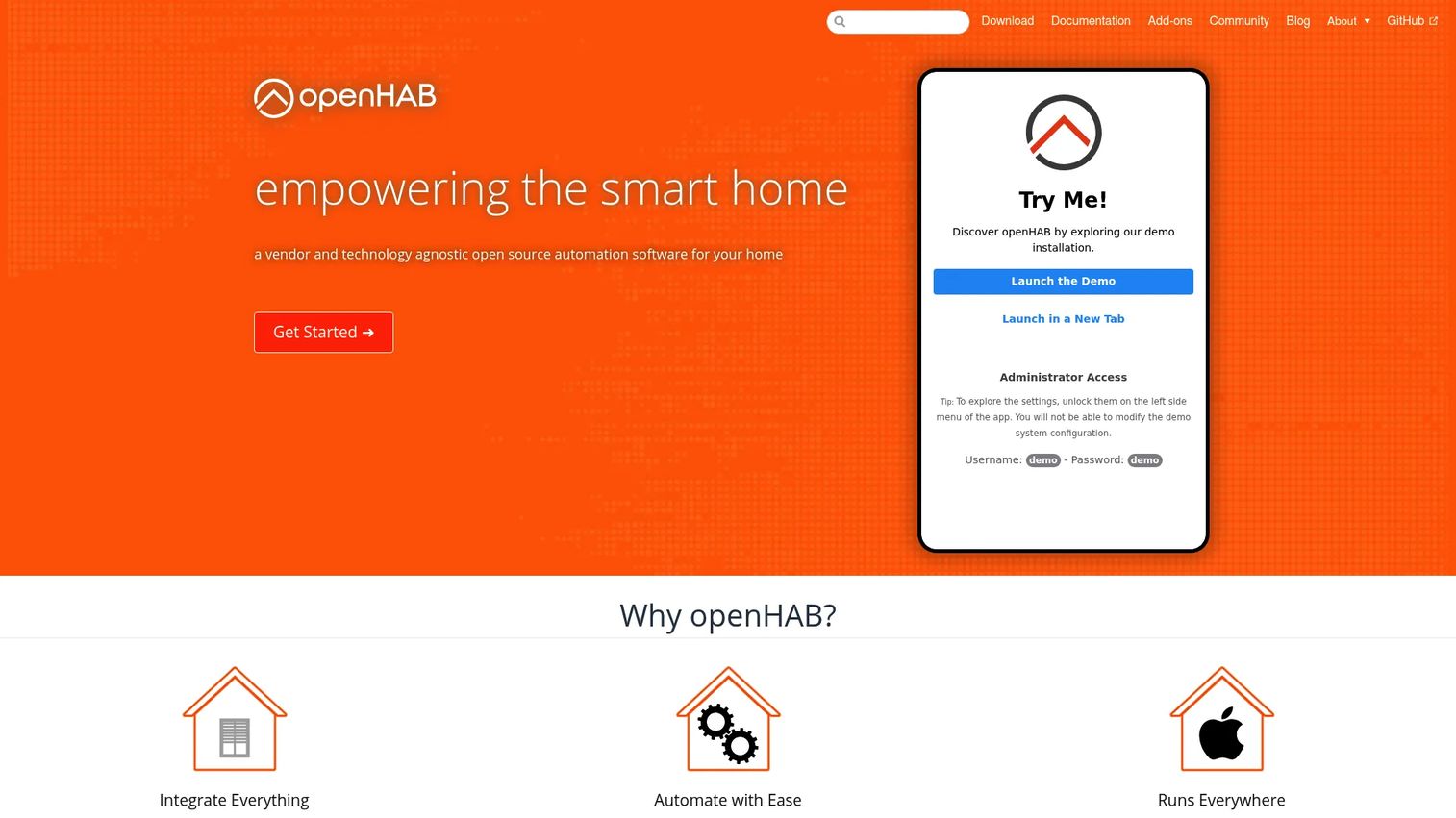
openHAB is an open source home automation platform built around vendor neutrality. It connects devices through bindings, runs automation through a dedicated rules engine, and lets you build custom interfaces in its Main UI. It is the pick for users who want platform independence and technical flexibility above all.
The rules engine is the standout. If your automations get genuinely complex, with conditions layered on conditions, openHAB gives you room to express that logic cleanly. Deployment is flexible across operating systems, and everything runs local-first.
Best for: self-hosters who want a flexible, community-driven platform with a strong rules engine.
Key features
- Bindings for broad device integrations
- Rules engine for complex automation
- Main UI for configuration and control
- Local-first architecture
- Cross-platform deployment
Why choose openHAB: Choose it when vendor neutrality and rule complexity matter more than a polished out-of-box experience. It rewards users willing to invest time in configuration.
openHAB pricing: openHAB is free and open source. The project runs on donations and optional membership support, with membership starting as low as 2 euros per month.
3. Control4
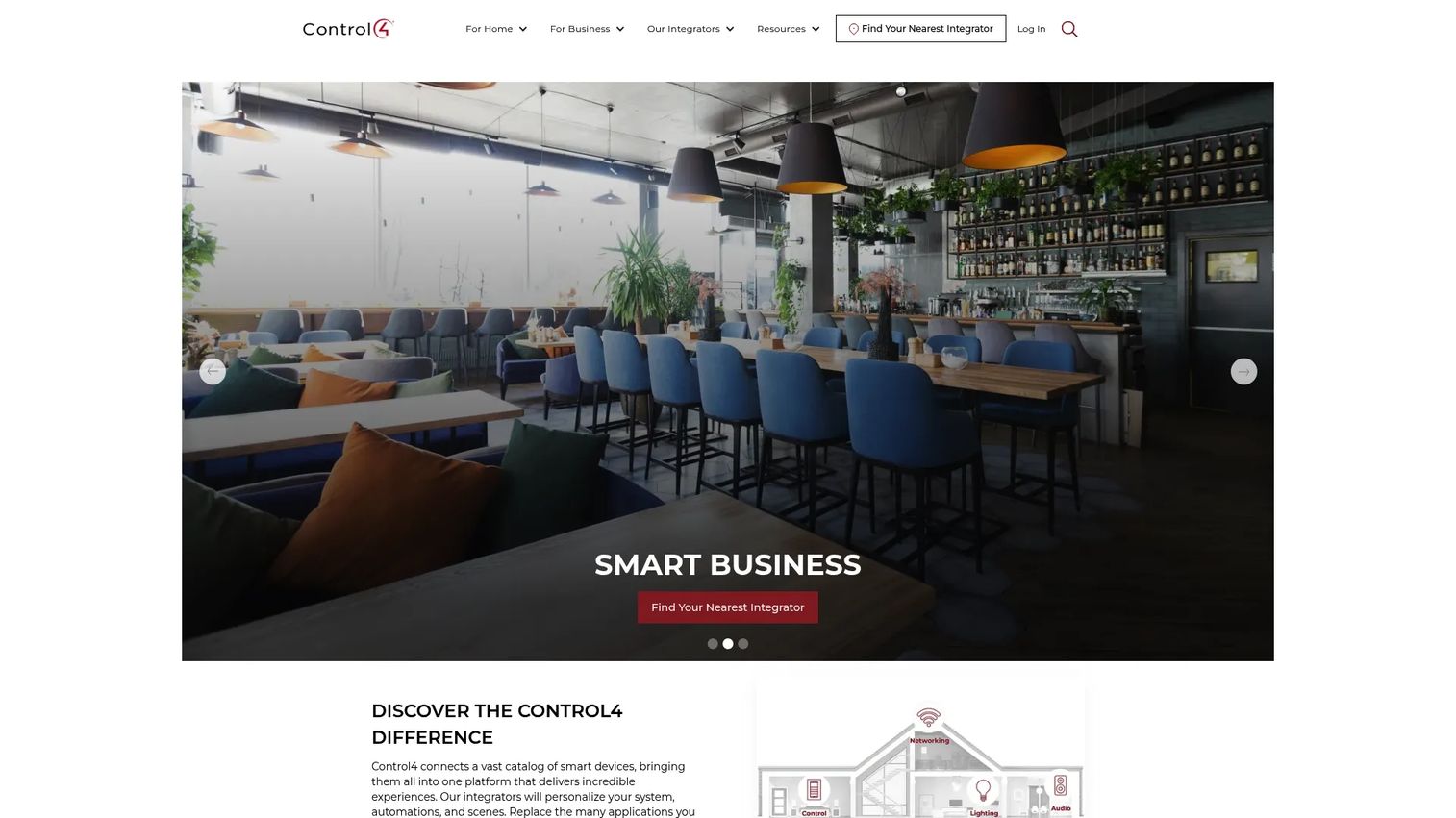
Control4 is a professionally installed smart home automation platform for homes and businesses. It controls lighting, audio, video, climate, intercom, and security through one system, installed and configured by an authorized integrator. This is the option for people who want a finished, whole-home system rather than a project.
The value is the hand-off. An integrator scopes, installs, and tunes the system, so you get a polished result without touching a config file. The Control4 App gives mobile access, alerts, and routines, and the system runs locally without a subscription.
Best for: homeowners who want a polished, professionally installed whole-home system.
Key features
- Controls lighting, audio, video, climate, and security
- Professionally installed by integrators
- Control4 App for mobile access and routines
- Works locally without a subscription
- Connect subscription adds remote access and voice
Why choose Control4: Choose it when you want a done-for-you system and are working with a budget that supports professional installation. It fits people who value the result over the tinkering.
Control4 pricing: Control4 works locally without a subscription, and the optional Control4 Connect subscription unlocks remote access and voice integrations. Full system pricing comes through an authorized integrator, since it depends on the hardware and rooms you cover.
4. Domoticz
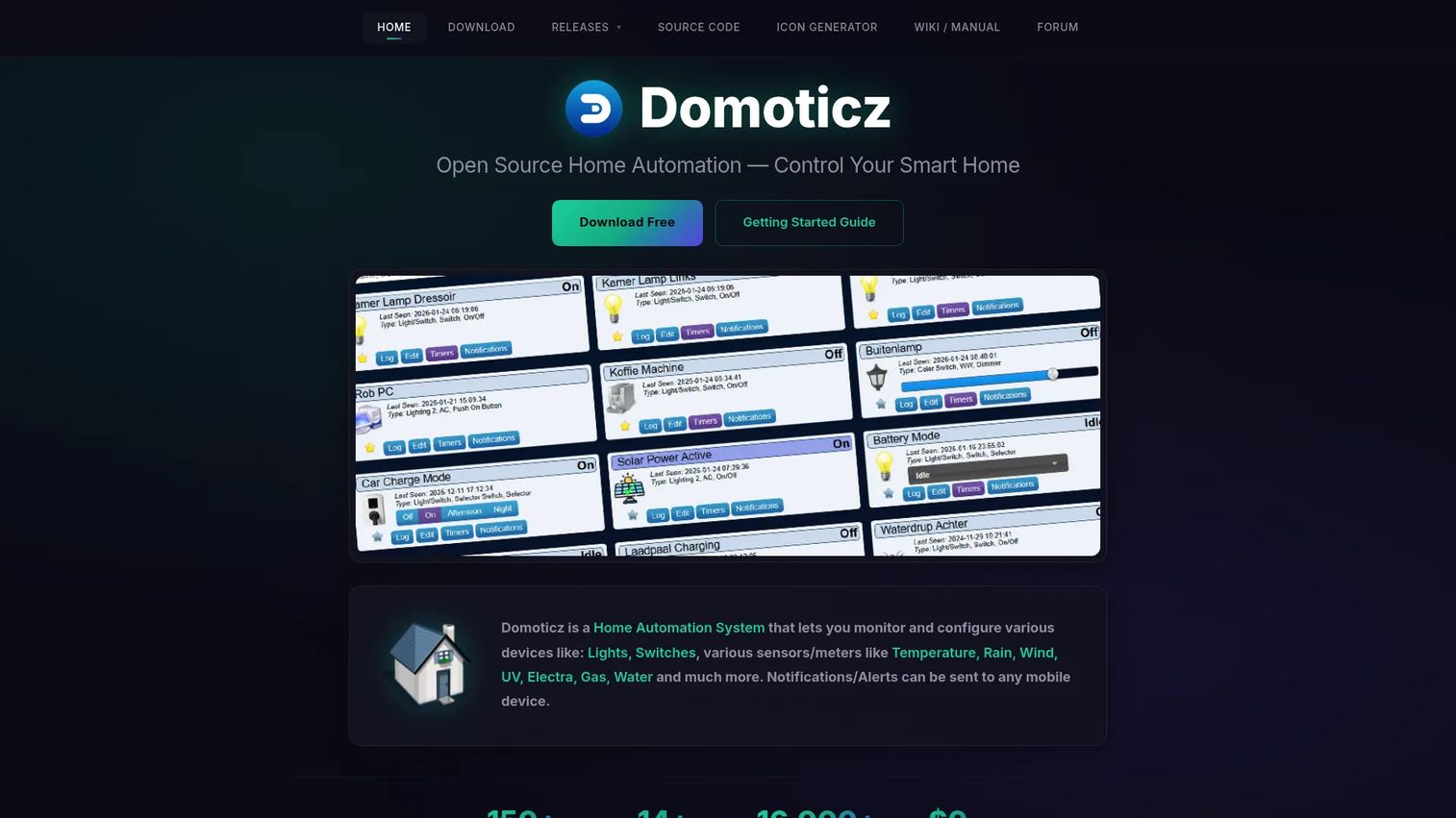
Domoticz is open source home automation software for monitoring and controlling smart home devices locally. It runs light, supports a wide range of lights, switches, sensors, and meters, and serves a local HTML5 web frontend. For simpler setups and users who want low overhead, it is a practical DIY controller.
The draw is efficiency. Domoticz runs comfortably on modest hardware and gives you real scripting power through dzVents, Lua, Python, and Blockly. That combination suits people who want control without a heavyweight platform.
Best for: DIY users who want a lightweight, self-hosted home automation controller.
Key features
- Supports lights, switches, sensors, and meters
- Local HTML5 web frontend for desktop and mobile
- Scripting with dzVents, Lua, Python, and Blockly
- Runs on modest hardware
- Free and open source
Why choose Domoticz: Choose it when you want a low-footprint platform and are comfortable scripting your own automations. It fits practical DIYers over users who want a guided interface.
Domoticz pricing: Domoticz is free and open source, described on its own site as zero cost forever. The project is donation-supported with no paid tiers.
5. Homey
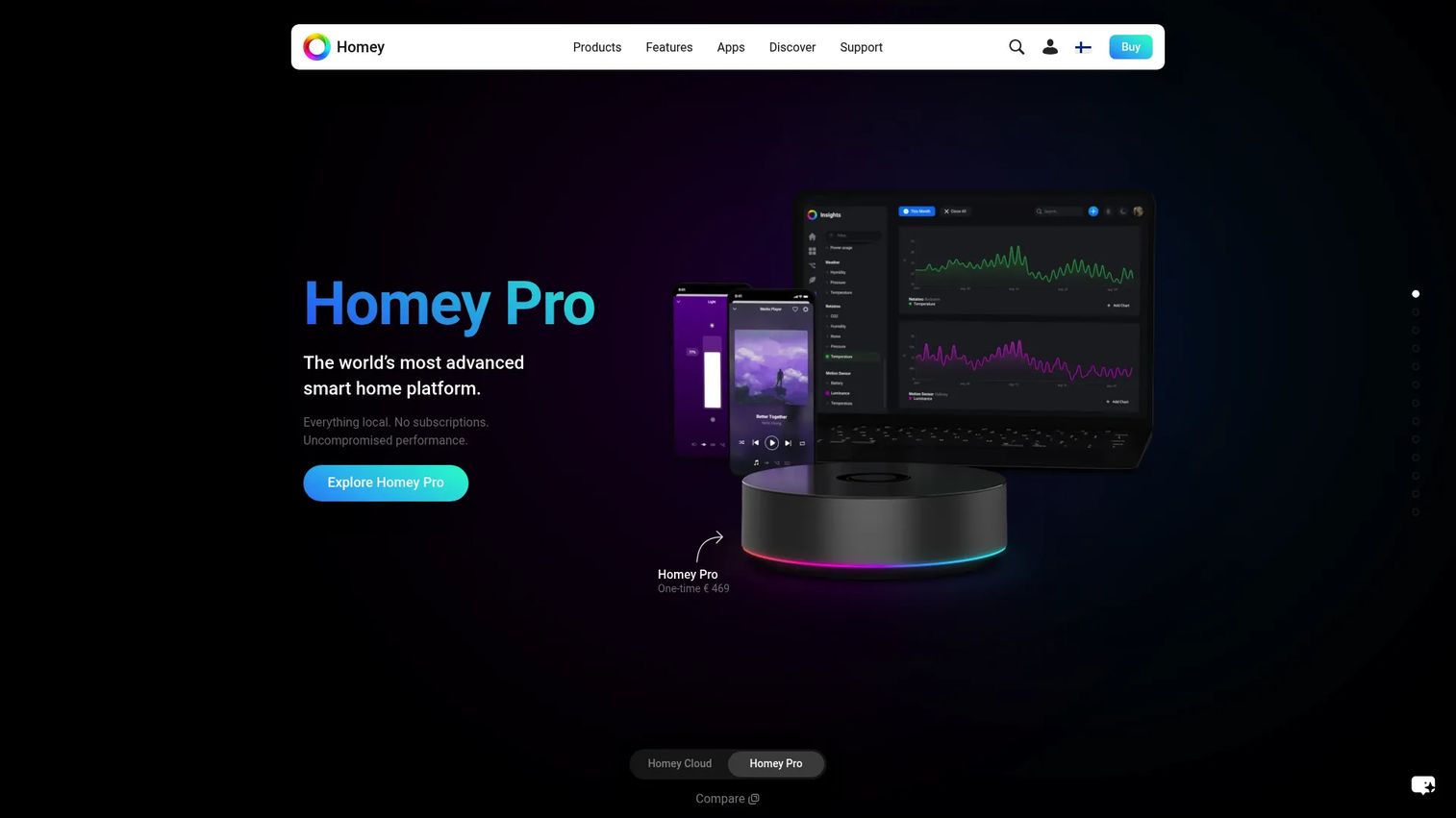
Homey is a smart home platform for controlling, automating, and monitoring connected devices through a polished app and dedicated hubs. Its Flow and Advanced Flow automations cover apps, devices, energy, and insights. For users who want a DIY setup that feels finished, Homey lands the balance.
The experience is the differentiator. Where open source platforms ask for configuration time, Homey gives you a clean app and a hardware hub that handles the radios for you. Advanced Flow adds real automation depth for users who outgrow simple rules.
Best for: smart home users who want a unified control and automation platform with a friendly interface.
Key features
- Homey Cloud app-based control and automation
- Homey Pro and Homey Pro mini hardware hubs
- Flow and Advanced Flow automations
- Energy monitoring and insights
- Dashboards for device control
Why choose Homey: Choose it when you want a polished DIY experience and prefer a guided app over a config file. It fits users who value ease without giving up automation depth.
Homey pricing: Homey Cloud is free for up to 5 devices, then $2.99 per month. Hardware options include the Homey Bridge at $69, the Homey Pro mini at $249, and the Homey Pro at $449.
6. SmartThings
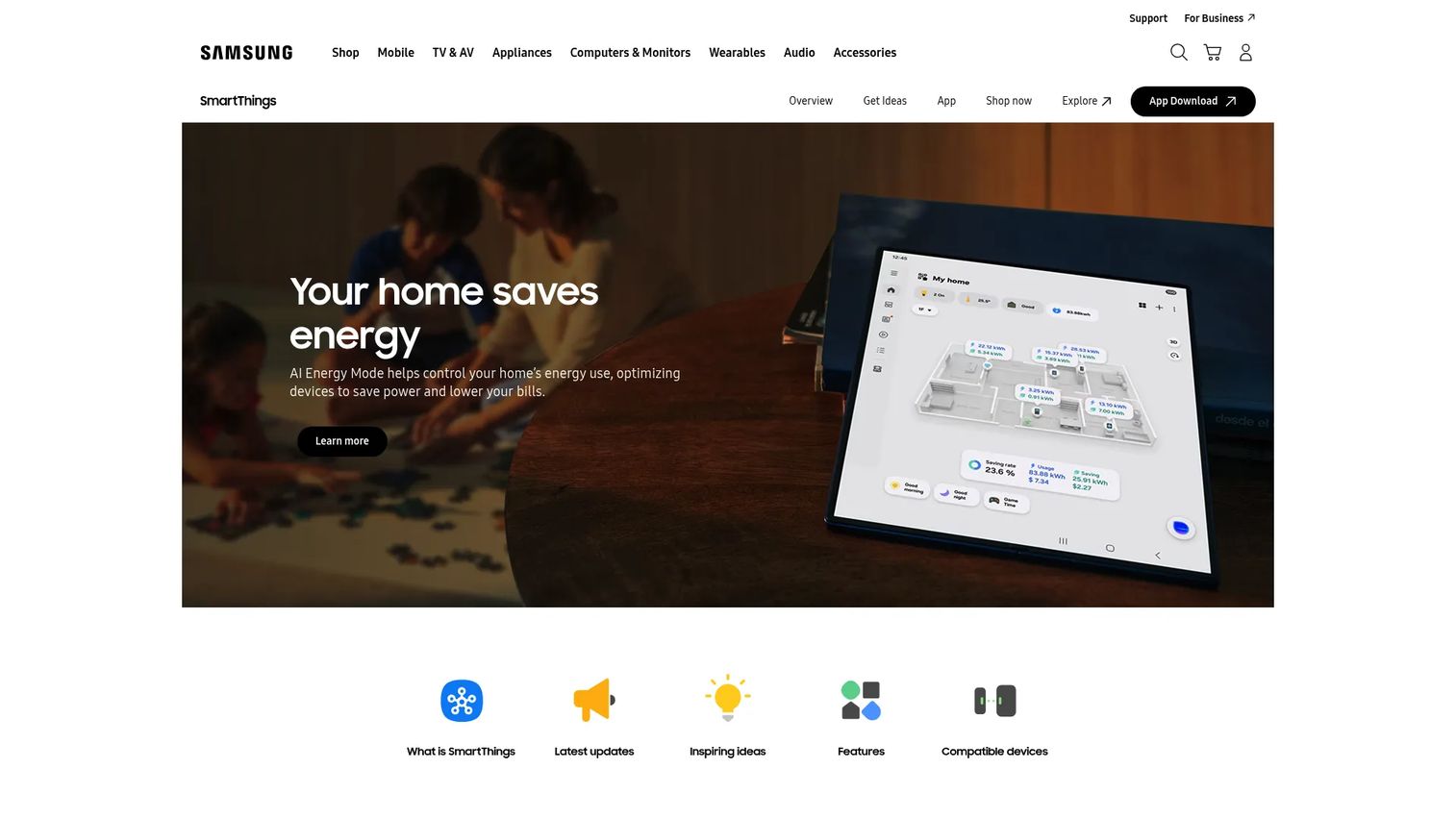
SmartThings is a smart home platform and app for connecting, automating, and monitoring compatible devices. It offers app-based control, automations, a 3D Map View of your devices, and SmartThings Energy for monitoring and savings. For households already inside a broad consumer ecosystem, it is the convenient default.
The strength is reach. SmartThings supports a wide range of mainstream consumer devices out of the box, so most people can connect what they already own without extra hardware. The 3D Map View is a genuinely useful way to see where every device sits in the home.
Best for: households and developers who want a broad, mainstream connected-home platform.
Key features
- Smart home app control and automations
- 3D Map View for devices in the home
- SmartThings Energy monitoring
- Broad consumer device support
- Developer and API access
Why choose SmartThings: Choose it when you are already invested in a mainstream ecosystem and want convenience over deep local control. It fits users who prioritize easy device onboarding.
SmartThings pricing: The SmartThings app is free to download and use with compatible devices. Costs come from any hubs or devices you add rather than the software itself.
7. Home Assistant Connect ZBT-2
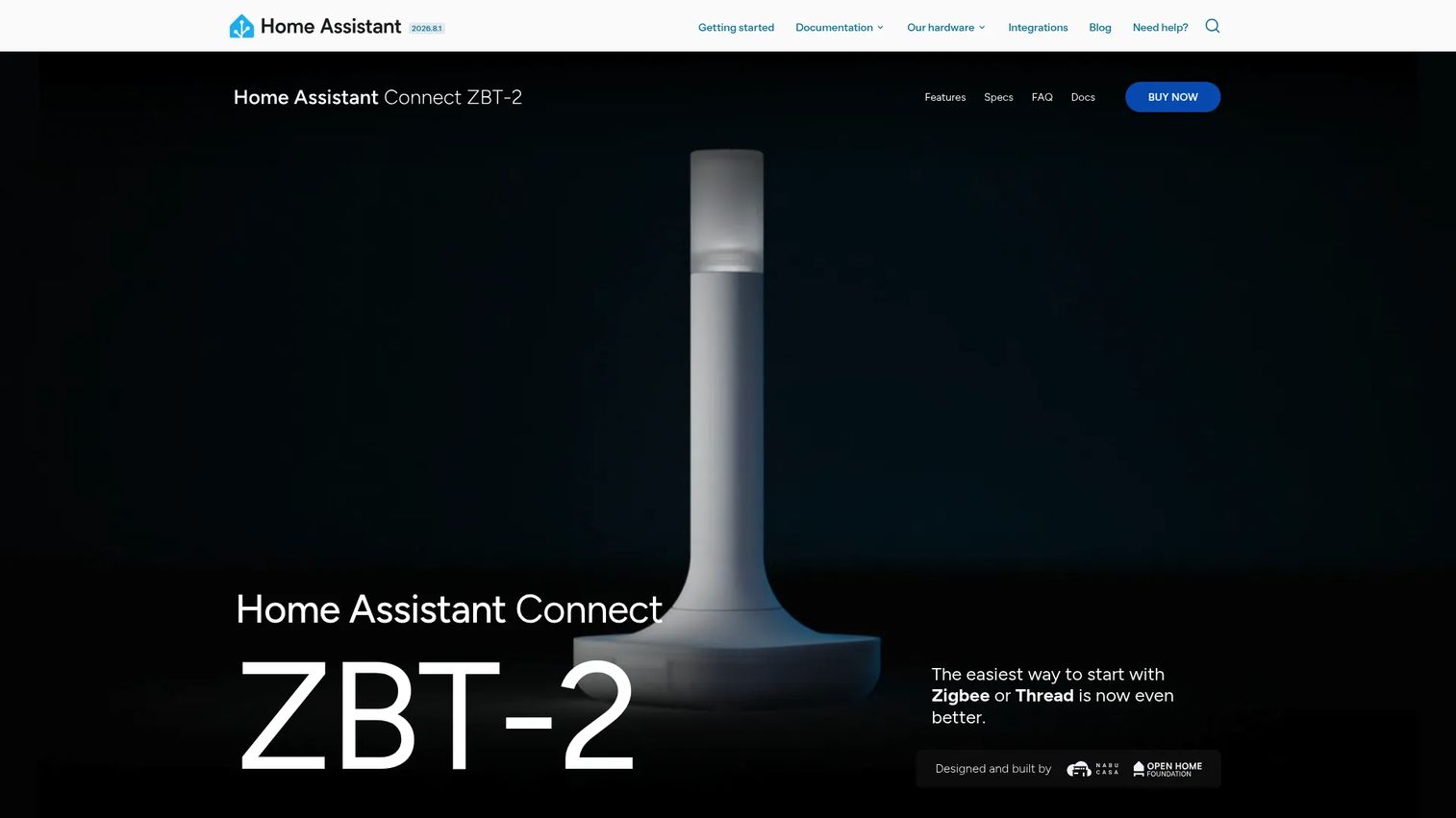
Home Assistant Connect ZBT-2 is a second-generation USB adapter that adds Zigbee or Thread support to a Home Assistant setup. It supports Zigbee 3.0 and Thread, runs 4x faster than the ZBT-1, and ships with an optimized antenna and updated MG24-based internals. It is the pick for extending an existing Home Assistant install with broader protocol coverage.
This is hardware, not a standalone platform. Its job is to give Home Assistant a strong local radio so your Zigbee and Thread devices talk directly to your hub without a vendor cloud in the middle.
Best for: Home Assistant users who want a dedicated Zigbee or Thread radio with strong local-device compatibility.
Key features
- Supports Zigbee 3.0 and Thread
- 4x faster than the ZBT-1 adapter
- Optimized antenna design
- Updated MG24-based internals
- Local device connectivity
Why choose Home Assistant Connect ZBT-2: Choose it when you already run Home Assistant and need to expand protocol support. It fits DIY users extending a local-first setup rather than starting from scratch.
Home Assistant Connect ZBT-2 pricing: The adapter has an MSRP of $49 (or 45 euros), with prices varying by region. It is a one-time hardware purchase, not a subscription.
Considerations
Before you commit, run your setup through this checklist.
Integration breadth
Verify support for the brands and protocols you already own. A platform that supports 1000 devices is useless if it misses the three you have. Check Matter, Zigbee, Z-Wave, and Thread coverage against your actual hardware, not the marketing claims.
Automation depth
Decide whether you need simple routines or advanced rules. Schedules and scenes cover most households. If you want conditions layered on conditions, confirm the platform's rules engine can express that logic before you build your whole setup around it.
Local control vs cloud dependence
Check how much works without an internet connection. A local-first home automation controller keeps running when the vendor's servers go down or the company changes direction. Cloud dependence adds convenience but ties your home to someone else's uptime and roadmap.
Hardware and setup complexity
Match the platform to your time, skills, and budget. Open source options give you the most control but ask for the most setup and ongoing maintenance. Hub-based and integrator-led systems trade some flexibility for a faster, cleaner start.
Remote access and voice support
Make sure the control surfaces fit how your household actually uses the system. Confirm mobile app quality, dashboard usability, and voice assistant support. The best automation logic still fails the household test if the everyday controls are awkward.
Conclusion
The right smart home software comes down to how much control you want versus how much time you want to spend.
For open source, privacy-first control with the deepest device coverage, start with Home Assistant. If you want vendor neutrality and a strong rules engine, openHAB is the match. Domoticz suits lightweight, script-driven DIY setups. For a done-for-you whole-home system, Control4 through an integrator is the path. Homey and SmartThings win when ease and a polished experience matter most, and the Home Assistant Connect ZBT-2 is the radio to reach for when you are extending a local Home Assistant setup with Zigbee or Thread.
Pick the platform that matches your setup style and the ecosystem you already own. Start with the devices in your house, confirm the integrations and protocols line up, then choose the control architecture, local or cloud, that fits your privacy tolerance. Get that decision right and the rest is just adding devices.
FAQs
Smart home software is the control layer that connects your smart devices, runs automations, and gives you one interface to monitor and control your home. It handles scenes, schedules, and triggers, and exposes dashboards, remote access, and voice control. The best platforms unify mixed-brand devices so they act as a single system.
Home Assistant is the strongest pick for mixed-brand homes, with support for over 1000 brands and broad protocol coverage across Matter, Zigbee, Z-Wave, and Thread. openHAB and SmartThings also handle mixed setups well. Always verify the specific brands and radios you own are supported before committing.
Generally yes, because open source smart home software like Home Assistant, openHAB, and Domoticz processes automations locally on your own hardware. That means your device data does not have to leave the house or route through a vendor cloud. You trade some convenience for control and privacy.
Look for Matter, Zigbee, Z-Wave, and Thread at minimum, plus Wi-Fi and often MQTT for DIY setups. Matter is the emerging standard aimed at cross-brand interoperability, though older devices still rely on Zigbee and Z-Wave. Match the protocols to the devices you already own.
Yes. Local-first platforms like Home Assistant, openHAB, and Domoticz run automations on your own hardware and keep working when the internet drops. Cloud-dependent platforms route commands through vendor servers, which adds remote convenience but ties reliability to that vendor's uptime.
It depends on your protocols. Wi-Fi and Matter-over-Wi-Fi devices often connect without a dedicated hub, but Zigbee and Z-Wave devices need a radio bridge. A smart home hub or a radio adapter like the Home Assistant Connect ZBT-2 provides that bridge for local control.
Homey and SmartThings are the easiest starting points, both offering polished apps and straightforward device onboarding without heavy configuration. Homey adds dedicated hub hardware for a guided setup, while SmartThings leans on broad mainstream device support. Both suit users who want convenience over deep local control.










