Your company can survive a bad meeting when 12 people are in a room. At 80 people, poor video communication becomes operating debt. Hiring loops slow down. Sales handoffs lose context. Customer calls disappear into calendars. The founder becomes the fallback interpreter again.
According to Owl Labs' State of Hybrid Work (2025), workers averaged five online meetings per week, and 67% said they had given up trying to set up meeting-room video technology because it was too difficult. That friction compounds fast as headcount grows.
The question for a Series B SaaS founder is not whether video conferencing tools work. The question is whether the platform you pick supports recurring leadership meetings, board prep, sales calls, recruiting loops, and customer onboarding without adding another rollout project to the list.
Video communications software now covers more ground than a single meeting app: Meetings, webinars, messaging, calling, AI meeting notes, and admin controls. Which platform earns its place in your stack?
What's inside
This guide compares 12 video communications software options selected for SaaS teams in 2026. Items were chosen based on:
- Meeting reliability and video quality for distributed teams
- AI transcription, summaries, and follow-up capabilities
- Security, admin controls, and procurement readiness
- Pricing fit for companies with 30 to 150 employees
- Integration with common SaaS productivity stacks
The guide is written for founders and operators choosing a platform that scales beyond founder-led communication.
TL;DR
- Best for Microsoft 365 companies: Microsoft Teams combines video, chat, calling, files, and Microsoft 365 into one operating layer for teams already standardized on that stack
- Best for external meetings: Zoom works when customers, candidates, and investors already expect the interface
- Best for Google Workspace teams: Google Meet keeps meetings inside Calendar, Gmail, and Drive with minimal admin overhead
- Best for enterprise-grade security: Cisco Webex fits teams selling into regulated markets or dealing with mature procurement requirements
- Best for unified communications: RingCentral Video or 8x8, when video, phone, and messaging need to consolidate into one vendor
- Best free open-source option: Jitsi Meet suits technical founders who want browser-based meetings with self-hosting control
What is video communications software?
Video communications software is a business platform for live video meetings, audio calls, webinars, screen sharing, chat, meeting recordings, and collaboration across distributed teams.
The category spans several distinct types:
Video conferencing software focuses on live meetings and calls. Think scheduled calls, screen sharing, and recordings for internal or external participants.
Video communications platforms go further, combining meetings with chat, phone, webinars, AI meeting notes, admin controls, and calendar integrations.
Unified communications platforms add voice, contact center, and messaging to the same stack, so video is one layer of a broader business communications infrastructure.
Self-hosted or open-source options give teams more infrastructure control at the cost of more operational responsibility.
Key capabilities to look for in any video communications tool:
- HD video and audio
- Screen sharing and presentation controls
- Chat and file sharing during meetings
- Recording and searchable transcripts
- AI meeting summaries and action items
- Calendar integration
- Webinar or event hosting (where needed)
- Security controls, encryption, and admin policies
- Mobile and browser access
- Participant limits matched to your use case
For a Series B SaaS company, the category question is not "can we do video calls?" It is whether the platform supports recurring team rituals, customer communication, recruiting, and leadership alignment without requiring the founder to be in every room to maintain context.
When to use video communications software
Run the company without the founder in every meeting
Distributed leadership teams, weekly stand-ups, all-hands, and board prep all require consistent video, recording, and follow-up. A platform with reliable AI summaries and searchable transcripts lets late attendees catch up without a second call. When hiring loops and one-on-ones run through the same tool, new leaders get a working communication layer on day one.
Sell and support customers across time zones
Sales calls, customer onboarding, QBRs, and support escalations all need external guest access, recording, and clean follow-up. The right video platform reduces friction between a prospect's first call and their second. CRM and calendar integrations mean context doesn't get lost between the meeting and the next step.
Hire and onboard distributed teams
Interview loops, hiring panels, and onboarding sessions run through video. Captions, recordings, and mobile access matter when candidates or new hires join from different environments. A tool that works without IT setup on the candidate's end removes one more variable from an already high-stakes process.
Video communications software comparison
The table below is a shortlist, not a universal ranking. The right choice depends on your current productivity stack, external meeting volume, security requirements, and whether you want a standalone meeting tool or a unified communications platform.
| # | Product | Best for | Key differentiator | Pricing | G2 rating |
|---|---|---|---|---|---|
| 1 | Microsoft Teams | Microsoft 365 companies | Deep Microsoft 365 collaboration layer | From $4.00/user/month | 4.4/5 |
| 2 | Zoom | External meetings, broad adoption | Familiar video with meetings, webinars, and events | Free; paid from $14.16/user/month | 4.6/5 |
| 3 | Google Meet | Google Workspace teams | Native Calendar, Gmail, and Drive workflow | From $7/user/month | N/A (G2) |
| 4 | Cisco Webex | Security-conscious enterprises | Enterprise meetings, calling, and device ecosystem | Free; paid from $14.50/user/month | 4.2/5 |
| 5 | RingCentral Video | Unified video and messaging | AI video with team messaging and business communications | Free Video Pro plan; Video Pro+ requires quote | 4.2/5 |
| 6 | GoTo Meeting | Reliable business meetings | Straightforward meetings with recording and screen sharing | Quote-based | N/A (G2) |
| 7 | Dialpad AI Meetings | AI-first meeting workflows | Native AI summaries, live transcription, and action items | From $15/user/month | N/A (G2) |
| 8 | Slack | Internal team huddles | Lightweight video inside messaging workflows | Free; paid from $7.25/user/month | 4.5/5 |
| 9 | Jitsi Meet | Open-source flexibility | Browser-based meetings with self-hosting options | Free | 4.3/5 |
| 10 | TrueConf | Self-hosted video environments | Private on-premises deployment with SIP/H.323 interoperability | Free server (up to 1,000 users); paid from $10/user/year | 4.7/5 |
| 11 | 8x8 | Video plus contact center | Meetings, phone, messaging, and contact center in one platform | Custom pricing | 4.2/5 |
| 12 | Pexip | Video interoperability | Cross-platform room interoperability and private deployment | From $10/room/month (billed annually) | 4.4/5 |
Best 12 video communications software for 2026
Each section below covers fit, key capabilities, pricing, and where each tool earns its place or falls short. Read the ones that match your stack.
1. Microsoft Teams
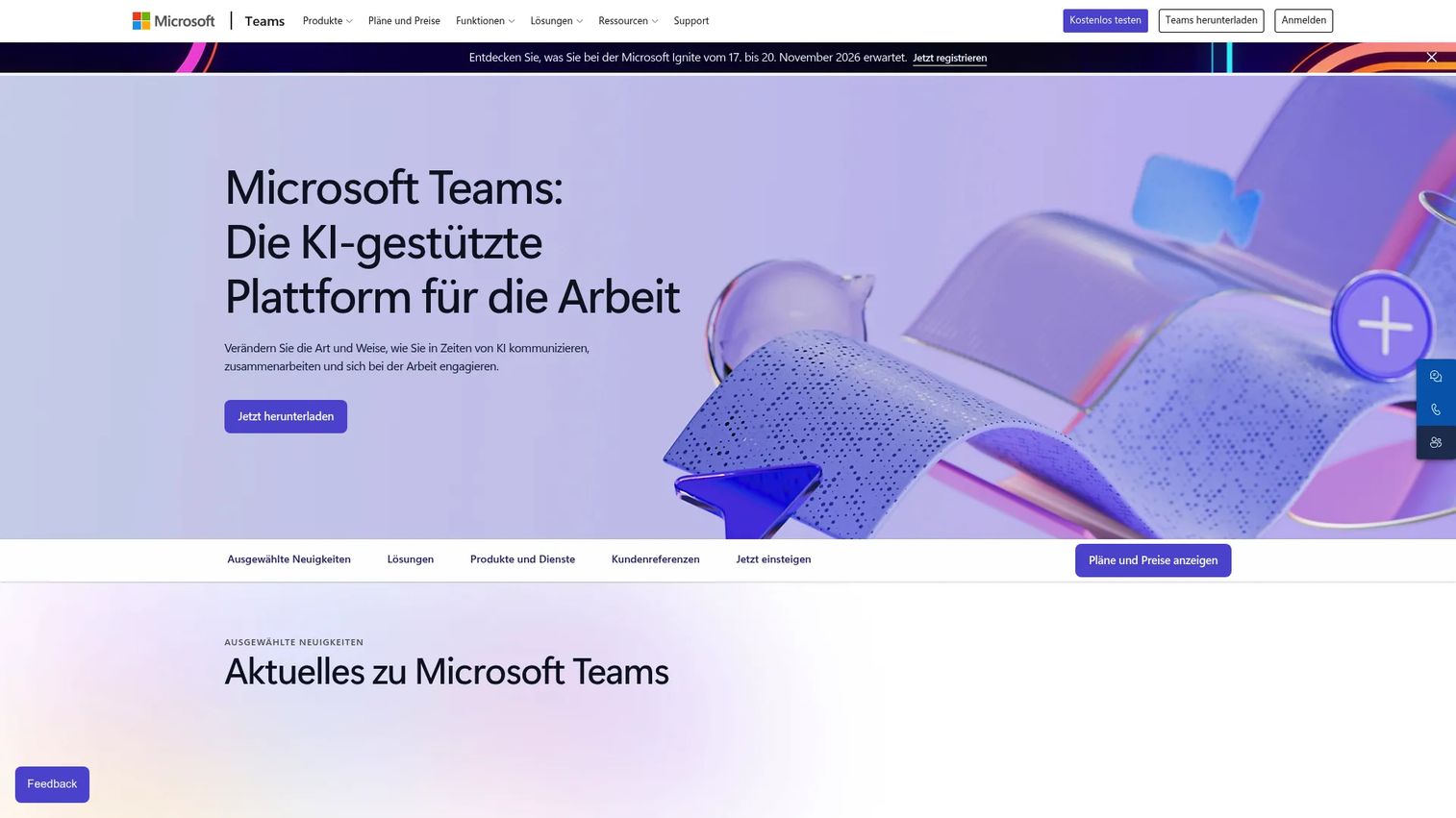
Microsoft Teams is a collaboration hub that combines video meetings, persistent chat, channels, calling, and file sharing inside Microsoft 365. If your company already works in Outlook, SharePoint, and OneDrive, Teams is the layer that connects those surfaces into a shared operating environment. For distributed leadership teams, it reduces the number of context switches between where work lives and where decisions get made.
Best for: SaaS teams already standardized on Microsoft 365 who want meetings, chat, and file collaboration in one place.
Key features
- Microsoft 365 integration: Outlook, SharePoint, OneDrive, and more
- Team channels and persistent chat
- Meeting recordings and AI-generated transcripts
- Town halls and webinar hosting
- Admin controls, SSO, and compliance policies
Why choose Microsoft Teams: Choose it when the company already lives in Microsoft 365 and the founder wants fewer disconnected tools. The trade-off is that external guests who default to a different meeting app may find joining a Teams call slightly more friction-heavy than joining a Zoom link.
Microsoft Teams pricing: Teams Essentials starts at $4.00/user/month billed annually. Microsoft 365 Business plans that include Teams start higher. Teams Phone add-ons range from $10.00 to $34.00/user/month depending on calling plan.
G2 rating: 4.4/5
2. Zoom
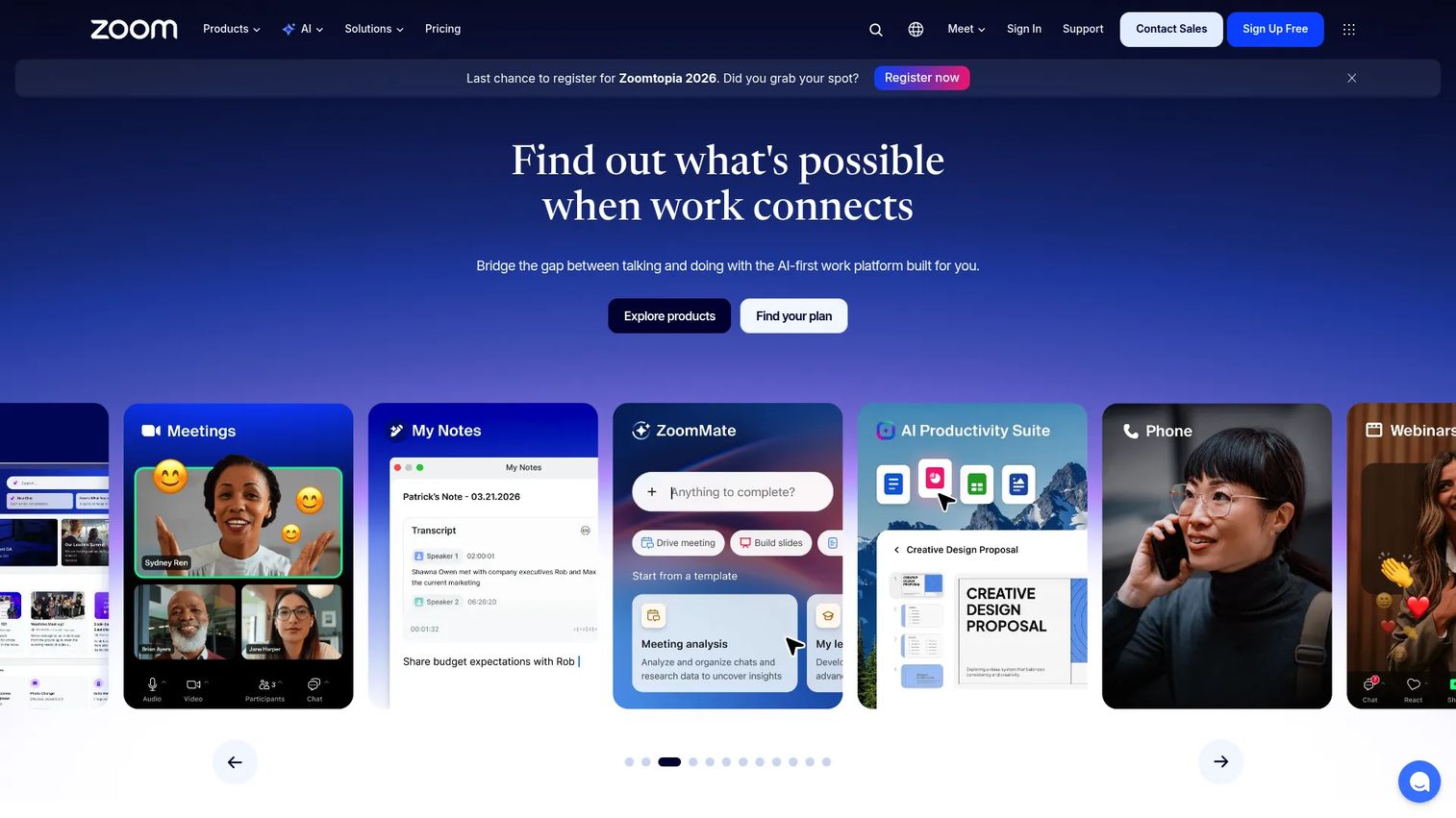
Zoom has become the default external meeting surface for most SaaS companies. Zoom Workplace combines meetings, team chat, phone, and collaborative tools like Docs, Whiteboard, and Clips. AI Companion provides meeting summaries, next-step suggestions, and translated captions for multilingual teams. The product's adoption advantage is real: When you send a Zoom link to a prospect, candidate, or investor, they rarely need to install anything or troubleshoot settings.
Best for: SaaS companies running a high volume of external calls where minimal guest friction matters most.
Key features
- HD video meetings (up to 100 on Basic, 300 on Business)
- AI Companion for summaries and action items
- Webinar and event hosting
- Zoom Phone for cloud calling
- Translated captions and multilingual support
Why choose Zoom: Pick it when external meeting adoption matters more than deep productivity-suite consolidation. The trade-off is overlap with chat, phone, or AI tools already in your stack. For AI meeting assistants built on top of Zoom, the integration market is wide.
Zoom pricing: Workplace Basic is free. Workplace Pro starts at $14.16/user/month billed annually ($16.99/month billed monthly). Workplace Business starts at $18.33/user/month billed annually.
G2 rating: 4.6/5
3. Google Meet
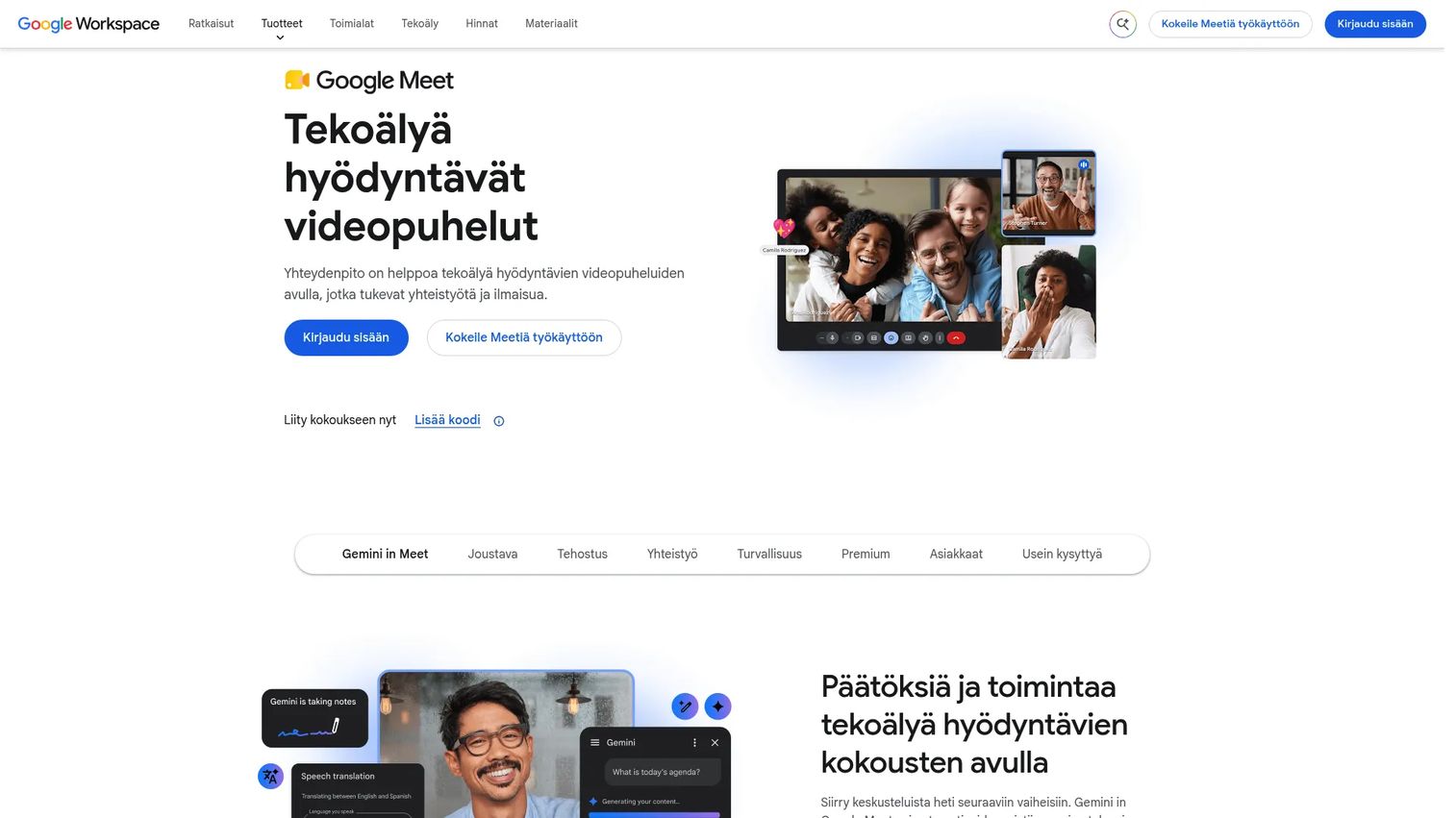
Google Meet is the video conferencing layer inside Google Workspace. Meetings start from Calendar events, Gmail threads, and Google Docs without switching apps. Browser-based access means guests join without downloads. Gemini adds AI-generated meeting notes and captions, including translated captions for international teams. For a SaaS company already using Google Workspace, Meet carries essentially zero additional admin overhead.
Best for: SaaS teams whose core productivity stack is Gmail, Calendar, Docs, and Drive.
Key features
- Calendar-native meeting scheduling
- Browser-based guest access
- Live captions and translated captions
- Google Workspace integration across Docs, Slides, Drive
- Gemini AI meeting support
Why choose Google Meet: Choose it when you want video to disappear into existing Google workflows. If your team later needs large-scale webinar hosting or advanced phone workflows, you may need a complementary tool alongside it.
Google Meet pricing: Included in Google Workspace plans. Business Starter starts at $7/user/month. Business Standard is $14/user/month. Business Plus is $22/user/month. Enterprise pricing requires contacting Google sales.
4. Cisco Webex
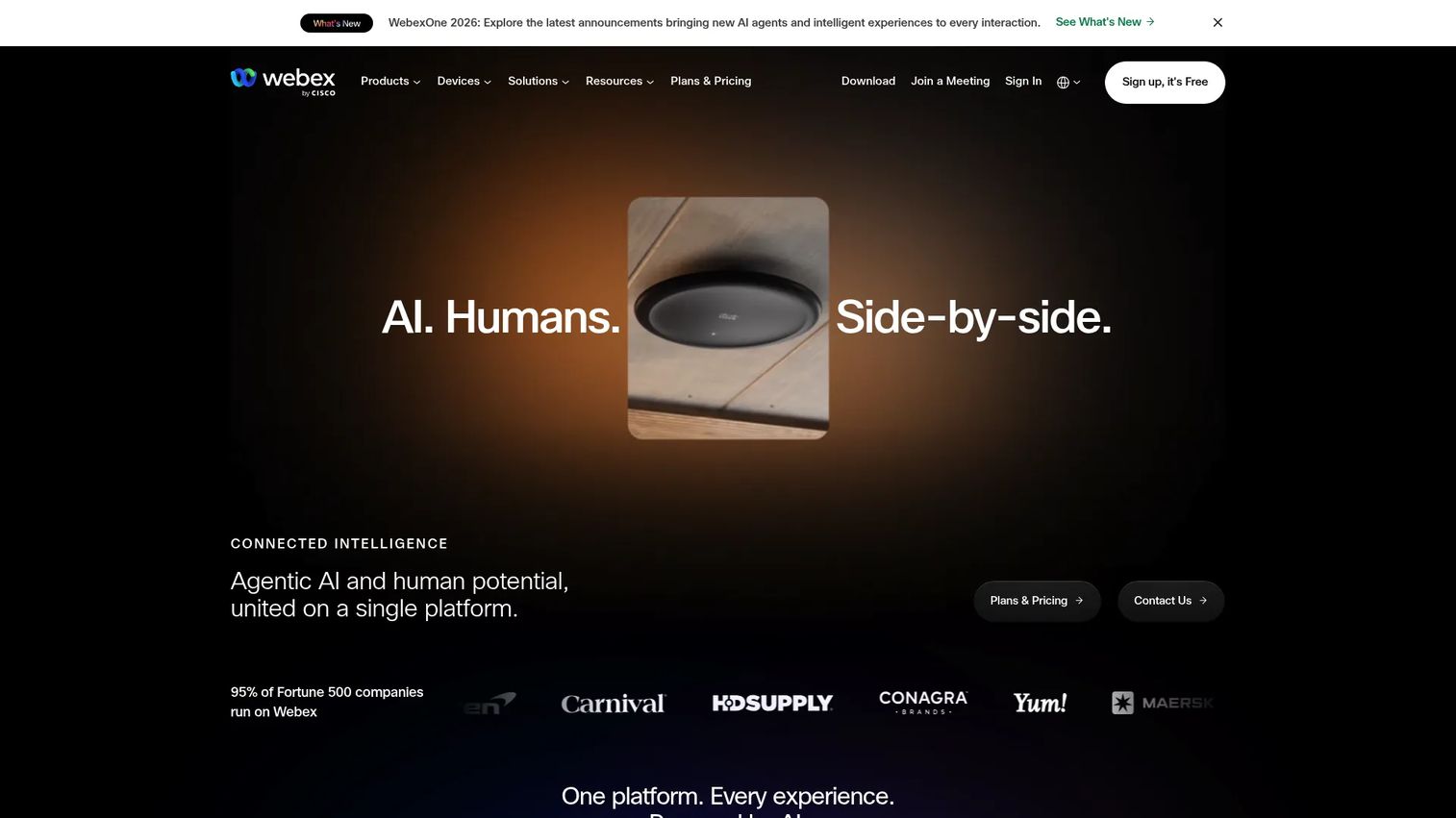
Cisco Webex is an AI-powered collaboration platform covering meetings, messaging, calling, webinars, events, and whiteboarding. Its security posture is one of the strongest in the category, which matters when selling into healthcare, financial services, or enterprise customers who ask detailed questions during procurement. Webex AI handles meeting summaries, transcripts, captions, and real-time translation across sessions.
Best for: Teams with enterprise-facing customers, regulated-market sales motions, or mature procurement processes that require documented compliance controls.
Key features
- AI meeting summaries, transcripts, and real-time translation
- Team messaging with file sharing and whiteboarding
- Cloud calling, webinars, and events
- Hardware device ecosystem
- Enterprise admin, compliance, and retention controls
Why choose Cisco Webex: Strong fit when procurement, compliance documentation, or global infrastructure requirements drive the decision. Smaller SaaS teams may find the platform broader than their immediate meeting needs, but the security headroom is worth something before your next enterprise deal.
Cisco Webex pricing: Webex Free supports meetings up to 40 minutes and 100 attendees. Webex Meet is $14.50/user/month. Webex Suite (Meet plus Call) is $25.00/user/month. Enterprise pricing requires contacting Cisco sales.
G2 rating: 4.2/5
5. RingCentral Video
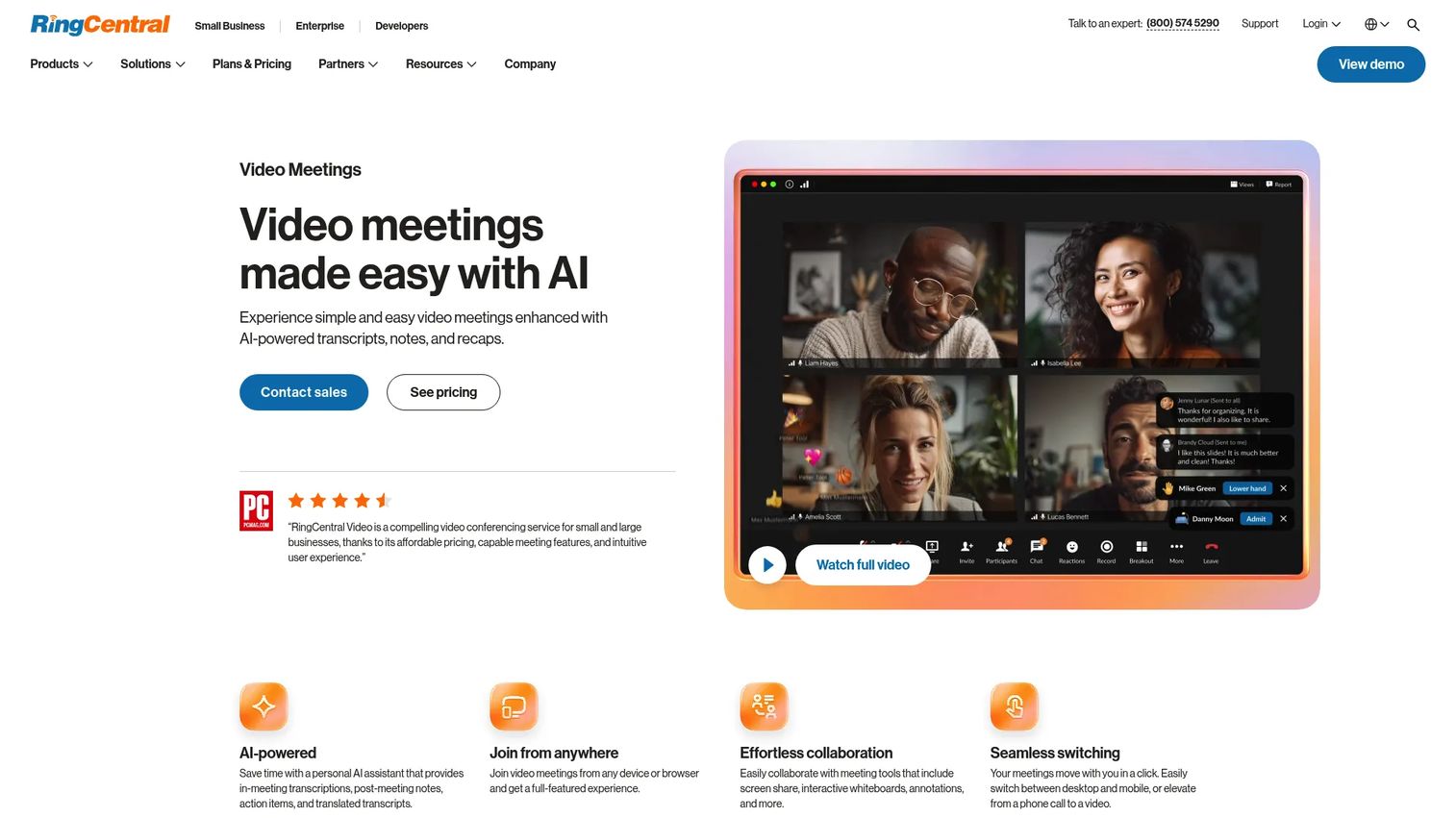
RingCentral Video sits inside RingCentral's broader unified communications platform, combining video meetings with team messaging, business phone, and integrations across the go-to-market stack. AI features cover transcriptions, action items, translated transcripts, and live notes. For founders trying to reduce separate phone, meeting, and messaging vendors, RingCentral offers a path toward stack consolidation rather than adding another tool.
Best for: Companies that want video meetings integrated with team messaging and business phone without maintaining separate vendors.
Key features
- AI transcriptions, notes, and action items
- Screen sharing, whiteboards, and breakout rooms
- Dynamic end-to-end encryption
- Team huddles and meeting recording sharing
- App integrations across CRM and productivity tools
Why choose RingCentral Video: Choose it when communications consolidation matters more than picking a standalone video app. Teams that only need occasional meetings may not get full value from the broader platform, but teams replacing a phone system and a meeting tool simultaneously will.
RingCentral Video pricing: Video Pro is free. Video Pro+ pricing is not displayed publicly and requires contacting RingCentral sales. G2 reviewer reports suggest paid plans vary by seat count and feature tier.
G2 rating: 4.2/5
6. GoTo Meeting
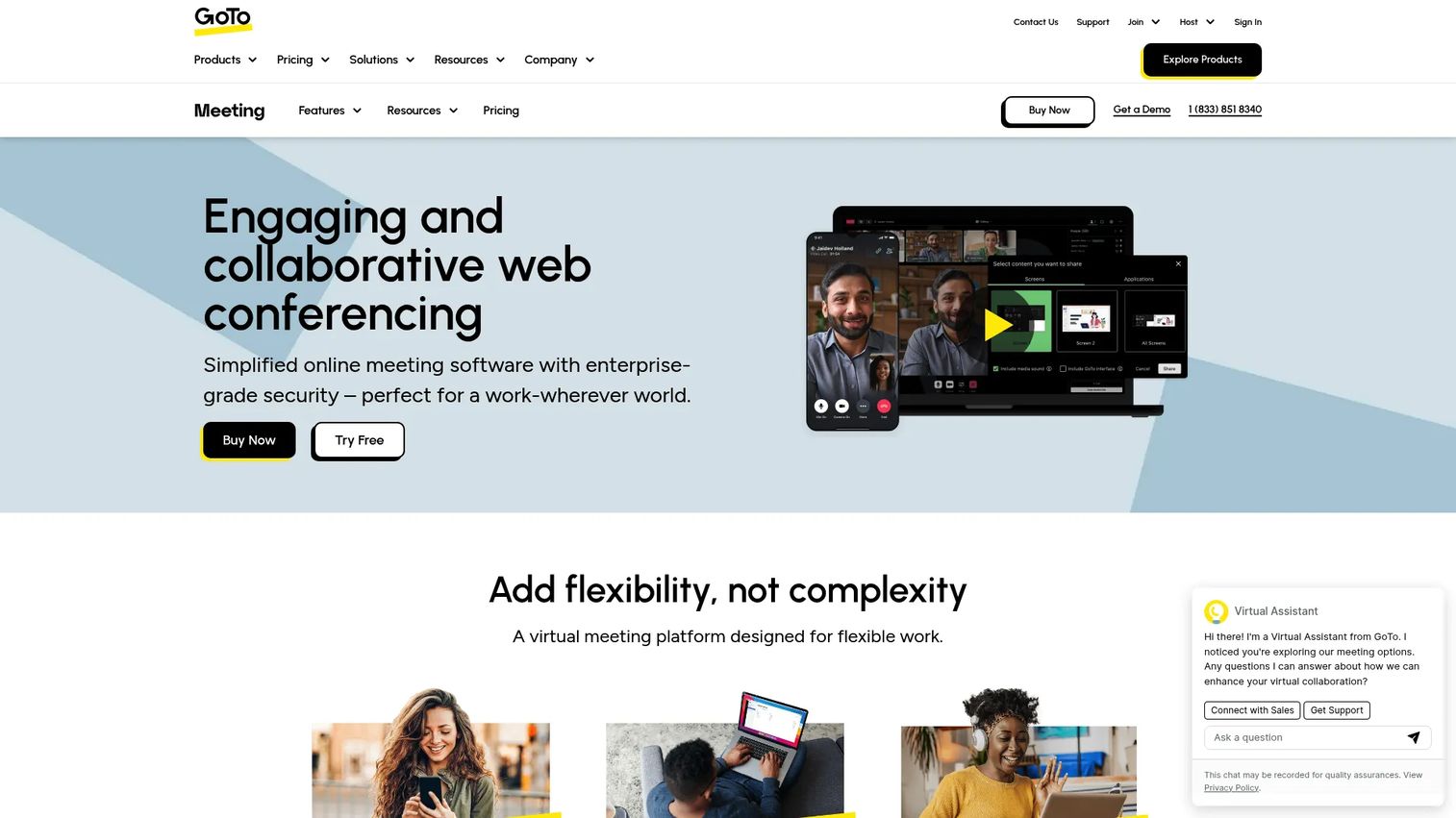
GoTo Meeting is a focused business video conferencing product from GoTo, the company behind a broader suite of remote work and IT management tools. The platform covers HD video, screen sharing, cloud recording, transcription, and AI meeting summaries. For founders who want a reliable meeting tool without a platform-wide rollout, GoTo Meeting fits teams that care more about call reliability than ecosystem depth.
Best for: Teams that need dependable video meetings for customers, partners, and internal reviews without overcomplicating the stack.
Key features
- HD video and screen sharing
- Breakout rooms and drawing tools
- Cloud recording and transcription
- AI meeting summaries
- Mobile access and calendar integrations
Why choose GoTo Meeting: Choose it when reliability and simplicity matter more than deep productivity-suite integration. GoTo's broader product family includes webinar and phone options if those needs grow. Verify current AI feature depth before committing, as capabilities continue to develop.
GoTo Meeting pricing: Professional, Business, and Enterprise plans are available. GoTo does not display numeric prices on its pricing page; contact GoTo sales or check G2 reviewer-reported ranges for current figures.
7. Dialpad AI Meetings
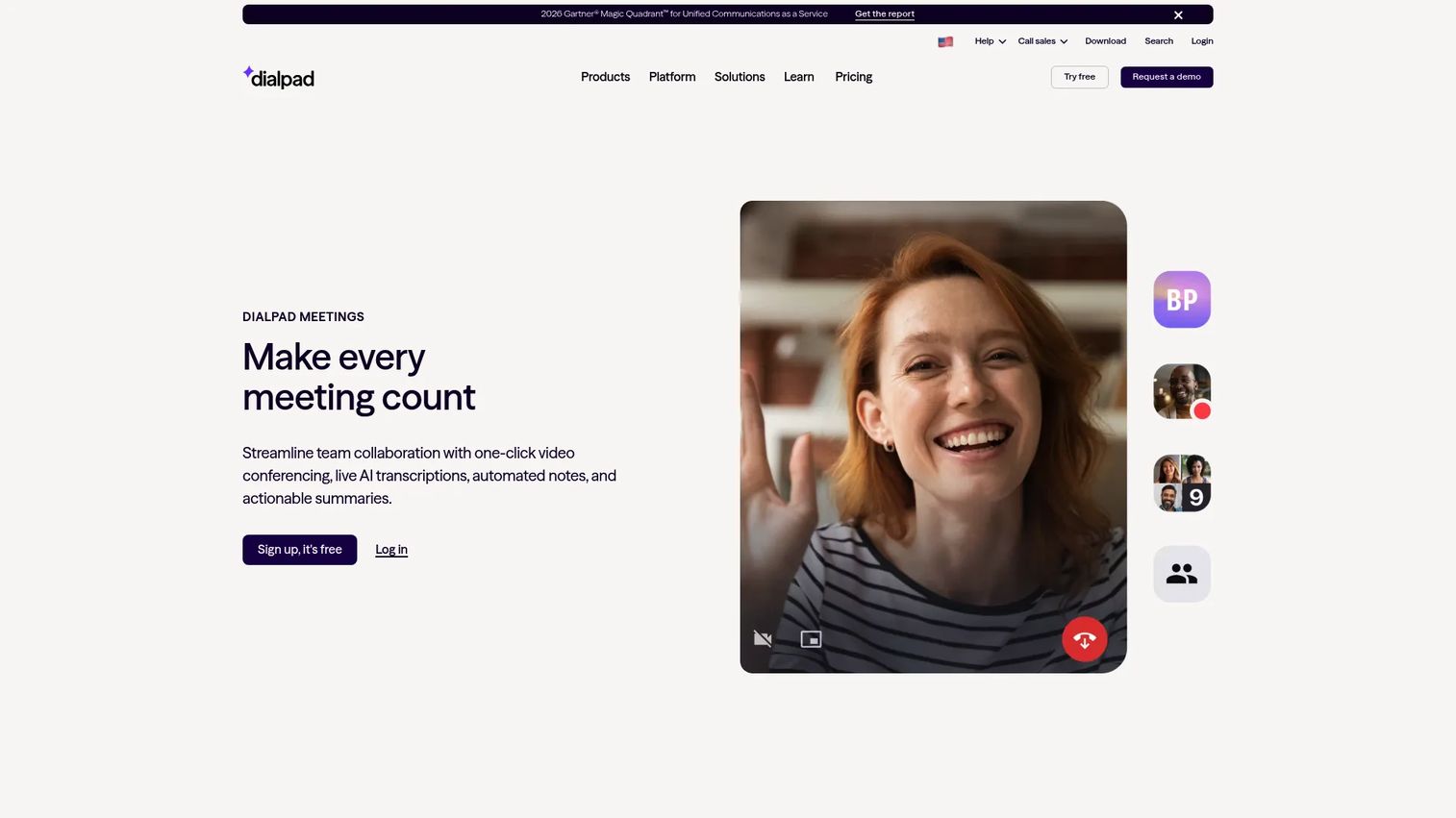
Dialpad AI Meetings leads with AI as its core meeting value, not a feature add-on. Live transcription runs throughout every call. After each meeting, Dialpad generates automated recaps, speaker-attributed notes, action items, and recordings without requiring a separate AI tool or manual cleanup. For founders tired of follow-up debt from a calendar full of recurring calls, this addresses the problem at the meeting layer rather than bolting something on top.
Best for: Teams where meeting volume is high and follow-up discipline is the bottleneck, particularly sales, customer success, and leadership meetings.
Key features
- Live AI transcription during calls
- Automated recaps and action items
- One-click browser or app meetings
- Screen sharing and recordings
- Calendar integrations
Why choose Dialpad AI Meetings: Choose it when the cost of lost meeting context is higher than the cost of the tool itself. For teams that need a full enterprise webinar platform, compare breadth carefully with Zoom or Webex before deciding.
Dialpad AI Meetings pricing: Dialpad Connect Standard starts at $15/user/month. Pro is $25/user/month. Enterprise pricing requires contacting Dialpad sales. AI Meetings is included with Dialpad Connect plans, and a free sign-up option is also available.
8. Slack
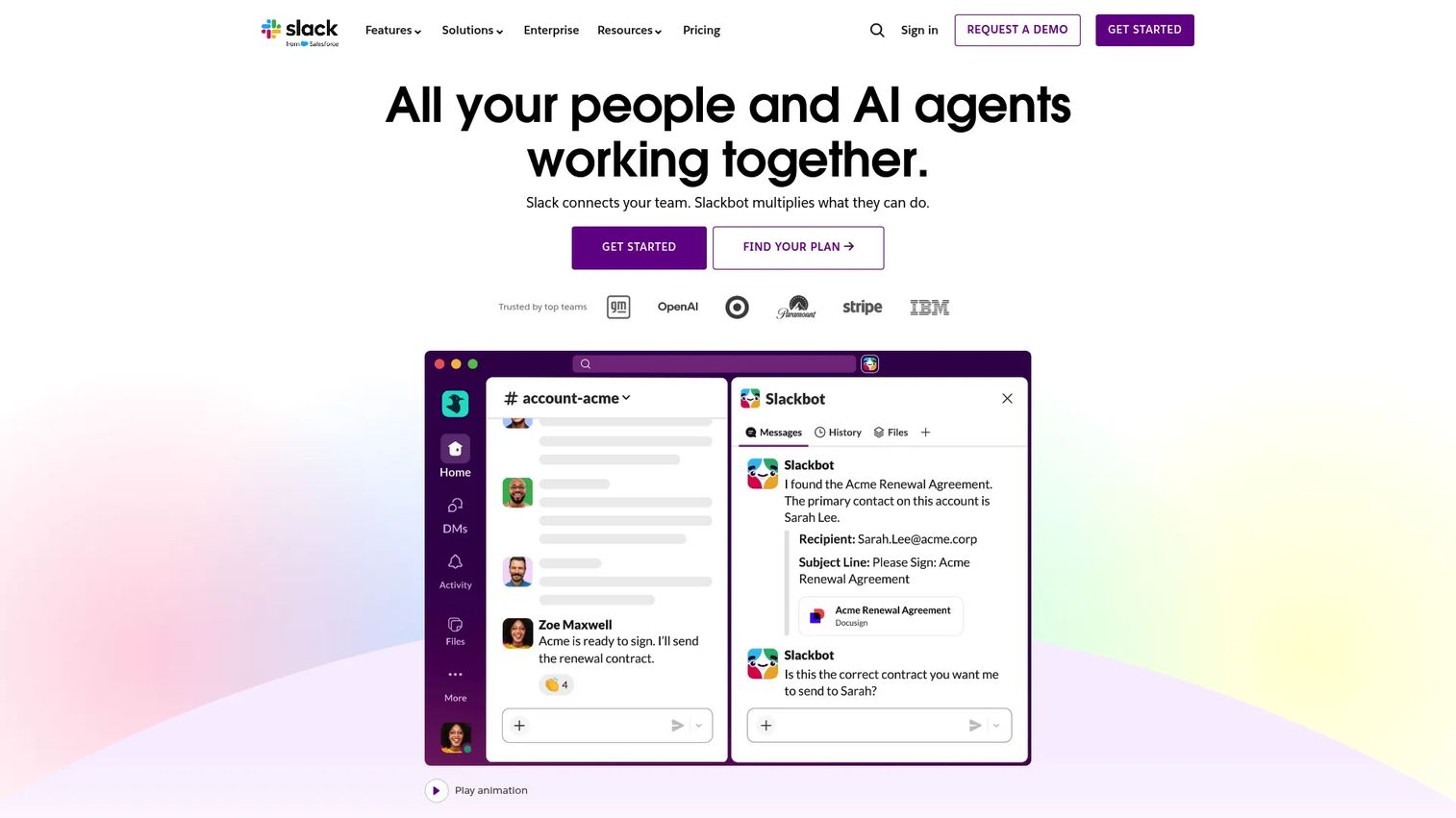
Slack is primarily a team messaging platform, but its huddles feature gives distributed teams a fast path to audio or video without scheduling a formal call. Clips let teammates record short video messages asynchronously. Slack Connect opens external channels with customers, partners, and vendors. AI features summarize channel threads and surface key messages. Most SaaS teams use Slack for internal communication and a dedicated video conferencing tool for external calls.
Best for: Internal team communication where quick, unscheduled video alignment is part of the messaging workflow.
Key features
- Channels and searchable message history
- Audio and video huddles with screen sharing
- Clips for async video messages
- Slack Connect for external collaboration
- AI-powered thread summaries and search
Why choose Slack: Choose Slack for fast internal alignment, not as the main platform for customer calls or formal meetings. Most SaaS teams still need a dedicated external video conferencing tool alongside it. The combination of Slack for internal work and Zoom or Meet for external calls is common at this stage.
Slack pricing: Free plan includes 90 days of message history and up to 10 app integrations. Pro is $7.25/user/month billed annually ($8.75/month billed monthly). Business+ is $15/user/month billed annually ($18/month billed monthly). Enterprise+ is custom-priced.
G2 rating: 4.5/5
9. Jitsi Meet
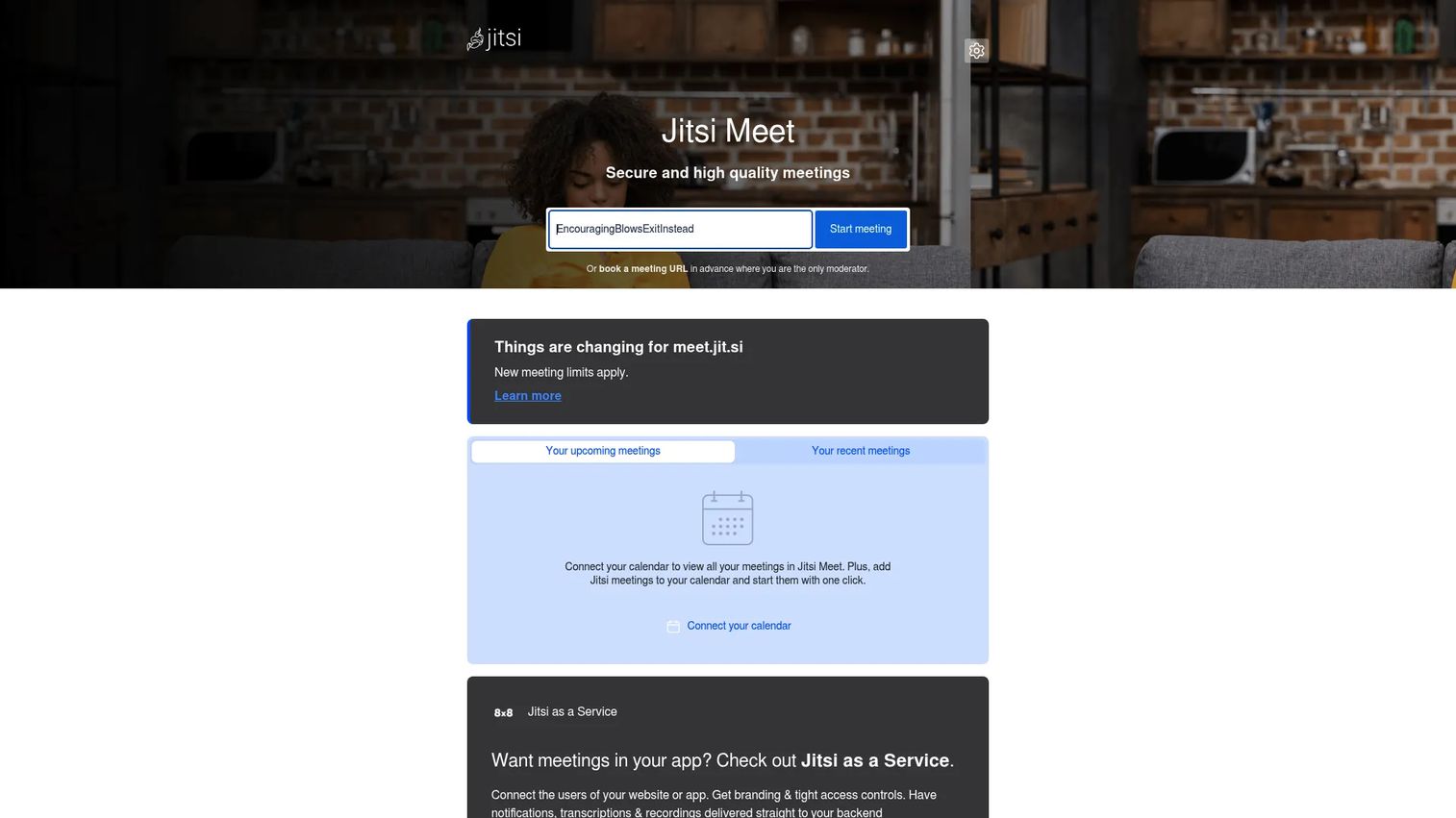
Jitsi Meet is a free, open-source video conferencing platform. Meetings start in a browser with no account required. The hosted meet.jit.si service is free; teams that want full infrastructure control can self-host Jitsi on their own servers. For technical founders or product teams evaluating communication tools on a tight budget, Jitsi offers a working, private meeting environment without a contract.
Note: As of October 2026, the hosted meet.jit.si service limits group meetings to 95 minutes. Self-hosted deployments do not carry this restriction.
Best for: Technical teams that want an open-source video meeting option with browser-based access and optional self-hosting.
Key features
- Open-source platform with no account required
- Browser-based meeting access
- Self-hosting options for full infrastructure control
- Screen sharing and integrated chat
- Developer-friendly setup for custom deployments
Why choose Jitsi Meet: Choose it when control and cost matter more than packaged enterprise administration. The trade-off is that support, governance, and scaling responsibility sit with your team rather than a vendor. For audio conferencing software comparisons that include Jitsi, that context matters for procurement conversations.
Jitsi Meet pricing: The hosted meet.jit.si service is free. Self-hosting requires your own infrastructure costs. No paid SaaS tier exists on the main Jitsi Meet offering.
G2 rating: 4.3/5
10. TrueConf
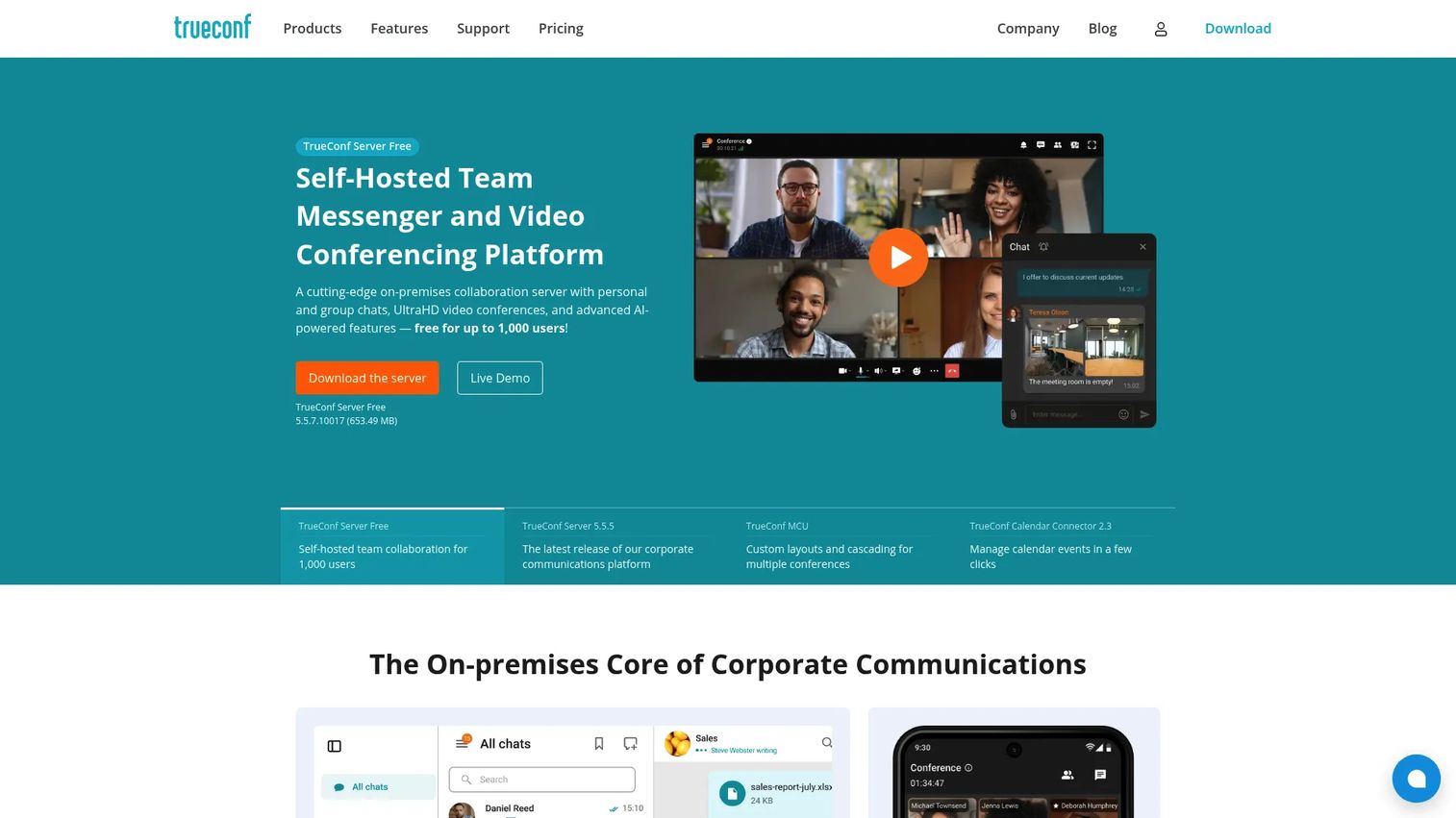
TrueConf is a secure video conferencing platform built for organizations that need private deployment and infrastructure control. On-premises installation keeps all meeting data within your own environment. TrueConf supports SIP and H.323 interoperability, meaning it connects with legacy video room systems. AES-256 encryption, SRTP, and H.235 security protocols come standard. For most Series B SaaS teams, this level of infrastructure control is more than needed. The exception is a company whose customer base explicitly requires on-premises software or whose security review demands it.
Best for: Organizations that need private, self-hosted video conferencing with strict data residency and interoperability requirements.
Key features
- On-premises deployment with AES-256, SRTP, and H.235 encryption
- 4K video meetings for up to 2,000 participants
- SIP and H.323 interoperability with legacy systems
- Team messaging with channels and file sharing
- Conference recording, AI transcription, and scheduling
Why choose TrueConf: Choose it when cloud-only tools create customer or infrastructure objections. Self-hosted systems require more IT ownership than standard SaaS meeting tools, so factor that operational cost into the comparison.
TrueConf pricing: TrueConf Server Free supports up to 1,000 users. The paid TrueConf Server plan starts at $10/user/year billed annually. TrueConf Room is $295/year.
G2 rating: 4.7/5
11. 8x8
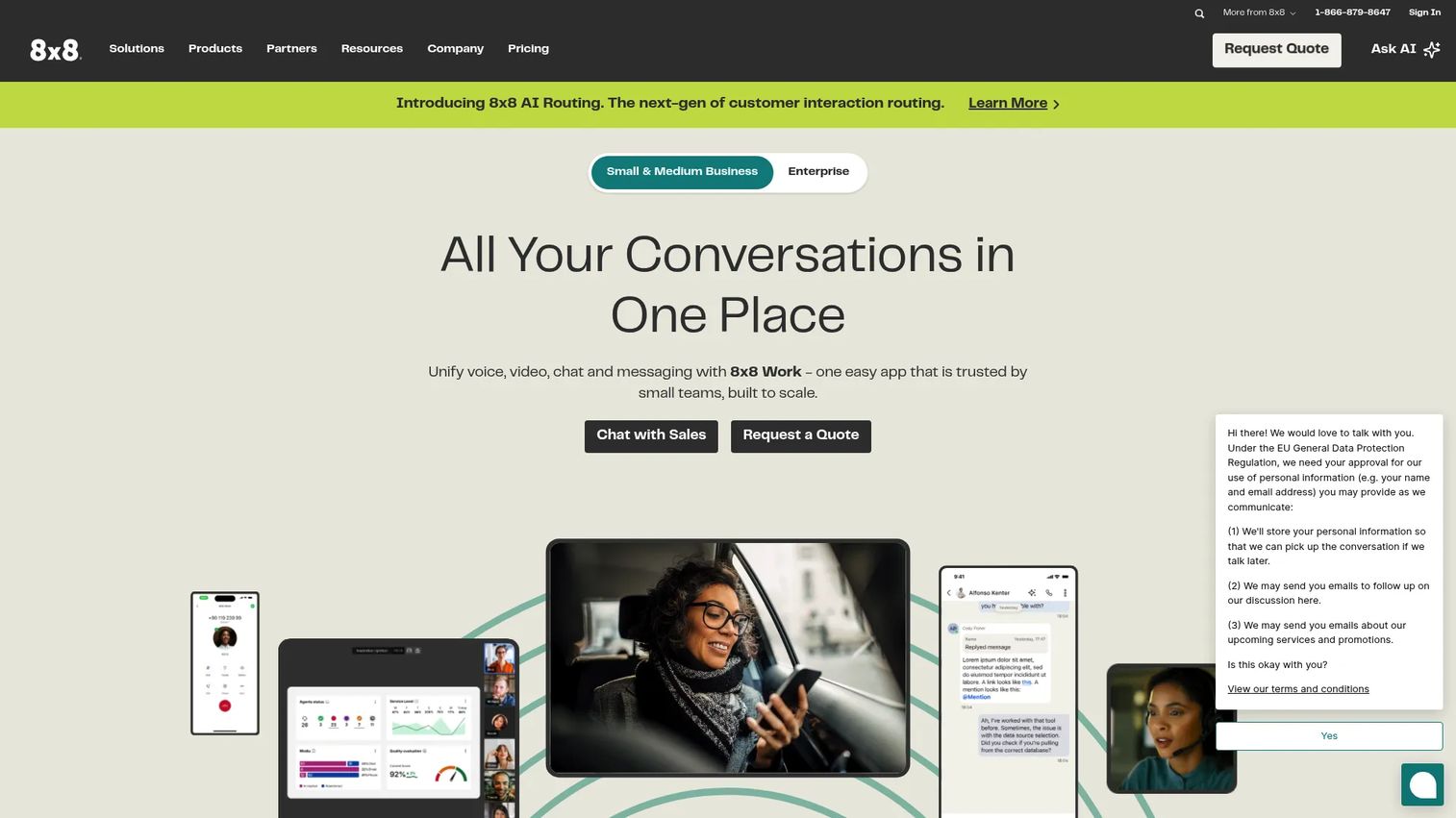
8x8 combines video meetings, business phone, team messaging, and contact center capabilities into one platform. HD video meetings include recording, breakout rooms, screen sharing, transcription, and AI-generated summaries. The contact center layer adds omnichannel routing across voice, chat, email, and social channels. For a SaaS company thinking ahead to customer support infrastructure, 8x8 offers a path where video is one channel inside a broader communications stack rather than a standalone tool.
Best for: SaaS teams that want video meetings inside a broader voice, messaging, and customer communications platform.
Key features
- HD video meetings with recordings and breakout rooms
- Cloud business phone with call recording and auto attendant
- Omnichannel contact center routing
- Team messaging and analytics dashboards
- Global communications and compliance reporting
Why choose 8x8: Choose it when customer communication spans meetings, phone, and support operations and you want one vendor managing all of it. If the company only needs video calls today, the broader platform is more than necessary for this stage.
8x8 pricing: All 8x8 plans require contacting sales for pricing. No public numeric tier pricing is displayed on the official pricing page. G2 reviewer reports indicate enterprise pricing varies by seat count and product mix.
G2 rating: 4.2/5
12. Pexip
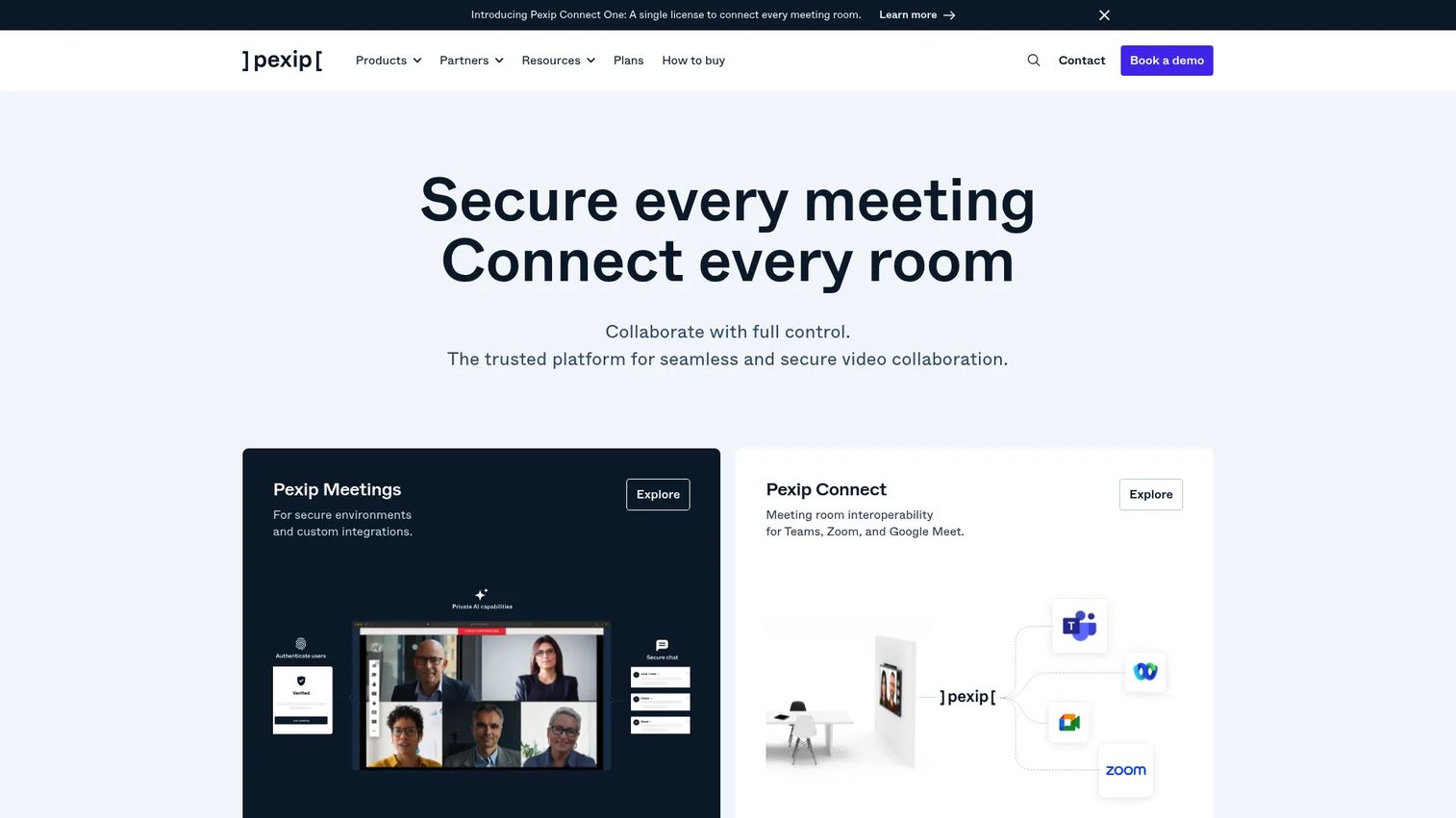
Pexip specializes in video interoperability, connecting Microsoft Teams Rooms, Zoom Rooms, Google Meet hardware, and standards-based room systems so that all participants can join a meeting regardless of what video platform or hardware they use. Pexip offers SaaS, private cloud, and on-premises deployment options. For SaaS companies selling into enterprises with existing video room infrastructure, Pexip removes the compatibility friction that stalls IT sign-off.
Best for: Teams with enterprise customers whose existing video room systems must connect to cloud meeting platforms.
Key features
- Universal interoperability across Teams, Zoom, and Meet
- Cloud Video Interop for Microsoft Teams Rooms
- One-Touch Join for standards-based meeting rooms
- Self-hosted, private cloud, and SaaS deployment
- Real-time diagnostics and analytics
Why choose Pexip: Choose it when compatibility with your customers' existing enterprise video infrastructure matters more than a standalone meeting app. Most SaaS teams at Series B will get faster value from a mainstream cloud platform. Pexip becomes relevant when enterprise IT requirements drive the decision.
Pexip pricing: Pexip Connect for Google Rooms starts at $10/room/month billed annually. Premium is $20.83/room/month billed annually. Other Pexip products use contact-sales pricing. Check the Pexip pricing page directly for the configuration that matches your deployment.
G2 rating: 4.4/5
Considerations when choosing video communications software
Match the tool to your existing stack
Microsoft-heavy, Google-heavy, and Slack-heavy companies will make different choices. The best platform is the one employees adopt without IT prompting them, because it connects to tools they already open every day.
Check external meeting friction
Test what a customer, candidate, or investor experiences when they join your call. Guest access, browser-based joining, waiting rooms, calendar links, and recording consent controls all affect how professional the meeting feels from the other side.
Evaluate AI by follow-up quality
Do not buy AI because the feature list mentions summaries. Test transcript accuracy, action item reliability, speaker attribution, and whether the output is actually usable in a CRM or Slack follow-up. Founders evaluating best AI meeting assistants will find that native AI (built into the meeting platform) and standalone AI tools offer different trade-offs in data access and setup.
Pressure-test security and admin controls
Check SSO, admin policies, data retention, encryption, audit logs, and guest controls before committing. A tool that passes a small customer's security review may not pass an enterprise customer's, and switching video platforms at 100 employees is painful. This is also a due-diligence consideration for your next fundraise.
Compare total stack cost
Look past the meeting plan price. Calculate whether the platform replaces your phone system, webinar tool, internal messaging, or AI note-taking subscription. RingCentral, 8x8, and Webex can replace multiple line items. Jitsi and Google Meet are additive rather than consolidating.
Conclusion
For most Series B SaaS companies, the shortlist comes down to four questions: What productivity stack does the team already use? How much of the company's meeting volume is external? What does the security review need to pass? Does video need to consolidate with phone or messaging?
Microsoft Teams is the right call for companies standardized on Microsoft 365. Google Meet works when the team lives in Google Workspace and wants minimal overhead. Zoom earns its place when external familiarity reduces friction on every customer and recruiting call. Cisco Webex fits teams building toward enterprise sales with mature security requirements. RingCentral Video and 8x8 make sense when consolidating video with phone and messaging into one vendor. Jitsi Meet suits technical founders who want open-source control. TrueConf and Pexip serve specific infrastructure and interoperability requirements that most SaaS teams won't face until their customers demand it.
Pick the tool that removes operating drag, not the one with the longest feature list.
Once your live meeting stack is sorted, the next gap is usually asynchronous product communication. Buyers still need to experience your product between calls. Start your journey with Guideflow today! to create interactive product demos for landing pages, sales follow-ups, and customer onboarding that work without scheduling a meeting.
FAQs
Video communications software is a business platform for video meetings, audio calls, webinars, screen sharing, chat, and recording. It ranges from simple meeting apps like Google Meet to unified communications platforms like RingCentral and 8x8, which combine video with phone and messaging in a single vendor.
Video conferencing software typically refers to the meeting and call layer: Scheduling, video, audio, and screen sharing. Video communications software is broader, covering those meeting capabilities plus chat, business phone, webinars, AI notes, admin controls, and third-party integrations. The distinction matters when evaluating whether a tool replaces multiple vendors or only handles meetings.
The answer depends on your existing productivity stack. Google Workspace teams get the most value from Google Meet because it adds zero admin overhead. Microsoft 365 teams should start with Teams. Zoom is worth adding when external meeting volume is high and customers expect that interface. Slack handles quick internal video without a scheduling layer.
Reliable audio and video, external guest access with no friction, recordings and transcripts, AI summaries with searchable output, security controls that pass a procurement review, and integrations with your CRM and calendar are the features that matter at Series B. Participant limits matter for all-hands and board meetings. Pricing that scales per seat matters as headcount grows.
Free tools can handle early-stage internal calls and small teams. Growing SaaS companies usually hit limits on meeting duration, participant count, recording storage, admin controls, transcript access, and CRM integrations before the free tier covers their operating cadence. Zoom's free plan caps group meetings at 40 minutes. Jitsi's hosted service now limits group sessions to 95 minutes. Google Meet's no-cost tier restricts group meeting duration as well.
AI summaries matter when meeting volume creates follow-up debt. The test is not whether the tool offers summaries but whether the summaries are accurate enough to act on. Check speaker attribution, action item extraction, and whether the output lands somewhere useful, such as a CRM field, Slack message, or email, rather than requiring manual copy-paste. For deeper evaluation, the guide to best AI meeting assistants covers standalone tools that layer on top of any platform.
Cloud tools fit almost every SaaS company because they reduce IT overhead and get new employees productive immediately. Self-hosted or private deployment options, such as TrueConf or Pexip, fit companies whose customers or regulatory requirements restrict data leaving a controlled environment. For most Series B teams, cloud is the right default until a specific customer or compliance requirement changes the calculation.
Compare the per-user cost at your current headcount, not just the entry price. Factor in webinar hosting fees, phone system add-ons, AI feature gating, recording storage limits, and whether customer support is included or an add-on. Then calculate what the platform replaces. A $25/user/month unified communications platform that eliminates a separate phone system and meeting tool may cost less than three separate subscriptions summed together.