You have a training workflow, a product visualization problem, or a simulation idea that clearly would work better in VR. Then the planning meeting starts. Engineering asks about headset compatibility. Design asks who will produce the 3D assets. Operations asks how you will measure whether anyone actually learned anything.
The software decision is the thing that determines whether this becomes a focused proof of concept or an open-ended engineering program. Virtual reality software spans four distinct categories: Real-time development engines, 3D asset creation tools, no-code experience builders, and enterprise training platforms. Picking the wrong category before picking a specific tool is the most common way VR initiatives stall before they ship.
The global VR software market reached $20.75 billion in 2025 and is projected to hit $25.66 billion in 2026, growing at a 23.7% CAGR, according to The Business Research Company (2026). That growth is being driven by real enterprise adoption, not just gaming, and it means the tool landscape is maturing fast. Choose based on the job you need the software to perform, not the most impressive demo.
What's inside
This guide compares 11 virtual reality software tools for product managers, developers, and operations teams planning VR initiatives in 2026. Items were selected and evaluated against four criteria:
- Use-case fit: Does the tool serve the specific job, from custom VR apps to workforce training?
- Device and runtime compatibility: Which headset families and deployment targets does it support?
- Analytics and governance: Can you instrument outcomes and manage content across releases?
- Pricing and delivery model: What does the full cost look like, including content production?
TL;DR
- Best for cross-platform VR application development: Unity, for teams building custom, iterative VR applications with a mature real-time workflow and a large developer ecosystem
- Best for high-fidelity immersive experiences: Unreal Engine, for teams prioritizing advanced visual output and projects where graphical quality affects stakeholder adoption
- Best free 3D asset creation: Blender, for teams producing or editing 3D models without adding license cost
- Best for no-code enterprise VR training: Uptale, for learning teams that need structured authoring, LMS integration, and learner analytics without a software engineering dependency
- Best for large-scale workforce training programs: Strivr, for organizations deploying standardized immersive training across locations with outcome measurement requirements
What is virtual reality software?
Virtual reality software is software used to create, run, manage, or measure immersive digital environments that users experience through a VR headset, desktop simulator, or compatible mobile device.
The category covers four distinct types of tools. Understanding which type you need is the first decision, before comparing specific products.
VR development engines
Engines handle real-time rendering, interaction logic, input from controllers and headsets, physics, and builds for target devices. They give development teams the most control over behavior and performance, at the cost of engineering ownership and ongoing QA.
3D creation and content tools
These applications produce the models, textures, animation, environments, and volumetric elements that populate a VR application. They feed assets into an engine or deployment platform rather than running the experience themselves. Choosing a 3D tool is a content production decision, not a deployment decision.
No-code and browser-based VR builders
These reduce the engineering work required for guided experiences, learning content, and web-accessible immersive projects. Subject-matter experts can often author content directly, which changes team requirements significantly. The tradeoff is less custom behavior and more dependence on platform capability ceilings.
Enterprise training and deployment platforms
These tools focus on repeatable workforce learning, simulations, analytics, content governance, and operational rollout at scale. They typically include LMS integration, learner progress tracking, and device management alongside authoring capability.
Core capabilities to look for across any VR software category:
- Real-time 3D rendering
- Headset and controller input support
- Spatial audio and interaction design
- 3D content creation or asset import
- User analytics and learning measurement
- Device deployment and content management
- Integration with learning, identity, or operational systems
A product manager leading a structured training module needs authoring, device distribution, and completion tracking more than custom rendering code. Start by naming the category before comparing tools.
When to use virtual reality software
Build a high-stakes simulation
Use VR when users need to practice complex or risky decisions before performing them in a real environment. Equipment procedures, safety scenarios, clinical training, and field-service workflows all fit this pattern. The key question before choosing a tool is how you will measure outcomes: Task completion, time to competency, error rate reduction, and confidence scores should be defined before development starts.
Prototype an immersive product experience
Use VR software when a product concept depends on spatial interaction, presence, or first-person exploration that cannot be tested effectively on a 2D screen. Start with a narrow proof of concept that validates the one behavior or workflow you most need to understand. Name the target headset, set a performance budget, and define the user research plan before selecting a tool.
Publish repeatable training at scale
Use an enterprise training platform when the goal is consistent learning delivery across locations, job roles, or cohorts. Prioritize content update workflows, learner analytics, LMS integration, device administration, and governance. The ability to update a procedure after a policy change without rebuilding from scratch is often more operationally important than any authoring feature.
Virtual reality software comparison
These 11 tools do different jobs. Start with the implementation model before comparing prices: An engine, a 3D suite, a no-code builder, and an enterprise training platform require different team compositions, timelines, and maintenance commitments.
| # | Product | Best for | Key differentiator | Pricing | G2 rating |
|---|---|---|---|---|---|
| 1 | Unity | Cross-platform custom VR apps | Mature real-time engine, broad XR deployment | Free; Pro from $210/mo | 4.5/5 |
| 2 | Unreal Engine | High-fidelity VR and simulation | Advanced rendering, Blueprint scripting | Free; subscription $1,850/seat/yr | 4.5/5 |
| 3 | Blender | Free 3D asset production | Open-source modeling, animation, rendering | Free | 4.6/5 |
| 4 | Maya | Production-grade character animation | Advanced rigging and pipeline interoperability | From $255/mo | 4.3/5 |
| 5 | A-Frame | Browser-based WebXR experiences | HTML/JS framework for immersive web content | Free, open source | 4.8/5 |
| 6 | Uptale | Enterprise VR training with analytics | No-code authoring, SCORM export, LMS integration | From $17,000/yr | 4.3/5 |
| 7 | StellarX | Interactive enterprise XR simulations | No-code multi-user spatial experience creation | Custom pricing | 4.5/5 |
| 8 | InstaVR | Rapid 360-degree VR publishing | Web-based creation for immersive content | Contact vendor | 4.4/5 |
| 9 | SynergyXR | Operational XR content management | Enterprise content deployment across XR workflows | Custom pricing | 4.0/5 |
| 10 | Volograms | Volumetric human capture | AI-based 3D video reconstruction from phone footage | Free; creator plans from $4.99/mo | 4.5/5 |
| 11 | Strivr | Workforce VR training at scale | Enterprise learning delivery and performance measurement | Custom pricing | 4.4/5 |
Pricing and ratings verified October 2026 from each vendor's official pricing page and current G2 listing.
Best 11 virtual reality software tools for 2026
1. Unity
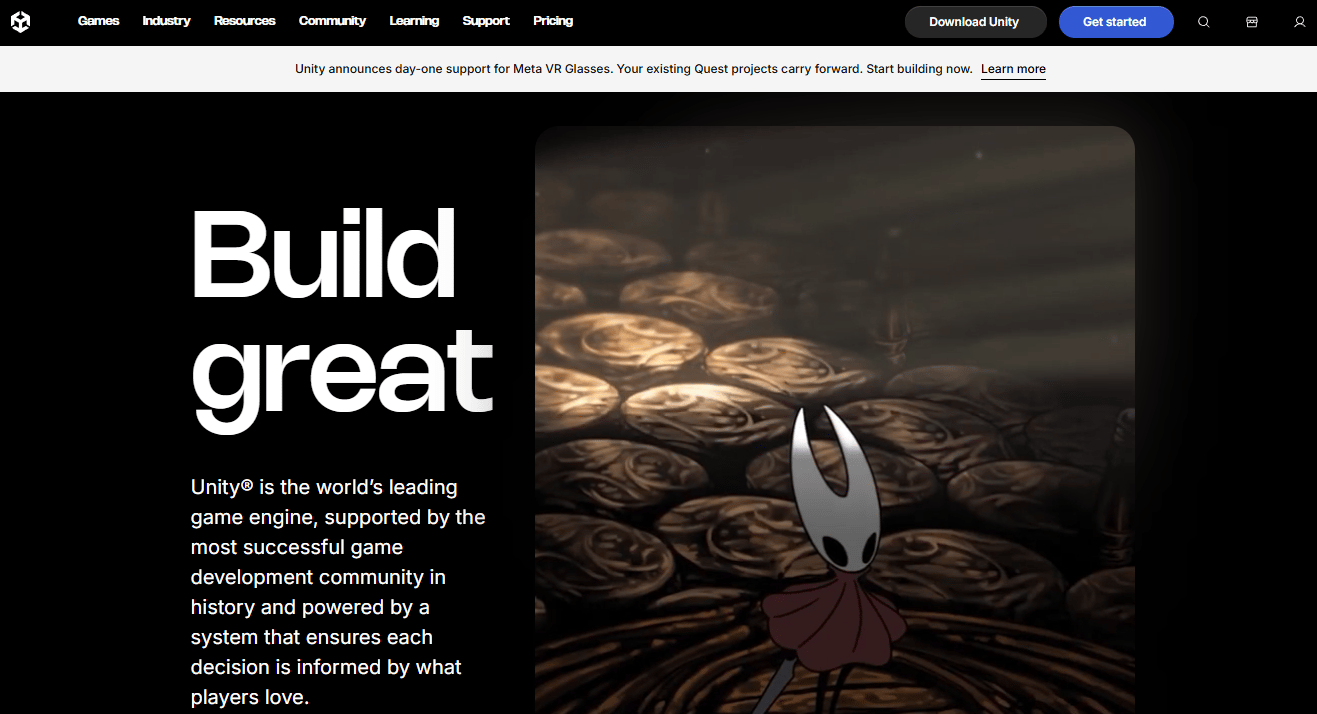
Unity is a real-time 2D and 3D development platform for building interactive content across games, apps, AR/VR, desktop, mobile, consoles, and Apple Vision Pro. For product teams evaluating VR development tools, it offers the broadest device coverage of any engine, a mature XR interaction toolkit, and an extensive asset ecosystem that can reduce initial production timelines. Teams coordinate engineering, design, and operations through a shared project environment with cloud collaboration and version control built in.
Best for: Product teams building custom VR applications that need cross-platform deployment, iterative release cycles, and a large developer talent pool.
Key features
- XR interaction toolkit for controller and headset input
- Cross-platform build support across VR, AR, desktop, and mobile
- C# scripting for custom behavior and game logic
- Real-time 3D editor with visual scene design
- Unity Asset Store for third-party components and environments
Why choose Unity: Choose Unity when the VR experience requires custom interaction logic, long-term ownership, or support for multiple headset families. Engineering ownership and 3D production capacity are prerequisites; Unity does not reduce those requirements, but it gives a development team maximum control over behavior and performance.
Unity pricing: The Personal plan is free. Pro runs $210.00 per month or $2,310.00 per seat per year on a prepaid annual basis. Enterprise pricing requires contacting the sales team.
G2 rating: 4.5/5, verified October 2026.
2. Unreal Engine
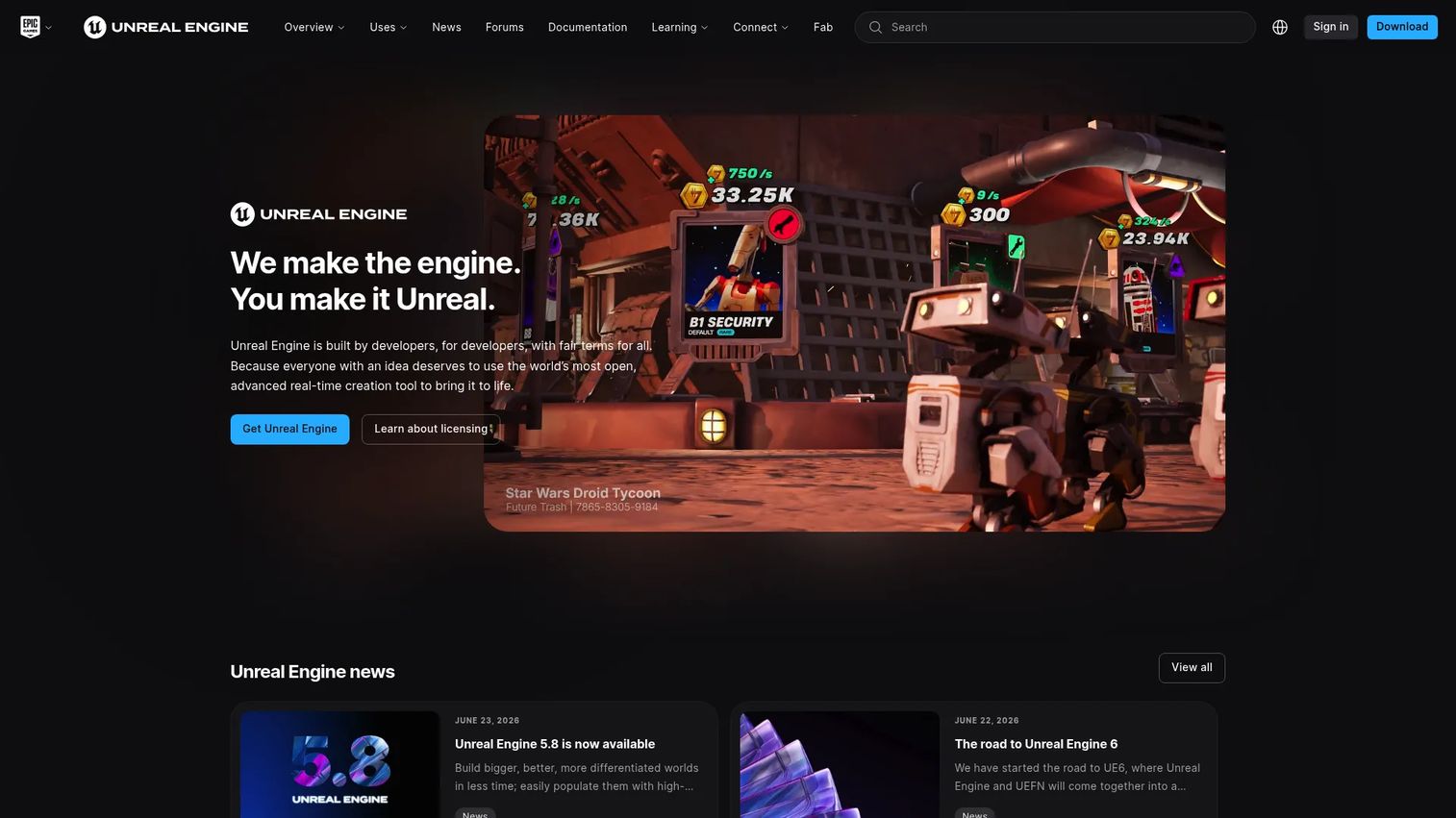
Unreal Engine is a real-time 3D engine from Epic Games used for games, film, architecture, automotive visualization, simulation, and training environments. Its Nanite virtualized geometry, Lumen global illumination, and Blueprint visual scripting make it the preferred choice when visual fidelity and advanced environment design affect stakeholder buy-in or adoption outcomes. It also includes built-in animation, modeling, and procedural audio tools. Full C++ source-code access gives experienced teams the ability to modify engine behavior at a deep level.
Best for: Teams building visually rich VR simulations, digital twins, architectural walkthroughs, or technically demanding interactive environments.
Key features
- Nanite and Lumen for high-fidelity rendering
- VR Template for headset project setup
- Blueprint visual scripting for non-programmer logic
- Built-in physics, animation, and audio tools
- Cross-platform XR support
Why choose Unreal Engine: Visual fidelity only pays off if the experience maintains a comfortable frame rate on the target headset. Budget for specialized development, asset optimization, and device-level performance QA. Unreal is the right fit when the quality of the environment is a material factor in adoption or sales outcomes.
Unreal Engine pricing: Free for game developers, educators, hobbyists, and qualifying small businesses. A paid subscription costs $1,850 per seat per year for commercial non-game use above the applicable revenue threshold. Game products use a royalty model with 5% on worldwide gross revenue above $1 million.
G2 rating: 4.5/5, verified October 2026.
3. Blender
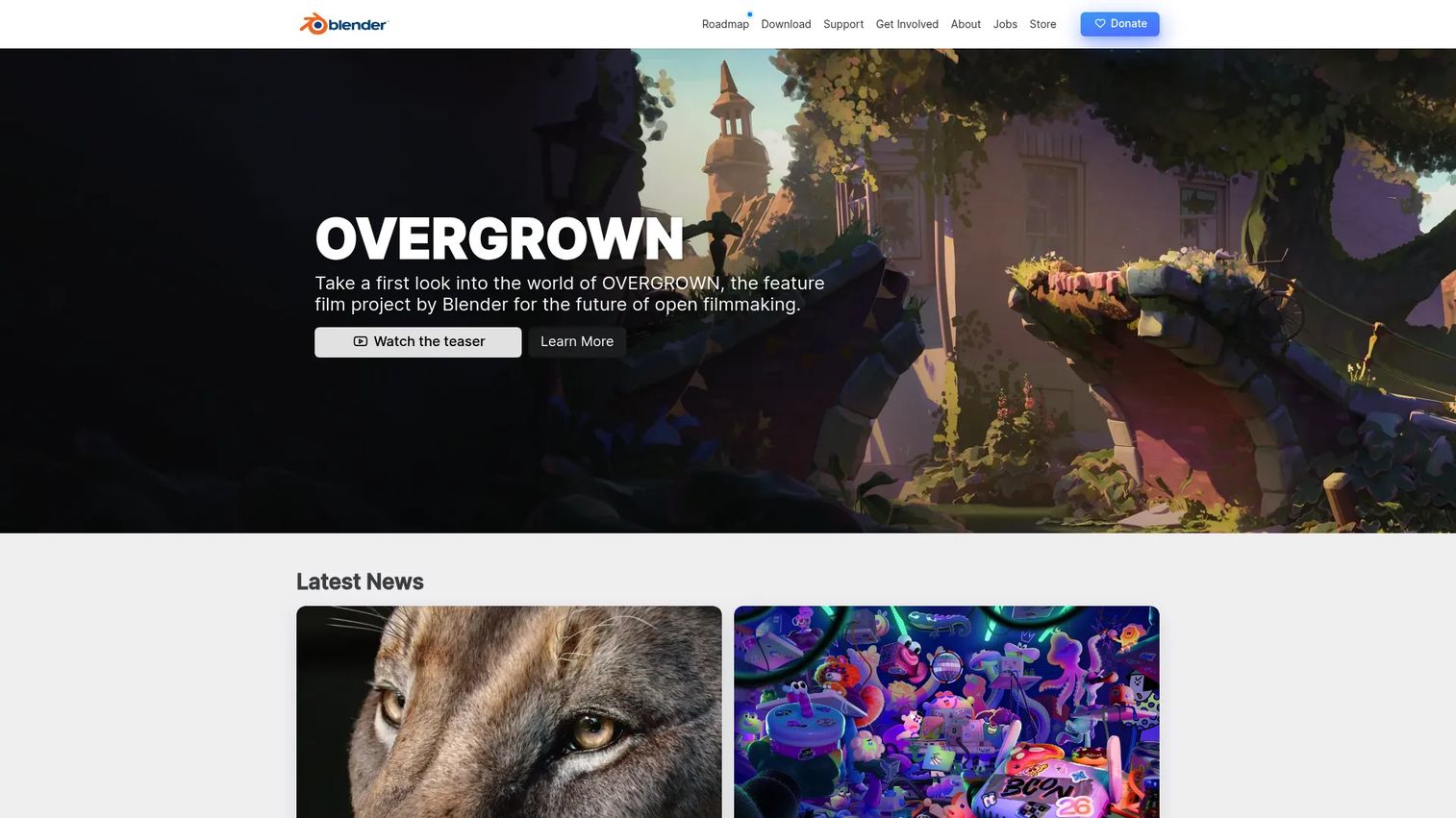
Blender is a free, open-source 3D creation suite covering modeling, rigging, animation, simulation, rendering, compositing, and video editing. It does not run or deploy VR experiences itself; it creates the assets that populate them. For teams building VR content in Unity or Unreal Engine, Blender covers asset production without adding license cost. Its Python scripting interface allows pipeline automation, and it exports to the formats engines and platforms expect, including FBX, GLTF, and OBJ.
Best for: Teams that need affordable 3D asset creation for prototypes, training environments, or product visualization without a commercial software commitment.
Key features
- Polygon modeling and sculpting tools
- Animation, rigging, and motion-capture support
- Cycles and EEVEE rendering engines
- UV mapping, materials, and texture editing
- Open-source with Python scripting
Why choose Blender: The key constraint with Blender is production skill, not cost. High-polygon assets that look excellent in a static render can create serious performance problems on standalone headsets. Designers need to understand polygon budgets and LOD optimization before committing to asset production.
Blender pricing: Free, with no paid tiers. The software is downloaded directly from blender.org at no cost.
G2 rating: 4.6/5, verified October 2026.
4. Maya
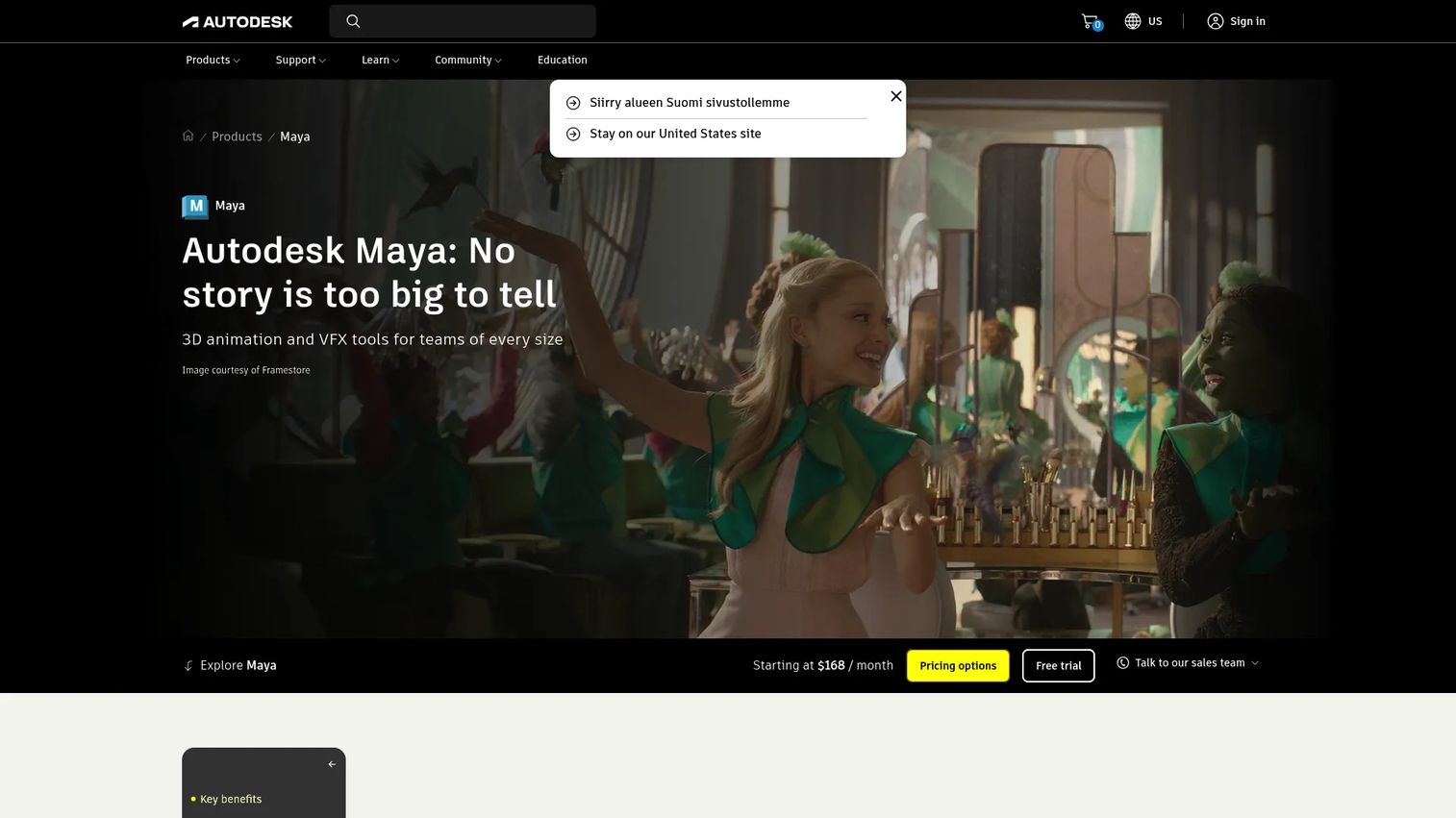
Maya is Autodesk's professional 3D modeling, animation, and visual effects software, used extensively across film, television, and game studios. It provides advanced character rigging, Bifrost simulations, integrated Arnold rendering, and OpenUSD pipeline workflows. For VR projects that require complex character behavior, motion-capture integration, or compatibility with an existing Autodesk production pipeline, Maya adds capability that Blender's rigging tools do not match at the same professional depth.
Best for: Product teams with professional animation requirements, complex character pipelines, or collaboration with established 3D production studios.
Key features
- Advanced character rigging and animation workflows
- Bifrost visual programming for simulations and effects
- Integrated Arnold rendering
- OpenUSD and pipeline integration support
- Polygon and NURBS modeling tools
Why choose Maya: Maya increases production quality but creates dependencies on skilled 3D artists, review cycles, and asset handoff processes. It works alongside an engine or deployment platform rather than replacing one. Factor those resource costs into the project plan before committing.
Maya pricing: Maya runs $255 per month on a monthly subscription, $2,010 per year on an annual plan, or $6,025 on a three-year term. A 30-day free trial is available.
G2 rating: 4.3/5, verified October 2026.
5. A-Frame
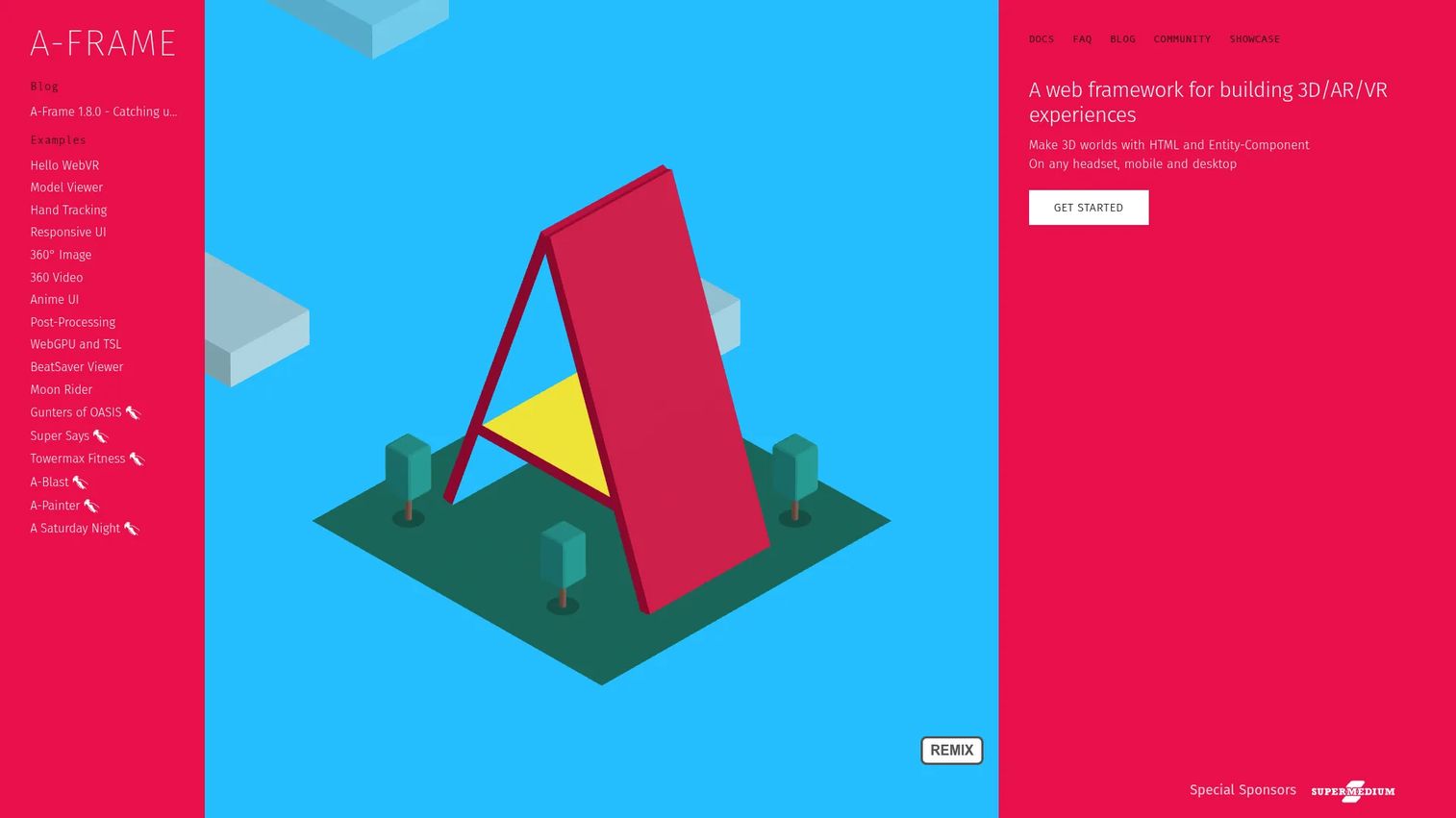
A-Frame is an open-source web framework for building 3D, AR, and VR experiences using HTML and JavaScript. Its entity-component architecture lets developers add geometries, materials, lights, animations, positional audio, and tracked controllers through declarative HTML markup. Experiences built with A-Frame run in the browser across headsets, mobile devices, and desktop without requiring a native app install. It includes a built-in visual 3D inspector for debugging and iteration.
Best for: Product and developer teams building lightweight, shareable VR experiences that users can access through a web browser without a dedicated app.
Key features
- HTML-based declarative scene markup
- WebXR support across headsets, mobile, and desktop browsers
- Entity-component architecture for modular behavior
- Built-in visual inspector for development
- Open-source with active community extensions
Why choose A-Frame: A-Frame suits web-capable development teams building experiences where broad accessibility and low-friction distribution matter more than native performance. It is not a turnkey enterprise training system: Content governance, completion tracking, and LMS integration require additional engineering. A browser-accessible experience still needs device testing, interaction design work, and a clear performance profile on target headsets.
A-Frame pricing: Free and open source. No subscription or license cost.
G2 rating: 4.8/5, verified October 2026.
6. Uptale
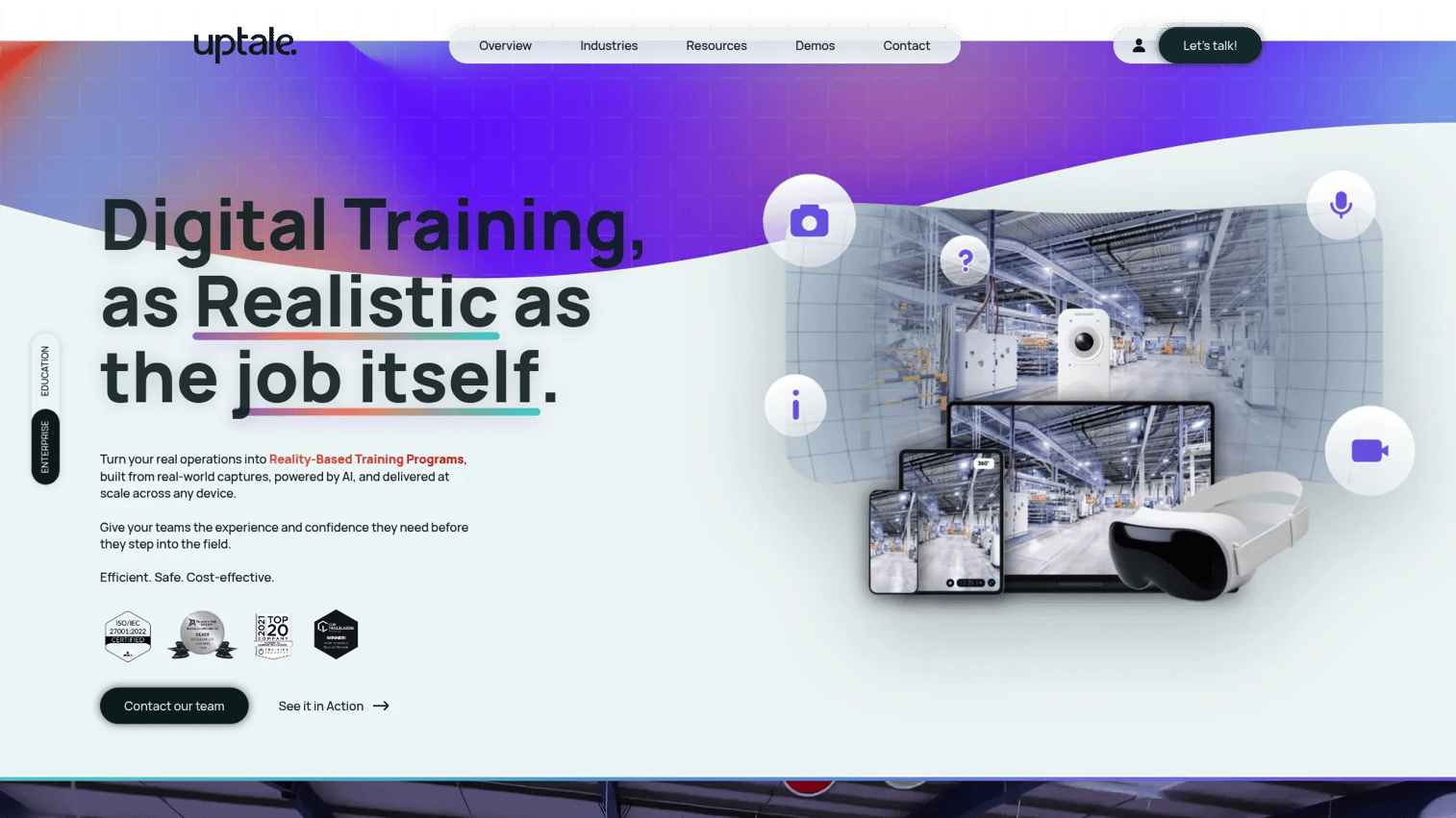
Uptale is an enterprise immersive learning platform for creating, deploying, and measuring VR training experiences. Its no-code online studio supports 360-degree media, conditional scenarios, quizzes, and over 50 interaction types. Teams can publish to VR headsets, computers, smartphones, and tablets without separate development work. LMS integration with SCORM export, learner progress dashboards, and Excel reporting give learning and operations leaders the instrumentation they need to measure training outcomes without building analytics infrastructure separately.
Best for: Learning and operations teams converting procedures, safety scenarios, and situational training into measurable immersive content without a software engineering dependency.
Key features
- No-code studio for 360-degree content and interactive scenarios
- SCORM export and LMS integration
- Multi-device deployment across headsets, mobile, and desktop
- Learner dashboards, progress tracking, and Excel reporting
- AI-assisted translation, avatars, and voice analysis
Why choose Uptale: Uptale fits organizations with recurring workforce training needs and limited appetite for custom engine development. Evaluate LMS compatibility, learner identity requirements, content localization needs, and how easily a subject-matter expert can update a procedure after a policy change. Content quality still depends on instructional design and source media quality.
Uptale pricing: The Pro plan starts from $17,000 per year and covers one key user and 100 learners. The Team plan starts from $34,000 per year with five key users and 500 learners. Enterprise pricing is customized on request.
G2 rating: 4.3/5, verified October 2026.
7. StellarX
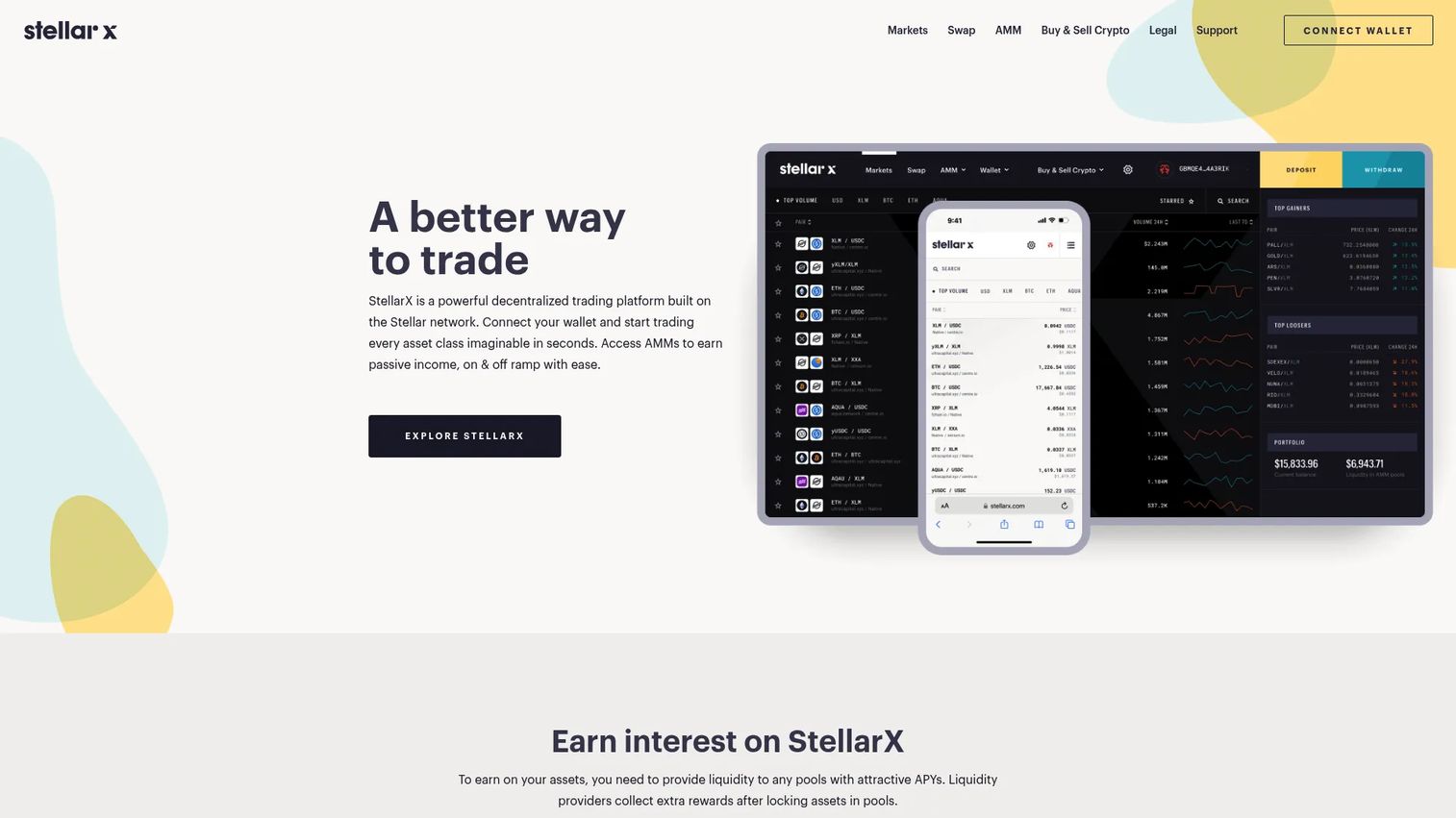
StellarX is a no-code, cloud-based extended-reality platform for creating interactive immersive experiences across enterprise training, simulation, visualization, and multi-user collaboration. Its drag-and-drop environment lets subject-matter experts build interactive scenarios and virtual sessions without writing code. Cross-platform support covers VR headsets, PC, Mac, iOS, Meta Quest, Pico, and Apple Vision Pro. Procedure Builder provides structured interactive technical training authoring, and spatially anchored AR with live video streaming supports remote assistance use cases.
Best for: Teams building interactive simulations where subject-matter experts need to be involved in authoring and where multi-user collaboration or remote guidance is a requirement.
Key features
- No-code drag-and-drop XR experience creation
- Procedure Builder for interactive technical training
- Multi-user virtual sessions and collaboration
- Cross-platform support including Apple Vision Pro
- Spatially anchored AR with live video streaming
Why choose StellarX: StellarX reduces custom development effort for interactive behavior beyond passive 360-degree viewing. A short operational procedure and a multi-role environment have meaningfully different complexity profiles and should not use the same evaluation criteria. Any rollout still needs a controlled pilot, device testing, and a named content owner.
StellarX pricing: Custom pricing based on organizational requirements. Contact StellarX directly for current package details.
G2 rating: 4.5/5, verified October 2026.
8. InstaVR
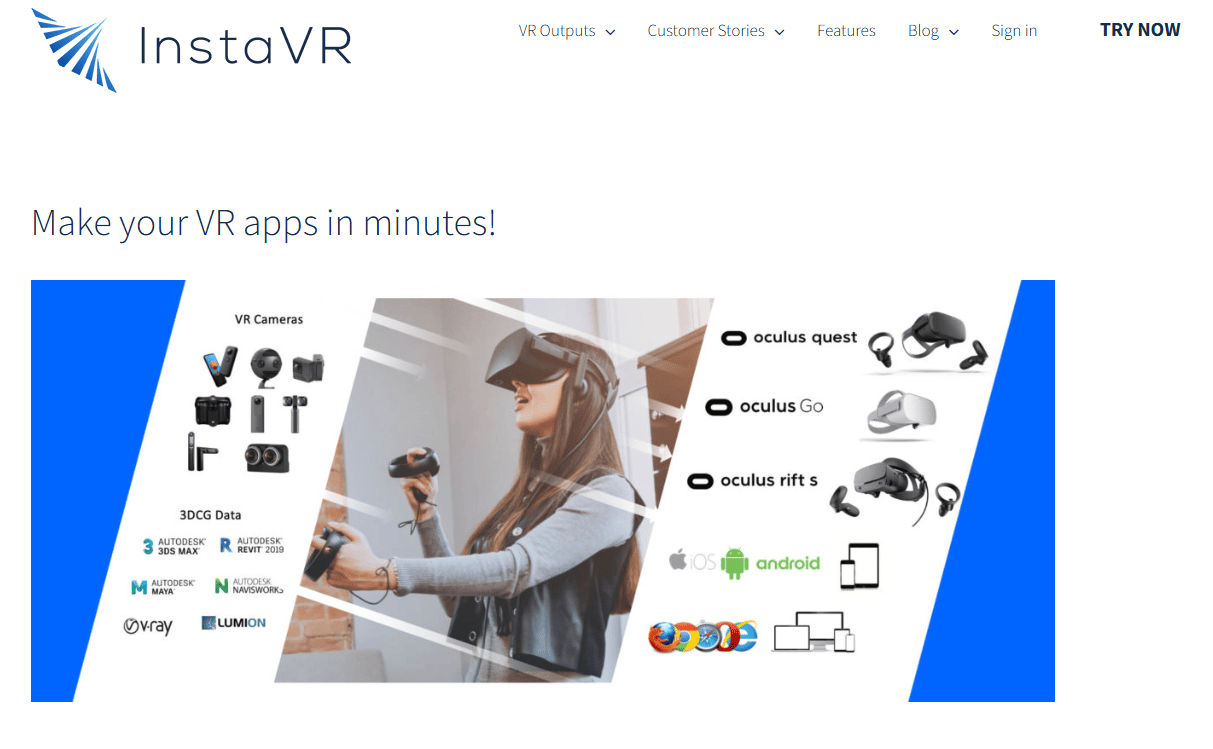
InstaVR is a web-based platform for building and publishing virtual reality applications centered on 360-degree video, panoramic imagery, hotspots, and guided exploration. Teams can assemble immersive experiences from existing media assets and publish across VR headsets, mobile devices, and web browsers without a native development workflow. It fits use cases where the experience depends on visual exploration and branded content rather than complex real-time interaction logic.
Best for: Teams that need to publish branded virtual tours, education modules, and lightweight immersive content without building a custom application.
Key features
- 360-degree content authoring from existing media
- Hotspots, navigation, and guided exploration
- Multi-device publishing across VR, mobile, and web
- Branded experience controls and analytics options
- No-code content assembly
Why choose InstaVR: InstaVR is a faster path to publishing when the experience depends on visual exploration rather than bespoke interaction logic. Define whether users need a guided tour, a branching decision exercise, or free exploration before evaluating: Those are different product requirements with different tool implications. Pricing details require direct contact with the vendor.
InstaVR pricing: Pricing is not displayed on the InstaVR website. Contact their team at instavr.com for current plan options.
G2 rating: 4.4/5, verified October 2026.
9. SynergyXR
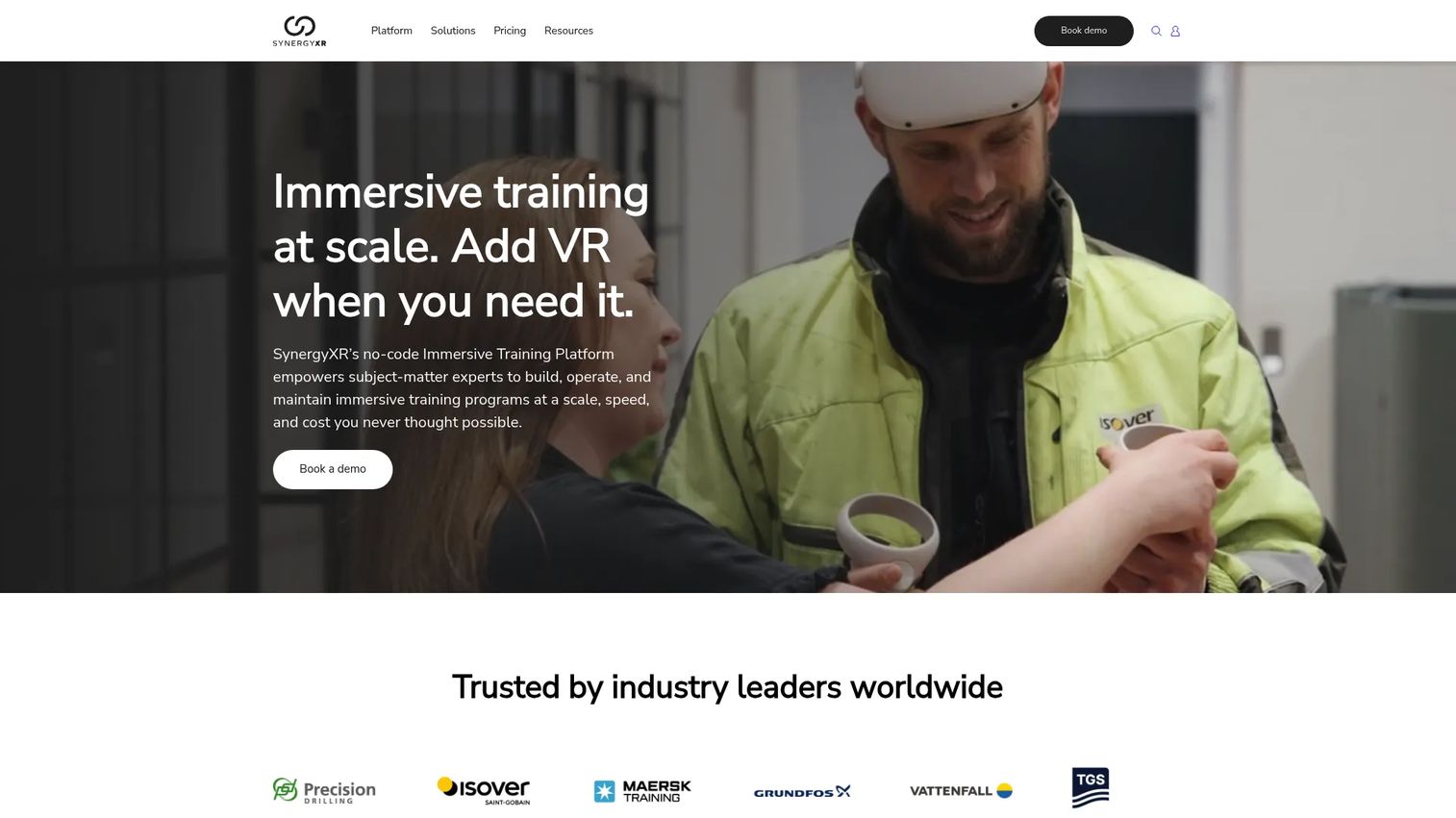
SynergyXR is a no-code, cloud-based XR platform for creating, managing, and deploying immersive learning, training, collaboration, and operational experiences across XR devices. It supports AR, VR, mixed reality, PC, Mac, iOS, Meta Quest, Pico, and Apple Vision Pro from a single content management environment. Multi-user virtual sessions, remote assistance with live video streaming, and operational analytics give organizations the governance and repeatability required for enterprise rollout across distributed frontline teams.
Best for: Operations teams deploying immersive training, remote support content, or XR collaboration experiences across distributed frontline groups at organizational scale.
Key features
- Cloud content management for 3D models, documents, and video
- No-code scenario creation and multi-user sessions
- Cross-platform support including MR, AR, and Apple Vision Pro
- Remote assistance with spatially anchored AR
- Enterprise user controls and operational analytics
Why choose SynergyXR: Validate device support, identity system compatibility, and learning stack integration before selecting SynergyXR for an enterprise program. A rollout plan covering device provisioning, network requirements, content approvals, and support ownership matters more than any individual feature when deploying across a large frontline organization.
SynergyXR pricing: Custom pricing tailored to organizational needs. Packages include platform licensing, training, and professional services. Contact SynergyXR for a quote.
G2 rating: 4.0/5, verified October 2026.
10. Volograms
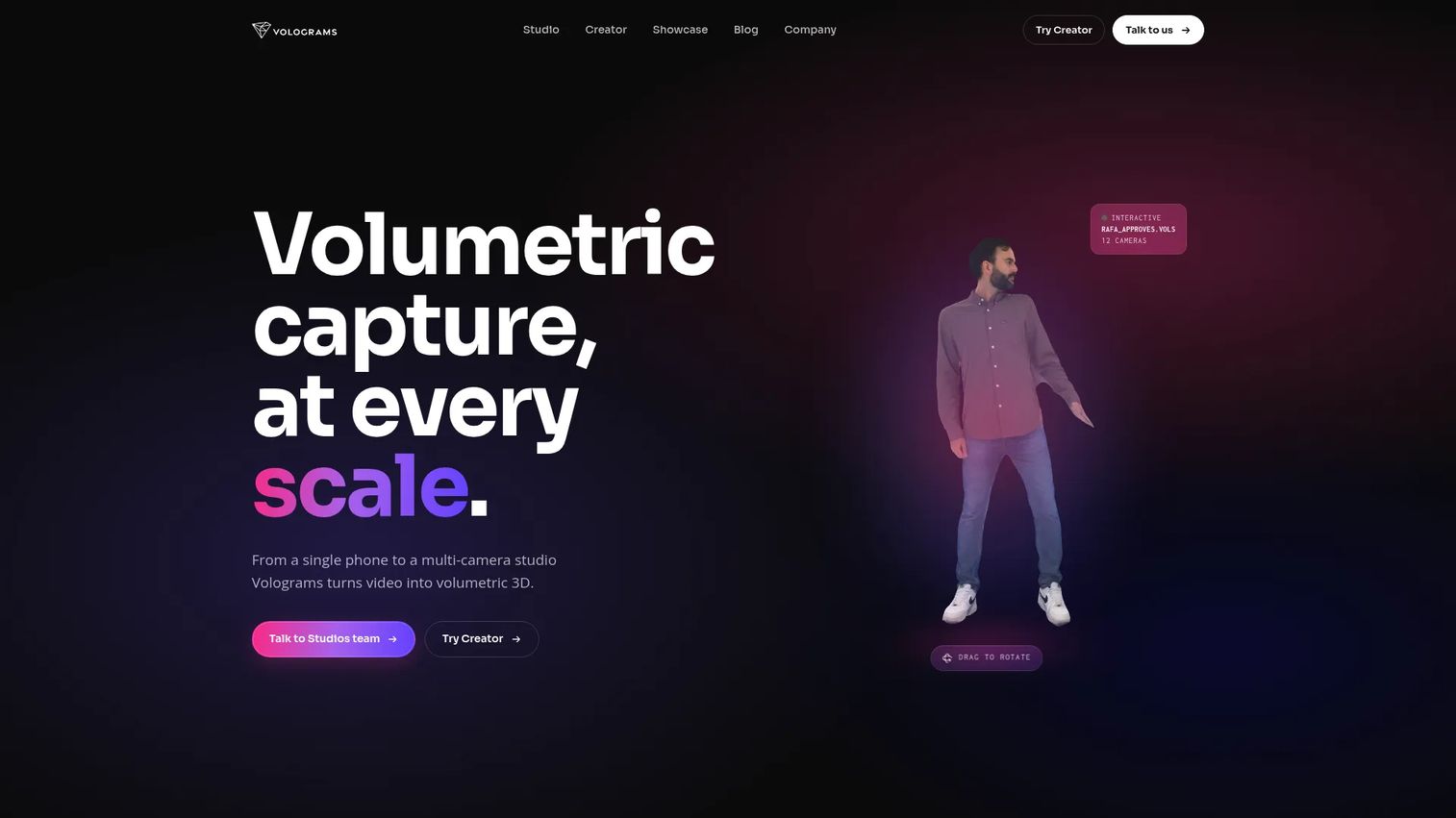
Volograms is a volumetric capture platform that uses AI to turn phone video or multi-camera footage into 3D video assets of people. Those assets can appear in VR, AR, WebAR, and interactive experiences as realistic human subjects, supporting use cases from training narration to product storytelling. Outputs include mesh sequences and 4D Gaussian Splat formats (beta), and the platform provides API access for development teams integrating volumetric content into broader VR stacks.
Best for: Teams that need human presence, instructor-led guidance, or realistic human demonstration inside an immersive environment, without a full motion-capture studio.
Key features
- Single-phone or multi-camera volumetric video capture
- AI-based 3D human reconstruction
- WebAR Vologram Messages for shareable AR experiences
- API access for developer and product team integration
- Mesh-sequence and 4D Gaussian Splat outputs
Why choose Volograms: Volograms is a specialist content tool, not a complete VR platform. It adds human presence to a VR project built in an engine or delivered through another platform. Plan for consent management, media rights, storage costs, and runtime file-size impact before committing. Volumetric assets add production value but affect delivery constraints.
Volograms pricing: A free plan is available. Creator plans start at $4.99 per month (Basic), $49.99 per month (Standard), and $499.99 per month (Advanced). API plans start at $50 per month. Enterprise pricing is custom.
G2 rating: 4.5/5, verified October 2026.
11. Strivr
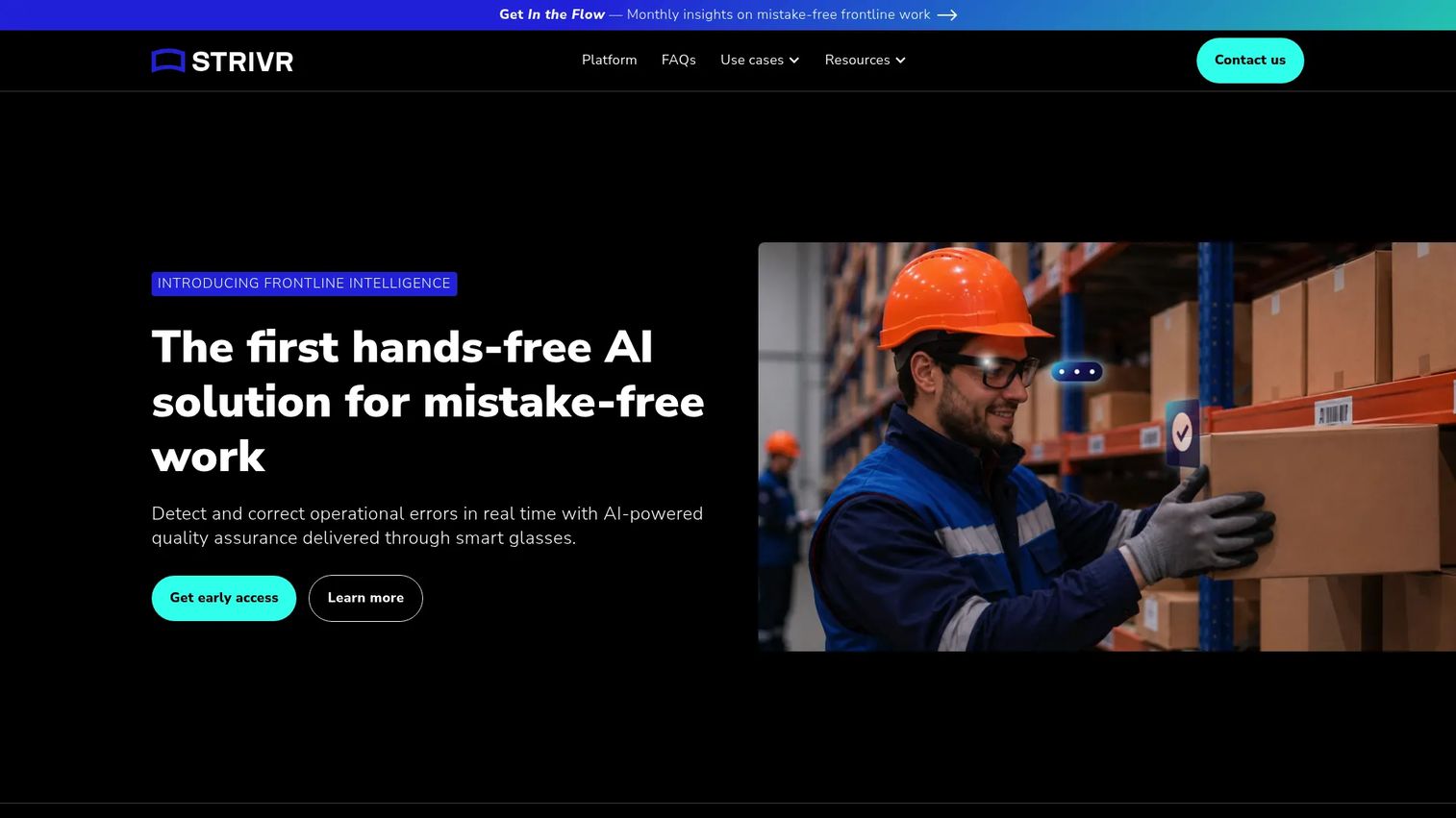
Strivr is a frontline intelligence and VR training platform that uses AI, computer vision, and smart glasses to deliver real-time execution guidance and performance measurement across workforce programs. Its current product emphasizes real-time detection of incorrect or out-of-sequence execution, hands-free corrective guidance through smart glasses, and custom visual language models trained on customer workflows. Earlier VR learning capabilities for immersive simulation and program delivery remain part of the platform's enterprise offering.
Best for: Large organizations deploying standardized VR training programs across locations, roles, and operational workflows where performance measurement is a primary requirement.
Key features
- Real-time execution detection and corrective guidance
- Custom visual language models for specific workflows
- Hands-free smart glasses delivery
- Workforce training delivery and learner performance analytics
- Enterprise device management and security controls
Why choose Strivr: Strivr fits mature training programs with operational scale, defined learning objectives, and a need to demonstrate measurable adoption. Relevant proof metrics include time to competency, training completion rates, error reduction, and manager adoption. It is not the right fit for teams seeking a general-purpose engine for a custom consumer VR product.
Strivr pricing: Enterprise pricing requires direct engagement. Contact Strivr for current contract structure and minimum commitment terms.
G2 rating: 4.4/5, verified October 2026.
Considerations when choosing virtual reality software
Match the tool to the experience you must ship
Start with the outcome, then select the category. Custom interactive behavior and long-term product control point toward a real-time engine. A 3D content pipeline points toward a modeling suite. Rapid immersive training delivery points toward a no-code authoring and deployment platform. Web distribution points toward a WebXR framework. Selecting a category first makes the tool comparison much cleaner.
Validate target devices before planning content
A VR experience changes meaningfully depending on whether it runs on a standalone headset, a tethered PC, a browser, or a mobile device. Build a device matrix before choosing a platform. Cover tracking support, controller input, performance constraints, storage limits, network requirements, and accessibility needs. Committing to content production before completing this step is one of the most common and costly mistakes in VR projects.
Budget for production and maintenance, not only licenses
Software subscription cost is often the smallest line item in a VR program budget. Estimate content production, 3D assets, engineering time, QA, headset provisioning, localization, analytics infrastructure, ongoing support, and updates required after product or process changes. The full program cost is typically much larger than the tool subscription alone.
Define instrumentation before the first build
Instrument more than session starts and install counts. Define events around task completion, time in scenario, repeated errors, drop-off points, comfort exits, supervisor review, and post-training operational performance from the beginning. Adding instrumentation after a build ships is significantly harder and often produces incomplete data.
Name one accountable owner before launch
VR initiatives frequently become orphaned between product, IT, learning, and operations teams. Assign one named owner, define a release cadence, create a content update process, and agree on support ownership before the program expands beyond a pilot cohort. Governance failure is the leading cause of VR program abandonment after a successful prototype.
Conclusion
The right virtual reality software starts with a category decision, not a vendor comparison. Unity and Unreal Engine fit teams building custom VR applications with engineering capacity and long-term product ownership. Blender and Maya support professional 3D content pipelines for asset production. A-Frame, StellarX, and InstaVR fit teams that need faster experience creation, web distribution, or reduced engineering requirements. Uptale, SynergyXR, and Strivr fit enterprise learning and operational rollout programs where analytics, governance, and repeatability at scale matter more than custom rendering. Volograms adds specialized volumetric human content to any VR stack that needs realistic people inside the experience.
Start by defining one user behavior that VR should improve. Then choose the smallest software stack that can prove that outcome on the devices your users actually have. A focused proof of concept with clear instrumentation is worth more than a comprehensive build that never reaches the measurement stage.
For product teams building demo and product experience workflows alongside a VR initiative, Guideflow supports interactive demos, sandboxes, and demo centers that give buyers and users a self-serve product experience across sales, onboarding, and enablement without the production overhead of a full VR build.
Start your journey with Guideflow today!
FAQs
The answer depends on what you are building. Beginners creating a custom VR application should start with Unity, which offers a free Personal plan and an extensive library of tutorials and community resources. Teams creating 3D assets can start with Blender at no cost. If the goal is immersive training content without writing code, Uptale or InstaVR are more accessible starting points than an engine.
Developers most commonly use real-time engines like Unity and Unreal Engine alongside 3D modeling tools for asset production. Web developers building browser-accessible experiences often use A-Frame or similar WebXR frameworks. The right choice depends on target hardware, rendering requirements, programming skills, and whether the experience requires custom interaction logic or a standard training flow.
No. A game engine is appropriate for a custom real-time VR application, but many enterprise VR projects do not need one. A training module, a 360-degree tour, or a browser-based experience often fits a no-code authoring platform or WebXR framework better. The required implementation model depends on interaction depth, device targets, and team composition, not the category label.
VR development software runs the interactive experience and manages headset input, rendering, logic, and device deployment. 3D modeling software, such as Blender or Maya, creates the environments, characters, and objects that appear inside that experience. Most VR projects need both: An engine or platform to run the application and a content tool to produce the assets it displays.
Yes, with limitations. Many engines and platforms support desktop preview modes, browser-based viewing, and non-immersive simulation modes for development and testing. For full spatial interaction, motion tracking, and evaluating the immersive experience itself, a physical headset remains necessary. Browser-based tools like A-Frame can work across devices including phones and tablets, which expands accessibility without requiring a dedicated headset fleet.
Costs range from free open-source tools like Blender and A-Frame to enterprise contracts for platforms like Uptale, which starts at $17,000 per year. Unity Pro runs $2,310 per seat per year. Maya costs $2,010 per year on an annual subscription. Enterprise training platforms from SynergyXR and Strivr require custom quotes. Total program cost also includes content production, engineering time, headset procurement, QA, localization, analytics, and ongoing updates, which typically exceed the software license cost.
Establish a baseline before launch and define outcome metrics before development starts. Useful measures include task completion rate, time to competency, error rate reduction, training completion, learner confidence scores, repeat use, and downstream operational performance. Correlate those metrics against a control group or pre-VR baseline rather than citing immersion or engagement as outcomes in themselves.
Test the highest-risk assumption first. A focused proof of concept should cover device comfort and usability for target users, task clarity in the scenario, performance stability on the actual target headset, content production effort and update cost, analytics capture, and stakeholder adoption. Validating those dimensions on a narrow workflow before scaling is significantly less expensive than discovering problems after full production.
A no-code builder, such as StellarX or Uptale, lets subject-matter experts author content without writing code, at the cost of customization limits set by the platform. A development engine like Unity or Unreal Engine gives a software engineering team full control over behavior, performance, and device targets, at the cost of requiring engineering ownership and 3D production capacity. The right choice depends on team composition, required interaction complexity, and long-term maintenance expectations.
Blender is the most capable free option for 3D modeling, animation, and rendering. It covers the full asset production pipeline from modeling through rendering and video output. A-Frame is free for browser-based VR scene construction using HTML and JavaScript. Unity's Personal plan is free for development teams below the applicable revenue threshold. For teams exploring broader content creation options, guides covering 3D rendering software and 3D visualization software cover adjacent tooling in those categories.