A lead comes in Tuesday morning. You are on a job, so you write yourself a note to send the quote later. By Friday that customer booked someone else. Then a completed job sits unpaid for three weeks because the invoice never went out. Multiply that across a season and the leaks add up to real revenue.
This is the operational reality most upholstery cleaning owners live in. The work is not the problem. The admin around the work is. Quoting, follow-up, scheduling, dispatch, invoicing, and payment chasing eat the hours you would rather spend on jobs or growth. The right upholstery cleaning software closes those gaps by moving every job through one workflow, from inquiry to paid.
Demand is not the issue either. The global cleaning service software market is expected to grow from USD 2.45 billion in 2025 to USD 5.5 billion by 2035, an 8.5% CAGR, according to WiseGuy Reports (2024). And Grand View Research (2025) found the carpet and upholstery segment is the fastest-growing cleaning category at 8.8% CAGR through 2033. More work is coming. The question is whether your systems can absorb it without you doing everything by hand.
We evaluated each tool on four things that matter for this trade: workflow completeness from quote to payment, upholstery-specific quoting and mobile fieldwork, automation that removes manual follow-up, and total cost of ownership. Below is the shortlist for 2026.
What's inside
This guide is for owners and operators of upholstery cleaning businesses who want one system instead of five disconnected apps. It covers tools for upholstery cleaning software for quotes and payments, online booking, scheduling and dispatch, mobile fieldwork, CRM, and invoicing.
We selected the eight platforms based on four criteria: fit for upholstery and specialty cleaning workflows, depth across the full job lifecycle, mobile usability for technicians in the field, and pricing transparency. Tools that only handle one slice of the job, like scheduling alone, ranked lower than platforms that carry a job from first contact to collected payment.
TL;DR
- Best overall for end-to-end workflow: Jobber, for quoting, scheduling, client hub, and payments in one polished system.
- Best for owner-operators and small teams: QuoteIQ, with transparent tiers, mobile quoting, and built-in AI tools.
- Best for mobile-first field ops: ServiceM8, built around digital job cards and on-the-go technicians.
- Best for AI quoting: Cadobook, with AI-powered estimates, online booking, and automated reminders.
- Best for specialty cleaning roots: ServiceMonster, purpose-built for carpet and upholstery operators.
- Best for ops-heavy teams: Workiz, with scheduling, dispatch, and integrated phone and messaging.
What is upholstery cleaning software?
Upholstery cleaning software is a field service platform that manages the full lifecycle of a cleaning job: inquiry, estimate, quote approval, scheduling, dispatch, on-site work, invoicing, and payment. It replaces the mix of spreadsheets, paper forms, text threads, and separate payment apps that most small cleaning businesses cobble together.
The core job it should handle is simple to state and hard to do manually: move every lead from first contact to collected payment without anything falling through the cracks. A strong upholstery cleaning CRM keeps customer records, service history, and communication in one place so repeat business and follow-up are effortless.
Core capabilities to expect:
- Online booking: Let customers request or book jobs from your website without a phone call.
- Estimating and quote approval: Build upholstery quotes fast, send them, and let customers approve digitally.
- Scheduling and dispatch: Assign jobs, manage the calendar, and route technicians efficiently.
- Mobile app and technician workflows: Give techs job details, notes, job photos, and proof of completion on their phones.
- CRM and service history: Track every customer, past job, and interaction in one record.
- Invoice and payment automation: Send invoices automatically and trigger payment reminders until you get paid.
The best upholstery cleaning business software connects all six so data moves forward on its own instead of being re-entered at each stage.
When to use upholstery cleaning software
Leads are leaking between inquiry and quote
If requests pile up while you are on jobs, and quotes go out days late or not at all, you are losing bookable work to faster competitors. Upholstery cleaning estimating software lets you build and send a quote from your phone in minutes, often with quote approval built in so the customer can say yes on the spot.
Scheduling requires constant back-and-forth
When every appointment takes three texts and a phone call to confirm, your calendar becomes a bottleneck. Upholstery cleaning scheduling software with online booking lets customers self-serve into open slots, and dispatch tools with route optimization keep your crew moving instead of backtracking across town.
Technicians need documentation in the field
Upholstery jobs generate disputes: was that stain there before, did the fabric already have wear. A mobile app that captures job photos, notes, and proof of completion protects you and builds trust. Techs update job status on-site, so the office sees progress in real time.
Payment delays are eating your week
If you spend evenings chasing unpaid invoices, upholstery cleaning invoicing software fixes it. Invoices send automatically on job completion, payment reminders go out on a schedule, and customers pay online through a customer portal. Less chasing, faster cash.
Comparison table
Here is how the eight platforms compare on intent, differentiation, pricing, and G2 rating. Pricing reflects the entry tier from each vendor's public pricing page. Sorted by relevance to the upholstery cleaning workflow, not alphabetically.
| # | Product | Intent | Key differentiation | Pricing | G2 rating |
|---|---|---|---|---|---|
| 1 | QuoteIQ | Owner-operators and small teams | All-in-one CRM with built-in AI and transparent tiers | From $29.99/mo | Not enough reviews |
| 2 | Jobber | End-to-end home service workflow | Polished quote-to-invoice flow with client hub | From $199/mo | 4.6/5 |
| 3 | Workiz | Ops-heavy field service teams | Scheduling, dispatch, and integrated phone and messaging | Free tier; Kickstart $225/mo | 4.5/5 |
| 4 | Housecall Pro | Booking and communication focus | Online booking, dispatch, and customer communication | From $59/mo | 4.3/5 |
| 5 | ServiceMonster | Specialty cleaning operators | Carpet and upholstery roots with routing and CRM | From $39/mo | 4.3/5 |
| 6 | ServiceM8 | Mobile-first small teams | Digital job cards and field-first job management | Free tier; Starter $29/mo | 4.0/5 |
| 7 | Kickserv | Teams needing core FSM | Lead-to-invoice job management with GPS tracking | From $60/mo | 4.4/5 |
| 8 | Cadobook | Modern AI booking and payments | AI-powered quotes, booking, and automated reminders | 14-day free trial | Not listed |
1. QuoteIQ
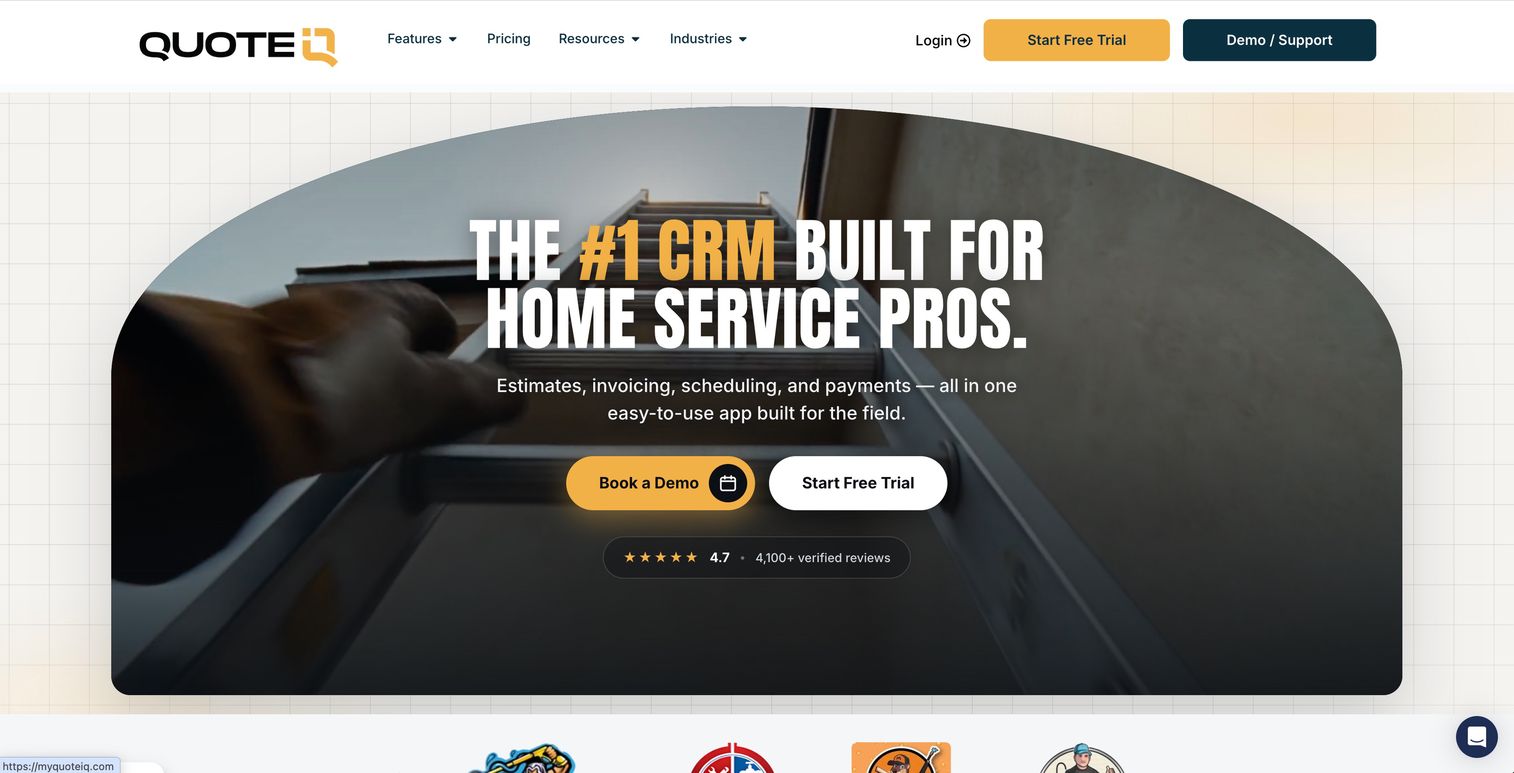
QuoteIQ is field service management software built for home service contractors, with CRM, estimating, scheduling, payments, and a growing set of AI tools. It leads with quoting: you can build an estimate, capture photos, and send it from the field, then track the job through completion and collect payment in the same system. For upholstery cleaning owners who spend their day on-site, that mobile-first quoting matters.
Best for: Owner-operators and small teams who want an all-in-one upholstery cleaning CRM with built-in AI at a transparent price.
Key strengths
- Estimates to payment in one place: Estimates, invoices, scheduling, and online payments run through a single workflow.
- Built-in AI automation: AI Autopilot and AI-powered tools handle repetitive follow-up and admin.
- Field tools that fit the trade: MapMeasure Pro, QuoteIQ Cam for photos, and review management support on-site work and reputation.
Why choose QuoteIQ: The pricing is unusually transparent for this category, with five published tiers starting at the low end. That lets a solo cleaner start cheap and scale up as the team grows, without a sales call to learn what anything costs. If your bottleneck is getting quotes out fast from the field, this is a strong fit.
QuoteIQ pricing: Five paid tiers, starting with Essentials at $29.99/mo, then Beginner at $74.99/mo, Pro at $149.99/mo, Elite at $299/mo, and Max at $699/mo. Billing can be monthly or yearly, and there is a 14-day free trial. No free tier.
2. Jobber
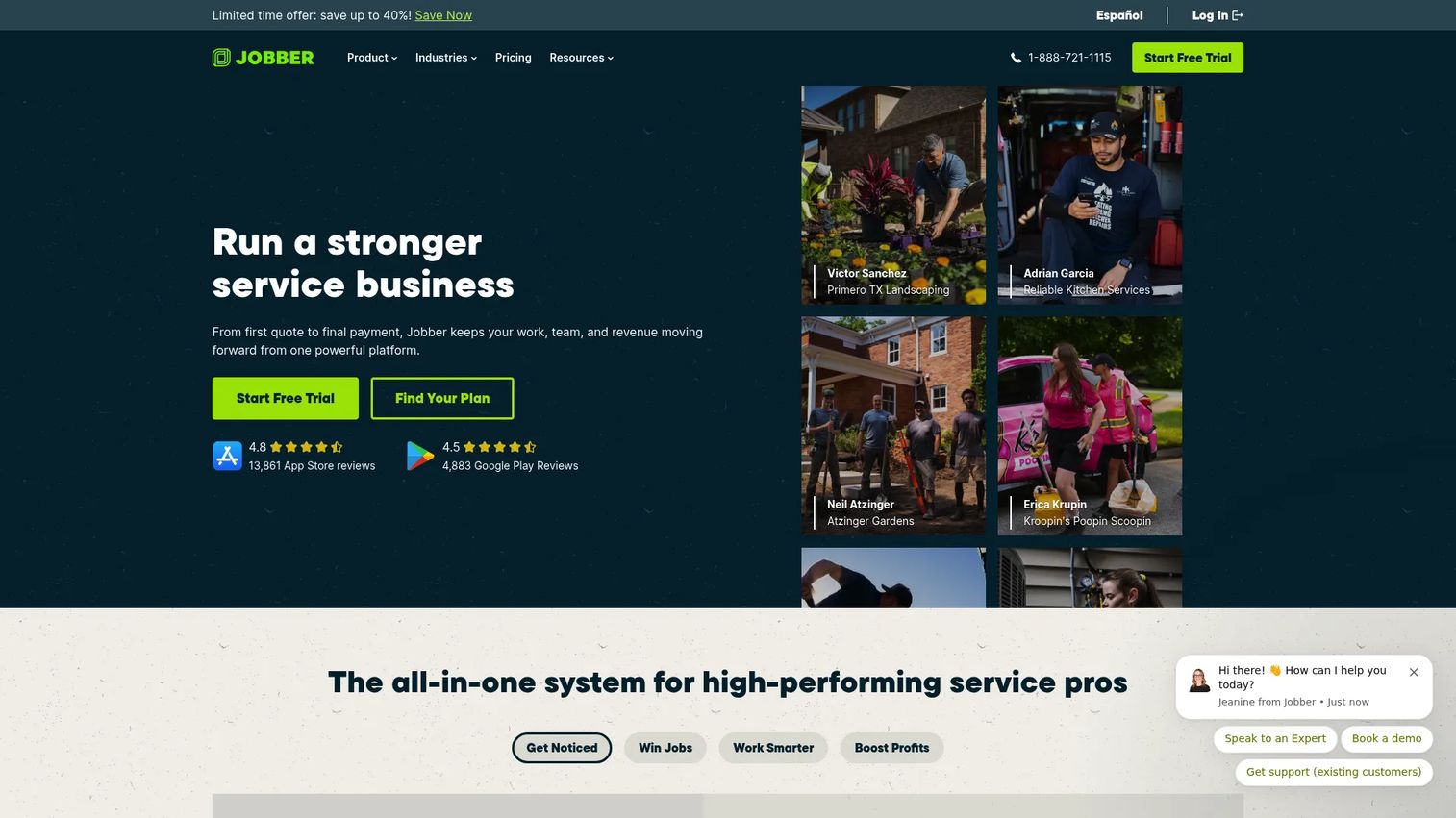
Jobber is field service management software for home service businesses, and it is the most complete end-to-end option on this list. It runs the full quotes-to-jobs-to-invoices workflow, adds online booking and scheduling, and layers on client communication automation. The customer experience is polished, from the branded quote to the online payment, which is why it shows up on so many upholstery cleaning shortlists.
Best for: Home service teams that want one system for quoting, scheduling, invoicing, and customer communication.
Key strengths
- Quote-to-invoice workflow: A job moves from quote to scheduled work to invoice without re-entering data.
- Online booking and scheduling: Customers book from your site, and the calendar updates automatically.
- Client communication automation: Automated reminders, follow-ups, and updates keep customers informed without manual work.
Why choose Jobber: If you want a general service-business platform that does everything competently and looks professional to your customers, Jobber earns its place. The trade-off is price: the entry point is higher than tools aimed at solo operators, so it fits growing teams better than a one-person shop.
Jobber pricing: Public plans include Grow at $199/mo and Plus at $499/mo, with add-ons like a Marketing Suite ($79/mo), an AI Receptionist ($29/mo), and a Pipeline add-on ($49/mo). A 14-day free trial is available with no credit card required. G2 rating: 4.6/5.
3. Workiz
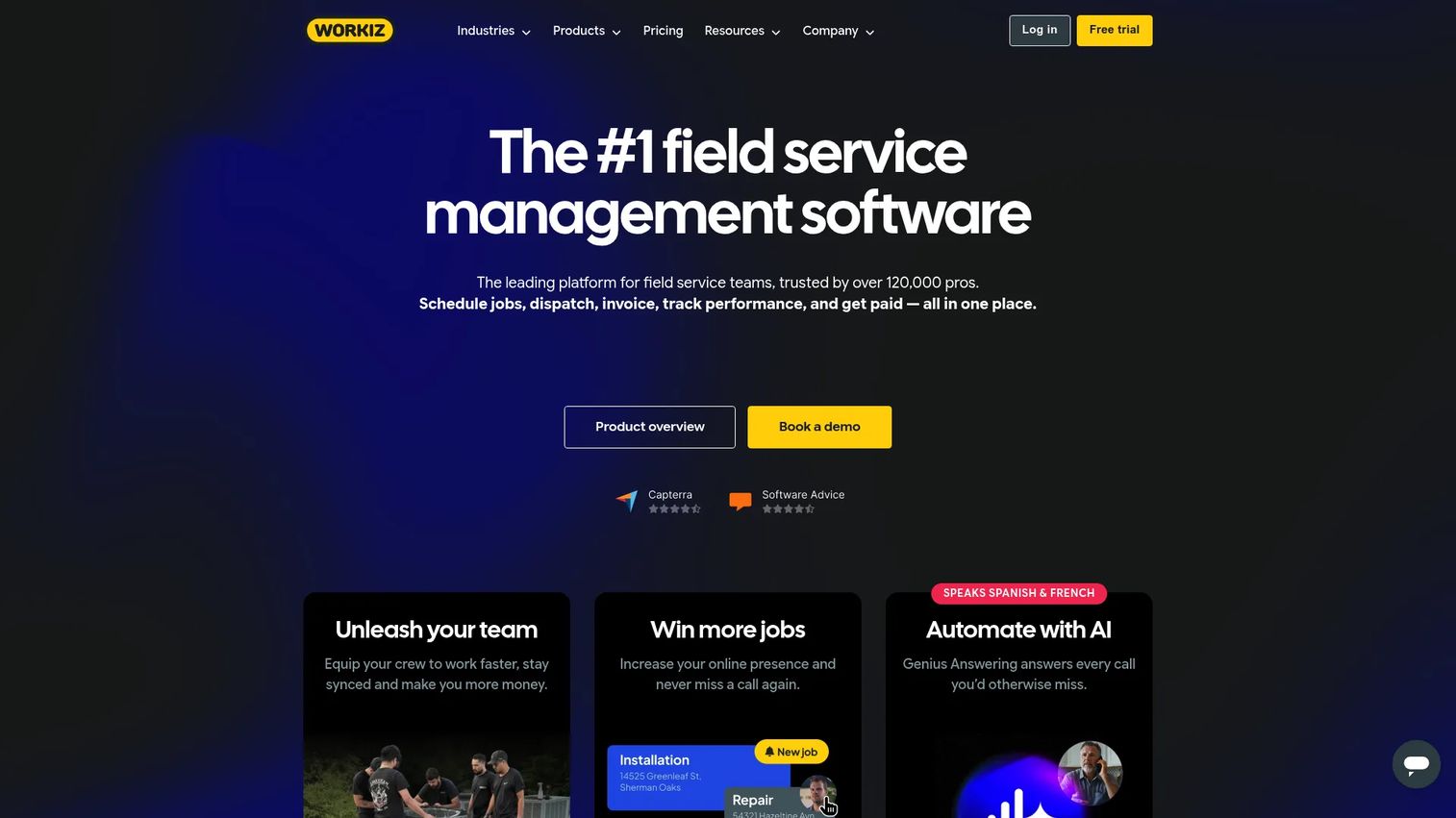
Workiz is field service management software built around scheduling, dispatch, invoicing, payments, CRM, and communication. What sets it apart for busier operations is the integrated phone and messaging: calls, texts, and jobs live in one place, so a lead who phones in becomes a scheduled job without switching apps. For teams that field a lot of inbound calls, that consolidation is the draw.
Best for: Field service businesses that need an ops-heavy platform with scheduling, dispatch, and built-in communication.
Key strengths
- Scheduling and dispatching: Assign and move jobs across your crew from one calendar.
- Estimates, invoicing, and proposals: Quote, invoice, and get paid without leaving the platform.
- Integrated phone and messaging: Automations, online booking, and a built-in phone system tie communication to the job record.
Why choose Workiz: If your business runs on phone calls and dispatch, Workiz treats communication as a first-class part of the workflow rather than a bolt-on. The free Lite tier lets a small team test the core before committing to a paid plan.
Workiz pricing: A free-forever Lite plan, Kickstart at $225/mo including the first three users, then Standard, Pro, and Ultimate available as request pricing. Annual billing details are shown on the pricing page. G2 rating: 4.5/5.
4. Housecall Pro
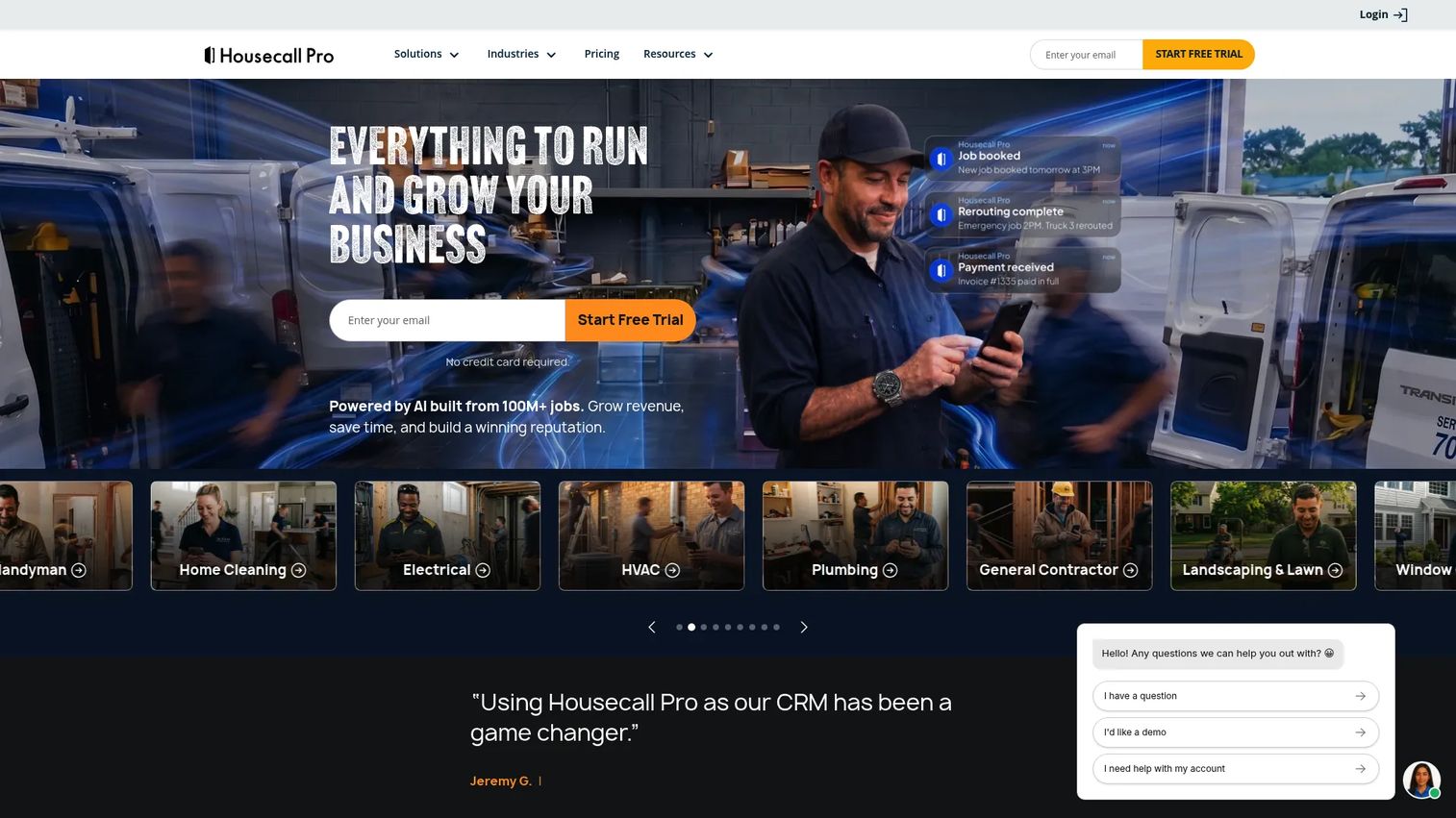
Housecall Pro is field service management software for home service businesses, with a strong focus on online booking, scheduling, dispatch, invoicing, payments, and customer communication. It is one of the more approachable platforms for streamlining the front end of the job, from the booking request to the reminder text to the payment link.
Best for: Home service teams that want booking, dispatch, invoicing, and payments in one easy-to-run platform.
Key strengths
- Online booking: Customers schedule directly from your website or a booking link.
- Scheduling and dispatching: Manage the calendar and assign techs without phone tag.
- Invoicing and payments: Send invoices and collect payment, with communication tools to reduce no-shows.
Why choose Housecall Pro: It is stronger as a broad home services platform than as a niche upholstery tool, which is fine if you also handle carpet, tile, or other cleaning work. The scheduling and communication features are its clear strength, so it fits operators who lose the most time to booking friction and reminders.
Housecall Pro pricing: Three main plans, Basic at $59/mo, Essentials at $149/mo, and Max at $299/mo, all billed annually with monthly pricing also shown. A 14-day free trial is offered; there is no free version. G2 rating: 4.3/5.
5. ServiceMonster
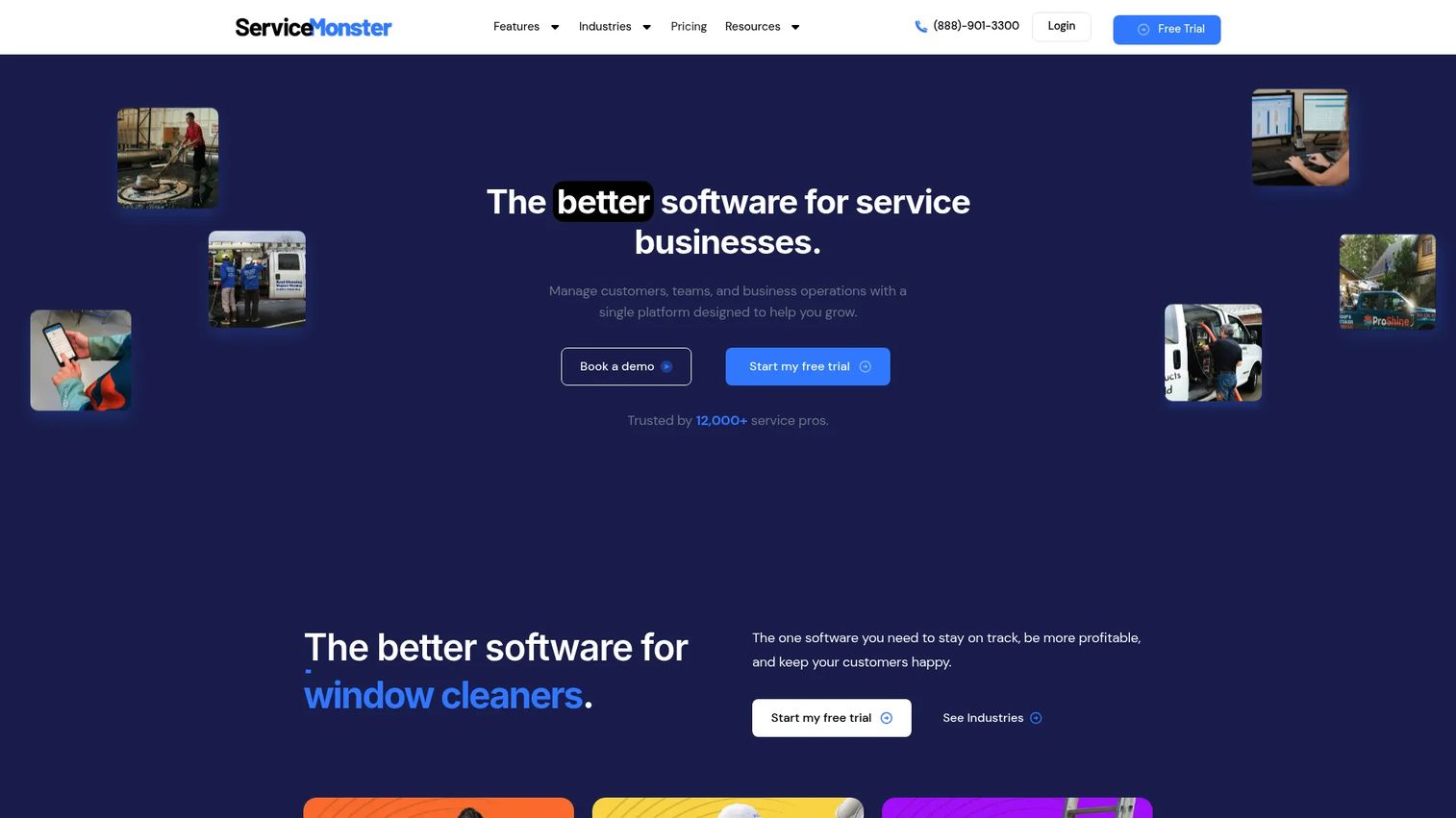
ServiceMonster is cloud software for field service businesses to manage scheduling, orders, marketing, and customer communication, and it has deep roots in the carpet and upholstery world. That specialty heritage shows up in the details: scheduling and route management, orders and estimates and invoicing, plus marketing, leads, reports, and two-way texting aimed at cleaning operators specifically.
Best for: Home service and specialty cleaning companies that want an all-in-one field service CRM built with their trade in mind.
Key strengths
- Scheduling and route management: Plan the day and reduce drive time with routing built for service crews.
- Orders, estimates, invoicing, and payments: Handle the money side from quote to paid.
- Marketing, leads, and two-way texting: Reporting and customer messaging help drive repeat business.
Why choose ServiceMonster: For operators who want a tool that already speaks the language of cleaning, the industry familiarity is a real advantage. Upholstery relevance comes through in the estimate and job management, and the routing and marketing depth reward established cleaning businesses more than a brand-new solo shop.
ServiceMonster pricing: G2 lists three plans, Basic at $39.00/month, Grow at $105.00/month, and Premier at $159.00/month, with a free trial indicated. Pricing is also available in-product, and monthly or annual billing is offered. G2 rating: 4.3/5.
6. ServiceM8
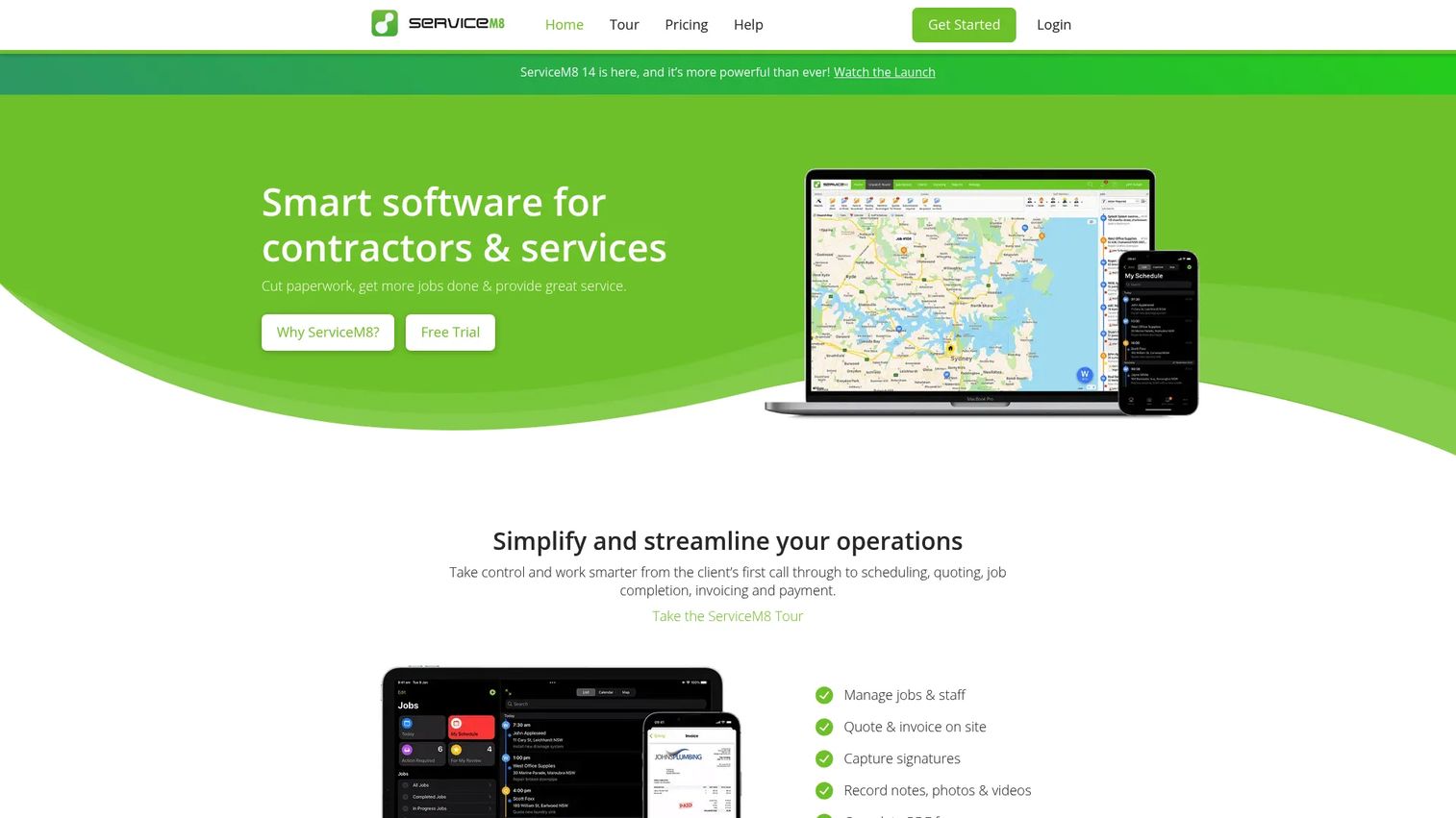
ServiceM8 is field service management software for trade contractors and home services, and it is built mobile-first around digital job cards. For a small upholstery crew, that means everything a tech needs, job details, notes, photos, quoting, and invoicing, lives on the phone. Admin stays light because the work updates the office in real time.
Best for: Small teams that want simple, mobile-first operations without heavy admin overhead.
Key strengths
- Digital job cards: Every job is a self-contained record techs update from the field.
- Scheduling and dispatch: Assign work and see the day at a glance.
- Quoting, invoicing, and payments: Send quotes and invoices and collect payment on-site.
Why choose ServiceM8: If your team is small and lives in the field, this upholstery cleaning app keeps operations lean without forcing you into a heavier platform. The free tier lets a solo operator start at zero cost, and higher plans add job credits and advanced features as you grow.
ServiceM8 pricing: Five tiers, a Free plan at $0/mo, Starter at $29/mo, Growing at $79/mo, Premium at $149/mo, and Premium Plus at $349/mo. All plans include core essentials, with higher plans adding job credits and advanced features. G2 rating: 4.0/5.
7. Kickserv
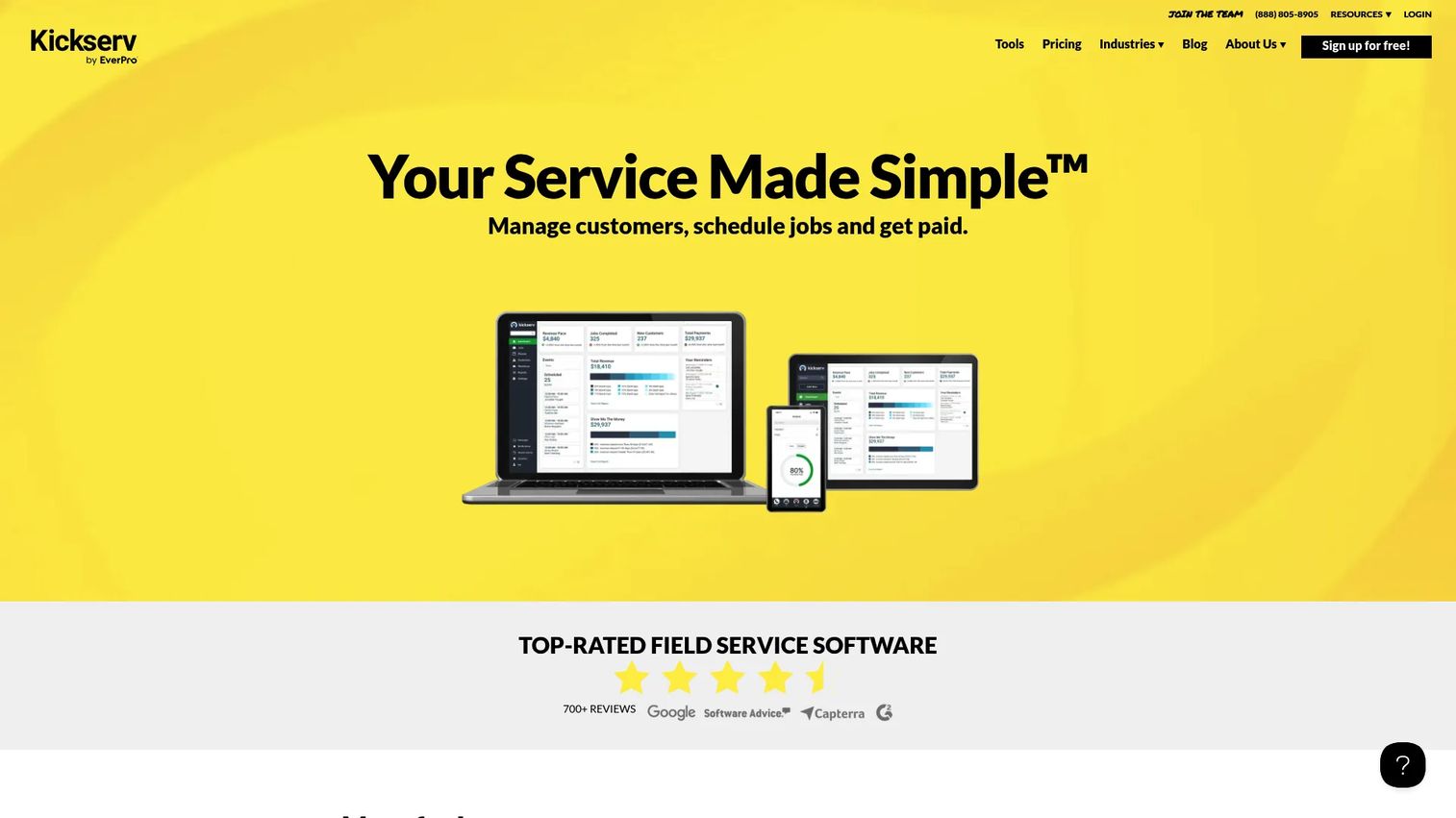
Kickserv is field service management software for scheduling jobs, managing customers, and getting paid. It covers the practical basics well: lead and customer management, estimates with signatures, a customer pipeline, job scheduling, GPS and time tracking, invoicing, and online payments. For a team that wants dependable core FSM without paying for extras it will not use, that focus is the point.
Best for: Home service and field service businesses that need scheduling, job management, and invoicing in one straightforward system.
Key strengths
- Customer management and messaging: Keep every customer and conversation in one record.
- Estimates, signatures, and pipeline: Send estimates, capture approvals, and track leads through to won.
- Scheduling, GPS tracking, and payments: Schedule jobs, track crews, and collect payment online.
Why choose Kickserv: It sits between the ultra-simple mobile tools and the heavier all-in-one platforms, making it a practical choice for teams that need real FSM functionality without complexity. If you want solid job management and invoicing at a mid-range price, it fits.
Kickserv pricing: Three published plans, Start at $60/mo for 5 users, Run at $119/mo for 10 users, and Scale at $199/mo for 20 users. Annual billing offers a stated 20% savings, and there is a 30-day free trial. G2 rating: 4.4/5.
8. Cadobook
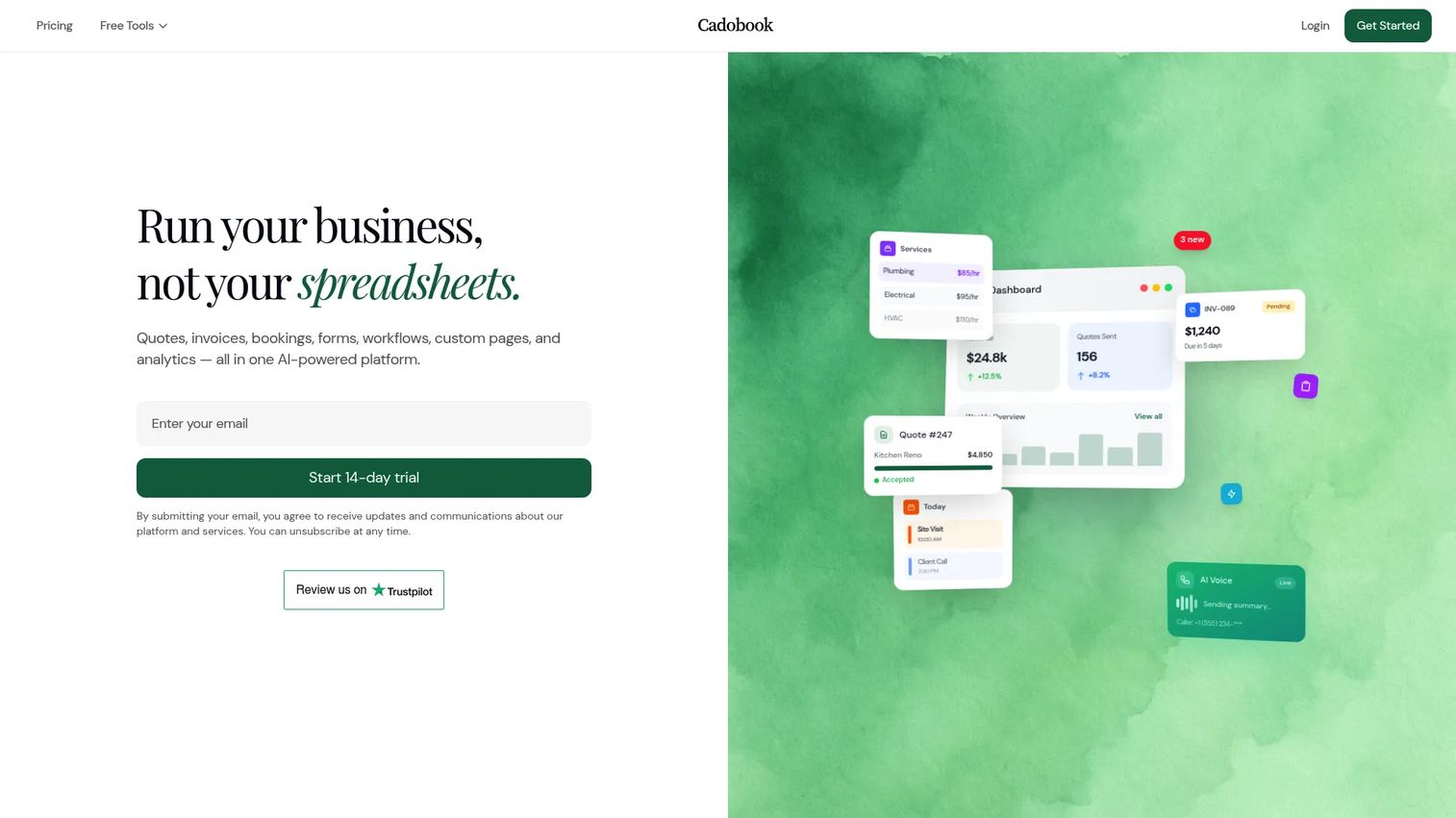
Cadobook is an AI-powered business automation platform for trades service businesses, with upholstery-specific positioning. It leans into modern booking and payments: AI-powered quotes and estimates, invoicing and online payments, and booking and scheduling with deposits and automated reminders. For owners who want a current, low-friction customer experience, that automation is the appeal.
Best for: Trades and cleaning businesses that want quoting, invoicing, booking, and automation in one modern tool.
Key strengths
- AI-powered quotes: Generate estimates faster with AI assistance.
- Invoicing and online payments: Bill and collect without manual steps.
- Booking with deposits and reminders: Take deposits at booking and let automated reminders cut no-shows.
Why choose Cadobook: If a modern booking flow with deposits and automated payment reminders is what you are missing, Cadobook is built around exactly that. Its upholstery-specific framing and AI quoting make it worth a look for teams that want a fresh, automation-first customer experience.
Cadobook pricing: The site offers a 14-day free trial on all plans. Public plan prices were not listed at the time of writing, so contact Cadobook directly for current tier pricing.
Considerations before you buy
Workflow completeness
The point of upholstery cleaning software is one system, not five. Before you commit, map your own job flow, inquiry to quote to schedule to complete to invoice to paid, and confirm the tool carries data forward at every step. Any stage where you re-enter information by hand is a stage that will cost you time later.
Upholstery-specific quoting
Generic estimating is fine until you need to price by fabric type, item, or square footage the way upholstery jobs demand. Look for flexible estimating with quote approval, photo attachments, and templates you can reuse. Mobile quoting from the field is where most of the time savings live.
Mobile and field documentation
Your techs work off phones, so the mobile app is not a nice-to-have. Test whether it handles job photos, proof of completion, notes, and status updates cleanly on a real device. Good field documentation also protects you in fabric-damage disputes.
Payment and automation
Faster payment is often the fastest ROI. Check for automatic invoicing on completion, scheduled payment reminders, online payment through a customer portal, and deposits at booking. The more of the follow-up the software handles, the fewer evenings you spend chasing money.
Integrations and total cost
If you run accounting in QuickBooks, confirm the integration before buying. Then look past the sticker price to total cost: per-user fees, payment processing rates, add-ons, and what the next tier costs when you grow. Transparent pricing beats a cheap headline that balloons at scale.
Conclusion
The strongest overall pick for a complete quote-to-payment workflow is Jobber, which handles quoting, scheduling, the client hub, and payments with a polish your customers notice. If you are an owner-operator watching every dollar, QuoteIQ gives you transparent tiers and mobile-first quoting to start lean. ServiceM8 is the call for small, mobile-first crews, Cadobook for AI quoting and modern booking, ServiceMonster for operators who want cleaning-industry DNA, and Workiz for ops-heavy teams that run on phone and dispatch.
Your next step is simple. Pick the two tools closest to your business size and workflow maturity, start the free trials, and run three real jobs through each, from quote to collected payment. The one that removes the most manual steps wins. Do not overthink the feature list; the tool that gets you paid faster with the least admin is the right one.
FAQs
For small businesses and owner-operators, QuoteIQ and ServiceM8 are strong picks. QuoteIQ offers transparent low-cost tiers with mobile quoting and built-in AI, while ServiceM8 is mobile-first with a free plan for solo operators. Both keep admin light while covering quoting, scheduling, and payments.
Yes. Nearly every tool on this list handles both. The best upholstery cleaning estimating software lets you build and send quotes from the field, capture approval digitally, then convert the approved quote into an invoice automatically once the job is done, so you never re-enter the same data.
Housecall Pro, Jobber, and Cadobook all offer strong online booking. Housecall Pro and Jobber let customers self-schedule from your website, while Cadobook adds deposits at booking and automated reminders. Online booking cuts phone tag and captures leads even when you are on a job.
If your techs work in the field, yes. A mobile app lets them view job details, capture job photos and proof of completion, add notes, and update status on-site. ServiceM8 is built mobile-first around digital job cards, and QuoteIQ, Jobber, and most others offer capable apps for on-the-go work.
Many of these platforms integrate with QuickBooks, which keeps invoicing, payments, and accounting in sync without double entry. Always confirm the specific integration and how it handles payments and syncing on the vendor's site before buying, since depth varies by plan and tool.
Prioritize workflow completeness from quote to payment, upholstery-friendly estimating with quote approval, a solid mobile app with job photos and proof of completion, and payment automation with reminders. A capable upholstery cleaning CRM and route optimization round out the list for teams running multiple crews.
It can be. AI quoting, offered by tools like Cadobook and QuoteIQ, speeds up estimate creation and reduces manual data entry, which helps when you are quoting from the field. Treat it as a time-saver on repetitive quotes rather than a replacement for your judgment on complex or unusual fabric jobs.
Look past the entry price to total cost of ownership: per-user fees, payment processing rates, add-on costs, and the price of the next tier as you grow. Entry points on this list range from free plans on Workiz and ServiceM8 to $199/mo for Jobber, so match the plan to your team size and volume, and use the free trials before committing.