A revised plan lands at 4pm. The office uploads it. The field crew starts their morning from yesterday's PDF. Nobody catches it until the inspector does.
That gap between the current set and what's on site isn't a storage problem. It's an operating-control failure. Rework, stalled inspections, disputed responsibility, and eroded trust in the project record follow every version-confusion incident. According to a 2025 AGC and Sage survey, 40% of contractors plan to increase investment in construction document management software precisely because scattered files and email chains are no longer acceptable at scale.
The construction document management software market reached $2.49 billion in 2025 and is projected to hit $5.8 billion by 2035, according to Wiseguy Reports (2025). That growth reflects a category shift: Construction teams are buying drawing management as an operating-control decision, not a storage upgrade.
This guide compares seven platforms so you can identify which one fits your team's bottleneck, whether that's field adoption, revision governance, or broader project coordination.
What's inside
This guide is for project executives, document controllers, operations leaders, and founders evaluating vertical SaaS infrastructure for construction workflows. Tools were selected based on:
- Revision control depth: How the platform handles superseded sheets, audit trails, and current-set publishing
- Mobile and offline access: Whether field teams can view and mark up drawings without reliable connectivity
- Workflow connections: Links between drawings and adjacent workflows such as RFIs, punch lists, and submittals
- Pricing fit: From focused field tools to broad construction management platforms
No free or freemium tools were included in the selection unless they offered a meaningful paid tier for project teams.
TL;DR
- Best overall construction management platform: Procore for teams standardizing drawings inside a broader project-operations stack
- Best for field-first plan execution: Fieldwire for superintendents and foremen who need drawings connected to daily task work
- Best for Autodesk-centered workflows: Autodesk Construction Cloud for teams already running design and BIM on Autodesk products
- Best for an all-in-one platform with flat pricing: Constructable for growing contractors who want unlimited users and no per-seat cost
- Best for commercial contractor operations: RedTeam for general contractors covering bidding, project management, and financials together
- Best for drawing-plus-financial visibility: Ingenious Build for builders connecting project execution to budget and forecast data
- Best for document control tied to commercial workflows: Archdesk for firms that need drawings, procurement, and financials in one system
What is construction drawing management software?
Construction drawing management software is a system that stores, organizes, publishes, and tracks construction drawings so office and field teams work from the current approved version at all times.
Unlike a shared drive or generic document creation software, a dedicated drawing management platform enforces version discipline. It knows which sheet is current, which version is superseded, and who accessed what and when.
Core capabilities to look for:
- Drawing logs and sheet organization: Automated sheet indexing, discipline filters, version sets, and page naming so large drawing packages stay navigable
- Revision control: Superseded-sheet labeling, full revision history, controlled distribution, and timestamps for every published set
- Mobile and offline field access: Tablet and phone support with cached plan access for sites with inconsistent connectivity
- Markups and issue context: Annotations, photos, measurements, and links from a plan location to an open RFI or punch-list item
- Workflow connections: Drawing-pinned tasks, inspection records, submittals, and RFI threads tied to a specific sheet location
- Search and navigation: OCR recognition, hyperlinked sheet callouts, cross-sheet navigation, and tag filters for large sets
The category distinction that matters most: Drawing management software is not the same as a full construction project management platform, and it's not a CAD or BIM authoring tool. Many products span two or more of those categories. The decision should start with your team's bottleneck.
If field access and revision confusion are the problem, a drawing-first tool often gets adoption faster. If you also need RFI workflows, financial visibility, and submittal tracking in the same system, a broader platform justifies the implementation scope.
When to use construction drawing management software
Publish drawing revisions to the field without email chains
Your team uploads a revised set, and the question is whether every foreman and subcontractor gets the updated sheet before they start work the next morning. Email attachments and shared drives create version ambiguity; you can't confirm who opened the file or which version they're looking at. A drawing management platform with controlled distribution, acknowledgment tracking, and push notifications closes that gap. The office publishes once, the field receives a notification, and the audit trail shows who viewed the current set.
Connect markups to RFIs, issues, and punch-list work
Context gets lost when an RFI lives in one tool, the field photo lives in another, and the punch-list lives in a spreadsheet. When you pin an issue directly to a drawing location, every stakeholder can see the problem, the reference sheet, and the resolution path in one place. That connection reduces the back-and-forth that slows field decisions and creates clear accountability for who needs to act.
Support work on jobsites with unreliable connectivity
Basements, remote sites, and large campuses rarely have consistent signal. A mobile construction drawing app that only works in a browser will let field crews down at exactly the wrong moment. True offline access means the device has cached the current drawing set locally, annotations save to sync later, and the crew doesn't stop work because the network dropped. Test this behavior on your actual devices before committing to a platform.
Construction drawing management software comparison
These seven tools differ significantly by operating model. Some are drawing-first, built for field execution and adoption speed. Others are broad construction management systems where drawing control is one module inside a wider project record. Match the platform to your bottleneck, not the longest feature list.
| # | Product | Best for | Key differentiator | Pricing | G2 rating |
|---|---|---|---|---|---|
| 1 | Constructable | Small-to-mid contractors wanting unlimited users | AI-assisted drawing search and flat monthly pricing | From $850/mo | Not yet rated |
| 2 | Procore | Contractors standardizing a broad project-ops stack | Drawings connected to a large construction suite | Custom quote | Not publicly verified |
| 3 | Autodesk Construction Cloud | Autodesk-centered and BIM-heavy teams | Drawings, models, and field workflows across Autodesk | Custom quote | Not publicly verified |
| 4 | Fieldwire | Field teams prioritizing plan-based task execution | Drawing-centric mobile field coordination | From $39/user/mo (annual) | 4.5/5 |
| 5 | RedTeam | GCs needing project controls beyond drawings | Bidding through closeout for commercial GCs | Custom quote | 4.2/5 |
| 6 | Ingenious Build | Builders connecting project and financial data | Financials, schedules, drawings, and RFIs together | Custom quote | 4.4/5 |
| 7 | Archdesk | Commercial contractors needing document-to-financial control | Drawing and document management linked to ERP workflows | Custom quote | 4.3/5 |
Best 7 construction drawing management software tools for 2026
1. Constructable
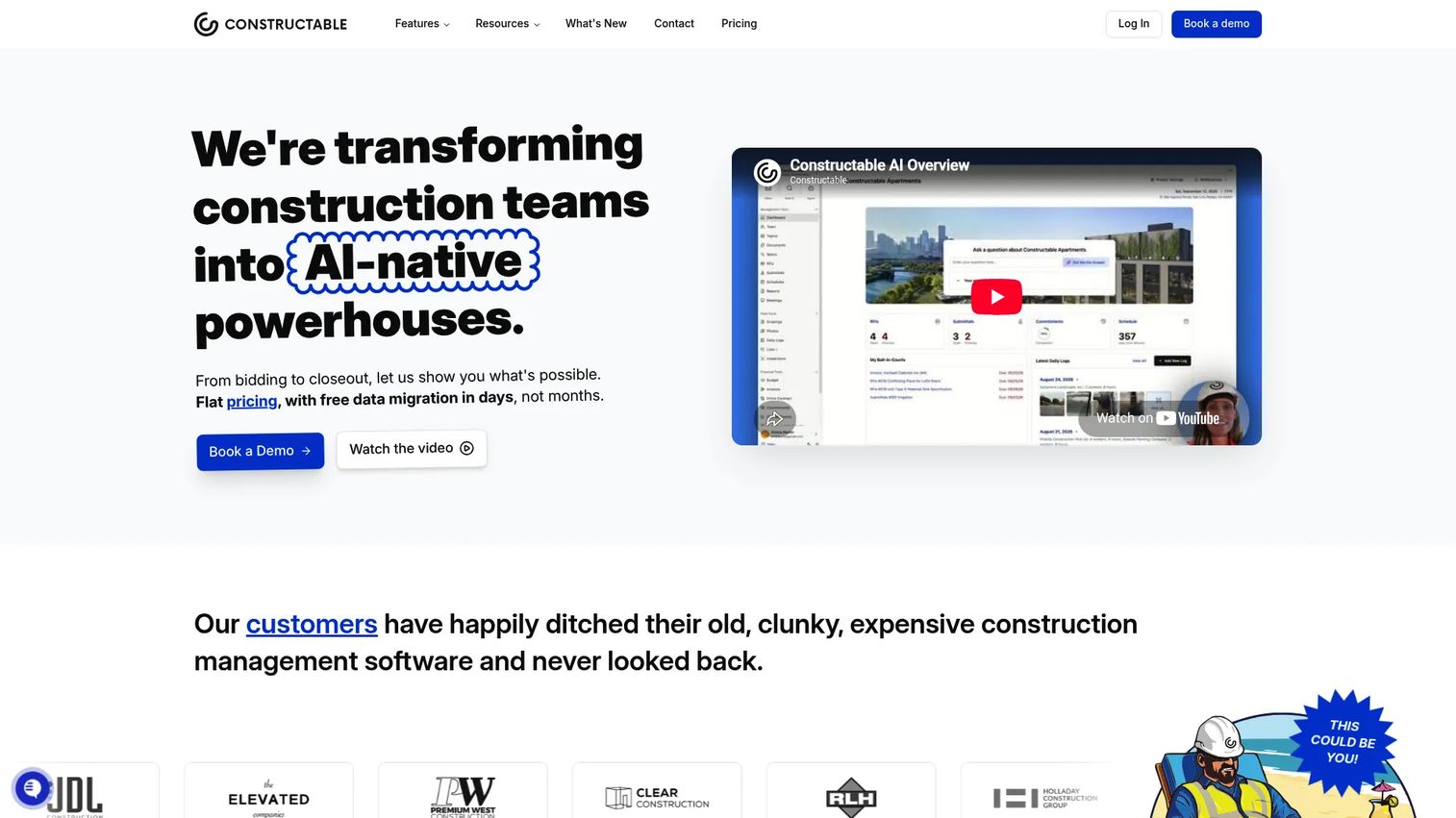
Constructable is an AI-powered construction management platform covering workflows from bidding through project closeout. Its drawing tools include split-view plan comparison, markups, measurements, and revision tracking. What sets it apart for growing contractors is its flat monthly pricing: Unlimited users, unlimited projects, and unlimited external collaborators at a fixed rate.
Best for: Small-to-mid-sized general contractors who want a full construction management platform without paying per seat as the team grows.
Key features
- AI Answer Engine: Search across drawings, documents, RFIs, logs, and photos
- Split-view drawing comparison with markup and measurement tools
- Multi-stage submittal workflows and RFI management
- Financial management: Budgeting, change orders, contracts, and invoicing
- Accounting integrations: QuickBooks Online and Sage Intacct
Why choose Constructable: The flat pricing model makes cost predictable as field adoption scales. Teams that want drawing management connected to bid management, financial controls, and AI-assisted document search will find it avoids the tool fragmentation that typically grows with project count.
Constructable pricing: Plans start at $850/month for Field Management, $2,000/month for Field and Project Management, and $3,500/month for the full platform including financial management. All plans include unlimited users and onboarding. Small-team pricing requires contacting Constructable directly.
2. Procore

Procore is one of the most widely adopted construction management platforms in the market. It connects drawings to RFIs, submittals, quality management, cost controls, and field workflows across a unified project record. Teams that need drawing management as part of a standardization initiative across multiple projects and regions find it a natural fit.
Best for: Growing contractors and project owners who want drawing control inside a broader construction operations system rather than a point tool.
Key features
- Drawing sets with full revision history and version control
- Mobile plan access with markup and annotation tools
- RFI and issue links pinned to drawing locations
- Quality and safety management connected to field observations
- Analytics and reporting across the project portfolio
Why choose Procore: Procore fits teams where drawing management is one part of a larger operating-system decision. If your immediate bottleneck is field access to current sheets, a smaller drawing-first tool may get adoption faster. Procore earns its place when the team also needs financials, quality, and resource tracking in the same record.
Procore pricing: Procore prices by Annual Construction Volume and selected product modules. No flat-rate or per-seat price is available without a sales conversation. Contact Procore directly for a quote.
3. Autodesk Construction Cloud
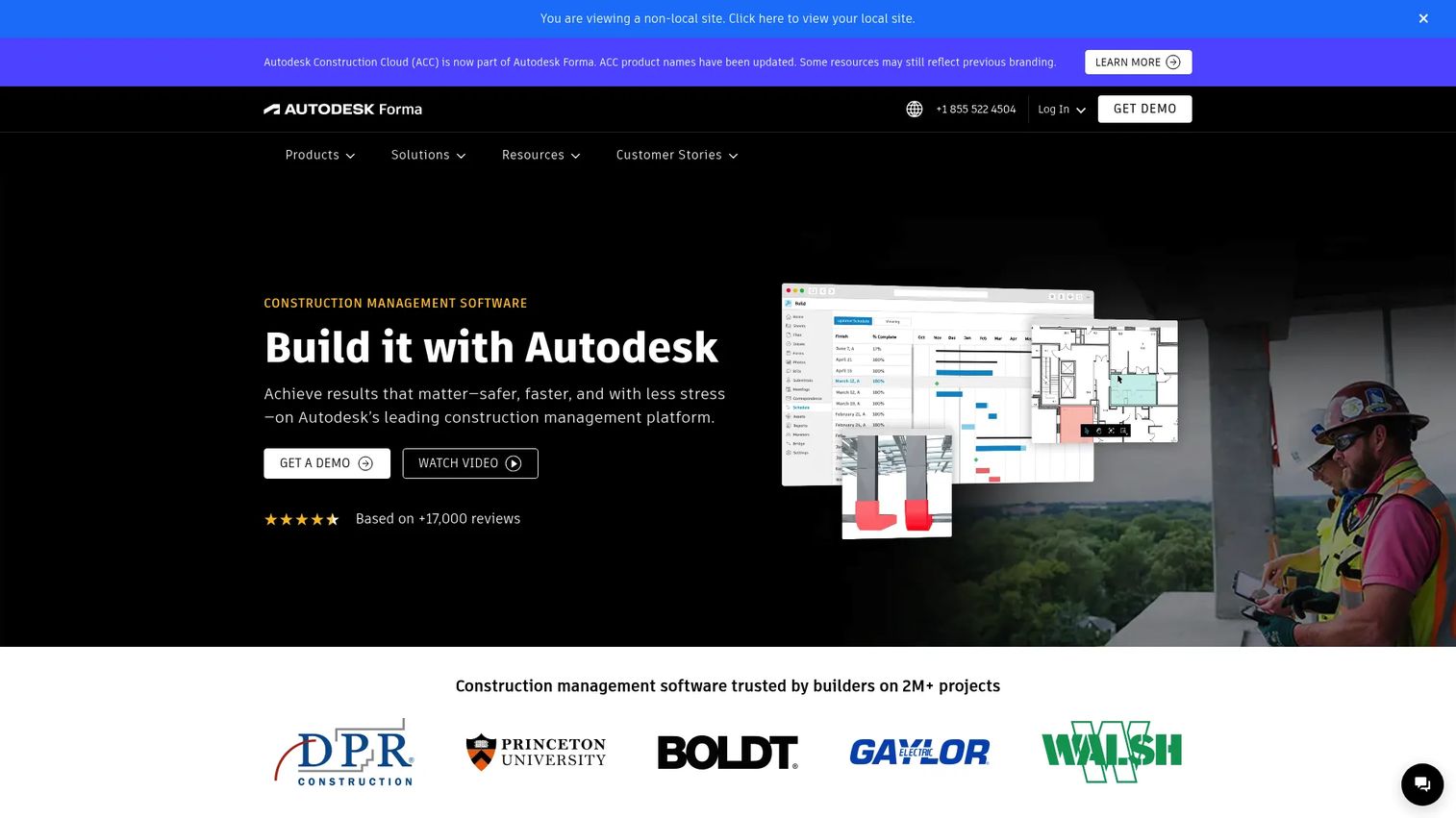
Autodesk Construction Cloud connects design, BIM coordination, and construction execution across a single platform. It now forms part of Autodesk Forma, bringing together document management, project management, model coordination, cost management, and field workflows. For teams already deep in the Autodesk ecosystem, it removes the gap between design files and construction-issued drawings.
Best for: General contractors, owners, and design-build teams managing BIM-heavy projects with existing Autodesk tool dependencies.
Key features
- Version-controlled drawing sets with OCR sheet recognition
- Cross-sheet callout links and hyperlinked sheet navigation
- Model coordination and clash detection
- Mobile and offline drawing access for field teams
- RFIs, submittals, schedules, and cost management in one platform
Why choose Autodesk Construction Cloud: The strongest fit is when design and construction workflows need to stay connected across the Autodesk stack. Teams not already using Autodesk products may find the breadth of the platform exceeds their near-term need and the implementation scope reflects that.
Autodesk Construction Cloud pricing: Pricing is quote-based and configured by solution. Contact Autodesk directly for package details.
4. Fieldwire
Fieldwire is a jobsite management platform built around drawings and field task execution. Superintendents and foremen use it to view current sheets, create task pins on plan locations, mark up drawings, capture photos, and track inspections. The mobile experience is central to the product's design rather than an afterthought.
Best for: Contractors, project managers, and field-heavy teams where jobsite adoption matters more than back-office financial controls.
Key features
- Plan viewing with automatic version control and hyperlinks
- Task pins on drawing locations for punch lists, inspections, and QA
- Markups, measurements, photos, and as-built documentation
- Digital forms for daily reports, RFIs, inspections, and timesheets
- Sheet comparison and scheduling tools
Why choose Fieldwire: Fieldwire gives field crews a short path from locating a sheet to creating an issue and assigning work. The free Basic plan supports up to five users and three projects, which makes evaluation low-risk. Teams that need drawing management connected to financials or bid management will need to look at a broader platform alongside it.
Fieldwire pricing: The Basic plan is free for up to five users and three projects. Pro starts at $39/user/month billed annually, Business at $64/user/month, and Business Plus at $89/user/month. Higher tiers add RFIs, submittals, sheet comparison, custom forms, BIM viewer, and budget tools.
G2 rating: 4.5/5
5. RedTeam
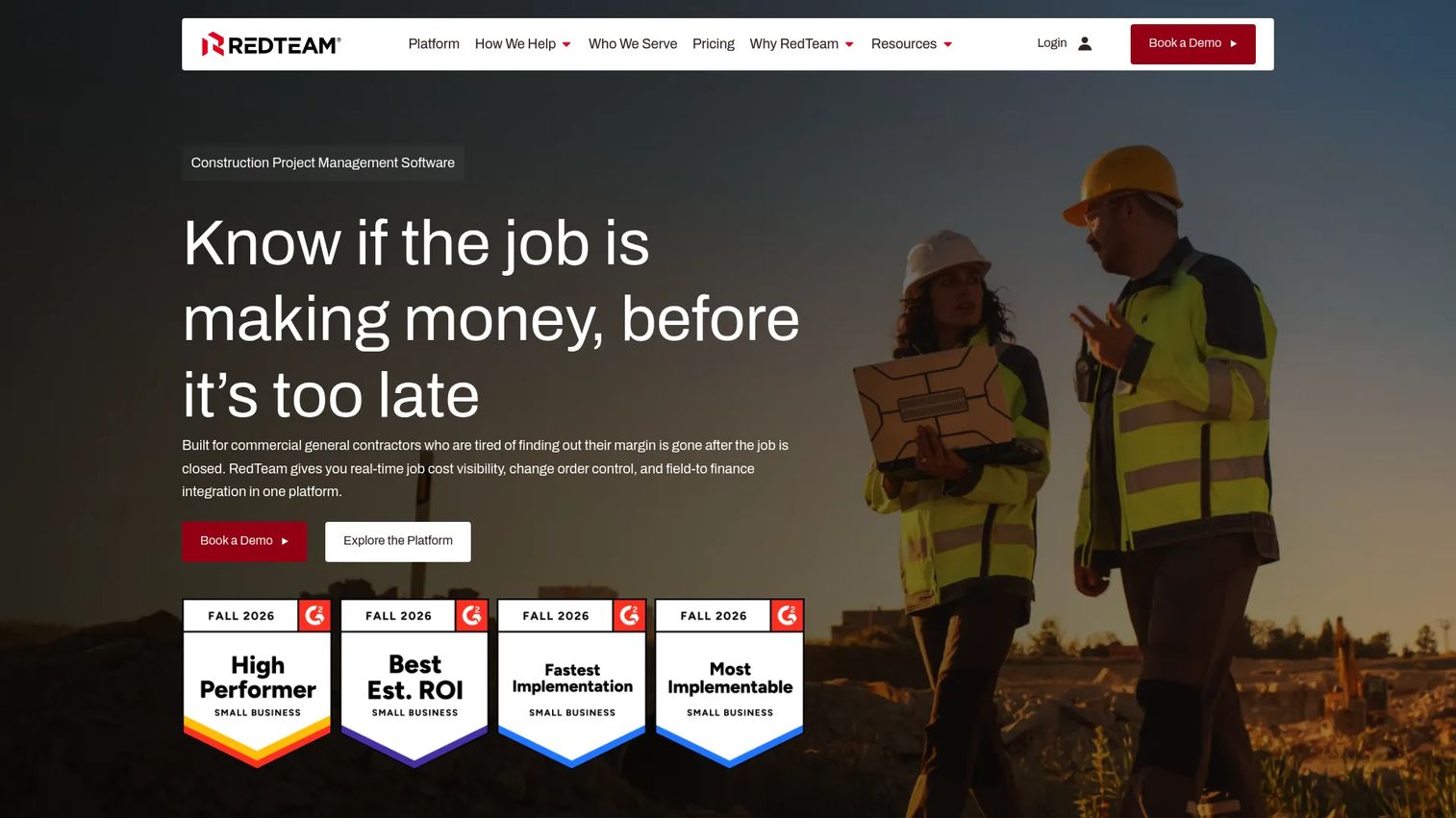
RedTeam is a construction management platform for commercial general contractors covering preconstruction through project closeout. It connects bidding, project management, and financial visibility in a single system. Document and drawing management sits inside a broader project-controls context rather than as a standalone module.
Best for: Commercial general contractors that need drawing distribution connected to estimating, RFI workflows, job-cost tracking, and project closeout.
Key features
- Project document management and drawing distribution controls
- Preconstruction estimating and bid management
- RFI and submittal tracking with workflow support
- Job-cost visibility, WIP reporting, and profitability tracking
- Daily logs, schedules, and project collaboration tools
Why choose RedTeam: RedTeam fits teams where the urgent problem is not just current drawings but the full project-controls picture. Drawing management works best here as part of a broader system adoption. Teams looking for a drawing-only field tool will find more focused options at a lower price point.
RedTeam pricing: RedTeam estimates cost by project volume through a pricing calculator on its site. No flat monthly price is shown without entering project data. Contact RedTeam for a quote.
G2 rating: 4.2/5
6. Ingenious Build
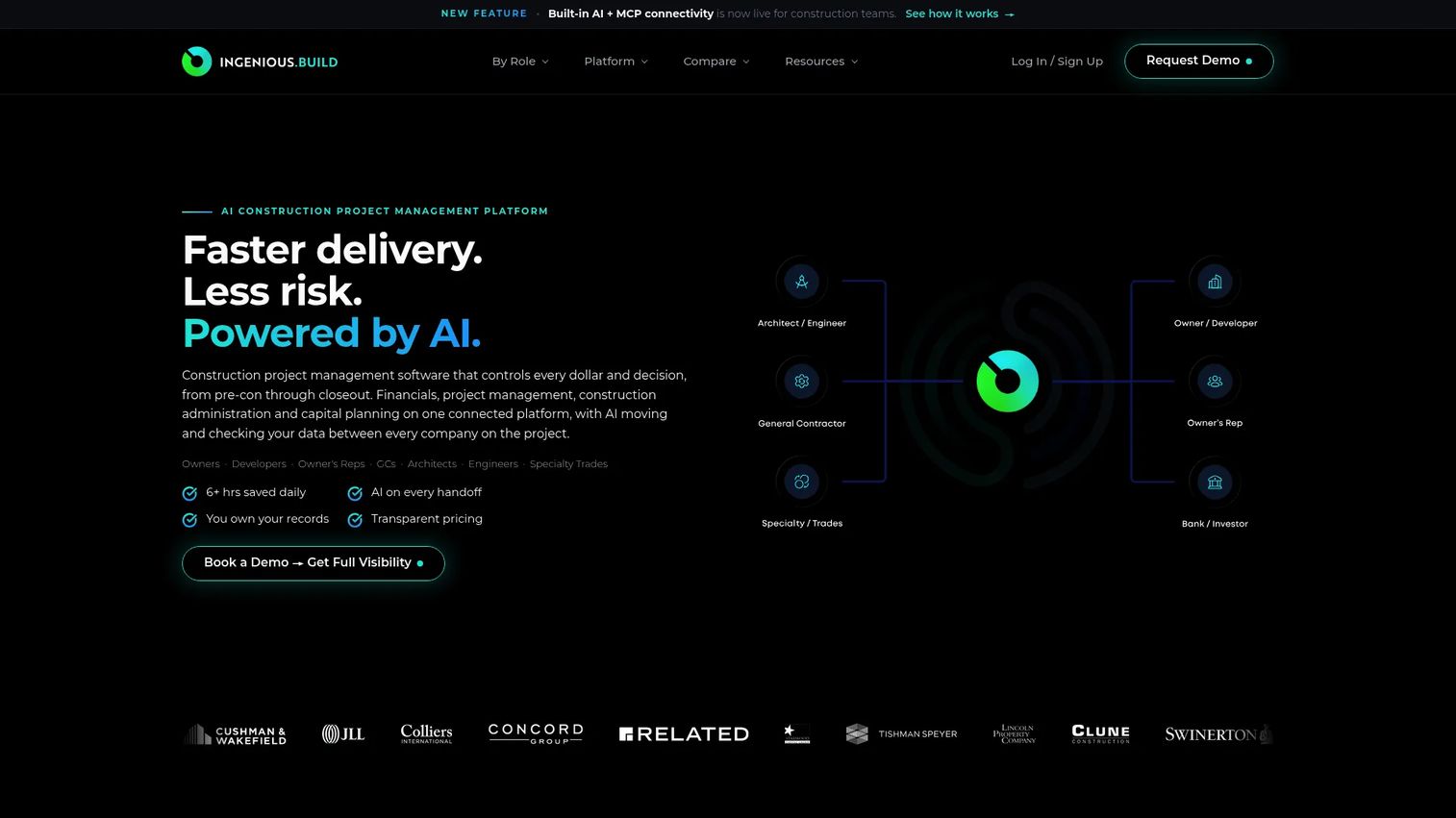
Ingenious Build covers financials, project management, construction administration, and capital planning in a single AI-assisted platform. It handles budgets, change orders, RFIs, submittals, punch lists, and drawing coordination while keeping project financial data and field records connected.
Best for: Owners, owner's representatives, general contractors, and architects who need project execution and financial reporting to stay in sync.
Key features
- Project financials: Budgets, forecasts, change orders, invoices, and pay applications
- Gantt scheduling with tasks, daily logs, and meeting records
- RFI and submittal tracking with digital closeout packages
- Drawing and specification management alongside construction administration
- Punch lists, inspections, and field coordination tools
Why choose Ingenious Build: The appeal is financial and project data living together rather than exporting between systems. For a Series B team evaluating construction software infrastructure, that connection reduces reporting lag and gives project executives cleaner signals on schedule and cost. The pricing calculator requires entering team size rather than displaying a flat rate.
Ingenious Build pricing: Per-user annual billing with unlimited projects and free external collaborators. Enter your team size in the pricing calculator on the Ingenious Build site for a specific figure.
G2 rating: 4.4/5
7. Archdesk
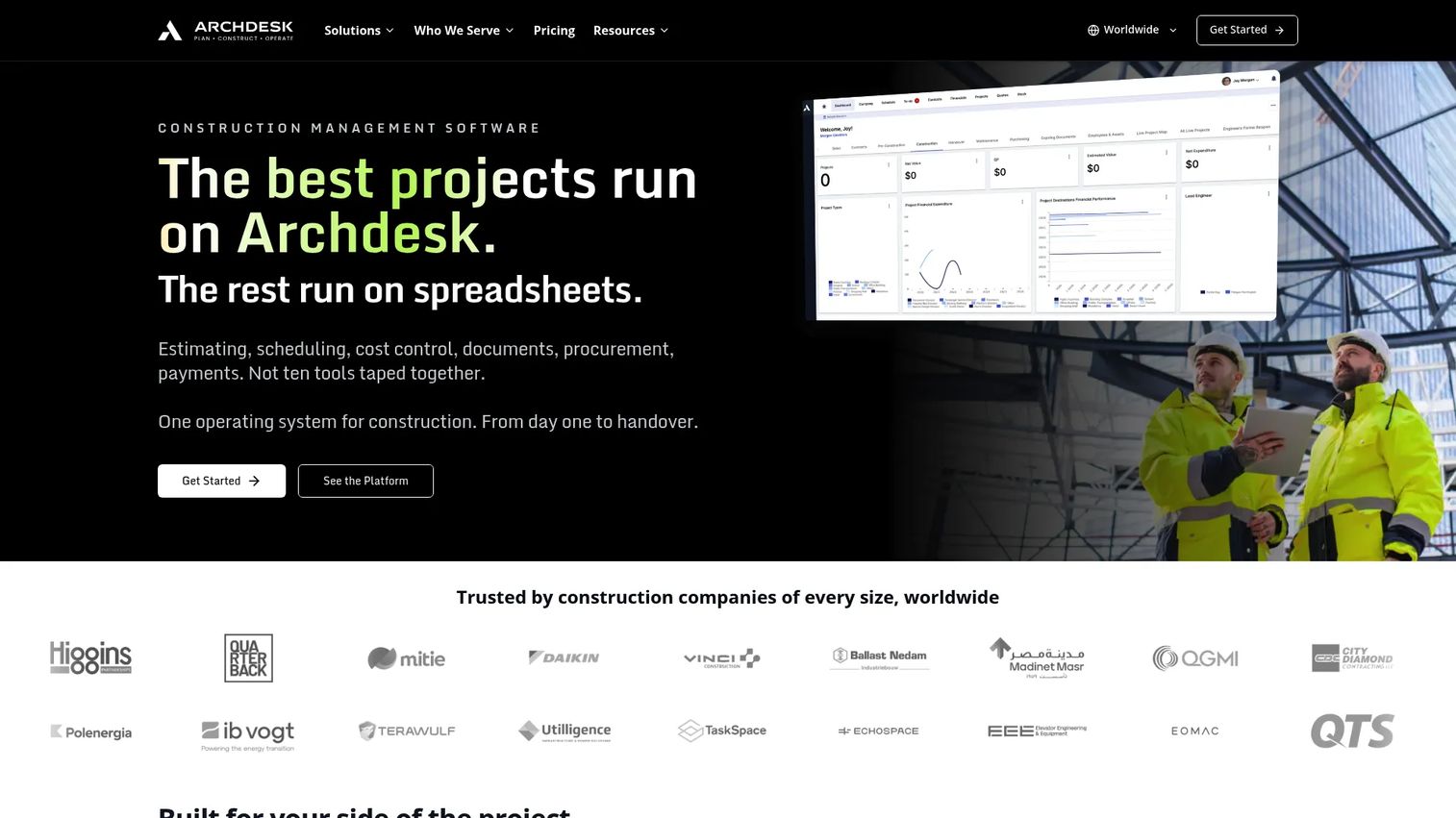
Archdesk is a construction management and ERP platform connecting estimating, scheduling, procurement, document management, site records, and finance. Its drawing revision control sits inside a broader operational record that includes commercial documents, audit trails, and no-code workflow automation.
Best for: Commercial contractors and construction companies that need drawing and document control connected to procurement, cost management, and operational governance.
Key features
- Document and drawing revision control with approval workflows and audit trails
- Construction estimating and job costing
- Gantt scheduling with dependencies and progress tracking
- Procurement, subcontractor bidding, and accounting integrations
- No-code workflow automation and live project reporting
Why choose Archdesk: Archdesk fits teams whose document problem extends beyond drawings. When approvals, financial documentation, and complete project traceability matter alongside field access, a narrower drawing tool will create gaps. Archdesk is custom-quoted, with pricing structured around either a fixed user count or annual construction volume.
Archdesk pricing: Custom pricing based on user count or annual construction volume. External collaborators are included at no extra cost. Request a quote directly from Archdesk.
G2 rating: 4.3/5
Considerations when choosing construction drawing management software
Match the platform scope to the actual bottleneck
A drawing-first tool fits teams where the problem is field access, markups, and current-set distribution. A wider construction platform makes sense when the same team also needs RFIs, financial records, and quality controls inside a shared record. Buying more platform than the bottleneck requires typically means paying for features that go unused while the real problem persists.
Test revision control with a realistic drawing package
Polished demos rarely reveal revision-control behavior under pressure. Upload a real set, publish a revision, compare versions, and verify that a field user can confirm the current sheet without calling the office. That test takes thirty minutes and will tell you more than a feature matrix.
Validate mobile behavior on jobsite devices
Run the mobile workflow on the tablets and phones your superintendents already carry. Check loading speed on a slow connection, annotation usability with a stylus or finger, cached plan access when connectivity drops, and whether updates are visible after reconnecting. Some platforms deliver a strong mobile browser experience that still fails in a basement.
Check how drawings connect to work
The most durable drawing systems link plan locations to RFIs, issues, tasks, and photos. Ask whether those links are easy to create in the field and visible to every stakeholder who needs context. A drawing management tool that sits in isolation from other workflows becomes another disconnected repository.
Price for the full rollout, not just administrator seats
The license cost often hides the real question: How many field users need access, how subcontractors participate, and whether feature gates limit the workflow your team needs at the tier you can afford. Build a rollout model based on active project participants before comparing monthly costs.
Choose the tool that keeps the field on the current set
Construction drawing management software is an operating-control decision. The right system helps the office publish one current set, helps field teams find and use it without friction, and preserves context when questions become RFIs, issues, or tasks.
The decision comes down to where your bottleneck sits today.
Choose Constructable for a full construction management platform with flat monthly pricing and AI-assisted document search. Choose Procore when drawings need to live inside a broader project-operations system. Choose Autodesk Construction Cloud for BIM-connected workflows across the Autodesk stack. Choose Fieldwire for field-first plan and task execution with a free starting tier. Choose RedTeam for commercial contractor operations from bid to closeout. Choose Ingenious Build when financial and project data need to stay connected. Choose Archdesk for drawing and document control connected to procurement and commercial workflows.
Before committing to any platform, test the pilot sequence yourself: Upload a revised set, publish it to a field user, view it offline, create a markup, and pin an RFI to the drawing location. That workflow reveals more than any sales presentation.
Start your journey with Guideflow today!
FAQs about construction drawing management software
Construction drawing management software is a platform for storing, organizing, distributing, revising, and tracking construction drawings so office and field teams always work from the current approved version. Core capabilities include drawing logs, revision history, mobile access, markup tools, and links to adjacent workflows such as RFIs and punch lists.
Document management covers a wider set of project files: Contracts, submittals, meeting minutes, permits, and financial records. Drawing management focuses specifically on plan sets, sheet organization, revision control, field distribution, and plan-based annotation. Many construction platforms combine both, but the drawing-specific layer handles version discipline and field access in ways a general document repository typically does not.
Revision control works by publishing one current set, labeling all prior versions as superseded, and notifying field users when an update is available. When a superintendent opens the drawing app, the current sheet is the only one displayed by default. Combined with acknowledgment tracking, you can confirm who has seen the updated drawing before work begins.
Several platforms support cached drawing access for field use, meaning the app stores the current set locally so users can view and annotate without a connection. Updates sync when connectivity returns. Test offline behavior on your actual devices during evaluation because the quality of offline support varies significantly across platforms.
Start with the bottleneck. If the primary problem is that field crews work from outdated drawings, a focused drawing-management tool often gets adoption faster and costs less. If the team also needs RFIs, submittals, financials, quality, and project reporting in a shared record, a broader platform avoids the fragmentation that comes from connecting multiple point tools.
Evaluate revision history, drawing logs, sheet search, markup tools, mobile access, offline capability, links to RFIs and issues, permission controls, audit trails, and integration fit with your existing project record. The strength of the offline behavior and the ease of creating drawing-linked RFIs are the two features most likely to determine field adoption.
Cost varies by platform breadth, user count, project volume, and feature tier. Fieldwire's paid plans start at $39/user/month billed annually. Constructable uses flat monthly pricing from $850/month with unlimited users. Procore, Autodesk Construction Cloud, RedTeam, Ingenious Build, and Archdesk all use custom quotes that depend on volume and selected modules.
Most platforms support external collaborators, but access rights, markup permissions, and notification settings vary by tier and vendor policy. Fieldwire includes subcontractor access on paid plans. Constructable, Ingenious Build, and Archdesk include external collaborators at no additional cost. Test the subcontractor workflow during your pilot, including what they can view, annotate, and receive as notifications, before finalizing a platform decision.