A project schedule slips three days in the field. The office finds out a week later, after the change order is already overdue and the subcontractor has moved to another job. That gap between what happens on the jobsite and what the office sees is where margin quietly disappears.
Most construction teams do not have a software problem. They have a synchronization problem. Daily logs live in one app, drawings in another, invoices in a spreadsheet, and the actual project status inside someone's head. When those signals never meet in one place, every handoff costs time, and time is the one resource a construction schedule cannot manufacture.
The category built to close that gap is growing fast. The global construction management software market is estimated at USD 11.58 billion in 2026 and forecast to reach USD 17.81 billion by 2031, an 8.99% CAGR, according to Mordor Intelligence. Cloud deployment already accounts for 63.83% of category revenue as of 2025, which tells you where field-to-office collaboration is heading.
If you evaluate tools the way a product manager evaluates onboarding systems, you care about the same things here: adoption in the field, visibility in the office, maintainability as projects change, and clean integration with the financial stack you already run. This guide breaks down eight construction management platforms through that lens. For teams that also compare adjacent operational categories, it helps to see how these fit alongside tools like contract management software and event management software in a broader operations stack.
What's inside
This guide covers eight construction management platforms chosen for how well they connect field and office work. We weighed each on five criteria that matter to real buyers: scheduling and task tracking, document and drawing control, mobile and offline usability, financial visibility (job costing, forecasting, WIP reporting), and integration depth with accounting or ERP systems.
The list spans commercial, residential, and specialty-contractor workflows, so you can pattern-match to your own operation. Whether you run a general contracting firm, a remodeling business, or a mechanical service company, the sections below are structured to help you decide which platform fits your team, not just which one has the longest feature list.
TL;DR
- Best all-in-one platform for general contractors: Procore, for connected project, cost, and resource workflows across the full lifecycle.
- Best for residential builders and remodelers: Buildertrend, for client portals, scheduling, and financial tools built around homebuilding.
- Best for design-heavy and BIM-connected projects: Autodesk Construction Cloud, for model coordination and document control.
- Best field-first mobile experience: Fieldwire, for plan markup, task tracking, and offline jobsite work.
- Best budget-conscious all-in-one for small to mid-sized contractors: Contractor Foreman, with public pricing starting at $49 per month.
- Best for fast field reporting: Raken, for daily logs, time tracking, and photo capture.
- Best for MEP and specialty service contractors: BuildOps, for combined service and project operations.
- Best for PDF and drawing markup: Bluebeam, often used alongside a broader construction management platform.
What is construction management software?
Construction management software is a platform that centralizes project planning, scheduling, document control, field reporting, communication, and financial tracking so field and office teams work from one shared source of truth. It replaces the scattered mix of spreadsheets, email threads, and disconnected apps that most construction operations accumulate over time.
The strongest construction management platforms share a common set of capabilities. When you evaluate construction software, expect these core functions:
- Scheduling: Gantt charts, task dependencies, and calendar views that keep crews and subs aligned on sequence and deadlines.
- Document management: Version-controlled storage for drawings, specs, contracts, and submittals so everyone works from the current set.
- Task tracking: Assignable punch lists, RFIs, and issues with clear ownership and status.
- Field reporting: Daily logs, photo capture, and progress updates entered from the jobsite.
- Communication: Threaded messaging tied to specific projects, tasks, or drawings instead of buried in email.
- Reporting: Dashboards for schedule health, budget variance, and productivity.
- Closeout and quality control: Punch list resolution, inspections, and handover documentation.
- Financial controls: Job costing, change orders, forecasting, and WIP reporting.
These platforms differ sharply by contractor type. General contractors, who account for 46.72% of category spending as of 2025 per Mordor Intelligence, tend to need full lifecycle coverage. Residential builders lean on client communication and selections. Specialty contractors prioritize dispatch and service workflows. Project management and scheduling applications alone represent 40.91% of construction management software spending, making them the largest functional segment. The right fit depends less on feature count and more on which workflows your team actually lives in every day. It also depends on role: what a project executive needs from reporting differs from what a foreman needs from a mobile app.
When to use construction management software
Not every team needs the same capabilities on day one. Here is how to recognize which problem you are actually solving before you buy. Teams comparing operational categories often review related roundups like audit management software and contract lifecycle management software alongside construction tools when the buying committee spans finance and operations.
Coordinate field and office in one system
Choose a construction platform when jobsite updates, photos, schedules, and issues live in too many places to trust. If your project managers spend Monday mornings reconstructing what happened last week, you need one shared record where field entries appear in the office in real time. This is the most common trigger and the reason cloud deployment now dominates the category.
Control schedules, RFIs, and change orders
Choose a more structured platform when informal approvals start costing money. When a verbal change never makes it into the contract, or an RFI sits unanswered while a crew waits, you need workflow structure: routing, approval chains, and document handling that create an audit trail. This matters most on commercial projects with multiple stakeholders and formal contract requirements.
Improve cost visibility and job performance
Choose a financially deep platform when you cannot see whether a job is making money until it closes. If job costing lives in a spreadsheet disconnected from field production, forecasting is guesswork. Teams that need real-time budget variance, WIP reporting, and clean accounting or ERP connections should weight financial depth heavily in the decision.
Comparison table
The table below summarizes each platform by buyer intent, primary use case, pricing, and G2 rating. Use it as a shortlist filter, then read the sections that match your workflow. For readers evaluating adjacent categories, cross-referencing roundups like marketing resource management software can help frame how operational platforms are scored.
| # | Product | Intent | Key use case | Pricing | G2 rating |
|---|---|---|---|---|---|
| 1 | Procore | All-in-one enterprise platform | Full lifecycle project, cost, and resource management | Quote-based | 4.6/5 |
| 2 | Buildertrend | Residential and remodeling | Client portal, scheduling, financials for builders | Custom quote | 4.2/5 |
| 3 | Autodesk Construction Cloud | Design-heavy and BIM projects | Model coordination and document control | Quote-based | 4.4/5 |
| 4 | Fieldwire | Field-first coordination | Mobile plan markup, tasks, offline access | Free tier; Pro from $39/user/mo | 4.5/5 |
| 5 | Contractor Foreman | Budget-conscious all-in-one | Small to mid-sized contractor operations | From $49/month | 4.5/5 |
| 6 | Raken | Fast field reporting | Daily logs, time tracking, photo capture | Quote-based | 4.6/5 |
| 7 | BuildOps | MEP and specialty service | Combined service and project operations | Custom quote | 4.2/5 |
| 8 | Bluebeam | PDF and drawing markup | Plan review and document collaboration | From $590/user annually | 4.5/5 |
1. Procore
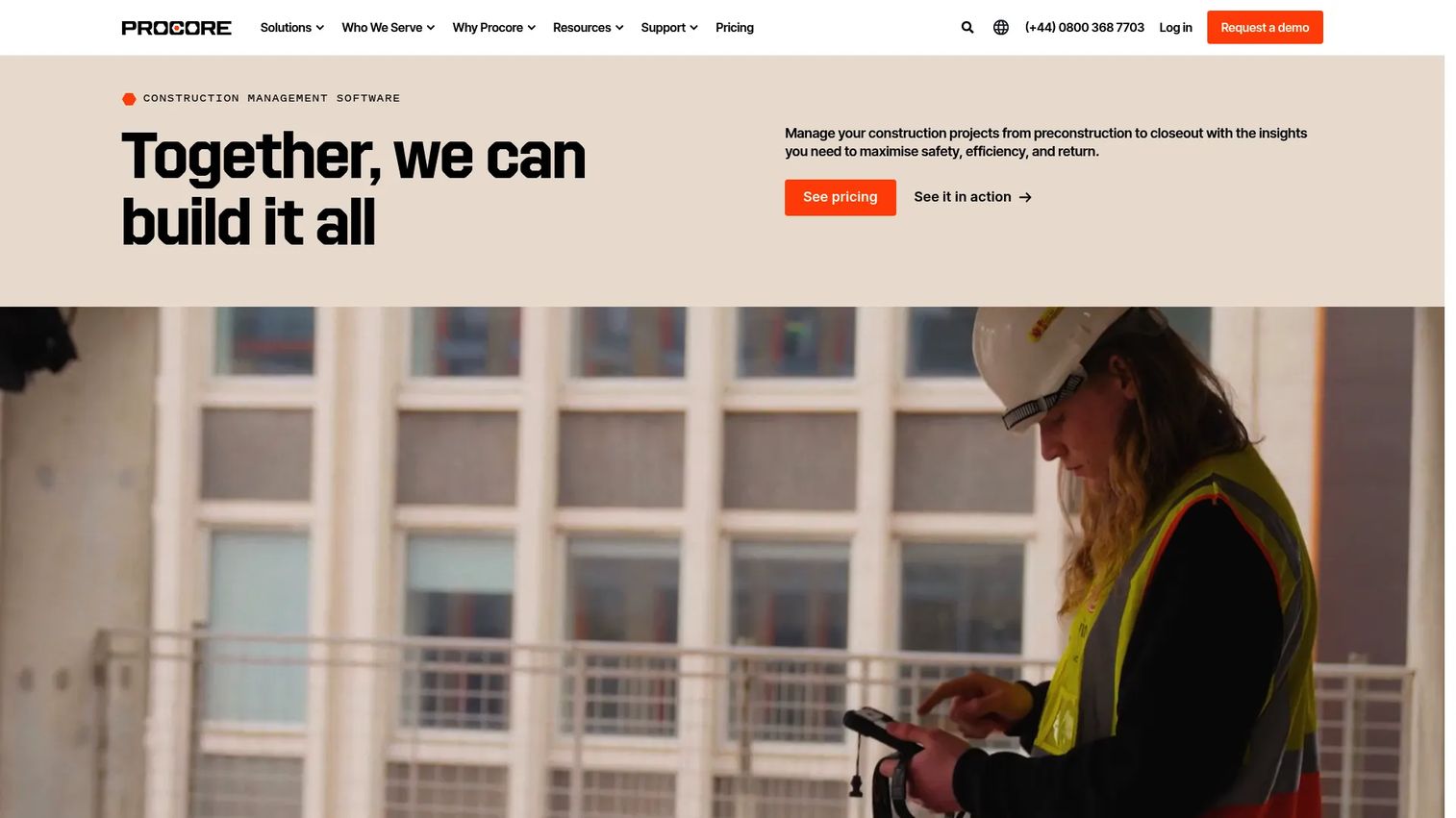
Procore is a construction management platform that connects project, cost, resource, and lifecycle workflows in one system. It is built for general contractors and construction teams that need to run the entire project from preconstruction through closeout without stitching together separate tools. Procore is the platform most enterprise construction firms benchmark against.
Best for: General contractors and construction teams that need an all-in-one project management platform across the full project lifecycle.
Key strengths
- Project management: Centralizes RFIs, submittals, drawings, daily logs, and schedules so field and office share one record.
- Cost management: Ties job costing, budgets, change orders, and forecasting to live project data for accurate margin visibility.
- Resource management: Coordinates labor, equipment, and scheduling across concurrent projects and crews.
Why choose Procore: Procore fits teams that have outgrown single-purpose tools and need governance, quality control, and closeout workflows that hold up under enterprise scrutiny. Its breadth is the point: for a firm running many projects with formal contract requirements and multiple stakeholders, the value comes from having project, financial, and resource data in one connected system rather than reconciled across apps. Product-minded buyers will appreciate that field adoption and office visibility are designed to reinforce each other.
Procore pricing: Procore uses quote-based pricing. The company states that cost depends on the products you need and your annual construction volume, with an annual upfront fee per product. There is no public starting price listed, so request a quote scoped to your product mix and volume. Procore holds a 4.6/5 rating on G2.
2. Buildertrend
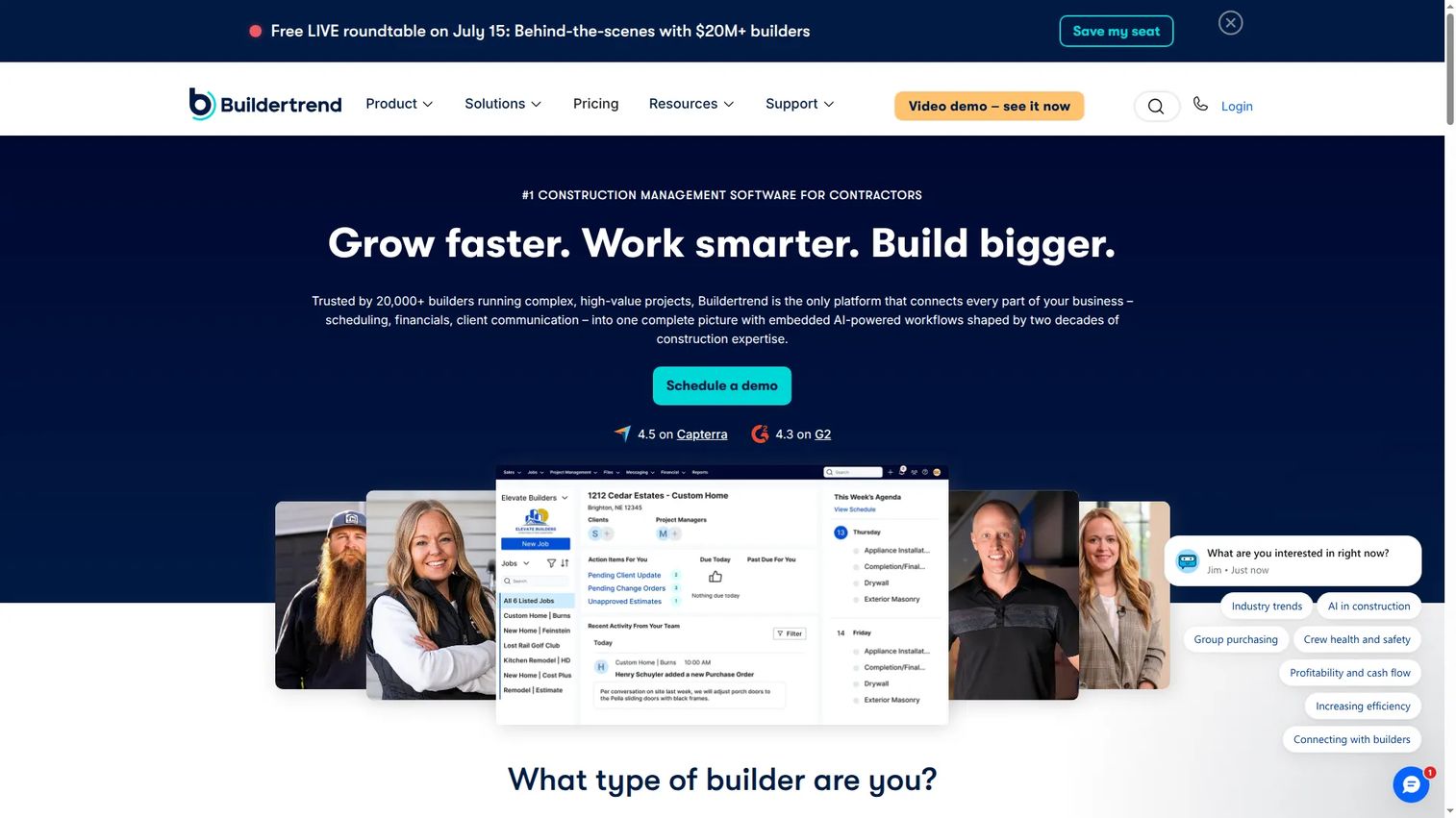
Buildertrend is construction management software built for builders and contractors, with particular strength in residential and remodeling work. It unifies sales, project, financial, and client communication management in one platform, so homebuilders can run the full customer relationship alongside the build itself.
Best for: Established builders and contractors managing complex residential and remodeling projects.
Key strengths
- Project management: Handles scheduling, daily logs, punch lists, change orders, and job costing in one place.
- Sales management: Manages leads, bids, and proposals so the sales pipeline connects directly to active projects.
- Client management: Gives homeowners a client portal for selections, approvals, updates, and payments, reducing back-and-forth.
Why choose Buildertrend: Buildertrend fits residential builders and remodelers whose profitability depends as much on client experience as on jobsite execution. The client portal and communication tools reduce the phone tag and email chains that eat a builder's week. Financial tools including forecasting and WIP reporting give office staff cost visibility, while onboarding services help teams get running without a long internal implementation.
Buildertrend pricing: Buildertrend uses custom pricing that requires a quote; no public starting price is shown on its pricing page. Request a quote scoped to your project volume and team size. Buildertrend holds a 4.2/5 rating on G2.
3. Autodesk Construction Cloud
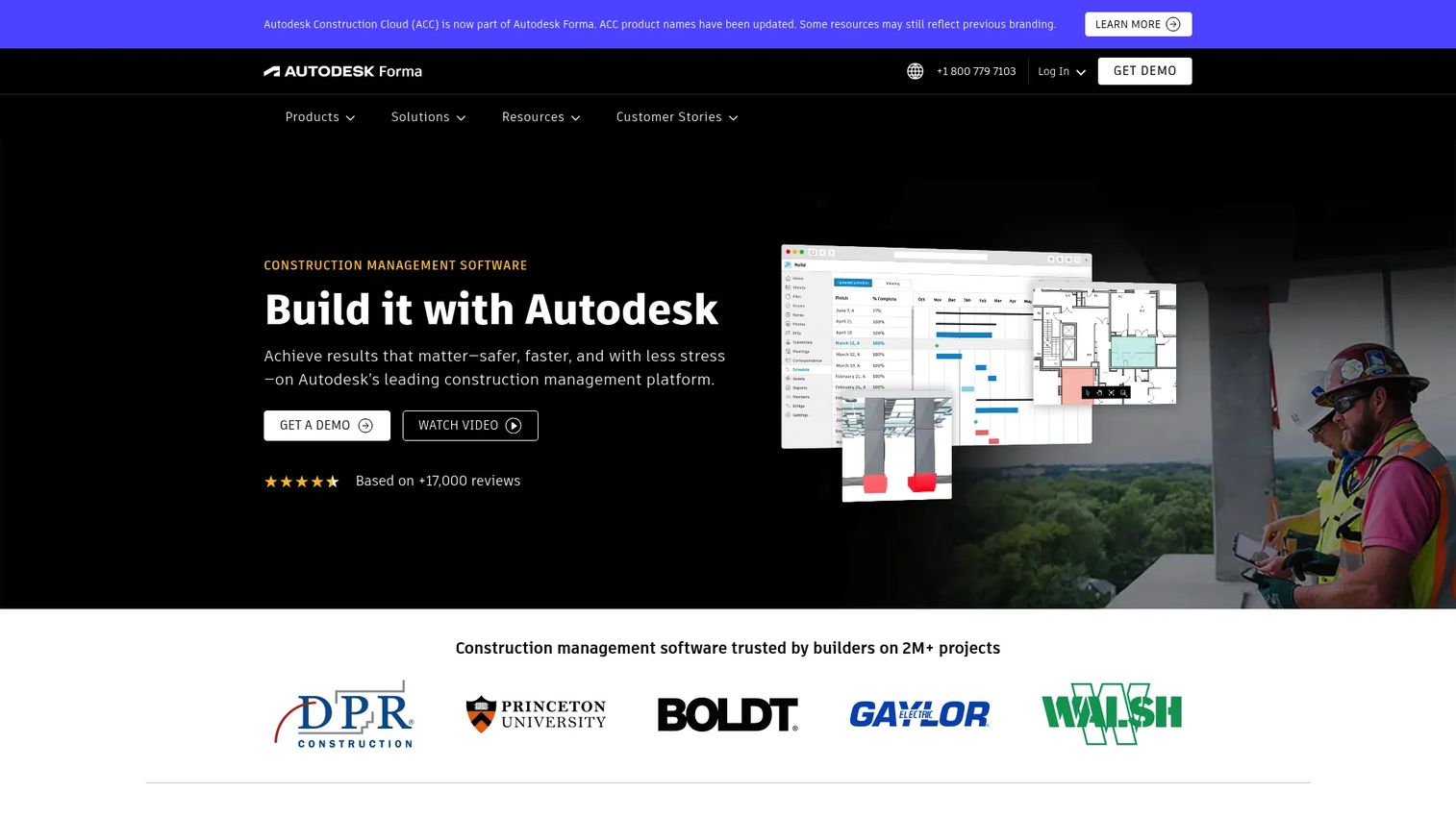
Autodesk Construction Cloud is a cloud-based construction management platform for collaboration, document control, model coordination, estimating, and project management. It is the natural fit for design-heavy and enterprise projects where BIM models sit at the center of coordination. Autodesk now positions the platform as part of Autodesk Forma.
Best for: General contractors and project teams that need a single cloud workspace for construction collaboration and execution.
Key strengths
- Document management: Version-controlled storage keeps drawings, specs, and submittals synchronized across every stakeholder.
- Model coordination: Clash detection and issue management resolve conflicts in the model before they become field problems.
- Project workflows: Handles RFIs, submittals, daily reports, takeoff, estimating, and cost management in one connected environment.
Why choose Autodesk Construction Cloud: The platform's advantage shows on projects where the BIM model is the source of truth. Connecting design, coordination, and construction workflows in one cloud workspace reduces the rework that comes from stale drawings and unresolved clashes. Quality and safety workflows plus closeout documentation make it a strong fit for enterprise teams that already live in the Autodesk ecosystem.
Autodesk Construction Cloud pricing: Autodesk does not show public subscription prices on its site; the pricing page directs visitors to request a quote or contact sales. A free trial is mentioned in the FAQ. Autodesk Construction Cloud holds a 4.4/5 rating on G2.
4. Fieldwire
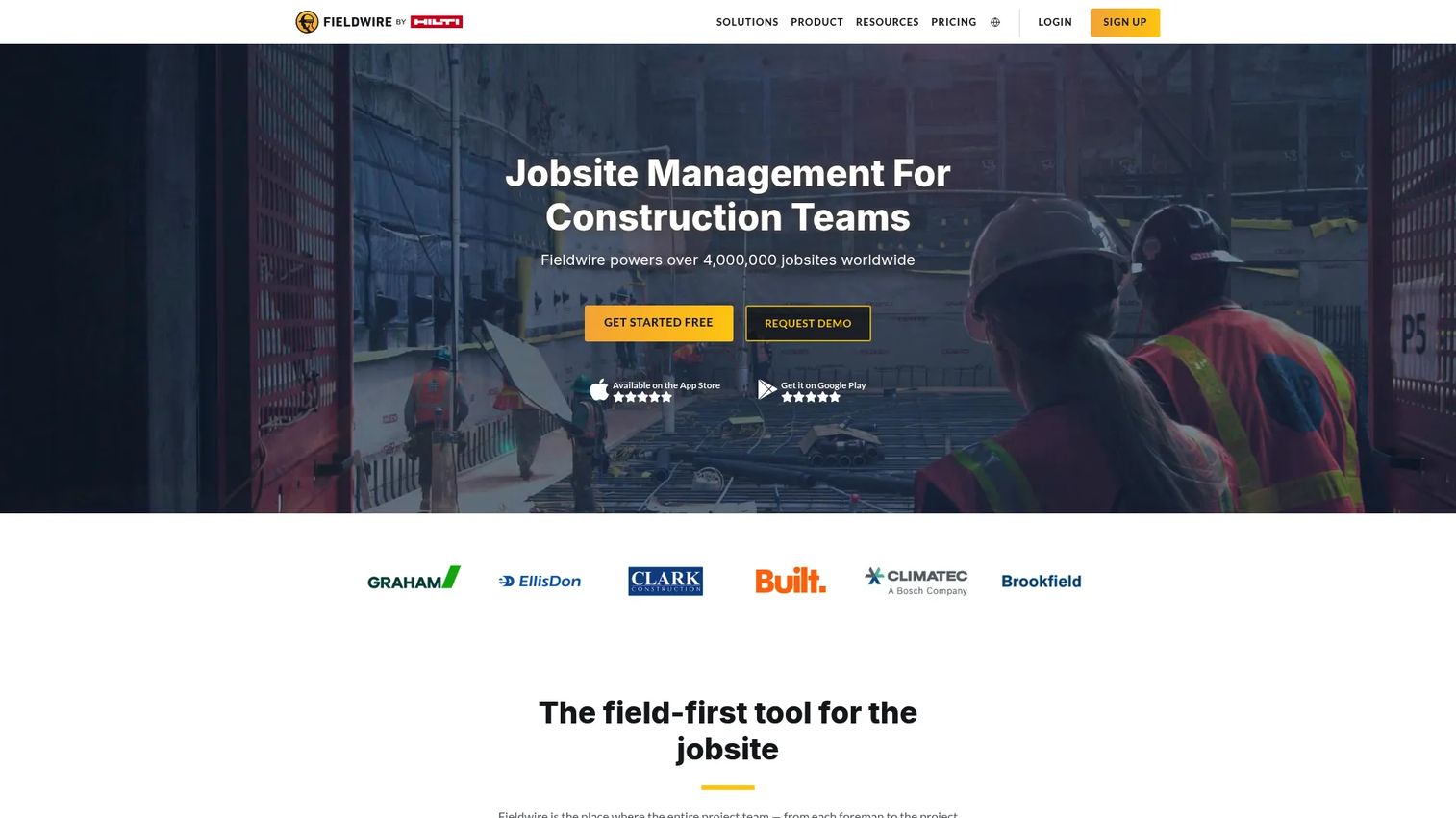
Fieldwire is a construction field management platform for plans, tasks, and project coordination. It is built mobile-first, which is why field teams adopt it quickly: crews can view drawings, mark them up, and manage tasks directly from a phone or tablet, including when they are offline on a jobsite with no signal.
Best for: Construction teams that need mobile plan viewing, task management, and field coordination.
Key strengths
- Plan viewing: Fast drawing access and markup on mobile so the field always works from the current set.
- Task management: Assignable tasks tied to plan locations keep punch lists and issues moving with clear ownership.
- BIM viewer: Lets field teams reference models on-site without specialized software.
Why choose Fieldwire: Fieldwire wins on field adoption, the hardest metric in any construction rollout. When the tool works the way a foreman already works, crews actually use it, and office visibility follows from real field data rather than end-of-week catch-up. Offline access means jobsite conditions never block a task update. It pairs well with a broader office-side platform for teams that want field-first capture without giving up back-office depth.
Fieldwire pricing: Fieldwire offers a free Basic plan at $0 per user per month for small teams. Paid tiers include Pro at $39 per user per month, Business at $64 per user per month, and Business Plus at $89 per user per month, all billed annually, with custom contracts available. Fieldwire holds a 4.5/5 rating on G2.
5. Contractor Foreman
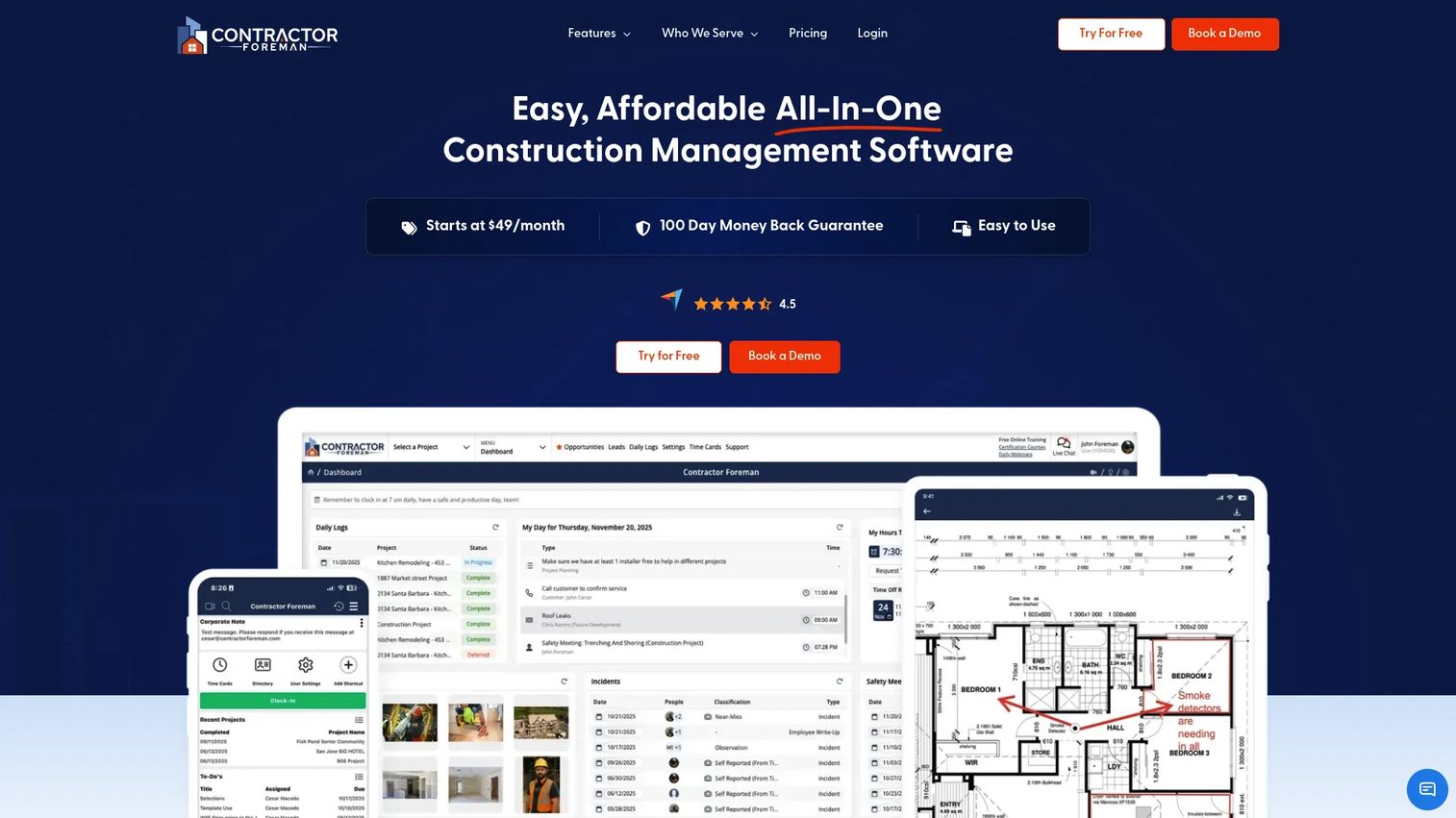
Contractor Foreman is construction management software for contractors that packs an all-in-one feature set into a budget-friendly price point. It covers project management, estimating, scheduling, invoicing, daily logs, and compliance, making it a practical choice for small to mid-sized contractors who need broad coverage without enterprise pricing.
Best for: Contractors who need an all-in-one construction management platform at an accessible price.
Key strengths
- Project management: Central hub for scheduling, daily logs, task tracking, and document handling.
- Estimating: Build estimates and convert them into invoices and budgets to track job costing.
- Scheduling: Gantt-based scheduling keeps crews and subs aligned on sequence and deadlines.
Why choose Contractor Foreman: For a small or mid-sized contractor, the appeal is coverage per dollar. Instead of paying for enterprise breadth, teams get the core workflows, scheduling, estimating, invoicing, and daily logs, at a price that fits a lean operation. Budget visibility and compliance tools give office staff enough control to run jobs professionally without a heavy implementation.
Contractor Foreman pricing: Plans start at $49 per month, billed annually. The pricing page lists five annual plans: Basic at $49/month, Standard at $105/month, Plus at $166/month, Pro at $221/month, and Unlimited at $332/month. Contractor Foreman offers a 30-day free trial and a 100-day money-back guarantee. It holds a 4.5/5 rating on G2.
6. Raken
Raken is construction field management software focused on daily reporting, time tracking, safety, and project coordination. Its strength is speed of capture in the field: crews log daily progress, track production and hours, and upload jobsite photos in minutes, giving the office fast, structured visibility without a heavy data-entry burden.
Best for: Construction contractors that need mobile-first field reporting and jobsite visibility.
Key strengths
- Daily progress reporting: Fast, structured daily logs that capture what happened on the jobsite while it is fresh.
- Time and production tracking: Records labor hours and production quantities to feed accurate job costing.
- Safety and quality management: Documents inspections, toolbox talks, and quality checks for a clean compliance record.
Why choose Raken: Raken excels when the priority is getting reliable field data into the office quickly and simply. For crews that resist heavy software, its focus on fast mobile capture drives the field adoption that makes reporting trustworthy. Offline access means reports get captured regardless of connectivity. Many teams run Raken for field reporting alongside a deeper office platform for financials and document control.
Raken pricing: Raken lists Basic and Performance plans and offers a free trial, but no public numeric price is shown on its pricing page. Request a quote for pricing scoped to your team. Raken holds a 4.6/5 rating on G2.
7. BuildOps
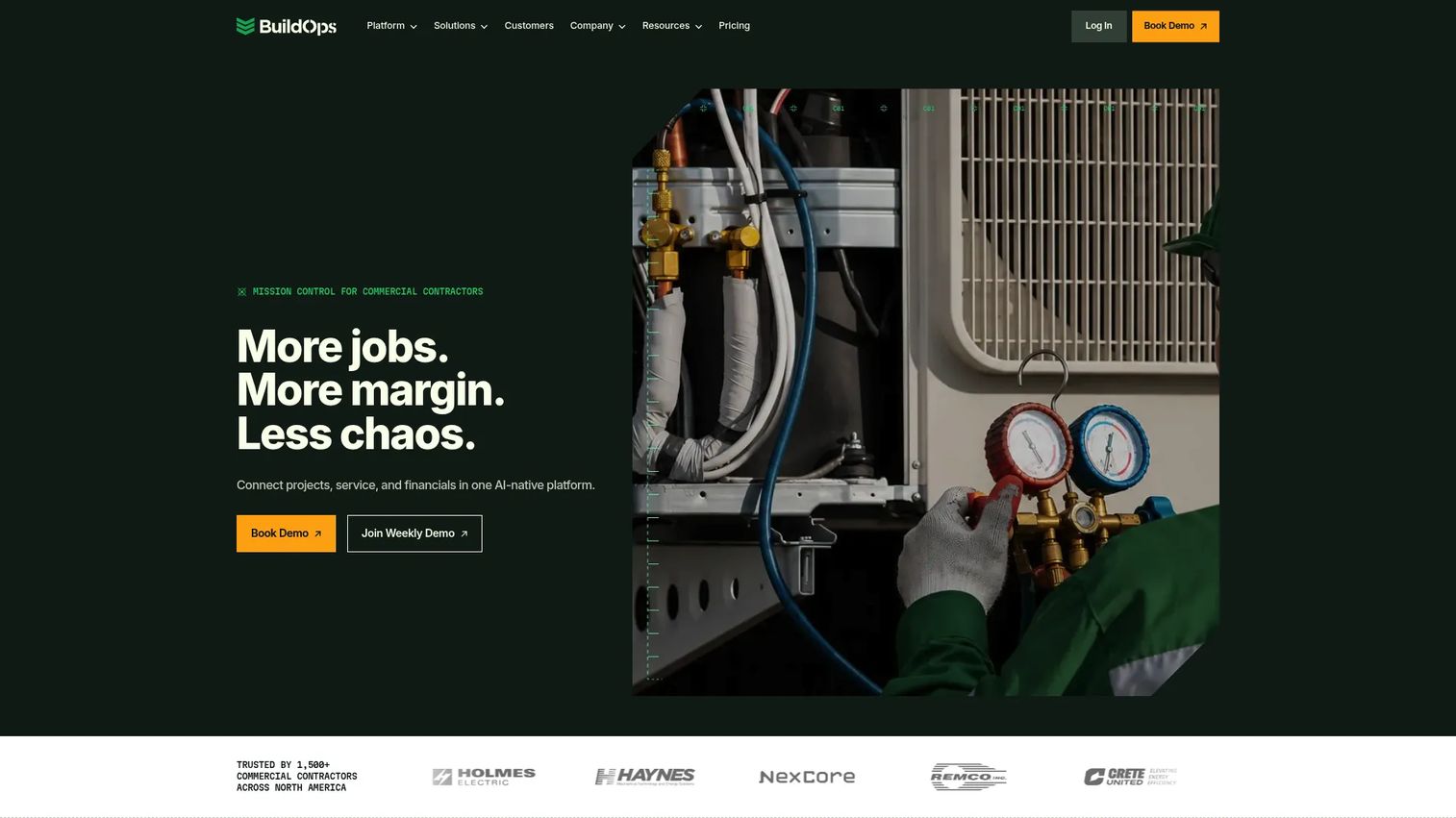
BuildOps is a commercial contractor operations platform built for MEP field service, projects, finance, and sales in one system. It is purpose-built for mechanical, electrical, plumbing, HVAC, and fire and life safety contractors who run both service and project work and need dispatch, asset, and customer management alongside project execution.
Best for: Commercial HVAC, mechanical, electrical, plumbing, and fire and life safety contractors that need one operating system.
Key strengths
- Dispatch and scheduling: Coordinates field service and project crews with dispatch and scheduling built for MEP workflows.
- Field execution: Connects technicians, work orders, and assets so service and project work run in one system.
- Finance and integrations: Handles invoicing, procurement, reporting, and integrations, with OpsAI built into workflows.
Why choose BuildOps: BuildOps fits specialty contractors whose business blends recurring service with project work, a combination most general construction platforms handle awkwardly. Unifying dispatch, asset and customer management, invoicing, and project execution in one operating system removes the seams between the service side and the project side of the business. That single-system fit is the reason MEP contractors choose it.
BuildOps pricing: BuildOps uses custom pricing tailored to crew size, trades, users, modules, and integrations; no public starting price is listed. Book a demo for a custom quote scoped to your operation. BuildOps holds a 4.2/5 rating on G2.
8. Bluebeam

Bluebeam is construction PDF markup, measurement, collaboration, and workflow software for AEC teams. It is the standard tool for drawing review, takeoff, and plan collaboration, which is why many teams run it alongside, not instead of, a broader construction management platform. Bluebeam owns the document markup layer of the workflow.
Best for: AEC teams that need PDF-based drawing review, measurement, and collaboration.
Key strengths
- PDF markup: Create, view, edit, and mark up PDFs and drawings with tools built for construction documents.
- Measurement and takeoff: Precise measurement and takeoff tools for estimating directly from plans.
- Studio collaboration: Real-time document collaboration across web, mobile, and desktop for distributed teams.
Why choose Bluebeam: Bluebeam is the right choice when drawing review and markup are central to your workflow and you want best-in-class document tools rather than a general-purpose viewer. Because it focuses on the document layer, it complements platforms that handle scheduling, financials, and field coordination. Teams that treat drawings as the heart of coordination adopt it as a specialized companion to their core management platform.
Bluebeam pricing: Bluebeam lists four plans on its pricing page: Basics, Core, Complete, and Max. The Max plan is shown at $590 per user annually as an introductory price. Pricing is billed per user annually across tiers. Bluebeam holds a 4.5/5 rating on G2.
Considerations before you buy
Before you commit to a platform, run each candidate through this checklist. The goal is to match the tool to how your team actually works, not to the longest feature list.
Field adoption
The best office features are worthless if crews do not use the tool. Evaluate the mobile app the way a foreman would: can someone log a daily report, mark up a drawing, or update a task in under a minute, including offline? Field adoption is the single biggest predictor of whether a rollout succeeds, so weight mobile usability and offline access heavily.
Financial depth and reporting
Decide how much financial control you need. If job costing, change orders, forecasting, and WIP reporting are central to your margins, prioritize platforms with deep financial modules. If accounting lives in a separate system, focus instead on how cleanly the platform feeds cost data downstream.
Integration and ERP fit
Map the integrations you cannot live without. QuickBooks integration matters for smaller contractors, while larger firms need ERP integration to connect construction operations with enterprise finance. Confirm the specific connectors, not just that "integrations exist," before you sign.
Contractor-type fit
Match the platform to your work. General contractors need lifecycle breadth, residential builders need client tools, and MEP contractors need service and dispatch. A tool that fits your contractor type will feel obvious in a trial; one that does not will require constant workarounds.
Maintainability and scale
Consider how the platform holds up as projects and teams change. Look at how easily you can onboard new users, adjust workflows, and add projects without a heavy admin burden. A platform that scales with your project load protects the investment over time.
Conclusion
The right construction management software depends less on which vendor has the most features and more on where your team loses time today. For general contractors that need full lifecycle coverage, Procore and Autodesk Construction Cloud offer the deepest connected workflows, with Autodesk pulling ahead on BIM-heavy projects. Residential builders and remodelers get the most from Buildertrend and its client-facing tools. Small to mid-sized contractors watching budget should shortlist Contractor Foreman.
When field adoption is the priority, Fieldwire and Raken lead on mobile-first capture and offline access. MEP and specialty service contractors should look hard at BuildOps for its combined service and project operating model. And Bluebeam remains the specialist for drawing markup and plan review alongside any of the above.
Your next step: pick the two platforms that match your contractor type and biggest time drain, then run a trial with your actual crews and real project data. Field adoption reveals fit faster than any feature comparison.
Start your journey with Guideflow today!
FAQs
Construction management software is a platform that centralizes scheduling, document control, field reporting, communication, task tracking, and financial management so field and office teams work from one shared source of truth. It replaces scattered spreadsheets, email threads, and disconnected apps. The goal is real-time visibility into project status, cost, and schedule across everyone involved.
The features that matter most are scheduling, document and drawing management, task tracking, daily field reporting, and financial controls like job costing and change orders. Mobile and offline access is critical for field adoption. The right priority depends on your contractor type: general contractors weight lifecycle breadth, while specialty contractors weight dispatch and service workflows.
Contractor Foreman is a strong fit for small to mid-sized contractors because it packs an all-in-one feature set into public pricing starting at $49 per month. Fieldwire also works well for small field teams thanks to its free Basic plan and mobile-first design. Both give small operations broad coverage without enterprise pricing or heavy implementation.
Yes, many construction management platforms integrate with QuickBooks for smaller contractors and with ERP systems for larger firms that need to connect construction operations to enterprise finance. Integration depth varies by platform, so confirm the specific connectors you need before buying. QuickBooks integration is common among tools aimed at small and mid-sized contractors.
General project management software handles tasks, timelines, and collaboration across any industry. Construction management software adds industry-specific workflows: drawing and plan management, RFIs, submittals, change orders, daily logs, punch lists, job costing, and WIP reporting. Construction platforms are built for the field-to-office reality of jobsites, which generic project management tools do not address.
Fieldwire and Raken lead for field teams and mobile use. Fieldwire offers mobile plan markup, task management, and offline access designed around how crews work on-site. Raken focuses on fast daily reporting, time tracking, and photo capture from a phone, with offline access so reports get logged regardless of connectivity.
Pricing ranges widely. Contractor Foreman starts at $49 per month billed annually, and Fieldwire offers a free Basic plan with Pro at $39 per user per month. Bluebeam's Max plan is shown at $590 per user annually. Enterprise platforms like Procore, Buildertrend, Autodesk Construction Cloud, BuildOps, and Raken use quote-based pricing tied to your product mix, volume, and team size.
Compare construction management platforms on field adoption (mobile and offline usability), financial depth (job costing, forecasting, WIP reporting), integration fit (QuickBooks or ERP), contractor-type match, and maintainability as your project load grows. The best test is a trial with your actual crews and real project data, since field adoption predicts success better than any feature list.