A client books through your Instagram DMs. You take the deposit through a payment app. The consent form is a paper waiver they sign at the counter. Their reference photos live in a text thread, and the follow-up reminder never goes out because you were mid-session. Then they no-show, and the deposit rules were never written down anywhere.
That is the operational chaos most shops run on. Every step lives in a different place, and the gaps between them cost real money. Missed reminders turn into missed appointments. Manual intake eats front-desk hours. Scattered payments make month-end reporting a guessing game.
Tattoo shop software exists to pull those steps into one workflow: booking, deposits, consent forms, client records, reminders, and checkout that actually talk to each other. The market is growing fast because owners are done stitching this together by hand. The global tattoo studio software market was valued at $412.7 million in 2025 and is projected to reach $1,024.5 million by 2034 at a 10.6% CAGR, according to Dataintelo (2025). That growth tracks a broader tattoo market valued at $2.43 billion in 2025 per Fortune Business Insights (2025).
The problem is that most comparison pages read like feature dumps. They list "all-in-one" over and over without telling you which system fits a solo artist versus a six-chair studio with commission splits. This guide fixes that. We evaluate each tattoo shop management software option against the real operational chain a shop runs every day, so you can pick based on workflow fit instead of marketing copy.
What's inside
This guide is for tattoo studio owners, shop managers, and independent artists comparing tattoo studio management software before committing. Switching systems touches your bookings, deposits, and client records, so the stakes are high and the wrong pick is expensive to unwind.
We chose the seven platforms below on four criteria: how completely they cover the booking-to-checkout workflow, how they handle deposits and payments, how well they fit different shop sizes and staff structures, and pricing transparency. Every entry includes verified pricing, a clear "best for," and what makes it different, so you can build a shortlist fast.
TL;DR
- Best tattoo-specific all-in-one: Tattoo Studio Pro, every feature on every plan, priced by team size.
- Best for artists who want booking plus marketing: Porter, built exclusively for tattoo studios.
- Best if you already run Square hardware: Square, strong POS and a free entry tier.
- Best salon-style flexibility: Vagaro, booking, branded app, and merchant services in one.
- Best New Zealand vertical fit: Inkbook, commission tracking and client portals for local studios.
- Best lightweight scheduler: MyCuts, simple appointment scheduling with a free plan.
- Best broad booking platform: Fresha, marketplace reach with low upfront cost.
What is tattoo shop software?
Tattoo shop software is a management system that combines appointment booking, deposit collection, digital intake and consent forms, client records, automated reminders, and point-of-sale checkout into one platform built around how a studio operates. Instead of running scheduling in one app and payments in another, an owner manages the whole client lifecycle from a single dashboard.
Good tattoo studio software replaces the patchwork most shops start with: a booking calendar, a payment reader, a folder of paper waivers, and a spreadsheet of client notes. Pulling those together reduces admin time and gives owners a clear operational signal, which matters more as a shop adds artists and chairs.
Core features to expect across strong tattoo studio management software:
- Booking and scheduling: Online booking requests, artist calendars, and availability rules that prevent double-booking.
- Deposits and payments: Online deposit collection at the time of booking, plus a tattoo shop POS for in-person checkout.
- Digital intake and consent forms: Forms clients complete before the session, stored against their file instead of on paper.
- Client profiles and records: Contact details, session history, reference images, and notes in one client record.
- Automated reminders: SMS and email confirmations that drive no-show reduction.
- Reporting and analytics: Revenue, deposits, artist performance, and booking trends in one view.
- Staff permissions and payroll: Role-based access and commission or payout tracking for multi-artist shops.
The strongest platforms tie these together so a booking flows straight into a deposit, a consent form, a reminder, and a checkout without anyone re-entering data.
When to use tattoo shop software
Not every shop needs the same system. The right fit depends on where your current workflow breaks.
Cut no-shows and manual reminders
If you lose chairs to no-shows or spend evenings texting confirmations by hand, tattoo booking software with automated reminders solves it directly. Confirmations, deposit rules, and reschedule links go out automatically, so the deposit policy is enforced without a conversation. This is usually the first pain that pushes owners to buy.
Replace paper waivers and scattered intake
Paper consent forms create legal risk and storage headaches. Digital intake forms attached to each client file mean a signed waiver is always findable, tied to the right session, and completed before the artist starts. If you are still chasing signatures at the counter, this alone justifies a switch.
Bring booking, deposits, and checkout into one flow
When scheduling lives in one tool and payments live in another, month-end reporting becomes a reconstruction project. Tattoo scheduling software that connects the booking, checkout, and front desk workflow gives you clean numbers and a single client record. This matters most once you add artists and need commission or payout clarity.
Comparison table
Here is how the seven tattoo shop software platforms compare on intent, differentiation, pricing, and rating. Use this as a shortlist filter, then read the item sections for workflow detail. Pricing reflects each vendor's published rates as of 2026.
| # | Product | Intent | Key differentiation | Pricing | G2 rating |
|---|---|---|---|---|---|
| 1 | Tattoo Studio Pro | Tattoo-specific all-in-one | Every feature on every plan, priced by team size | From $29/month | Not listed |
| 2 | Porter | Tattoo studio management software | Built exclusively for tattoo artists and studios | From $35/month | 5.0/5 |
| 3 | Square | POS-first commerce platform | Free entry tier plus hardware ecosystem | From $0/month | 4.6/5 |
| 4 | Vagaro | Salon and studio management | Branded app, booking widget, merchant services | From $23.99/month | 4.6/5 |
| 5 | Inkbook | Tattoo vertical (New Zealand) | Commission tracking and client portals | From $49 NZD/month | Not listed |
| 6 | MyCuts | Lightweight scheduling | Simple booking with a free plan | From $0/month | Not listed |
| 7 | Fresha | Broad booking platform | Marketplace reach, low upfront cost | From $19.95/month | Not listed |
1. Tattoo Studio Pro
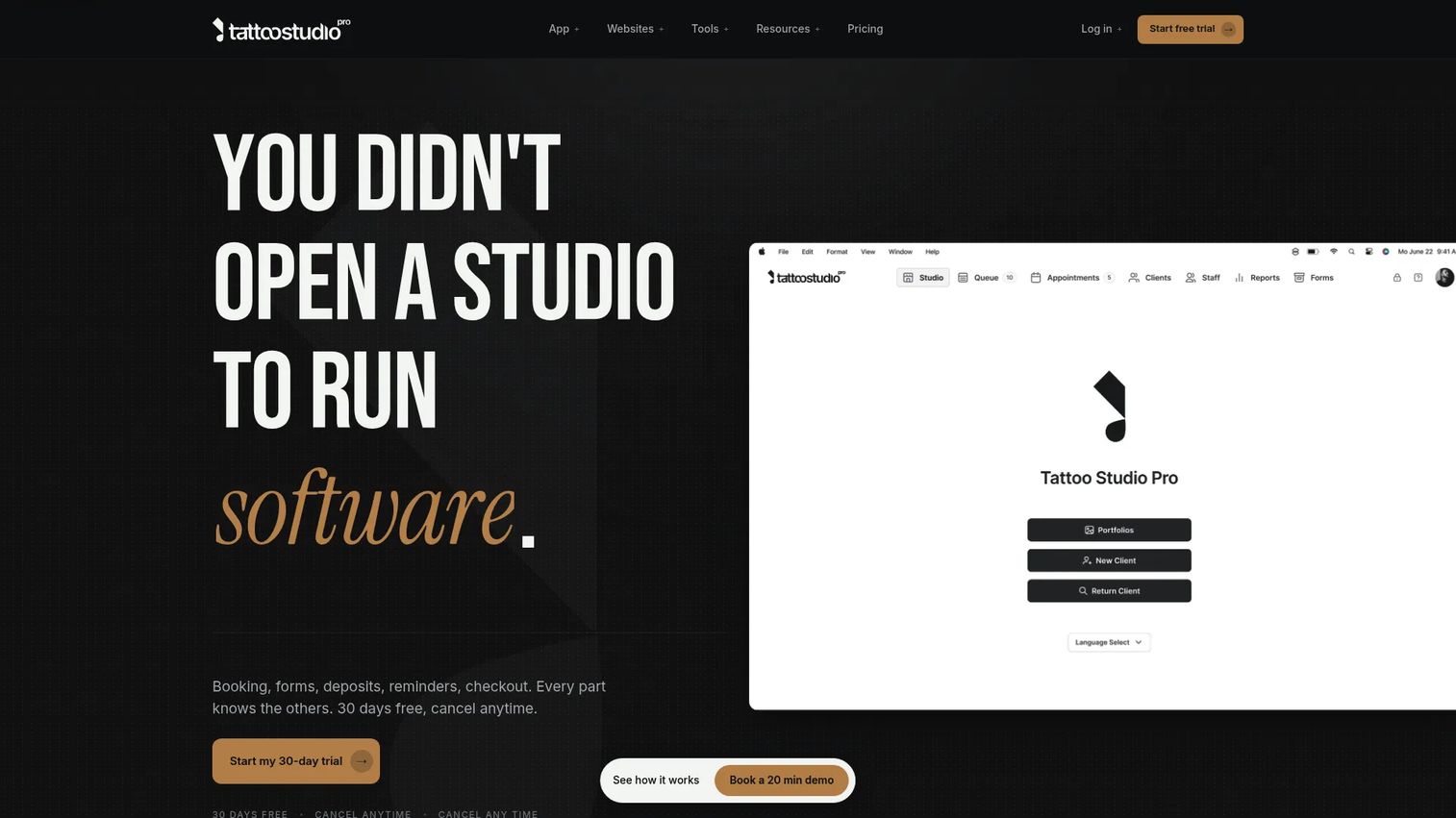
Tattoo Studio Pro is a tattoo-specific operating system built around the full studio workflow. It handles booking requests, online deposits, SMS reminders, digital consent forms, client profiles, and reporting in one place, so a shop can run its entire day without leaving the platform. The pitch is simple: one system that maps to how tattoo studios actually work, not a salon tool retrofitted for ink.
What makes it stand out is the pricing model. Every plan includes every feature, and you pay based on team size rather than unlocking capabilities tier by tier. A solo artist gets the same consent forms, deposits, and reporting a large studio gets, just at a lower price. That removes the common frustration of discovering the feature you need is gated behind an upgrade.
Best for: Tattoo shops that want a single tattoo studio management software system for booking, forms, payments, and team management without feature gating.
Key strengths
- Full-feature plans: Every plan includes booking, deposits, consent forms, and reporting, priced only by team size.
- Tattoo-native workflow: Consent forms, deposit rules, and queue handling built for studios, not adapted from salons.
- Client profiles with history: Session notes, reference images, and contact records tied to each client file.
Why choose Tattoo Studio Pro: If you want the whole booking-to-checkout chain in one tattoo-first system and you would rather not decode which tier unlocks which feature, this is the cleanest fit. The team-size pricing scales predictably as you add chairs, which suits owners planning to grow.
Tattoo Studio Pro pricing: Plans start at $29/month for the Solo tier and scale by team size through Crew ($69/month), Tribe ($119/month), Clan ($179/month), Guild ($239/month), and Legion ($299/month), with a custom Empire plan for 26+ team members. Every plan includes every feature. Annual billing saves 30%, and a 30-day free trial is available. There is no free tier.
2. Porter
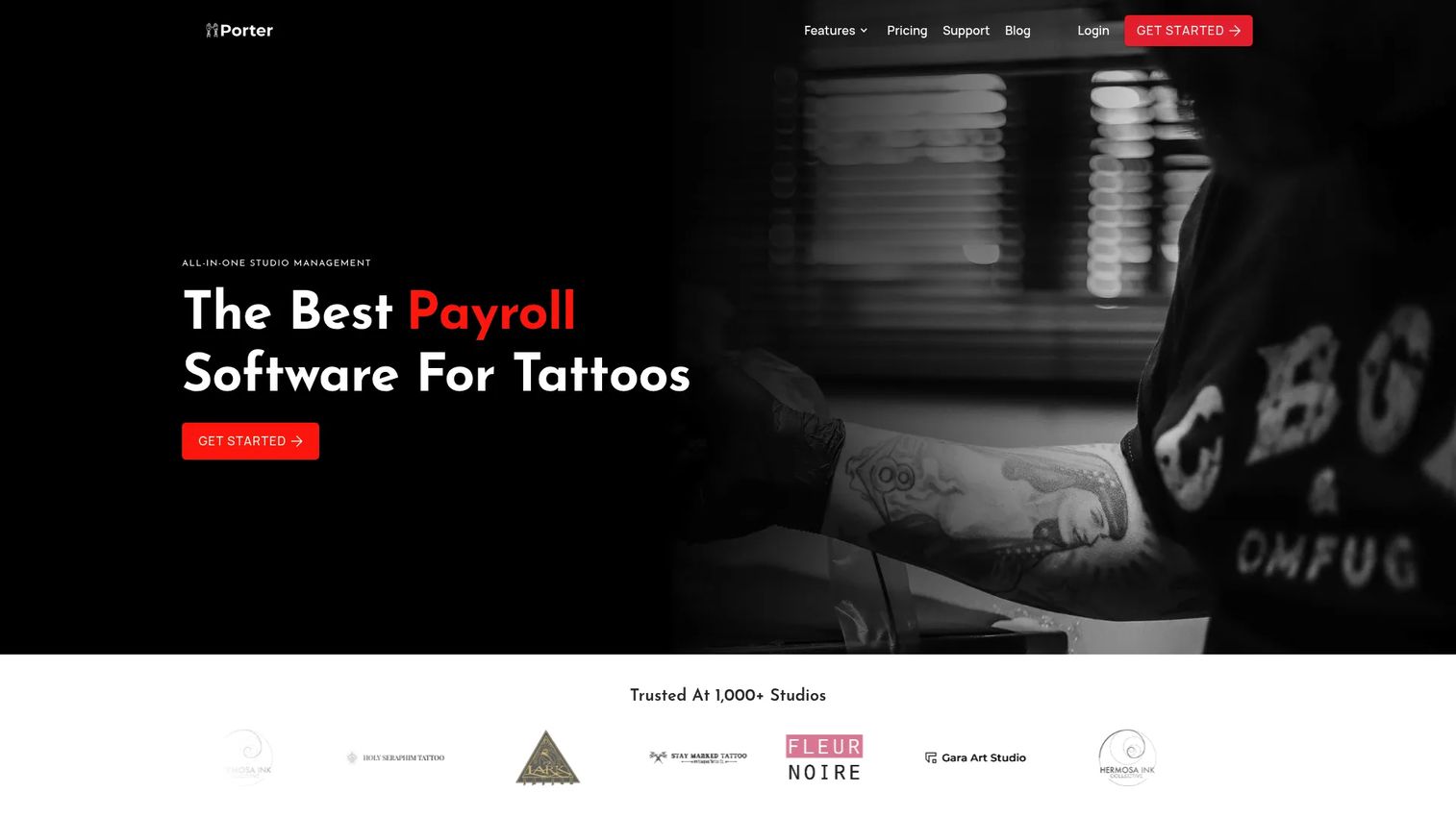
Porter positions itself as the first all-in-one software platform designed exclusively for tattoo artists and studios. It covers calendar and scheduling, deposits and payments, automated reminders, automated liability waivers and consent forms, and marketing email and SMS campaigns. The scheduling-to-payment handoff is tight: a booking request captures the deposit, the waiver, and the reminder sequence in one flow.
If you need more than bookings, this is where Porter earns its place. Adding marketing campaigns to the same system that holds your client records means you can run a "come back for your next session" SMS to the exact clients who booked six months ago, without exporting anything. For a shop trying to fill quiet weeks, that connection between client data and outreach is the point.
Best for: Tattoo artists and studios that want booking, payments, waivers, and marketing tools in one tattoo studio software system.
Key strengths
- Tattoo-exclusive design: Built only for tattoo studios, so the workflow assumes deposits, waivers, and artist calendars from the start.
- Deposits and payments in the booking flow: Deposit collection and checkout tied directly to the appointment.
- Built-in marketing: Email and SMS campaigns that pull from your existing client records for retention and rebooking.
Why choose Porter: Choose Porter when marketing and rebooking matter as much as scheduling. The combination of automated waivers and campaign tools in one place suits shops that want to reduce admin and drive repeat bookings from the same platform.
Porter pricing: Plans start at $35/month for Artist Essentials, then Artist Pro at $65/month and Studio Pro at $250/month. Studio Ultimate (Multi-Location) is priced by contacting sales. Artist plans include a 30-day free trial, and Studio Pro includes a 14-day free trial. There is no free tier. Porter holds a 5.0/5 rating on G2.
3. Square
Square is a commerce and point-of-sale platform that many tattoo shops already touch through payment hardware. It integrates booking, eCommerce, scheduling, staff management, and payments, with online booking, automated confirmations, and marketing tools layered on top. For a shop that already runs Square readers at the counter, adding scheduling on the same account keeps checkout and booking under one roof.
The distinction to understand: Square is a broad commerce platform, not a tattoo-first system. It does scheduling, a strong tattoo shop pos system, team management, and confirmations well, but the consent-form and deposit workflow is more general than a vertical tool. Shops that value hardware, payment reliability, and a free entry point over tattoo-specific intake will find the tradeoff worth it.
Best for: Small and growing shops that already use Square payments or hardware and want scheduling on the same account.
Key strengths
- Free entry tier: Square Free carries no monthly subscription, so a solo artist can start on the platform at no cost.
- POS and payments: Mature payment processing and a tattoo shop POS that many shops already trust.
- Ecosystem breadth: Online selling, marketing, and staff management tools that extend beyond scheduling.
Why choose Square: Choose Square when payment reliability and hardware matter most, and when you would rather grow into scheduling and marketing from a platform you already use for checkout. The free tier makes it low-risk to test.
Square pricing: Square Free is $0/month. Square Plus is $49/month per location, and Square Premium is $149/month per location. The paid plans include free 30-day trials. Square Point of Sale holds a 4.6/5 rating on G2.
4. Vagaro
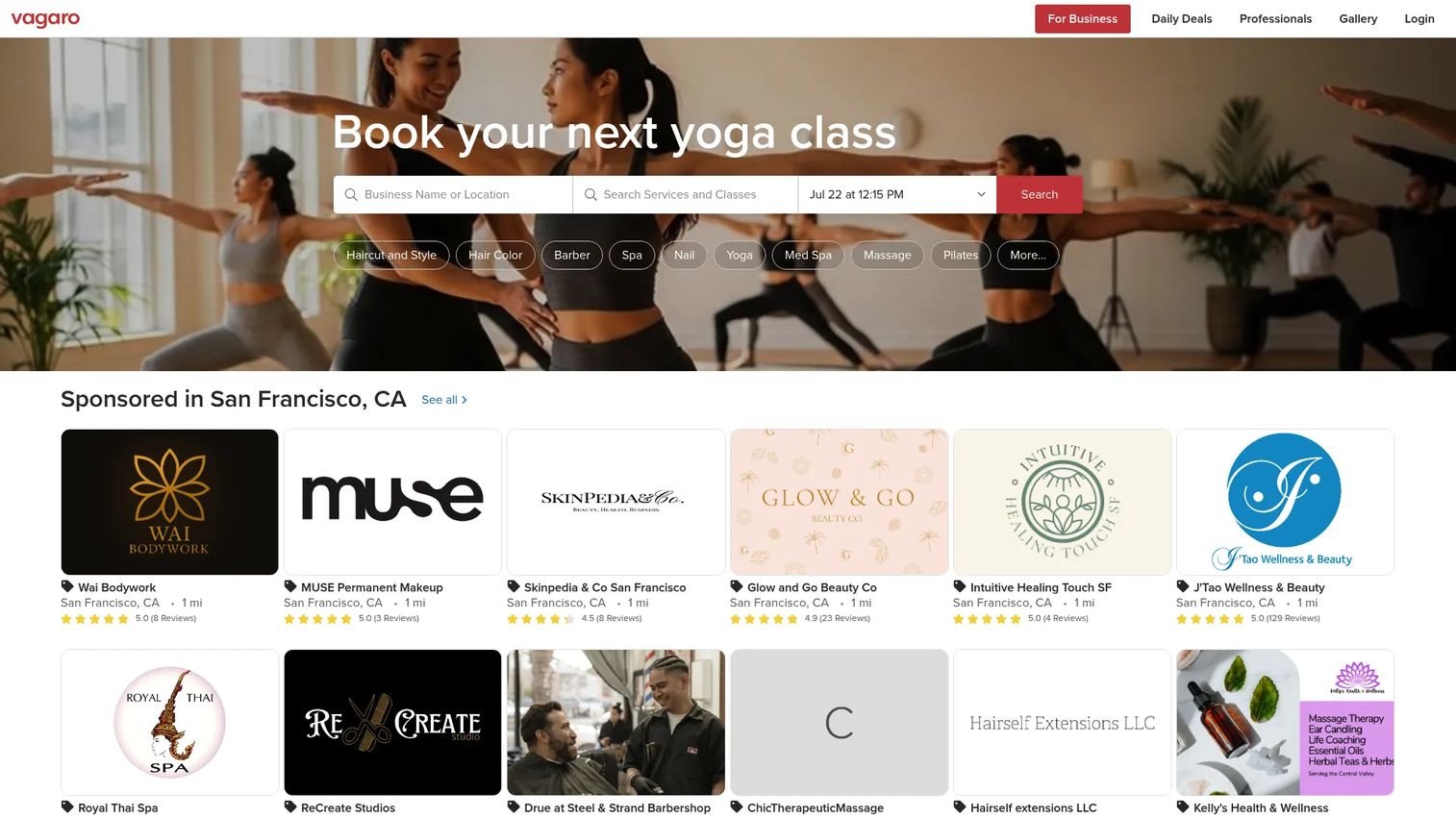
Vagaro is a business management and scheduling platform built for beauty, wellness, and fitness businesses, and it fits tattoo shops that want a flexible, salon-style operation. It covers online booking and calendar management, payments and a full POS, customer reminders, loyalty, reports, and inventory. A branded app, booking widget, and website round out the marketing side, so client-facing booking can carry your studio's brand.
The mobile-first and marketing-heavy features are where Vagaro pulls ahead for the right shop. If you want a branded booking app clients download, a widget on your site, and merchant services all managed together, Vagaro delivers that breadth. It is less tattoo-specific than a vertical tool, so consent-form handling is more general, but the platform flexibility suits multi-service studios.
Best for: Studios that want a flexible salon-and-studio style operation with branded booking, marketing tools, and POS in one place.
Key strengths
- Branded client app and widget: A downloadable app and website booking widget carry your studio brand.
- Payments and POS: Built-in credit card processing and point-of-sale checkout.
- Marketing and loyalty: Reminders, loyalty programs, and reporting to drive repeat visits.
Why choose Vagaro: Choose Vagaro when brand presence and marketing flexibility matter and you run more than tattoo services. The branded app and widget suit owners who want clients booking through a polished, studio-branded experience.
Vagaro pricing: The US base subscription starts at $23.99/month and includes one calendar license. Each additional employee calendar is $10/month up to seven licenses, and premium features are add-ons. Vagaro holds a 4.6/5 rating on G2.
5. Inkbook
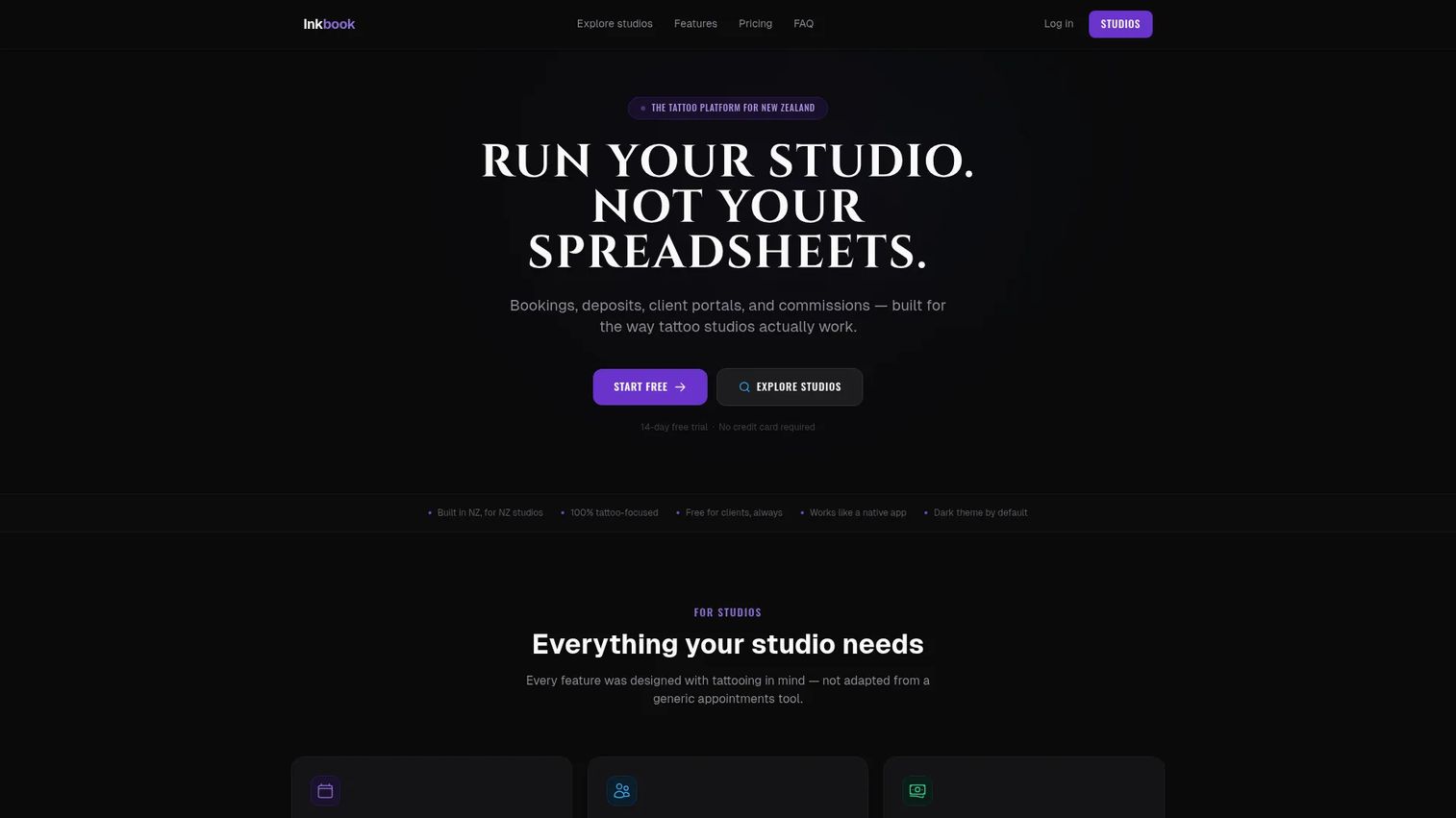
Inkbook is tattoo studio management software built for New Zealand studios, with a workflow tuned to how local shops run. It handles request-based bookings with deposits, client portals and digital consent forms, and commission tracking with payout reports. The commission feature is the standout for multi-artist shops that split earnings and need clean payout math at the end of each pay run.
Including Inkbook broadens the list past the most obvious names. It is a genuine tattoo-vertical fit, so the intake and consent flow assumes tattoo work rather than adapting a generic salon template. For a New Zealand studio managing several artists, the client portal plus commission reporting reduces the admin that usually falls on the owner.
Best for: Tattoo studios in New Zealand that need booking, client management, consent forms, and commission tracking in one system.
Key strengths
- Request-based bookings with deposits: Booking requests capture the deposit up front, tied to the artist's calendar.
- Client portals and consent forms: Digital consent forms and a client portal keep records and signatures organized.
- Commission tracking: Payout reports that handle multi-artist commission splits.
Why choose Inkbook: Choose Inkbook if you run a New Zealand studio and commission clarity matters. The vertical focus and payout reporting make it a strong fit for shops where several artists share the space and the owner handles the numbers.
Inkbook pricing: Plans start at $49 NZD/month for Solo Artist, then Crew at $89 NZD/month, Studio at $129 NZD/month, and Studio Pro at $249 NZD/month. All plans include a 14-day free trial, and prices are shown in NZD, GST inclusive where applicable. There is no free tier.
6. MyCuts
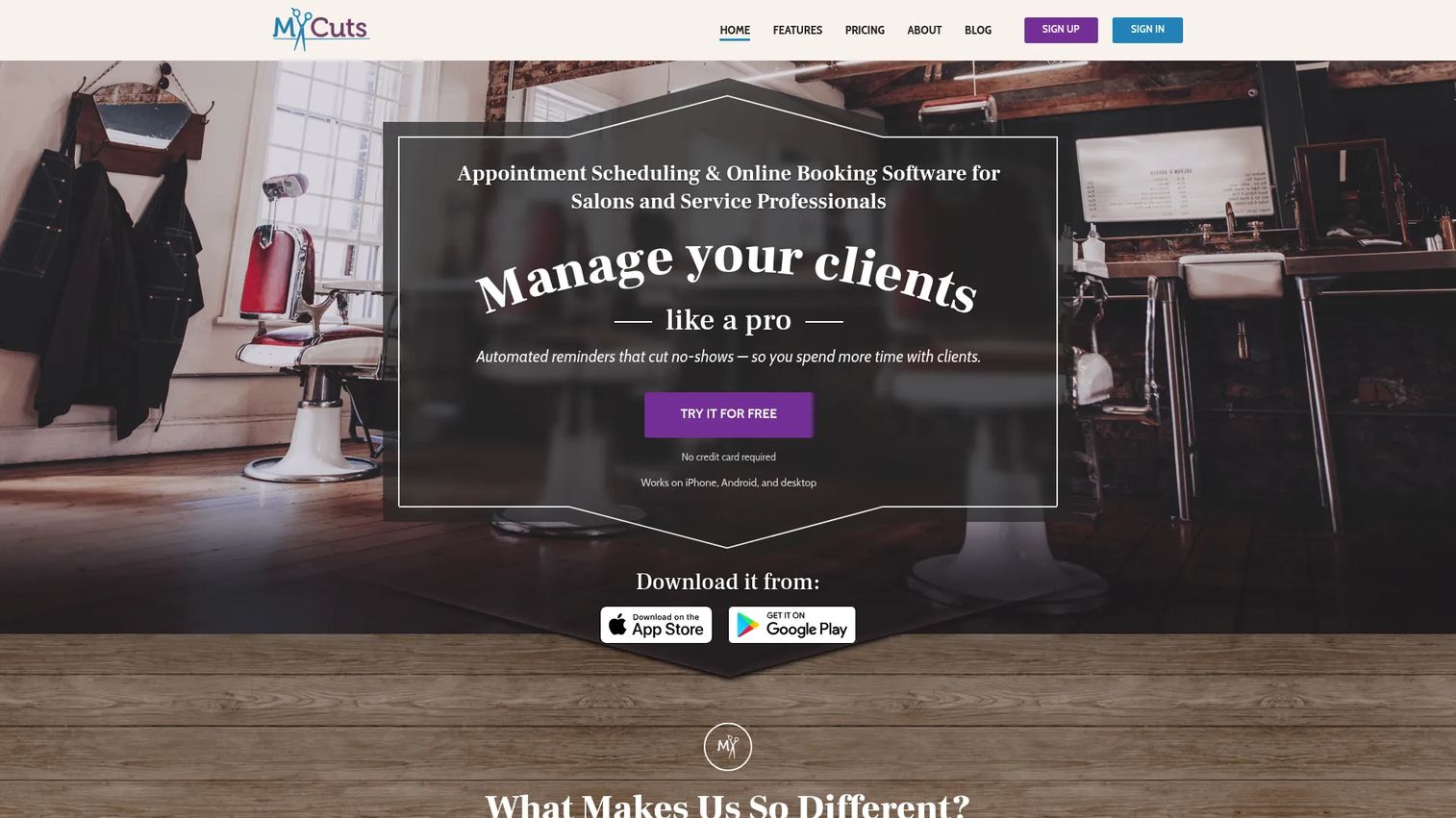
MyCuts is appointment scheduling and online booking software for salons and service professionals, and it works for tattoo artists who want a straightforward scheduler without heavy platform overhead. It offers appointment scheduling with month, week, day, and list views, online booking with accept and decline requests plus notifications, and client management with inventory tracking. The focus is day-to-day operational efficiency rather than an exhaustive all-in-one suite.
Where MyCuts feels lightweight compared to more comprehensive platforms, that is by design. A solo artist who mainly needs clean tattoo appointment scheduling software, client records, and booking requests will appreciate the simplicity and low cost. Shops that need deep deposit rules, commission payouts, or extensive marketing will outgrow it, but for a single chair it keeps admin minimal.
Best for: Solo artists and small shops that want simple scheduling, online booking, and client records without a heavy platform.
Key strengths
- Flexible calendar views: Month, week, day, and list views for managing a personal or small-team calendar.
- Online booking with approvals: Accept or decline requests with notifications, so you control your book.
- Client and inventory tracking: Client records and basic inventory in one lightweight app.
Why choose MyCuts: Choose MyCuts when you want ease of use and a low monthly cost over a full operating system. It suits an independent artist who needs scheduling and client records handled cleanly and does not need commission or heavy marketing tools.
MyCuts pricing: MyCuts offers a Free plan at $0/month, plus Starter at $4.99/month, Standard at $14.99/month, and Premium at $24.99/month. Monthly and yearly billing options are available. The free tier makes it easy to test before committing.
7. Fresha
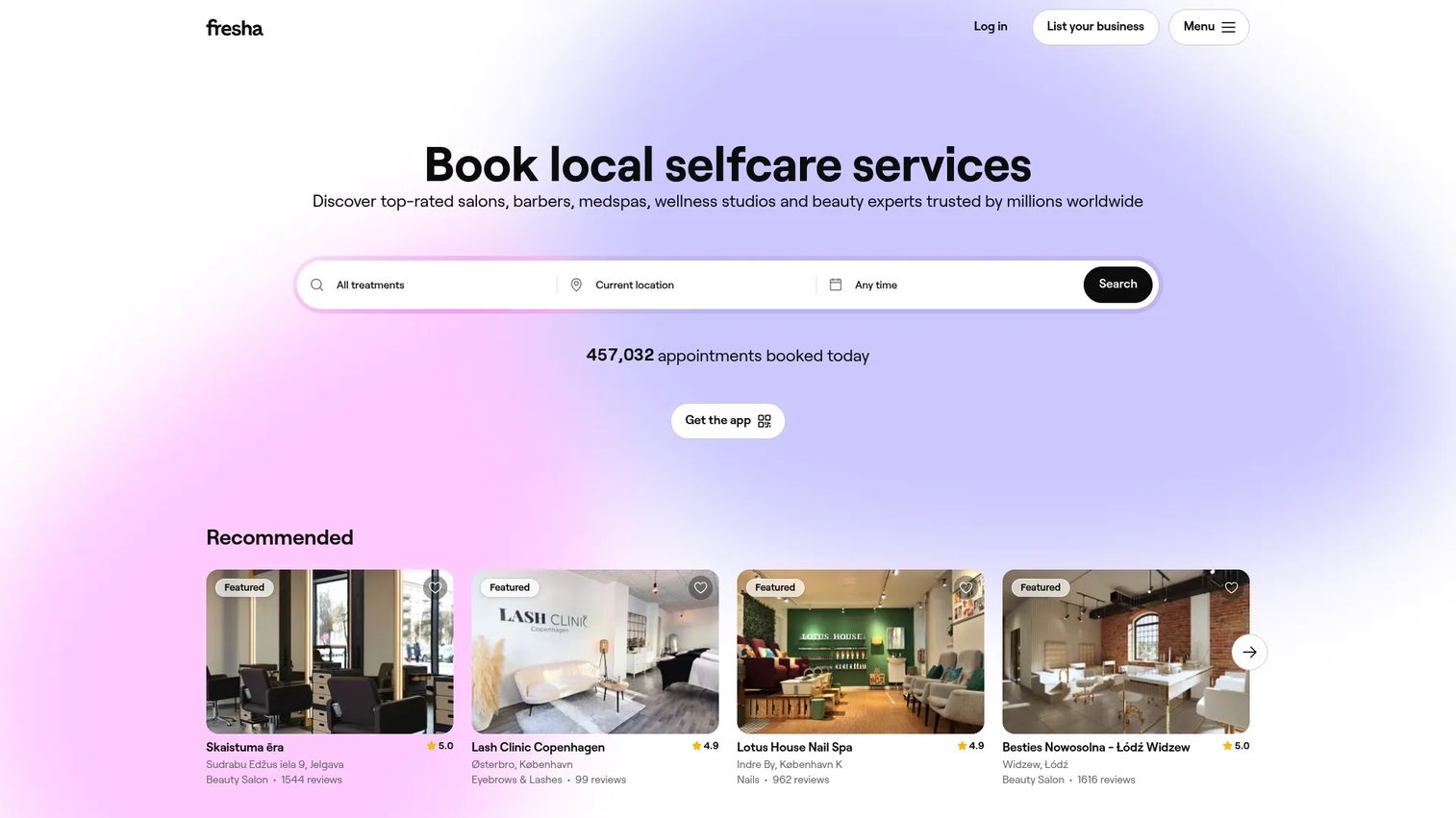
Fresha is an all-in-one booking, POS, payments, and client-management platform for beauty and wellness businesses, and some tattoo shops still consider it for its marketplace reach and low upfront cost. It covers scheduling and appointments, payments and point of sale, and client management. A tattoo shop might look at Fresha even though it is not tattoo-first because the entry price is low and the platform can list a studio in its consumer marketplace.
The distinction here is breadth versus vertical specialization. Fresha gives you a wide booking and payments platform with marketplace exposure, but the intake and consent workflow is general rather than tattoo-specific. Shops that prioritize discovery through the marketplace and a low starting cost over deep tattoo-native forms will find it worth evaluating.
Best for: Shops that want a broad booking and payments platform with marketplace reach and a low starting cost.
Key strengths
- Marketplace exposure: A consumer marketplace that can surface your studio to new clients.
- Payments and POS: Built-in payments and point-of-sale checkout in the same system.
- Client management: A CRM that stores client records and appointment history.
Why choose Fresha: Choose Fresha when marketplace discovery and low upfront cost outweigh the need for tattoo-specific intake. It is the broad-platform alternative for owners comparing wide reach against a vertical tool built only for tattoo work.
Fresha pricing: The Independent plan is $19.95/month. The Team plan is $14.95 per team member monthly, and Enterprise uses custom rates for high-volume businesses with more than 20 team members. Fresha's pricing page shows a 7-day trial. There is no free tier.
Considerations before you buy
Before you commit, run each shortlisted platform through the criteria that actually affect your day.
Workflow coverage from booking to checkout
Map your real chain: booking request, deposit, consent form, reminder, session, checkout, and reporting. The best tattoo shop management software connects those steps so data flows without re-entry. If any step still lives in a separate app, you have not solved the problem you started with.
Deposits and payment handling
Confirm how deposits are collected at booking and how the tattoo shop pos system handles in-person checkout. Check processing fees, deposit refund rules, and whether the payment data feeds your reporting. Payments are where reconciliation breaks, so verify this before switching.
Shop size and staff structure
A solo artist and a six-chair studio need different things. If you split earnings, prioritize commission and payroll tracking plus staff permissions. If you are one chair, a lightweight scheduler may serve you better than a full suite you pay for but never use.
Migration and data ownership
Ask how you export client records, session history, and deposits if you leave. Confirm you can import your existing client list without losing data. Verify migration support during the trial, not after you have paid, so a switch never costs you your client records.
Conclusion
The right tattoo shop software depends on your shop, not on which vendor says "all-in-one" the loudest. For a tattoo-first system where every feature is included and you pay by team size, Tattoo Studio Pro is the cleanest fit. If marketing and rebooking matter as much as scheduling, Porter combines waivers and campaigns in one tattoo-exclusive platform. Already running Square hardware? Square lets you add scheduling to a checkout you trust, with a free tier to test. Vagaro suits multi-service studios that want a branded booking app, while Inkbook fits New Zealand shops that need commission clarity. For simple scheduling, MyCuts stays light and cheap, and Fresha offers marketplace reach at a low upfront cost.
The decision lens stays the same across all of them: booking, deposits, client records, reminders, and POS should work together, not in separate tools. Shortlist two or three based on your shop size and workflow complexity, then run the free trials and test the exact chain you run every day before you commit.
FAQs
Tattoo shop software is a management platform that combines appointment booking, deposit collection, digital intake and consent forms, client records, automated reminders, and point-of-sale checkout in one system built for studios. It replaces the mix of separate booking apps, payment tools, and paper waivers most shops start with, so the whole client workflow runs from a single dashboard.
Pricing varies by the number of locations, the feature set, and how the platform handles payment processing. Entry tiers in this list range from free (Square, MyCuts) to around $20 to $50 per month for paid starting plans, with larger studio plans running into the hundreds per month. Payment processing fees are usually separate, so factor those into the true cost.
The core set is scheduling, deposit collection, digital consent forms, automated reminders, client records, reporting, and team permissions. For multi-artist shops, commission tracking and payroll matter too. Prioritize the features that fix your current bottleneck first, whether that is no-shows, paper waivers, or messy month-end numbers.
Yes. Digital consent forms attach to each client file, so signed waivers are always findable and tied to the right session. The client record consolidates contact details, session history, and notes that would otherwise live in spreadsheets, and workflow automation handles the reminders and confirmations you used to track by hand.
Most platforms support online deposit collection at the time of booking, plus point-of-sale checkout for in-person payment at the end of a session. Deposits reduce no-shows by giving clients a stake in showing up, and connecting deposits to checkout keeps your revenue reporting in one place instead of split across apps.
Usually yes, but verify it before you pay. Most platforms let you export and import client records, session history, and contact lists, and many offer migration support. Confirm exactly what transfers, and test the import during the free trial so a switch never risks your client records or booking history.
Tattoo booking software is a narrower function focused on scheduling and appointment requests. Tattoo shop management software covers the full studio workflow: booking, deposits, consent forms, client records, reminders, reporting, and POS. Booking is one piece; management software connects all the pieces so they work together.
The best fit depends on your budget, how you handle payments, and whether you need POS alongside scheduling. A solo artist who mainly needs tattoo scheduling software and client records may do well with a lightweight option like MyCuts or Square's free tier. A small studio splitting earnings will get more from a tattoo-specific system with deposits and commission tracking, such as Tattoo Studio Pro or Porter.