A former employee leaves. Legal wants their emails. You check the mailbox. It's gone.
Or a ransomware attack hits your Microsoft 365 tenant. Or a sync error wipes a folder that held two years of contract approvals. Or a retention policy quietly expired before anyone noticed the messages it was supposed to protect.
Email feels permanent right up until it isn't. According to a 2025 Spanning survey, only 40% of IT professionals are confident their backup systems could actually protect critical data in a crisis. That gap is the whole reason third-party email backup exists.
"Microsoft keeps it safe" is not a complete answer for deletion recovery, ransomware response, legal hold, or migration rollback. Microsoft 365 and Google Workspace both offer retention and recovery features, but an independent backup layer adds a recoverable copy that sits outside the native environment. For presales teams supporting technical validation, this distinction comes up constantly in discovery calls and RFP conversations.
This guide maps 14 email backup tools across cloud SaaS, enterprise, local archive, and personal use cases so you can shortlist fast and ask the right questions during evaluation.
What's inside
This guide covers 14 email backup software options chosen for range: Cloud-to-cloud SaaS backup, enterprise data protection platforms, local archiving tools, and personal mailbox export utilities. Selection criteria include:
- Supported mailbox platforms (Microsoft 365, Google Workspace, Outlook, IMAP)
- Recovery depth (item-level, full mailbox, point-in-time)
- Storage model (cloud, local, hybrid)
- Verified pricing and G2 ratings
TL;DR
- Best for Microsoft 365 backup: Veeam Data Cloud for Microsoft 365, for managed cloud backup with granular Exchange, SharePoint, and Teams recovery
- Best for MSPs: Acronis Cyber Protect Cloud Backup, combining backup with cyber protection in a multi-tenant operator stack
- Best for IT teams in NinjaOne: NinjaOne SaaS Backup, for SaaS backup embedded inside an existing IT operations workflow
- Best for enterprise recovery: Commvault Cloud, for policy-based protection across hybrid and multi-cloud workloads
- Best free personal archive: MailStore Home, for local archiving of personal mailboxes from Gmail, Outlook, and IMAP accounts
- Best for format-heavy export: SysTools Email Backup Wizard or BitRecover Email Backup Wizard, for IMAP backup and mailbox conversion across dozens of output formats
What is email backup software?
Email backup software copies, stores, and restores mailbox data, including messages, attachments, folders, contacts, calendars, and metadata, so organizations and individuals can recover email after deletion, corruption, account compromise, migration failure, or retention gaps.
The email archiving software market was valued at $8.01 billion in 2025 and is forecast to reach $20.66 billion by 2031, according to Mordor Intelligence (2025). The email backup segment specifically reached $4.2 billion in 2025, per MarketIntelo (2025), reflecting how central mailbox protection has become for endpoint protection and data security programs.
Email backup versus email archiving
Backup restores operational data after a loss event. Archiving preserves searchable records over time for retention, discovery, and compliance. Retention policies keep data under a rule. Backup gives you a recoverable copy. Those are different jobs, and conflating them is a common gap in technical discovery.
Some tools handle both, but most specialize in one. Choose based on the primary job: Recovery speed or long-term searchability.
Core features to look for
- Automated scheduled backups
- Granular mailbox restore (item-level and full mailbox)
- Point-in-time recovery
- Microsoft 365 and Google Workspace coverage
- IMAP, POP3, Outlook, and Exchange support
- PST, MBOX, EML, MSG, and PDF export
- Encryption and role-based access control
- Audit logs and admin permissions
- Incremental or delta backup
- Multi-account and multi-tenant management
Common email backup use cases
Accidental deletion, employee offboarding, ransomware recovery, Microsoft 365 retention gaps, Gmail or IMAP export, legal discovery, migration rollback, long-term archive search, and disaster recovery.
When to use email backup software
Protect mailboxes beyond native retention
Microsoft 365 and Google Workspace include built-in retention and recovery features, but those features operate within the same tenant environment the incident may have compromised. An independent backup layer, stored outside the platform, adds a recovery path that native tools cannot. This distinction appears frequently in presales software tools evaluation checklists and RFP conversations.
Recover messages after deletion or account compromise
When an admin needs to restore a deleted folder, recover a former employee's mailbox, or reverse damage from a compromised account, the restore workflow matters as much as the backup schedule. Check whether the tool can restore individual messages, full mailboxes, attachments, contacts, and calendar items, and whether it can restore to an alternate mailbox or point-in-time state.
Archive and export email for migration or compliance
PST, MBOX, EML, MSG, and PDF support matters when email needs to move between platforms or survive a legal review. Local archive tools connect to this use case, as do format-heavy export utilities built for provider migration. For longer-term retention searches, enterprise search software and dedicated archiving tools overlap with this category.
Email backup software comparison
The 14 tools below cover a wide range of environments. SaaS backup platforms target Microsoft 365 and Google Workspace administrators. Enterprise platforms sit alongside broader data protection programs. Local archiving tools fit SMBs and compliance teams. Export utilities serve migration and personal backup needs. Use this table for a first-pass shortlist, then read the item sections for restore depth and fit.
| # | Product | Best for | Key differentiator | Pricing | G2 rating |
|---|---|---|---|---|---|
| 1 | Veeam Data Cloud for Microsoft 365 | Microsoft 365 admins | Managed SaaS backup with deep M365 recovery | From $2.63/user/month (annual) | 4.5/5 |
| 2 | Acronis Cyber Protect Cloud Backup | MSPs | Backup plus cyber protection in one operator stack | Contact for pricing | 4.7/5 |
| 3 | NinjaOne SaaS Backup | IT teams using NinjaOne | SaaS backup inside IT operations platform | Contact for pricing | 4.7/5 |
| 4 | Commvault Cloud | Enterprise IT | Unified data security and recovery at scale | From $1.70/user/month (M365 Standard) | 4.4/5 |
| 5 | Mimecast Sync & Recover | Email-security-aligned orgs | Recovery tied to cloud archive and email security | Contact for pricing | N/A |
| 6 | OpenText CloudAlly Backup for Microsoft 365 Mail | M365 cloud-to-cloud backup | Automated daily backup with unlimited retention | Contact for pricing | 4.4/5 |
| 7 | BackupAssist 365 | SMB Microsoft 365 | Cloud backup to local destinations, $1.20/user | From $1.20/user/month (annual) | 4.2/5 |
| 8 | SysTools Email Backup Wizard | IMAP and webmail export | 225+ sources, PST/MBOX/EML/MSG/PDF output | From $5/user (one-time) | N/A |
| 9 | MailStore Server | SMB email archiving | Searchable business archive with legal hold | From $259 (5-user starter) | 4.2/5 |
| 10 | MailStore Home | Home users | Free local archive for Gmail, Outlook, IMAP | Free | N/A |
| 11 | Acronis True Image | Home and small office | Device backup plus Microsoft 365 email backup | From $49.99/year | 4.3/5 |
| 12 | Backup Exec | Legacy and hybrid environments | Traditional backup across physical, virtual, M365 | Contact for pricing | 4.2/5 |
| 13 | Spinbackup for Office 365 | Enterprise M365 backup | 3x daily backups, ransomware SLA, BYOS storage | From $3/user/month (min $5K/year) | 4.8/5 |
| 14 | BitRecover Email Backup Wizard | Mailbox conversion | 190+ sources, 35+ output formats | From $99 (one-time, 5 machines) | 3.3/5 |
Best 14 email backup software for 2026
Use the entries below as a shortlist, not a universal ranking. The best choice depends on whether you need Microsoft 365 recovery, local archiving, MSP management, enterprise governance, or a clean export path for migration.
1. Veeam Data Cloud for Microsoft 365
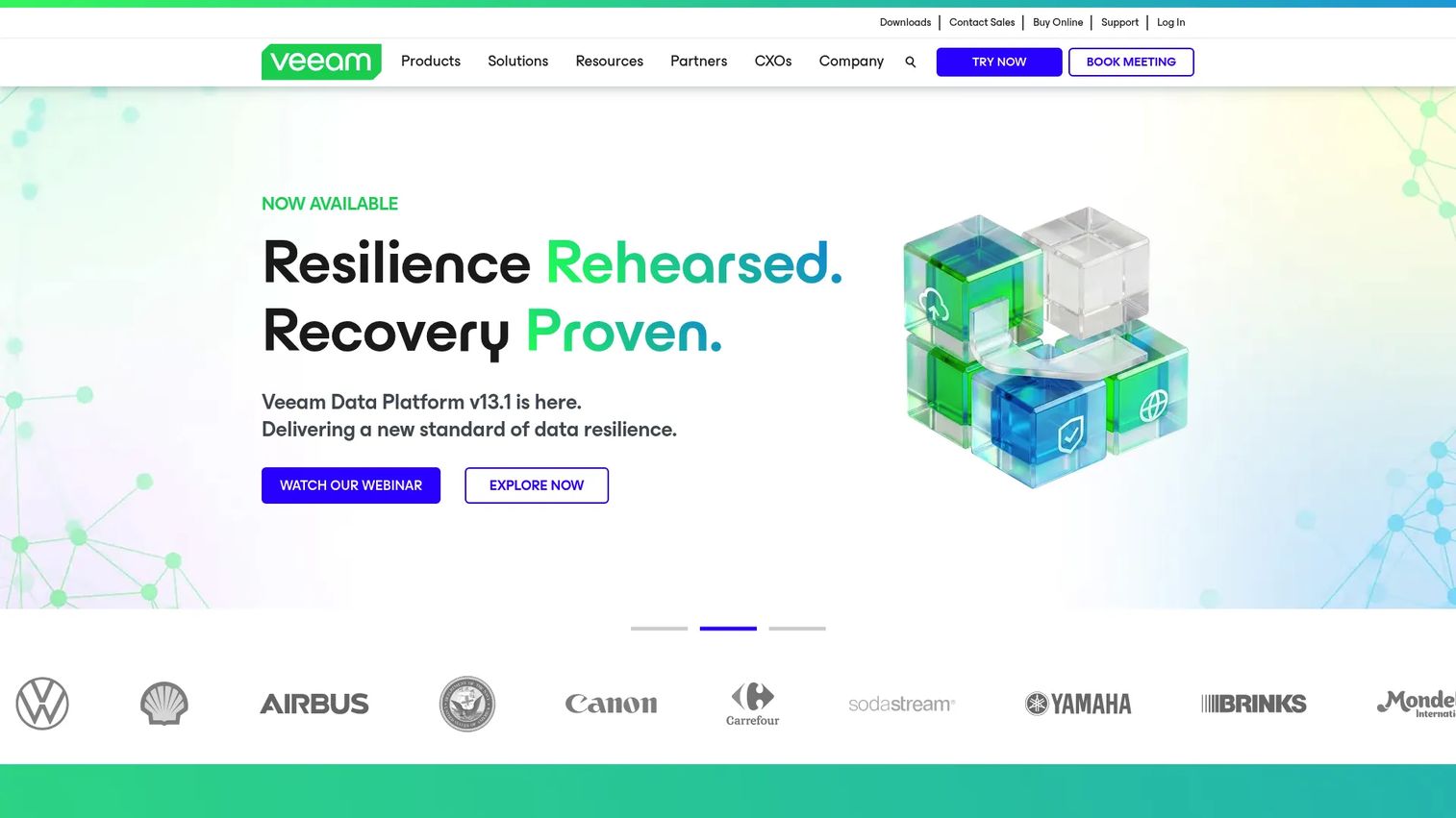
Veeam Data Cloud for Microsoft 365 is a managed SaaS backup service for Exchange, SharePoint, OneDrive, Teams, and Entra ID. Veeam handles the backup infrastructure, so IT teams get Microsoft 365 data resilience without running their own backup stack. Three plan tiers cover progressively deeper recovery, threat detection, and disaster recovery capabilities.
Best for: Microsoft 365 admins and IT teams needing managed, scalable mailbox and cloud-data recovery.
Key features
- Backup and recovery for Exchange, SharePoint, OneDrive, and Teams
- Entra ID backup and granular restore (Advanced and Premium plans)
- Unlimited storage with selectable regions and configurable retention
- Ransomware recovery, immutability, MFA, and role-based access control
- Advanced search and bulk restoration
Why choose Veeam: Strong choice when the primary job is Microsoft 365 mailbox protection without managing backup infrastructure. The Foundation plan covers core recovery; Advanced adds Entra ID and threat detection; Premium adds disaster recovery and bulk restore at scale.
Veeam Data Cloud for Microsoft 365 pricing: Plans start at $2.63 per user per month (Foundation, billed annually). The Advanced plan is $3.33 per user per month, and Premium is $3.71 per user per month, both billed annually.
G2 rating: 4.5/5 based on 248 reviews.
2. Acronis Cyber Protect Cloud Backup
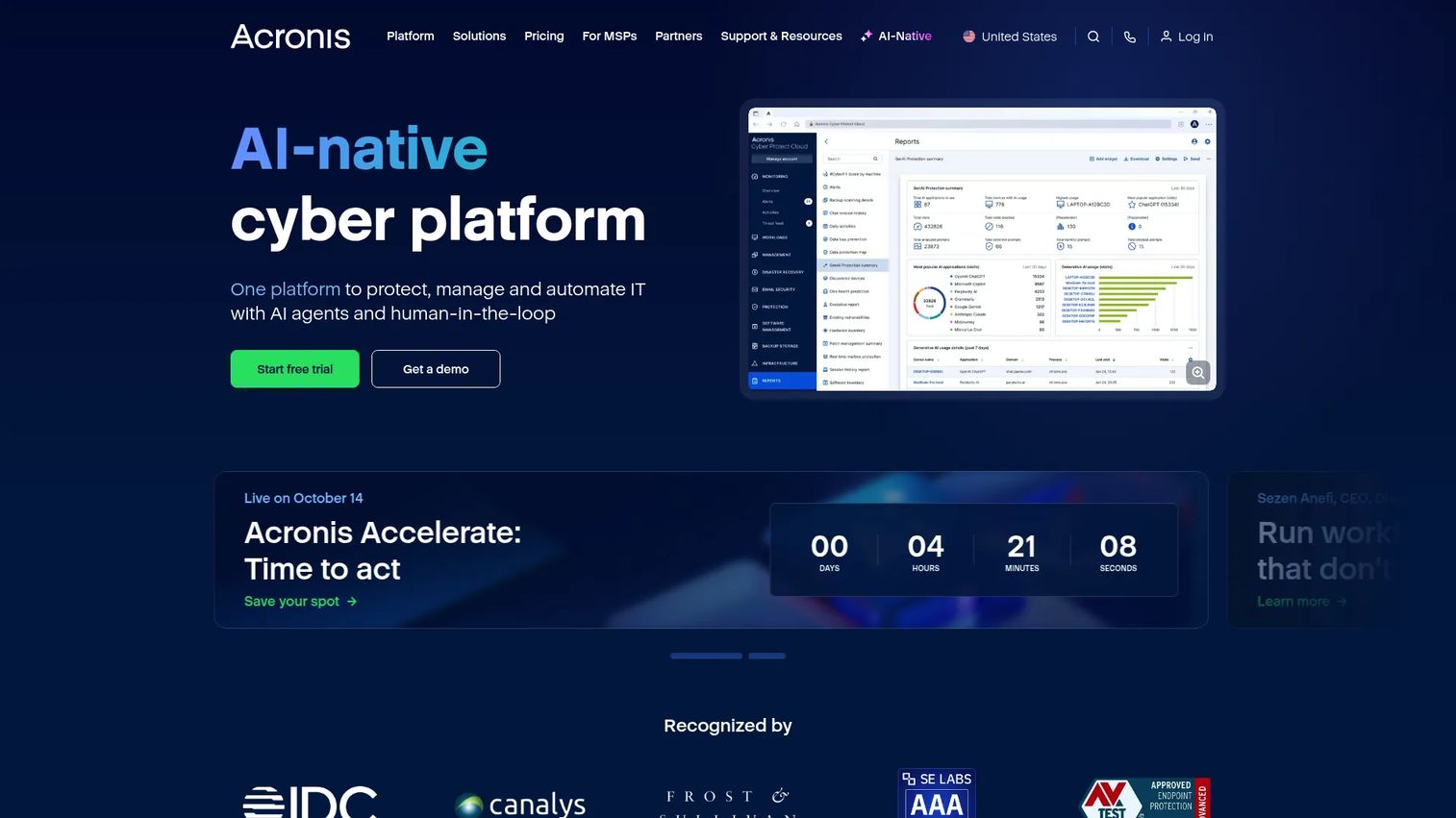
Acronis Cyber Protect Cloud Backup combines backup, cybersecurity, and endpoint protection in a single multi-tenant platform built for managed service providers. It covers physical, virtual, cloud, and mobile workloads, with AI-based anti-malware and ransomware detection built into the same console as backup jobs. MSPs manage customer environments from one interface with centralized protection plans and reporting.
Best for: MSPs managing customer backup, recovery, and security from a single operational stack.
Key features
- Backup and recovery across physical, virtual, cloud, and mobile workloads
- AI-based anti-malware and ransomware protection via Acronis Active Protection
- Multi-tenant management with centralized monitoring and reporting
- Microsoft 365 backup support
- Disaster recovery capabilities
Why choose Acronis Cyber Protect Cloud: The right pick when backup is part of a broader managed security motion and the buyer wants fewer vendor handoffs across data protection and endpoint security. Less suited to organizations that want email-only backup at a fixed per-user price.
Acronis Cyber Protect Cloud pricing: Acronis uses service-provider licensing with per-workload, storage-consumption, and solution-based models. Pricing includes minimum monthly commitments and volume tiers; request a quote through Acronis or a partner channel.
G2 rating: 4.7/5.
3. NinjaOne SaaS Backup
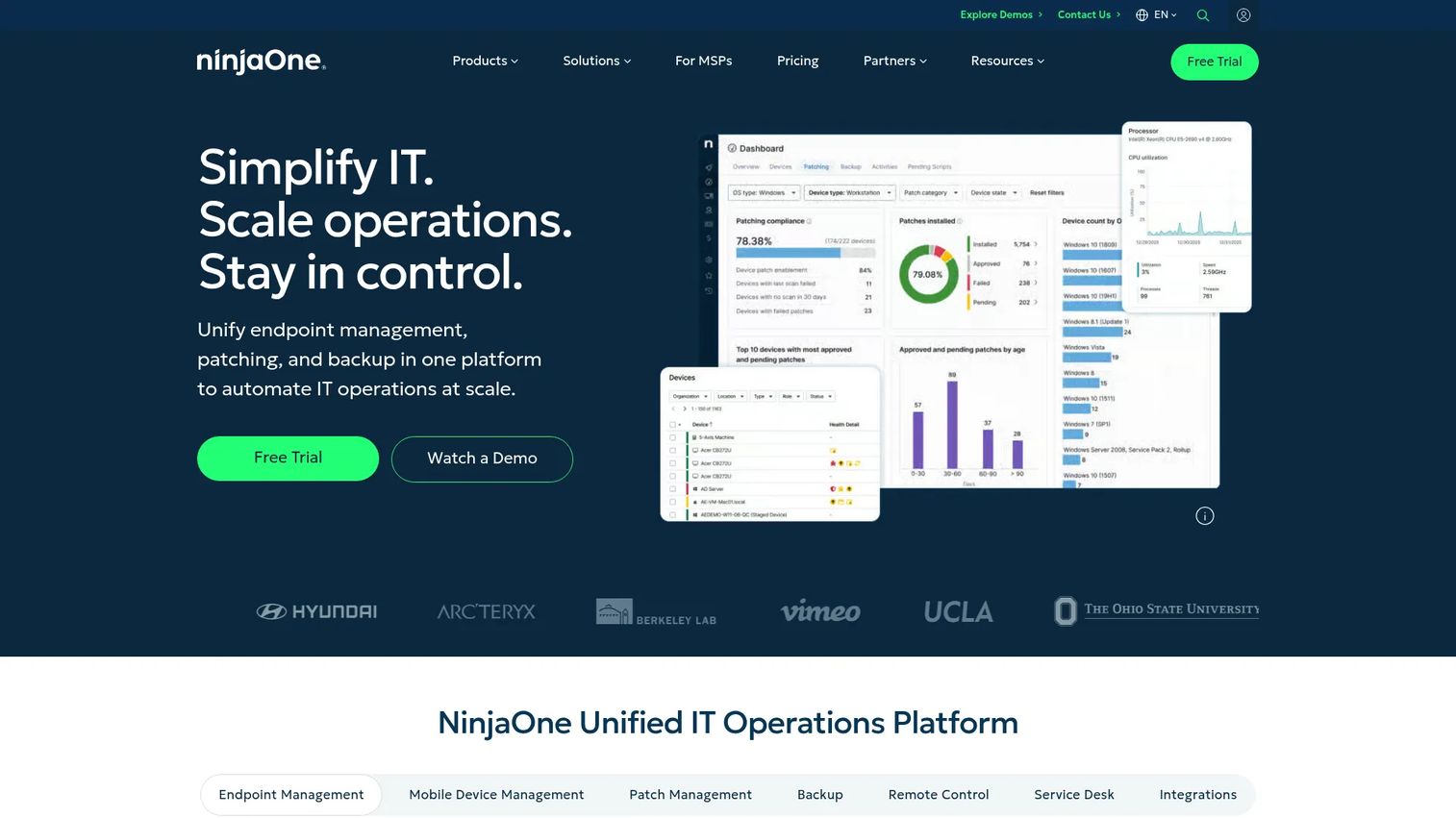
NinjaOne SaaS Backup extends the NinjaOne IT management platform with automated, policy-driven backup for Microsoft 365 and Google Workspace, including Microsoft Entra ID. IT teams already using NinjaOne for endpoint management can add SaaS backup without switching tools. Point-in-time and item-level recovery, unlimited storage on Backup Only plans, and built-in retention and auditing make it operationally straightforward for small IT teams.
Best for: IT teams and MSPs that want SaaS backup embedded inside their existing IT management workflow.
Key features
- Automated, policy-driven backups for Microsoft 365 and Google Workspace
- Point-in-time and item-level recovery
- Microsoft Entra ID backup
- Unlimited storage and retention (Backup Only plans)
- Compliance and auditing controls
Why choose NinjaOne SaaS Backup: Strong fit when email backup is one part of a broader SaaS protection and endpoint protection program managed from NinjaOne. Less compelling as a standalone purchase if the team is not already in the NinjaOne platform.
NinjaOne SaaS Backup pricing: Pricing is seat-based and varies by plan, region, and configuration. NinjaOne does not publish a per-seat figure; contact their sales team for current rates.
G2 rating: 4.7/5 (for NinjaOne overall).
4. Commvault Cloud
Commvault Cloud is an enterprise data protection platform that unifies backup, data security, identity resilience, and cyber recovery across hybrid, multi-cloud, SaaS, on-premises, and edge workloads. For Microsoft 365 specifically, Commvault offers tiered plans covering mailbox backup through full compliance archiving. Organizations with broad governance requirements use Commvault to manage email as one workload among many rather than as a standalone problem.
Best for: Enterprise IT teams with complex recovery, governance, and compliance requirements across multiple workload types.
Key features
- Unified data security, identity resilience, and cyber recovery
- Protection across SaaS, cloud-native, on-premises, and edge workloads
- On-demand cleanrooms and full application recovery
- Granular Active Directory recovery
- Policy-based retention and compliance-ready controls
Why choose Commvault Cloud: The right pick when email backup is part of a broader enterprise data protection program. Cost and complexity scale with what you protect, so standalone Microsoft 365 shops may find it heavier than they need.
Commvault Cloud pricing: Microsoft 365 Backup Standard starts at $1.70 per user per month (monthly billing). Microsoft 365 Backup Enterprise starts at $3.60 per user per month, and the Enterprise with Compliance tier starts at $4.50 per user per month. Broader platform packages (Silver, Gold, Platinum) are quote-based.
G2 rating: 4.4/5.
5. Mimecast Sync & Recover
Mimecast Sync & Recover provides cloud-based email backup and recovery for Exchange and Microsoft 365, integrated with Mimecast Cloud Archive. It synchronizes email data up to six times per day and supports recovery of individual items, full mailboxes, folders, calendars, and contacts. Organizations that already run Mimecast for email security get backup and recovery as a natural extension of their existing stack.
Best for: Teams that prioritize mailbox recovery and continuity within an email-security-aligned program.
Key features
- Automatic email synchronization up to six times daily
- Recovery of items, folders, calendars, contacts, and full mailboxes
- Granular, policy-based retention management
- Administrator search tools for targeted recovery
- Integration with Mimecast Cloud Archive
Why choose Mimecast Sync & Recover: Makes practical sense when Mimecast is already in the environment. Adding Sync & Recover keeps recovery inside the same administrative interface as security controls, simplifying audit and compliance workflows. Less compelling as a net-new purchase for teams not already using Mimecast.
Mimecast Sync & Recover pricing: Mimecast includes Email Backup and Recovery within its paid plan tiers. Pricing is quote-based on mailbox count, selected modules, and contract terms. Contact Mimecast for a quote.
6. OpenText CloudAlly Backup for Microsoft 365 Mail
OpenText CloudAlly Backup for Microsoft 365 Mail is a cloud-to-cloud backup product that handles Microsoft 365 Mail, Calendar, Contacts, Tasks, SharePoint, OneDrive, Teams, Groups, and Notes. Backups run automatically each day, with unlimited retention and point-in-time recovery. Export options include ZIP, EML, VCF, ICS, and PST, so recovered data lands in a format users can open immediately.
Best for: Microsoft 365 teams needing cloud-to-cloud mailbox backup with flexible export and long-term retention.
Key features
- Automated daily Microsoft 365 backups
- Unlimited retention and point-in-time recovery
- Granular, cross-user, and non-destructive restore
- Export to ZIP, EML, VCF, ICS, and PST
- MFA, OAuth, Okta support, and encrypted backups
Why choose OpenText CloudAlly: A focused cloud-to-cloud option that handles the Microsoft 365 backup job without requiring on-premises infrastructure. The export format range is practical when recovered data needs to move into another platform or be shared with legal teams.
OpenText CloudAlly pricing: Pricing is customized by user count and application scope. Monthly and annual subscriptions are available. Request a personalized quote through the OpenText CloudAlly pricing page.
G2 rating: 4.4/5 based on 27 reviews.
7. BackupAssist 365
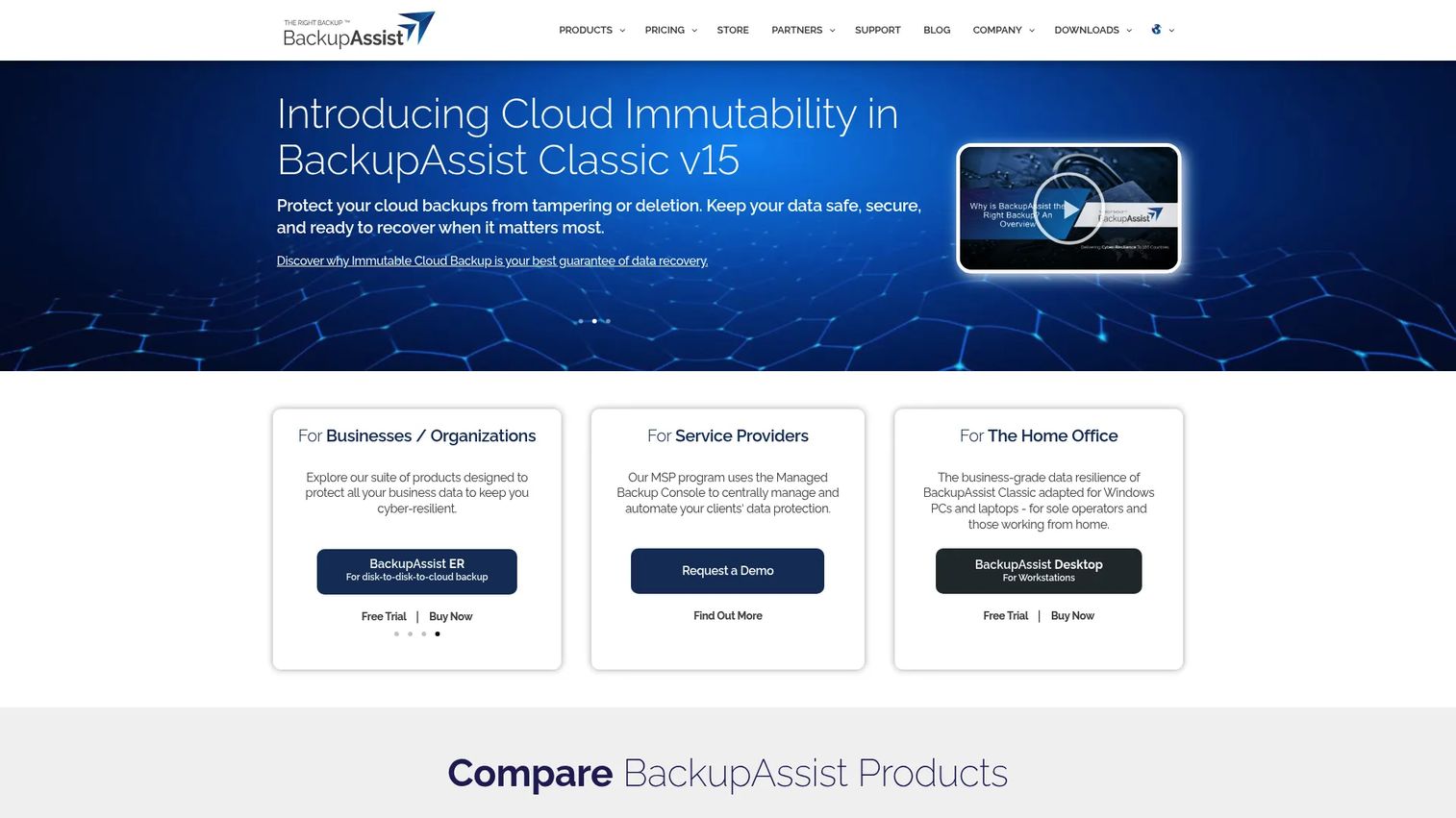
BackupAssist 365 backs up Microsoft 365 Exchange mailboxes, SharePoint, and OneDrive for Business to local, USB, network, or other connected destinations. Scheduled daily, weekly, or monthly cloud-to-local backups give SMB IT teams control over where backup data lives. The Business Starter Pack covers up to 10 users at a flat rate, making the cost straightforward for small deployments.
Best for: SMB IT teams that want Microsoft 365 backup stored locally rather than in a vendor cloud.
Key features
- Backup for Microsoft 365 Exchange mailboxes, SharePoint, and OneDrive
- Scheduled daily, weekly, or monthly cloud-to-local backup jobs
- Mailbox and file restore capabilities
- Supports local, USB, network, and connected backup destinations
- Reporting on backup results and skipped items
Why choose BackupAssist 365: Good when the buyer wants Microsoft 365 backup with control over the storage destination. The pricing model is transparent and scales by user count without per-seat contract complexity. A 30-day trial is available to test restore workflows before committing.
BackupAssist 365 pricing: $1.20 per user per month, billed annually (minimum 10 users). The Business Starter Pack for up to 10 user assets is $12.00 per month, billed annually. A 30-day free trial is available.
G2 rating: 4.2/5.
8. SysTools Email Backup Wizard
SysTools Email Backup Wizard exports mailboxes from more than 225 email services to multiple local file formats, covering Gmail, Microsoft 365, Yahoo, Outlook.com, and custom IMAP servers. On Windows, output formats include PST, MBOX, EML, MSG, and PDF. Date-based filtering, incremental backup, folder-structure preservation, and automatic retry of failed items make it practical for bulk mailbox migration and offline backup work.
Best for: IT administrators, MSPs, and individuals needing local, multi-format backups across multiple email providers.
Key features
- Export to PST, MBOX, EML, MSG, and PDF (additional formats on macOS)
- Supports 225+ email sources via IMAP and OAuth
- Date filtering and incremental backup for newly arrived emails
- Folder-structure and metadata preservation
- Batch backup across multiple accounts
Why choose SysTools Email Backup Wizard: The format range is the main reason to choose it. When a migration requires data in a specific format, or when offline backup across mixed providers is the job, SysTools covers ground that SaaS backup platforms don't. It's a tool for export and migration rather than continuous enterprise backup.
SysTools Email Backup Wizard pricing: A free demo is available (limited to 100 emails from the first five folders). The full version is a one-time purchase of $5 per user, with a five-user minimum ($25 total). Enterprise volume licensing is contact-based.
9. MailStore Server
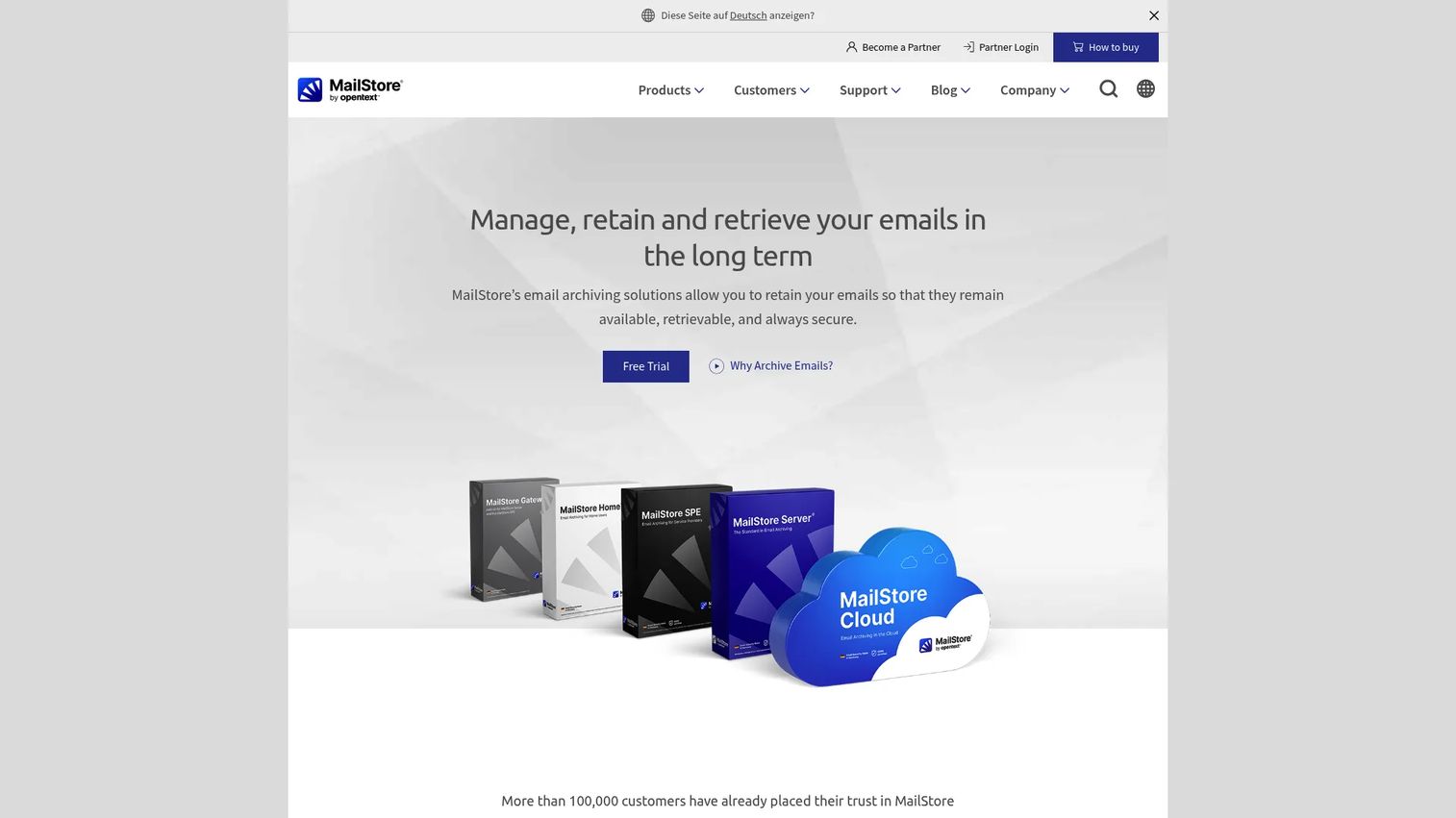
MailStore Server is email archiving software for small and mid-sized businesses. It archives from Microsoft 365, Exchange Server, Google Workspace, IMAP and POP3 servers, PST files, and email clients into a central, searchable, tamper-proof archive. Full-text search covers both emails and attachments, with one-click restore back to Outlook or a mail server. Compliance features include retention policies, legal hold, role-based access, and audit logging.
Best for: SMBs needing searchable email archiving, legal hold, and long-term retention.
Key features
- Archiving from Microsoft 365, Exchange, Google Workspace, IMAP, PST, and email clients
- Fast full-text search across emails and attachments
- Retention policies, legal hold, and tamper-proof storage
- Outlook integration and one-click restore
- Role-based access and audit logging
Why choose MailStore Server: The distinction between backup and archiving matters here. MailStore Server is built for long-term searchable retention and compliance, not point-in-time disaster recovery. For organizations that need both, pairing it with a dedicated backup tool makes more sense than expecting either product to do the other's job.
MailStore Server pricing: A starter package for up to five users is $259 (plus VAT, one-time license). A 30-day free trial is available. Larger user-count licensing is available through MailStore's reseller network.
G2 rating: 4.2/5.
10. MailStore Home
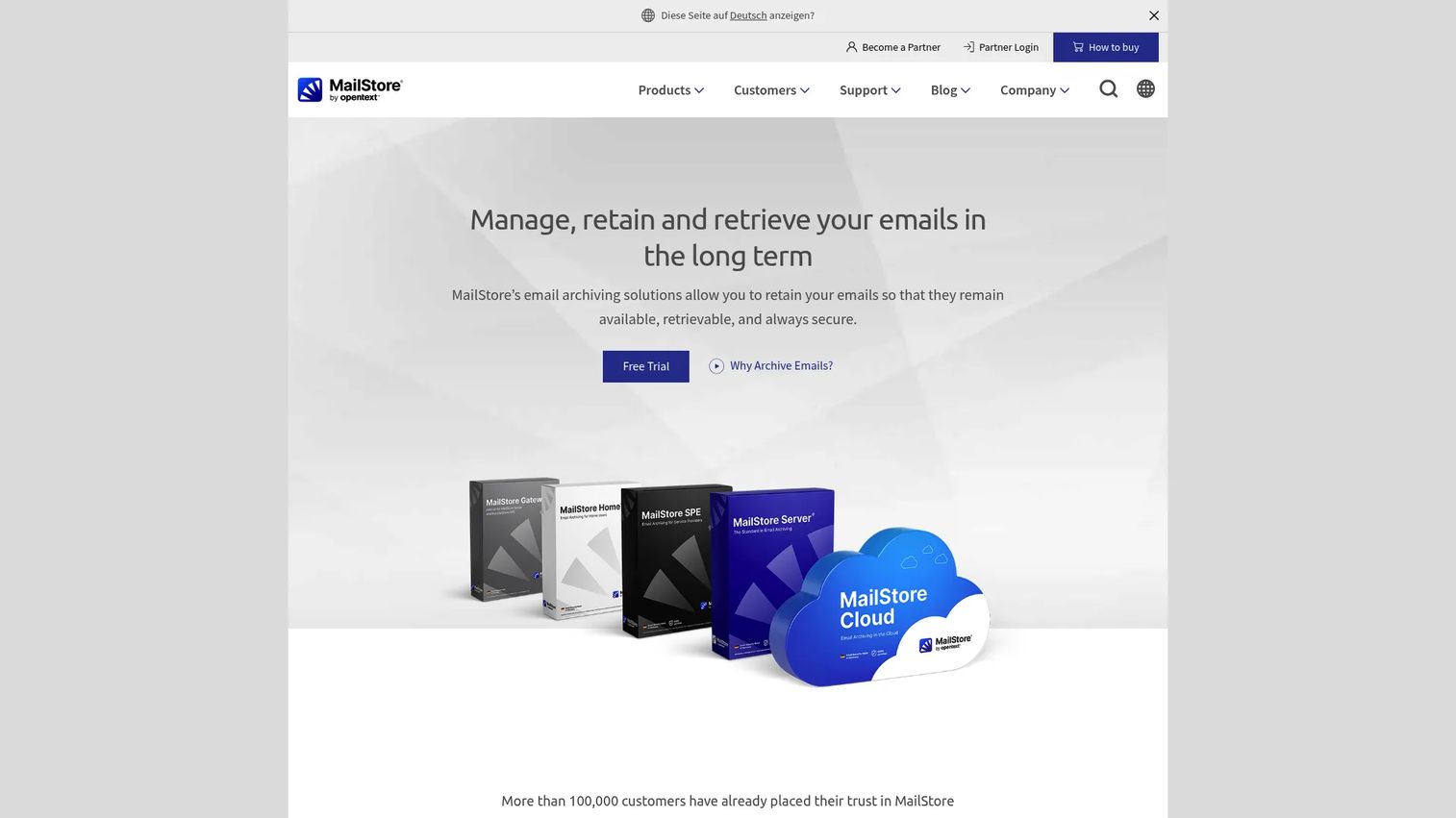
MailStore Home is a free personal email archiving tool for home users. It archives from Gmail, Outlook.com, Yahoo, POP3, IMAP, Microsoft Outlook, Exchange, Thunderbird, SeaMonkey, PST files, and EML sources into a local, searchable archive. Full-text search covers email bodies and file attachments. The portable installation runs from a USB drive, and archived emails can be restored or opened directly in an email client.
Best for: Private users who want a free, local, searchable archive across multiple personal email accounts.
Key features
- Archives from Gmail, Outlook.com, Yahoo, POP3, IMAP, Outlook, Exchange, Thunderbird
- Full-text search across emails and file attachments
- One-click restoration to an email client
- Portable USB installation
- Export and personal backup capabilities
Why choose MailStore Home: The free tier covers personal archiving needs that no other tool on this list matches at zero cost. Business teams should evaluate MailStore Server, which adds compliance controls, multi-user administration, and centralized management.
MailStore Home pricing: Free for private, non-commercial home use.
11. Acronis True Image
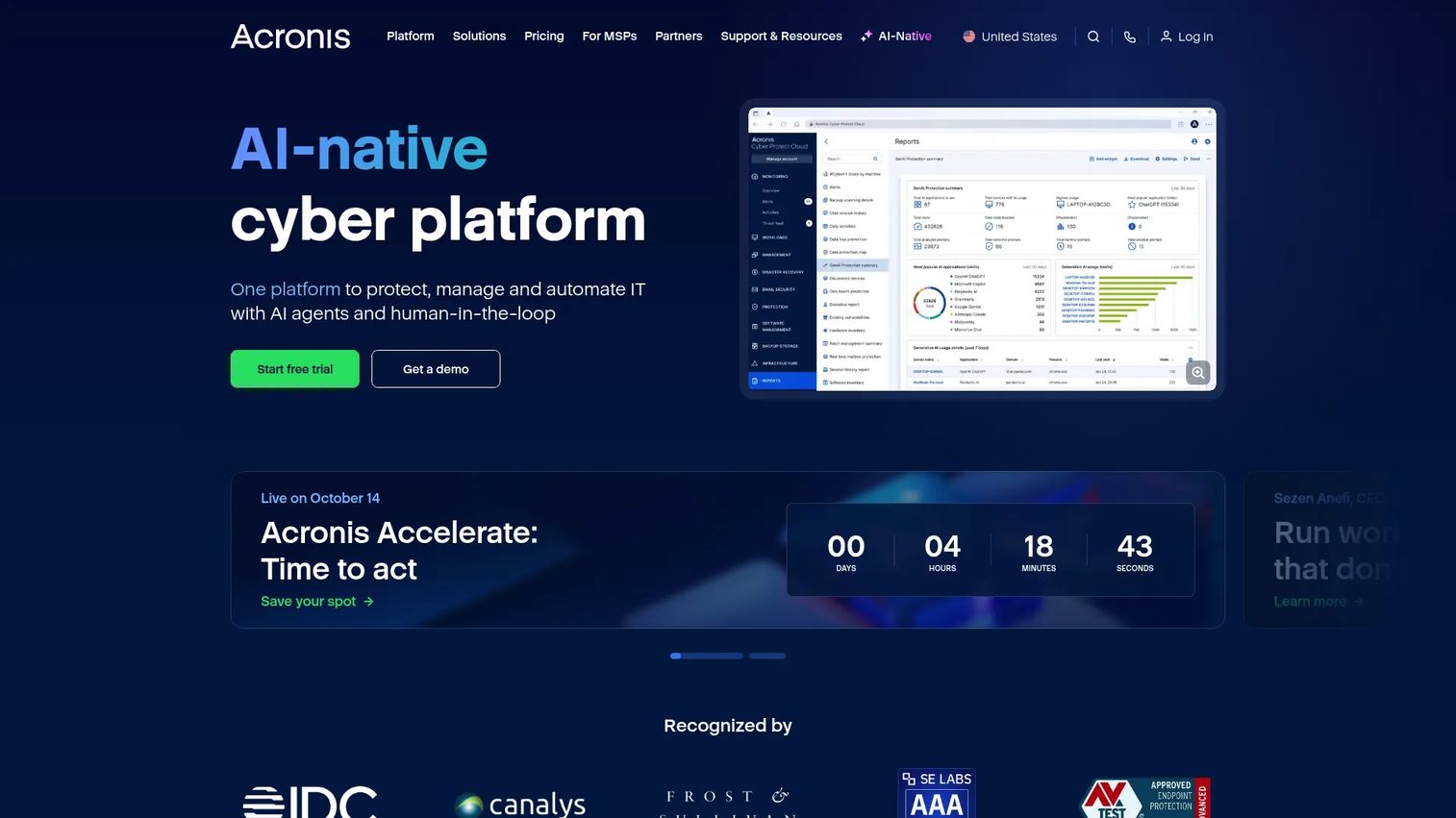
Acronis True Image is a personal and small-office backup product that combines full-system backup, disk cloning, cloud backup, and integrated security. The Advanced plan adds Microsoft 365 backup alongside 50 GB of cloud storage, making it useful for home users or small offices that want device backup and mailbox backup in a single subscription. Anti-ransomware, antivirus, and anti-malware protection run alongside the backup engine.
Best for: Individuals and small offices that want whole-device protection plus Microsoft 365 email backup in one product.
Key features
- Full-system and file-level backup with disk cloning
- Cloud backup and backup replication
- Anti-ransomware, antivirus, and anti-malware protection
- Microsoft 365 backup (Advanced and Premium plans)
- Identity protection on eligible US plans (Premium)
Why choose Acronis True Image: Makes the most sense for personal users or home offices where the buyer wants device and email backup without managing two separate tools. Not the right fit for IT teams needing centralized administration, multi-tenant management, or enterprise governance.
Acronis True Image pricing: Essentials starts at $49.99 per year (local backup and anti-ransomware). Advanced is $72.99 per year, adding cloud backup, 50 GB storage, and Microsoft 365 backup. Premium is $124.99 per year, adding 1 TB storage and identity protection.
G2 rating: 4.3/5 based on 71 reviews.
12. Backup Exec
Backup Exec is a data protection platform for organizations with physical, virtual, cloud, and Microsoft 365 workloads, including Exchange, OneDrive, SharePoint, and Teams. It also covers cloud workloads across AWS, Azure, and Google Cloud. Ransomware-resilient protection includes encryption, role-based access, and immutable-storage options. Deduplication reduces storage requirements across backup jobs.
Best for: IT teams maintaining traditional backup infrastructure across mixed on-premises, virtual, and cloud workloads.
Key features
- Backup and restore for physical and virtual environments
- Microsoft 365 protection for Exchange, OneDrive, SharePoint, and Teams
- Cloud protection for AWS, Azure, and Google Cloud
- Ransomware-resilient protection with encryption and immutable storage
- Deduplication to reduce storage and network traffic
Why choose Backup Exec: Fits organizations that already operate traditional backup infrastructure and need email-related workload protection inside it. Less suited as a greenfield choice for teams building a Microsoft 365-only backup program from scratch.
Backup Exec pricing: No pricing was displayed on the vendor's current pages. Contact Backup Exec or an Arctera reseller for a quote based on protected workloads and deployment model.
G2 rating: 4.2/5.
13. Spinbackup for Office 365
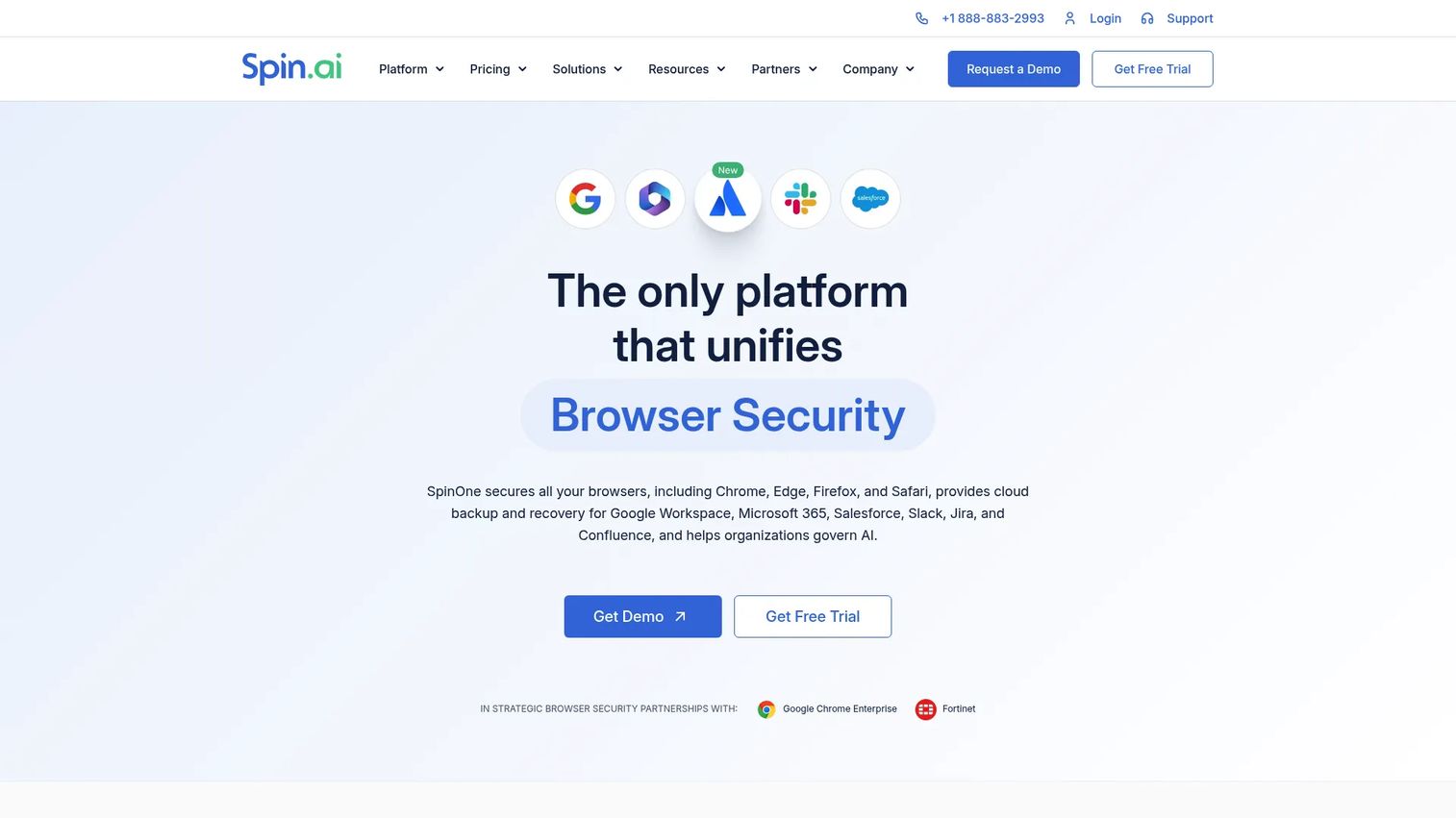
Spinbackup for Office 365 (now part of the SpinOne platform) delivers automated Microsoft 365 backup with one or three daily backup runs, granular recovery for Outlook, OneDrive, SharePoint, Teams, Calendar, and People data, and ransomware detection with a stated two-hour recovery SLA and 99.9% recovery rate. Storage choices include AWS, GCP, Azure, or bring-your-own-storage (BYOS), and retention is configurable from six months to indefinite. Metadata, folder hierarchy, and sharing permissions are preserved on restore.
Best for: Organizations needing enterprise-grade Microsoft 365 backup, granular recovery, and ransomware resilience with storage control.
Key features
- Automated 1x or 3x daily backups for Microsoft 365
- Granular recovery for Outlook, OneDrive, SharePoint, Teams, Calendar, and People
- Ransomware detection with 2-hour recovery SLA
- BYOS storage options: AWS, GCP, Azure
- Retention from 6 months to indefinite; metadata and permission preservation
Why choose Spinbackup: The BYOS storage option and ransomware SLA make it relevant for organizations with data residency requirements or security teams that need recovery guarantees in writing. The $5,000 annual minimum means it prices out of small-team use cases.
Spinbackup pricing: SpinBackup is $3 per user per month with a minimum subscription of $5,000 per year. SpinSPM and SpinOne plans are quote-based.
G2 rating: 4.8/5.
14. BitRecover Email Backup Wizard
BitRecover Email Backup Wizard backs up email from more than 190 sources, including Gmail, Office 365, Yahoo, Outlook.com, iCloud, and IMAP, and saves to more than 35 output formats: PST, MBOX, PDF, EML, HTML, MSG, OST, OLM, and more. Scheduled daily, weekly, or monthly backups run automatically. Incremental backup handles newly arrived emails without re-processing the full mailbox. Filters by date, subject, sender, recipient, and keywords let users isolate specific messages before export.
Best for: Organizations and professionals needing scheduled, filtered, multi-account email export across diverse mail services.
Key features
- Backup from 190+ email sources via IMAP and OAuth 2.0
- 35+ output formats including PST, MBOX, PDF, EML, MSG, and OLM
- Scheduled backups: Daily, weekly, or monthly
- Incremental backup for newly arrived emails
- Advanced filters by date, subject, sender, recipient, and keywords
Why choose BitRecover: The format range is the strongest argument. For mailbox migration, format conversion, or offline backup across many different providers, BitRecover covers output combinations that purpose-built SaaS backup platforms don't. Less suited to buyers needing centralized enterprise governance or administrator-led mass restore workflows.
BitRecover Email Backup Wizard pricing: A free demo is available (limited to 25 items per folder). The Pro Edition is a one-time purchase of $99, valid for five machines for one year.
G2 rating: 3.3/5 based on 4 reviews.
Considerations when choosing email backup software
Match the tool to the mailbox platform
Start with the platforms in the buyer's environment: Microsoft 365, Google Workspace, Outlook desktop, Exchange on-premises, IMAP or POP3, shared mailboxes, or public folders. A tool that excels at Microsoft 365 cloud backup may have no coverage for on-premises Exchange or a non-Microsoft IMAP provider. Confirm provider compatibility on the vendor's current product page, not from a generic marketing claim.
Decide whether you need backup, archiving, or export
Backup restores operational data after a loss event. Archiving preserves searchable records over time for retention, discovery, and legal review. Export moves mailbox data into portable file formats for migration. Some tools cover more than one job, but most specialize. Identify the primary requirement before shortlisting, because choosing an archiving product when you need rapid point-in-time restore creates a gap that compliance won't fix.
Test restore before you trust backup
A backup tool is only as useful as its restore workflow. During any trial period, run a message-level restore, a full mailbox restore, and an alternate-mailbox restore. Confirm that attachments, folder structure, metadata, and permissions survive recovery. Many buyers skip this step and discover the gap when they actually need to recover something.
Check security and retention controls
Evaluate encryption in transit and at rest, admin permissions and role-based access, audit logs, legal hold, data residency, and access revocation. For enterprise search and compliance workflows, the ability to search backup data without restoring it first is a meaningful differentiator. For security-sensitive deployments, confirm where backup data is stored and who can access it.
Understand pricing drivers before shortlist calls
Pricing scales by user count, mailbox count, storage consumed, retention duration, add-on modules, and support tier. MSP tools add tenant-count variables. Knowing which axis drives cost prevents surprises after a proof-of-concept. Ask vendors to quote based on your current mailbox count, required retention period, and storage estimate, not a generic per-user rate.
Conclusion
The right email backup software depends on five factors: The mailbox platform, recovery depth needed, storage model, governance requirements, and format portability.
For Microsoft 365 backup, Veeam Data Cloud, OpenText CloudAlly, and BackupAssist 365 each cover the core job at different price and complexity points. MSP and security-aligned teams fit Acronis Cyber Protect Cloud or NinjaOne SaaS Backup. Enterprise recovery programs with broad workload coverage point toward Commvault Cloud or Mimecast Sync & Recover. Local and personal archiving sits with MailStore Home or MailStore Server. Migration and export work fits SysTools or BitRecover. For organizations that need ransomware recovery guarantees and storage control, Spinbackup's SLA-backed model stands out. Hybrid and legacy environments with mixed workloads are well served by Backup Exec, and Acronis True Image covers the home-and-small-office backup case where email and device protection belong together.
Start by mapping your mailbox platforms, restore requirements, and retention rules. Then shortlist the tools that match your storage model and test recovery before you buy.
FAQs
Email backup software copies, stores, and restores mailbox data, including messages, attachments, folders, contacts, calendars, and metadata. It creates an independent recoverable copy so organizations can recover email after deletion, account compromise, ransomware, migration failure, or retention gaps.
Both platforms include retention and recovery features, but these operate within the same tenant environment. Microsoft's shared-responsibility model for Microsoft 365 places data recovery responsibility on the customer for scenarios like accidental deletion, ransomware, or third-party application errors. Organizations frequently add independent email tracking software and backup tools to close that gap with recoverable copies stored outside the native platform.
Email backup creates a recoverable copy of mailbox data for restoration after a loss event. Email archiving preserves searchable records over time for retention policy compliance, legal discovery, and long-term access. Retention policies keep data under a rule within a platform. Backup gives you a separate, recoverable copy. Some tools handle both jobs, but most specialize in one, so identifying the primary requirement first matters.
PST is the standard for Outlook environments and Microsoft migrations. MBOX is common in open-format tools and non-Microsoft clients, useful for migration between providers. EML stores individual messages and works across many clients. MSG is Outlook's native message file format. PDF creates human-readable records for legal review and auditing. The relevant formats depend on where the recovered data needs to go.
Yes, if the backup captured the message and its attachment before the deletion occurred. During a trial, test attachment recovery specifically: Restore a message that included an attachment, confirm the file is present, and verify that inline images and metadata survived the restore alongside the message body.
Cloud backup fits SaaS-first environments, Microsoft 365, and Google Workspace administrators who need managed backup without local infrastructure. Local backup works for personal archiving, offline access, and migration export use cases. The storage model should match where the mailboxes live and where recovered data needs to go. For organizations with data residency requirements, confirming the backup storage region matters regardless of model.
Frequency depends on the data-change rate, compliance policy, and recovery point objective. Common patterns include daily scheduled backups, multiple runs per day (Spinbackup offers up to three), and continuous-style SaaS backup where the vendor handles scheduling. Recovery point objective is the key metric: If the organization can tolerate losing one day of email, daily backup suffices; if the tolerance is hours, a more frequent schedule is necessary. Test restore windows, not just backup schedules.
Focus on platform, recovery, and governance. Start with: Which email platform does the buyer use, and are shared mailboxes and public folders in scope? Then ask: How long must email be recoverable, and who can initiate a restore? Add: Does the organization have legal hold requirements, and what happens after an account compromise? For email verification and security-related workflows, also ask: Can recovery be demonstrated during an audit, and where is backup data stored? These questions surface the requirements that determine whether a SaaS backup platform, an archiving tool, or a format-export utility is the right fit.