
A prospect calls your firm at 7pm. Nobody picks up. By morning, they've signed with the firm that answered.
That is the quiet leak in most law firm intake. Not bad marketing. Not weak referrals. Just friction between the moment someone raises their hand and the moment your team actually captures them.
The numbers back this up. According to TechStartupIdeas (2025), 73% of potential clients abandon incomplete intake processes because they are too long or too complex, an estimated $8.2 billion annual opportunity loss across professional services. And 68% of professional service firms still run on paper-based or basic digital intake, per the same 2025 research.
The right client intake software closes that gap. It captures leads after hours, qualifies them fast, and moves clean data into scheduling, payments, signatures, and your case files without anyone retyping a thing. This guide breaks down seven tools worth evaluating, and how to match one to your intake volume and workflow depth.
What's inside
This guide is for law firm owners, intake coordinators, legal operations teams, and legal marketers comparing legal client intake software in 2026. We looked at the tools that show up most in real firm stacks, then judged each on the things that decide whether intake actually works.
We chose and scored tools on four criteria:
- Workflow depth: how far the tool carries a lead, from first form to open matter
- Legal-specific features: conflict checks, branded intake forms, e-signature, trust-aware payments
- Integration quality: how cleanly it connects to CRM, scheduling, payments, and case management
- Ease of setup: how fast a non-technical intake team can launch and maintain it
TL;DR
Short on time? Here are the fast picks for law firm intake software.
- Best all-in-one for law firms: Clio, for firms that want intake, CRM, and practice management in one connected system.
- Best polished client-facing intake: MyCase, for firms that want dynamic, branded forms tied to billing.
- Best flexible form builder: Jotform, for teams that want no-code intake forms and fast setup.
- Best for high lead volume: Law Ruler, for firms running a real intake pipeline with marketing automation.
- Best intake-first platform: IntakeQ, for teams that want secure forms, scheduling, and messaging in one place.
- Best for simple deployment: Digital Intakes, for firms that just need clean, template-driven online client intake forms.
What is client intake software?
Client intake software is a system that captures prospective client information, qualifies leads, routes cases to the right staff, and connects that intake data to scheduling, payments, e-signature, and case management.
For a law firm, it replaces the tangle of paper forms, email threads, and spreadsheets that sit between a new inquiry and an open matter. Instead of retyping details three times, the data flows once and stays clean.
Core features of legal intake software usually include:
- Online client intake forms: branded, dynamic forms that adapt questions based on practice area or answers
- Lead capture and routing: a central inbox that logs every inquiry and assigns it to the right person
- Qualification and stage management: move a prospect from new lead to consult to retained
- Conflict checks: flag duplicate or conflicted parties before you take the matter
- Scheduling, payments, and e-signature: book consults, collect fees, and get engagement letters signed
- Intake-to-case handoff: push the qualified lead into your practice management or CRM as a matter
Compared to spreadsheets and manual forms, purpose-built intake software does three things a spreadsheet never will. It captures leads automatically, around the clock. It routes and qualifies without a human copying rows. And it keeps one source of truth, so nobody works from a stale version.
When to use client intake software
Not every firm needs the same depth. These three scenarios tell you when the switch pays for itself.
When you lose leads after hours
Legal buyers do not shop during business hours. They research a divorce lawyer at midnight and a DUI defense firm on a Sunday. If your only intake path is a phone line, you lose them to the firm with a form.
Online intake forms capture those leads the moment they arrive, log them, and notify your team. You wake up to qualified inquiries instead of missed calls. The outcome: fewer leads bleed out overnight.
When staff retypes the same details twice
Your intake coordinator takes a name, matter type, and contact info on a call. Then someone retypes it into the CRM. Then again into the case file. Every hop invites a typo and burns time.
Intake automation kills the retyping. Data entered once flows into every connected system. The outcome: less manual cleanup and fewer transcription errors on the record.
When intake must connect to scheduling, payments, and signatures
A qualified lead is not a client until they book, pay, and sign. If those steps live in separate tools, prospects stall in the gaps.
The right platform chains intake to a consult booking, a payment link, and an engagement letter in one flow. The outcome: a faster path from inquiry to retained client, with a clean intake-to-case handoff at the end.
Comparison table
Here is a side-by-side look at the seven tools. The strongest all-in-one legal intake options sit near the top, with adjacent form and work-management tools lower down. Pricing and ratings reflect verified current values at the time of writing.
| # | Product | Best for | Key differentiator | Pricing | G2 rating |
|---|---|---|---|---|---|
| 1 | Clio | All-in-one legal practice management | Intake, CRM, and case management in one system | Free trial; contact sales for pricing | 4.6/5 |
| 2 | MyCase | Polished client-facing intake | Dynamic forms tied to billing and payments | From $50/user/month (billed annually) | 4.4/5 |
| 3 | Jotform | Flexible no-code intake forms | Drag-and-drop builder with AI assistance | Free tier; paid from $34/month (billed annually) | 4.7/5 |
| 4 | Law Ruler | High lead volume firms | Legal CRM with marketing automation | Contact for quote | 4.6/5 |
| 5 | IntakeQ | Intake-first platform | Secure forms, scheduling, and messaging | From $54.90/month | 4.2/5 |
| 6 | Digital Intakes | Simple template-driven forms | Flat-rate unlimited online intake forms | From $19.90/month | Not listed |
| 7 | Smartsheet | Intake tracking and coordination | Spreadsheet-style work management | From $7/user/month (billed yearly) | 4.4/5 |
Best 7 client intake software tools for law firms
Below, each tool gets a full breakdown: what it does, who it fits, key strengths, why you would choose it, and current pricing.
1. Clio
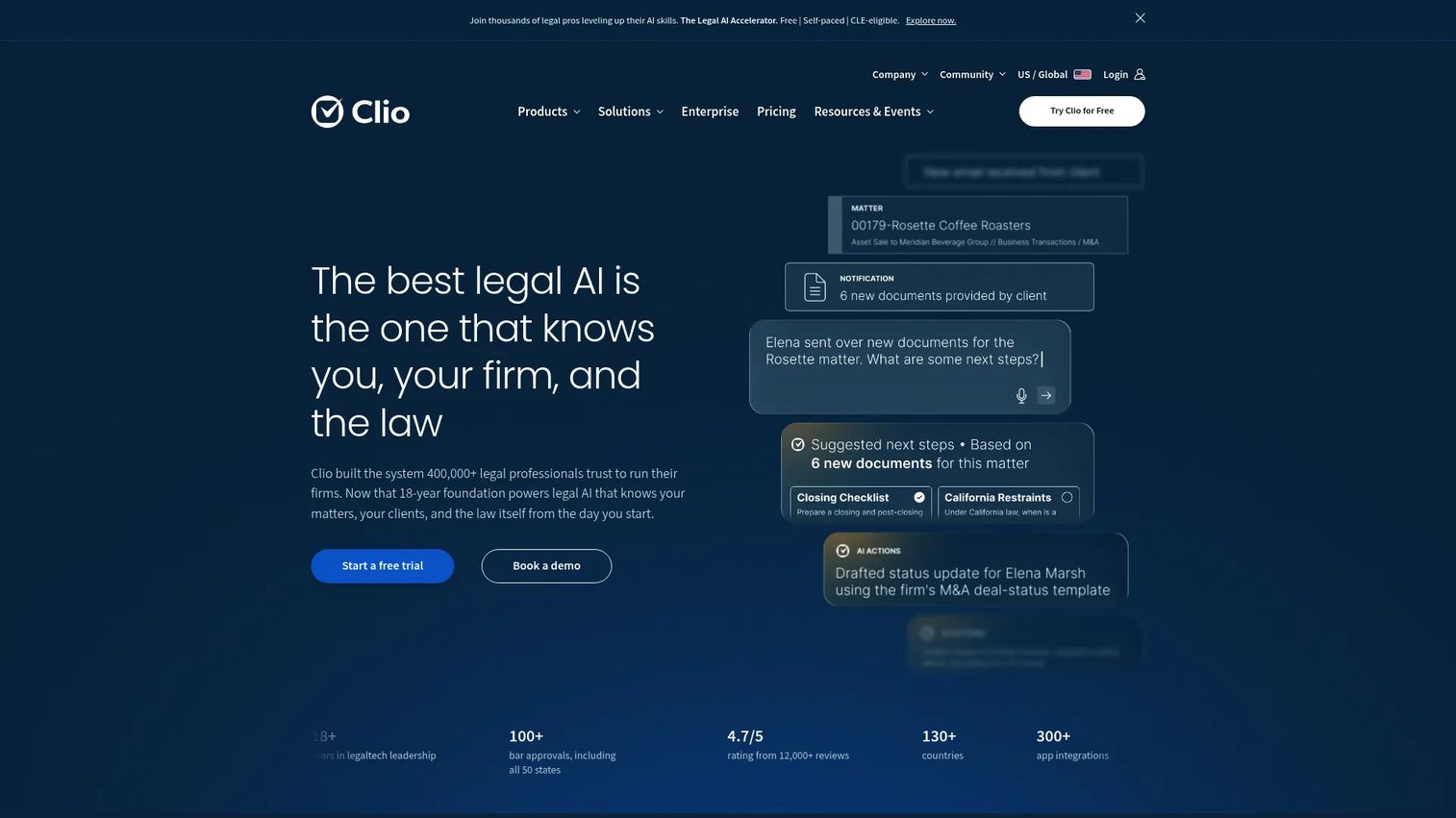
Clio is cloud-based legal practice management software built for law firms that want intake, CRM, and case management under one roof. Instead of stitching an intake tool to a separate matter system, Clio captures the lead, qualifies it, and carries it straight into a matter. For firms tired of duplicate data entry and disconnected tools, that single-system approach is the whole pitch.
The intake side handles branded lead capture, conflict and duplicate checks, a lead inbox with stage management, plus scheduling and payment workflows. Once a lead is qualified, it transfers into practice management as an open matter, keeping the intake-to-case handoff inside one platform.
Best for: Law firms that want a connected system covering intake, CRM, and case management without gluing tools together.
Key features
- Client intake and legal CRM
- Time tracking, billing, and invoicing
- Document management and e-signatures
- Lead inbox with stage management
- Scheduling and payment workflows
Why choose Clio: If your firm values one source of truth over a best-of-breed patchwork, Clio removes the seams between intake and matter work. It fits firms ready to run their whole operation, not just intake, on one platform.
Clio pricing: Clio offers plans named EasyStart, Essentials, Advanced, and Expand, with a free trial available. Public subscription prices are not listed; contact Clio's sales team for a quote.
2. MyCase
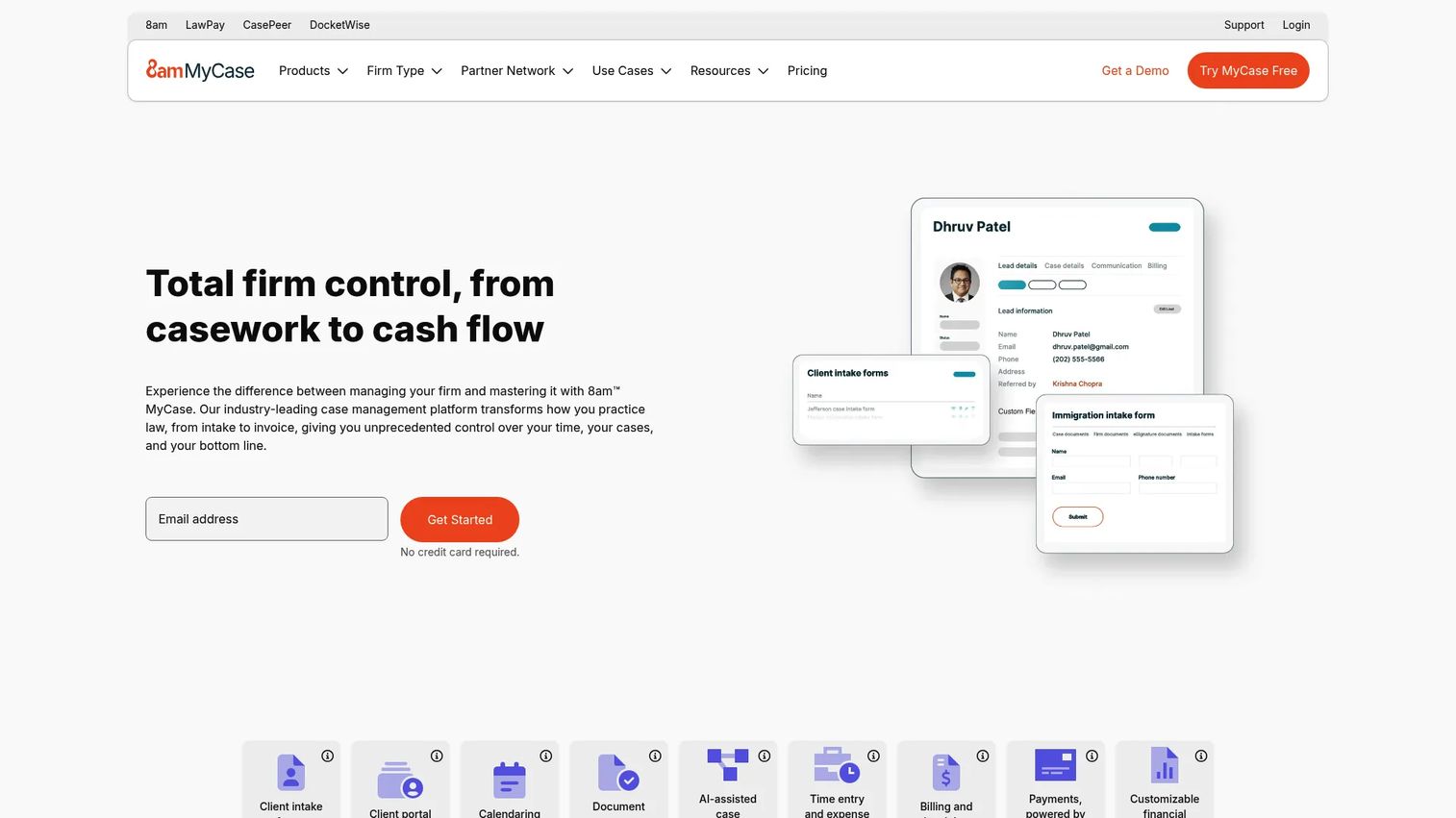
MyCase is legal practice management software that pairs case management, billing, and client communication with a polished intake experience. Its intake forms lean on conditional logic, so a prospect only sees the questions relevant to their matter. That keeps forms short, which matters when 73% of clients abandon intake that feels too long.
MyCase supports branded, template-driven forms and omnichannel completion, so clients can finish on desktop or mobile. The intake data ties into billing, payments, and e-signature, meaning a new lead can move from form to engagement letter to first invoice inside one workflow.
Best for: Firms that want a clean, client-facing intake experience wired directly into billing.
Key features
- Client intake and lead management
- Case management and calendaring
- Billing, payments, and accounting
- Conditional-logic intake forms
- E-signature and client messaging
Why choose MyCase: MyCase suits firms where the client experience is a differentiator and billing needs to start the moment intake ends. The dynamic forms reduce friction without losing the detail a matter needs.
MyCase pricing: MyCase Basic starts at $50 per user/month billed annually, or $60 billed monthly. MyCase Pro is $100 per user/month annually, and MyCase Advanced is $130 per user/month annually.
3. Jotform
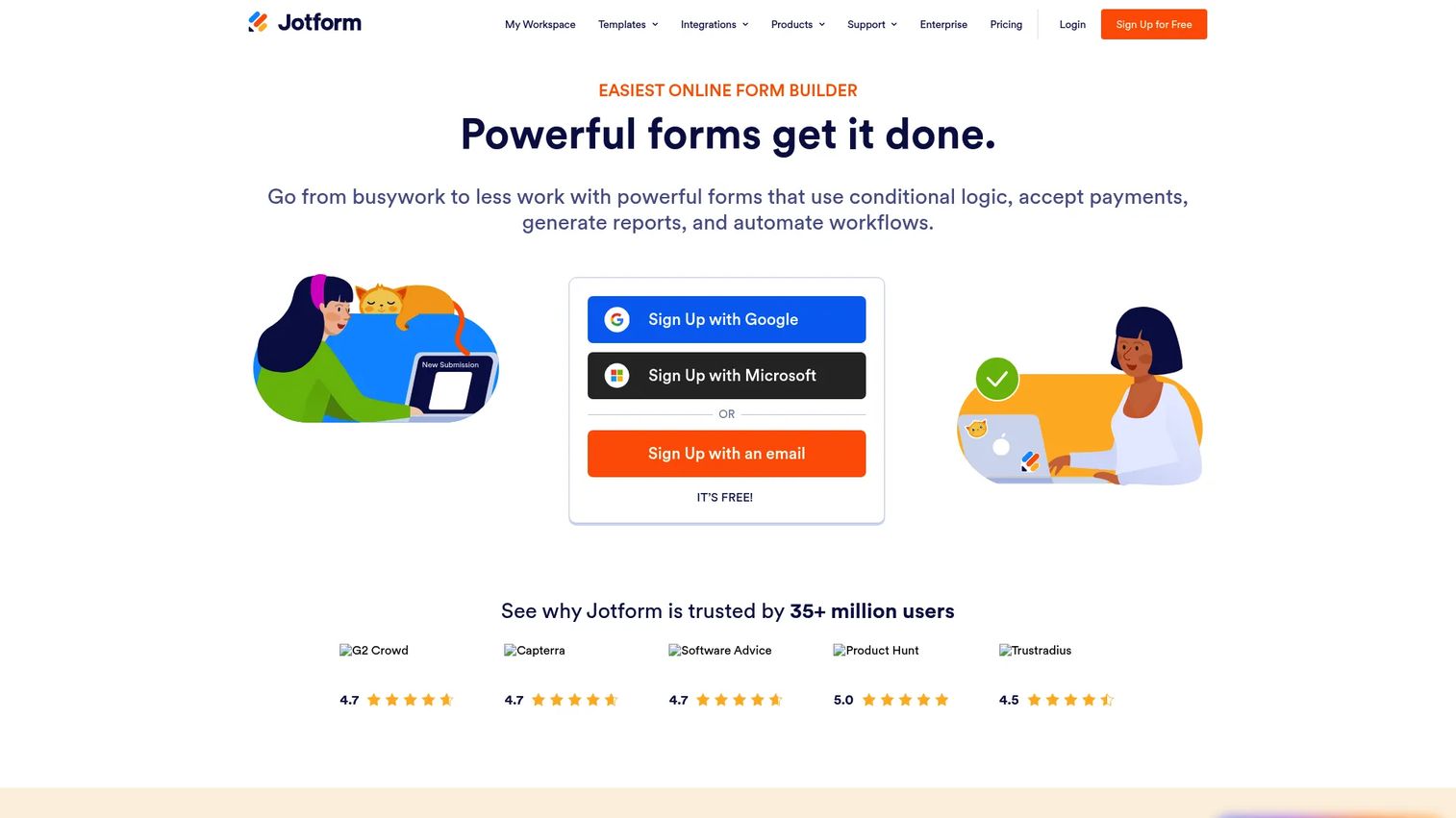
Jotform is a no-code online form builder that many firms use as a fast, flexible intake front end. It is not a legal-specific platform, and that is the point: if you want to spin up a branded intake form in an afternoon without waiting on IT, Jotform is hard to beat. A large template library and drag-and-drop editor mean a non-technical coordinator can build and publish quickly.
For legal intake, Jotform handles dynamic forms, secure submission collection, website embedding, payment fields, and integrations with common downstream tools. It works best as the capture layer feeding a separate CRM or case system, rather than a full intake-to-matter workflow on its own.
Best for: Firms that prioritize form flexibility and no-code speed over a purpose-built legal stack.
Key features
- Drag-and-drop form builder
- AI-assisted form creation and editing
- Payment and submission management
- Large template library
- Embedding and third-party integrations
Why choose Jotform: Choose Jotform when your priority is fast, flexible intake forms and you already have a CRM or case tool to receive the data. It excels at the capture step and connects outward from there.
Jotform pricing: The Starter plan is free. Paid plans include Bronze at $34/month, Silver at $39/month, and Gold at $99/month, each billed annually. Enterprise pricing is available on request.
4. Law Ruler
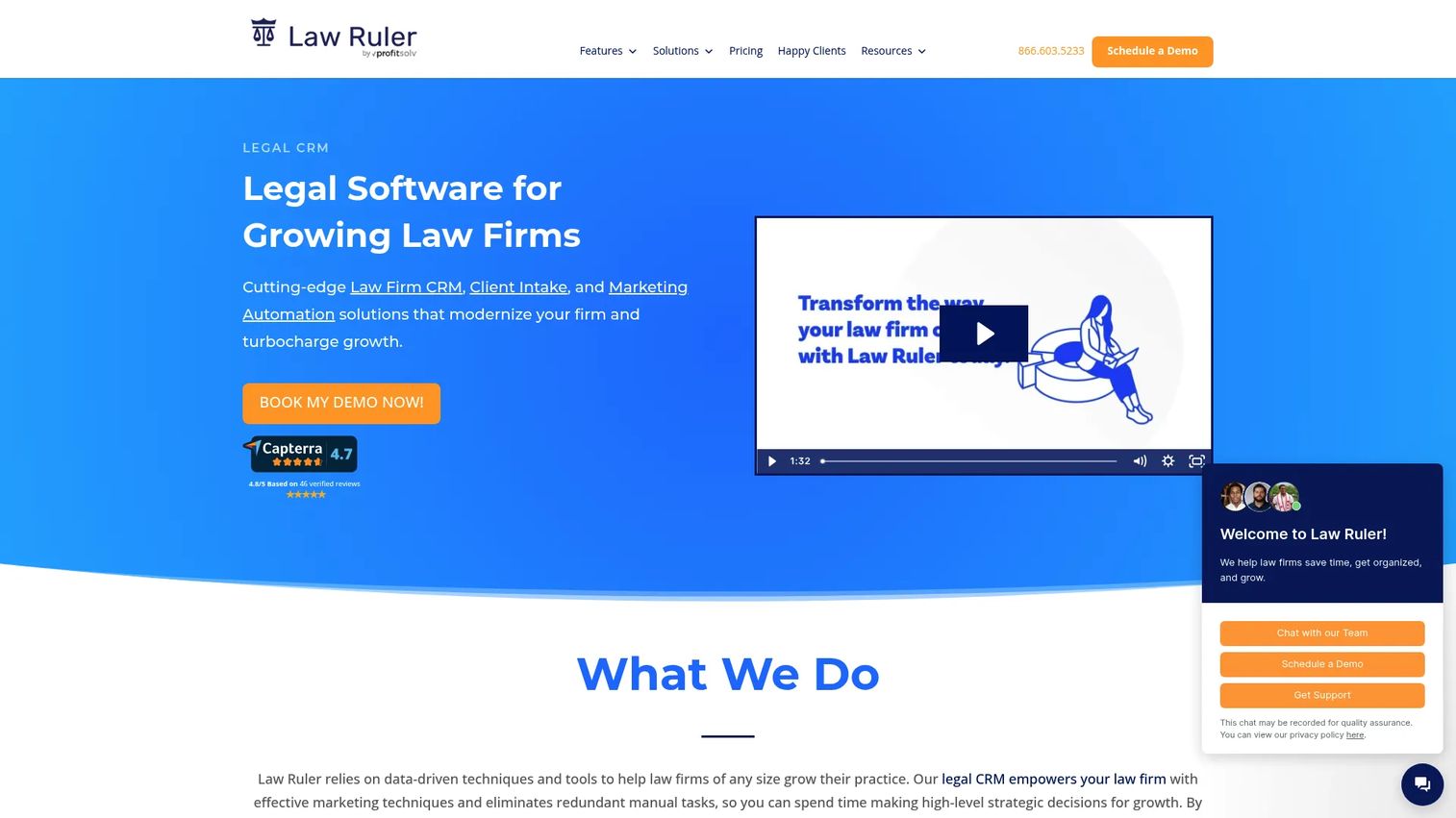
Law Ruler is a legal CRM, intake, and marketing automation platform built for firms that treat intake as a real sales pipeline. If you run high lead volume across paid ads, referrals, and calls, Law Ruler gives you a pipeline inbox to track and qualify every one. It is designed for firms where missing a lead has a direct revenue cost.
The platform combines smart intake forms and e-signature with a legal CRM and marketing automation, including SMS and email campaigns. That means a new lead can be captured, scored, nurtured, and scheduled without leaving the system, then handed off cleanly once retained.
Best for: Law firms with high lead volume that need intake, CRM, and marketing automation in one platform.
Key features
- Legal CRM
- Client intake forms and e-signature
- Marketing automation with SMS and email campaigns
- Pipeline inbox for lead management
- Appointment scheduling
Why choose Law Ruler: Law Ruler fits firms that spend real money on lead generation and need to see every prospect move through a pipeline. The marketing automation keeps leads warm between first touch and signed retainer.
Law Ruler pricing: Law Ruler lists three plans, Pro and Premium (up to three users) and Enterprise (10-user minimum). All require a personalized quote; billing is monthly on an annual term, with annual prepaid saving 15%.
5. IntakeQ
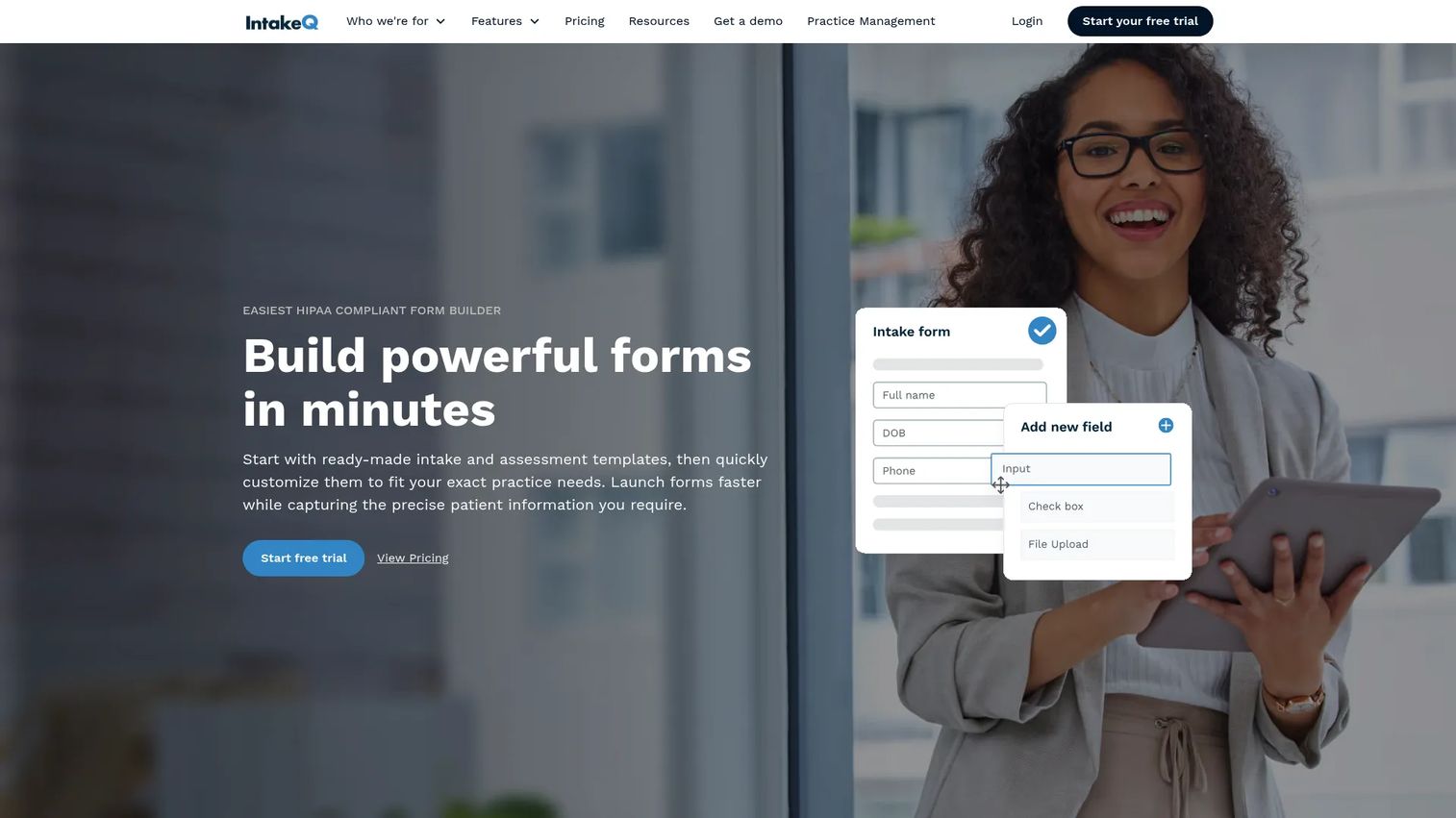
IntakeQ is a dedicated intake and practice-workflow platform. It was built with HIPAA-compliant healthcare intake in mind, but its secure forms, appointment management, and messaging make it a lightweight, intake-first option for firms that want to lead with clean forms rather than a full practice stack. If your priority is a focused intake process without the overhead of a whole case system, it fits.
IntakeQ covers custom online intake forms, electronic signatures, secure document sharing, and messaging, with mobile-friendly completion. You can brand forms and embed them on your website, so the client experience feels native to your firm.
Best for: Firms wanting a lighter, intake-first platform with secure forms, scheduling, and messaging.
Key features
- Custom online intake forms
- Electronic signatures
- Secure document sharing and messaging
- Appointment management
- Website embedding and branding
Why choose IntakeQ: Choose IntakeQ when you want a focused intake platform, not a sprawling practice-management suite. Its secure forms and built-in scheduling handle the front end without extra weight.
IntakeQ pricing: The Forms plan starts at $54.90/month and Practice Management at $84.90/month. Lower-volume variants are $29.90 and $59.90/month. A 14-day free trial is available.
6. Digital Intakes
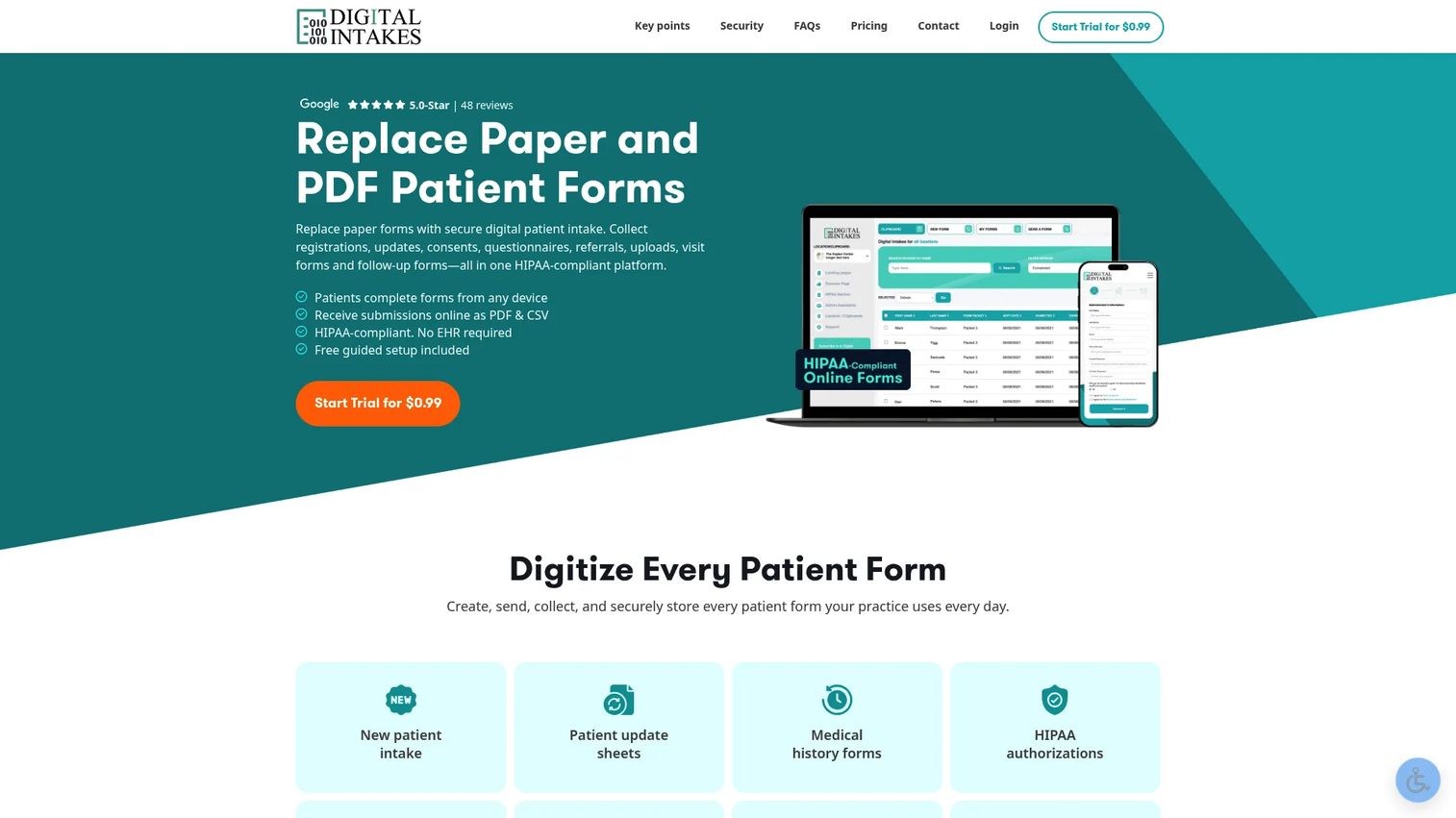
Digital Intakes is a template-driven, no-code tool for firms that want straightforward online intake forms without a learning curve. It is the simplest option here: pick a template, tweak it, and share the link. For a small firm that just needs to move off paper and email, that simplicity is the appeal.
The platform offers unlimited forms and submissions, custom branding, editable templates, and delivery by website link, email, or an SMS add-on. Responsive forms and completion tracking round out a focused feature set aimed at quick deployment.
Best for: Small firms that want simple, template-driven legal intake forms deployed fast.
Key features
- Unlimited forms and submissions
- Custom branding and editable templates
- Delivery by website link, email, and SMS add-on
- Responsive, mobile-friendly forms
- Completion tracking and notifications
Why choose Digital Intakes: Digital Intakes fits firms that want clean online client intake forms and nothing they will not use. The flat-rate, unlimited model keeps costs predictable as volume grows.
Digital Intakes pricing: The Core Plan is $19.90/month with unlimited forms, submissions, and assistant accounts, plus optional add-ons. A 15-day trial is available for $0.99, with no setup fees and cancel anytime.
7. Smartsheet
Smartsheet is collaborative work management software, not a purpose-built legal intake stack. But firms that want visibility and coordination over intake requests use it to track and route work in a familiar spreadsheet-style grid. If your bottleneck is oversight rather than form capture, Smartsheet gives operations teams a clear view of every intake request and its status.
It handles intake request tracking, dashboards and reporting, template-based coordination, and automation for team workflows and handoffs. Think of it as the layer that keeps intake organized across people, rather than the form that captures the lead.
Best for: Firms that need flexible operational tracking and coordination across intake requests.
Key features
- Project planning and tracking
- Dashboards and reporting
- Automation, AI, and collaboration
- Intake request tracking
- Template-based workflow coordination
Why choose Smartsheet: Smartsheet suits operations-minded teams that want to see and route intake work, not build client-facing forms. It pairs well with a dedicated intake tool feeding it request data.
Smartsheet pricing: The Pro plan is $12.99 per member/month billed monthly, or $7 billed yearly. Business is $24 per member/month monthly, or $19 yearly. Enterprise and Advanced Work Management are quoted by sales, and a free tier is available.
Considerations
Features look similar on a pricing page. What separates a good intake tool from a frustrating one is how it fits your actual workflow. Use this checklist to pressure-test any vendor before you buy.
How intake connects to case management
Ask where the data goes after the form is submitted. Does a qualified lead become a matter automatically, or does someone retype it? The tightest tools carry intake straight into your case system. If handoff is manual, factor in the ongoing cleanup cost.
Whether the forms are easy to brand
Prospects judge your firm by the intake form. Check how quickly a non-technical coordinator can add your logo, colors, and practice-specific questions. If branding requires a developer or a support ticket, forms will go stale.
How fast leads get routed to staff
A lead sitting unassigned is a lead you might lose. Confirm the tool notifies the right person the moment a form lands, ideally with routing rules by practice area or source. Speed to first contact is often the difference between retained and gone.
Whether scheduling, payments, and signatures fit the workflow
Map your real intake steps: consult booking, fee collection, engagement letter. Then check whether the tool handles those in-flow or forces prospects into separate tools. Every extra hop is a place leads stall.
How much manual cleanup the team still needs
After a month of use, how many hours does your team spend fixing data, deduping leads, or reconciling systems? The best intake automation shrinks that number toward zero. If it does not, the tool is adding work, not removing it.
Conclusion
The right pick depends on how far you want intake to reach. Clio is the strongest all-in-one for firms that want intake, CRM, and case management in one system. MyCase wins for polished, client-facing forms tied to billing. Law Ruler is built for high lead volume and marketing automation, while IntakeQ and Digital Intakes suit firms that want a focused, intake-first setup. Jotform gives no-code form flexibility, and Smartsheet adds operational tracking over intake requests.
To shortlist, start with your intake volume and workflow depth. A high-volume firm needs pipeline and automation. A small firm may only need clean, branded forms and a clean handoff. Map your real steps, from first inquiry to open matter, then choose the tool that carries a lead the furthest with the least manual cleanup.
Test one against your actual intake process before committing. The best client intake software is the one your team will use every day without fighting it.
FAQs
Client intake software for law firms captures prospective client information, qualifies leads, and routes cases into your workflow. It replaces paper forms, email, and spreadsheets with online client intake forms that feed scheduling, payments, e-signature, and case management. The goal is fewer missed leads and less manual data entry.
It captures data once and passes it everywhere it is needed. A prospect fills out an online form, and that data flows into your CRM, matter file, and billing system without anyone retyping it. That cuts transcription errors and frees intake staff from copying rows between tools.
Yes, and this is the feature that separates real intake platforms from simple form builders. All-in-one tools like Clio and MyCase carry intake data straight into case management. Form-first tools like Jotform connect outward to your existing CRM or case system through integrations.
Prioritize branded and dynamic intake forms, lead capture and routing, conflict checks, and a clean intake-to-case handoff. Then look at scheduling, payments, and e-signature if your firm collects fees and signs engagement letters during intake. The right mix depends on your practice area and lead volume.
If prospects book consults and pay fees before retaining you, then yes. Chaining intake to a consult booking and a payment link keeps prospects moving instead of stalling between tools. For firms that only need to capture and qualify leads, a lighter forms-first tool may be enough.
Conflict checks screen new inquiries against existing clients and adverse parties before you take a matter. Tools like Clio run duplicate and conflict checks during intake, so a coordinator flags issues early rather than after work begins. Catching a conflict at intake protects the firm and saves rework.
It depends on your workflow. A form builder like Jotform or Digital Intakes is enough if you have a separate CRM or case system to receive the data and route it. Firms that want capture, qualification, and matter creation in one place will get more from an all-in-one legal platform.
Small firms should prioritize fast setup, easy branding, and predictable pricing over deep enterprise features. Clean online intake forms, a clear handoff into your case tool, and low manual cleanup matter most. Start with the intake steps you run today, then pick the tool that covers them without extra overhead.