Someone calls out an hour before their shift. Another person swaps without telling you. A third forgets to clock in. Now the schedule you spent an hour building on Friday is wrong, and you find out at the worst possible moment.
That is the real problem with staff rostering. It is not building the schedule once. It is keeping it accurate as the week collides with reality, then carrying that mess all the way through to payroll without errors.
The scheduling category is growing fast for exactly this reason. The global employee scheduling software market reached $4.3 billion in 2025 and is projected to hit $11.2 billion by 2034, according to DataIntelo (2025). More teams are moving off spreadsheets because spreadsheets cannot handle swaps, coverage gaps, compliance rules, and payroll export at the same time.
The cost of getting this wrong is concrete: understaffed shifts, overtime you did not plan for, compliance exposure, and hours of manual rework every week.
What's inside
This guide is for operations leaders, HR managers, and managers running shift teams, multi-location businesses, and hourly workforces. It covers software that holds up when the roster changes daily, not just when it looks clean on Monday.
We chose tools based on six criteria that matter in real operations:
- Roster creation speed with templates and reuse
- Shift swaps, open shifts, and leave handling
- Time tracking and payroll export continuity
- Compliance controls for breaks, overtime, and pay rules
- Mobile usability and adoption
- Operational reliability across locations
Each pick includes verified pricing, G2 ratings where available, and honest notes on who it fits.
TL;DR
- Best overall for operational scheduling: Deputy, for teams that need scheduling, time tracking, and compliance in one place
- Best for all-in-one workforce management: Connecteam, for deskless teams that want scheduling plus communication in one app
- Best for restaurant teams: 7shifts, purpose-built for hospitality labor and payroll
- Best for flexible module-based rostering: Shifton, for teams that want to pay for only the features they use
- Best for simple shift planning: When I Work, for smaller teams that want scheduling without a heavy rollout
- Best for labor cost visibility: Sling, for managers who want to see cost before they publish
- Best for self-rostering and onsite teams: Planday, for operators who want employee involvement plus control
What is staff rostering software?
Staff rostering software is a tool that builds, publishes, and manages employee work schedules across shifts, roles, and locations, then connects those schedules to time tracking, leave, compliance, and payroll.
A good roster app does more than fill a grid. Core capabilities include:
- Schedule creation and reuse: templates, drag-and-drop editors, and the ability to copy past schedules
- Shift swaps and open shifts: employees request changes, managers approve, and open shifts get claimed
- Leave and availability handling: time-off requests and availability sync into the roster automatically
- Time tracking and payroll export: clock-in data flows to payroll without retyping
- Compliance safeguards: break rules, overtime alerts, and qualification checks
- Mobile notifications and self-service: push alerts, shift reminders, and employee self-service on a phone
This is where roster management software separates from a shared calendar or spreadsheet. A spreadsheet does not warn you about overtime, does not let a worker swap a shift with an approval trail, and does not push the final numbers to payroll. Staff scheduling software treats the roster as a live operational system, not a static document.
When to use staff rostering software
Coordinate shift work across locations
Spreadsheets break the moment your team spans more than one store, site, or department. Two managers edit the same file, someone works from an old version, and coverage falls through the gap. Workforce scheduling software gives everyone one live view. Updates publish instantly, managers see coverage across every location, and schedule drift stops before it turns into an understaffed shift.
Handle swaps, leave, and last-minute changes
A callout at 7am is an operational problem, not a scheduling one. You need coverage fast, and you need a record of who agreed to what. Shift scheduling software with approval workflows lets employees request swaps or claim open shifts while managers stay in control. Nobody trades a shift you did not sign off on, and leave requests sync straight into the roster.
Keep time, payroll, and compliance aligned
Problems start when scheduling is disconnected from time capture. A roster says one thing, the clock says another, and payroll gets a third version. Rostering software that ties scheduling to time tracking keeps break rules, overtime, and pay rules consistent from the first draft to the final export. That continuity is what makes the numbers auditable when someone questions a paycheck.
Comparison table
The table below is built to speed up your shortlist. Pricing and G2 ratings were verified against each vendor's live pages at generation time. Tools are sorted by relevance to full-workflow staff rostering.
| # | Product | Best for | Key differentiator | Pricing | G2 rating |
|---|---|---|---|---|---|
| 1 | Deputy | Shift teams needing scheduling plus compliance | Scheduling, time, and labor law compliance in one platform | From $5 per user/mo | 4.6/5 |
| 2 | Connecteam | Deskless, distributed teams | All-in-one scheduling, time, and communication | Free up to 10 users; paid from $29/mo | 4.6/5 |
| 3 | 7shifts | Restaurants and hospitality | Restaurant-specific labor and payroll workflows | Available on request | 4.5/5 |
| 4 | Shifton | Teams wanting modular pricing | Pay only for the modules you use | Free plan; base from $1 per employee/mo | Not yet rated |
| 5 | When I Work | Smaller shift teams | Fast, straightforward scheduling and clock-in | From $2.50 per user/mo | 4.4/5 |
| 6 | Sling | Managers focused on labor cost | Labor cost visibility before you publish | Free up to 30 users; paid from $2 per user/mo | 4.4/5 |
| 7 | Planday | Onsite teams and self-rostering | Employee self-service with manager control | From £2.99 per user/mo | 4.5/5 |
Best 7 staff rostering software tools for 2026
1. Deputy
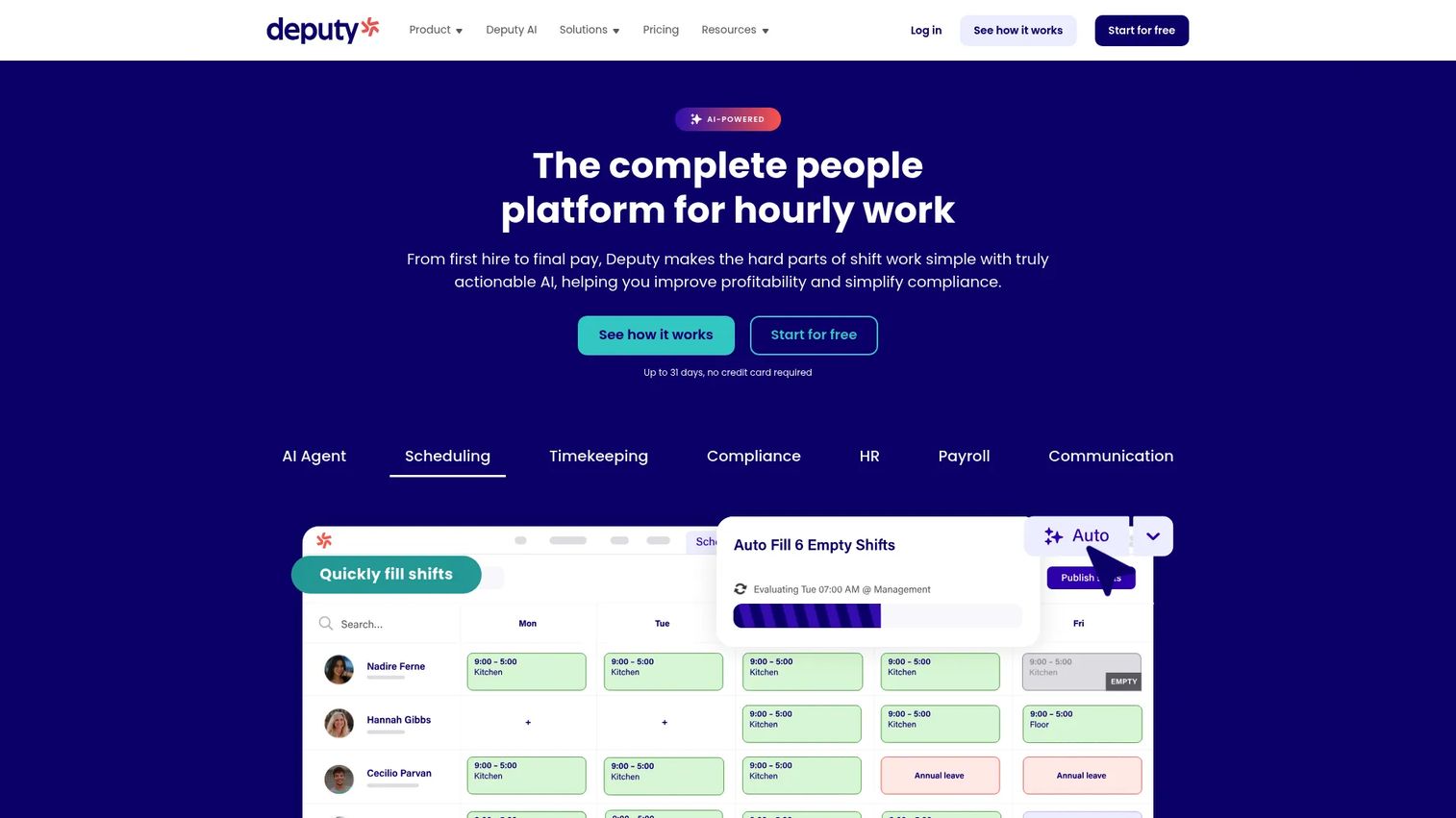
Deputy is workforce management software built for shift-based businesses that need the full chain in one system. You build the roster, track time and attendance, manage leave, and keep labor law compliance running in the background. It is the pick when you want scheduling, clock-in, and payroll prep to talk to each other rather than living in separate tools.
The reason Deputy sits at the top of this list is workflow continuity. Auto-scheduling fills shifts based on availability and demand, swaps route through approval, and the same data that built the roster feeds time tracking and payroll export. That means fewer places for numbers to drift between the schedule you published and the hours you pay.
Best for: Shift-based teams that need scheduling, time tracking, and compliance in a single platform.
Key features
- Scheduling with auto-fill and demand forecasting
- Time and attendance with clock-in
- Leave management and availability
- Team messaging for coverage gaps
- Labor law compliance safeguards
Why choose Deputy: If your main risk is the disconnect between roster, hours, and pay, Deputy closes that gap better than a scheduling-only tool. It fits operators who run multiple locations and cannot afford compliance mistakes when managers are busy.
Deputy pricing: Deputy offers a free trial. Paid plans are Lite at $5 per user per month, Core at $6.50 per user per month, and Pro at $9 per user per month, with add-ons and a flexible weekly plan available.
2. Connecteam
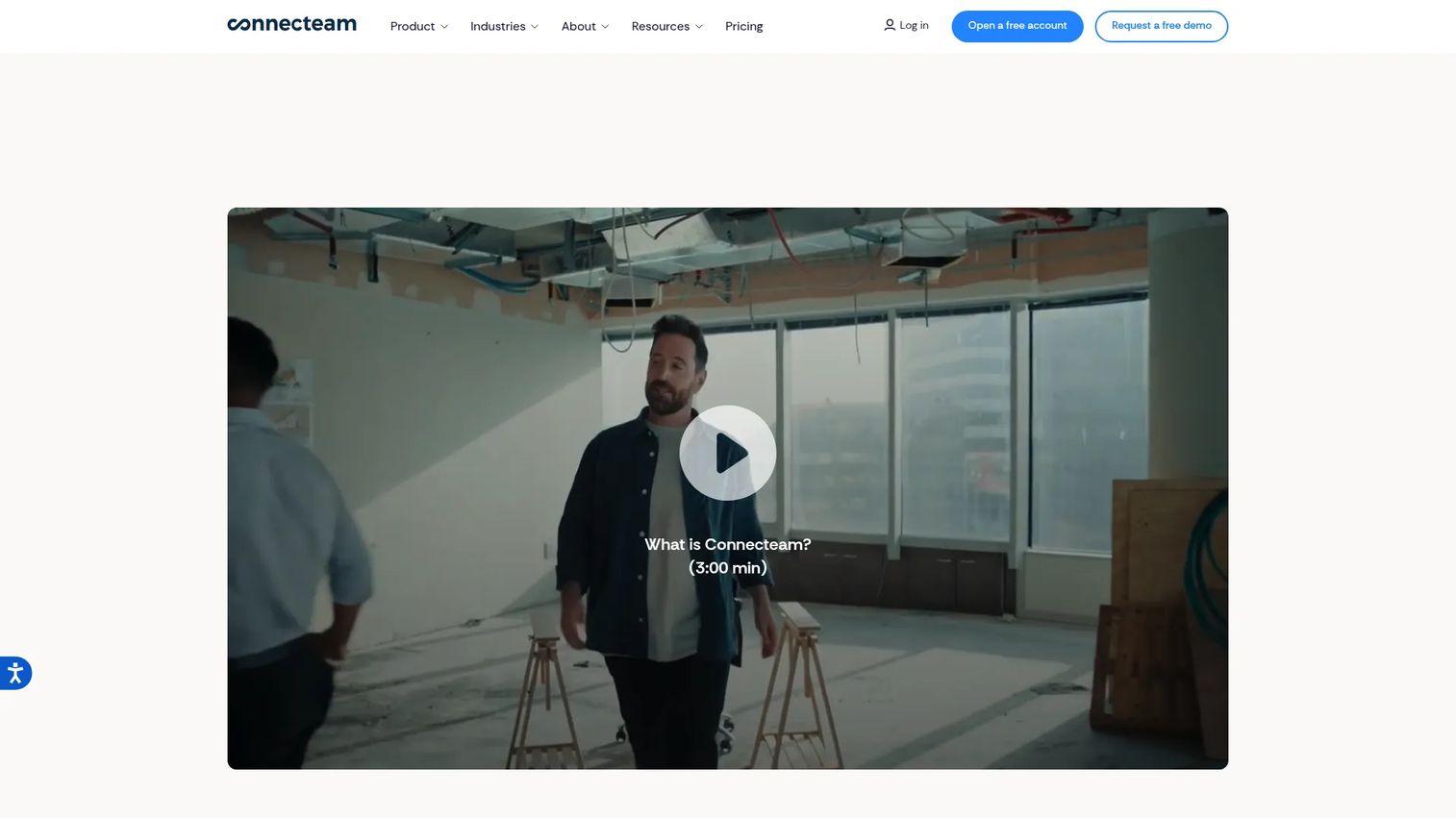
Connecteam is all-in-one employee management software built for deskless and frontline teams. Beyond scheduling, it bundles time tracking and team communication into one mobile app, so the roster and the conversation about the roster live in the same place. For distributed teams that do not sit at desks, that consolidation is the whole point.
Where Connecteam stands out is mobile adoption. Shift workers get the schedule, clock in, swap shifts, and message their manager from one phone app, which reduces the number of tools a busy team has to learn. If your problem is that half your workforce never opens a scheduling portal, an app that also handles messaging tends to get used.
Best for: Deskless or frontline teams that want scheduling, time tracking, and communication in one app.
Key features
- Employee scheduling with drag-and-drop
- Time tracking with GPS clock-in
- Team communication and chat
- Shift swaps and availability
- Mobile-first employee self-service
Why choose Connecteam: Choose Connecteam when adoption is your real bottleneck and you want one app instead of a scheduling tool plus a chat tool plus a time clock. It fits teams that value a single mobile experience over deep, specialized scheduling controls.
Connecteam pricing: Connecteam has a free Small Business plan for up to 10 users. Paid plans start at $29 per month for up to 30 users on Basic, $49 per month on Advanced, and $99 per month on Expert. Enterprise pricing is available by contacting sales.
3. 7shifts
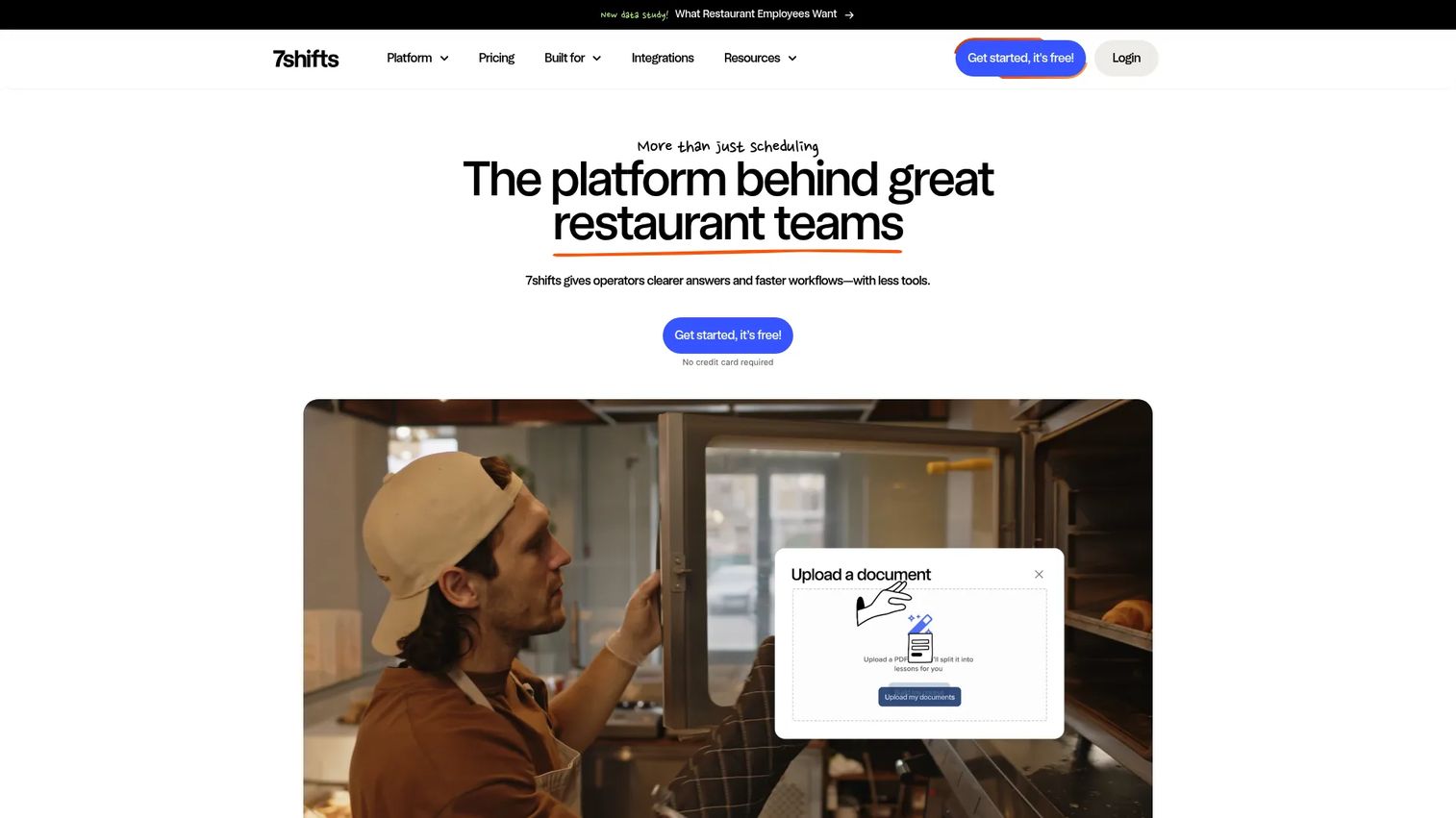
7shifts is a restaurant scheduling and payroll platform that manages hiring, training, scheduling, pay, and retention in one system. It is built for the specific rhythm of hospitality: variable demand, tip management, and labor cost that has to stay inside a tight percentage of sales. Restaurant adoption of dedicated scheduling tools is climbing, with 42% of independent operators and 78% of enterprise chains using them, according to DataHorizzon Research (2025).
The vertical focus is why 7shifts belongs on this list. Labor forecasting ties the schedule to projected sales, shift swaps handle the reality of restaurant staffing, and time clocking connects to labor compliance and payroll. For operators who live and die by labor percentage, generic scheduling tools miss the context that 7shifts is built around.
Best for: Restaurants and hospitality teams that need scheduling, labor forecasting, and payroll in one platform.
Key features
- Restaurant scheduling with labor forecasting
- Time clocking and labor compliance
- Payroll and tip management
- Shift swaps and availability
- Team communication for service teams
Why choose 7shifts: Pick 7shifts if you run a restaurant and want software that understands labor percentage, tips, and hospitality workflows out of the box. It fits single restaurants and multi-unit groups more naturally than a horizontal scheduling tool.
7shifts pricing: 7shifts organizes its products across hiring, training, scheduling, pay, and retention. Current plan pricing is available directly from 7shifts on request through its pricing page.
4. Shifton
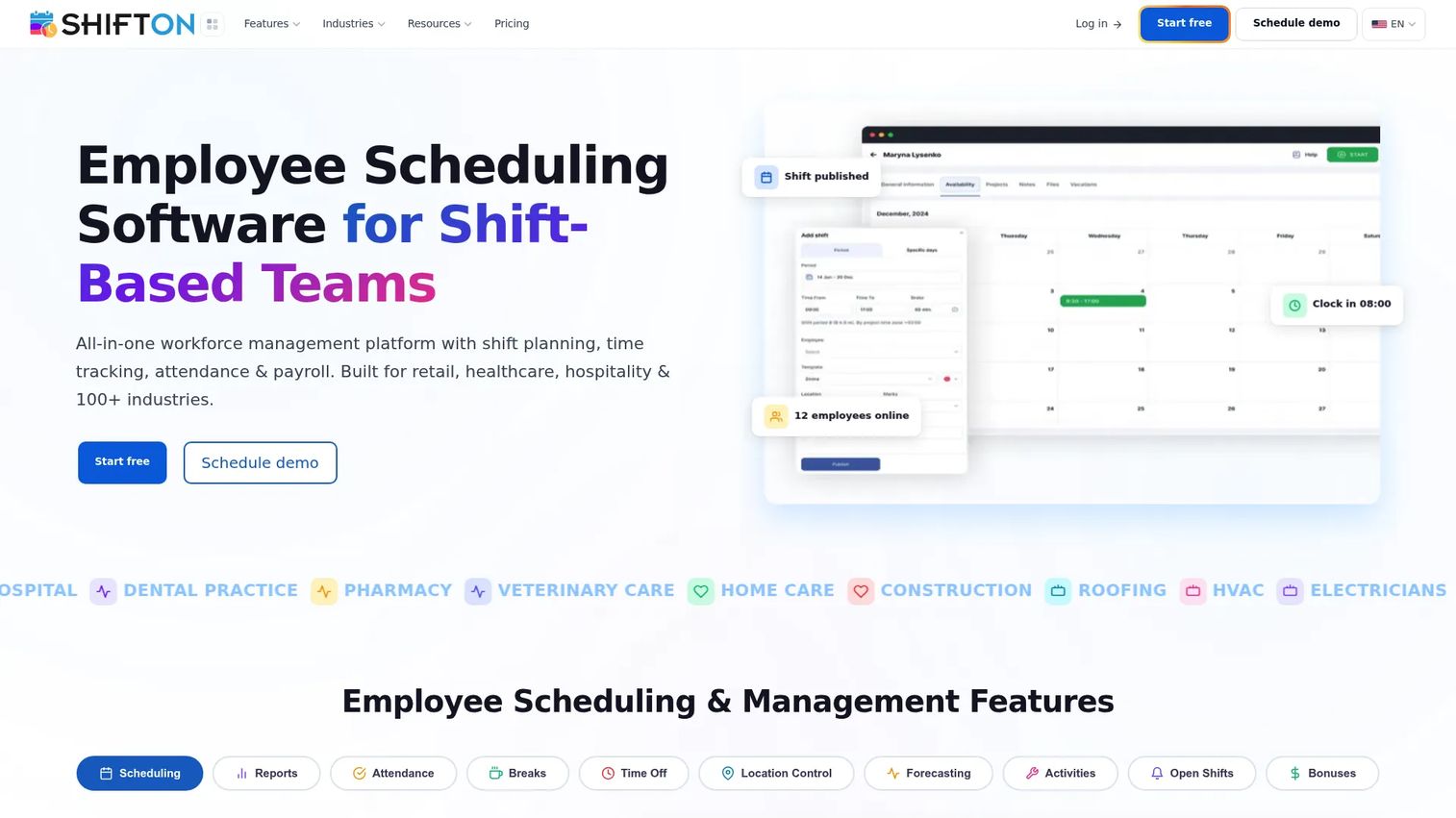
Shifton is workforce management software for employee scheduling, time tracking, and attendance, built on a modular pricing model. Instead of paying for a full suite, you start with a base platform and add the modules you actually need. For teams that want scheduling without paying for features they will never touch, that structure is appealing.
Shifton's strength is flexibility and speed. Automated shift scheduling builds rosters quickly, time and attendance tracking captures hours, and GPS location control confirms people are where they should be. The module approach means a small operation can run lean and layer on capabilities as the team grows.
Best for: Teams that want modular workforce scheduling and time-tracking software they can scale up piece by piece.
Key features
- Automated shift scheduling
- Time and attendance tracking
- GPS and location control
- Shift swaps and open shifts
- Modular add-ons per need
Why choose Shifton: Choose Shifton when you want to control cost by paying only for the modules you use, and when a lean starting point matters more than an all-inclusive suite. It fits growing teams that want to add capability on their own timeline.
Shifton pricing: Shifton has a free plan for up to 10 team members. Paid usage starts with a base platform at $1 per employee per month, with additional modules priced separately. Most modules include a 30-day free trial.
5. When I Work
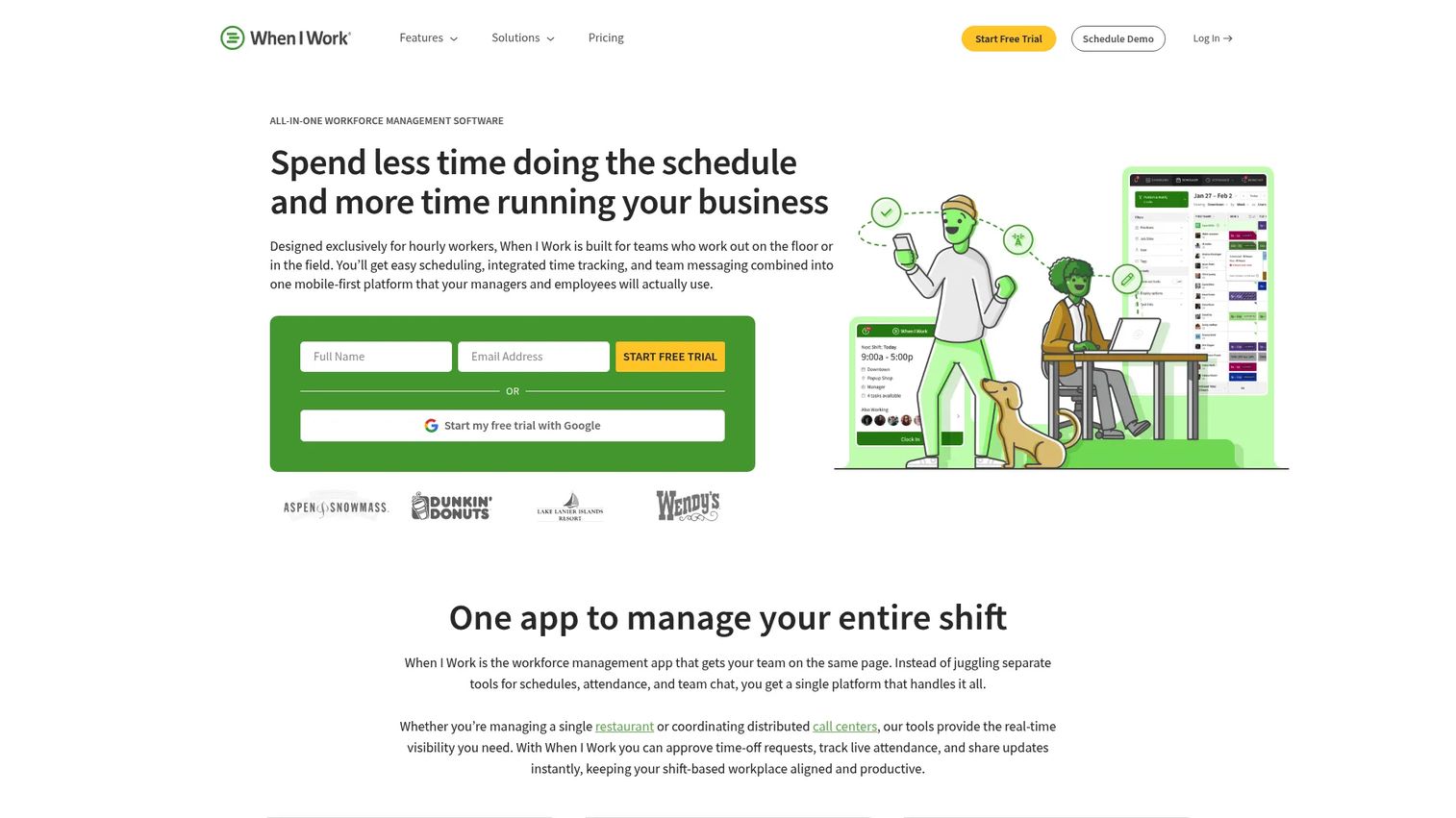
When I Work is workforce management software focused on employee scheduling, time tracking, and team messaging without a heavy rollout. It is built for hourly and shift-based businesses that want to build a schedule, get it in front of staff, and move on. If you have been running a small team on a spreadsheet and want the fastest path off it, this is a natural first step.
The appeal here is simplicity. Schedule building is quick, availability and time-off requests flow into the roster, notifications reach staff on their phones, and clock-in continues into payroll prep. Smaller teams get most of what they need without the setup weight of a broader platform.
Best for: Hourly and shift-based businesses that want straightforward scheduling, clock-in, and staff messaging in one app.
Key features
- Employee scheduling with fast build
- Time clock and attendance
- Availability and time-off requests
- Shift notifications and reminders
- Team messaging
Why choose When I Work: Choose When I Work when a lightweight rollout matters more than deep configuration, and you want your team scheduling within a day rather than a week. It fits smaller operations that value ease over advanced labor controls.
When I Work pricing: When I Work starts at $2.50 per user per month for single-location teams and $5 per user per month for multi-location businesses. A 14-day free trial is available with no credit card required.
6. Sling
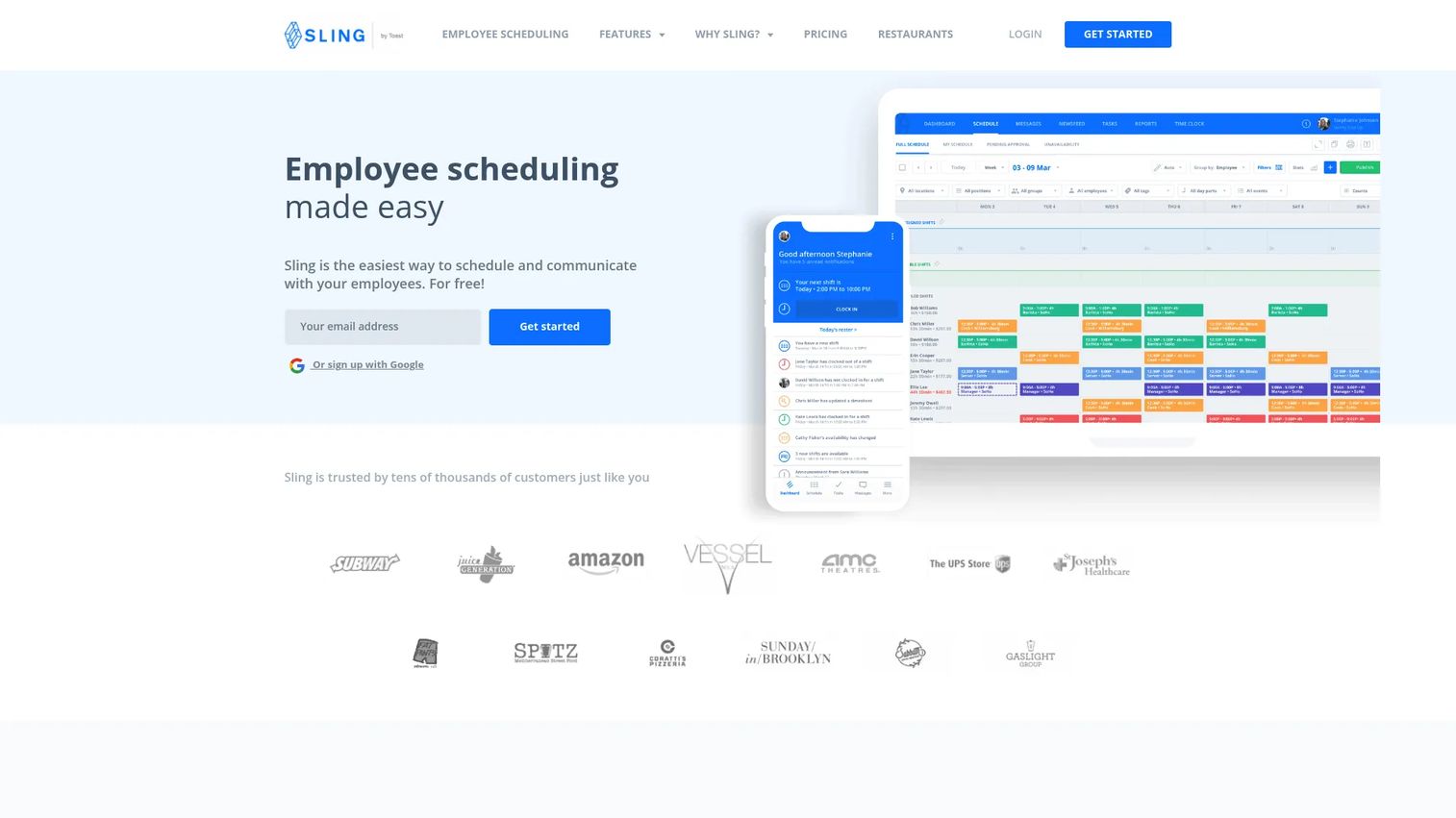
Sling is employee scheduling and workforce management software with a strong focus on labor cost visibility. It combines shift scheduling with time tracking and team communication, and surfaces cost as you build. For managers who need to see the labor number before they hit publish, that live view changes how the roster gets built.
What sets Sling apart is the cost-first workflow. As you assign shifts, you see the projected labor cost against budget, so overtime and overspend get caught during planning rather than after payroll. Approval workflows govern swaps, and messaging keeps the team in the loop. It is scheduling built for managers who own a labor budget.
Best for: Businesses that want employee scheduling plus time tracking and labor cost control in one tool.
Key features
- Shift scheduling with labor cost view
- Time and attendance time clock
- Messaging and company newsfeed
- Shift swaps with approval workflows
- Overtime and budget alerts
Why choose Sling: Choose Sling when controlling labor cost is your primary job and you want that number visible while you schedule, not after the fact. It fits managers who are measured on hitting a labor budget every week.
Sling pricing: Sling has a free plan for up to 30 users. Premium is $2 per user per month and Business is $4 per user per month, with annual billing available at $1.70 and $3.40 per user per month respectively.
7. Planday
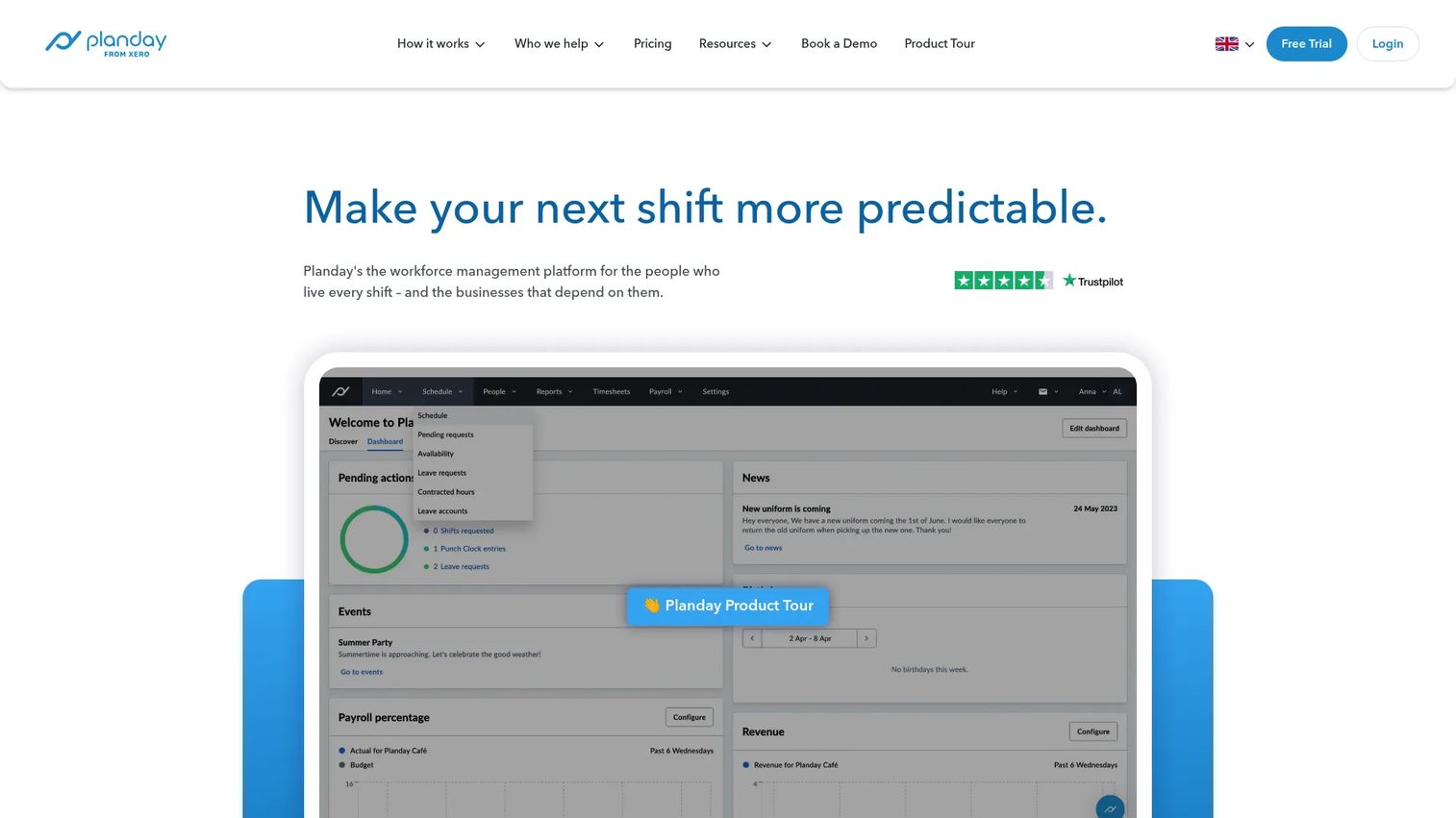
Planday is workforce management software for shift-based businesses, with a focus on self-rostering and multi-location visibility. Employees get real involvement in the schedule through mobile self-service, while managers keep control over approvals and coverage. That balance of employee input plus oversight is what defines it.
Planday works well for onsite teams and operators who run across several sites. Intuitive scheduling builds the roster, time tracking captures the hours, and leave and absence management keeps availability current. Because employees can express availability and pick up shifts, managers spend less time chasing coverage and more time approving it.
Best for: Shift-based and onsite teams that want employee self-service alongside manager control across locations.
Key features
- Intuitive scheduling
- Time tracking
- Leave and absence management
- Employee self-service and shift pickup
- Multi-location visibility
Why choose Planday: Choose Planday when you want employees involved in building the roster without giving up control, especially across multiple sites. It fits operators who believe self-rostering reduces coverage headaches when governed properly.
Planday pricing: Planday starts from £2.99 per user per month, with Starter and Plus priced per user and a custom-priced Pro tier. There is a 30-day free trial with no credit card required.
Considerations
Roster creation speed
When the schedule changes daily, the speed of building it is not a nice-to-have. Look for templates, drag-and-drop editors, and the ability to copy a past week as a starting point. A tool that saves ten minutes per roster saves hours a month for a manager who rebuilds constantly.
Shift swaps and approvals
There is a real difference between a tool that lets people swap and one that governs swaps. You want approval workflows so no shift changes hands without a manager sign-off, plus open shifts that qualified staff can claim. That control is what keeps a swap from becoming a coverage gap.
Time tracking and payroll integration
This is where scheduling tools are tested in practice. Check how clock-in data moves to payroll: native integration, export format, and how much manual cleanup is left. The goal is that the hours you scheduled and the hours you pay come from the same source, with no retyping in between.
Compliance and labor rules
Break rules, overtime thresholds, required qualifications, and fatigue limits all belong inside the software, not in a manager's head. Guardrails matter most exactly when managers are busiest, so look for automatic alerts that fire before a compliance mistake gets published.
Mobile adoption and notifications
A rostering app only works if workers actually use it. Evaluate push notifications, self-service, and how reliably staff respond. If the mobile experience is weak, you end up back on text messages and phone calls, which defeats the point of the software.
Conclusion
The best staff rostering software depends on what you are optimizing for, not on which tool has the longest feature list.
If you want the most complete scheduling-to-payroll workflow, Deputy is the strongest all-around pick. If your team is deskless and adoption is the challenge, Connecteam puts scheduling and communication in one app. Restaurants should look hard at 7shifts for its labor and tip context. Shifton fits teams that want modular pricing, When I Work suits smaller teams that need speed, Sling is built for labor cost control, and Planday works for onsite teams that want employee self-service across locations.
Before you buy, shortlist two or three tools and run a real test. Build a schedule, push a last-minute swap through the approval flow, and export a pay period to payroll. The tool that handles those three moves cleanly is the one that will survive contact with your actual week.
FAQs
Rostering software is a tool for building, publishing, and managing employee work schedules across shifts, roles, and locations. It handles shift assignment, swaps, leave, and availability, and usually connects to time tracking and payroll so scheduled hours match paid hours.
Most roster apps capture clock-in and clock-out data, then either export it in a payroll-ready format or push it through a native integration with a payroll provider. The point is that the hours employees actually worked flow to payroll without a manager retyping them, which reduces errors and rework.
Yes. Good staff scheduling software lets employees request a swap or claim an open shift, with the change routed through a manager approval workflow. That means the roster stays accurate and no shift changes hands without oversight, so coverage does not fall through a gap.
The features that matter most are fast roster creation, governed shift swaps, leave and availability handling, compliance safeguards for breaks and overtime, reliable mobile access, and clean payroll alignment. A tool can have every feature, but if time tracking does not flow cleanly to payroll, the rest creates more work than it saves.
They overlap but are not identical. Rostering software focuses on scheduling, coverage, swaps, and shift allocation. Workforce management software goes broader, adding deeper time and attendance, labor analytics, forecasting, and sometimes HR and payroll functions across the whole employee lifecycle.
Prioritize a single live view across all sites, role-based permissions so each manager sees their location, labor cost visibility by site, and reliable mobile updates. The core question is whether every location stays in sync in real time, so a change at one store never leaves another working from an old schedule.
The terms are often used interchangeably, and most tools do both. In practice, shift scheduling refers to assigning specific shifts for a period, while staff rostering usually implies ongoing workforce allocation and coverage management across roles and locations over time.
A spreadsheet can work for a very small team with a stable, unchanging schedule. The category becomes worth paying for once you deal with regular swaps, coverage gaps, compliance rules, or payroll export, because those are exactly the tasks a spreadsheet cannot govern reliably.