



Your checkout system knows a sale happened. Your inventory system doesn't. Your accounting software finds out three days later, after someone types it in by hand. Your CRM never hears about it at all.
That gap is where operational time goes to die. A store sells the last unit, but the online listing still shows it in stock. Finance closes the month reconciling numbers that four systems disagree on. A repeat customer walks in and no one has their purchase history.
POS integration software closes that gap. The POS software market sits at USD 17.13 billion in 2025 and is projected to reach USD 38.82 billion by 2033, a 10.8% CAGR, according to Grand View Research (2026). Retail is the largest segment at 38.1% share, with restaurants and hospitality following, per MarketIntelo (2026). As those systems multiply, the cost of not connecting them grows faster than the cost of connecting them.
This guide is written for product managers, operators, and finance leads who care about data integrity, maintainability, and measurable impact, not feature-count bingo.
What's inside
This guide covers seven POS integration platforms for teams that need real-time sync across retail, restaurant, and omnichannel operations. We selected and ordered them by how well they solve the core job: connecting point of sale data to the systems around it without manual reconciliation.
Selection criteria:
- Integration depth: how many systems connect, and how deeply (native connectors, APIs, middleware)
- Data sync reliability: whether updates land in real time and whether sync breaks are visible
- Security and compliance: tokenization, encryption, PCI DSS support, access controls
- Implementation and scalability: setup effort, and whether it grows across locations and channels
TL;DR
- Best for ERP-connected operations: NetSuite unifies POS with accounting, inventory, and reporting under one system of record.
- Best for retail and multi-location integration: Priority Software connects inventory, CRM, and payment workflows across stores.
- Best for B2B financing and payment workflows: TreviPay embeds invoicing, credit terms, and A/R automation into checkout.
- Best for restaurant operations: Restaurant365 ties POS data to accounting, inventory, and labor.
- Best for omnichannel retail and hospitality: Lightspeed syncs inventory and orders across storefronts and online.
- Best for SMB simplicity: Square connects payments, checkout, and basic inventory with fast setup.
- Best for eCommerce-native retail: Shopify POS links a Shopify storefront directly to in-store selling.
What is POS integration software
POS integration software connects point of sale data to other business systems through APIs, middleware, or native connectors, so a single transaction updates inventory, accounting, CRM, and eCommerce records automatically.
Instead of one system knowing about a sale, every system does. When a customer buys, the point of sale integration pushes that event outward: stock counts drop, the ledger posts, the customer profile updates, and the online channel reflects the change. No re-keying, no nightly export, no reconciliation drift.
Core capabilities of an integrated POS system:
- Real-time sales and inventory sync: stock levels update the moment a sale or return happens, across every location and channel.
- Accounting and reconciliation automation: transactions post to your accounting software without manual entry, cutting month-end cleanup.
- CRM and loyalty data sharing: purchase history, repeat-buyer signals, and loyalty balances flow into your CRM software.
- eCommerce and omnichannel order syncing: one order can be placed online and fulfilled or returned in store, with a shared record.
- Payment processing and security controls: tokenization, encryption, and PCI DSS support protect card data at the point of sale.
A POS integration platform is not the same as POS customization. Integration connects your existing systems so data moves between them. Customization changes what the POS itself does. Most teams need integration first, because the fragmentation problem lives in the gaps between tools, not inside any one of them.
When to use POS integration software
Sync stock across locations
You have three stores and a warehouse, and each one thinks it has the last blue jacket. Point of sale system integration keeps a single inventory truth across every location and channel. When a store sells a unit, the count drops everywhere in real time, so you stop overselling online and stop sending staff to check shelves that are already empty.
Reduce manual accounting work
Your finance team spends the first week of every month reconciling POS totals against the ledger. An integrated POS system posts each day's sales, refunds, and fees directly into your accounting software. That removes the copy-paste step where errors enter, and it means month-end close reflects reality instead of a reconstruction.
Connect customer data to loyalty and CRM
A regular buys from you weekly, but your marketing team can't see it because purchase history lives trapped in the register. POS integration pushes transaction and loyalty data into your CRM software. Now you can track repeat buyers, trigger targeted offers, and measure lifetime value against what people actually bought.
Support omnichannel checkout
A customer orders online, changes their mind, and returns the item in store. Without integration, that return is a manual mess. With an omnichannel eCommerce platform connection, the online order and the in-store return share one record. Inventory, refunds, and the customer profile all reconcile automatically.
Comparison table
The best choice depends on your architecture, channel mix, and how much implementation you can absorb. ERP-led operations, restaurant groups, and SMB retailers all optimize for different things. Use the table to shortlist, then read the sections for fit.
| # | Product | Best for | Key differentiator | Pricing | G2 rating |
|---|---|---|---|---|---|
| 1 | NetSuite | ERP-connected operations | POS unified with ERP, accounting, and inventory as one record | Quote-based | Not listed |
| 2 | Priority Software | Retail and multi-location | Configurable ERP with retail POS and CRM | Quote-based | 4.2/5 |
| 3 | TreviPay | B2B payment and financing | Embedded net terms, invoicing, A/R automation | Quote-based | 5.0/5 |
| 4 | Restaurant365 | Restaurant operations | POS tied to accounting, inventory, and labor | Custom quote | 4.6/5 |
| 5 | Lightspeed | Omnichannel retail and hospitality | Cloud POS with inventory and eCommerce | From $69/mo | 4.4/5 |
| 6 | Square | SMB simplicity | Free tier, fast setup, payments-native | From $0/mo | 4.6/5 |
| 7 | Shopify POS | eCommerce-native retail | Native link between Shopify store and register | From $39/mo | 4.4/5 |
Verify pricing and ratings against live vendor and G2 pages before you commit, since plans and figures change.
Best POS integration software compared
1. NetSuite
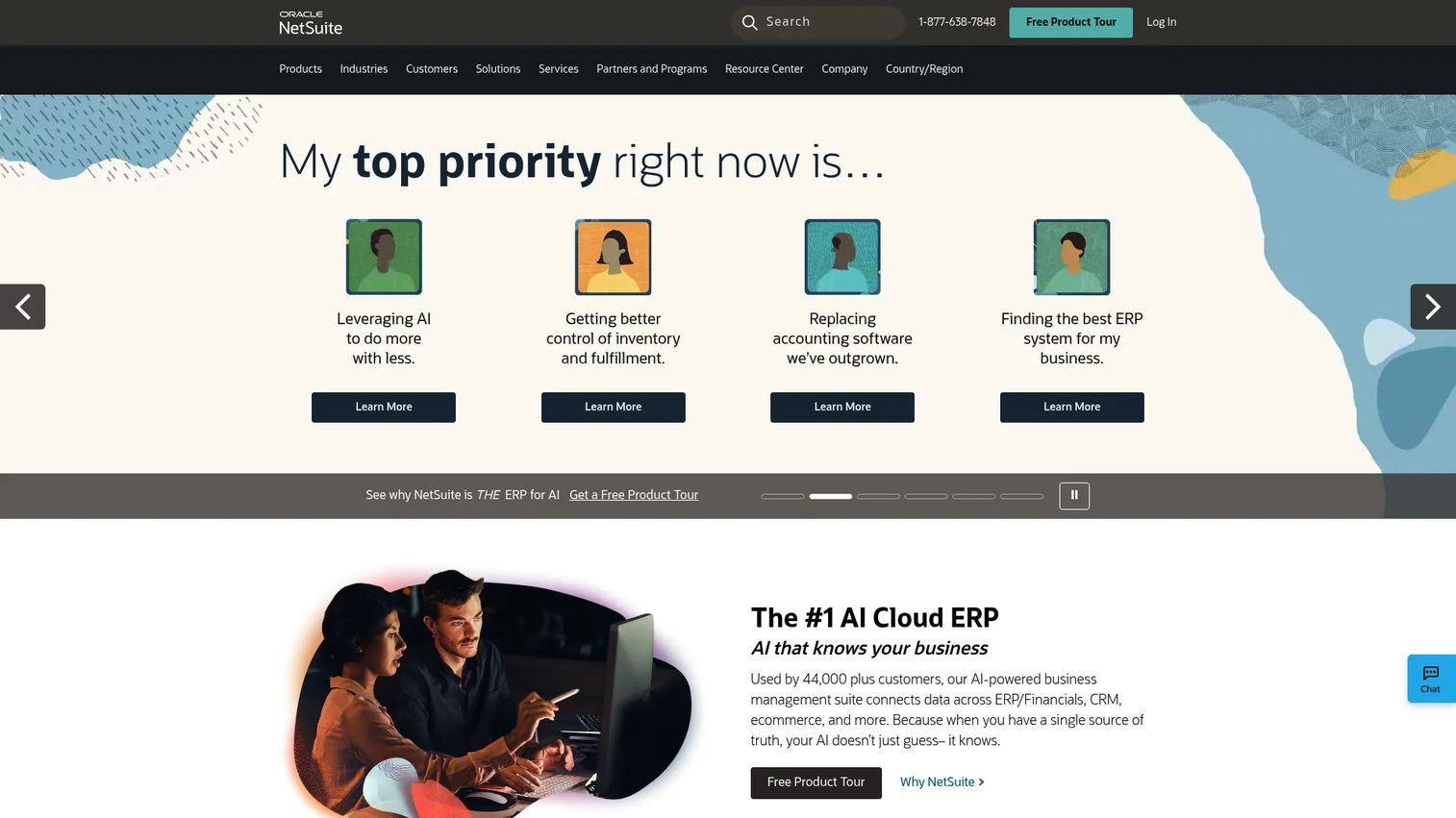
NetSuite is a cloud ERP that treats POS as one input into a single system of record for financials, commerce, CRM, and inventory. If your problem is that sales, stock, and accounting live in separate tools that disagree, NetSuite's answer is to put them in the same platform rather than wiring them together after the fact.
Best for: midmarket to enterprise operators who want one system of record instead of a stack of connectors.
Key strengths
- Cloud ERP and global financial management
- Commerce-ready capabilities for B2B and B2C
- SuiteCloud platform for customization and extensibility
- Inventory, accounting, and CRM under one record
Why choose NetSuite: it fits teams that can absorb a comprehensive implementation in exchange for eliminating the sync problem at the source. When you want centralized reporting and multi-location visibility from a single database, this is the strongest fit. Leaner teams with a couple of channels usually want something lighter.
NetSuite pricing: NetSuite doesn't list its costs anywhere and you have to reach out and request a quote. That's pretty standard for them, since the price depends on which modules you need, how many users you're adding, and how the system gets deployed for your business.
2. Priority Software
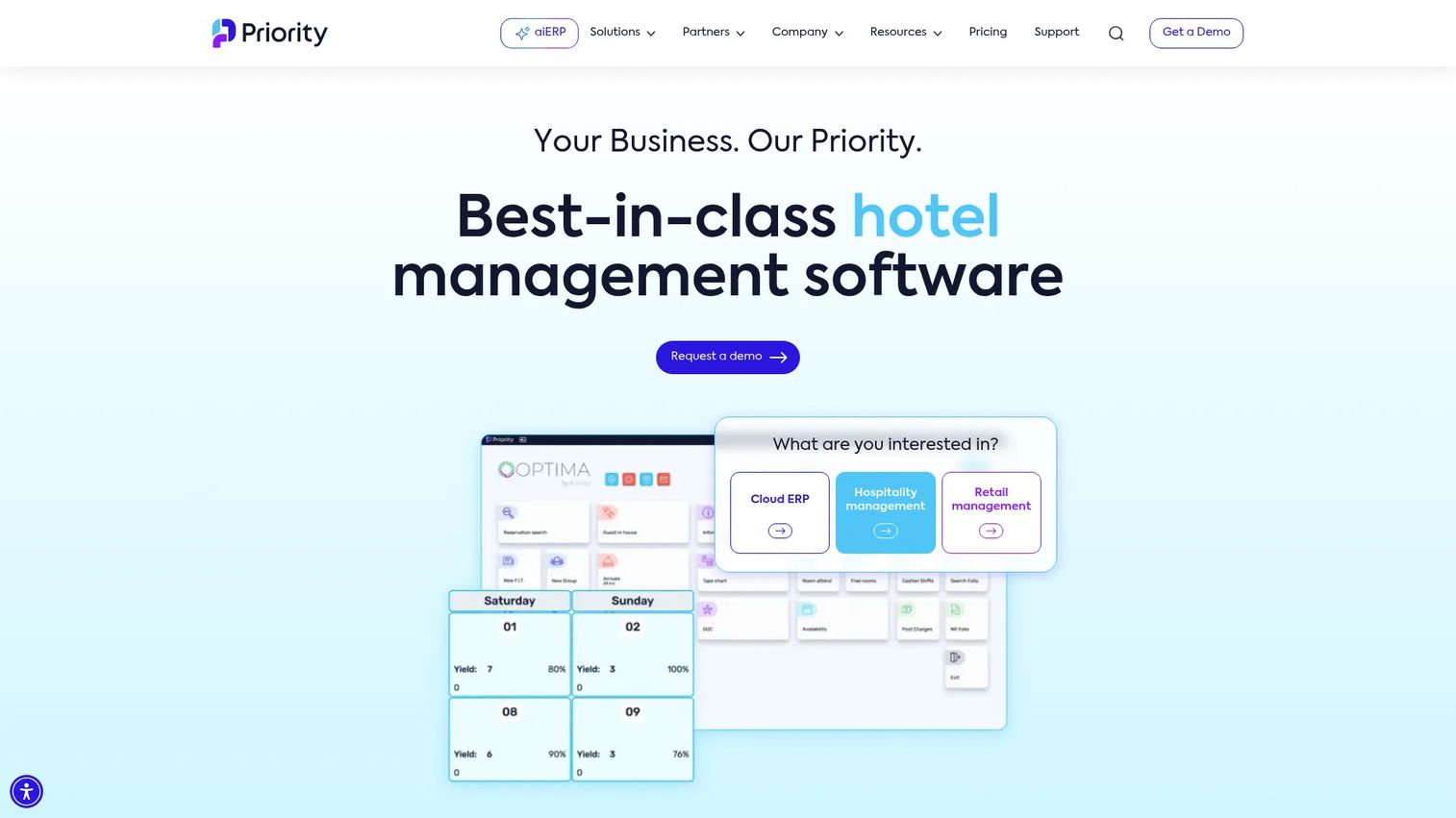
Priority Software is a configurable ERP with retail POS and unified commerce built in. It appeals to retailers that need inventory, CRM, and payment workflows connected without stitching together a handful of point tools. The platform leans on embedded AI assistants and self-service reporting to keep operational data visible across finance and stores.
Best for: mid-market retail operators that need inventory, CRM, and payment workflows on one configurable platform.
Key strengths
- aiERP with embedded AI assistants, advisors, and agents
- Business intelligence and self-service reporting
- Retail POS and unified commerce features
- Multi-channel inventory and CRM connection
Why choose Priority Software: it fits teams that value breadth across retail systems and want configuration flexibility rather than a rigid template. The tradeoff is that a broad, configurable ERP asks for more upfront setup thinking than a single-channel POS. That effort pays off for operators running finance and stores off one platform.
Priority Software pricing: Priority lists two plan names, Commercial and Manufacturing, along with what features each one includes, but they don't list actual costs anywhere. If you want pricing, you'll need to talk to one of their sales experts directly.
3. TreviPay
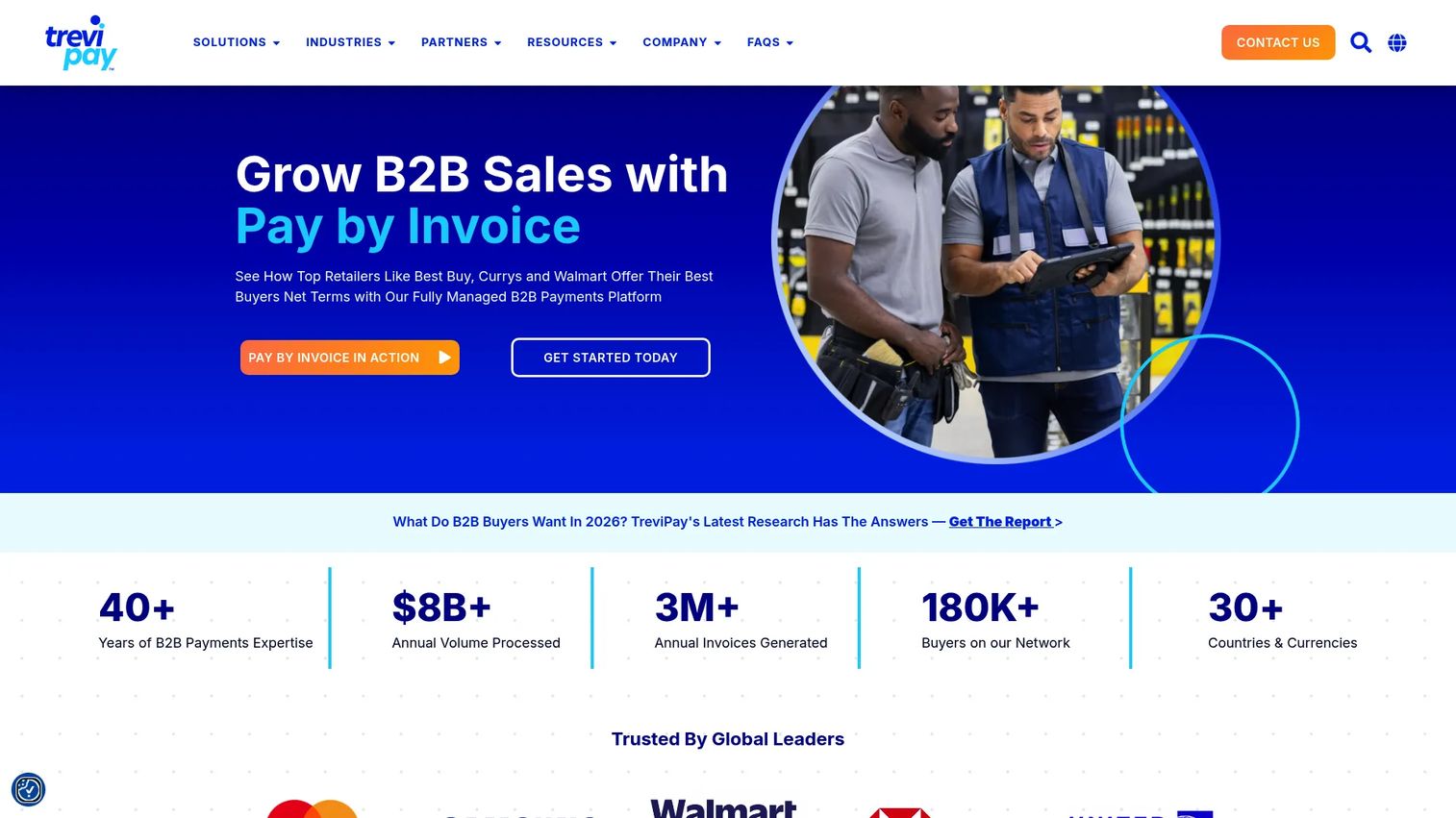
TreviPay is a B2B payments and invoicing platform that integrates into the POS and checkout layer where net terms, trade credit, and A/R automation matter. For sellers whose transactions involve invoicing and credit decisioning rather than a simple card swipe, TreviPay handles the financing side of the point of sale integration.
Best for: enterprise B2B sellers that need embedded net terms, invoicing, and A/R automation at checkout.
Key strengths
- Automated buyer onboarding and credit decisioning
- Smart invoicing and invoice delivery
- Guaranteed settlement and DSO management
- Multi-channel commerce fit
Why choose TreviPay: it matters when checkout finance is part of the transaction, not an afterthought. B2B buyers expect terms, and manual credit and invoicing workflows slow deals down. TreviPay embeds that flow so the payment and financing side of a sale reconciles with the rest of the stack.
TreviPay pricing: TreviPay doesn't list plan names or actual numbers anywhere. From what their FAQ says, they charge a transaction fee that shifts depending on your program, industry, and volume, so basically you'd need to get a quote for your specific setup.
4. Restaurant365
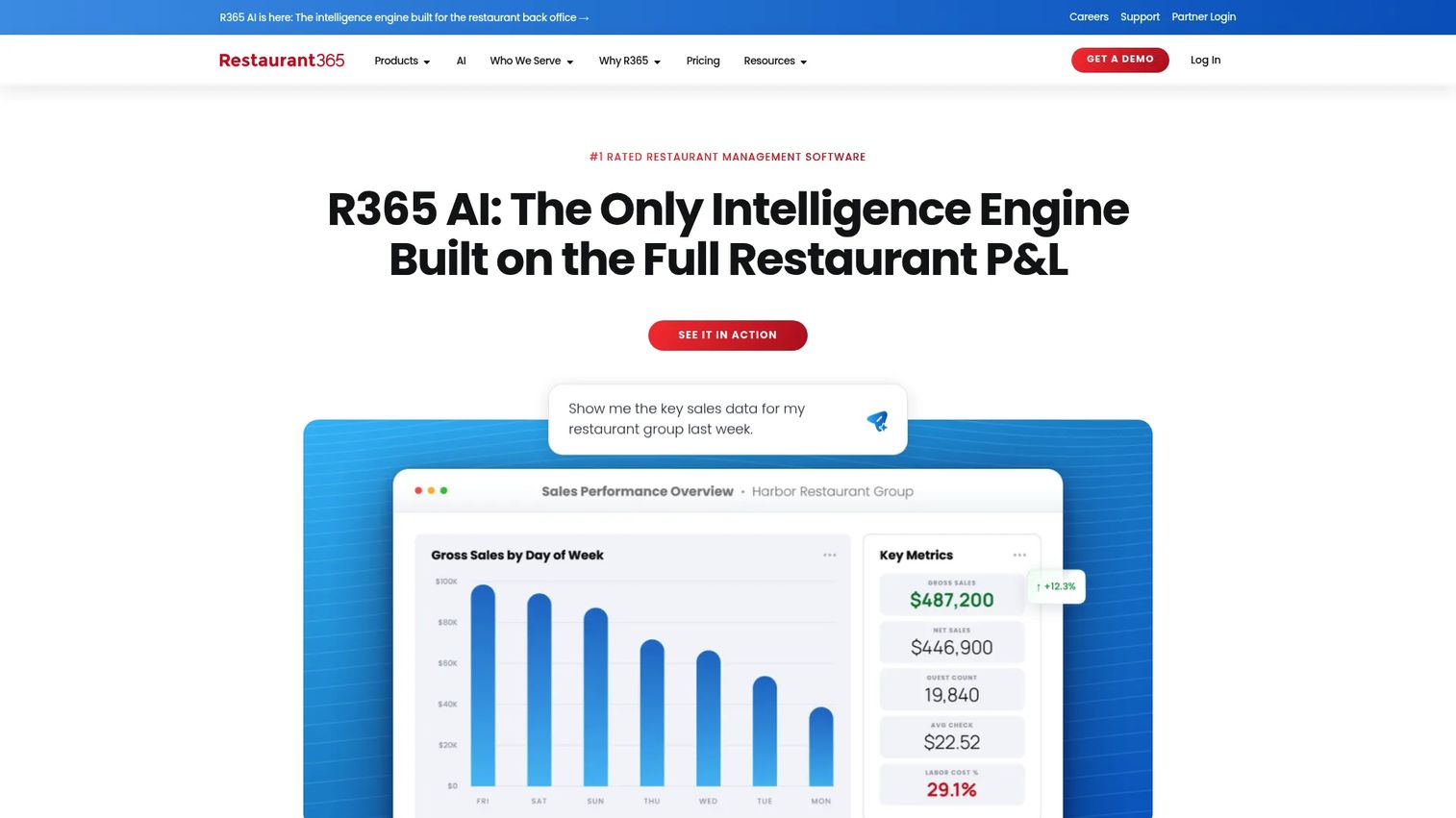
Restaurant365 is a cloud restaurant management platform that connects POS data to accounting, inventory, and labor. Restaurants live and die on daily numbers, and Restaurant365 pulls sales from the POS into automated financial reporting, recipe costing, and scheduling. The U.S. restaurant POS software market alone reached USD 1.15 billion in 2024 and is projected to hit USD 2.07 billion by 2032, per Data Bridge Market Research (2024).
Best for: multi-location restaurant groups that need finance and operations in one back-office platform.
Key strengths
- Accounting and financial reporting
- Inventory and purchasing with recipe costing and price alerts
- Workforce management with scheduling and time tracking
- Daily sales and P&L automation from POS data
Why choose Restaurant365: it fits restaurant operators where scheduling, ingredient costs, and financial reporting all need to line up against POS sales. A general retail integration won't understand recipe costing or labor law scheduling. This one is built for that vertical.
Restaurant365 pricing: the pricing page directs you to a custom quote rather than showing a public number. Plans are scoped to your operation.
5. Lightspeed

Lightspeed is a cloud POS built for retail and hospitality, with inventory sync, eCommerce, and analytics connected out of the box. For inventory-heavy businesses running multiple storefronts and mixed online and offline sales, Lightspeed keeps stock and orders aligned across locations without a separate integration project.
Best for: multi-location retail and hospitality teams that need inventory and orders synced across channels.
Key strengths
- Retail POS with inventory, eCommerce, and analytics
- Restaurant POS with menu, floor plan, and table service tools
- Payments, reporting, and multi-location management
- Omnichannel order management
Why choose Lightspeed: it fits businesses with several storefronts and blended sales channels that want the POS and its integrations from one vendor. If you'd rather not maintain connectors between a register and an inventory tool, Lightspeed bundles that. The reporting across locations gives operators one view of the whole footprint.
Lightspeed pricing: Lightspeed Restaurant publishes public tiers: Starter at $69 USD/month, Essential at $189 USD/month, and Premium at $399 USD/month, with an Enterprise plan quoted by sales.
6. Square

Square is the simplest option for smaller teams that want payments and POS data connected without a heavy implementation lift. It combines a POS app, online ordering, an item library, and an app marketplace, so a small business can connect the basics fast and add integrations from the marketplace as needs grow.
Best for: small businesses that want quick setup and basic integrations without an implementation project.
Key strengths
- POS app for any payment
- Online site builder and ordering profile
- Item library, invoicing, and booking
- Loyalty, marketing, and staff management
Why choose Square: it suits leaner teams and lower-complexity environments more than enterprise operations. You trade the deep, configurable integrations of an ERP for speed and a low barrier to entry. For a single location or a few, that trade is usually right.
Square pricing: Square Free is $0/month. Square Plus is $49/month per location and Square Premium is $149/month per location, both with a free 30-day trial. Square Pro is custom pricing.
7. Shopify POS
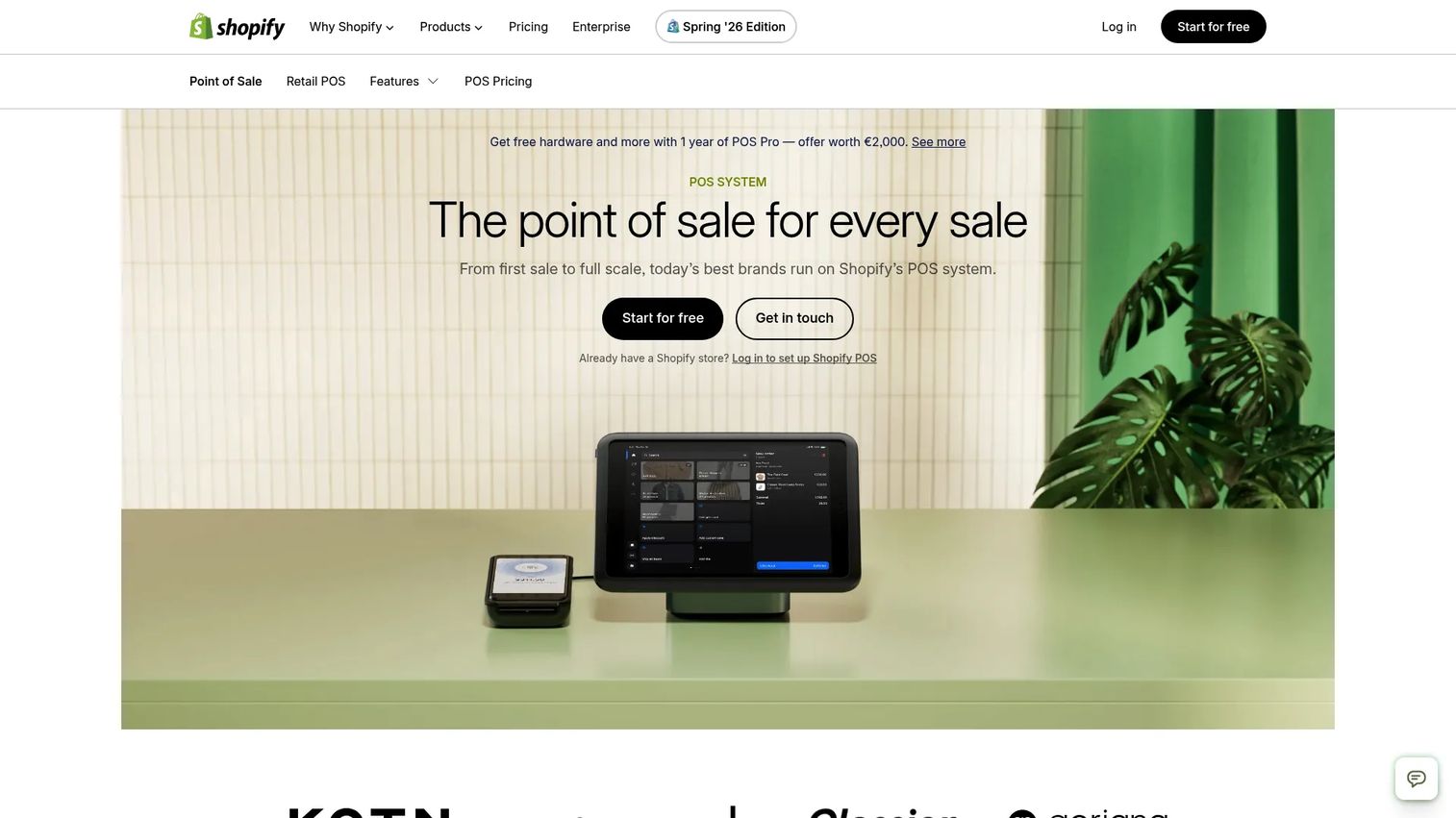
Shopify POS fits merchants already on Shopify who want a tight link between storefront, inventory, and the register. When your eCommerce platform is your source of truth, Shopify POS extends it into physical retail so online and in-store share one inventory pool, one customer profile, and one order history.
Best for: eCommerce-first brands with a physical retail presence built on Shopify.
Key strengths
- Omnichannel selling across online and in-store
- Staff management
- Inventory management
- Unified customer profiles and order routing
Why choose Shopify POS: it is strongest when Shopify already runs your commerce and you want in-store selling on the same data. If your store is elsewhere, the pull is weaker. If it's on Shopify, this is the most direct point of sale system integration you can get.
Shopify POS pricing: Shopify plans start at Basic for $39 USD/month, Grow for $105 USD/month, and Advanced for $399 USD/month. POS Pro is an add-on at $89 USD/month per location for advanced retail features.
Considerations
Compatibility with your current stack
Before anything else, map what you already run. Check whether the platform connects cleanly to your ERP, accounting software, inventory management, CRM software, and eCommerce platform. A tool that syncs beautifully with systems you don't use is worthless. Confirm native connectors exist for your specific tools, and where they don't, understand what middleware or APIs fill the gap.
Real-time sync quality
Ask whether updates happen instantly or on a schedule. A nightly batch sync means your inventory is wrong for most of the business day. Just as important, ask what happens when a sync breaks. You want failures to be visible and alertable, not silent. Silent sync drift is how finance ends up reconciling numbers no one can trace.
Security and compliance
Card data raises the stakes. Look for tokenization, encryption in transit and at rest, and documented PCI DSS support. Confirm role-based access controls so a cashier can't see what a finance lead can. If you handle EU customer data, check how the platform treats personal data under GDPR. Security is not a feature to bolt on later.
Scalability across locations and channels
The system should absorb your next store, region, product line, or sales channel without a rebuild. Ask how pricing and architecture change as you add locations. A tool that works for two stores but requires re-implementation at ten is a future migration you're signing up for now.
Implementation and maintenance effort
Be honest about internal resources. Assess setup time, vendor support quality, and how often integrations need monitoring. An ERP-led platform trades heavier setup for a single system of record. A lighter POS trades depth for speed. Neither is wrong. The wrong move is picking one without pricing the effort it demands from your team.
Conclusion
The right POS integration platform depends on what you're actually solving for, not on which vendor markets hardest.
If you want one system of record and can staff a real implementation, NetSuite and Priority Software give you ERP depth. If you run restaurants, Restaurant365 speaks your language of recipe costing and labor. If your sales involve B2B credit and invoicing, TreviPay handles the financing layer. For multi-location retail and hospitality, Lightspeed keeps inventory and orders aligned. For a small team that wants speed, Square gets you connected fast. And if Shopify already runs your commerce, Shopify POS is the most direct link into physical retail.
Your next step: shortlist two platforms against your current stack, then compare integration depth, real-time sync quality, and security requirements before you book demos. Bring your actual system list and month-end reconciliation pain to those calls. The best fit is the one that closes the gap between your systems with the least ongoing maintenance.
FAQs
POS integration software connects your point of sale system to other business tools, such as inventory management, accounting software, CRM software, and your eCommerce platform, so a single transaction updates every system automatically. It removes manual re-entry and keeps data consistent across the stack. The result is fewer reconciliation errors and real-time visibility into sales, stock, and customers.
Most POS integration works through three mechanisms: native connectors built by the vendor, APIs that let systems exchange data directly, and middleware that sits between tools to translate and route information. Native connectors are the least effort when they exist. APIs give you flexibility for custom flows. Middleware bridges systems that don't talk to each other natively, which matters when your stack is a mix of old and new tools.
Start with the systems where manual work hurts most. For most retailers, that's inventory management and accounting software, because stale stock counts and month-end reconciliation drain the most time. From there, connect CRM software for customer data and your eCommerce platform for omnichannel orders. Sequence the integrations by pain, not by what's easiest to wire up.
Often, yes, but the calculus differs from enterprise. A small business rarely needs a full ERP integration. It needs payments, basic inventory, and clean books connected without a project. Platforms like Square and Shopify POS deliver that with fast setup and low overhead. The test is simple: if you're re-keying sales data by hand or overselling online, integration pays for itself.
Choose a platform that pushes updates in real time rather than in nightly batches, so stock and ledger reflect each sale as it happens. Confirm that sync failures are visible and alertable, not silent. Then set an owner to monitor the connection and audit it periodically. Real-time sync plus visible failure handling is what keeps inventory and accounting data from drifting apart.
Look for tokenization and encryption to protect card data in transit and at rest, plus documented PCI DSS support. Add role-based access controls so staff only see what their role requires. If you handle EU customer data, confirm how the platform treats personal data under GDPR. Security should be built into the integration, not added afterward.
It ranges widely. SMB-focused platforms start low: Square offers a free tier, and Shopify plans begin at $39 USD/month. Lightspeed Restaurant starts at $69 USD/month. ERP-led options like NetSuite, Priority Software, TreviPay, and Restaurant365 use quote-based pricing scoped to modules, users, locations, or transaction volume. Verify every figure on the vendor's live pricing page, since plans change.
POS integration connects your existing point of sale system to other tools so data flows between them. POS customization changes what the POS itself does, such as adding fields, workflows, or logic inside the register software. Integration solves the fragmentation problem between systems. Customization solves gaps inside a single system. Most teams need integration first, because the costly friction usually lives in the gaps between tools.










