You wrote a tight spec. Engineering read it differently than you meant it. Design built something a third way. Three sprints later, the flow works exactly as written and still misses the point. Everyone did their job. The team just spent a month answering a question a prototype could have settled in an afternoon.
That gap between "here's what I mean" and "here's what we built" is where prototyping software earns its place in a product team's stack. A prototype is the cheapest way to make a vague idea concrete before engineering time gets committed. It turns arguments about hypotheticals into decisions about something people can click.
The market has noticed. The global prototyping software market was valued at USD 0.92 billion in 2026 and is projected to reach USD 3.61 billion by 2035, growing at a 16.38% CAGR, according to Business Research Insights. The same research reports that 58% of U.S. startups have adopted cloud-based prototyping tools to cut product development time, and 49% of European SMEs consider prototyping tools essential for entering new markets faster.
For a PM, the job is not to make a pretty mockup. It is to reduce ambiguity, validate flow direction fast, and get product, design, and engineering aligned before anyone burns a sprint. The right prototyping tool shortens time-to-validate and cuts rework. The wrong one adds a maintenance burden nobody asked for. If your team also cares about turning finished products into shareable, self-serve experiences after design, an interactive demo covers a different part of the lifecycle, and the Guideflow blog goes deeper on formats like interactive demo tools and AI design tools if that is your next question.
What's inside
This guide compares eight prototyping tools built for product managers, UX designers, and product design teams. It skips the designer-only fluff and focuses on what matters when you own an outcome, not just a feature.
We chose and ranked tools on four criteria that map to real product work:
- Interaction depth: how realistically the prototype can model logic, motion, and edge cases
- Collaboration: how easily non-designers review, comment, and align
- Handoff readiness: how cleanly the prototype survives the trip to engineering
- Fit for real workflows: ease of use, maintainability, and how well it holds up as the product changes
TL;DR
- Best for teams already in a design system: Figma. If your team lives in Figma, prototyping there keeps everything in one place.
- Best for advanced motion and logic: ProtoPie. Variables, formulas, sensors, and multi-device behavior for prototypes that do more than click.
- Best for developer handoff: UXPin. Code-backed components mean the prototype and the build speak the same language.
- Best for complex conditional flows: Axure. Detailed interaction modeling and documentation for enterprise-grade requirements.
- Best for wireframes and early validation: MockFlow. Fast, lightweight, and built for clarity before fidelity.
- Best all-in-one design workflow: Sketch for Mac-first teams, Justinmind for no-code logic modeling.
What is prototyping software?
Prototyping software is a design tool that lets teams build clickable, interactive models of a product interface so they can test flows, validate ideas, and align stakeholders before writing production code.
Prototypes come in a few flavors, and knowing which one you need saves time:
- Low-fidelity prototypes: rough wireframes that test structure and flow direction. Fast to make, easy to throw away.
- High-fidelity prototypes: polished, near-real screens with actual styling. Good for user testing and stakeholder buy-in.
- Interactive prototypes: clickable models that respond to input, sometimes with motion, states, and transitions.
- Prototyping for handoff: prototypes built to carry context into engineering, with specs, components, and documentation attached.
Most prototyping tools cover some mix of these capabilities. Here is what you should expect a serious tool to handle:
- Clickable flows and screen linking
- Motion and transitions (Smart Animate style behavior)
- Variables and conditional logic for realistic interactions
- Real-time collaboration and multi-user editing
- Comments and stakeholder review
- Device preview across desktop, tablet, and mobile
- Export, sharing, or embed options for handoff
The distinction that matters most for product teams is between simple click-throughs and logic-heavy prototypes. A click-through answers "does this flow make sense?" A logic-heavy prototype answers "does this actually work when the user does something unexpected?" The second one costs more to build. It also catches the problems that turn into rework.
What product managers should look for in prototyping software
Feature lists are easy to compare and mostly useless. What matters is how a tool fits the way your team actually works. Four things decide that.
Speed to validate
The whole point of a prototype is to answer a question before you spend engineering time on it. So the first question about any tool is: how fast can you go from idea to something testable?
"Fast" in a team workflow means hours, not days. If building a testable flow takes a designer a full sprint, you have not saved time, you have moved the cost around. The best prototyping tools let you stand up a rough interactive flow in an afternoon, get it in front of five users or three stakeholders, and learn something before the next standup. Speed to validate is the metric that ties prototyping directly to activation and time-to-value.
Collaboration and review
A prototype only aligns people if people can actually use it. Check how comments work, whether versioning is clear, and how a non-designer PM or engineer interacts with the file. Real-time collaboration matters when three people need to react to the same flow in the same meeting.
The failure mode here is a prototype that lives in a tool only the designer can open. If your engineers cannot inspect it and your stakeholders cannot comment on it, you have built a beautiful artifact nobody can act on. Prioritize tools where the whole team can participate without a license they will never otherwise use.
Fidelity and realism
Not every question needs a high-fidelity prototype. If you are validating whether a three-step flow is in the right order, a wireframe click-through is enough. If you are validating a complex interaction where the risk lives in edge cases and state changes, you need variables, conditional logic, and realistic interactions.
Tie fidelity to validation risk. Low risk, low fidelity. High risk, high fidelity. Building a photorealistic prototype to test a question a sketch could answer is the fastest way to waste a week.
Handoff and maintainability
The prototype has a second life after validation: it becomes the reference engineering builds against. Tools that support design systems, reusable components, and developer-readable specs cut the ambiguity that causes rework.
Maintainability is the part PMs underrate. Products change every release. A prototype tied to a design system updates once and propagates everywhere. A prototype built as a pile of disconnected screens rots the moment the UI shifts. If you plan to keep prototypes around, weigh how hard they are to keep current.
When product teams use prototyping software
Testing an early concept
Use a prototype when the team is still shaping the problem. You have a flow direction but you are not sure it is right, and building it to find out is expensive. A low-fidelity interactive prototype lets you put the flow in front of real users and learn whether the direction holds before you commit engineering capacity.
Aligning stakeholders
Use a prototype when PM, design, and engineering keep talking past each other. A shared, clickable artifact replaces five interpretations of a doc with one thing everyone reacts to. Decisions get faster because the conversation is about something concrete, not a paragraph everyone read differently.
Preparing for development
Use a prototype when the goal is to reduce scope gaps and rework during implementation. A handoff-ready prototype with components, states, and specs gives engineering the context a spec alone cannot. Fewer "wait, what happens when..." questions mid-sprint means fewer surprises at review.
Comparison table
Here is the shortlist at a glance. Pricing and ratings reflect each vendor's public pricing page and G2 listing at the time of writing, so confirm current figures before you commit.
| # | Product | Intent | Key differentiation | Pricing | G2 rating |
|---|---|---|---|---|---|
| 1 | Figma | All-around design + prototyping | Collaborative editing, Dev Mode, one platform | Free; paid from $16/mo | 4.7/5 |
| 2 | ProtoPie | Advanced interaction depth | Variables, sensors, multi-device behavior | Free; paid from $25/mo | 4.4/5 |
| 3 | UXPin | Code-backed handoff | Coded components and design systems | Free; Core from $29/mo | 4.2/5 |
| 4 | Axure | Complex logic + documentation | Unlimited conditions, data-driven interactions | From $29/user/mo | 4.2/5 |
| 5 | Sketch | Mac-first design workflow | Native Mac app, offline + collaboration | From $12/mo | 4.5/5 |
| 6 | Adobe XD | Adobe-ecosystem prototyping | Wireframes, prototypes, design sharing | Free starter plan | Not listed |
| 7 | Justinmind | No-code logic modeling | Conditional flows, 4000+ components | Free; paid from $19/mo | 4.0/5 |
| 8 | MockFlow | Fast wireframing | WireframePro + collaborative whiteboarding | Free; paid plans available | 4.2/5 |
1. Figma
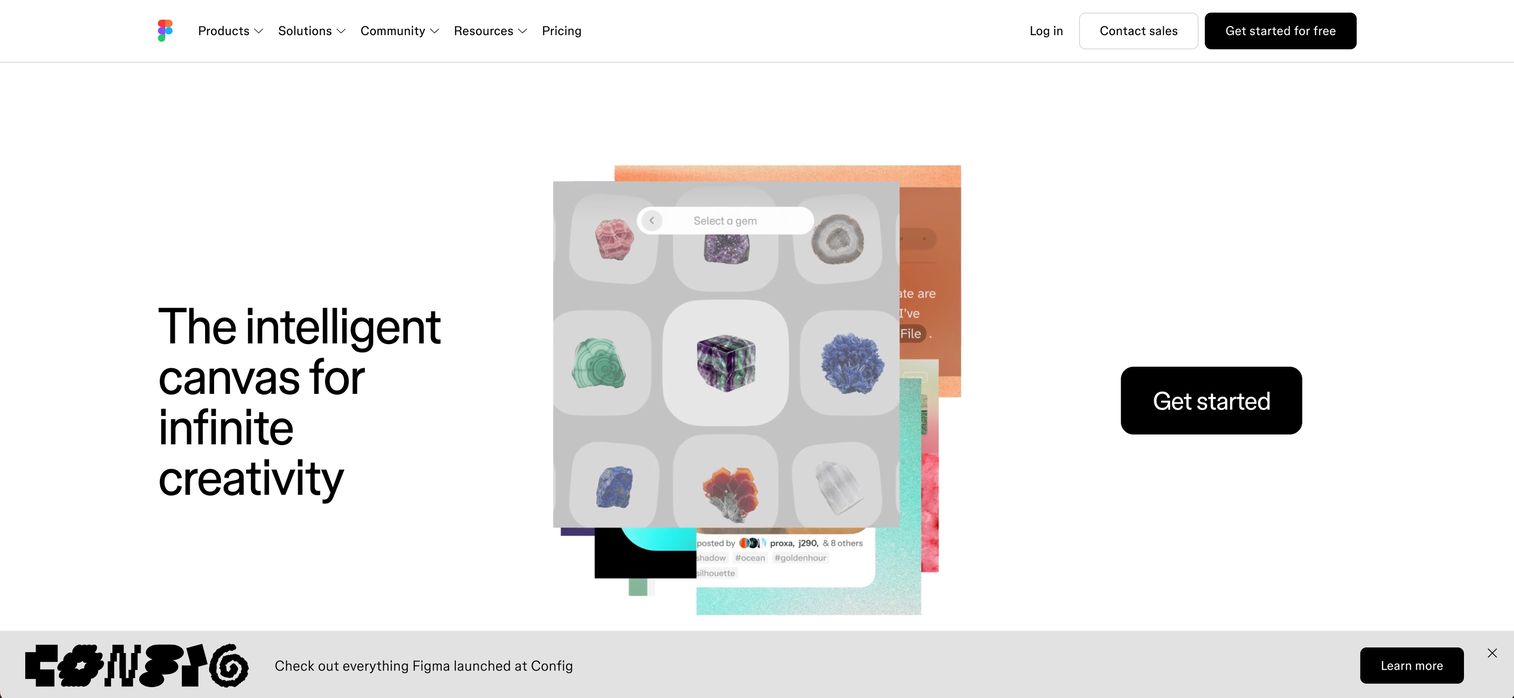
Figma is the default all-around choice for most product teams, and for good reason. It combines UI design, prototyping, and developer handoff in one collaborative platform, so the flow you design and the flow you prototype never leave the same file. For teams already working in Figma, adding prototyping is a natural extension rather than a new tool to adopt.
The prototyping model is built around interactive components and Smart Animate, which handles transitions and state changes without you keying every frame. Real-time collaboration is the standout: multiple people edit the same file live, comment inline, and Dev Mode gives engineers inspection and handoff context without a separate license dance. That combination makes Figma strong for the alignment job PMs care about most.
Best for: Teams that want collaborative UI design, prototyping, and developer handoff in one platform.
Key strengths
- Real-time collaboration: Multiple people design, prototype, and comment in the same file at once.
- Dev Mode: Inspection, specs, and MCP support give engineers clean handoff context.
- One connected platform: Design, Sites, Slides, Draw, Make, and FigJam workflows live together.
Why choose Figma: If your team already designs in Figma, prototyping there keeps everything in one place and cuts tool-switching. It performs best when you need broad collaboration and a clean design-to-dev path. For the most advanced sensor-driven or hardware-level interactions, a specialist tool goes deeper, but for the vast majority of product work Figma covers it.
Figma pricing: Figma has a free Starter plan. Paid plans are seat-based: Professional at $16/mo, Organization at $55/mo billed annually, and Enterprise at $90/mo billed annually. Its G2 rating is 4.7/5.
2. ProtoPie
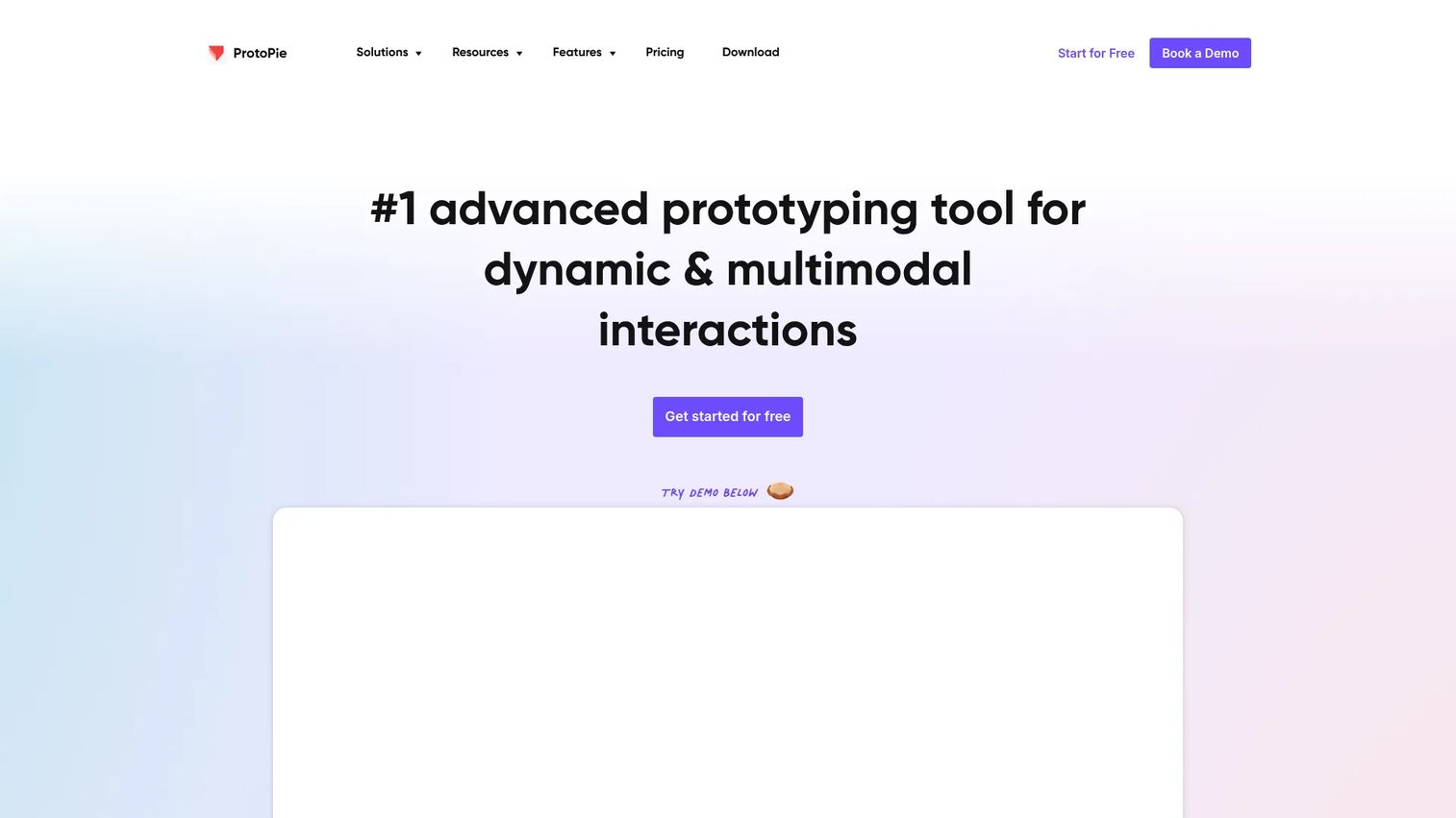
ProtoPie is the tool you reach for when a click-through will not answer the question. It builds high-fidelity, logic-heavy prototypes with variables, formulas, sensors, and multi-device behavior, so you can test interactions that respond to real input rather than following a fixed path. When the risk in a feature lives in how it behaves, not how it looks, ProtoPie earns its place.
Product teams choose it when they need to validate more than a simple sequence of screens. Think prototypes that react to conditional logic, pull data across devices, or respond to sensor and voice input. That realism matters when you are trying to catch the edge cases that turn into rework after launch. A built-in user testing workflow means you can run the prototype in front of people without exporting to a separate tool.
Best for: Teams building realistic interactive prototypes for product design and user testing.
Key strengths
- Multi-device prototyping: Build across phone, desktop, wearable, TV, and more.
- High-fidelity interactions: Variables, formulas, and sensors model behavior a click-through cannot.
- Built-in user testing: Run and observe testing without leaving the tool.
Why choose ProtoPie: ProtoPie is the pick when interaction depth is the whole point of the prototype. It performs best when you need to validate complex, responsive behavior before committing engineering time to it. For quick wireframe validation it is more firepower than you need, but for high-stakes interaction design it is hard to beat.
ProtoPie pricing: ProtoPie offers a free plan. Paid tiers are Basic at $25/mo, Pro at $47/editor/mo, and a custom-priced Enterprise plan (minimum three seats). Its G2 rating is 4.4/5.
3. UXPin
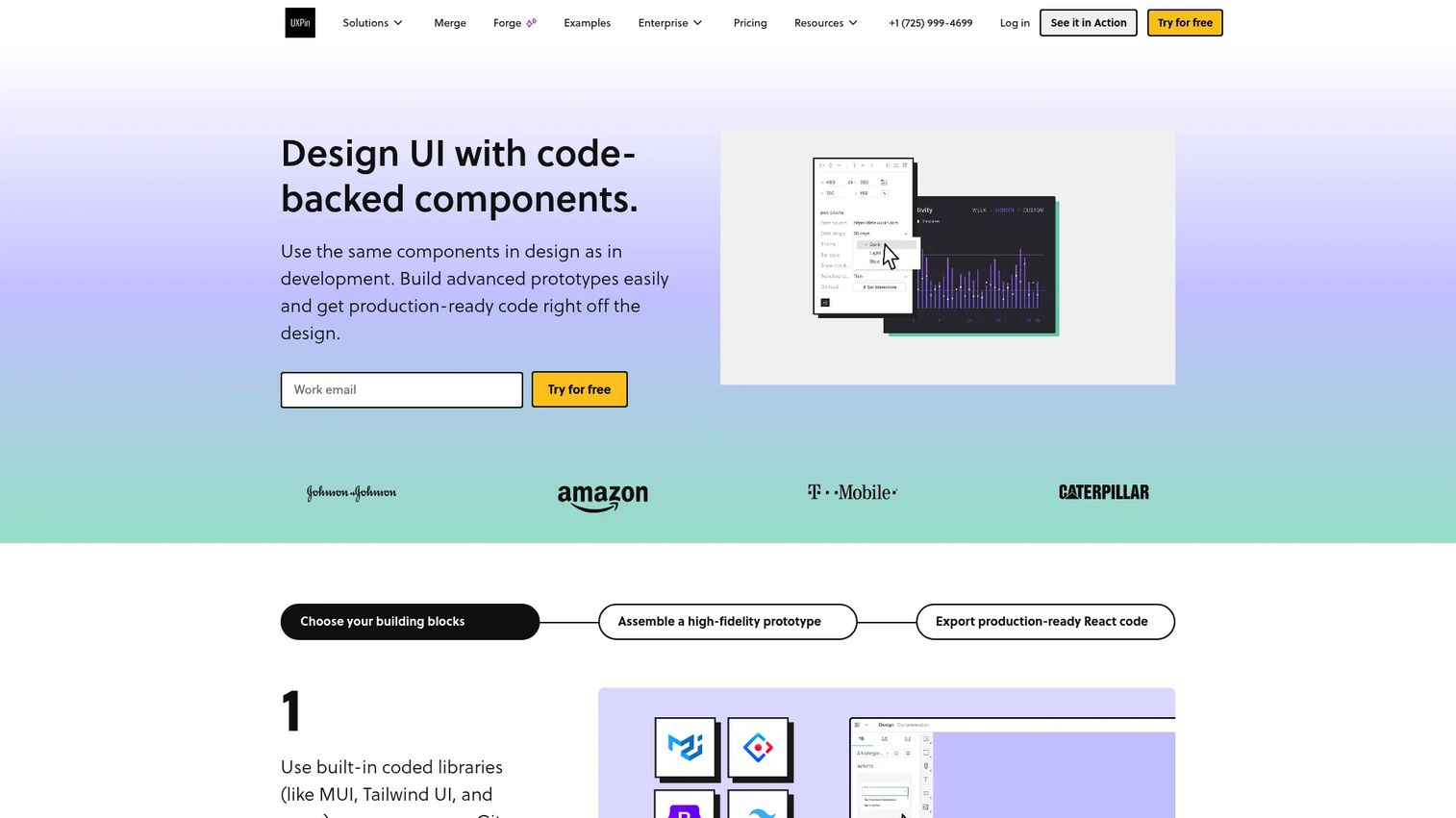
UXPin is built for teams that want their prototypes to behave like the real product. It uses code-backed components and design systems, so the prototype and the eventual build share the same UI patterns instead of drifting apart. For product teams that care about consistency and structured handoff, that alignment is the whole value proposition.
The standout is code-like consistency. Because components can be backed by real code, a UXPin prototype models interactions, states, and logic with a fidelity that gets you closer to what engineering will actually ship. Conditional logic, variables, and expressions let you build prototypes that respond like production, and built-in coded libraries keep everyone working from the same design system. That reduces the "the prototype did something the build cannot" surprise that stalls handoff.
Best for: Product teams needing high-fidelity, code-backed prototypes and design-system workflows.
Key strengths
- Code-backed components: Prototypes use real UI patterns, tightening design-to-dev consistency.
- Conditional logic and variables: Model realistic, stateful interactions and expressions.
- Coded design systems: Built-in libraries keep the whole team on the same patterns.
Why choose UXPin: UXPin fits teams where handoff consistency is a recurring pain and prototypes need to reflect production reality. It performs best when your design system is central to how you ship and you want prototypes to reinforce it, not diverge from it.
UXPin pricing: UXPin has a limited free plan and a 14-day trial on all plans. Paid tiers are Core at $29/month, Growth at $40/month, and a custom-priced Enterprise plan. Its G2 rating is 4.2/5.
4. Axure
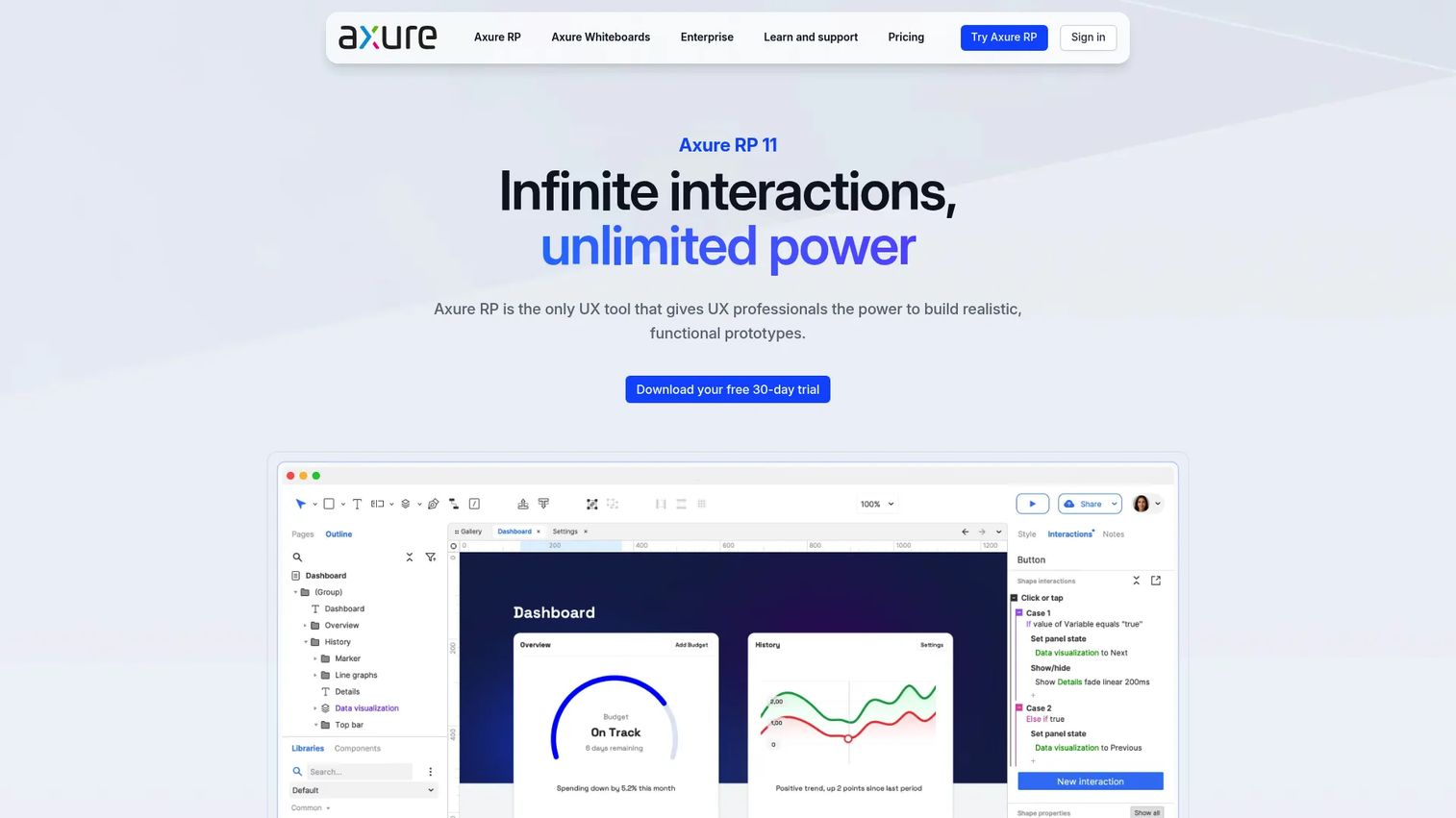
Axure is the veteran choice for prototypes that have to represent complicated behavior, not just visuals. It handles complex flows, conditional logic, and detailed interaction modeling, which makes it a fit for product requirements where edge cases and business rules matter as much as the happy path. When the prototype needs to double as living documentation, Axure is built for it.
The depth shows in the interaction engine: unlimited event triggers, conditions, and actions let you model behavior that other tools simplify away. Working forms, multi-state containers, repeater-based data-driven interfaces, and adaptive views mean you can prototype something that behaves like a real application handling real data. For enterprise-style validation, where a flow has to survive scrutiny from multiple stakeholders and requirements, that fidelity pays off. Axure Cloud adds sharing, comments, developer inspect, and integrations with Jira, Confluence, Slack, and Teams.
Best for: Product and UX teams that need advanced interactive prototypes and documentation.
Key strengths
- Unlimited interaction logic: Event triggers, conditions, and actions model complex behavior.
- Data-driven interfaces: Repeaters, multi-state containers, and adaptive views handle real-application complexity.
- Built-in documentation and integrations: Axure Cloud connects to Jira, Confluence, Slack, and Teams.
Why choose Axure: Axure is the pick when the prototype has to represent complicated logic and serve as documentation for a demanding requirements process. It performs best on enterprise and complex-workflow projects where interaction detail and traceability are non-negotiable.
Axure pricing: Axure RP Pro is $29/user/month and Axure RP Team is $49/user/month, both with monthly and annual options. Enterprise is quote-based, and qualified students and educators can use the Team edition free. Its G2 rating is 4.2/5.
5. Sketch
Sketch is the familiar, Mac-native design tool that carries prototyping capability alongside its core UI design work. For teams already embedded in the Sketch ecosystem, it keeps design, prototyping, and handoff in one workflow without adopting anything new. Simplicity and ecosystem fit are its calling cards.
Sketch pairs a native Mac app, with offline and real-time collaboration, with a web app for inspecting, sharing, commenting, and developer handoff. Reusable components and libraries keep design consistent across files, and prototyping links flows together for validation and review. It is a clean, focused workflow for teams that value a fast, familiar design environment over the deepest interaction engine on the market. For advanced sensor-driven or logic-heavy prototypes, a specialist tool goes further, but for standard product design work Sketch keeps the whole cycle tidy.
Best for: Design teams that want a Mac-first UI design, prototyping, and handoff tool.
Key strengths
- Native Mac app: Offline work plus real-time collaboration in a familiar environment.
- Web handoff app: Inspect, share, comment, and hand off to developers from the browser.
- Reusable components and libraries: Keep design consistent across the whole project.
Why choose Sketch: Sketch fits teams already invested in the Mac and Sketch ecosystem who want a straightforward design-plus-prototyping workflow. It performs best when familiarity and a clean handoff matter more than modeling the most complex interactions.
Sketch pricing: Sketch has no fully free plan but offers a 30-day trial and free viewers. Standard is $12/month, Professional is $24/month, and Enterprise is $44/month, all per editor billed yearly. A Mac-only license is $120 per seat with one year of updates. Its G2 rating is 4.5/5.
6. Adobe XD
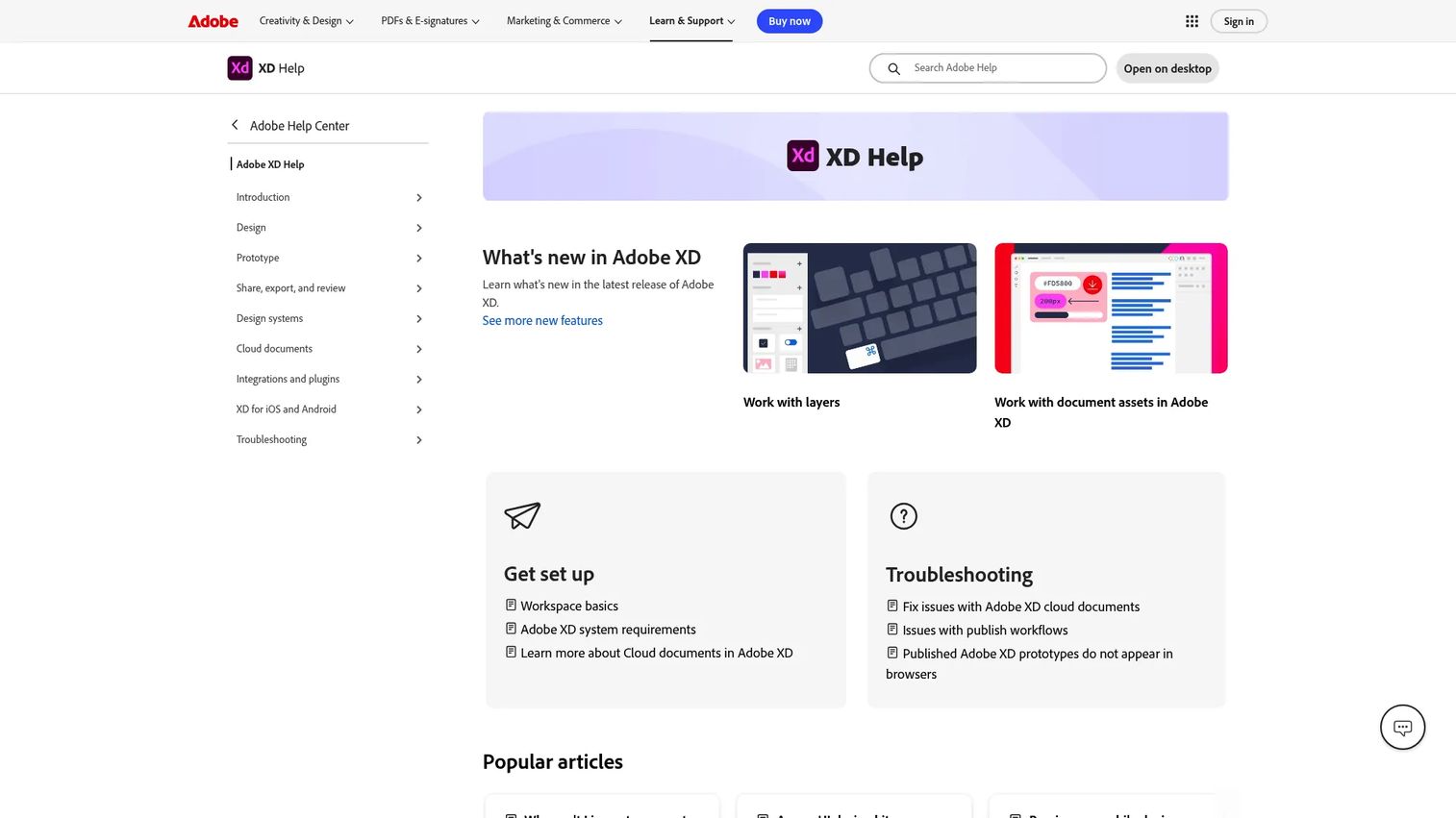
Adobe XD was for years a mainstream pick for UX teams building interactive prototypes, wireframes, and graphics inside the Adobe ecosystem. It covers the core jobs: interactive prototyping, wireframing and UI design, and design sharing with specs. For teams already living in Creative Cloud, it slots into an existing workflow without introducing a new vendor.
The honest, current read matters here. XD's role in Adobe's roadmap has shifted since its peak, so before you standardize on it, check its current status and update cadence against your team's needs. Adobe still offers XD as a free starter plan within a Creative Cloud membership, which makes it low-friction to try for teams that want a straightforward prototyping and wireframing tool tied to the rest of their Adobe stack. Evaluate it for what it does today, not the momentum it had a few years ago.
Best for: UX teams and product designers needing wireframes, prototypes, and design sharing.
Key strengths
- Interactive prototyping: Link screens and build clickable flows for validation.
- Wireframing and UI design: Cover early structure through polished screens.
- Design sharing and specs: Share prototypes and hand off with specs.
Why choose Adobe XD: XD fits teams already in Creative Cloud who want prototyping and wireframing inside a familiar Adobe workflow. It performs best as a low-cost entry point for Adobe-native teams, provided you have confirmed its current status suits a long-term commitment.
Adobe XD pricing: Adobe offers XD as a free starter plan within a Creative Cloud membership. A current XD-specific public paid price was not confirmed at the time of writing, so verify pricing directly with Adobe before you plan around it.
7. Justinmind
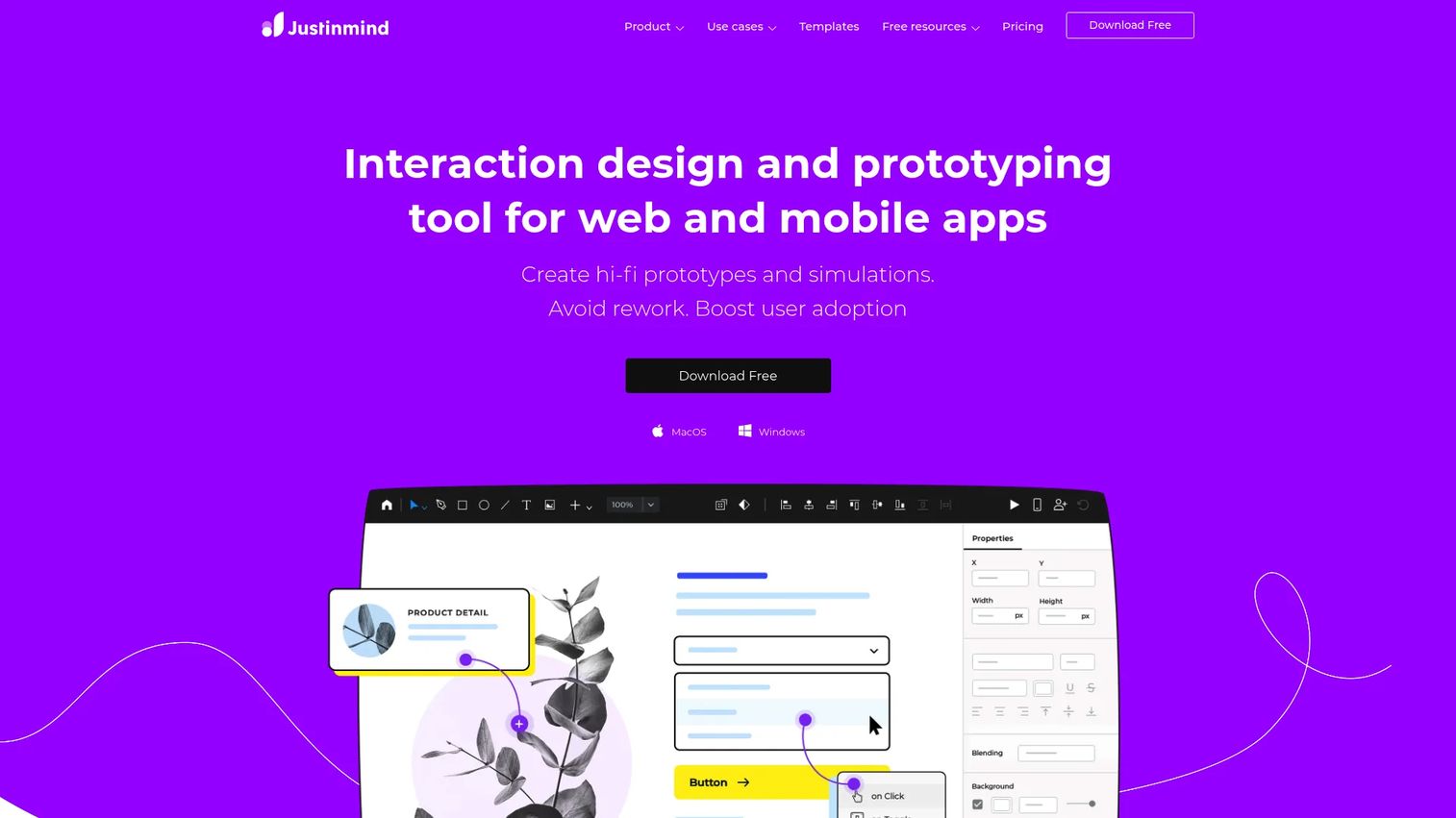
Justinmind is a strong option for detailed interactive prototypes and business process simulation without writing code. It leans on drag-and-drop building and conditional flows, so teams can model complex logic and multi-path scenarios visually. For product teams that want interaction depth but do not want to script it, that no-code approach is the draw.
The tool ships with pre-built UI kits and a library of 4000+ components, which speeds up building realistic screens fast. Advanced interactions and conditional logic let you prototype flows that branch and respond, useful for validating anything from a signup path to a multi-step business workflow. Collaboration, co-editing, and design handoff round it out so the prototype does not dead-end at the designer's screen. It fits teams that need to represent real logic and behavior before development starts.
Best for: UX and product teams needing interactive prototypes before development.
Key strengths
- Drag-and-drop logic: Model conditional flows and complex scenarios without code.
- 4000+ components and UI kits: Build realistic screens quickly from pre-built parts.
- Collaboration and handoff: Co-edit, comment, and hand designs off to development.
Why choose Justinmind: Justinmind fits teams that want to model detailed logic and business processes without engineering help. It performs best when you need conditional, branching prototypes and prefer a visual, no-code path to build them.
Justinmind pricing: Justinmind has a free plan at $0 per editor/month. Paid tiers are Standard at $19, Professional at $29, and Enterprise at $59, all per editor/month, with a quote option on Enterprise. Its G2 rating is 4.0/5.
8. MockFlow
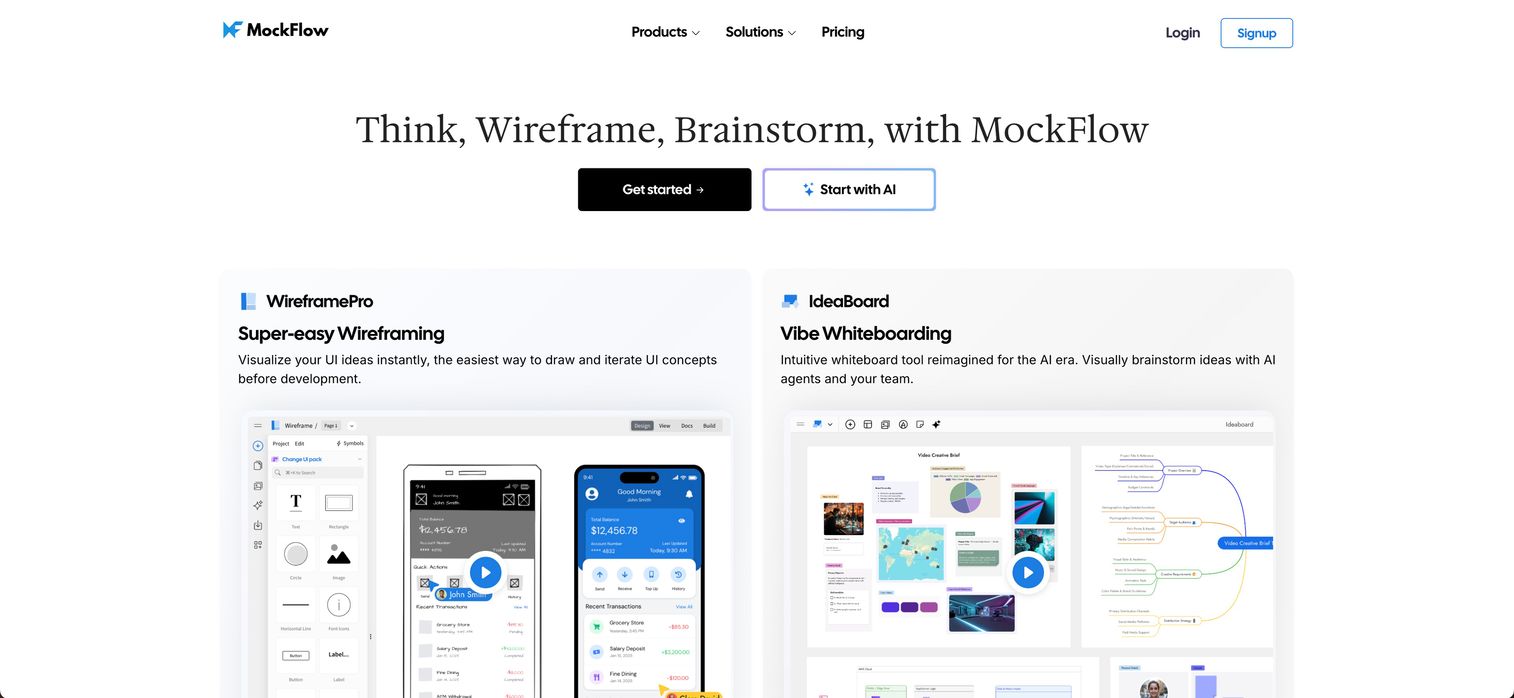
MockFlow is the lightweight, fast-start option for wireframes and early-stage prototyping. When the team needs clarity quickly and does not yet need deep interaction fidelity, MockFlow gets a structure on the screen fast. It is built for the moment when speed and shared understanding matter more than polish.
The core is WireframePro for rapid UI wireframing and handoff, paired with IdeaBoard for whiteboarding, brainstorming, and diagramming. That combination makes it useful early, when you are still shaping the problem and want to sketch and align in the same space. Collaboration features like comments, chat, meetings, and share links keep the whole team in the loop while the idea is still forming. For validating flow direction before committing to high-fidelity work, it is a practical first step.
Best for: Teams that need fast wireframing plus collaborative whiteboarding in one tool.
Key strengths
- WireframePro: Rapid UI wireframing and handoff for early structure.
- IdeaBoard: Whiteboarding, brainstorming, and diagramming in one space.
- Built-in collaboration: Comments, chat, meetings, and share links keep the team aligned.
Why choose MockFlow: MockFlow fits teams that want to move from idea to a shared wireframe fast, before investing in high-fidelity prototyping. It performs best in the early concept and alignment stage, where clarity beats fidelity.
MockFlow pricing: MockFlow has a free Basic plan. Paid plans cover WireframePro, IdeaBoard, and the full MockFlow Suite, billed yearly. Its G2 rating is 4.2/5.
Considerations before you choose
A feature comparison narrows the field. These five checks pick the winner.
Match the tool to the stage
Early concept validation, design review, and pre-development handoff are three different jobs. Choose based on the product decision you are trying to make, not the longest feature list. A wireframe tool wins the early stage; a code-backed tool wins handoff. Buying for the wrong stage means paying for depth you will not use or missing depth you will need.
Check collaboration needs
Evaluate comments, sharing, permissions, and review loops before you commit. The question is not "can the designer use this?" but "can engineering inspect it and can stakeholders comment on it?" A prototype the rest of the team cannot open is an artifact, not an alignment tool.
Verify realism requirements
Decide whether your team needs basic click-throughs or advanced interactions with variables and device-level behavior. That answer should drive the shortlist more than anything else. If your validation risk lives in edge cases and logic, prioritize interaction depth. If it lives in flow order, do not overbuy.
Assess ecosystem fit
Check design system compatibility, export options, integrations, and whether the tool fits your existing stack. A tool that plugs into your design system and your engineering tools cuts maintenance. One that stands alone adds a silo you will fight later.
Think about maintenance
Products change every release, and prototypes rot if nobody keeps them current. Weigh how hard it is to update a prototype when the UI shifts. Tools tied to reusable components and design systems update once and propagate. Loose collections of screens do not, and that ongoing cost lands on your team.
Conclusion
The best prototyping software depends on the decision you are making, not on which tool has the most features. Figma wins for teams that want collaborative design and prototyping in one place. ProtoPie and Axure go deepest on interaction logic and edge cases. UXPin is the pick when handoff consistency is the recurring pain. Sketch fits Mac-first design teams, Justinmind models logic without code, and MockFlow gets early wireframes on the screen fast.
The simplest next step: shortlist two tools based on your current stage and the interaction depth you actually need. Then run the same real workflow through both. Prototype one genuine flow your team is about to build, put it in front of the same reviewers, and see which tool got you to a clear decision faster. The winner is the one that shortened the gap between "here's what I mean" and "here's what we'll build."
If your next question is what happens after design, when you need to turn a finished product into a shareable, self-serve experience for buyers, users, or partners, Start your journey with Guideflow today!
FAQs
Wireframing tools focus on structure and layout, low-fidelity blueprints that show where things go. Prototyping software adds interaction: clickable flows, states, motion, and sometimes logic, so you can test how a product behaves, not just how it is arranged. Many tools like MockFlow and Figma do both, but the deeper the interaction you need to validate, the more you lean toward dedicated prototyping features.
For most PMs, Figma is the strongest all-around choice because collaboration and developer handoff live in the same file the whole team can access. If your validation risk sits in complex logic or edge cases, ProtoPie or Axure model that behavior more deeply. The best pick is the one that lets your non-designer stakeholders and engineers actually participate.
ProtoPie leads for high-fidelity prototyping with variables, formulas, sensors, and multi-device behavior. Axure is a close second for complex conditional logic and data-driven interfaces. UXPin also delivers high fidelity through code-backed components that mirror production. Choose based on whether your priority is interaction realism (ProtoPie), logic complexity (Axure), or handoff consistency (UXPin).
For most product teams, yes. No-code and low-code prototyping tools let PMs and designers build and iterate without waiting on engineering, which is the whole point of validating before you commit sprint time. Justinmind and Figma both let you model realistic flows without writing code. Reserve code-heavy approaches for cases where the interaction genuinely cannot be simulated otherwise.
UXPin stands out because its code-backed components mean the prototype and the build share the same UI patterns, reducing the "the prototype did something the code cannot" surprise. Figma's Dev Mode is also strong for inspection and specs, and Axure Cloud integrates with Jira, Confluence, Slack, and Teams. Pick based on whether your handoff pain is consistency (UXPin) or context and inspection (Figma).
No. Prototyping software makes user testing possible earlier and cheaper by giving testers something clickable to react to, but the testing itself still requires real users and real observation. A prototype without validation is just a nicer-looking assumption. Use the prototype to run the test, then let what you learn drive the next iteration.
Compare four things: how fast you can build a testable prototype, whether your whole team can collaborate and review, how much interaction realism you actually need, and how cleanly the prototype hands off to engineering. Then factor in ecosystem fit and maintenance, since a tool that plugs into your design system and stack stays current with far less effort. Shortlist two tools and test the same real workflow in both before deciding.