



You open your DAW, hit a wall, and go hunting for a compressor. Two hours later you have 14 browser tabs, three "flash sale" countdowns, a wishlist you will never finish, and no compressor installed.
The problem was never finding plugins. There are more than enough. The problem is filtering what deserves a slot in your session, your budget, and your load time.
If you have ever felt the same tool-sprawl fatigue managing your marketing stack, the pattern rhymes: Too many overlapping options, unclear value, and the nagging question of whether you are paying twice for the same job.
The global audio plugin software market sits at $2.3 billion in 2026, growing at a 9.4% CAGR according to Research and Markets (2026). Money that size pulls in a lot of stores, a lot of subscriptions, and a lot of noise.
This guide cuts through it. Below, you get a decision-support breakdown of where to buy, where to get free downloads, and which suites earn their price.
What's inside
This guide is for producers and creators trying to buy audio plugins smarter instead of just browsing another storefront.
We evaluated marketplaces, freeware databases, and developer suites the way a buyer would, not the way a promo banner would. Every pick had to earn its spot on real value, not merchandising.
Selection criteria:
- Discovery: How fast can you find the right plugin without drowning in tabs
- Compatibility: Support for VST plugins, AU plugins, AAX plugins, and your platform
- Pricing model: Free downloads, one-time buys, bundles, or subscription plans
- Value clarity: Whether the pricing maps to what you actually get
TL;DR
- Best for deals and discounts: Audio Plugin Deals, built around limited-time offers, bundles, and freebies
- Best for a broad store and discovery: Plugin Boutique, the widest catalog with Rent To Own and free gifts
- Best for free downloads: Audio Plugins for Free, a filterable freeware database
- Best for mixing and mastering suites: iZotope, with AI-assisted repair and subscription access
- Best for subscription-first creators: Splice, royalty-free samples plus DAW-integrated tools
- Best for a big-name developer ecosystem: Native Instruments, with Komplete bundles and hardware
- Best for synths and creative instruments: Arturia, deep on synthesis and character
- Best for classic studio effects at scale: Waves, a huge effects catalog with subscriptions
- Best for lightweight modular sound design: Kilohearts, building-block plugins with a free tier
What is audio plugin software
Audio plugin software adds effects, instruments, and utility processing inside a digital audio workstation (DAW) so you can shape sound without leaving your session.
Plugins are the reason a bare DAW becomes a full studio. Some generate sound (synths, samplers, drum machines). Others process it (EQ, compression, reverb, saturation). A few just measure and manage (metering, gain staging, routing utilities).
They load in formats your DAW understands. Match the format to your platform or the plugin simply will not appear.
Key types of audio plugins:
- VST plugins: The most widely supported format across Windows and many DAWs
- AU plugins: Apple's Audio Unit format, native to Logic and GarageBand on macOS
- AAX plugins: The format Pro Tools requires
- Effects: EQ, compression, reverb, delay, saturation, and more
- Instruments: Synths, samplers, and virtual drum kits
- Utility tools: Metering, analysis, and gain-staging helpers
- Bundles: Curated collections of instruments and effects sold together
Platform compatibility is the first thing to check, not the last. A VST3 plugin built for Windows does nothing for a Logic user on Mac who needs an AU build. Most serious developers ship VST, AU, and AAX together, but freeware and small-developer plugins often do not.
Music production software also spans DAWs themselves, which host the plugins. The digital audio workstation market alone reached $4.7 billion in 2026 per Grand View Research (2026), a reminder that plugins ride on top of an already large base of production tools.
Buy for the format your DAW speaks, on the operating system you actually run.
When to use audio plugin software
Build a production toolkit from scratch
Starting cold, you have three sane paths: A broad store to browse and buy piecemeal, a bundle that ships dozens of tools at once, or a free database to fill gaps at zero cost. New producers usually get further, faster, with a bundle plus a freeware database than with 30 one-off purchases.
Replace scattered one-off downloads
If your plugin folder is a graveyard of forgotten trials and duplicate compressors, a marketplace account or a subscription can consolidate the mess. One login, one library, one place to manage updates. It is the same consolidation logic you apply to your martech stack when you kill redundant tools.
Find budget-friendly tools without sacrificing quality
Free plugins and deal sites make the most sense when you know exactly what you need and refuse to overpay. A filterable freeware database covers the essentials, and a deal engine catches premium tools at a fraction of list price when timing lines up.
Comparison table
Prices and ratings below reflect each vendor's public pages as of August 2026. Audio plugin pricing shifts with promotions and subscription changes, so confirm the current figure on the vendor site before you buy. Several of these brands sell per-product rather than per-plan, so a single starting price does not always tell the full story.
| # | Product | Best for | Key differentiator | Pricing | G2 rating |
|---|---|---|---|---|---|
| 1 | Audio Plugin Deals | Deals and discounts | Limited-time bundles and freebies | Free downloads, paid deals vary | Not listed |
| 2 | Plugin Boutique | Broad store and discovery | Rent To Own plus free gifts | Per-product, Rent To Own available | Not listed |
| 3 | Audio Plugins for Free | Free downloads | Filterable freeware database | Free | Not listed |
| 4 | iZotope | Mixing and mastering | AI-assisted repair and mastering | From $12.50/mo | 4.6 |
| 5 | Splice | Subscription creators | Royalty-free sample library | From $4.99/mo intro | Not listed |
| 6 | Native Instruments | Developer ecosystem | Komplete bundles and hardware | Komplete from $549 one-time | Not listed |
| 7 | Arturia | Synths and instruments | Deep synthesis and character | V Collection from 199 one-time | Not listed |
| 8 | Waves | Classic studio effects | Large effects catalog | From $14.99/mo | 4.5 |
| 9 | Kilohearts | Modular sound design | Building-block plugin system | Free tier, Ultimate $399 | Not listed |
Best 9 audio plugin software tools for 2026
1. Audio Plugin Deals
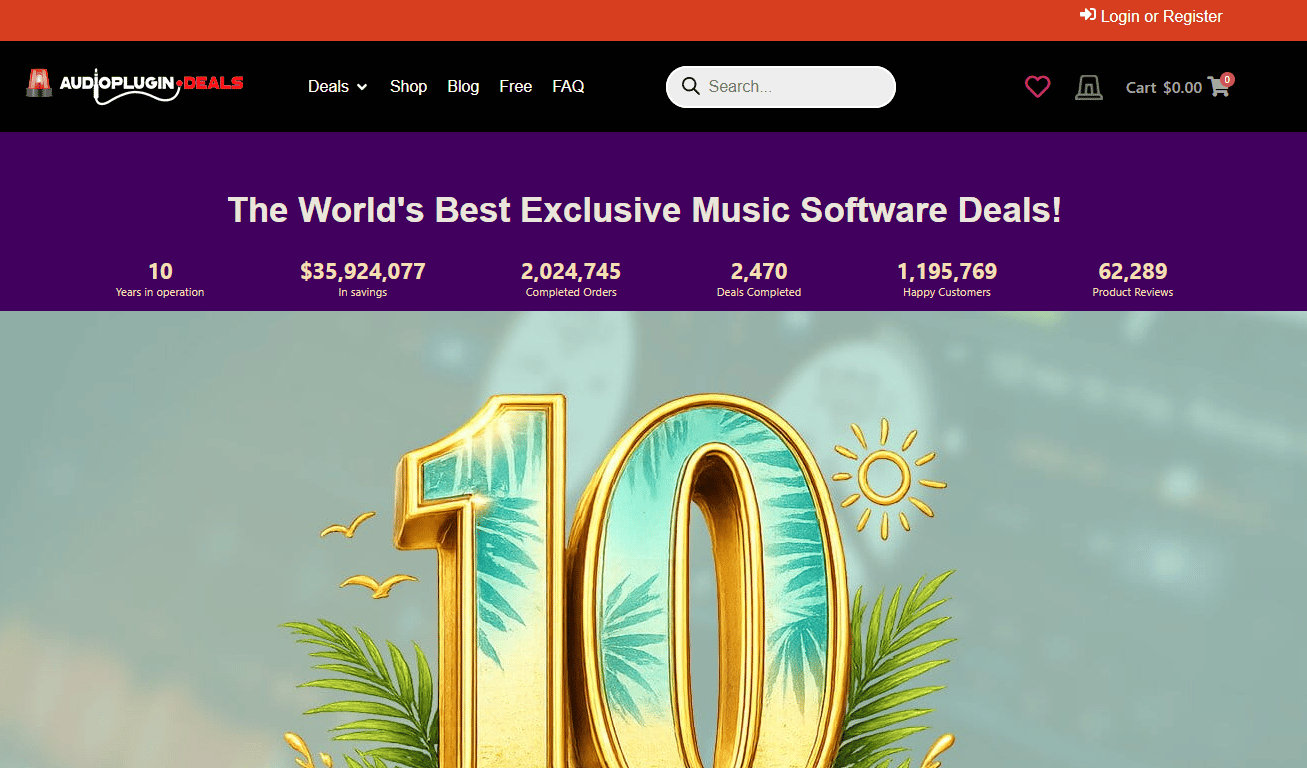
Audio Plugin Deals is a marketplace built around one job: Getting premium music software and bundles at a discount. Audio Plugin Deals runs limited-time offers, exclusive bundles, and a steady rotation of free downloads, so the storefront reads like a deal feed rather than a static catalog. Countdown urgency and featured deal cards drive the browsing experience.
Best for: Producers hunting the lowest price on premium plugins and bundles.
Key features
- Limited-time plugin and software deals
- Free downloads and freebies
- Exclusive bundles and offers
- Deal-driven storefront with featured cards
Why choose Audio Plugin Deals: If your buying strategy is patience plus timing, this is where discounts and bundle stacking pay off. It suits producers who would rather wait for a deal than pay list price.
Audio Plugin Deals pricing: The site lists free downloads at $0.00 and prices paid deals per product, so the amount depends on the specific plugin or bundle on sale. There is no subscription plan; you buy individual deals as they appear.
No verified G2 rating exists for the brand, so lean on the site's own product listings and user reviews when weighing a purchase.
2. Plugin Boutique
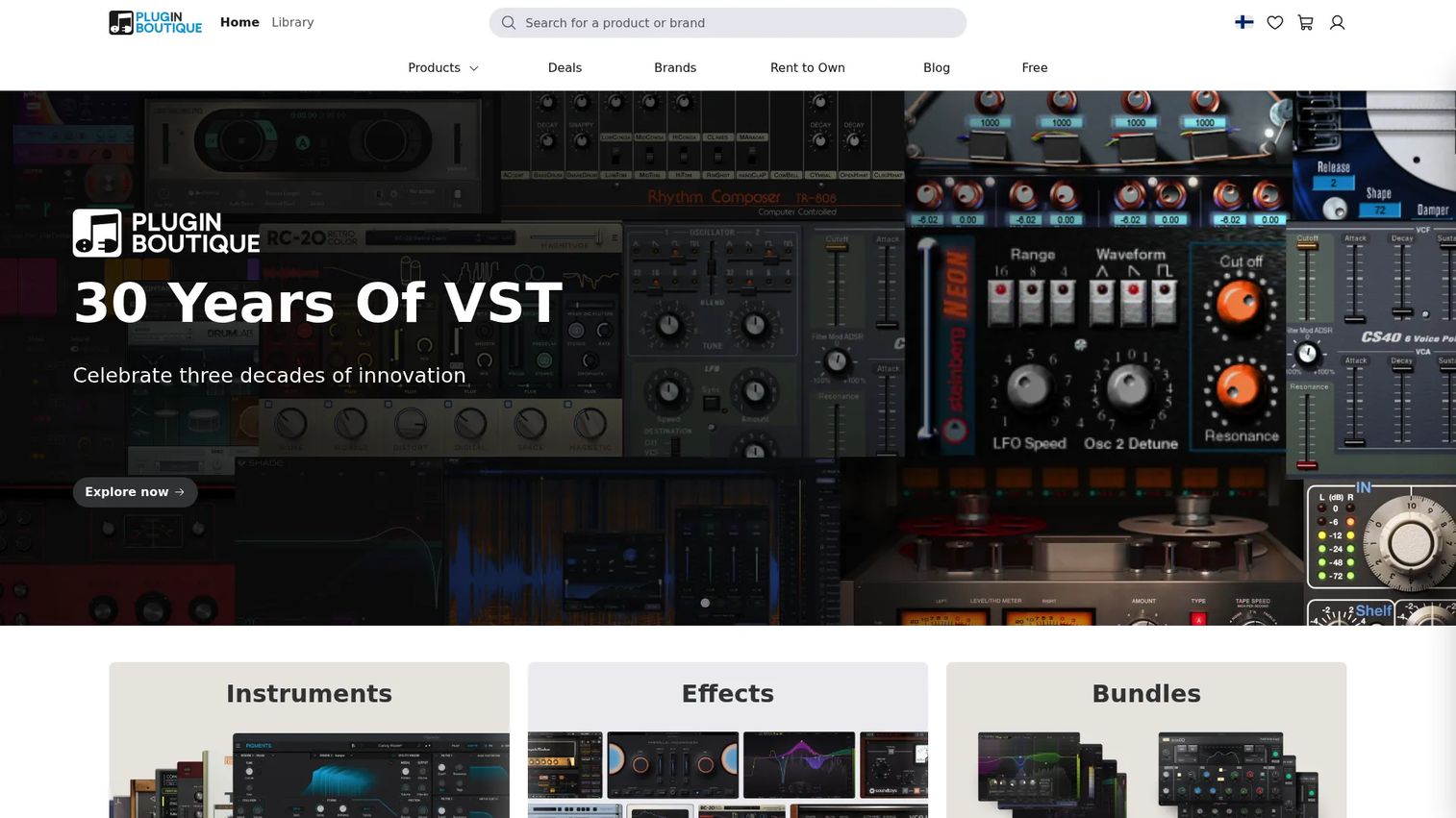
Plugin Boutique is the broad, catalog-style hub for buying plugins, instruments, and studio tools across many brands. Plugin Boutique organizes discovery by category and featured brand, adds free plugins and demos, and offers a Rent To Own payment plan for spreading cost over installments. It functions as a storefront and a discovery engine at once.
Best for: Producers who want one shop covering many developers and price points.
Key features
- VST plugins, instruments, and studio tools
- Free plugins, demos, and trials
- Rent To Own installment payments
- Category browsing and brand spotlights
Why choose Plugin Boutique: When you want selection and payment flexibility over a single-brand ecosystem, the breadth and Rent To Own option make it the practical default. Its free gift with purchase and rewards loop reward repeat buyers.
Plugin Boutique pricing: Pricing is set per product rather than by a single plan, and Rent To Own splits eligible purchases into monthly installments. Free plugins and demos are available at no cost.
A current G2 rating for Plugin Boutique could not be verified, so use its on-site reviews and the developer's own reputation to judge quality.
3. Audio Plugins for Free
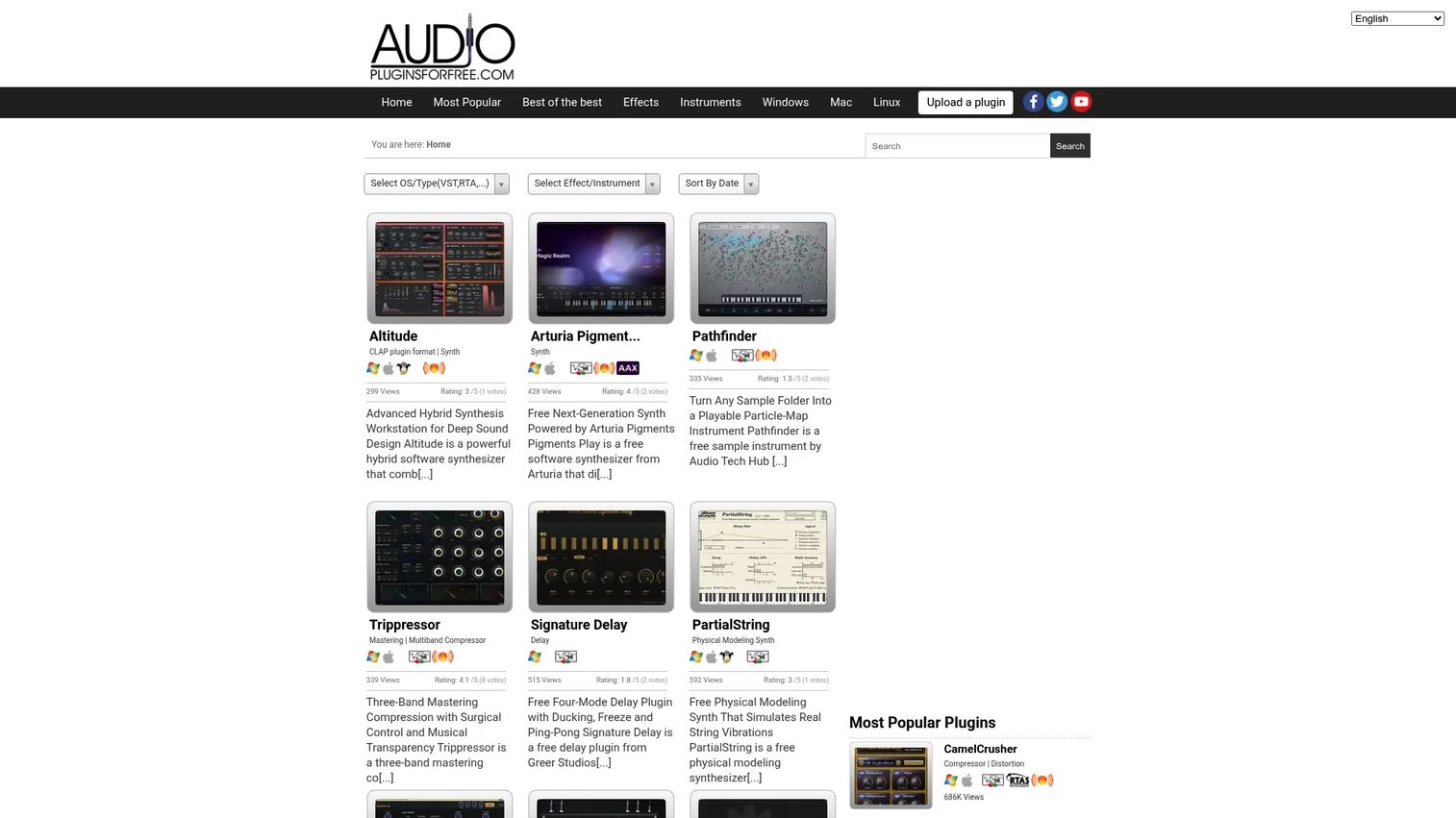
Audio Plugins for Free is a freeware database, not a store. Audio Plugins for Free curates listings of free audio plugins you can filter by platform and format, then browse via short descriptions, view counts, and user ratings. It is the fastest way to research free VST plugins and AU plugins before you spend a dollar.
Best for: Producers who want to research and grab free audio plugins by category.
Key features
- Curated free audio plugin listings
- Filters by platform: Windows, Mac, Linux
- Format browsing: VST, AU, AAX, LV2
- Plugin pages with ratings and descriptions
Why choose Audio Plugins for Free: When budget is zero and you still need real tools, this database beats random forum threads and dead download links. It fits producers filling gaps without committing to a paid store.
Audio Plugins for Free pricing: The directory is free to use, and every plugin it lists is a free download. There are no paid plans or premium tiers.
The site has no G2 rating, which is expected for a freeware directory rather than a software vendor, so trust the per-plugin user ratings shown on each page.
4. iZotope
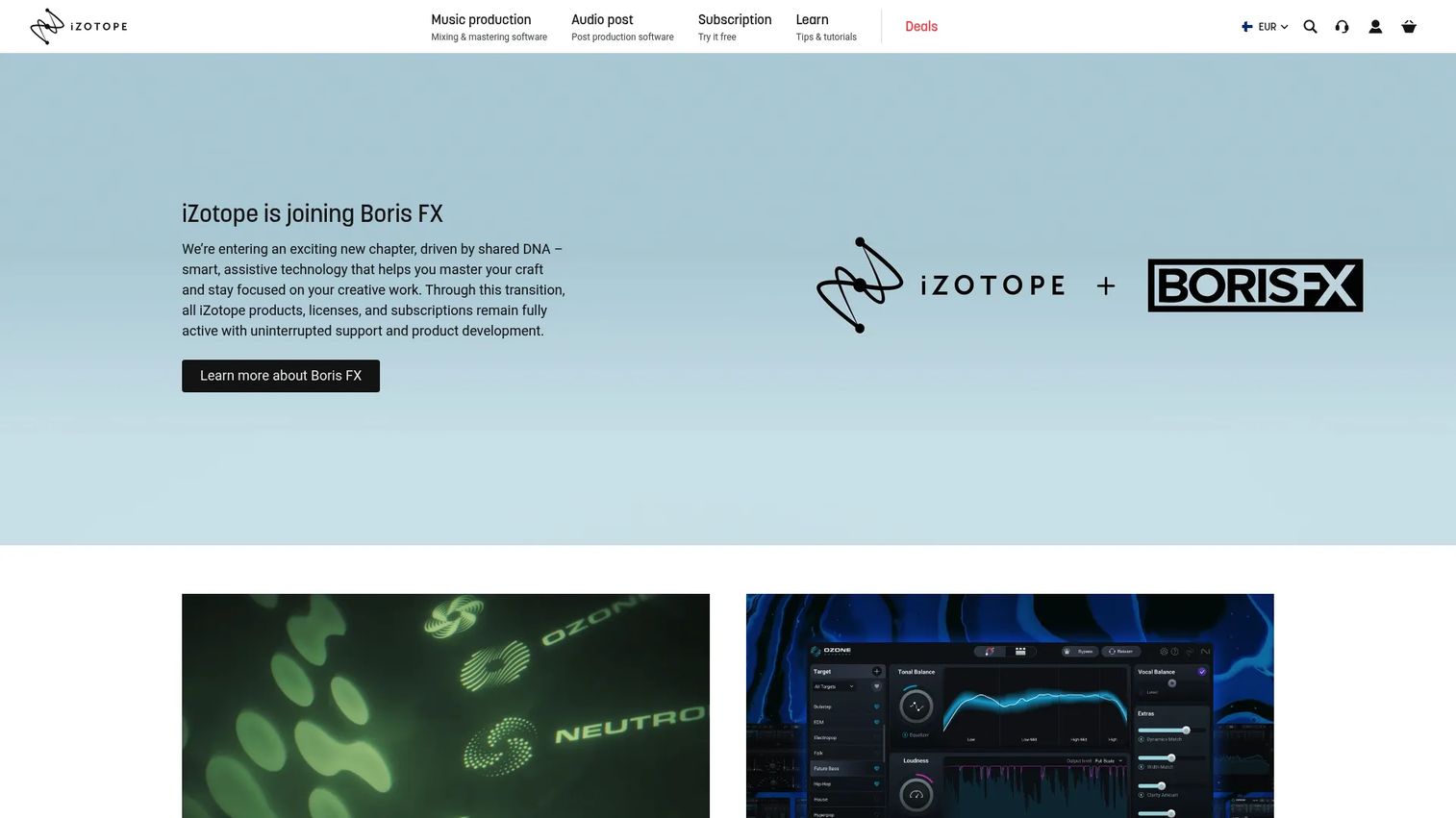
iZotope makes the audio software producers reach for when a mix or master needs cleanup and polish. iZotope focuses on mixing, mastering, and audio repair, with AI-assisted tools that speed up restoration and give newer producers a credible starting point. Subscription plans bundle its pro tools together.
Best for: Producers and post engineers who need AI-assisted mixing, mastering, and repair.
Key features
- Audio restoration and repair tools
- AI-assisted mixing and mastering
- Subscription plans with bundled pro tools
- 7-day free trial on subscriptions
Why choose iZotope: If your bottleneck is finishing tracks rather than starting them, its repair and mastering assistants remove hours of manual work. It suits people who want polished results without a mastering engineer on retainer.
iZotope pricing: Subscriptions start at $12.50/month for the iZotope Plus plan, with an iZotope Pro tier above it, and both include a 7-day free trial before monthly renewal.
iZotope holds a 4.6/5 seller rating on G2, one of the few brands on this list with a verified review score.
5. Splice

Splice sells access, not ownership. Splice gives you a royalty-free sample library, its own Splice INSTRUMENT virtual instrument, and DAW preview integration through Splice Bridge, so you audition sounds inside your session before committing. The subscription model fits producers who value a rotating library over a fixed plugin folder.
Best for: Producers who want royalty-free samples and DAW-integrated creation tools.
Key features
- Royalty-free sample library
- Splice INSTRUMENT virtual instrument
- Splice Bridge DAW preview integration
- Free download option for INSTRUMENT
Why choose Splice: When your work depends on fresh sounds more than a permanent effects rack, subscription access keeps the library growing without one-time purchases. It fits beat-driven producers and sound hunters.
Splice pricing: Plans include Sounds+ at $12.99/month, Creator at $4.99/month for the first month then $19.99/month, Creator+ at $39.99/month, and INSTRUMENT at $12.99/month. A free download of INSTRUMENT is available.
No verified G2 rating tracks to the Splice brand itself, so weigh its public plan details and community reputation instead.
6. Native Instruments
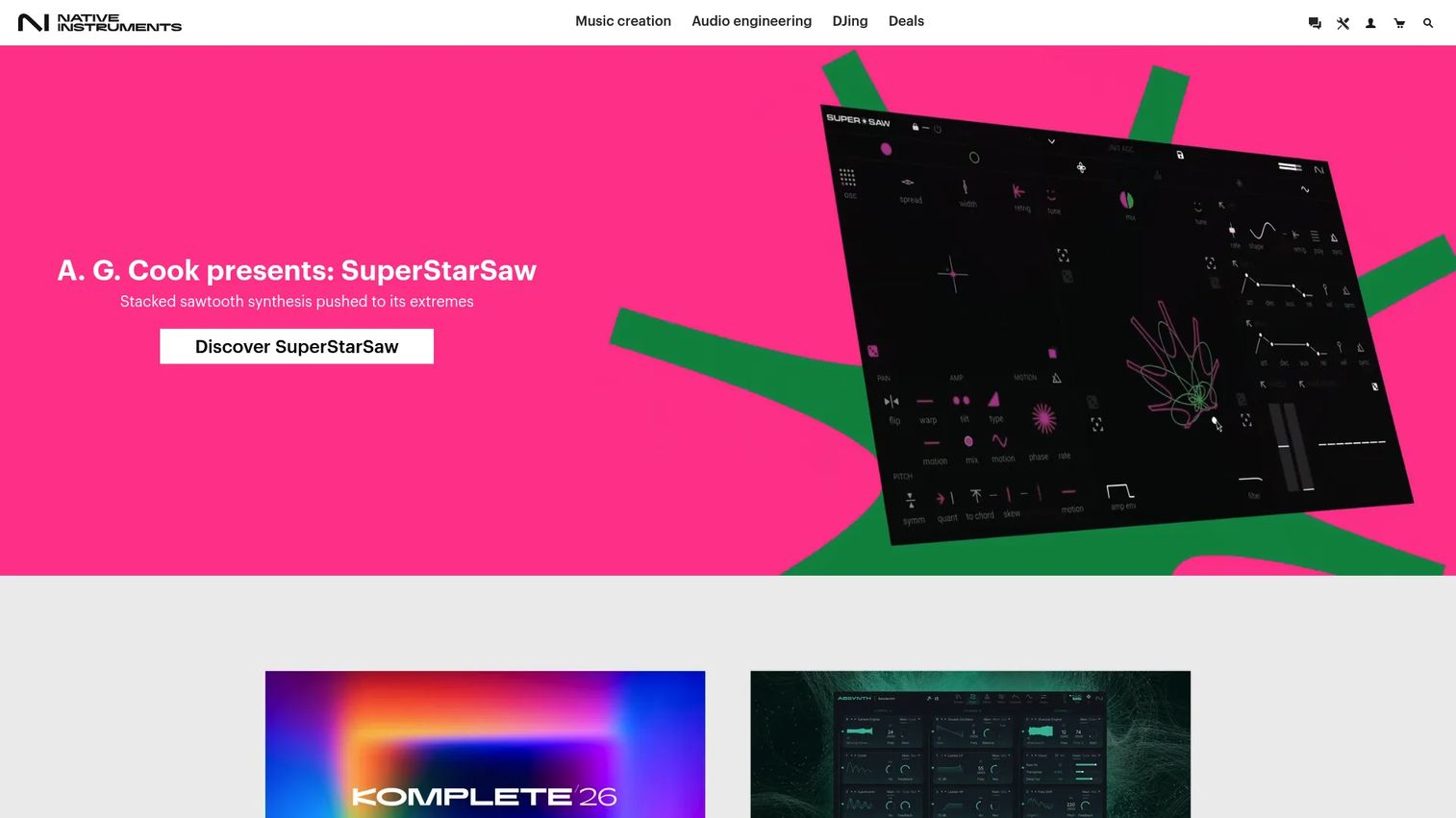
Native Instruments is the one-vendor route to a full instrument and effects setup. Native Instruments covers software instruments, effects, sample content, and hardware controllers, plus its 360 subscription and the Komplete bundle families. Buyers pick it to keep instruments, effects, and hardware under a single recognizable brand.
Best for: Producers and DJs who want instruments, effects, and hardware from one vendor.
Key features
- Software instruments and sounds
- Hardware controllers and audio interfaces
- 360 subscription with a 14-day trial
- Komplete bundles across three sizes
Why choose Native Instruments: If you would rather commit to one deep catalog than assemble tools from a dozen developers, the Komplete range and hardware integration make it a cohesive home. It fits producers building for the long term.
Native Instruments pricing: The 360 subscription offers a 14-day free trial, while one-time Komplete 26 bundles run $549 (Standard), $1,249 (Ultimate), and $1,949 (Collectors Edition). Hardware like MASCHINE starts at $499 and the Kontrol S49 MK3 at $749.
No reliable G2 rating for the Native Instruments brand surfaced during research, so rely on its product pages and long track record.
7. Arturia
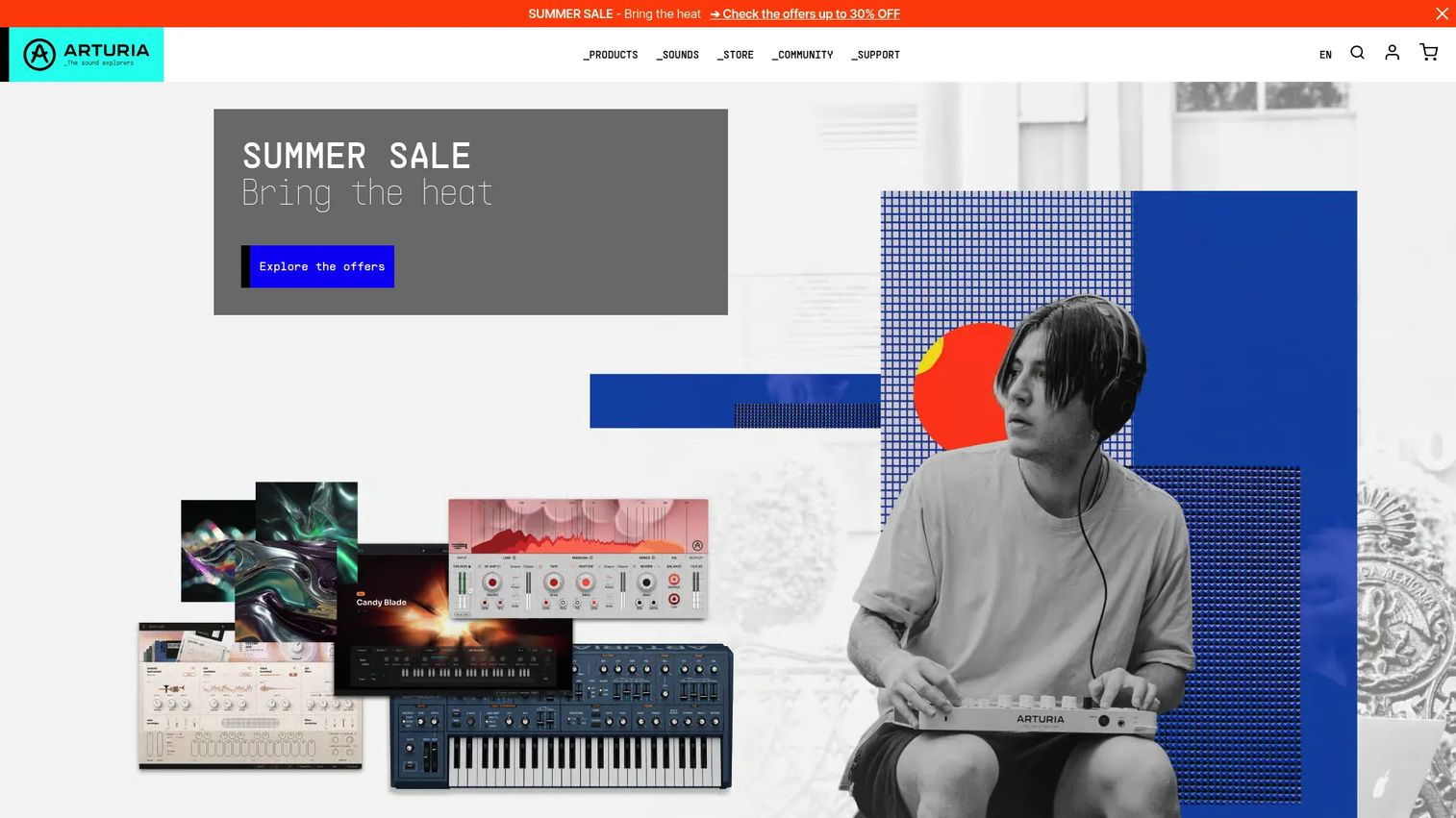
Arturia is the pick for synthesis and character. Arturia builds hardware synths, MIDI controllers, and a deep line of software instruments and effects, anchored by the V Collection and the Pigments synth. Producers choose it when they want breadth of classic emulations plus modern sound design.
Best for: Producers building a synth-forward instrument and controller setup.
Key features
- Software instruments and effects
- V Collection bundle in two tiers
- Pigments modern synth
- Hardware synths and MIDI controllers
Why choose Arturia: When character and synthesis matter more than a broad effects catalog, its emulations and Pigments give you range most single-plugin buys cannot. It fits sound designers and synth-driven producers.
Arturia pricing: V Collection 11 comes in an INTRO tier at 199 and a PRO tier at 699, with Pigments listed around 129 to 199 depending on promotion. Some products carry a free download or promotional pricing.
No Arturia G2 product rating could be verified from a primary source, so use its store reviews and demo trials to gauge fit.
8. Waves
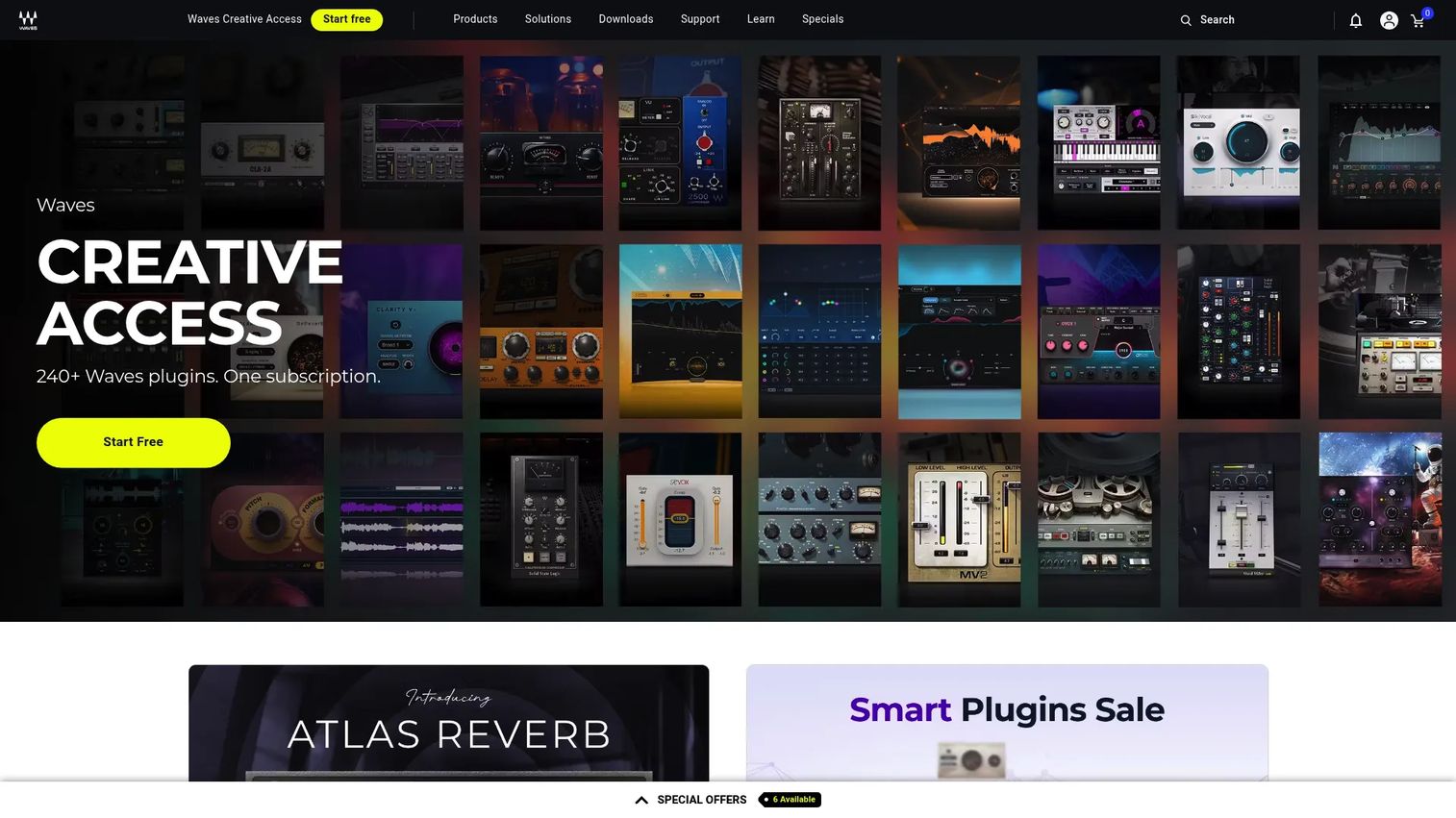
Waves is the long-standing catalog of mixing and mastering effects. Waves sells plugins for production and sound design, plus bundles, subscriptions, and training courses, covering classic studio workflows that engineers have used for years. Its Creative Access subscription keeps a large plugin library within reach for a monthly fee.
Best for: Musicians, producers, and engineers who need a deep effects catalog.
Key features
- Plugins for mixing, mastering, and production
- Plugin bundles and subscription plans
- Online courses and training
- 7-day free trial on subscriptions
Why choose Waves: If your work leans on traditional studio processing rather than exotic instruments, the sheer catalog depth and subscription option cover most mixing needs. It fits engineers who want proven effects at volume.
Waves pricing: Creative Access subscriptions include Essential at $14.99/month or $149.99/year and Ultimate at $24.99/month or $249.99/year, with a 7-day free trial.
Waves Online Mastering carries a 4.5/5 rating on G2, though that score reflects the mastering product rather than the entire brand.
9. Kilohearts
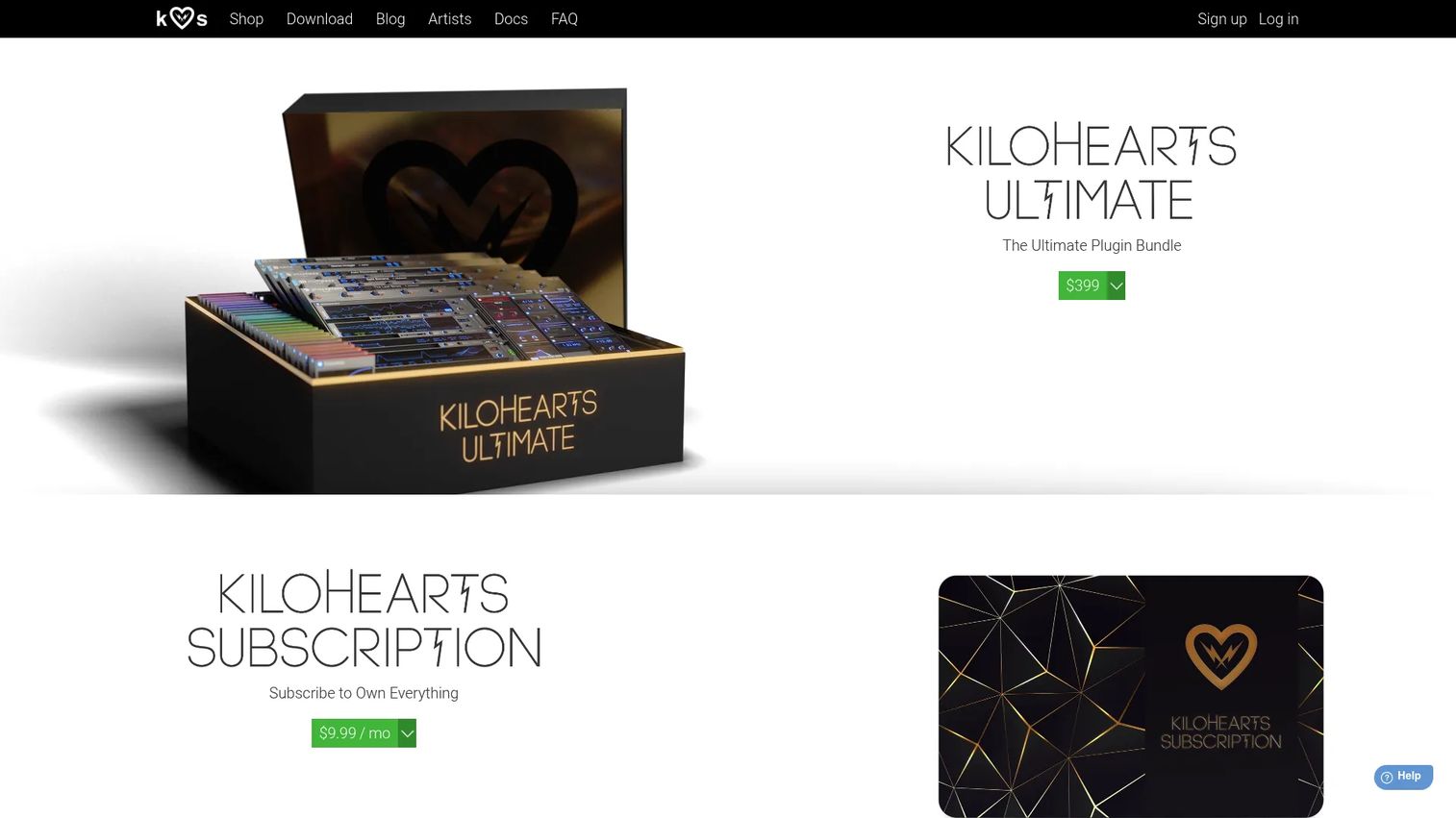
Kilohearts takes a building-block approach to sound design. Kilohearts offers modular synths and effects, headlined by the Phase Plant modular synth and hosts like Multipass and Snap Heap, plus a free Essentials collection to start with. Producers pick it for a lightweight, snap-together workflow.
Best for: Producers and sound designers who want modular synth and effect plugins.
Key features
- Phase Plant modular synth
- Multipass and Snap Heap effect hosts
- Kilohearts Essentials free collection
- Individual plugins and Ultimate bundle
Why choose Kilohearts: When you want to assemble sounds from small, combinable modules rather than fixed presets, its snapin system offers flexibility most one-shot plugins lack. It fits detail-focused sound designers.
Kilohearts pricing: The Essentials collection is free with an account, a monthly subscription runs $9.99/month, and the Ultimate bundle is $399 one-time. Individual plugins include Phase Plant at $199, Multipass at $99, Convolver at $39, and Snap Heap at $29.
No current G2 rating for Kilohearts was located, so rely on its free Essentials tier to test the workflow before buying.
Considerations
Before you spend, run each option through the same checklist you would use on any tool purchase.
DAW compatibility
Confirm the plugin ships in the format your DAW loads. Logic and GarageBand need AU plugins, Pro Tools needs AAX plugins, and most others accept VST plugins. A mismatch means the plugin never shows up in your instrument or effects list.
Plugin format support
Check that the developer builds for your operating system, not just Windows or Mac in the abstract. Small developers and freeware often ship one format or one platform, so verify before you download.
Free trial or demo availability
Favor tools with a trial or demo so you hear the plugin in your own session before paying. iZotope, Waves, and Native Instruments 360 all offer trials, and freeware sites let you test at zero risk.
Bundle value versus single-product pricing
Compare the bundle price against buying the two or three plugins you actually want. A $549 Komplete bundle only wins if you will use enough of it; otherwise a single deal from a marketplace is the cheaper path.
Update policy and subscription terms
Read what happens when a subscription lapses and whether you keep access to what you built. Subscription libraries like Splice and Waves Creative Access give access while you pay, so factor renewal into your real cost.
Conclusion
The audio plugin market is crowded, but the decision is not.
For deal hunters, Audio Plugin Deals turns patience into savings on premium tools and bundles. For free-first buyers, Audio Plugins for Free is the cleanest freeware database to research VST and AU plugins by platform. For broad shopping across many developers, Plugin Boutique with Rent To Own covers the widest ground.
If you want a dedicated ecosystem, Native Instruments and Arturia give you instruments and character under one roof, while iZotope and Waves handle mixing and mastering. Kilohearts serves producers who prefer modular, lightweight building blocks.
Your next step is simple: Start with a free database to fill gaps at zero cost, then compare two stores side by side on the specific plugin you need. Match the format to your DAW, use a trial where one exists, and buy the tool you will actually open, not the one with the loudest countdown.
Buy smarter, not more.
Start your journey with Guideflow today!
FAQs
VST is the most widely supported format across Windows and many DAWs, AU is Apple's Audio Unit format native to Logic and GarageBand on macOS, and AAX is the format Pro Tools requires. Most major developers ship all three, but smaller and free plugins often support only one. Always match the format to your DAW before downloading.
Yes, many free plugins hold up on professional records, especially EQs, compressors, and synths from established developers. The gap is usually breadth and support, not raw quality. A curated freeware database like Audio Plugins for Free helps you find the ones worth installing instead of sifting through dead links.
Plugin Boutique is the friendliest starting point because it spans many brands, offers free plugins and demos, and lets you spread cost with Rent To Own. Beginners get selection without committing to one ecosystem early. Pair it with a free database to cover the basics at no cost.
Bundles pay off when you will use enough of the included tools to beat the cost of buying them individually. A Komplete or V Collection bundle makes sense for producers building a full setup, but a single deal is cheaper if you only want two or three plugins. Count the tools you would actually open, then compare.
Subscriptions like Splice, Waves Creative Access, and iZotope Plus lower the upfront cost and give access to large libraries for a monthly fee. They save money short term and for producers who value a rotating catalog. Over years of continuous use, one-time purchases can cost less, so weigh how long you will keep paying.
Check the developer's system requirements for your plugin format and operating system before buying. Logic needs AU, Pro Tools needs AAX, and most other DAWs accept VST. If a trial or demo exists, install it and confirm the plugin appears in your session.
Confirm format and platform compatibility, look for a trial or demo, and compare bundle pricing against buying single products. Read the update and subscription terms so you know what you keep if you stop paying. The goal is buying the tool you will use, not the one with the biggest discount banner.
Buy individual plugins when you have a specific gap and a tight budget, and choose a suite when you are building a broad toolkit and will use most of it. A mixing and mastering suite like iZotope or Waves saves time if finishing tracks is your bottleneck. For narrow needs, a single deal from a marketplace is the smarter spend.










