



You open your DAW, drop in a synth, and lose an hour scrolling presets before you make a single decision. The plugin sounds fine. It also does not sound like you, and you cannot tell whether that is the synth or the fact that you have no idea what the modulation matrix does.
That gap is the real problem with picking synthesizer software. Not the price. Not the preset count. The distance between installing a synth and getting a usable sound out of it, fast, inside the tools you already run.
Software now makes up 35% of the overall sequencers and synthesizers market, up from 15% in 2018, according to WorldMetrics (2026). More producers are choosing synth software over hardware every year, which means more options and more decision fatigue.
Compatibility adds another layer. A synth that only ships as an old VST2, or refuses to load on your OS, wastes time before you play a note. The picks below sort for sound, format support, and learning curve so you download the right one first.
What's inside
This guide is for producers, sound designers, and anyone choosing their first (or fifth) synth plugin in 2026. It mixes free and paid options so you can start without spending, then upgrade when a workflow gap appears.
We picked the 8 tools on four criteria:
- Sound quality: How usable the raw output is, before heavy processing
- Synthesis method: Subtractive, FM, wavetable, hybrid, and classic emulation coverage
- Platform and format support: Mac, Windows, Linux, plus VST, VST3, AU, CLAP, and AAX
- Learning curve and value: How fast you get a sound, and what you pay to get there
TL;DR
- Best all-round free synth: Surge XT covers multiple synthesis types in one open-source plugin, so it grows with you instead of boxing you in.
- Best free synth for sound design: Vital's visual wavetable workflow shows you the modulation as it moves, which shortens the learning curve.
- Best free classic emulation: OB-Xd delivers Oberheim-style analog character at no cost.
- Best free FM synth: Dexed recreates the Yamaha DX7 and teaches FM synthesis while you use it.
- Best free synth software for beginners: Tyrell N6 pairs a simple subtractive layout with 580-plus presets.
- Best paid sound design synth: Pigments packs six engines into one instrument for deep, modern sound design.
What is synthesizer software?
Synthesizer software is a program or plugin that generates sound electronically inside your computer, replacing or replicating a hardware synth. Also called a software synthesizer, softsynth, or synth plugin, it runs standalone or loads inside a DAW, where a MIDI controller or piano roll drives the notes.
A software synthesizer builds tones from oscillators, then shapes them with filters, envelopes, and modulation. The result covers everything from a fat analog bass to a shifting granular texture. VST plugin synths slot into most modern DAWs, which is why the format matters as much as the sound.
Core features to expect in a synthesizer program:
- Oscillators: The raw sound source, single or multiple
- Filters: Cut or boost frequencies to sculpt tone
- Envelopes and LFOs: Shape how sound changes over time
- Modulation routing: Connect controls so parameters move dynamically
- Preset library: Ready-made sounds you can play immediately
- Plugin formats: VST, VST3, AU, CLAP, and AAX for host support
Common synthesis types you will meet:
- Subtractive: Start rich, filter down. The classic analog approach.
- FM: Modulate one oscillator with another for metallic, bell, and bass tones.
- Wavetable: Sweep through stored waveforms for evolving movement.
- Granular, additive, and modular: Deeper methods for textural and experimental sound design.
Format support decides whether a synth even loads. VST3 and CLAP are the current standards on Windows and Linux, AU is native to macOS, and AAX targets Pro Tools. Check your DAW before you download, because a great synth in the wrong format is a dead plugin.
When to use synthesizer software
Learn synthesis without buying hardware
Software is the fastest route into oscillators, filters, envelopes, and modulation, without dropping four figures on a hardware unit. You tweak a parameter, hear the change instantly, and repeat. A free synth vst removes the cost barrier entirely, so learning synthesis becomes a low-risk afternoon rather than a purchase decision.
Build sounds inside the DAW
Synth software lives where you already work. Every patch recalls with the session, MIDI maps in seconds, and you never rewire anything. Presets get you a starting sound in one click, then programming takes you deeper when a preset is close but not right. That recall and speed is the whole reason producers moved off hardware for most sessions.
Recreate classic hardware tones
Emulation synths clone the sound of famous analog and FM machines. When you want a specific vintage character, a Prophet pad or a DX7 bell, an emulation gets you there faster than dialing it from scratch. You keep the familiar sonic signature without hunting down, restoring, and maintaining old gear.
Synthesizer software comparison table
The table below sorts the 8 picks by relevance to someone choosing a synth in 2026. Most music software is not reviewed on G2, so ratings appear only where a verified listing exists. Pricing reflects each vendor's current page as of August 2026.
| # | Product | Best for | Key differentiator | Pricing | G2 rating |
|---|---|---|---|---|---|
| 1 | Surge XT | Free all-round softsynth | Multiple synthesis methods, open source | Free | N/A |
| 2 | Vital | Visual sound design | Wavetable with live visual modulation | Free plan; paid tiers | N/A |
| 3 | OB-Xd | Classic analog emulation | Oberheim OB-X character | Free trial | N/A |
| 4 | Dexed | Learning FM synthesis | DX7 emulation and patch librarian | Free | N/A |
| 5 | Tyrell N6 | Beginners on subtractive | 580-plus presets, simple layout | Free | N/A |
| 6 | FB-3300 | KORG PS-3300 tones | Three polyphonic synth blocks | Free | N/A |
| 7 | Pigments | Deep hybrid sound design | Six synthesis engines in one | Free plan; $129 full | 4.6/5 |
| 8 | MiniFreak V | Wild hybrid textures | Dual engine hardware model | €99 | N/A |
Best 8 tools for synthesizer software
1. Surge XT
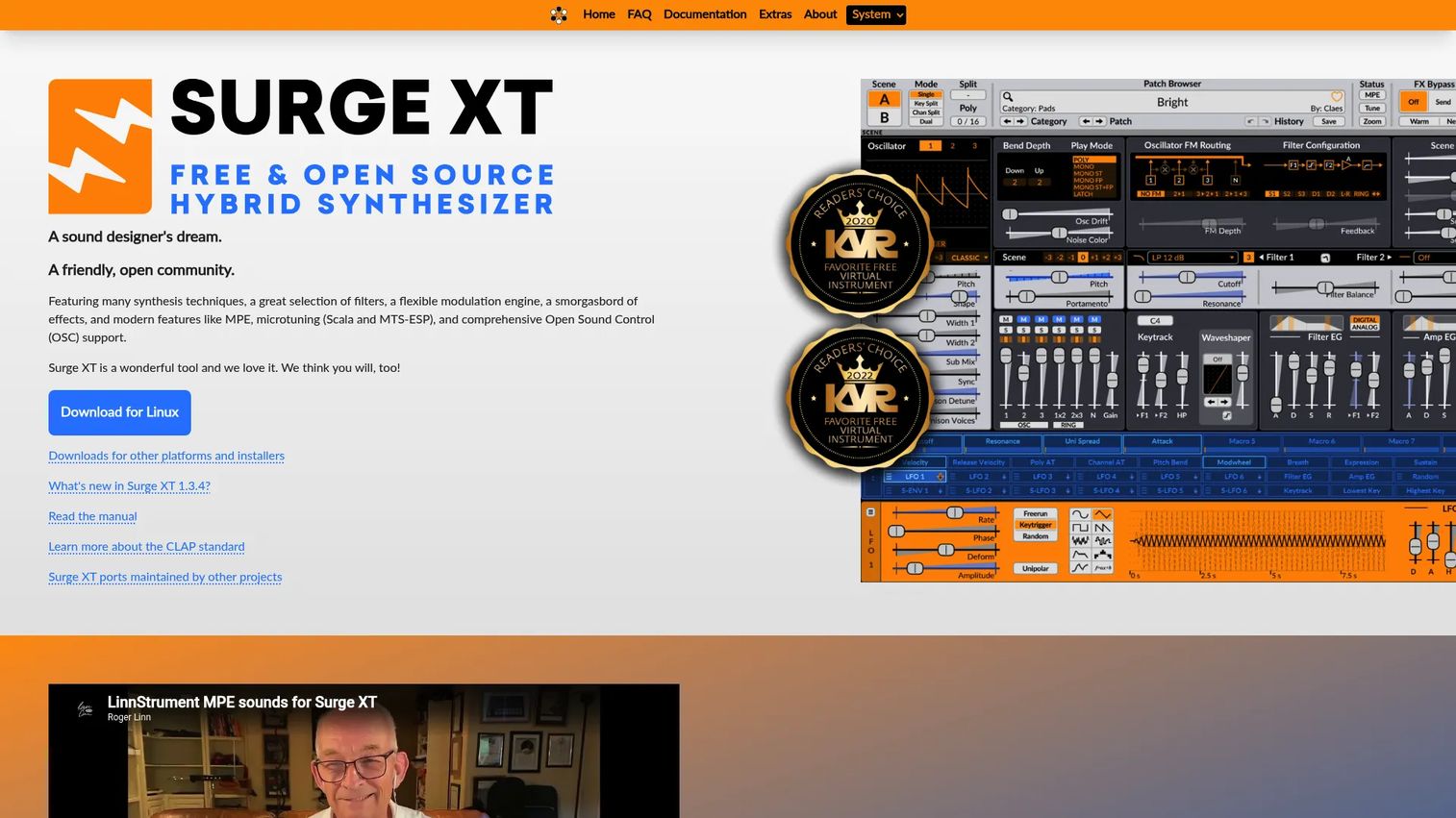
Surge XT is an open-source synth plugin that folds several synthesis methods into one instrument. It runs two scenes you can layer or split, feeds them through a deep modulation engine, and supports MPE, microtuning, and OSC. For a free synth, the feature depth rivals paid tools.
The breadth is the point. You learn subtractive, then explore wavetable and FM without switching plugins, which makes it a strong first synth that will not become the thing you outgrow in a month.
Best for: Producers and sound designers who want one free, open-source synth that covers many methods.
Key features
- Two-scene layered or split patches
- Flexible modulation engine
- MPE, microtuning, and OSC support
- VST3, AU, CLAP, and standalone builds
- Mac, Windows, and Linux support
Why choose Surge XT: If you want maximum synthesis range at zero cost, this is the pick. The tradeoff is a busy interface, so a preset-light beginner may prefer something simpler first.
Surge XT pricing: Free and open source under GPL3, with no paid tier. Every feature ships in the free download.
2. Vital
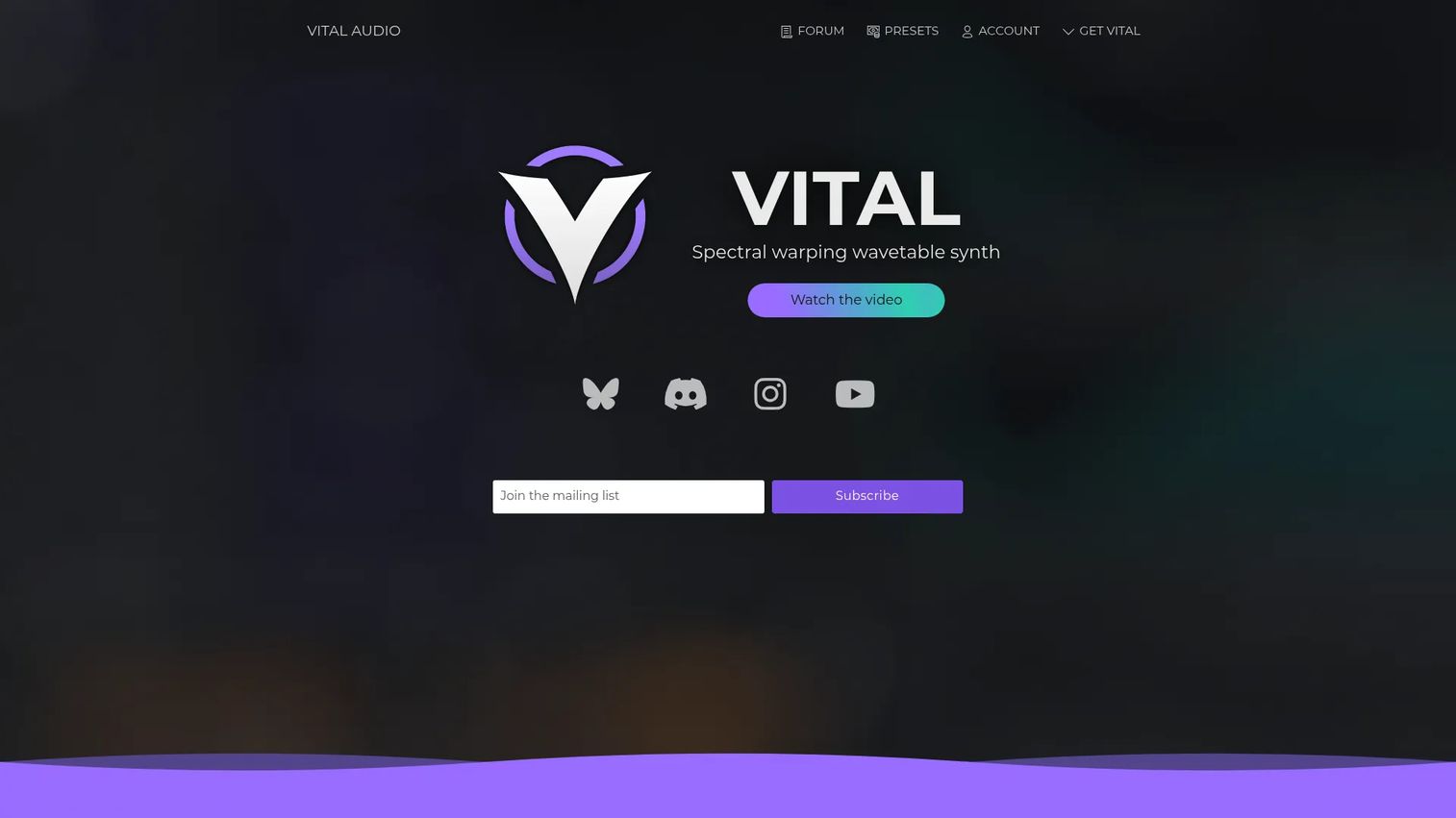
Vital is a spectral wavetable synth built around a visual interface that shows modulation as it happens. Drag a source to a target and you watch the movement animate on screen, which turns abstract routing into something you can see. That feedback loop is why many producers reach for it when designing sounds fast.
The free tier is generous, and paid tiers add more presets and wavetables. As synth software goes, few tools make wavetable synthesis this readable.
Best for: Producers who want modern wavetable results and learn best by watching modulation move.
Key features
- Spectral wavetable oscillators
- Live visual modulation display
- Drag-and-drop routing
- VST3, AU, and standalone formats
- Mac, Windows, and Linux support
Why choose Vital: Pick it when visual feedback speeds your workflow. The free plan handles most production; upgrade only if you want the larger preset and wavetable libraries.
Vital pricing: A free plan covers core functionality, with paid tiers that add extra presets and wavetables.
3. OB-Xd
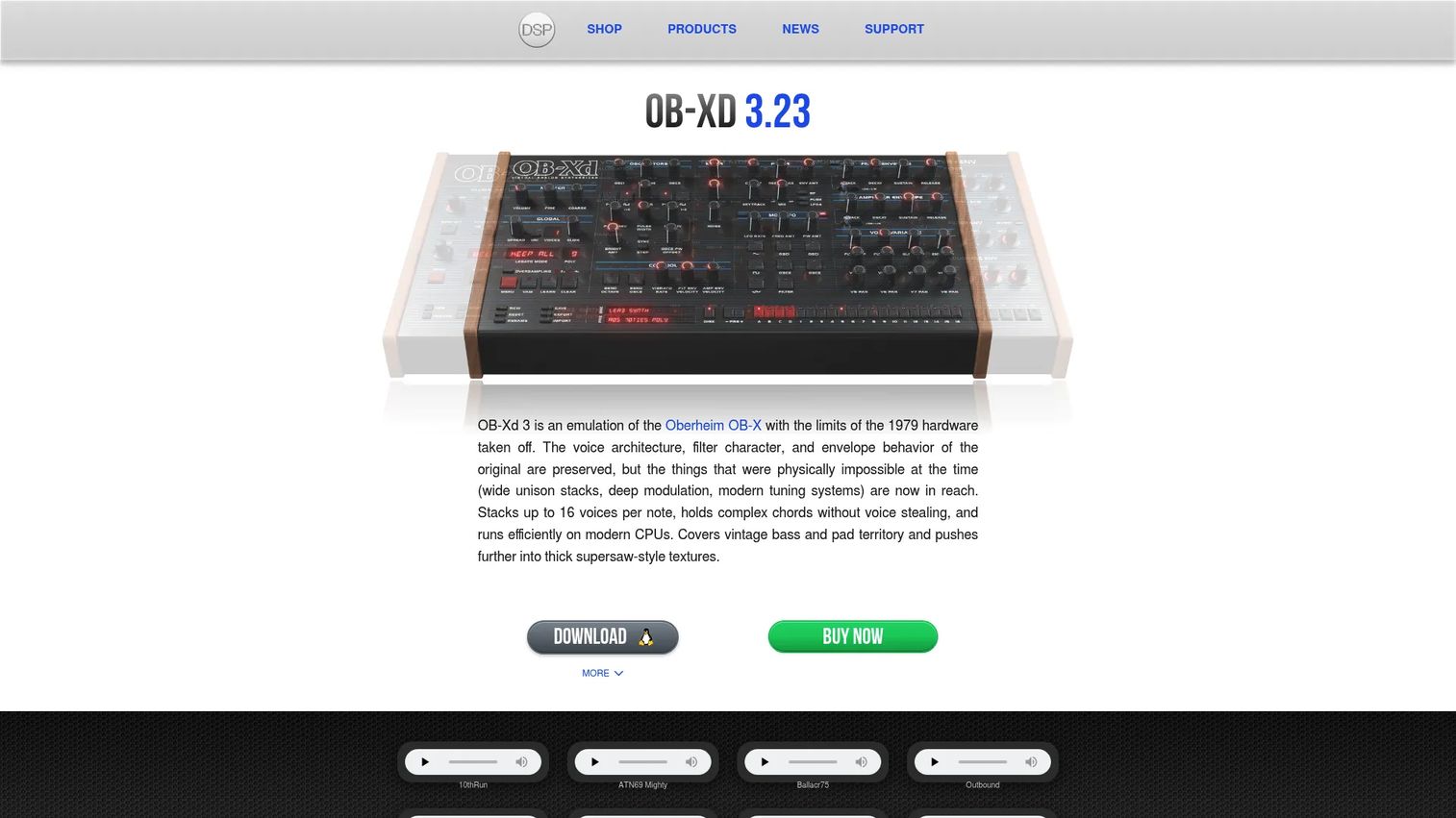
OB-Xd from discoDSP is a virtual analog synth that emulates the Oberheim OB-X, with modern touches the original never had. It runs up to 16-voice-per-note polyphonic unison, supports MPE, and adds bi-directional MIDI plus preset search. When you want that warm Oberheim signature, this gets you there without the vintage price tag.
Reach for it on pads, basses, and brass where classic analog character carries the sound.
Best for: Producers wanting OB-X-style tones with modern unison and MPE.
Key features
- 16-voice-per-note polyphonic unison
- MPE support
- Bi-directional MIDI
- Preset search
- Mac and Windows support
Why choose OB-Xd: Choose it for a focused analog emulation rather than a do-everything synth. It nails one sound character instead of spreading across many.
OB-Xd pricing: A fully functional free trial version is available, though it restricts commercial use. Check the discoDSP page for the licensed edition.
4. Dexed
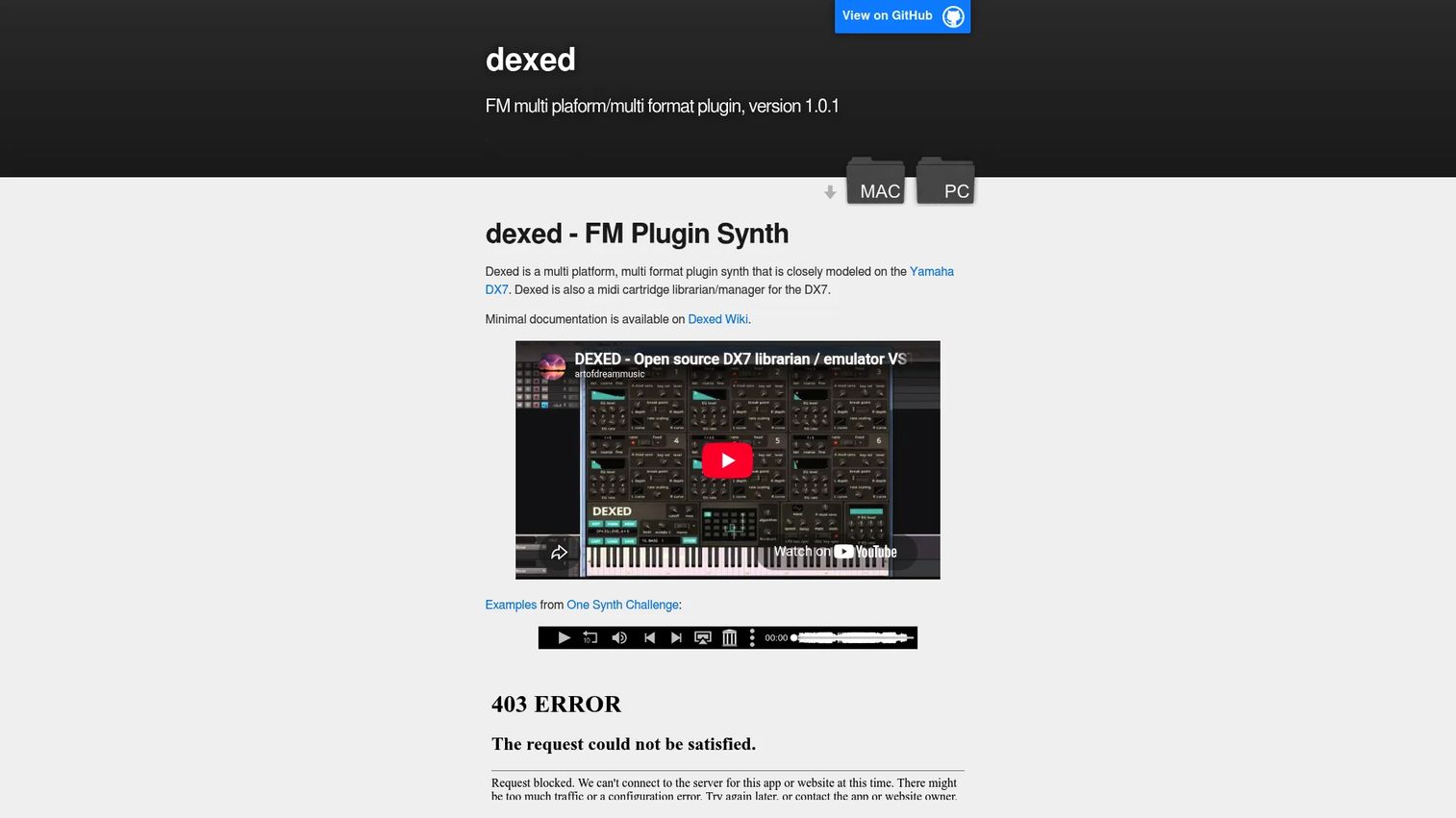
Dexed is a free FM synth plugin modeled on the Yamaha DX7, and it doubles as a DX7 cartridge librarian. It exposes 144 DAW-automatable parameters and reads DX7 and TX7 sysex, so you can load original cartridges. If FM synthesis has always felt opaque, this is the synth plugin that makes it click.
The 6-operator layout mirrors the hardware, which means learning Dexed is learning FM itself.
Best for: Musicians and sound designers who want a free DX7-style FM synth and patch manager.
Key features
- DX7-style 6-operator FM
- 144 DAW-automatable parameters
- DX7 and TX7 sysex input and output
- Cartridge management
- Mac, Windows, and Linux support
Why choose Dexed: Pick it to actually understand FM, not just use presets. The interface is dense, which is the cost of exposing every operator directly.
Dexed pricing: Free software under GPL v3, with no paid plans. The full feature set ships in the free download.
5. Tyrell N6
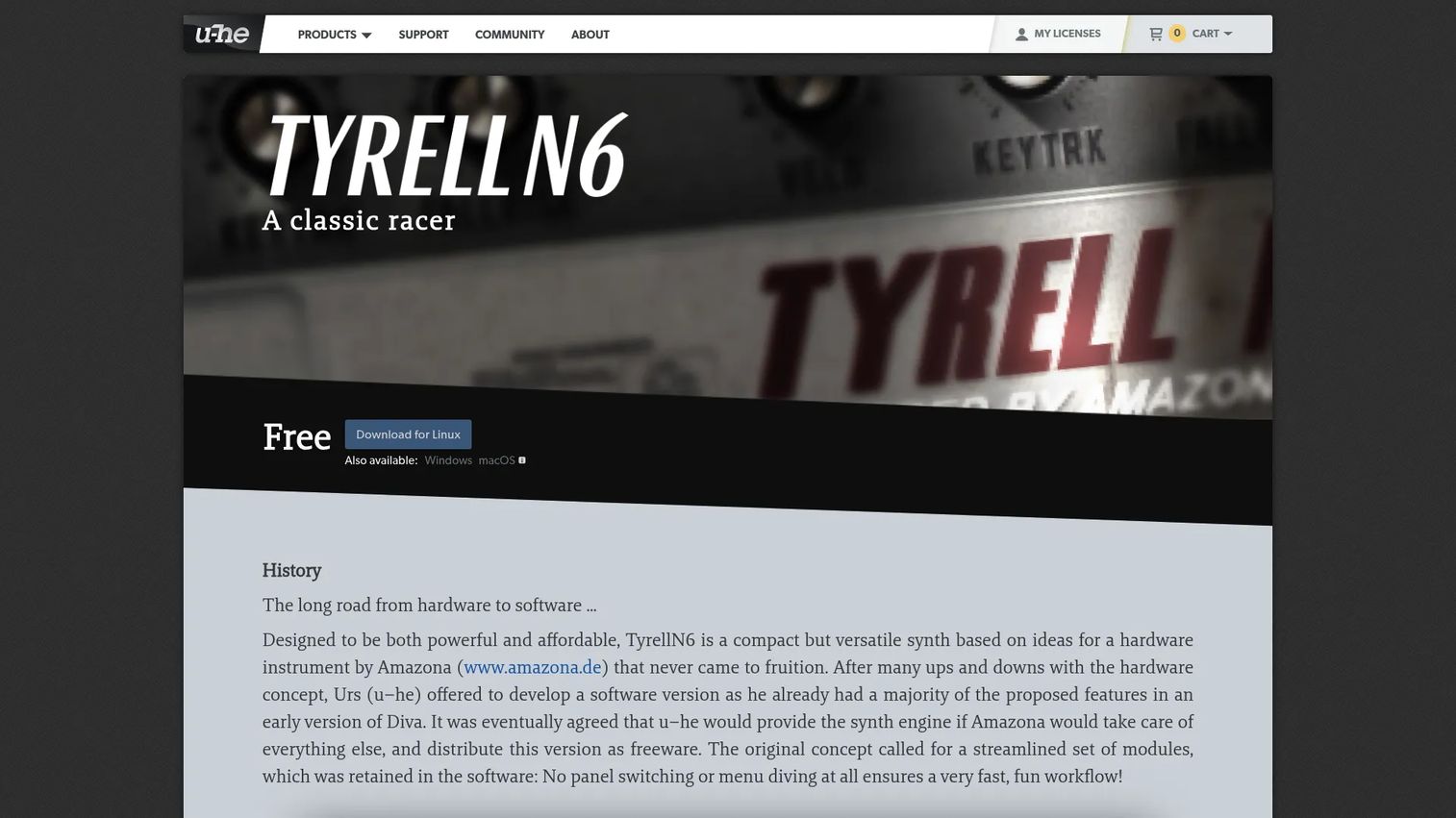
Tyrell N6 is a free virtual analog synth from u-he, built around a compact, classic architecture. It runs two oscillators plus noise and a ring modulator, and ships with over 580 factory presets. The preset depth is why beginners land here, since you get usable sounds immediately and learn the controls by tweaking them.
For a free soft synth, the subtractive layout is about as approachable as it gets.
Best for: Musicians who want a free, classic-style subtractive synth to start with.
Key features
- Virtual analog engine
- Two oscillators, noise, ring modulator
- 580-plus factory presets
- VST, AU formats
- Mac and Windows support
Why choose Tyrell N6: Choose it as a first synth where presets carry you while you learn. It stays deliberately simple, so power users may outgrow the feature set.
Tyrell N6 pricing: Free to download, with no serial number required to unlock it.
6. FB-3300
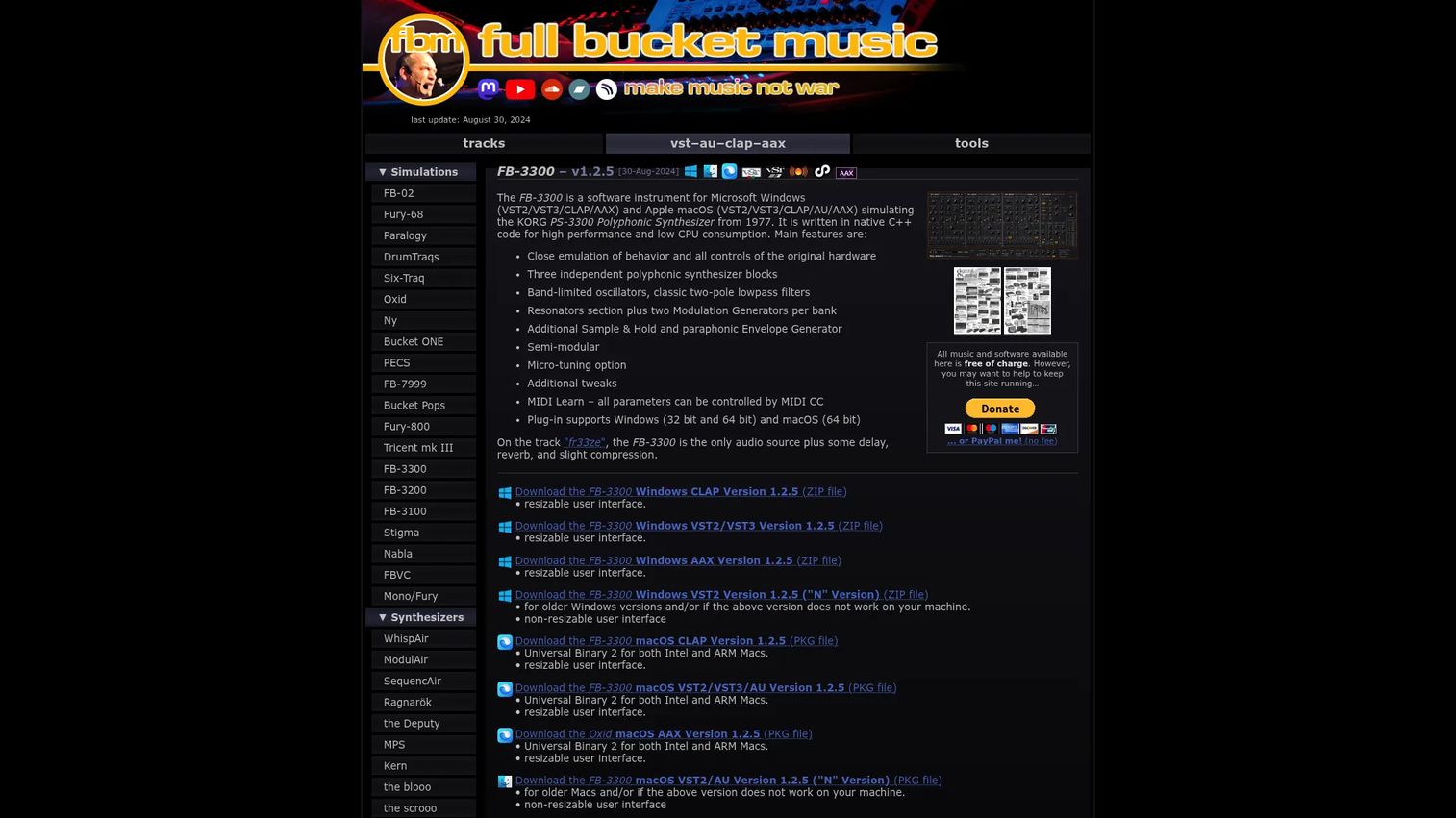
FB-3300 is a software instrument that emulates the KORG PS-3300 polyphonic synthesizer. It stacks three independent polyphonic synth blocks, uses band-limited oscillators with classic two-pole lowpass filters, and adds MIDI Learn plus micro-tuning. When you want the specific character of a PS-3300, no generic analog synth substitutes.
The three-block architecture creates thick, layered tones that stand apart from a standard subtractive voice.
Best for: Producers needing a PS-3300-style synth plugin for Windows or macOS.
Key features
- Three polyphonic synth blocks
- Band-limited oscillators
- Two-pole lowpass filters
- MIDI Learn and micro-tuning
- Mac and Windows support
Why choose FB-3300: Pick it for a distinctive vintage character you cannot fake elsewhere. It is a specialist tool, not a general-purpose workhorse.
FB-3300 pricing: Available as a free download from Full Bucket Music. Visit the product page for the current release.
7. Pigments
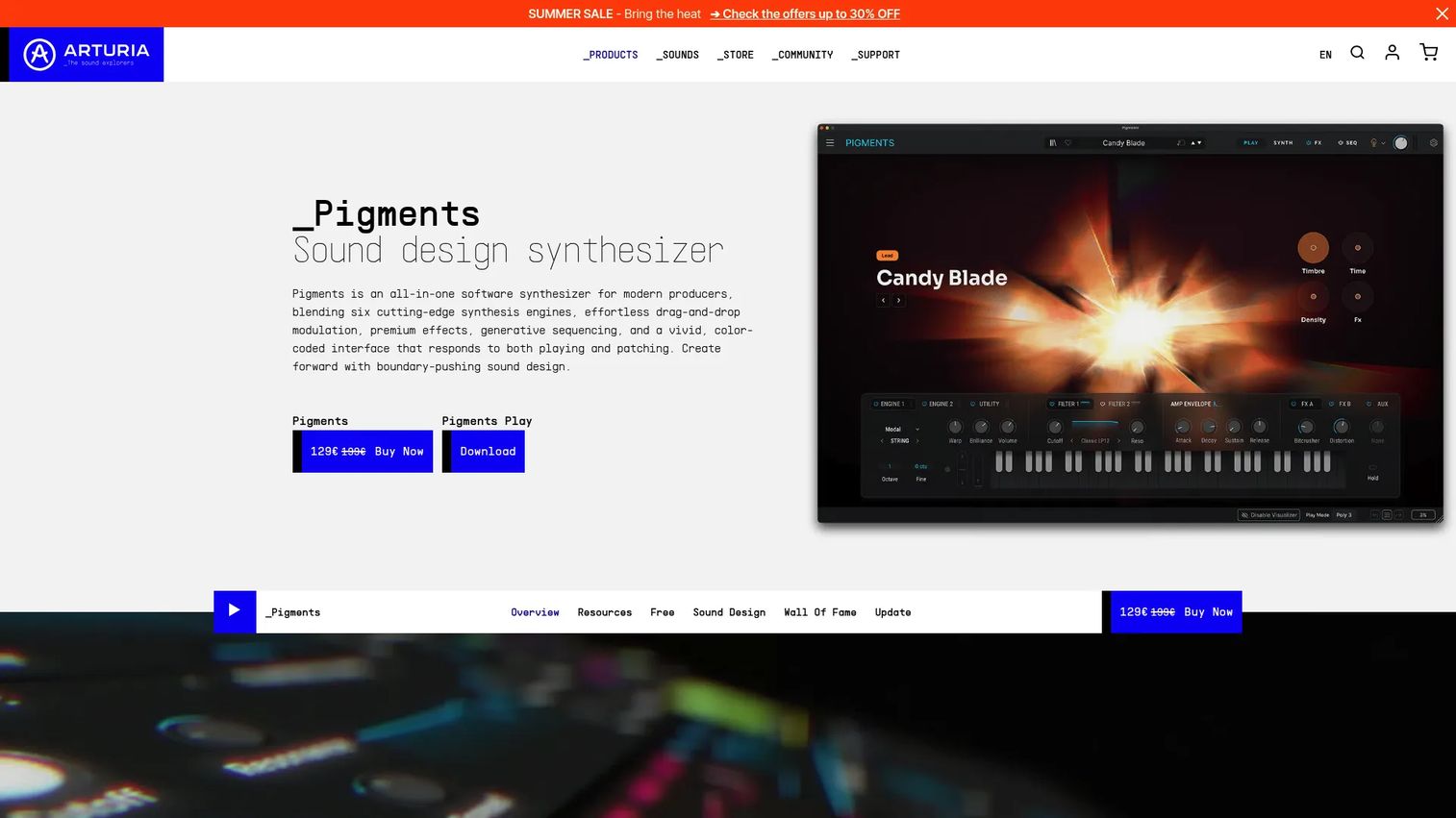
Pigments from Arturia is a hybrid synth that combines six synthesis engines in one instrument: Modal, granular, wavetable, sample, harmonic, and virtual analog. A color-coded, drag-and-drop modulation system makes deep routing readable, and it ships with a generative sequencer plus 20 effects. This is the synth software you reach for when a project needs real sound design range.
The engine variety means one plugin covers textures that would otherwise need several.
Best for: Electronic producers and sound designers who want one deep hybrid synth.
Key features
- Six synthesis engines in one
- Drag-and-drop color-coded modulation
- Generative sequencer
- 20 studio-grade effects
- Mac and Windows support
Why choose Pigments: Choose it for breadth and depth in a single paid instrument. The free Pigments Play tier lets you evaluate the sound before committing.
Pigments pricing: Pigments Play is a free download. The full version is listed at $129, down from a former $199 price shown on the product page.
Pigments holds a 4.6 out of 5 rating on G2, one of the few synths on this list with a verified listing.
8. MiniFreak V
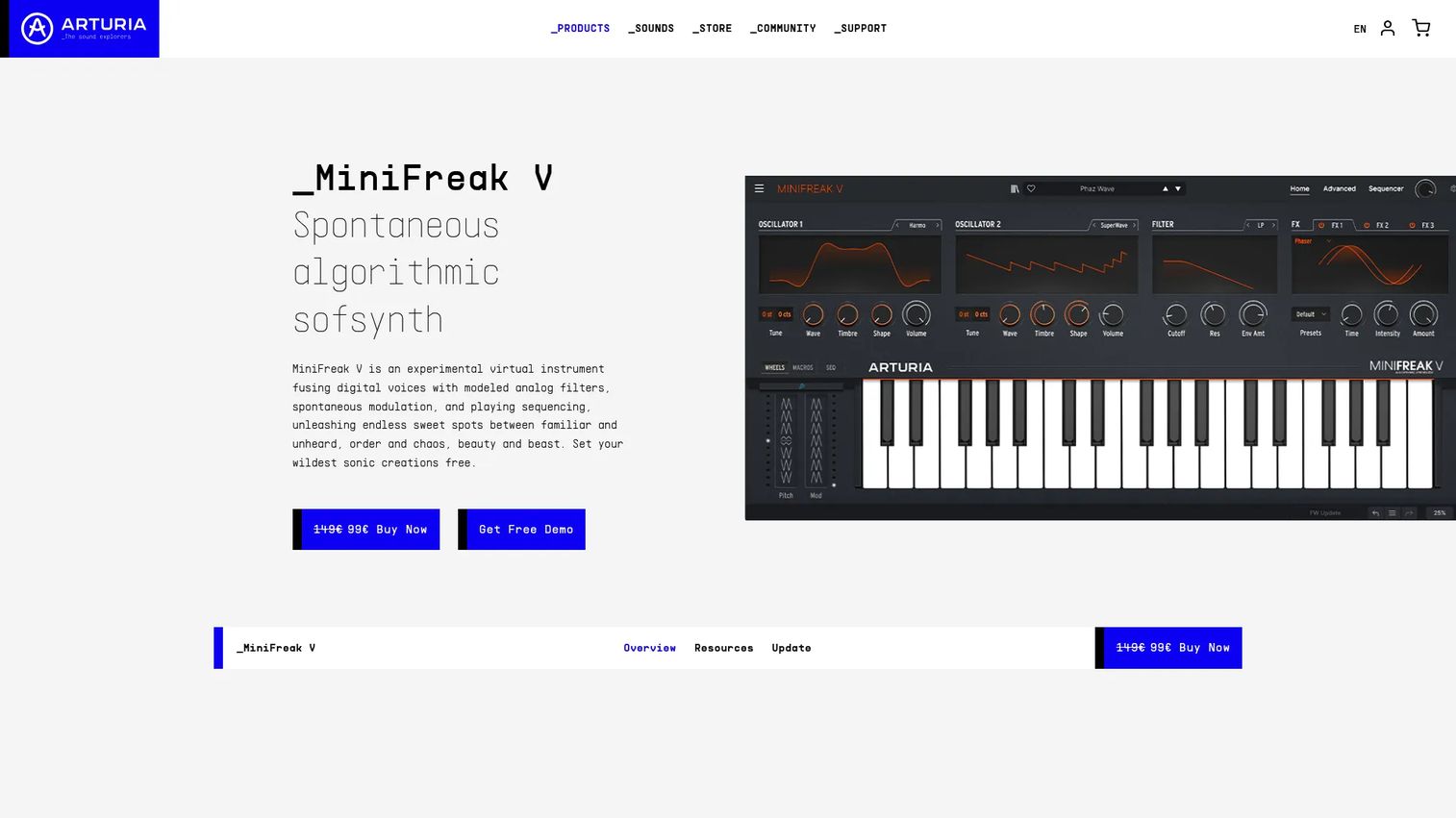
MiniFreak V is Arturia's software version of the MiniFreak hardware, built for DAW use or standalone play. It pairs dual sound engines with modeled polyphonic analog filters and a 64-step sequencer with arpeggiator. The result bridges exploratory sound design and immediate playability, so you can wander into strange textures and still land something you can perform.
Modern producers pick it when they want flexible, slightly unpredictable sound without giving up hands-on control.
Best for: Producers who want a wild hybrid softsynth for sound design in a DAW or standalone.
Key features
- Dual sound engines
- Modeled polyphonic analog filters
- 64-step sequencer with arpeggiator
- VST3, AU formats
- Mac and Windows support
Why choose MiniFreak V: Pick it for hybrid textures with a performance-ready sequencer. It leans experimental, so a producer wanting only clean classic tones may prefer an emulation.
MiniFreak V pricing: Listed at €99 as a single one-time purchase on Arturia's store page.
Considerations
Before you download, run through this short checklist so the synth fits your setup on the first try.
Check plugin format and host support
VST3 and CLAP are the current cross-platform standards, AU is native to macOS, and AAX targets Pro Tools. Confirm which formats your DAW loads before downloading. A synth in an unsupported format never opens, no matter how good it sounds.
Match the synth to your learning curve
Visual interfaces, strong preset libraries, and clear modulation views change how fast you get productive. A beginner benefits from presets and a readable layout, while a deeper sound designer wants exposed routing. Be honest about where you are so you pick the right entry point.
Decide between emulation and original design
Classic hardware clones give you familiar sonic character quickly, which matters when a track needs a specific vintage tone. Modern instruments trade that familiarity for flexibility and broader synthesis range. The choice is sonic familiarity versus creative reach, so pick based on the sound you actually need.
Review CPU load and session stability
Stacking multiple synths adds up fast, and a heavy plugin can stall a large session. Test how a synth behaves under real conditions, not just on the spec sheet. CPU efficiency decides whether you can run five instances or one, which shapes how you arrange.
Conclusion
The right synthesizer software depends on where you are. For a free all-rounder that grows with you, Surge XT covers the most synthesis ground at zero cost. If you learn by watching modulation move, Vital makes wavetable sound design readable, and Dexed does the same for FM.
Want classic character? OB-Xd and FB-3300 deliver specific vintage tones, while Tyrell N6 gives beginners a simple subtractive start with hundreds of presets. When you need real depth, Pigments packs six engines into one paid instrument, and MiniFreak V brings hybrid textures with a performance sequencer.
Start free to learn synthesis and sound design, then pay only when a workflow gap appears. Download one that matches your DAW and learning curve, spend an afternoon programming instead of preset-scrolling, and you will know within a week whether it earns a permanent slot.
If your work involves turning your own product into clickable, self-serve experiences your team can build without engineering, Start your journey with Guideflow today!
FAQs
A synthesizer generates sound electronically, and a software synthesizer does that inside your computer instead of dedicated hardware. A hardware synth is a physical instrument you plug in, while a software synthesizer, or synth plugin, loads in your DAW and runs on your CPU. The sound engine works the same way; only the housing differs.
Tyrell N6 suits beginners with its simple subtractive layout and over 580 presets to learn from. Vital is another strong free synth, since its visual modulation shows you what each control does. Both get you a usable sound immediately, then let you go deeper as you learn.
Yes. You can draw notes directly into your DAW's piano roll and program sounds with your mouse. A MIDI keyboard speeds up playing and recording, but it is not required to design patches or write parts. Many producers work entirely from the piano roll.
Match the format to your DAW. VST3 and CLAP are current cross-platform standards, AU is native to macOS hosts, and AAX is for Pro Tools. Check which formats your DAW supports, then download that build. A synth in the wrong format simply will not load.
Often, yes. Surge XT, Vital, and Dexed produce release-quality sound and appear on professional records. Free tools cover most needs, and paid synths add value when you want broader synthesis engines, larger preset libraries, or a specific hardware character. Start free and upgrade only when you hit a real gap.
Subtractive is the most intuitive starting point, since you begin with a rich waveform and filter it down. FM and wavetable reward more study, though tools like Dexed and Vital make them approachable. Learn subtractive first, then branch into the others once oscillators and filters feel natural.
Most does, but coverage varies by tool. Surge XT, Vital, and Dexed run on Mac, Windows, and Linux, while several emulations target only Mac and Windows. Check each vendor's page for your operating system before downloading so you avoid a plugin that will not install.
Start with presets to get moving, then reverse-engineer them to learn. Load a sound you like, study how it is built, and tweak one parameter at a time. Once the controls make sense, programming from scratch becomes the natural next step and gives you sounds nobody else has.










