Your team says it needs "utilities software." Finance means billing. IT means endpoint protection. Operations means work orders. The phrase is doing too much work at once.
The global utility management system market reached $13.0 billion in 2025 and is projected to grow at a 10.5% CAGR through 2033, according to Grand View Research (2026). Meanwhile the utility billing software segment alone hit $6.23 billion in 2025, per Mordor Intelligence. Both numbers reflect the same underlying reality: Software that maintains, secures, or operates critical infrastructure has become a serious operational investment, not a line item to defer.
The problem is that "utilities software" covers two almost entirely different categories. One group maintains and protects the devices and data your company runs on. The other runs customer billing, field operations, and financial reporting for organizations that deliver electricity, water, or municipal services. Buying the wrong category costs more than the license fee.
This guide separates both meanings clearly, then gives you a shortlist matched to the job you actually need to do.
What's inside
This guide is built for Series B founders and the functional leaders they hand decisions to, whether that is a VP of IT, Head of Finance, or an operations lead.
Selection criteria:
- Job clarity: Does the tool own a specific operational outcome?
- Verified pricing: Every figure checked against the vendor's own pricing page
- G2 rating: Current ratings from each tool's live listing, or N/A where no applicable product listing exists
- Stack integration: Does it connect to the systems already in place?
TL;DR
- Best for endpoint security: Bitdefender for companies standardizing device protection across a growing headcount
- Best for backup and recovery: Acronis for teams that need cyber protection and recovery planning in one place
- Best free compression utility: 7-Zip for straightforward archive handling at zero cost
- Best for utility-industry ERP: SAP for large utility organizations with complex, cross-functional operating models
- Best for municipal billing: Tyler Technologies for public-sector utility workflows tied to ERP financial systems
- Best for enterprise customer operations: Oracle for electric, gas, and water utilities with large customer bases and complex billing requirements
What is utilities software?
Utilities software is a broad category of programs and platforms that maintain, secure, optimize, recover, bill, or operate critical systems.
The term covers two distinct categories that rarely compete with each other. Understanding which one applies before comparing vendors saves significant time.
Computer utility software
Computer utility software helps teams maintain, protect, and manage the devices and data their business depends on. It sits below the application layer, keeping infrastructure stable rather than helping users complete a discrete task. Common types include:
- Antivirus and endpoint protection
- Backup and disaster recovery
- File compression and archiving
- Disk partitioning and storage management
- Data recovery
- System cleanup and performance monitoring
Utility industry software
Utility industry software supports organizations that deliver electricity, water, gas, waste removal, or municipal services. These platforms function as systems of record for operational and financial workflows. Common capabilities include:
- Customer accounts and billing
- Financial and revenue management
- Work orders and field operations
- Asset maintenance and performance management
- Meter and service connection workflows
- ERP, reporting, and compliance processes
Utility software vs application software
Utility software maintains or operates infrastructure. Application software helps a user complete a specific business or personal task. The distinction matters because enterprise utility platforms, including SAP, Oracle, and Tyler Technologies, can function as systems of record that entire departments run on, not just tools that individuals use.
| Category | Computer utilities | Utility operations platforms |
|---|---|---|
| Primary job | Maintain devices and data | Run billing, field ops, and customer accounts |
| Who owns it | IT lead | Finance, operations, or utility authority |
| Examples | Acronis, CCleaner, EaseUS | SAP, Oracle, Tyler Technologies |
| Replaces | Manual backups, device cleanup | Spreadsheet billing, disconnected work orders |
When to use utilities software
Protect business devices and data before an incident
Every SaaS company above 20 employees has a device fleet that needs endpoint protection, backup coverage, and a documented recovery process. A single compromised device is enough to trigger a board-level conversation. Set up centralized protection and test your restore process before you need it, not after. The tools that earn a spot here are the ones where your IT lead or operations owner can verify coverage without asking you.
Standardize storage, files, and system maintenance
Teams that ship large data exports, manage developer environments, or support many Windows devices across locations run into fragmented storage problems. Compression utilities, disk management tools, and cleanup software address the maintenance layer that nobody wants to own manually. Assigning a repeatable process to an accountable owner is more valuable than any individual cleanup session.
Run utility billing and field operations from a system of record
Generic accounting platforms break down once you need meter-driven billing, service connection management, automated delinquent notices, and work order tracking in one place. Municipal and independent utility authorities need software designed for their regulatory and operational requirements. The question is whether your current setup requires a human to translate between finance, operations, and customer service, or whether a single platform handles those handoffs automatically.
Utilities software comparison
The table below separates tools by category. Computer utilities and utility-industry platforms serve different buyers and should be compared only within their own group. Pricing reflects verified figures from each vendor's official pricing page as of October 2026.
| # | Product | Best for | Key differentiator | Pricing | G2 rating |
|---|---|---|---|---|---|
| 1 | Microsoft | Microsoft-stack standardization | Built-in Windows security, storage, and productivity tools | From $9.99/month (Microsoft 365 Personal) | 4.4/5 |
| 2 | Bitdefender | Endpoint security for growing teams | Layered endpoint and ransomware protection | From $29.99/year (Antivirus Plus) | N/A |
| 3 | Acronis | Backup plus cyber protection together | Unified backup, anti-malware, and recovery in one agent | From $49.99/year (True Image Essentials) | N/A |
| 4 | 7-Zip | Free file compression | Open-source, AES-256 encryption, broad format support | Free | 4.5/5 |
| 5 | WinRAR | RAR archive management | Wide format support, archive repair, self-extracting archives | From $29.00 one-time license | N/A |
| 6 | CCleaner | Device cleanup and maintenance | Junk-file removal, software updater, health checks | Free tier; Pro from $29.95/first year | 4.5/5 |
| 7 | EaseUS | Data recovery and disk management | Recovery, partitioning, and backup across separate products | From $39.95 (Partition Master Professional) | 4.8/5 |
| 8 | MiniTool | Windows partition management | Disk cloning, resizing, and recovery with free edition | Free edition; Pro from $59/year | 4.4/5 |
| 9 | Paragon Software | Advanced storage migration and disk work | Cross-file-system access, wiping, and migration utilities | From $19.95/year (Hard Disk Manager) | 4.6/5 |
| 10 | SAP | Enterprise utility operations | Meter-to-cash, asset performance, finance, and sustainability | Custom pricing | 4.4/5 |
| 11 | Oracle | Large-scale utility customer operations | Customer information system, meter data, grid management | Custom pricing (transaction fees published for payment services) | 4.6/5 |
| 12 | Tyler Technologies | Municipal utility billing and administration | Public-sector billing, work orders, and ERP integration | Custom pricing | 4.0/5 |
12 best utilities software tools for 2026
1. Microsoft
Microsoft is the baseline utility layer many SaaS teams already own through Windows, Microsoft 365, or Azure. Depending on the plan, you get Microsoft Defender for endpoint protection, OneDrive for storage and file sync, Teams for communication, and Intune for device management. The exact toolset varies by plan and environment, so the value comes from auditing what you already have before adding a new vendor.
Best for: Founders who want to standardize device management and security across a Microsoft-centric stack without adding new-vendor spend.
Key features
- Microsoft Defender endpoint and threat protection
- OneDrive cloud storage and file sync
- Copilot AI assistance across productivity apps
- Windows system update management
- Identity and access controls across the Microsoft ecosystem
Why choose Microsoft: If your team already runs on Windows and Microsoft 365, the security and device management capabilities may be closer than you think. The case for investing here is consolidation and governance, not a single-purpose utility.
Microsoft pricing: Microsoft 365 Personal starts at $9.99/month or $99.99/year. The Family plan runs $12.99/month or $129.99/year. Microsoft 365 Premium, which adds Intune and advanced security features, costs $19.99/month or $199.99/year. A one-time Office Home 2024 purchase is available at $179.99.
G2 rating: 4.4/5
2. Bitdefender
Bitdefender provides cybersecurity software covering device protection, ransomware defense, privacy tools, VPN access, and a password manager. Its consumer plans are well-suited for founders who need to extend protection across multiple devices quickly. A free Antivirus tier is available for those getting started. As headcount and device count grow, centralized protection and policy controls reduce the chance that a single compromised device becomes an expensive distraction.
Best for: Companies standardizing endpoint protection across a growing device fleet without building a full security operations team.
Key features
- Multi-layer malware and ransomware protection
- Phishing, scam, and web threat blocking
- VPN and privacy protection
- Password manager included on upper tiers
- Device optimization tools
Why choose Bitdefender: It fits teams that want strong protection without needing a dedicated security hire to operate it. The layered approach covers the failure modes that cause the most damage at a SaaS company's early operating scale.
Bitdefender pricing: Antivirus Plus starts at $29.99 for the first year. Total Security Individual runs $59.99 for the first year. Premium Security Individual is $79.99, and Ultimate Security Individual is $89.99, both for the first year. A free Antivirus plan is also available.
3. Acronis
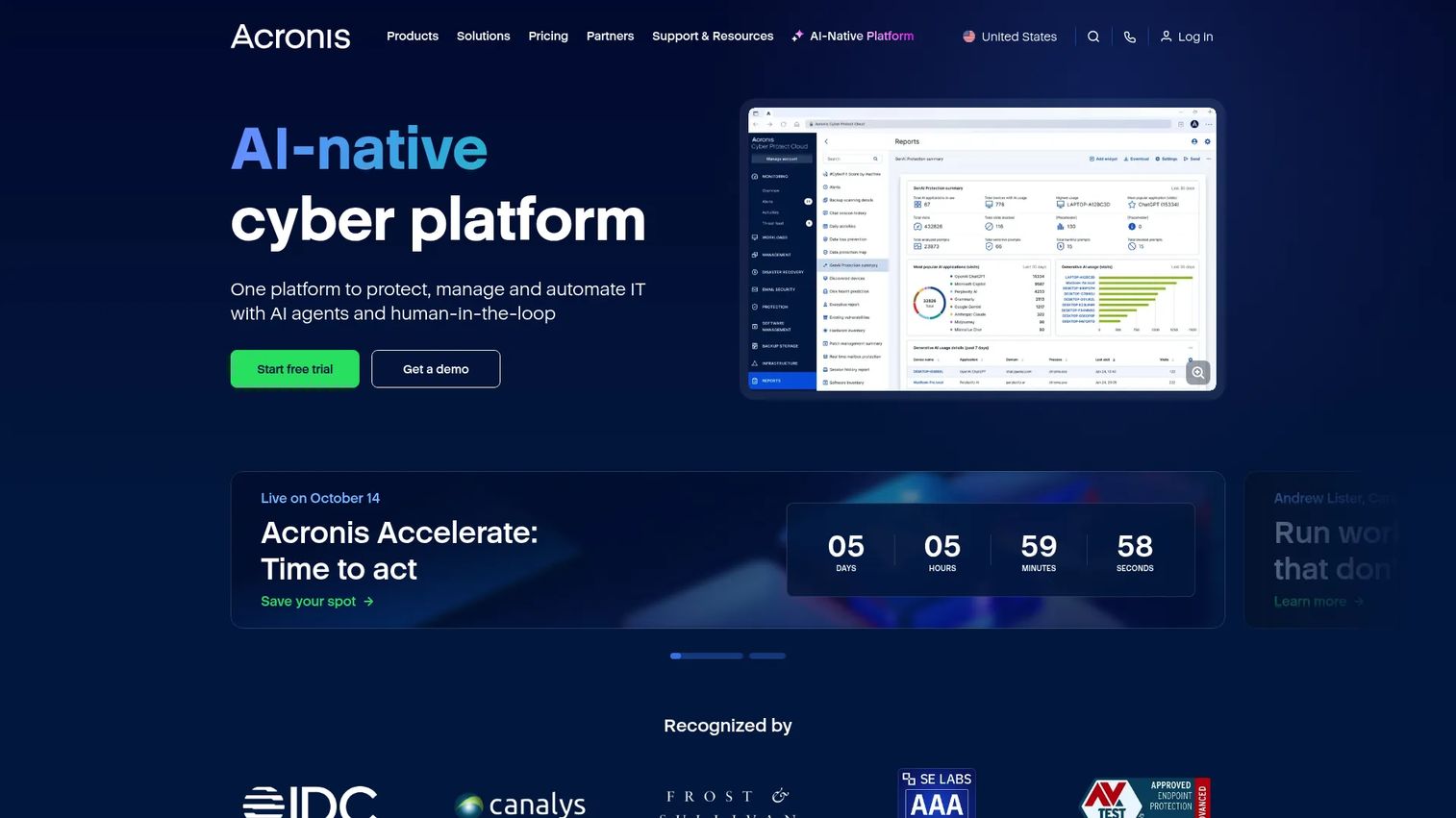
Acronis sits at the intersection of backup, endpoint security, and disaster recovery. Where most backup tools stop at the file level, Acronis Cyber Protect combines automated backups with AI-powered anti-malware, ransomware protection, and patch management in a single agent. This matters for teams that want one system covering both protection and restore, rather than stitching together two products that may not coordinate cleanly during an actual incident.
Best for: SaaS companies that need backup coverage and cyber protection managed from the same dashboard, with documented recovery workflows.
Key features
- Automated endpoint backups for physical and cloud environments
- AI anti-malware and anti-ransomware protection
- Disaster recovery and immutable backup options
- Endpoint management including patch management and vulnerability assessments
- Microsoft 365 and Google Workspace backup
Why choose Acronis: The combination of backup and security in one agent reduces the gap that typically exists between the tool that protects your data and the tool that restores it. For founders who want a VP of IT to own a clear, auditable recovery process, this reduces the coordination overhead.
Acronis pricing: True Image Essentials starts at $49.99/year. True Image Advanced runs $72.99/year, and True Image Premium is $124.99/year. Business-focused Cyber Protect plans start at $85 per subscription term.
4. 7-Zip
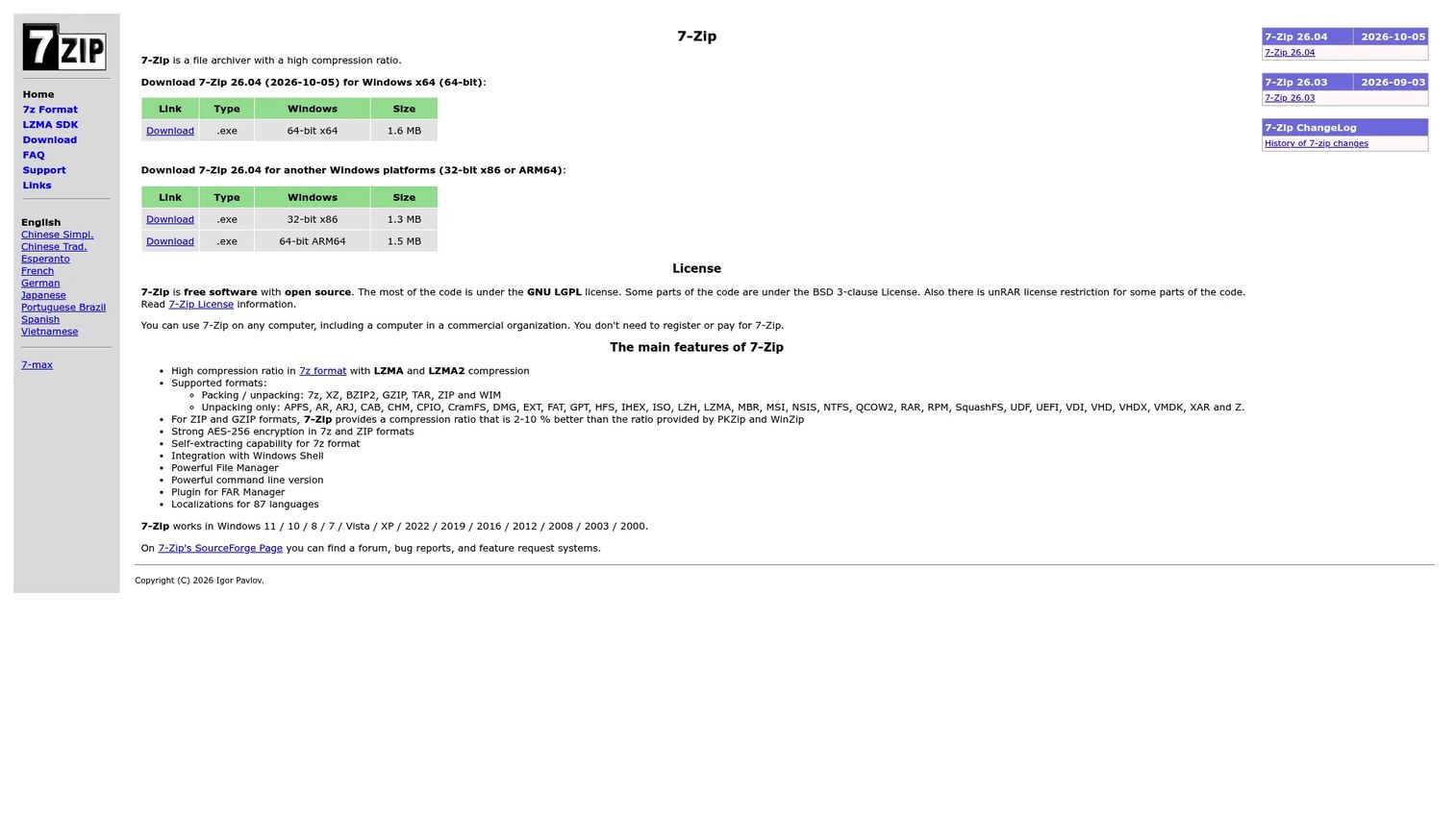
7-Zip is a free, open-source file archiver with consistently high compression ratios and broad format support. It handles 7z, ZIP, TAR, GZIP, BZIP2, XZ, WIM, ISO, and more. AES-256 encryption is available for 7z and ZIP archives. For teams managing large data exports, log archives, or developer file transfers, it covers the job without adding subscription cost or licensing complexity.
Best for: Small teams and technical users who need reliable archive creation and extraction without a recurring spend commitment.
Key features
- High compression via LZMA and LZMA2 algorithms
- AES-256 encryption for 7z and ZIP formats
- Self-extracting 7z archive support
- Windows Shell integration and command-line version
- 87 language localizations
Why choose 7-Zip: If the job is occasional archive creation and extraction, 7-Zip covers it completely at no cost. It is worth considering alternatives when governance, enterprise deployment controls, or centralized reporting become requirements.
7-Zip pricing: Free. No paid tier exists. The software may be used on any computer, including in commercial organizations, under its open-source license.
5. WinRAR
WinRAR has been the dominant desktop archive manager for decades, partly because it still handles RAR files that other tools cannot create. It supports a wide range of formats, includes archive repair tools, AES-256 encryption, multivolume archives, and self-extracting files. A 40-day trial period is available before a perpetual license purchase is required.
Best for: Technical teams and individual users that regularly work with RAR archives and want a mature Windows archive manager with broad format support.
Key features
- RAR and ZIP compression and extraction
- AES-256 encryption
- Archive repair tools
- Multivolume and self-extracting archives
- Integrated backup features
Why choose WinRAR: Its value is specificity. If RAR archive creation is a regular workflow requirement, WinRAR is the right tool. Teams that only need ZIP and open formats will find 7-Zip sufficient at zero cost.
WinRAR pricing: A single-user perpetual license costs $29.00 (excluding VAT). Volume pricing drops to $21.00 per user for 2 to 9 seats, $16.00 for 10 to 24 seats, and continues to scale down for larger deployments.
6. CCleaner
CCleaner is a PC optimization tool that removes junk files, manages browser data, updates software and drivers, and runs device health checks. A free tier covers standard cleaning and privacy protection. For organizations managing multiple Windows devices, the Professional and Professional Plus tiers add automatic cleanup scheduling, a software updater, performance optimization, and additional utility tools.
Best for: Organizations managing many Windows devices that need repeatable cleanup, software update, and maintenance routines with minimal manual effort.
Key features
- Junk-file and browser-data cleaning
- Health Check for startup optimization and software updates
- Driver Updater and Software Updater
- Performance Optimizer
- Disk Analyzer and Drive Wiper tools
Why choose CCleaner: A repeatable maintenance process across a device fleet is more defensible than relying on individual employees to clean their own machines. CCleaner Professional gives IT ownership over a scheduled routine, which is easier to audit than informal device management.
CCleaner pricing: A free tier is available. CCleaner Professional starts at $29.95 for the first year, then renews at $44.95/year. Professional Plus, which adds Recuva Professional and Speccy Professional, starts at $39.95 for the first year and renews at $64.95/year.
G2 rating: 4.5/5
7. EaseUS
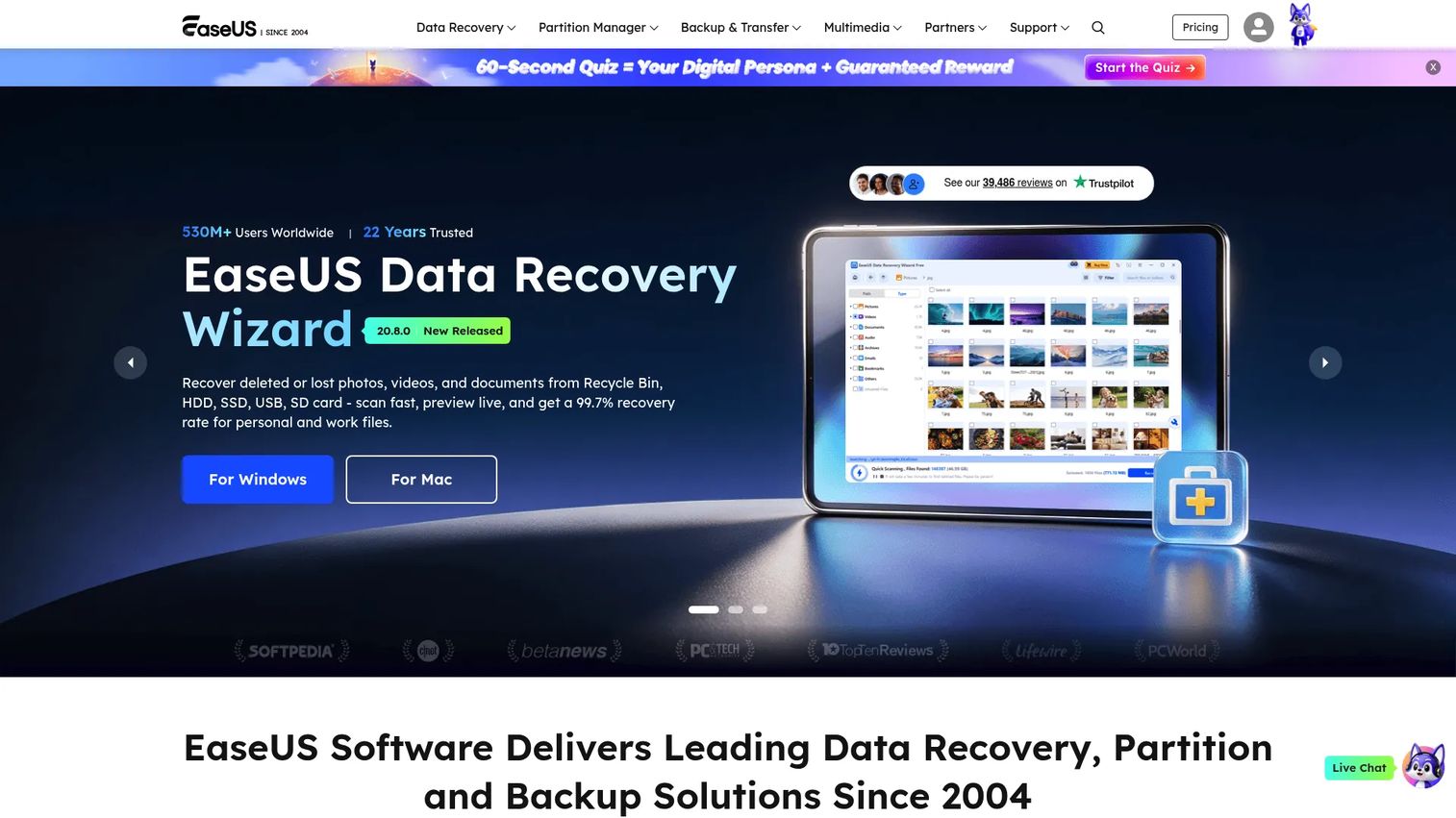
EaseUS offers a portfolio of separate products covering data recovery, backup, partition management, and file migration. Each product is priced and licensed independently, which means you buy only the capability you need. EaseUS Todo Backup handles automated backup and restore, EaseUS Data Recovery Wizard recovers deleted or lost files, and EaseUS Partition Master handles disk partitioning and optimization.
Best for: IT teams facing a concrete problem such as accidental deletion, failing storage, device replacement, or partition changes on Windows and macOS devices.
Key features
- Data recovery for deleted or lost files across storage devices
- Disk partition management and optimization
- Backup, cloning, synchronization, and restore
- File migration and transfer tools
- Bootable recovery media creation
Why choose EaseUS: Its product-by-product structure avoids paying for capabilities that do not match the immediate job. A team recovering data after a storage failure needs the recovery wizard; a team reorganizing disk partitions needs Partition Master. Buying both is unnecessary until both jobs exist.
EaseUS pricing: EaseUS Partition Master Professional is $39.95 as a perpetual license. Todo Backup Home runs $39.95/year. The Data Recovery Wizard Professional is $69.95/month. A free edition is available for Partition Master with limited features.
G2 rating: 4.8/5
8. MiniTool
MiniTool focuses on Windows disk and data tools: Partition management, disk cloning, data recovery, backup, and drive health monitoring. A free edition of MiniTool Partition Wizard covers basic partition operations, which makes it a low-risk starting point for IT teams evaluating the product before committing to a paid tier. MiniTool also offers video editing and PDF tools, though disk management is its primary utility.
Best for: Windows-heavy organizations that need operational disk work, including partition resizing, cloning, and recovery, without purchasing a broader endpoint management platform.
Key features
- Partition resizing, merging, and creation
- Disk cloning and system migration
- Data recovery for deleted files and lost partitions
- Boot media creation for offline recovery
- Drive health monitoring
Why choose MiniTool: It covers the disk operations that come up repeatedly during device replacements, storage upgrades, and recovery scenarios. The free edition gives your IT lead a way to validate fit before any spend.
MiniTool pricing: A free edition is available. MiniTool Partition Wizard Pro starts at $59 for a 1-year subscription. Pro Platinum is $109/year, and Pro Ultimate is $159 for lifetime usage. Server and Enterprise tiers are available for larger deployments.
G2 rating: 4.4/5
9. Paragon Software
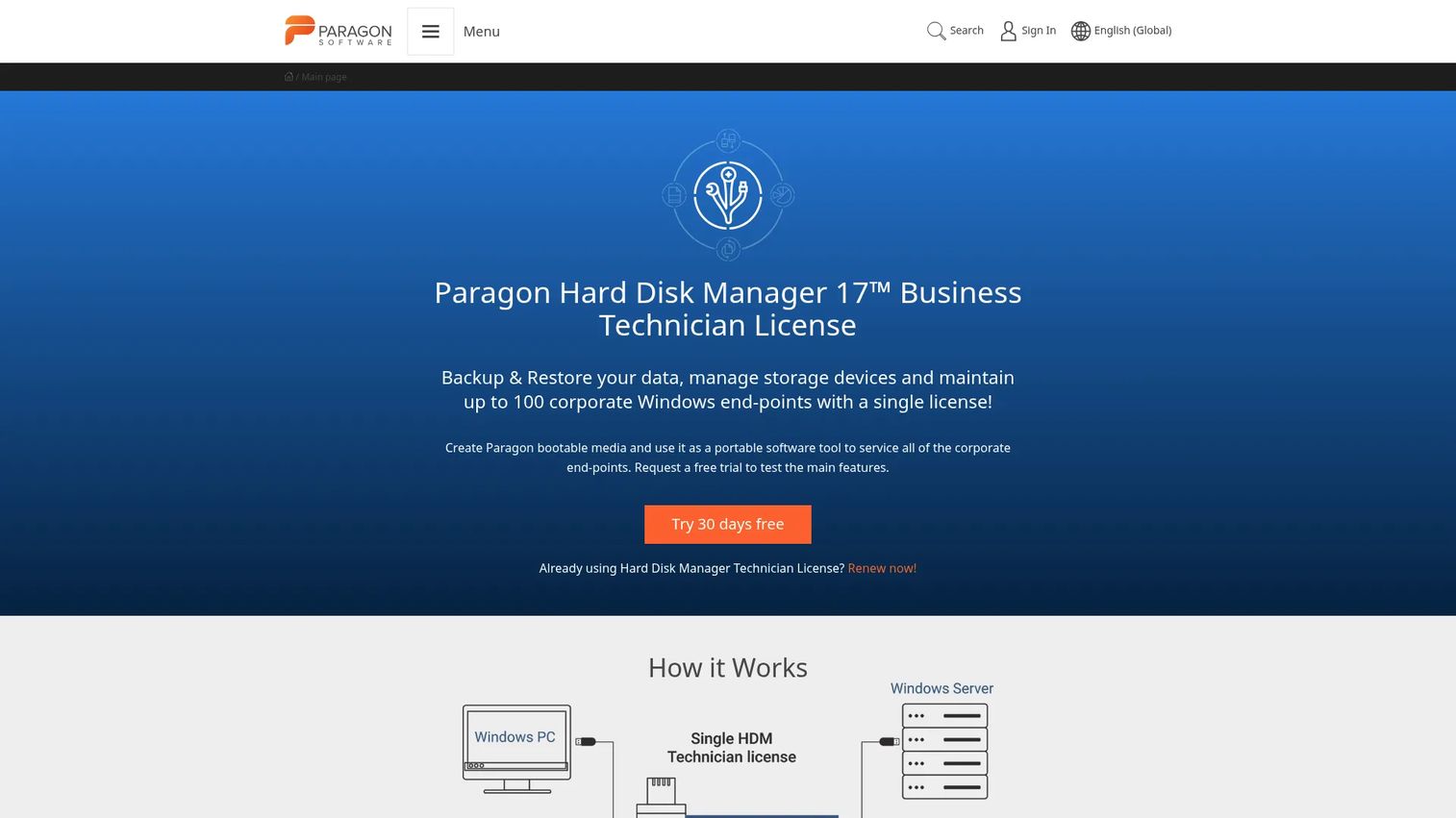
Paragon Software covers storage management, disk utilities, backup and recovery, system migration, and cross-platform file-system access. Its file-system drivers let Windows machines read and write macOS-formatted drives, and vice versa, which matters for teams running mixed operating environments. Paragon Hard Disk Manager handles partitioning, backup, wiping, and migration in one product. Community Edition products are available at no cost for basic use.
Best for: Technical teams handling storage migrations, file-system compatibility across operating systems, or advanced disk maintenance and secure wiping.
Key features
- Disk partition management, resizing, and formatting
- Backup and recovery for files, disks, and systems
- Cross-platform file-system drivers (macOS-to-Windows and vice versa)
- Storage migration to new devices
- Secure disk and partition wiping
Why choose Paragon Software: It earns consideration when the work goes beyond basic cleanup or compression. Teams migrating storage to new hardware, managing mixed OS environments, or needing certified data wiping get capabilities here that general-purpose utilities do not cover.
Paragon Software pricing: Hard Disk Manager for Windows starts at $19.95 for the first year (regular price $24.95/year). A 3-PC perpetual license is $79.95. Free Community Edition products are listed on the Paragon site for basic use cases.
G2 rating: 4.6/5
10. SAP
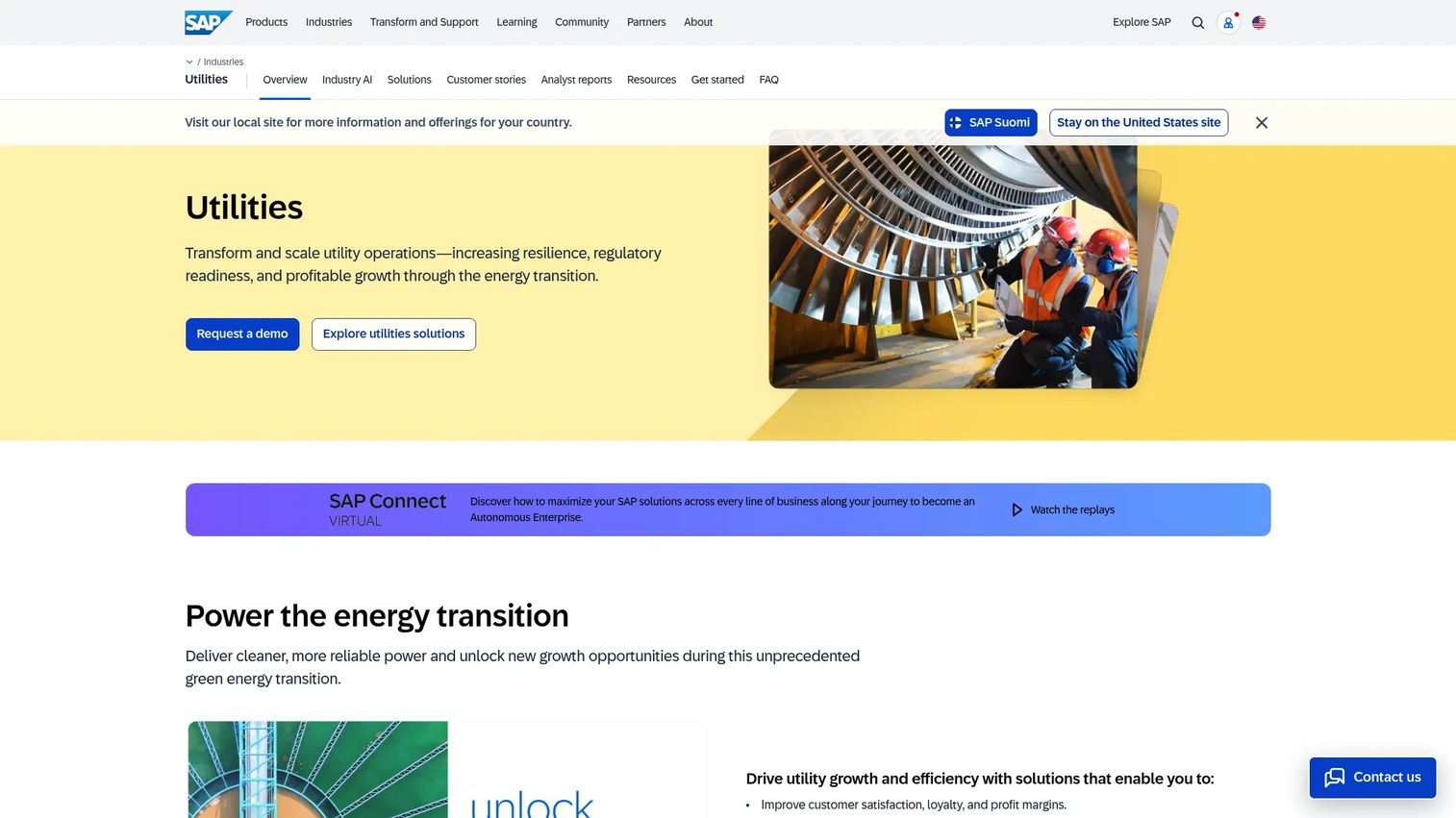
SAP provides an enterprise utility-industry platform covering customer operations, meter-to-cash processes, asset performance management, field service, finance, procurement, and sustainability reporting. It is not a desktop utility. SAP's utility suite addresses the full operational lifecycle for electric, gas, and water utilities, including energy transition and meter data management. Implementation scope and change management requirements are substantial, so the decision to adopt SAP involves much more than selecting a software feature set.
Best for: Large utility organizations with complex, cross-functional operating models and existing enterprise architecture that requires deep integration across billing, assets, finance, and operations.
Key features
- Meter-to-cash: Device management, billing, invoicing, and contract accounting
- Customer service with omnichannel support and AI tools
- Asset performance and maintenance optimization
- Energy transition and meter data management
- ERP, sustainability, and ESG reporting
Why choose SAP: It covers the breadth required when billing, asset management, and finance cannot be operated as disconnected systems. Implementation ownership, data migration planning, and internal change management matter as much as the feature coverage at this level of enterprise complexity.
SAP pricing: Custom pricing. Contact SAP sales for utility-specific deployment quotes.
G2 rating: 4.4/5 (based on SAP Cloud ERP / SAP S/4HANA Cloud)
11. Oracle
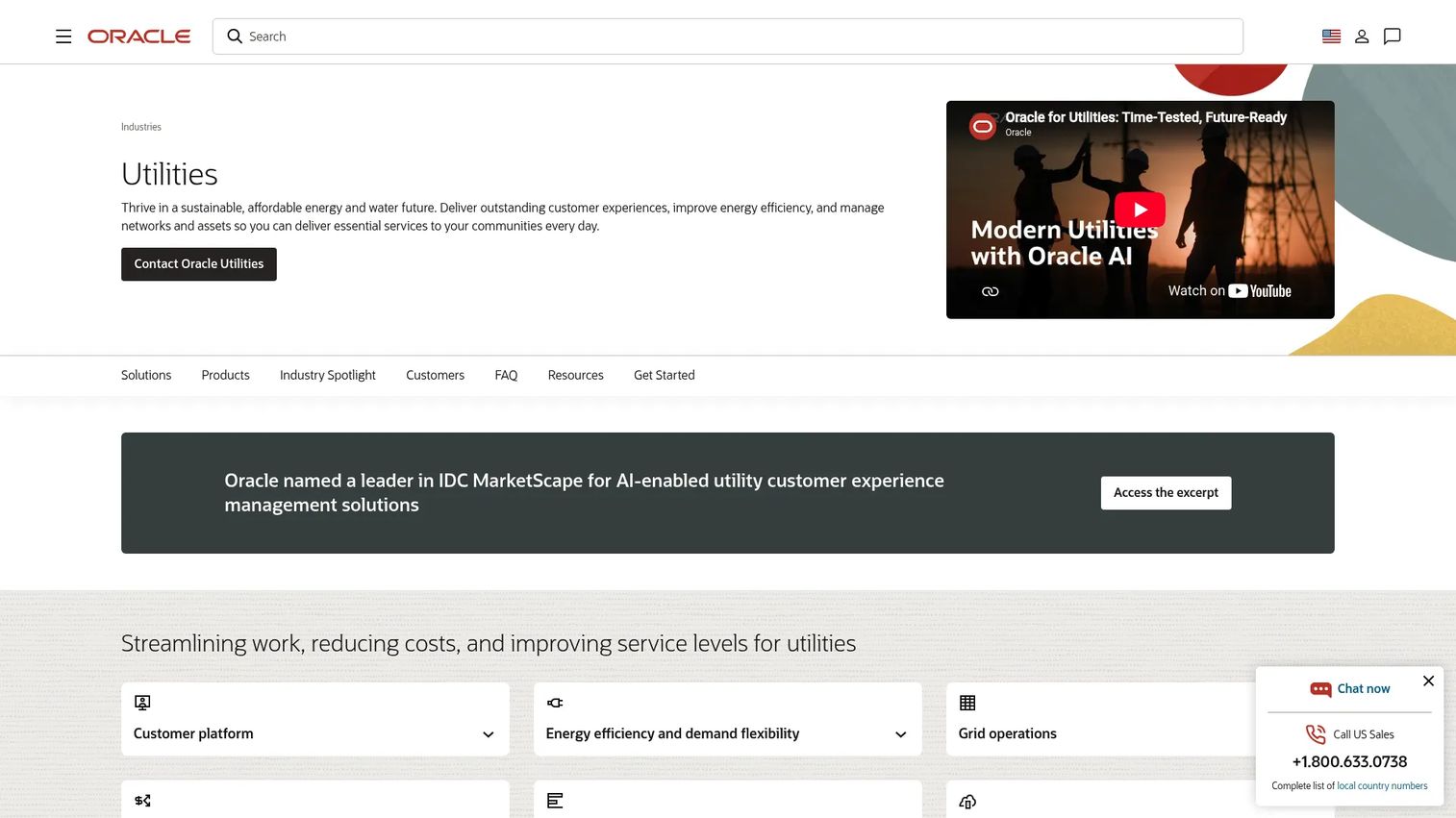
Oracle Utilities provides software and cloud capabilities for electric, gas, and water utilities covering customer service and billing, meter data management, grid management (ADMS and DERMS), work and asset management, field service, and data intelligence. Its customer information system handles large, regulated customer bases with complex billing requirements. Oracle also offers cloud infrastructure alongside its utility applications, which matters for organizations modernizing away from on-premises deployments.
Best for: Large electric, natural gas, and water utilities with complex customer lifecycles, regulated billing operations, and existing Oracle technology architecture.
Key features
- Customer service, billing, and metering (CIS)
- Meter data management and grid operations
- Work and asset management
- AI and analytics for operational insight
- Cloud infrastructure and modernization options
Why choose Oracle: It fits organizations with large customer bases, regulated billing complexity, and an existing commitment to the Oracle technology stack. Adoption here is a multi-year program, not a quarterly purchase.
Oracle pricing: Custom pricing for most Oracle Utilities products. The Utilities Payment Cloud Service publishes a transaction-based fee of $0.50 per processed payment on Oracle's public Pay As You Go price list.
G2 rating: 4.6/5 (Oracle Utilities Customer Care and Billing Solutions)
12. Tyler Technologies
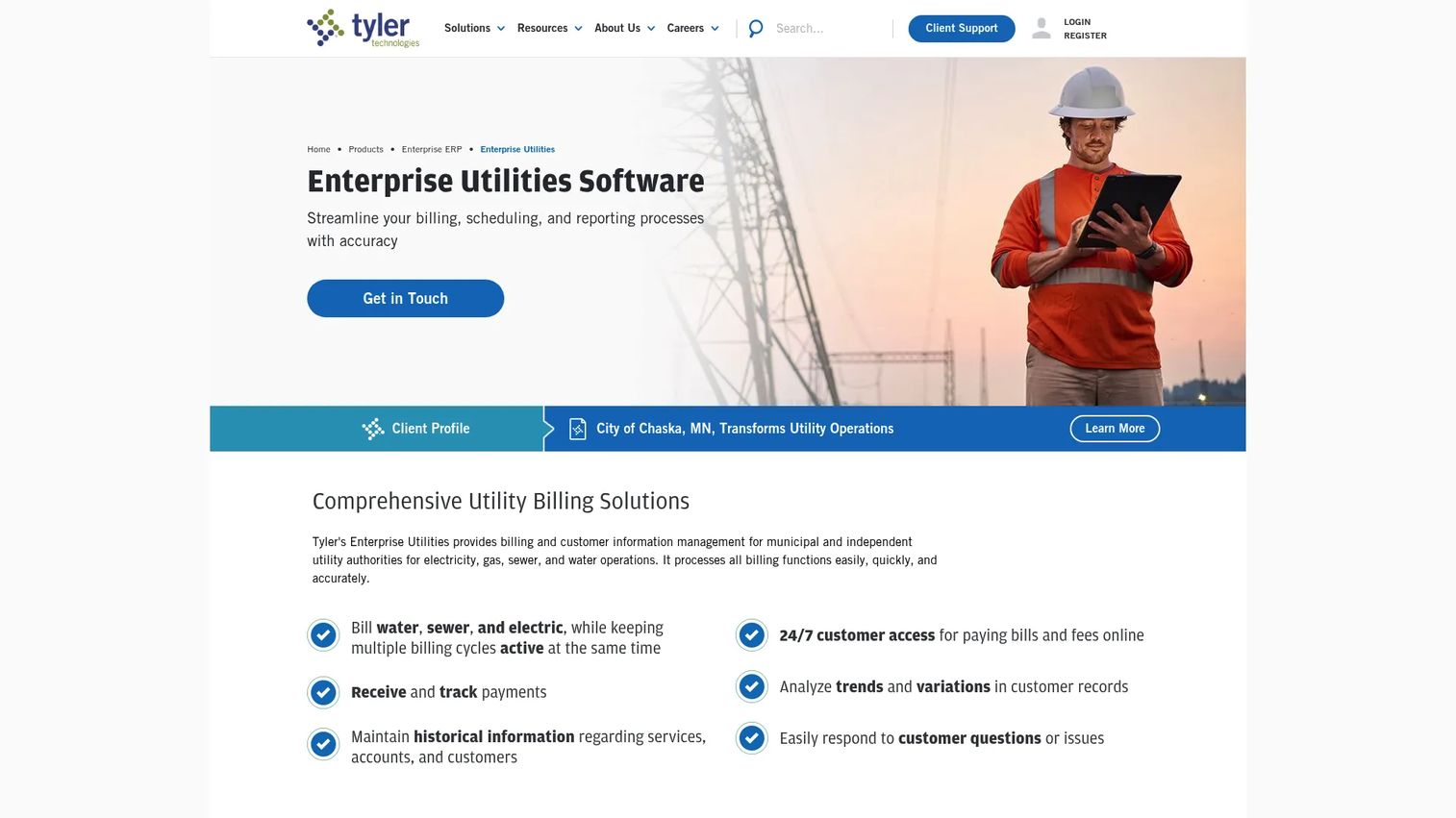
Tyler Technologies builds software for municipal and public-sector administration, including its Enterprise Utilities product for utility billing and customer information management. It supports multiple active billing cycles for water, sewer, and electric utilities, automated delinquent notices, shutoff processing, work order tracking, and 24/7 online customer payment access. Tyler's utility billing integrates with its broader enterprise ERP, which means finance and operations share a connected system rather than reconciling exports between separate platforms.
Best for: Municipal and independent utility authorities that need billing, customer accounts, and service operations tied to public-sector administration and financial reporting.
Key features
- Multiple active billing cycles for water, sewer, and electric utilities
- Automated delinquent notices, late fees, and shutoff processing
- Work order tracking for utility maintenance
- 24/7 online customer access for bill and fee payments
- User-defined reporting, SSRS reports, analytics, and pivot tables
Why choose Tyler Technologies: A municipal utility may need software built around public-sector procurement, reporting, and accountability requirements rather than a general-purpose billing platform designed for commercial providers. Tyler's ERP integration means finance and operations share data natively.
Tyler Technologies pricing: Custom pricing. Contact Tyler Technologies for product packaging and deployment quotes specific to your utility's size and service types.
G2 rating: 4.0/5
Considerations when choosing utilities software
Start with the system you are trying to protect or operate
A compression utility and a utility ERP platform answer completely different questions. Identify whether the job is endpoint security, backup and recovery, storage management, customer billing, field operations, or financial reporting before shortlisting vendors. Comparing tools across categories adds confusion without generating useful insight.
Measure integration debt before adding another tool
For computer utilities, check what your endpoint management, identity, storage, and backup tools already cover. For utility operations platforms, map the integrations required: Finance systems, CRM, GIS, meter data, payment processing, field service, and reporting. A tool that solves one workflow but breaks three existing handoffs creates more overhead than it removes.
Assign a clear operating owner before purchase
A backup tool without a named restore owner provides false confidence. A billing platform without accountable finance and operations leadership becomes a migration project with no finish line. Before signing a contract, confirm who runs the tool daily, who handles exceptions, and who validates that it is working as intended.
Separate entry price from total cost
License fees are the starting point, not the number to budget against. Add implementation, data migration, training, integration development, support contracts, and the internal time required to operate the system through its first contract year. For enterprise utility platforms, this arithmetic often shifts the investment calculus significantly.
Buy for the next operating model, not the current one
Choose a platform that supports the company you expect to run within 12 to 24 months. A small team evaluating enterprise utility ERP because it "sounds mature" will spend more time managing the tool than running operations. Match the platform's operating requirements to the team you actually have, and plan for the team you are building.
Conclusion
The 12 tools in this guide split into two groups that do not overlap.
Microsoft, Bitdefender, Acronis, 7-Zip, WinRAR, CCleaner, EaseUS, MiniTool, and Paragon Software address device, data, and storage utility needs. The right starting point in this group depends on whether the immediate job is endpoint protection (Bitdefender, Acronis), recovery and disk management (EaseUS, MiniTool, Paragon Software), or compression and archiving (7-Zip, WinRAR).
SAP, Oracle, and Tyler Technologies address utility-company billing, ERP, customer operations, and field workflows. These are organizational commitments, not software subscriptions, and the selection decision should involve finance, operations, and IT leadership before any vendor conversation.
Start with the operational failure you are trying to prevent or the workflow you need to run reliably. Then buy the smallest system that gives an accountable team a repeatable process.
For related reading on software infrastructure decisions, see our guides on business process management software, asset lifecycle management software, and application portfolio management software.
Start your journey with Guideflow today!
FAQs
Utilities software is a broad category of programs and platforms that maintain, secure, optimize, recover, bill, or operate critical systems. The term covers two almost entirely different categories: Computer utility software that protects and manages devices and data, and utility industry software that runs billing, customer operations, and field workflows for energy, water, and municipal service providers.
Examples by category include antivirus programs (Bitdefender), backup and recovery tools (Acronis), file compression software (7-Zip, WinRAR), disk management and recovery tools (EaseUS, MiniTool, Paragon Software), and system cleanup software (CCleaner). For the utility industry, examples include billing and ERP platforms (SAP, Oracle), customer information systems (Oracle Utilities), and municipal utility billing software (Tyler Technologies).
No. Utility software typically supports the maintenance, protection, or operation of infrastructure rather than helping a user complete a discrete task. Application software, such as a CRM or project management tool, is designed around a specific user workflow. Enterprise utility platforms like SAP and Oracle blur this line because they serve as systems of record for operational departments, but their primary purpose is still infrastructure and process management, not individual productivity.
The answer depends on the job. Most small businesses start with endpoint protection for device security, a backup solution for data continuity, and a basic compression utility for file management. Bitdefender's entry plans cover protection starting at $29.99/year. Acronis True Image Essentials handles backup from $49.99/year. 7-Zip handles compression at no cost. Larger operational platforms are relevant only when billing or field operations complexity outgrows generic accounting tools.
Utility billing software manages customer accounts, meter or service data, invoices, payments, automated notices, work orders, and operational reporting for utility providers delivering electricity, gas, water, or municipal services. Platforms in this category, including Oracle Utilities and Tyler Technologies Enterprise Utilities, function as systems of record for the full customer billing lifecycle rather than general-purpose accounting tools.
Most SaaS companies need computer utility software covering endpoint protection, backup, data recovery, and file management. The specific mix depends on headcount, device fleet size, data sensitivity, and the existing IT stack. Utility industry platforms like SAP, Oracle, and Tyler Technologies are relevant only if the company itself operates in the energy, water, or municipal services sector rather than selling software to it.
Total cost of ownership is the right number to budget against, not the license fee. Add implementation costs, data migration work, integration development, training, ongoing support contracts, and the internal time required to operate the tool in its first year. For enterprise utility platforms, implementation and migration costs frequently exceed the first year of licensing. For computer utilities, the cost of downtime or data loss that the software is meant to prevent is a more useful benchmark than feature-to-feature price comparison.
No. Point utilities like 7-Zip, CCleaner, and MiniTool address narrow, specific jobs. Enterprise operating platforms like SAP and Oracle cover many interconnected workflows for utility companies, but they do not replace endpoint security or backup tools. A company typically runs several utility-category tools at once, but each should have a distinct owner, a documented system boundary, and a measurable reason to exist in the stack.