Two teams show up for the same conference room at 2pm. One walks away annoyed. Meanwhile, three other rooms sit empty all afternoon, blocked by reservations nobody canceled.
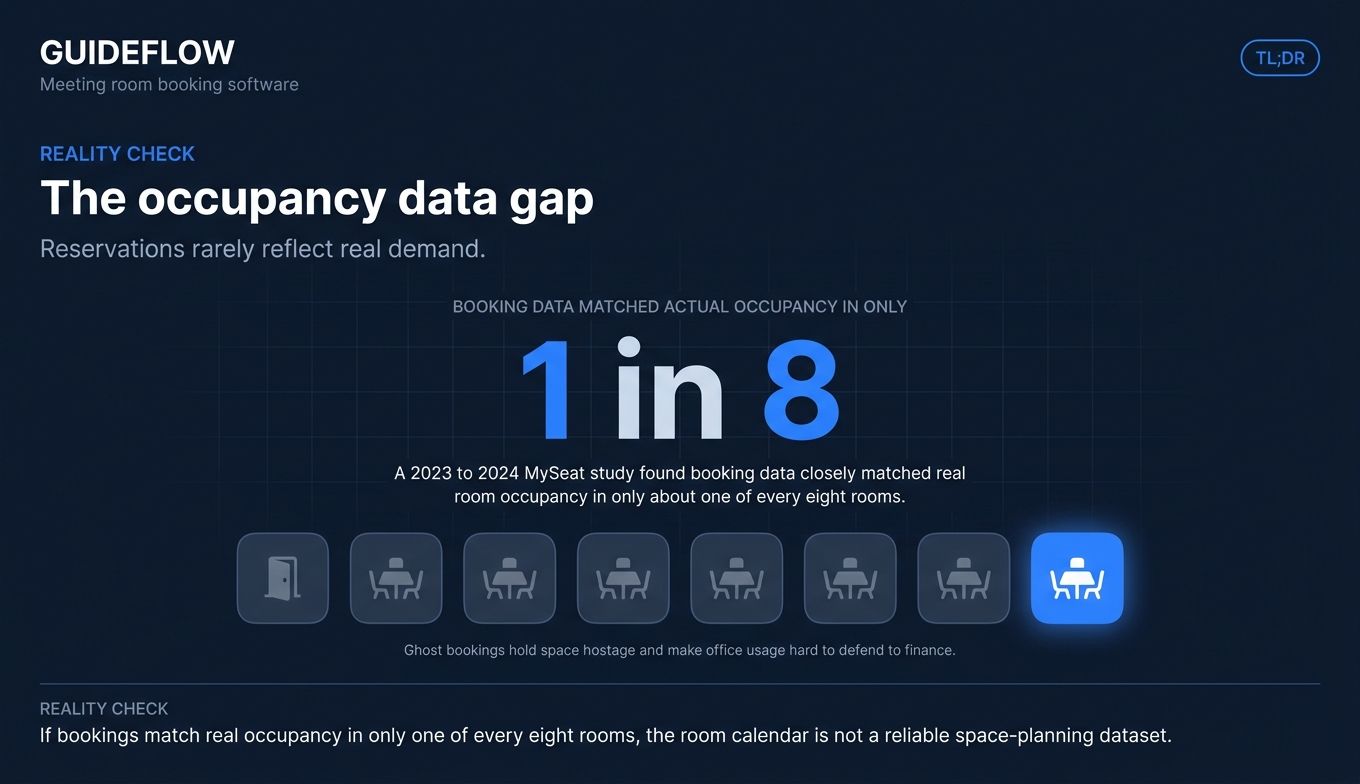
That second problem costs you more than the first. A 2023 to 2024 study from MySeat found that booking data closely matched actual room occupancy in only about one of every eight rooms. Reservations rarely reflect real demand. Ghost bookings hold space hostage, and you have no clean data to show finance why the office lease is worth the spend.
For a founder scaling a hybrid team from 30 to 150 people, this gets expensive fast. You add headcount, the shared calendar buckles, and someone starts asking whether you actually need all that square footage. A meeting room booking system answers that question with data instead of guesswork. It syncs reservations to your calendars, frees up no-show rooms automatically, and logs who used what.
The right conference room booking system does three jobs at once. It stops double-bookings, reclaims wasted space, and gives leadership occupancy numbers they can trust. The wrong one becomes another tool nobody adopts, and people drift back to fighting over the calendar.
This guide compares 15 tools so you can shortlist two or three and trial them. We focused on calendar-integration depth, deployment without IT heroics, transparent pricing, and analytics clean enough to survive a board meeting. If you're evaluating other workplace operational software, our roundup of the best business scheduling software tools is a useful companion read.
What's inside
This guide is for operators, office leads, and founders setting up or consolidating room booking for a 30 to 150 person hybrid office. We pulled the 15 tools from current 2026 market roundups, vendor pricing pages, and live G2 and Capterra listings.
We scored each tool on four criteria that matter when you are choosing operational software at this stage:
- Calendar integration: native two-way sync with Google Workspace and Microsoft 365 or Exchange.
- Deployment: can a non-technical admin set it up in week one.
- Pricing transparency: published prices and clear billing models.
- Analytics: utilization data you can defend to finance.
Pricing and ratings were verified against live vendor pages and G2 or Capterra listings in June 2026.
TL;DR
Short on time? Here are the decision shortcuts by office profile.
- Best overall for growing hybrid offices: Archie, an all-in-one workplace platform with rooms, desks, and visitor management.
- Best for mid-market hybrid teams: Robin, a unified workplace operations platform with strong calendar sync.
- Best for Microsoft Teams shops: YAROOMS, with native room booking inside Teams.
- Best for Slack and Teams-first teams: Officely, which lives entirely inside chat.
- Best free or lowest-cost entry: Officely (free up to 5 users) and Clearooms (room booking from $15/mo).
- Best for room-display hardware: Joan, with e-ink panels, and Logitech, for video-heavy rooms.
- Best for cost-conscious SMBs: Clearooms and Skedda.
What is meeting room booking software?
Meeting room booking software is a tool that lets employees find, reserve, and check into conference rooms in real time, syncing reservations with company calendars to prevent double-bookings. It replaces the shared calendar free-for-all with a single system that tracks availability, enforces booking rules, and logs how spaces actually get used.
A modern conference room booking system usually covers rooms plus adjacent resources like desks and parking, so it doubles as room scheduling software for the whole office. Most tools work from a web app, a mobile app, a calendar plugin, or a panel mounted outside the room.
Core features you will see across the category:
- Real-time availability: live view of which rooms are open, by floor or location.
- Calendar sync: native two-way integration with Google Workspace and Microsoft 365 or Exchange, so a booking in one place shows up everywhere.
- Room displays and panels: at-door screens that show status and allow ad-hoc booking on the spot.
- Check-in and auto-release: confirm presence at the room, and release the reservation if nobody shows.
- Occupancy analytics: utilization reporting that shows which rooms get used and which sit idle.
- Permissions and rules: access groups, buffers, booking windows, and approval flows.
- Desk-booking adjacency: the same platform often handles hot-desking and hybrid schedules.
The definition matters because the category has stretched. A meeting room reservation system used to mean a digital sign on a door. Today it is part of a broader workplace platform, and the tools that win combine booking, analytics, and policy enforcement in one place. That breadth is what turns a conference room scheduling system from a convenience into a way to manage real-estate cost.
How does a meeting room booking system work?
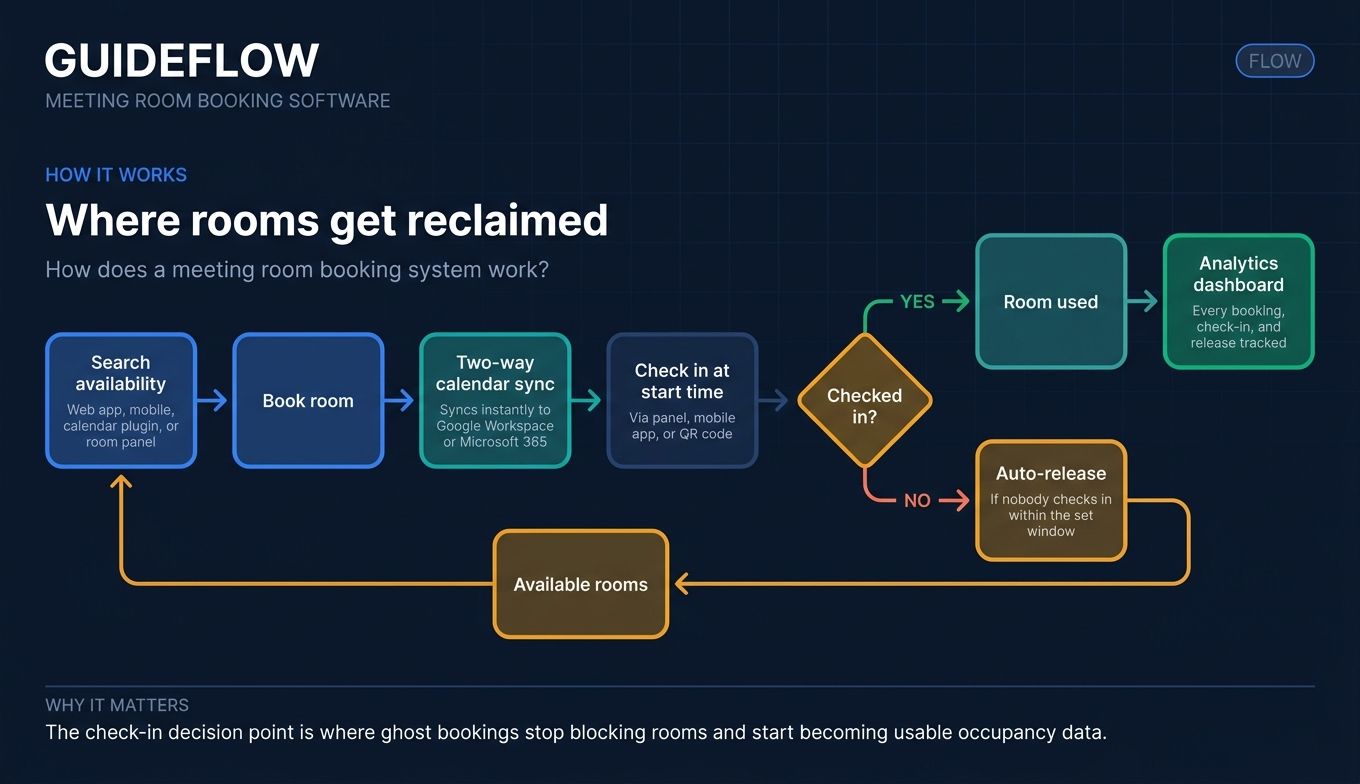
The workflow is short, which is the point. Friction is what sends people back to the shared calendar. Here is the path a typical booking takes.
- Search availability. An employee opens the web app, mobile app, calendar plugin, or a panel and sees which rooms are free for the time and size they need.
- Book the room. They reserve it in a couple of clicks, picking duration, attendees, and any required equipment.
- Sync to the calendar. The reservation writes to Google Workspace or Microsoft 365 instantly, with two-way sync so changes in either place stay aligned.
- Check in at the room. At the start time, the booker confirms presence through a panel, the mobile app, or a QR code.
- Auto-release on no-show. If nobody checks in within a set window, the system releases the room so others can grab it.
- Log utilization. Every booking, check-in, and release feeds the analytics dashboard, building the occupancy data leadership wants.
That last step is where a conference room reservation system earns its keep. The booking flow keeps people happy day to day. The data it generates is what answers the real-estate question later.
When to use meeting room booking software
Not every office needs this on day one. Here are the three moments when a room booking system stops being a nice-to-have.
Eliminate double-bookings as headcount grows
A shared Google Calendar works fine at 15 people. At 60, with hot-desking and staggered hybrid schedules, it breaks. People book over each other, hold rooms they never use, and waste the first five minutes of every meeting relocating. A dedicated conference room scheduler enforces one source of truth and ends the turf war.
Justify your office footprint with utilization data
When finance or the board asks whether the lease is justified, "it feels busy on Tuesdays" is not an answer. Occupancy analytics give you which rooms get used, when, and at what capacity. That data tells you whether to renew, sublet a floor, or reconfigure space, and it backs the decision with numbers.
Reduce ghost meetings and free up rooms
Ghost bookings, reservations that block a room nobody shows up to, are the quiet killer of office capacity. Check-in plus auto-release reclaims that space automatically. Instead of buying or leasing more rooms, you recover the ones you already pay for.
The 15 best meeting room booking software tools for 2026: comparison table
The table below sorts the 15 tools by overall relevance for a scaling hybrid office. Use it to spot which conference room booking system fits your calendar stack, your budget, and your office size before reading the full breakdowns. Pricing and ratings were verified against live vendor pages and G2 or Capterra listings in June 2026. Where a vendor gates pricing behind sales, that is noted.
| # | Product | Intent | Key use case | Pricing | G2 rating |
|---|---|---|---|---|---|
| 1 | Archie | All-in-one workplace platform | Rooms, desks, and visitors for hybrid offices | From $2.8/desk/mo, min $159/mo | 4.9/5 |
| 2 | Robin | Workplace operations platform | Unified room and desk booking for mid-market | Request pricing | 4.4/5 |
| 3 | Skedda | Space scheduling | Rules-heavy booking for shared spaces | From $99/mo | 4.8/5 |
| 4 | Envoy | Workplace and visitor management | Security-conscious offices | Free tier; Standard $109/location/mo | 4.4/5 |
| 5 | Joan | Hardware-forward room booking | E-ink room panels at the door | From €49/mo | 4.5/5 |
| 6 | deskbird | Mobile-first hybrid booking | Desk and room booking with week planning | From $3.75/user/mo | 4.5/5 |
| 7 | Tactic | Workspace-native booking | Fast deploy for Workspace and M365 shops | From $3/workspace | 4.8/5 |
| 8 | Officely | Slack and Teams-native booking | Chat-first teams | Free up to 5 users; Basic from $2.50/user/mo | 4.6/5 |
| 9 | YAROOMS | Hybrid workplace scheduling | Teams-native, compliance-focused offices | From $99/mo | 4.3/5 |
| 10 | Kadence | Coordination-focused booking | Optimizing in-office days | Request pricing | 4.5/5 |
| 11 | Eptura | Enterprise workplace and assets | Large multi-location estates | Request pricing | Not listed |
| 12 | OfficeSpace | Space management | Facilities-led organizations | Request pricing | 4.7/5 |
| 13 | Clearooms | Simple, affordable booking | Cost-conscious SMBs | Rooms from $15/mo | 4.7/5 (Capterra) |
| 14 | Logitech | Hardware-led room scheduling | Video-conferencing-heavy rooms | Basic $0; Essential $199/room/yr | 4.0/5 |
| 15 | UnSpot | Booking with maps and analytics | Hybrid teams wanting navigation | From $10/company | 5.0/5 |
1. Archie
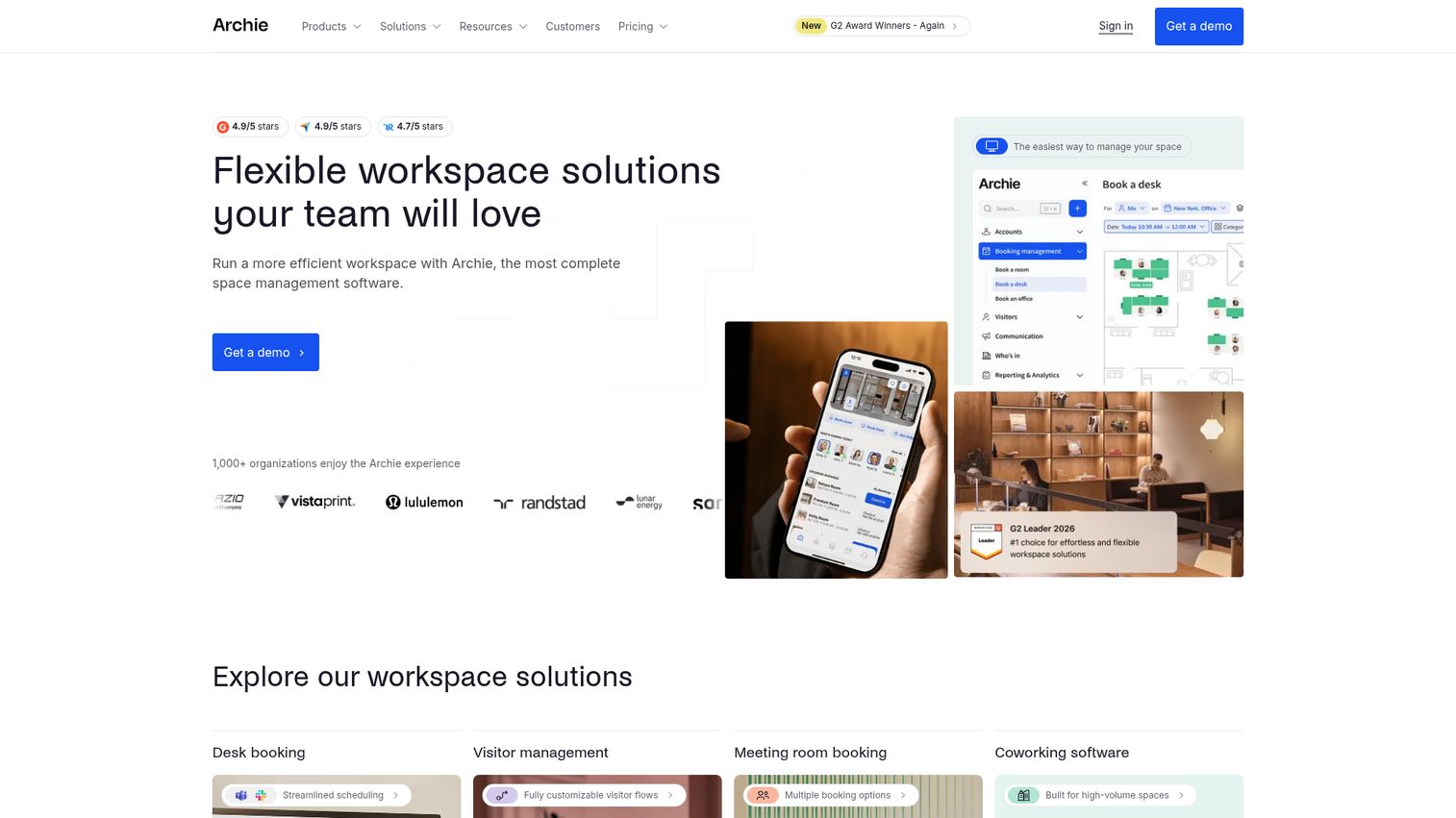
Archie is space management software for flexible and hybrid workplaces. It bundles desk booking, room scheduling, visitor management, and workplace analytics into one platform, so you are not stitching together three vendors as the office grows. For a founder consolidating workplace tooling, that single-platform approach is the draw.
You can book rooms and resources from the web, mobile, Slack, Microsoft Teams, and Outlook, which keeps adoption high because people stay in the tools they already use. Desk booking comes with visual floor plans, real-time availability, QR-code check-ins, and occupancy analytics.
Best for: Growing hybrid offices and coworking operators that want rooms, desks, visitors, and analytics in one place.
Key strengths
- All-in-one platform: Rooms, desks, and visitor management under one login, reducing tool sprawl.
- Booking everywhere: Reserve from web, mobile, Slack, Teams, and Outlook without leaving your workflow.
- Occupancy analytics: QR-code check-ins and utilization data that justify your footprint.
Why choose Archie: If you are tired of evaluating a separate vendor for every workplace job, Archie collapses the stack. A 4.9/5 G2 rating across more than 230 reviews suggests it earns adoption rather than gathering dust, which is the real test for a 30 to 150 person office.
Archie pricing: Starter is $2.8 per desk per month with a $159/month minimum. Pro is $3.5 per desk per month with a $249/month minimum and adds multi-location, Teams and Outlook booking, Slack, SSO and SCIM, and custom roles. Enterprise is custom. There is no permanent free tier, but a 14-day test environment is available after a demo.
2. Robin
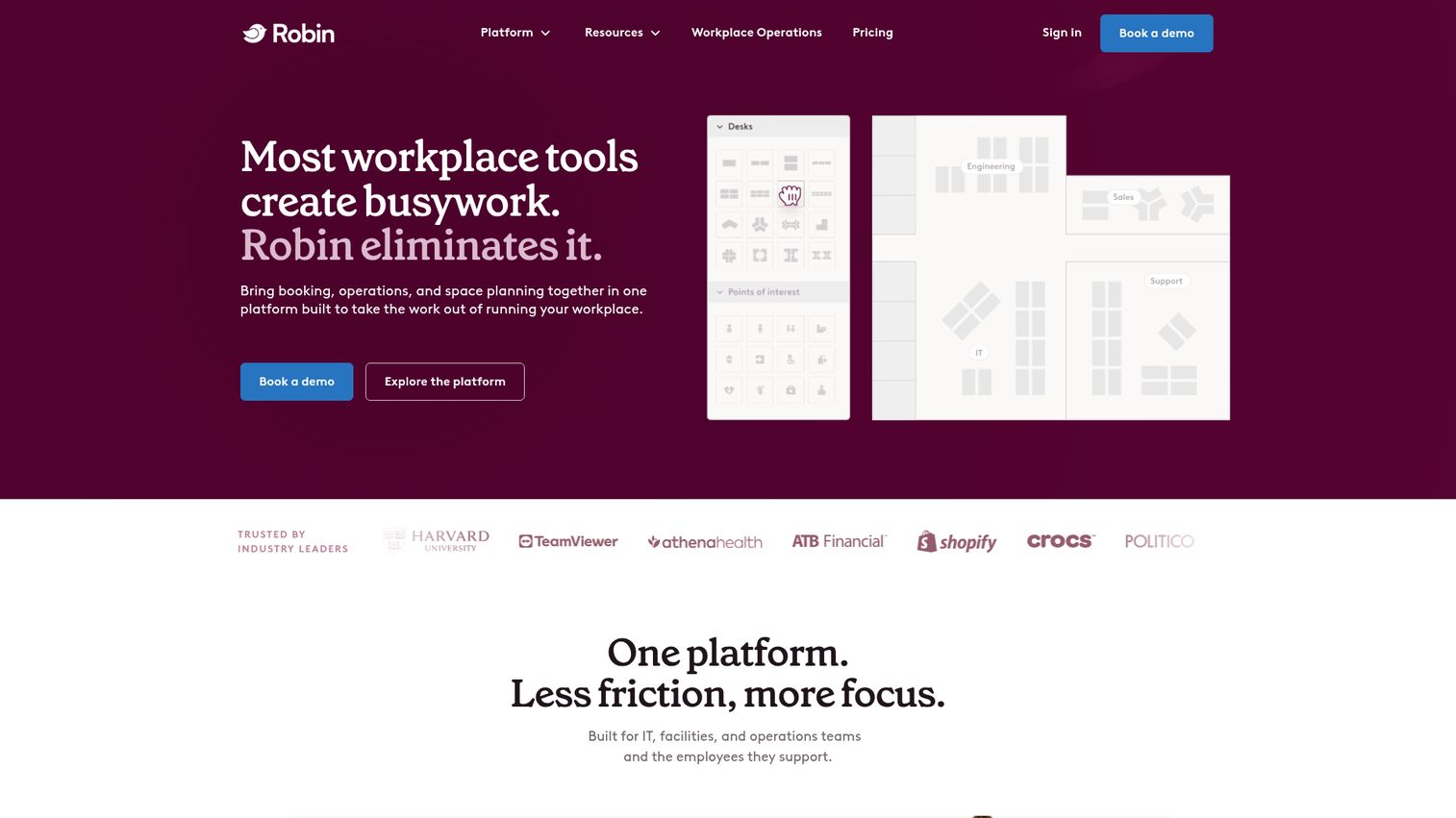
Robin is a workplace operations platform for hybrid offices, helping organizations plan, manage, and use their space. It handles resource booking for desks, rooms, parking, lockers, and custom resources, with interactive maps and office neighborhoods for teams that want structure around where people sit.
It is a well-known name in the mid-market for a reason: the calendar sync is solid, and the space-management depth goes beyond booking into move management and booking policies.
Best for: Mid-market hybrid teams that need a unified platform for room and desk booking plus workplace analytics.
Key strengths
- Full resource booking: Desks, rooms, parking, and lockers in one interface.
- Space management: Interactive maps, neighborhoods, and move management for larger floor plans.
- Visitor management: Guest check-in, arrival displays, badge printing, and deliveries.
Why choose Robin: When your office is past the scrappy stage and you need maps, neighborhoods, and policies rather than just a booking button, Robin fits. The 4.4/5 G2 rating reflects a mature platform built for offices that have outgrown a spreadsheet.
Robin pricing: Robin uses a request-pricing model for its workplace platform, billed annually. The pricing page does not display public numbers, and a 14-day trial is mentioned. Plan on a sales conversation to get a quote scoped to your room and desk count.
3. Skedda
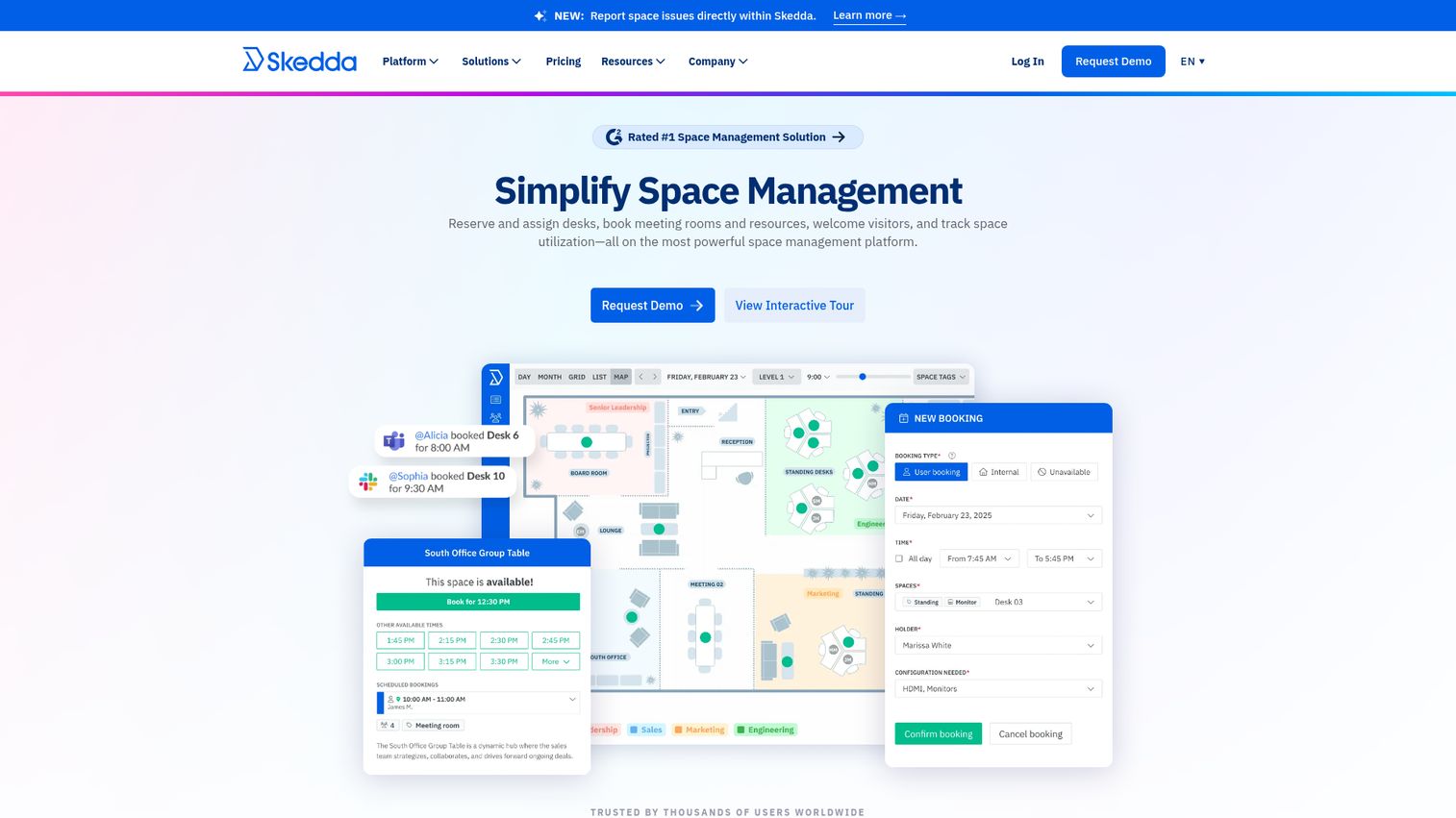
Skedda is workplace management and space booking software for reserving desks, meeting rooms, and shared resources, with a strong focus on rules and utilization insights. Its rules engine is the standout: flexible booking windows, buffers, and access groups that make it a favorite for offices, universities, and shared spaces.
The self-serve booking experience is clean, and interactive floor plans help people find the right space without asking around.
Best for: Shared and coworking spaces, SMBs, and any office that needs granular control over who can book what and when.
Key strengths
- Rules and roles engine: Booking windows, buffers, and access groups for tight control.
- Interactive floor plans: Custom maps for desks, rooms, and resources.
- Self-serve booking: Unlimited users and bookings even on the entry tier.
Why choose Skedda: If your booking problem is really a policy problem, who gets which room, when, and for how long, Skedda's rules engine handles it better than most. A 4.8/5 G2 rating backs its reputation for flexibility.
Skedda pricing: Starter is $99/month for 15 spaces, priced per space and billed annually, with unlimited users and bookings. Plus is $149/month for 20 spaces with full insights. Premier is $199/month for 25 spaces with the full rules engine. AllBooked and Enterprise are talk-to-sales. A 30-day Premium trial is available.
4. Envoy
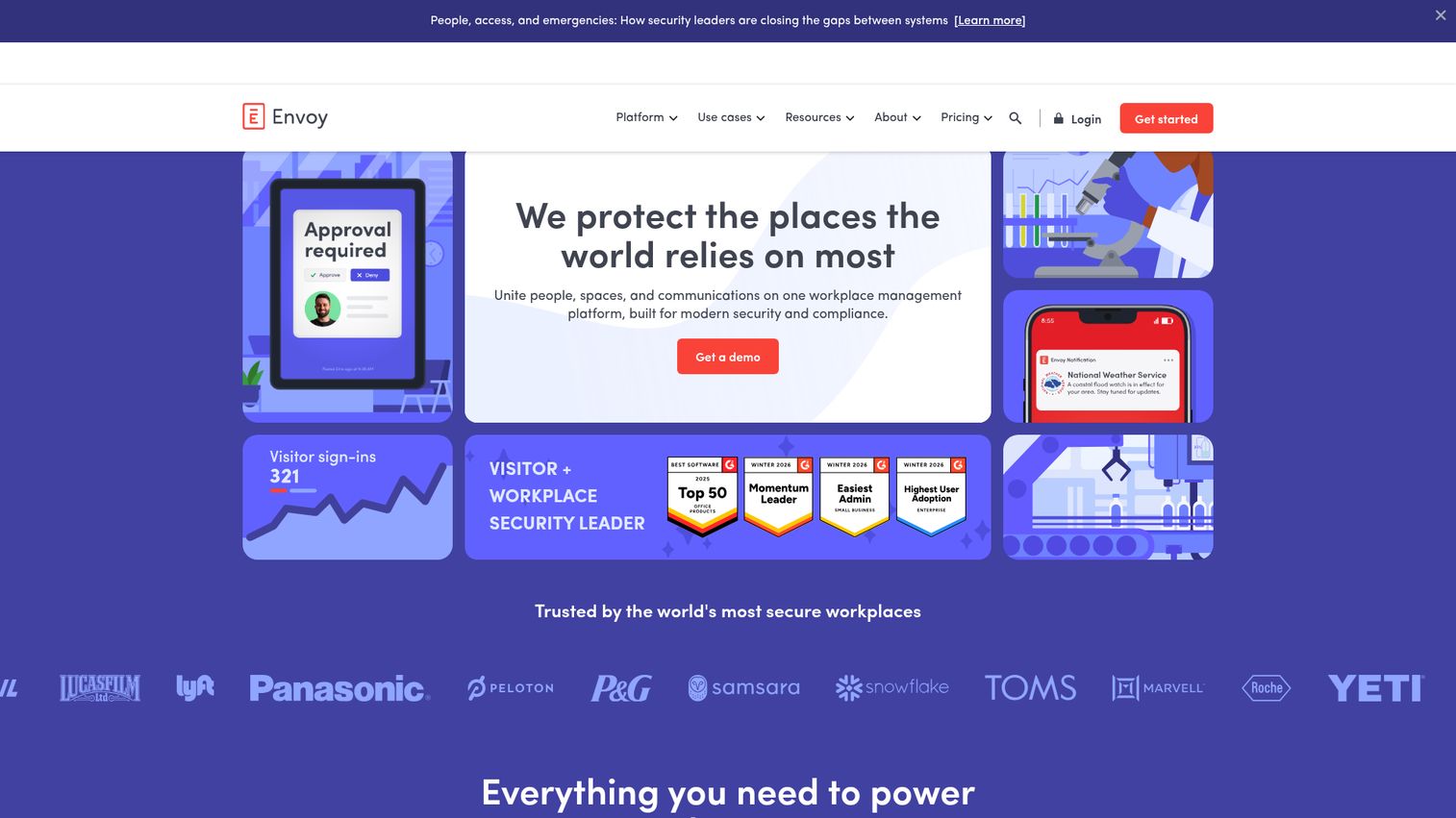
Envoy is a workplace management platform for managing visitors, spaces, communications, and deliveries. It is best known for visitor management with customizable sign-in flows, then layers room and desk booking and occupancy analytics on top. For offices where security review is part of the workplace mandate, Envoy's depth here is the differentiator.
Security integrations include digital NDAs, access control, RFID badges, mobile QR codes, ID scanning, and blocklists.
Best for: Security-conscious and multi-location offices that need visitor check-in alongside room and desk booking.
Key strengths
- Visitor management: Customizable sign-in flows with host notifications.
- Security stack: Digital NDAs, access control, badges, ID scanning, and blocklists.
- Workplace reservations: Desk and room booking with occupancy analytics and package tracking.
Why choose Envoy: If your office handles sensitive visitors or has a compliance bar to clear, Envoy's security-first approach earns its place. The 4.4/5 G2 rating reflects a platform trusted at multi-location scale.
Envoy pricing: The Visitors module has a free Basic tier with limited features. Standard is $109 per location per month, billed annually. Premium is $329 per location per month, billed annually. Enterprise is custom. Other modules carry their own pricing, so a full workplace deployment will cost more than the Visitors plan alone.
5. Joan
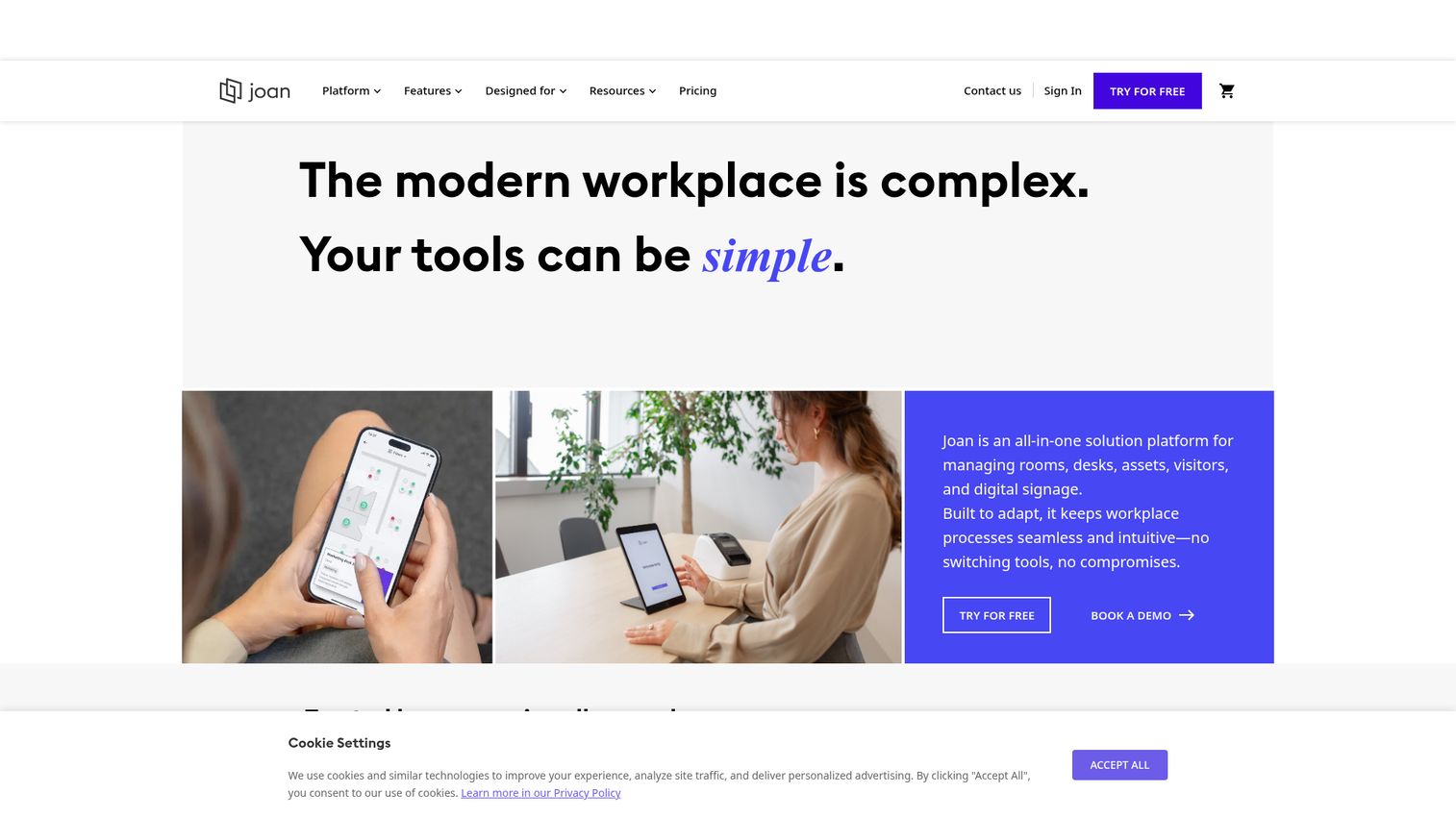
Joan is an all-in-one workplace management platform best known for its hardware-first e-ink room display panels. The low-power e-ink screens mount outside each room, show status at a glance, and let people book on the spot. Behind the panels sits a full platform covering desk booking, visitor management, digital signage, and analytics.
For an office that wants the at-door convenience of physical panels without a heavy IT footprint, Joan is purpose-built.
Best for: Offices that want physical room-panel deployments backed by full workplace software.
Key strengths
- E-ink room panels: Low-power at-door displays that show status and enable ad-hoc booking.
- Full workplace platform: Desk, parking, and asset booking plus visitor management.
- Digital signage and analytics: Workplace screens and utilization reporting in one system.
Why choose Joan: If the experience you want is someone walking up to a room, seeing it is free on a screen, and grabbing it, Joan's panels deliver that without rewiring the office. The 4.5/5 G2 rating reflects solid hardware plus software fit.
Joan pricing: Plans are priced by team size, users, and device licenses. Team is €49/month with 20 users and 2 device licenses. Business is €219/month with 50 users and 5 licenses. Organization is €499 per device per year with 100 users and 10 licenses. Enterprise+ is €999/month. A 30-day free trial is available, with no permanent free tier.
6. deskbird
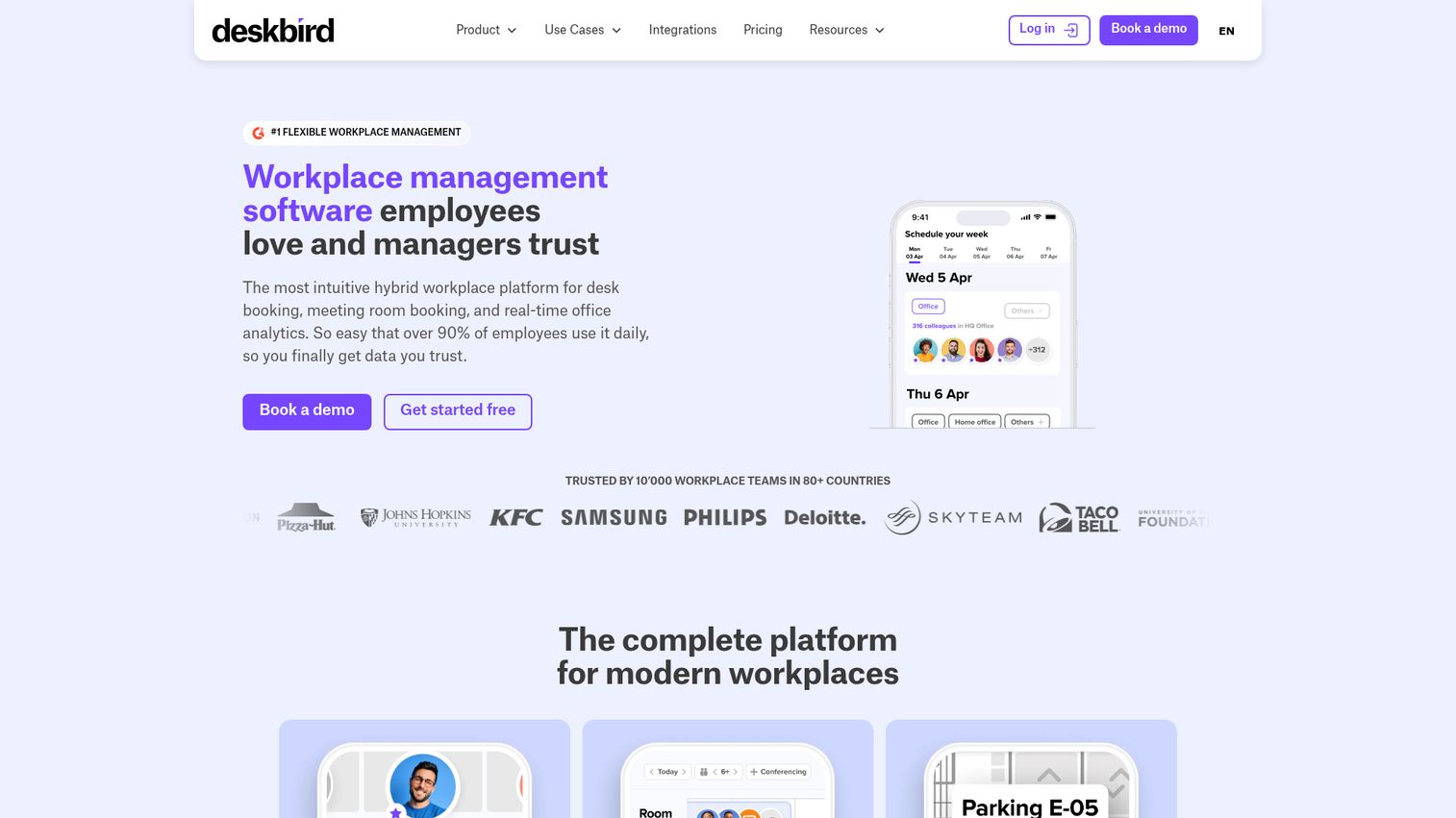
deskbird is a hybrid workplace management platform for desk booking, meeting room booking, parking, visitors, and workplace analytics. It is mobile-first, which matters for hybrid teams who plan their week from their phone rather than a desktop app. Week planning lets people see who is in the office before they commit to coming in.
It integrates with MS Teams, Slack, Outlook, and Google Calendar, so bookings flow into whatever calendar stack you run.
Best for: Hybrid teams, especially in Europe, that want mobile-first booking with week planning.
Key strengths
- Mobile-first booking: Native apps with booking check-ins and auto-releases.
- Week planning: See team presence before deciding which days to come in.
- Broad calendar sync: MS Teams, Slack, Outlook, and Google Calendar integrations.
Why choose deskbird: If your people coordinate office days on their phones, deskbird meets them there. The 4.5/5 G2 rating reflects a clean mobile experience that drives the kind of adoption that makes the analytics worth reading.
deskbird pricing: Business is $3.75 per active user per month billed annually, or $4.75 monthly, and includes desk, room, and parking booking, native apps, check-ins, auto-releases, and Teams integration. Professional adds advanced rules, analytics, an AI floor plan designer, ticketing, and API access at custom pricing. Enterprise is custom. A free trial is available, with a Starter plan limited to 15 users afterward.
7. Tactic
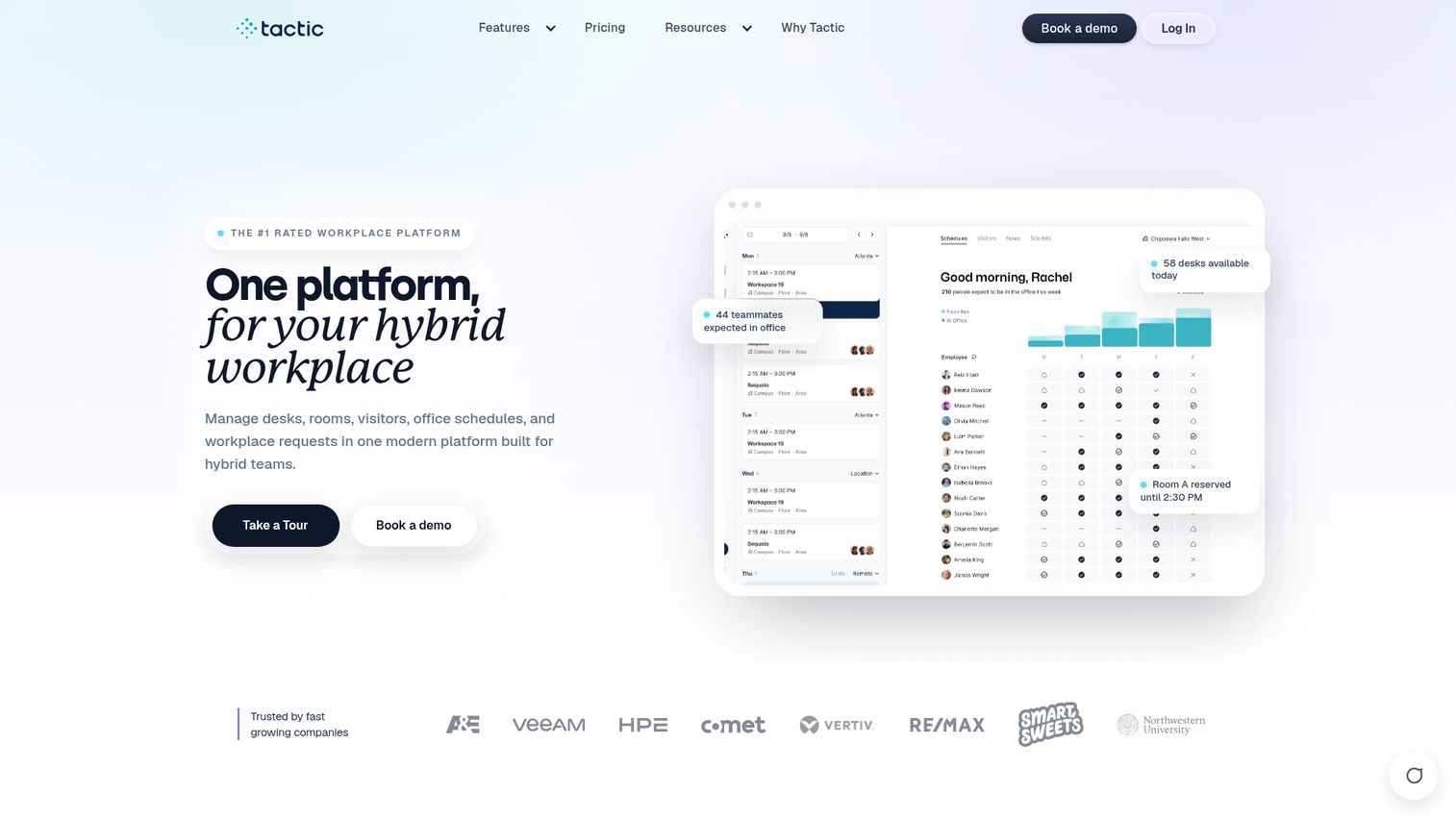
Tactic is a workplace experience platform for hybrid teams to manage desk booking, room scheduling, visitors, and workplace requests. It leans into deep calendar integration and fast deployment, which makes it a strong pick for Workspace or Microsoft 365 shops that want to be live quickly. AI-assisted room suggestions help people find the right space without scrolling through floor plans.
The entry tier covers the essentials, and per-workspace pricing keeps costs predictable as you add rooms.
Best for: Google Workspace or Microsoft 365 shops that want a fast, low-friction deploy.
Key strengths
- Calendar-native booking: Desk and room scheduling that plugs into your existing calendar.
- AI room suggestions: Tessa AI helps match people to the right space.
- Workplace requests: Service and facilities requests alongside booking on higher tiers.
Why choose Tactic: When the priority is being operational in week one without an IT project, Tactic's calendar-native setup and per-workspace pricing fit a fast-moving team. A 4.8/5 Capterra rating reflects strong usability.
Tactic pricing: Core is $3 per workspace and includes desk booking, room scheduling, calendar integrations, analytics, resource check-in, and the mobile app. Pro is $4 per workspace and adds visitor management, workplace requests, SSO and directory sync, Tessa AI, and advanced booking rules. Enterprise is custom. There is no first-party free tier.
8. Officely
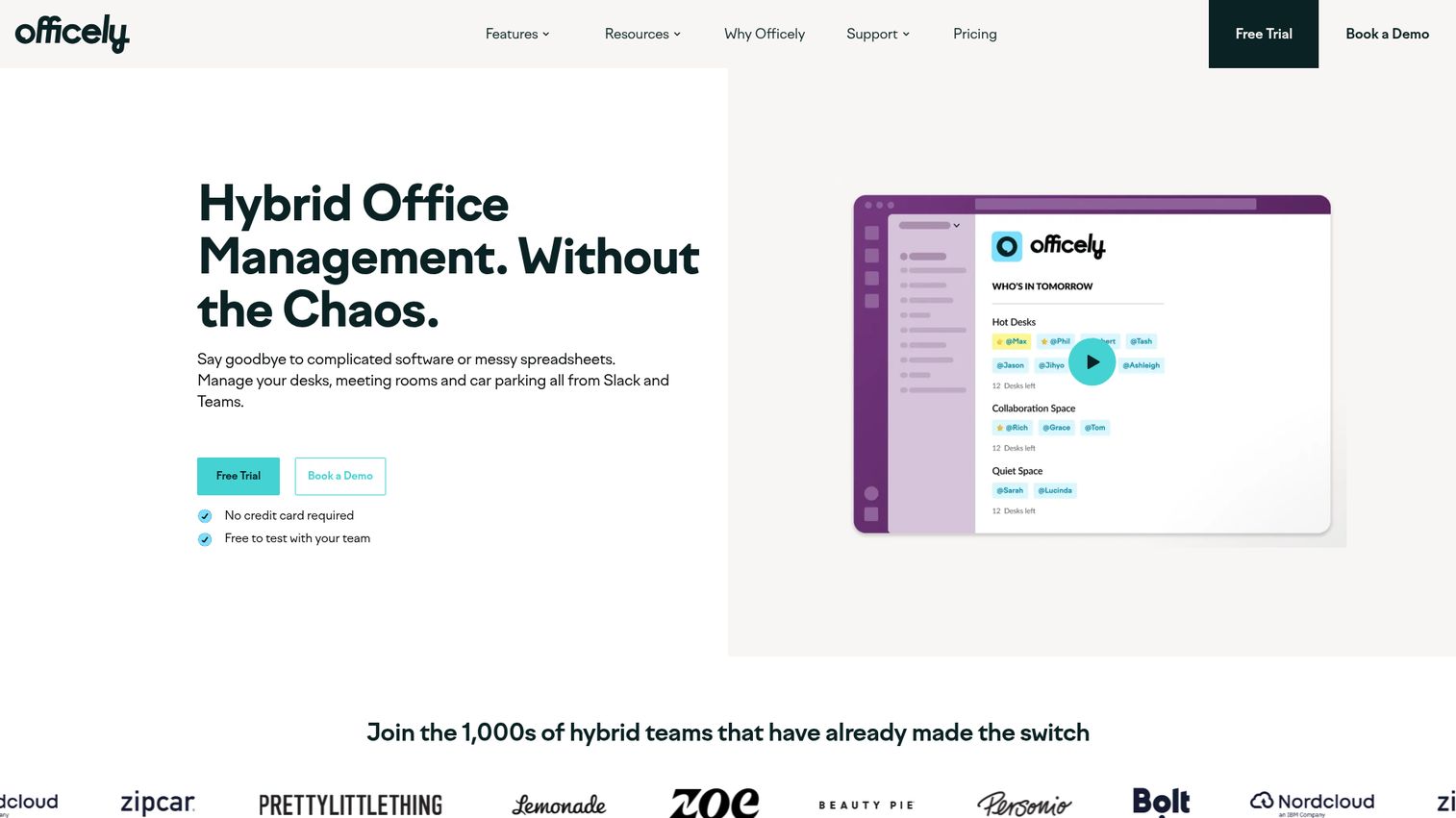
Officely is hybrid office management software that runs entirely inside Slack and Microsoft Teams. No separate app, no new login, no adoption battle. People book desks and rooms, check in, and see who is in the office from the chat tool they already have open all day. For a chat-first team that resists adding software, this is the path of least resistance.
It also surfaces office usage analytics: who booked, who showed up, and what is underused.
Best for: Chat-first teams that want booking inside Slack or Teams without a standalone app.
Key strengths
- Native to Slack and Teams: One-click booking and daily check-ins inside chat.
- Live room availability: See and book open rooms without leaving the conversation.
- Usage analytics: Track who booked, who showed, and what space is wasted.
Why choose Officely: If past tools died because nobody opened them, Officely's in-chat model sidesteps that problem. The 4.6/5 G2 rating reflects how well the lightweight approach lands with teams that hate extra apps. Driving that kind of adoption is exactly where interactive product tours help teams onboard new tools faster.
Officely pricing: A free tier covers up to 5 users. Basic is $2.50 per user per month annually, or $3.00 monthly, with unlimited users and simple desk booking. Premium is $3.50 per user per month annually, or $4.50 monthly, with the full feature set. Enterprise is custom.
9. YAROOMS
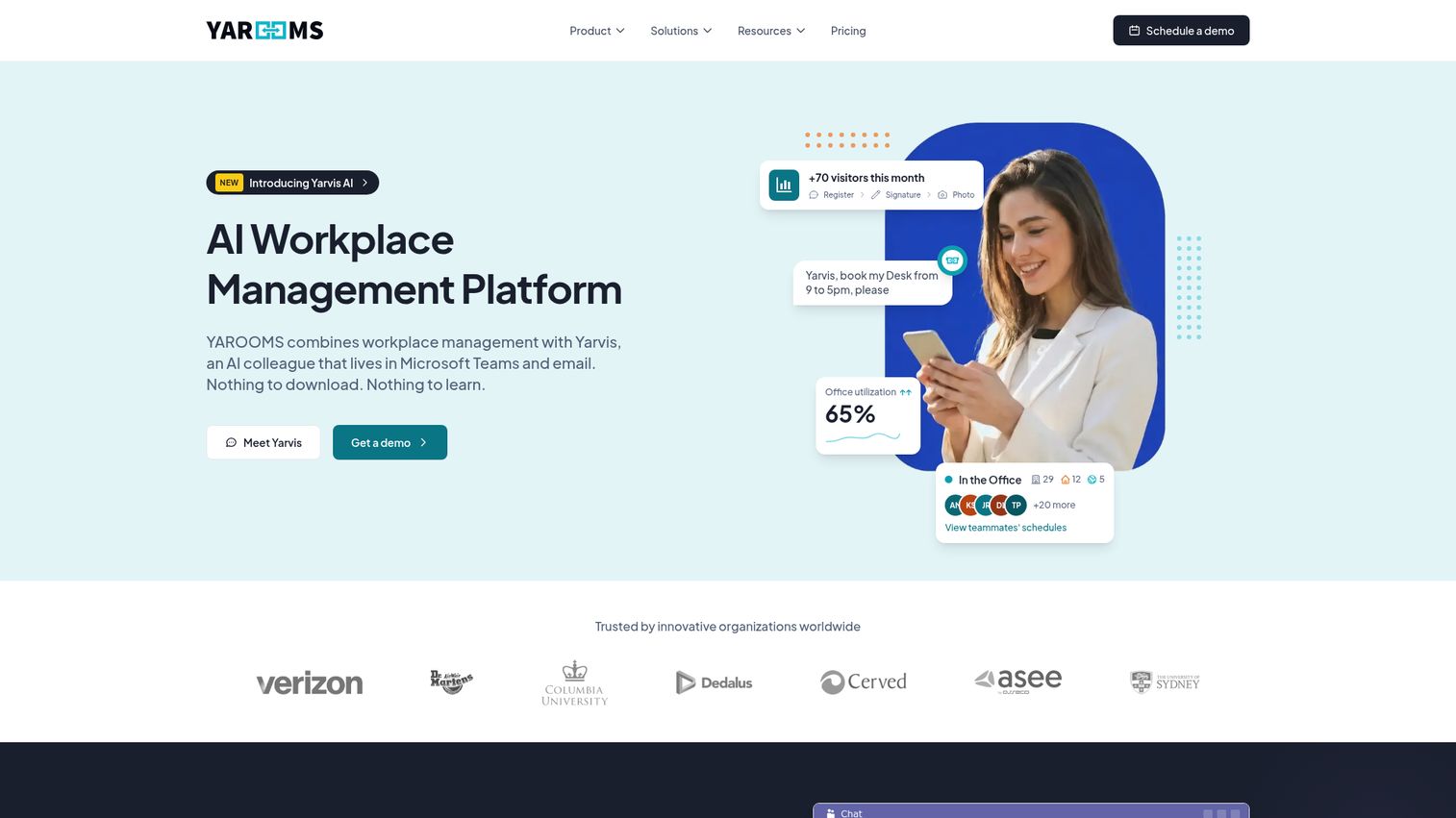
YAROOMS is an AI workplace management platform for desk and meeting room booking, hybrid work planning, visitor management, and workplace analytics. Its native Microsoft Teams experience makes it a natural fit for Teams-first organizations, and its hybrid-policy controls suit offices with compliance requirements around attendance and capacity.
Interactive floor plans, room and lobby displays, and the Yarvis AI assistant round out the platform.
Best for: Hybrid and multi-location offices, especially compliance-focused Microsoft Teams shops.
Key strengths
- Teams-native booking: Reserve rooms and desks directly inside Microsoft Teams.
- Hybrid work scheduling: Team visibility and policy controls for attendance.
- Visitor management: Branded visitor experience with notifications and analytics.
Why choose YAROOMS: When your office runs on Teams and leadership cares about hybrid-policy compliance, YAROOMS handles both in one platform. The 4.3/5 G2 rating reflects a capable, location-aware system.
YAROOMS pricing: Starter is $99/month with 1 location, 2 floors, hybrid scheduling, desk and room booking, and displays. Business is $399/month and adds 2 locations, 90-day analytics, the Teams app, Yarvis AI, SSO, and calendar sync. Enterprise is $899/month with 5 locations, unlimited analytics, service requests, and API access. A separate visitor module starts at $99 per location per month.
10. Kadence
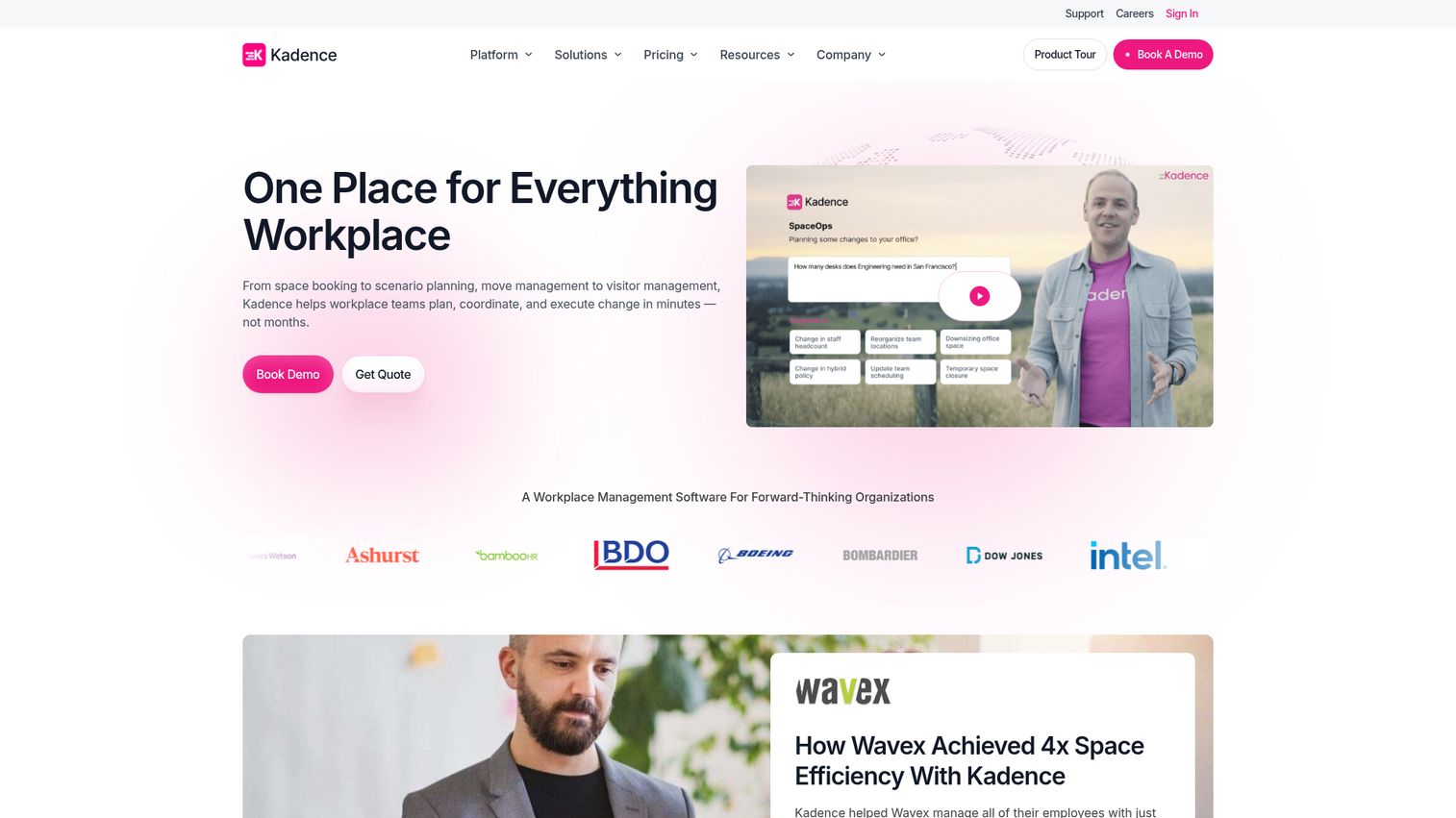
Kadence is a workplace operations platform for managing people, spaces, bookings, visitors, and occupancy data. Its angle is coordination: helping teams choose which days to be in the office together so the space gets used when it matters. Dynamic team zones and room booking sit alongside workplace analytics and occupancy modeling.
For teams trying to make in-office days count rather than just filling seats, Kadence's coordination focus is the differentiator.
Best for: Teams optimizing in-office days and coordinating when people overlap.
Key strengths
- Coordination-first booking: Team zones that help people align on office days.
- Visitor management: Guest workflows alongside room and desk booking.
- Occupancy modeling: Analytics and space planning for data-driven decisions.
Why choose Kadence: If your hybrid problem is empty offices on the wrong days, Kadence optimizes for overlap rather than raw bookings. A 4.5/5 G2 rating across more than 140 reviews reflects a platform built around team rhythm.
Kadence pricing: Kadence lists WorkOps for workplace essentials like desk and room booking, visitor management, and analytics, plus SpaceOps for AI-powered workplace intelligence and space planning. The pricing page directs you to a sales conversation rather than showing public figures, with active-user billing on the WorkOps tier.
11. Eptura
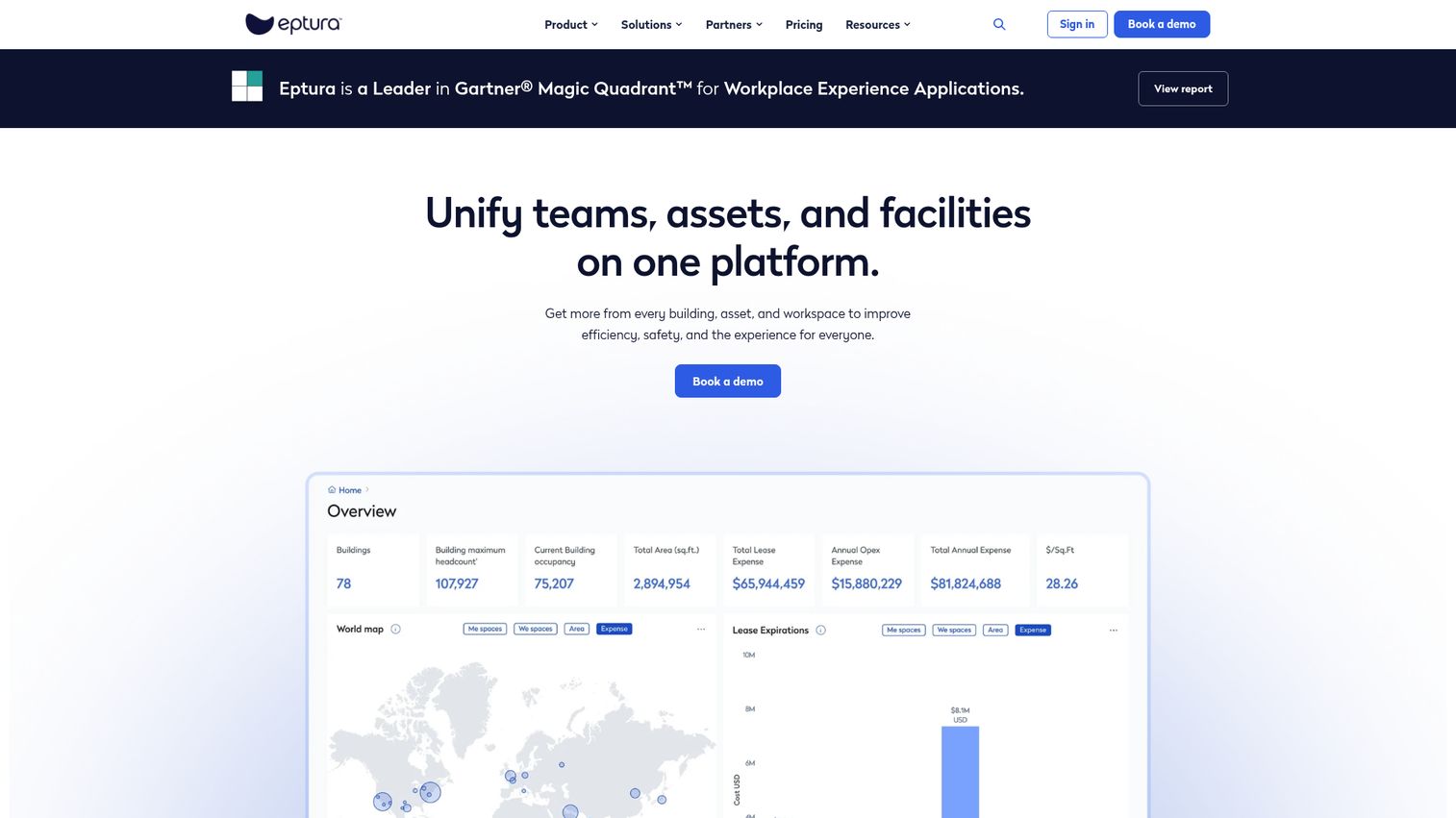
Eptura is a worktech platform connecting people, workplaces, assets, and facilities, formed from the Condeco and iOFFICE lineage. That heritage shows in its enterprise depth: room and desk booking sits alongside full asset management and facilities operations, making it suited to large estates rather than a single growing office.
Workspace and room booking includes Outlook and Google Calendar integrations, mobile access, wayfinding, and utilization analytics.
Best for: Large enterprise estates managing workplaces, facilities, visitors, and physical assets across locations.
Key strengths
- Asset management: Asset registry, barcode scanning, work orders, and preventive maintenance.
- Workspace booking: Room and desk reservations with calendar sync and wayfinding.
- Visitor management: Pre-registration, kiosk check-in, badges, and access-control integrations.
Why choose Eptura: When the job is managing real estate at portfolio scale, not just booking rooms in one office, Eptura's IWMS breadth fits. It is heavier than most tools here, which is the point for enterprise facilities teams.
Eptura pricing: Eptura lists tiered plans across its products, including Workplace, Asset, and Visitor modules, on annual subscriptions. The pricing page shows plan names and feature comparisons but directs buyers to sales for figures, so budget a scoping conversation.
12. OfficeSpace
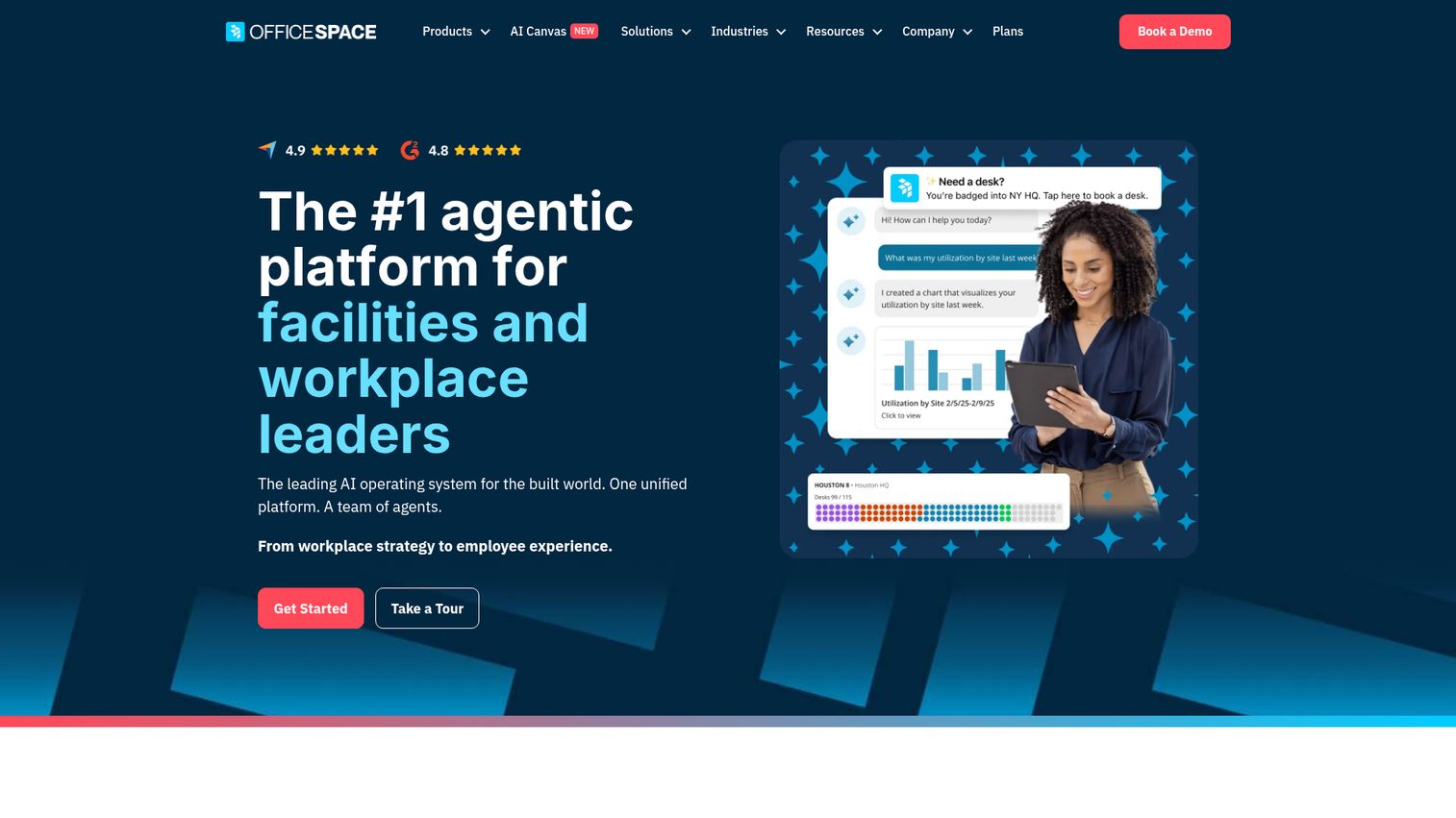
OfficeSpace is an AI-powered workplace management platform for space planning, desk and room booking, facility operations, and analytics. Its strength is space management and move management, which makes it a fit for facilities-led organizations that think about the office as a portfolio to plan, not just rooms to book.
Desk and room booking, facility requests, and visitor management round out the platform alongside the planning tools.
Best for: Facilities, workplace experience, and corporate real estate teams managing space utilization across offices.
Key strengths
- Space planning: Scenario planning and move management for evolving floor plans.
- Desk and room booking: Reservations integrated with the broader space picture.
- Workplace analytics: Utilization data to guide real estate decisions.
Why choose OfficeSpace: If a facilities team owns your workplace and needs planning depth rather than just a booking widget, OfficeSpace fits the mandate. A 4.7/5 G2 rating reflects strong satisfaction among space-management teams.
OfficeSpace pricing: Workplace plans include Essentials Plus and Pro Plus, and Asset Management plans include Essentials and Pro. The plans use a fixed platform fee plus a feature set and synced employee count, but no public numbers are shown. All tiers route to a sales conversation.
13. Clearooms

Clearooms is an all-in-one desk, meeting room, and parking booking system for hybrid workspace management. Its differentiator is pricing: it charges by active workspace usage, not per user, which keeps costs low for a growing headcount. Room booking starts at $15/month, making it one of the most affordable entry points on this list.
Interactive floor plans, Google and Outlook calendar integrations, SSO, and SCIM cover the essentials without enterprise overhead.
Best for: Cost-conscious SMBs that want room, desk, and parking booking priced by usage rather than per employee.
Key strengths
- Usage-based pricing: Pay for active desks, rooms, and parking, not headcount.
- Calendar integrations: Google and Outlook sync plus SSO and SCIM provisioning.
- Utilization reporting: Reporting across desks, rooms, parking, teams, and sites.
Why choose Clearooms: If you are watching every dollar and want predictable costs as you hire, Clearooms' workspace-based model scales with your office, not your payroll. A 4.7/5 Capterra rating across more than 200 reviews backs the value.
Clearooms pricing: Pricing is usage-based on active desks, rooms, and parking. Desk plans start at $88/month monthly or $80/month annually for 1 to 19 desks. Meeting rooms start at $15/month monthly or $13.50/month annually. Enterprise desk pricing for 500+ desks is contact-only. A 30-day free trial is available.
14. Logitech
Logitech brings a hardware-led approach to room scheduling through its Tap Scheduler panels and Sync device-management software. Tap Scheduler is a door-mounted panel that shows room status and lets people book on the spot, while Sync provisions, monitors, and updates devices across locations. For offices built around video conferencing with Logitech Rally Bars and MeetUp cameras, the room scheduling fits naturally into the existing hardware.
Logitech Sync handles room and desk booking with workspace utilization insights and centralized admin.
Best for: Video-conferencing-heavy rooms already running Logitech collaboration hardware.
Key strengths
- At-door panels: Tap Scheduler shows status and enables booking outside each room.
- Centralized admin: Sync provisions, monitors, and updates devices across sites.
- Utilization insights: Room and desk booking data tied to your hardware.
Why choose Logitech: If your rooms run on Logitech video gear, adding Tap Scheduler and Sync keeps scheduling and device management in one ecosystem. A 4.0/5 G2 rating for Logitech Sync reflects a platform built primarily for IT and AV teams.
Logitech pricing: Sync Basic for Rooms is $0, included with purchase. Essential for Rooms is $199 per room per year and adds advanced device and space management. Select for Rooms is $399 per room per year (or $249 for rooms with certain camera setups) and adds coverage and support. Flex Desk tiers run from $0 to $99 per desk per year.
15. UnSpot
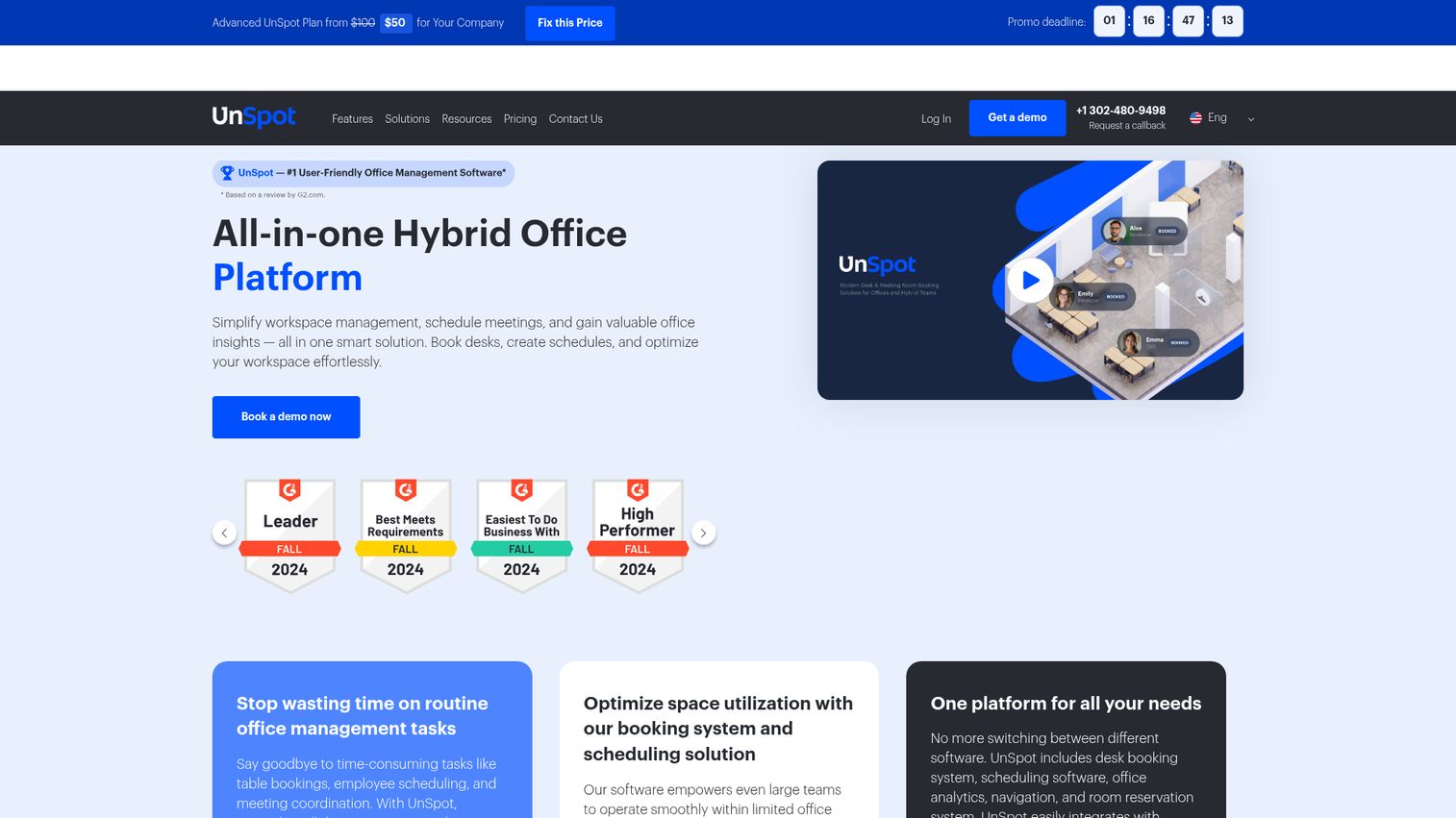
UnSpot is an all-in-one hybrid office platform for desk booking, meeting room booking, work scheduling, workspace analytics, and navigation. Its in-office navigation is a useful touch for larger or unfamiliar floor plans, helping people find their booked room or desk without wandering. The analytics give you the utilization picture, and the internal help-desk workflows handle workplace requests.
Pricing is flexible, with per-resource options that let you pay for just rooms if that is all you need.
Best for: Hybrid teams that want booking combined with maps and navigation across the office.
Key strengths
- Desk and room booking: Reservations across desks, rooms, lockers, and parking.
- In-office navigation: Wayfinding to booked spaces across the floor plan.
- Workspace analytics: Utilization data to inform space decisions.
Why choose UnSpot: If your office is big enough that people get lost, UnSpot pairs booking with navigation so the reservation actually leads somewhere. A 5.0/5 G2 rating, though from a smaller review base, signals strong early satisfaction.
UnSpot pricing: Pricing offers per-user and per-resource options. The Basic plan starts from $50 per company, and an Advanced plan is listed with a sale price. Resource-specific plans start from $10 per company for desk, parking, and locker, and from $30 per company for meeting rooms. There is no free tier, but trial and demo options are available.
How to choose the right meeting room booking software
The shortlist above narrows the field. These five criteria decide which tool actually earns a spot in your stack.
Calendar integration depth
The booking system has to be the single source of truth, which means native two-way sync with whatever calendar you run. Confirm it supports both Google Workspace and Microsoft 365 or Exchange if you have a mixed environment. A booking made in the room tool should appear in the calendar, and a calendar change should reflect back, or people will route around it. The same logic applies to any tool you evaluate, so check our broader take on software integrations when judging fit.
Deployment without IT heroics
At 30 to 150 people, you do not have IT capacity to spare. Ask whether a non-technical admin can configure rooms, set rules, and go live in week one. Tools like Officely and Tactic deploy fast because they live inside chat or your existing calendar. Hardware-heavy setups take longer, so factor that in. Smooth rollouts also lean heavily on user onboarding software to get teams comfortable fast.
Pricing relative to your stage
Watch the billing model as much as the price. Per-user pricing scales with headcount, while per-room or per-workspace pricing (Clearooms, Tactic) scales with your office. Decide what the tool replaces, a tangle of spreadsheets, a separate visitor log, before you judge the cost. The right model keeps spend predictable as you hire.
Analytics that survive board scrutiny
When finance questions the lease, your occupancy data has to be clean enough to defend. Check that the analytics capture check-ins, not just bookings, so ghost reservations do not inflate the numbers. Exportable utilization reports turn a workplace tool into a real-estate decision input. If product-side reporting matters too, compare options in our product analytics software roundup.
Workplace-suite expandability
You are buying rooms today, but you may need desks, parking, and visitor management next year. Platforms like Archie, Robin, and Joan add those modules without a new vendor. If you expect to grow into a full hybrid-office setup, pick a tool that grows with you. Pairing booking with a digital adoption platform can help every new module stick.
Common mistakes to avoid when rolling out room booking software
Most failed rollouts are not the software's fault. They are implementation gaps. Here are the ones that come up most, paired with the fix.
- Skipping check-in and auto-release. Without them, ghost meetings persist and you have spent money to keep the same problem. Fix: turn on check-in and set a sensible auto-release window from day one.
- No adoption plan. If people are not nudged into the new tool, they revert to the shared calendar within a week. Fix: pick a tool that lives where people already work (chat or calendar) and announce a hard switchover date. An interactive demo walkthrough can speed that switchover by showing people exactly how to book.
- Buying hardware before validating software. Door panels are expensive and hard to return. Fix: run the software trial first, confirm the booking flow works, then add panels where they pay off.
- Ignoring analytics setup. A tool logging the wrong events gives you data finance will not trust. Fix: configure utilization tracking and check-in capture during setup, not six months later when the board asks.
Conclusion
The 15 tools here cover every office profile, so match the pick to your stack and stage. For a growing hybrid office that wants everything in one platform, Archie is the strongest all-around choice. Mid-market teams that need maps and policies should look at Robin. Microsoft Teams shops fit YAROOMS, and chat-first teams will get the fastest adoption from Officely.
If budget is the constraint, Clearooms and Skedda deliver real capability at low entry prices, with Officely's free tier covering the smallest teams. For physical room panels, Joan and Logitech lead, depending on whether you want e-ink displays or video-room hardware.
Do not buy on a feature list alone. Shortlist two or three, then run free trials and validate the two things that actually matter: that calendar sync works both ways with your stack, and that the check-in and auto-release flow reclaims your ghost-booked rooms. Start with a free trial of the tool that matches your calendar stack and office size, and let real usage data make the final call.
FAQ
For small offices, the best fit is usually the cheapest tool that still covers calendar sync and check-in. Officely has a free tier for up to 5 users and runs inside Slack or Teams. Clearooms prices rooms from $15/month and bills by workspace, and Skedda's rules engine suits shared and coworking spaces.
Pricing splits into per-user and per-room or per-workspace models. Per-user tools like Officely and deskbird start around $2.50 to $3.75 per user per month. Per-room and per-space tools like Clearooms (rooms from $15/month) and Skedda (from $99/month) scale with your office rather than your headcount. Free tiers exist, notably Officely and Envoy's Visitors module.
Most leading tools integrate with both. Calendar sync is treated as a core requirement across the category, so platforms like Robin, deskbird, Clearooms, and Eptura connect to Outlook, Microsoft 365 or Exchange, and Google Calendar. Look specifically for two-way sync, so a booking in one place updates the other, and confirm native support for your exact calendar stack.
A meeting room booking system reserves shared conference rooms, while a desk booking system reserves individual workstations for hot-desking. Most modern tools do both as part of one workplace platform. Archie, Robin, Skedda, deskbird, and others handle rooms, desks, and often parking from a single login, so you rarely have to choose one or the other.
Check-in confirms someone actually showed up for a booking, usually via a door panel, mobile app, or QR code at the start time. If nobody checks in within a set window, the system auto-releases the reservation and frees the room for others. Together they reclaim the wasted capacity that ghost bookings create.
No. The software works through a web app, mobile app, or calendar plugin without any panels. Hardware like Joan's e-ink displays or Logitech's Tap Scheduler adds at-door convenience, letting people see status and book on the spot. Validate the software first, then add panels only where they earn their cost.
Free tiers work well for small teams. Officely's free plan covers up to 5 users, and Envoy offers a free Visitors tier. You typically need to upgrade when you want deeper analytics, SSO, more rooms or locations, or advanced booking rules, which is usually around the point your office crosses 30 to 50 people.
Tie the tool to real-estate cost. Track utilization to see which rooms get used and which sit idle, count the double-bookings eliminated, and measure the ghost-meeting time reclaimed through auto-release. That data tells you whether to renew, sublet, or reconfigure space, turning a workplace tool into a defensible input for finance and the board.