Your team came in Tuesday. Half the desks sat empty. Two managers double-booked the same conference room at 10 a.m. A visitor waited fifteen minutes in the lobby because nobody knew they'd arrived. And somewhere, a facilities lead is guessing how much office space the company actually needs next year.
That is the hybrid office problem in one morning. Attendance is unpredictable, booking workflows live in five different tools, and the utilization data that should drive real estate decisions sits scattered across spreadsheets nobody trusts.
The scale of this is not small. According to WorldMetrics (2026), hybrid work has accelerated workplace management software adoption by 37% since 2020, and 68% of organizations now use a workplace management platform as their primary tool for team coordination. When most of your team's schedule is variable, coordination stops being a nice-to-have.
A good workplace management solution pulls desk booking, room booking, visitor workflows, and space utilization into one system people actually open. The hard part is picking the one that fits how your office runs, not the one with the longest feature list. This guide compares 10 workspace management software options so you can shortlist faster.
What's inside
This guide is for workplace leaders, office operations teams, and anyone on a hybrid work management committee evaluating tools. It also helps cross-functional buyers, RevOps, enablement, and IT, who need to understand how office space management software supports coordination and change management.
We chose tools based on four criteria:
- Booking workflow quality: how fast and reliable desk and room reservations feel to employees
- Utilization analytics: whether occupancy tracking and reporting lead to real decisions
- Integrations: calendar, identity, and collaboration tool support
- Enterprise fit: governance, permissions, and support at scale
TL;DR
- Best overall for unified operations: Envoy, which combines visitor management, reservations, and workplace analytics in one platform.
- Best for larger office environments and planning: OfficeSpace Software, strong on floor plans and space management.
- Best for simple desk and room booking: Skedda, a booking-first tool with configurable rules.
- Best for enterprise workflows and governance: Tactic, built around connected booking, requests, and utilization analytics.
- Best for hybrid scheduling and attendance visibility: Kadence and deskbird, both built around modern hybrid coordination.
- Best for coworking and flex-office operations: OfficeRnD.
What workplace management software is
Workplace management software is a platform that helps organizations coordinate people, spaces, and office operations across physical and hybrid work environments. It centralizes how employees find desks, book rooms, register visitors, and how leaders track how the office actually gets used.
At its core, the category handles a few recurring jobs:
- Desk booking: reserve a workspace before coming in, often from a floor plan or mobile app
- Room booking: find and hold meeting rooms without the double-booking chaos
- Space utilization: measure which areas, floors, and neighborhoods get used and when
- Occupancy tracking: see real attendance patterns instead of guessing
- Workplace analytics: turn usage data into planning and real estate decisions
- Centralized requests: handle visitor management, service tickets, and moves in one place
Hybrid work is what pushed this category from optional to standard. When attendance changes day to day, static seating charts and calendar invites stop working. The global workplace management software market is projected to reach $6.9 billion by 2027 at a 12.5% CAGR, per WorldMetrics (2026), and over 80% of businesses had adopted some form of workplace management solution by 2023, according to Verified Market Reports citing U.S. Bureau of Labor Statistics data.
The practical payoff: fewer wasted desks, cleaner room booking software workflows, and utilization analytics that tell you whether you need more space or less.
When to use workplace management software
Not every office needs a full platform. Here is where a workspace management software investment earns its keep.
Coordinate hybrid office attendance
When your team splits time between home and office, nobody knows who is coming in on any given day. Hybrid workplace software gives people a shared view of attendance so they can plan overlap with the colleagues they actually need to see. Managers can encourage anchor days without policing them. That coordination is the difference between an office that feels alive and one that feels random.
Manage desks, rooms, and neighborhoods
If you have moved to unassigned seating, workspace booking becomes daily infrastructure. Employees reserve a desk near their team, book a room for a client call, and check in from their phone. Neighborhood planning lets you group teams into zones without permanently assigning every seat. This is where good desk booking software and room booking flows pay off in fewer conflicts and less admin.
Turn utilization data into planning decisions
Lease renewals and space planning should not run on gut feel. Space utilization software shows which floors run hot, which sit empty, and how attendance trends over months. That data supports concrete calls: consolidate two floors, add more collaboration space, or renegotiate square footage. Workplace analytics turns office operations from reactive firefighting into planning you can defend to finance.
Comparison table
Here is a quick decision snapshot. Pricing and G2 ratings reflect verified values at drafting time. Use it to shortlist two or three tools, then dig into the sections below.
| # | Product | Best for | Key use case | Pricing | G2 rating |
|---|---|---|---|---|---|
| 1 | Envoy | Unified visitor and workplace ops | Visitor management, reservations, analytics | Basic free; Premium from $362/location/mo | 4.7/5 |
| 2 | OfficeSpace Software | Larger office planning | Floor plans, space management, analytics | Custom | 4.7/5 |
| 3 | Robin | Desk and room booking at scale | Resource booking, space management, analytics | Custom quote | 4.4/5 |
| 4 | Skedda | Simple space booking | Desk, room, and space reservations | From $99/mo | 4.8/5 |
| 5 | Tactic | Enterprise workflows | Booking, visitors, requests, analytics | From $3,600/yr | 4.7/5 |
| 6 | Archie | Friendly workplace experience | Desk, room, and visitor management | From $109/location | 4.9/5 |
| 7 | Kadence | Hybrid scheduling | Scheduling, neighborhoods, attendance | From $4/user/yr | 4.5/5 |
| 8 | deskbird | Distributed team scheduling | Desk, room, parking booking | From €2.75/user/mo | 4.5/5 |
| 9 | YAROOMS | Flexible deployment | Room and desk booking, analytics | From $99/mo | 4.3/5 |
| 10 | OfficeRnD | Coworking and flex offices | Booking, memberships, analytics | From $149/mo | 4.6/5 |
1. Envoy
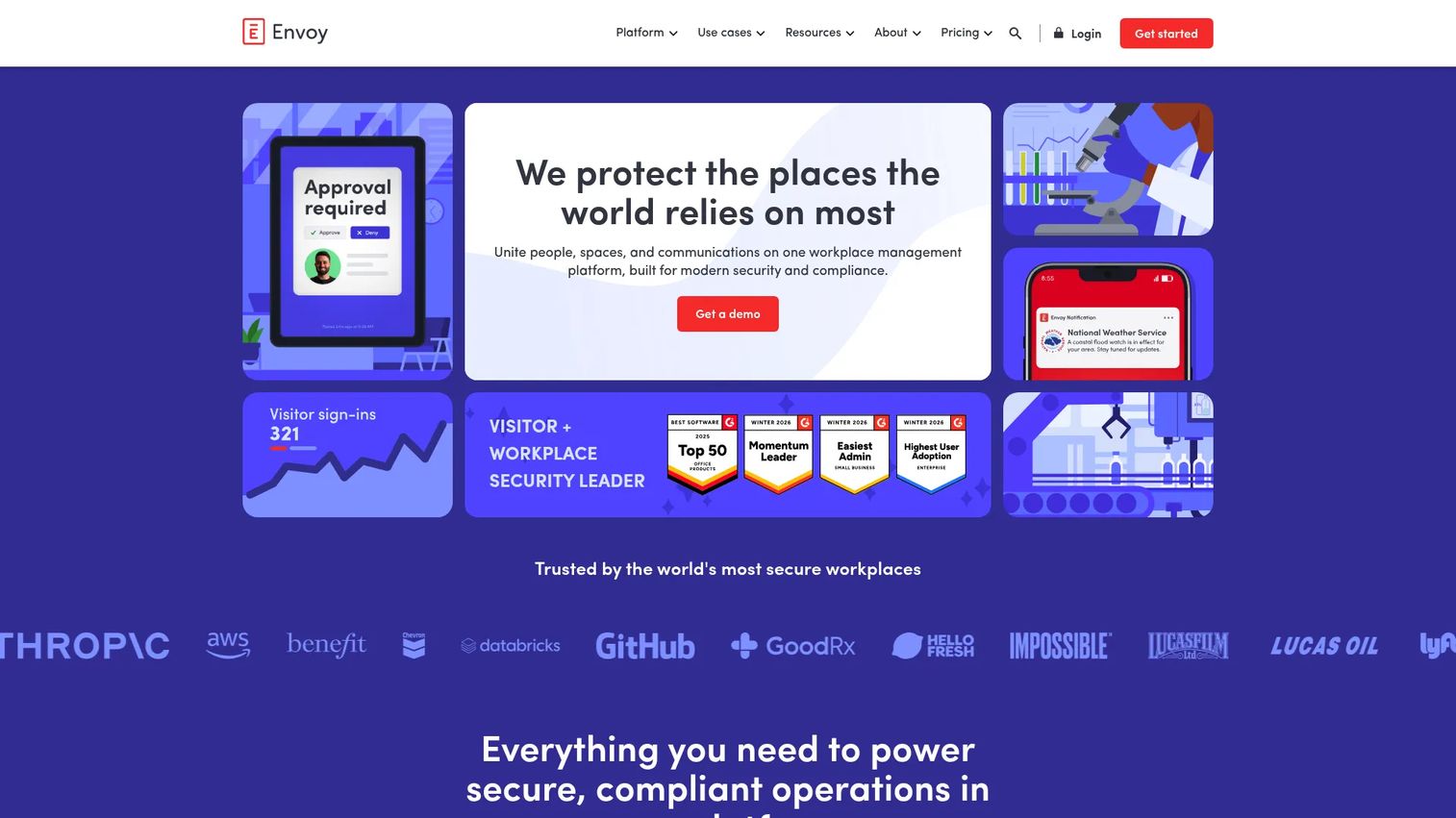
Envoy is one of the broadest workplace management platforms on this list, built around visitor management, reservations, screens, emergency notifications, and deliveries. If you want the front desk, desk booking, and room booking running in one system, Envoy is designed for that consolidation. It fits mid-market and enterprise offices that treat the lobby and the workspace as one connected operation.
Best for: Mid-market and enterprise workplaces needing a unified visitor and workplace management platform.
Key strengths
- Visitor check-in with automatic host notifications
- Desk, room, and parking reservations
- Emergency notifications across email, push, SMS, Teams, and Slack
- Modular products you can adopt as needed
- Workplace analytics across visitor and space data
Why choose Envoy: Choose Envoy if visitor management matters as much as desk booking and you want one vendor across both. The modular structure means you pay for what you turn on, which suits teams rolling out office booking software gradually rather than all at once.
Envoy pricing: Visitors has a free Basic tier, with Premium starting at $362 per location per month billed annually, and custom Enterprise pricing. Add-on products are priced separately: Emergency Notifications at $2 per user per month, Reservations at $5 per bookable resource per month, Screens at $12 per device per month, and Deliveries at $250 per delivery location per month.
2. OfficeSpace Software
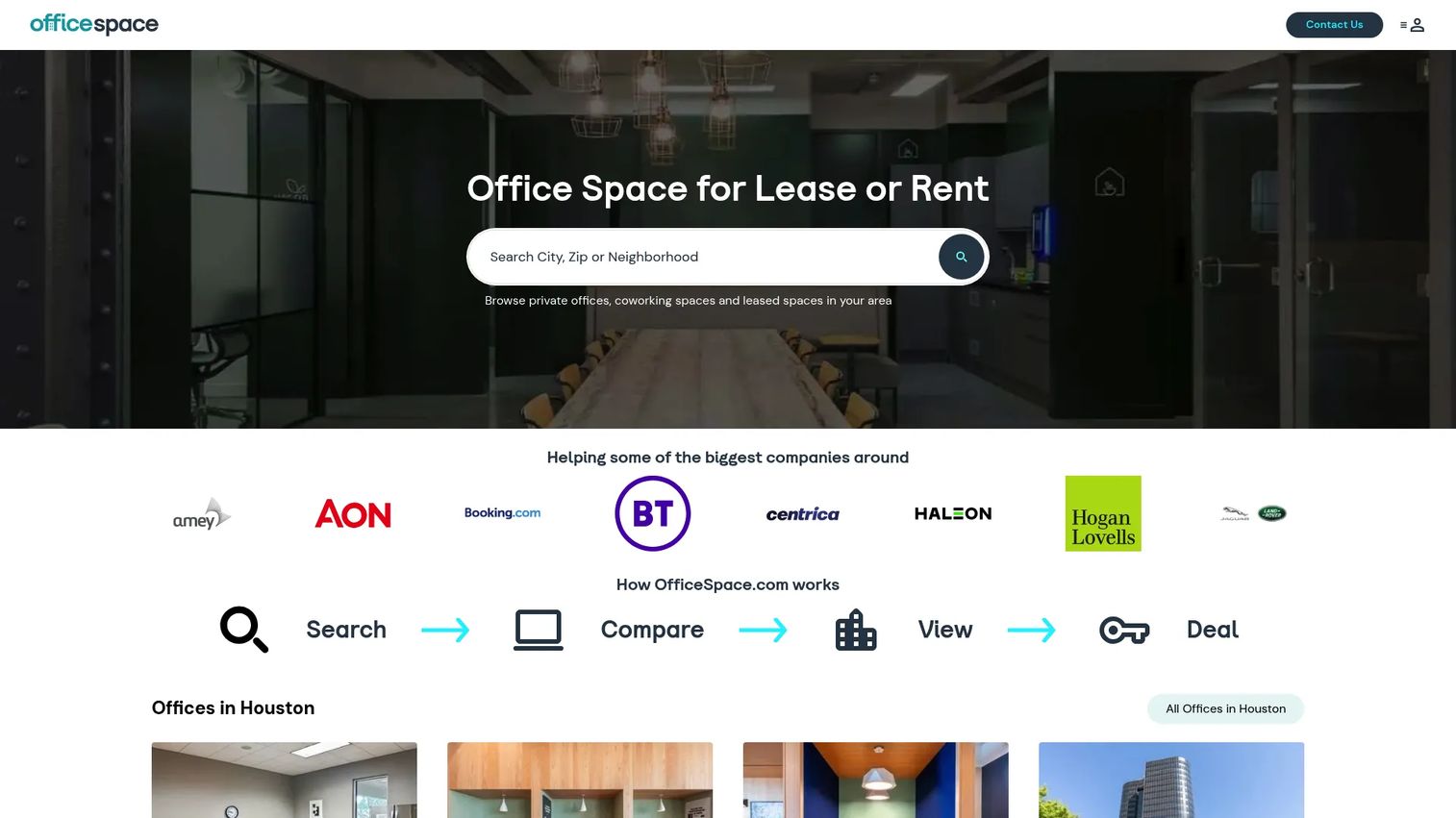
OfficeSpace Software is a workplace planning and operations tool built for teams managing larger, more complex office environments. Its strength is floor plans and space management: visual layouts, moves, and analytics that help you see and reshape how the office is organized. For facilities and workplace teams juggling multiple floors or buildings, that visual planning layer is the draw.
Best for: Teams managing larger office environments that need strong floor-plan and space-management tooling.
Key strengths
- Interactive floor plans and visual space management
- Move management for reorganizing teams
- Space utilization analytics
- Hybrid coordination features
- Reporting that supports real estate planning
Why choose OfficeSpace Software: Choose it when the core problem is planning and reshaping physical space, not just booking a desk. Larger organizations that regularly reorganize teams across floors get the most out of the move-management and floor-plan tooling.
OfficeSpace Software pricing: OfficeSpace Software uses custom pricing based on your office footprint and needs. Contact their sales team for a quote tailored to your locations and headcount.
3. Robin
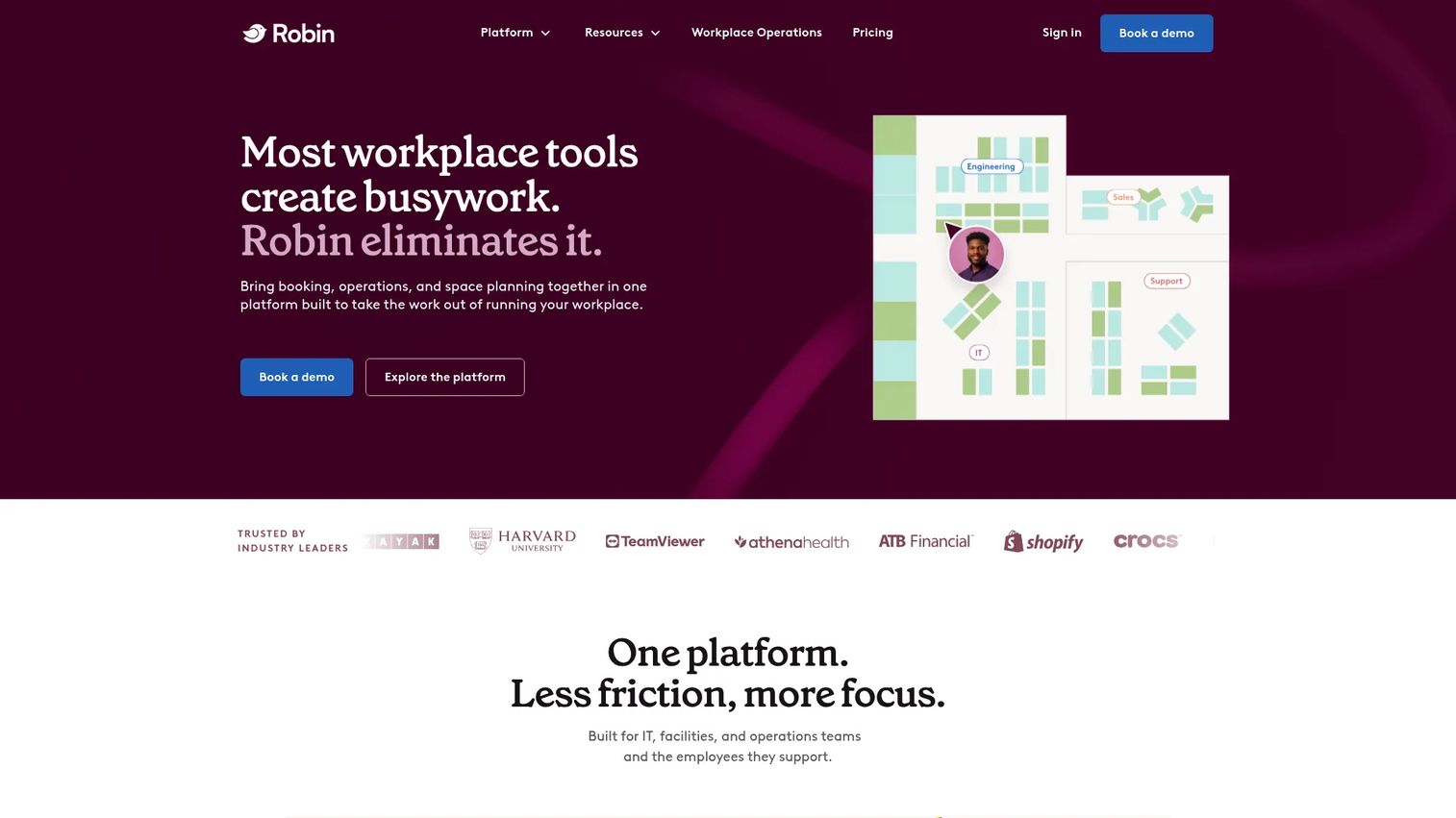
Robin is a workplace management platform centered on booking desks and rooms, managing office spaces, and tracking how the office gets used. It leans into employee-friendly office navigation: find a desk near your team, see who is in, and book a room without friction. Robin fits mid-market and enterprise teams that want clean hybrid work coordination backed by real analytics.
Best for: Mid-market and enterprise teams managing desks, rooms, and workplace operations at scale.
Key strengths
- Resource booking for desks, rooms, parking, and lockers
- Space management with map editor and neighborhoods
- Booking policies and meeting management
- Workplace analytics and usage tracking
- AI-assisted booking and optimization
Why choose Robin: Choose Robin when you want desk booking software and room booking that employees find easy, plus the analytics and policy controls that operations teams need. The neighborhood and map-editor tooling makes it strong for offices organizing teams into zones.
Robin pricing: Robin uses custom pricing with a quote based on your requirements, and subscriptions are billed annually. Request pricing through their site for numbers matched to your office size.
4. Skedda
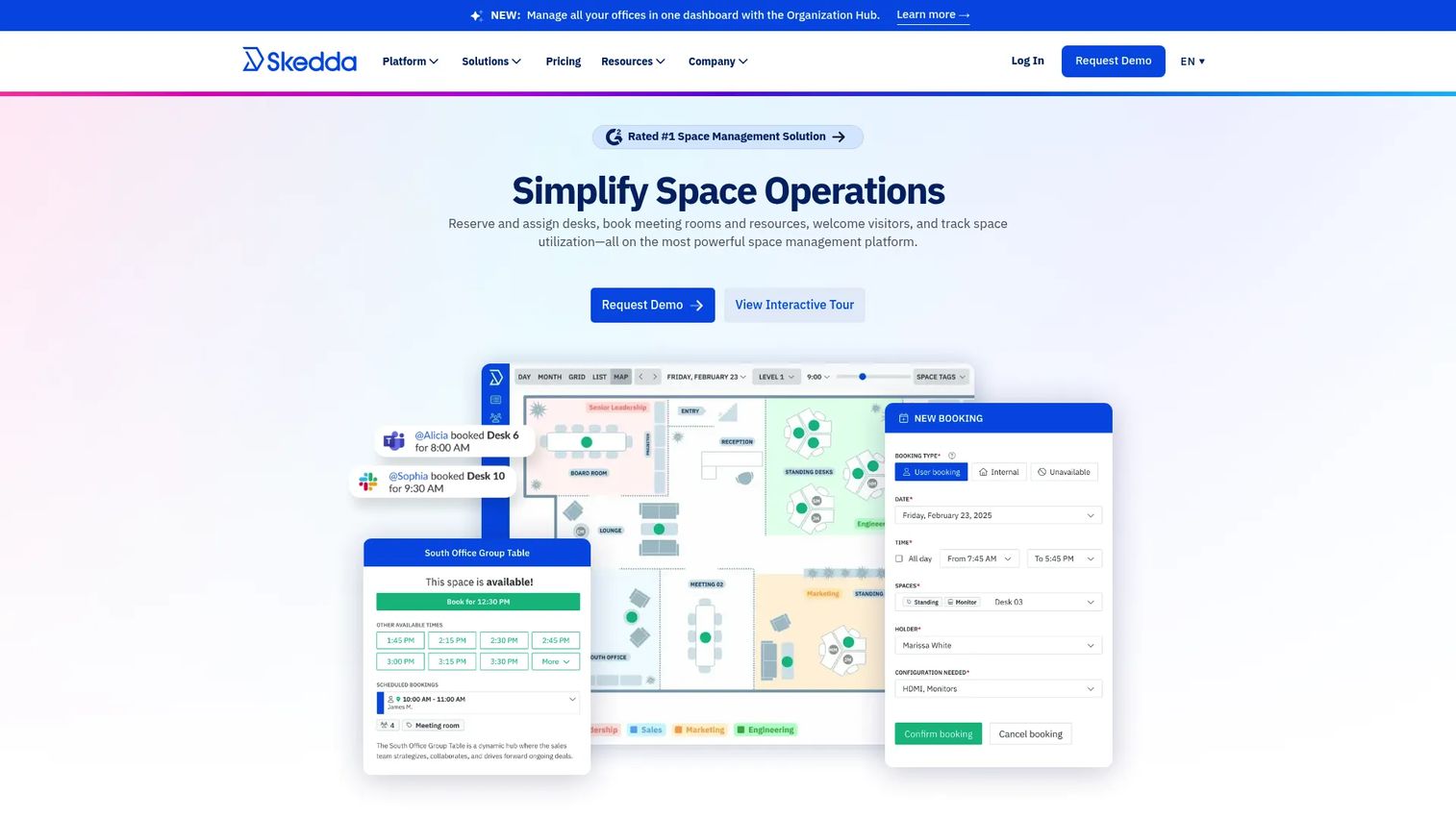
Skedda is a booking-first platform for desks, meeting rooms, and other reservable spaces. When simplicity and clean reservation workflows matter more than a sprawling feature set, Skedda is a strong fit. Its rules-and-roles engine lets you configure exactly who can book what, when, and for how long, without a heavy implementation.
Best for: Organizations needing straightforward desk, room, or space booking with floor plans and calendar sync.
Key strengths
- Interactive floor plans for visual booking
- Two-way calendar sync with Microsoft 365 and Google Workspace
- Configurable rules and roles engine
- Clean, fast reservation workflows
- Space booking across many resource types
Why choose Skedda: Choose Skedda when you want reliable space and room booking software without the overhead of a full operations suite. The configurable rules engine handles complex booking policies while keeping the day-to-day experience simple for employees.
Skedda pricing: Plans are priced per space and billed annually. Starter starts at $99 per month, Plus at $149 per month, and Premier at $199 per month. Enterprise and AllBooked plans are sales-led with custom pricing.
5. Tactic
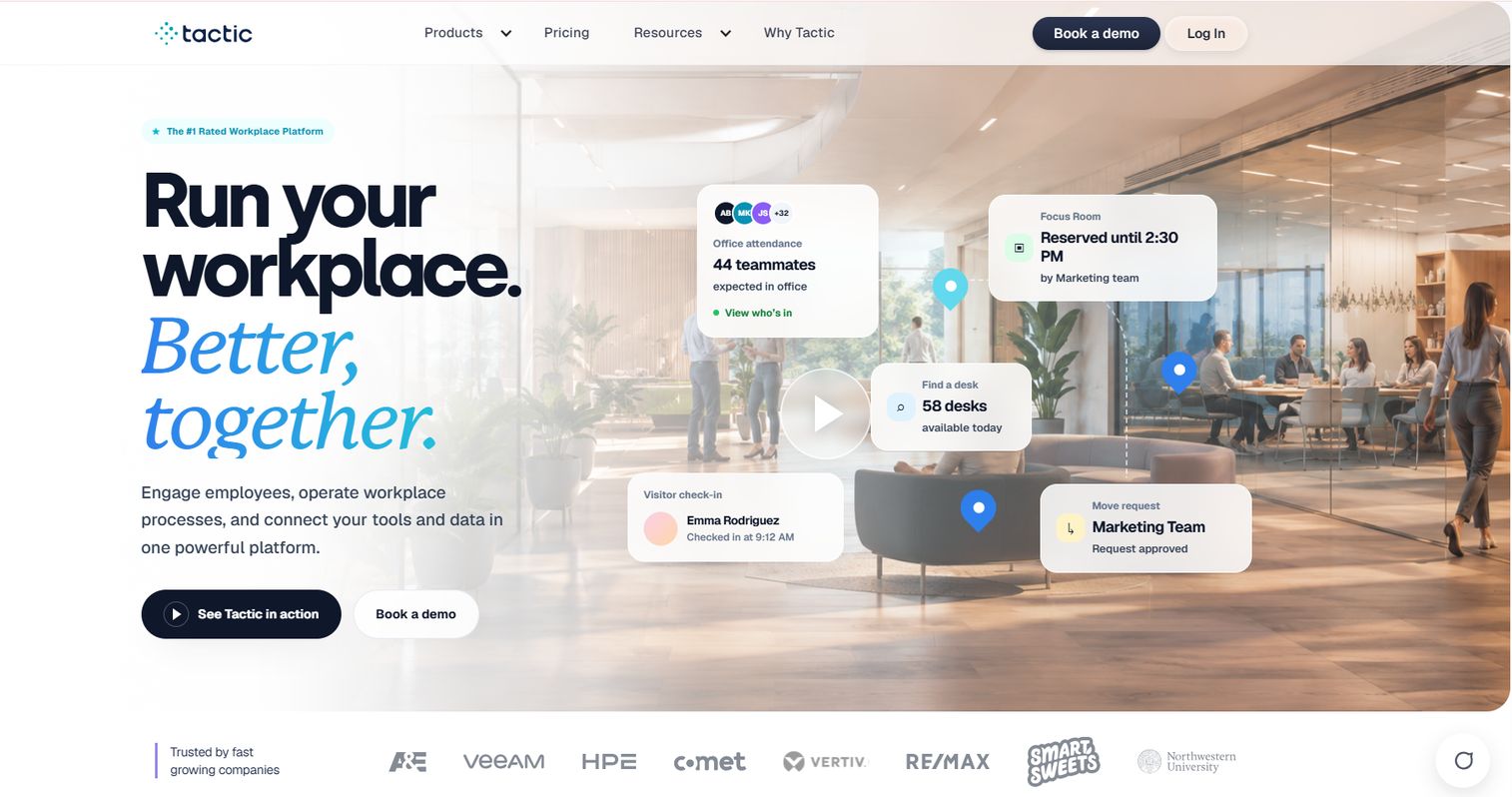
Tactic is a hybrid workplace management platform built around connected workflows: desk booking, room booking, visitor management, workplace requests, space management, and workplace analytics in one place. It is designed for larger organizations that need governance and coordinated operations rather than a single point tool. The modular structure lets enterprise buyers turn on what they need.
Best for: Companies running hybrid workplaces that need a modular platform for booking, operations, and workplace visibility.
Key strengths
- Desk and room booking
- Visitor management
- Workplace requests, moves, and space management
- Integrations with Microsoft, Google, Slack, and Teams
- Tessa AI workplace assistant
Why choose Tactic: Choose Tactic when you need connected workflows and utilization analytics across a larger footprint, with the governance and integration depth enterprise teams require. The modular pricing means you avoid paying for bundles you will not use.
Tactic pricing: Tactic uses modular pricing based on the products you select, your office footprint, and rollout support, with no forced bundles. Engage setup starts in the range of $3,600 to $4,800 per year.
6. Archie
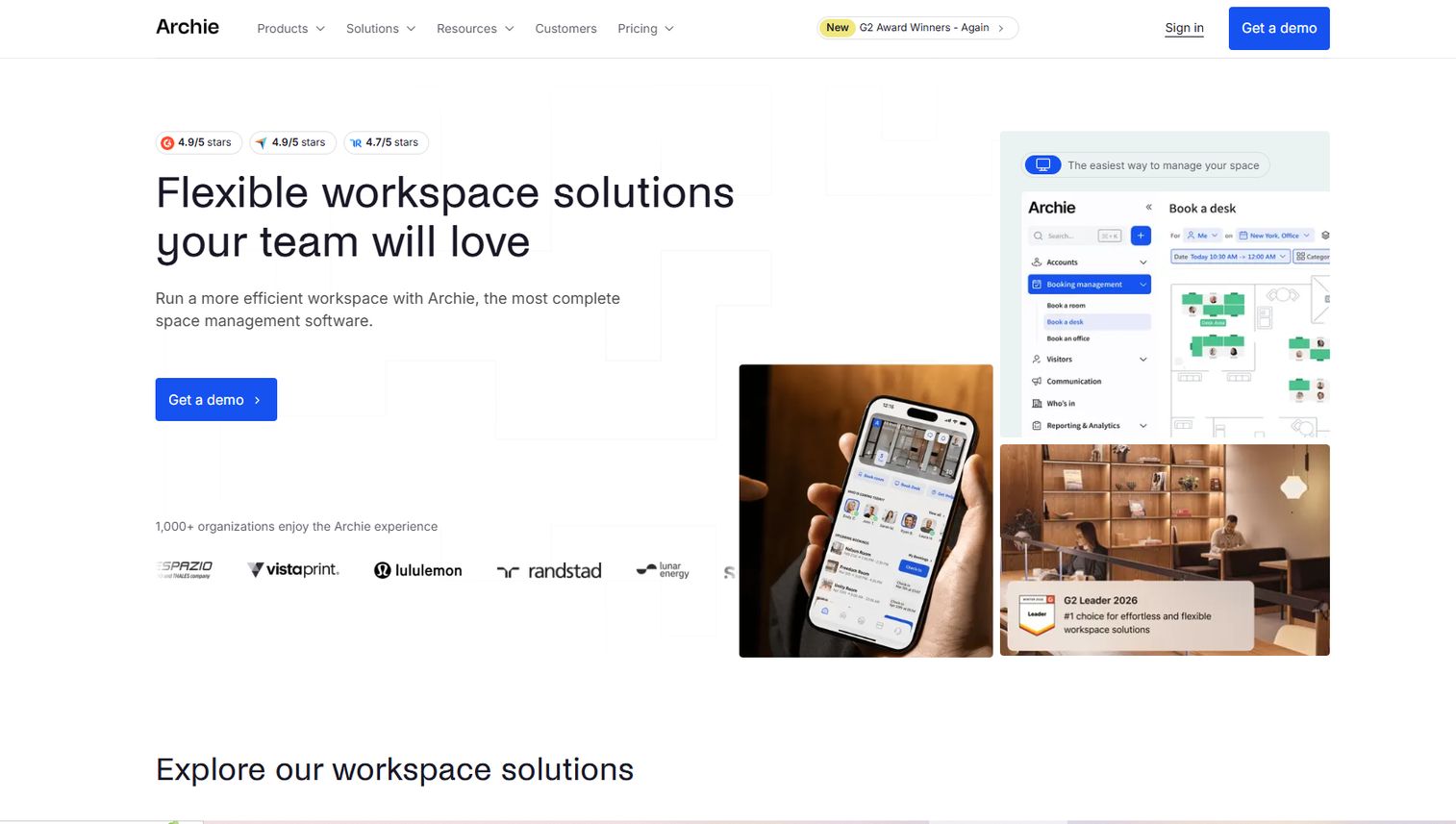
Archie is a workplace experience platform covering desk booking, room booking, and visitor management with a friendly, approachable interface. If the goal is a workplace layer employees actually enjoy using, Archie leans hard into usability and hybrid scheduling. It suits teams that want office coordination without a steep learning curve.
Best for: Companies needing flexible workspace booking and visitor management with an employee-friendly experience.
Key strengths
- Desk booking
- Room booking
- Visitor management
- Hybrid scheduling
- Employee-focused experience design
Why choose Archie: Choose Archie when adoption is the priority and you want a tool people open without training. Its focus on usability and employee experience makes it a good fit for teams introducing office booking software for the first time.
Archie pricing: Archie offers editions including Archie Visitors from $109 for one location, Archie Desks and Rooms from $159, and Archie Coworking from $165 for 100 users per month. A free trial is available, and some plans may require custom pricing.
7. Kadence
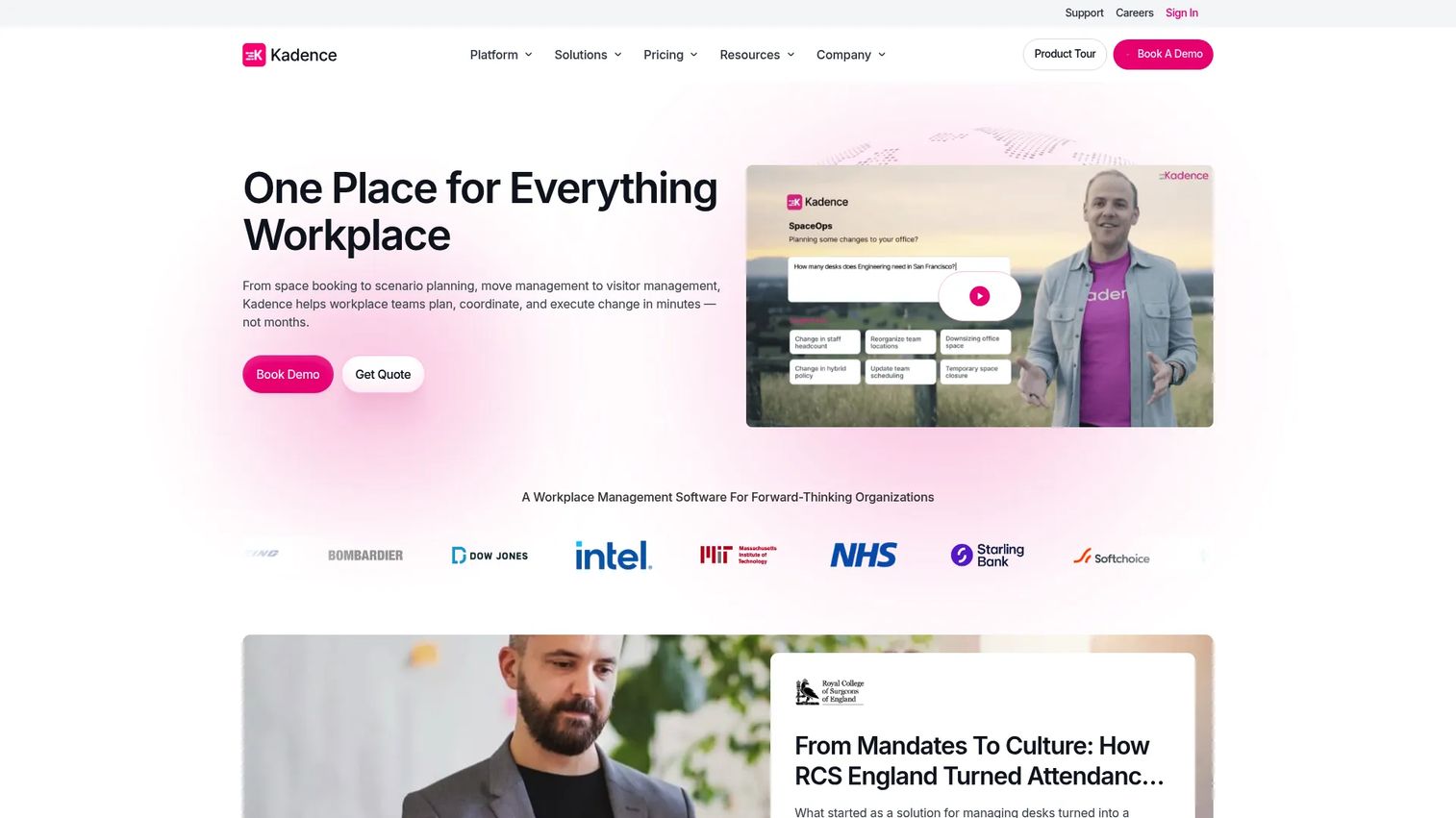
Kadence is a hybrid workplace management tool built around scheduling, neighborhood planning, and office attendance visibility. It helps teams answer the daily question of who is in and where, so people can plan their office days around real overlap. Kadence fits organizations focused on modern hybrid coordination and centralized workspace operations.
Best for: Hybrid workplace teams needing centralized workspace coordination and analytics.
Key strengths
- Desk and room booking
- Visitor management
- Neighborhood and space planning
- Workplace analytics
- Attendance visibility across teams
Why choose Kadence: Choose Kadence when hybrid scheduling and attendance coordination are the main jobs to solve. Its neighborhood planning and team visibility make it strong for organizations trying to make anchor days and team overlap actually happen.
Kadence pricing: Kadence shows two editions, Plus and Enterprise, both billed annually. Plus starts at $4 per user per year, with per-active-user billing, and Enterprise is custom-priced with additional integrations. A $250 per-floor implementation fee applies.
8. deskbird
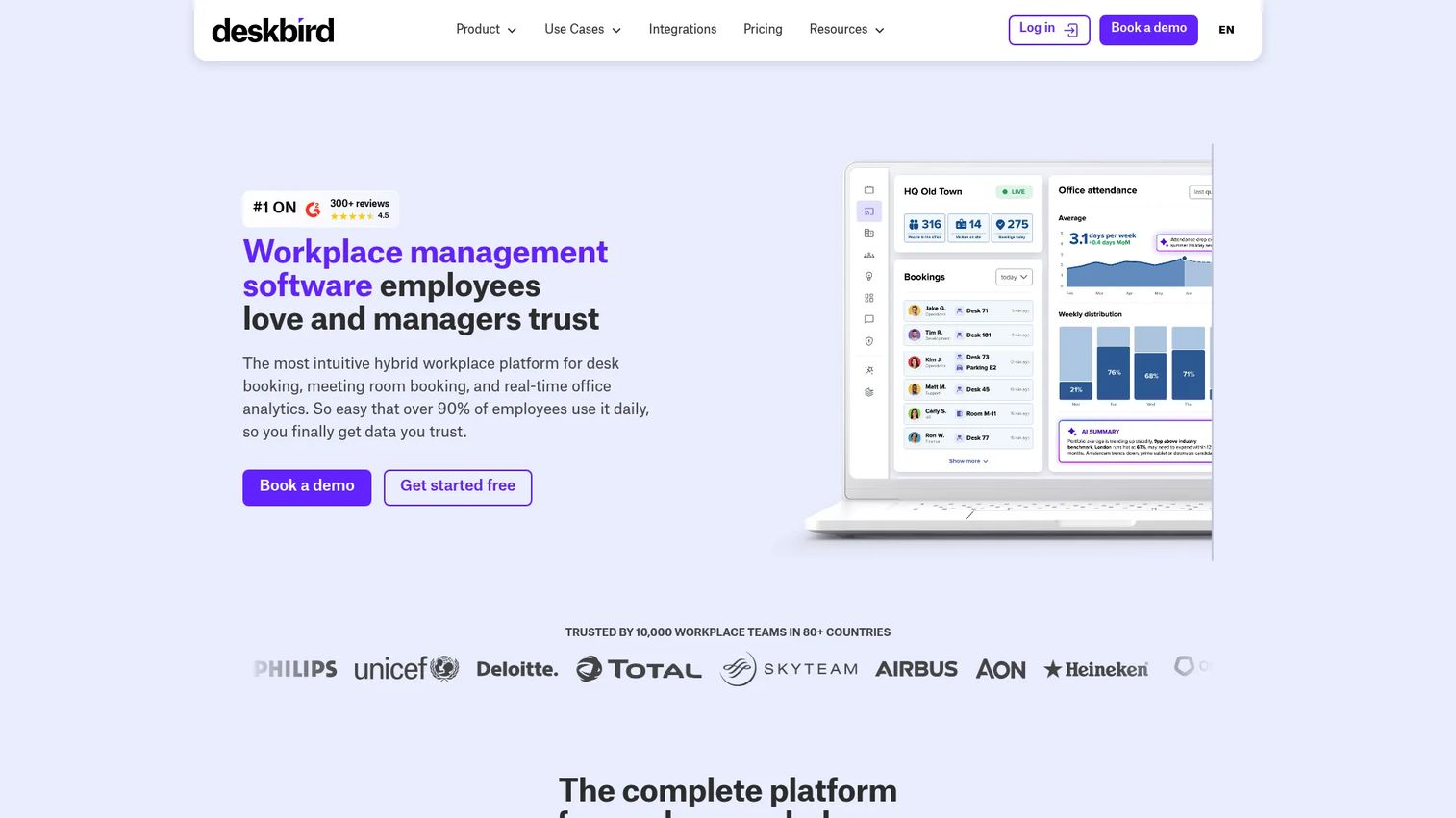
deskbird is a hybrid workplace management platform covering desk booking, room management, workforce scheduling, and visitor management, with polished native mobile apps. It is popular with distributed and European teams that want user-friendly scheduling and space planning without complexity. The mobile-first experience makes daily booking feel quick.
Best for: Hybrid teams needing modular workplace management with clear per-user pricing and strong mobile apps.
Key strengths
- Desk, room, and parking booking
- Native mobile apps
- Booking check-ins and auto-releases
- Smart booking recommendations
- Microsoft Teams integration
Why choose deskbird: Choose deskbird when mobile experience and simple per-user pricing matter, especially for distributed teams. The auto-release and check-in features help keep utilization data accurate by clearing no-show bookings.
deskbird pricing: The Business plan is €2.75 per user per month billed annually, or €3.50 per user per month billed monthly. Professional and Enterprise plans use custom pricing. The site also mentions a free trial and a post-trial Starter plan limited to 15 users.
9. YAROOMS
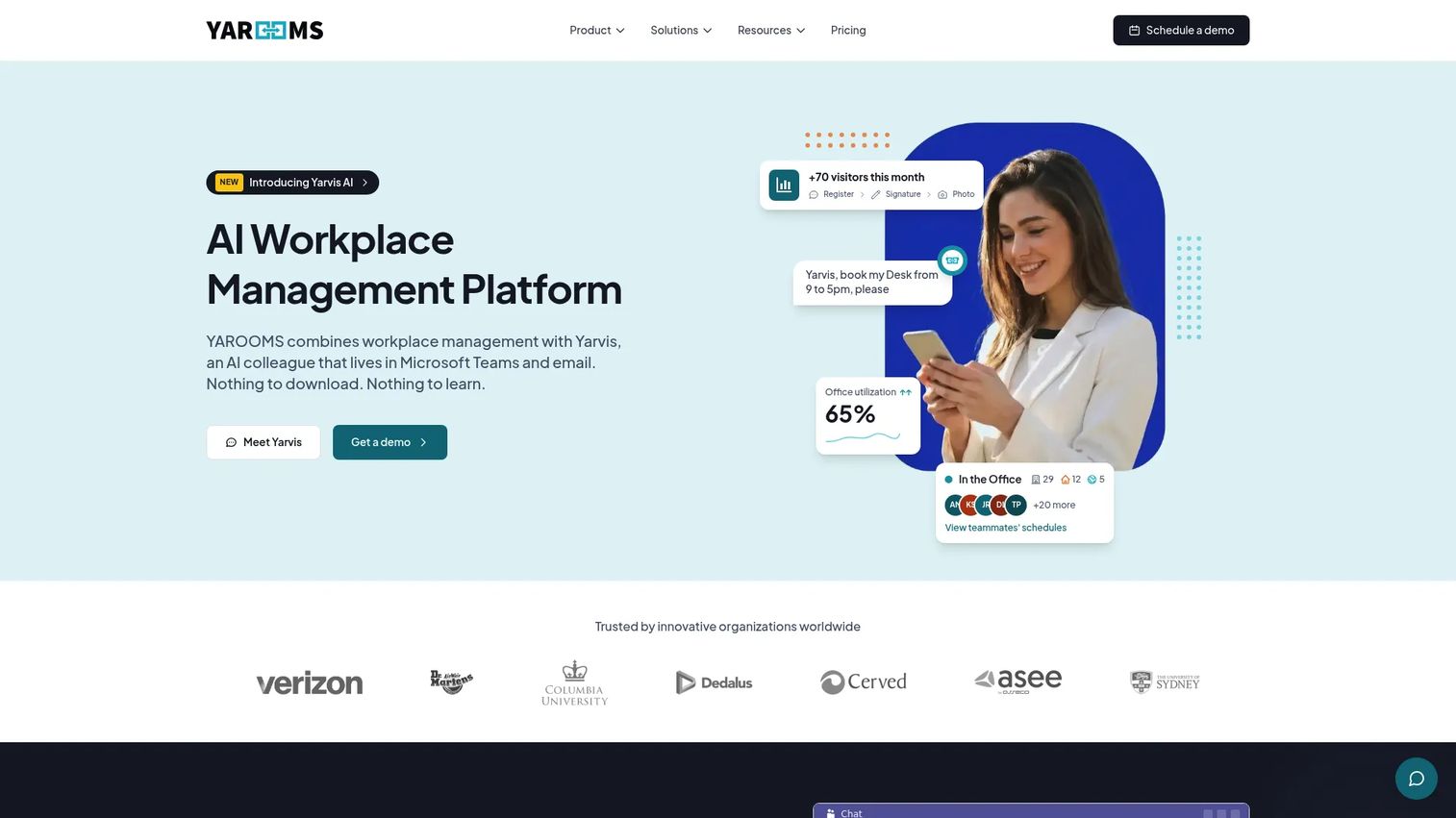
YAROOMS is a workplace management platform covering desk booking, room booking, hybrid work scheduling, visitor management, and workplace analytics. It fits organizations that want flexible deployment and room reservation depth alongside broader workplace experience features. YAROOMS balances room booking software strength with wider workplace coordination.
Best for: Hybrid workplaces needing desk and room booking plus visitor management in one platform.
Key strengths
- Desk booking
- Room booking
- Visitor management
- Hybrid workplace scheduling
- Workplace analytics with Teams and Slack integrations
Why choose YAROOMS: Choose YAROOMS when room booking is a primary need and you also want desk booking, visitor workflows, and analytics under one roof. The tiered pricing makes it approachable for smaller offices while scaling to larger ones.
YAROOMS pricing: Starter is $99 per month, Business is $399 per month, and Enterprise is $899 per month, with a separate Visitor Management System at $99 per location per month. Yearly billing offers around 20% savings.
10. OfficeRnD
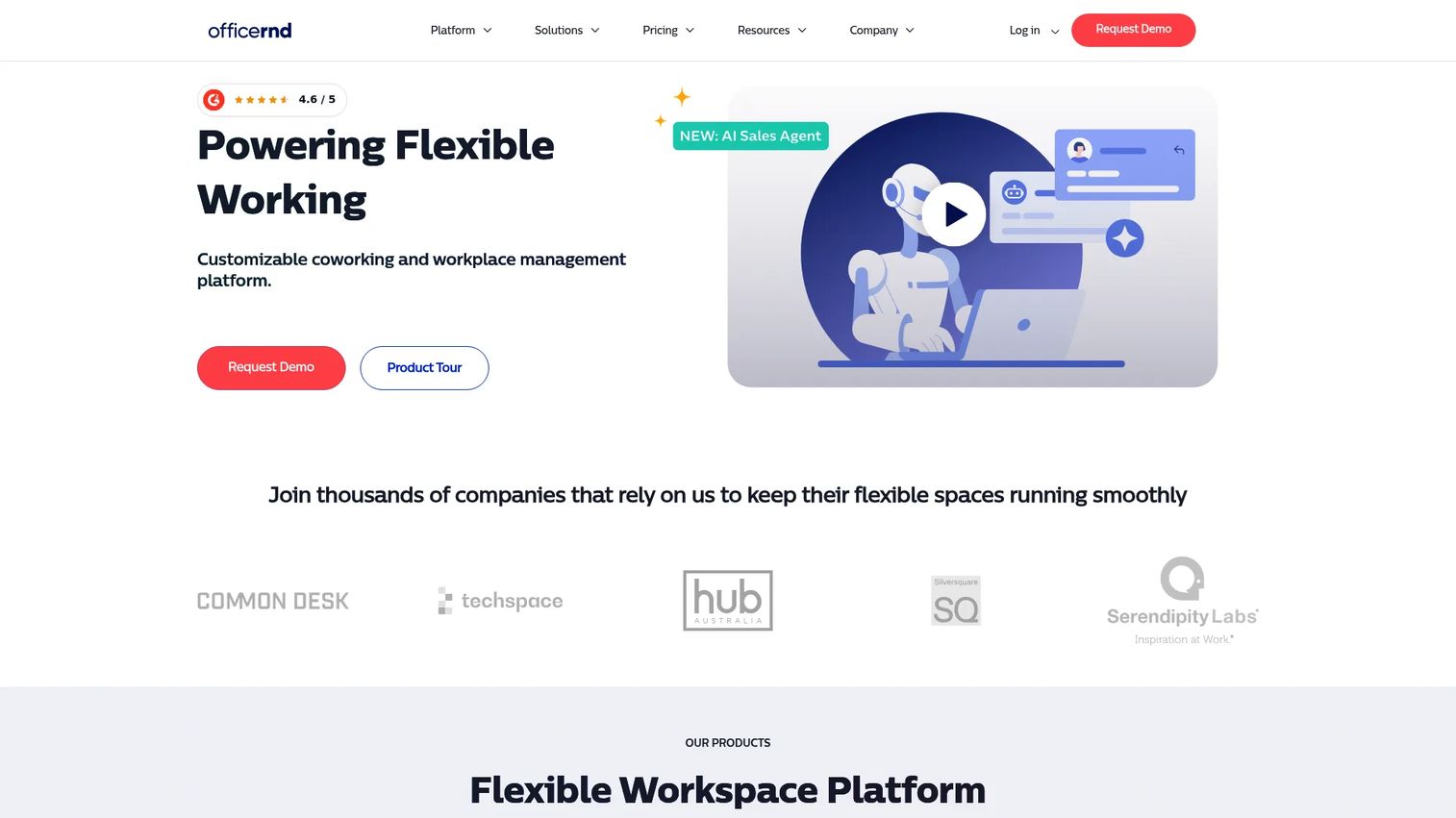
OfficeRnD is a workspace and flex-space management platform serving both coworking operators and hybrid workplaces. It covers desk and meeting room booking, visitor management, billing, memberships, and analytics. If your context is coworking, flex-office, or office space management with a membership angle, OfficeRnD is purpose-built for it.
Best for: Coworking operators and hybrid workplaces needing booking, visitor, and space-management tooling.
Key strengths
- Desk and meeting room booking
- Visitor management
- Billing and memberships
- Space-management tooling
- Workplace analytics
Why choose OfficeRnD: Choose OfficeRnD when you run a coworking or flex space, or when memberships and billing sit alongside booking. It covers a use case most of the other tools here do not, making it the specialist pick for flex-office operations.
OfficeRnD pricing: The Start plan is around $185 or $165 per month, Grow is around $289 or $259 per month, and Scale uses custom pricing. A $149 per month promotional bundle and a three-months-free switching offer also appear on the pricing page.
Considerations
Before you commit, run every shortlisted tool through this checklist.
Booking workflows that employees will actually use
The best analytics in the world mean nothing if people do not book. Test the desk and room booking flow on mobile and desktop. Count the clicks from opening the app to holding a desk. If it takes more than a few taps, adoption will stall and your utilization data will be incomplete. Employee experience is the foundation everything else sits on.
Utilization analytics that lead to real decisions
Any tool can show you a bar chart. The question is whether the workplace analytics answer real questions: which floors run hot, how attendance trends month over month, where you are paying for space nobody uses. Look for occupancy tracking that separates booked from actually-used, and reporting you can hand to finance during a lease conversation.
Integrations with calendar, identity, and collaboration tools
A workplace platform that does not talk to your calendar creates double work. Confirm integrations with Microsoft 365, Google Workspace, Slack, and Teams, plus single sign-on through your identity provider. Room booking especially needs two-way calendar sync so reservations stay consistent across systems.
Governance, permissions, and admin control
Larger offices need control over who can book what, who sees which data, and how policies apply across locations. Evaluate security and permissions, role-based access, and audit visibility. Governance is where point tools often fall behind enterprise platforms, so weigh it against your organization's size and compliance needs.
Scale, support, and implementation effort
Consider how the tool grows with you. A platform that fits one floor may strain across ten buildings. Ask about implementation timelines, support quality, and whether pricing scales sensibly as you add locations and users. Match the tool to your office complexity, not the other way around.
Conclusion
The best workplace management software depends on how your office actually runs. For unified operations across visitors and workspaces, Envoy is the broadest pick. For larger environments that need floor-plan and space planning, OfficeSpace Software leads. If you want simple, reliable booking without overhead, Skedda is hard to beat. For enterprise workflows and governance, Tactic fits. Kadence and deskbird excel at hybrid scheduling and attendance, while OfficeRnD is the specialist for coworking and flex-office operations.
The pattern across every strong pick is the same: booking employees will use, utilization analytics that drive decisions, and integrations that fit your existing stack.
Next step: shortlist two or three tools that match your office complexity and analytics needs, then run a short pilot on one floor. Book desks, register visitors, and pull a utilization report. The tool that makes those three tasks feel effortless is the one that will actually get adopted.
FAQs
Workplace management software is a platform that coordinates people, spaces, and office operations in hybrid and physical work environments. It centralizes desk booking, room booking, visitor management, occupancy tracking, and workplace analytics so teams can plan office days and leaders can make data-backed space decisions.
Workplace management software focuses on day-to-day coordination: booking desks and rooms, managing visitors, and tracking utilization. An integrated workplace management system (IWMS) is broader and heavier, covering real estate, facilities maintenance, lease administration, and capital projects. Most hybrid offices need the lighter, faster workplace management layer rather than a full IWMS.
For hybrid teams, tools built around scheduling and attendance visibility fit best. Kadence and deskbird center on hybrid coordination and team overlap, while Envoy and Robin offer broader operations alongside strong booking. The right choice depends on whether attendance coordination or unified office operations is your bigger problem.
Calendar tools handle individual meetings, not office coordination. They do not show who is coming in, manage unassigned desk booking, register visitors, or produce utilization analytics. Good workplace software integrates with Outlook and Google Calendar through two-way sync, adding the coordination and reporting layer a calendar was never built to provide.
The features that matter most are fast booking workflows employees will actually use, utilization analytics that lead to real decisions, and integrations with your calendar, identity, and collaboration tools. For larger offices, governance and permissions matter too. Prioritize adoption and analytics over long feature lists.
It tracks which desks, rooms, and floors get booked and actually used, then turns that into space utilization software reporting. Occupancy tracking reveals patterns like hot floors and empty zones. Leaders use that data to consolidate space, add collaboration areas, or renegotiate leases with evidence instead of guesswork.
No. Smaller offices use tools like Skedda or YAROOMS for straightforward desk and room booking, while larger organizations need platforms like Tactic or OfficeSpace Software for governance and multi-location planning. The category scales from a single floor to global footprints, so match the tool to your office complexity.
Look for booking workflows that feel effortless on mobile and desktop, workplace analytics with real occupancy tracking, and integrations with Microsoft 365, Google Workspace, Slack, and Teams. For growing teams, also evaluate security and permissions, implementation effort, and how pricing scales as you add locations and users.