Managing social media across five platforms means five logins, five dashboards, and five different analytics reports. That's as many as 20–30 hours weekly spent on logistics instead of strategy.
Social media marketing tools consolidate this chaos into a single workspace where you can schedule posts, track performance, and respond to comments without switching tabs. This guide breaks down the 15 best options for 2026, covering all-in-one platforms, content creation tools, and analytics solutions to help you find the right fit for your team.
What's inside
This guide covers the top social media marketing tools that help teams schedule posts, analyze performance, manage engagement, and create content across multiple platforms. You'll find a breakdown of all-in-one management platforms, content creation tools, and analytics solutions, along with clear criteria for choosing the right fit for your team size, budget, and workflow.
TL;DR
Top all-in-one platforms: Buffer, Hootsuite, and Sprout Social lead for comprehensive scheduling, analytics, and engagement across multiple channels.
Best for content creation: Canva and Later are essential for designing and planning visual content without a dedicated designer.
Best for analytics: Iconosquare and Brandwatch provide deep performance insights and social listening capabilities.
Key selection criteria: Your final choice depends on team size, primary social platforms, budget, and the depth of analytics you require.
To demonstrate the value of social media platforms to stakeholders, consider using Guideflow to create interactive product walkthroughs.
What are social media marketing tools
Social media marketing tools are software applications that help teams schedule posts, track performance, manage engagement, and create content across platforms like Facebook, Instagram, LinkedIn, Twitter, and TikTok. These platforms complement broader product marketing software by driving awareness and engagement.
The top platforms in this category include Hootsuite, Sprout Social, and Buffer for comprehensive scheduling and analytics, while Later and Canva excel at visual content planning and creation.
Instead of logging into each platform individually, you can manage everything from a single dashboard. That means scheduling posts at optimal times, responding to comments, and pulling performance reports without switching between five different apps.
Core capabilities of social marketing platforms
Multi-platform scheduling: Queue and publish posts across various networks from one dashboard, often with optimal timing suggestions based on audience behavior.
Analytics and reporting: Track engagement, reach, follower growth, and identify the best times to post.
Social inbox: Centralize comments, DMs, and mentions from all platforms into one feed for faster responses.
Content calendar: Visualize and plan your social media content strategy with drag-and-drop interfaces.
Team collaboration: Assign tasks, manage content approval workflows, and set user permissions for larger teams.
Types of social network management software
Not all tools serve the same purpose. Here's how the category breaks down:
Type | What it does | Examples |
|---|---|---|
All-in-one management | Full-suite covering scheduling, analytics, and engagement | Hootsuite, Sprout Social, Buffer |
Content creation | Design, video editing, and asset creation | Canva, CapCut |
Social listening | Brand mention tracking and sentiment analysis | Brandwatch, Mention |
Platform-specific | Specialized for a single platform | Later, Tailwind, Iconosquare |
When to use social media management software
You'll know it's time to adopt a dedicated tool when managing more than two social platforms manually becomes too time-consuming. If you're logging into each app separately to post, then switching to another tab to check comments, you're losing hours that could go toward strategy.
Other clear signals include:
Inconsistent posting: You can't maintain a regular schedule because real-time posting doesn't fit your workflow.
Leadership wants data: Someone asks for a report on social media ROI - the top challenge for 33% of marketers - and you realize you've been tracking nothing.
Team coordination breaks down: Multiple people post without knowing what others have scheduled, leading to duplicate content or gaps.
Engagement falls through the cracks: Comments and DMs pile up because there's no central place to see them.
Marketing teams often pair social media tools with interactive demos to showcase social proof and demonstrate product value effectively.
Best social media marketing tools comparison
Here's a scannable comparison to help you quickly identify the best fit for your needs.
# | Product | Intent | Key differentiation | Pricing | G2 rating |
|---|---|---|---|---|---|
1 | Buffer | All-in-one | Simplicity and ease of use | Freemium | 4.3/5 |
2 | Hootsuite | All-in-one | Enterprise-grade monitoring | Premium | 4.1/5 |
3 | Sprout Social | All-in-one | Advanced analytics, CRM | Premium | 4.4/5 |
4 | HubSpot | All-in-one | Native CRM integration | Freemium | 4.4/5 |
5 | Later | Content creation | Visual-first, Instagram focus | Freemium | 4.5/5 |
6 | Canva | Content creation | Template-based design | Freemium | 4.7/5 |
7 | Loomly | All-in-one | Team collaboration, inspiration | Mid-range | 4.6/5 |
8 | Agorapulse | All-in-one | Agency-focused, unified inbox | Freemium | 4.5/5 |
9 | SocialBee | All-in-one | Content recycling, automation | Mid-range | 4.7/5 |
10 | Sendible | All-in-one | Agency white-labeling | Mid-range | 4.5/5 |
11 | Zoho Social | All-in-one | Zoho ecosystem integration | Freemium | 4.6/5 |
12 | Iconosquare | Analytics | Deep Instagram/TikTok analytics | Premium | 4.4/5 |
13 | Brandwatch | Social listening | Enterprise consumer intelligence | Enterprise | 4.3/5 |
14 | Tailwind | Content creation | Pinterest/Instagram scheduling | Freemium | 4.5/5 |
15 | Mention | Social listening | Real-time brand monitoring | Freemium | 4.3/5 |
1. Buffer
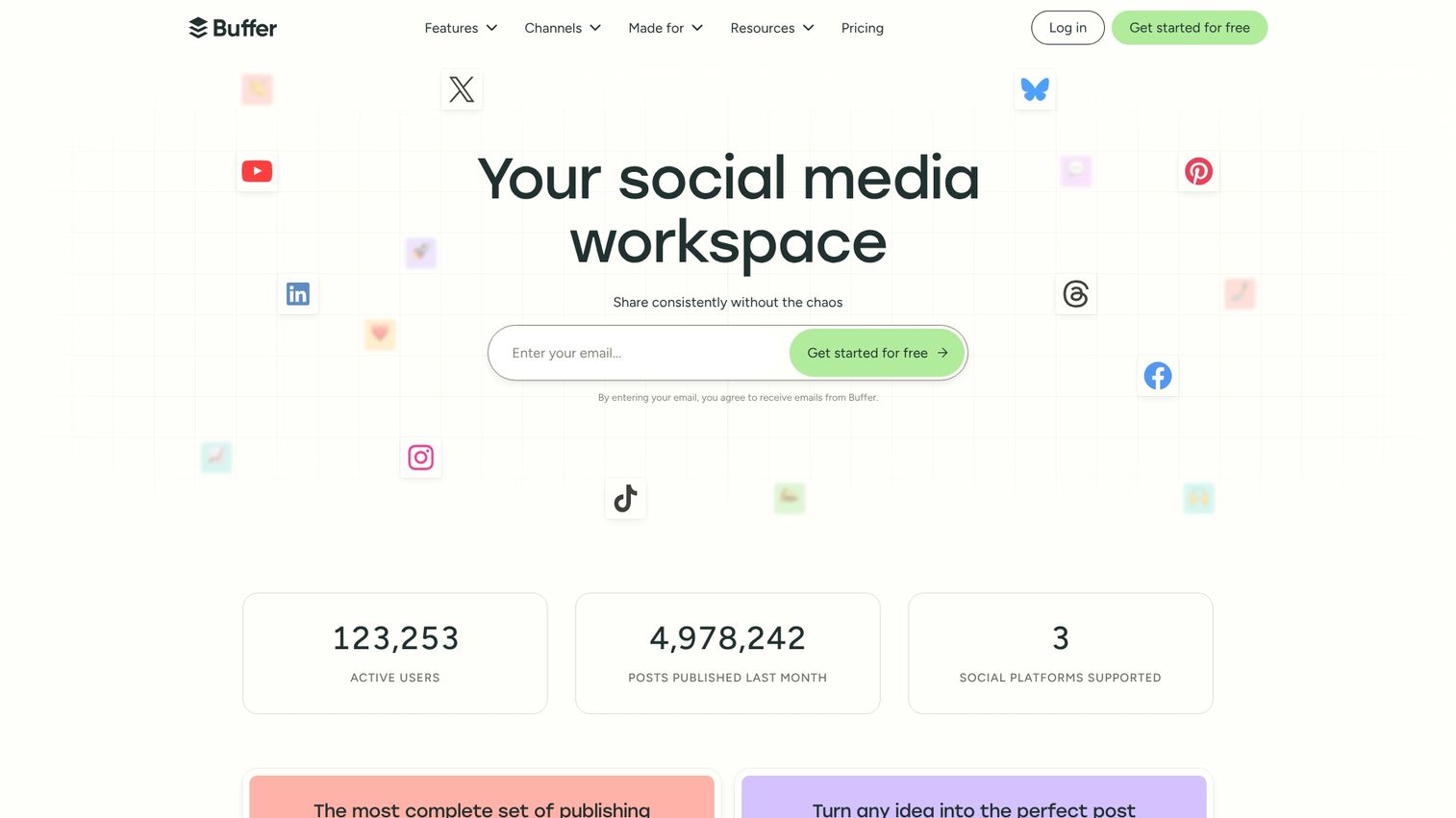
Buffer is a user-friendly social media scheduling tool known for its clean interface. It's an excellent choice for small teams, creators, and solopreneurs who prioritize simplicity over advanced features.
The platform allows for easy scheduling across multiple platforms and includes basic analytics even in its free plan. If you're just starting out or don't want to spend hours learning a complex tool, Buffer gets you publishing quickly.
Key strengths
Intuitive post composer with platform-specific previews
Robust free plan covering core scheduling for up to three channels
Browser extension for sharing content quickly from anywhere on the web
Landing page builder for creating a custom link-in-bio page
Buffer pricing
Buffer offers a generous free plan. Paid plans start at an affordable entry-level price point for growing teams.
Why choose Buffer
Choose Buffer if your team prioritizes ease of use and a straightforward workflow over enterprise-level features.
2. Hootsuite
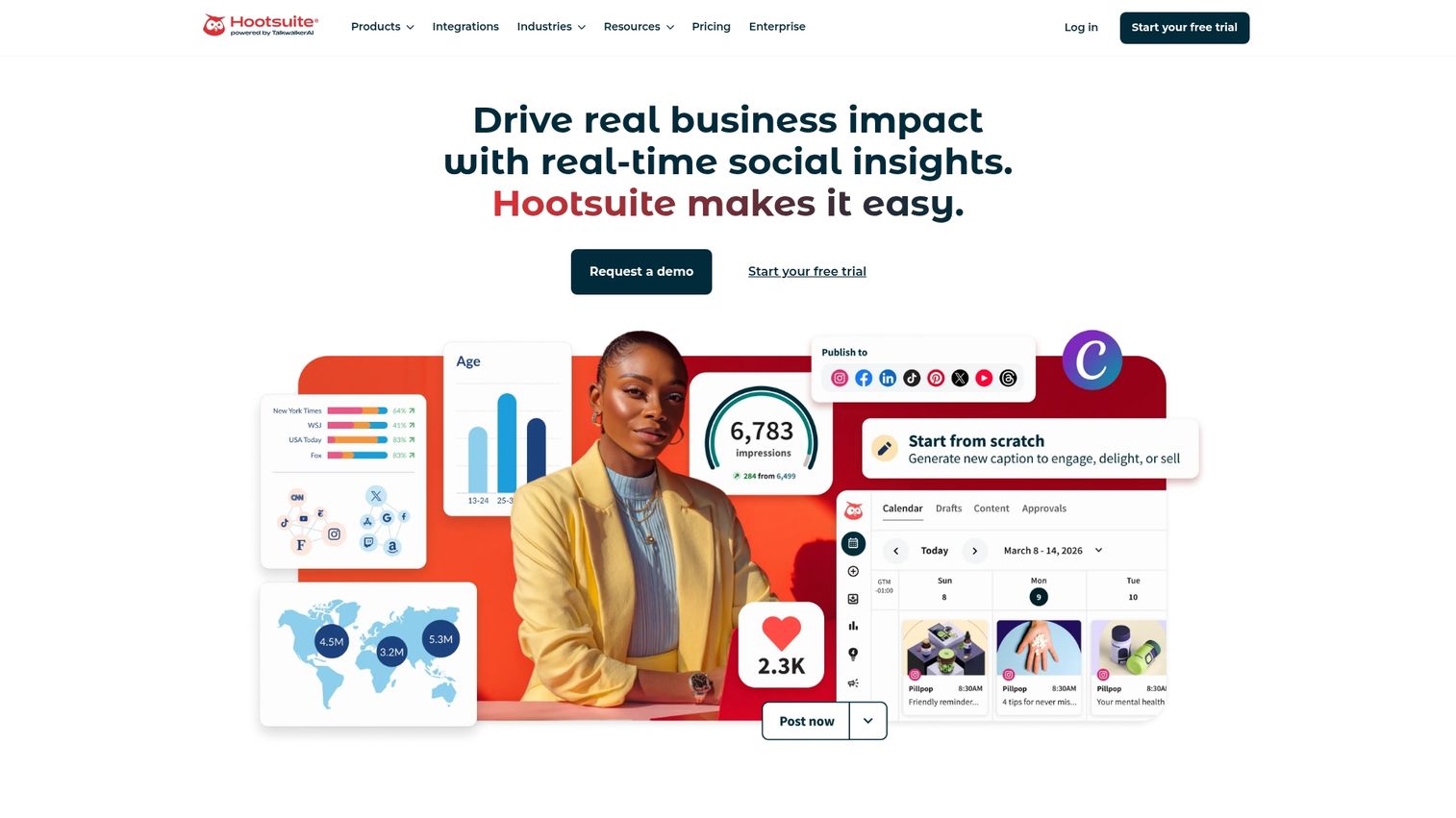
Hootsuite is an enterprise-grade social media management tool offering a comprehensive suite of features including monitoring, scheduling, analytics, and team collaboration. It's best suited for mid-size to enterprise teams managing multiple brands.
The platform's "Streams" view allows for real-time monitoring of keywords, hashtags, and mentions. This feature is particularly useful for brands that want to stay on top of conversations as they happen.
Key strengths
Real-time monitoring of keywords, hashtags, and mentions
Robust team permissions and sophisticated approval workflows
Extensive library of third-party app integrations
Built-in social advertising management for paid and organic content
Hootsuite pricing
Hootsuite offers a free trial, with multiple paid tiers designed for different team sizes and enterprise needs.
Why choose Hootsuite
Choose Hootsuite when you want comprehensive social network management software with advanced features for team collaboration and monitoring at scale.
3. Sprout Social
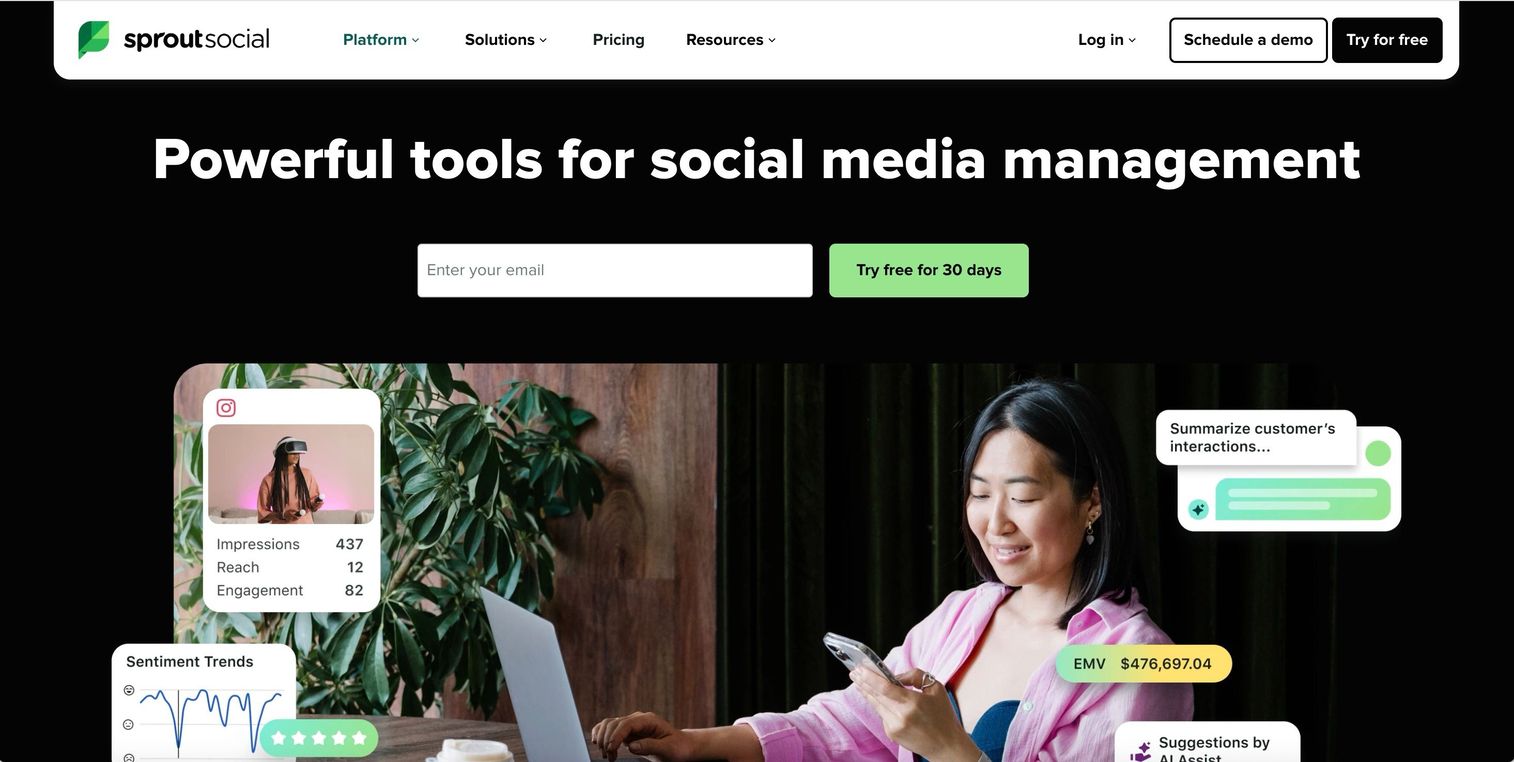
Sprout Social is a premium social media management platform that excels in advanced analytics, a unified smart inbox, and social CRM capabilities. It's the ideal choice for agencies and enterprise marketing teams that require deep reporting.
What sets Sprout apart is its ability to track customer interaction history alongside social engagement. You're not just seeing comments; you're seeing the full relationship.
Key strengths
Unified Smart Inbox consolidating all messages, mentions, and comments
Social CRM tools for tracking customer interaction history
Presentation-ready analytics reports that are easy to customize
Employee advocacy tools for branded content sharing
Sprout Social pricing
Sprout Social is premium-priced and offers a free trial for evaluation.
Why choose Sprout Social
Choose Sprout Social when the depth of your analytics and the ability to track customer relationships are your top priorities.
4. HubSpot Marketing Hub
HubSpot offers a CRM-integrated social marketing platform as part of its broader Marketing Hub suite. It's the perfect solution for teams already using HubSpot CRM who want unified customer data across all marketing activities.
The real value here is attribution. You can connect social media engagement directly to revenue, which makes proving ROI to leadership significantly easier.
Key strengths
Native CRM integration providing contact-level insights into social interactions
Social publishing tied directly to marketing campaigns and automation workflows
Revenue attribution reports connecting social engagement to pipeline
Part of a full marketing automation software stack
HubSpot pricing
HubSpot offers a range of free tools, with social media features included in paid Marketing Hub tiers.
Why choose HubSpot
Choose HubSpot when you want your social media efforts tied directly to your CRM and broader marketing automation strategy.
5. Later
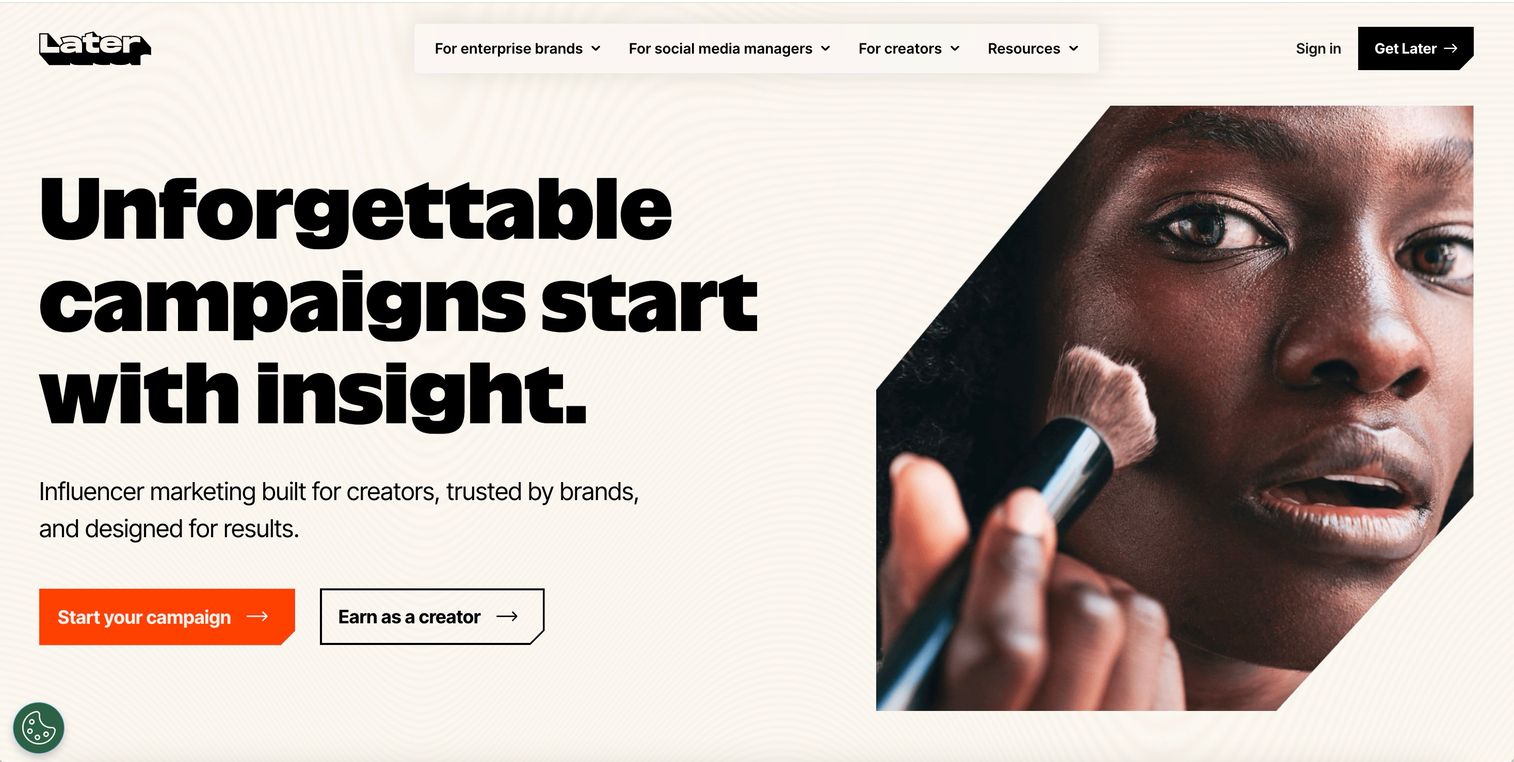
Later is a visual-first social media platform ideal for planning content on Instagram, Pinterest, and TikTok. With its drag-and-drop visual calendar and link-in-bio tool, it's best for e-commerce brands and creators with a strong focus on visual content.
The platform lets you see a preview of your feed as you schedule posts. This preview feature is invaluable for maintaining a cohesive aesthetic.
Key strengths
Visual content calendar showing feed previews as you schedule
Best-time-to-post recommendations to maximize engagement
Linking bio for creating clickable, shoppable landing pages
Specialized features for TikTok and Pinterest optimization
Later pricing
Later offers a free plan with limitations on posts and features. Paid plans are available for more frequent posting and advanced analytics.
Why choose Later
Choose Later if you're a visually-driven brand that prioritizes content planning for Instagram and TikTok.
6. Canva
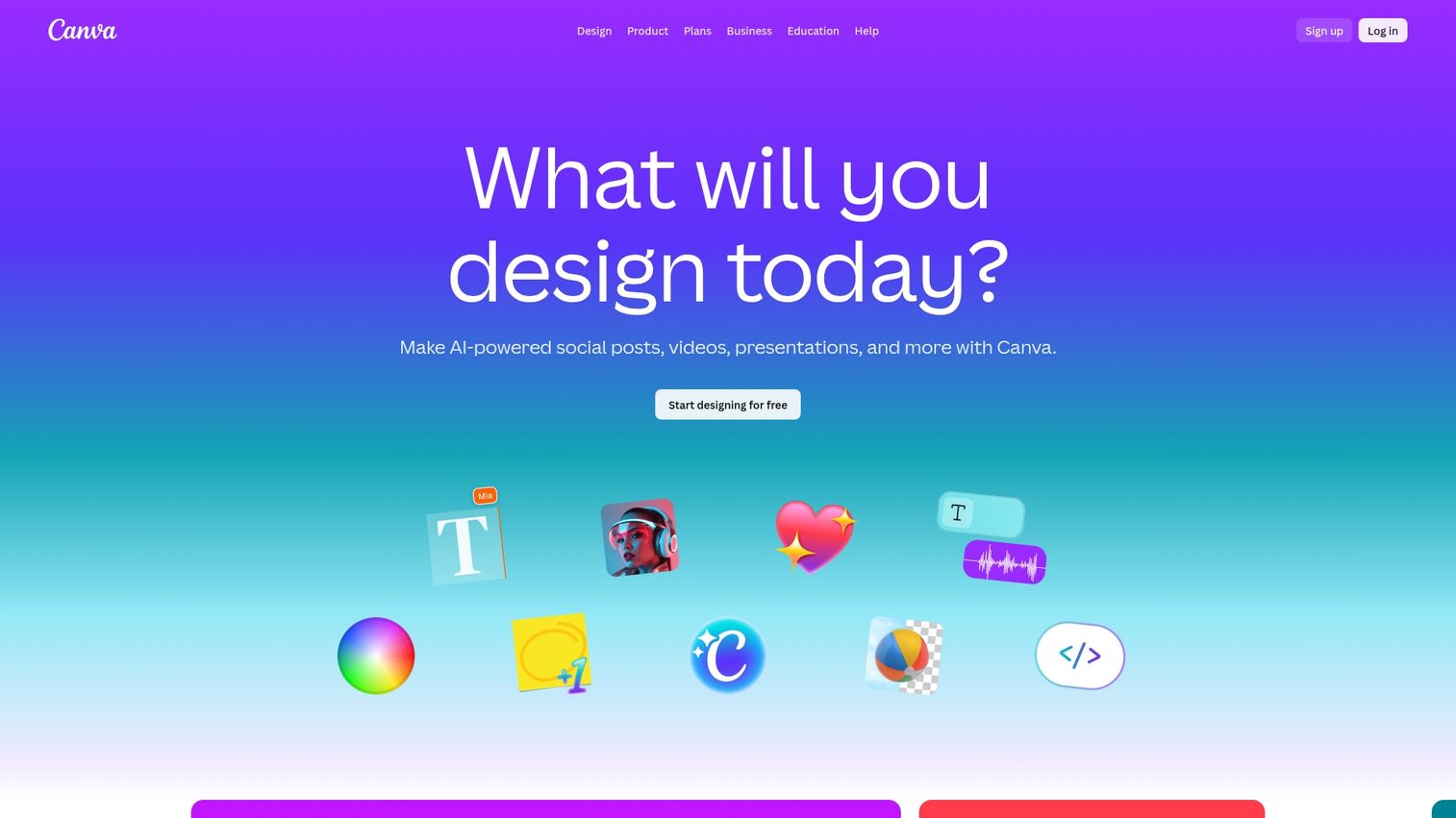
Canva is an essential content creation tool for designing social media graphics, videos, and presentations without a dedicated designer. It pairs perfectly with scheduling tools by providing the assets to populate a content calendar.
Even if you have no design background, Canva's templates - used by 95% of Fortune 500 companies - make it possible to create professional-looking content in minutes.
Key strengths
Thousands of professionally designed social media templates
Brand Kit feature to maintain consistent colors, fonts, and logos
Simple video editing and animation capabilities
Magic Resize for adapting designs to different platform dimensions
Canva pricing
Canva's free plan covers most design needs. The Pro plan unlocks Brand Kits, premium assets, and advanced features.
Why choose Canva
Choose Canva when you want to create professional-looking social media content quickly and without a background in graphic design.
7. Loomly
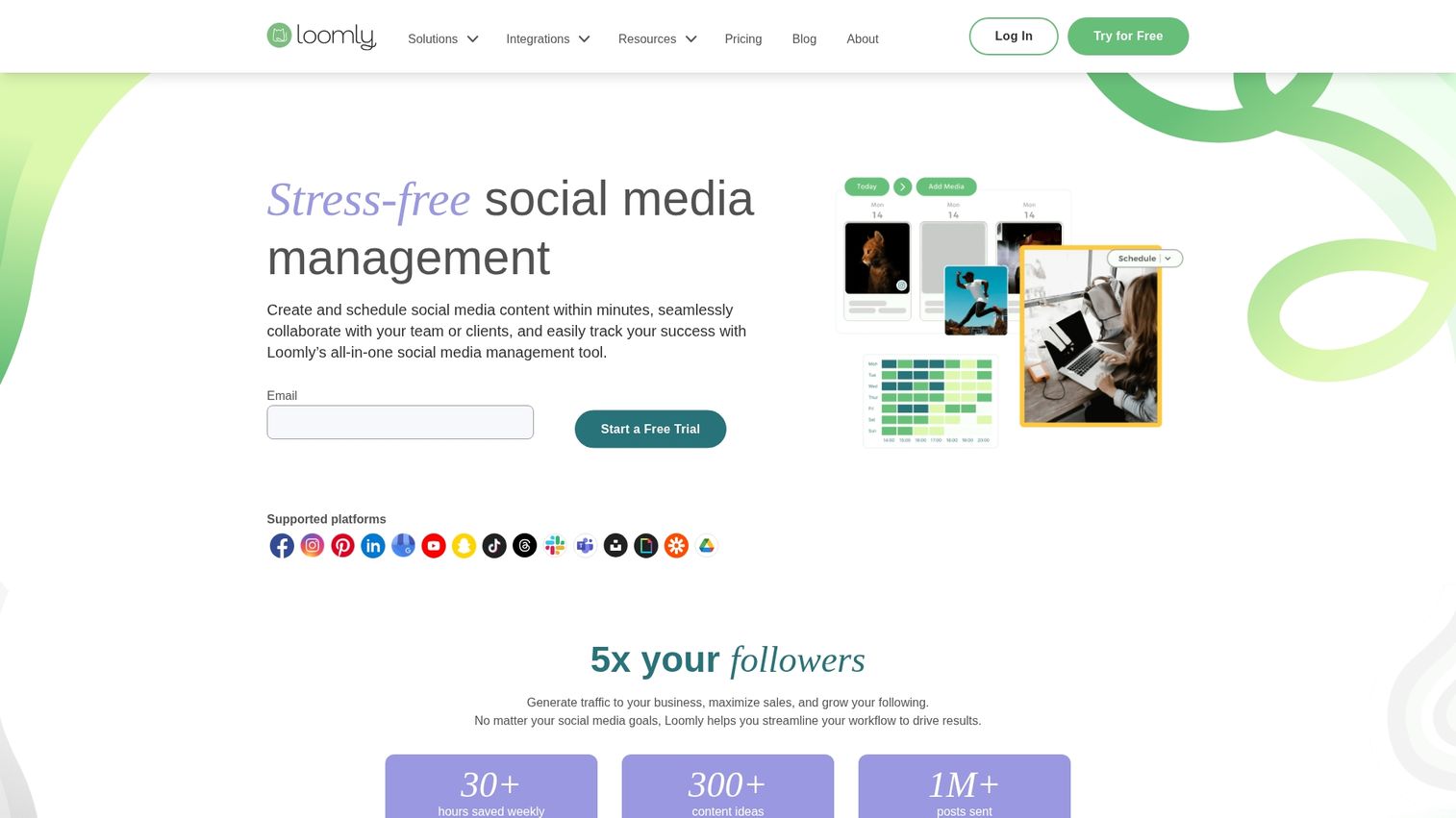
Loomly is a collaborative social marketing platform that provides content inspiration, structured approval workflows, and post optimization tips. It's an excellent choice for teams that want a guided and organized process for creating and publishing content.
The platform actually suggests post ideas based on trending topics and holidays. This feature can be helpful when you're staring at a blank content calendar and planning your interactive marketing strategy.
Key strengths
Post ideas and content inspiration based on trending topics
Built-in approval workflows with commenting and version tracking
Automated post optimization tips before publishing
Interaction tracking and basic analytics
Loomly pricing
Loomly offers multiple pricing tiers based on the number of users and connected social accounts.
Why choose Loomly
Choose Loomly for collaborative teams that want a structured platform with guided content creation and approval processes.
8. Agorapulse
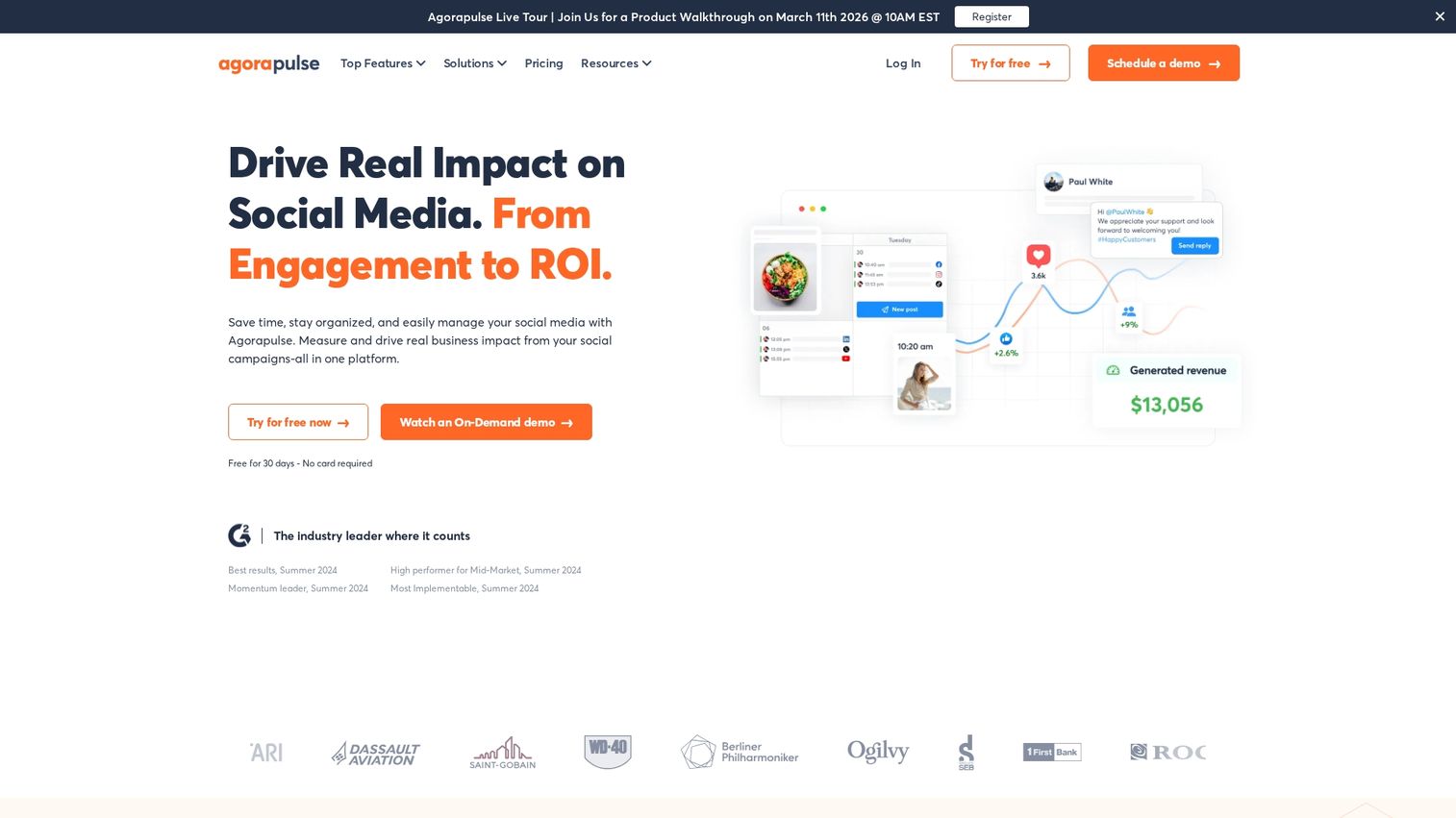
Agorapulse is a social media management tool built with agencies and social media managers in mind. It features a powerful unified inbox, robust reporting, and strong team collaboration features.
The "zero-inbox" approach ensures no comment or message gets missed. This approach is critical when you're managing multiple client accounts.
Key strengths
Zero-inbox approach to social engagement
Competitor analysis and social media benchmarking
White-label reporting options for client-branded reports
Social listening features included in all paid plans
Agorapulse pricing
Agorapulse offers a free plan for individuals, with paid plans that scale based on features and account count.
Why choose Agorapulse
Choose Agorapulse when you're managing multiple brands or clients and require robust reporting and engagement tools.
9. SocialBee
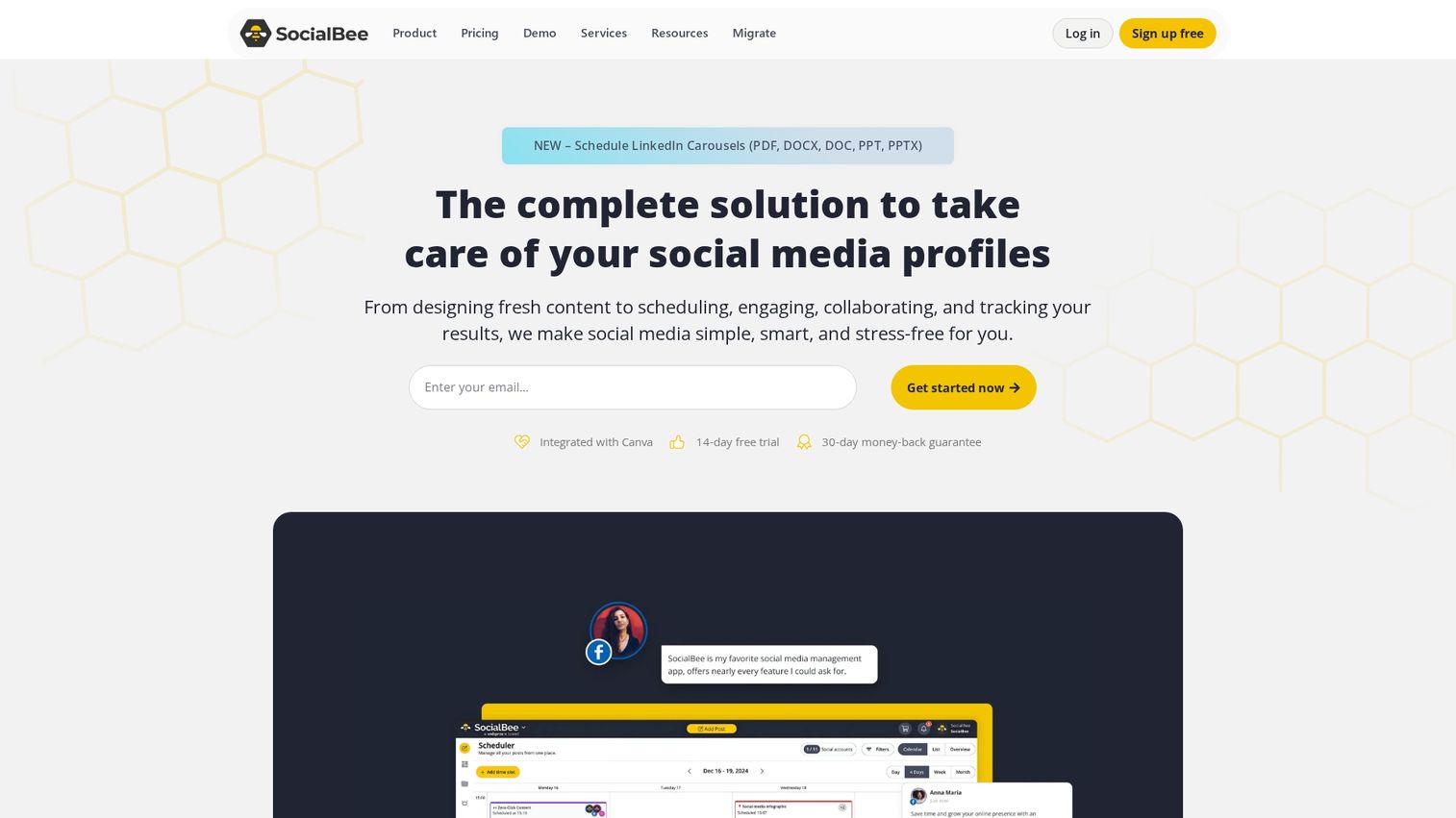
SocialBee is a social media tool focused on content recycling and automation. It uses category-based scheduling to help teams get the most out of their evergreen content.
The idea is simple: instead of creating new content constantly, you organize posts by category and let the platform automatically re-share your best-performing content over time.
Key strengths
Content categories for organizing posts by topic
Evergreen content recycling to automatically re-post top content
AI-powered caption generation
Direct integration with Canva for design workflows
SocialBee pricing
SocialBee offers multiple tiers at an affordable entry point for small businesses.
Why choose SocialBee
Choose SocialBee to maximize your content's value through smart automation, categorization, and repurposing.
10. Sendible
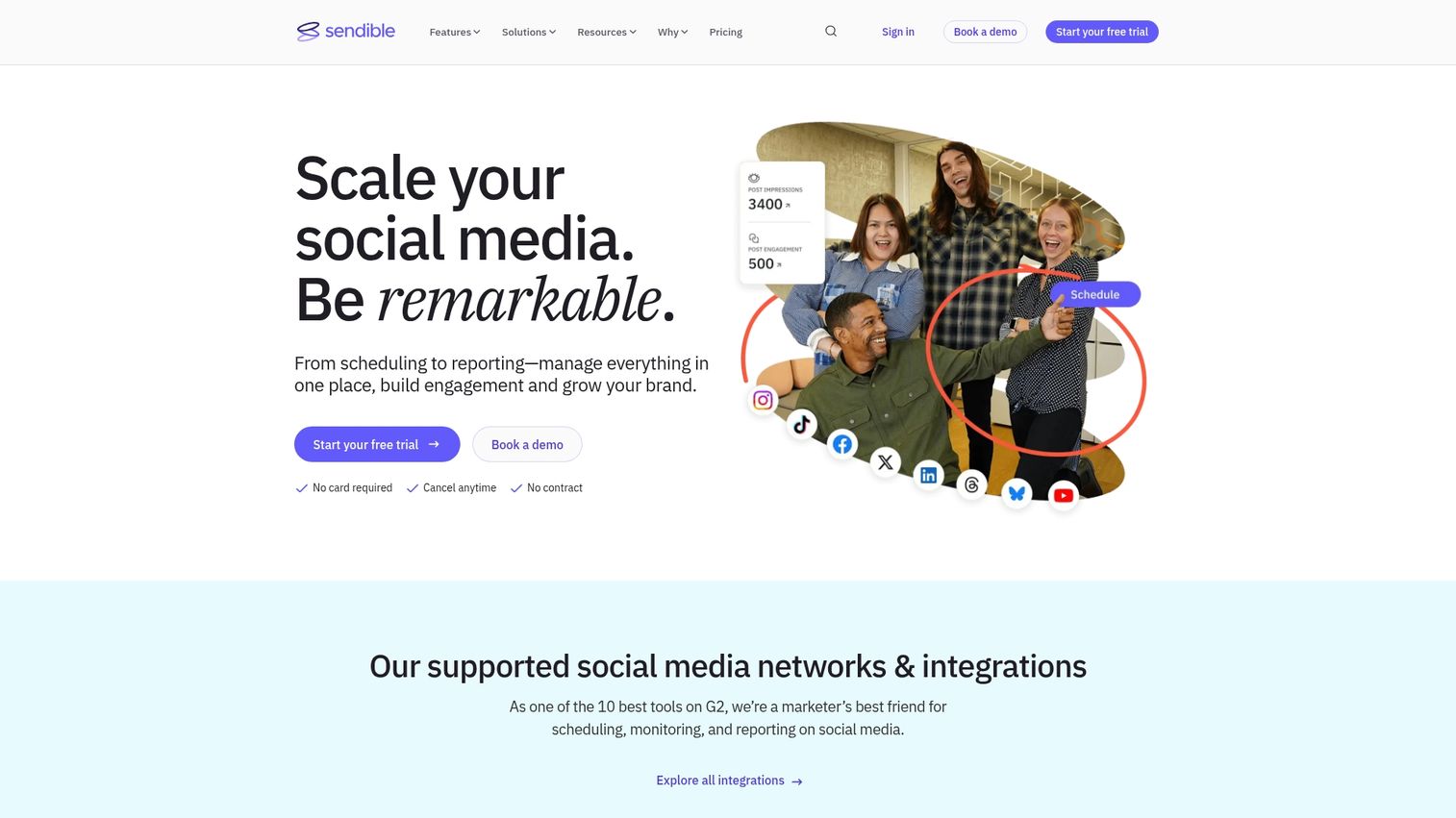
Sendible is another agency-focused social media management tool offering white-label options, client management features, and scalable plans. It's designed specifically for digital agencies managing a large portfolio of clients.
The fully white-label dashboard can be branded for your agency. This branding matters when you want clients to see your brand, not a third-party tool.
Key strengths
Fully white-label dashboard for agency branding
Client-specific reporting and approval workflows
Content suggestion engine for finding relevant topics
Priority inbox highlighting important conversations
Sendible pricing
Sendible's pricing is tiered based on users and connected profiles.
Why choose Sendible
Choose Sendible if you're an agency that wants a tailored solution for managing multiple clients with custom branding and reporting.
11. Zoho Social
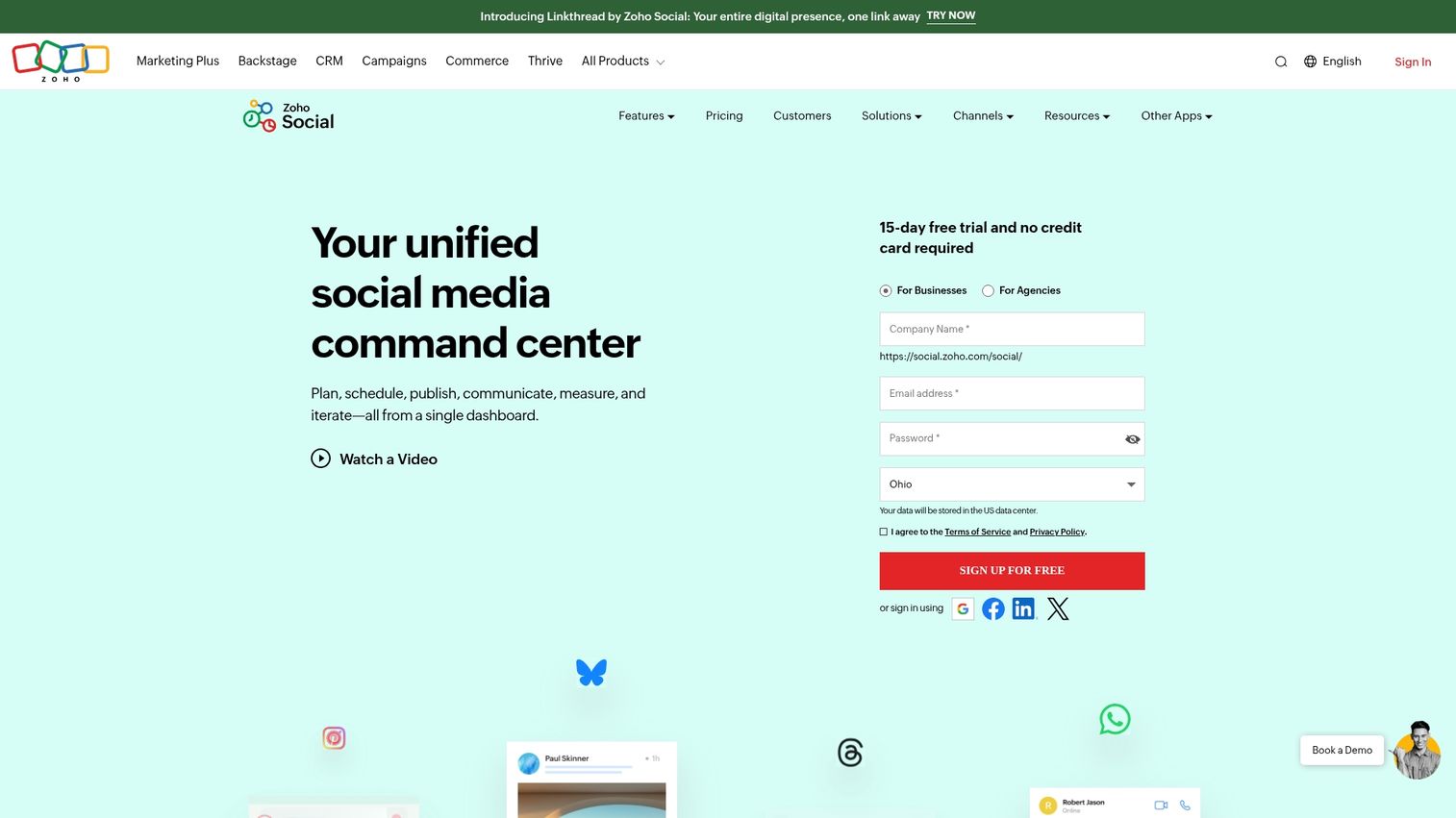
Zoho Social is a social media management tool that integrates into the broader Zoho ecosystem. It's the best choice for businesses already using Zoho CRM who want to connect social media data with customer records.
The SmartQ feature predicts the optimal time to post for maximum engagement based on your specific audience's behavior.
Key strengths
Native integration with Zoho CRM to enrich customer profiles
SmartQ predictions for optimal posting times
zShare browser extension for content curation
Team collaboration with custom roles and approval workflows
Zoho Social pricing
Zoho Social has a free plan for basic use, with paid plans unlocking CRM integration and advanced features.
Why choose Zoho Social
Choose Zoho Social when your business operates within the Zoho ecosystem and you want data flowing between social media and CRM.
12. Iconosquare

Iconosquare is an analytics-first platform designed for Instagram, TikTok, and Facebook. It provides deep performance insights, competitor benchmarking, and automated reporting.
If you're serious about data-driven social media and want to go far beyond native platform insights, Iconosquare delivers the depth you're looking for.
Key strengths
Advanced analytics for Instagram and TikTok beyond native insights
Competitor tracking and industry benchmarking
Automated, customizable reports scheduled for delivery
Detailed hashtag and content performance analysis
Iconosquare pricing
Iconosquare is premium-priced and offers a free trial.
Why choose Iconosquare
Choose Iconosquare when detailed analytics and competitive insights are the primary drivers of your social media marketing strategy.
13. Brandwatch
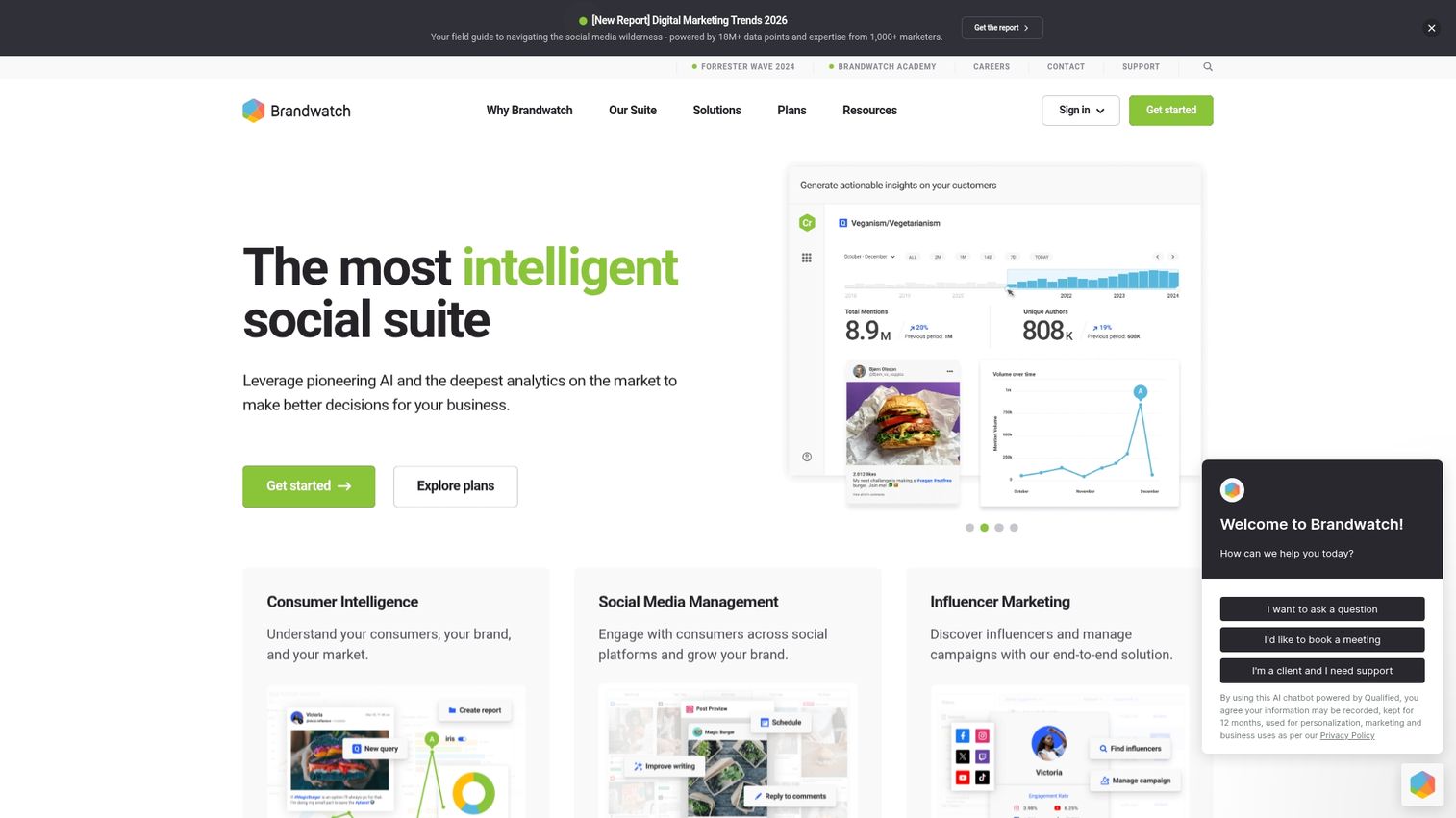
Brandwatch is an enterprise-level social listening and consumer intelligence platform. It's designed for large brands that want to monitor online conversations, analyze sentiment, and detect emerging trends at scale.
This isn't a scheduling tool. It's for understanding what people are saying about your brand, your competitors, and your industry across the entire internet.
Key strengths
AI-powered social listening analyzing millions of data sources
Consumer research tools for audience demographics and behavior
Crisis management features with customizable alerts
Influencer identification and management
Brandwatch pricing
Brandwatch offers enterprise-level pricing available through custom quotes.
Why choose Brandwatch
Choose Brandwatch when brand reputation monitoring, crisis management, and deep consumer intelligence are your top priorities.
14. Tailwind
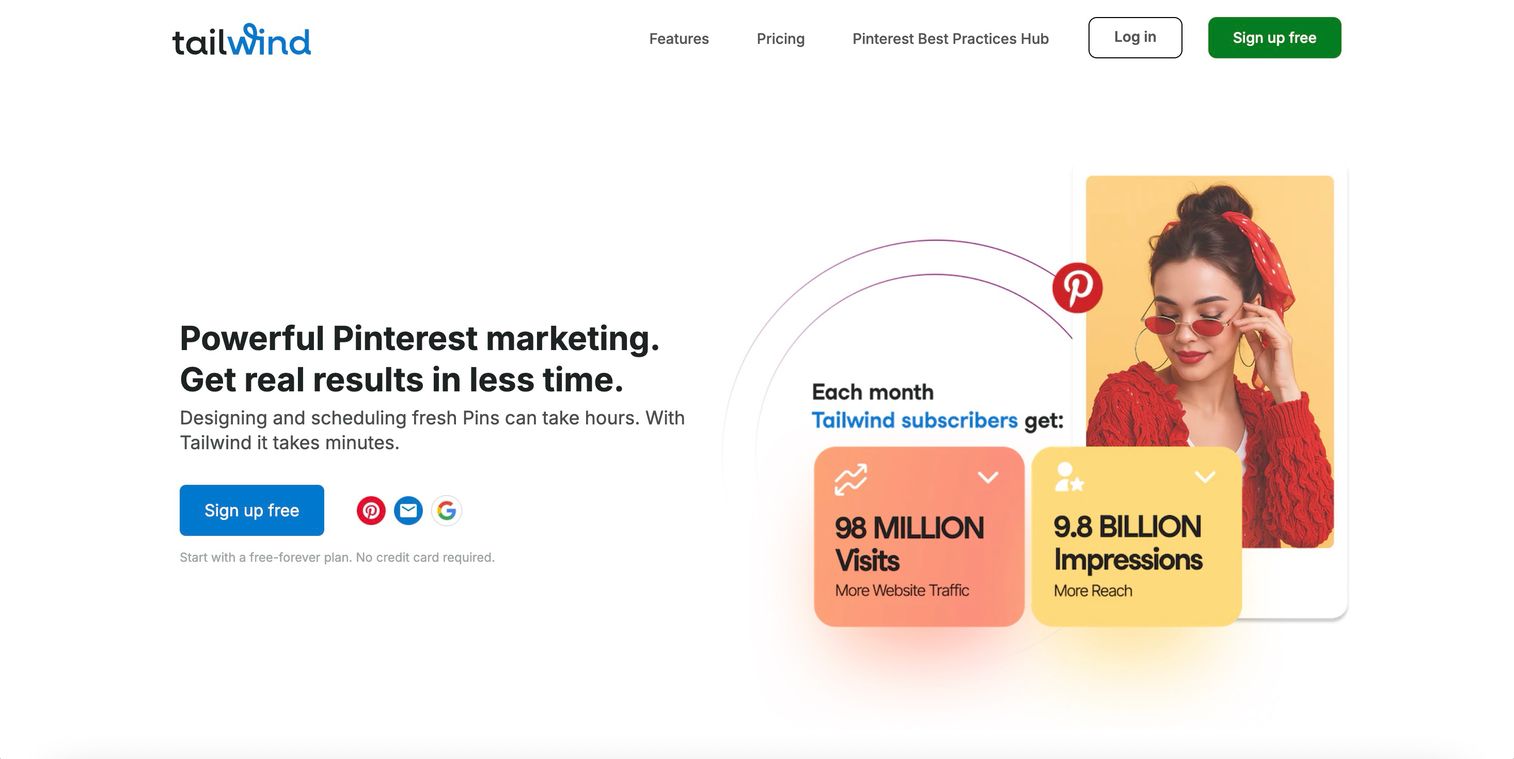
Tailwind is a specialized scheduling tool for Pinterest and Instagram, with features designed to optimize performance on visual platforms. It's the go-to choice for e-commerce brands and bloggers who rely heavily on Pinterest for traffic.
SmartSchedule automatically picks the best times to post on Pinterest for maximum reach. This timing optimization can significantly impact your content's visibility.
Key strengths
SmartSchedule for optimal Pinterest posting times
Tailwind Communities for collaborating with other creators
Hashtag finder for Instagram post optimization
Create feature for generating design variations quickly
Tailwind pricing
Tailwind has a free plan with limitations. Paid plans are available for power users.
Why choose Tailwind
Choose Tailwind for Pinterest-heavy strategies and for optimizing visual content scheduling on Instagram.
15. Mention
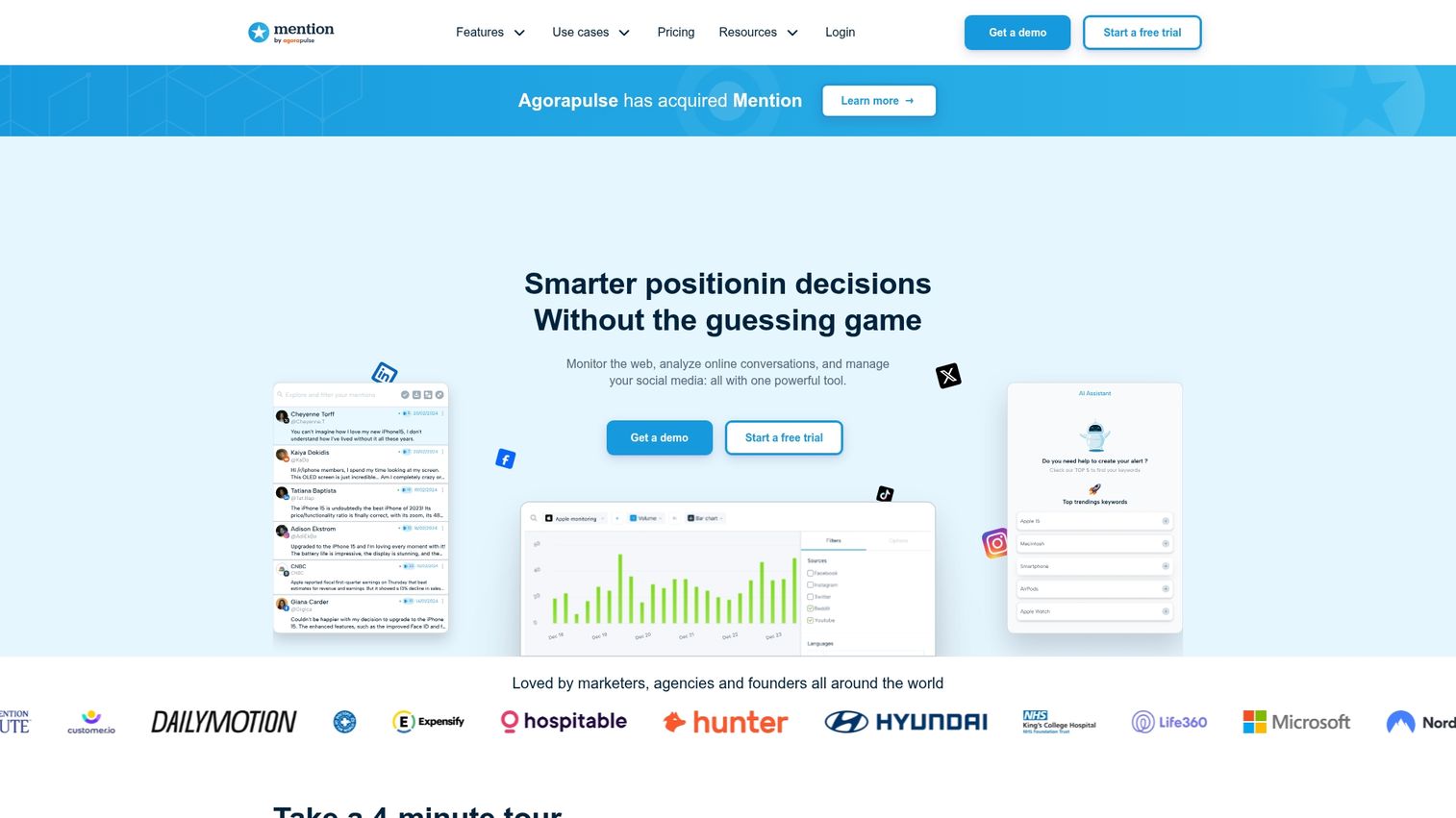
Mention is a social listening and media monitoring tool that excels at tracking brand mentions across the web and social media. It's essential for PR teams and brand managers who want to stay on top of their online reputation.
Real-time alerts ensure you never miss a conversation about your brand, whether it's positive feedback or a potential crisis brewing.
Key strengths
Real-time alerts for brand mentions
Competitive analysis for monitoring competitor conversations
Influencer identification in your industry
Sentiment tracking for overall conversation tone
Mention pricing
Mention offers a free plan with limited alerts. Paid plans are available for comprehensive monitoring.
Why choose Mention
Choose Mention when tracking what people are saying about your brand, competitors, and industry is your most important goal.
How to choose the right social marketing platform
Choosing the right platform requires a clear evaluation framework. Here are the key factors to consider.
Team size and collaboration workflows
Your team's size directly impacts the features you'll want. A solo marketer benefits from simplicity, while larger teams require approval workflows and user permissions.
Team size | Recommended tools |
|---|---|
Solo/small team | Buffer, Later, SocialBee |
Mid-size teams | Loomly, Agorapulse, Zoho Social |
Enterprise | Sprout Social, Hootsuite, Brandwatch |
Platform coverage and native integrations
Ensure the tool supports all the social platforms critical to your strategy. Also check for native integrations with your CRM, analytics platforms, and other tools in your stack.
Budget and pricing structure
Social media tools use various pricing models: per-user fees, per-account fees, or tiered feature packages. Free plans often come with limitations on accounts or advanced features.
Analytics and reporting capabilities
Distinguish between basic analytics (likes, comments, shares) and advanced analytics (share of voice, sentiment analysis, revenue attribution). Strong analytics help connect social efforts to business goals. When reporting to stakeholders, you can share performance insights visually using interactive presentations.
Social media advertising tools and features
With paid social ranking as the second-highest ROI channel at 26%, evaluate whether you want to manage paid campaigns alongside organic content. Some tools focus primarily on organic posting, while others like Hootsuite and Sprout Social include integrated advertising management.
Social media agency tools and multi-client management
For agencies, specific features are non-negotiable. Look for white-labeling to brand the platform as your own, client-specific dashboards, and granular permission structures. Tools like Sendible, Agorapulse, and Sprout Social are built for this use case, providing scalable reporting and client management features.
Best social media marketing apps for mobile management
The quality of a tool's mobile app is crucial for on-the-go management. The best social media marketing apps allow you to respond to comments, approve posts, and make quick content adjustments from anywhere. Buffer, Later, and Hootsuite are known for strong mobile apps that mirror desktop functionality.
Turn your social media strategy into pipeline
The right social media tool does more than schedule posts. It helps turn top-of-funnel content into measurable business outcomes through demand generation.
Complementing your social strategy by showing your product's value through interactive product demos can effectively connect social engagement to pipeline generation.
Start your journey with Guideflow today!
FAQs about social media marketing tools
The "big four" are often cited as Hootsuite, Buffer, Sprout Social, and Later. Each platform serves different needs, from Hootsuite's enterprise-level management to Later's visual-first content planning.
The 5-3-2 rule is a content strategy guideline: for every 10 posts, 5 are curated content from other sources, 3 are original content you created, and 2 are personal or humanizing posts that build community.
The 3-3-3 rule is an engagement guideline suggesting you check your social media engagement three times daily, aim to respond to comments and messages within three hours, and post at least three times per week.
For small businesses, Buffer or Later are excellent choices. Both offer robust free plans, simple interfaces, and cover core scheduling without overwhelming users with unnecessary features.
Yes, free plans from tools like Buffer, Canva, and Later are effective for covering core scheduling and content creation. However, professional teams often upgrade for advanced analytics, team collaboration, and the ability to manage more accounts.
Tools like HubSpot, Zoho Social, and Sprout Social offer deep, native CRM connections. Other tools can integrate via services like Zapier to connect social activity with your broader marketing and sales stack.
Social media management focuses on active tasks: publishing content and engaging with your audience. Social listening is the passive process of monitoring conversations and mentions to gather insights about your brand and industry.