
You need a hero image for a campaign by end of day. Your designer is booked through next week. So you open a design tool, stare at a blank canvas, and lose 40 minutes to a task that should have taken five. Sound familiar?
That gap, between what marketing needs and what design can deliver on time, is why the graphic design software you pick actually matters. The global graphic design software market sat around $10 to $11 billion in 2025 to 2026 and is forecast to reach roughly $19.5 to $22.3 billion by 2032, growing near 9 to 10% a year, according to Maximize Market Research and Business Research Insights. More tools, more choices, more ways to get stuck evaluating instead of shipping.
Most marketers do not need the deepest tool. They need the right one for the job in front of them, plus one lightweight option for the quick stuff. Adobe is still the category benchmark, but the honest answer in 2026 is that the best graphic design software depends on whether you need speed, depth, collaboration, or print precision. If your team is producing visual assets to support conversion, you may also want interactive formats like interactive demos and AI design tools in the mix, alongside the graphics stack itself. This guide compares nine graphic design tools so you can shortlist fast and skip the tool-sprawl tax. If your visuals feed campaigns and pages, pair this with our roundups of landing page builders and account based marketing software.
What's inside
This guide is for digital marketers, growth teams, and lean creative teams choosing graphic design apps that fit real campaign workflows, not just designers building portfolios. We picked nine tools across the major categories: vector illustration, raster and photo editing, page layout, template-based design, UI design, and free open-source options.
We ranked and described each tool on four criteria that matter for marketing work: workflow fit for fast creative production, usability for non-designers and pros alike, cross-platform and collaboration support, and pricing accessibility. Where a tool has verified pricing and a public G2 rating, we included it. Where it did not, we wrote around it rather than guess.
TL;DR
- Best overall for pro creative workflows: Adobe Photoshop and Illustrator remain the benchmark for depth, detail, and precision vector and raster work.
- Best for fast marketing graphics: Canva and Adobe Express let non-designers ship social media graphics, ads, and decks in minutes.
- Best for collaboration and UI work: Figma owns real-time design collaboration, UI design software, and landing page mockups.
- Best for free or low-cost users: Inkscape gives you real free graphic design software for vector work, and Affinity Designer offers pro depth on a one-time license.
- Best for print-ready layout work: Adobe InDesign and CorelDRAW handle multi-page, desktop publishing software needs.
- Best beginner-friendly pick: Canva and Adobe Express are the easiest graphic design software for beginners to learn fast.
What is graphic design software?
Graphic design software is a category of applications used to create, edit, and lay out visual content, including logos, illustrations, photos, marketing creative, UI mockups, and print-ready documents. The category spans several distinct subtypes, and knowing which one you need is half the battle.
- Vector design software: Tools like Illustrator and Inkscape create scalable artwork built from paths and points. Logos, icons, and illustrations stay crisp at any size.
- Photo editing software (raster): Tools like Photoshop edit pixel-based images for compositing, retouching, and detailed ad creative.
- Page layout software and desktop publishing: Tools like InDesign and CorelDRAW arrange text and images across multi-page documents for print and PDF.
- Template-based design: Tools like Canva and Adobe Express speed up production with pre-built layouts, so non-designers can create fast.
- UI design software: Tools like Figma build interface mockups, prototypes, and design systems for web and product work.
- Open-source and free tools: Tools like Inkscape deliver capable design at no cost.
Why does this matter for marketers? Because brand consistency, campaign output speed, and creative independence all hinge on picking tools your team can actually run. A tool your one designer loves does nothing for the marketer who needs a resized ad variant at 4 p.m. The right stack usually means one pro tool for depth and one lightweight tool for volume. In 2025, more than 68% of businesses prioritized cloud-based design platforms for collaboration and workflow, according to Business Research Insights, which tells you where team-based creative production is heading.
When to use each type of graphic design tool
Different jobs call for different tools. Here is how to match the tool to the moment.
For brand and campaign creative
When you need polished social media graphics, ad variants, email headers, or quick resizes across formats, reach for template-based tools like Canva or Adobe Express. They let a marketer produce dozens of on-brand assets without waiting on a designer. For high-detail hero images, composites, or retouched product shots, Photoshop is still the tool that gets it right.
For print-ready and publication work
When you are building brochures, one-pagers, event handouts, sales collateral, or long-form layouts, you need page layout software. InDesign and CorelDRAW handle multi-page structure, typography control, and print-ready design output that template tools were not built for. This is where desktop publishing software earns its place in the stack.
For product and website visuals
When the job is UI mockups, landing page designs, prototypes, or anything requiring design collaboration across product and marketing, Figma is the standard. It matters more here than pure image editing because the work is shared, iterative, and handed off to developers. Pair those mockups with real interactive experiences, and formats like sandboxes and a demo center let prospects explore your product on their own terms.
Comparison table: best graphic design software for 2026
Here is the quick-scan view. Use it to shortlist by intent, then read the full sections for the tool that fits. Pricing and ratings reflect verified public sources as of mid-2026.
| # | Product | Intent | Key use case | Pricing | G2 rating |
|---|---|---|---|---|---|
| 1 | Adobe Photoshop | Professional raster editing | Photo editing, compositing, ad creative | US$22.99/mo | 4.6/5 |
| 2 | Adobe Illustrator | Professional vector design | Logos, icons, scalable brand assets | US$22.99/mo | 4.6/5 |
| 3 | Adobe InDesign | Page layout and publishing | Brochures, multi-page print, PDFs | US$22.99/mo | Not listed |
| 4 | Adobe Express | Fast template design | Social graphics, quick ads, resizing | Free; US$9.99/mo Premium | 4.5/5 |
| 5 | Canva | Fast template design | Social posts, decks, collaboration | Free; US$144/yr Pro | 4.7/5 |
| 6 | Figma | UI/UX and collaboration | Interface design, prototypes, mockups | Free; from US$16/mo | 4.7/5 |
| 7 | Affinity Designer | Pro vector, one-time license | Vector illustration, layout | US$164.99 one-time | 4.6/5 |
| 8 | CorelDRAW | Vector and layout suite | Print production, branding, layout | Annual, monthly, one-time | 4.3/5 |
| 9 | Inkscape | Free vector editing | SVG artwork, open-source vector work | Free | 4.4/5 |
1. Adobe Photoshop
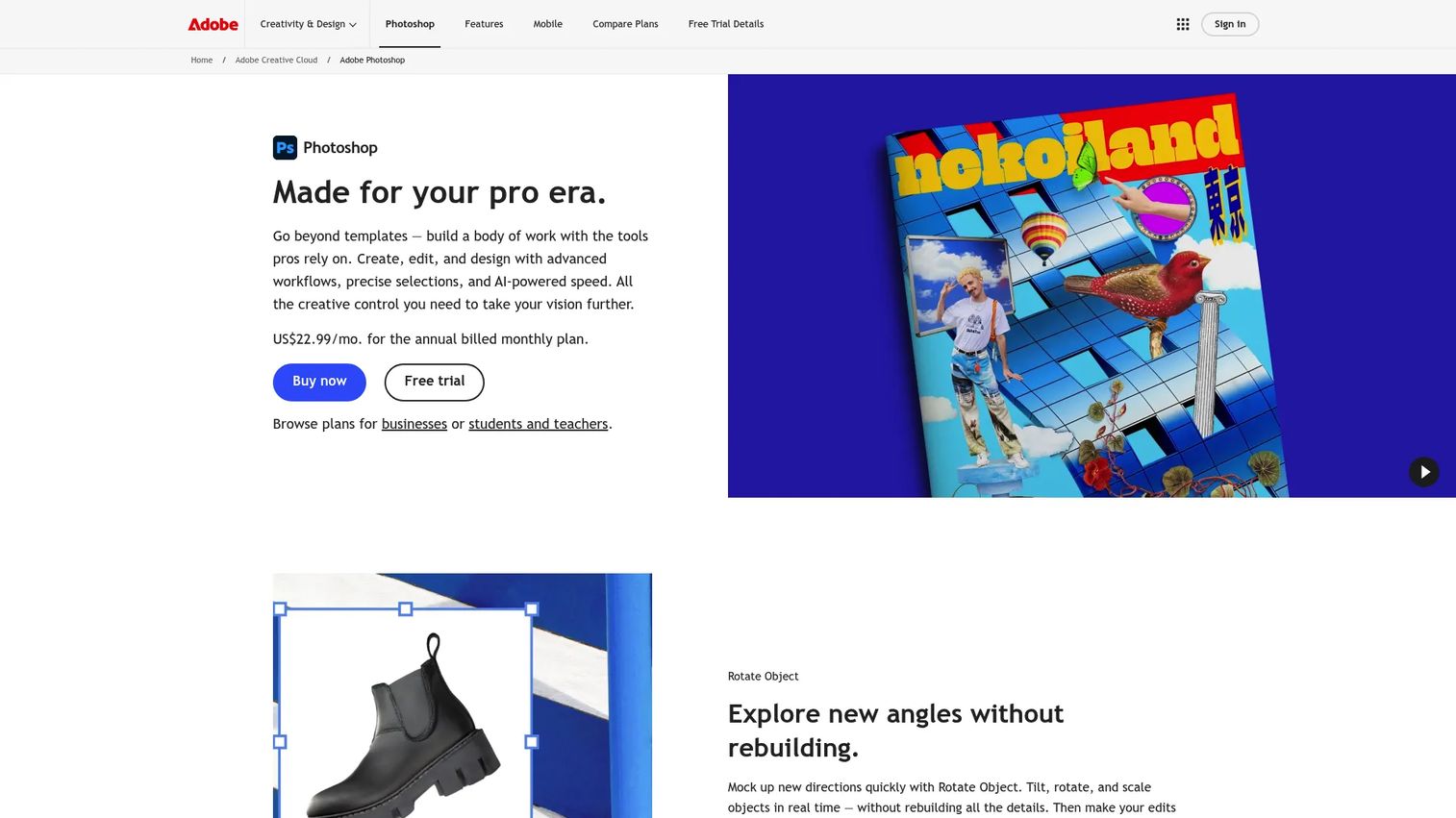
Adobe Photoshop is the professional standard for raster image editing, and it earns that position through sheer depth. Compositing, photo cleanup, retouching, masking, and detailed ad creative all live here. For marketers, Photoshop is the tool you reach for when a template will not cut it and the image needs to look exactly right. AI-powered generative tools and object removal have made pixel-level work faster than it used to be, which matters when you are producing campaign assets under deadline.
Best for: Professional photographers, designers, and marketing teams needing advanced image editing and detailed campaign creative.
Key strengths
- Advanced editing and compositing: Layer, mask, and retouch pixel-based images with control no template tool matches.
- AI generative tools: Remove objects and generate content to speed up detailed ad and product image work.
- Cross-device workflows: Move between desktop, web, and mobile so work is not stuck on one machine.
Why choose Adobe Photoshop: If your team produces high-detail imagery, hero shots, or heavily retouched product photos, Photoshop is non-negotiable. It is deep, and that depth carries a learning curve, but no lightweight tool replaces it for serious photo editing software work.
Adobe Photoshop pricing: The standalone Photoshop plan runs US$22.99/mo on an annual plan billed monthly. Adobe also bundles it into broader plans, including a Photography option at US$19.99/mo and Creative Cloud Pro. A 7-day free trial is available, though there is no permanent free tier. G2 reviewers rate it 4.6/5.
2. Adobe Illustrator
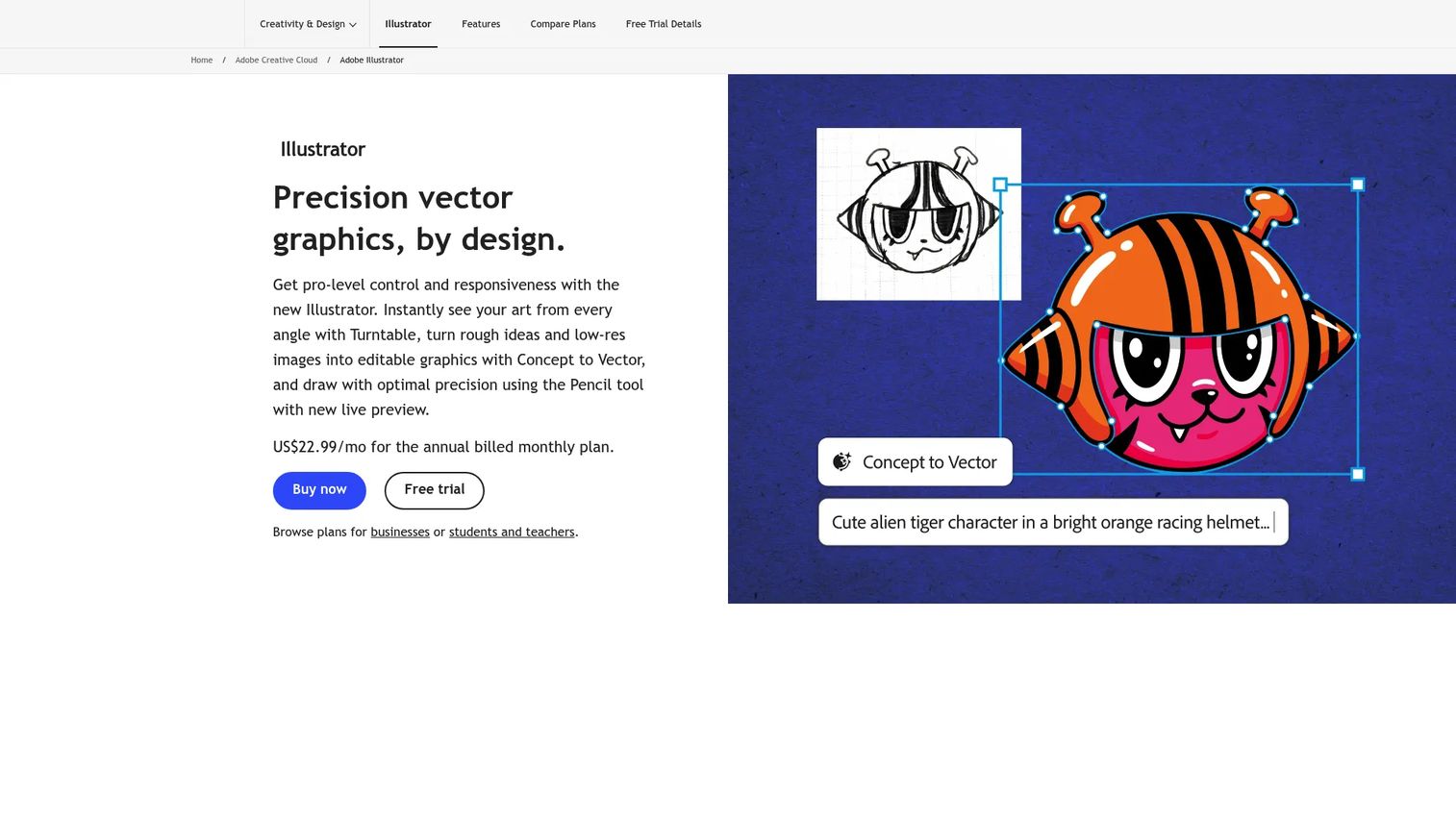
Adobe Illustrator is the standard for precision vector design software. Logos, icons, scalable brand marks, and campaign illustrations all belong here, because vector artwork stays crisp at any size, from a favicon to a billboard. For marketing teams, Illustrator is where brand assets are built and refined, and where a designer can produce the scalable files everyone else pulls from. Generative AI features like Concept to Vector and Generative Recolor have shortened the path from idea to polished artwork.
Best for: Design teams and individuals who need professional, scalable vector graphics and brand assets.
Key strengths
- Precision vector drawing: Build and edit paths with the control that logos and icons demand.
- Generative AI vector tools: Turn concepts into vector artwork and recolor at speed.
- Layout and artboard tools: Manage text, shapes, and multiple artboards for full illustration work.
Why choose Adobe Illustrator: If your brand relies on custom logos, icons, or illustration, Illustrator is the professional design software that produces the source files. It is deep and precise, and for teams already in the Adobe ecosystem, files move cleanly between it and Photoshop.
Adobe Illustrator pricing: Illustrator for individuals runs US$22.99/mo on an annual plan billed monthly. Team licensing is US$37.99/mo per license, and it is also available inside Creative Cloud Pro. There is no free tier, but a trial is offered. G2 reviewers rate it 4.6/5.
3. Adobe InDesign
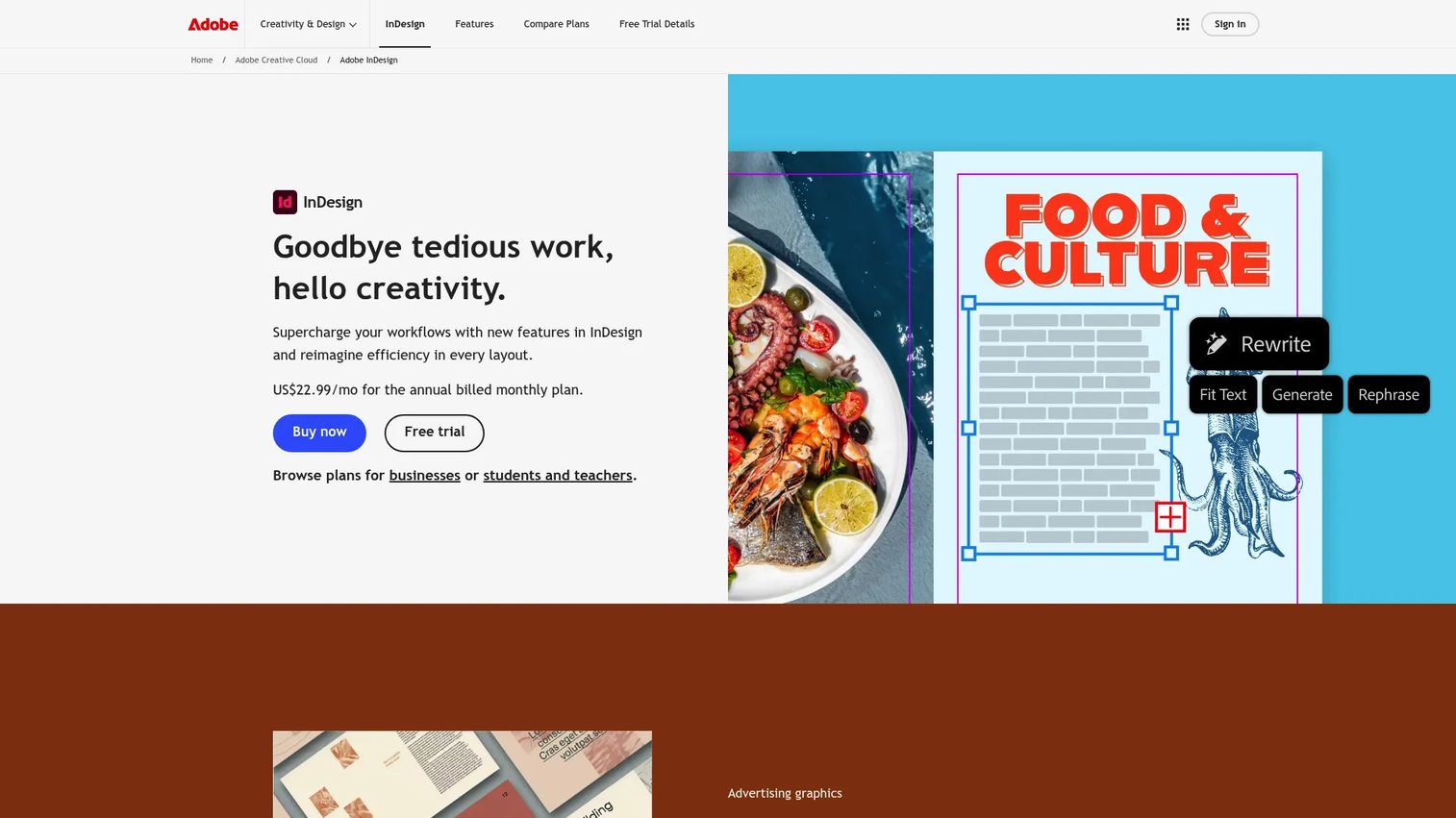
Adobe InDesign is the page layout software built for multi-page documents. Brochures, books, magazines, sales collateral, and print-ready PDFs all come together here, with typography and layout control that image editors were never designed to handle. For marketers producing long-form collateral, whitepapers, or event handouts, InDesign is the tool that keeps text, images, and pages consistent across dozens of spreads.
Best for: Teams and designers creating brochures, books, magazines, and other multi-page layouts.
Key strengths
- Typography and layout control: Manage type, grids, and page structure across long documents.
- Publish Online: Turn print layouts into web versions without rebuilding them.
- AI Assistant and Generative Expand: Speed up layout tasks with newer AI-driven features.
Why choose Adobe InDesign: If your marketing output includes real print-ready design or long-form multi-page collateral, InDesign is the desktop publishing software that does it properly. Template tools handle single pages well, but structured, paginated documents belong here.
Adobe InDesign pricing: InDesign starts at US$22.99/mo on an annual plan billed monthly, with an annual prepaid option at US$263.88/yr and availability inside Creative Cloud Pro. It requires a membership plan, and no free tier is shown.
4. Adobe Express
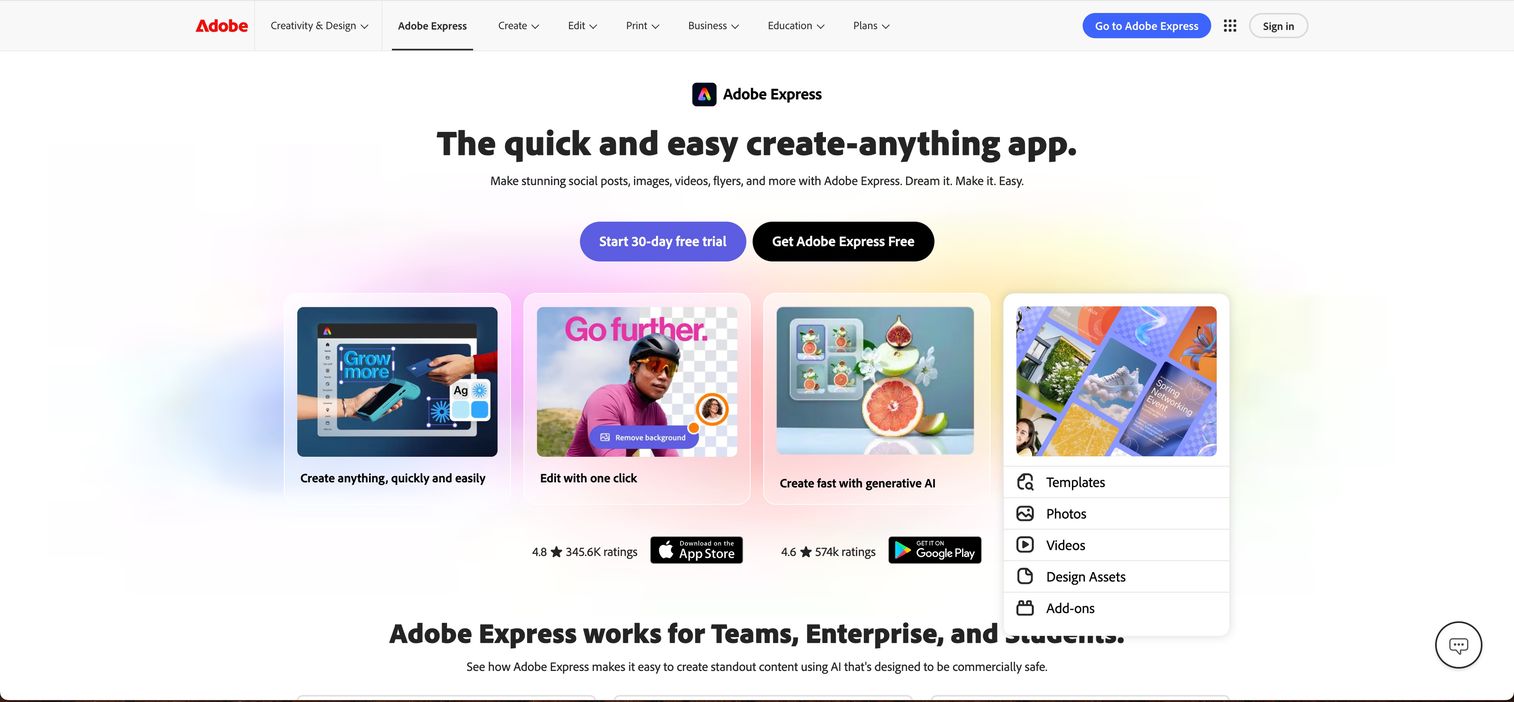
Adobe Express is Adobe's answer to fast, template-based design, built for speed rather than depth. Social media graphics, quick ads, PDF edits, and one-click resizing across formats are its bread and butter. For lean marketing teams and non-designers, Express delivers Adobe-quality assets and brand consistency without the Photoshop learning curve. It sits nicely for teams that want to stay in the Adobe ecosystem but need to move fast.
Best for: Teams or individuals creating branded social, marketing, and lightweight video content quickly.
Key strengths
- Templates and brand assets: Start from pre-built layouts to ship on-brand content fast.
- Generative AI tools: Produce and adjust content without deep design skills.
- Video, PDF, and quick actions: Handle resizing, edits, and short video in one place.
Why choose Adobe Express: Express is the speed play for teams that value fast output and template-based design over pixel-level control. It fits marketers who need volume and consistency, and it pairs well with Photoshop or Illustrator for the moments that need depth.
Adobe Express pricing: Express has a genuinely free plan at US$0. The Premium plan runs US$9.99/mo billed monthly with no annual commitment. G2 reviewers rate it 4.5/5, making it one of the more approachable Adobe alternatives to full Creative Cloud for quick work.
5. Canva
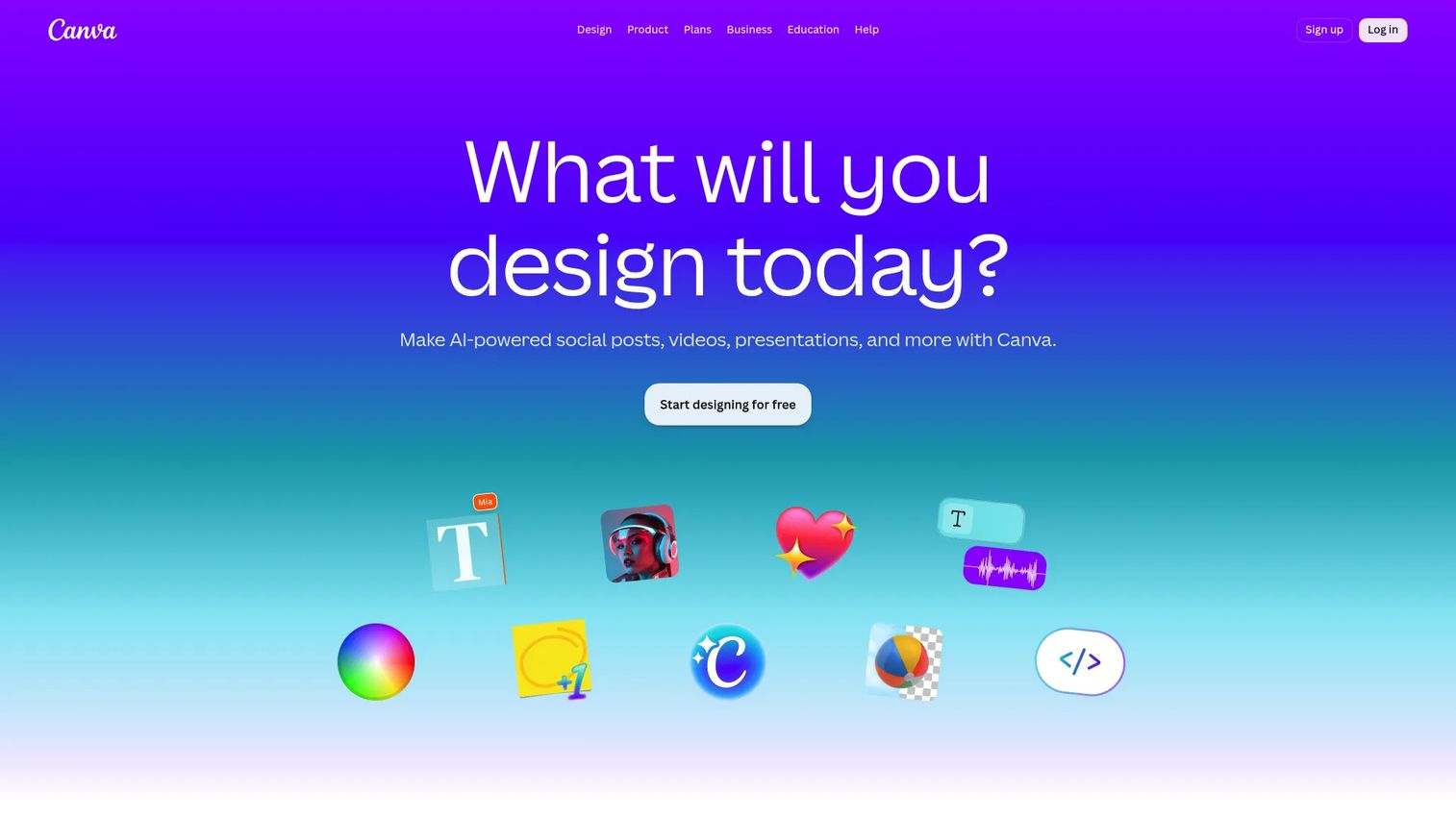
Canva is the tool that made design accessible to everyone on a marketing team. Its drag-and-drop editor, enormous template library, and real-time collaboration make it the default for social posts, presentation decks, and lightweight brand work. Growth and content teams lean on Canva because a marketer, a founder, or an intern can all produce something on-brand without design training. Magic Resize and AI tools further cut the time from idea to published asset.
Best for: Teams and individuals needing fast, template-driven visual content creation.
Key strengths
- Drag-and-drop editor: Build graphics with no design background required.
- Massive template library: Start from thousands of layouts for social, decks, and print.
- AI tools including Magic Resize: Reformat one design across every channel in a click.
Why choose Canva: Canva is the most beginner-friendly design software on this list, and its collaboration and template depth make it ideal for teams producing high volumes of social media graphics. It is the lightweight half of a smart two-tool stack.
Canva pricing: Canva Free is US$0/year with a large asset library. Canva Pro runs US$144/year for one person, and Business and Enterprise plans add team controls, with Enterprise directing to sales. G2 reviewers rate Canva 4.7/5, the highest on this list.
6. Figma
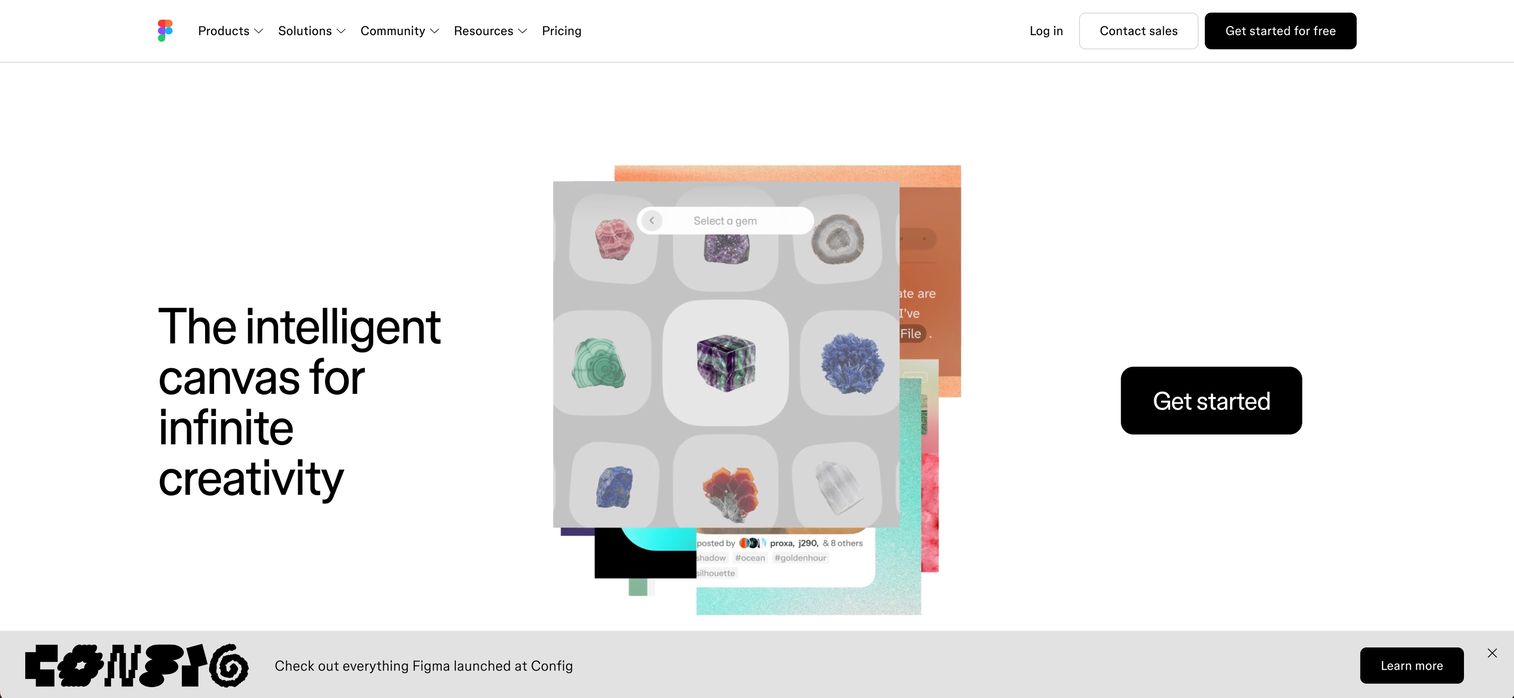
Figma is the standard for UI design software and collaborative product work. Interface design, prototyping, design systems, and landing page mockups all live in a browser-based canvas where multiple people edit in real time. For marketers, Figma matters when campaign work touches product or web, since it is where landing page designs get built, reviewed, and handed to developers through Dev Mode. Design collaboration is its core strength, and it is why product and marketing teams share the same file.
Best for: Teams that need collaborative UI/UX design, prototyping, and developer handoff in one platform.
Key strengths
- Real-time collaboration: Multiple editors work in the same file at once.
- Prototyping and design systems: Build interactive mockups and reusable component libraries.
- Dev Mode: Hand off designs to developers with design-to-code context.
Why choose Figma: If your marketing work overlaps with product, web, or landing page design, Figma is the tool that keeps everyone in one file. It excels at the collaborative, iterative work that static image editors were not built for.
Figma pricing: Figma Starter is free with limited access. Professional starts at US$16/mo, Organization at US$55/mo billed annually, and Enterprise at US$90/mo billed annually, with seat pricing across Full, Dev, and Collab roles. G2 reviewers rate Figma 4.7/5.
7. Affinity Designer
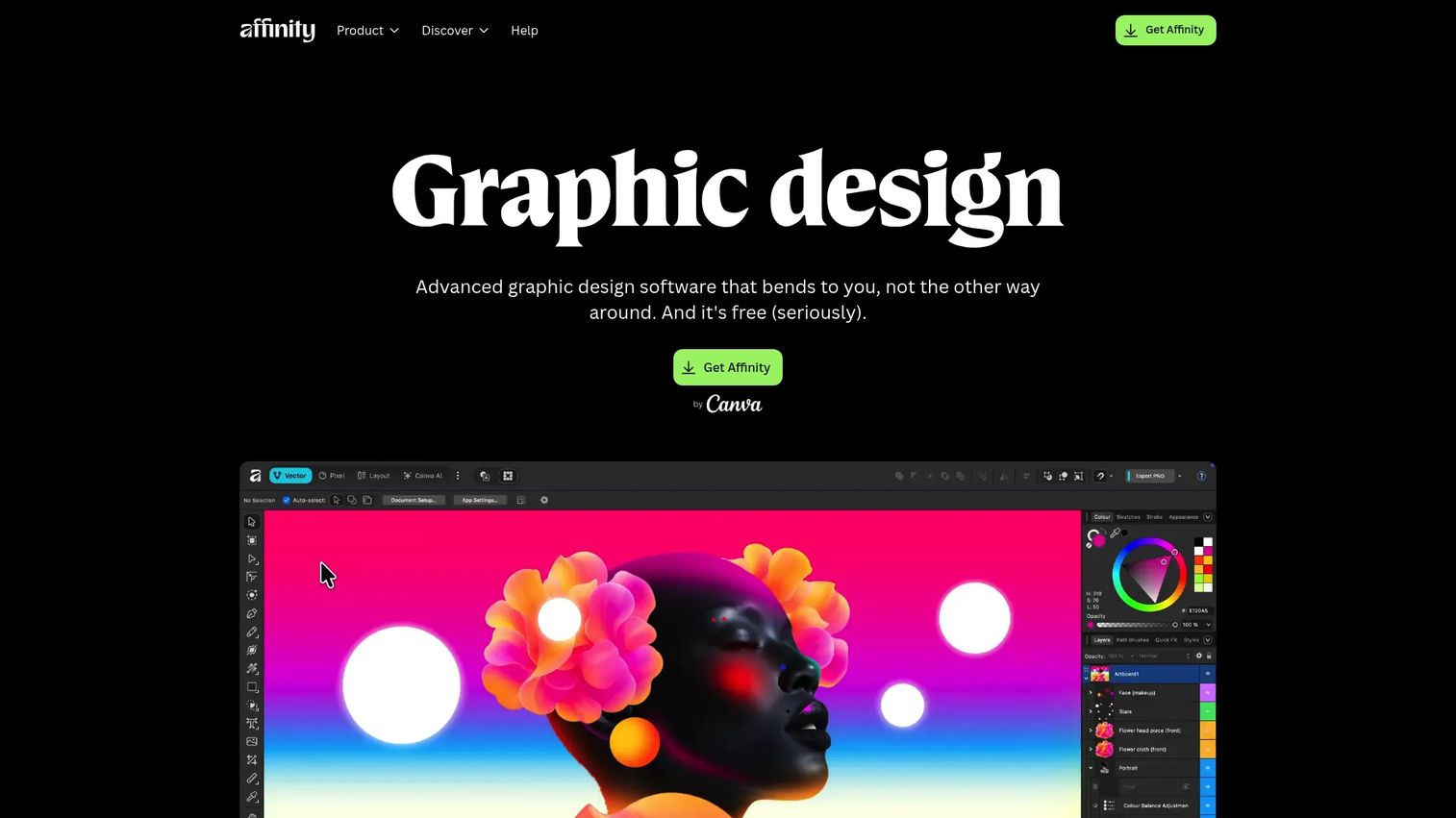
Affinity Designer is the pro-grade vector tool for teams that want depth without a subscription. Vector illustration, logo design, and layout work all run cross-platform on Mac, Windows, and iPad. Its appeal is straightforward: one payment, no recurring fee, and a serious feature set that competes with subscription vector tools. For cost-conscious teams that still need professional capability, it is one of the strongest Adobe alternatives on the market.
Best for: Designers needing a fast vector illustration tool with perpetual licensing.
Key strengths
- Vector illustration and logo design: Build precise, scalable artwork for brand work.
- Cross-platform support: Run the same tool on Mac, Windows, and iPad.
- Part of the Affinity suite: Pair with companion apps for photo and layout work.
Why choose Affinity Designer: If subscription fatigue is real for your team and you still need professional vector depth, Affinity Designer is the answer. The one-time license changes the math for small teams and freelancers producing print-ready design and brand assets.
Affinity Designer pricing: The Affinity V2 Universal Licence is US$164.99 as a one-off payment, excluding tax, and a free trial is available. G2 reviewers rate it 4.6/5. For teams doing steady vector work, the perpetual license often costs less over time than a subscription.
8. CorelDRAW
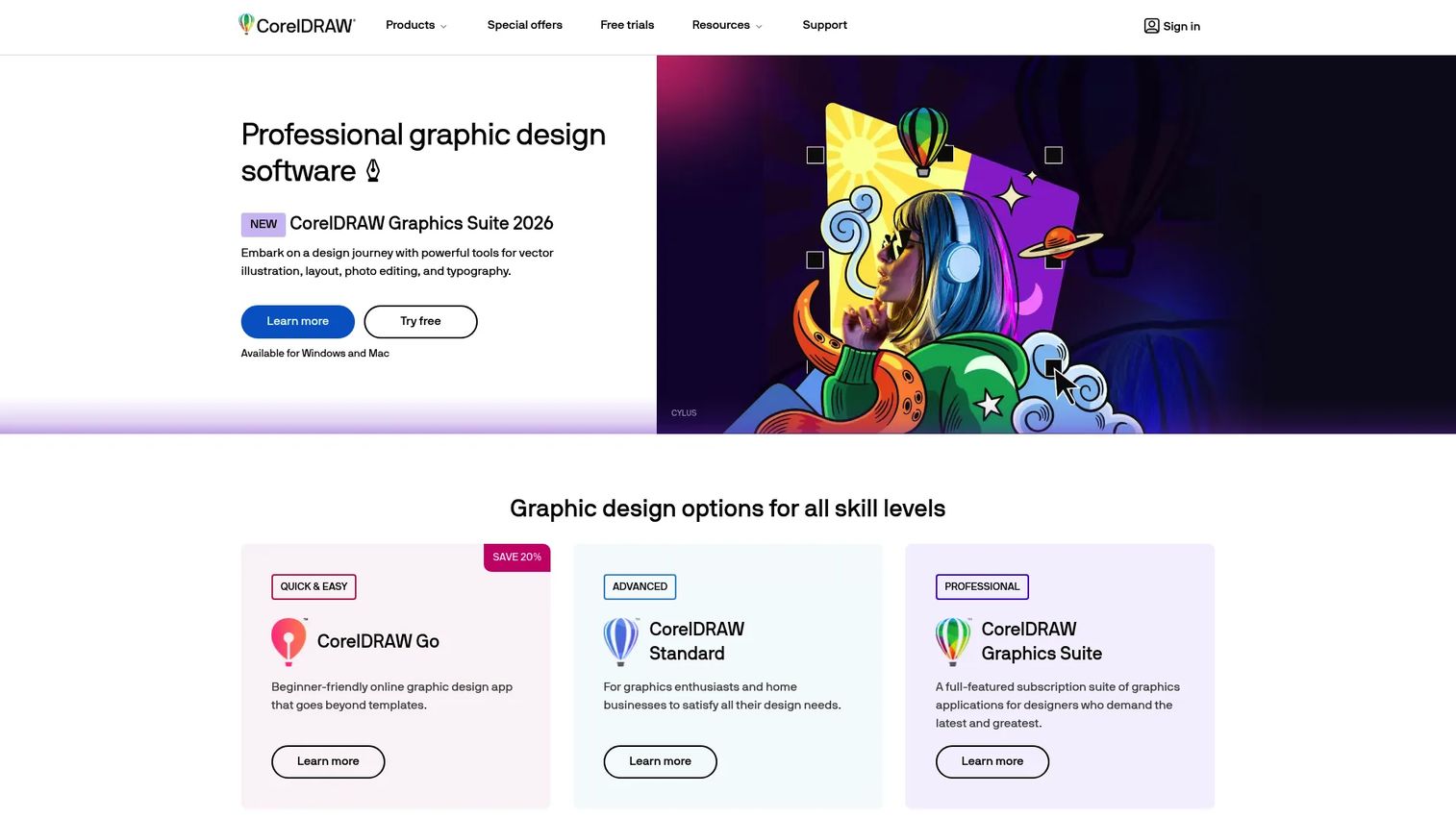
CorelDRAW is a long-running graphic design suite that combines vector illustration, page layout, image editing, and typography in one package. It stays relevant for print-heavy teams and sign, apparel, and production shops where vector precision and layout control matter together. For marketers in print-forward industries, CorelDRAW handles branding, page layout, and print production in a single tool, with a browser-based CorelDRAW Web option for lighter work.
Best for: Design teams and professionals needing vector graphics and layout tools.
Key strengths
- Vector and page layout in one: Illustrate and lay out multi-page print projects together.
- Image editing and typography: Handle pixel-based work and font management alongside vector.
- CorelDRAW Web and AI tools: Design in the browser and use generative AI features.
Why choose CorelDRAW: If your work is print production, signage, or branding that needs vector and layout in one suite, CorelDRAW remains a practical professional design software choice. It has a loyal following in print-heavy fields for good reason.
CorelDRAW pricing: CorelDRAW offers annual, monthly, and one-time purchase options, plus a 15-day trial. Public figures were not readable on the pages accessed, so check the official pricing page for current numbers. G2 reviewers rate it 4.3/5.
9. Inkscape
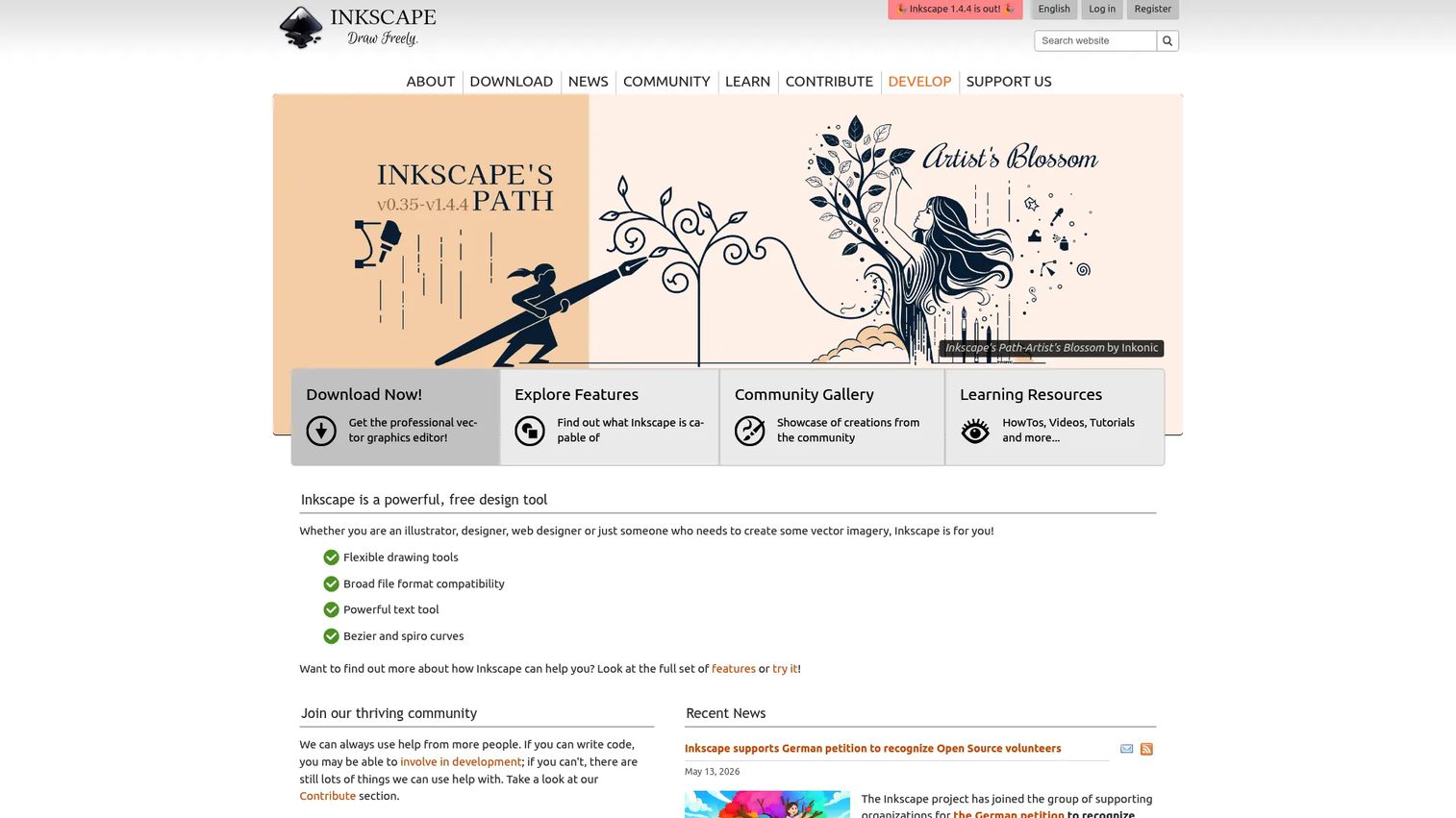
Inkscape is the free, open-source vector editor that proves you do not always need a paid tool. It handles SVG-based artwork, flexible drawing, and broad file format compatibility, making it a genuine option for logos, icons, and vector illustration on zero budget. For marketers and small teams that need occasional vector work without a subscription line item, Inkscape is often enough. When your needs grow into heavy print production or team collaboration, a paid tool starts to pull ahead, but for solo and light use, it delivers real capability at no cost.
Best for: Individuals and teams needing a free vector editor for SVG-based design work.
Key strengths
- Flexible drawing tools: Create and edit vector paths for illustration and icons.
- Broad file compatibility: Work across common vector and SVG formats.
- Powerful text tool: Handle typography within vector layouts.
Why choose Inkscape: Inkscape is the pick when budget is the constraint and the work is vector-based. It is capable free graphic design software that covers logos, SVGs, and basic print, and it is a strong entry point for anyone learning vector design software without spending anything.
Inkscape pricing: Inkscape is completely free and open source. There are no paid tiers, no trials to expire, and no seat limits. G2 reviewers rate it 4.4/5.
What to look for when choosing graphic design software
Before you buy, run each tool through these criteria. The goal is not the most powerful tool, it is the right fit for your team and workflow.
Workflow fit and speed
Ask what you actually produce most weeks. If it is social graphics and quick ads, a template-based tool wins on speed. If it is detailed imagery or brand illustration, you need depth. Match the tool to the volume and type of work, not to the longest feature list.
Team skill level
A tool your one designer loves is worthless to the marketer who needs a resized banner today. Consider who touches design in your org. Beginner-friendly design software like Canva and Adobe Express lets non-designers contribute, which removes a real bottleneck.
Collaboration and cross-platform support
If multiple people edit, review, or hand off work, collaboration is non-negotiable. Figma and Canva were built for it. With more than 68% of businesses prioritizing cloud-based design platforms in 2025 per Business Research Insights, shared, browser-based workflows are becoming the default.
Pricing model and consolidation
Subscription or one-time? Per-seat or flat? Free tier or trial? For teams fighting tool sprawl, the real question is what a new tool replaces. Affinity's one-time license and Inkscape's free model change the math for cost-conscious teams, while Adobe's ecosystem consolidates depth under one bill.
Conclusion
The best graphic design software for 2026 is not one tool, it is the right pair for how your team works. For pro depth, Adobe Photoshop and Illustrator remain the benchmark, with InDesign for print-ready layout. For speed and volume, Canva and Adobe Express let non-designers ship social media graphics fast. For UI and collaboration, Figma is the standard. For cost-conscious depth, Affinity Designer and CorelDRAW deliver, and Inkscape gives you real vector work for free.
The smart move for most marketing teams is consolidation: pick one professional tool for depth and one lightweight tool for the daily volume. That combination covers most campaign work without paying for five overlapping subscriptions.
And remember that static graphics are only part of the story. When you need to show your product in action, interactive formats convert differently than flat images. If that is your next challenge, start your journey with Guideflow today!
FAQs
Canva and Adobe Express are the most beginner-friendly design software options. Both use drag-and-drop editors and large template libraries, so someone with no design training can produce on-brand graphics quickly. Canva's free plan makes it especially easy to start without commitment.
For vector work, Inkscape is the strongest free graphic design software, offering SVG editing and real drawing tools at no cost. For template-based marketing graphics, Canva Free and Adobe Express Free both give you a large asset library without paying. Your choice depends on whether you need vector precision or fast social content.
Canva and Adobe Express lead for social media graphics because of their template libraries and one-click resizing across formats. Both let a marketer produce dozens of on-brand posts and ad variants without a designer. Canva's Magic Resize and Express's quick actions are built exactly for this.
Adobe InDesign and CorelDRAW are the top choices for print-ready design and multi-page layouts. InDesign excels at brochures, magazines, and long-form collateral with precise typography control. CorelDRAW combines vector and layout in one suite, which print, signage, and apparel shops favor.
Adobe remains the professional benchmark for depth, especially Photoshop for raster and Illustrator for vector work. But it is no longer the only answer. Canva wins on speed, Figma on collaboration, and Affinity Designer offers pro vector depth on a one-time license, making these strong Adobe alternatives depending on your workflow.
Figma and Canva are built for teams, with real-time collaboration and shared workspaces. Figma suits product and UI-focused teams needing design handoff, while Canva fits marketing and content teams producing high volumes of graphics. More than 68% of businesses prioritized cloud-based design platforms in 2025, per Business Research Insights, reflecting this shift.
It depends on the work. Use Photoshop for photo editing, compositing, and detailed image-based ad creative. Use Illustrator for logos, icons, and scalable vector brand assets. Many marketing teams keep both for depth, then add a lightweight tool like Canva for fast daily production.
Figma is the standard for UI design software, with prototyping, design systems, and real-time collaboration in one browser-based tool. Its Dev Mode streamlines handoff from design to development. For marketers building landing page mockups alongside product teams, it keeps everyone working in the same file.