You inherited a collection tracked across three spreadsheets, a shared drive, and one librarian's memory. Checkouts get logged on paper. Nobody can tell you what is on loan, what is overdue, or what you own two copies of. Every question routes back to one person, and that person is drowning.
That is the problem library management software solves. Not "digital transformation" in the abstract, but the concrete work of knowing what you have, who has it, and how patrons find it without asking a human. The global library management software market is projected to grow from USD 0.73 billion in 2025 to USD 1.56 billion by 2035, a 7.86% CAGR, according to Market Research Future (2024). Cloud deployment already accounts for 57.2% of market revenue in 2025, per Reed Intelligence (2025). The direction is clear: browser-based, self-serve, and centralized.
The decision comes down to four things. Cataloging: how you get items and metadata into the system. Circulation: how you track loans, holds, and returns. Discovery: how patrons search and find what they need. Access: whether staff and patrons can reach the catalog from any device. Get those four right and the admin overhead shrinks. Get them wrong and you have just bought a more expensive spreadsheet.
This guide is built to be the decision aid the search results currently lack. Most landing pages list features. Few help you choose.
What's inside
We compared seven real library management software options across the range of buyer needs: personal and organizational collections, schools and classrooms, small institutions, and full public library consortia. The list includes free and paid tools, open source and hosted systems.
We selected and ranked each option on five criteria: cloud access and browser workflows, cataloging and metadata depth, circulation and patron management, mobile support, and fit by library type and collection size. Every pricing figure and feature below comes from the vendor's own documentation. Where a public price was not available, we say so rather than guess.
TL;DR
- Best for mixed-media personal and organizational collections: Libib, with cloud cataloging across books, games, movies, and music plus Pro circulation.
- Best open source library software for scale: Koha, a mature integrated library system used by libraries of every size.
- Best for small libraries and classrooms: TinyCat, powered by LibraryThing cataloging with affordable size-based pricing.
- Best free entry point with circulation basics: Librarika, a cloud ILS with a documented free plan.
- Best for consortia and public library networks: Evergreen, an open source system built for shared catalogs.
- Best for documentation centers wanting control: PMB, a free ILS with deep cataloging and portal tools.
What is library management software?
Library management software, also called an integrated library system (ILS), is a platform that manages a library's catalog, circulation, patron records, and discovery in one place. It replaces manual tracking with a structured database of items, members, and transactions.
Core capabilities span the full workflow:
- Cataloging and metadata: create and organize item records, often with ISBN/UPC scanning, MARC import, and copy cataloging to pull records from shared databases.
- Circulation and patron management: track checkouts, returns, holds, renewals, due dates, and member accounts.
- OPAC and online access: a public-facing online catalog where patrons search, browse, and reserve items themselves.
- Mobile access and cloud sync: browser-based staff and patron interfaces that work across desktop, tablet, and phone without local installs.
- Reporting and search: faceted search, overdue reports, usage statistics, and inventory visibility.
The category splits along two axes. Hosting model separates cloud library software (vendor-hosted, browser-based) from self-hosted open source library software you deploy and maintain. Library type separates tools built for personal and small collections from full ILS platforms built for academic and public libraries. Academic libraries alone represent 48.9% of application share in 2025, per Reed Intelligence, which is why several tools on this list scale to consortium size.
Knowing where you fall on both axes narrows the field faster than any feature comparison.
When to use library management software
Manage a growing collection across devices
Once a collection outgrows a spreadsheet, you need a single source of truth that staff and patrons reach from any device. Cloud library software matters here because browser access means no local install, no version drift, and no "it works on my machine" problem. For libraries with multiple branches or distributed volunteers, cloud sync keeps every record current in real time. When someone checks out an item at one location, everyone sees it.
Replace manual cataloging and checkouts
Manual entry is where library time disappears. A barcode scanner plus ISBN/UPC or MARC import turns a five-minute record into a five-second scan. Copy cataloging pulls existing metadata from shared databases so you are not retyping author, publisher, and subject fields. On the circulation side, structured checkout workflows track due dates, trigger overdue reminders, and manage holds automatically. The result is fewer errors and consistent data you can actually report on.
Support different library types with one system
The right fit changes with item count, staff size, and circulation volume. A classroom library with 400 books and one teacher needs something different from a public library network serving thousands of patrons across branches. School library software prioritizes simplicity and student-safe catalogs. Small library software emphasizes affordability and quick setup. Consortium-grade systems prioritize shared catalogs, multi-branch circulation, and interoperability with library standards. Matching the tool to the library type prevents both overbuying and outgrowing.
Comparison table
The table below ranks all seven options and maps each to its intent, primary use case, and pricing so you can shortlist before reading the full sections. Ratings are omitted where no rating was confirmed from a verified source, so you are not choosing on an unverifiable number.
| # | Product | Intent | Key use case | Pricing |
|---|---|---|---|---|
| 1 | Libib | Hosted, mixed media | Personal, school, and organizational cataloging with circulation | Free; Pro $9/mo or $99/yr; Ultimate $900/yr |
| 2 | Koha | Open source ILS | Full-scale library management for libraries of all sizes | Free software (GPL) |
| 3 | TinyCat | Hosted, small library | Web catalog and circulation for small collections | Free trial; from $3/mo by size |
| 4 | Librarika | Hosted cloud ILS | Cloud catalog and circulation with a free entry plan | Free plan; premium available |
| 5 | Evergreen | Open source ILS | Consortia and public library networks with shared catalogs | Free software (GPL) |
| 6 | PMB | Open source ILS | Cataloging and portal for libraries and documentation centers | Free software |
| 7 | openBiblio | Open source, lightweight | Basic cataloging and circulation for very small libraries | Open source |
1. Libib
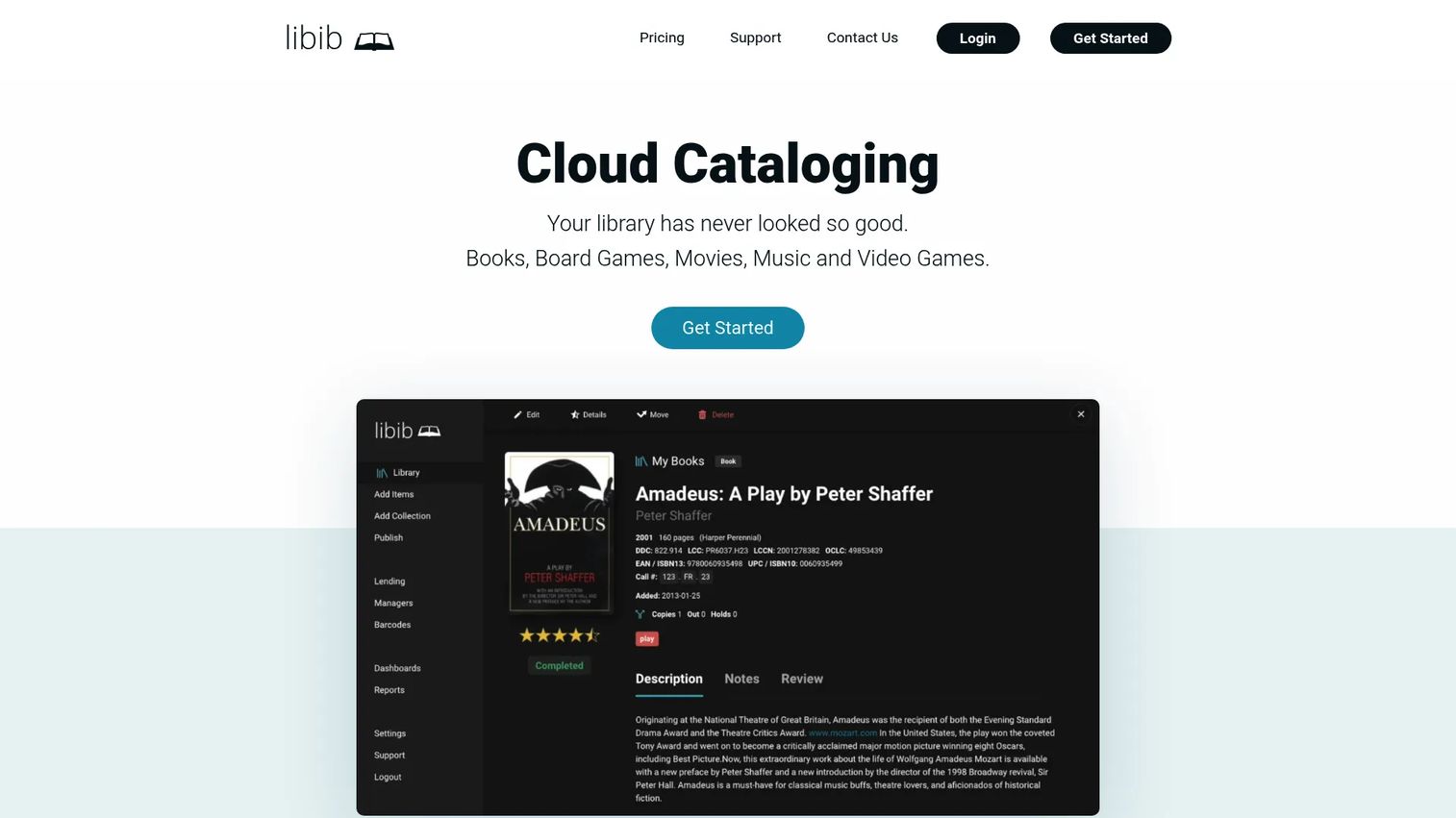
Libib is cloud-based library management and cataloging software for personal, school, and organizational collections. It catalogs more than books, covering board games, movies, music, and video games in one system, which makes it the standout for mixed-media collections. You catalog by scanning ISBN or UPC codes, import and export in bulk, and publish an online catalog patrons can browse.
Best for: Individuals, educators, and small organizations that want simple cloud cataloging with optional circulation.
Key strengths
- Mixed-media cataloging: Track books, board games, movies, music, and video games in a single library instead of separate tools.
- Fast item entry: ISBN/UPC scanning, import/export, tags, and notes cut manual data entry to seconds per item.
- Circulation on Pro: Lending, patron management, barcodes, and a published online catalog turn a catalog into a working lending library.
Why choose Libib: If your collection spans media types and you want cloud access without deploying anything, Libib fits cleanly. The free Basic tier handles personal cataloging, and the jump to Pro unlocks the circulation and patron features a small organization needs. It sits in the sweet spot between a hobbyist tool and a full ILS.
Libib pricing: Basic is free for personal collections, billed at $0/month. Pro is $9/month or $99/year and adds circulation, patrons, multi-user access, and online catalog features. Ultimate is $900/year per account and adds centralized multi-account management, SSO, and onboarding. Pricing was verified from Libib's own pricing page.
2. Koha
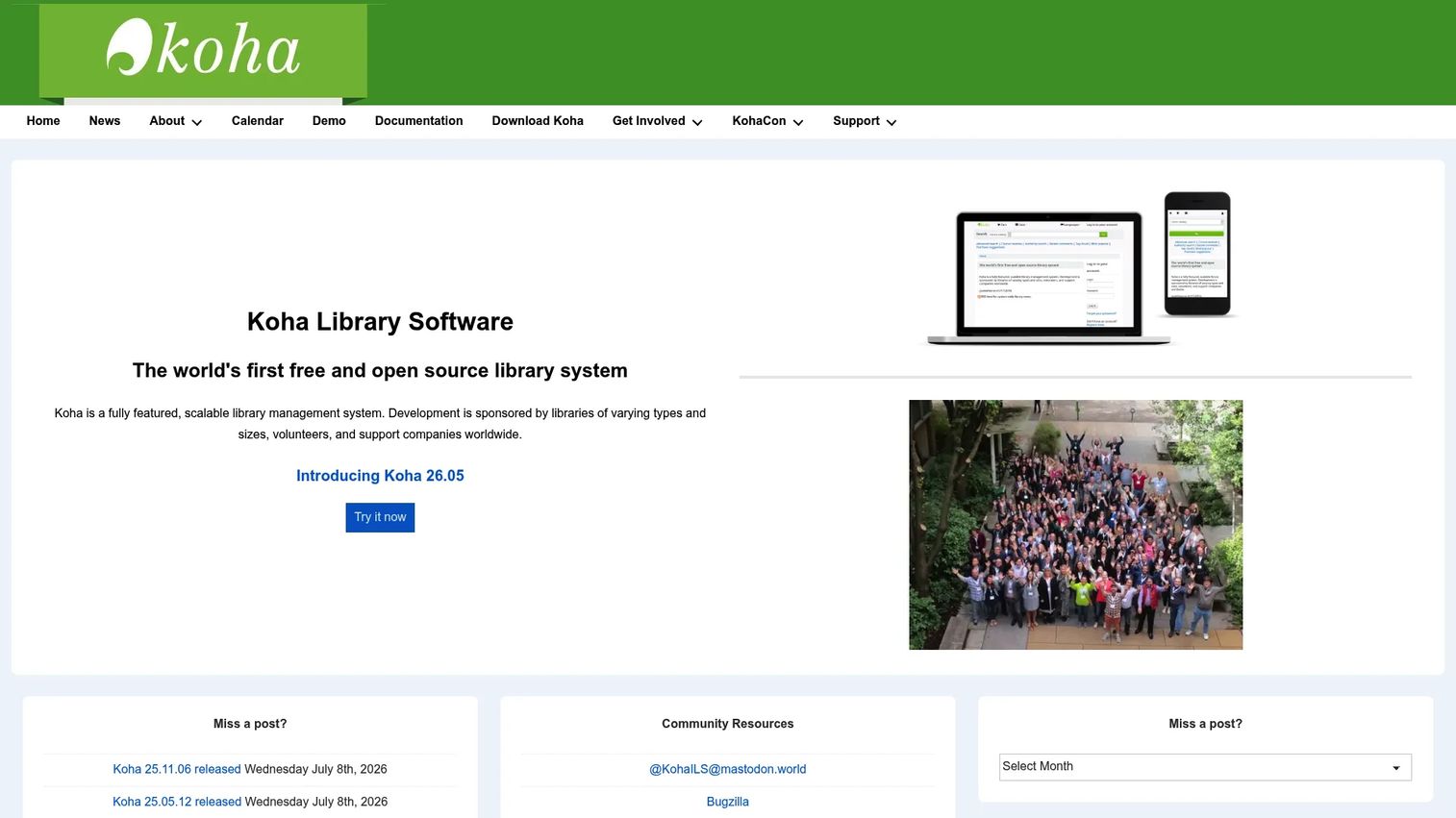
Koha is a mature open source integrated library system built for libraries of all sizes. It is free software distributed under the GPL, backed by a large community and a global network of paid support vendors. Koha covers the full ILS feature set: acquisitions, circulation, cataloging, serials management, authorities, reporting, and label printing, with multilingual support and full-text searching.
Best for: Libraries that want a free, community-driven ILS with flexible support and hosting options.
Key strengths
- Complete ILS coverage: Acquisitions, circulation, cataloging, serials, authorities, and reporting in one system, not a subset.
- Standards and interoperability: Web-based OPAC and staff interfaces that work with common library standards for data exchange.
- Deployment flexibility: Self-host for full control, or contract a support vendor for hosting and maintenance.
Why choose Koha: Koha is the option for libraries that want ownership of their system and data without a per-seat license. You can run it yourself or pay a vendor for support, which keeps the model flexible as you grow. It is a genuine full-scale ILS, so it suits public, academic, and special libraries that have outgrown lightweight tools.
Koha pricing: Koha is free software under the GPL. The official project does not publish vendor pricing, since the software itself carries no license cost. Costs, when they arise, come from optional third-party hosting, support, or implementation services rather than the software.
3. TinyCat
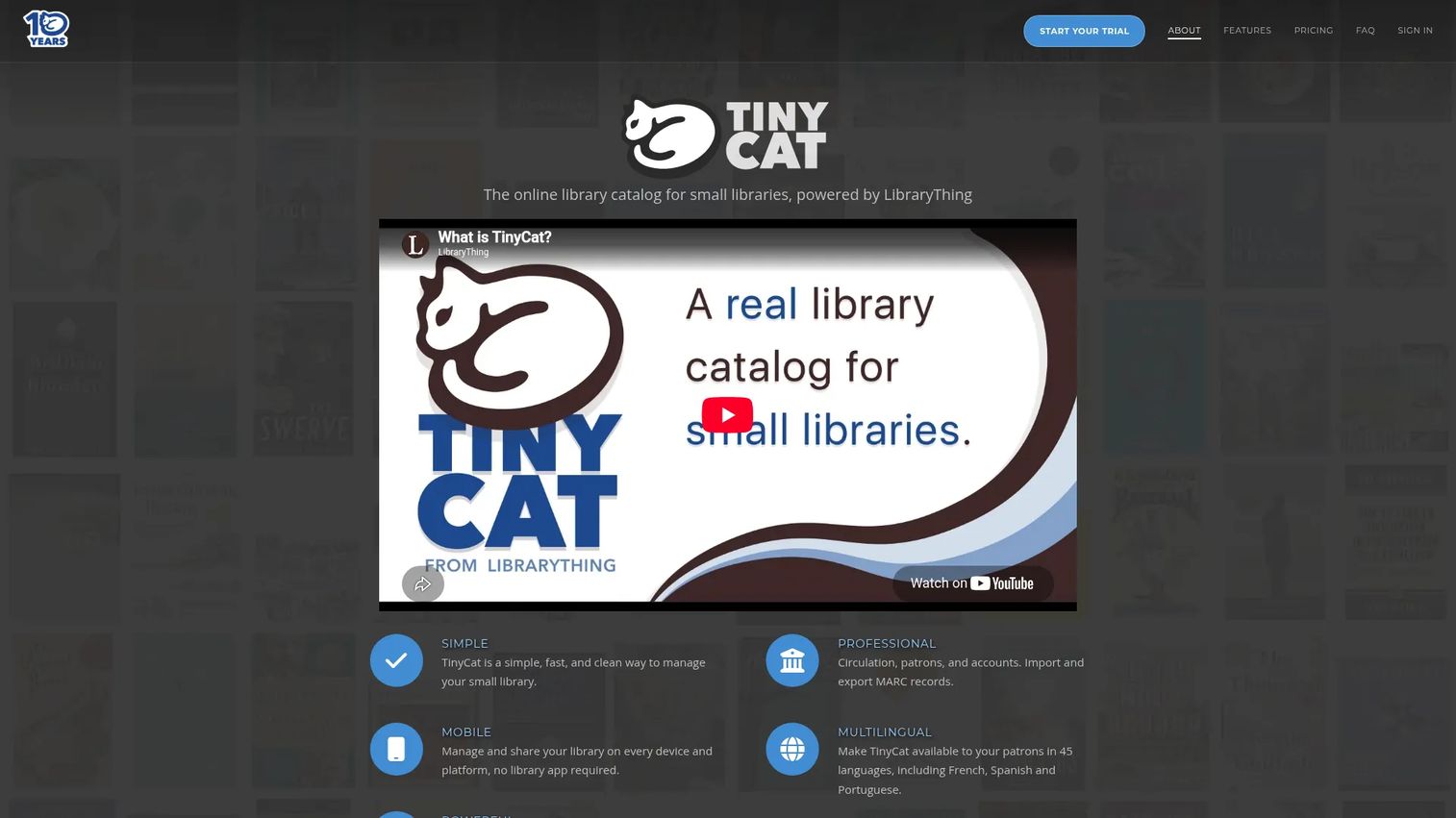
TinyCat is an online library catalog and circulation system for small libraries, powered by LibraryThing's cataloging data. It gives small collections a mobile-ready public catalog plus the circulation tools a working library needs, without the overhead of a full ILS. Copy cataloging from LibraryThing means records populate fast, and faceted search helps patrons narrow large-feeling catalogs.
Best for: Small libraries, classrooms, and community groups that need an affordable web catalog with circulation.
Key strengths
- LibraryThing-powered cataloging: Copy cataloging pulls rich records so you are not building metadata from scratch.
- Full circulation toolkit: Holds, renewals, overdues, reminder emails, exports, and reports cover day-to-day lending.
- Patron accounts and mobile access: Optional patron sign-in with borrowing history, on a mobile-ready catalog.
Why choose TinyCat: TinyCat hits the balance small institutions want: real circulation and a clean OPAC, priced by collection size so you only pay for what you manage. It is school library software that a single volunteer or staff member can run, and the size-based tiers keep costs proportional to the collection.
TinyCat pricing: A 30-day free trial is available, and Personal accounts are free. Volunteer plans are priced by collection size, starting at $3/month for up to 500 items and scaling to $20/month for up to 20,000 items. Paid Staff plans start at $10/month for up to 500 items and reach $45/month for up to 20,000 items. Group pricing for five or more accounts is available by inquiry. Pricing was verified from TinyCat's own site.
4. Librarika
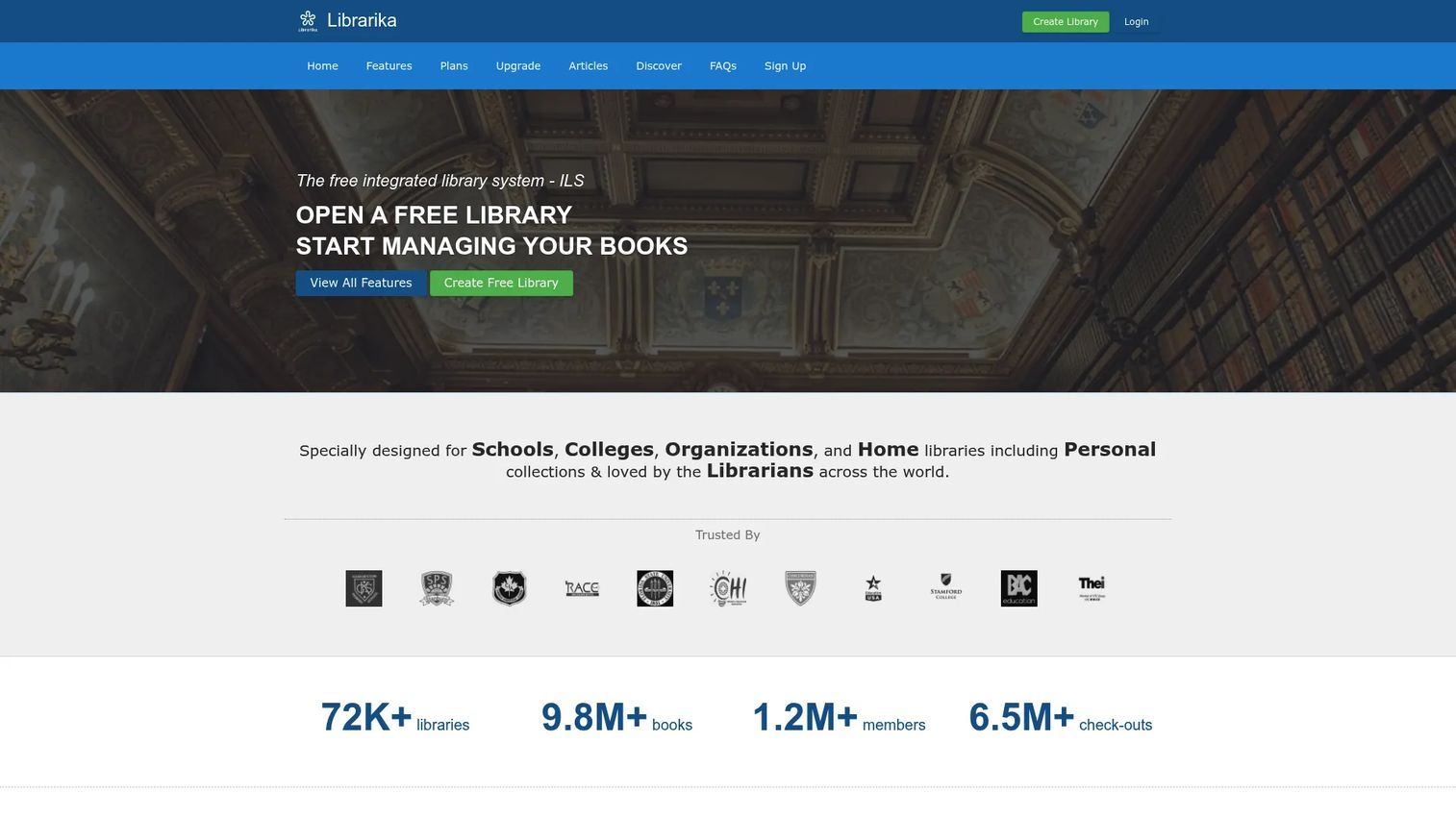
Librarika is a cloud-based integrated library system for managing catalogs and circulation online. It pairs a documented free plan with practical circulation tools, which makes it a strong free entry point for libraries that want to move off spreadsheets without a budget conversation. Everything runs in the browser, so there is nothing to install or host.
Best for: Small libraries or personal collections that want a cloud ILS with a free starting plan.
Key strengths
- Built-in OPAC: A public online catalog patrons search and browse without staff help.
- Member management: Patron records, accounts, and borrowing workflows in one place.
- Self-service checkout: Self-service check-in and checkout reduces the load on staff at the desk.
Why choose Librarika: Librarika earns its spot on the strength of its free entry point combined with real circulation features, not a stripped demo. For schools, colleges, organizations, and home libraries testing whether a cloud ILS fits, the free plan lets you validate the workflow before committing. Premium plans are available for teams that outgrow the free tier.
Librarika pricing: Librarika documents a free library plan. Premium plans are available for larger or multi-branch needs, though public first-party prices were not visible in the sources reviewed. Start on the free plan to confirm fit, then contact Librarika for premium tier details.
5. Evergreen
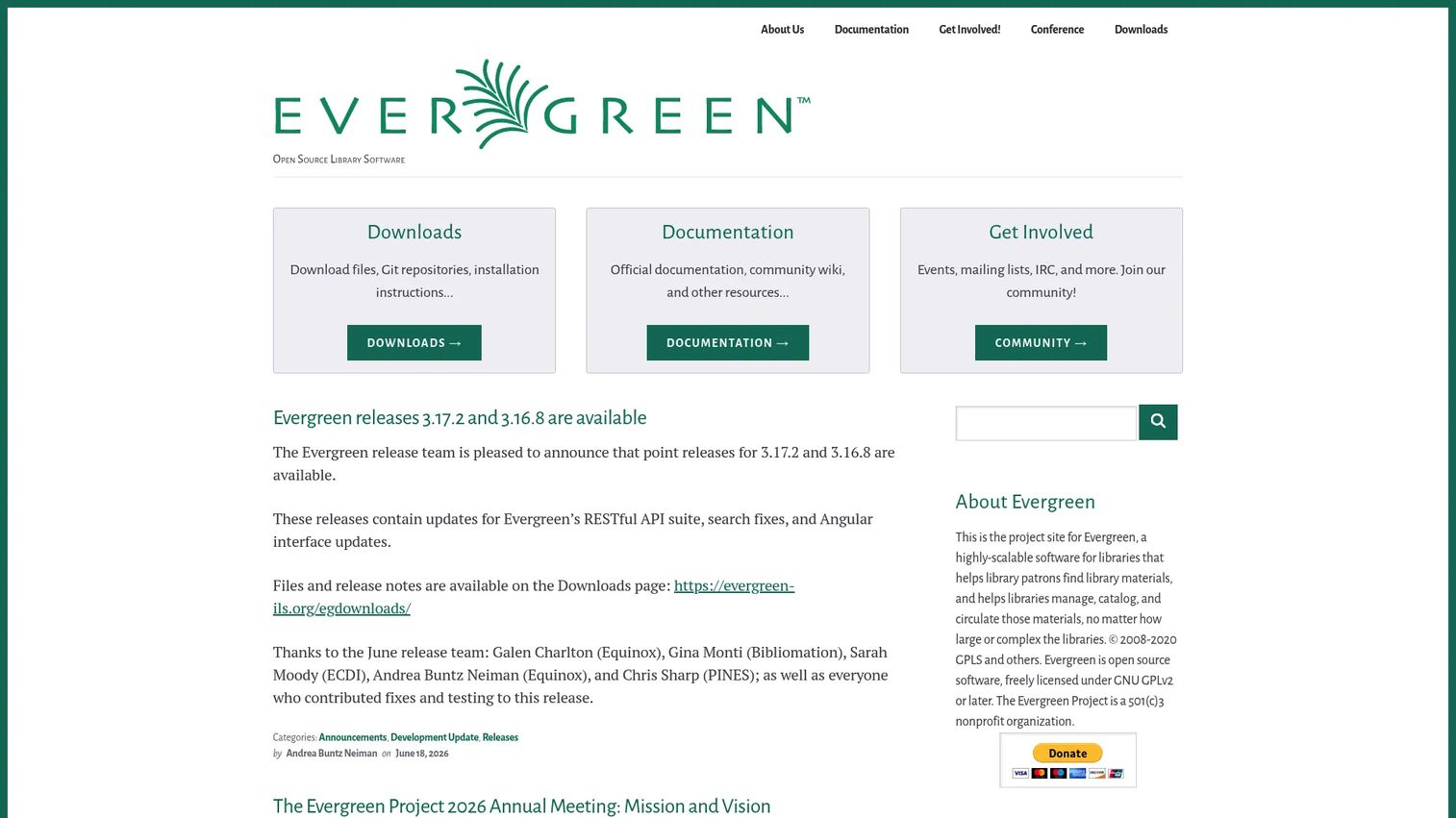
Evergreen is open source integrated library system software built for library cataloging, circulation, holds, and public catalog access. It was designed with consortia in mind, so it excels where multiple libraries share one catalog and circulation network. Like Koha, it is freely licensed under the GNU GPL and can be downloaded, modified, and shared.
Best for: Public library networks and consortia that need a scalable open source ILS with a shared catalog.
Key strengths
- Consortium-grade architecture: Built to run shared catalogs across many branches and member libraries.
- Core ILS functionality: Cataloging, circulation, and holds management at system scale.
- Public access catalog: A patron-facing catalog for search, browse, and holds across the network.
Why choose Evergreen: Evergreen is the choice when the requirement is scale and shared infrastructure. A single library will find it capable but heavier than it needs; a network of libraries will find it purpose-built. Its consortium heritage means multi-branch circulation and a unified catalog are core, not add-ons.
Evergreen pricing: Evergreen is free and open source under the GNU GPL. The software carries no license cost and can be self-hosted or run through a support provider. As with other open source systems, any cost comes from optional hosting, migration, or support services rather than the platform itself.
6. PMB
PMB is a free, open source integrated library management system for libraries and documentation centers. It leans into deep, customizable cataloging and manages both physical and digital content, which suits institutions that value control over how records and collections are described. It is a full ILS with a public portal layer for patron access.
Best for: Libraries and documentation centers that want an open source library management system with strong cataloging and portal tools.
Key strengths
- Custom cataloging: Configurable document description for physical and digital content, not a fixed schema.
- Full circulation: Reservations, returns, and renewals alongside statistics and dashboards.
- Public portal: A patron-facing portal and communication tools built into the system.
Why choose PMB: PMB fits institutions that treat their catalog as a research and documentation asset, not just a lending inventory. The customization depth and digital content management make it a fit for documentation centers, and the free open source model keeps it accessible. Services such as assistance, maintenance, and hosting are offered as contracts rather than published plans.
PMB pricing: PMB itself is free open source software. The official site does not publish plan prices; instead it offers assistance, maintenance, and hosting as contract-based services. Budget for those services only if you want vendor-backed support rather than self-hosting.
7. openBiblio
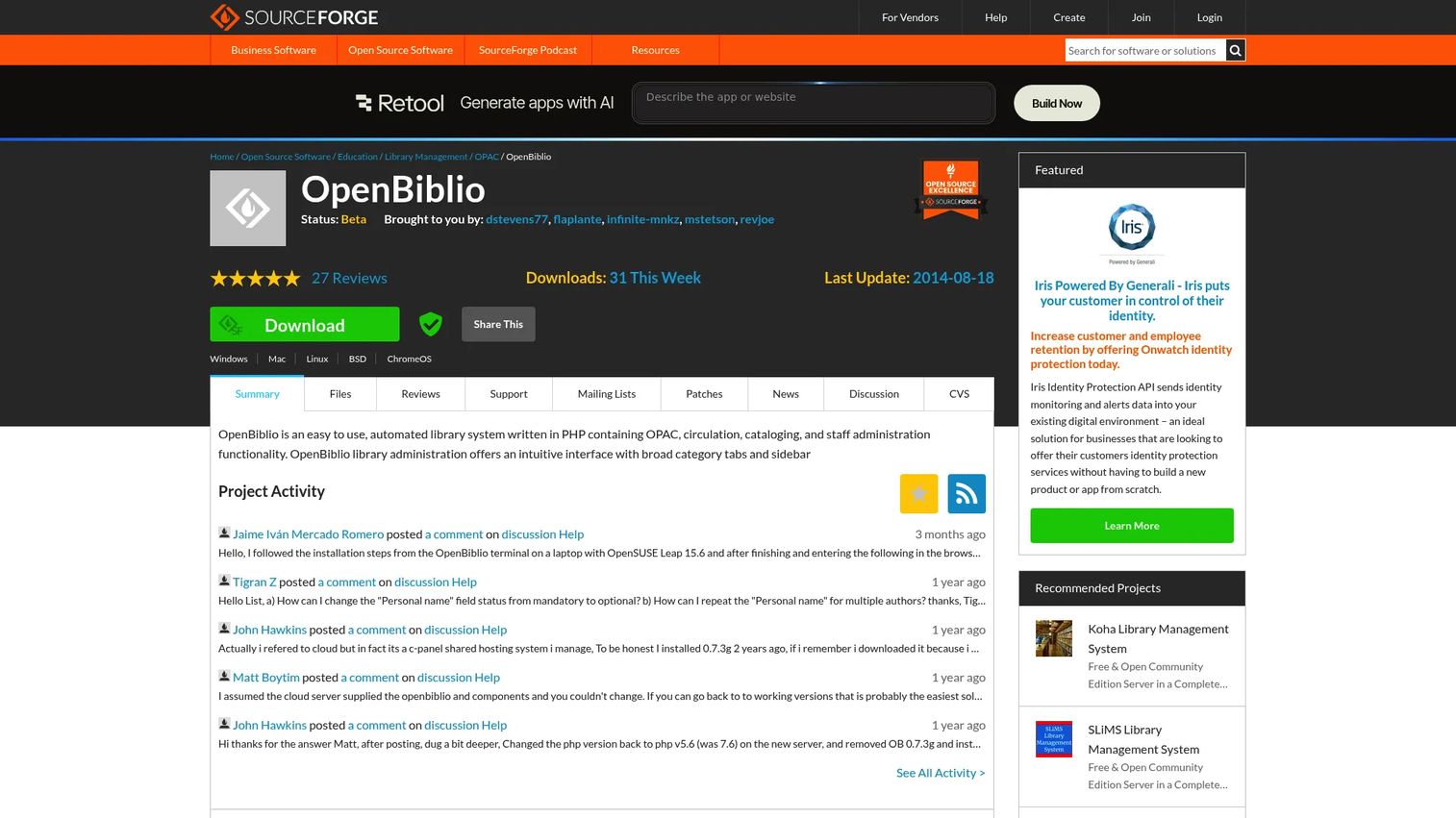
openBiblio is an open source automated library management system written in PHP, distributed through SourceForge. It covers the essentials, OPAC, circulation, and cataloging, with minimal overhead, which makes it a fit for very small libraries or simple deployments that do not need a full ILS feature set.
Best for: Small libraries that want a lightweight, web-based open source library system.
Key strengths
- Core functionality: OPAC, circulation, and cataloging in one lightweight package.
- Open source and free: No license cost, with source available through SourceForge.
- Minimal footprint: A PHP application simple enough for a basic, self-hosted deployment.
Why choose openBiblio: openBiblio suits the smallest deployments where a full ILS would be more than the collection warrants. It is best for a single small library that wants the three core functions, catalog, circulate, and let patrons search, without additional layers. Because it is community-maintained open source, confirm current activity and support before committing to it long term.
openBiblio pricing: openBiblio is open source and distributed via SourceForge with no public price. As a self-hosted project, the practical costs are your own hosting and administration time rather than any license fee.
Considerations before you choose
A shortlist is only useful if you weigh it against your actual operating reality. Run each candidate through these checks.
Hosting model and maintenance
Decide whether you want cloud library software the vendor runs, or open source library software you host and control. Cloud tools like Libib, TinyCat, and Librarika remove infrastructure work. Self-hosted systems like Koha, Evergreen, and PMB give you full ownership and no per-seat license, with hosting and support handled yourself or through a vendor.
Collection size and type
Match item count and media types to the tool. A mixed-media personal collection points to Libib; a classroom points to TinyCat; a public library network points to Evergreen. Overbuying a consortium-grade ILS for 500 items wastes setup time, and outgrowing a lightweight tool means migrating later.
Cataloging speed
Check for barcode scanning, ISBN/UPC lookup, MARC import, and copy cataloging. These features are the difference between cataloging a collection in a weekend and in a month. Copy cataloging in particular, as in TinyCat's LibraryThing integration, saves the most time on rich records.
Circulation depth
Confirm the system handles the circulation workflows you run: holds, renewals, overdue reminders, self-checkout, and multi-branch loans if relevant. A catalog without solid circulation is a database, not a library system.
Total cost over time
Free is not always cheapest. Open source carries no license fee but may require hosting, migration, and support budget. A hosted paid plan may cost less than the staff hours a self-hosted deployment consumes. Price the full picture, not the sticker.
Conclusion
The right library management software depends on scale, staffing, and library type, not on a feature checklist. Pick Libib for mixed-media personal and organizational collections that want cloud access with optional circulation. Choose Koha for a full open source ILS you own and can scale across any library size. Go with TinyCat for small libraries and classrooms that want affordable, size-based pricing and LibraryThing cataloging. Start with Librarika when you need a free cloud entry point with real circulation basics. Reach for Evergreen when you are running a consortium or public library network on a shared catalog.
Your next step is simple: identify your hosting model and collection size first, shortlist the two tools that match, then trial the hosted options or spin up a test install of the open source ones. Validate the cataloging and circulation workflows against real items before you migrate everything. The tool that fits your library type will earn its place fast.
FAQs
They usually refer to the same thing. An integrated library system (ILS) is the traditional term for software that integrates cataloging, circulation, patron management, and an OPAC into one platform. "Library management software" is the broader, more modern label that also covers lighter cloud tools built for small or personal collections that may not include every classic ILS module.
TinyCat is a strong pick for small libraries and classrooms, with LibraryThing-powered cataloging and pricing scaled to collection size. Libib fits small organizations with mixed-media collections, and Librarika offers a free cloud entry point. The best choice depends on your item count, media types, and whether you need patron accounts and holds.
Yes. Librarika documents a free library plan, and Libib's Basic tier is free for personal use. On the open source side, Koha and Evergreen carry no license cost, though schools running them typically budget for hosting or support. TinyCat also offers free Personal accounts and a 30-day trial to test school library software before paying.
Most do. Libib supports ISBN/UPC scanning plus lending, patrons, and barcodes on its Pro tier. TinyCat handles holds, renewals, and overdues. Koha, Evergreen, and PMB include full circulation as core ILS functions. Confirm the specific scanner and workflow support you need against each vendor's current documentation.
Yes, though support varies. Libib is built for mixed media, cataloging books, board games, movies, music, and video games in one system. PMB manages both physical and digital content. Full ILS platforms like Koha handle serials and multiple item types. If your collection spans formats, verify the item-type flexibility before committing.
The hosted cloud tools lead here. Libib, TinyCat, and Librarika run in the browser with mobile-ready catalogs and real-time sync, so staff and patrons reach the catalog from any device. Cloud deployment now accounts for the majority of the market, per Reed Intelligence (2025). Self-hosted open source systems can be mobile-accessible too, depending on how you deploy and configure them.
Neither is universally better; they suit different needs. Open source library software like Koha, Evergreen, and PMB gives you full ownership, no license fee, and deep customization, with hosting and support handled yourself or through a vendor. Cloud library software like Libib and TinyCat removes infrastructure work and updates automatically. Choose based on your control needs, technical capacity, and total cost over time.
Confirm you can export your existing catalog and patron data, ideally in MARC or a standard format the new system imports. Check that the new tool covers your circulation workflows, supports your media types, and fits your budget including migration and support. Run a test import with a sample of real records before committing, so you catch data mapping issues early rather than mid-migration.